Build and Test an AWS SDK App with Mocks (moto, aws-sdk-client-mock, MockHandler) and Best Practices
Now we put it all together. We build a small receipts app that saves a file to S3, a row to DynamoDB and a job to SQS, in Python, PHP and Node.js. Then we test it without touching AWS: moto for Python, aws-sdk-client-mock for Node.js and MockHandler for PHP. We end with the best practices that keep SDK code safe, fast and cheap. The example: an expense app used by Olivia in Sydney and Siddharth in Nagpur.
In this chapter
- Build an S3 + DynamoDB + SQS flow
- Inject clients for testing
- Mock AWS in Python, Node.js, PHP
- Run against LocalStack
- Apply best practices
1. The big picture: the practice kitchen
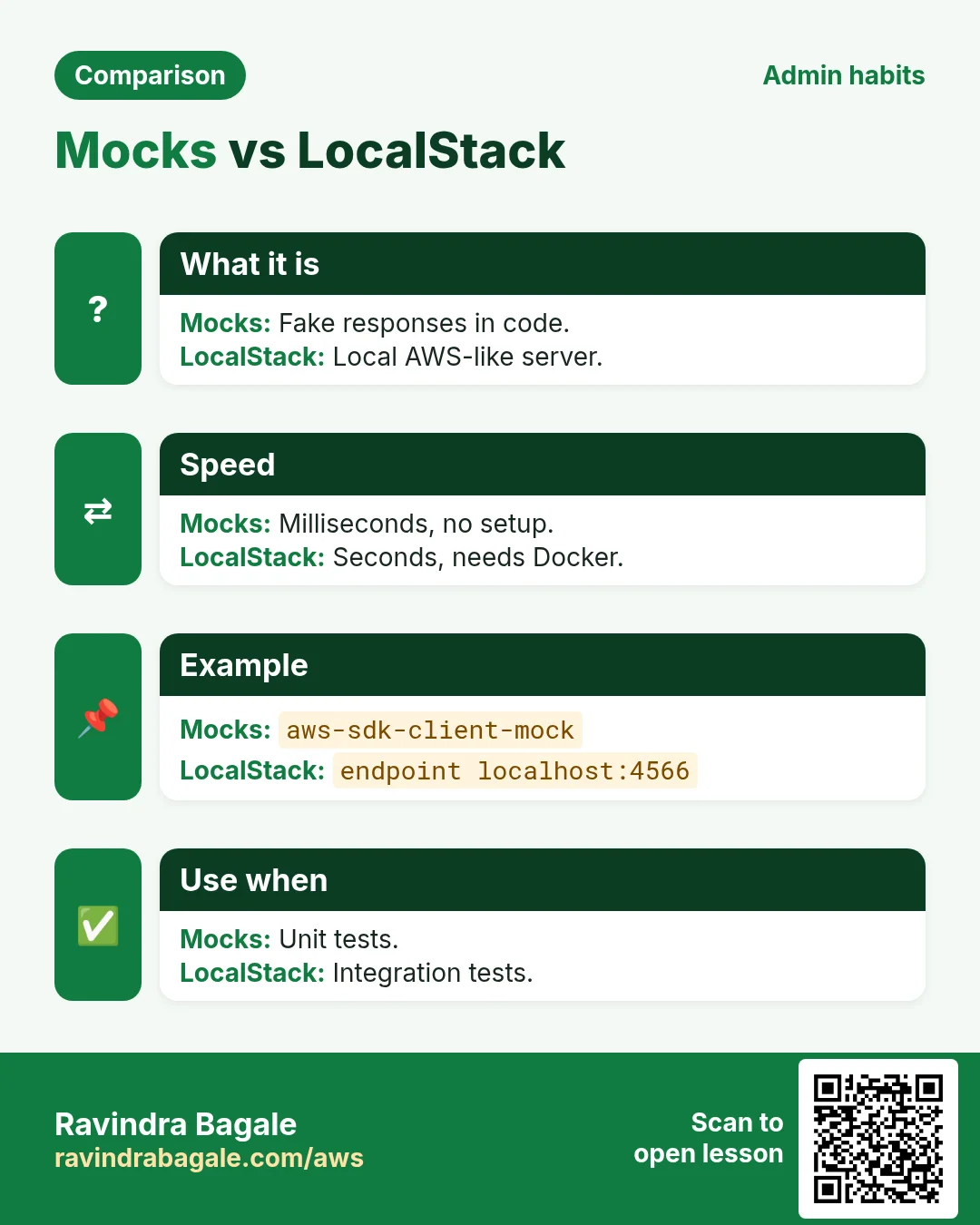
A chef practises a new dish in a test kitchen with fake ingredients before cooking for paying guests. Mocks are that test kitchen: your code "calls AWS", but a fake answers instantly, costs nothing and never breaks real data.
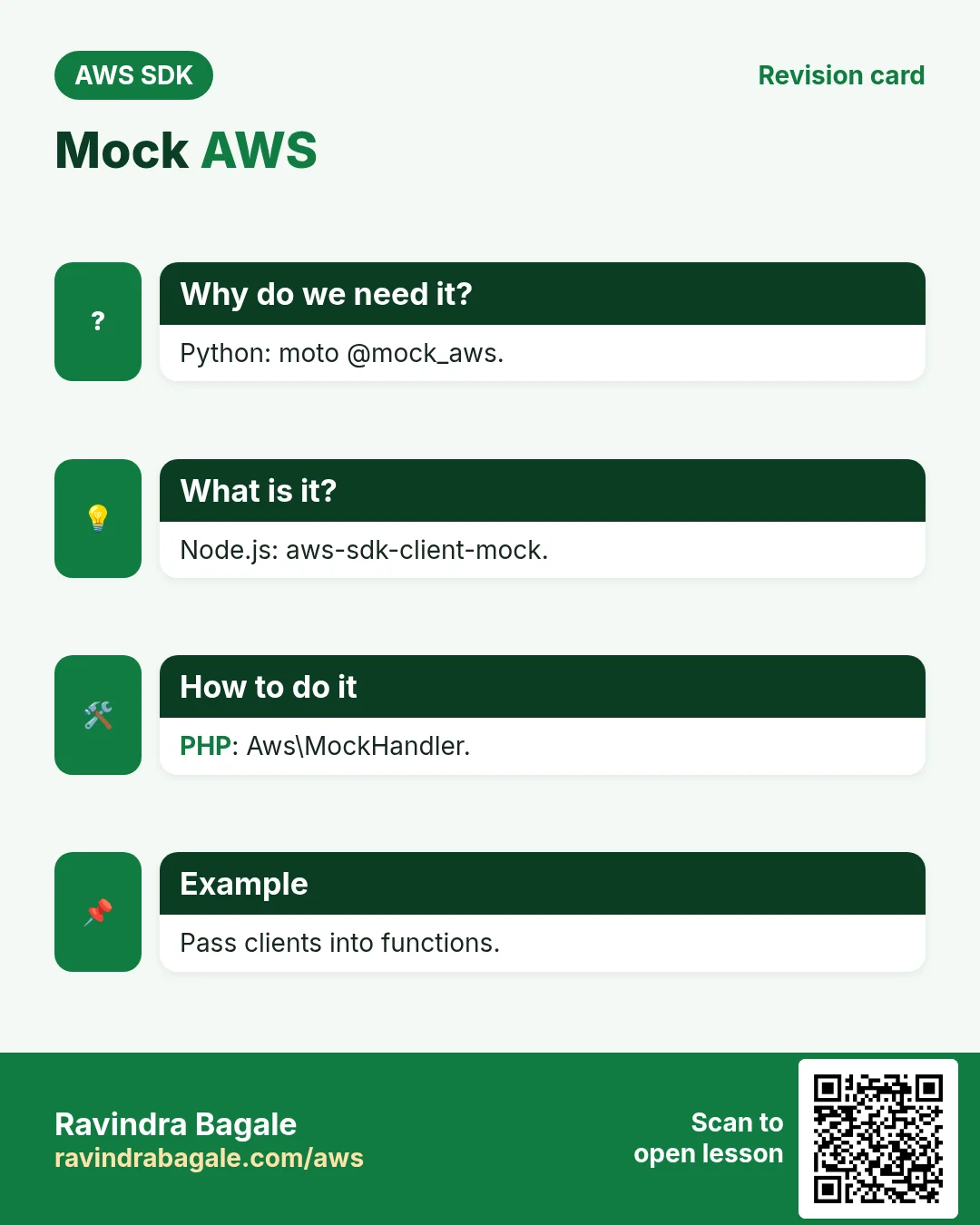
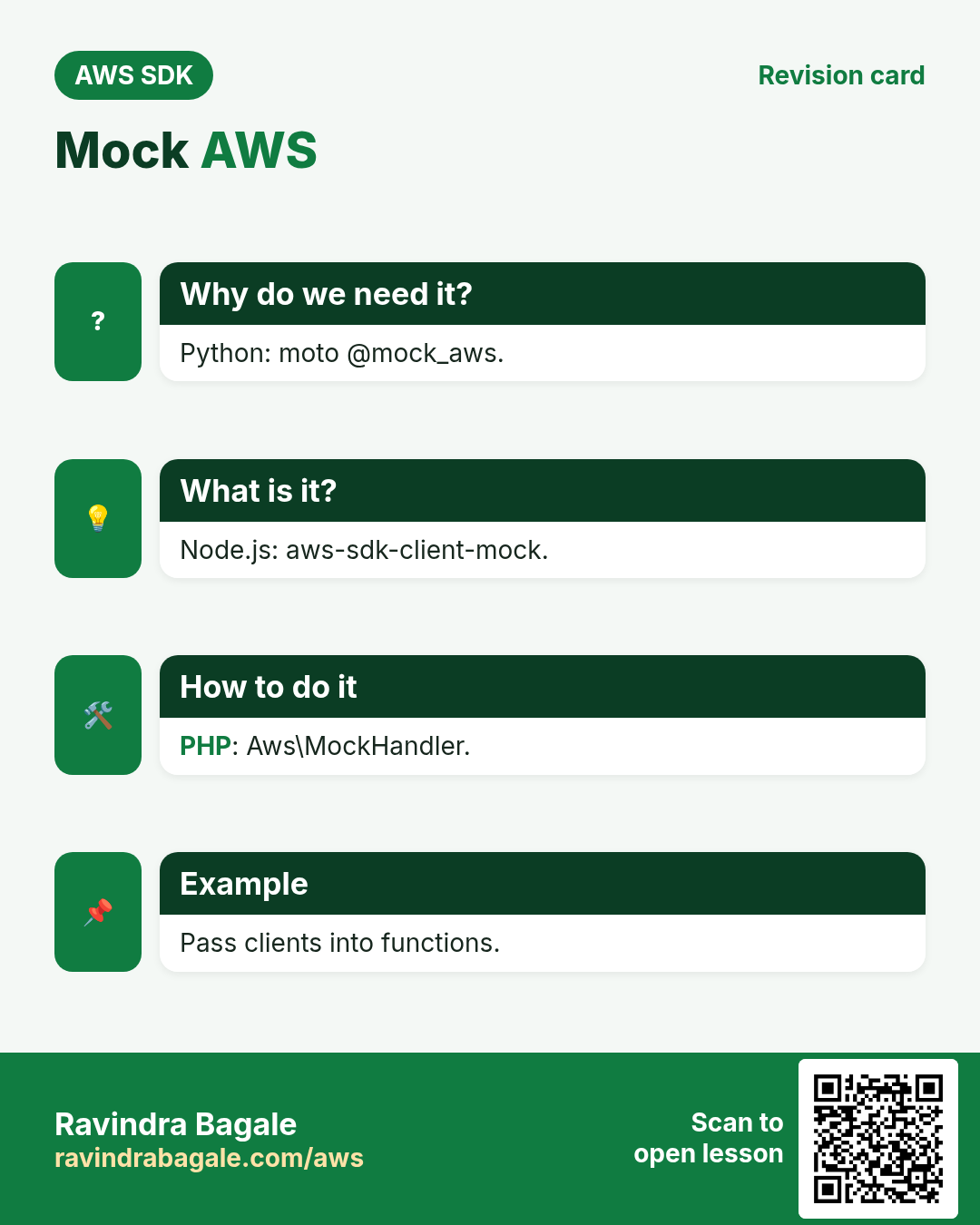
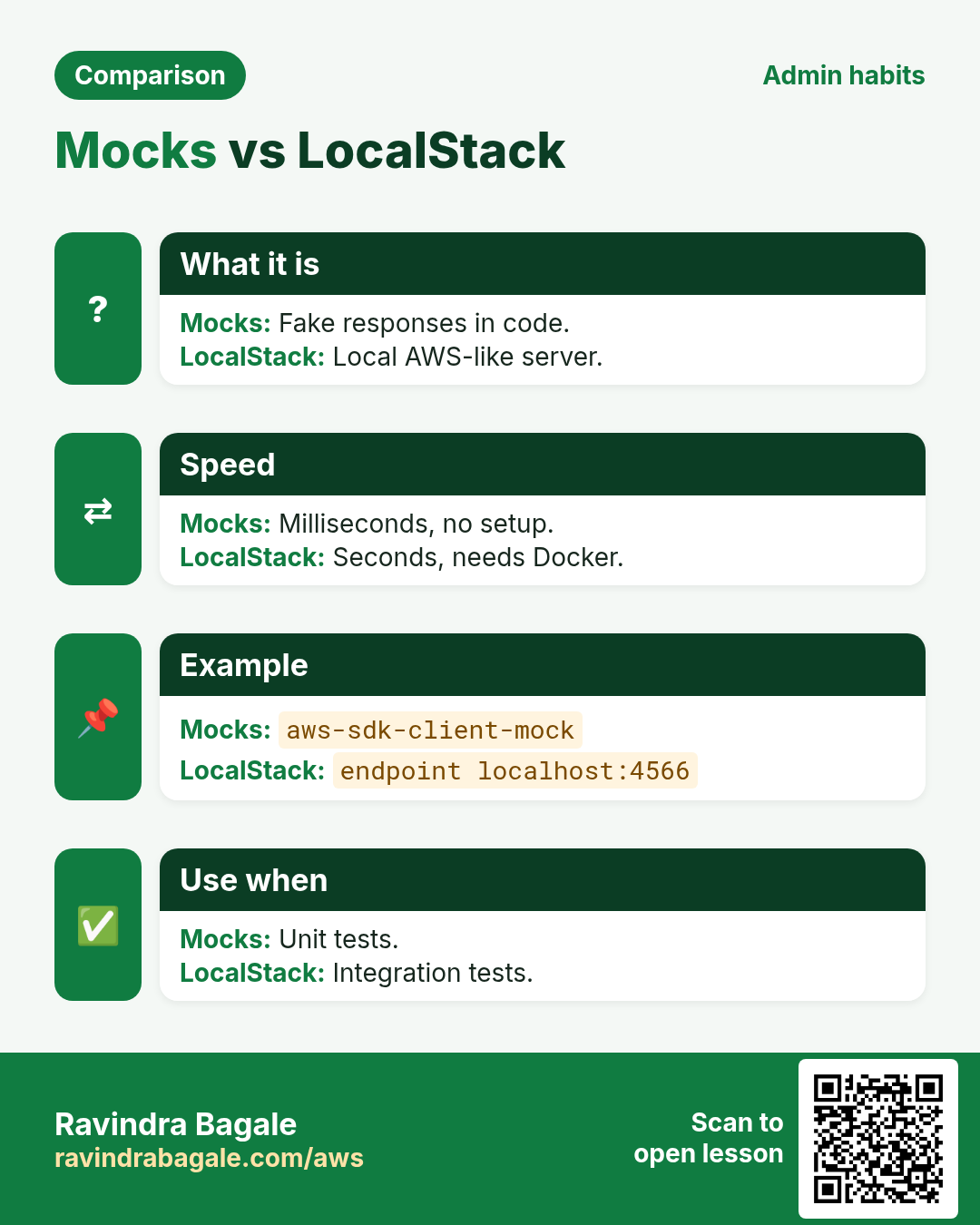
Write a function that takes the client as a parameter. In production pass a real client; in tests pass a mocked one. moto fakes AWS in memory, aws-sdk-client-mock stubs send() per Command, PHP MockHandler queues fake Result objects.
2. Build the receipts flow
Olivia snaps a A$42.50 taxi receipt. The app must store the image, record the expense and queue text reading.
One function, three calls, clients passed in. The same shape in every language makes it easy to test.
- Python.
import uuid, json
def save_receipt(s3, ddb, sqs, user, amount, body):
    rid = "r-" + uuid.uuid4().hex[:6]
    s3.put_object(Bucket="receipts-syd", Key=f"{user}/{rid}.jpg", Body=body)
    ddb.put_item(TableName="Expenses", Item={"pk": {"S": user}, "sk": {"S": rid},
        "amount": {"N": str(amount)}})
    sqs.send_message(QueueUrl=QUEUE_URL, MessageBody=json.dumps({"rid": rid}))
    return rid
print(save_receipt(s3, ddb, sqs, "olivia", 42.50, b"jpg")[:2])
Expected output:
r-- Node.js.
import { PutObjectCommand } from "@aws-sdk/client-s3";
import { PutItemCommand } from "@aws-sdk/client-dynamodb";
import { SendMessageCommand } from "@aws-sdk/client-sqs";
export async function saveReceipt({ s3, ddb, sqs }, user, amount, body) {
  const rid = "r-" + Math.random().toString(16).slice(2, 8);
  await s3.send(new PutObjectCommand({ Bucket: "receipts-ngp", Key: `${user}/${rid}.jpg`, Body: body }));
  await ddb.send(new PutItemCommand({ TableName: "Expenses",
    Item: { pk: { S: user }, sk: { S: rid }, amount: { N: String(amount) } } }));
  await sqs.send(new SendMessageCommand({ QueueUrl: process.env.QUEUE_URL, MessageBody: JSON.stringify({ rid }) }));
  return rid;
}
console.log((await saveReceipt(clients, "siddharth", 780, Buffer.from("jpg"))).length);
Expected output:
8- PHP.
<?php
function saveReceipt($s3, $ddb, $sqs, string $user, float $amount, string $body): string {
  $rid = "r-" . bin2hex(random_bytes(3));
  $s3->putObject(["Bucket" => "receipts-ldn", "Key" => "$user/$rid.jpg", "Body" => $body]);
  $ddb->putItem(["TableName" => "Expenses", "Item" => ["pk" => ["S" => $user],
    "sk" => ["S" => $rid], "amount" => ["N" => (string)$amount]]]);
  $sqs->sendMessage(["QueueUrl" => getenv("QUEUE_URL"), "MessageBody" => json_encode(["rid" => $rid])]);
  return $rid;
}
echo strlen(saveReceipt($s3, $ddb, $sqs, "amelia", 18.20, "jpg")), PHP_EOL;
Expected output:
8- Verify with the CLI.
aws dynamodb query --table-name Expenses --key-condition-expression "pk = :u" --expression-attribute-values '{":u":{"S":"olivia"}}' --query CountExpected output:
13. Test Python with moto
Trace the same receipt through the three clients. In the Python sample, olivia is the user key and the generated receipt ID is the second identifier. Use the returned ID to build the expected S3 key, find the DynamoDB item, and compare the receipt ID carried by the SQS message. The DynamoDB amount travels as a typed number in the low-level client representation, so the test can confirm the stored value is the one supplied.
For a second scenario, let the upload succeed and make the table write fail in your test double. Predict that the current code cannot safely enqueue a job that relies on a missing row. Assert that the function reports the error and that SQS was not called. Then reason about the first side effect: the file can already exist. A useful production design would account for that partial result instead of claiming either everything finished or nothing changed.
Siddharth wants tests to run on every commit, offline, in two seconds, for ₹0.
pip install "moto[s3,dynamodb,sqs]" pytest. The @mock_aws decorator (moto 5) models supported AWS operations for the test. Create the test bucket, table and queue in that mock scope before invoking the application.
- Python test.
import boto3
from moto import mock_aws
from app import save_receipt
import app
@mock_aws
def test_save_receipt():
    kw = dict(region_name="ap-southeast-2")
    s3, ddb, sqs = boto3.client("s3", **kw), boto3.client("dynamodb", **kw), boto3.client("sqs", **kw)
    s3.create_bucket(Bucket="receipts-syd", CreateBucketConfiguration={"LocationConstraint": "ap-southeast-2"})
    ddb.create_table(TableName="Expenses", BillingMode="PAY_PER_REQUEST",
        KeySchema=[{"AttributeName": "pk", "KeyType": "HASH"}, {"AttributeName": "sk", "KeyType": "RANGE"}],
        AttributeDefinitions=[{"AttributeName": "pk", "AttributeType": "S"}, {"AttributeName": "sk", "AttributeType": "S"}])
    app.QUEUE_URL = sqs.create_queue(QueueName="ocr")["QueueUrl"]
    rid = save_receipt(s3, ddb, sqs, "olivia", 42.50, b"jpg")
    assert s3.get_object(Bucket="receipts-syd", Key=f"olivia/{rid}.jpg")["Body"].read() == b"jpg"
    assert ddb.get_item(TableName="Expenses", Key={"pk": {"S": "olivia"}, "sk": {"S": rid}})["Item"]["amount"]["N"] == "42.5"
Expected output:
(no output; test passes)- Node.js: moto as a server for any language.
// terminal: moto_server -p 5000
import { S3Client, ListBucketsCommand } from "@aws-sdk/client-s3";
const s3 = new S3Client({ region: "us-east-1", endpoint: "http://localhost:5000", forcePathStyle: true,
  credentials: { accessKeyId: "test", secretAccessKey: "test" } });
console.log((await s3.send(new ListBucketsCommand({}))).Buckets.length);
Expected output:
0- PHP: same server.
$s3 = new Aws\S3\S3Client(["region" => "us-east-1", "endpoint" => "http://localhost:5000",
  "use_path_style_endpoint" => true, "credentials" => ["key" => "test", "secret" => "test"]]);
echo count($s3->listBuckets()["Buckets"]), PHP_EOL;
Expected output:
0- Verify: run pytest.
pytest -q test_app.pyExpected output:
1 passed in 1.84s4. Mock Node.js and PHP
Amelia in London (£18.20 lunch) wants unit tests that also check what was sent to AWS.
npm i -D aws-sdk-client-mock. mockClient(S3Client) stubs every instance; .on(Command).resolves({...}); commandCalls() returns what was sent. In PHP push Result objects into a MockHandler and pass it as "handler".
- Python: stub a single error with botocore Stubber.
from botocore.stub import Stubber
s3 = boto3.client("s3", region_name="ap-southeast-2")
with Stubber(s3) as st:
    st.add_client_error("put_object", "AccessDenied")
    try: s3.put_object(Bucket="receipts-syd", Key="x", Body=b"1")
    except s3.exceptions.ClientError as e: print(e.response["Error"]["Code"])
Expected output:
AccessDenied- Node.js test (node:test).
import { test } from "node:test";
import assert from "node:assert";
import { mockClient } from "aws-sdk-client-mock";
import { S3Client, PutObjectCommand } from "@aws-sdk/client-s3";
import { DynamoDBClient, PutItemCommand } from "@aws-sdk/client-dynamodb";
import { SQSClient, SendMessageCommand } from "@aws-sdk/client-sqs";
import { saveReceipt } from "./app.mjs";
const s3m = mockClient(S3Client), ddbm = mockClient(DynamoDBClient), sqsm = mockClient(SQSClient);
s3m.on(PutObjectCommand).resolves({}); ddbm.on(PutItemCommand).resolves({});
sqsm.on(SendMessageCommand).resolves({ MessageId: "m-1" });
test("saves receipt", async () => {
  await saveReceipt({ s3: new S3Client({}), ddb: new DynamoDBClient({}), sqs: new SQSClient({}) }, "siddharth", 780, "jpg");
  assert.equal(ddbm.commandCalls(PutItemCommand)[0].args[0].input.Item.amount.N, "780");
});
Expected output:
✔ saves receipt- PHP: MockHandler.
use Aws\MockHandler; use Aws\Result;
$mock = new MockHandler();
$mock->append(new Result([]));                      // putObject
$mock->append(new Result([]));                      // putItem
$mock->append(new Result(["MessageId" => "m-9"]));  // sendMessage
$cfg = ["region" => "eu-west-2", "handler" => $mock, "credentials" => ["key" => "k", "secret" => "s"]];
$rid = saveReceipt(new Aws\S3\S3Client($cfg), new Aws\DynamoDb\DynamoDbClient($cfg), new Aws\Sqs\SqsClient($cfg), "amelia", 18.20, "jpg");
echo count($mock), " left, rid ", strlen($rid), PHP_EOL;
Expected output:
0 left, rid 8- Verify: run the tests.
node --test && vendor/bin/phpunit testsExpected output:
# pass 1
OK (1 test, 2 assertions)
5. Best practices
A mock is a controlled substitute for an AWS client or service in a test. For a receipts app, you can feed fake responses and check that your code builds the expected requests. Write a success case that checks the object key, saved record ID and queued job. Write a second case where the database call fails and check whether the application reports the problem and avoids sending a job it cannot process.
These tests give quick feedback on application logic. They cannot prove that a deployed role has the needed permissions or that the real service configuration matches the test. Use a separate authorized integration check with a disposable resource, a read-only or synthetic operation where possible, and explicit cleanup. Keep real credentials and personal records out of the test fixtures.
The app grows from 50 to 50,000 receipts a day across Sydney, Nagpur and London. Small habits now save real money and outages later.
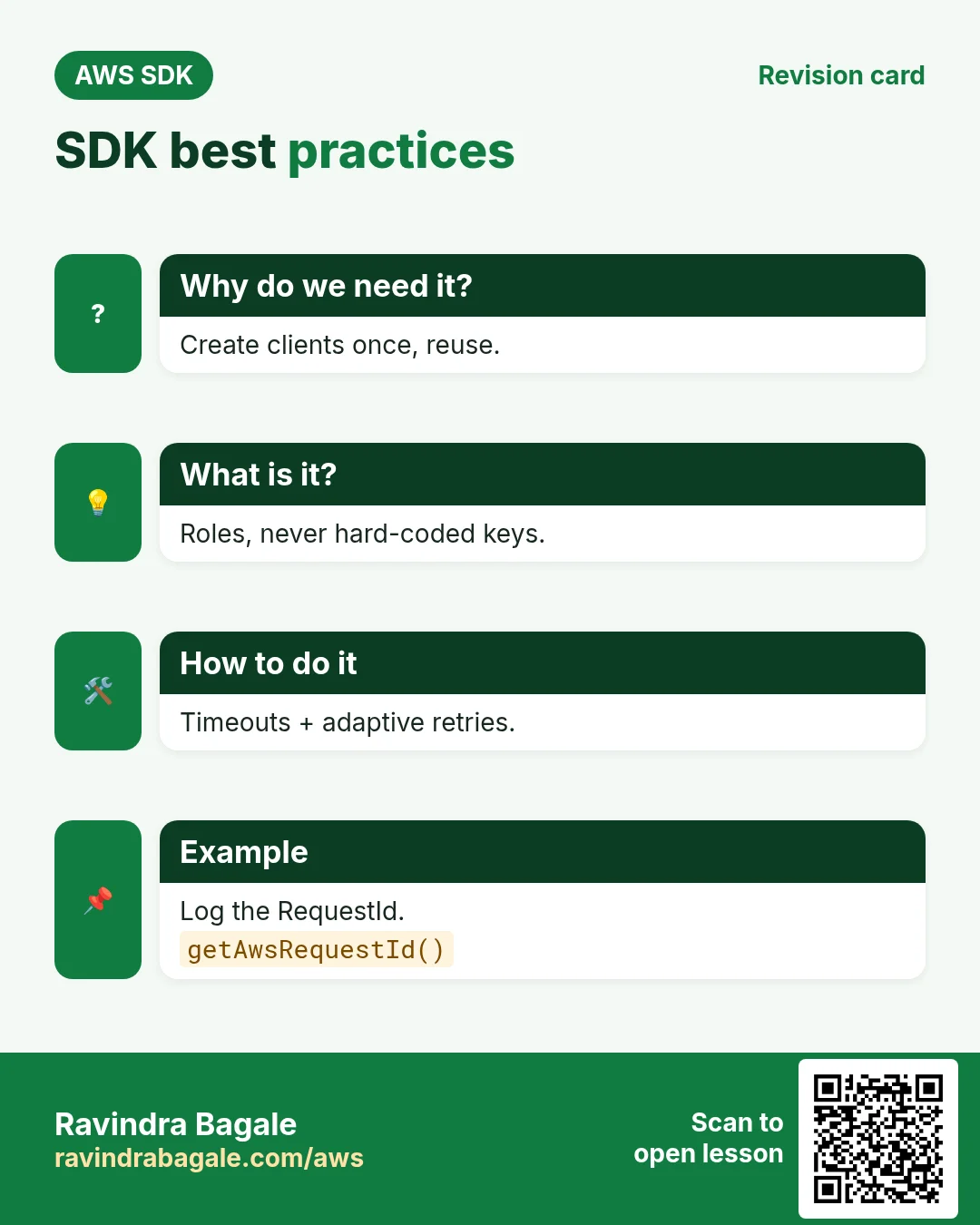
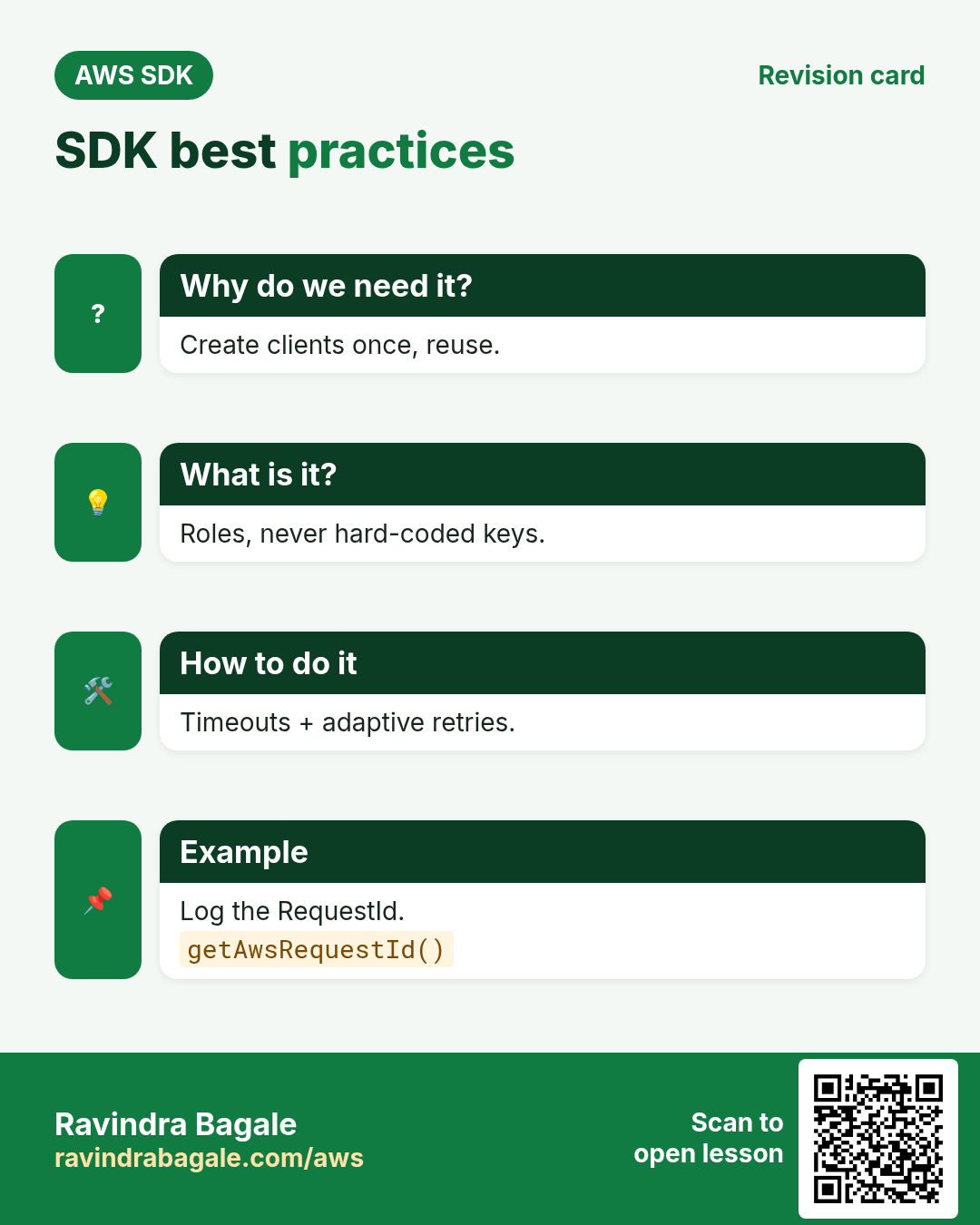
Create clients once and reuse them. Never hard-code keys; use roles and the default credential chain. Set timeouts and adaptive retries. Use paginators. Log RequestId on errors. Grant least-privilege IAM.
- Python: timeouts and retries.
from botocore.config import Config
cfg = Config(connect_timeout=3, read_timeout=10, retries={"mode": "adaptive", "max_attempts": 5})
s3 = boto3.client("s3", region_name="ap-southeast-2", config=cfg)   # create once, reuse
print(s3.meta.config.retries["mode"])
Expected output:
adaptive- Node.js: reuse client outside the handler.
import { S3Client } from "@aws-sdk/client-s3";
import { NodeHttpHandler } from "@smithy/node-http-handler";
const s3 = new S3Client({ region: "ap-south-1", maxAttempts: 5, retryMode: "adaptive",
  requestHandler: new NodeHttpHandler({ connectionTimeout: 3000, requestTimeout: 10000 }) });
export const handler = async () => ({ ok: true });   // s3 reused across invocations
console.log(await s3.config.retryMode());
Expected output:
adaptive- PHP: log the request id on failure.
try {
  $s3->getObject(["Bucket" => "receipts-ldn", "Key" => "missing.jpg"]);
} catch (Aws\S3\Exception\S3Exception $e) {
  error_log($e->getAwsErrorCode() . " " . $e->getAwsRequestId());
  echo $e->getAwsErrorCode(), PHP_EOL;
}
Expected output:
NoSuchKey- Verify which identity your code uses.
aws sts get-caller-identity --query Arn --output textExpected output:
arn:aws:sts::111122223333:assumed-role/receipts-app/i-0abc6. Same action in Python, Node.js, Java, Go, .NET and PHP
Scripts start in the CLI. Apps call the same API through an SDK. Knowing both helps you move a tested command into real code.
Low-level CLI commands expose service operations. A high-level command or an automatically paginated list can make multiple requests. For example, aws s3api put-object ... maps to the PutObject API.
Same action (PutItem) from code. Set the intended profile and Region for the SDK. Provider support and precedence can differ by SDK, and an explicit client setting can override defaults.
| Stack | Code |
|---|---|
| AWS CLI | aws s3api put-object --bucket receipts-syd --key olivia/r-1.jpg --body r.jpg |
| Java v2 | s3.putObject(b -> b.bucket("receipts-syd").key("olivia/r-1.jpg"), RequestBody.fromBytes(bytes)); |
| Go v2 | client.PutObject(ctx, &s3.PutObjectInput{Bucket: aws.String("receipts-syd"), Key: aws.String(key), Body: r}) |
| .NET | await s3.PutObjectAsync(new PutObjectRequest { BucketName = "receipts-syd", Key = key, InputStream = stream }); |
7. Clean up so nothing keeps costing
Lab resources left running cost money and can be a security risk.
Delete in reverse order: children first, then parents.
- Delete test bucket, table and queue (mocks need no cleanup).
aws s3 rb s3://receipts-syd --force
aws dynamodb delete-table --table-name Expenses
aws sqs delete-queue --queue-url $QUEUE_URL
Expected output:
(no output means success)Ravindra Bagale's Tip
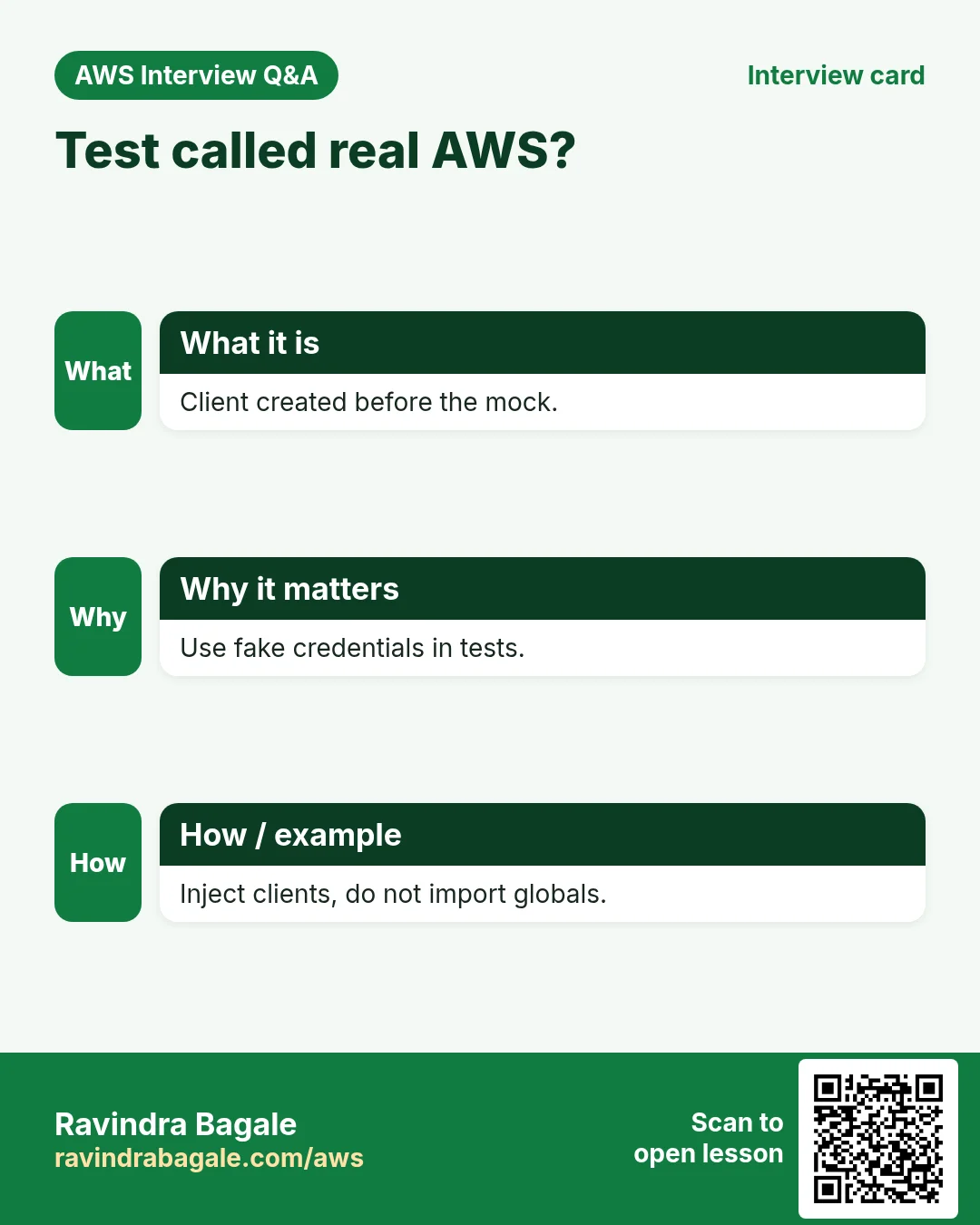
Pass clients into functions instead of creating them inside. That one habit makes every test in every language easy.
8. Interview questions and answers
Q. Python mocking library?
moto (@mock_aws), or botocore Stubber for exact responses.
Q. Node.js v3 mocking library?
aws-sdk-client-mock.
Q. PHP mocking?
Aws\MockHandler passed as handler.
Q. Where to create clients in Lambda?
Outside the handler, reused.
Q. Why log RequestId?
AWS Support can trace the exact call.
Try at home
- Add a moto test that checks the SQS message body contains the receipt id.
- In PHP, make MockHandler return an AccessDenied error and assert your code shows a friendly message.
In short
- Inject clients.
- moto for Python.
- aws-sdk-client-mock for Node.js.
- MockHandler for PHP.
- Reuse clients, set retries, least privilege.
Test service contracts in layers
Write a happy path, one access or validation failure, one transient response and a multi-page result in unit tests. Keep a separate opt-in sandbox integration test to check IAM, serialization and Region configuration. Use dummy resources and cleanup.
Interview check Can passing a mock test certify cloud permissions?
No. Mocks verify your code against supplied responses. An authorized sandbox test verifies the real service contract and identity assumptions.
Practise this chapter
Interview questions and answers
What tests would you add to a receipts app that writes an object, records metadata and queues work?
I would mock a success and verify each requested key and ID. I would make the metadata write fail and assert the app reports the failure without queuing unusable work. I would separately verify approved real resource access in a disposable integration setup.
Check your understanding
Choose an answer, then compare your reasoning with the explanation.
Practice Tasks
Practice checks run in your browser. They check the answer for this exercise; they do not create resources or connect to your AWS account.
About this scenarioKonkan Cashews is a food export business in Ratnagiri. Prakash Sawant looks after its IT and cloud work. They count money in INR and run their AWS resources in the ap-south-1 Region. In the tasks below you do real jobs for them using what this lesson teaches. All names, account IDs, IP addresses and numbers are made up for practice.
0 / 12
Easy Invoke one function
A caller should invoke only the function it needs.
Allow lambda:InvokeFunction on arn:aws:lambda:ap-south-1:103761760951:function:konkancashew-orders-fn only.
- Start with { "Version": "2012-10-17", "Statement": [ ... ] }.
- In each statement write Effect, Action and Resource.
- Give only what the task needs (least privilege).
- Use double quotes and commas correctly. Click Check answer.
Easy Describe a table
See the keys, indexes, item count and status of a table.
Describe table konkancashew-orders.
- Read the task and decide which AWS service it is about.
- Write aws, then the service name, then the operation (the action word).
- Add each needed flag (--name) followed by its value from the task.
- Flags can be in any order. Click Check answer.
Medium Lambda access to one table
The function only needs to read and write items in its own table.
Allow dynamodb:GetItem, dynamodb:PutItem, dynamodb:Query on arn:aws:dynamodb:ap-south-1:103761760951:table/konkancashew-orders only.
- Start with { "Version": "2012-10-17", "Statement": [ ... ] }.
- In each statement write Effect, Action and Resource.
- Give only what the task needs (least privilege).
- Use double quotes and commas correctly. Click Check answer.
Medium Allow one Bedrock model
Limit apps to the approved model so costs stay predictable.
Allow bedrock:InvokeModel on arn:aws:bedrock:ap-south-1::foundation-model/amazon.nova-lite-v1:0 only.
- Start with { "Version": "2012-10-17", "Statement": [ ... ] }.
- In each statement write Effect, Action and Resource.
- Give only what the task needs (least privilege).
- Use double quotes and commas correctly. Click Check answer.
Medium Start and stop servers only
The night operator may start and stop servers but not terminate them.
Allow ec2:StartInstances and ec2:StopInstances on all instances in account 103761760951, Region ap-south-1. Also allow ec2:DescribeInstances on *.
- Start with { "Version": "2012-10-17", "Statement": [ ... ] }.
- In each statement write Effect, Action and Resource.
- Give only what the task needs (least privilege).
- Use double quotes and commas correctly. Click Check answer.
Medium Pull images from one repository
CI or servers should pull only the images they run.
Allow ecr:BatchGetImage and ecr:GetDownloadUrlForLayer on arn:aws:ecr:ap-south-1:103761760951:repository/konkancashew/web, plus ecr:GetAuthorizationToken on *.
- Start with { "Version": "2012-10-17", "Statement": [ ... ] }.
- In each statement write Effect, Action and Resource.
- Give only what the task needs (least privilege).
- Use double quotes and commas correctly. Click Check answer.
Medium Let a function write logs
Without these actions, Lambda logs never appear in CloudWatch.
Allow logs:CreateLogGroup, logs:CreateLogStream, logs:PutLogEvents on arn:aws:logs:*:*:* only.
- Start with { "Version": "2012-10-17", "Statement": [ ... ] }.
- In each statement write Effect, Action and Resource.
- Give only what the task needs (least privilege).
- Use double quotes and commas correctly. Click Check answer.
Medium CloudFormation: on-demand table
On-demand tables need no capacity planning.
Template with a DynamoDB table konkancashew-orders, partition key orderId (String), billing mode PAY_PER_REQUEST.
- Start from the top-level keys the task names.
- Indent child keys with 2 spaces (no tabs).
- Fill in each property with the value from the task.
- Click Check answer. Key order does not matter.
Hard Deny access from outside the office
An explicit Deny with aws:SourceIp blocks keys used from anywhere else.
Write one Deny statement: deny all actions (*) on all resources (*) when the source IP is NOT in 203.0.113.0/24.
- Start with { "Version": "2012-10-17", "Statement": [ ... ] }.
- In each statement write Effect, Action and Resource.
- Give only what the task needs (least privilege).
- Use double quotes and commas correctly. Click Check answer.
Hard Use a key, not manage it
Apps need Encrypt/Decrypt; only admins should change or delete keys.
Allow kms:Encrypt, kms:Decrypt, kms:GenerateDataKey on arn:aws:kms:ap-south-1:103761760951:key/1234abcd-12ab-34cd-56ef-1234567890ab only.
- Start with { "Version": "2012-10-17", "Statement": [ ... ] }.
- In each statement write Effect, Action and Resource.
- Give only what the task needs (least privilege).
- Use double quotes and commas correctly. Click Check answer.
Hard Allow PassRole for one role
To launch EC2 with a role, the user needs iam:PassRole on that role.
Allow iam:PassRole on arn:aws:iam::103761760951:role/konkancashew-ec2-role only.
- Start with { "Version": "2012-10-17", "Statement": [ ... ] }.
- In each statement write Effect, Action and Resource.
- Give only what the task needs (least privilege).
- Use double quotes and commas correctly. Click Check answer.
Hard Create a DynamoDB table
On-demand billing means you pay per request, with no capacity to plan.
Create table konkancashew-orders with partition key orderId (string), on-demand billing.
- Read the task and decide which AWS service it is about.
- Write aws, then the service name, then the operation (the action word).
- Add each needed flag (--name) followed by its value from the task.
- Flags can be in any order. Click Check answer.
Revision, comparison and interview cards
Revise this lesson in a few minutes. Save the cards on your phone or download them as PNG files. The QR code on each card opens this lesson.




More cards: Ravi Sir's Cards.