AWS CLI API Gateway Commands: Create a REST and HTTP API
We put a front door on our code: an HTTP API for Lambda in one command, then routes, stages and a classic REST API step by step.
In this chapter
- Quick-create an HTTP API
- Add routes and integrations
- Use stages
- Build a REST API with resources
- Test and clean up
1. The big picture: a reception desk
An office reception takes every visitor, checks them and sends them to the right cabin. API Gateway takes every HTTP request and sends it to the right Lambda or URL.
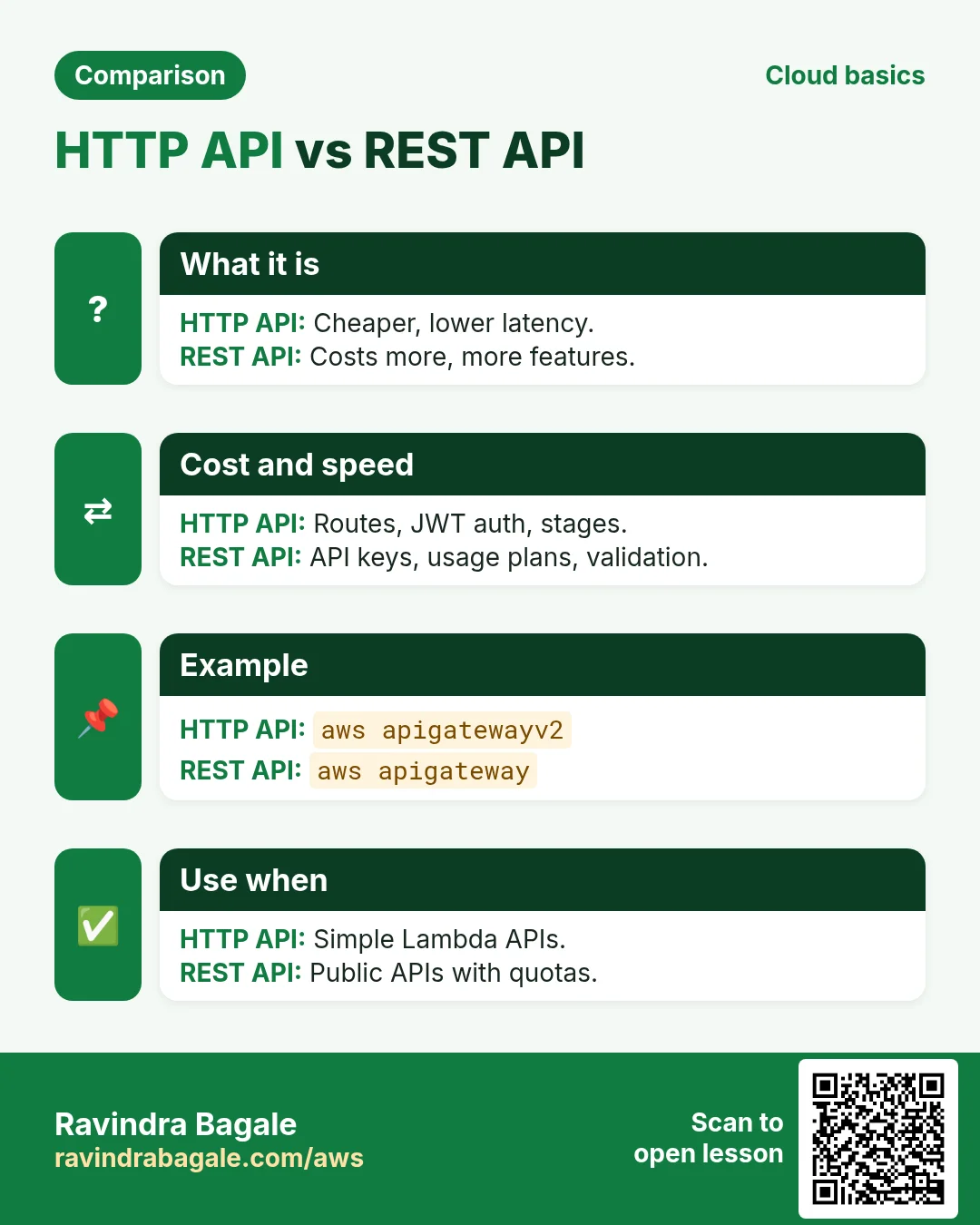
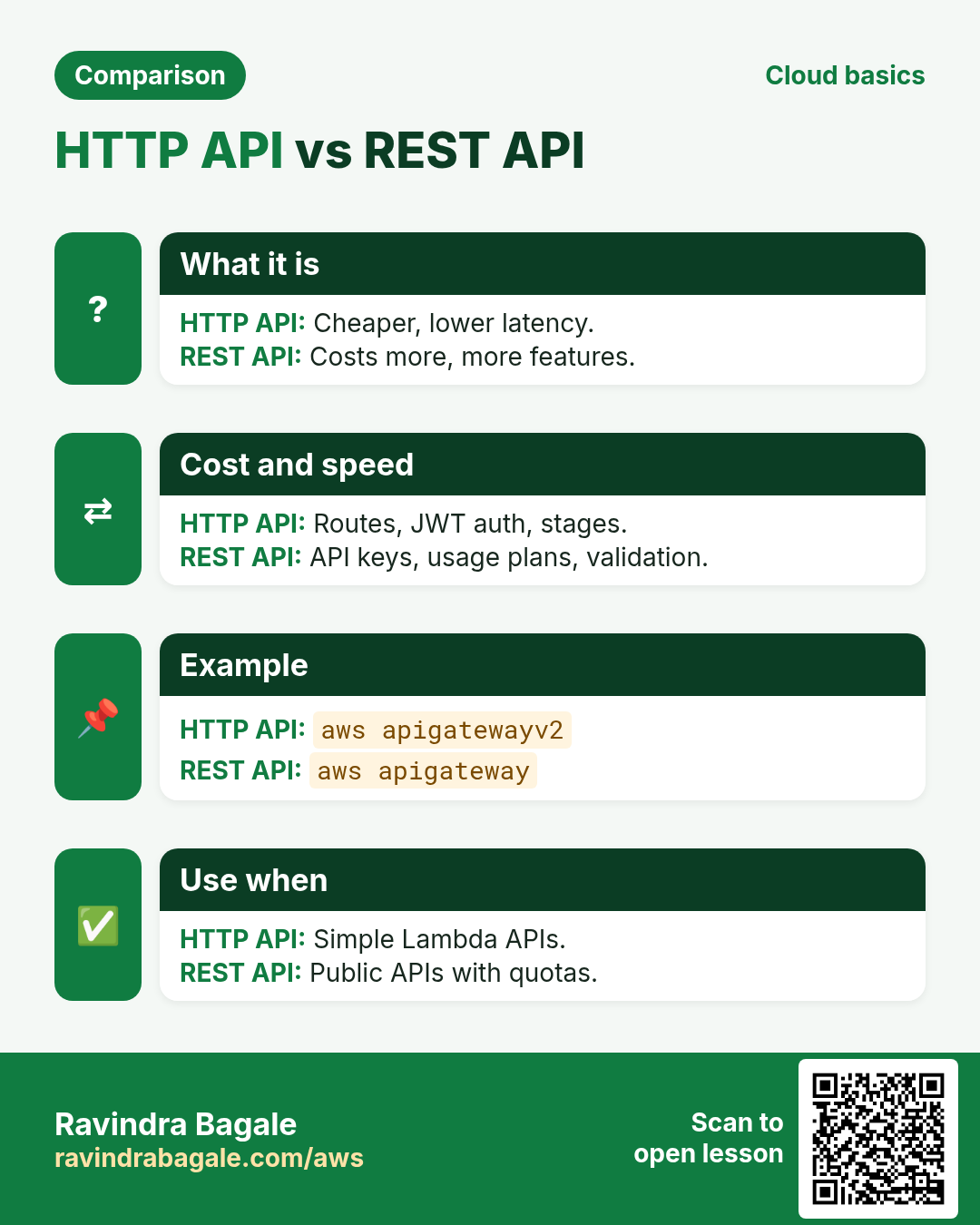
HTTP APIs use aws apigatewayv2 (cheap and simple). REST APIs use aws apigateway (more features: API keys, usage plans, request validation).
2. Quick-create an HTTP API
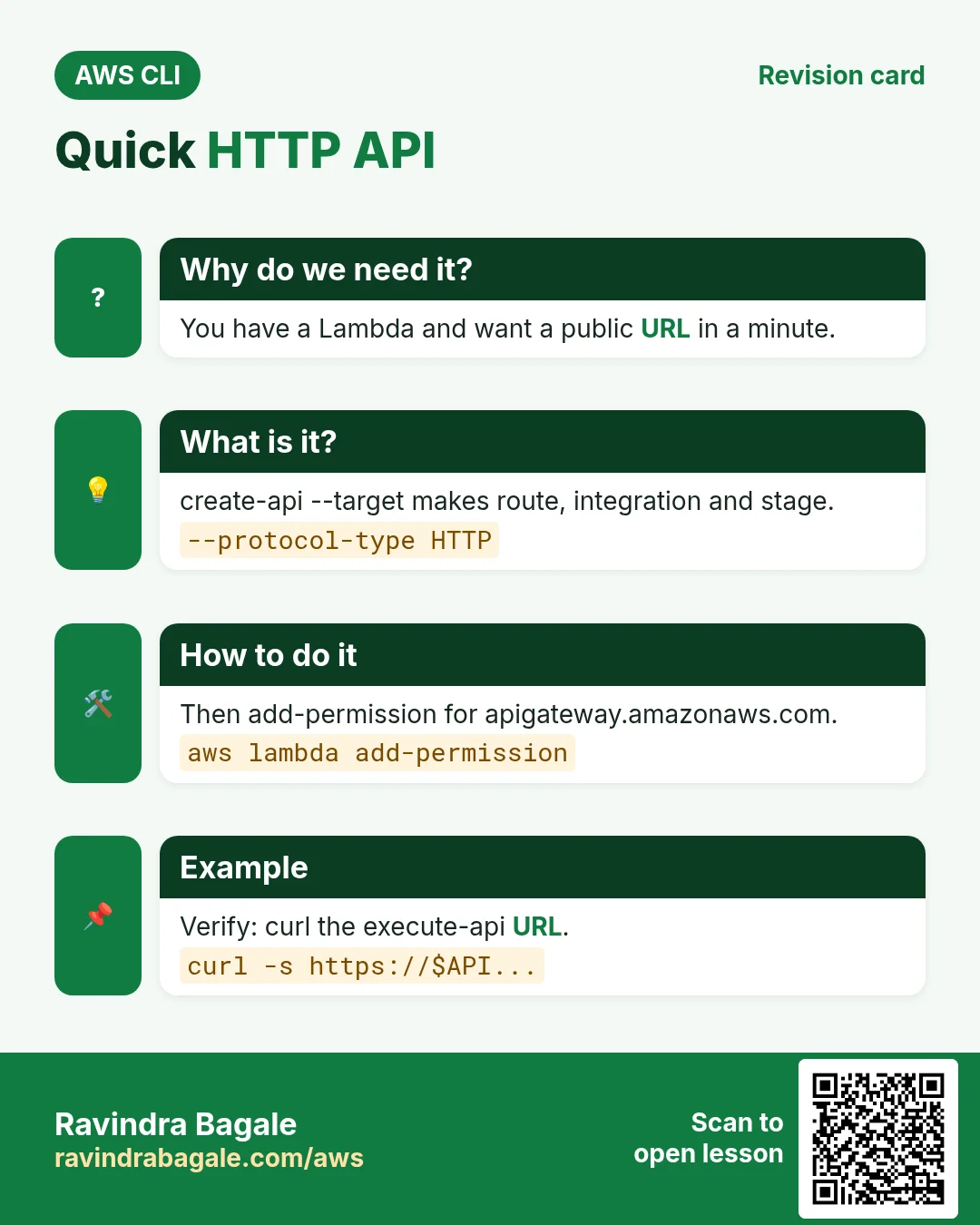
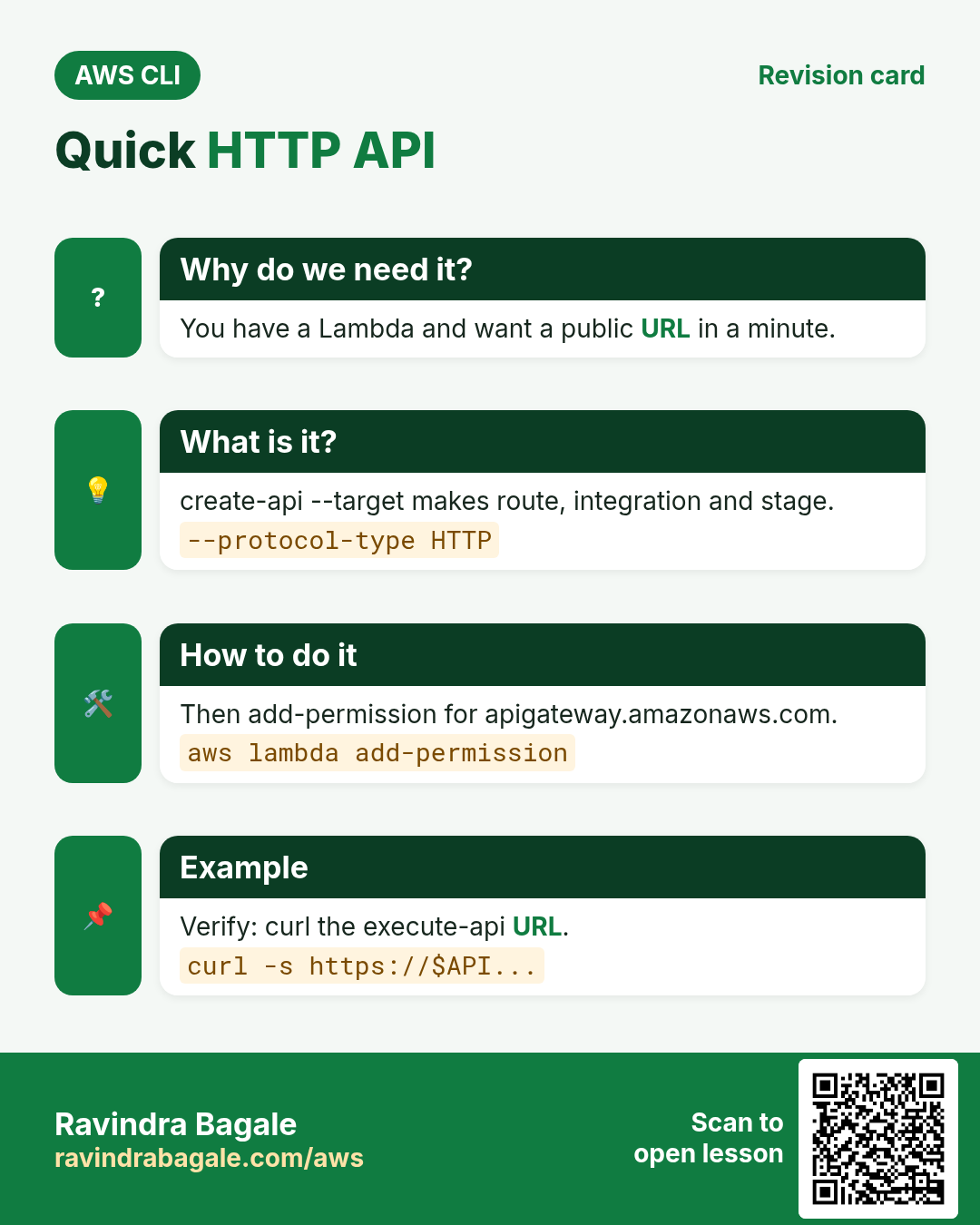
You have a Lambda and want a public URL for it in one minute.
create-api with --target makes the API, a default route, an integration and a $default stage together.
- Create the API for a function.
FN=arn:aws:lambda:ap-south-1:111122223333:function:cli-hello
API=$(aws apigatewayv2 create-api --name cli-http --protocol-type HTTP --target $FN --query ApiId --output text)
echo $API
Expected output:
a1b2c3d4e5- Allow API Gateway to invoke.
aws lambda add-permission --function-name cli-hello --statement-id apigw --action lambda:InvokeFunction --principal apigateway.amazonaws.com --source-arn "arn:aws:execute-api:ap-south-1:111122223333:$API/*" --query Statement --output textExpected output:
{"Sid":"apigw","Effect":"Allow",...}- Call it.
curl -s https://$API.execute-api.ap-south-1.amazonaws.com/Expected output:
{"msg": "hello world"}3. Routes and integrations
A route describes which request you handle, such as GET /health. An integration describes the backend that runs for that route, such as one Lambda function. A deployment is a saved API configuration that a stage can serve. The stage is the environment your request reaches. A change can be visible on an auto-deploy stage without a separate manual deployment.
Test one exact method and path on the intended invoke URL. If GET /health answers but POST /health does not, check the configured methods before editing the handler. If the route exists but function logs show a failure, check the integration and function response. Repeat the test at the intended stage to avoid confusing two configurations.
Different paths should go to different code, like GET /users and POST /orders.
An integration says where to send. A route key like "GET /users" points to an integration.
- Create an integration.
INT=$(aws apigatewayv2 create-integration --api-id $API --integration-type AWS_PROXY --integration-uri $FN --payload-format-version 2.0 --query IntegrationId --output text)
echo $INT
Expected output:
x9y8z7- Add a route.
aws apigatewayv2 create-route --api-id $API --route-key "GET /users" --target integrations/$INT --query RouteKey --output textExpected output:
GET /users- List routes.
aws apigatewayv2 get-routes --api-id $API --query "Items[].RouteKey" --output textExpected output:
$default GET /users4. Stages
Follow the concrete GET /users setup from this chapter. The first create command saves the API ID. The integration creation returns a separate integration ID for the configured Lambda target. The route uses integrations/$INT to reference it. Save both IDs. They describe different objects and cannot be swapped. The Lambda function also needs a resource policy that lets the intended API invoke it.
Once the route is deployed to the test stage, send exactly GET /users to that stage’s invoke URL. Check the status and expected response data. If the quick-create API still has a default route and another method returns a response too, check which route handled it, rather than concluding a specific method was created. Use the matching log or context evidence to confirm the integration. This also helps when the same function is used behind more than one route.
You want dev and prod URLs separately with their own settings.
A stage is a named snapshot of the API. auto-deploy pushes every change to it.
- Create a dev stage.
aws apigatewayv2 create-stage --api-id $API --stage-name dev --auto-deploy --query StageName --output textExpected output:
dev- Call the stage URL.
curl -s https://$API.execute-api.ap-south-1.amazonaws.com/dev/usersExpected output:
{"msg": "hello world"}5. A classic REST API
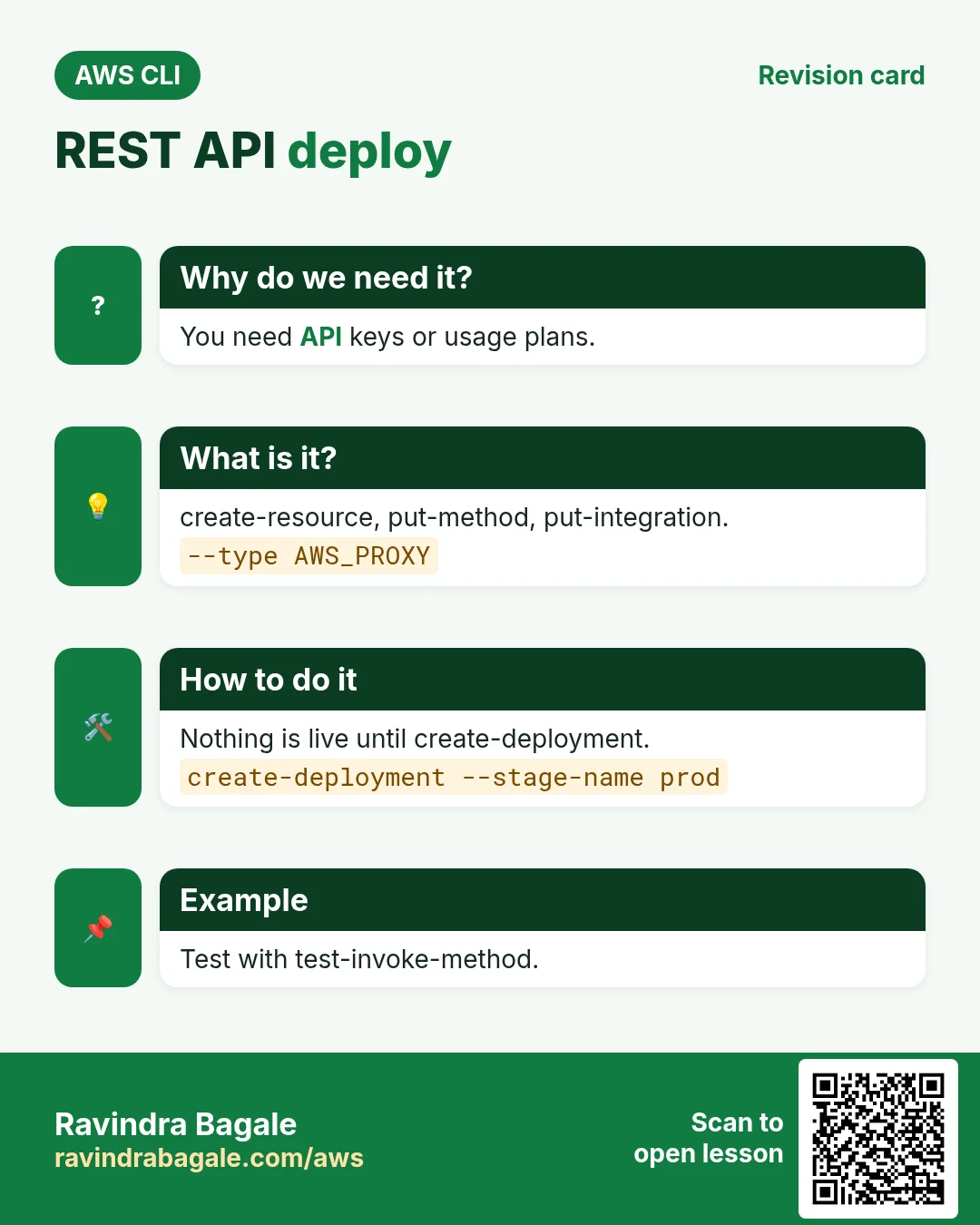
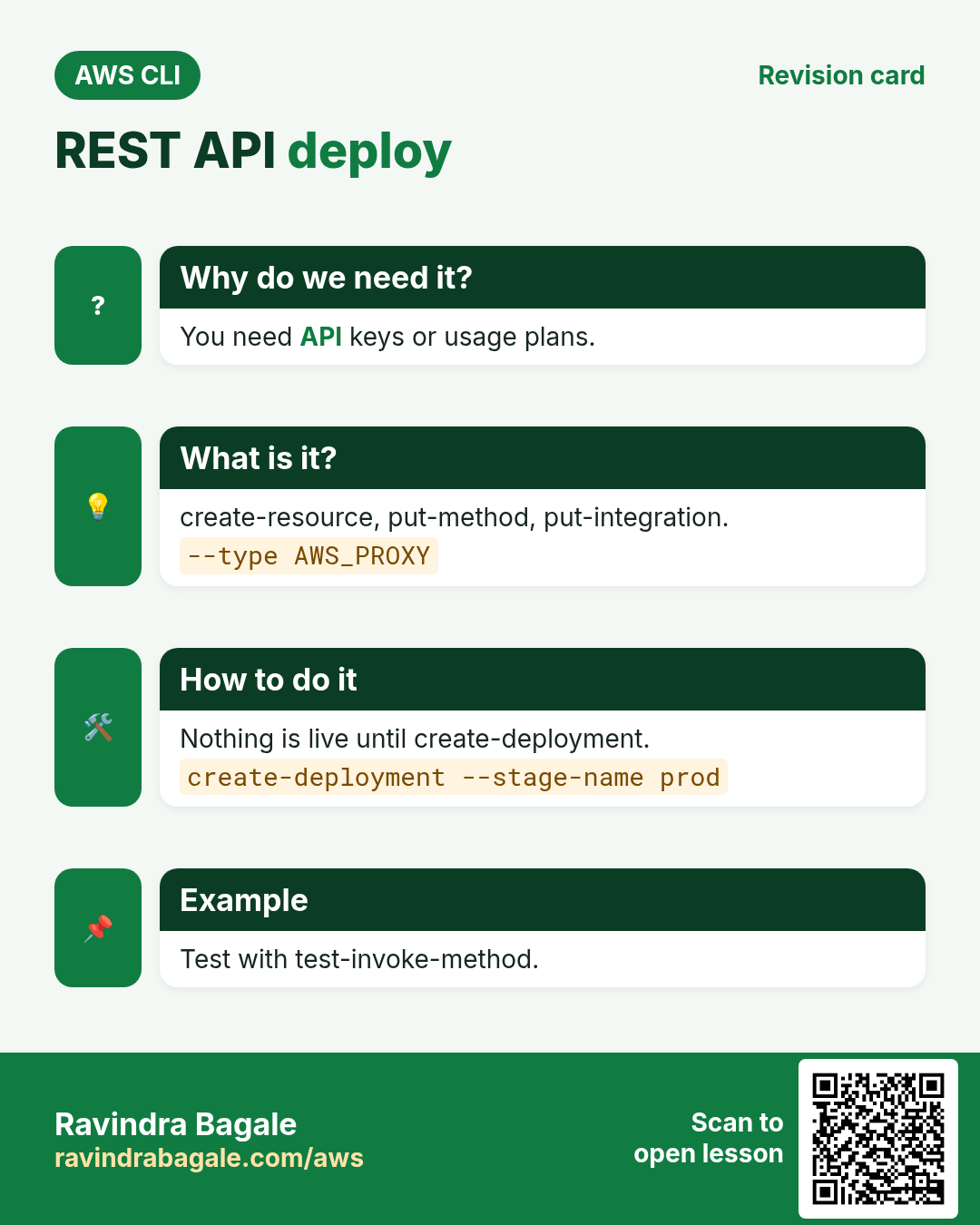
You need API keys, usage plans or request validation that only REST APIs have.
Steps: create-rest-api, create-resource, put-method, put-integration, then create-deployment to a stage.
- Create the API and find the root.
R=$(aws apigateway create-rest-api --name cli-rest --query id --output text)
ROOT=$(aws apigateway get-resources --rest-api-id $R --query "items[?path=='/'].id" --output text)
echo $R $ROOT
Expected output:
k1l2m3n4o5 p6q7r8- Add /hello with GET to Lambda.
RES=$(aws apigateway create-resource --rest-api-id $R --parent-id $ROOT --path-part hello --query id --output text)
aws apigateway put-method --rest-api-id $R --resource-id $RES --http-method GET --authorization-type NONE
aws apigateway put-integration --rest-api-id $R --resource-id $RES --http-method GET --type AWS_PROXY --integration-http-method POST --uri arn:aws:apigateway:ap-south-1:lambda:path/2015-03-31/functions/$FN/invocations --query type --output text
Expected output:
AWS_PROXY- Deploy and test.
aws apigateway create-deployment --rest-api-id $R --stage-name prod --query id --output text
aws apigateway test-invoke-method --rest-api-id $R --resource-id $RES --http-method GET --query status
Expected output:
abc123
200
6. Same action in Python, Node.js, Java, Go, .NET and PHP
Scripts start in the CLI. Apps call the same API through an SDK. Knowing both helps you move a tested command into real code.
Low-level CLI commands expose service operations. A high-level command or an automatically paginated list can make multiple requests. For example, aws apigatewayv2 create-api --name cli-http --protocol-type HTTP maps to the Create HTTP API API.
Same action (Create HTTP API) from code. Set the intended profile and Region for the SDK. Provider support and precedence can differ by SDK, and an explicit client setting can override defaults.
| Stack | Code |
|---|---|
| Python (boto3) | boto3.client("apigatewayv2").create_api(Name="cli-http",ProtocolType="HTTP") |
| Node.js (v3) | await gw.send(new CreateApiCommand({Name:"cli-http",ProtocolType:"HTTP"})); |
| Java (v2) | gw.createApi(r -> r.name("cli-http").protocolType(ProtocolType.HTTP)); |
| Go (v2) | c.CreateApi(ctx, &apigatewayv2.CreateApiInput{Name: aws.String("cli-http"), ProtocolType: types.ProtocolTypeHttp}) |
| .NET | await gw.CreateApiAsync(new CreateApiRequest{Name="cli-http",ProtocolType=ProtocolType.HTTP}); |
| PHP | $gw->createApi(["Name"=>"cli-http","ProtocolType"=>"HTTP"]); |
7. Clean up so nothing keeps costing
Lab resources left running cost money and can be a security risk.
Delete in reverse order: children first, then parents.
- Delete the HTTP API.
aws apigatewayv2 delete-api --api-id $APIExpected output:
(no output means success)- Delete the REST API.
aws apigateway delete-rest-api --rest-api-id $RExpected output:
(no output means success)- Remove the permission.
aws lambda remove-permission --function-name cli-hello --statement-id apigwExpected output:
(no output means success)- Verify.
aws apigatewayv2 get-apis --query "Items[?Name=='cli-http']"Expected output:
[]Ravindra Bagale's Tip
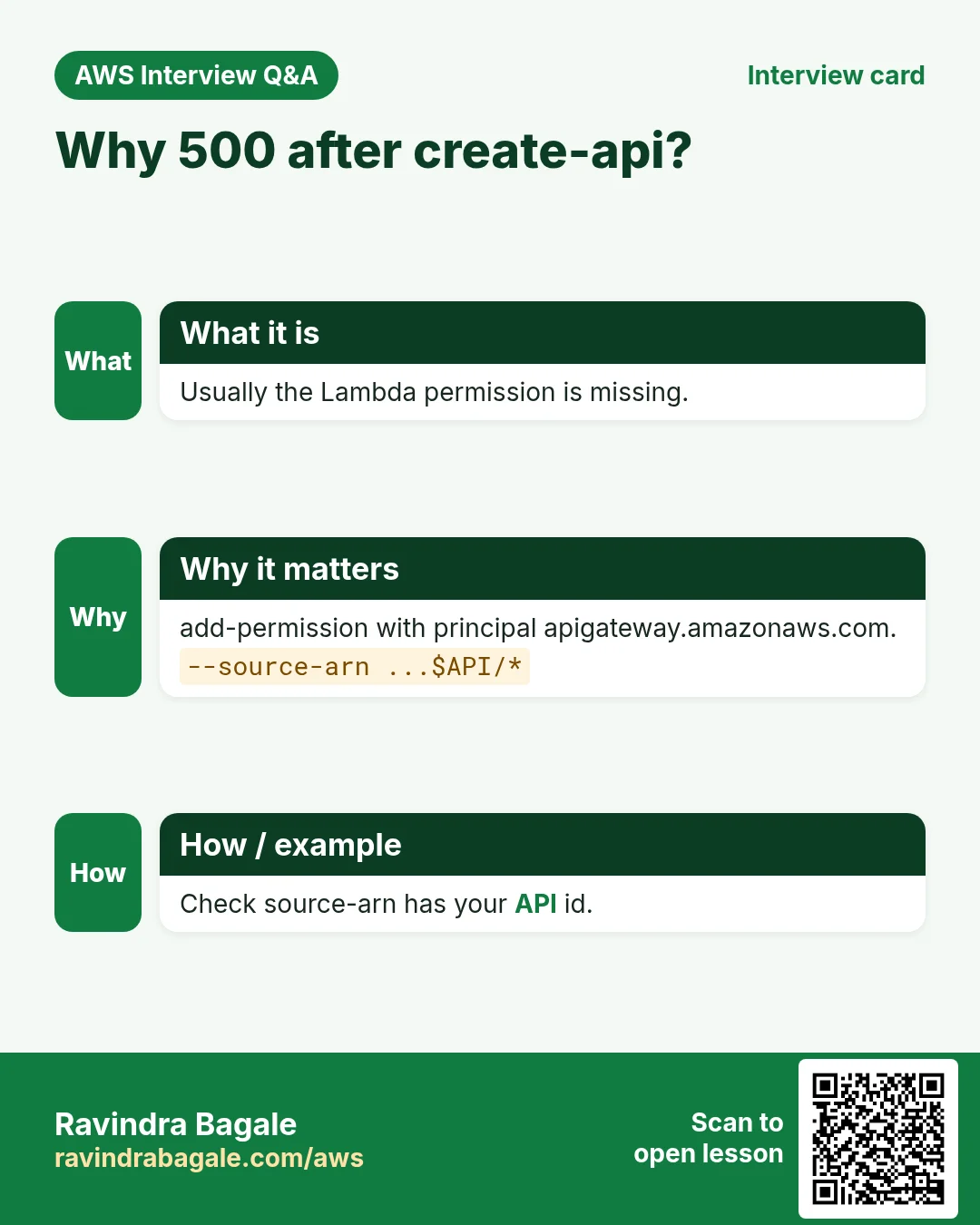
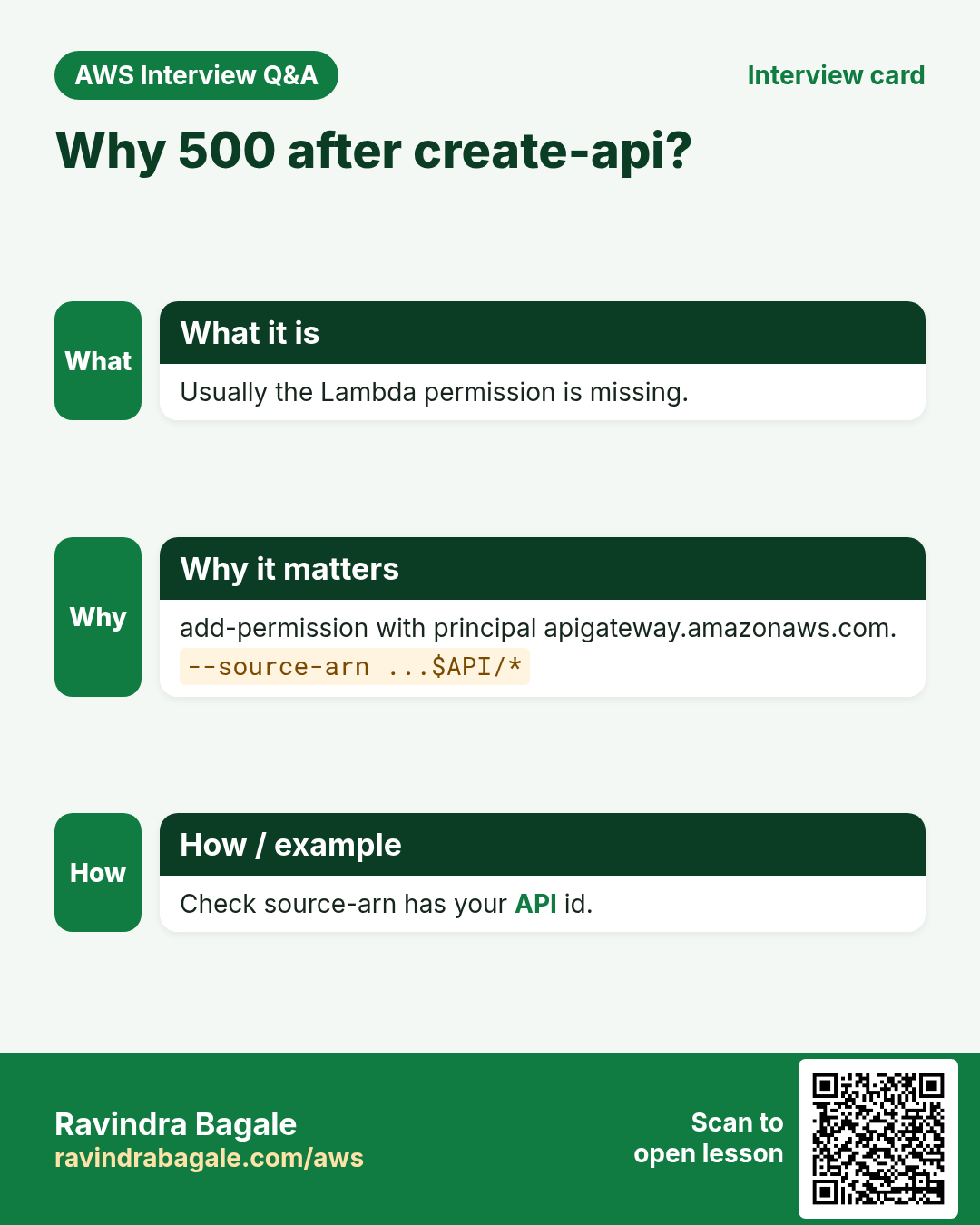
A 500 "Internal server error" right after create usually means the Lambda permission is missing. Check the source-arn has your API id.
Common errors: cause and safe next check
REST API resources are saved, but the invoke URL still fails for callers
For a REST API, updates are not live until you deploy the API to a stage. Inspect whether a deployment exists and which stage name is in the invoke URL before you change integrations again.
Someone copies REST stage and deploy commands onto an HTTP API
REST APIs and HTTP APIs are different products with different create and deploy paths. Confirm the API type in the console or with the matching CLI family before you reuse a command from another chapter.
create succeeds, but a test call returns a permission error from Lambda
If the backend is a Lambda function, API Gateway needs permission to invoke it. Inspect the Lambda resource-based policy or the IAM role used for the integration before you rebuild the whole API.
Practical questions and full answers
Why must I deploy a REST API to a stage?
After you create a REST API, you must deploy it to make it callable. A stage is a named reference to a deployment, such as dev or prod, and that stage name appears in the invoke URL. Every time you update routes, methods, or integrations, you must redeploy to an existing stage or to a new stage.
How is creating an HTTP API different for a beginner?
HTTP APIs are a separate RESTful product from REST APIs. With the AWS CLI, a quick create can build an HTTP API with a Lambda or HTTP target, a default catch-all route, and a default stage configured to automatically deploy changes. Re-check the current apigatewayv2 create-api examples during rebase if your command shape looks different.
Can I treat REST and HTTP features as the same checklist?
No. Official docs state that REST APIs support more features while HTTP APIs are designed with minimal features at a lower price. Keep the feature set for the type you chose, and do not assume a REST-only option exists on an HTTP API.
8. Interview questions and answers
Q. HTTP API vs REST API?
HTTP API is cheaper and faster with fewer features. REST API has API keys, usage plans and validation.
Q. What is a stage?
A named, deployed version of the API like dev or prod.
Q. What is AWS_PROXY?
Lambda proxy integration: the whole request goes to Lambda and its response goes back as-is.
Q. Why add-permission?
API Gateway needs a resource policy on the function to invoke it.
Q. Why create-deployment in REST?
REST changes are not live until deployed to a stage.
Try at home
- Create an HTTP API with GET /users and POST /users to the same Lambda.
- Make dev and prod stages and call both URLs.
In short
- apigatewayv2 = HTTP API.
- --target quick-create.
- add-permission or 500.
- Routes → integrations.
- REST needs create-deployment.
Choose the command family before wiring a stage
Keep REST API resources in aws apigateway commands and HTTP API routes in aws apigatewayv2. After creating a route and its integration, check stage deployment settings and Lambda invoke permission. Test the actual final invoke URL, including the stage when needed.
Interview check Can CORS configuration grant API authorization?
No. CORS governs browser cross-origin behavior; authorization must be configured separately on routes.
Practise this chapter
Interview questions and answers
A caller reports a 404 on an otherwise working API. How would you trace it?
I would confirm the exact invoke URL, stage, method and path, then compare the route’s deployment with the intended integration. If the correct route invokes its backend, I would inspect the backend response. This avoids changing function code when the request matched no configured route.
Check your understanding
Choose an answer, then compare your reasoning with the explanation.
Practice Tasks
Practice checks run in your browser. They check the answer for this exercise; they do not create resources or connect to your AWS account.
About this scenarioDubai Gold Souk is a jewellery business in Dubai. Fatima Al Mansoori looks after its IT and cloud work. They count money in AED and run their AWS resources in the me-central-1 Region. In the tasks below you do real jobs for them using what this lesson teaches. All names, account IDs, IP addresses and numbers are made up for practice.
0 / 12
Easy Invoke one function
A caller should invoke only the function it needs.
Allow lambda:InvokeFunction on arn:aws:lambda:me-central-1:112884599412:function:dubaigold-orders-fn only.
- Start with { "Version": "2012-10-17", "Statement": [ ... ] }.
- In each statement write Effect, Action and Resource.
- Give only what the task needs (least privilege).
- Use double quotes and commas correctly. Click Check answer.
Easy List functions
See which functions exist in this Region.
List the Lambda functions in me-central-1.
- Read the task and decide which AWS service it is about.
- Write aws, then the service name, then the operation (the action word).
- Add each needed flag (--name) followed by its value from the task.
- Flags can be in any order. Click Check answer.
Medium Create a REST API
REST APIs give API keys, usage plans and request validation.
Create a REST API named dubaigold-rest.
- Read the task and decide which AWS service it is about.
- Write aws, then the service name, then the operation (the action word).
- Add each needed flag (--name) followed by its value from the task.
- Flags can be in any order. Click Check answer.
Medium Deploy a REST API to a stage
Changes to a REST API go live only after a deployment to a stage.
Deploy REST API a1b2c3d4e5 to the stage prod.
- Read the task and decide which AWS service it is about.
- Write aws, then the service name, then the operation (the action word).
- Add each needed flag (--name) followed by its value from the task.
- Flags can be in any order. Click Check answer.
Medium Change timeout and memory
More memory also gives more CPU; timeout stops runaway runs.
Set dubaigold-orders-fn to timeout 30 seconds and memory 512 MB.
- Read the task and decide which AWS service it is about.
- Write aws, then the service name, then the operation (the action word).
- Add each needed flag (--name) followed by its value from the task.
- Flags can be in any order. Click Check answer.
Medium Invoke a function
Invoke runs the function now and saves its answer in a file.
Invoke dubaigold-orders-fn and save the response to out.json.
- Read the task and decide which AWS service it is about.
- Write aws, then the service name, then the operation (the action word).
- Add each needed flag (--name) followed by its value from the task.
- Flags can be in any order. Click Check answer.
Medium Let a function write logs
Without these actions, Lambda logs never appear in CloudWatch.
Allow logs:CreateLogGroup, logs:CreateLogStream, logs:PutLogEvents on arn:aws:logs:*:*:* only.
- Start with { "Version": "2012-10-17", "Statement": [ ... ] }.
- In each statement write Effect, Action and Resource.
- Give only what the task needs (least privilege).
- Use double quotes and commas correctly. Click Check answer.
Hard Quick-create an HTTP API for Lambda
Quick create builds an HTTP API, a default route and stage pointing at your function.
Create an HTTP API named dubaigold-api whose target is arn:aws:lambda:me-central-1:112884599412:function:dubaigold-orders-fn.
- Read the task and decide which AWS service it is about.
- Write aws, then the service name, then the operation (the action word).
- Add each needed flag (--name) followed by its value from the task.
- Flags can be in any order. Click Check answer.
Hard Let S3 call your function
A resource-based permission is needed before S3 can invoke the function.
Add permission statement s3invoke to dubaigold-orders-fn so s3.amazonaws.com can call lambda:InvokeFunction from bucket arn:aws:s3:::dubaigold-uploads.
- Read the task and decide which AWS service it is about.
- Write aws, then the service name, then the operation (the action word).
- Add each needed flag (--name) followed by its value from the task.
- Flags can be in any order. Click Check answer.
Hard Lambda GB-seconds
Lambda bills memory × time.
1,000,000 invocations, 512 MB memory, 200 ms each. How many GB-seconds?
- Write down the numbers the task gives you.
- Work it out step by step on paper.
- Type only the final answer in the box.
- Click Check answer.
Hard Create a Lambda function
Lambda needs the code zip, a runtime, a handler name and an execution role.
Create function dubaigold-orders-fn: runtime python3.12, handler app.handler, role arn:aws:iam::112884599412:role/lambda-basic, code in function.zip.
- Read the task and decide which AWS service it is about.
- Write aws, then the service name, then the operation (the action word).
- Add each needed flag (--name) followed by its value from the task.
- Flags can be in any order. Click Check answer.
Hard Set environment variables
Keep settings like table names out of the code.
Set the environment variable TABLE=dubaigold-orders on dubaigold-orders-fn.
- Read the task and decide which AWS service it is about.
- Write aws, then the service name, then the operation (the action word).
- Add each needed flag (--name) followed by its value from the task.
- Flags can be in any order. Click Check answer.
Revision, comparison and interview cards
Revise this lesson in a few minutes. Save the cards on your phone or download them as PNG files. The QR code on each card opens this lesson.
More cards: Ravi Sir's Cards.