Mount Amazon EFS on EC2 Step by Step
Hands-on: create EFS in ap-south-1, open NFS from an EC2 security group, mount with the Amazon EFS mount helper, write a file, and clean up.
In this chapter
- Create EFS and mount targets
- Security group for port 2049
- Mount on Amazon Linux 2023
- fstab note and full cleanup
Cost
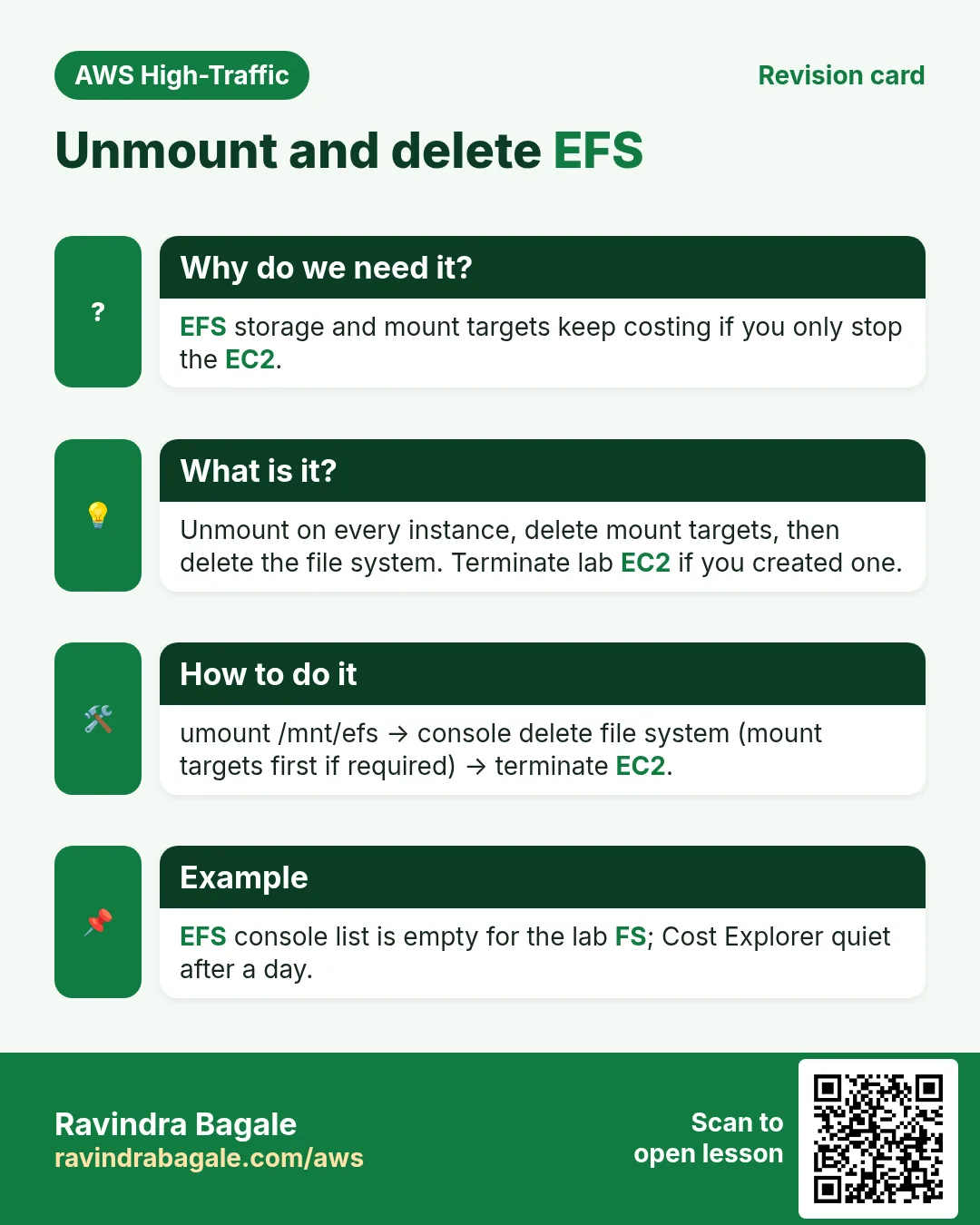
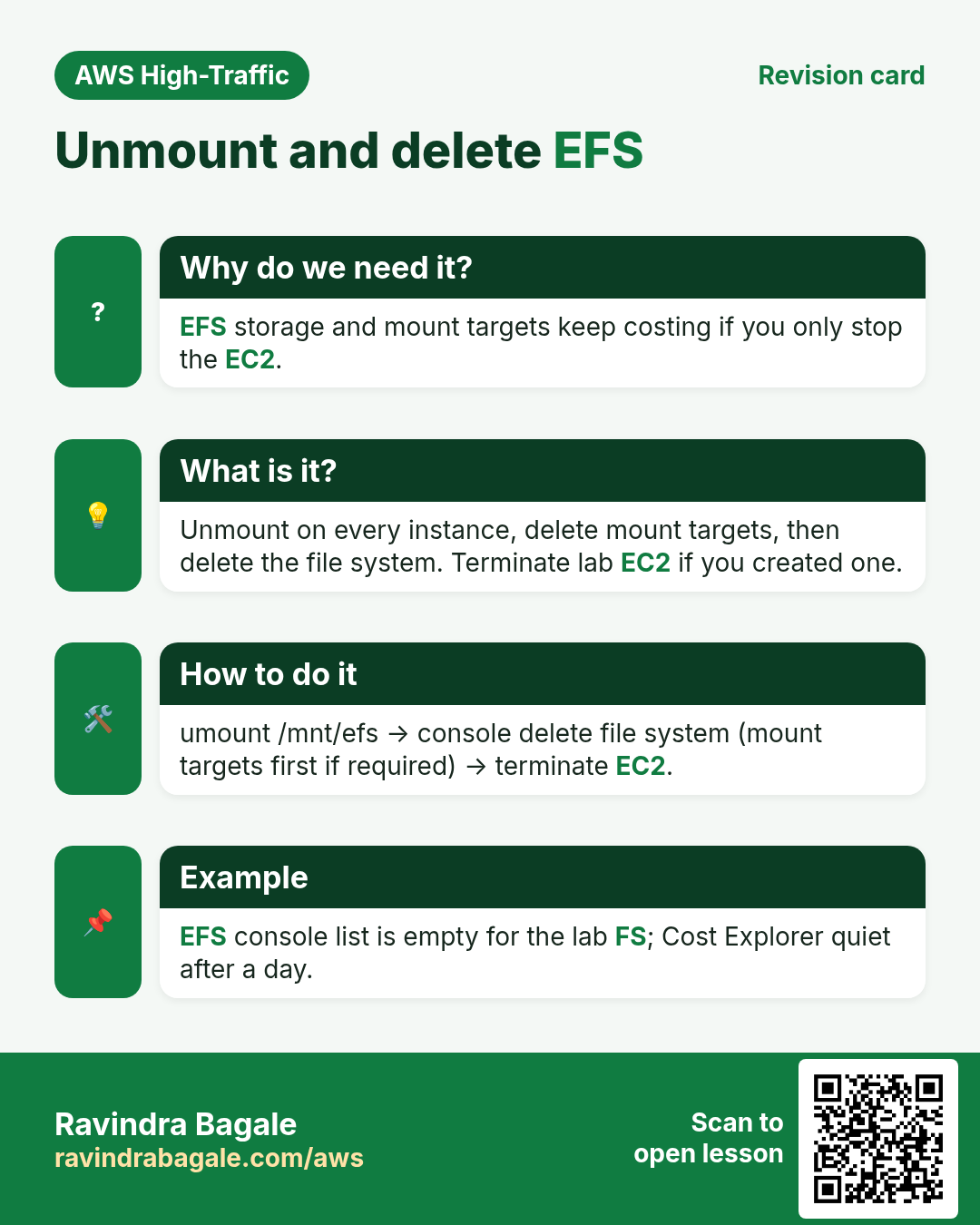
EFS storage is billed while the file system exists. Delete it after the lab. Stop or terminate the EC2 if you created one only for this lab.
Everyday example first: understand the lab
Two synthetic class web servers need the same shared handout folder. A file saved only on serverA local disk will not become serverB file just because both use the path /mnt/efs. Each client must actually mount the same EFS file system at its local directory, and the application user must have permission to use it. The lab below demonstrates that attachment; it does not require uploading real student documents.
Common errors and fixes
These are synthetic practice situations. Diagnose the signal before changing a resource; no infrastructure changes are needed to read this guide.
The mount waits and then times out.
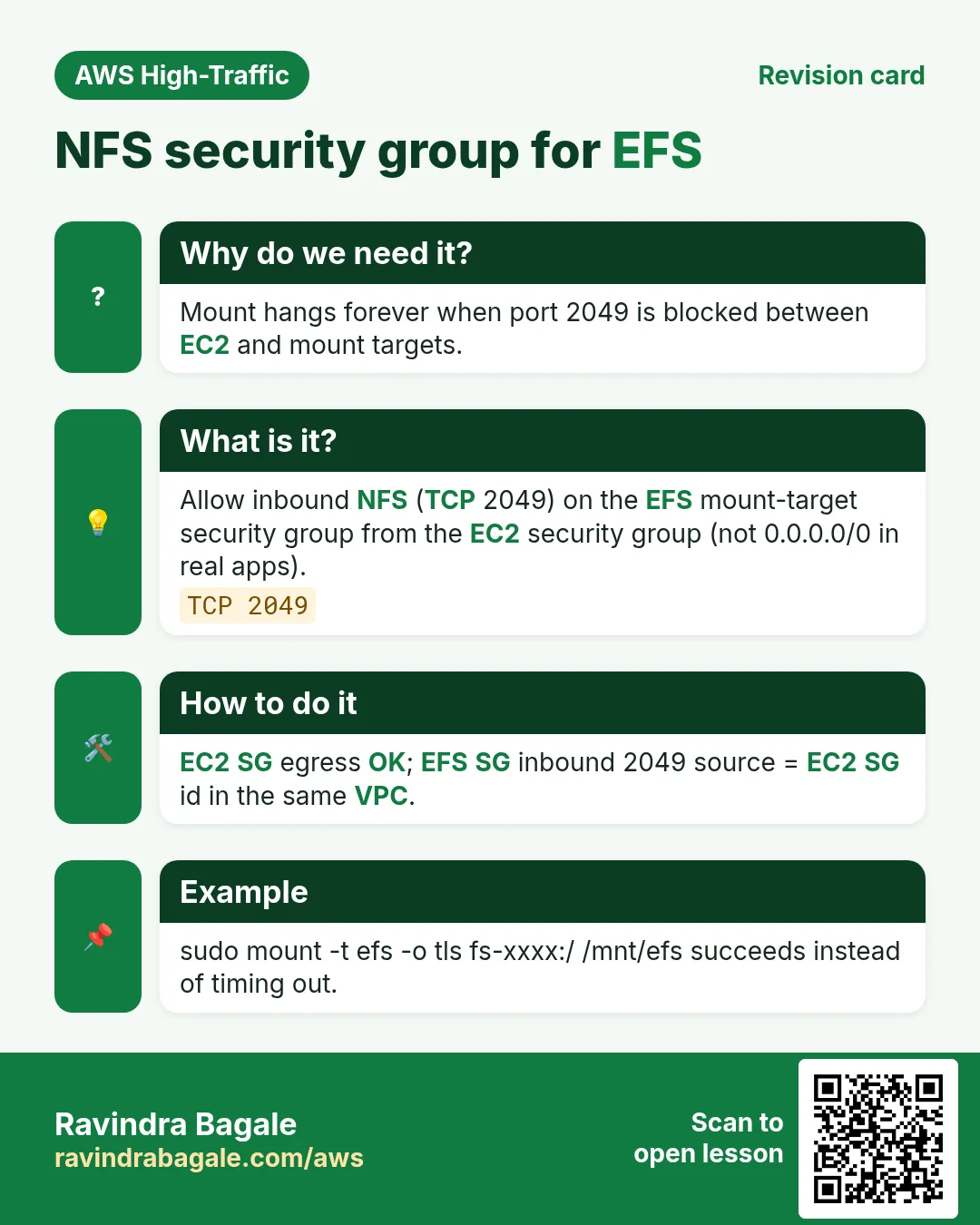
A timeout suggests a reachability problem, not necessarily a file-ownership problem. Check the intended mount target, its Availability Zone and VPC relationship, and NFS access from the EC2 security group to the target on TCP2049. Read the exact error before changing anything. Making NFS reachable from the whole internet is not a diagnostic fix.
The file-system name cannot be resolved.
Check VPC DNS settings and whether the expected mount target exists and is available for the client location. Immediately after target creation, DNS records can take time to propagate. A name-resolution error occurs before ordinary file read/write permissions are evaluated. Changing directory ownership cannot repair missing DNS resolution.
The mount works, but the application cannot create a file.
EFS applies Unix numeric UID/GID and file-mode permissions. A root-owned test created with sudo does not prove that the nonroot application user can write. Compare the actual application identity with the directory owner and allowed operations. Plan appropriate ownership or an access point rather than making every directory writable by everyone.
Practical FAQ: decisions during real work
Does the tls option authorize every file operation?
No. TLS protects traffic in transit. Network access, any applicable IAM/file-system policy and POSIX file permissions are separate checks. A secure transport does not make a user the owner of all files. Distinguish an encrypted connection from permission to mount or modify a particular path.
Two applications can reach the same EFS mount target but use different access points. Give each application its own access-point root directory and, if needed, an enforced numeric POSIX identity. Restrict the allowed access point in IAM. The mount target still supplies network access, while the access point defines the application’s file-system view.
Why should I verify the mount before writing a test file?
The local mount directory can still exist when EFS is not mounted. Writing there in that state creates a local EC2 file, not shared EFS data. Inspect the actual mount associated with the intended path before interpreting a successful write. A directory name alone is not evidence that remote storage is attached.
What does a busy unmount mean?
A process may still have an open file or its working directory under the mount. Identify and finish the intended activity before a normal unmount. Do not force an unmount merely to make a lab result appear clean; that can interrupt active reads or writes. Closing the terminal view is not proof that every application stopped using the file system.
1. Lab: click by click
Region ap-south-1. You need an Amazon Linux 2023 EC2 in a VPC with DNS hostnames enabled (default VPC is fine).
A. Security groups
- Create SG
efs-lab-sgfor EFS. Inbound: NFS TCP 2049 from the EC2 security group (source = EC2 SG id). Outbound: all. - On the EC2 SG: allow SSH from My IP (if you use SSH). Outbound all is enough for mount.
B. Create EFS
- Console → EFS → Create file system.
- Name:
lab-efs. VPC: same as EC2. Customize if needed — one mount target per AZ used by your subnet. - Attach security group
efs-lab-sgto mount targets (replace default if it is too open). - Create. Wait until Available. Copy File system ID
fs-.........
C. Install mount helper on EC2
Use the file-system ID from the EFS console to identify the storage you intend to mount. The mount helper accepts that ID and can use TLS, which protects the connection in transit. Run it from the lab EC2 instance whose network can reach the target. Keep the helper installation, mount target setup and permissions as separate checks so one successful step does not hide a later failure.
After mounting, create one small test file using the same local account as the intended app. If the write fails, inspect the mounted directory’s owner and group and compare them with id for that account. If it works, read the same filename from a second approved mount. If you later try the persistent mount entry, test it without rebooting first and know how to restore the previous configuration. This is how you avoid a boot failure caused by a mistaken remote mount entry.
- SSH to EC2 (or EC2 Instance Connect).
- Install:
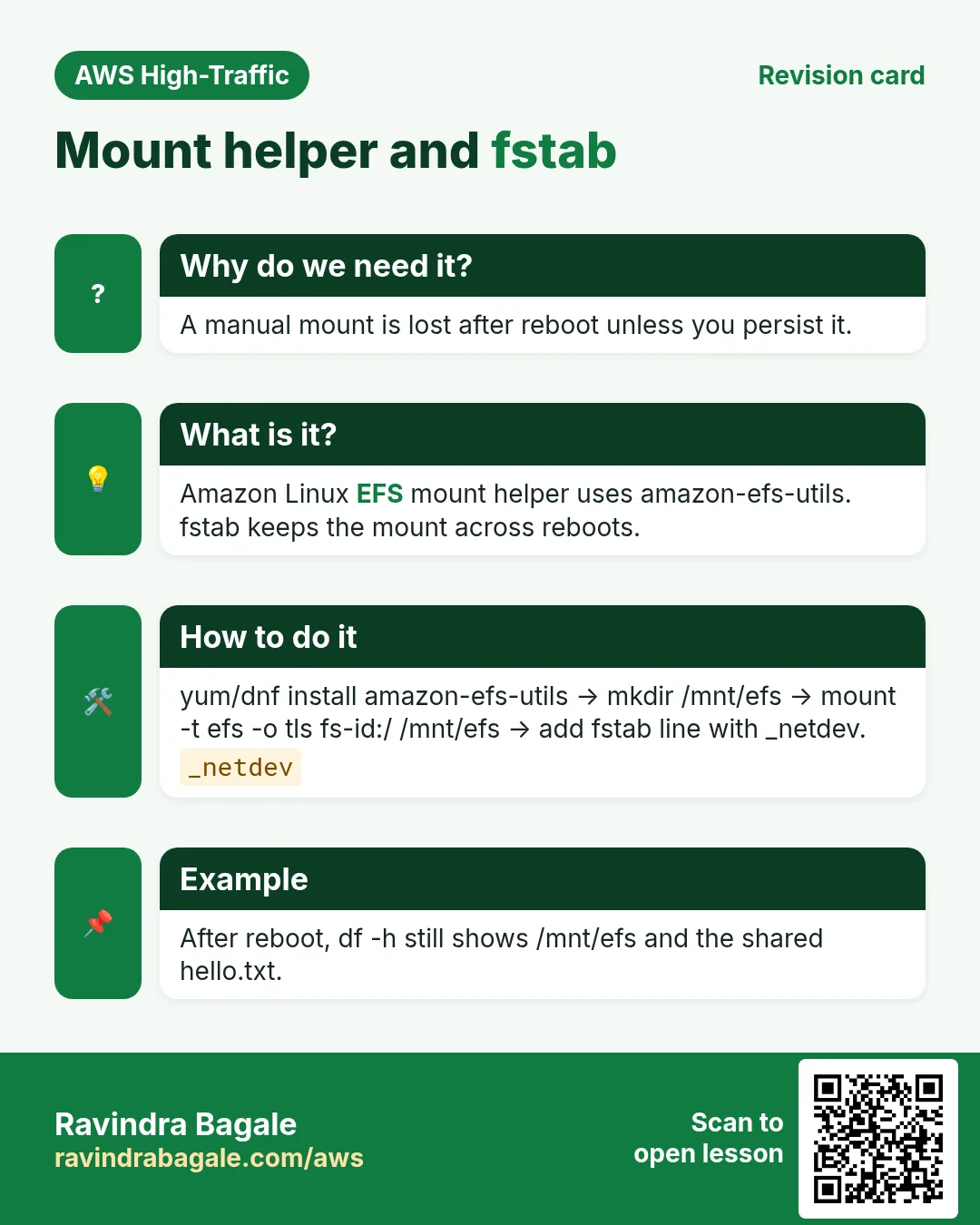
sudo dnf install -y amazon-efs-utils
# Amazon Linux 2: sudo yum install -y amazon-efs-utils
D. Mount
Mounting makes a file system available at a directory on Linux. The directory can exist before a mount is attached. If the command fails and you write a test file anyway, the file can go to the local disk. Use findmnt --mountpoint /mnt/efs with the actual mount path to show that the directory is a mount point before saving the practice file.
Trace the request from EC2 to the EFS mount target, an address in the VPC that accepts the NFS file protocol. The network path and security rules must allow the connection. Once mounted, check file ownership as the real application user. If a second authorized instance mounts the same file system, a file written by the first should be visible to it. If the second cannot even mount, inspect the network and DNS before editing ownership.
- Make mount point and mount (replace FILE_SYSTEM_ID):
sudo mkdir -p /mnt/efs
sudo mount -t efs -o tls FILE_SYSTEM_ID:/ /mnt/efs
echo "hello from $(hostname)" | sudo tee /mnt/efs/hello.txt
cat /mnt/efs/hello.txt
df -hT | grep efs
Expected: file content prints; df shows type nfs4 or efs.
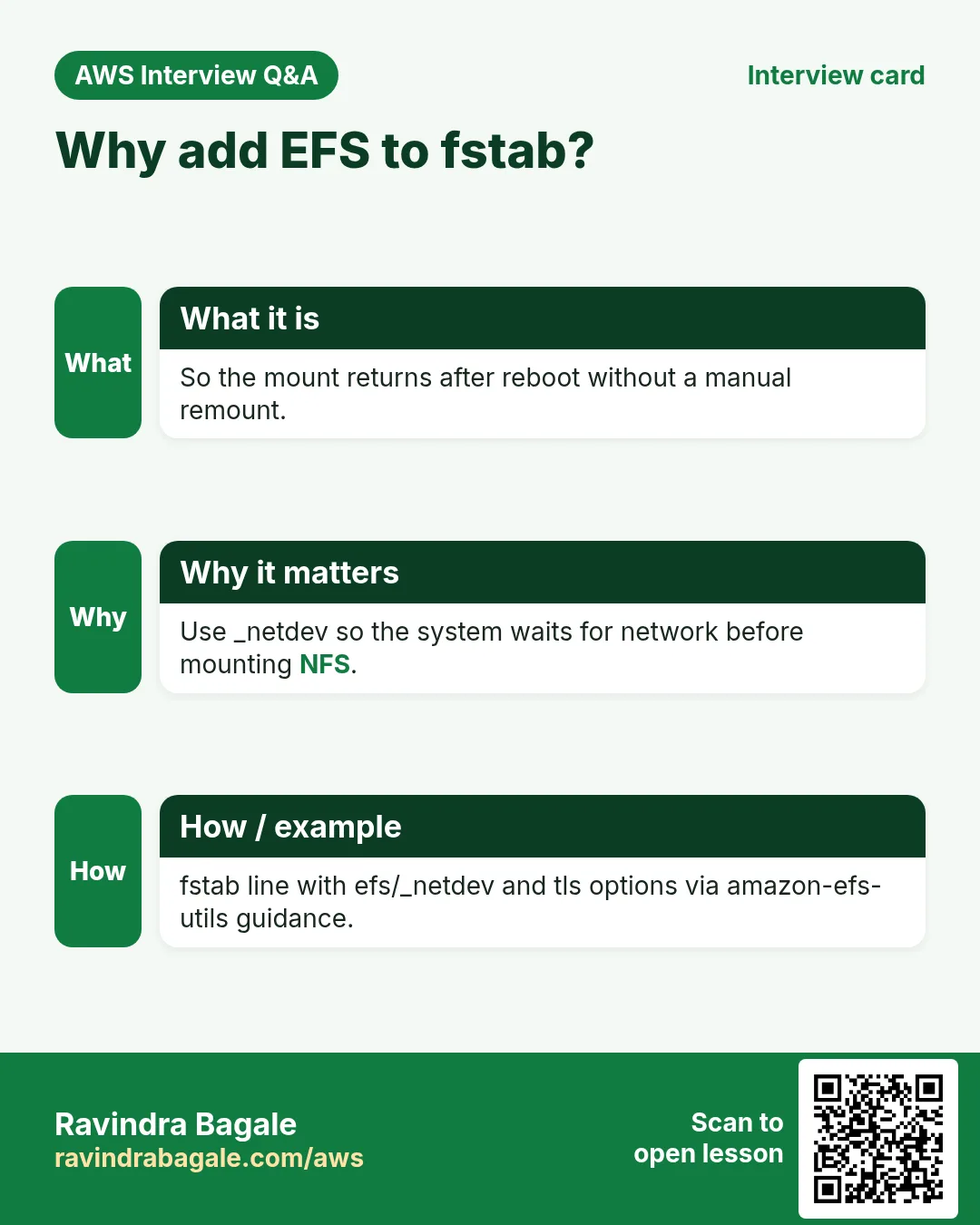
E. Optional fstab
- For reboot persistence (lab optional):
echo "FILE_SYSTEM_ID:/ /mnt/efs efs _netdev,tls 0 0" | sudo tee -a /etc/fstab
sudo umount /mnt/efs && sudo mount -a
df -hT | grep efs
Cleanup
- sudo umount /mnt/efs — remove fstab line if added.
- EFS console → Delete file system
lab-efs(confirm). - Delete
efs-lab-sgif unused. Stop/terminate lab EC2.
2. Interview angles
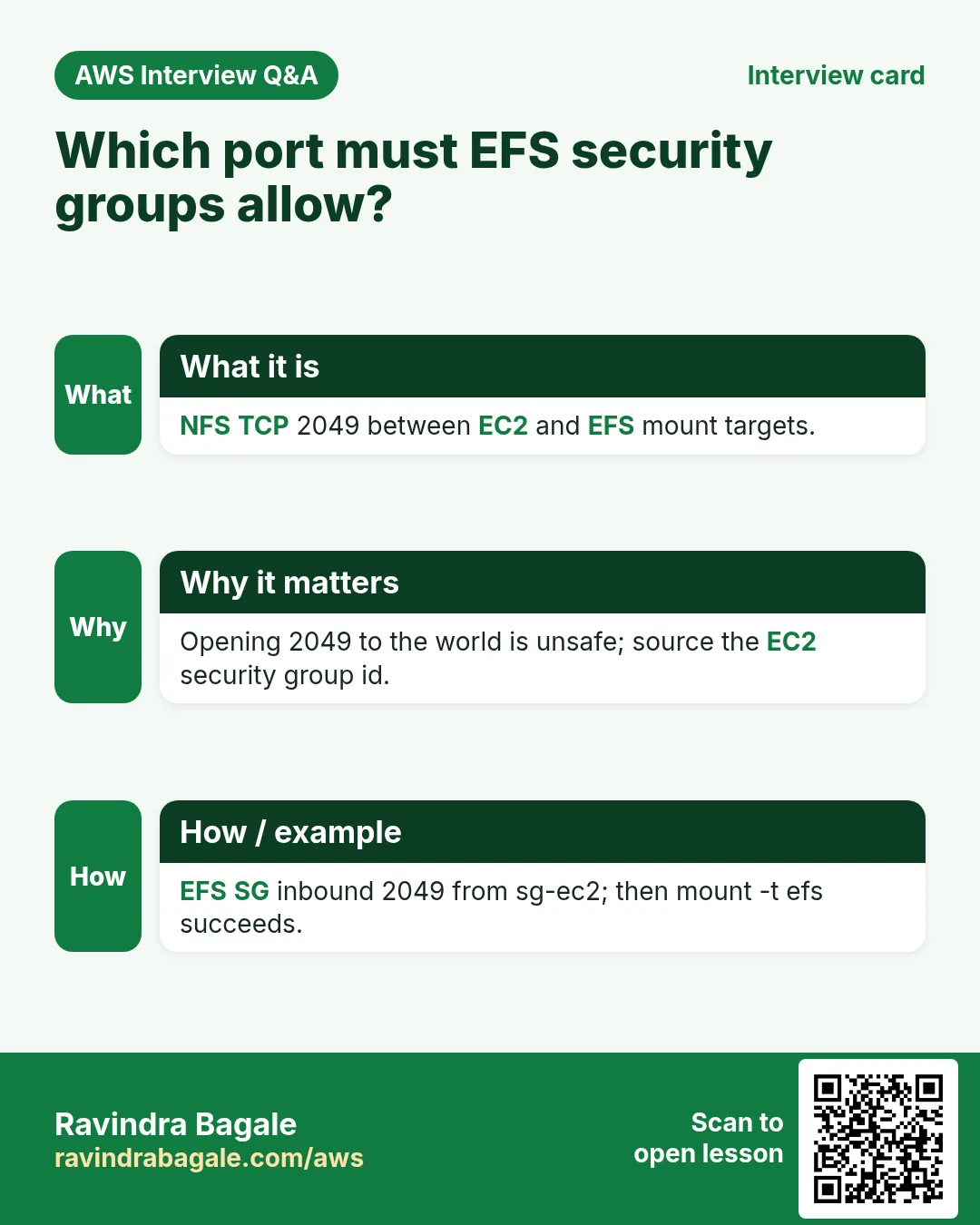
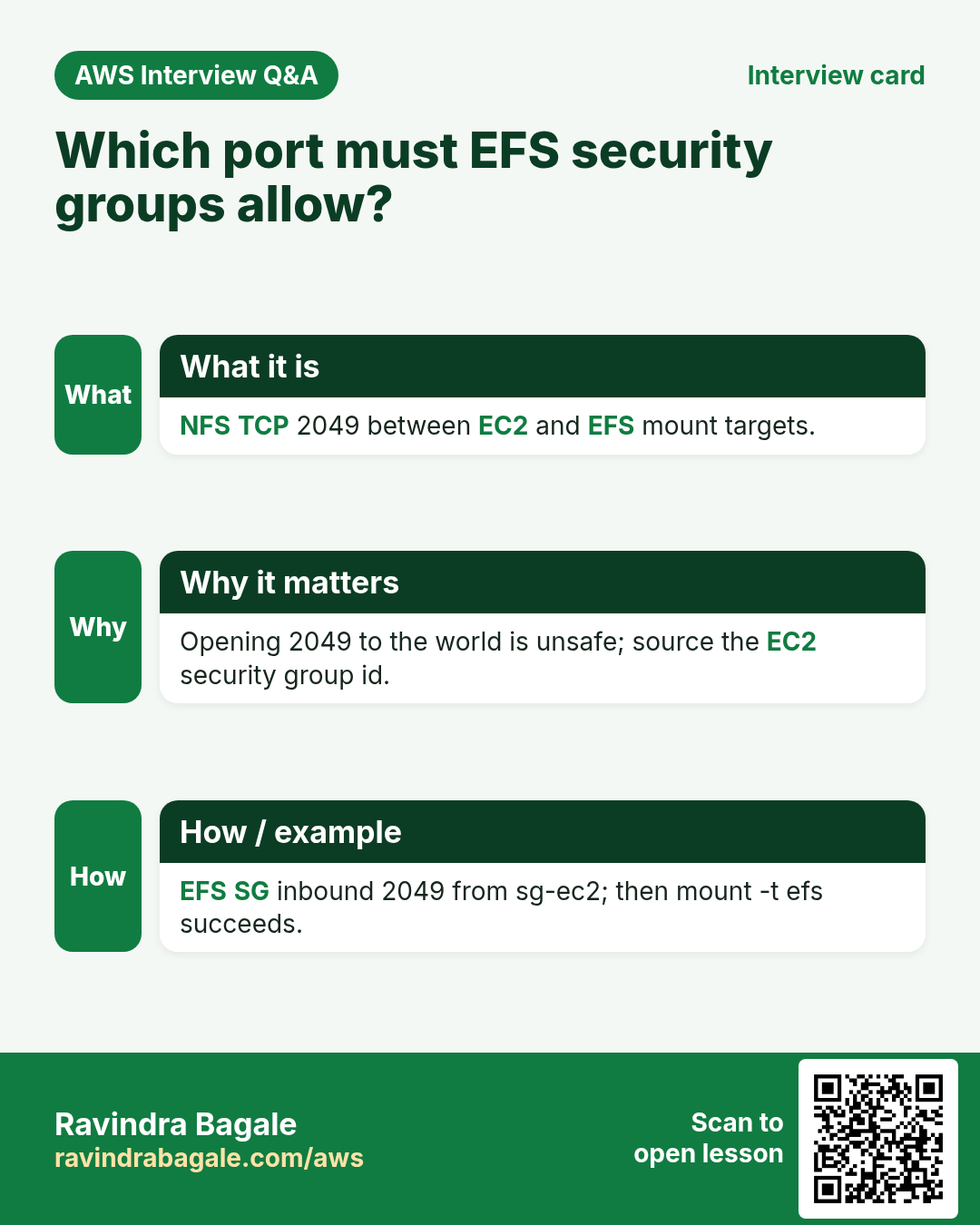
Q. Which port?
TCP 2049 (NFS).
Q. Why source SG not 0.0.0.0/0?
Least privilege — only EC2 SG can mount.
Q. tls mount option?
Encrypts NFS in transit.
Q. Mount helper package?
amazon-efs-utils.
Try at home
- Mount the same EFS from a second EC2 and read hello.txt.
- Enable EFS Infrequent Access lifecycle (read only — then disable/delete).
In short
- EFS + SG 2049 + amazon-efs-utils.
- mount -t efs -o tls …
- Unmount and delete the file system after labs.
Check the mount before trusting a written file
Run findmnt against the mount point after connecting. Create one disposable file and read it from a second authorized instance in the same lab VPC. If it appears only on the first instance, confirm the mount really succeeded before troubleshooting file ownership.
Interview check What causes a timeout versus a permission denied?
A timeout suggests DNS, routing or TCP 2049 reachability to a mount target. Permission denied after connection can be filesystem ownership, access-point settings or IAM authorization depending on the mount.
Practise this chapter
Interview questions and answers
Why do two hosts sometimes disagree about whether the same EFS file is visible?
One host may have written to a plain local directory after a failed mount. I would first verify both mounts and make sure they point to the intended file system. Once that is correct, I would check numeric ownership and directory permissions for the real application user.
Check your understanding
Choose an answer, then compare your reasoning with the explanation.
Practice Tasks
Practice checks run in your browser. They check the answer for this exercise; they do not create resources or connect to your AWS account.
About this scenarioSingapore Freight is a logistics business in Singapore. Wei Ling Tan looks after its IT and cloud work. They count money in SGD and run their AWS resources in the ap-southeast-1 Region. In the tasks below you do real jobs for them using what this lesson teaches. All names, account IDs, IP addresses and numbers are made up for practice.
0 / 10
Easy How many addresses in a /16?
Picking a VPC size needs this count.
Singapore Freight plans the VPC 10.123.0.0/16. How many IP addresses does it hold in total?
- Write down the numbers the task gives you.
- Work it out step by step on paper.
- Type only the final answer in the box.
- Click Check answer.
Easy Port for SSH
Security group rules need the right port.
Which TCP port must the security group open for SSH?
- Write down the numbers the task gives you.
- Work it out step by step on paper.
- Type only the final answer in the box.
- Click Check answer.
Easy Show where you are
Before you copy or delete anything, you must know which folder you are in.
Wei Ling Tan logged in to the Singapore Freight server and is not sure which folder the terminal is in. Print the current folder path.
- Find the Linux command that does this job.
- Add the options (like -r or -h) the task needs.
- Add the file names, folders or users in the right order.
- Use sudo if the job changes system files or users. Click Check answer.
Easy Read-only access to one bucket
Least privilege: give only the actions and the bucket the job needs.
Write an identity policy that lets the user read objects (s3:GetObject) only in bucket sgfreight-data.
- Start with { "Version": "2012-10-17", "Statement": [ ... ] }.
- In each statement write Effect, Action and Resource.
- Give only what the task needs (least privilege).
- Use double quotes and commas correctly. Click Check answer.
Easy List all files with details
Hidden files (like .env) and file sizes or owners only show with the right options.
Show a long listing of every file, including hidden ones, in /var/www/sgfreight.
- Find the Linux command that does this job.
- Add the options (like -r or -h) the task needs.
- Add the file names, folders or users in the right order.
- Use sudo if the job changes system files or users. Click Check answer.
Medium Create an EFS file system
EFS is shared storage that many servers can mount at once.
Create an encrypted EFS file system with creation token sgfreight-shared.
- Read the task and decide which AWS service it is about.
- Write aws, then the service name, then the operation (the action word).
- Add each needed flag (--name) followed by its value from the task.
- Flags can be in any order. Click Check answer.
Medium Storage cost
Storage is billed per GB-month.
500 GB in S3 Standard at USD 0.023 per GB-month. Monthly cost in USD?
- Write down the numbers the task gives you.
- Work it out step by step on paper.
- Type only the final answer in the box.
- Click Check answer.
Medium Usable IPs in an AWS /24 subnet
AWS keeps 5 addresses in every subnet.
How many addresses can Singapore Freight use for servers in subnet 10.123.1.0/24 on AWS?
- Write down the numbers the task gives you.
- Work it out step by step on paper.
- Type only the final answer in the box.
- Click Check answer.
Hard Create a mount target
Servers in a subnet reach EFS through a mount target in that AZ.
Create a mount target for fs-0abc1234 in subnet subnet-01a201dd521abb1 with security group sg-016201cc52164c3b2.
- Read the task and decide which AWS service it is about.
- Write aws, then the service name, then the operation (the action word).
- Add each needed flag (--name) followed by its value from the task.
- Flags can be in any order. Click Check answer.
Hard S3 lifecycle rule (JSON)
Old files move to cheaper storage automatically.
Write lifecycle JSON: one Enabled rule, prefix logs/, transition to GLACIER after 90 days.
- Start from the top-level keys the task names.
- Indent child keys with 2 spaces (no tabs).
- Fill in each property with the value from the task.
- Click Check answer. Key order does not matter.
Revision, comparison and interview cards
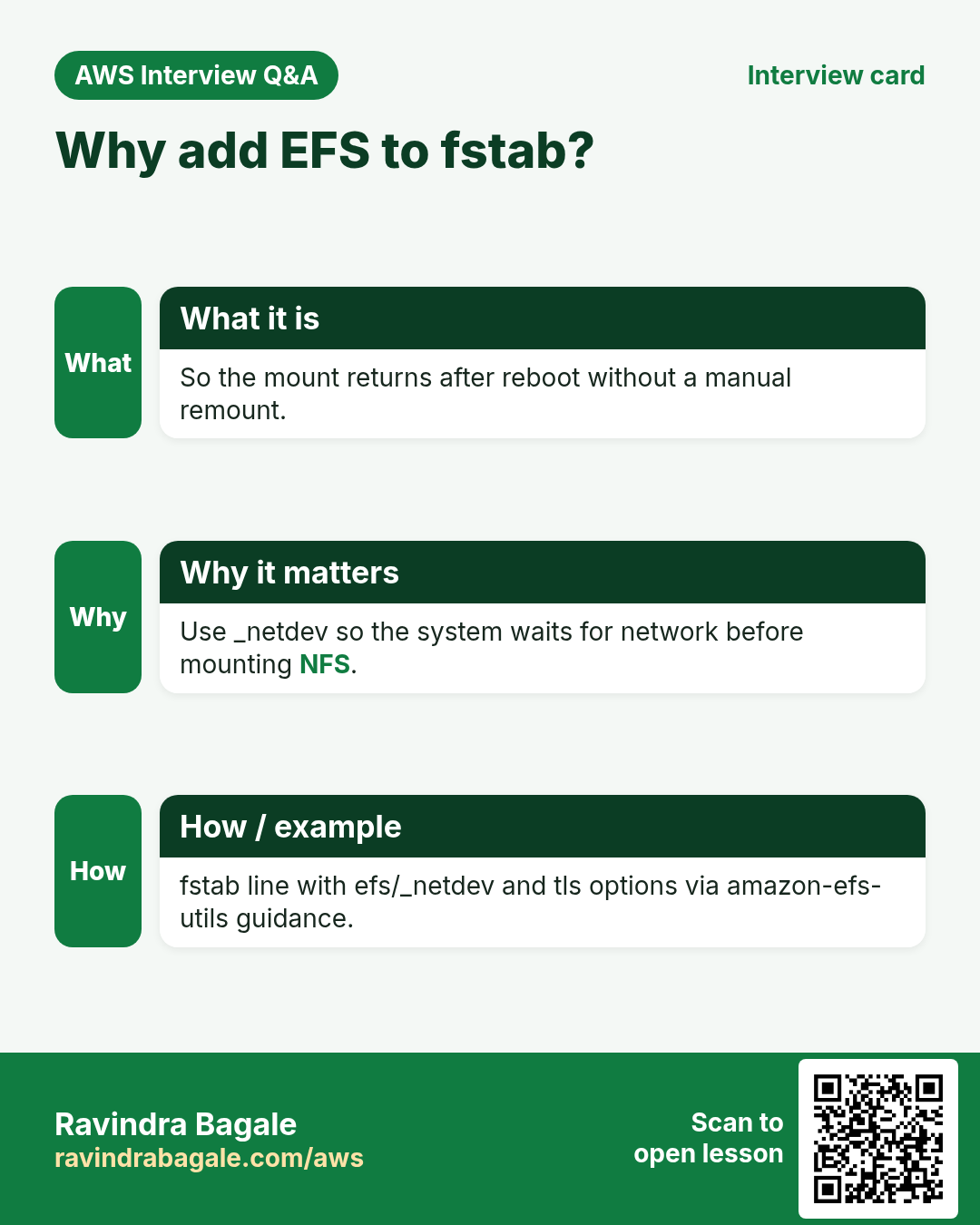
Revise this lesson in a few minutes. Save the cards on your phone or download them as PNG files. The QR code on each card opens this lesson.
More cards: Ravi Sir's Cards.