Ravi Sir's Cards › AWS
Mount helper and fstab
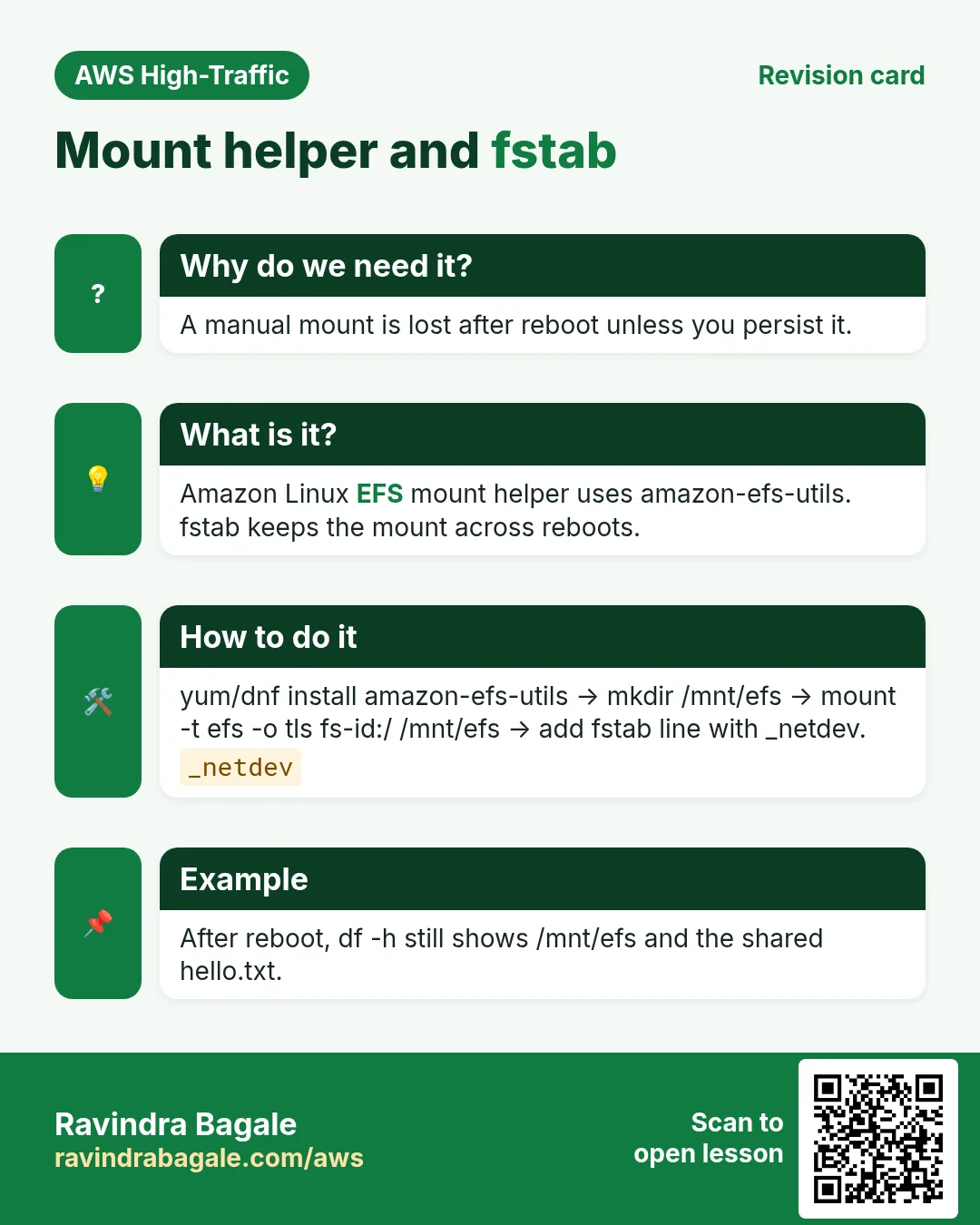
This revision card explains Mount helper and fstab. A manual mount is lost after reboot unless you persist it. It describes amazon Linux EFS mount helper uses amazon-efs-utils. fstab keeps the mount across reboots. The how-to section notes yum/dnf install amazon-efs-utils , then mkdir /mnt/efs , then mount -t efs -o tls fs-id:/ /mnt/efs , then add fstab line with _netdev. An example on the card is after reboot, df -h still shows /mnt/efs and the shared hello.txt.
Read card text
What this card says
Why do we need it?
A manual mount is lost after reboot unless you persist it.
What is it?
Amazon Linux EFS mount helper uses amazon-efs-utils. fstab keeps the mount across reboots.
How to do it
yum/dnf install amazon-efs-utils → mkdir /mnt/efs → mount -t efs -o tls fs-id:/ /mnt/efs → add fstab line with _netdev.
_netdev
Example
After reboot, df -h still shows /mnt/efs and the shared hello.txt.