CloudFront Origins Explained: S3, ALB, EC2 and Custom Origins
In What Is Amazon CloudFront we saw that CloudFront fetches from an origin on a cache miss. Now we look at every origin type: S3 bucket, S3 website endpoint, Application Load Balancer, EC2 and any custom HTTP server. We also cover origin groups for failover, protocol policy, timeouts and custom headers, then build one distribution with two origins.
In this chapter
- What an origin is and why one distribution can have many
- S3 bucket vs S3 website endpoint as an origin
- ALB, EC2 and custom origins, and how to lock them down
- Origin groups, protocol policy, timeouts, custom headers
- Lab: /static/* from S3 and the app from an ALB
1. A story: one shop, two kitchens
A restaurant has one counter. Cold drinks come from the fridge in the back. Hot food comes from the kitchen. Customers only see the counter. CloudFront is the counter. S3 is the fridge for files that never change. Your app server is the kitchen that cooks each order.
2. What is an origin?
CloudFront stores nothing by itself. On a miss it must know where the real file or answer lives.
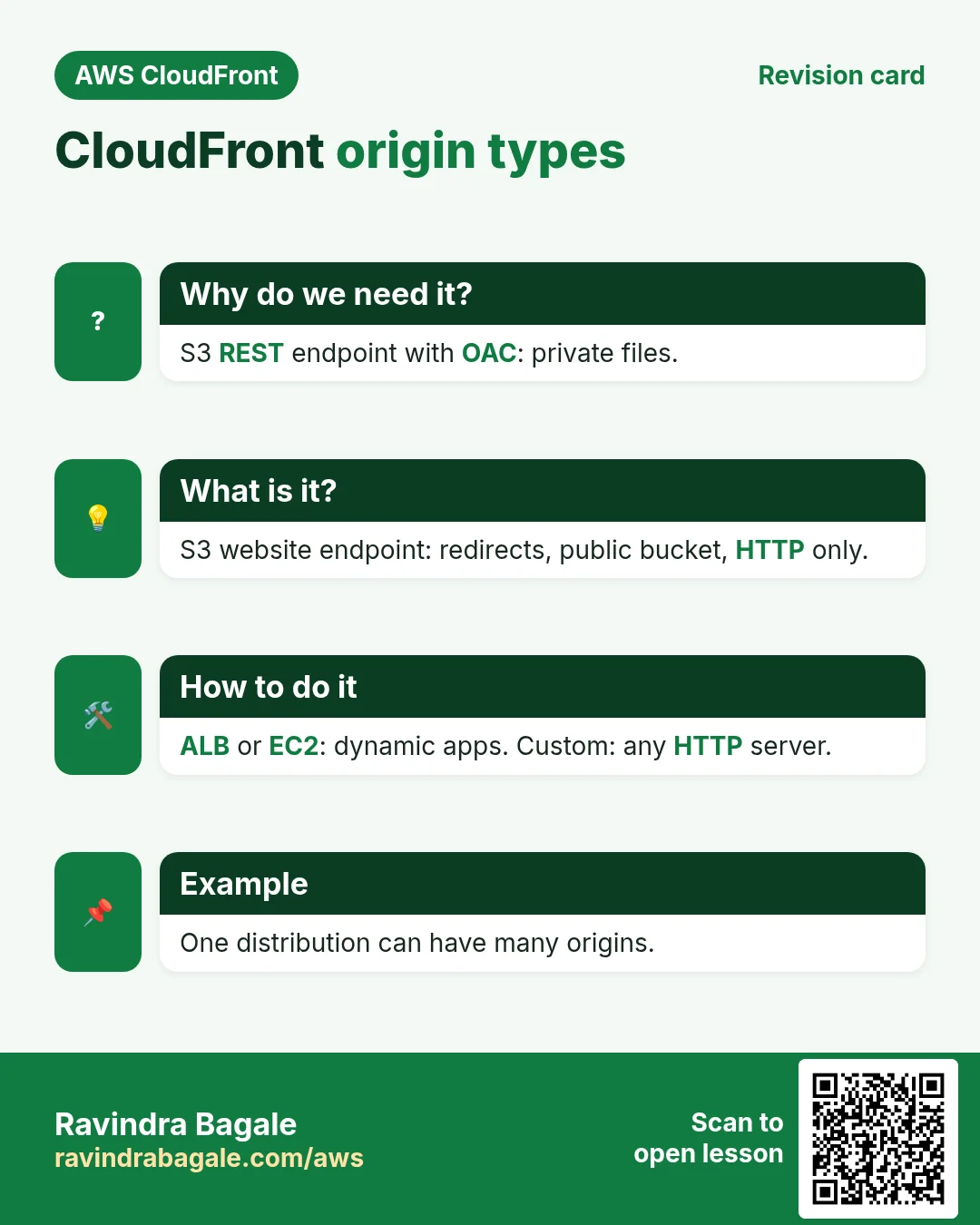
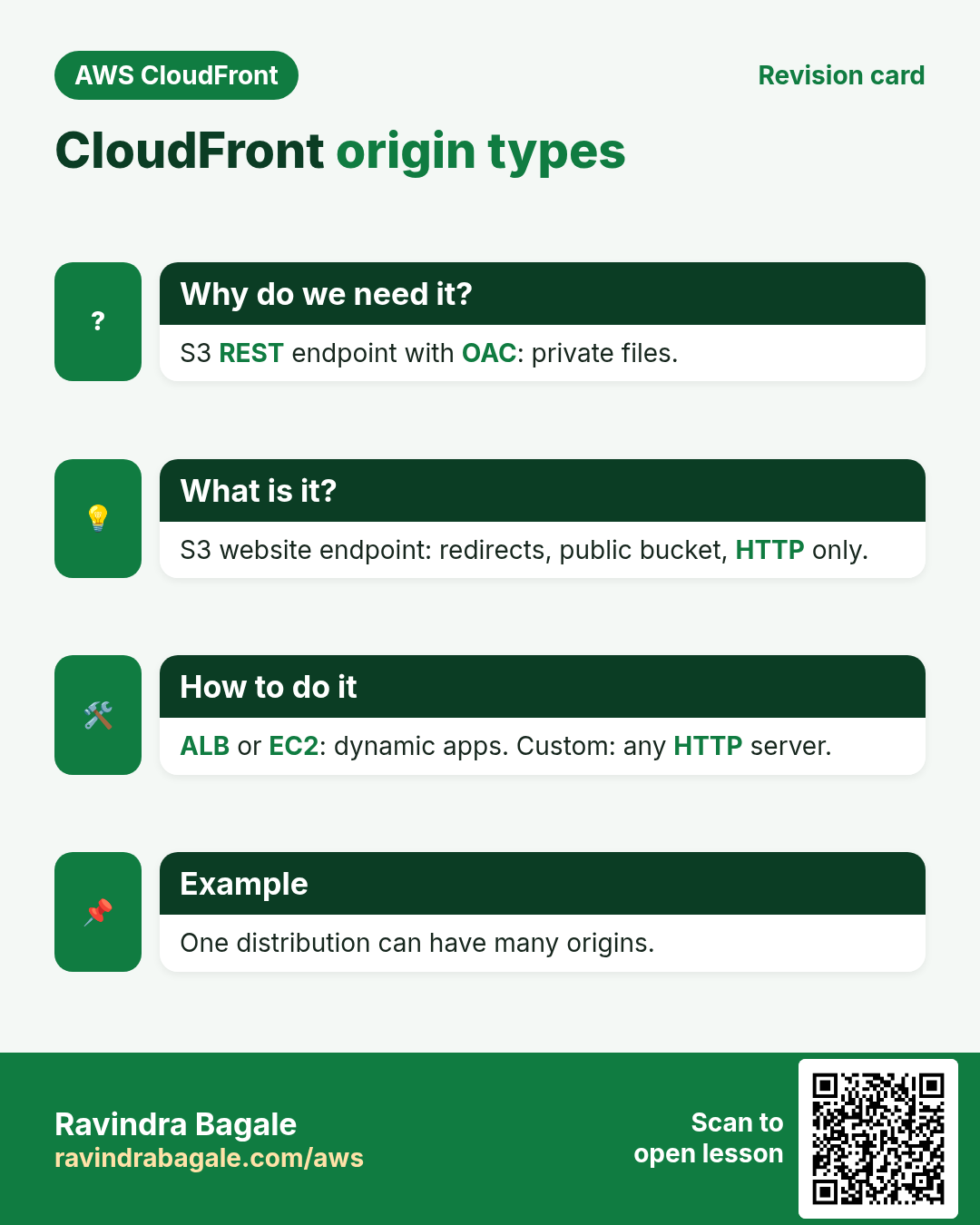
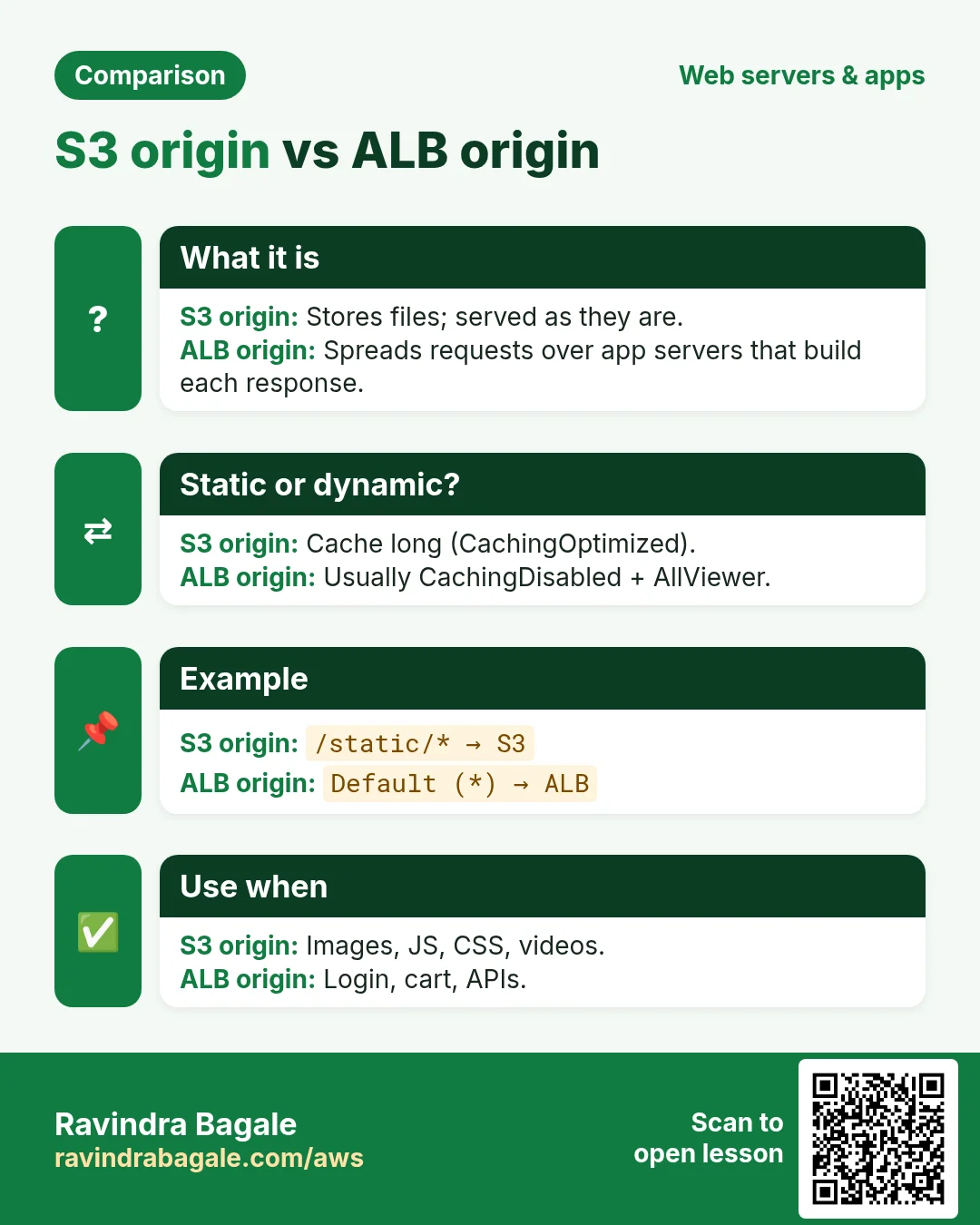
An origin is the address CloudFront fetches from. A distribution can have many origins and uses cache behaviors (path patterns) to pick one per request.
| Origin type | Domain example | Best for |
|---|---|---|
| S3 bucket (REST) | mybucket.s3.ap-south-1.amazonaws.com | Private files with OAC: images, JS, videos |
| S3 website endpoint | mybucket.s3-website.ap-south-1.amazonaws.com | Redirect rules and folder index pages; bucket must be public; HTTP only to origin |
| Application Load Balancer | app-alb-123.ap-south-1.elb.amazonaws.com | Dynamic apps on many EC2/containers |
| EC2 | ec2-13-2-1-9.ap-south-1.compute.amazonaws.com | One small server |
| Custom HTTP | api.example.com | Servers outside AWS, other clouds, on-premises |
| Others | API Gateway, Lambda function URL, MediaPackage, Elemental MediaStore | Serverless APIs, live video |
Distribution types
Today there is one kind: a web distribution that serves HTTP and HTTPS (including video streaming over HLS/DASH). The old RTMP distribution type was discontinued on 31 December 2020.
3. S3 bucket vs S3 website endpoint
Both serve files from S3, but they behave very differently and the wrong pick breaks security or URLs.
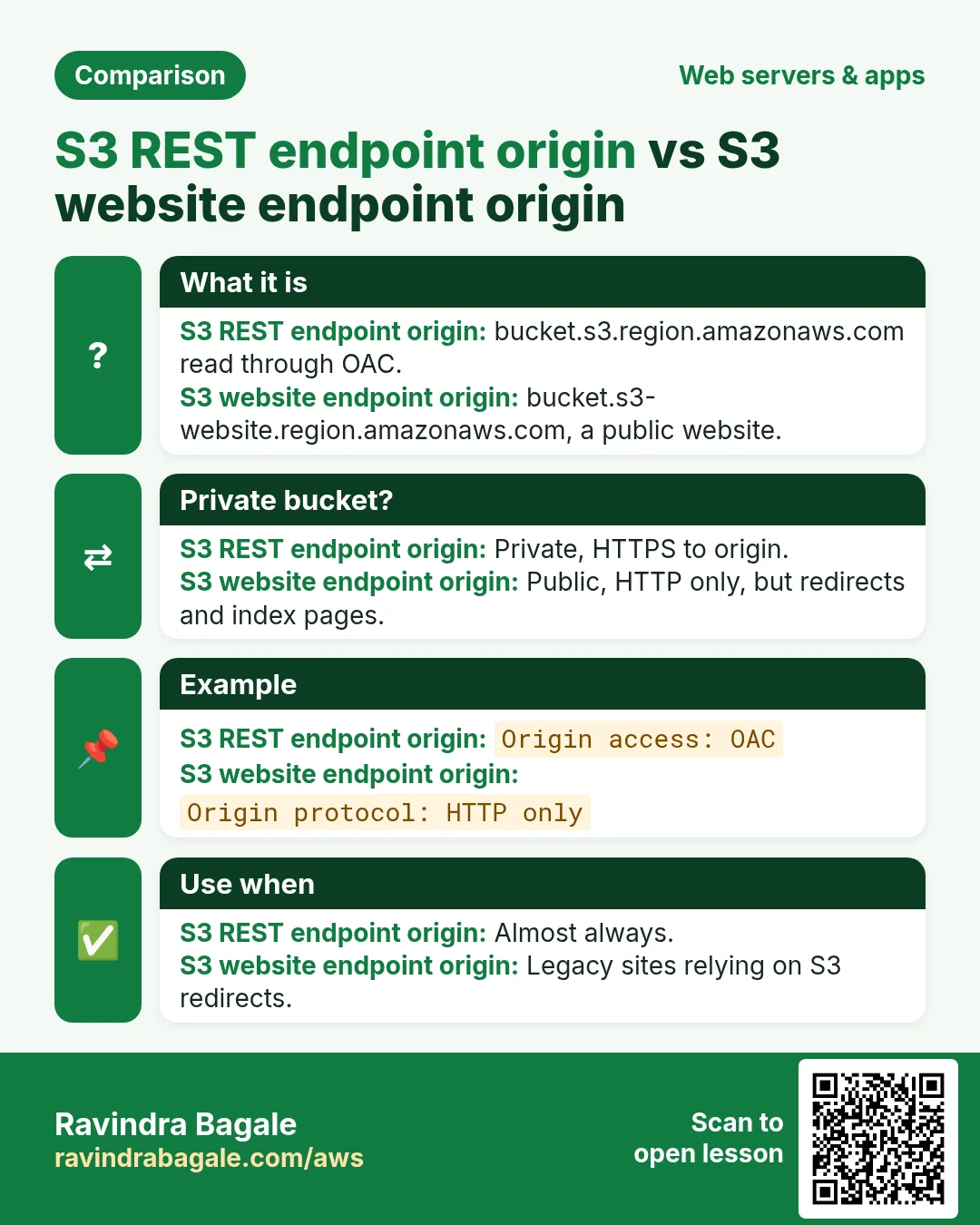
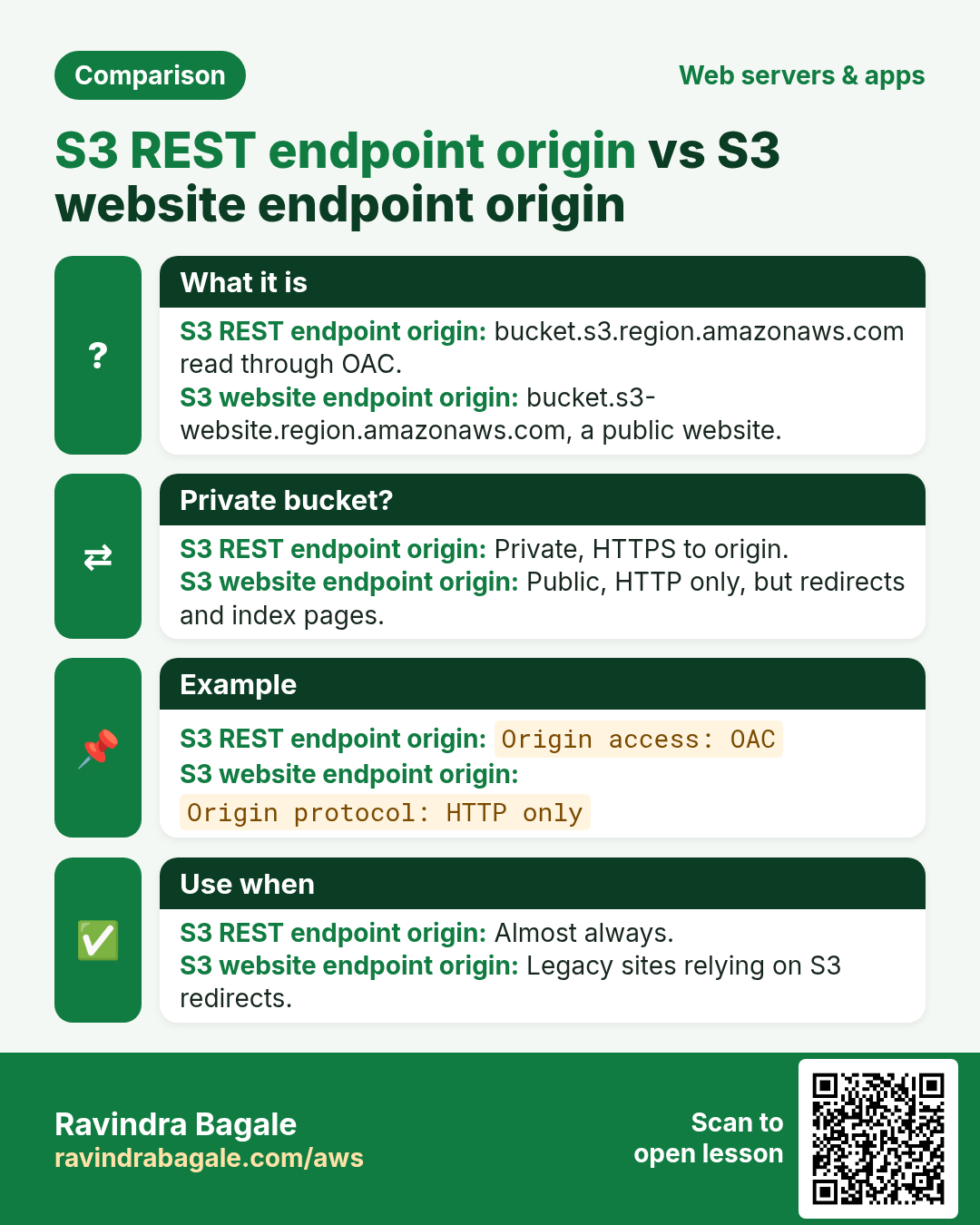
| Point | S3 bucket (REST) origin | S3 website endpoint origin |
|---|---|---|
| Bucket public? | No, private with OAC | Yes, needs public read |
| CloudFront to origin | HTTPS | HTTP only |
| /blog/ → /blog/index.html | No (needs a CloudFront Function) | Yes |
| S3 redirect rules | No | Yes |
| Choose when | Almost always | Legacy sites that rely on S3 redirects |
4. ALB, EC2 and custom origins
If people can reach your ALB directly, they skip CloudFront, its cache and its WAF rules.
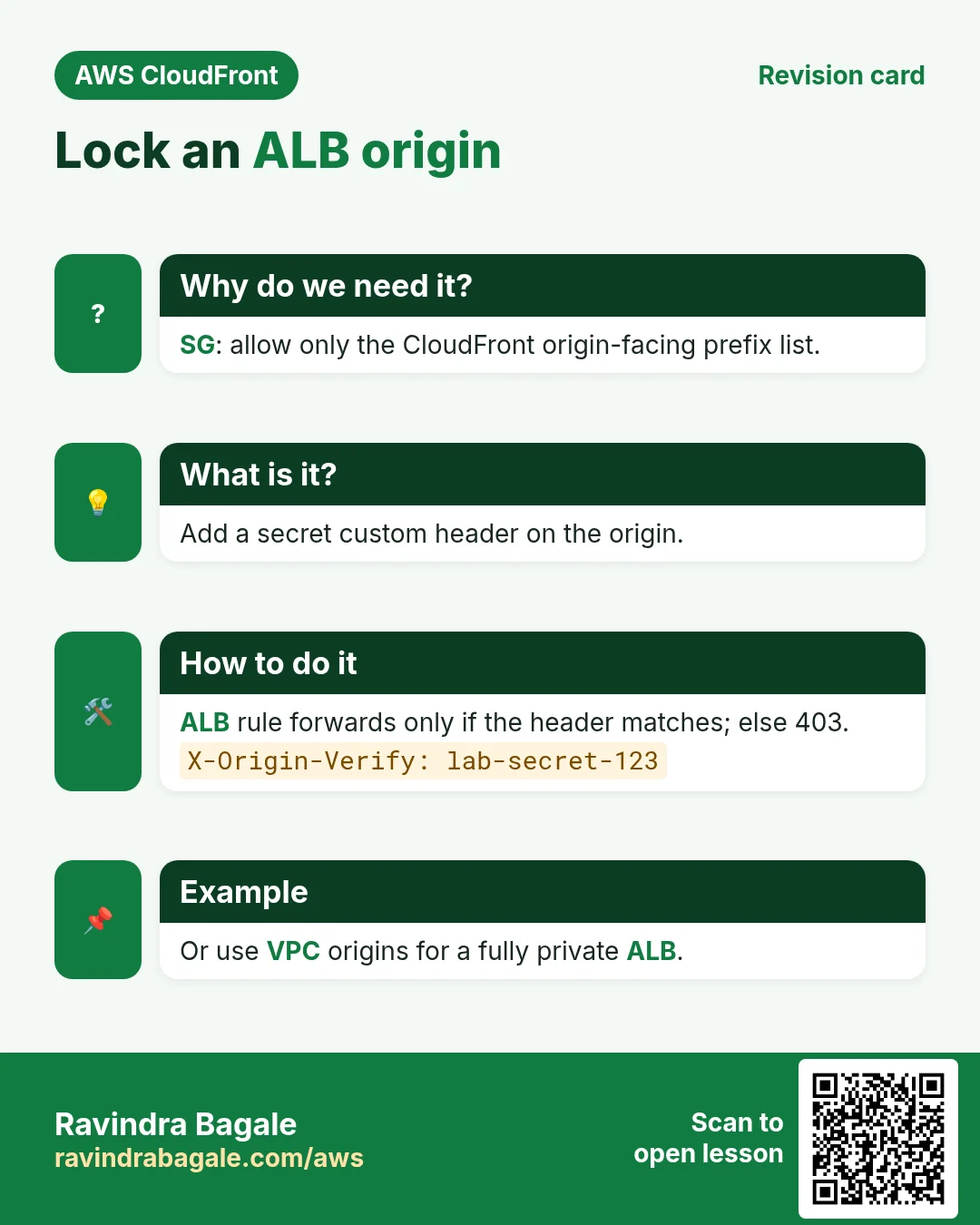
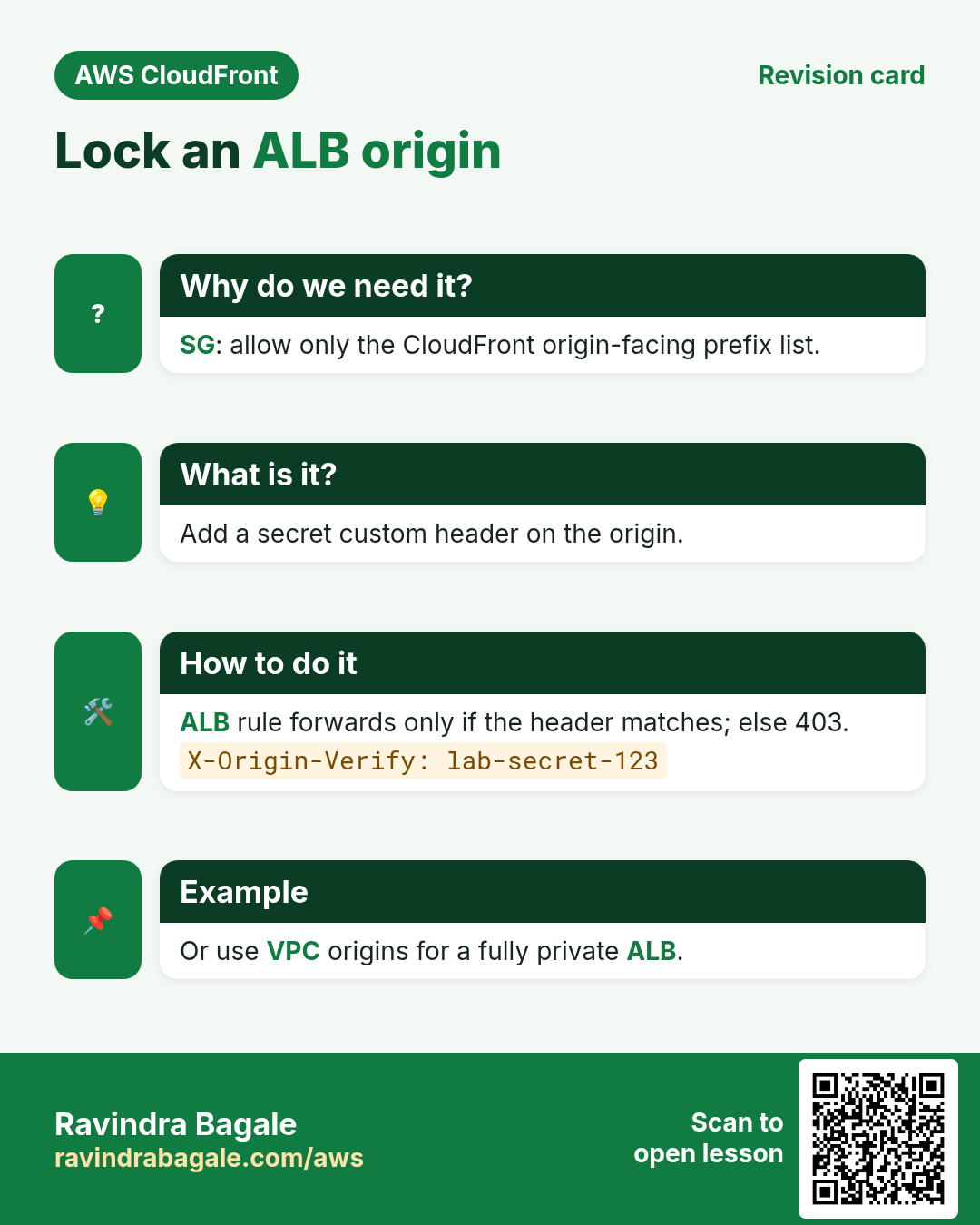
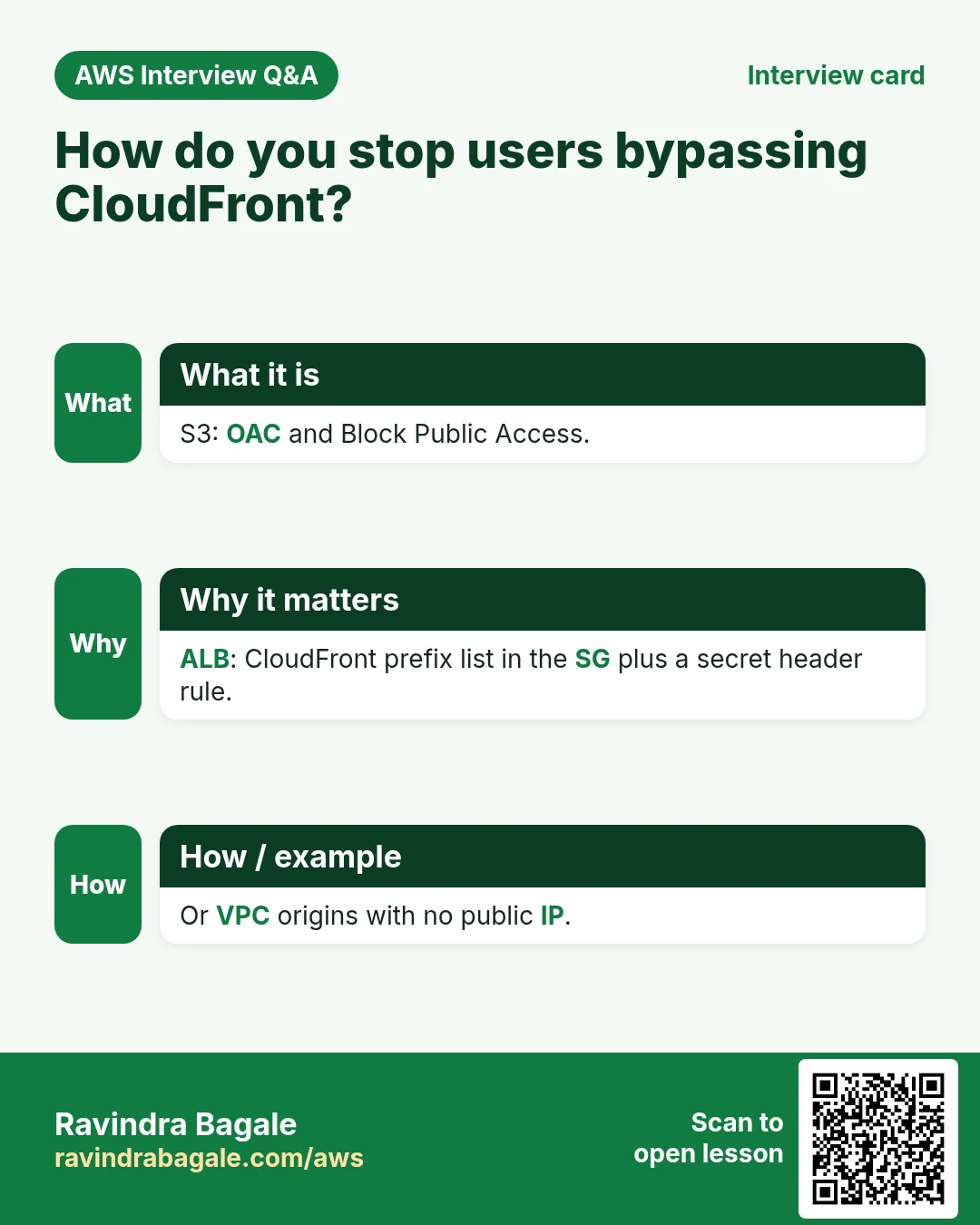
- Security group: on the ALB, allow 443/80 only from the AWS managed prefix list
com.amazonaws.global.cloudfront.origin-facing. Why: only CloudFront IPs get in. - Custom header: add an origin custom header such as
X-Origin-Verify: 7f3k...secret. On the ALB listener, forward only when that header matches; otherwise return 403. Why: the prefix list allows every CloudFront distribution, including someone else's. - VPC origins: CloudFront can also reach a private ALB or EC2 in private subnets with no public IP (VPC origin feature, since late 2024). It is the strongest option when available.
- EC2 directly: use its public DNS name, not an IP address (CloudFront origins must be domain names).
5. Origin settings that matter
Give each route an origin and a test response
Use the shop logo and the menu API from one distribution. A behavior for /static/* can send the logo request to the S3 origin. A different behavior can send /api/* to the application load balancer. Put distinguishable synthetic responses in the two backends, then verify which one serves each URL. The origin is the starting place for an origin fetch. The behavior decides when that place is used.
If you see a valid-looking response from the wrong backend, check the order of matching patterns and the selected origin. If the right origin is selected and there is a connection error, check its DNS, protocol, port and network reachability.
| Setting | Values | Why |
|---|---|---|
| Protocol (custom origins) | HTTP only, HTTPS only, Match viewer | HTTPS only keeps the edge-to-origin leg encrypted |
| Origin path | /prod | Adds a folder in front of every request path |
| Connection attempts | 1 to 3, default 3 | How many tries before failing or failing over |
| Connection timeout | 1 to 10 s, default 10 | Lower it when you use an origin group, so failover is quick |
| Response timeout | Default 30 s (1 to 60; more by quota request) | Slow reports or uploads may need more |
| Keep-alive timeout | Default 5 s | Reuses origin connections |
| Custom headers | X-Origin-Verify: secret | Prove the request came via your distribution |
| Origin Shield | Off / a Region near origin | One extra cache layer; fewer origin hits; small extra cost |
6. Origin groups for failover
Plan an origin outage test around safe reads
Imagine the main origin cannot return the shop’s logo. For cache behaviors using an origin group, CloudFront can try its secondary origin for eligible requests when the primary returns one of the failures you configured for that group. Give both lab origins the same test key with distinctive content so you can tell which one answered.
This mechanism applies to GET, HEAD and OPTIONS when configured. Plan writes such as order creation separately. Configure only the failure statuses you need, then simulate one with a throwaway read rather than waiting for an actual outage.
If your main bucket or Region has trouble, viewers should still get files.
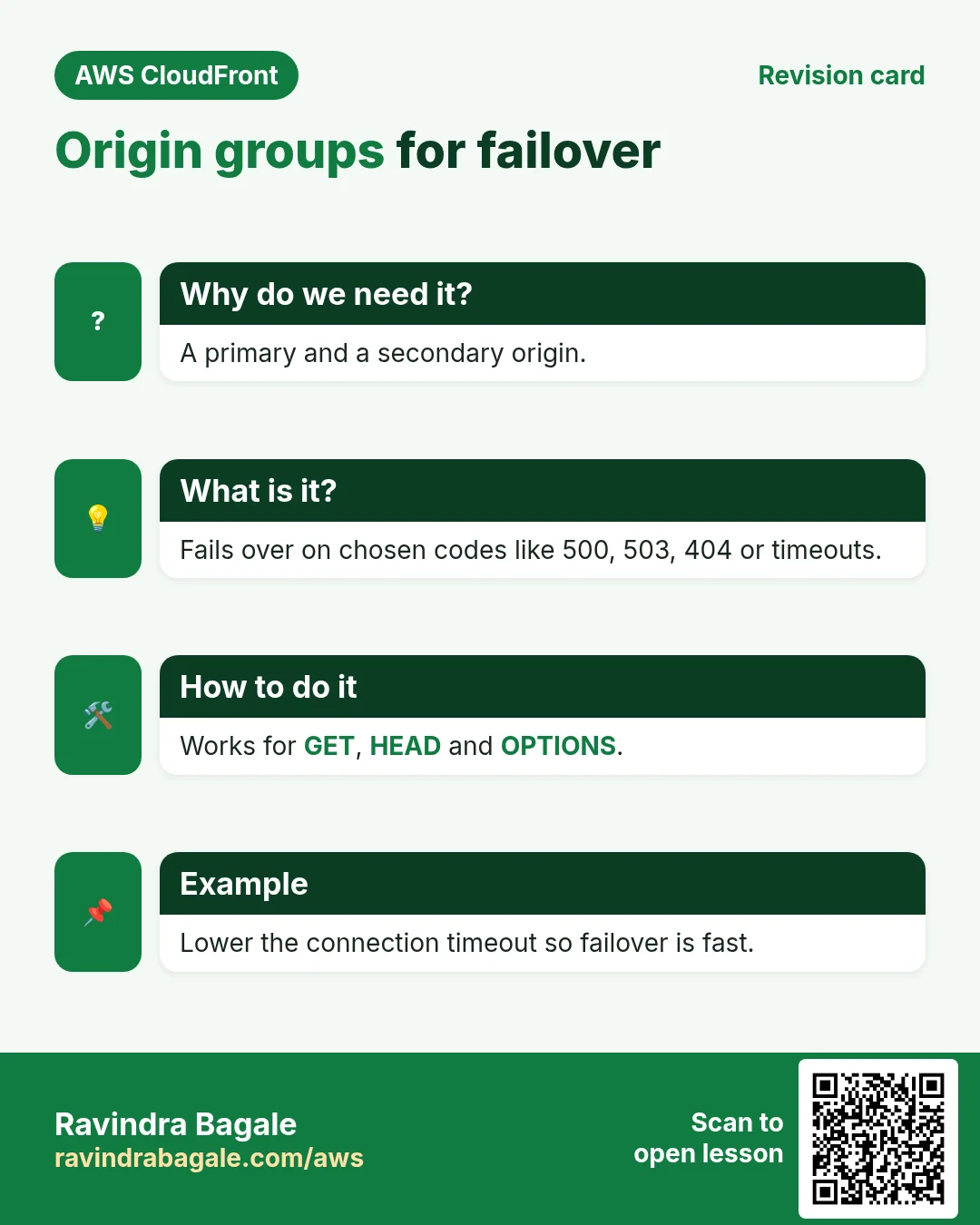
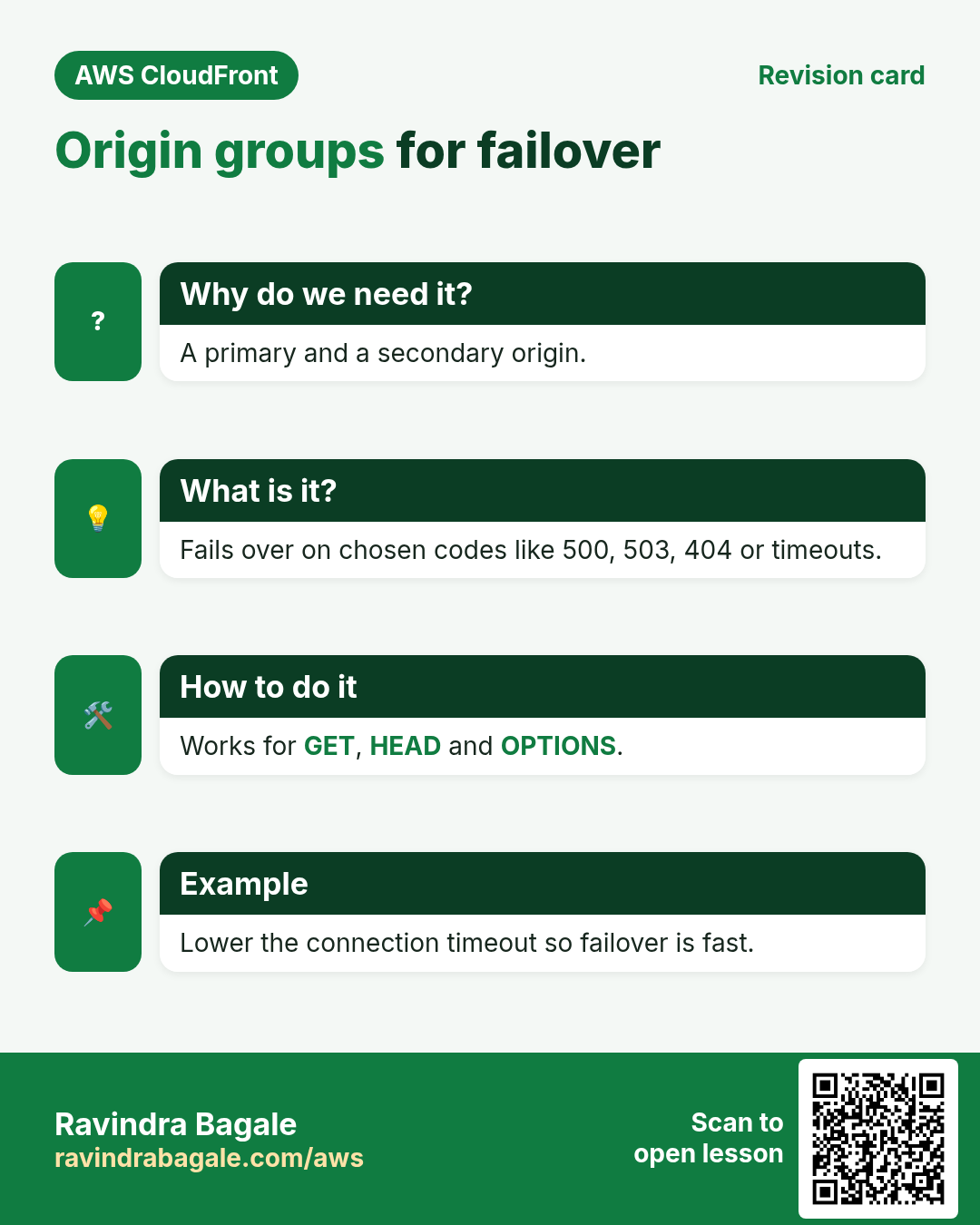
An origin group has a primary and a secondary origin. If the primary returns a status code you chose (for example 500, 502, 503, 504, 403, 404) or times out, CloudFront retries the same request on the secondary. It works for GET, HEAD and OPTIONS requests.
7. How each stack sits behind CloudFront
| Stack | Origin | Tip |
|---|---|---|
| Node.js / Express | ALB → EC2:3000 | Configure Express trust proxy to match the actual trusted proxy chain. Read req.ip only after deciding which proxies and forwarded headers the application can trust. |
| Python Django/Flask | ALB → gunicorn | Use CloudFront-Viewer-Country header (via origin request policy) for geo logic |
| Java Spring Boot | ALB → :8080 | server.forward-headers-strategy=framework |
| PHP / WordPress | ALB or EC2 → Apache/nginx | Cache /wp-content/*, do not cache /wp-admin/* |
| .NET | ALB → Kestrel | UseForwardedHeaders() middleware |
| nginx / Apache | EC2 | Use the realip / remoteip module with the CloudFront ranges |
8. Lab: S3 for /static/*, ALB for the app
You need a working ALB in front of an EC2 web server (for example from the earlier ALB chapter) in ap-south-1.
- Check the ALB:
curl -s http://APP-ALB-DNS/. Expected: your app HTML. - Create bucket
yourname-cf-static(private). Upload:echo "body{color:teal}" > site.css; aws s3 cp site.css s3://yourname-cf-static/static/site.css. Why the static/ prefix: the path CloudFront sends must match the key. - CloudFront › Create distribution › Origin domain = your ALB DNS name. Protocol = HTTP only (lab; use HTTPS only with an ALB certificate in real life).
- Add custom header: Name
X-Origin-Verify, Valuelab-secret-123. - Default behavior: Viewer protocol = Redirect HTTP to HTTPS, Allowed methods = GET, HEAD, OPTIONS, PUT, POST, PATCH, DELETE, Cache policy = CachingDisabled, Origin request policy = AllViewer. Why: the app is dynamic and needs cookies and headers.
- WAF off for the lab. Create distribution.
- Origins tab › Create origin ›
yourname-cf-static.s3.ap-south-1.amazonaws.com, Origin access control = create new OAC › Create. Copy and apply the bucket policy it shows. - Behaviors tab › Create behavior › Path pattern
/static/*, Origin = the S3 origin, Redirect HTTP to HTTPS, Cache policy CachingOptimized. Save. - EC2 › Load Balancers › your ALB › Listeners › HTTP:80 › Manage rules: add a rule HTTP header X-Origin-Verify is lab-secret-123 → forward to your target group. Change the default action to Return fixed response 403.
- ALB security group: replace 0.0.0.0/0 on port 80 with the prefix list
com.amazonaws.global.cloudfront.origin-facing. - Test the app:
curl -sI https://dXXXX.cloudfront.net/ | grep -i x-cache. Expected: 200 andMiss from cloudfrontevery time (not cached). - Test static twice:
curl -sI https://dXXXX.cloudfront.net/static/site.css | grep -i x-cache. Expected: Miss, then Hit. - Test bypass:
curl -s -m 5 http://APP-ALB-DNS/. Expected: timeout (security group). Why: only CloudFront can reach the ALB, and only with the secret header.
Cleanup
- Disable, then delete the distribution. Delete the OAC.
- Restore the ALB rule and security group, or delete the ALB lab.
aws s3 rb s3://yourname-cf-static --force.
Common errors and fixes
These are synthetic practice situations. Diagnose the signal before changing a resource; no infrastructure changes are needed to read this guide.
A static path reaches the application origin.
Adding an origin does not create routing to it. Inspect the first matching cache behavior and its selected origin. Keep the complete viewer path in view: an origin path is prepended, not a rule that automatically removes the /static/ prefix.
HTTPS to a custom origin produces 502.
Check the origin certificate’s validity, trusted chain and matching domain name. The viewer certificate is not the origin certificate. A self-signed or mismatched certificate can fail CloudFront’s origin TLS verification even if the origin works in a browser that ignored warnings.
Increasing the timeout hides an unhealthy backend.
A longer wait does not repair DNS, TLS or an unavailable target. Separate connection failures from a genuinely slow application response, and inspect origin health before changing the time budget. Otherwise viewers simply wait longer for the same failure.
Practical FAQ: decisions during real work
Does viewer HTTPS automatically secure both legs?
No. The viewer protocol policy controls the viewer connection; the custom-origin protocol policy controls the origin connection. Review both. An HTTP-only S3 website origin cannot become HTTPS merely by changing the viewer policy.
Does choosing /static/* strip /static/ from the origin request?
No. A behavior chooses the origin and settings; it does not itself rewrite the path. If the origin path is /prod and the viewer requests /static/site.css, the origin must serve /prod/static/site.css unless separate routing logic changes it.
Does an origin group copy data or database writes?
No. It selects an alternate origin for eligible requests when failover conditions apply. Content synchronization and database consistency are separate jobs. A secondary origin returning 200 is useful only if its content is appropriate and current enough.
9. Interview questions
Q. S3 REST endpoint or website endpoint as origin?
REST endpoint with OAC, so the bucket stays private and traffic is HTTPS. Website endpoint only when you need S3 redirects or index pages, and then the bucket is public.
Q. How do you stop users bypassing CloudFront to hit your ALB?
Allow only the CloudFront origin-facing prefix list in the security group and check a secret custom header in an ALB listener rule. Or use VPC origins.
Q. What is an origin group?
A primary and secondary origin; CloudFront fails over on chosen status codes or timeouts for GET, HEAD and OPTIONS.
Q. Can you still create an RTMP distribution?
No, RTMP distributions were discontinued at the end of 2020. Use HLS or DASH over HTTP.
Q. Why lower the connection timeout with an origin group?
Failover waits for the attempts and timeouts; with defaults (3 × 10 s) viewers can wait 30 s.
Try at home
- Add an origin group with two buckets in different Regions and test failover by renaming the file in the primary.
- Set an origin path /v2 and see which S3 key is requested.
In short
- An origin is where CloudFront fetches on a miss; behaviors pick the origin by path.
- Prefer the S3 REST endpoint with OAC over the website endpoint.
- Lock ALB/EC2 origins with the prefix list plus a secret header, or VPC origins.
- Origin groups give failover; tune timeouts so it is fast.
- RTMP is gone; there is one web distribution type.
Practise this chapter
Check your understanding
Choose an answer, then compare your reasoning with the explanation.
Practice Tasks
Practice checks run in your browser. They check the answer for this exercise; they do not create resources or connect to your AWS account.
About this scenarioBengaluru HealthTech is a health technology business in Bengaluru. Arjun Rao looks after its IT and cloud work. They count money in INR and run their AWS resources in the ap-south-1 Region. In the tasks below you do real jobs for them using what this lesson teaches. All names, account IDs, IP addresses and numbers are made up for practice.
0 / 11
Easy List distributions
Find the distribution ID and domain name.
List all CloudFront distributions.
- Read the task and decide which AWS service it is about.
- Write aws, then the service name, then the operation (the action word).
- Add each needed flag (--name) followed by its value from the task.
- Flags can be in any order. Click Check answer.
Medium Check target health
If targets are unhealthy the site shows 502/503 errors.
Show the health of the targets in arn:aws:elasticloadbalancing:ap-south-1:125324833677:targetgroup/blrhealthtech-tg/6d0ecf831eec9f09.
- Read the task and decide which AWS service it is about.
- Write aws, then the service name, then the operation (the action word).
- Add each needed flag (--name) followed by its value from the task.
- Flags can be in any order. Click Check answer.
Medium Register servers in the target group
Only registered and healthy targets receive traffic.
Register instance i-0bba33c4235211a2b in target group arn:aws:elasticloadbalancing:ap-south-1:125324833677:targetgroup/blrhealthtech-tg/6d0ecf831eec9f09.
- Read the task and decide which AWS service it is about.
- Write aws, then the service name, then the operation (the action word).
- Add each needed flag (--name) followed by its value from the task.
- Flags can be in any order. Click Check answer.
Medium Create a target group
A target group is the list of servers the load balancer sends traffic to.
Create target group blrhealthtech-tg for HTTP on port 80 in vpc-0324f33caadeadbee.
- Read the task and decide which AWS service it is about.
- Write aws, then the service name, then the operation (the action word).
- Add each needed flag (--name) followed by its value from the task.
- Flags can be in any order. Click Check answer.
Medium Clear the CloudFront cache
After a deploy, invalidate so visitors get the new files now, not after the TTL.
Invalidate all paths (/*) on distribution E2QWRUHAPOMQZL.
- Read the task and decide which AWS service it is about.
- Write aws, then the service name, then the operation (the action word).
- Add each needed flag (--name) followed by its value from the task.
- Flags can be in any order. Click Check answer.
Medium Kubernetes LoadBalancer Service
A Service of type LoadBalancer gets an AWS load balancer.
Write a Service of type LoadBalancer selecting app: web, port 80 to targetPort 8080.
- Start from the top-level keys the task names.
- Indent child keys with 2 spaces (no tabs).
- Fill in each property with the value from the task.
- Click Check answer. Key order does not matter.
Hard Create an Application Load Balancer
An ALB needs at least two subnets in different AZs for high availability.
Create an ALB named blrhealthtech-alb in subnets subnet-025324c33abbbb1 and subnet-05324c33abbbb2 with security group sg-025324b336aa4c3b2.
- Read the task and decide which AWS service it is about.
- Write aws, then the service name, then the operation (the action word).
- Add each needed flag (--name) followed by its value from the task.
- Flags can be in any order. Click Check answer.
Hard Add an HTTP listener
The listener is what accepts traffic on a port and forwards it to a target group.
On load balancer arn:aws:elasticloadbalancing:ap-south-1:125324833677:loadbalancer/app/blrhealthtech-alb/50dc6c495c0c9188, create an HTTP listener on port 80 that forwards to arn:aws:elasticloadbalancing:ap-south-1:125324833677:targetgroup/blrhealthtech-tg/6d0ecf831eec9f09.
- Read the task and decide which AWS service it is about.
- Write aws, then the service name, then the operation (the action word).
- Add each needed flag (--name) followed by its value from the task.
- Flags can be in any order. Click Check answer.
Hard Create a Network Load Balancer
An NLB works at layer 4 (TCP/UDP) and handles huge traffic with a static IP per AZ.
Create a network load balancer named blrhealthtech-nlb in subnets subnet-025324c33abbbb1 and subnet-05324c33abbbb2.
- Read the task and decide which AWS service it is about.
- Write aws, then the service name, then the operation (the action word).
- Add each needed flag (--name) followed by its value from the task.
- Flags can be in any order. Click Check answer.
Hard Create a distribution from a config file
The full config (origins, behaviors, certificate) is easiest to keep in JSON.
Create a CloudFront distribution from dist.json.
- Read the task and decide which AWS service it is about.
- Write aws, then the service name, then the operation (the action word).
- Add each needed flag (--name) followed by its value from the task.
- Flags can be in any order. Click Check answer.
Hard Bucket policy for CloudFront OAC
With OAC, only your CloudFront distribution may read the private bucket.
Allow the service cloudfront.amazonaws.com to s3:GetObject on blrhealthtech-site/*, only when aws:SourceArn equals arn:aws:cloudfront::125324833677:distribution/E2QWRUHAPOMQZL.
- Start with { "Version": "2012-10-17", "Statement": [ ... ] }.
- In each statement write Effect, Action and Resource.
- Give only what the task needs (least privilege).
- Use double quotes and commas correctly. Click Check answer.
Revision, comparison and interview cards
Revise this lesson in a few minutes. Save the cards on your phone or download them as PNG files. The QR code on each card opens this lesson.
More cards: Ravi Sir's Cards.