Project: Ecommerce Cart and Orders on a DynamoDB Single Table
Projects prove the earlier chapters. Dubai retail Aisha Khan and Pune founder Vikram Patil ship CartLite: USER# profile+cart, ORD# lines, conditional cart updates, checkout transaction sketch. Reuse modeling and transactions — link CRUD for Put syntax.
In this chapter
- Sketch CartLite keys
- Mutate cart with conditions
- Sketch checkout transaction
- Industry parallels
- Build lab + cleanup
1. Everyday example: kirana notebook checkout
Shopper page = USER# collection. Cart lines under CART#. Checkout writes ORD# header + ITEM# lines and clears cart — all-or-nothing mindset from transactions chapter.
2. Vertical steps
3. Purpose
Reading modeling without building leaves interviews weak. CartLite is the smallest ecommerce slice that forces PK/SK, conditions, and a txn boundary.
4. Overview
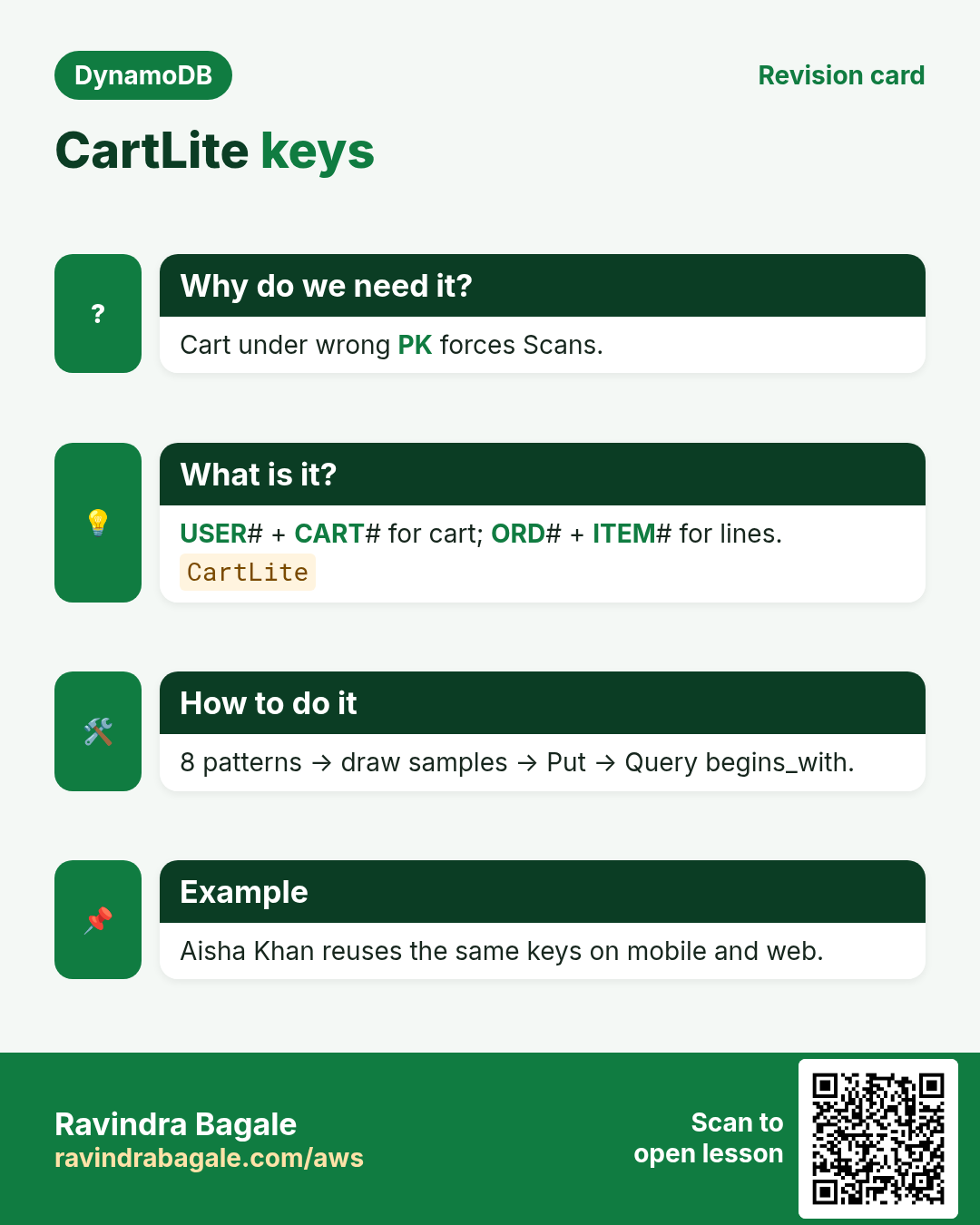
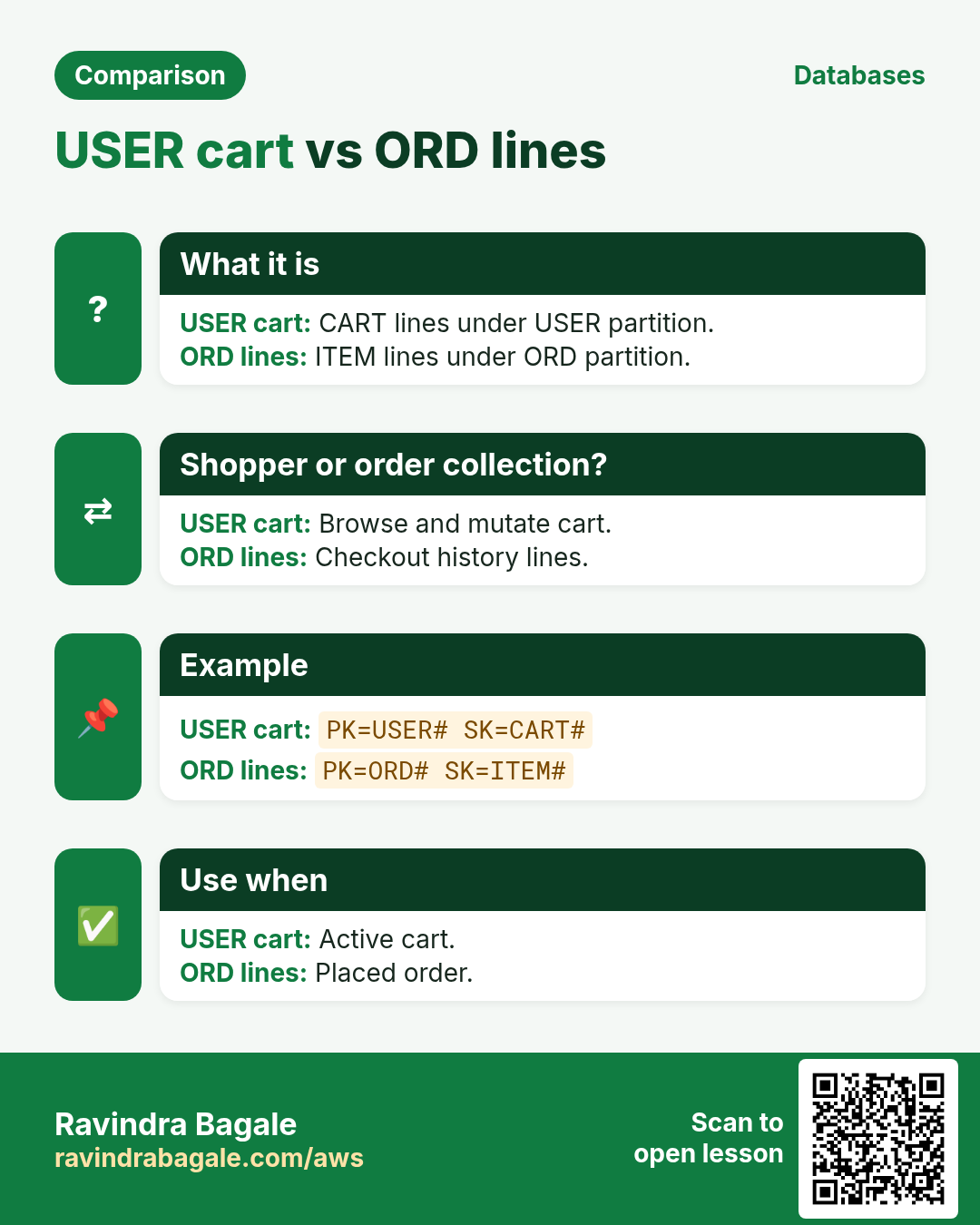
Single-table CartLite: PK=USER#id SK=PROFILE|CART#sku|ORD#time#id; PK=ORD#id SK=META|ITEM#sku. Conditional qty updates; checkout TransactWrite sketch.
5. Steps
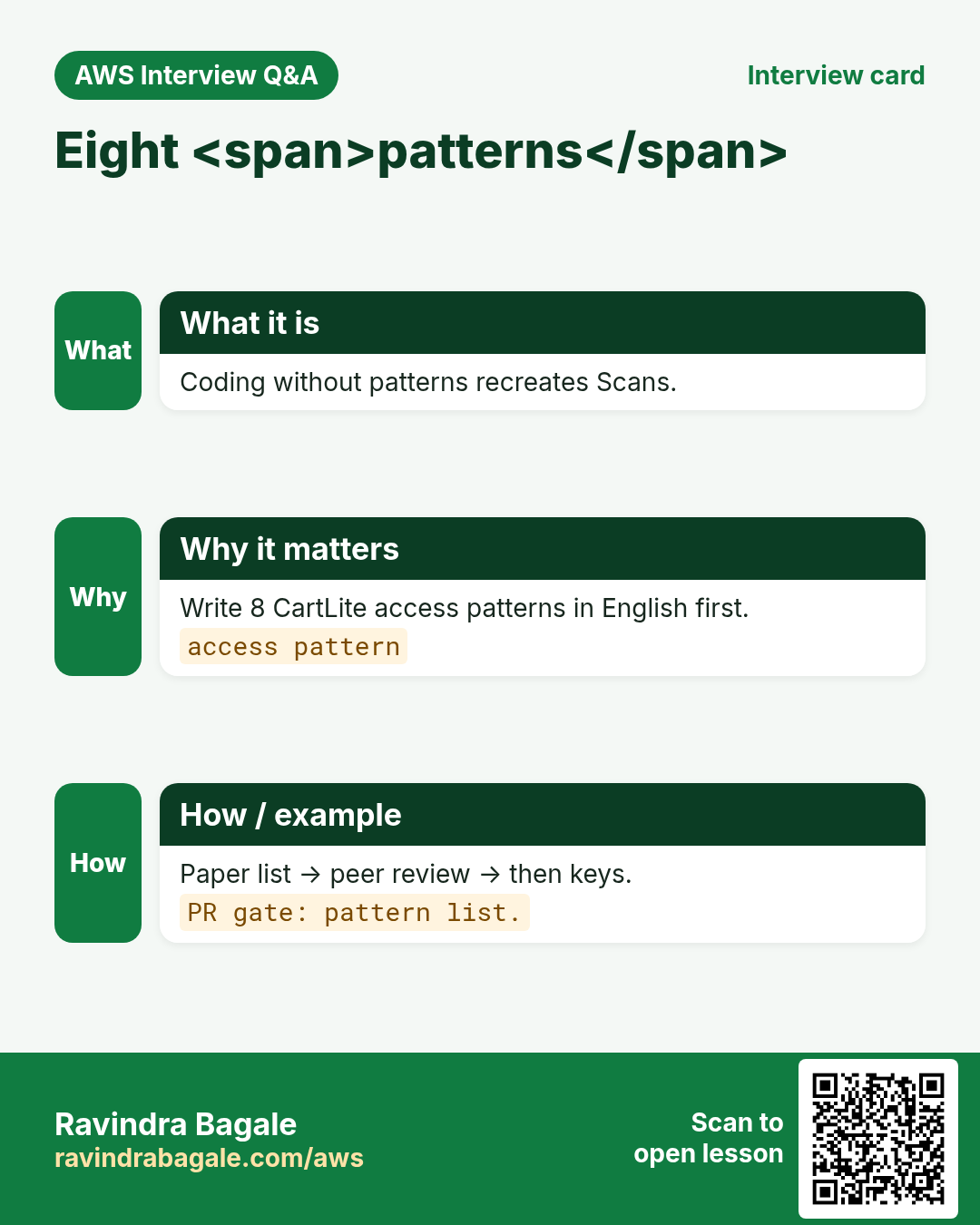
- Write 8 access patterns (get profile, get cart, add line, checkout…).
- Draw sample items for one user + one order.
- Create lab-ddk-cart; Put profile + 2 cart lines.
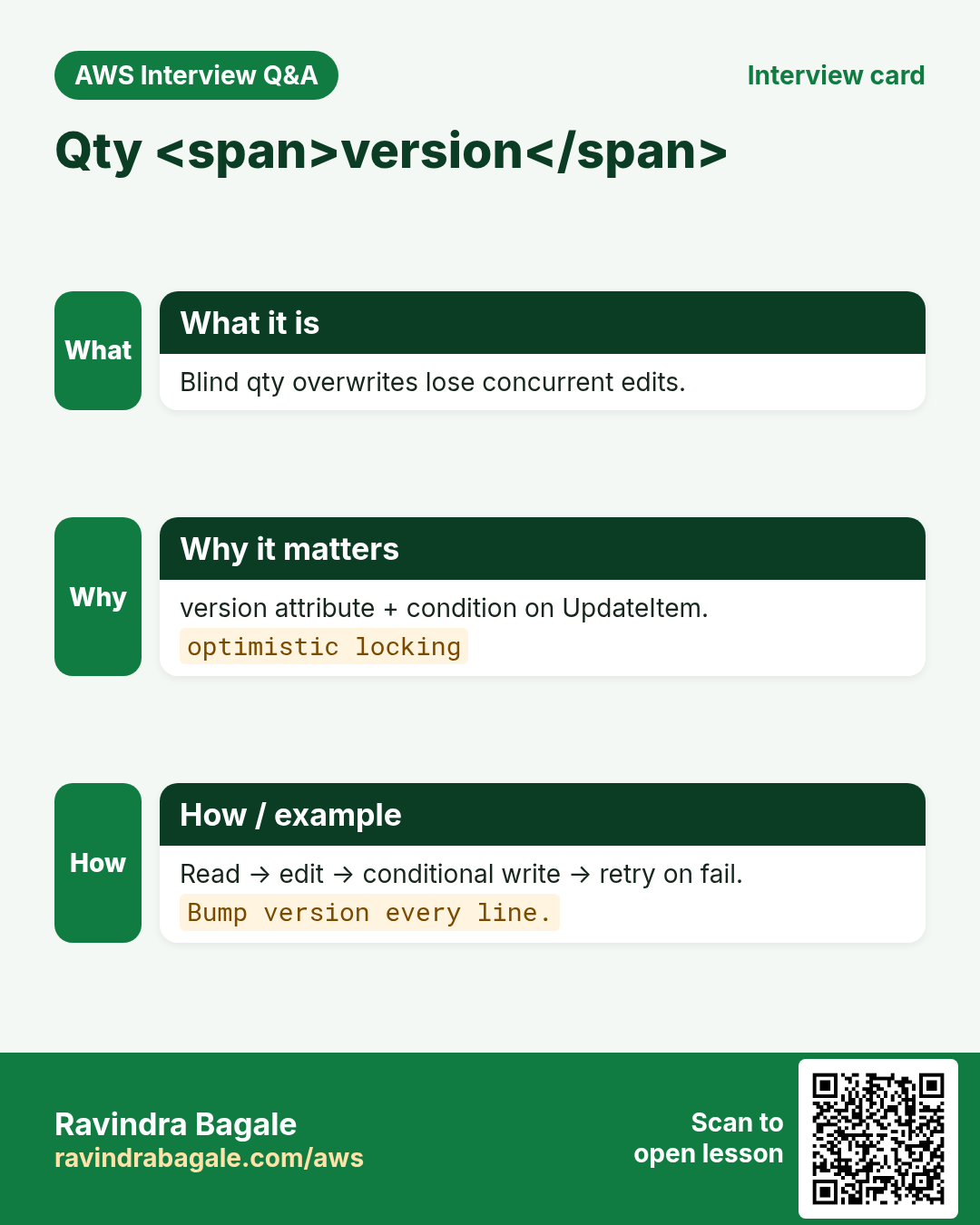
- UpdateItem qty with condition version or qty bound.
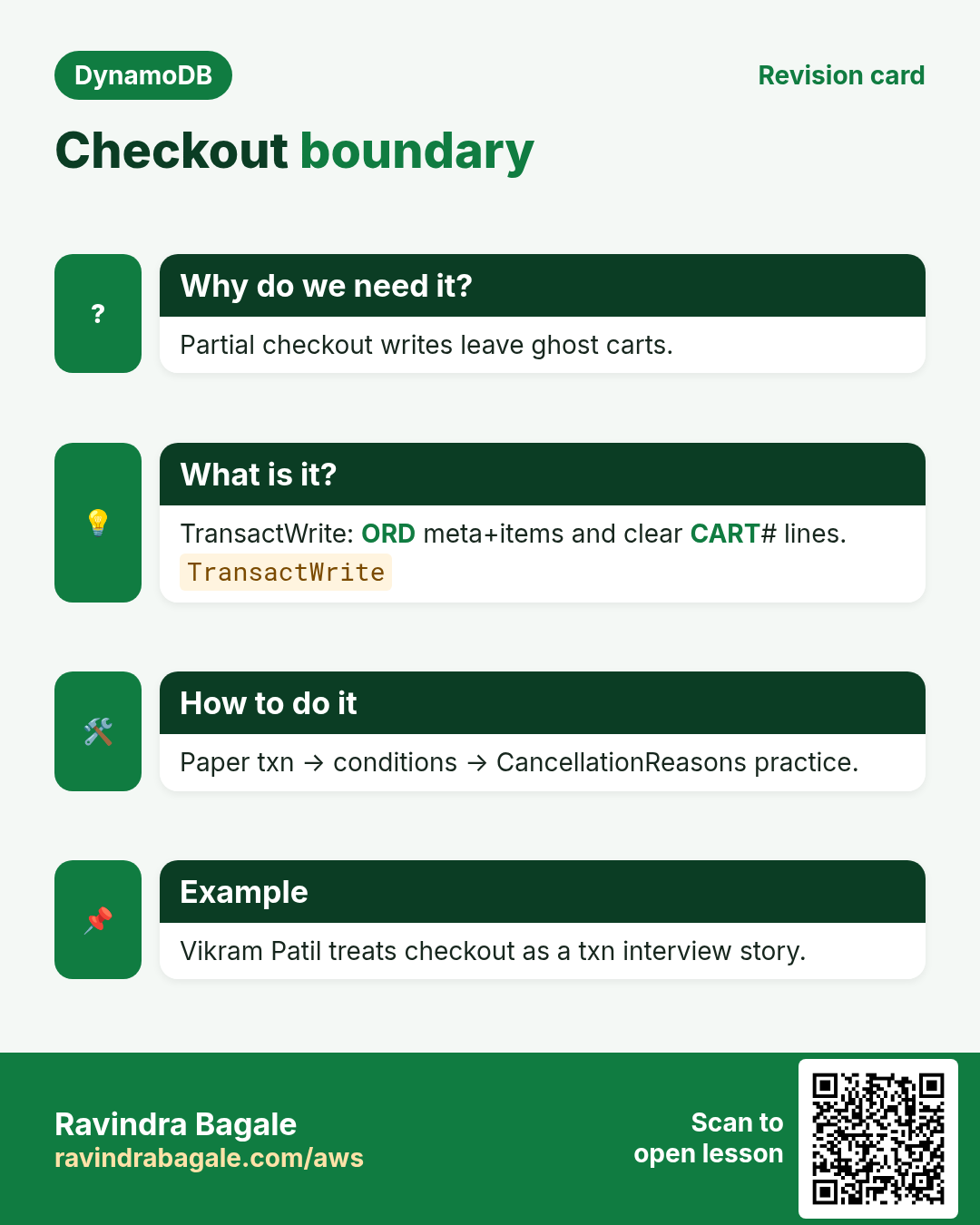
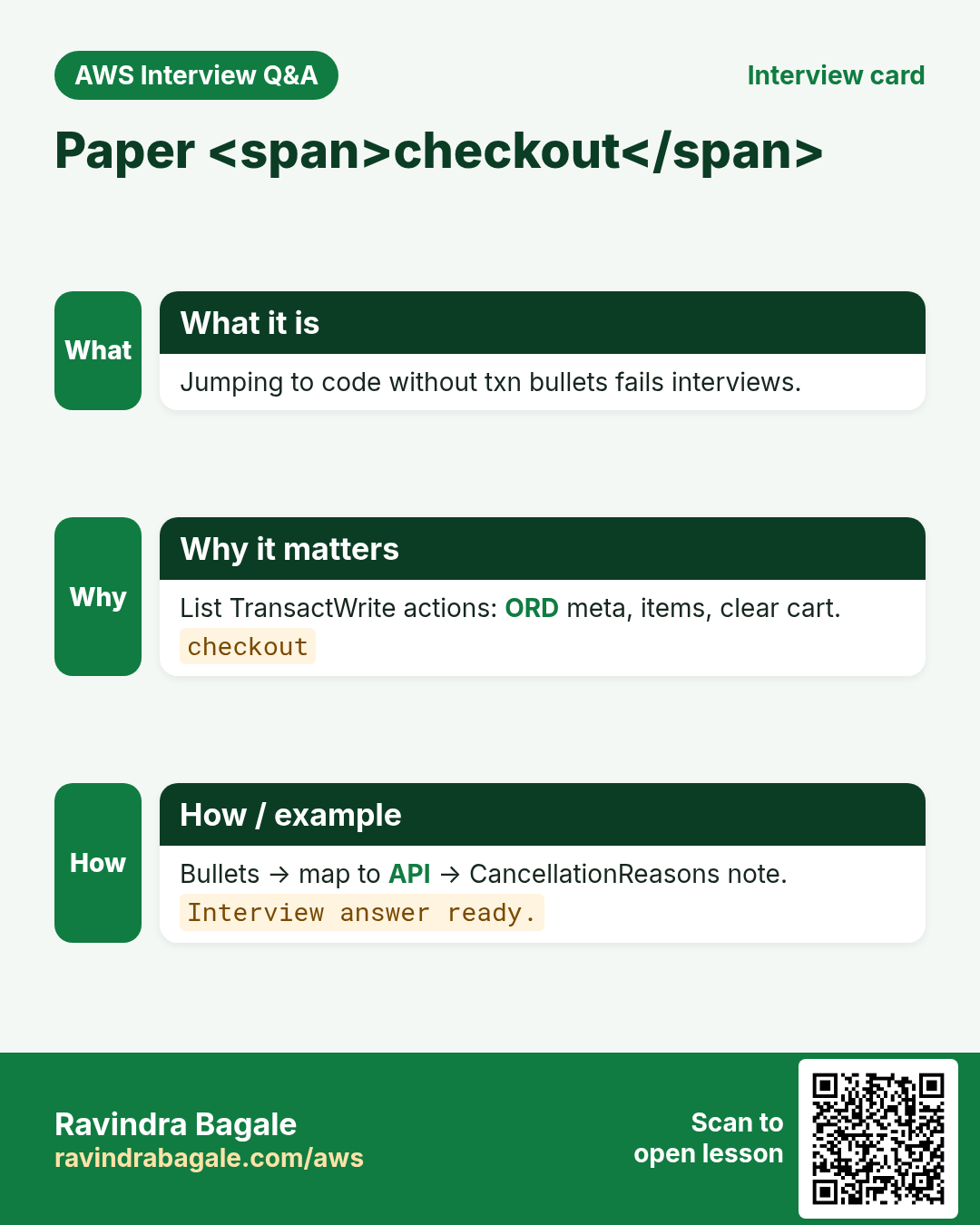
- On paper: TransactWrite checkout (ORD meta+items, delete cart lines).
- Query USER# and ORD#; then delete table.
6. Key sketch
| Entity | PK | SK |
|---|---|---|
| User | USER#u1 | PROFILE |
| Cart line | USER#u1 | CART#sku9 |
| Order | USER#u1 | ORD#2026-11-02#o1 |
| Order meta | ORD#o1 | META |
| Order item | ORD#o1 | ITEM#sku9 |
7. Commands with output and meaning
aws dynamodb create-table --table-name lab-ddk-cart \
  --attribute-definitions AttributeName=PK,AttributeType=S AttributeName=SK,AttributeType=S \
  --key-schema AttributeName=PK,KeyType=HASH AttributeName=SK,KeyType=RANGE \
  --billing-mode PAY_PER_REQUEST --region ap-south-1
aws dynamodb put-item --table-name lab-ddk-cart --item '{"PK":{"S":"USER#u1"},"SK":{"S":"PROFILE"},"EntityType":{"S":"User"},"name":{"S":"Ananya"}}'
aws dynamodb put-item --table-name lab-ddk-cart --item '{"PK":{"S":"USER#u1"},"SK":{"S":"CART#sku9"},"qty":{"N":"2"},"version":{"N":"1"}}'
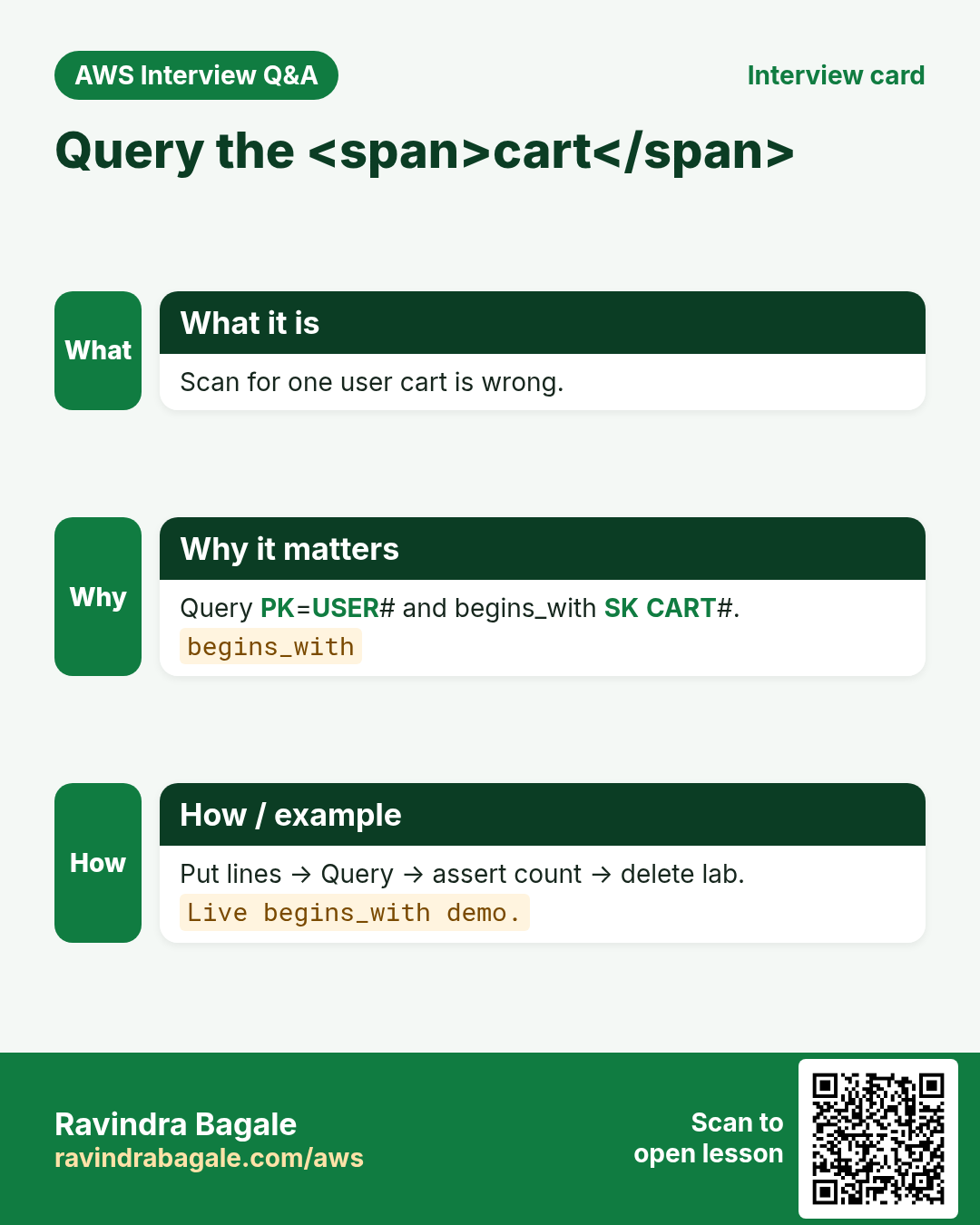
aws dynamodb query --table-name lab-ddk-cart --key-condition-expression "PK = :pk AND begins_with(SK, :c)" \
  --expression-attribute-values '{":pk":{"S":"USER#u1"},":c":{"S":"CART#"}}'
# Output: cart lines. Meaning: item collection query for cart.
create on-demand; put profile+cart; query begins_with CART#. Checkout txn stays paper+SDK linked to transactions chapter.
8. Industry stories
- Retail (Aisha): same keys for mobile+web cart.
- Food (Diego): CART# + storeId sticky region.
- EdTech (Sofia): cart = course wishlist.
- Travel (Omar): cart holds fare quotes with short TTL.
- SaaS (Omar): cart = seat add-ons before invoice.
- Media (Priya): cart = rental queue.
9. Lab
- Patterns + draw + create lab-ddk-cart.
- Put profile, 2 cart lines; conditional qty bump.
- Paper checkout txn; Query; delete table.
Cleanup (stop billing)
- Delete lab resources you created.
- Confirm with describe that names are gone.
10. Ops checklist before you ship
- Confirm TTL attribute name and units (epoch seconds).
- Decide soft-delete vs hard-delete vs archive-to-S3.
- Enable PITR on any table you cannot rebuild from source.
- Document RPO/RTO and who runs restore drills.
- If multi-region: pick write stickiness and conflict rules.
- If DAX: prove cache-miss path and warm-up plan.
- Tag Owner + Expiry on every lab resource.
- Budget alert in the account before load tests.
11. Copy-paste DynamoDB CLI starters (batch 2)
export AWS_DEFAULT_REGION=ap-south-1

# TTL status
aws dynamodb describe-time-to-live --table-name ShopApp

# PITR / continuous backups
aws dynamodb describe-continuous-backups --table-name ShopApp

# On-demand backup
aws dynamodb create-backup --table-name ShopApp --backup-name lab-shop-$(date +%Y%m%d)

# List backups
aws dynamodb list-backups --table-name ShopApp

# Global table description (v2)
aws dynamodb describe-table --table-name ShopApp --query 'Table.Replicas'
12. More industry stories
- Retail (Aisha Khan, Dubai): TTL clears abandoned carts; soft-delete keeps 30-day undo.
- Bank (Lucas Meyer, Berlin): PITR on ledger table; restore drill every quarter.
- Travel (Omar Haddad, Amman): Global Tables for catalog reads; inventory writes sticky.
- Gaming (Carlos Rivera, Mexico City): DAX for hot profile Gets; never cache money ledgers.
- Social (Priya Nair, Kochi): adjacency edges for follows; sparse GSI for unread inbox.
- IoT (Mei Lin, Shenzhen): device#day PK + TTL 14 days; rollups to S3.
13. Glossary (batch 2)
| Term | Meaning |
|---|---|
| TTL | Time to Live — attribute with epoch seconds; DynamoDB deletes later |
| Soft delete | Flag deleted=true; item remains until TTL/archive |
| PITR | Point-in-time recovery — continuous backups window |
| Global Table | Multi-region replicated DynamoDB table |
| LWW | Last-writer-wins conflict resolution on replicas |
| DAX | DynamoDB Accelerator — in-memory cache cluster |
| Adjacency list | Edge items modeling relationships in one table |
| Fan-out | Write once; push copies to many feeds/inboxes |
14. Practice: explain out loud
- 60s: TTL vs soft-delete vs S3 archive.
- 60s: PITR vs on-demand backup.
- 60s: when Global Tables help and hurt.
- 60s: DAX consistency trade-off.
- 60s: CartLite checkout keys in one breath.
- 60s: follow edge vs feed item.
- Record once; cut filler; record again.
15. Safe lab hygiene
- Use ap-south-1 labs with a budget alert.
- Prefix lab tables with lab- and your initials.
- Delete replicas, DAX clusters, and backups you created for labs.
- Never enable Global Tables on production without a write plan.
- Tag every resource Owner + Expiry.
- Export/import labs can create large S3 bills — delete prefixes.
16. How this set links other chapters
- Data modeling — keys we reuse in projects.
- Transactions — checkout and seat patterns.
- Streams + Lambda — fan-out and CDC.
- CRUD survey — short TTL note we deepen.
- What Is DynamoDB? — intro.
17. Delete / archive decision pad
| Need | Prefer | Why |
|---|---|---|
| Undo 7-30 days | Soft-delete flag | User restore |
| Hard expiry, no read | TTL attribute | Auto delete later |
| Compliance keep cold | Export/archive to S3 | Cheap long store |
| Mistake recovery | PITR / backup | Table-level restore |
18. Ten oral drill questions
- What units does DynamoDB TTL use?
- Does TTL delete instantly?
- PITR window typical length?
- Global Tables conflict default?
- When sticky writes matter?
- DAX vs API Gateway cache?
- Cart PK for a shopper?
- Order lines under which PK?
- Follow edge SK example?
- Unread inbox sparse GSI idea?
19. RPO / RTO mini workshop
- Write the worst data loss you can accept (RPO) in minutes.
- Write how long restore may take (RTO) before business pain.
- Map: on-demand backup vs PITR vs multi-region replica.
- Schedule a restore drill on a lab table this month.
- Name the person who runs the drill.
20. Cost watch list (batch 2)
- PITR storage and on-demand backup storage.
- Global Tables: replicated WCUs in every region.
- DAX node hours even at idle.
- Export to S3 + S3 storage + Athena later.
- Streams + Lambda still bill during TTL deletes.
21. Project Definition of Done
- Access patterns written and peer-reviewed.
- Sample items drawn for happy path + one failure.
- Lab table created, exercised, deleted (or tagged Expiry).
- At least one conditional write or transaction exercised.
- Cleanup commands pasted in your notes.
- One interview answer recorded out loud.
22. Cross-links inside this batch
- TTL hygiene → Backup/PITR for “oops” recovery.
- Global Tables → sticky writes from capacity/hot lessons.
- DAX → only after Query shapes are correct.
- P1 CartLite reuses modeling + transactions.
- P2 Social reuses adjacency + Streams ideas.
23. Quick self-check (yes/no)
- I can explain TTL delay vs instant DeleteItem.
- I know when soft-delete beats hard delete.
- I can start PITR and say what restore costs in time.
- I can name one reason NOT to use Global Tables.
- I know DAX does not fix a bad partition key.
- I can sketch CartLite USER# and ORD# keys.
- I can sketch a follow edge item.
- I delete lab replicas/DAX/backups the same day.
24. Common errors and fixes
Each row is a real mistake students and juniors hit. Read the fix before you panic.
| Error / symptom | Fix |
|---|---|
| No pattern list | Write 8 first. |
| Cart under ORD PK | Cart under USER. |
| Blind qty Put | Condition/version. |
| Checkout partial writes | TransactWrite sketch. |
| Forget clear cart | Delete CART# lines in txn. |
| Scan for cart | Query begins_with. |
| Rewrite Put chapter | Link CRUD. |
| No EntityType | Add it. |
| Leave lab table | Delete same day. |
25. Troubleshooting checklist
- Empty cart Query: SK prefix CART#.
- Condition fail: reload version.
- Txn cancel: CancellationReasons.
- Throttle one user: hot USER — see sharding.
- Need joins: rethink keys / RDS question.
26. FAQ
Q. Should I always use a single table?
Often yes for related access patterns; not a religion. Separate tables are fine for unrelated domains or different capacity/security needs.
Q. Do I still need RDS?
Yes for heavy joins, multi-row SQL reports, and strong relational constraints. See the intro DynamoDB vs RDS chapter.
Q. Is Scan evil?
Scan is a tool for rare admin jobs and small tables. Design so hot paths use Query/GetItem.
Q. Where are Put/Get command details?
In the CRUD survey, CLI and SDK chapters — this deep set links them instead of copying.
Q. Must use txn?
For checkout invariants yes — sketch first.
Q. GSI required?
Not for this minimal cart.
Q. TTL on cart?
Yes for abandoned — see TTL chapter.
Q. SDK deep?
Link SDK + transactions chapters.
27. Interview Q&A
Q. (B) Cart PK?
USER#id collection.
Q. (B) Order lines PK?
ORD#id with ITEM# SK.
Q. (M) Qty race?
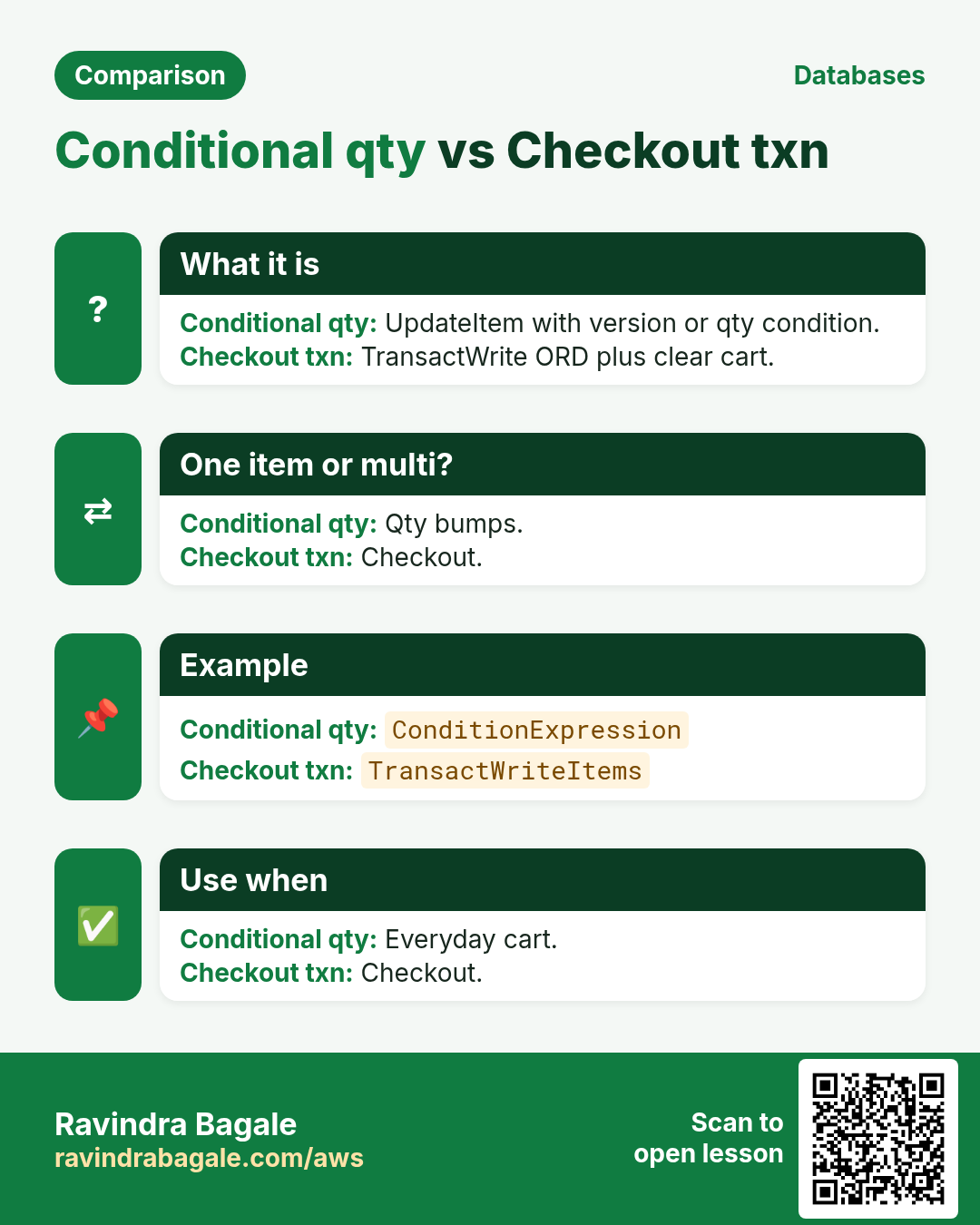
Conditional UpdateItem / version.
Q. (M) Checkout atomic?
TransactWrite across ORD+cart clears.
Q. (S/MNC) Scale carts?
Per-user partitions; watch hot celebs later.
Q. (MNC) Abandoned?
TTL + soft-delete policy.
28. Tips in English, Marathi and Hindi
Ravindra Bagale's Tip (EN)
Ship the smallest cart that forces conditions and a txn boundary.
Ravindra Bagale's Tip (MR)
सगळ्यात छोटा cart + condition + txn.
Tip (HI)
छोटा cart, condition, txn — यही काफी।
Try at home
- 8 patterns on paper.
- Lab put+query cart.
- Write checkout txn bullet list.
In short
- CartLite = USER# + ORD# collections.
- Conditions protect qty.
- Checkout = txn sketch.
- Cleanup labs.
Revision, interview and comparison cards
Revise this lesson in a few minutes. Save the cards on your phone or download them as PNG files. The QR code on each card opens this lesson.
More cards: Ravi Sir's Cards.
Practice Tasks
Practice checks run in your browser. They check the answer for this exercise; they do not create resources or connect to your AWS account.
About this scenarioMilan Furniture is a furniture business in Milan. Giulia Rossi looks after its IT and cloud work. They count money in EUR and run their AWS resources in the eu-south-1 Region. In the tasks below you do real jobs for them using what this lesson teaches. All names, account IDs, IP addresses and numbers are made up for practice.
0 / 16
Easy Place a cart line under the right user
The project models cart lines under USER# plus a user ID. What partition key holds a line for user u7?
- Read the situation and identify what you need to decide.
- Work through the relevant concept or calculation.
- Enter only the requested term or number.
- Check your answer, then read the explanation.
Easy Group items in a particular order
Under the ORD# order-key convention shown here, what partition key holds the lines for order o19?
- Read the situation and identify what you need to decide.
- Work through the relevant concept or calculation.
- Enter only the requested term or number.
- Check your answer, then read the explanation.
Easy Refuse updates based on stale cart state
Two screens show the same quantity before submitting separate changes. Which DynamoDB request parameter can require the expected version before applying each update?
- Read the situation and identify what you need to decide.
- Work through the relevant concept or calculation.
- Enter only the requested term or number.
- Check your answer, then read the explanation.
Easy Keep checkout writes atomic
Checkout must create an order and update a cart item together. Which DynamoDB API lets both changes succeed or neither?
- Read the situation and identify what you need to decide.
- Work through the relevant concept or calculation.
- Enter only the requested term or number.
- Check your answer, then read the explanation.
Easy Describe table
CLI.
Describe table ShopApp
- Read the task and decide which AWS service it is about.
- Write aws, then the service name, then the operation (the action word).
- Add each needed flag (--name) followed by its value from the task.
- Flags can be in any order. Click Check answer.
Easy Cart key YAML
Sketch.
YAML: pk: USER#u1, sk: CART#sku9.
- Start from the top-level keys the task names.
- Indent child keys with 2 spaces (no tabs).
- Fill in each property with the value from the task.
- Click Check answer. Key order does not matter.
Easy Read one known order line directly
The caller knows the full partition and sort keys of an order line. Which DynamoDB API retrieves only that item?
- Read the situation and identify what you need to decide.
- Work through the relevant concept or calculation.
- Enter only the requested term or number.
- Check your answer, then read the explanation.
Medium Start modelling with the cart screen’s requests
Before inventing keys, the team lists operations such as list cart, checkout, and show order history. What is that list called?
- Read the situation and identify what you need to decide.
- Work through the relevant concept or calculation.
- Enter only the requested term or number.
- Check your answer, then read the explanation.
Medium Clean up expired draft carts in the background
A disposable cart can disappear after its specified deadline and does not require exact-time deletion. Which DynamoDB feature can remove it automatically?
- Read the situation and identify what you need to decide.
- Work through the relevant concept or calculation.
- Enter only the requested term or number.
- Check your answer, then read the explanation.
Medium Restrict a user Query to cart lines
A customer’s partition also stores other items. Which DynamoDB condition function selects sort keys starting with CART#?
- Read the situation and identify what you need to decide.
- Work through the relevant concept or calculation.
- Enter only the requested term or number.
- Check your answer, then read the explanation.
Medium Identify the kind of item in a change stream
A stream consumer needs to distinguish CartLine and OrderLine records. Which attribute in the project labels the kind of record?
- Read the situation and identify what you need to decide.
- Work through the relevant concept or calculation.
- Enter only the requested term or number.
- Check your answer, then read the explanation.
Medium Checkout flow YAML
Steps.
YAML: write: order, clear: cart.
- Start from the top-level keys the task names.
- Indent child keys with 2 spaces (no tabs).
- Fill in each property with the value from the task.
- Click Check answer. Key order does not matter.
Hard Decide whether a cart lookup already has a useful key
The shopper’s exact partition key and cart sort-key prefix are known. Is a GSI required just to perform that base-table Query? Type yes or no.
- Read the situation and identify what you need to decide.
- Work through the relevant concept or calculation.
- Enter only the requested term or number.
- Check your answer, then read the explanation.
Hard Choose the write boundary for a small checkout
A small checkout must write the order and delete the old cart lines together. What DynamoDB operation can group the Put and Delete actions?
- Read the situation and identify what you need to decide.
- Work through the relevant concept or calculation.
- Enter only the requested term or number.
- Check your answer, then read the explanation.
Hard Choose the keyed operation for a list of cart items
You know the user partition key and need all its cart lines. Which operation should you use instead of a table Scan?
- Read the situation and identify what you need to decide.
- Work through the relevant concept or calculation.
- Enter only the requested term or number.
- Check your answer, then read the explanation.
Hard Identify the one table to remove after the exercise
What exact disposable table name appears in the CreateTable command for CartLite? Verify it against the test Region before picturing the delete.
- Read the situation and identify what you need to decide.
- Work through the relevant concept or calculation.
- Enter only the requested term or number.
- Check your answer, then read the explanation.