Linux Boot Process Step by Step: BIOS/UEFI, GRUB, Kernel, initramfs and systemd
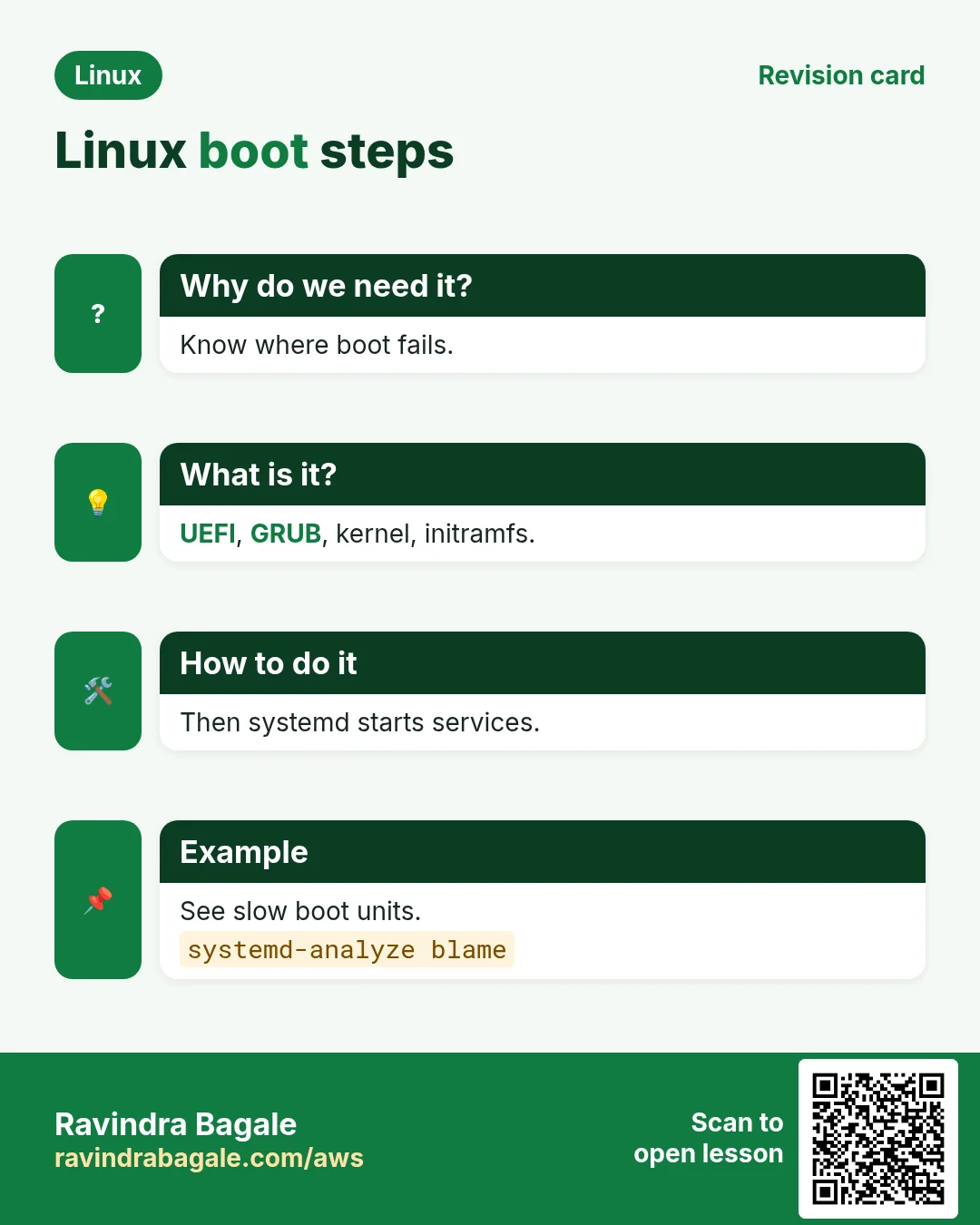
When you switch on a laptop, a lot happens before you see the login screen. Firmware wakes the hardware. A boot loader picks a kernel. The kernel mounts the disk. systemd starts your services. If you know these steps, you can fix a server that will not boot.
In this chapter
- The 6 boot stages in order
- BIOS vs UEFI, MBR vs GPT
- What GRUB does and how to edit it safely
- What initramfs is and when to rebuild it
- systemd targets, default target and rescue mode
- How to read boot logs and find slow boot
1. An everyday example: opening a shop in the morning
Sanjay opens his medical shop in Nashik at 8 am. The watchman unlocks the main shutter. Sanjay reads the to-do list. His helper brings the cash box and keys. Then the lights, billing PC and fridge go on, one by one. Only then do customers come in.
Watchman = firmware (BIOS/UEFI). To-do list = GRUB. Helper with keys = initramfs. Sanjay = kernel. Lights and billing PC = systemd services. Customers = users logging in.
2. Stage 1: BIOS or UEFI firmware
The CPU knows nothing when power comes on. Some small program on the board must test the hardware and find a disk to boot from.
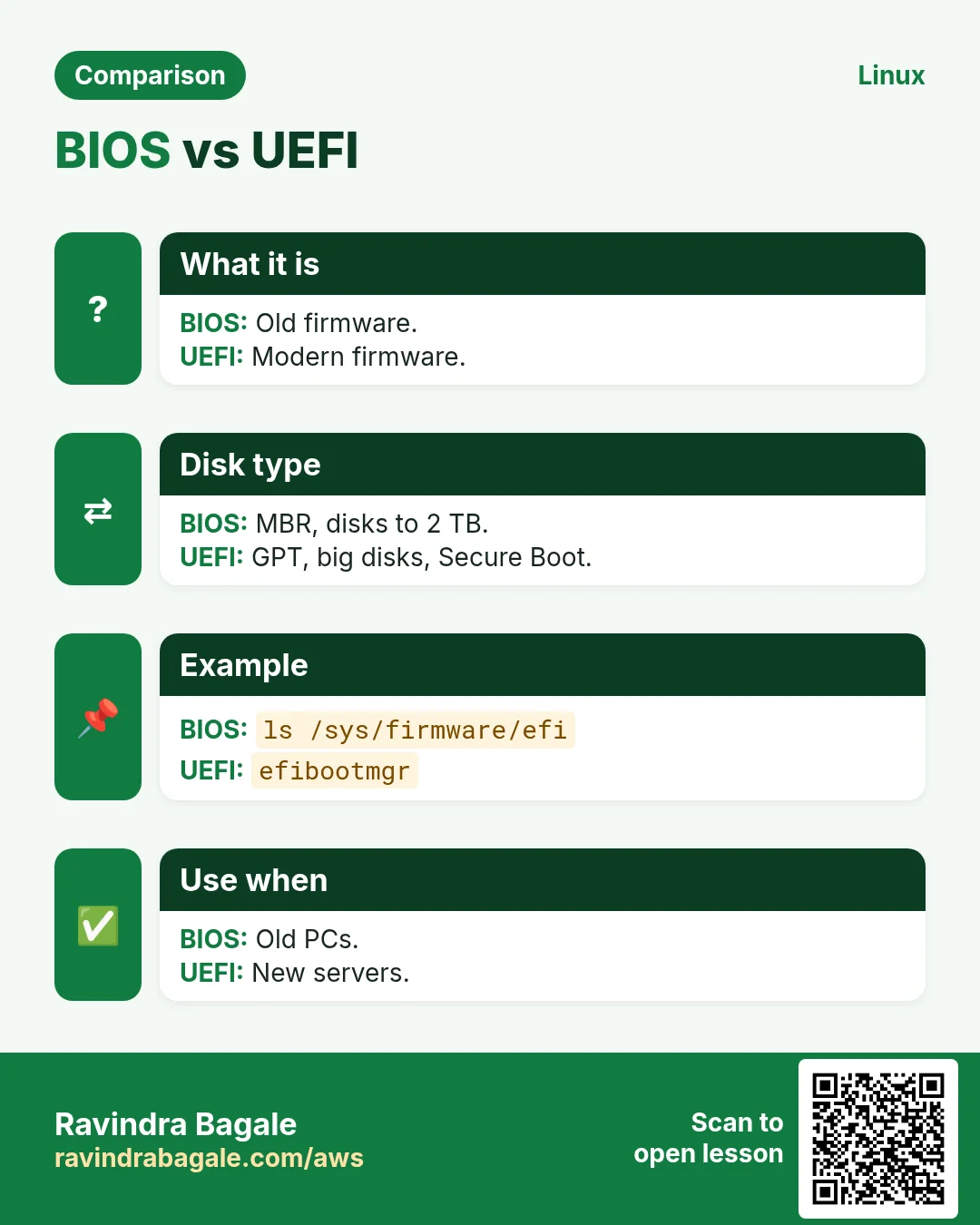
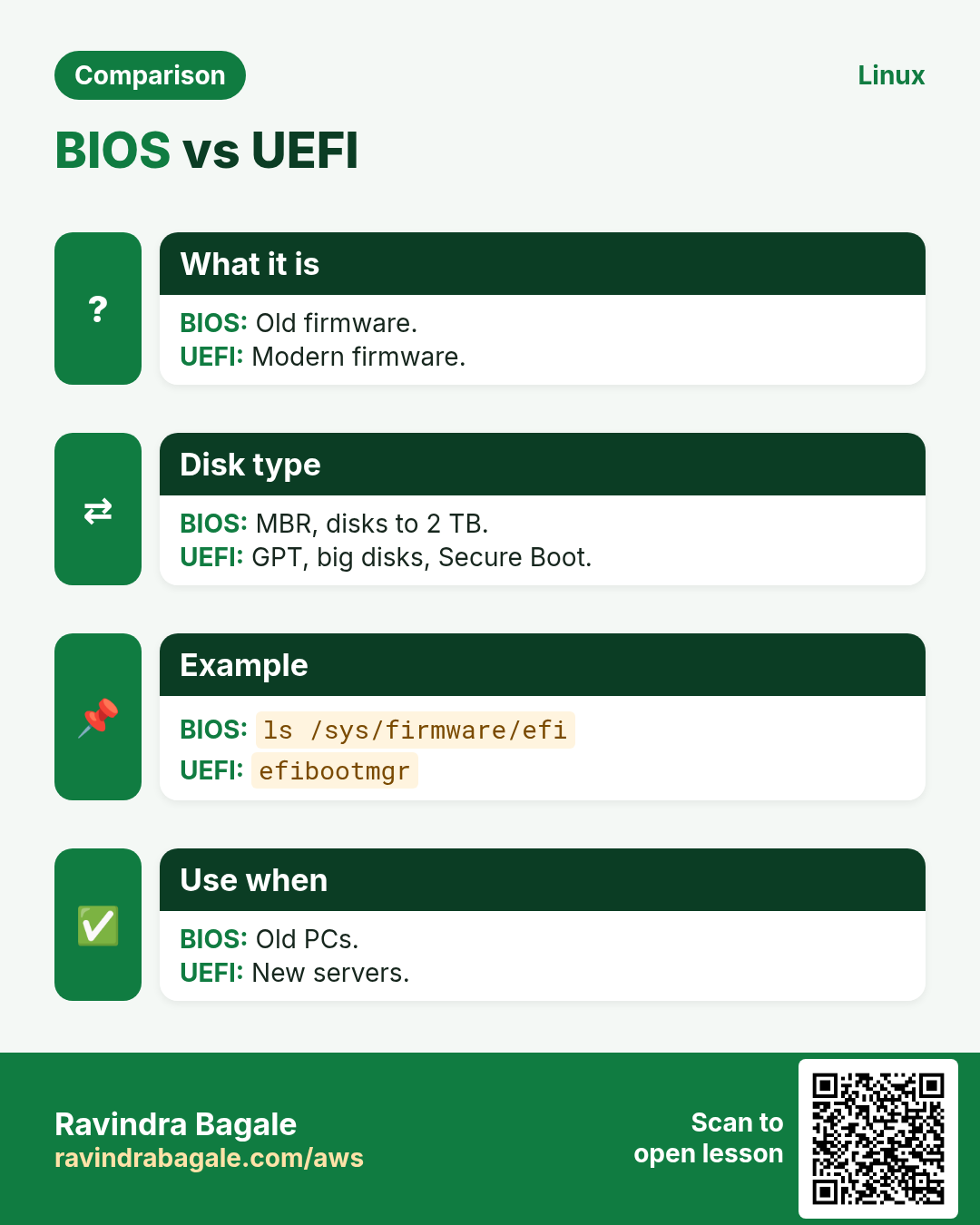
BIOS is the old firmware. It runs POST (power-on self test) and reads the first 512 bytes of the disk (MBR). UEFI is the new firmware. It reads a small FAT partition called the EFI System Partition (ESP) and runs a .efi file. UEFI supports GPT disks over 2 TB and Secure Boot.
| Point | BIOS + MBR | UEFI + GPT |
|---|---|---|
| Max disk | 2 TB | Huge (8 ZB) |
| Partitions | 4 primary | 128 |
| Boot code | First 512 bytes | EFI file on ESP |
| Secure Boot | No | Yes |
- Check if the machine booted with UEFI.
[ -d /sys/firmware/efi ] && echo UEFI || echo BIOSOutput:
UEFIThe folder exists only on UEFI systems.
- See the UEFI boot entries.
sudo efibootmgrOutput:
BootCurrent: 0001
BootOrder: 0001,0000
Boot0000* UEFI PXE
Boot0001* ubuntu
The firmware will try ubuntu first, then network boot.
- Check the partition table type.
sudo fdisk -l /dev/sda | grep 'Disklabel'Output:
Disklabel type: gptThe disk uses GPT.
3. Stage 2: GRUB, the boot loader
A server can have many kernels: the new one and an old safe one. Someone must pick one and pass options to it.
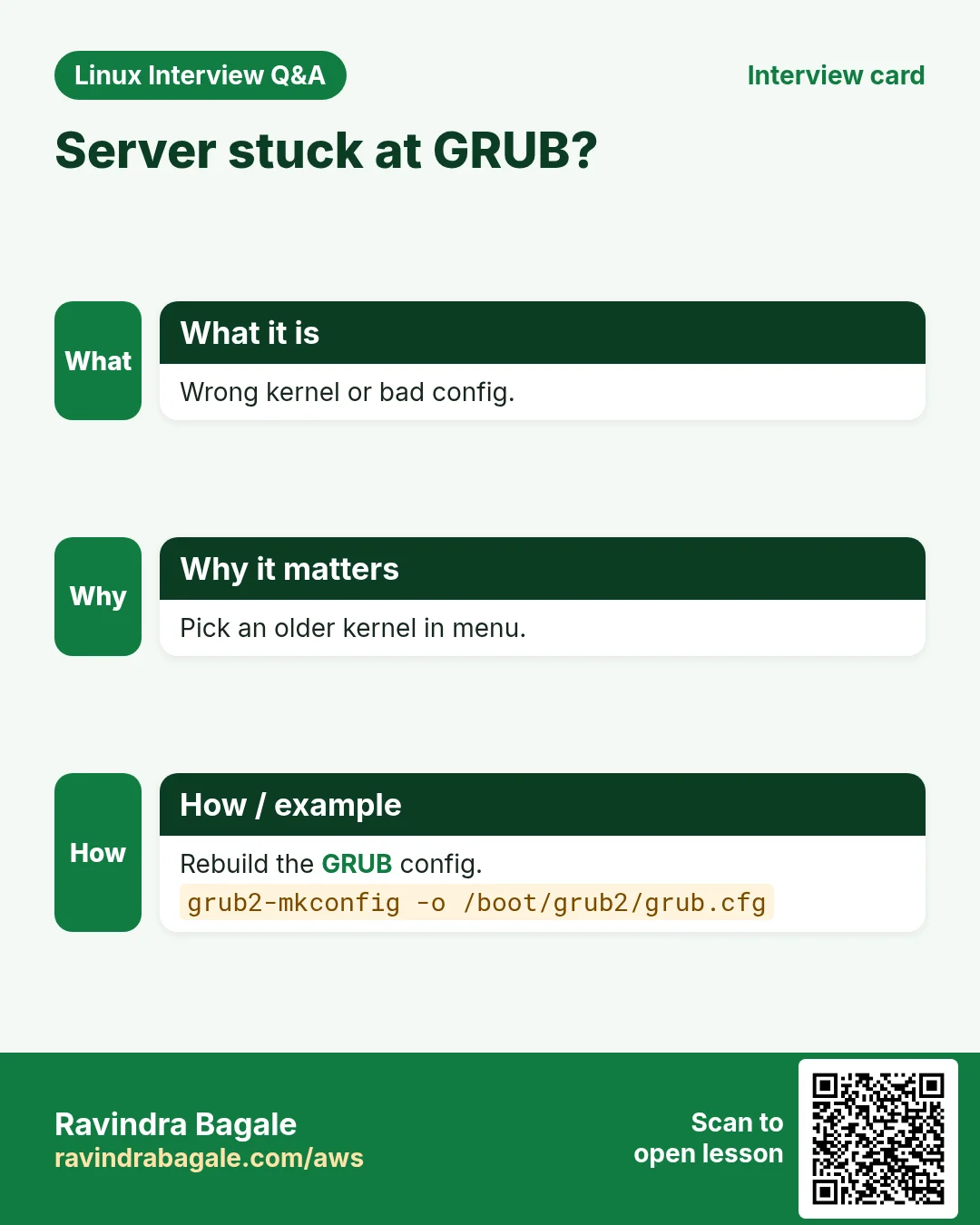
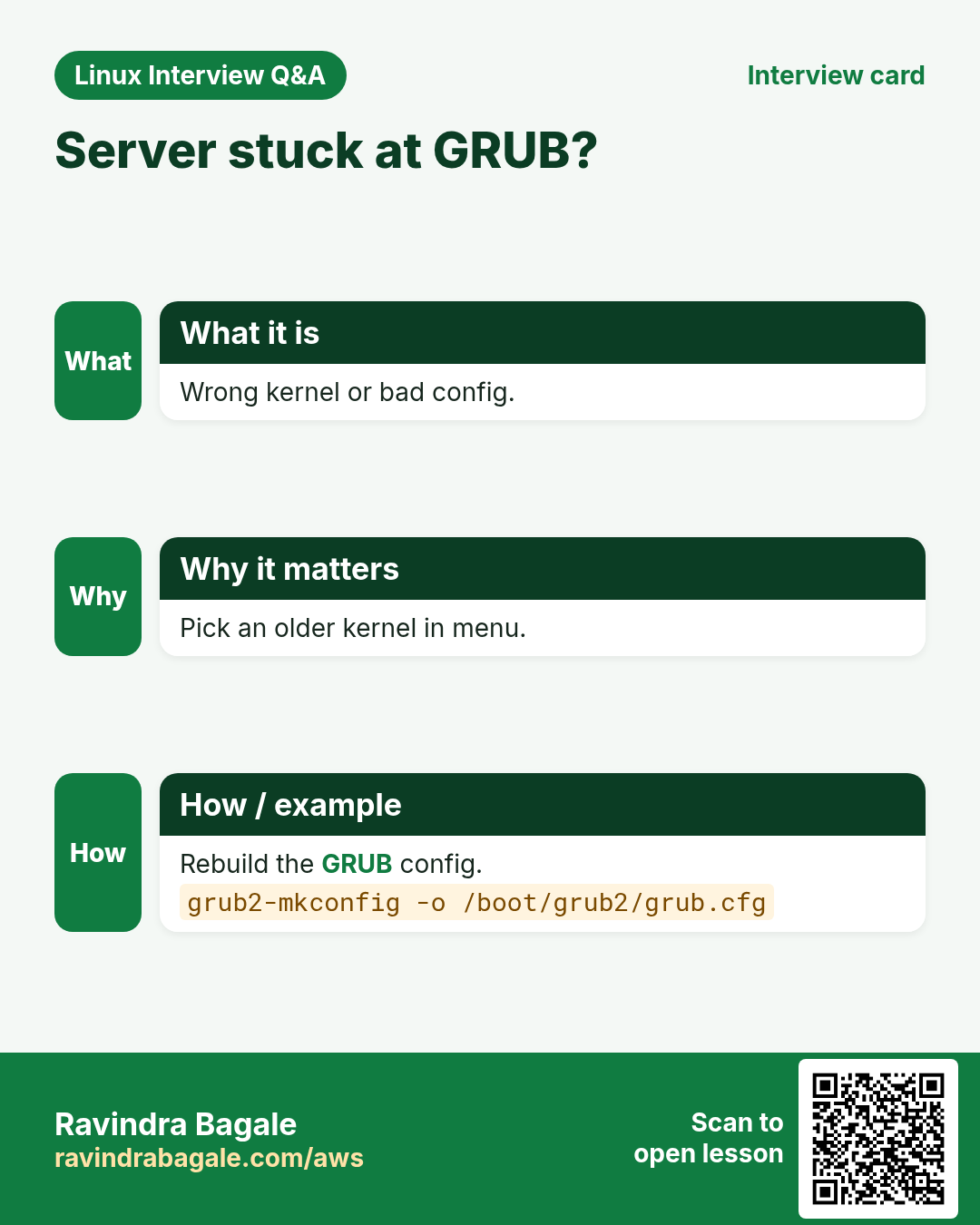
GRUB2 shows the boot menu, loads the kernel file (vmlinuz) and the initramfs into memory, and passes the kernel command line (like root=UUID=... ro quiet). Its config is /boot/grub/grub.cfg (or /boot/grub2/grub.cfg). Never edit that file by hand. Edit /etc/default/grub and rebuild.
- See the kernel files GRUB can load.
ls /bootOutput:
config-5.15.0-91-generic
grub
initrd.img-5.15.0-91-generic
vmlinuz-5.15.0-91-generic
vmlinuz is the kernel. initrd.img is the initramfs.
- See the command line the kernel got.
cat /proc/cmdlineOutput:
BOOT_IMAGE=/boot/vmlinuz-5.15.0-91-generic root=UUID=3e6b... ro quiet splashroot= tells the kernel which disk is /. ro = mount read-only first.
- Change the menu wait time.
sudo sed -i 's/^GRUB_TIMEOUT=.*/GRUB_TIMEOUT=5/' /etc/default/grubThe setting is saved but not active yet.
- Rebuild GRUB config (Ubuntu).
sudo update-grubOutput:
Generating grub configuration file ...
Found linux image: /boot/vmlinuz-5.15.0-91-generic
done
grub.cfg is regenerated with your change.
- Rebuild on RHEL/Amazon Linux.
sudo grub2-mkconfig -o /boot/grub2/grub.cfgOutput:
Generating grub configuration file ...
done
Same job, different command name.
- List kernels and set the default (RHEL).
sudo grubby --info=ALL | grep ^kernel; sudo grubby --set-default /boot/vmlinuz-5.14.0-362.el9.x86_64Output:
kernel="/boot/vmlinuz-5.14.0-427.el9.x86_64"
kernel="/boot/vmlinuz-5.14.0-362.el9.x86_64"
Next boot uses the older, known-good kernel.
4. Stage 3: the kernel starts
The kernel must find the CPU, memory and devices before any program can run.
GRUB jumps into the kernel. The kernel unpacks itself, sets up memory, detects hardware, starts drivers and then runs /init from the initramfs. Its messages go to the kernel ring buffer (dmesg).
- Read the first kernel boot lines.
sudo dmesg | head -2Output:
[    0.000000] Linux version 5.15.0-91-generic
[    0.000000] Command line: BOOT_IMAGE=/boot/vmlinuz-5.15.0-91-generic root=UUID=3e6b... ro
Time 0.000000 is the moment the kernel started.
- Find disk detection lines.
sudo dmesg | grep -i 'nvme0n1'Output:
[    1.204] nvme nvme0: 2/0/0 default/read/poll queues
[    1.210]  nvme0n1: p1 p14 p15
The kernel found an NVMe disk with 3 partitions.
- See only errors and warnings.
sudo dmesg --level=err,warnOutput:
[ 2.511] ACPI Warning: ...Short list of hardware problems.
5. Stage 4: initramfs
The real root disk may need a driver (NVMe, RAID, LVM, encryption) that is stored on that same disk. Chicken and egg. initramfs solves it.
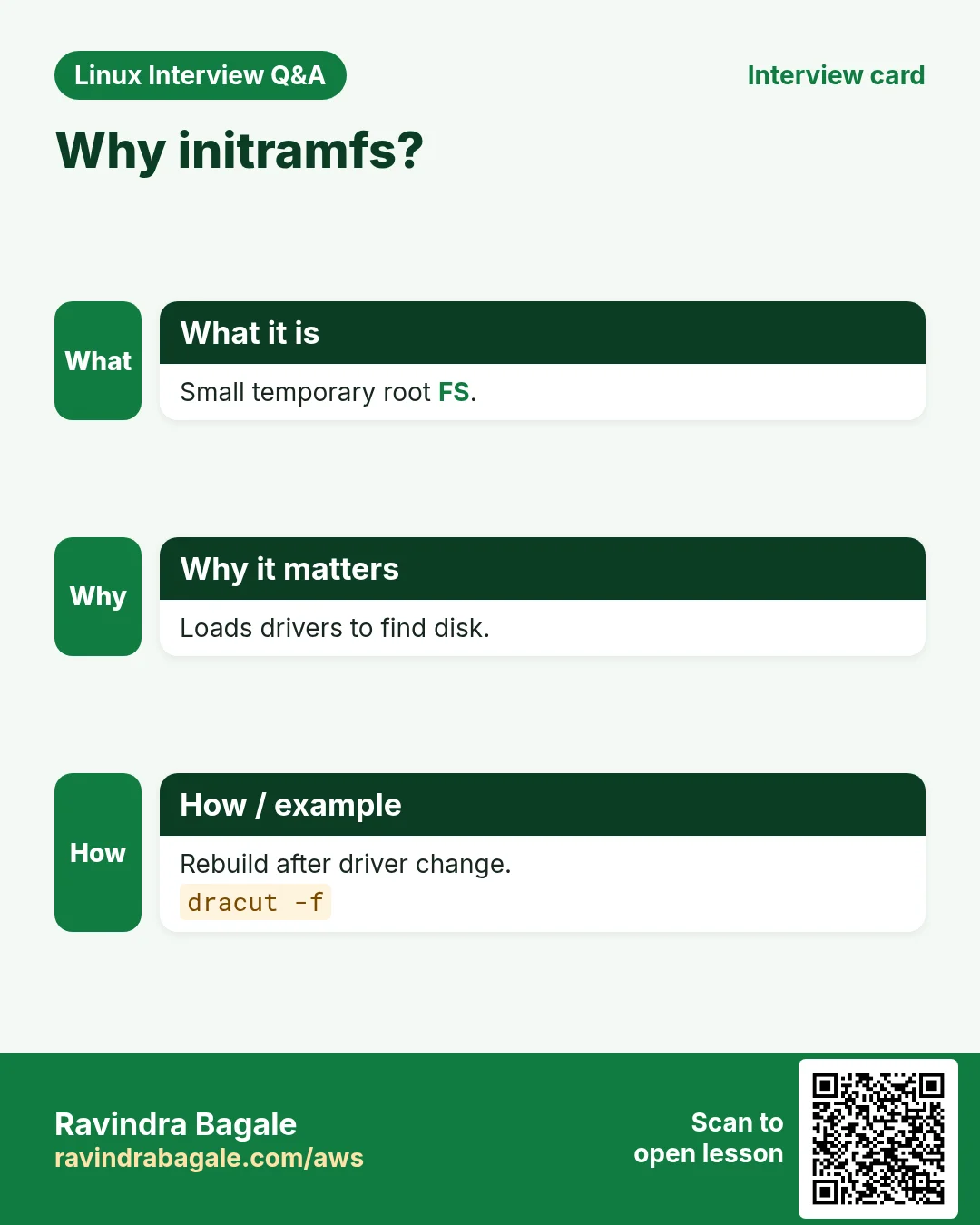
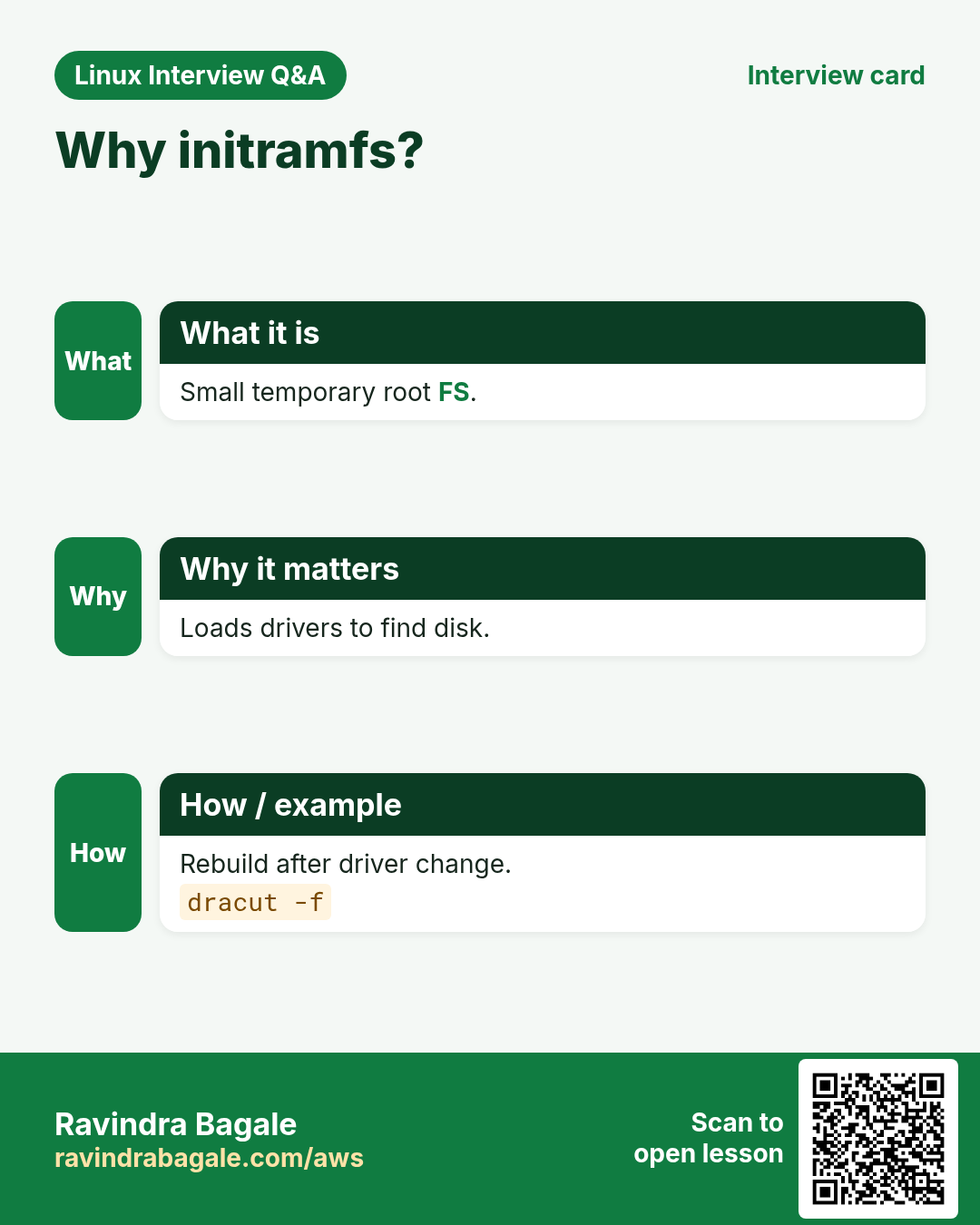
initramfs is a small compressed file system loaded into RAM by GRUB. It holds just enough drivers and tools to find and mount the real root file system. Then it switches root (switch_root) and starts systemd. Rebuild it with update-initramfs (Debian) or dracut (RHEL).
If an initramfs emergency shell appears before the real root mounts, the firmware and boot loader have already progressed far enough to start the kernel. Compare the configured root= value with the intended disk or volume, and check whether early userspace can see it. This narrows the problem to finding or preparing root storage before you inspect normal service units.
- See what is inside the initramfs.
lsinitramfs /boot/initrd.img-$(uname -r) | grep nvmeOutput:
usr/lib/modules/5.15.0-91-generic/kernel/drivers/nvme/host/nvme.koThe NVMe driver is packed inside, so the root disk can be found.
- Rebuild initramfs on Ubuntu.
sudo update-initramfs -uOutput:
update-initramfs: Generating /boot/initrd.img-5.15.0-91-genericNeeded after adding a disk driver or changing /etc/crypttab.
- Rebuild on RHEL/Amazon Linux.
sudo dracut -f-f overwrites the current initramfs image.
6. Stage 5: systemd and targets
A server has dozens of services. Some need the network, some need the disk. Starting them in the right order, in parallel, is hard by hand.
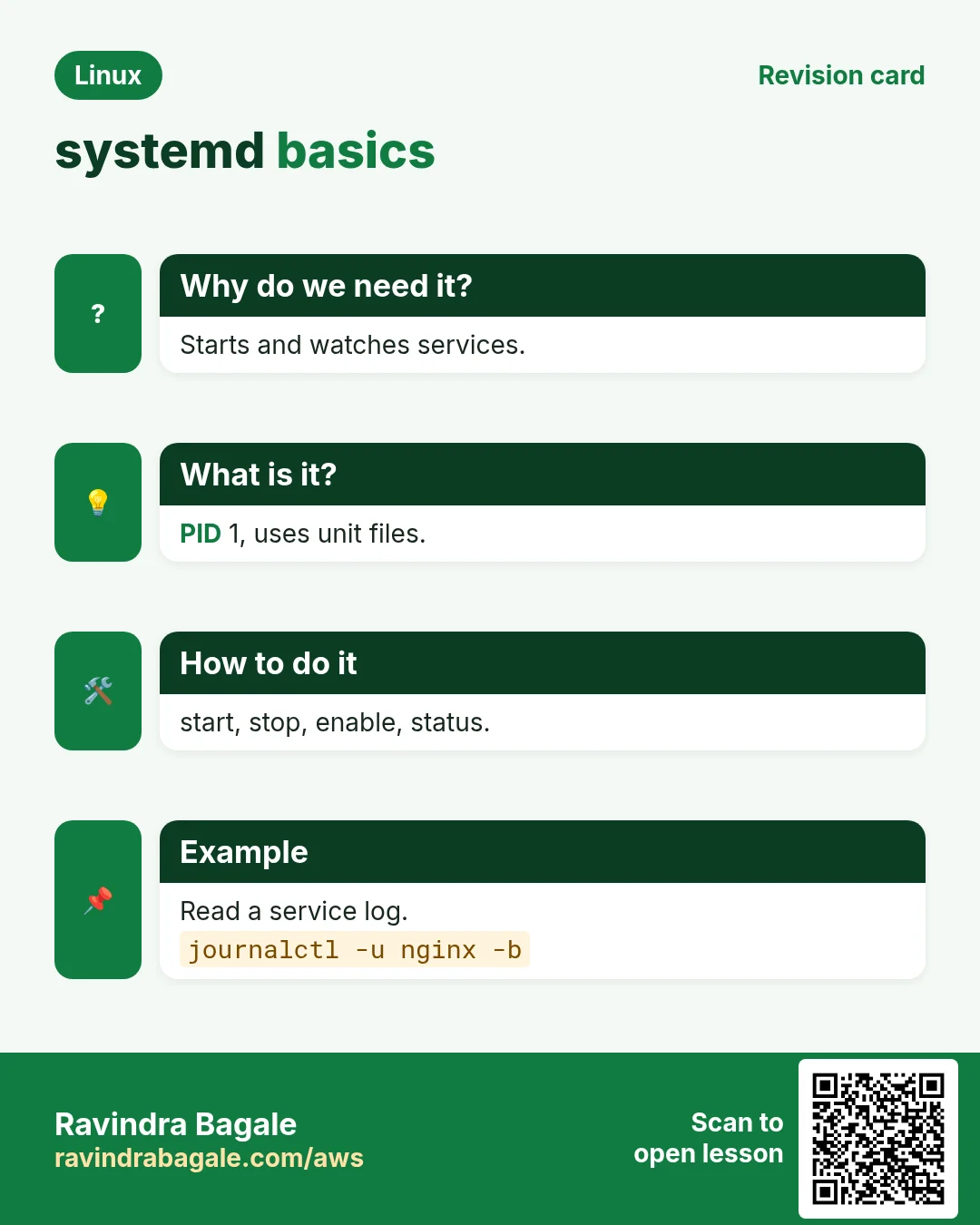
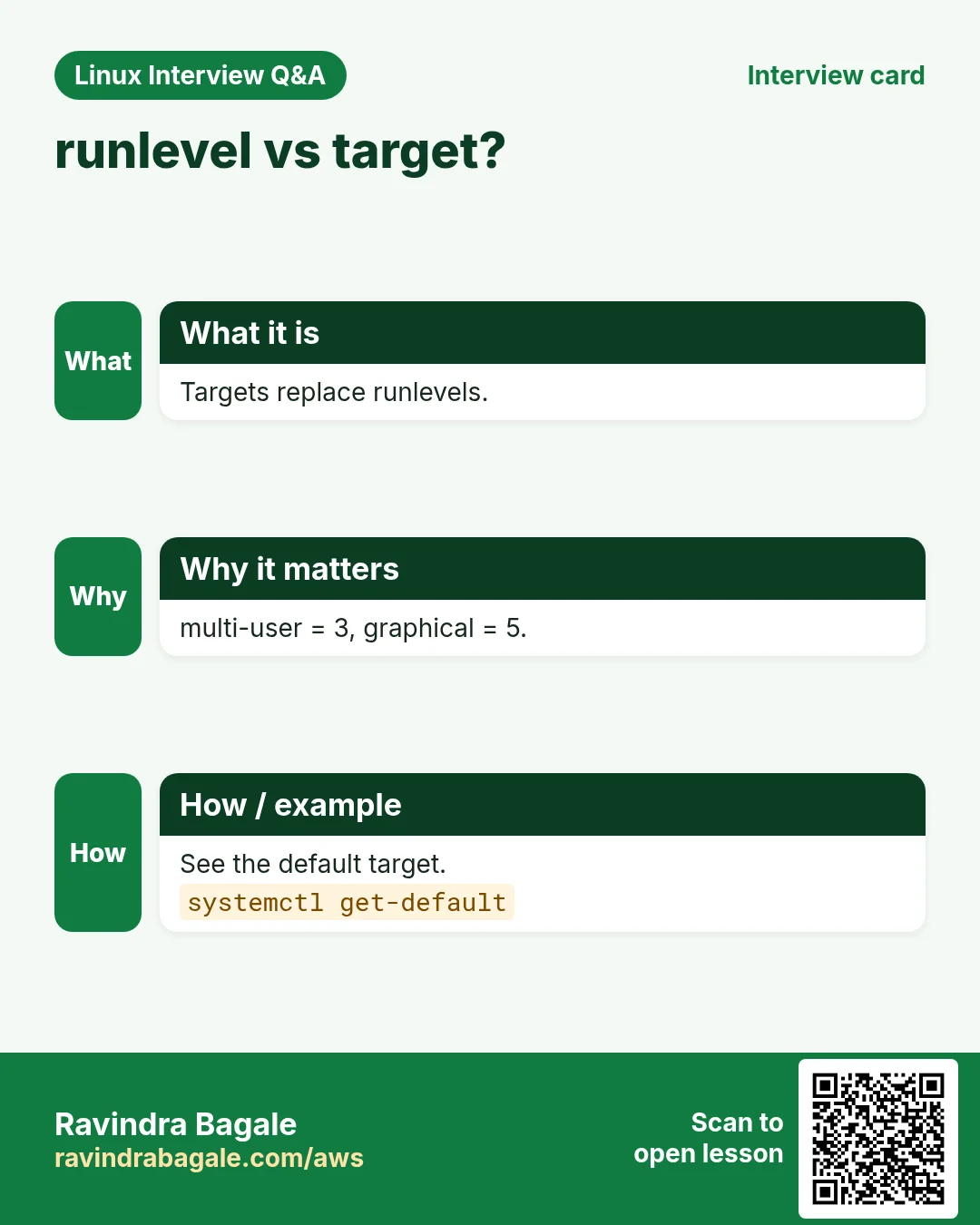
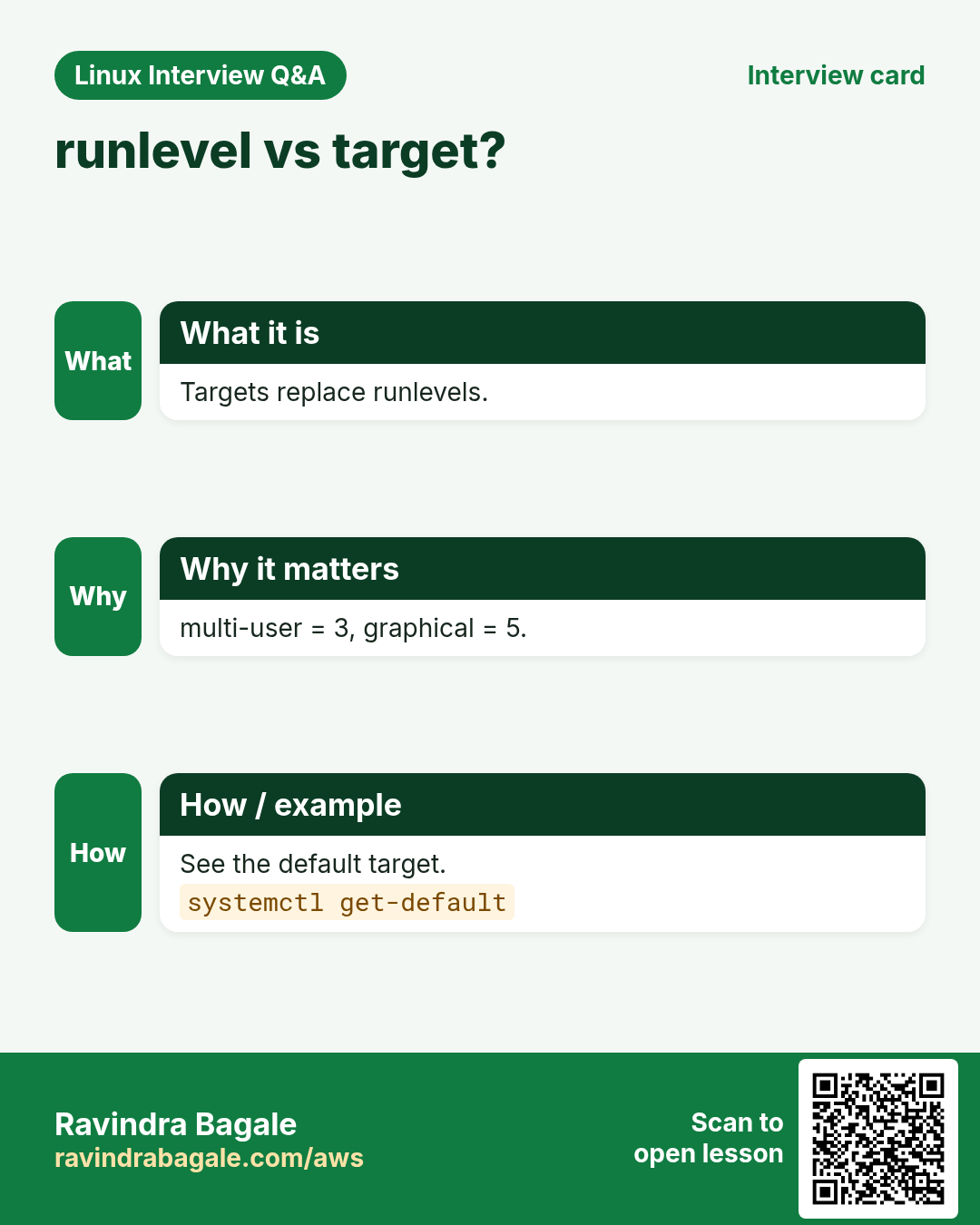
systemd is PID 1. It reads unit files and starts services in parallel based on dependencies. A target is a group of units, like a goal. multi-user.target = server with network, no GUI. graphical.target = with desktop. rescue.target = single user for repair. emergency.target = bare minimum.
| Target | Old runlevel | Use |
|---|---|---|
| poweroff.target | 0 | Shut down |
| rescue.target | 1 | Repair, single user |
| multi-user.target | 3 | Servers |
| graphical.target | 5 | Desktops |
| reboot.target | 6 | Restart |
- See the default target.
systemctl get-defaultOutput:
multi-user.targetThis server boots to text mode with network.
- Set the default target.
sudo systemctl set-default multi-user.targetOutput:
Created symlink /etc/systemd/system/default.target → /lib/systemd/system/multi-user.target.The default target is just a symlink.
- Switch to rescue mode now (careful).
sudo systemctl isolate rescue.targetStops most services. Use only on a console, not over SSH.
- List failed units after boot.
systemctl --failedOutput:
  UNIT          LOAD   ACTIVE SUB    DESCRIPTION
● nginx.service loaded failed failed A high performance web server
nginx failed to start. Check its logs next.
7. Reading boot logs and finding slow boots
Use the last visible stage as your starting point. A firmware screen that cannot find a boot device precedes the Linux kernel. Seeing GRUB means a boot loader started. An early shell after the kernel starts can mean the real root file system has not mounted. If the normal system has started but one service is missing, inspect its systemd unit and logs instead of rebuilding the boot loader.
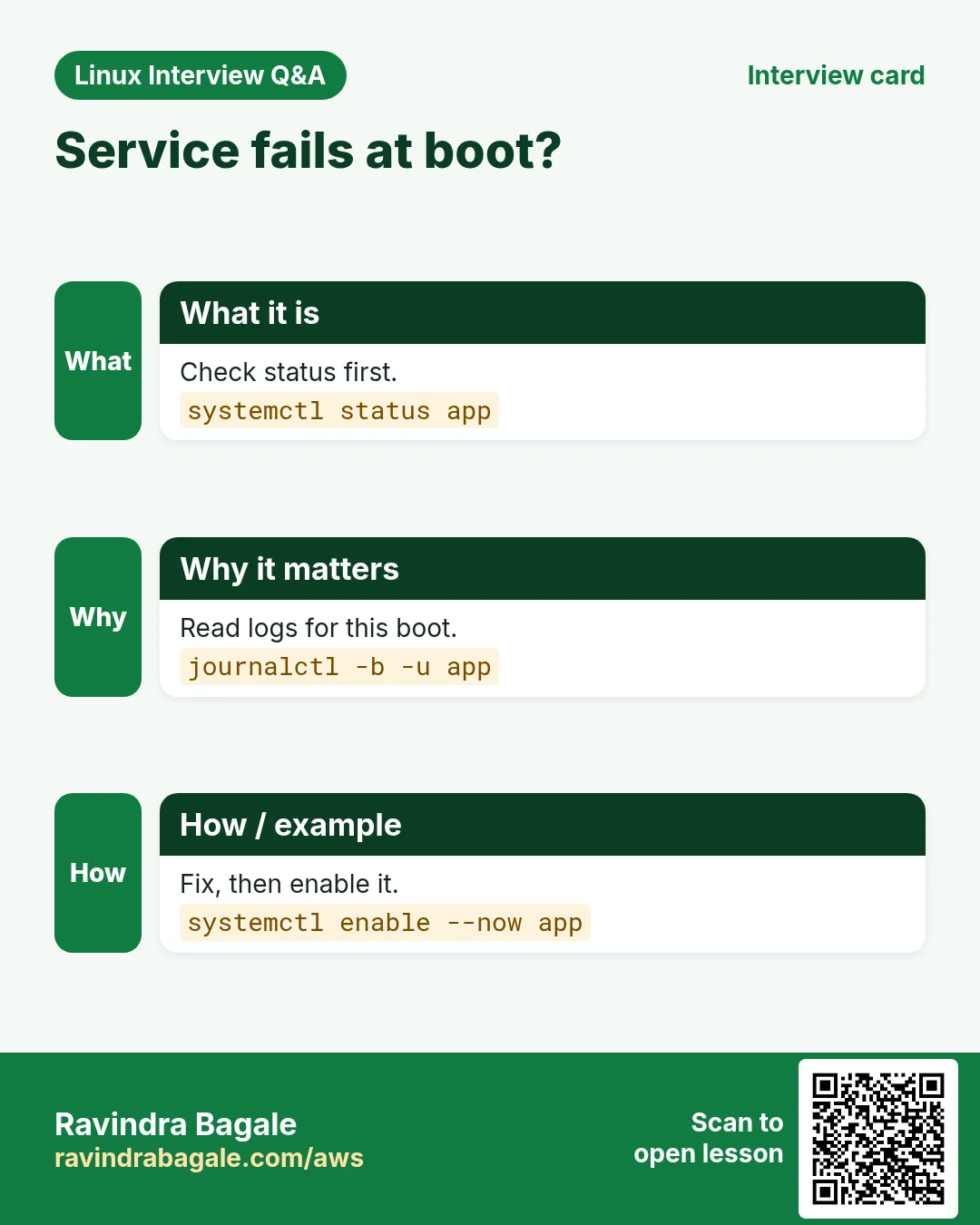
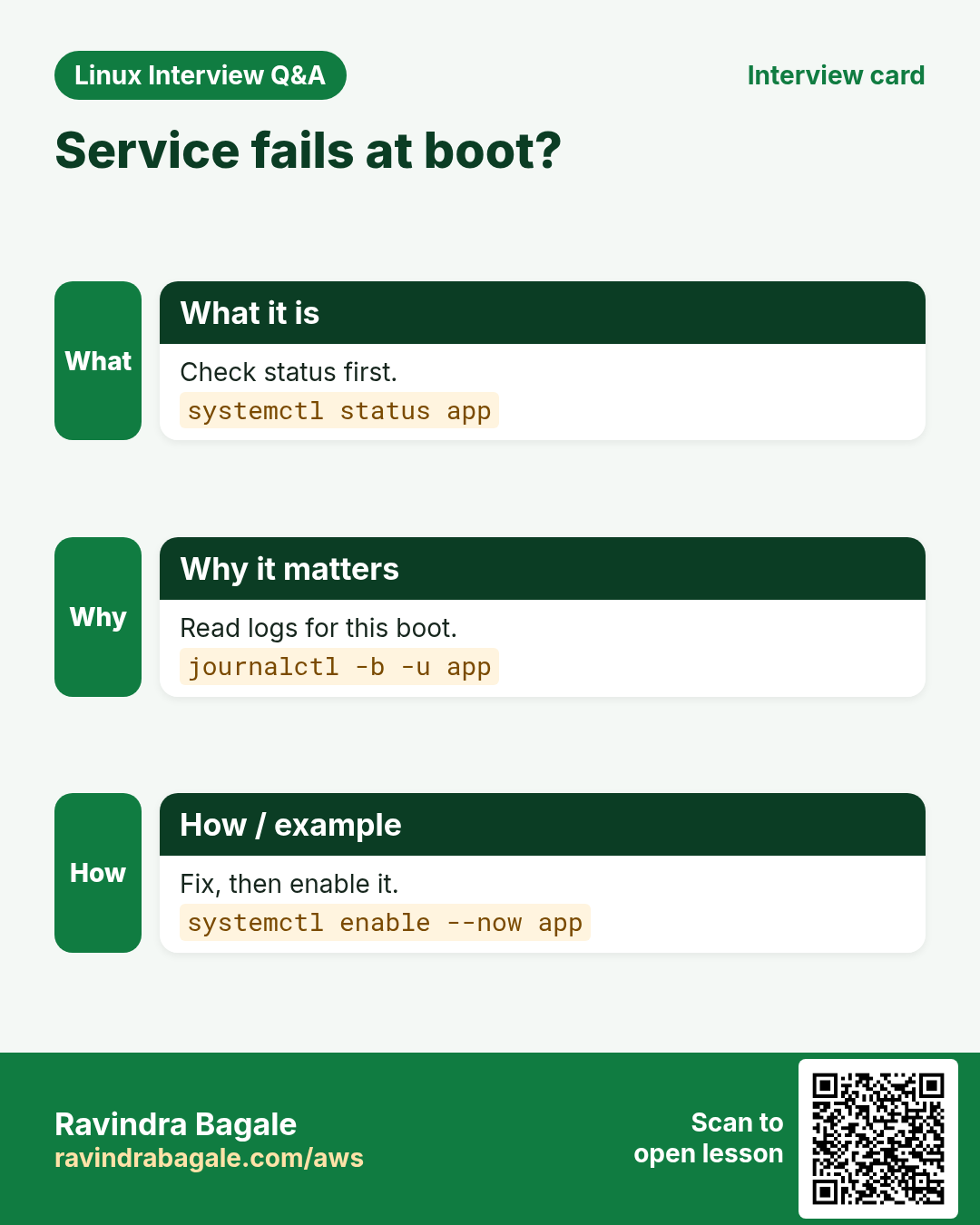
Run journalctl -b on a working practice machine to read the current boot’s journal and identify the timestamp and first relevant failure. Use journalctl -b -1 only when logs from the previous boot are retained. If there are no previous logs or the kernel never reached the logging stage, use the available console evidence rather than assuming that boot had no error.
A boot problem leaves clues in the logs. Without logs you are guessing.
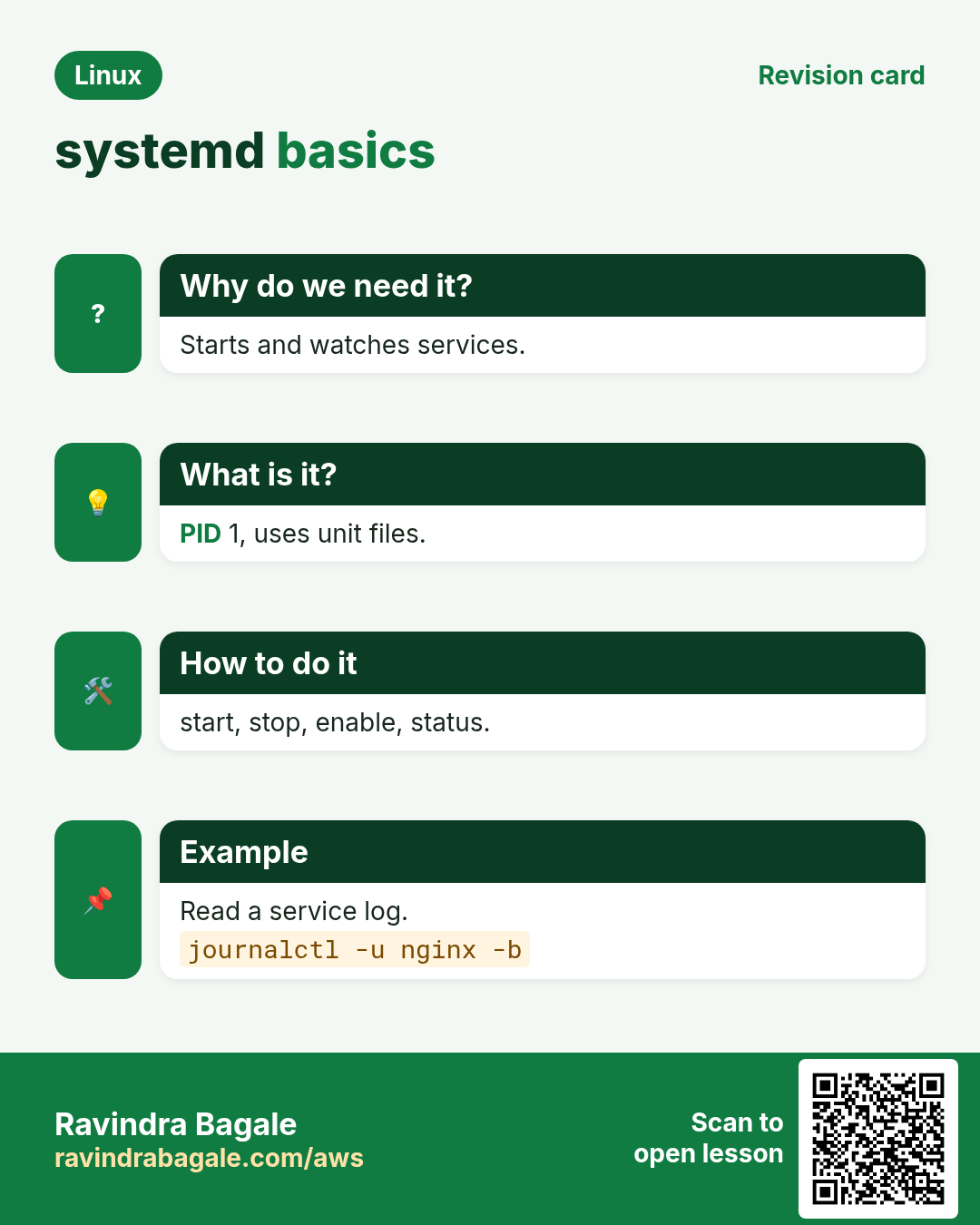
journalctl reads systemd's journal. -b = this boot, -b -1 = the previous boot. systemd-analyze shows boot time and which unit was slow.
- Total boot time.
systemd-analyzeOutput:
Startup finished in 2.1s (kernel) + 9.8s (userspace) = 11.9s
multi-user.target reached after 9.6s in userspace
The kernel took 2 s. Services took almost 10 s.
- Find the slowest units.
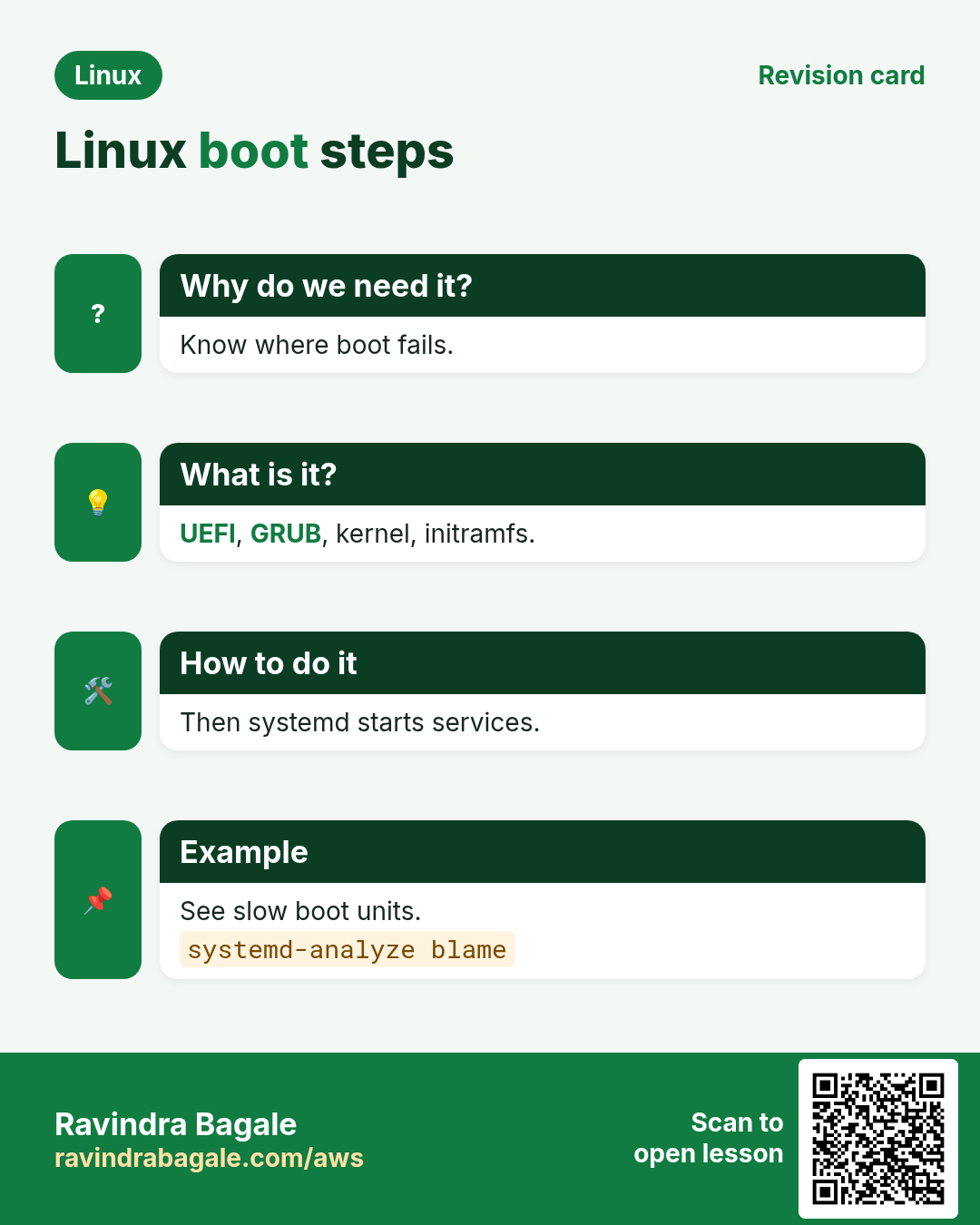
systemd-analyze blame | head -3Output:
6.012s cloud-init.service
1.230s snapd.service
0.811s systemd-networkd-wait-online.service
cloud-init is the slowest. Look there first.
- Errors from this boot only.
journalctl -b -p errOutput:
Oct 25 09:01:12 web01 nginx[812]: nginx: [emerg] bind() to 0.0.0.0:80 failed (98: Address already in use)nginx could not start: port 80 already used.
- Logs from the previous boot (after a crash).
journalctl -b -1 -n 20Output:
-- Logs begin ... --
... kernel: Out of memory: Killed process 2211 (java)
The last boot ended with an out-of-memory kill.
- List known boots.
journalctl --list-bootsOutput:
-1 8c1d... Fri 2026-10-23 10:00—Sat 2026-10-24 21:14
 0 a73f... Sun 2026-10-25 09:00—Sun 2026-10-25 10:42
Two boots are stored. 0 is the current one.
8. Real examples from many industries
The same Linux skill shows up in every kind of company. Seeing it in many places helps you remember it.
Each row is a made-up team. It shows who uses this and how.
| Team and city | How they use it | Command |
|---|---|---|
| Anjali, bank ops, Hyderabad | Pins an old kernel with grubby after a bad patch | grubby --set-default |
| Tom, SaaS, Austin | Cuts EC2 boot time by checking cloud-init in blame | systemd-analyze blame |
| Fatima, telecom, Riyadh | Adds a RAID driver and rebuilds initramfs | dracut -f |
| Arjun, retail, Chennai | Reads previous boot logs after a power cut | journalctl -b -1 |
| Elena, media, Madrid | Boots kiosks to graphical.target | systemctl set-default graphical.target |
| Kwame, logistics, Accra | Uses the EC2 serial console to fix a server stuck at boot | aws ec2-instance-connect send-serial-console-ssh-public-key |
9. Common errors and how to fix them
Everyone hits these errors. Knowing the cause saves hours.
Read the exact message first. Then match it to a row below.
| Error you see | Why it happens | How to fix |
|---|---|---|
error: no such partition. grub rescue> | GRUB cannot find /boot (disk changed or partition deleted) | Boot a live/rescue disk, mount root, and reinstall GRUB.grub-install /dev/sda && update-grub |
Kernel panic - not syncing: VFS: Unable to mount root fs on unknown-block(0,0) | initramfs missing or lacks the disk driver | Pick an older kernel in GRUB, then rebuild initramfs.update-initramfs -u -k all |
Gave up waiting for root file system device. ALERT! UUID=... does not exist. Dropping to a shell! | Wrong root=UUID in GRUB or the disk UUID changed | Compare blkid with /proc/cmdline and fix, then update-grub.blkid |
You are in emergency mode. After logging in, type "journalctl -xb" | A line in /etc/fstab points to a missing disk | Fix or comment that fstab line, or add nofail.mount -a |
A start job is running for /dev/disk/by-uuid/... (1min 30s) | systemd waits for a disk that is not there | Add nofail,x-systemd.device-timeout=10 in fstab.sudo vi /etc/fstab |
Failed to start nginx.service | Service config error or port in use | Read the unit logs.journalctl -u nginx -b |
error: you need to load the kernel first. | GRUB entry has no linux line (bad grub.cfg) | Regenerate grub.cfg, do not hand-edit it.grub2-mkconfig -o /boot/grub2/grub.cfg |
/boot: No space left on device (during kernel update) | Too many old kernels in /boot | Remove old kernels with the package manager.sudo apt autoremove --purge |
Verification failed: (0x1A) Security Violation | Secure Boot blocks an unsigned kernel or module | Use a signed kernel or enrol the key with mokutil.mokutil --sb-state |
10. Troubleshooting step by step
A server that does not boot is scary. Find the stage that failed, then fix only that stage.
Go top to bottom. Stop at the first step that shows the problem.
- Get a console: cloud serial console, VM console or physical screen.
- Stuck before GRUB menu? It is firmware or disk order.
efibootmgr -v- grub rescue prompt? Reinstall GRUB from a rescue disk.
grub-install /dev/sda- Kernel panic? Choose an older kernel in the GRUB menu.
- Dropped to (initramfs) prompt? Check the root UUID.
blkid; cat /proc/cmdline- Emergency mode? Check /etc/fstab.
journalctl -xb | grep -i mount- Boots but a service failed? Check the unit.
systemctl --failed; journalctl -u nginx -b11. Lab 1: Map the boot of your own server
At Kavya Logistics in Indore, the manager asks why servers take 40 seconds to boot. Collect facts for each stage.
A full hands-on lab. Run every step on a test Linux machine (an EC2 instance, a VM, or WSL).
- Firmware type.
[ -d /sys/firmware/efi ] && echo UEFI || echo BIOSOutput:
UEFI- Kernel command line.
cat /proc/cmdlineOutput:
BOOT_IMAGE=/vmlinuz-6.1.0 root=UUID=7a1c... ro console=ttyS0- initramfs size.
ls -lh /boot/initr*Output:
-rw------- 1 root root 34M Oct 20 10:02 /boot/initrd.img-6.1.0- Default target.
systemctl get-defaultOutput:
multi-user.target- Boot time split.
systemd-analyzeOutput:
Startup finished in 3.0s (kernel) + 37.2s (userspace) = 40.2s- Find the slow unit.
systemd-analyze blame | head -1Output:
30.004s systemd-networkd-wait-online.service- See the critical chain.
systemd-analyze critical-chainOutput:
multi-user.target @37.1s
└─network-online.target @37.0s
└─systemd-networkd-wait-online.service @7.0s +30.0s- Conclusion: waiting for a second network card that has no cable.
networkctlOutput:
IDX LINK TYPE  OPERATIONAL
  2 ens5 ether routable
  3 ens6 ether no-carrier
12. Lab 2: Break and fix fstab safely (test VM only)
Practice emergency mode recovery before it happens in production.
A full hands-on lab. Run every step on a test Linux machine (an EC2 instance, a VM, or WSL).
- Back up fstab.
sudo cp /etc/fstab /etc/fstab.bak- Add a fake disk line.
echo 'UUID=dead-beef /data ext4 defaults 0 2' | sudo tee -a /etc/fstabOutput:
UUID=dead-beef /data ext4 defaults 0 2- Test without reboot (you will see the error).
sudo mount -aOutput:
mount: /data: can't find UUID=dead-beef.- Fix: add nofail so boot never stops for it.
sudo sed -i 's/defaults 0 2/defaults,nofail 0 2/' /etc/fstab- Or restore the backup.
sudo cp /etc/fstab.bak /etc/fstab && sudo mount -a && echo OKOutput:
OKRavindra Bagale's Tip
Before every kernel update or GRUB change, make sure you have console access (serial console on EC2). SSH dies first when boot breaks.
Ravindra Bagale's Tip – मराठी
प्रत्येक kernel update किंवा GRUB बदलाआधी console access आहे याची खात्री करा (EC2 वर serial console). Boot बिघडलं की SSH सगळ्यात आधी जातो.
Ravindra Bagale's Tip – हिंदी
हर kernel update या GRUB बदलाव से पहले पक्का करें कि console access है (EC2 पर serial console)। Boot टूटते ही सबसे पहले SSH जाता है।
13. Frequently asked questions
Q. What is the difference between initrd and initramfs?
Both are early RAM file systems. initrd was a disk image. initramfs is a cpio archive. People use both names today.
Q. Can I edit grub.cfg directly?
No. It is overwritten on the next update. Edit /etc/default/grub and run update-grub or grub2-mkconfig.
Q. What replaced runlevels?
systemd targets. runlevel 3 = multi-user.target, 5 = graphical.target.
Q. How do I reset a lost root password?
At GRUB, edit the entry, add rd.break (RHEL) or init=/bin/bash, remount / rw, run passwd. On SELinux systems touch /.autorelabel.
Q. Why does EC2 not show a GRUB menu?
The timeout is 0 on cloud images. Use the EC2 serial console to interact.
14. Interview questions and answers
Beginner level
Q. Name the boot stages.
Firmware (BIOS/UEFI) → GRUB → kernel → initramfs → systemd → target/login.
Q. What is GRUB?
The boot loader. It shows the menu, loads the kernel and initramfs and passes kernel options.
Q. How do you see the default target?
systemctl get-default.
Q. What is PID 1?
systemd on most distros.
Mid level level
Q. Why do we need initramfs?
To load drivers (NVMe, LVM, RAID, LUKS) needed to mount the real root before it is available.
Q. BIOS vs UEFI?
BIOS reads MBR, max 2 TB, no Secure Boot. UEFI reads an EFI file from the ESP, supports GPT and Secure Boot.
Q. How do you find what slows down boot?
systemd-analyze, systemd-analyze blame and critical-chain.
Q. How do you read logs from the boot before a crash?
journalctl -b -1 (needs persistent journal in /var/log/journal).
Senior level
Q. A kernel update made 200 servers fail to boot. What is your plan?
Stop the rollout. Use console to boot the previous kernel. Set it default with grubby. Find the cause (missing driver in initramfs). Fix the image, test on canary, then roll forward in waves.
Q. How do you make a server boot even if a data disk is missing?
Use UUIDs, add nofail and x-systemd.device-timeout in fstab, or use systemd mount units with proper dependencies.
Q. Explain Secure Boot in one minute.
UEFI checks signatures from shim to GRUB to kernel to modules. Unsigned code is refused. Custom modules need a MOK key.
Q. How do you recover an EC2 instance that does not boot?
Use serial console. If not possible, stop it, detach the root volume, attach to a helper instance, fix fstab/GRUB, reattach and start.
Try at home
- Run systemd-analyze blame and write the 3 slowest services.
- Check if your PC or VM uses UEFI.
- Run journalctl -b -p warn and read 5 lines.
Use evidence from this boot rather than rebooting immediately
On a systemd lab machine inspect systemd-analyze time and journalctl -b before changing boot configuration. Note the environment may skip firmware or bootloader details, especially in virtual machines or containers.
Interview check What does initramfs do?
It provides an early userspace that can load required modules and make the real root filesystem available before the regular system starts.
Practise this chapter
Interview questions and answers
How would you decide whether to investigate the boot loader or a missing service?
I would identify the latest visible stage. A failure before the kernel starts suggests a different layer from an initramfs prompt or a running system with one broken unit. Once normal logging is available, I would inspect the relevant boot and service logs.
Check your understanding
Choose an answer, then compare your reasoning with the explanation.
Practice Tasks
Practice checks run in your browser. They check the answer for this exercise; they do not create resources or connect to your AWS account.
About this scenarioVidarbha Cotton Mills is a textiles business in Nagpur. Ganesh Wankhede looks after its IT and cloud work. They count money in INR and run their AWS resources in the ap-south-1 Region. In the tasks below you do real jobs for them using what this lesson teaches. All names, account IDs, IP addresses and numbers are made up for practice.
0 / 16
Easy Is the target active?
It tells if the server boots with GUI or not.
Check whether multi-user.target is active right now on the Vidarbha Cotton Mills server.
- Find the Linux command that does this job.
- Add the options (like -r or -h) the task needs.
- Add the file names, folders or users in the right order.
- Use sudo if the job changes system files or users. Click Check answer.
Easy Find slow boot units
Fix the slowest first.
List the units that took the most time during the last boot of the Vidarbha Cotton Mills server, printed straight without the pager.
- Find the Linux command that does this job.
- Add the options (like -r or -h) the task needs.
- Add the file names, folders or users in the right order.
- Use sudo if the job changes system files or users. Click Check answer.
Easy Critical chain of a unit
Know the baseline.
Show the critical chain of units that sshd.service waited for during boot.
- Find the Linux command that does this job.
- Add the options (like -r or -h) the task needs.
- Add the file names, folders or users in the right order.
- Use sudo if the job changes system files or users. Click Check answer.
Easy Kernel version string
root= and other options live here.
Print the full kernel version string of the Vidarbha Cotton Mills server from the process folder.
- Find the Linux command that does this job.
- Add the options (like -r or -h) the task needs.
- Add the file names, folders or users in the right order.
- Use sudo if the job changes system files or users. Click Check answer.
Easy List failed units
Quick health check after boot.
List only failed service units on the Vidarbha Cotton Mills server.
- Find the Linux command that does this job.
- Add the options (like -r or -h) the task needs.
- Add the file names, folders or users in the right order.
- Use sudo if the job changes system files or users. Click Check answer.
Easy Repair target
Single user mode for fixes.
Which systemd target replaces old runlevel 1 (single user repair)? Type the full target name.
- Write down the numbers the task gives you.
- Work it out step by step on paper.
- Type only the final answer in the box.
- Click Check answer.
Medium Set multi-user target
Servers do not need a GUI.
Make the Vidarbha Cotton Mills server boot to the graphical desktop by default.
- Find the Linux command that does this job.
- Add the options (like -r or -h) the task needs.
- Add the file names, folders or users in the right order.
- Use sudo if the job changes system files or users. Click Check answer.
Medium Errors from this boot
Focus only on what matters.
Show only warning-level (and worse) journal messages from the current boot.
- Find the Linux command that does this job.
- Add the options (like -r or -h) the task needs.
- Add the file names, folders or users in the right order.
- Use sudo if the job changes system files or users. Click Check answer.
Medium Logs from two boots ago
After a crash, the clue is in the last boot.
Vidarbha Cotton Mills's server rebooted by itself. Show the journal of the boot before the previous one (two boots ago).
- Find the Linux command that does this job.
- Add the options (like -r or -h) the task needs.
- Add the file names, folders or users in the right order.
- Use sudo if the job changes system files or users. Click Check answer.
Medium Rebuild GRUB on Ubuntu
Edits to /etc/default/grub need a rebuild.
You changed GRUB_TIMEOUT on the Ubuntu server. Regenerate the GRUB config, and only if that works, reboot.
- Find the Linux command that does this job.
- Add the options (like -r or -h) the task needs.
- Add the file names, folders or users in the right order.
- Use sudo if the job changes system files or users. Click Check answer.
Medium Rebuild initramfs (Ubuntu)
Needed after driver or crypttab changes.
Update the initramfs for all installed kernels on Ubuntu.
- Find the Linux command that does this job.
- Add the options (like -r or -h) the task needs.
- Add the file names, folders or users in the right order.
- Use sudo if the job changes system files or users. Click Check answer.
Medium Rebuild initramfs (RHEL)
RHEL uses dracut.
Force-rebuild the initramfs of every installed kernel on Amazon Linux.
- Find the Linux command that does this job.
- Add the options (like -r or -h) the task needs.
- Add the file names, folders or users in the right order.
- Use sudo if the job changes system files or users. Click Check answer.
Medium Test fstab without reboot
A bad fstab line drops boot to emergency mode.
After editing /etc/fstab on the Vidarbha Cotton Mills server, mount everything listed in it to test, printing each mount (verbose).
- Find the Linux command that does this job.
- Add the options (like -r or -h) the task needs.
- Add the file names, folders or users in the right order.
- Use sudo if the job changes system files or users. Click Check answer.
Medium Kernel errors only
Hardware problems show here.
Show kernel ring buffer messages with level crit or alert only.
- Find the Linux command that does this job.
- Add the options (like -r or -h) the task needs.
- Add the file names, folders or users in the right order.
- Use sudo if the job changes system files or users. Click Check answer.
Medium Keep booting with a missing disk
Detached EBS volumes are common.
Which fstab mount option lets the Vidarbha Cotton Mills server finish booting even if a data disk is missing? Type the option.
- Write down the numbers the task gives you.
- Work it out step by step on paper.
- Type only the final answer in the box.
- Click Check answer.
Hard Rebuild GRUB on RHEL
Different name on Red Hat.
On an older RHEL 8 UEFI server, regenerate /boot/efi/EFI/redhat/grub.cfg.
- Find the Linux command that does this job.
- Add the options (like -r or -h) the task needs.
- Add the file names, folders or users in the right order.
- Use sudo if the job changes system files or users. Click Check answer.
15. Related chapters
- Linux Ops Refresh for DevOps
- Bash Scripting for Automation
- Linux grep and find Commands with Examples
- How to Set Up Passwordless SSH Between Linux Servers
In short
- Firmware → GRUB → kernel → initramfs → systemd → target.
- Edit /etc/default/grub, then update-grub or grub2-mkconfig.
- Rebuild initramfs with update-initramfs -u or dracut -f.
- journalctl -b and systemd-analyze blame are your boot friends.
Revision, comparison and interview cards
Revise this lesson in a few minutes. Save the cards on your phone or download them as PNG files. The QR code on each card opens this lesson.
More cards: Ravi Sir's Cards.