Linux sudo, sudoers and visudo Tutorial (plus PAM Basics) with Examples
root can do anything, so logging in as root is risky. sudo lets a normal user run one command as root (or another user), asks for their own password, and writes every use to a log. The sudoers file decides who may run what. PAM is the plug-in system that checks passwords and rules for sudo, su, SSH and login.
In this chapter
- Use sudo, sudo -u, sudo -i and sudo -l
- Read and write sudoers rules safely with visudo
- Use /etc/sudoers.d drop-in files, aliases and NOPASSWD
- Find sudo activity in the logs
- Know su vs sudo
- Understand PAM stacks and modules like pam_faillock
1. An everyday example: the office master key
At a Hinjewadi office, only the admin manager has the master key. Instead of giving copies to everyone, the guard keeps it. Staff who are on the guard's list can ask for it for one job, sign the register, and give it back. The list says Nikhil can open only the server room, while Meera can open every room. At the gate, a security system checks ID cards, then fingerprints, then the time of day.
Master key = root. Guard = sudo. Guard's list = /etc/sudoers. Signing the register = the sudo log. Nikhil only the server room = a rule for one command. Gate checks one after another = PAM modules in a stack.
2. sudo: run one command as root
Suppose you can read a website’s files but cannot restart its service. Linux checks the identity of the process asking to do the work. Your shell belongs to your account. When the policy allows a command through sudo, that command can run as a different account, usually root, the system administrator account. Run whoami first and compare the result with sudo whoami if it is allowed. The second answer describes only the process started through sudo. Run whoami once more to see that your shell still has your original identity.
Installing packages, restarting services and editing /etc need root. sudo gives that power for one command and records it.
sudo COMMAND runs it as root after asking your password. The password is cached for a few minutes. sudo !! repeats the last command with sudo. -k forgets the cached password. -v refreshes it.
- Restart a service.
sudo systemctl restart nginxOutput:
[sudo] password for ravi:You type your own password, not root's.
- Forgot sudo? Repeat with it.
dnf install -y htop; sudo !!Output:
Error: This command has to be run with superuser privileges
...
Complete!
!! is the previous command.
- Redirect into a root file (the right way).
echo 'vm.swappiness=10' | sudo tee /etc/sysctl.d/99-swap.confOutput:
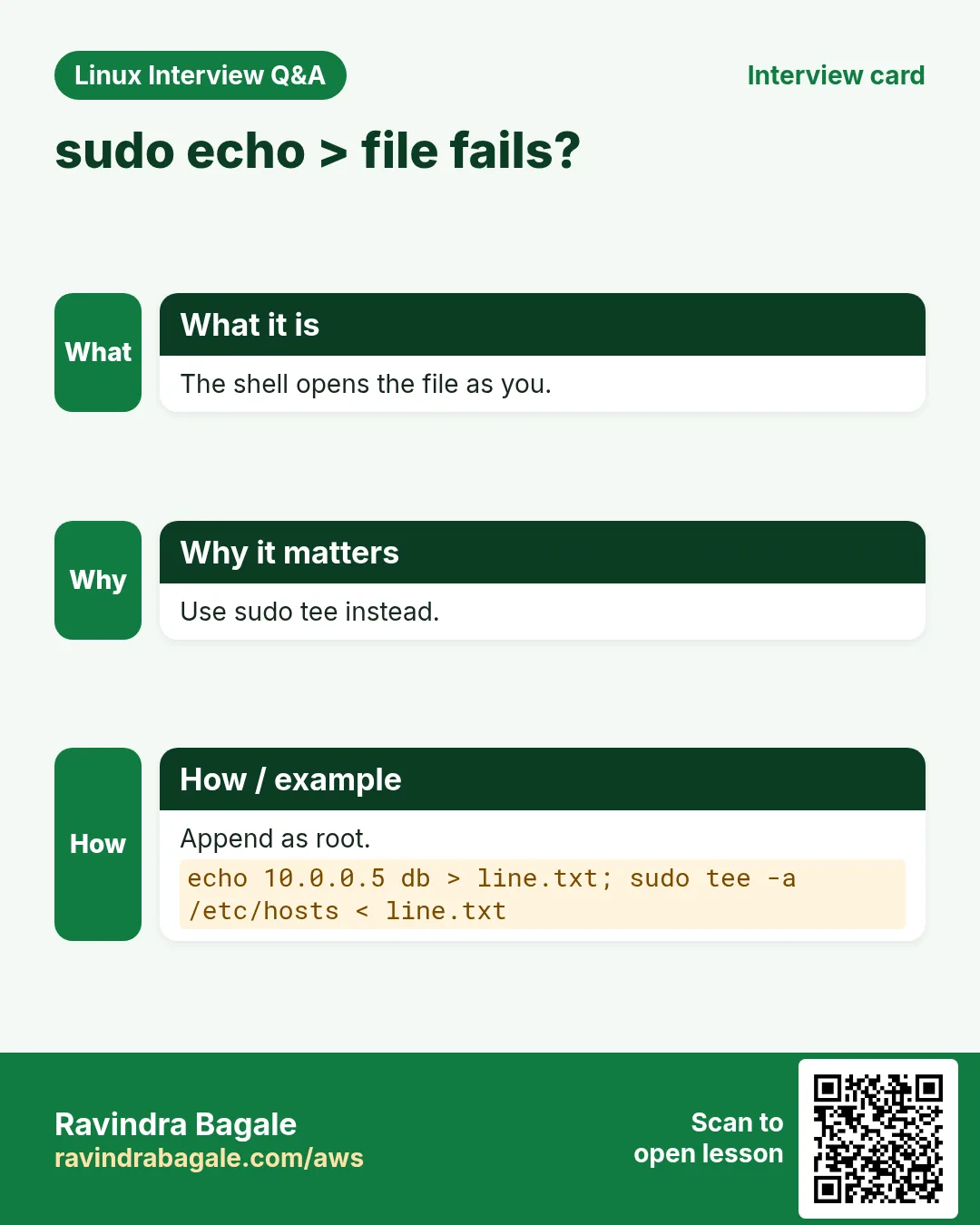
vm.swappiness=10sudo echo x > file fails because the shell does the > as you.
- Forget the cached password.
sudo -k && sudo -n trueOutput:
sudo: a password is required-n never asks; good for scripts.
3. sudo -u and sudo -i: act as another user
You need to run a command as the app user (postgres, deploy) or get a full root shell for a long fix.
sudo -u USER CMD runs as that user. sudo -i opens a root login shell (root's environment). sudo -iu USER opens a login shell as USER. sudo -s runs a shell as the target user. The sudoers policy controls which environment variables it preserves. sudo -E requests preservation and works only when the policy allows it.
- Run psql as postgres.
sudo -u postgres psql -c 'select version();'Output:
PostgreSQL 16.4 on x86_64No need to know the postgres password.
- Check the effective identity for one command in a root login environment.
sudo -i whoamiOutput:
rootThis command exits after printing the effective user.
- Check the working directory in the login environment of your disposable
deploylab user.
sudo -iu deploy pwdOutput:
/home/deployTest exactly what the deploy user sees.
4. sudo -l: what am I allowed to run?
Before trying, or while debugging 'not allowed', see your rules.
sudo -l lists your rules. sudo -l -U USER (root) lists another user's. sudo -ll gives a long format.
- Your rules.
sudo -lOutput:
User ravi may run the following commands on web1:
    (ALL) ALL
ravi can run everything as anyone.
- A limited user.
sudo -l -U nikhilOutput:
User nikhil may run the following commands on web1:
    (root) NOPASSWD: /usr/bin/systemctl restart nginx
Only one command, no password.
- A user with no rights.
sudo -l -U guestOutput:
User guest is not allowed to run sudo on web1.Clear answer for audits.
5. The sudoers file: rule syntax
Read the lab rule like a sentence. The name or %group at the start answers who may ask. The next field describes the machines where the rule applies. The name in parentheses is the account the command may run as. The last part is the allowed executable and any argument restriction, such as restarting one named service. In the lab, list the permissions with sudo -l, then compare the shown path and arguments with the exact command you intend to run. That explains why a rule for reading one service’s logs may still deny a restart or a different service name.
To give the right power to the right person, you must read and write sudoers rules.
A rule is WHO WHERE=(AS_WHOM) COMMANDS, for example ravi ALL=(ALL) ALL. %wheel means the wheel group. Commands need full paths. Tags like NOPASSWD: go before the commands. Lines starting with # are comments, but #include and @includedir are directives. Defaults lines change behaviour.
| Part | Example | Meaning |
|---|---|---|
| WHO | %wheel | Group wheel |
| WHERE | ALL | On any host |
| AS | (ALL:ALL) | Any user and group |
| TAG | NOPASSWD: | No password asked |
| CMD | /usr/bin/systemctl | Full path |
- The admin group line.
sudo grep -E '^%(wheel|sudo)' /etc/sudoersOutput:
%wheel ALL=(ALL) ALLEveryone in wheel gets full sudo.
- Find full paths for rules.
command -v systemctl journalctlOutput:
/usr/bin/systemctl
/usr/bin/journalctl
Rules must use these exact paths.
- Show the include line.
sudo grep -n includedir /etc/sudoersOutput:
120:#includedir /etc/sudoers.dNot a comment: it loads files from that folder.
6. visudo: edit sudoers safely
One typo in /etc/sudoers can break sudo for everyone, and then you cannot fix it without root.
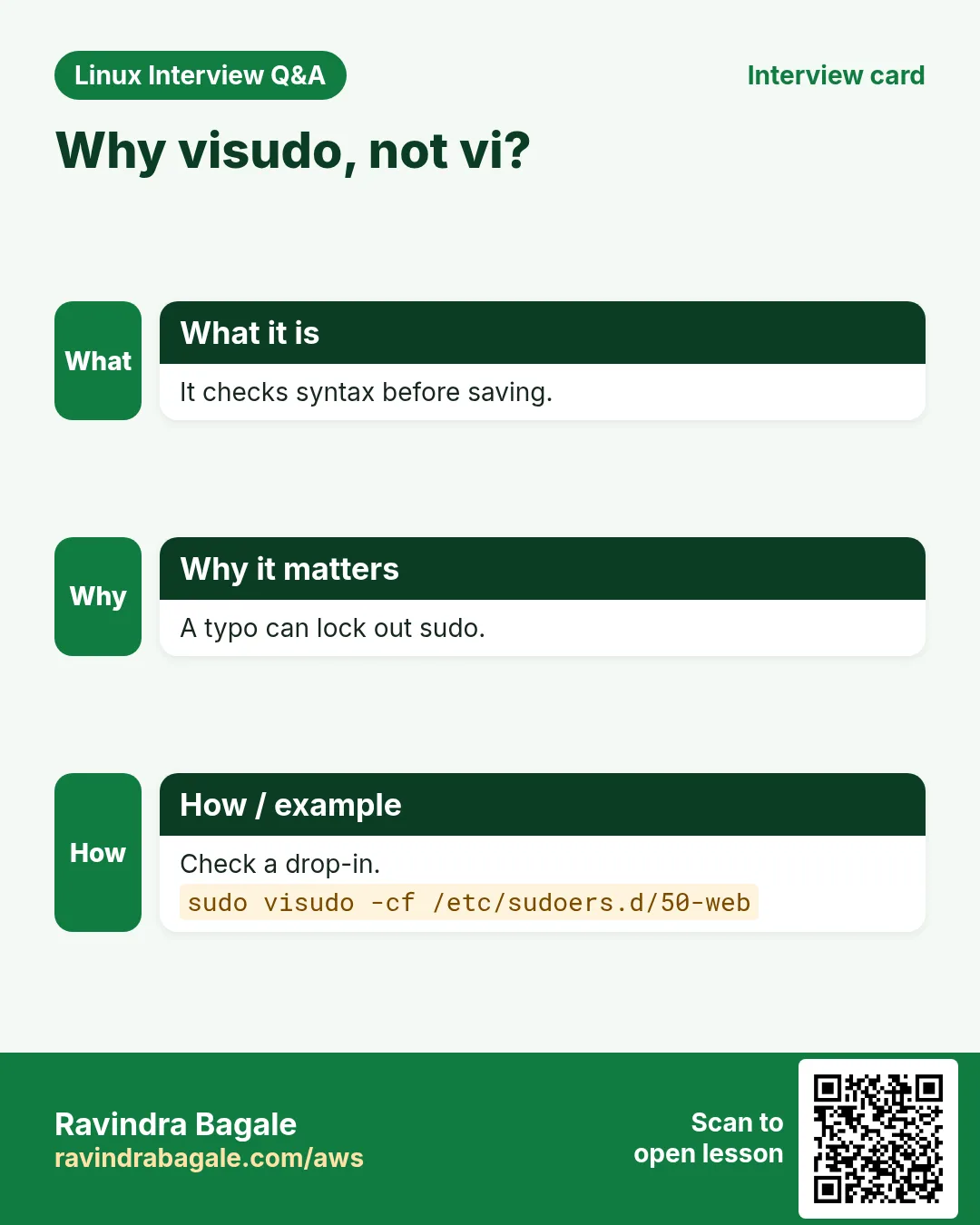
visudo locks the file, opens it in an editor and checks the syntax before saving. visudo -f FILE edits a drop-in file. visudo -c checks all files. EDITOR=nano visudo picks the editor.
- Edit with nano.
sudo EDITOR=nano visudoOutput:
(opens the editor)Saves only if the syntax is valid.
- What a typo looks like.
sudo visudo -cOutput:
/etc/sudoers.d/90-nikhil:1:30: syntax error
nikhil ALL=(root) NOPASSWD /usr/bin/systemctl
Missing colon after NOPASSWD.
- All files OK.
sudo visudo -cOutput:
/etc/sudoers: parsed OK
/etc/sudoers.d/90-nikhil: parsed OK
Safe to log out now.
7. /etc/sudoers.d: drop-in rule files
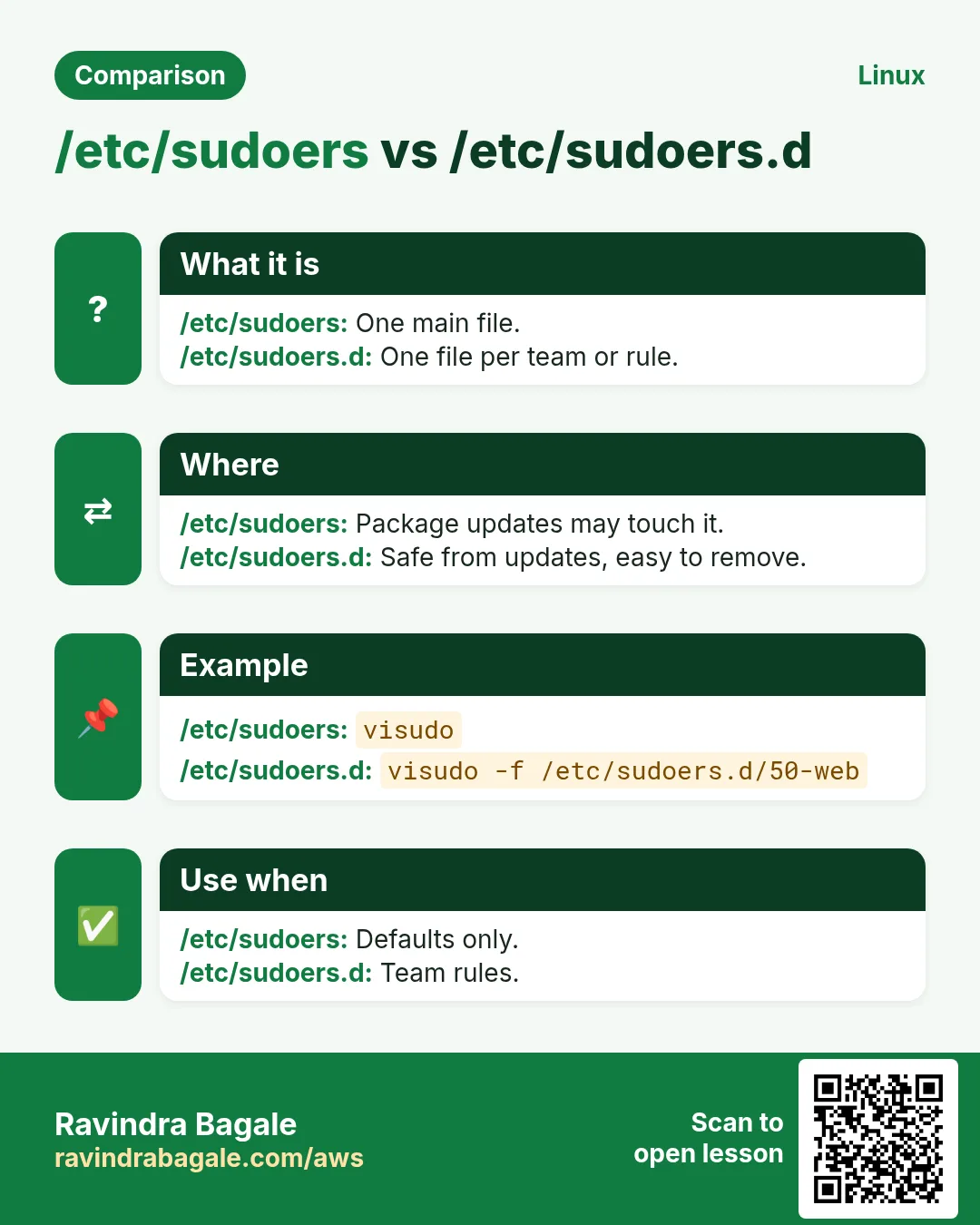
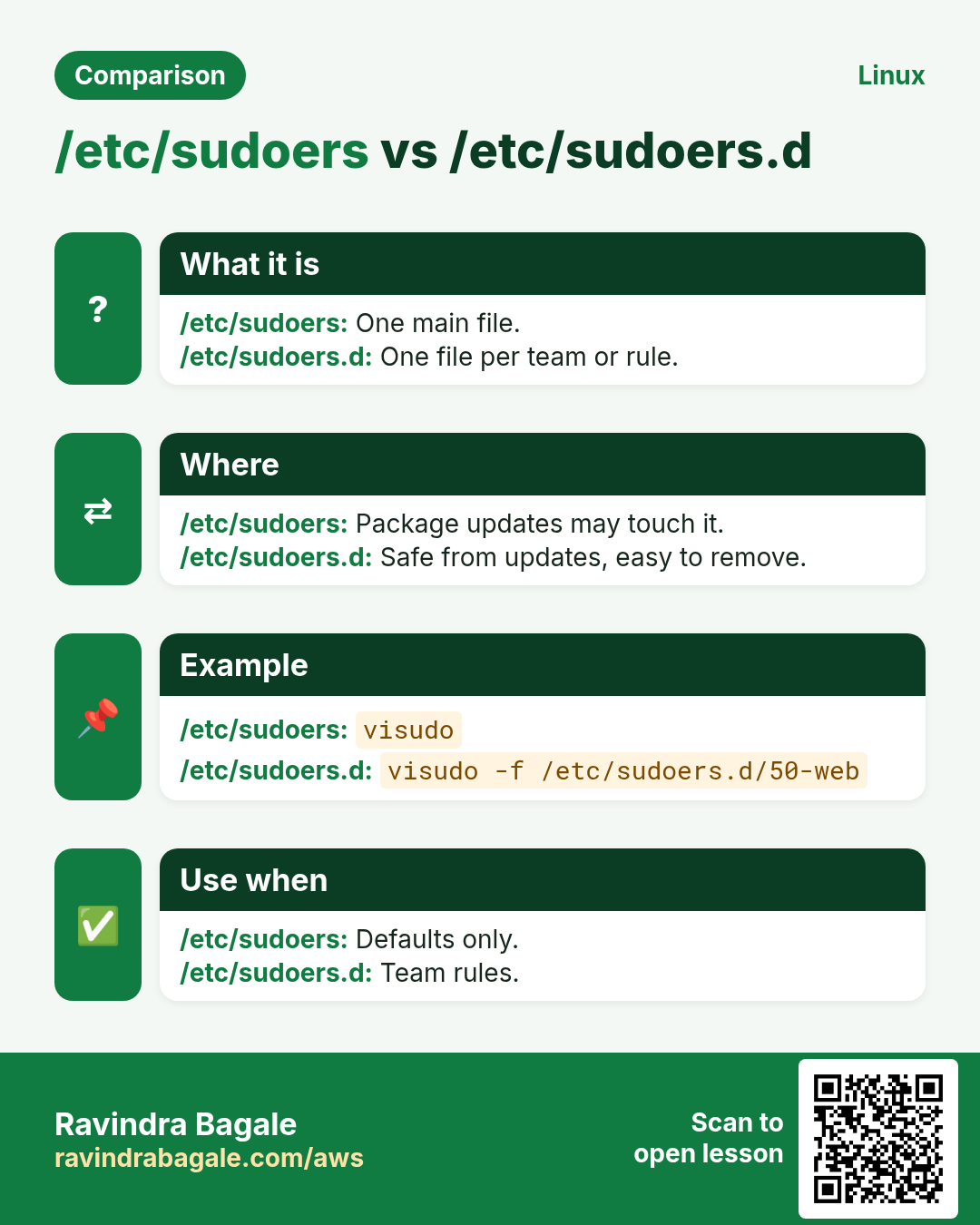
Editing the main file by hand or by automation is risky. Small files per team are easy to add, review and remove.
Put one file per purpose in /etc/sudoers.d/. Permissions must be 0440 and owner root. File names with a dot or ending in ~ are ignored. Always check with visudo -cf.
- Give nikhil one restart command.
echo 'nikhil ALL=(root) NOPASSWD: /usr/bin/systemctl restart nginx' | sudo tee /etc/sudoers.d/90-nikhilOutput:
nikhil ALL=(root) NOPASSWD: /usr/bin/systemctl restart nginxOnly that exact command.
- Fix permissions and check.
sudo chmod 0440 /etc/sudoers.d/90-nikhil && sudo visudo -cf /etc/sudoers.d/90-nikhilOutput:
/etc/sudoers.d/90-nikhil: parsed OKWrong permissions make sudo complain.
- Test as nikhil.
sudo -u nikhil sudo -n systemctl restart nginx; sudo -u nikhil sudo -n systemctl stop nginxOutput:
(first works)
Sorry, user nikhil is not allowed to execute '/usr/bin/systemctl stop nginx' as root on web1.
Restart allowed, stop blocked.
- Remove the access.
sudo rm /etc/sudoers.d/90-nikhilOutput:
(no output)Rules are gone right away.
8. NOPASSWD, aliases and Defaults
CI jobs cannot type passwords, and many similar rules become messy. Aliases and Defaults keep rules short and safe.
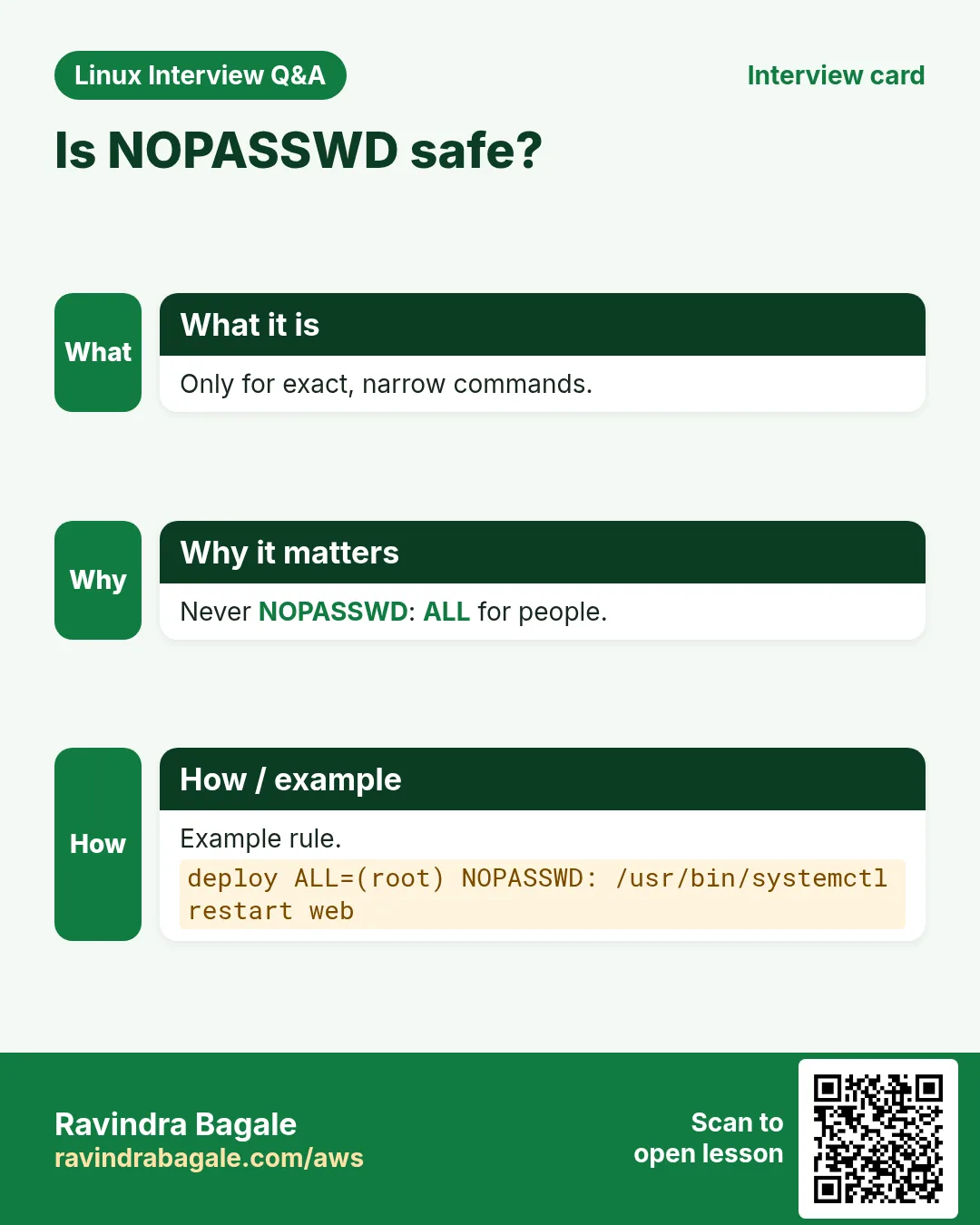
NOPASSWD: skips the password (limit it to exact commands). User_Alias, Cmnd_Alias, Host_Alias group names. Defaults set options: timestamp_timeout, logfile, requiretty, secure_path, env_keep. Never give NOPASSWD: ALL to a shared account, and avoid allowing editors, shells or tar (they can open a root shell).
- A command alias for a team.
sudo tee /etc/sudoers.d/50-web <<'X'
Cmnd_Alias WEB = /usr/bin/systemctl restart nginx, /usr/bin/systemctl reload nginx, /usr/bin/journalctl -u nginx
%webops ALL=(root) WEB
X
Output:
(file written)Everyone in webops gets those 3 commands.
- CI deploy without a password.
echo 'deploy ALL=(root) NOPASSWD: /usr/local/bin/deploy.sh' | sudo tee /etc/sudoers.d/60-deployOutput:
deploy ALL=(root) NOPASSWD: /usr/local/bin/deploy.shMake deploy.sh owned by root and not writable by deploy.
- Cache the password for 2 minutes.
echo 'Defaults timestamp_timeout=2' | sudo tee /etc/sudoers.d/10-defaultsOutput:
Defaults timestamp_timeout=20 asks every time.
- A separate sudo log file.
echo 'Defaults logfile=/var/log/sudo.log' | sudo tee -a /etc/sudoers.d/10-defaults && sudo visudo -c | tail -1Output:
/etc/sudoers.d/10-defaults: parsed OKEasy to ship to a SIEM.
9. sudo logs: who ran what
After an incident you must know who ran which command as root, and when.
Every sudo use is logged with user, folder and command. RHEL family: /var/log/secure. Debian/Ubuntu: /var/log/auth.log. Everywhere with systemd: journalctl _COMM=sudo. Failed attempts say 'incorrect password attempts' or 'NOT in sudoers'.
- Today's sudo commands.
sudo journalctl _COMM=sudo --since today | grep COMMAND | tail -2Output:
ravi : TTY=pts/0 ; PWD=/home/ravi ; USER=root ; COMMAND=/usr/bin/systemctl restart nginx
priya : TTY=pts/1 ; PWD=/etc ; USER=root ; COMMAND=/usr/bin/vim nginx.conf
Who, where, as whom and what.
- Failed sudo tries on Ubuntu.
sudo grep -E 'incorrect password|NOT in sudoers' /var/log/auth.log | tail -1Output:
guest : user NOT in sudoers ; TTY=pts/2 ; PWD=/home/guest ; USER=root ; COMMAND=/bin/bashSomeone without rights tried to get a root shell.
- Count sudo use per user.
sudo journalctl _COMM=sudo --since '7 days ago' | grep -o '^.*sudo\[[0-9]*\]: *[a-z]*' | awk '{print $NF}' | sort | uniq -cOutput:
  42 ravi
   7 priya
Good for a weekly review.
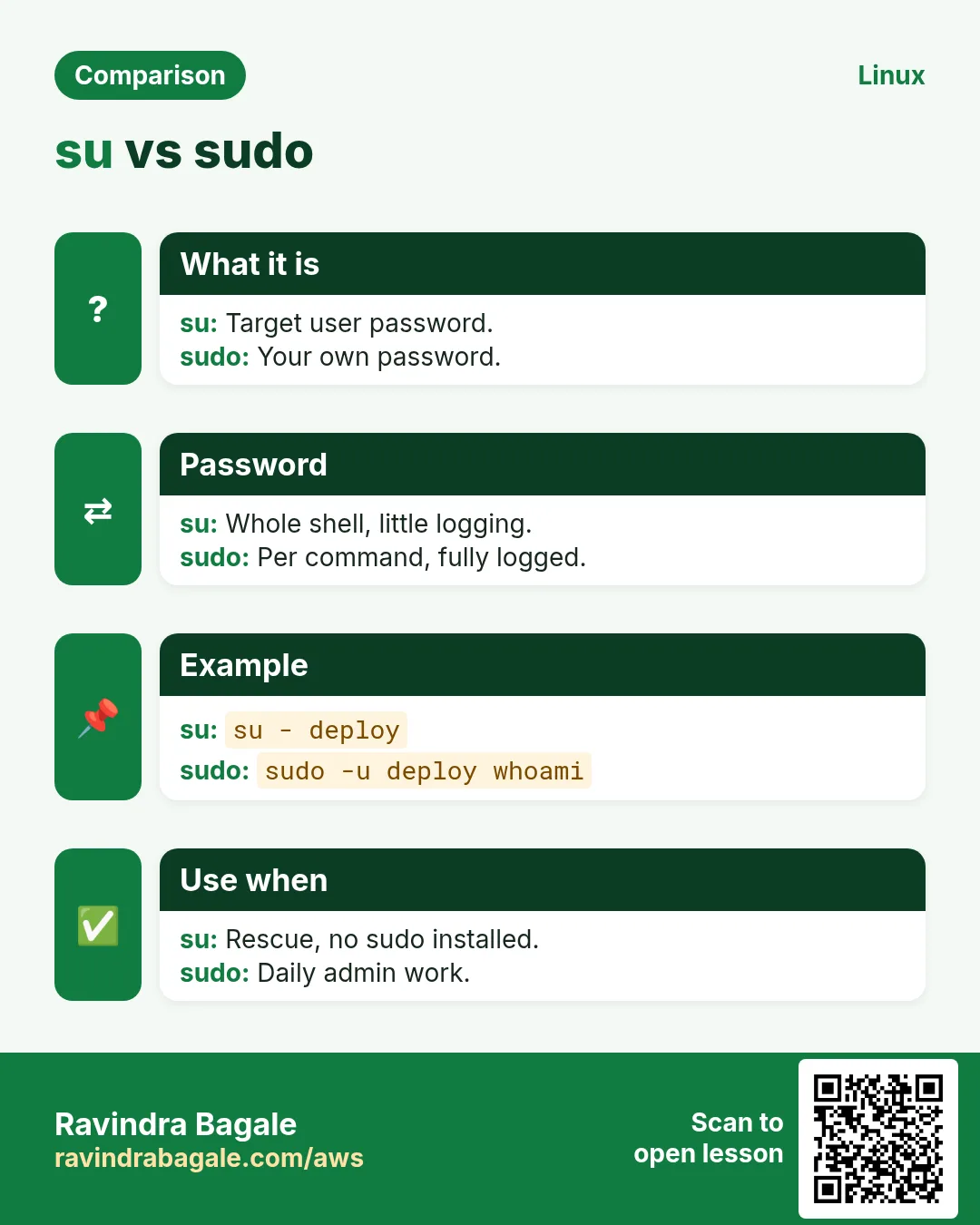
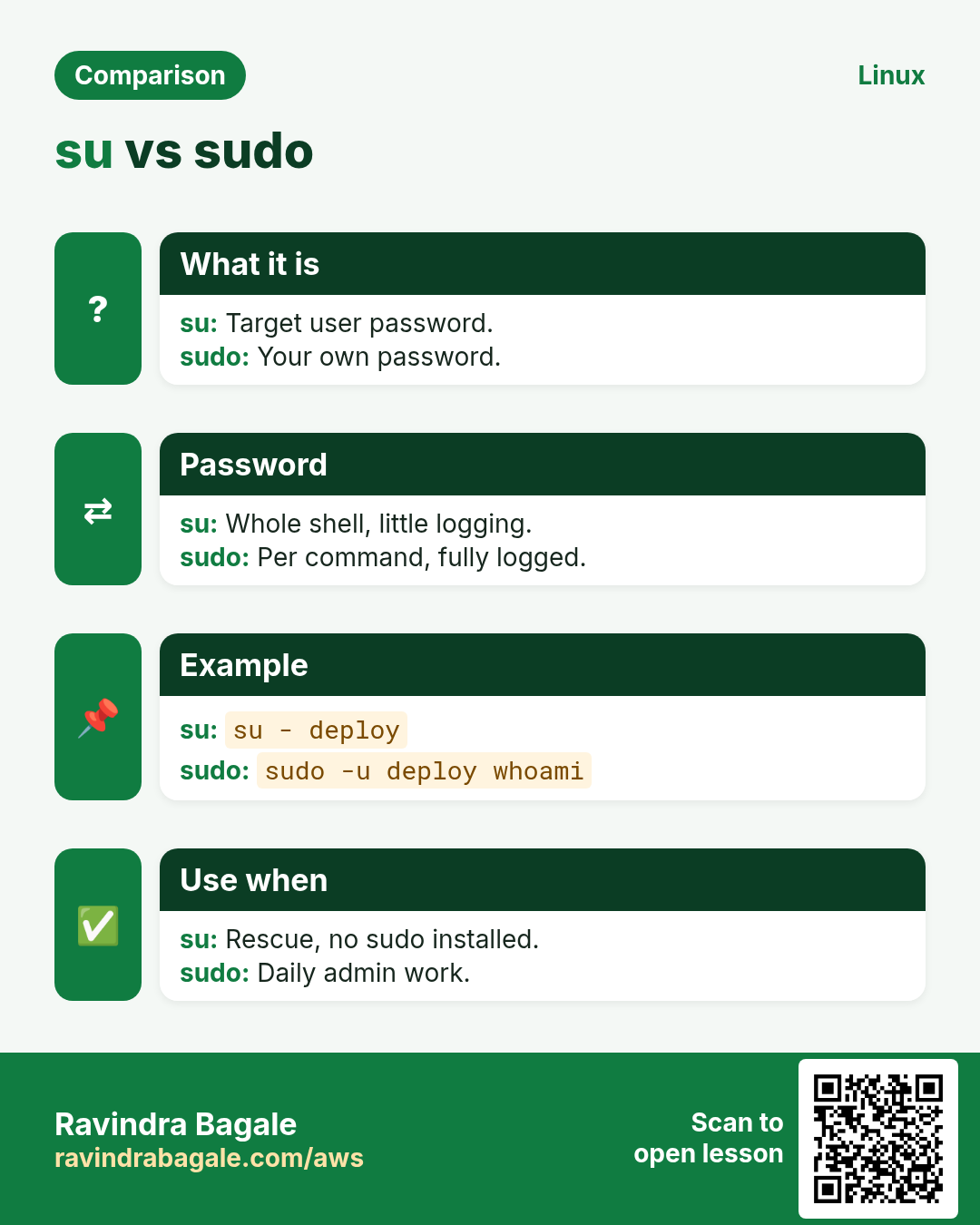
10. su vs sudo
Both give root, but they work very differently for safety and audit.
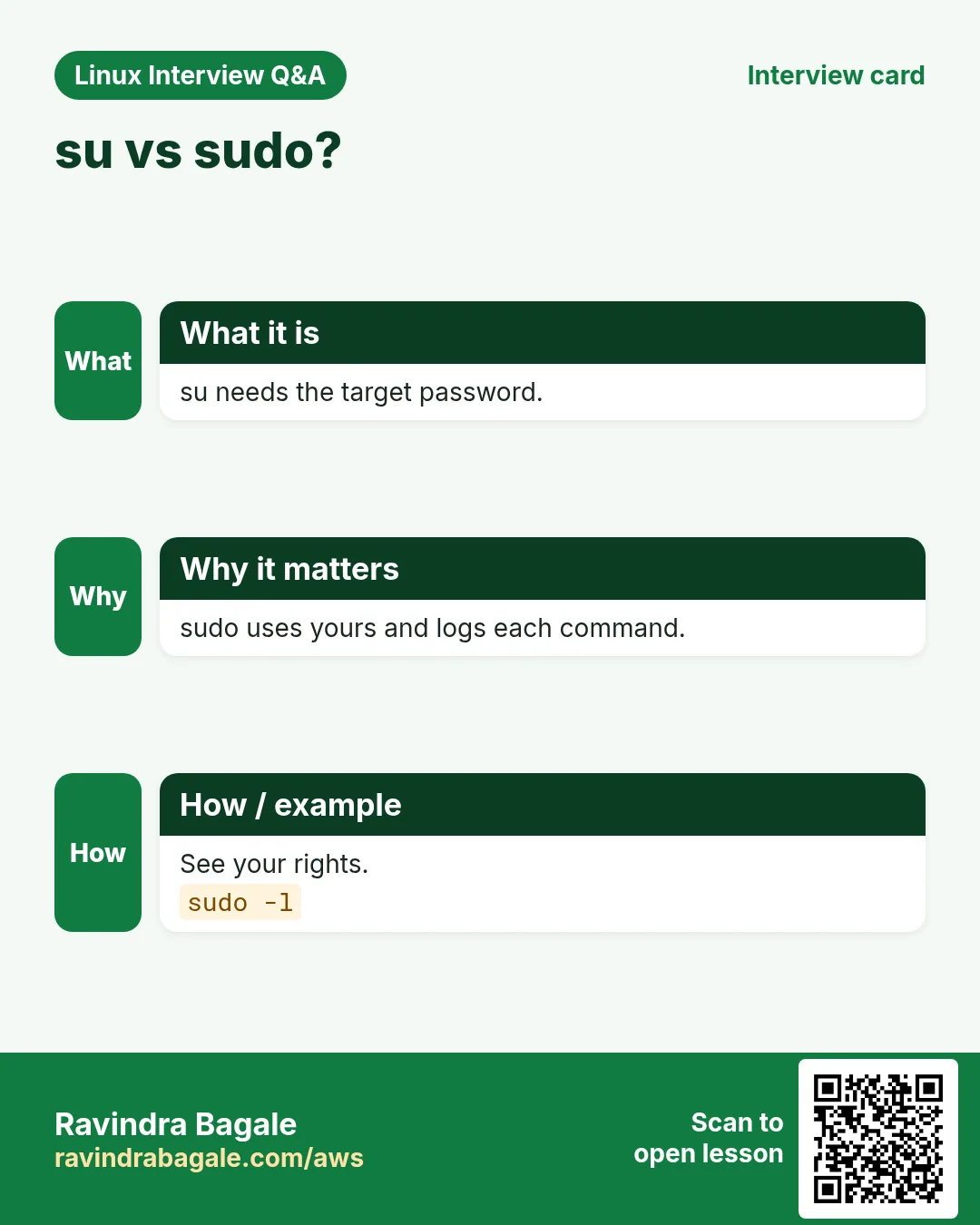
su asks the TARGET user's password (root's), and gives a full shell, so logs only show 'su to root'. sudo asks YOUR password, can be limited per command, and logs each command. Most clouds (Ubuntu, Amazon Linux) lock the root password, so use sudo -i instead of su.
| su | sudo | |
|---|---|---|
| Password | Target user's | |
| Scope | Full shell | |
| Log | Session only |
- su to root on a cloud VM.
su -Output:
Password:
su: Authentication failure
root has no password set.
- The sudo way.
sudo -iOutput:
[root@web1 ~]#Uses your password and is logged.
11. PAM: how Linux checks logins
When the prompt asks for a password, the login program still needs rules for checking it. PAM stands for Pluggable Authentication Modules. A module is a small component for a job such as checking a password or counting failures. The program asks PAM to follow the stack for that service. Checking the password and checking whether the account may log in are separate steps. A correct password can still end in a denial when an account is locked. In the disposable lab, compare faillock --user output before and after an expected failed login so you can identify which part of the policy acted.
Password rules, account lockout after failed tries, 2FA and home folder creation are all set in PAM, not in each program.
Each service has a file in /etc/pam.d/ (sudo, sshd, login, su). Lines are TYPE CONTROL MODULE args. Types: auth (who are you), account (allowed now?), password (changing it), session (setup on login). Controls: required, requisite, sufficient, optional, include. Order matters. RHEL uses authselect to manage these files; Ubuntu uses pam-auth-update.
| Type | Asks |
|---|---|
| auth | Is the password/2FA right? |
| account | Is the account allowed now? |
| password | Is the new password strong? |
| session | What to set up at login? |
- See the sudo PAM stack.
cat /etc/pam.d/sudoOutput:
auth       include      system-auth
account    include      system-auth
password   include      system-auth
session    include      system-auth
sudo reuses the common system-auth stack.
- Where wheel is enforced for su.
grep pam_wheel /etc/pam.d/suOutput:
#auth required pam_wheel.so use_uidUncomment to allow su only for wheel members.
- Check the active profile (RHEL).
authselect currentOutput:
Profile ID: sssd
Enabled features:
- with-faillock
faillock is on.
12. pam_faillock and faillock: lock after failed tries
Bots guess passwords. Locking an account for a few minutes after 5 failures stops them, but you must know how to unlock a real user.
pam_faillock counts failures. Settings in /etc/security/faillock.conf: deny=5, unlock_time=900. faillock --user NAME shows failures, --reset clears them. Older systems used pam_tally2.
- See the policy.
grep -E '^(deny|unlock_time)' /etc/security/faillock.confOutput:
deny = 5
unlock_time = 900
5 tries, then 15 minutes locked.
- See failures.
sudo faillock --user priyaOutput:
priya:
When                Type  Source          Valid
2026-10-25 10:41:02 RHOST 103.21.5.9      V
Valid failures count toward the lock.
- Unlock now.
sudo faillock --user priya --resetOutput:
(no output)She can log in again.
13. pam_pwquality: strong password rules
Auditors ask for minimum length and mixed characters. PAM enforces it when users change passwords.
/etc/security/pwquality.conf: minlen=12, dcredit=-1 (one digit), ucredit=-1, lcredit=-1, ocredit=-1, retry=3. pwscore tests a password.
- Set a policy.
printf 'minlen = 12\ndcredit = -1\nucredit = -1\n' | sudo tee -a /etc/security/pwquality.confOutput:
minlen = 12
dcredit = -1
ucredit = -1
At least 12 chars, one digit, one capital.
- A weak password is refused.
passwdOutput:
New password: ****
BAD PASSWORD: The password is shorter than 12 characters
PAM checked it before saving.
- Score a password.
echo 'Pune@Rain2026!' | pwscoreOutput:
82Higher is stronger.
14. Real examples from many industries
The same Linux skill shows up in every kind of company. Seeing it in many places helps you remember it.
Each row is a made-up team. It shows who uses this and how.
| Team and city | How they use it | Command |
|---|---|---|
| Rohit, fintech SRE, Pune | Lets on-call restart only the payment service | %oncall ALL=(root) /usr/bin/systemctl restart payments |
| Hannah, hospital IT, Berlin | Locks accounts after 5 failed logins | deny = 5 in faillock.conf |
| Samuel, CI team, Lagos | Runs deploy script from Jenkins without a password | jenkins ALL=(root) NOPASSWD: /usr/local/bin/deploy.sh |
| Aiko, game studio, Tokyo | Reviews sudo logs every Monday | journalctl _COMM=sudo --since '7 days ago' |
| Vikram, telecom, Hyderabad | Ships sudoers.d files with Ansible and checks them | visudo -cf /etc/sudoers.d/50-noc |
| Grace, school IT, Nairobi | Enforces 12 character passwords | minlen = 12 in pwquality.conf |
15. Common errors and how to fix them
Everyone hits these errors. Knowing the cause saves hours.
Read the exact message first. Then match it to a row below.
| Error you see | Why it happens | How to fix |
|---|---|---|
ravi is not in the sudoers file. This incident will be reported. | No rule for this user or group | Add the user to wheel/sudo or a sudoers.d rule.sudo usermod -aG wheel ravi |
Sorry, user nikhil is not allowed to execute '/usr/bin/systemctl stop nginx' as root | The rule allows other commands only | Check sudo -l and add the exact command.sudo -l -U nikhil |
>>> /etc/sudoers: syntax error near line 31 <<< | Typo in the file | Choose e to edit again, never save a broken file.sudo visudo -c |
sudo: /etc/sudoers.d/90-x is world writable | Wrong permissions on a drop-in | Set 0440 owned by root.sudo chmod 0440 /etc/sudoers.d/90-x |
bash: /etc/hosts: Permission denied (after sudo echo) | The > redirect runs as you, not root | Pipe into sudo tee.echo '10.0.0.5 db' | sudo tee -a /etc/hosts |
sudo: a terminal is required to read the password | Script or CI has no terminal | Use NOPASSWD for that exact command, or sudo -S carefully.sudo -n /usr/local/bin/deploy.sh |
sudo: unable to resolve host web1: Name or service not known | Hostname missing in /etc/hosts | Add the hostname to /etc/hosts.echo "127.0.1.1 $(hostname)" | sudo tee -a /etc/hosts |
sudo: command not found | Wrong PATH (secure_path) or sudo not installed | Use the full path or install sudo as root.sudo /usr/local/bin/tool |
su: Authentication failure | Root password is not set on cloud images | Use sudo -i.sudo -i |
Account locked due to 5 failed logins | pam_faillock deny reached | Reset with faillock.sudo faillock --user priya --reset |
16. Troubleshooting step by step
When sudo refuses, check the rule, the file syntax and the PAM side, in that order.
Go top to bottom. Stop at the first step that shows the problem.
- Which user and groups am I?
id- What rules apply to me?
sudo -l- Are all sudoers files valid?
sudo visudo -c- Are drop-in permissions right?
ls -l /etc/sudoers.d/- Is the account locked by PAM?
sudo faillock --user $USER- Read the log for the exact reason.
sudo journalctl _COMM=sudo -n 2017. Lab 1: Least-privilege sudo for an on-call engineer
Create a user who can only restart and read logs of one service, test it, then remove it.
A full hands-on lab. Run every step on a test Linux machine (an EC2 instance, a VM, or WSL).
- Create the user and group.
sudo groupadd webops && sudo useradd -m -G webops oncall1 && id oncall1Output:
uid=1005(oncall1) gid=1005(oncall1) groups=1005(oncall1),3002(webops)- Write the rule with an alias.
sudo tee /etc/sudoers.d/50-webops <<'X'
Cmnd_Alias WEB = /usr/bin/systemctl restart nginx, /usr/bin/journalctl -u nginx
%webops ALL=(root) NOPASSWD: WEB
X
sudo chmod 0440 /etc/sudoers.d/50-webops
Output:
(file written)- Check syntax.
sudo visudo -cf /etc/sudoers.d/50-webopsOutput:
/etc/sudoers.d/50-webops: parsed OK- List and test the rule.
sudo -l -U oncall1 && sudo -u oncall1 sudo -n systemctl stop nginxOutput:
(root) NOPASSWD: /usr/bin/systemctl restart nginx, /usr/bin/journalctl -u nginx
Sorry, user oncall1 is not allowed to execute '/usr/bin/systemctl stop nginx' as root on web1.- Find it in the log and clean up.
sudo journalctl _COMM=sudo -n 3 | grep oncall1; sudo rm /etc/sudoers.d/50-webops; sudo userdel -r oncall1Output:
oncall1 : command not allowed ; TTY=pts/0 ; PWD=/home/ravi ; USER=root ; COMMAND=/usr/bin/systemctl stop nginx18. Lab 2: Lockout policy with pam_faillock
See failures counted, lock a test account, and unlock it.
A full hands-on lab. Run every step on a test Linux machine (an EC2 instance, a VM, or WSL).
- Create a test user with a password.
sudo useradd -m locktest && echo 'locktest:Lab@2026pass' | sudo chpasswdOutput:
(no output)- Check the policy.
grep -E '^(deny|unlock_time)' /etc/security/faillock.conf || echo defaultsOutput:
deny = 5
unlock_time = 900- Fail the password a few times.
for i in 1 2 3; do echo wrong | su - locktest -c true 2>&1 | tail -1; doneOutput:
su: Authentication failure
su: Authentication failure
su: Authentication failure- See the count.
sudo faillock --user locktestOutput:
locktest:
When Type Source Valid
2026-10-25 11:02:10 TTY pts/0 V
... (3 lines)- Reset and clean up.
sudo faillock --user locktest --reset && sudo userdel -r locktestOutput:
(no output)Ravindra Bagale's Tip
Never edit /etc/sudoers with a plain editor. Use visudo, put your rules in small files in /etc/sudoers.d, and keep a second root SSH session open until visudo -c says everything parsed OK.
Ravindra Bagale's Tip – मराठी
/etc/sudoers साध्या editor ने कधीच edit करू नका. visudo वापरा, rules /etc/sudoers.d मधल्या छोट्या files मधे ठेवा, आणि visudo -c सगळं parsed OK सांगेपर्यंत दुसरं root SSH session उघडं ठेवा.
Ravindra Bagale's Tip – हिंदी
/etc/sudoers को सादे editor से कभी edit न करें. visudo इस्तेमाल करें, rules /etc/sudoers.d की छोटी files में रखें, और जब तक visudo -c सब parsed OK न बताए, दूसरा root SSH session खुला रखें.
19. Frequently asked questions
Q. Which password does sudo ask for?
Your own, not root's.
Q. wheel or sudo group?
RHEL, Fedora and Amazon Linux use wheel. Debian and Ubuntu use sudo.
Q. Is NOPASSWD unsafe?
Only when it is broad. NOPASSWD for one exact root-owned script is fine for automation.
Q. Why do commands need full paths in sudoers?
So a user cannot put a fake program with the same name earlier in PATH.
Q. How long does sudo remember my password?
Usually 5 to 15 minutes per terminal (timestamp_timeout).
Q. Why is allowing vim or less via sudo risky?
They can start a shell (:!bash), which then runs as root.
Q. What is sudoedit?
sudoedit FILE edits a copy as you and writes it back as root, so the editor never runs as root.
Q. What does PAM stand for?
Pluggable Authentication Modules.
20. Interview questions and answers
Beginner level
Q. What does sudo do?
Runs one command as root (or another user) after checking sudoers and your password, and logs it.
Q. How do you see what you may run with sudo?
sudo -l.
Q. How do you edit sudoers safely?
visudo.
Q. How do you get a root shell with sudo?
sudo -i.
Mid level level
Q. Allow a group to restart only nginx without a password.
%webops ALL=(root) NOPASSWD: /usr/bin/systemctl restart nginx in /etc/sudoers.d, 0440, visudo -cf.
Q. Why does sudo echo x > /etc/file fail?
The redirect is done by your shell as you; use echo x | sudo tee /etc/file.
Q. su vs sudo?
su needs the target's password and gives a shell; sudo uses your password, per-command rules and per-command logs.
Q. Where are sudo logs?
journalctl _COMM=sudo, /var/log/secure (RHEL) or /var/log/auth.log (Ubuntu).
Senior level
Q. A sudoers typo locked everyone out of sudo on a cloud VM. How do you recover?
Use another open root session, or pkexec visudo, or the cloud serial console/rescue: stop the VM, attach the disk to a helper, fix the file, run visudo -cf.
Q. How do you design sudo for 50 engineers and 300 servers?
Groups per role, Cmnd_Aliases, sudoers.d via config management, central identity (LDAP/IPA sudo rules), session recording or logs to a SIEM, regular reviews.
Q. Explain required vs sufficient in PAM.
required must pass but the stack continues; sufficient ends with success if it passes and nothing required failed before; requisite fails at once.
Q. Why can 'ALL=(ALL) /usr/bin/find' be equal to full root?
find -exec /bin/sh runs a shell as root. Many tools can escape to a shell (GTFOBins); allow only scripts you control.
Try at home
- On a test VM, create a user who can run only 'systemctl status sshd' with sudo. Prove that 'systemctl restart sshd' is refused, and find both tries in the log.
- Open /etc/pam.d/sshd and write in your own words what each line type (auth, account, password, session) does there.
Practise this chapter
Interview questions and answers
A trainee can read a service log but cannot restart the service. What do you inspect?
Run sudo -l as the trainee and read the allowed executable, arguments and target account. A rule for reading one log does not grant a command that restarts the service. Verify the exact intended command in a disposable environment after validating the policy with visudo.
Check your understanding
Choose an answer, then compare your reasoning with the explanation.
Practice Tasks
Practice checks run in your browser. They check the answer for this exercise; they do not create resources or connect to your AWS account.
About this scenarioVidarbha Cotton Mills is a textiles business in Nagpur. Ganesh Wankhede looks after its IT and cloud work. They count money in INR and run their AWS resources in the ap-south-1 Region. In the tasks below you do real jobs for them using what this lesson teaches. All names, account IDs, IP addresses and numbers are made up for practice.
0 / 16
Easy Edit sudoers safely
A typo can break sudo.
Open the drop-in /etc/sudoers.d/60-db in the safe editor.
- Find the Linux command that does this job.
- Add the options (like -r or -h) the task needs.
- Add the file names, folders or users in the right order.
- Use sudo if the job changes system files or users. Click Check answer.
Easy Give full sudo (RHEL)
New admin at BIZ.
Add user meera to the wheel group without removing other groups.
- Find the Linux command that does this job.
- Add the options (like -r or -h) the task needs.
- Add the file names, folders or users in the right order.
- Use sudo if the job changes system files or users. Click Check answer.
Easy See the sudo PAM file
Learn the stack.
Print the PAM config file for sshd.
- Find the Linux command that does this job.
- Add the options (like -r or -h) the task needs.
- Add the file names, folders or users in the right order.
- Use sudo if the job changes system files or users. Click Check answer.
Easy Full path for a rule
Rules need full paths.
Print the full path of journalctl using the shell builtin.
- Find the Linux command that does this job.
- Add the options (like -r or -h) the task needs.
- Add the file names, folders or users in the right order.
- Use sudo if the job changes system files or users. Click Check answer.
Easy See drop-in files
Check owners and modes.
List /etc/sudoers.d in long format.
- Find the Linux command that does this job.
- Add the options (like -r or -h) the task needs.
- Add the file names, folders or users in the right order.
- Use sudo if the job changes system files or users. Click Check answer.
Medium Run as postgres
No need for the postgres password.
Run pg_dump on the sales database as user postgres via sudo.
- Find the Linux command that does this job.
- Add the options (like -r or -h) the task needs.
- Add the file names, folders or users in the right order.
- Use sudo if the job changes system files or users. Click Check answer.
Medium Check all sudoers files
Before you log out.
Quietly check the syntax of all sudoers files without editing (no output when fine).
- Find the Linux command that does this job.
- Add the options (like -r or -h) the task needs.
- Add the file names, folders or users in the right order.
- Use sudo if the job changes system files or users. Click Check answer.
Medium Edit a drop-in
Team rules live in sudoers.d.
Edit /etc/sudoers.d/50-web with visudo.
- Find the Linux command that does this job.
- Add the options (like -r or -h) the task needs.
- Add the file names, folders or users in the right order.
- Use sudo if the job changes system files or users. Click Check answer.
Medium Drop-in permissions
sudo rejects loose files.
Set the correct mode 0440 on /etc/sudoers.d/50-web.
- Find the Linux command that does this job.
- Add the options (like -r or -h) the task needs.
- Add the file names, folders or users in the right order.
- Use sudo if the job changes system files or users. Click Check answer.
Medium Write a root file from a pipe
sudo echo > fails.
Append the line '10.0.0.9 cache' to /etc/hosts using a pipe and sudo.
- Find the Linux command that does this job.
- Add the options (like -r or -h) the task needs.
- Add the file names, folders or users in the right order.
- Use sudo if the job changes system files or users. Click Check answer.
Medium Sudo log entries
Who ran what today?
Show since-yesterday journal entries from the sudo command.
- Find the Linux command that does this job.
- Add the options (like -r or -h) the task needs.
- Add the file names, folders or users in the right order.
- Use sudo if the job changes system files or users. Click Check answer.
Medium Failed sudo on Ubuntu
Spot attackers.
Search /var/log/auth.log for the text NOT in sudoers.
- Find the Linux command that does this job.
- Add the options (like -r or -h) the task needs.
- Add the file names, folders or users in the right order.
- Use sudo if the job changes system files or users. Click Check answer.
Medium See failed logins
User says she is locked.
Show the faillock records for user kavya.
- Find the Linux command that does this job.
- Add the options (like -r or -h) the task needs.
- Add the file names, folders or users in the right order.
- Use sudo if the job changes system files or users. Click Check answer.
Medium Unlock a locked user
Help desk ticket at BIZ.
Reset the faillock counter for user kavya.
- Find the Linux command that does this job.
- Add the options (like -r or -h) the task needs.
- Add the file names, folders or users in the right order.
- Use sudo if the job changes system files or users. Click Check answer.
Medium Check one drop-in
Before shipping a rule.
Check only the file /etc/sudoers.d/70-sagar for syntax.
- Find the Linux command that does this job.
- Add the options (like -r or -h) the task needs.
- Add the file names, folders or users in the right order.
- Use sudo if the job changes system files or users. Click Check answer.
Hard Find the su wheel rule
Limit su to admins.
Search /etc/pam.d/su-l for pam_wheel.
- Find the Linux command that does this job.
- Add the options (like -r or -h) the task needs.
- Add the file names, folders or users in the right order.
- Use sudo if the job changes system files or users. Click Check answer.
21. Related chapters
- Linux Ops Refresh for DevOps
- Bash Scripting for Automation
- Linux grep and find Commands with Examples
- How to Set Up Passwordless SSH Between Linux Servers
In short
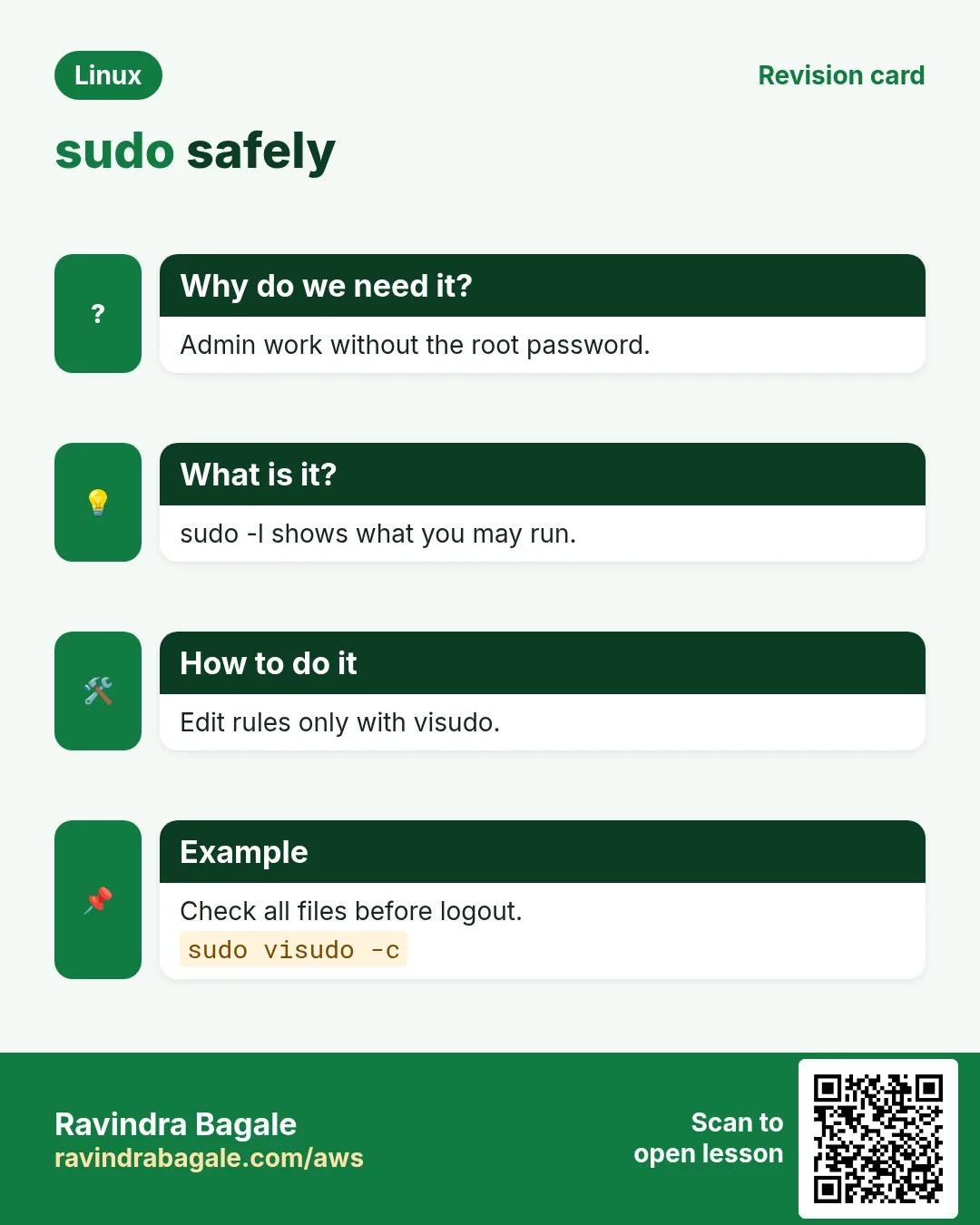
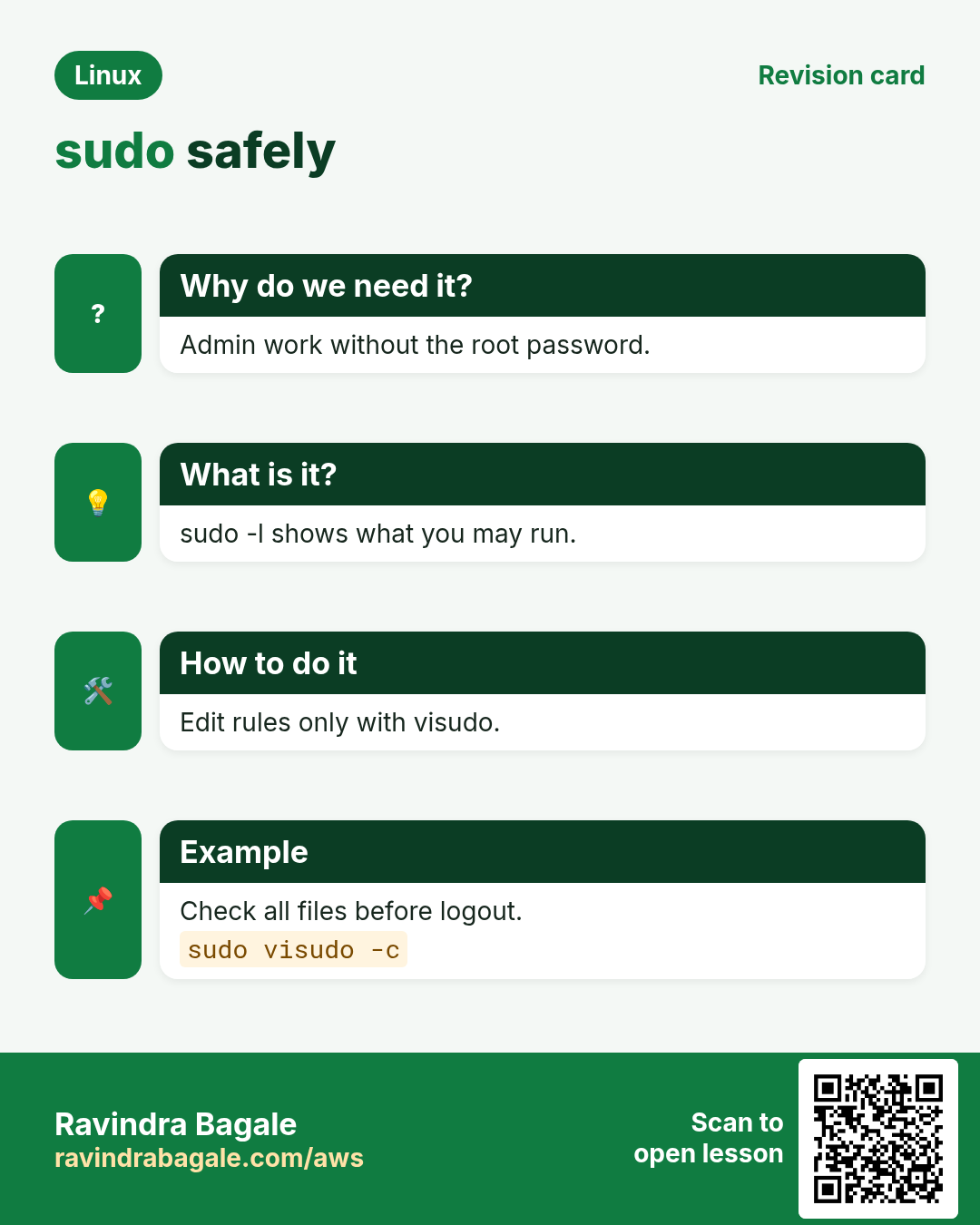
- sudo runs one command as root with your password and logs it.
- sudo -u USER, sudo -i, sudo -l.
- Rules: WHO WHERE=(AS) TAG: COMMANDS with full paths.
- Edit with visudo; drop-ins in /etc/sudoers.d at 0440.
- Logs: journalctl _COMM=sudo, secure or auth.log.
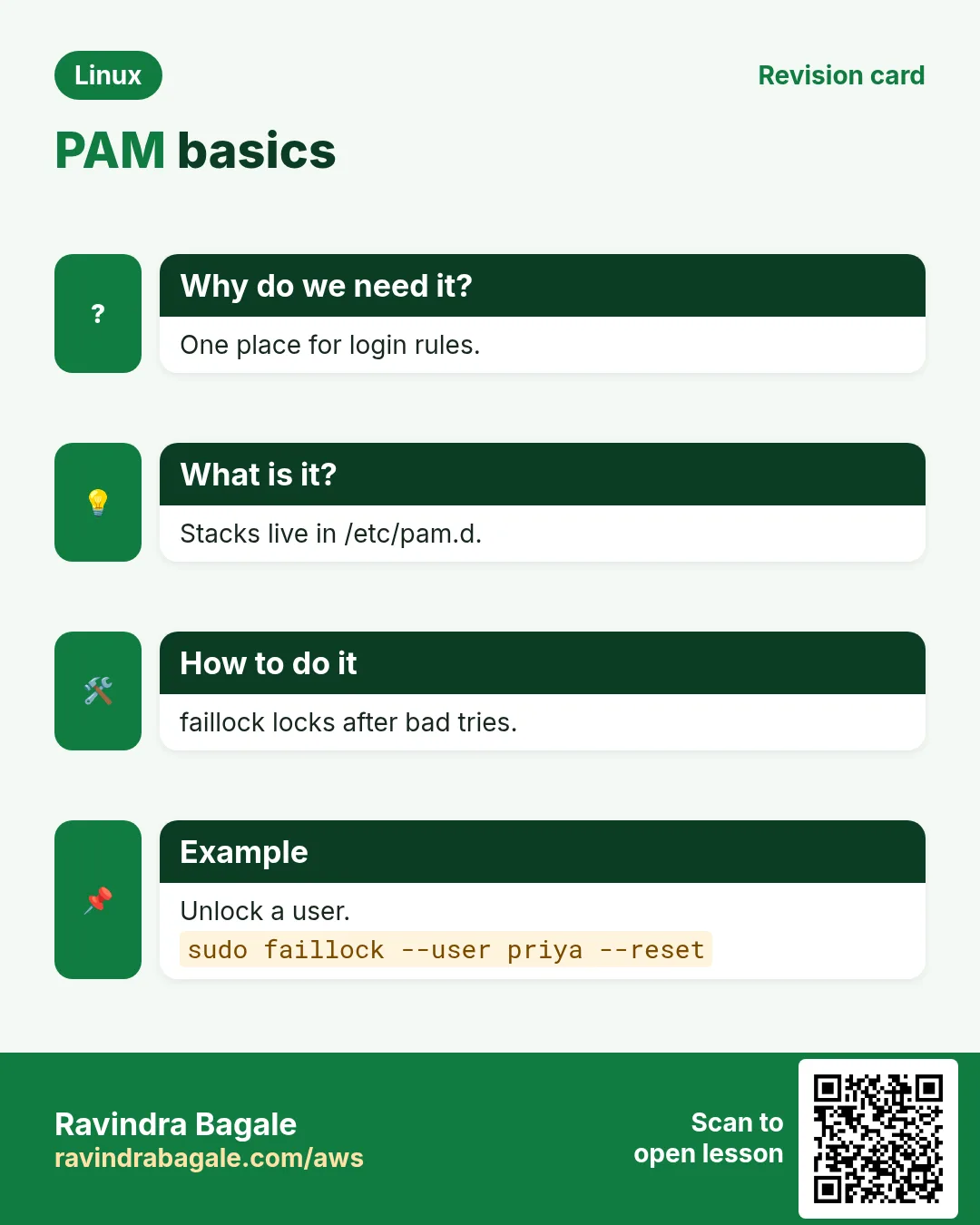
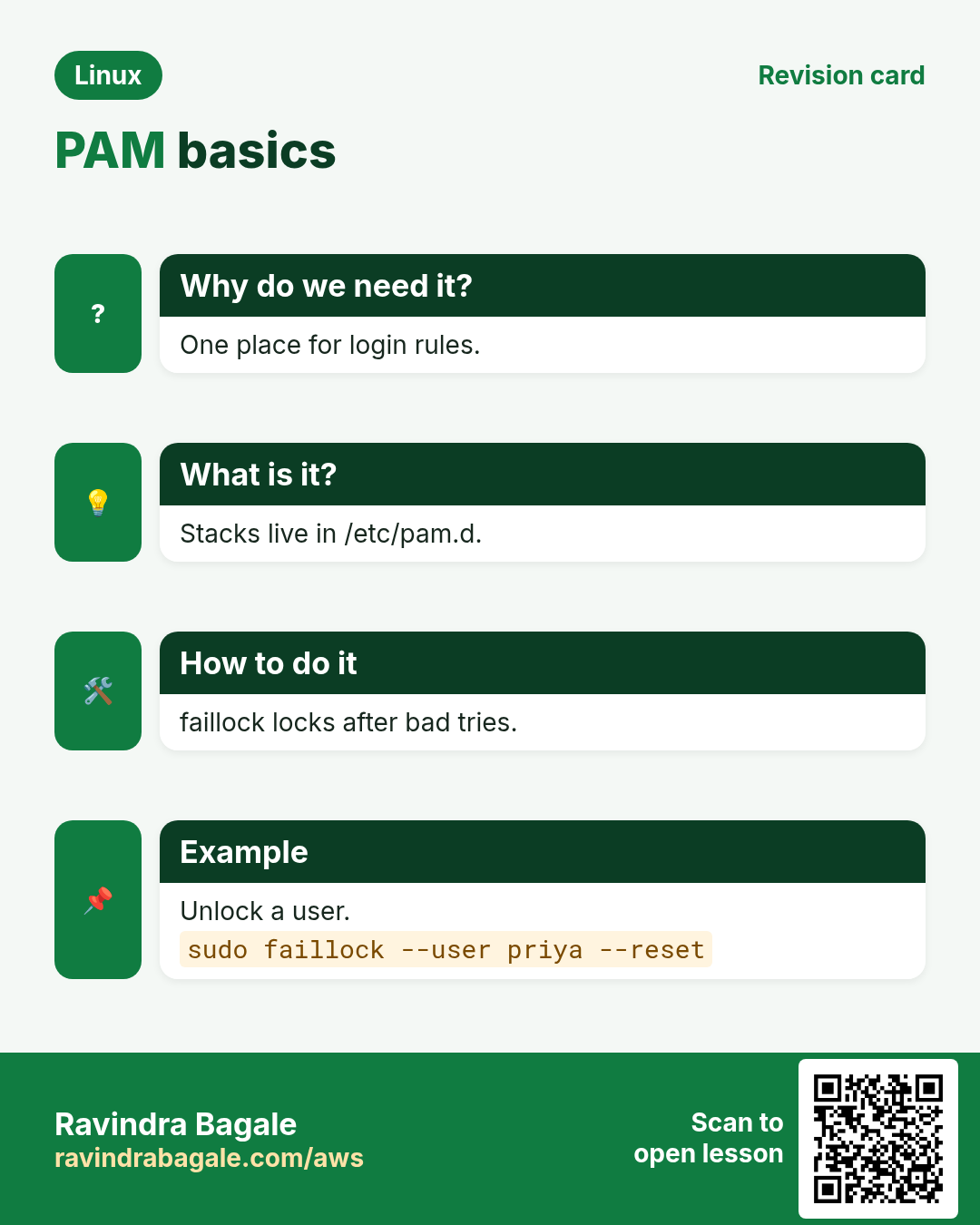
- PAM stacks auth, account, password, session; faillock and pwquality.
Revision, comparison and interview cards
Revise this lesson in a few minutes. Save the cards on your phone or download them as PNG files. The QR code on each card opens this lesson.
More cards: Ravi Sir's Cards.