AWS CLI DynamoDB Commands: Tables, Put, Get, Query and Scan
We use DynamoDB from the terminal: create a table, put, get, update and delete items, query by key, scan, batch writes, TTL and backups.
In this chapter
- Create an on-demand table
- Put, get, update and delete items
- Query vs scan
- Batch writes and TTL
- Backups and delete
1. The big picture: a key-value register
A school register: find a student fast by roll number (partition key), then by date (sort key). Searching every page (scan) is slow.
Commands are in aws dynamodb. Values use type letters: S string, N number, BOOL, L list, M map.
2. Create a table
You need a fast database that scales without servers.
A table needs a partition key and an optional sort key. PAY_PER_REQUEST means you pay per request, no capacity planning.
- Create Orders with customer and date keys.
aws dynamodb create-table --table-name Orders --attribute-definitions AttributeName=cust,AttributeType=S AttributeName=odate,AttributeType=S --key-schema AttributeName=cust,KeyType=HASH AttributeName=odate,KeyType=RANGE --billing-mode PAY_PER_REQUEST --query TableDescription.TableStatus --output textExpected output:
CREATING- Wait and verify.
aws dynamodb wait table-exists --table-name Orders
aws dynamodb describe-table --table-name Orders --query "Table.[TableStatus,BillingModeSummary.BillingMode]" --output text
Expected output:
ACTIVE PAY_PER_REQUEST3. Put, get, update and delete
Follow the actual item used in these commands. In the table definition, cust is the partition key and odate is the sort key. Together they identify one item. The first command writes cust=ravi, odate=2026-10-24, total=499 and status=NEW. DynamoDB’s low-level JSON marks S for String and N for Number. The amount is sent as {"N":"499"} even though the stored type is numeric.
Give GetItem both key values. The example’s --query "Item.total.N" selects only the amount from the returned response, so expect 499 if that row was stored. Next, the UpdateItem condition asks the service to change NEW to PAID only while the old status is NEW. The #s name stands for the field status and the two colon names stand for supplied values. Retry the same update after a successful first update and the condition should fail because the current status is now PAID.
Keep this sample row until you run the Query section below. It gives the date-prefix query one known item to return. Compare it with a higher price filter in the Scan example. A correct scan can read the sample row but return no items because 499 is below the price threshold. Save the delete command for the end of the item exercises.
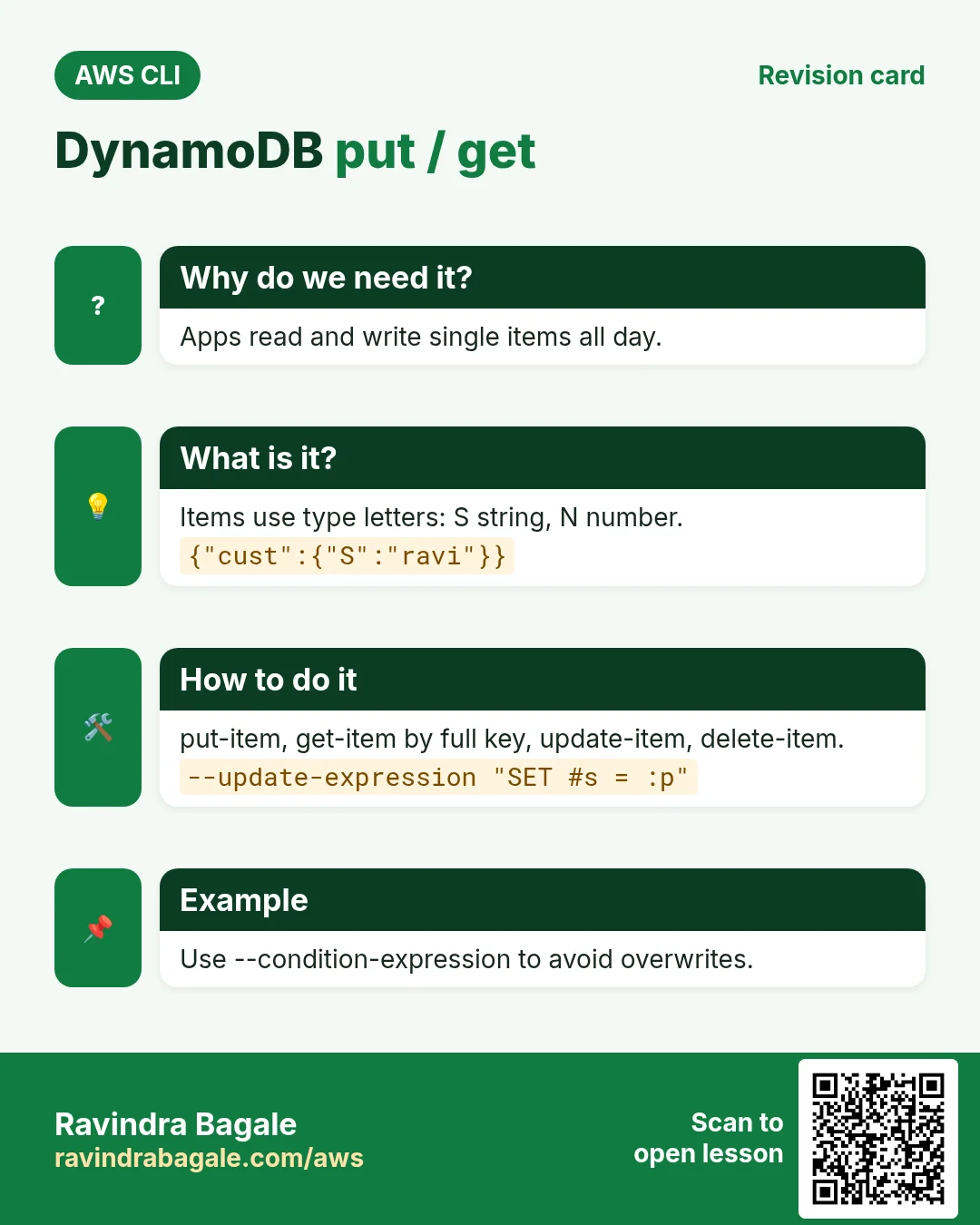
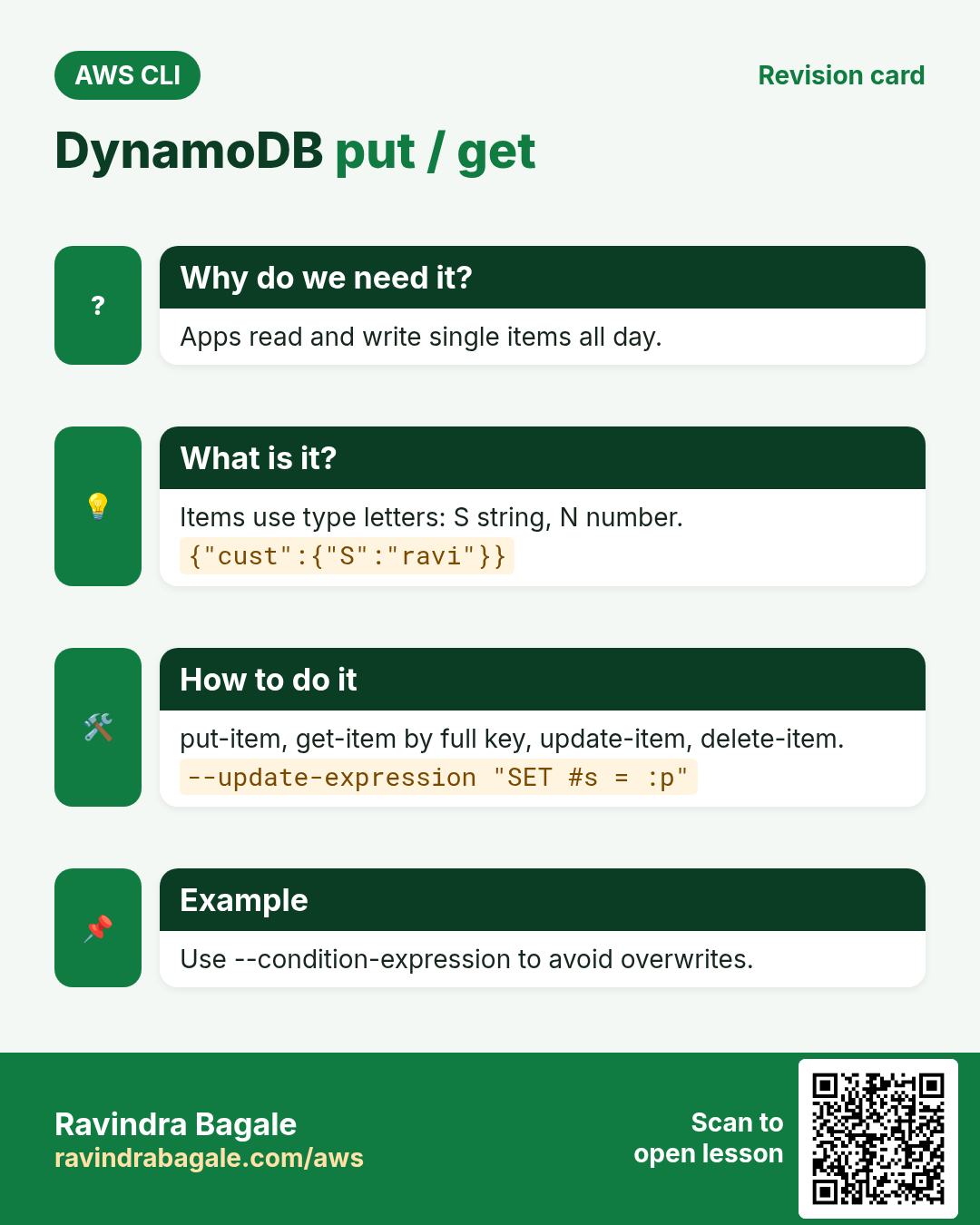
These four are what every app does all day.
put-item writes a whole item. get-item reads by full key. update-item changes some attributes. delete-item removes one item.
- Put an item.
aws dynamodb put-item --table-name Orders --item '{"cust":{"S":"ravi"},"odate":{"S":"2026-10-24"},"total":{"N":"499"},"status":{"S":"NEW"}}'Expected output:
(no output means success)- Get it.
aws dynamodb get-item --table-name Orders --key '{"cust":{"S":"ravi"},"odate":{"S":"2026-10-24"}}' --query "Item.total.N" --output textExpected output:
499- Update with a condition.
aws dynamodb update-item --table-name Orders --key '{"cust":{"S":"ravi"},"odate":{"S":"2026-10-24"}}' --update-expression "SET #s = :p" --condition-expression "#s = :n" --expression-attribute-names '{"#s":"status"}' --expression-attribute-values '{":p":{"S":"PAID"},":n":{"S":"NEW"}}' --return-values UPDATED_NEWExpected output:
{ "Attributes": { "status": { "S": "PAID" } } }- Delete it.
aws dynamodb delete-item --table-name Orders --key '{"cust":{"S":"ravi"},"odate":{"S":"2026-10-24"}}'Expected output:
(no output means success)4. Query vs scan
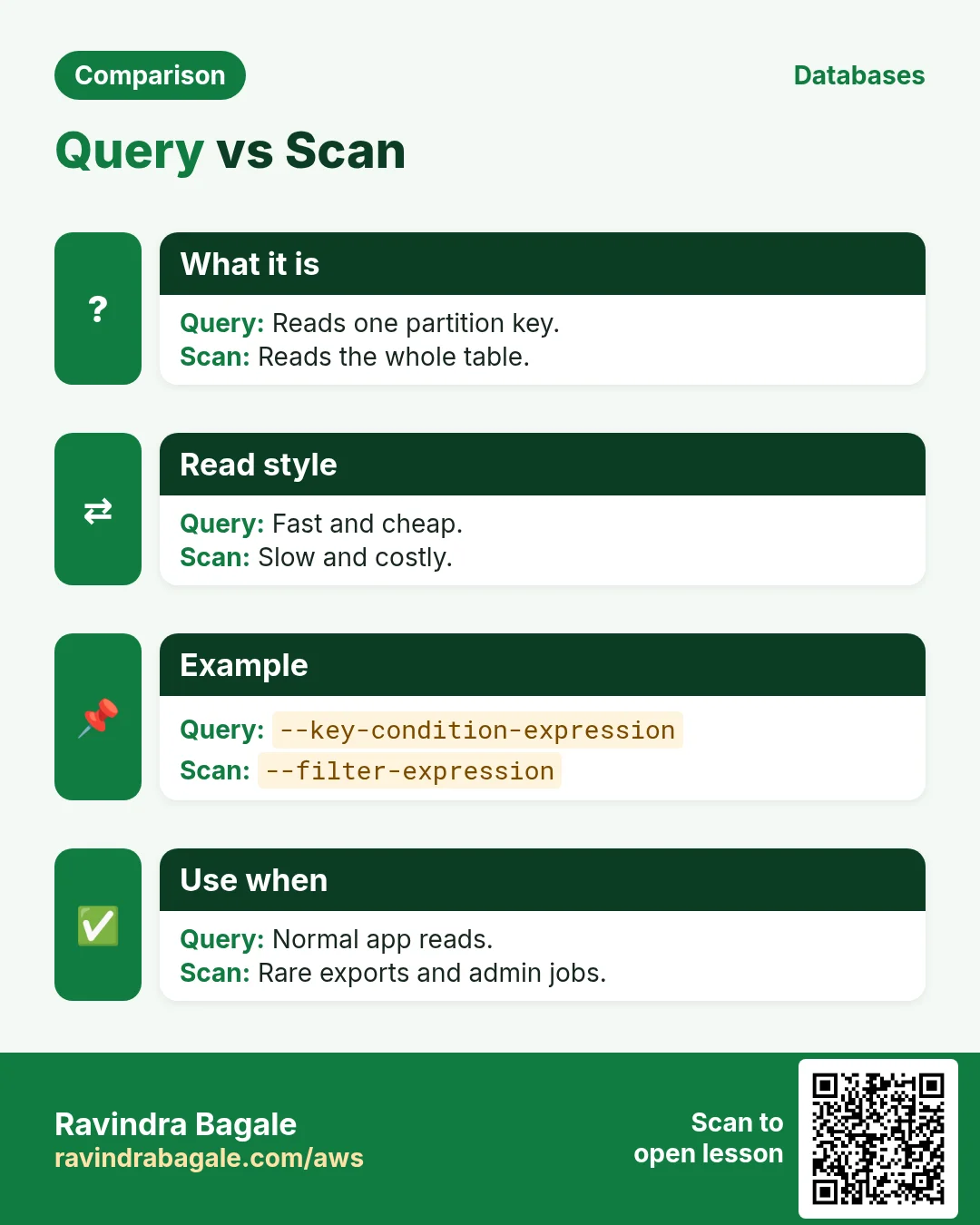
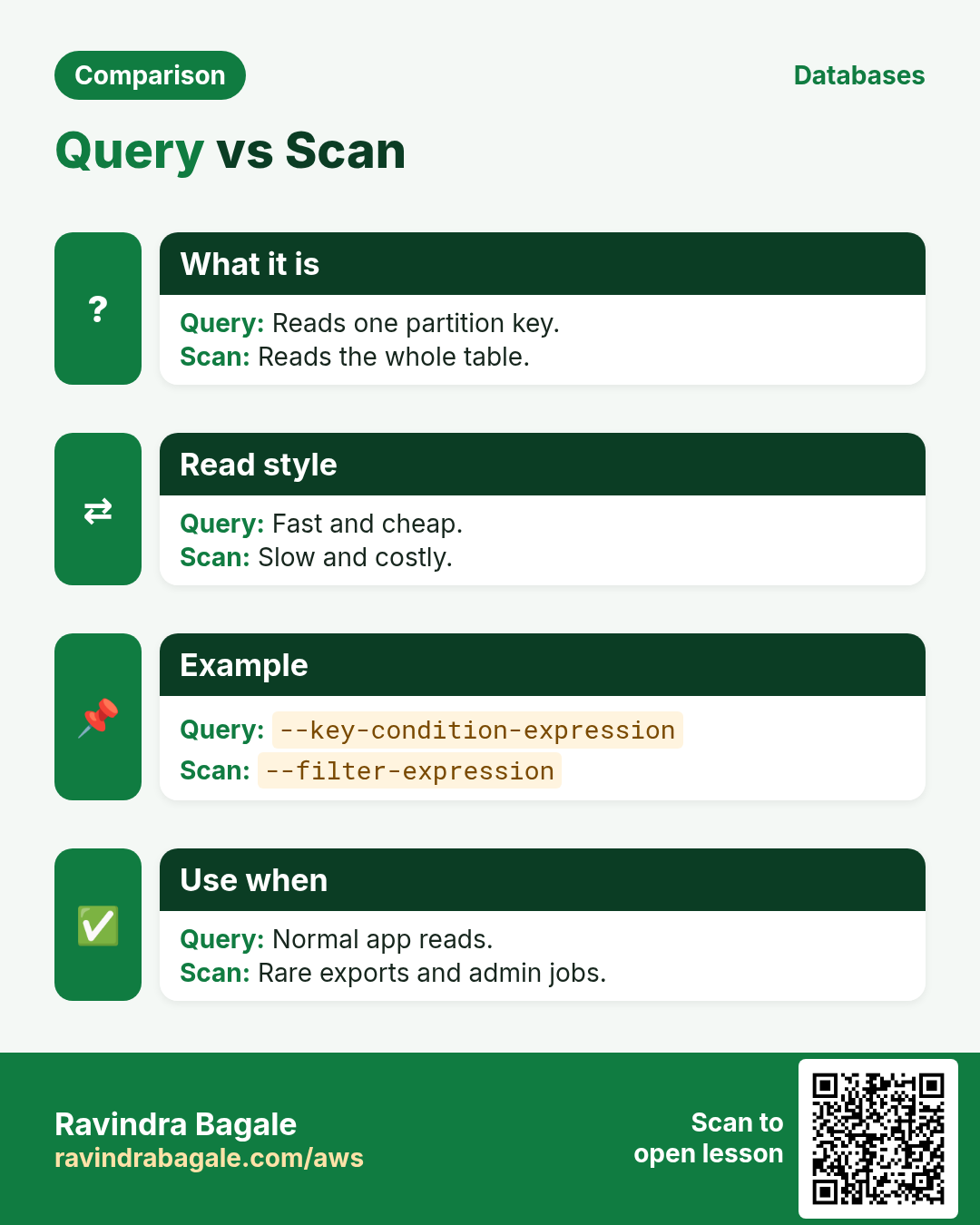
Choose a read operation by asking which key you know. With the exact primary key of one item, use GetItem. With a partition key and optionally a range of sort keys, use Query. If you have only an ordinary attribute such as status, a Scan can examine rows and filter them, or you can design an index for that access pattern.
On a practice orders table, imagine a customer with three orders and a second customer with one. Query the first customer’s key and you begin with that customer’s orders. Scanning with a status filter still examines items outside the final result. Compare returned items and the count of items evaluated. On a multi-page result, keep following the continuation key even when a filter leaves the current page empty.
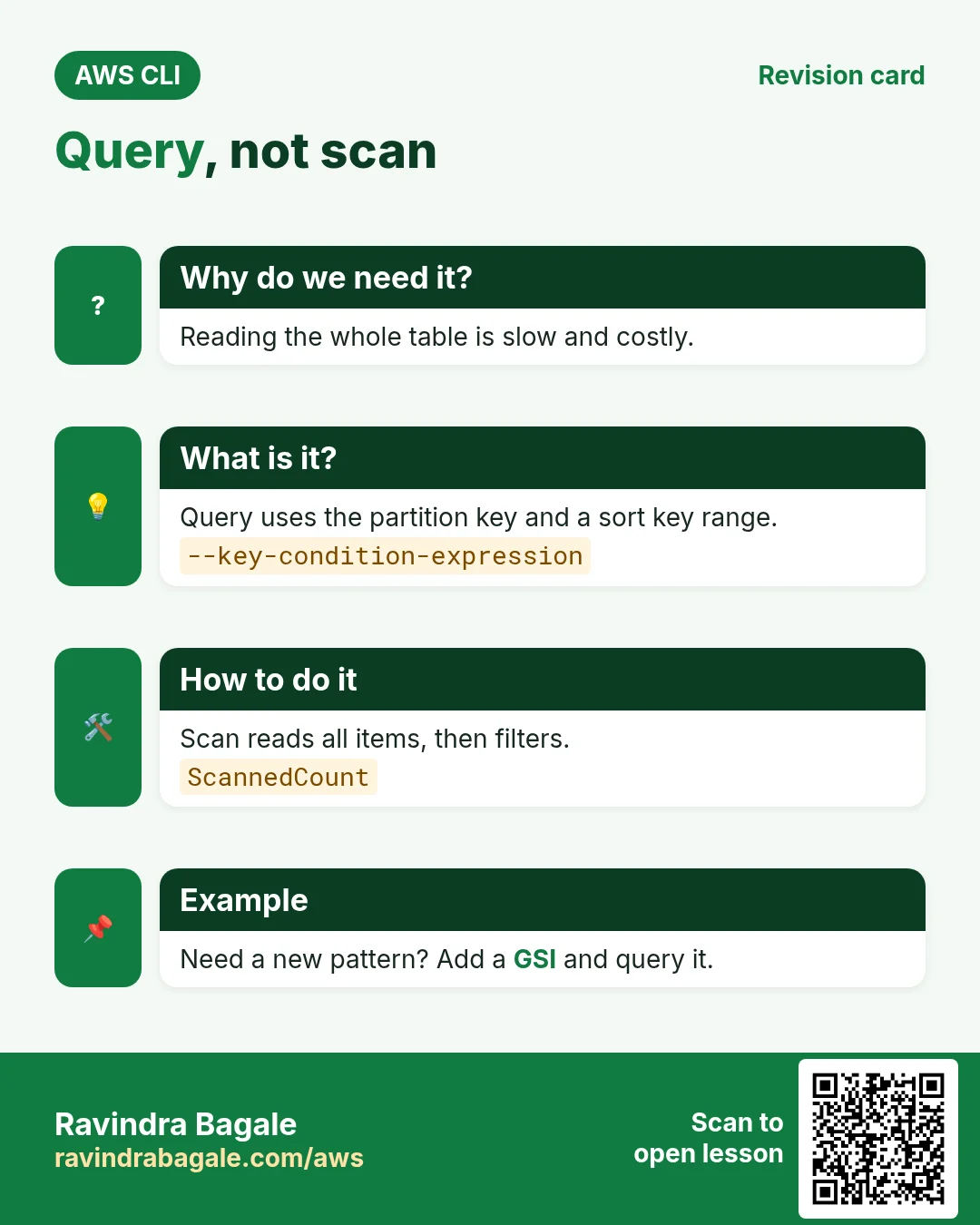
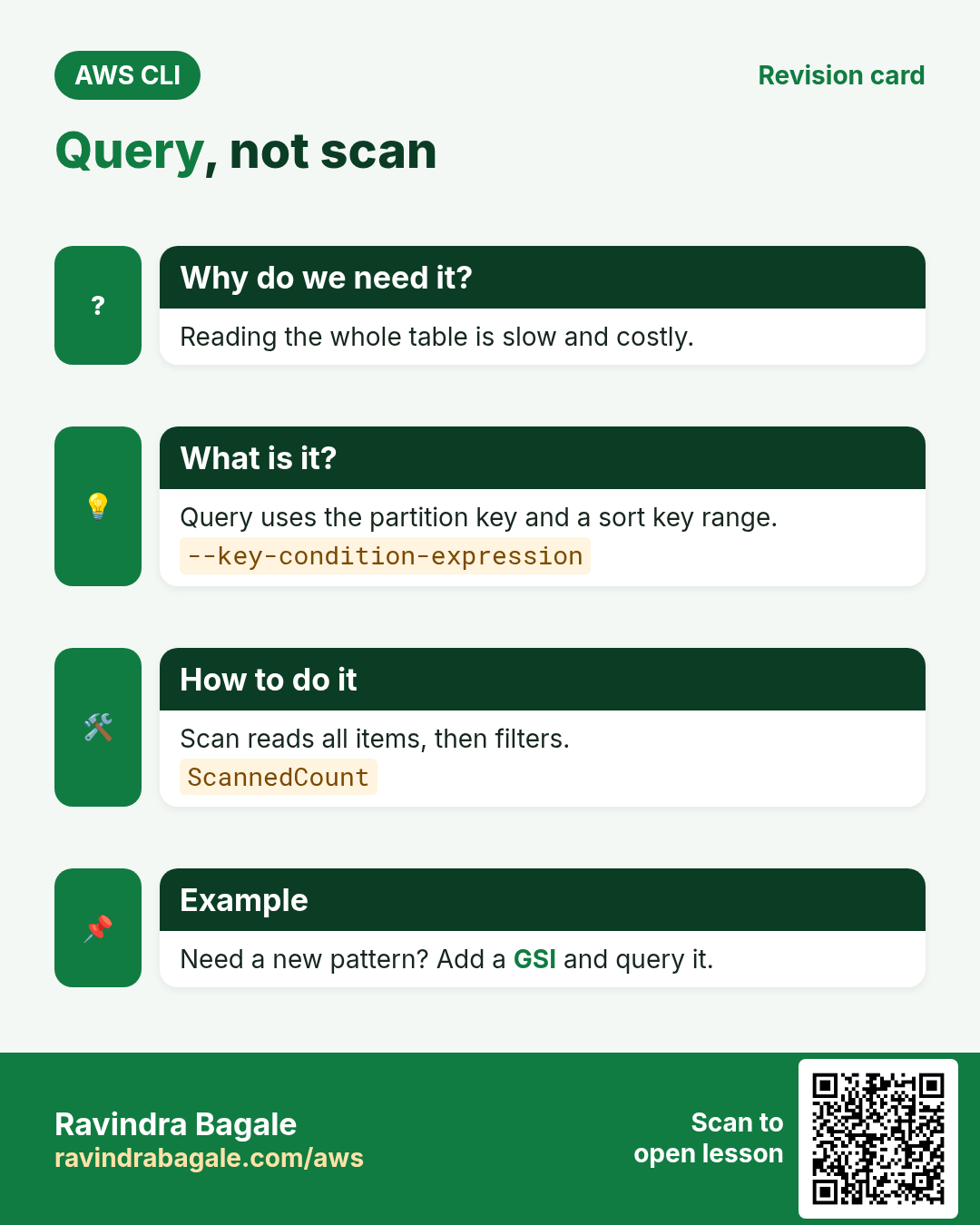
Reading the wrong way can be slow and costly.
Query reads one partition key, optionally a sort key range. Scan reads the whole table and then filters.
- Query October orders for ravi.
aws dynamodb query --table-name Orders --key-condition-expression "cust = :c AND begins_with(odate, :m)" --expression-attribute-values '{":c":{"S":"ravi"},":m":{"S":"2026-10"}}' --query "Count"Expected output:
3- Scan with a filter (reads everything).
aws dynamodb scan --table-name Orders --filter-expression "total > :t" --expression-attribute-values '{":t":{"N":"1000"}}' --query "[Count,ScannedCount]" --output textExpected output:
2 2505. Batch writes and TTL
Loading many items one by one is slow. Old data should delete itself.
batch-write-item writes up to 25 items per call. TTL deletes items after an epoch time stored in an attribute.
- Batch load from a file.
aws dynamodb batch-write-item --request-items file://orders.json --query "length(UnprocessedItems)"Expected output:
0- Enable TTL on expires.
aws dynamodb update-time-to-live --table-name Orders --time-to-live-specification Enabled=true,AttributeName=expires --query "TimeToLiveSpecification.Enabled"Expected output:
true- Take an on-demand backup.
aws dynamodb create-backup --table-name Orders --backup-name orders-1 --query "BackupDetails.BackupStatus" --output textExpected output:
CREATING6. Same action in Python, Node.js, Java, Go, .NET and PHP
Scripts start in the CLI. Apps call the same API through an SDK. Knowing both helps you move a tested command into real code.
Low-level CLI commands expose service operations. A high-level command or an automatically paginated list can make multiple requests. For example, aws dynamodb put-item --table-name Orders --item ... maps to the PutItem API.
Same action (PutItem) from code. Set the intended profile and Region for the SDK. Provider support and precedence can differ by SDK, and an explicit client setting can override defaults.
| Stack | Code |
|---|---|
| Python (boto3) | boto3.resource("dynamodb").Table("Orders").put_item(Item={"cust":"ravi","odate":"2026-10-24"}) |
| Node.js (v3) | await doc.send(new PutCommand({TableName:"Orders",Item:{cust:"ravi",odate:"2026-10-24"}})); |
| Java (v2) | ddb.putItem(r -> r.tableName("Orders").item(Map.of("cust",AttributeValue.fromS("ravi"),"odate",AttributeValue.fromS("2026-10-24")))); |
| Go (v2) | c.PutItem(ctx, &dynamodb.PutItemInput{TableName: aws.String("Orders"), Item: item}) |
| .NET | await ddb.PutItemAsync("Orders", new(){{"cust",new AttributeValue("ravi")},{"odate",new AttributeValue("2026-10-24")}}); |
| PHP | $ddb->putItem(["TableName"=>"Orders","Item"=>["cust"=>["S"=>"ravi"],"odate"=>["S"=>"2026-10-24"]]]); |
7. Clean up so nothing keeps costing
Lab resources left running cost money and can be a security risk.
Delete in reverse order: children first, then parents.
- Delete the backup.
ARN=$(aws dynamodb list-backups --table-name Orders --query "BackupSummaries[0].BackupArn" --output text)
aws dynamodb delete-backup --backup-arn $ARN
Expected output:
(no output means success)- Delete the table.
aws dynamodb delete-table --table-name Orders
aws dynamodb wait table-not-exists --table-name Orders && echo gone
Expected output:
goneRavindra Bagale's Tip
If scan is in your app code, it is often a sign of a missing key or GSI. Add a Global Secondary Index for that access pattern and query it.
Common errors: cause and safe next check
GetItem is called with only part of the primary key
GetItem needs the full primary key for that table. If the table uses a partition key and a sort key, both values are required. Inspect the key schema and the values you passed before you change the table.
A Scan is used to look up one known item
Scan reads across the table and is the most expensive habit when you already know the key. Use GetItem for one exact item, or Query when you know the partition key and want items that share it. Inspect the access pattern before you add another Scan.
PutItem is repeated and someone is surprised that the old item is gone
PutItem writes the whole item at that key. A second PutItem with the same key replaces what was there. If you meant to change only some attributes, inspect update-item instead of sending a complete replacement.
Practical questions and full answers
When should I use GetItem, Query, or Scan?
Use GetItem when you have the full primary key of one item. Use Query when you know the partition key and want the items that share it, with an optional sort-key condition. Use Scan only when you must look across the table without that key.
Does PutItem merge with attributes that are already stored?
No. PutItem stores the item you sent at that key. To change selected attributes on an existing item, inspect update-item and the condition you need before you write.
Why does a Query need a partition key?
DynamoDB stores items by partition key. Query starts from that key and can then use the sort key. Without the partition key, the request is not a Query. That is why Scan and Query are separate commands.
8. Interview questions and answers
Q. Partition key vs sort key?
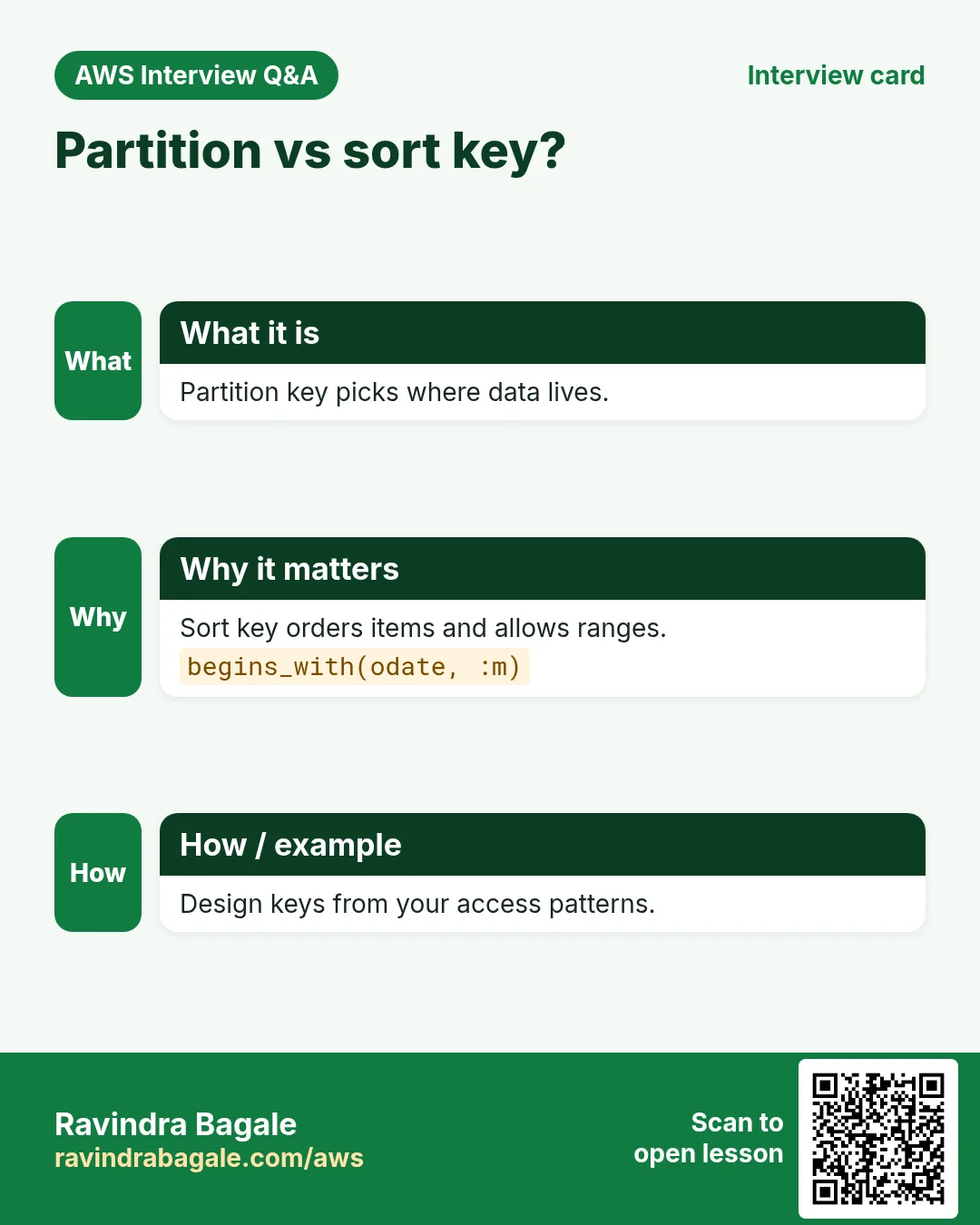
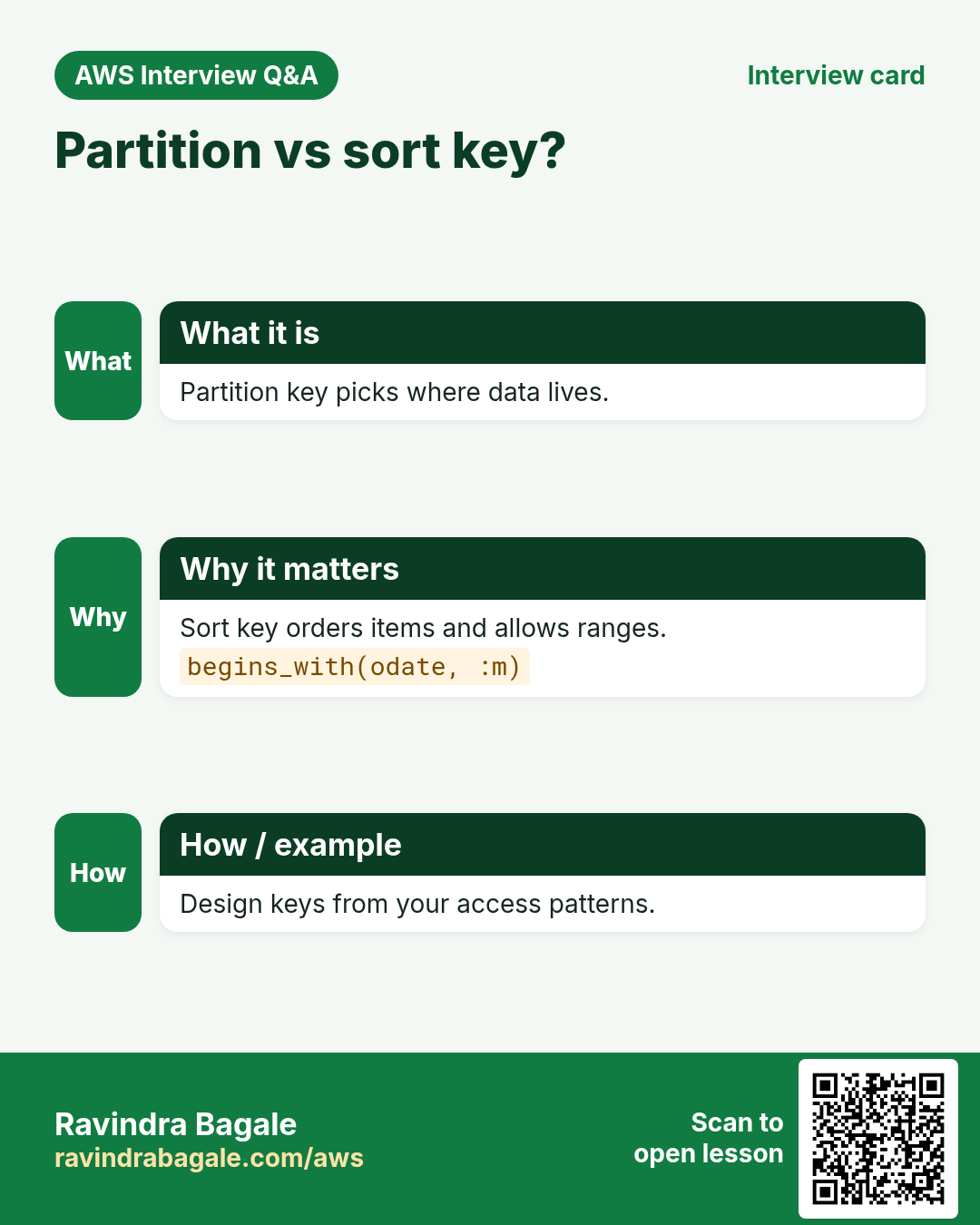
Partition key picks the storage partition. Sort key orders items inside it and allows range queries.
Q. Query vs scan?
Query uses keys and reads only matching items. Scan reads the whole table.
Q. What does a condition expression do?
It makes a write succeed only if a condition is true, preventing overwrites.
Q. On-demand vs provisioned?
On-demand pays per request. Provisioned sets read/write capacity units.
Q. How does TTL work?
Items with an epoch time in the TTL attribute in the past are deleted in the background.
Try at home
- Create a Notes table with user and created keys, add 5 notes and query one user.
- Compare Count and ScannedCount for a scan with a filter.
In short
- Keys are designed for queries.
- Type letters S, N, BOOL.
- Query, not scan.
- batch-write-item 25 at a time.
- TTL auto-deletes.
Check DynamoDB key and numeric JSON types
For the low-level CLI, express a key as a typed map and put number values as strings inside the N field. Compare GetItem by full primary key with a Query on the partition key. Look for a cursor before concluding a filtered result is complete.
Interview check Does a filter let Query work without knowing the partition key?
No. KeyConditionExpression needs partition-key equality; FilterExpression applies to the items read by that query afterward.
Practise this chapter
Interview questions and answers
How does a table’s key design affect the way you find orders?
If I know the full order key, I can read one item directly. If I know a customer partition key, I can Query that customer’s records and possibly narrow a sort-key range. A search by unrelated status needs an index designed for it or a more expensive scan.
Check your understanding
Choose an answer, then compare your reasoning with the explanation.
Practice Tasks
Practice checks run in your browser. They check the answer for this exercise; they do not create resources or connect to your AWS account.
About this scenarioLisboa Tiles is a ceramic tiles business in Lisbon. João Silva looks after its IT and cloud work. They count money in EUR and run their AWS resources in the eu-west-1 Region. In the tasks below you do real jobs for them using what this lesson teaches. All names, account IDs, IP addresses and numbers are made up for practice.
0 / 11
Easy Describe a table
See the keys, indexes, item count and status of a table.
Describe table lisboatiles-orders.
- Read the task and decide which AWS service it is about.
- Write aws, then the service name, then the operation (the action word).
- Add each needed flag (--name) followed by its value from the task.
- Flags can be in any order. Click Check answer.
Easy Scan a small table
Scan is fine for tiny tables or one-off checks; avoid it on big ones.
Scan the table lisboatiles-settings.
- Read the task and decide which AWS service it is about.
- Write aws, then the service name, then the operation (the action word).
- Add each needed flag (--name) followed by its value from the task.
- Flags can be in any order. Click Check answer.
Medium Get one item by key
GetItem is the fastest read: one item by its full key.
Get the item with orderId "o-101" from lisboatiles-orders.
- Read the task and decide which AWS service it is about.
- Write aws, then the service name, then the operation (the action word).
- Add each needed flag (--name) followed by its value from the task.
- Flags can be in any order. Click Check answer.
Medium Put an item
DynamoDB JSON shows the type of each value: S for string, N for number.
Put an item into lisboatiles-orders with orderId "o-101" (string) and amount 2500 (number).
- Read the task and decide which AWS service it is about.
- Write aws, then the service name, then the operation (the action word).
- Add each needed flag (--name) followed by its value from the task.
- Flags can be in any order. Click Check answer.
Medium CloudFormation: on-demand table
On-demand tables need no capacity planning.
Template with a DynamoDB table lisboatiles-orders, partition key orderId (String), billing mode PAY_PER_REQUEST.
- Start from the top-level keys the task names.
- Indent child keys with 2 spaces (no tabs).
- Fill in each property with the value from the task.
- Click Check answer. Key order does not matter.
Medium Lambda access to one table
The function only needs to read and write items in its own table.
Allow dynamodb:GetItem, dynamodb:PutItem, dynamodb:Query on arn:aws:dynamodb:eu-west-1:101273714098:table/lisboatiles-orders only.
- Start with { "Version": "2012-10-17", "Statement": [ ... ] }.
- In each statement write Effect, Action and Resource.
- Give only what the task needs (least privilege).
- Use double quotes and commas correctly. Click Check answer.
Medium Delete one item
Delete by the full primary key.
Delete the item with orderId "o-099" from lisboatiles-orders.
- Read the task and decide which AWS service it is about.
- Write aws, then the service name, then the operation (the action word).
- Add each needed flag (--name) followed by its value from the task.
- Flags can be in any order. Click Check answer.
Hard Read capacity units
Provisioned tables need the right RCU.
Strongly consistent reads of 6 KB items, 10 reads per second. How many RCUs?
- Write down the numbers the task gives you.
- Work it out step by step on paper.
- Type only the final answer in the box.
- Click Check answer.
Hard Create a DynamoDB table
On-demand billing means you pay per request, with no capacity to plan.
Create table lisboatiles-orders with partition key orderId (string), on-demand billing.
- Read the task and decide which AWS service it is about.
- Write aws, then the service name, then the operation (the action word).
- Add each needed flag (--name) followed by its value from the task.
- Flags can be in any order. Click Check answer.
Hard Query by partition key
Query reads only matching items, unlike Scan which reads the whole table.
Query table lisboatiles-payments for customerId = "c-77" using the expression customerId = :c.
- Read the task and decide which AWS service it is about.
- Write aws, then the service name, then the operation (the action word).
- Add each needed flag (--name) followed by its value from the task.
- Flags can be in any order. Click Check answer.
Hard Turn on TTL
TTL deletes expired items for free, e.g. OTPs or sessions.
Enable TTL on table lisboatiles-otp using the attribute expiresAt.
- Read the task and decide which AWS service it is about.
- Write aws, then the service name, then the operation (the action word).
- Add each needed flag (--name) followed by its value from the task.
- Flags can be in any order. Click Check answer.
Revision, comparison and interview cards
Revise this lesson in a few minutes. Save the cards on your phone or download them as PNG files. The QR code on each card opens this lesson.
More cards: Ravi Sir's Cards.