Hard Link vs Soft Link in Linux: ln, ln -s and Inodes Explained with Examples
A file name is not the file. It is only a label that points to the real data. Linux keeps the real file details in an inode. Once you see this, hard links, soft links, 'disk full with free space' and many deploy tricks become easy.
In this chapter
- What an inode is and what it stores
- How to see inode numbers and link counts
- Hard links: what, how, limits
- Soft (symbolic) links: what, how, broken links
- Hard vs soft link comparison
- Real uses: releases, configs, versions
1. An everyday example: a locker and its keys
Rekha keeps gold in a bank locker in Kolhapur. The locker has a number. She has one key, and her son has a second key. If Rekha loses her key, the gold is still there because the son's key works. Separately, Rekha writes 'Locker 214, SBI Rajarampuri' on a note in her diary. If the bank moves the locker, the note is useless.
The locker = the inode with data. Each key = a hard link (a real name for the same inode). The diary note = a soft link: it only stores a path. Delete the path and the note is broken.
2. What is an inode?
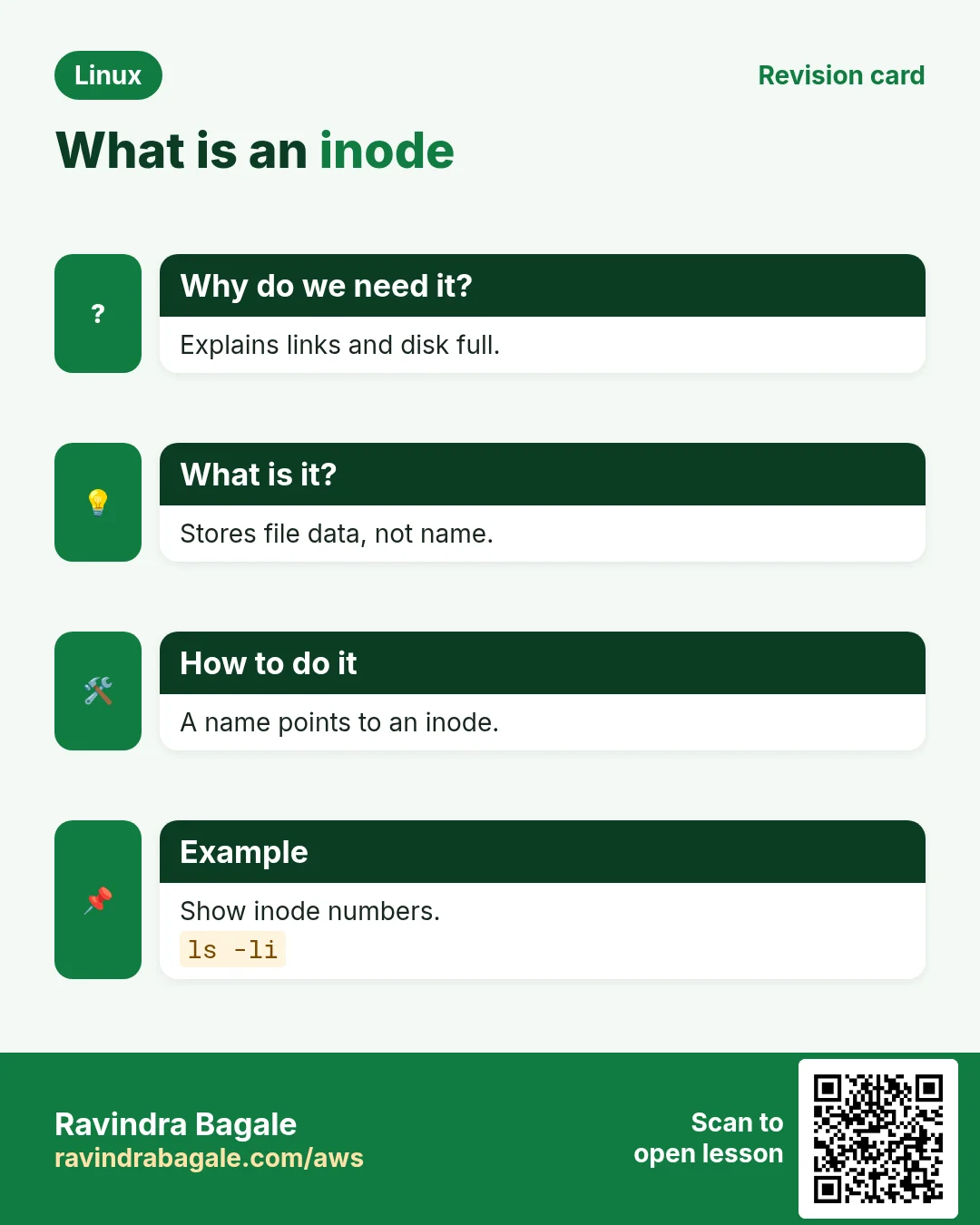
Linux needs to store facts about each file (owner, size, time, where the data is) somewhere other than the name, so one file can have many names.
An inode is a small record with a number. It stores type, permissions, owner, group, size, times (atime, mtime, ctime), link count and pointers to data blocks. It does NOT store the name. Names live in folders (directory entries) that map name → inode number.
- Show inode numbers.
ls -iOutput:
1048 notes.txt 1051 report.pdfnotes.txt is inode 1048.
- See the full inode details.
stat notes.txtOutput:
  File: notes.txt
  Size: 52        Blocks: 8     IO Block: 4096 regular file
Device: 259,1   Inode: 1048   Links: 1
Access: (0644/-rw-r--r--)  Uid: ( 1000/ rekha)   Gid: ( 1000/ rekha)
Modify: 2026-10-25 10:30:12
Inode 1048, 1 link, 52 bytes, mode 0644.
- Check inode usage on a disk.
df -i /Output:
Filesystem      Inodes  IUsed   IFree IUse% Mounted on
/dev/nvme0n1p1 1310720 210345 1100375   17% /
17% of inodes are used. When 100%, no new files can be made.
3. Hard links: many names, one file
Sometimes you want the same file in two places without using double the space, and you want it to survive if one name is deleted.
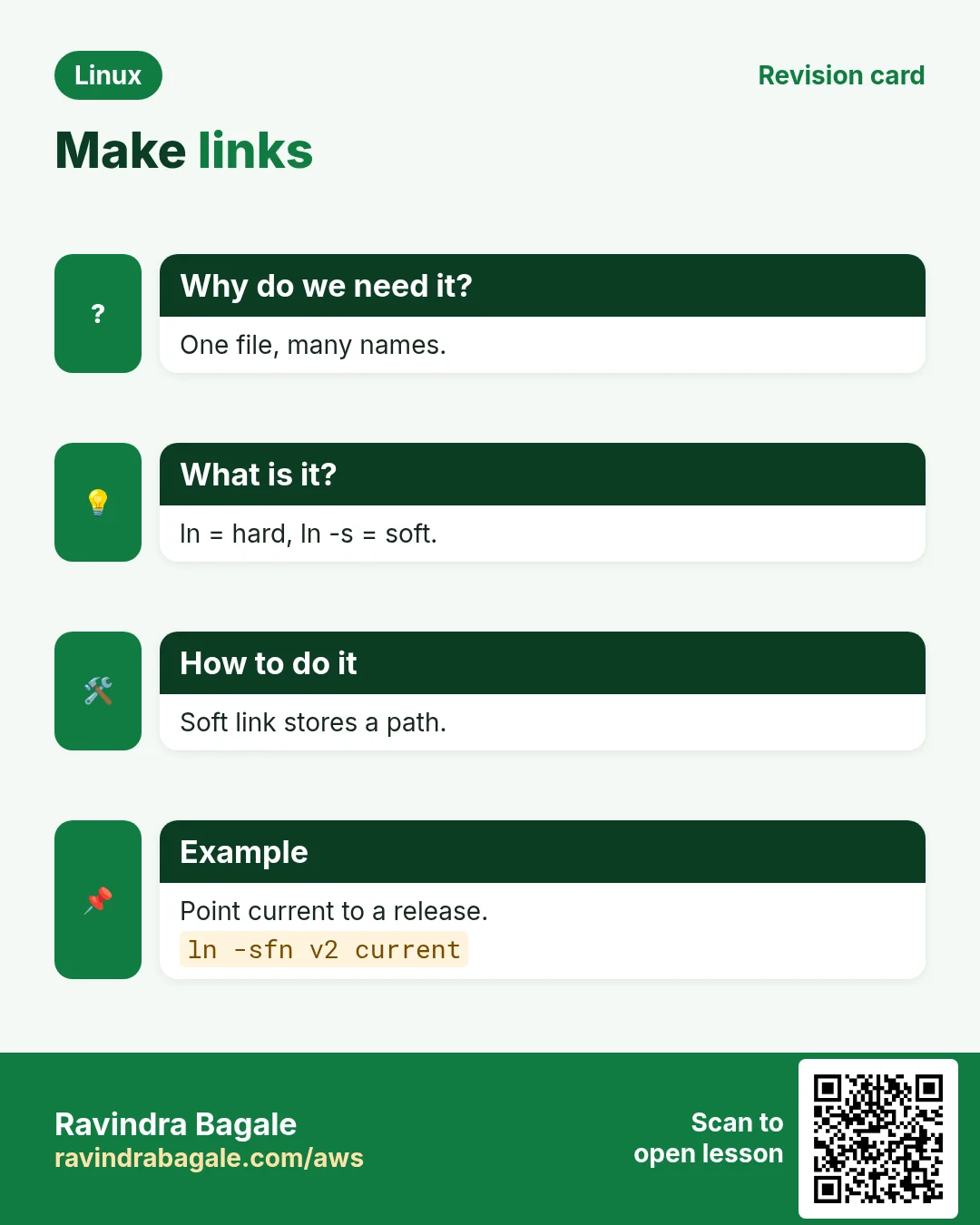
ln TARGET NAME creates a hard link. Both names point to the same inode. The link count goes up. Data is freed only when the count becomes 0 and no process has it open. Limits: no hard links to folders, and not across file systems (different disks).
- Create a hard link.
ln notes.txt notes-copy.txt && ls -li notes*Output:
1048 -rw-r--r-- 2 rekha rekha 52 Oct 25 10:30 notes-copy.txt
1048 -rw-r--r-- 2 rekha rekha 52 Oct 25 10:30 notes.txt
Same inode 1048. Link count is now 2.
- Edit through one name, read through the other.
echo 'new line' >> notes-copy.txt && tail -1 notes.txtOutput:
new lineThey are the same file, not a copy.
- Delete the original name.
rm notes.txt && cat notes-copy.txt | tail -1 && stat -c '%h links' notes-copy.txtOutput:
new line
1 links
Data is still there. Count went back to 1.
- Try a hard link to a folder.
ln /etc etc-linkOutput:
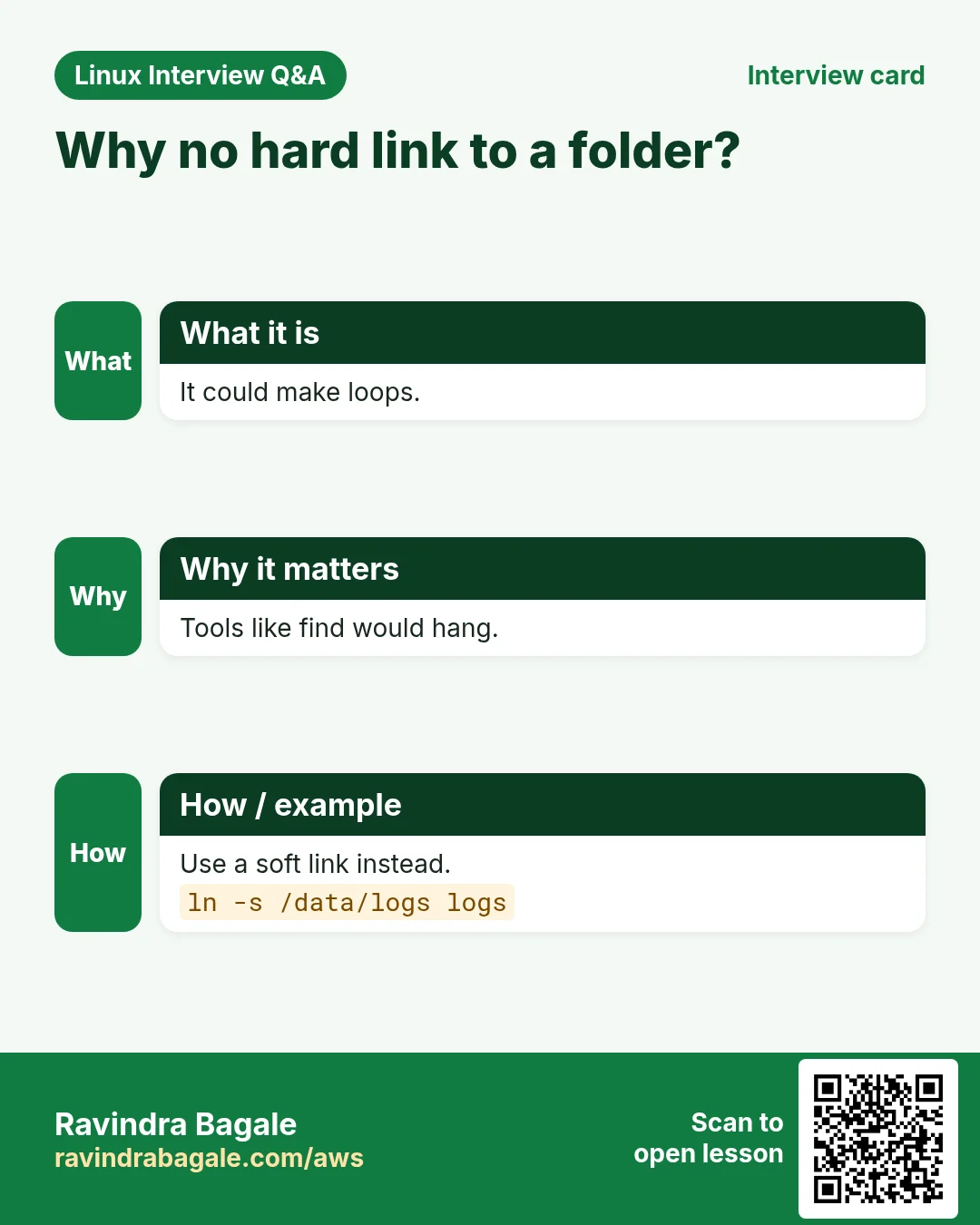
ln: /etc: hard link not allowed for directoryFolders cannot be hard linked (it could make loops).
- Try across disks.
ln /data/big.iso ~/big.isoOutput:
ln: failed to create hard link '/home/rekha/big.iso' => '/data/big.iso': Invalid cross-device linkInode numbers are only unique inside one file system.
4. Soft (symbolic) links: a pointer by path
You want a short, stable name that points to a changing target, a folder, or something on another disk.
ln -s TARGET NAME creates a symlink. It is a tiny file with its own inode that stores the target path. It can point to folders and across disks. If the target is moved or deleted, the link breaks (dangling). ls -l shows it with l and an arrow.
- Create a symlink to a folder.
ln -s /var/log/nginx ~/nginx-logs && ls -l ~/nginx-logsOutput:
lrwxrwxrwx 1 rekha rekha 14 Oct 25 10:40 /home/rekha/nginx-logs -> /var/log/nginxl = link. The size 14 is the length of the path text.
- Different inode from the target.
ls -lid /var/log/nginx ~/nginx-logsOutput:
2231 drwxr-xr-x 2 root adm 4096 /var/log/nginx
1102 lrwxrwxrwx 1 rekha rekha 14 /home/rekha/nginx-logs -> /var/log/nginx
The link has its own inode 1102.
- See where a link points.
readlink -f ~/nginx-logsOutput:
/var/log/nginx-f follows all links to the real path.
- Break a link and find it.
ln -s /tmp/gone.txt broken && cat broken; find . -xtype lOutput:
cat: broken: No such file or directory
./broken
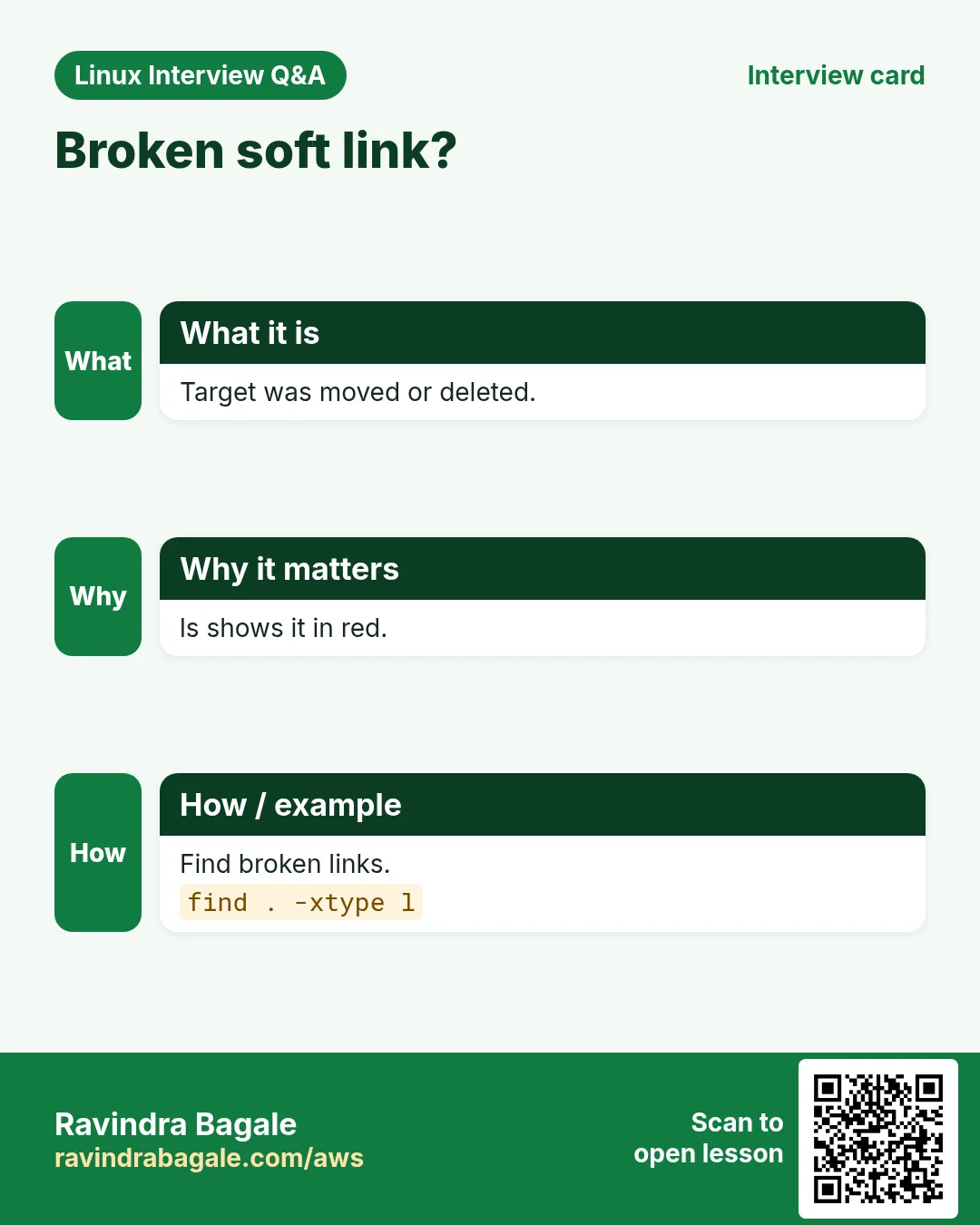
find -xtype l lists broken links.
- Relative symlink (safe to move together).
cd /srv/app && ln -s releases/v2 current && ls -l currentOutput:
lrwxrwxrwx 1 deploy deploy 11 current -> releases/v2Relative links still work if /srv/app is moved or mounted elsewhere.
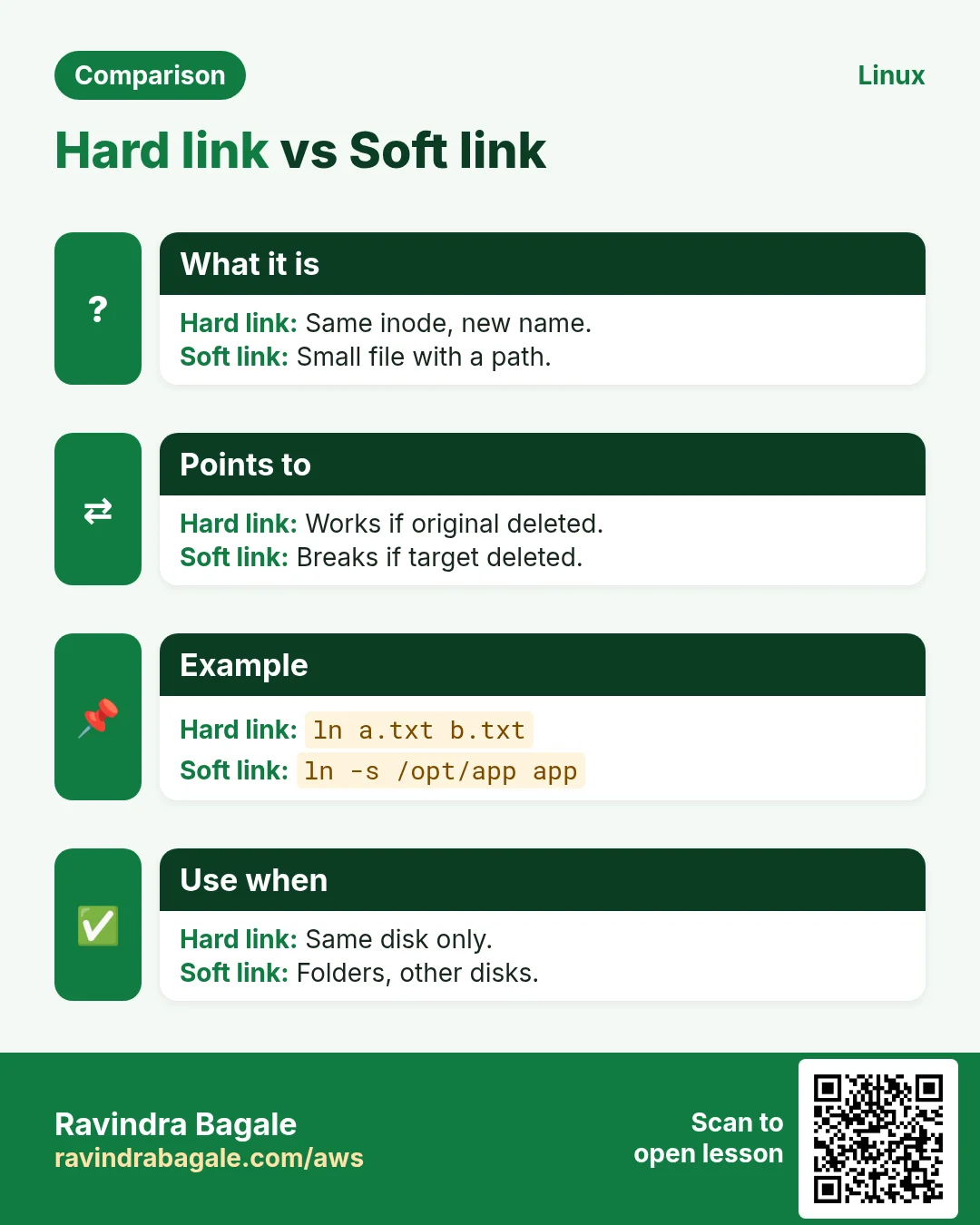
5. Hard link vs soft link
In the scratch directory, picture three names. First create original.txt, then make hard.txt as a hard link to it and soft.txt as a symbolic link that stores the path original.txt. Use ls -li before deleting anything. The original and hard link share one inode in the file system. The symlink has its own inode and displays the path it follows.
Rename original.txt to renamed.txt and try reading both names again. hard.txt still reaches the existing file data. soft.txt still points to the old path and fails unless something exists there again. This is useful when diagnosing an application release link. Verify which target path it resolves to and keep the old release available until rollback is no longer needed.
Interviews ask this every time, and picking the wrong one causes bugs.
Compare them point by point.
| Point | Hard link | Soft link |
|---|---|---|
| Command | ln a b | ln -s a b |
| Inode | Same as target | Its own |
| Folders | Not allowed | Allowed |
| Across disks | No | Yes |
| Target deleted | Data stays | Link breaks |
| ls -l | Looks like a normal file, link count > 1 | l and -> |
| Size | Same data | Length of the path |
| Permissions | Shared with target | Always lrwxrwxrwx; target's perms apply |
- See both side by side.
echo hi > a; ln a hard; ln -s a soft; ls -li a hard softOutput:
2001 -rw-r--r-- 2 u u 3 a
2001 -rw-r--r-- 2 u u 3 hard
2002 lrwxrwxrwx 1 u u 1 soft -> a
hard shares inode 2001. soft has 2002.
- Delete the target.
rm a; cat hard; cat softOutput:
hi
cat: soft: No such file or directory
Hard link kept the data. Soft link broke.
6. Real-world uses of links
Links make deploys instant, keep many versions side by side, and keep configs tidy.
Common patterns: a current symlink for releases (Capistrano style), sites-enabled links to sites-available in nginx, versioned libraries (libssl.so -> libssl.so.3), /usr/bin/python3 -> python3.11, alternatives on RHEL/Debian, and hard links in backup tools (rsnapshot, rsync --link-dest) to save space.
- Switch a release in one step.
ln -sfn releases/v3 current && readlink currentOutput:
releases/v3-f replaces, -n treats an existing link to a folder as a file. The switch is atomic enough for most apps.
- Enable an nginx site.
sudo ln -s /etc/nginx/sites-available/shop /etc/nginx/sites-enabled/ && sudo nginx -tOutput:
nginx: configuration file /etc/nginx/nginx.conf test is successfulDisable by deleting the link, not the file.
- See library version links.
ls -l /usr/lib/x86_64-linux-gnu/libssl.so*Output:
libssl.so -> libssl.so.3
libssl.so.3
Programs ask for libssl.so; the link picks the version.
- Space-saving backups with hard links.
rsync -a --link-dest=/backup/day1 /data/ /backup/day2/ && du -sh /backup/*Output:
5.0G /backup/day1
120M /backup/day2
Unchanged files are hard links, so day2 costs only 120 MB.
- Find all hard links of a file.
find / -xdev -samefile /data/report.csv 2>/dev/nullOutput:
/data/report.csv
/data/archive/report-2026.csv
Both names share one inode.
7. Real examples from many industries
The same Linux skill shows up in every kind of company. Seeing it in many places helps you remember it.
Each row is a made-up team. It shows who uses this and how.
| Team and city | How they use it | Command |
|---|---|---|
| Karan, Rails team, Pune | Deploys with a current symlink and instant rollback | ln -sfn releases/20261025 current |
| Ingrid, hosting, Oslo | Enables nginx sites with symlinks | ln -s ../sites-available/blog sites-enabled/blog |
| Rahul, backup admin, Ahmedabad | Daily snapshots with rsync --link-dest | rsync -a --link-dest |
| Mei, Python team, Shanghai | Points python3 to a new version | update-alternatives --config python3 |
| Ahmed, mail server, Cairo | Inodes ran out from millions of mail files | df -i /var |
| Sara, data lake, Stockholm | Links a big shared dataset into each project | ln -s /mnt/datasets/sales ./sales |
8. Common errors and how to fix them
Everyone hits these errors. Knowing the cause saves hours.
Read the exact message first. Then match it to a row below.
| Error you see | Why it happens | How to fix |
|---|---|---|
ln: failed to create symbolic link 'current': File exists | A link or file with that name exists | Use -sfn to replace it.ln -sfn releases/v2 current |
ln: /etc: hard link not allowed for directory | Hard links to folders are not allowed | Use a symlink.ln -s /etc etc-link |
Invalid cross-device link | Hard link across file systems | Use a symlink or copy.ln -s /data/big.iso ~/big.iso |
No such file or directory (when opening a link) | The link target is missing (dangling link) | Check readlink and fix or remove.readlink -f name |
Too many levels of symbolic links | A link points to itself or a loop | Fix the target path.ls -l name |
nginx works for a while then 404 after deploy | Relative symlink resolved from the wrong folder | Relative targets are relative to the link's folder, not yours. Use the right relative or absolute path.ln -sfn /srv/app/releases/v2 /srv/app/current |
No space left on device (df -h shows free space) | Inodes are 100% used | Find folders with many files and clean.sudo find /var -xdev -type f | cut -d/ -f2-3 | sort | uniq -c | sort -n | tail |
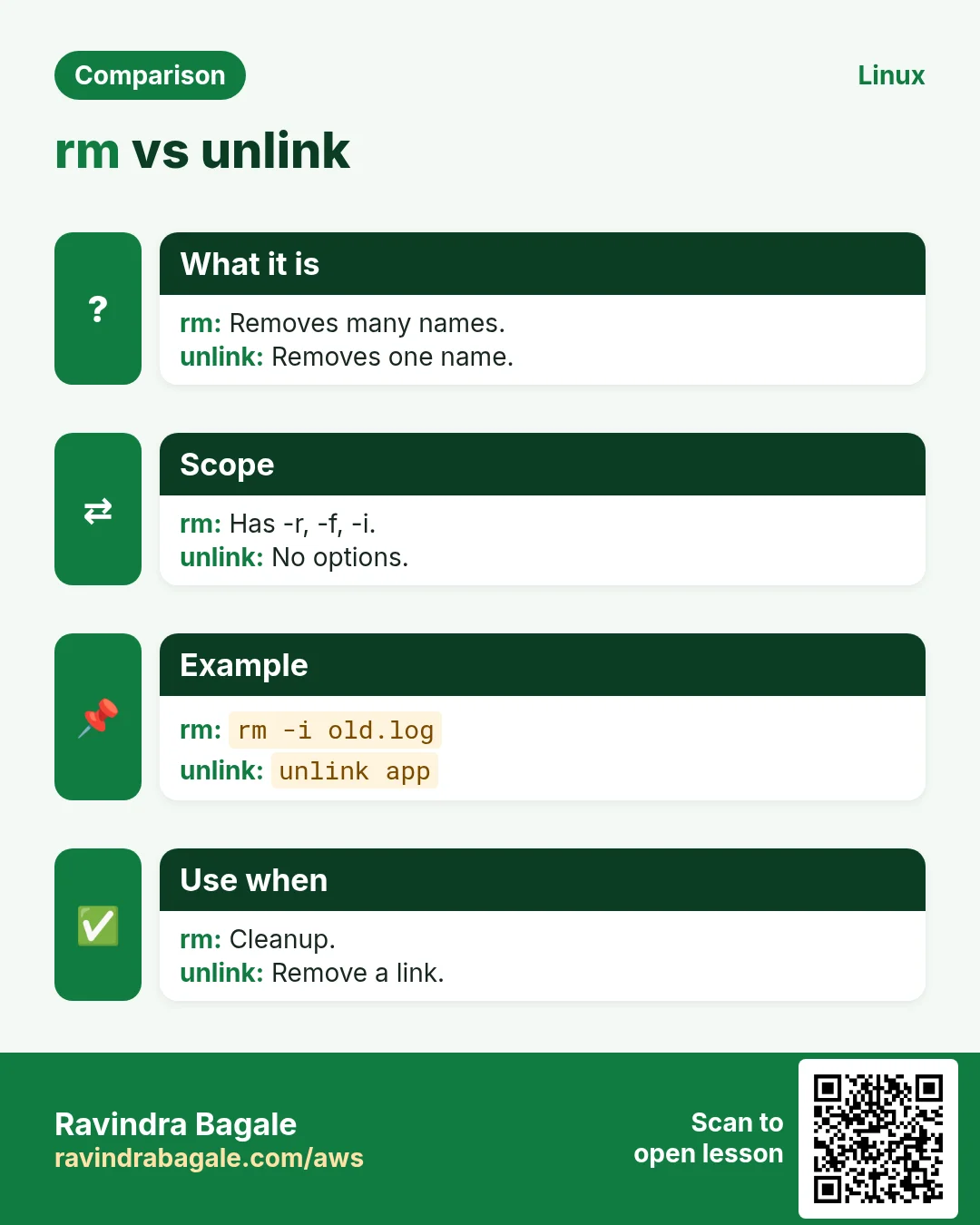
rm current/ removed files inside the release | A trailing / followed the link into the folder | Remove a link without a trailing slash, or use unlink.unlink current |
Permission denied through a symlink | The target's permissions apply, not the link's | Check permissions on the target and its parent folders.namei -l /srv/app/current/index.html |
9. Troubleshooting step by step
Link problems come down to: where does it point, does that exist, and can I reach it?
Go top to bottom. Stop at the first step that shows the problem.
- Is it a link?
ls -l name- Where does it point?
readlink name- Where does it end up?
readlink -f name- Does the target exist?
test -e name && echo ok || echo broken- Permissions along the path.
namei -l name- Inodes left?
df -i .10. Lab 1: Zero-downtime release switch
Haruto runs a ticketing site in Osaka. Deploy v2 next to v1 and switch with one symlink, then roll back.
A full hands-on lab. Run every step on a test Linux machine (an EC2 instance, a VM, or WSL).
- Create releases.
mkdir -p ~/app/releases/{v1,v2} && echo 'Tickets v1' > ~/app/releases/v1/index.html && echo 'Tickets v2' > ~/app/releases/v2/index.html- Point current to v1.
cd ~/app && ln -s releases/v1 current && cat current/index.htmlOutput:
Tickets v1- Switch to v2.
ln -sfn releases/v2 current && cat current/index.htmlOutput:
Tickets v2- Check the link.
ls -l currentOutput:
lrwxrwxrwx 1 haruto haruto 11 current -> releases/v2- Roll back.
ln -sfn releases/v1 current && cat current/index.htmlOutput:
Tickets v1- Keep only the last 3 releases (preview).
ls -1t releases | tail -n +411. Lab 2: Prove hard link behaviour
Show your team that a hard link is the same file, and see when data is really freed.
A full hands-on lab. Run every step on a test Linux machine (an EC2 instance, a VM, or WSL).
- Make a 50 MB file.
dd if=/dev/zero of=big.bin bs=1M count=50 status=none && df -h . | tail -1Output:
/dev/nvme0n1p1 20G 5.05G 15G 26% /- Hard link it.
ln big.bin big2.bin && stat -c '%i %h %n' big*.binOutput:
3300 2 big.bin
3300 2 big2.bin- Delete one name; space is not freed.
rm big.bin && df -h . | tail -1Output:
/dev/nvme0n1p1 20G 5.05G 15G 26% /- Delete the last name; space is freed.
rm big2.bin && df -h . | tail -1Output:
/dev/nvme0n1p1 20G 5.00G 15G 26% /Ravindra Bagale's Tip
For deploys, always use ln -sfn with a relative path inside the app folder. -n stops ln from creating the new link inside the old target folder, the most common symlink bug.
Ravindra Bagale's Tip – मराठी
Deploys साठी app folder मधे नेहमी relative path सह ln -sfn वापरा. -n मुळे ln नवी link जुन्या target folder च्या आत बनवत नाही, हा सगळ्यात common symlink bug.
Ravindra Bagale's Tip – हिंदी
Deploy के लिए app folder में हमेशा relative path के साथ ln -sfn वापरें। -n से ln नई link पुराने target folder के अंदर नहीं बनाता, यह सबसे आम symlink bug है।
12. Frequently asked questions
Q. Does a hard link use extra space?
No, only a tiny directory entry.
Q. Does deleting a symlink delete the target?
No. rm link removes only the link.
Q. What are . and .. in terms of links?
They are hard links made by the system. That is why a new folder has link count 2.
Q. How do I copy a symlink and not its target?
cp -P (or cp -a) copies the link itself. cp -L copies the target file.
Q. Can Windows read Linux symlinks?
Inside WSL yes. On a shared drive, often not.
13. Interview questions and answers
Beginner level
Q. What is an inode?
A record with file metadata and data pointers, but not the name.
Q. How do you create a soft link?
ln -s target linkname.
Q. How do you see inode numbers?
ls -i or stat.
Q. What happens to a soft link if the target is deleted?
It breaks.
Mid level level
Q. Hard vs soft link?
Hard: same inode, no folders, same file system, survives deletion. Soft: own inode, stores a path, can cross disks and point to folders, breaks if target goes.
Q. Why can't you hard link folders?
It could create loops and break tools that walk the tree.
Q. How do you find broken links?
find . -xtype l.
Q. What does ln -sfn do?
Creates or replaces a symlink and does not follow an existing link to a folder.
Senior level
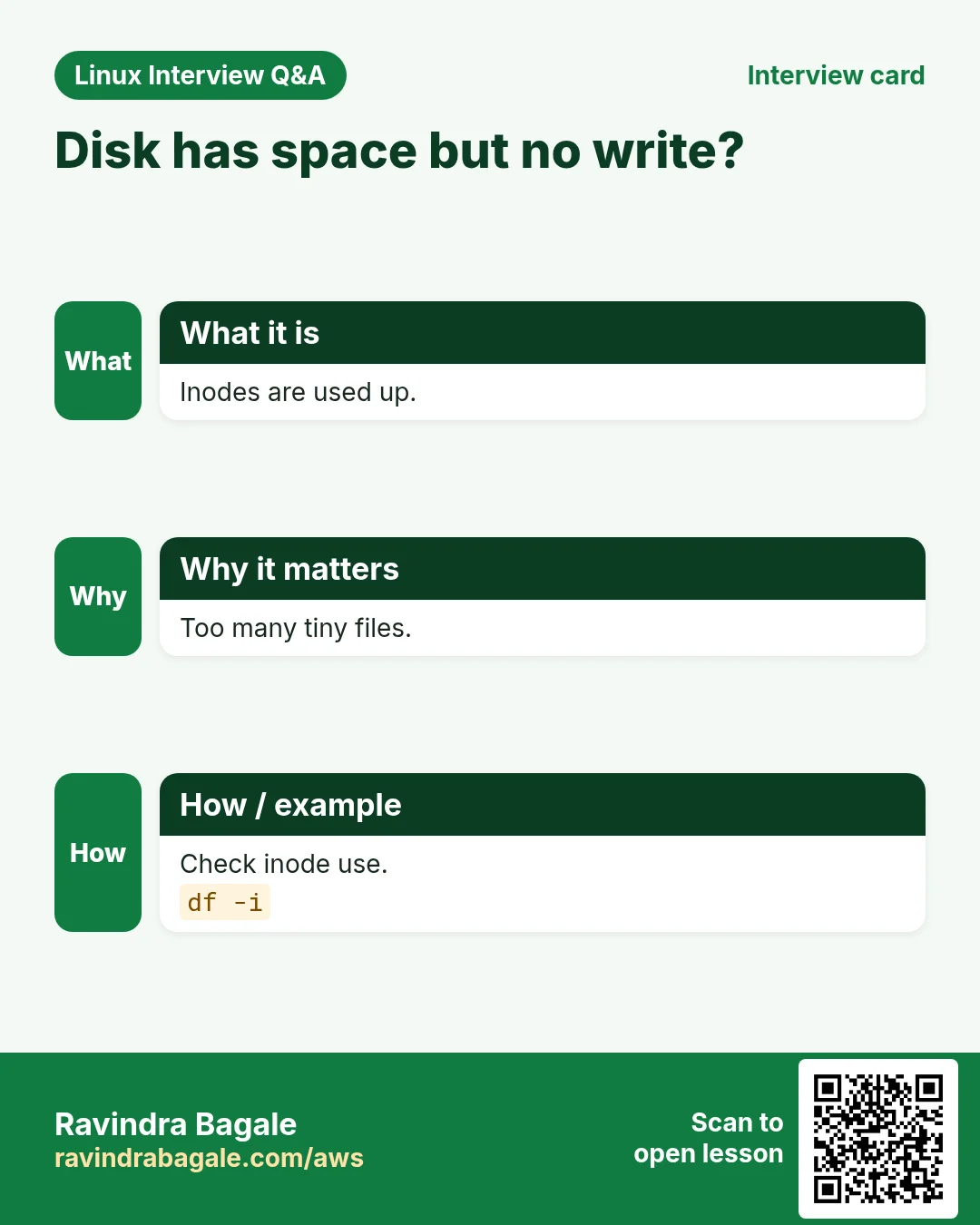
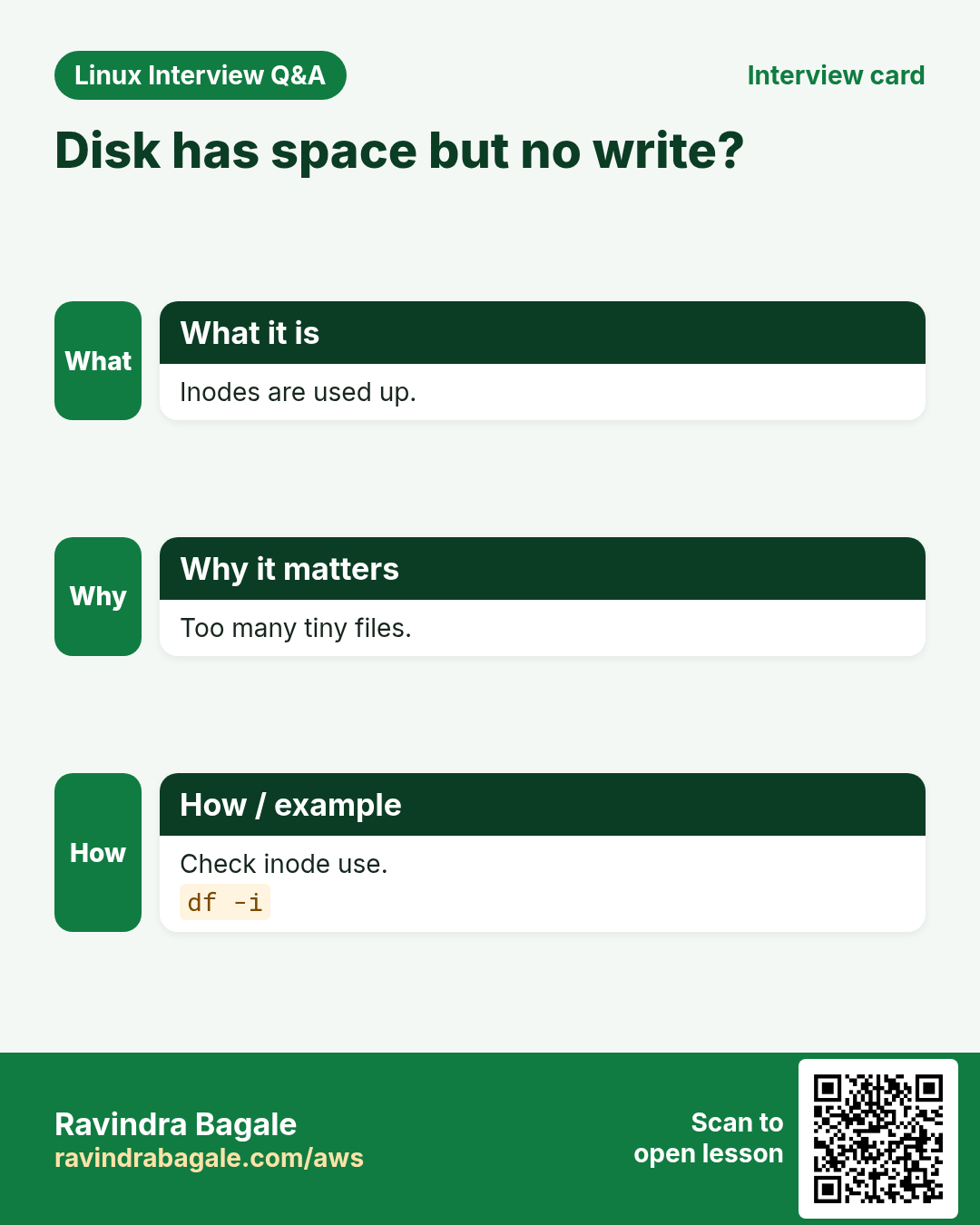
Q. Disk is full but df -h shows space. Root cause and fix?
Inodes are exhausted. Check df -i, find the folder with many tiny files (sessions, cache, mail), clean and add rotation. Long-term: more inodes or xfs.
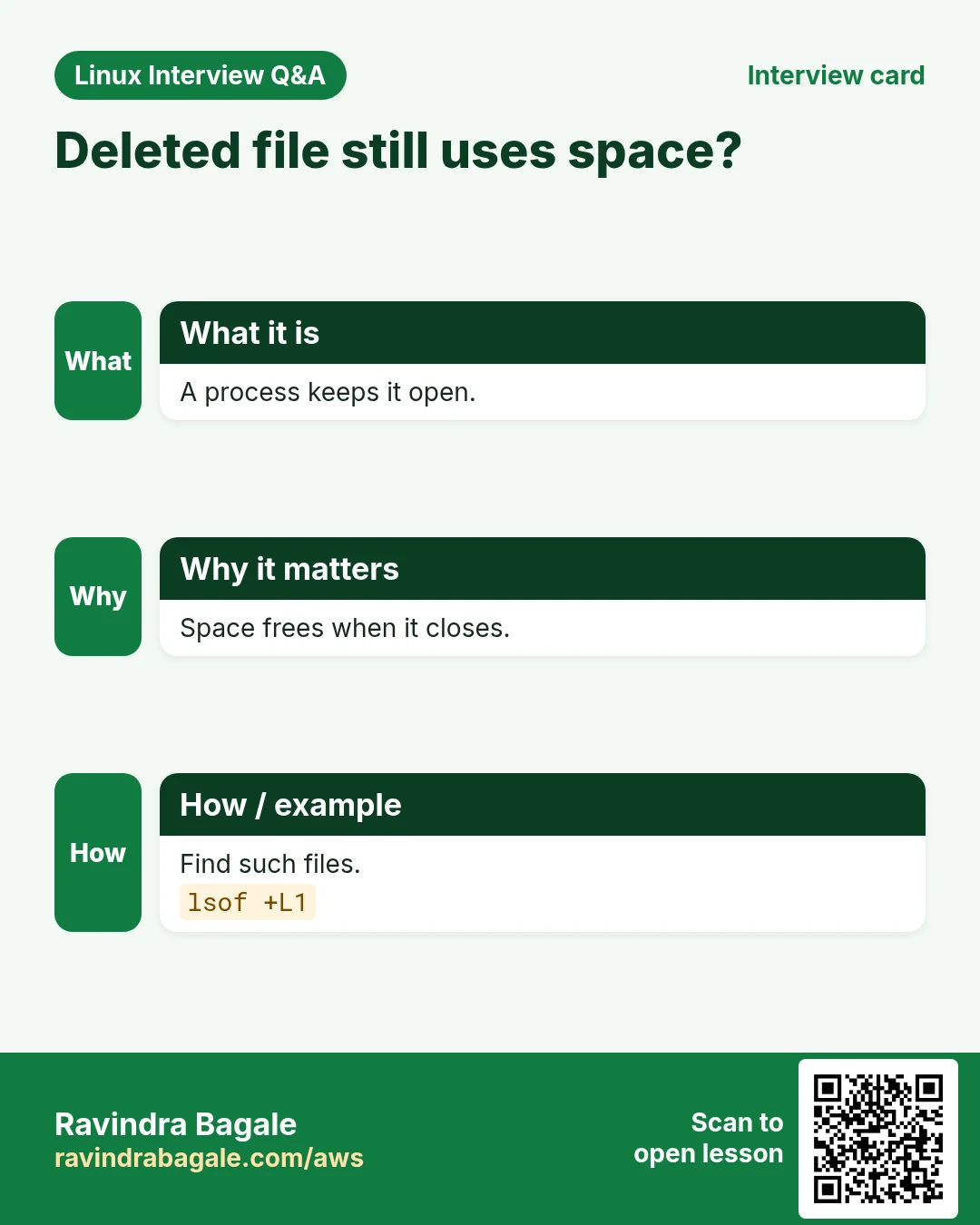
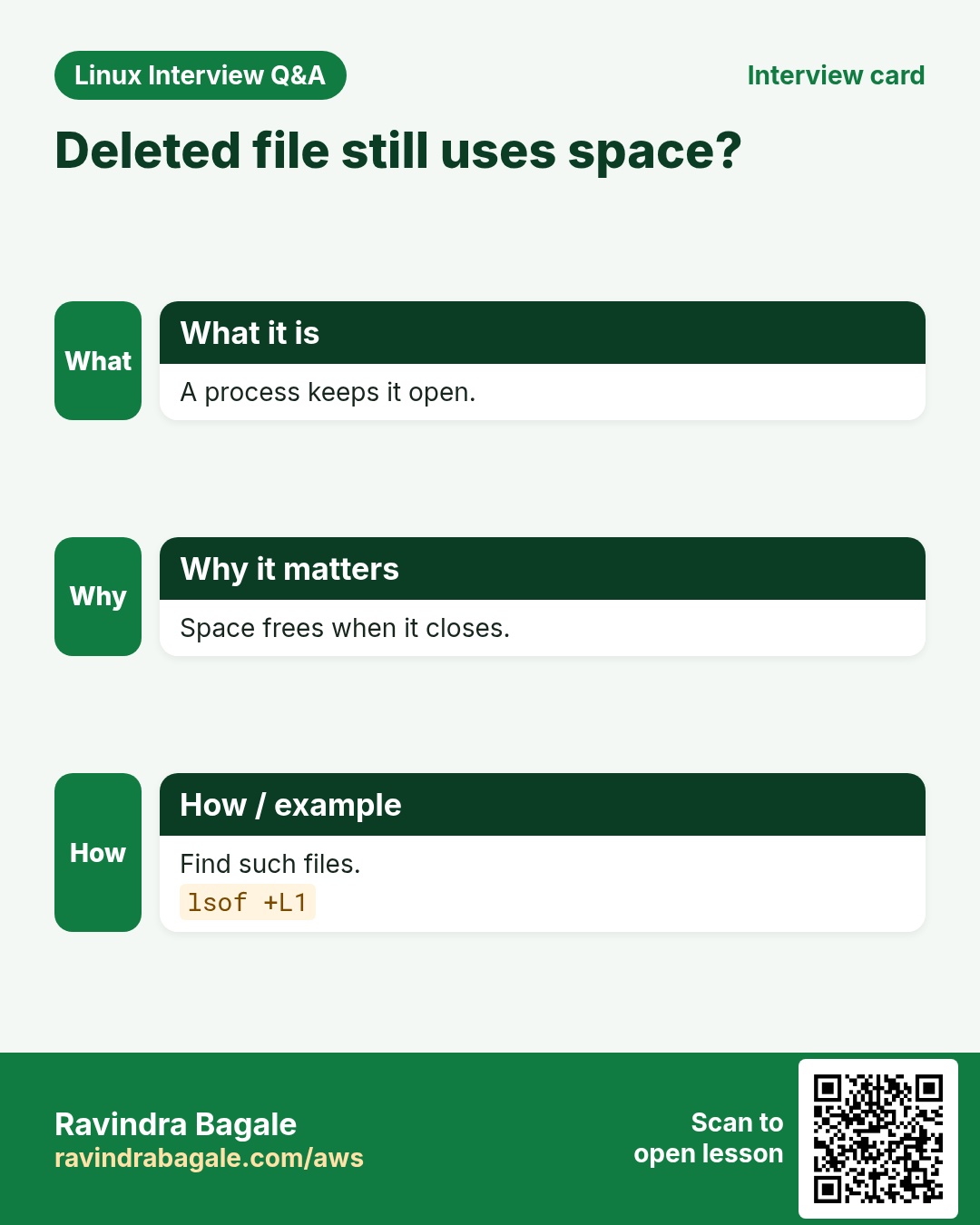
Q. You deleted a 20 GB log but space did not come back. Why?
A process still has it open. lsof +L1 shows it. Restart the process or truncate via /proc/
Q. How do symlink deploys keep downtime near zero?
New code is fully prepared in a new folder. Switching the link is one rename-like step. Rollback is the same step back.
Q. Security risk with symlinks in /tmp?
Symlink attacks: an attacker links a predictable temp name to a sensitive file. Use mktemp and fs.protected_symlinks=1.
Try at home
- Make a file, a hard link and a soft link. Compare ls -li.
- Delete the original and see which still works.
- Run df -i on your machine.
Prove the inode difference with two names
Create an original, one hard link and one symbolic link in a scratch directory. Run ls -li; the hard link and original share an inode. After removing the original name, the hard link still reads and the symbolic link to the removed name is dangling.
Interview check Can hard links cross filesystems like symbolic links?
A hard link names an inode on the same filesystem. A symbolic link stores a path, which may resolve into another filesystem.
Practise this chapter
Check your understanding
Choose an answer, then compare your reasoning with the explanation.
Practice Tasks
Practice checks run in your browser. They check the answer for this exercise; they do not create resources or connect to your AWS account.
About this scenarioMilan Furniture is a furniture business in Milan. Giulia Rossi looks after its IT and cloud work. They count money in EUR and run their AWS resources in the eu-south-1 Region. In the tasks below you do real jobs for them using what this lesson teaches. All names, account IDs, IP addresses and numbers are made up for practice.
0 / 15
Easy Show inode numbers
See which names share data.
Show the inode number of /etc/passwd.
- Find the Linux command that does this job.
- Add the options (like -r or -h) the task needs.
- Add the file names, folders or users in the right order.
- Use sudo if the job changes system files or users. Click Check answer.
Easy Long list with inodes
See inode and link count together.
List /var/www in long format with inode numbers.
- Find the Linux command that does this job.
- Add the options (like -r or -h) the task needs.
- Add the file names, folders or users in the right order.
- Use sudo if the job changes system files or users. Click Check answer.
Easy Full inode details
Owner, size, times and links.
Show all inode details of invoice.pdf.
- Find the Linux command that does this job.
- Add the options (like -r or -h) the task needs.
- Add the file names, folders or users in the right order.
- Use sudo if the job changes system files or users. Click Check answer.
Easy Create a hard link
Two names, one file.
Create a hard link named data-link.csv for data.csv.
- Find the Linux command that does this job.
- Add the options (like -r or -h) the task needs.
- Add the file names, folders or users in the right order.
- Use sudo if the job changes system files or users. Click Check answer.
Easy Create a soft link
Short name for a long path.
Create a symlink named logs in the current folder that points to /var/log/nginx.
- Find the Linux command that does this job.
- Add the options (like -r or -h) the task needs.
- Add the file names, folders or users in the right order.
- Use sudo if the job changes system files or users. Click Check answer.
Easy Where does a link point?
Debug broken deploys.
Print the target stored in the link latest.
- Find the Linux command that does this job.
- Add the options (like -r or -h) the task needs.
- Add the file names, folders or users in the right order.
- Use sudo if the job changes system files or users. Click Check answer.
Easy Which link survives?
Know the difference.
You delete the original file. Which link still shows the data: hard or soft? Type one word.
- Write down the numbers the task gives you.
- Work it out step by step on paper.
- Type only the final answer in the box.
- Click Check answer.
Medium Switch a release link
Zero-downtime deploy.
Point the existing link live to releases/v7, replacing it safely.
- Find the Linux command that does this job.
- Add the options (like -r or -h) the task needs.
- Add the file names, folders or users in the right order.
- Use sudo if the job changes system files or users. Click Check answer.
Medium Final real path
Links can chain.
Print the fully resolved real path of the link current.
- Find the Linux command that does this job.
- Add the options (like -r or -h) the task needs.
- Add the file names, folders or users in the right order.
- Use sudo if the job changes system files or users. Click Check answer.
Medium Find broken links
Dangling links break apps.
Find all broken symlinks under /opt/app.
- Find the Linux command that does this job.
- Add the options (like -r or -h) the task needs.
- Add the file names, folders or users in the right order.
- Use sudo if the job changes system files or users. Click Check answer.
Medium Find all symlinks
Audit links in a project.
Find all symlinks (working or not) under /srv/milanfurniture.
- Find the Linux command that does this job.
- Add the options (like -r or -h) the task needs.
- Add the file names, folders or users in the right order.
- Use sudo if the job changes system files or users. Click Check answer.
Medium Remove a link safely
A trailing slash can delete the target contents.
Remove the symlink latest without touching its target.
- Find the Linux command that does this job.
- Add the options (like -r or -h) the task needs.
- Add the file names, folders or users in the right order.
- Use sudo if the job changes system files or users. Click Check answer.
Medium Link count after ln
The count tells how many names exist.
A file had link count 1. Giulia Rossi makes two hard links to it. What is the link count now?
- Write down the numbers the task gives you.
- Work it out step by step on paper.
- Type only the final answer in the box.
- Click Check answer.
Medium Across disks
Inodes are per file system.
You need a link from /home to a file on another disk /data. Which link type works: hard or soft? Type one word.
- Write down the numbers the task gives you.
- Work it out step by step on paper.
- Type only the final answer in the box.
- Click Check answer.
Hard Find all hard links of a file
Before deleting, know every name.
Find every name of /data/report.csv on the same file system, starting from /data.
- Find the Linux command that does this job.
- Add the options (like -r or -h) the task needs.
- Add the file names, folders or users in the right order.
- Use sudo if the job changes system files or users. Click Check answer.
14. Related chapters
- Linux Ops Refresh for DevOps
- Bash Scripting for Automation
- Linux grep and find Commands with Examples
- How to Set Up Passwordless SSH Between Linux Servers
In short
- Name → inode → data.
- ln = hard link: same inode, same disk, no folders.
- ln -s = soft link: path pointer, can break.
- ln -sfn for release switches; df -i for inode issues.
Revision, comparison and interview cards
Revise this lesson in a few minutes. Save the cards on your phone or download them as PNG files. The QR code on each card opens this lesson.
More cards: Ravi Sir's Cards.