AWS CLI RDS Commands: Create, Snapshot and Restore a Database
We run a MySQL database on RDS from the terminal: subnet group, create, connect, change, snapshot, restore, read replica and safe delete.
In this chapter
- Create a DB subnet group
- Create and connect to a DB instance
- Modify size and backups
- Snapshot, restore and read replicas
- Delete safely with a final snapshot
1. The big picture: a managed database
Renting a flat with maintenance included: the society fixes water, lifts and painting. You just live there. RDS is a database where AWS does patching, backups and failover.
RDS commands are in aws rds: create-db-subnet-group, create-db-instance, modify-db-instance, create-db-snapshot, restore-db-instance-from-db-snapshot, create-db-instance-read-replica.
2. DB subnet group
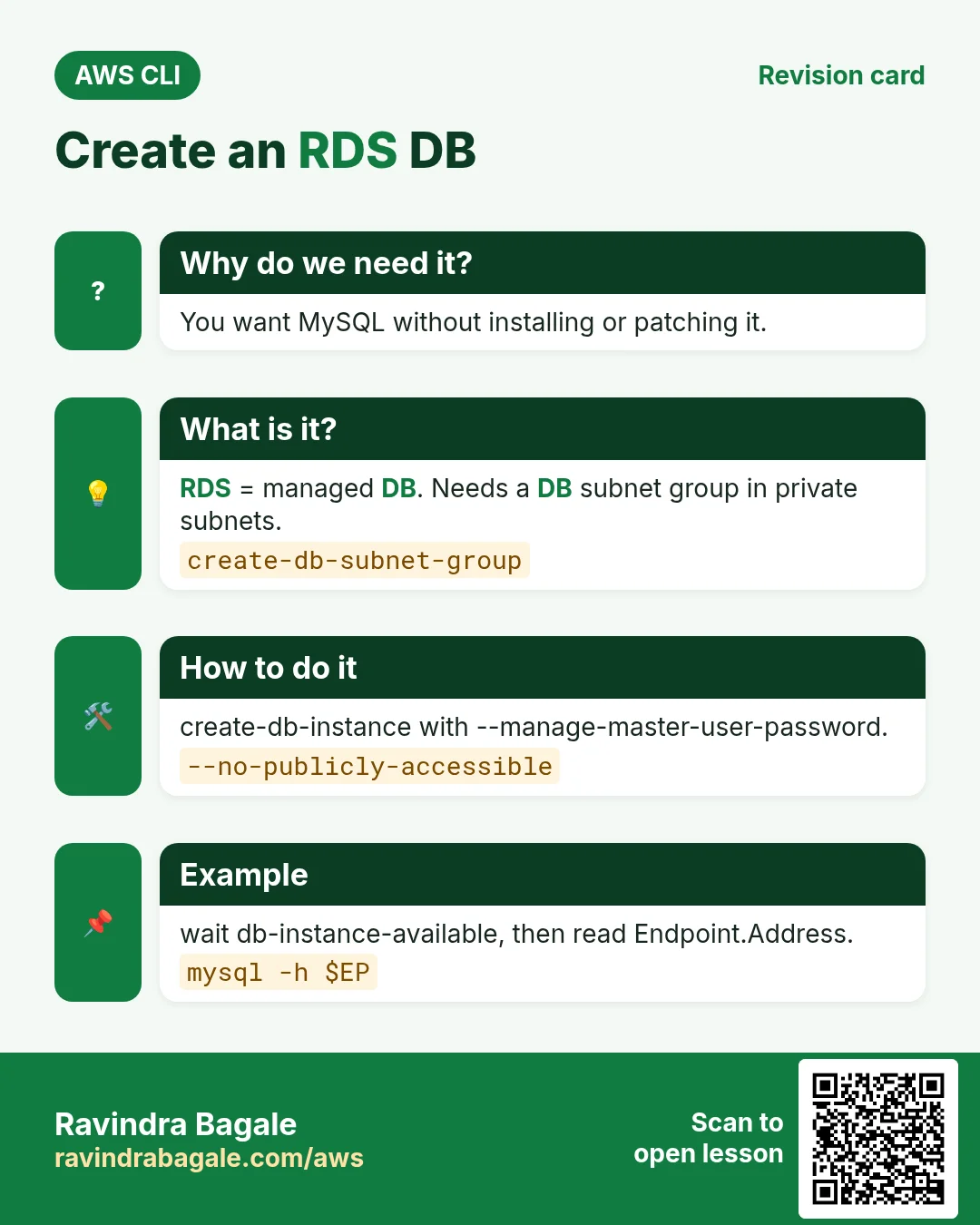
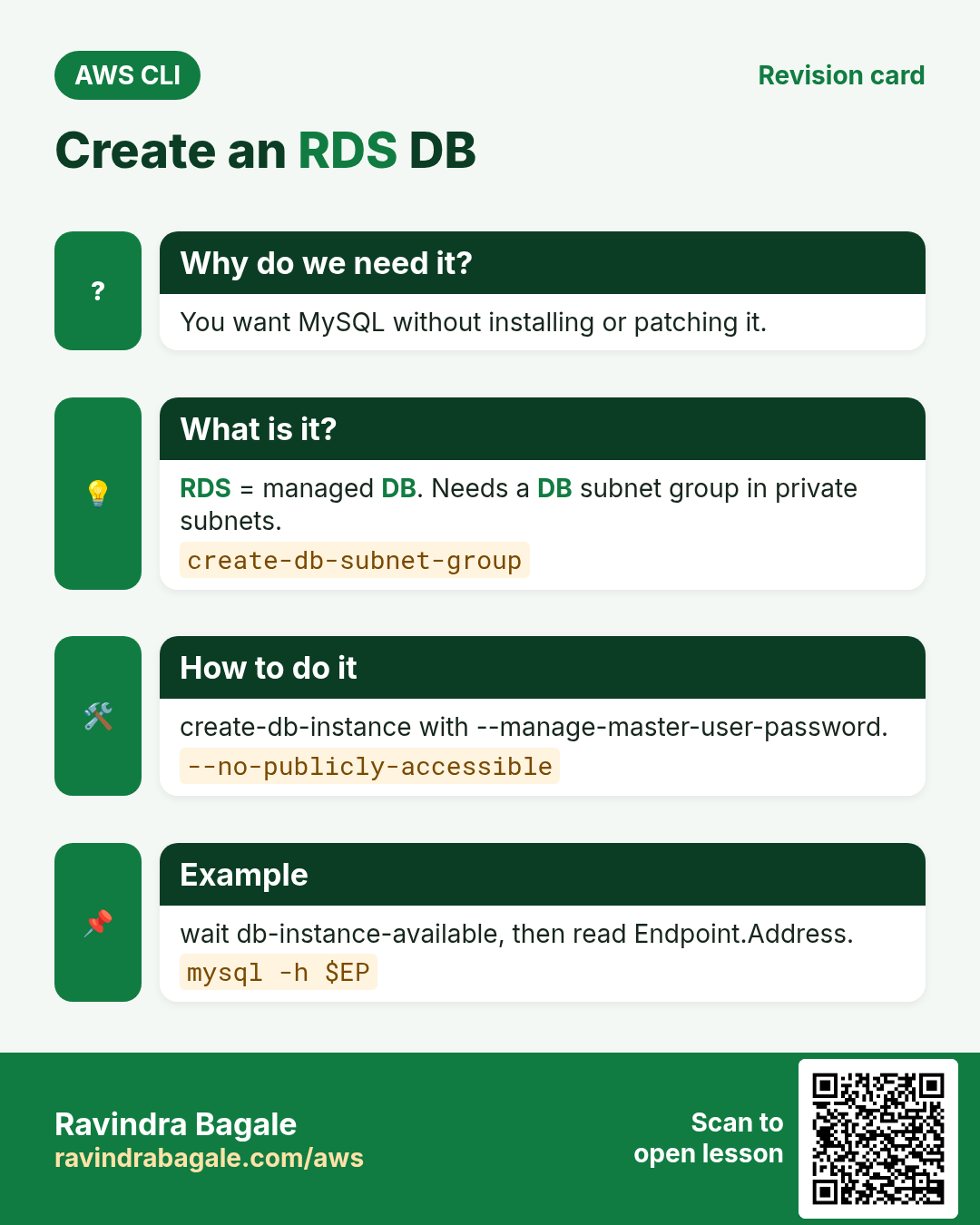
RDS must know which private subnets it may use, in at least two zones.
A DB subnet group is a named list of subnets for RDS.
- Create it.
aws rds create-db-subnet-group --db-subnet-group-name cli-db-subnets --db-subnet-group-description "private" --subnet-ids $PRI1 $PRI2 --query "DBSubnetGroup.SubnetGroupStatus" --output textExpected output:
Complete3. Create and connect
Follow the practice DB name cli-mysql from the create command to its endpoint. The create request names the MySQL engine, instance class, storage and subnet group. Its returned status describes the instance lifecycle. Use the waiter before reading the DNS address from DBInstances[0].Endpoint.Address. The endpoint is a connection address, whereas cli-mysql is the identifier the CLI uses for this resource.
Connect from the authorized private lab client and run a small read before adding data. A result from the database proves the network path and that login worked for that operation. If the attempt times out, verify the address and allowed connection path. If the server rejects the login, review which database user and approved secret you selected. The account used by the CLI to describe RDS is different from the DB user that runs SQL.
You want a running MySQL without installing anything on a server.
create-db-instance picks engine, class, storage and credentials. --manage-master-user-password keeps the password in Secrets Manager.
- Create the database.
aws rds create-db-instance --db-instance-identifier cli-mysql --engine mysql --db-instance-class db.t3.micro --allocated-storage 20 --master-username admin --manage-master-user-password --db-subnet-group-name cli-db-subnets --vpc-security-group-ids $DSG --backup-retention-period 7 --no-publicly-accessible --query "DBInstance.DBInstanceStatus" --output textExpected output:
creating- Wait and get the endpoint.
aws rds wait db-instance-available --db-instance-identifier cli-mysql
EP=$(aws rds describe-db-instances --db-instance-identifier cli-mysql --query "DBInstances[0].Endpoint.Address" --output text); echo $EP
Expected output:
cli-mysql.abc123.ap-south-1.rds.amazonaws.com- Connect from an app server.
mysql -h $EP -u admin -p -e "SELECT VERSION();"Expected output:
8.0.394. Modify the instance
Traffic grew. You need a bigger class and more storage.
modify-db-instance changes class, storage, backups or Multi-AZ. Without --apply-immediately it waits for the maintenance window.
- Grow and enable Multi-AZ now.
aws rds modify-db-instance --db-instance-identifier cli-mysql --db-instance-class db.t3.small --allocated-storage 30 --multi-az --apply-immediately --query "DBInstance.PendingModifiedValues"Expected output:
{ "DBInstanceClass": "db.t3.small", "AllocatedStorage": 30, "MultiAZ": true }- Verify.
aws rds describe-db-instances --db-instance-identifier cli-mysql --query "DBInstances[0].[DBInstanceClass,MultiAZ,DBInstanceStatus]" --output textExpected output:
db.t3.small True available5. Snapshots, restore and read replicas
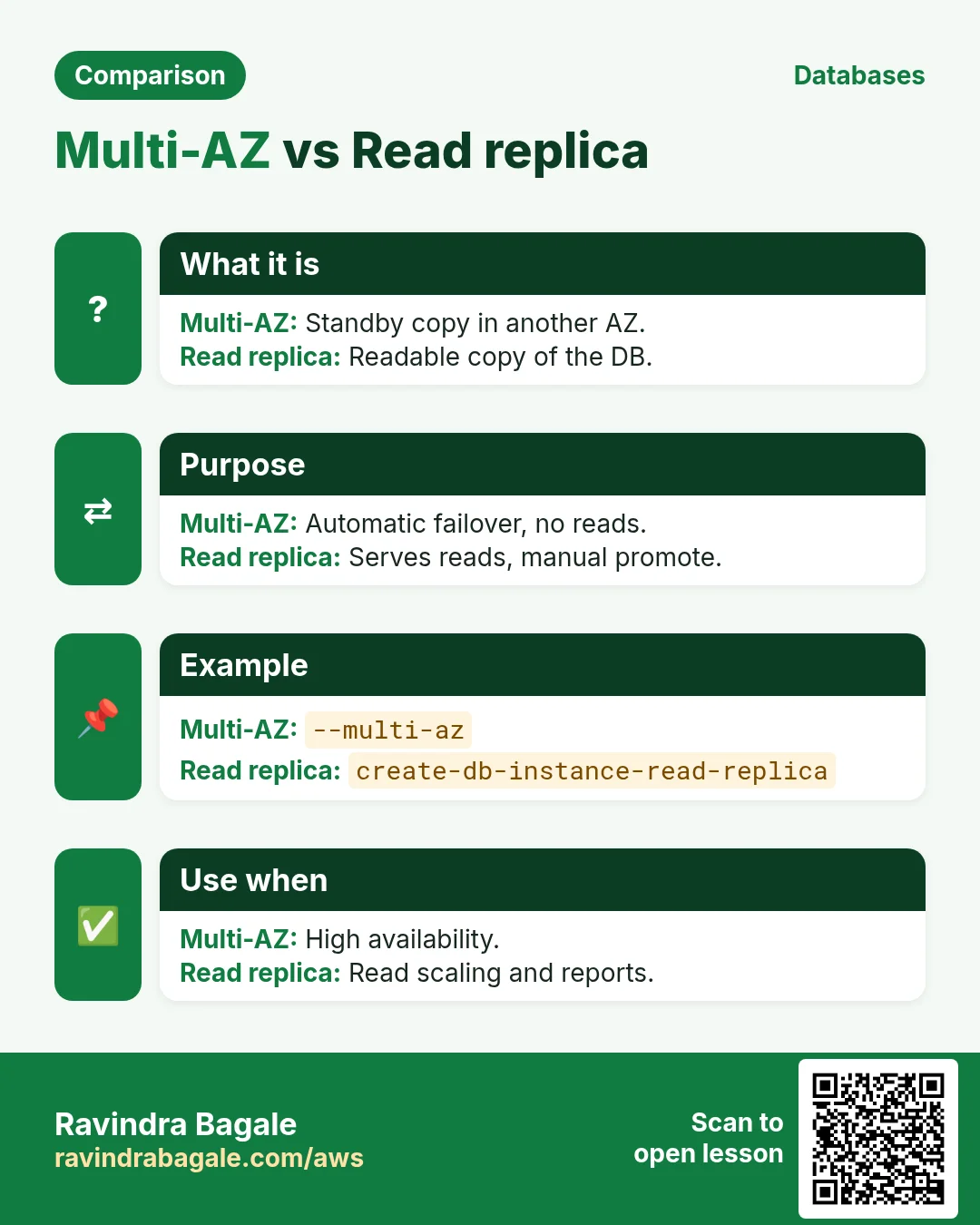
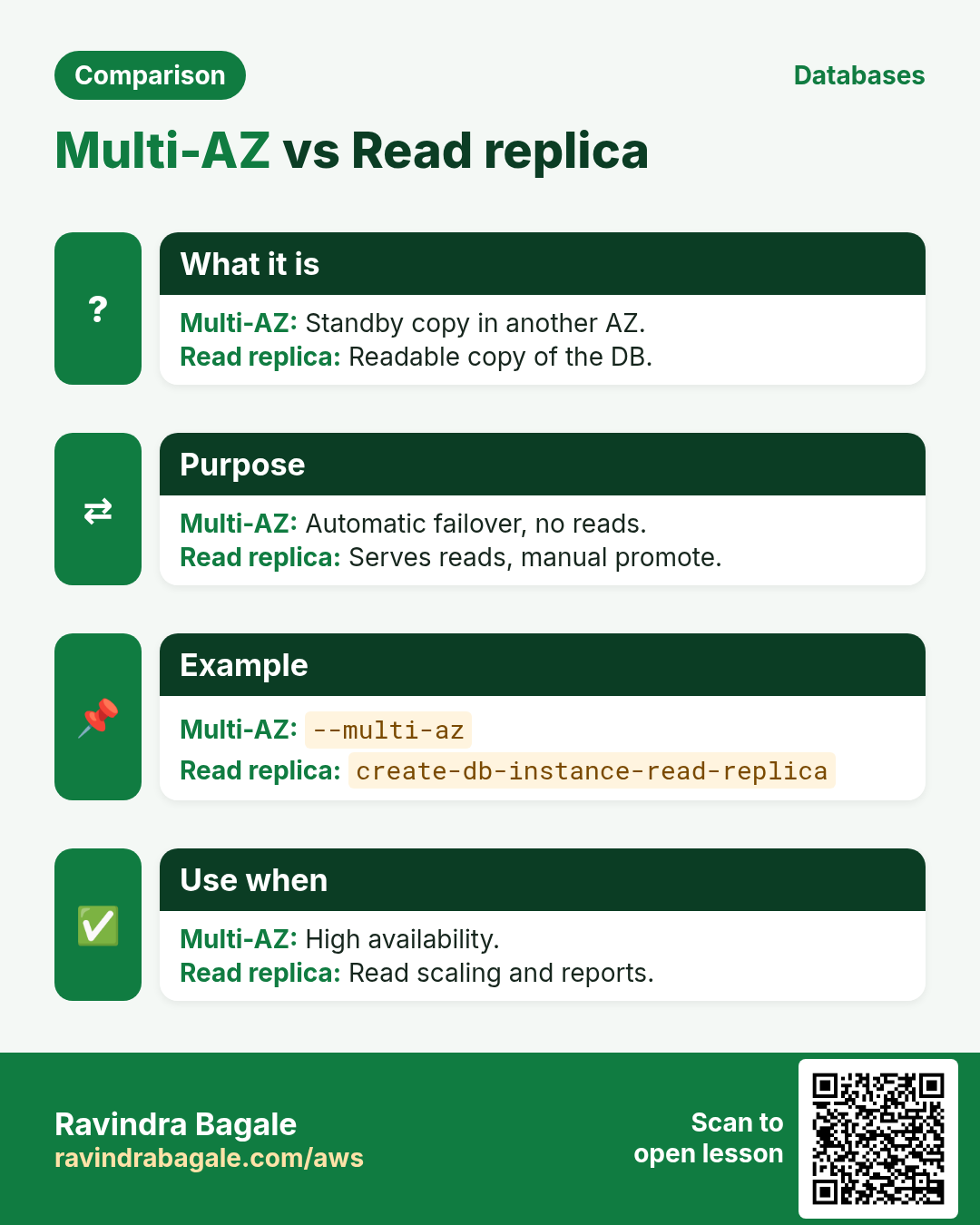
Decide what problem you are solving before choosing a database copy. A snapshot records data at a particular time. Restoring creates a separate DB instance with its own endpoint. A read replica is meant to take read traffic and can lag behind writes. A high-availability Multi-AZ feature protects availability according to the deployment type. Review the Multi-AZ and read replica lesson before treating those models as interchangeable.
For the lab, insert one identifiable test row before the snapshot, then connect to the restored endpoint and read it back. Compare endpoint and instance identifiers first so that you know the query went to the restore. available means the instance is ready for connections at the service level. Your client still needs a correct security group path and database credentials.
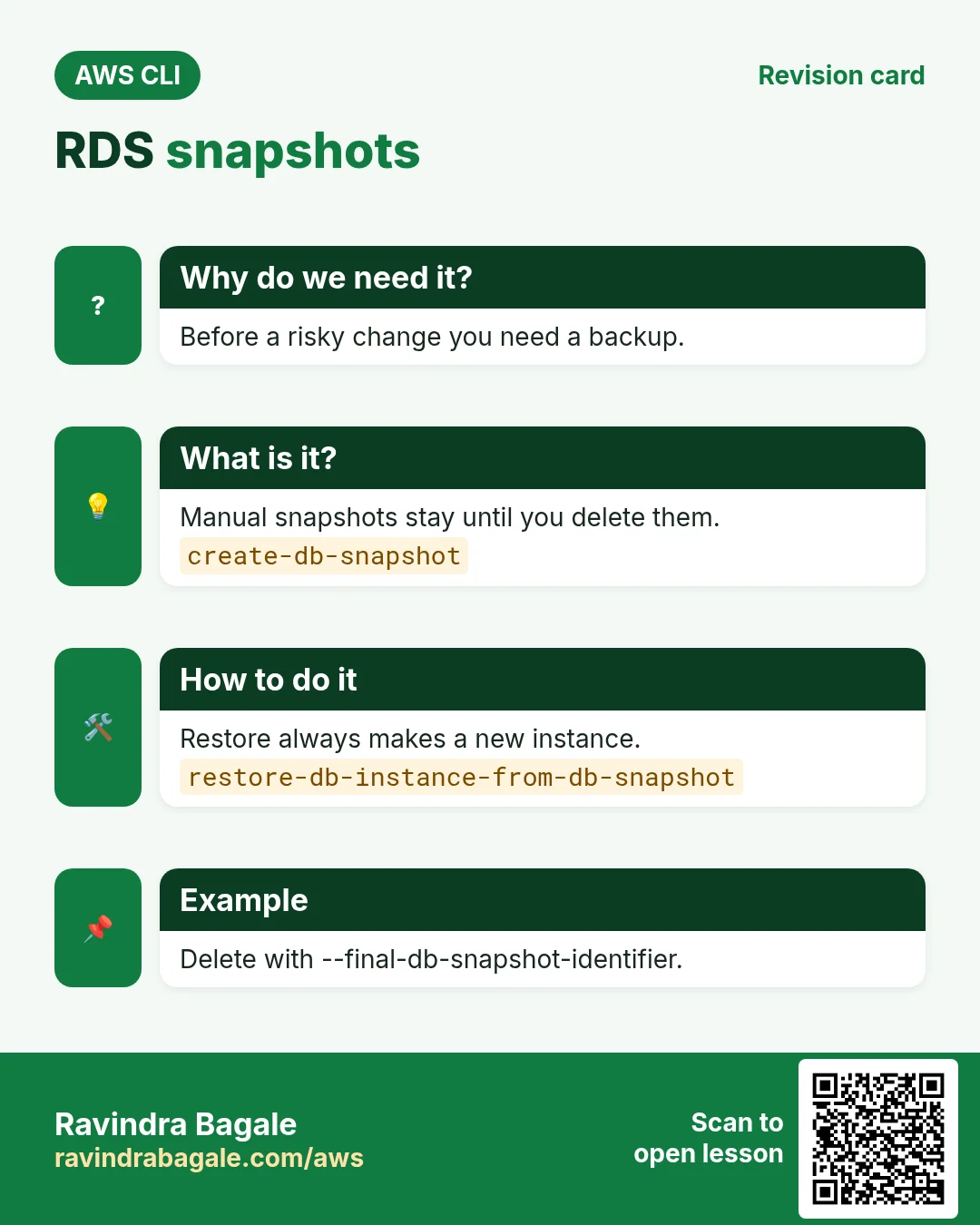
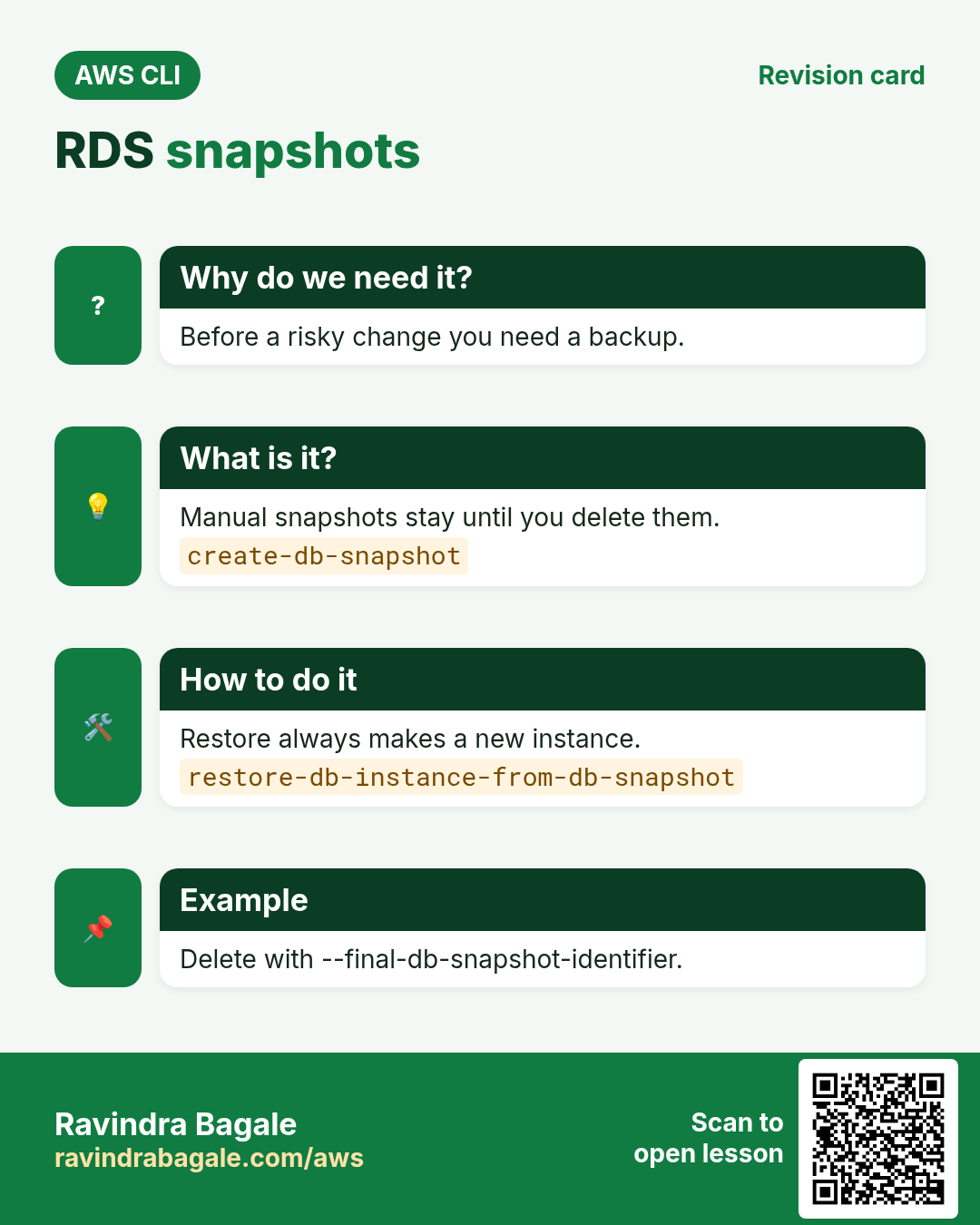
Before a risky change you want a backup. Reports should not slow the main database.
A manual snapshot stays until you delete it. Restore always creates a new instance. A read replica copies data for read-only queries.
- Take a snapshot.
aws rds create-db-snapshot --db-instance-identifier cli-mysql --db-snapshot-identifier cli-mysql-before-change
aws rds wait db-snapshot-available --db-snapshot-identifier cli-mysql-before-change && echo done
Expected output:
done- Restore to a new instance.
aws rds restore-db-instance-from-db-snapshot --db-instance-identifier cli-mysql-restored --db-snapshot-identifier cli-mysql-before-change --db-subnet-group-name cli-db-subnets --query "DBInstance.DBInstanceStatus" --output textExpected output:
creating- Create a read replica.
aws rds create-db-instance-read-replica --db-instance-identifier cli-mysql-ro --source-db-instance-identifier cli-mysql --query "DBInstance.ReadReplicaSourceDBInstanceIdentifier" --output textExpected output:
cli-mysql6. Same action in Python, Node.js, Java, Go, .NET and PHP
Scripts start in the CLI. Apps call the same API through an SDK. Knowing both helps you move a tested command into real code.
Low-level CLI commands expose service operations. A high-level command or an automatically paginated list can make multiple requests. For example, aws rds create-db-snapshot --db-instance-identifier db1 --db-snapshot-identifier s1 maps to the CreateDBSnapshot API.
Same action (CreateDBSnapshot) from code. Set the intended profile and Region for the SDK. Provider support and precedence can differ by SDK, and an explicit client setting can override defaults.
| Stack | Code |
|---|---|
| Python (boto3) | boto3.client("rds").create_db_snapshot(DBInstanceIdentifier="db1",DBSnapshotIdentifier="s1") |
| Node.js (v3) | await rds.send(new CreateDBSnapshotCommand({DBInstanceIdentifier:"db1",DBSnapshotIdentifier:"s1"})); |
| Java (v2) | rds.createDBSnapshot(r -> r.dbInstanceIdentifier("db1").dbSnapshotIdentifier("s1")); |
| Go (v2) | c.CreateDBSnapshot(ctx, &rds.CreateDBSnapshotInput{DBInstanceIdentifier: aws.String("db1"), DBSnapshotIdentifier: aws.String("s1")}) |
| .NET | await rds.CreateDBSnapshotAsync(new CreateDBSnapshotRequest{DBInstanceIdentifier="db1",DBSnapshotIdentifier="s1"}); |
| PHP | $rds->createDBSnapshot(["DBInstanceIdentifier"=>"db1","DBSnapshotIdentifier"=>"s1"]); |
7. Clean up so nothing keeps costing
Lab resources left running cost money and can be a security risk.
Delete in reverse order: children first, then parents.
- Delete the replica and the restored copy.
aws rds delete-db-instance --db-instance-identifier cli-mysql-ro --skip-final-snapshot
aws rds delete-db-instance --db-instance-identifier cli-mysql-restored --skip-final-snapshot
Expected output:
(no output means success)- Delete the main DB with a final snapshot.
aws rds delete-db-instance --db-instance-identifier cli-mysql --final-db-snapshot-identifier cli-mysql-final
aws rds wait db-instance-deleted --db-instance-identifier cli-mysql && echo gone
Expected output:
gone- Remove snapshots and the subnet group when sure.
aws rds delete-db-snapshot --db-snapshot-identifier cli-mysql-before-change
aws rds delete-db-subnet-group --db-subnet-group-name cli-db-subnets
Expected output:
(no output means success)Ravindra Bagale's Tip
Turn on --deletion-protection for production. Then delete-db-instance fails until you modify it off, which stops accidents.
Common errors: cause and safe next check
Someone points restore-db-instance-from-db-snapshot at the live instance identifier
The restore command needs a name for the new DB instance. It does not overwrite the instance that you snapshotted. Inspect both identifiers before you run restore, so you do not expect the original name to change in place.
The restored instance is available, so someone assumes every page is already warm
After the new instance becomes available, Amazon RDS can still load data in the background. This is called lazy loading. The first read of data that is not loaded yet is fetched from the backup storage. Inspect status and, when needed, the storage initialization fields before you treat every query as fully warm.
A restore is used to make the database smaller
You cannot reduce allocated storage when you restore a DB instance. If you increase storage, Amazon RDS requires at least a ten percent increase, except that you cannot increase allocated storage when restoring RDS for SQL Server. Inspect the storage setting you planned before you retry the restore.
Practical questions and full answers
Does restoring a snapshot replace my current database in place?
No. Restoring from a DB snapshot creates a new DB instance. You give the snapshot name and a name for the new instance. The original instance stays until you take a separate, approved action to change or remove it.
Why can the new instance be available before every read feels fast?
Amazon RDS can finish opening the instance and then keep loading data in the background. If a query needs data that is not loaded yet, that data is fetched then. This is expected lazy loading, not proof that restore failed.
What extra settings should I inspect on the new instance?
A restore uses the default VPC security group, subnet group, and parameter group unless you choose different ones. Custom parameter settings are not in the default group. Inspect those associations after the new instance is available.
8. Interview questions and answers
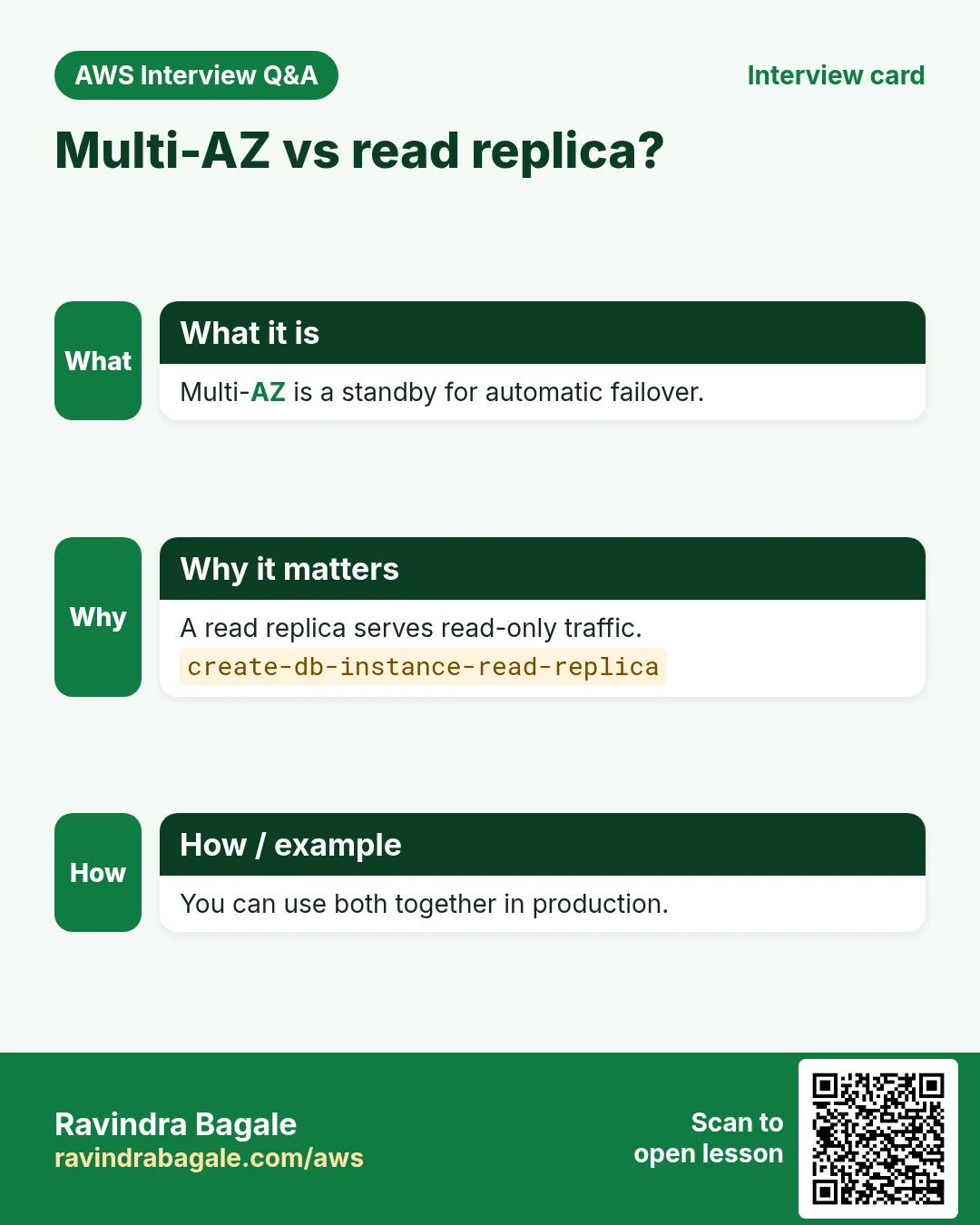
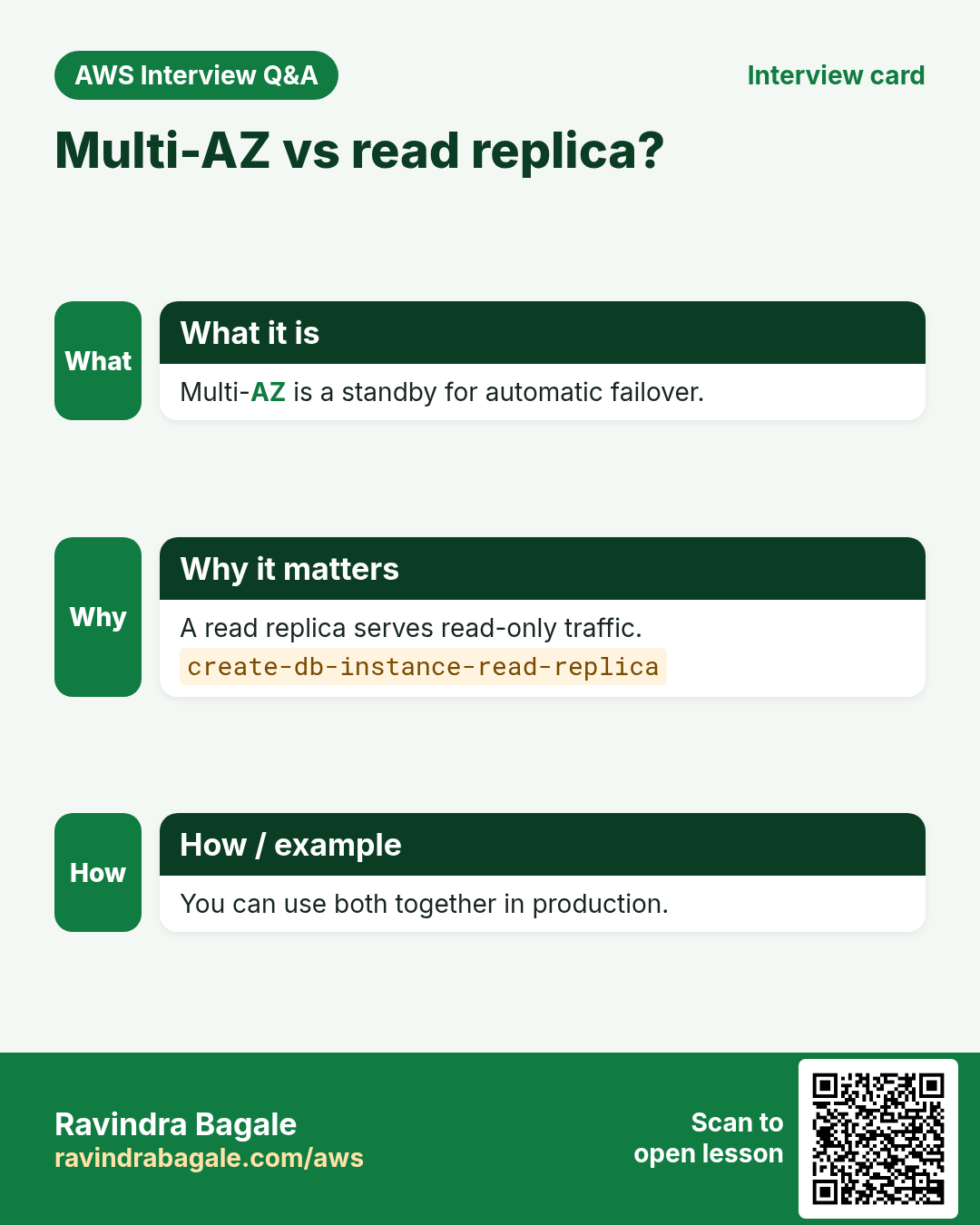
Q. Multi-AZ vs read replica?
Multi-AZ is a standby for failover. A read replica serves read traffic.
Q. Does restore overwrite the database?
No. It always creates a new DB instance.
Q. What does --apply-immediately do?
Applies the change now instead of in the maintenance window.
Q. How do you avoid storing the master password?
--manage-master-user-password stores it in Secrets Manager.
Q. Automated vs manual snapshots?
Automated follow retention and vanish with the DB. Manual stay until deleted.
Try at home
- Create a db.t3.micro, create a table, snapshot, drop the table, restore and check the table is back.
- Try delete with deletion protection on and read the error.
In short
- Subnet group in private subnets.
- Wait for db-instance-available.
- Modify with --apply-immediately.
- Restore makes a new instance.
- Final snapshot on delete.
Treat restore as creation of a new resource
Restore a throwaway snapshot to a separate DB identifier. Check availability, engine version, network controls and the restored endpoint before any application connection. Delete the lab restore and any unneeded retained snapshots after testing.
Interview check Does restoring overwrite the original DB?
An RDS DB snapshot restore creates a new DB instance. The original application's endpoint and traffic do not automatically shift to it.
Practise this chapter
Interview questions and answers
How would you distinguish a backup requirement from a read-scaling requirement?
I would ask whether the app needs to recover data from an earlier time or handle more concurrent reads. For recovery I would test a snapshot restore and verify a saved row. For more reads I would evaluate a replica and account for replication lag.
Check your understanding
Choose an answer, then compare your reasoning with the explanation.
Practice Tasks
Practice checks run in your browser. They check the answer for this exercise; they do not create resources or connect to your AWS account.
About this scenarioPandharpur Yatra Tours is a travel business in Pandharpur. Vitthal More looks after its IT and cloud work. They count money in INR and run their AWS resources in the ap-south-1 Region. In the tasks below you do real jobs for them using what this lesson teaches. All names, account IDs, IP addresses and numbers are made up for practice.
0 / 12
Easy Find the database endpoint
Your app connects using the endpoint name, not an IP.
Describe DB instance pandharpuryatra-db.
- Read the task and decide which AWS service it is about.
- Write aws, then the service name, then the operation (the action word).
- Add each needed flag (--name) followed by its value from the task.
- Flags can be in any order. Click Check answer.
Easy Biggest orders first
Querying the database is daily work after you set up RDS.
Show order id and amount, biggest amount first.
Tables: customers(id, name, city) and orders(id, customer_id, amount, odate).
- Find the table the task is about (see the table list above the box).
- Write the SQL statement step by step: what, from where, which rows.
- End the statement with ;
- Click Check answer. Your query runs on a practice copy of the table.
Easy Filter customers by city
Querying the database is daily work after you set up RDS.
List the names of customers in Pune.
Tables: customers(id, name, city) and orders(id, customer_id, amount, odate).
- Find the table the task is about (see the table list above the box).
- Write the SQL statement step by step: what, from where, which rows.
- End the statement with ;
- Click Check answer. Your query runs on a practice copy of the table.
Medium Remove small orders
Querying the database is daily work after you set up RDS.
Delete orders with amount below 200.
Tables: customers(id, name, city) and orders(id, customer_id, amount, odate).
- Find the table the task is about (see the table list above the box).
- Write the SQL statement step by step: what, from where, which rows.
- End the statement with ;
- Click Check answer. Your query runs on a practice copy of the table.
Medium Orders with customer names
Querying the database is daily work after you set up RDS.
Show each customer name with each order amount.
Tables: customers(id, name, city) and orders(id, customer_id, amount, odate).
- Find the table the task is about (see the table list above the box).
- Write the SQL statement step by step: what, from where, which rows.
- End the statement with ;
- Click Check answer. Your query runs on a practice copy of the table.
Medium Total sales
Querying the database is daily work after you set up RDS.
Show the total of all order amounts as one number.
Tables: customers(id, name, city) and orders(id, customer_id, amount, odate).
- Find the table the task is about (see the table list above the box).
- Write the SQL statement step by step: what, from where, which rows.
- End the statement with ;
- Click Check answer. Your query runs on a practice copy of the table.
Medium Fix a city
Querying the database is daily work after you set up RDS.
Customer 5 moved to Rome. Update the record.
Tables: customers(id, name, city) and orders(id, customer_id, amount, odate).
- Find the table the task is about (see the table list above the box).
- Write the SQL statement step by step: what, from where, which rows.
- End the statement with ;
- Click Check answer. Your query runs on a practice copy of the table.
Medium Turn on Multi-AZ
Multi-AZ keeps a standby copy in another AZ and fails over automatically.
Modify pandharpuryatra-db to be Multi-AZ and apply the change immediately.
- Read the task and decide which AWS service it is about.
- Write aws, then the service name, then the operation (the action word).
- Add each needed flag (--name) followed by its value from the task.
- Flags can be in any order. Click Check answer.
Hard Sales per customer
Querying the database is daily work after you set up RDS.
Show customer_id and total amount per customer, only where total is above 1000.
Tables: customers(id, name, city) and orders(id, customer_id, amount, odate).
- Find the table the task is about (see the table list above the box).
- Write the SQL statement step by step: what, from where, which rows.
- End the statement with ;
- Click Check answer. Your query runs on a practice copy of the table.
Hard Customers with no orders
Querying the database is daily work after you set up RDS.
List names of customers who have never ordered.
Tables: customers(id, name, city) and orders(id, customer_id, amount, odate).
- Find the table the task is about (see the table list above the box).
- Write the SQL statement step by step: what, from where, which rows.
- End the statement with ;
- Click Check answer. Your query runs on a practice copy of the table.
Hard Create a MySQL database
RDS runs the database for you: backups, patches and failover are managed.
Create RDS instance pandharpuryatra-db: engine mysql, class db.t3.micro, 20 GiB storage, master user admin, master password from $DB_PASS.
- Read the task and decide which AWS service it is about.
- Write aws, then the service name, then the operation (the action word).
- Add each needed flag (--name) followed by its value from the task.
- Flags can be in any order. Click Check answer.
Hard Create a read replica
Read replicas take report and read traffic off the main database.
Create read replica pandharpuryatra-db-ro from source pandharpuryatra-db.
- Read the task and decide which AWS service it is about.
- Write aws, then the service name, then the operation (the action word).
- Add each needed flag (--name) followed by its value from the task.
- Flags can be in any order. Click Check answer.
Revision, comparison and interview cards
Revise this lesson in a few minutes. Save the cards on your phone or download them as PNG files. The QR code on each card opens this lesson.
More cards: Ravi Sir's Cards.