Ravi Sir's Cards › AWS
Create an RDS DB
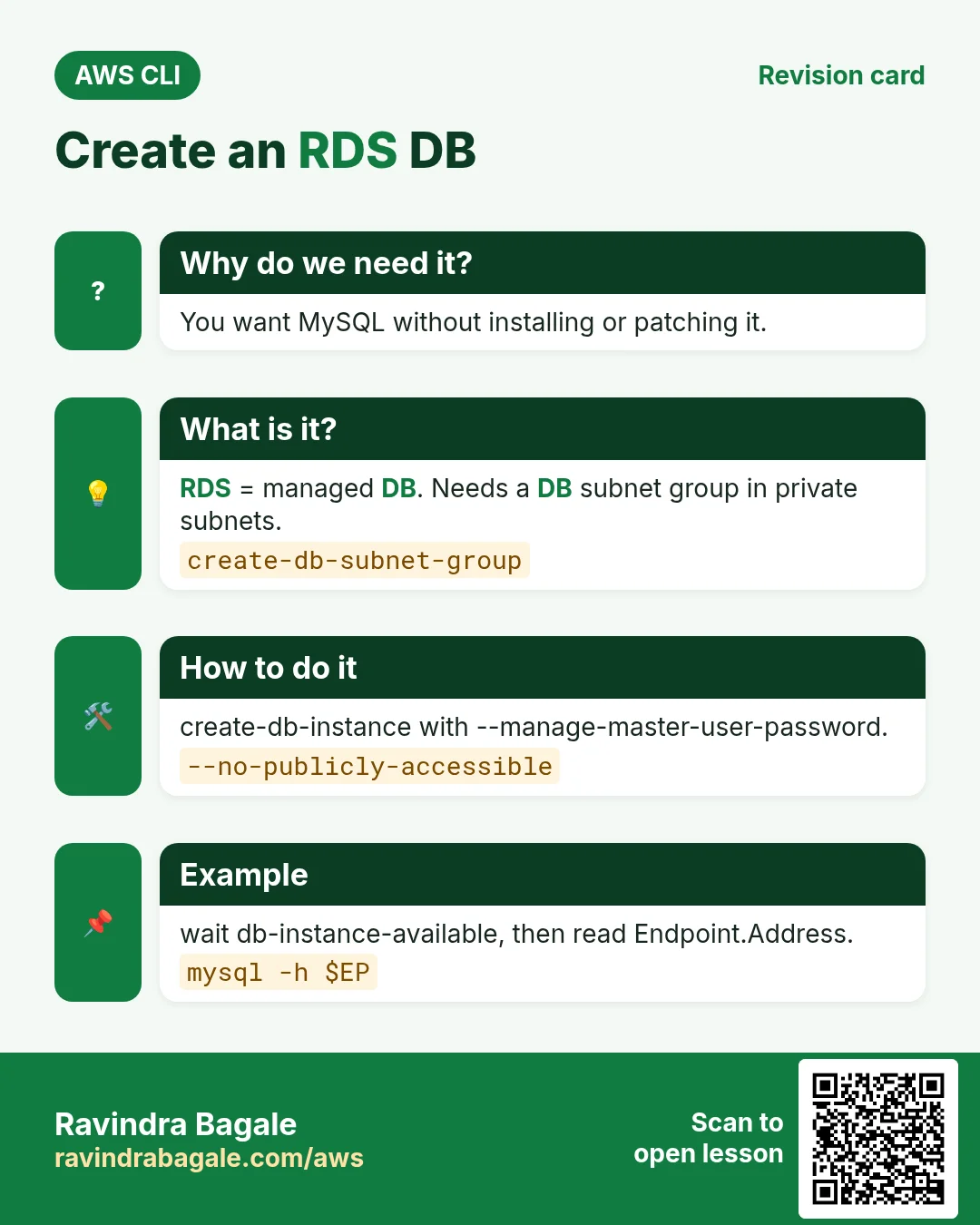
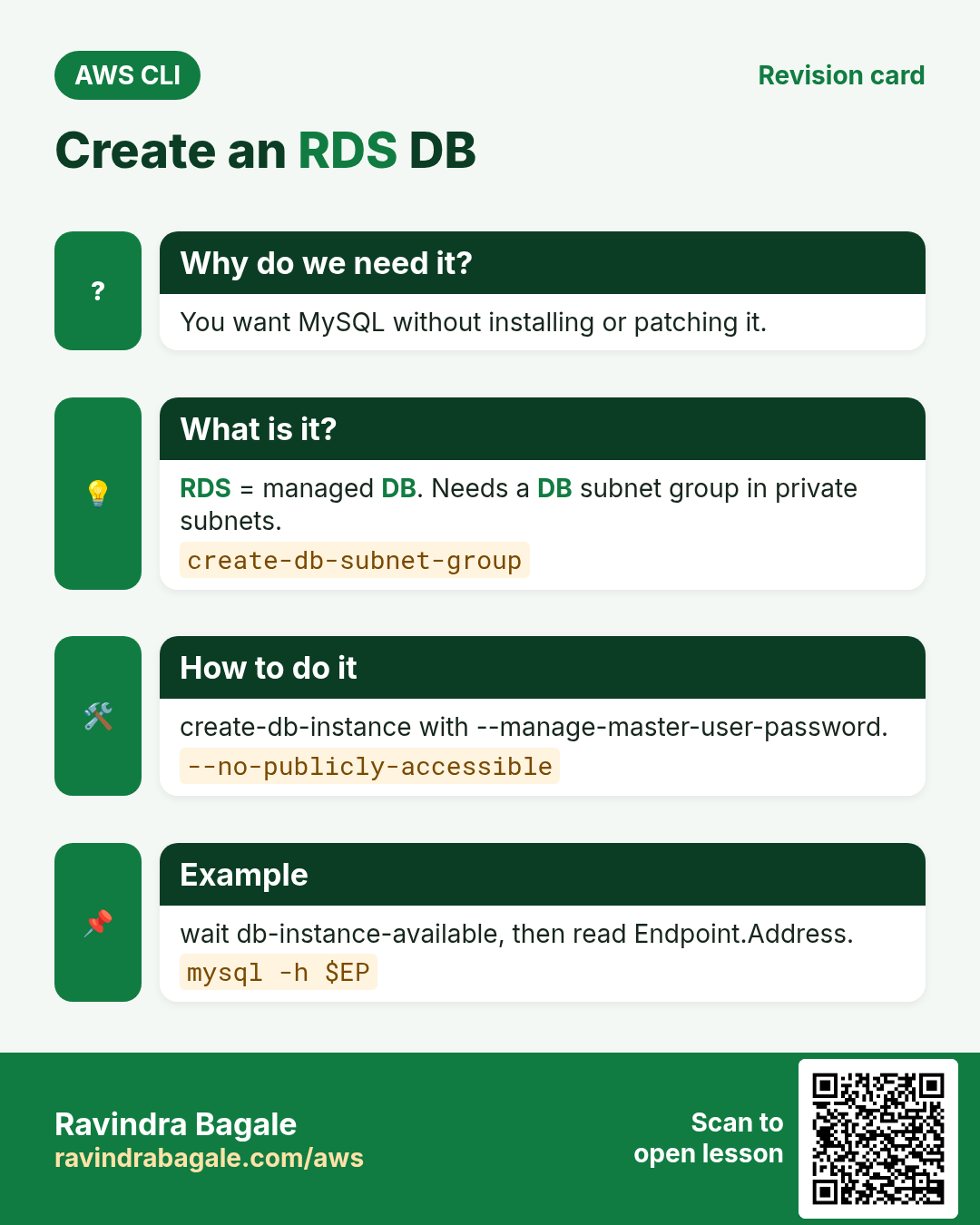
This revision card explains Create an RDS DB. You want MySQL without installing or patching it. It describes RDS = managed DB. Needs a DB subnet group in private subnets. The how-to section covers how to create-db-instance with --manage-master-user-password. An example on the card is wait db-instance-available, then read Endpoint.Address.
Read card text
What this card says
Why do we need it?
You want MySQL without installing or patching it.
What is it?
RDS = managed DB. Needs a DB subnet group in private subnets.
create-db-subnet-group
How to do it
create-db-instance with --manage-master-user-password.
--no-publicly-accessible
Example
wait db-instance-available, then read Endpoint.Address.
mysql -h $EP