S3 Versioning, Lifecycle Rules and Replication (SRR and CRR) Explained
In How to Host a Static Website on S3 we served files to the world. Now we protect them from mistakes and control cost over time: versioning, delete markers, MFA Delete, lifecycle rules, and replication to another bucket in the same Region (SRR) or another Region (CRR).
In this chapter
- Why versioning saves you from deletes and overwrites
- Delete markers and restoring old versions
- MFA Delete: what and who can enable it
- Lifecycle rules: transitions and expirations
- SRR vs CRR replication
1. A school-project story
A student saves project.docx, then saves a broken copy over it the night before submission. On a normal disk, the good copy is gone. With "version history" in Google Docs, she opens yesterday's version and is saved.
S3 versioning is that version history for every object in a bucket.
2. Versioning
Apps overwrite files by bug, people run aws s3 rm --recursive on the wrong prefix, ransomware overwrites data. Versioning keeps every old copy.
| State | Meaning |
|---|---|
| Unversioned (default) | One copy per key; overwrite and delete are final |
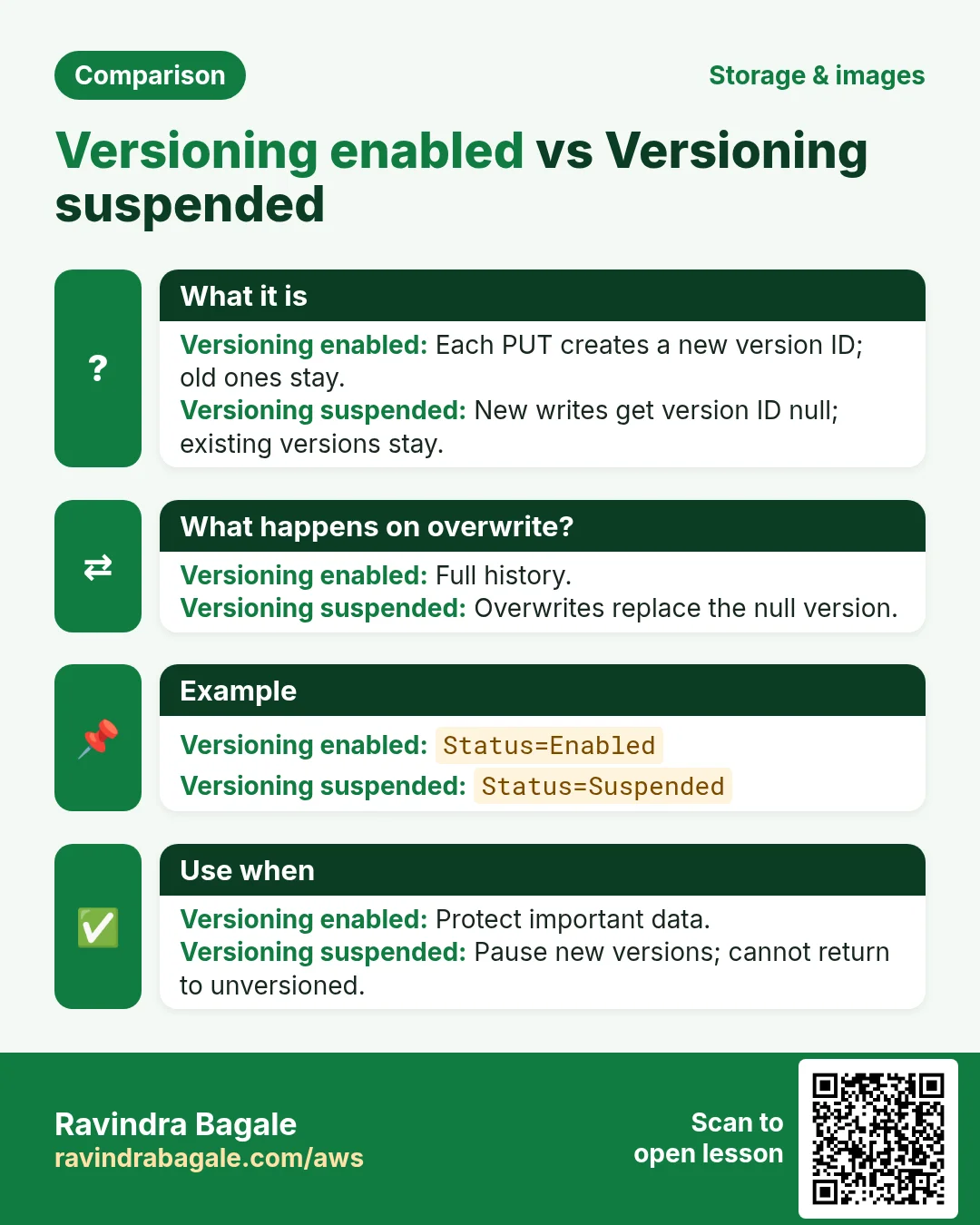
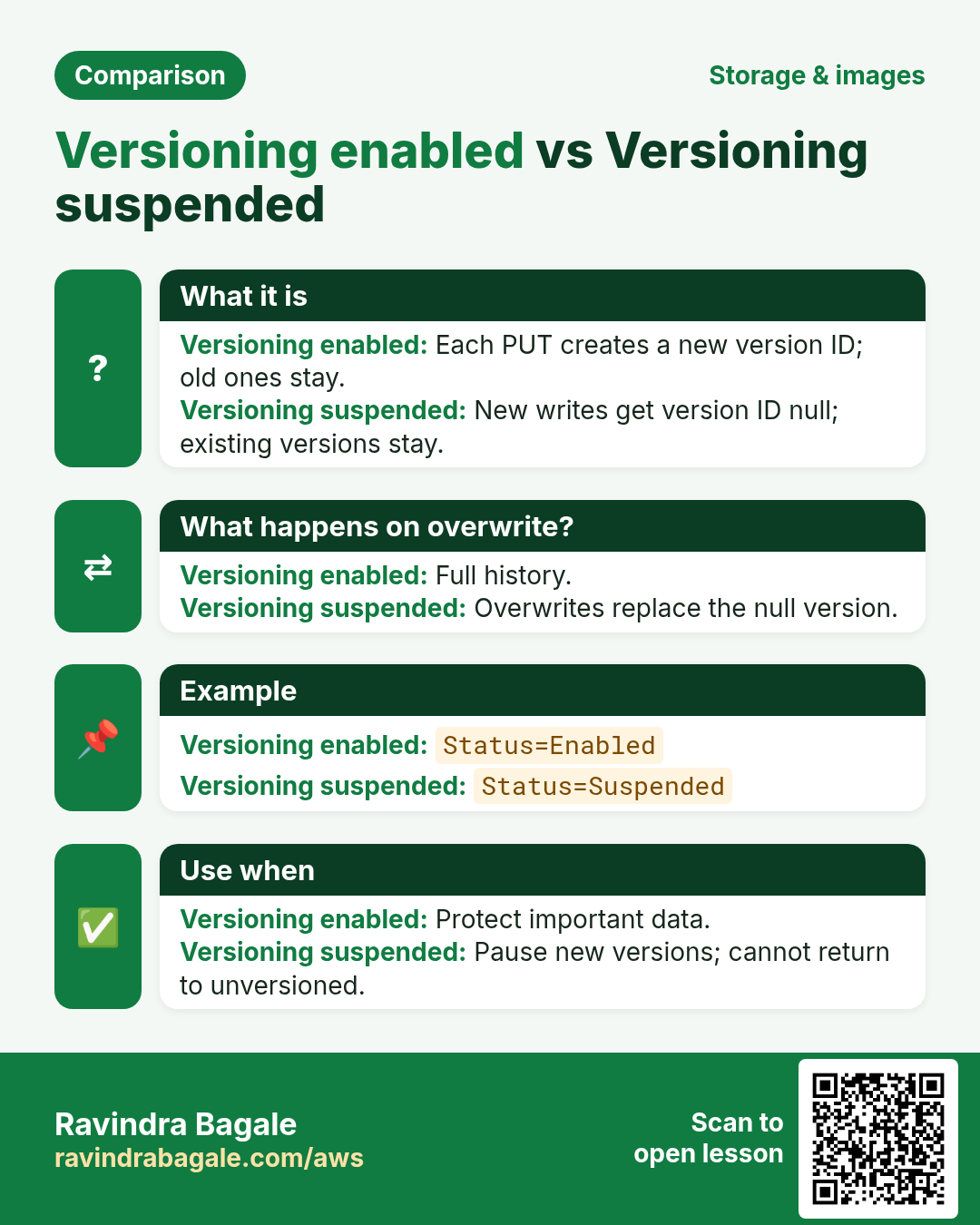
| Enabled | Every PUT makes a new version ID; old ones stay |
| Suspended | New writes get version ID "null"; old versions stay. You can never go back to Unversioned. |
Each version is billed as storage. A 100 MB file overwritten 10 times = 1 GB. That is why versioning and lifecycle go together.
See the versions behind one object key
In a bucket with versioning enabled, replacing a file and deleting its name have different effects. Follow results.csv without permanently deleting any version.
Read all steps
- Save the first version
Uploading results.csv creates a data version. Record the version ID in the console or API result. That ID identifies this particular stored version, not the whole history of the key.
- Replace the contents
Uploading corrected marks under the same key creates another version. A normal GET now returns the current version B, while version A remains available by its version ID and continues using storage.
- Delete the key normally
A delete request without a version ID adds a delete marker. A normal GET now behaves as though the object is deleted. The older data versions have not thereby been erased.
- Restore visibility carefully
Remove the specific current delete marker to expose the preceding data version again. Deleting a particular data version instead permanently removes that version. Cleanup must account for versions and delete markers, not only the default object list.

3. Delete markers
Draw one key above a stack of versions
Take homework/report.pdf. Write version A at the bottom when the first file is uploaded. A new upload adds version B on top. A normal GET reads the top data version. A normal delete in a versioning-enabled bucket adds a delete marker above B. The default GET can now report that the object is missing even though A and B are still stored.
In a fresh practice bucket, use the console’s version view to identify the exact marker. Have the authorized tester remove that marker and request the key again. B becomes visible. Removing A or B by version ID is a different operation that can permanently delete that specific version. Record the key and version IDs before the drill so you can tell which one you are about to act on.
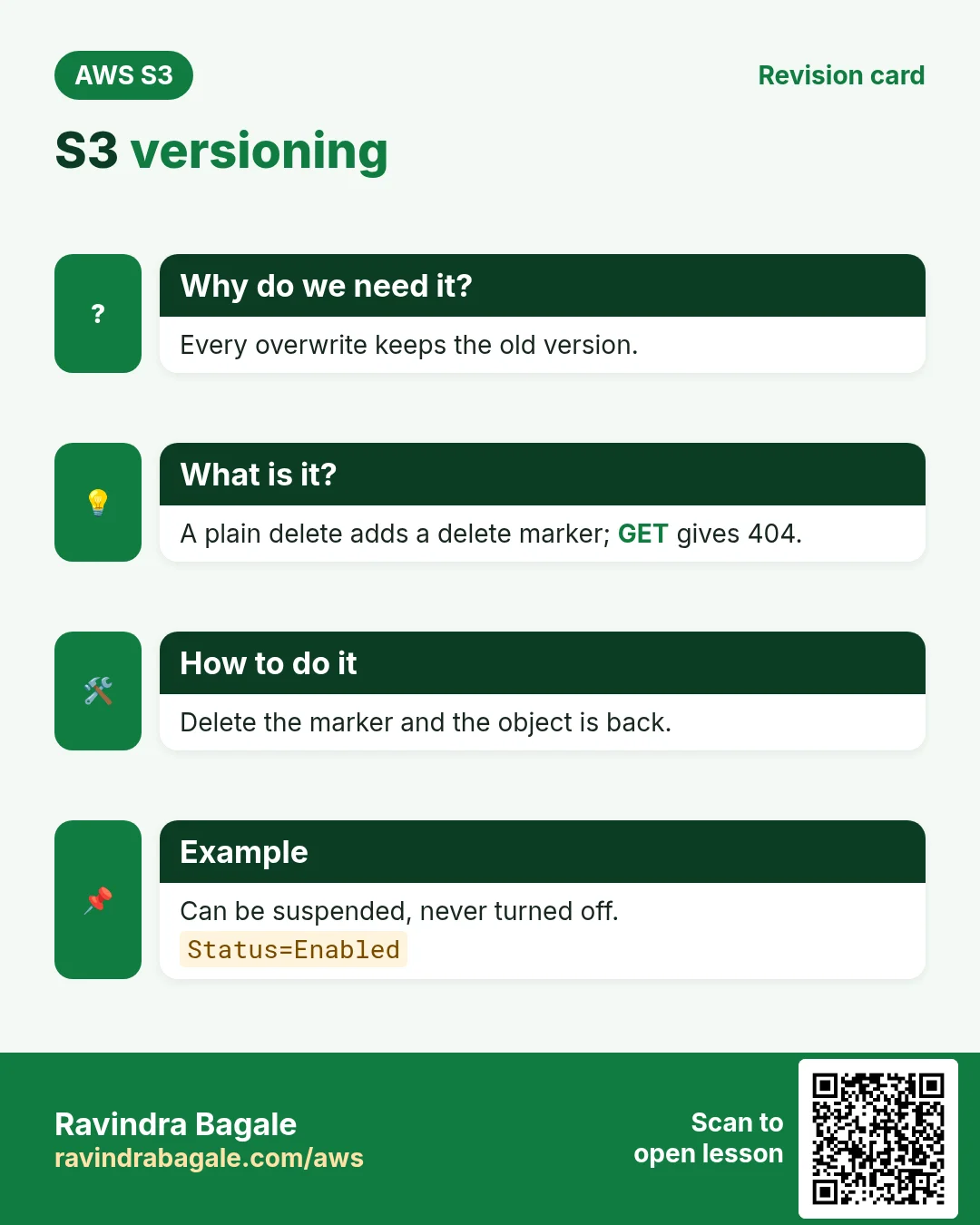
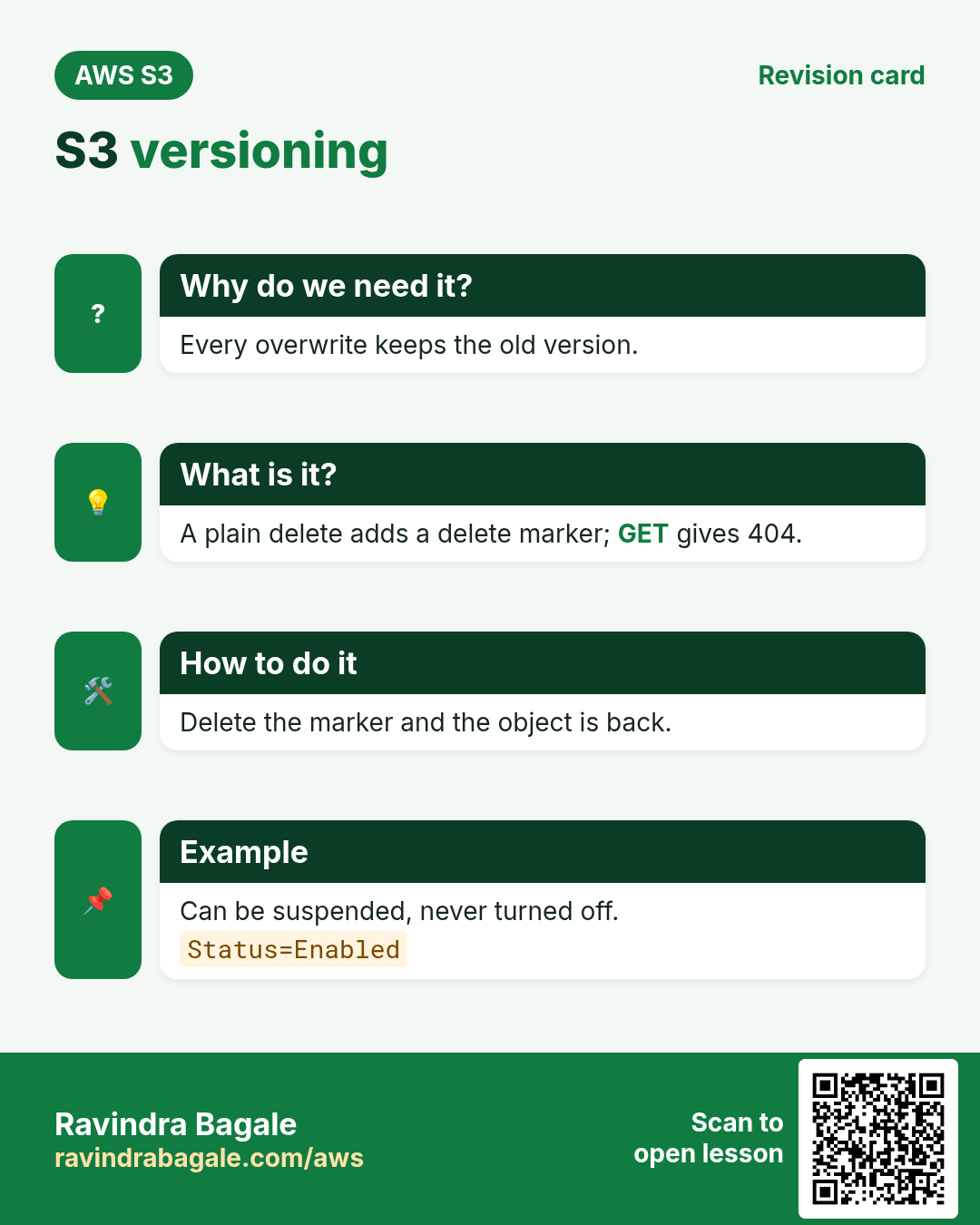
With versioning on, a normal delete must be undoable.
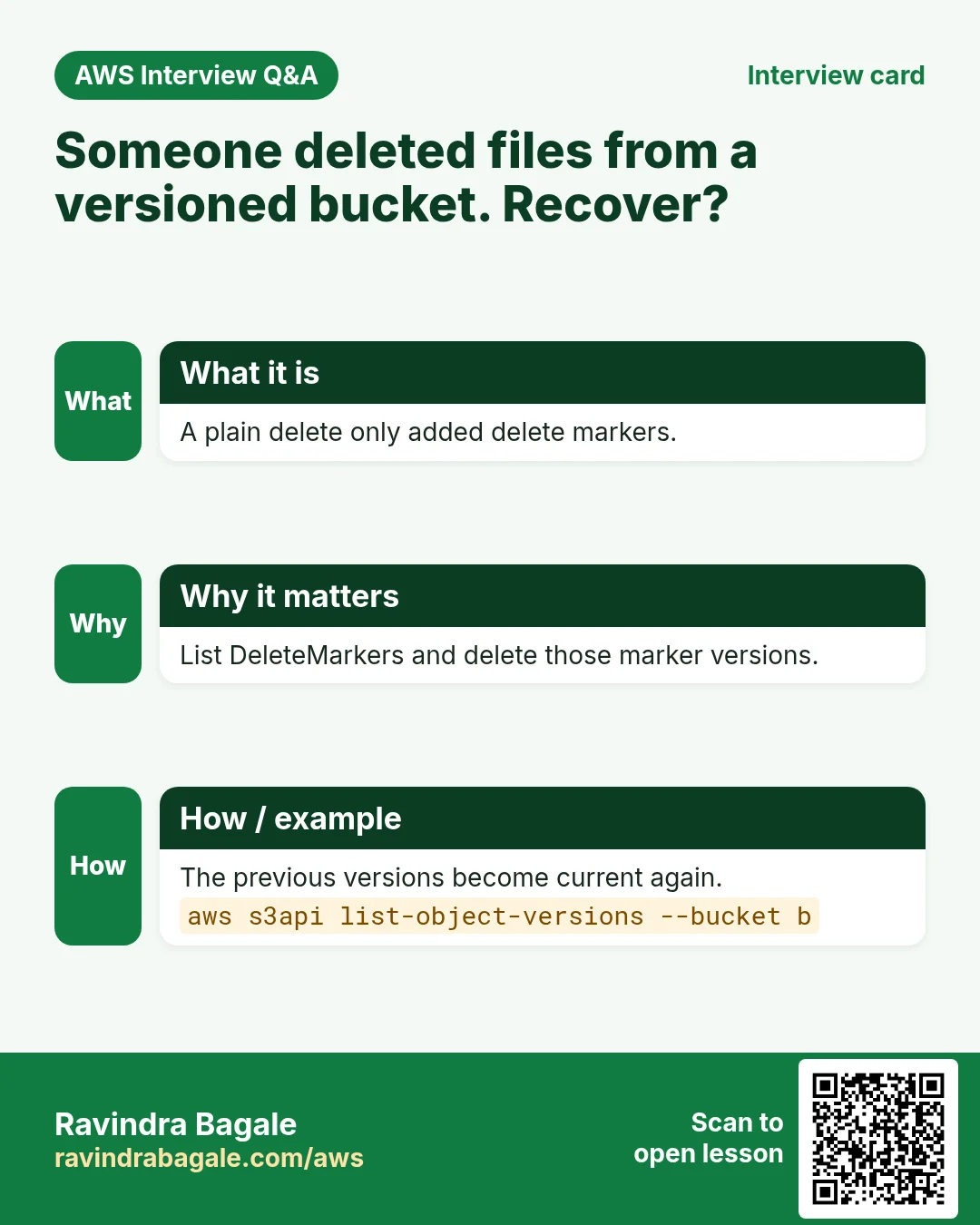
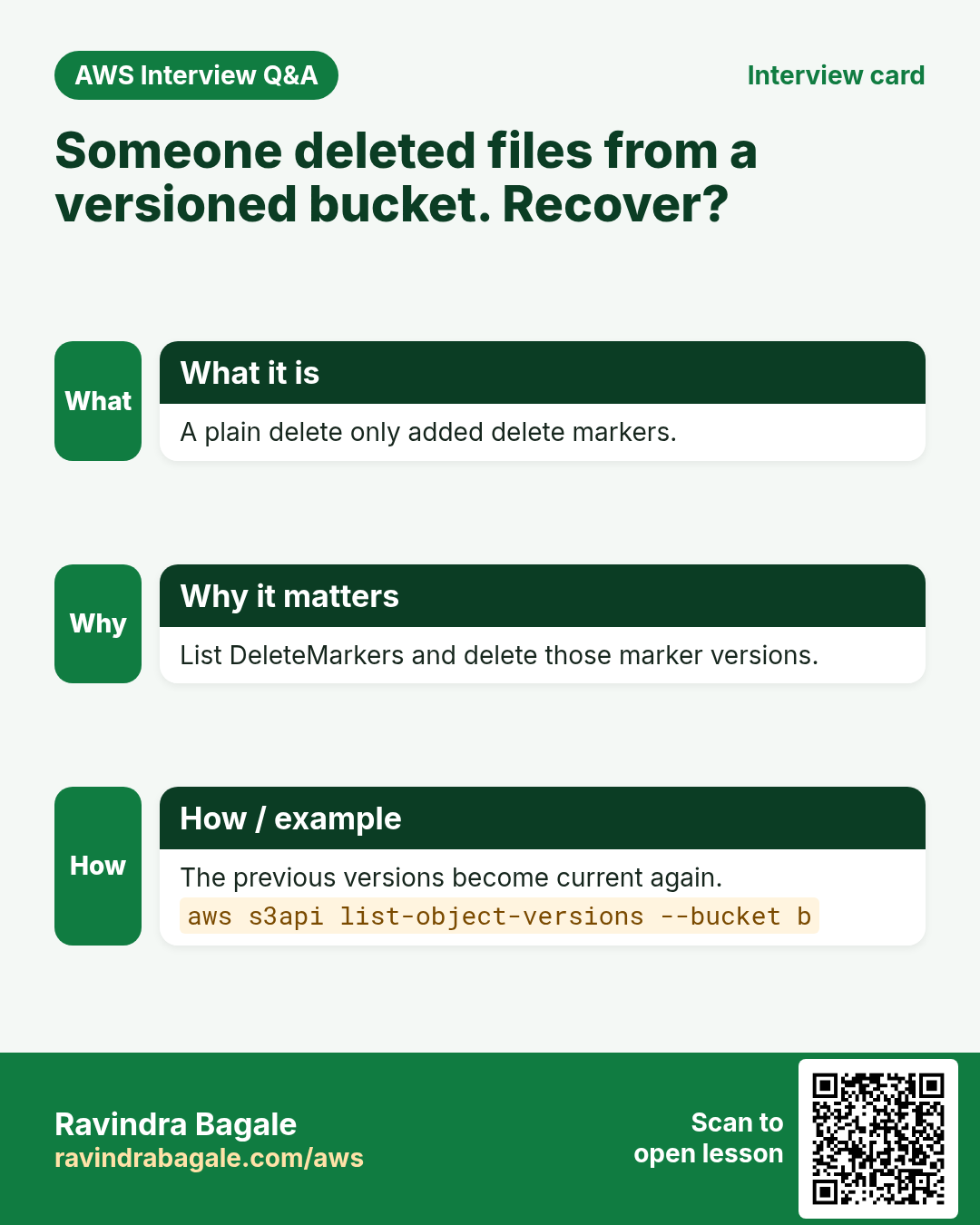
A DELETE without a version ID does not erase data. S3 adds a delete marker as the newest version, so GET returns 404. Delete the marker and the object is back. A DELETE with a version ID permanently removes that version.
4. MFA Delete
If an attacker steals admin keys, they can delete versions permanently. MFA Delete demands a code from a physical or virtual MFA device for that.
- Needs an MFA code to permanently delete a version or to change the versioning state.
- Only the root user can enable it, and only through the CLI/API, not the console.
aws s3api put-bucket-versioning --bucket b --versioning-configuration Status=Enabled,MFADelete=Enabled --mfa "arn:aws:iam::111122223333:mfa/root-account-mfa-device 123456"- Lifecycle rules cannot be used on a bucket with MFA Delete. For many teams, Object Lock (WORM retention) is the modern alternative.
5. Lifecycle rules
Write retention rules for old data before relying on them
Think about the two copies of report.pdf after an update. B is current and A is noncurrent. A rule aimed at current objects and a rule aimed at old versions answer different questions. Keeping old versions forever uses storage. Removing them too quickly can shorten the time available to recover from an accidental overwrite.
Use a unique lab prefix for a test rule and state the expected result before saving it. For example, old versions under that prefix can expire after a chosen recovery window while current versions remain. A lifecycle action is managed by S3 and may not appear immediately at the boundary time. Confirm the scope and schedule separately from an immediate manual delete test.
Logs are read in the first week, rarely after a month, and never after a year. Paying Standard prices forever wastes money.
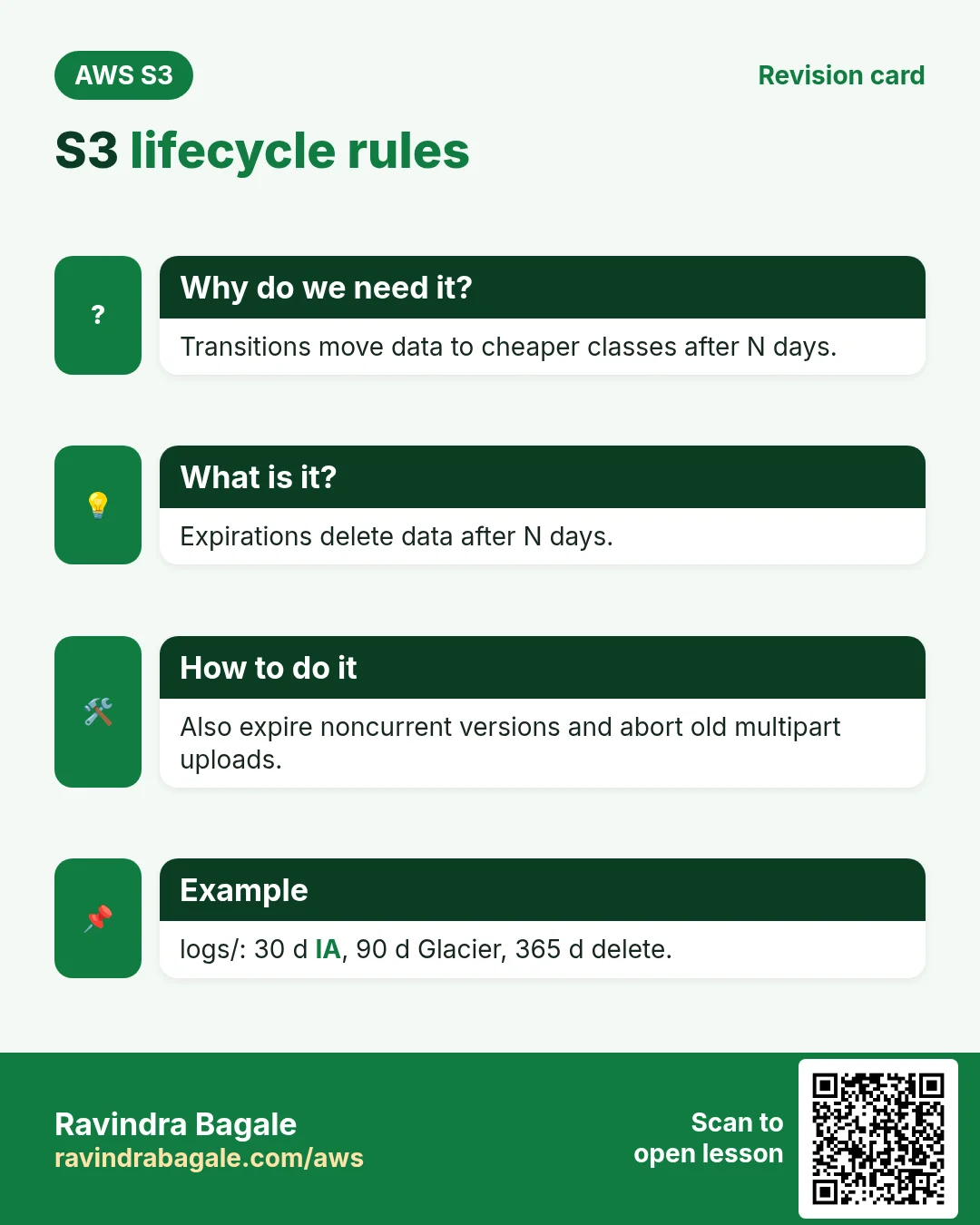
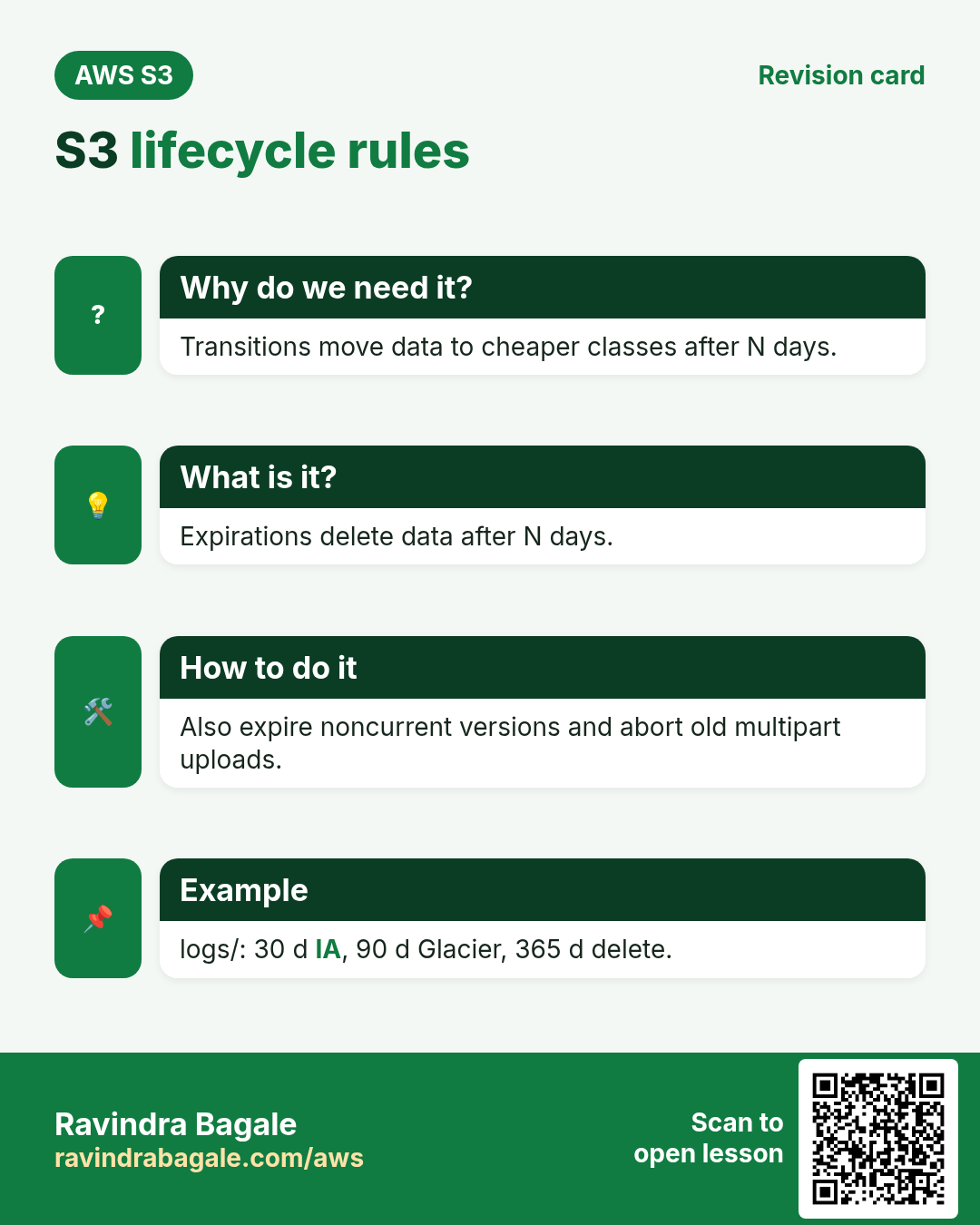
A rule targets a prefix or tag and does transitions (move to a cheaper class after N days) and expirations (delete after N days). It can also expire noncurrent versions and clean up incomplete multipart uploads.
| Data | Rule | Why |
|---|---|---|
| logs/ | 30 d → Standard-IA, 90 d → Glacier Flexible, 365 d → expire | Read less over time |
| backups/mysql/ | 1 d → Glacier Instant, 180 d → Deep Archive | Kept for audit, rarely restored |
| Noncurrent versions | Expire 30 days after becoming noncurrent, keep 3 newest | Versioning cost under control |
| Incomplete multipart | Abort after 7 days | Hidden storage you pay for |
Ravindra Bagale's Tip
Remember minimum days: IA classes 30, Glacier Instant/Flexible 90, Deep Archive 180. S3 will not transition to Standard-IA before 30 days in Standard. Small objects under 128 KB are not transitioned by default.
{"Rules":[{"ID":"logs-tiering","Status":"Enabled","Filter":{"Prefix":"logs/"},
 "Transitions":[{"Days":30,"StorageClass":"STANDARD_IA"},{"Days":90,"StorageClass":"GLACIER"}],
 "Expiration":{"Days":365},
 "NoncurrentVersionExpiration":{"NoncurrentDays":30,"NewerNoncurrentVersions":3},
 "AbortIncompleteMultipartUpload":{"DaysAfterInitiation":7}}]}
6. Replication: SRR and CRR
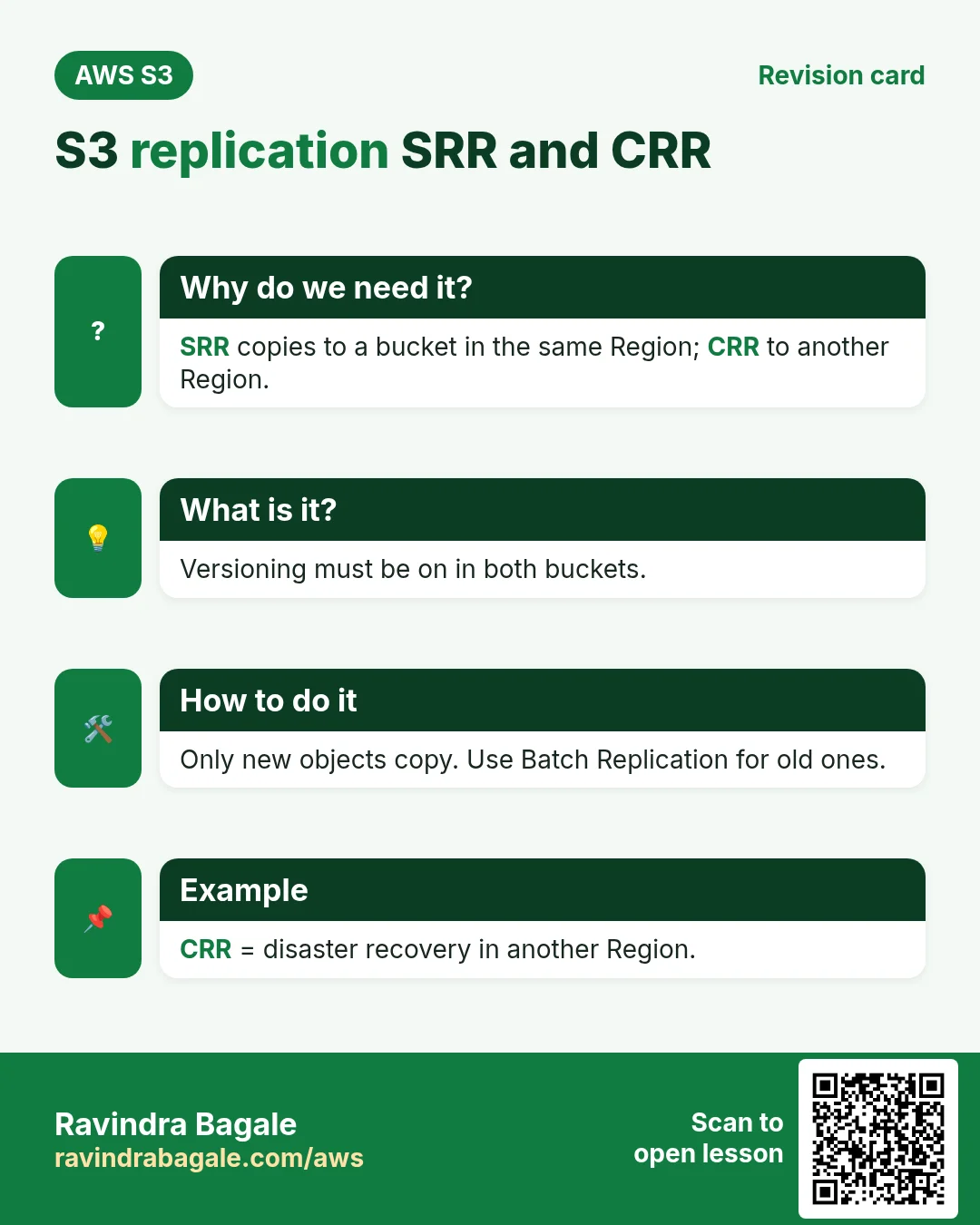
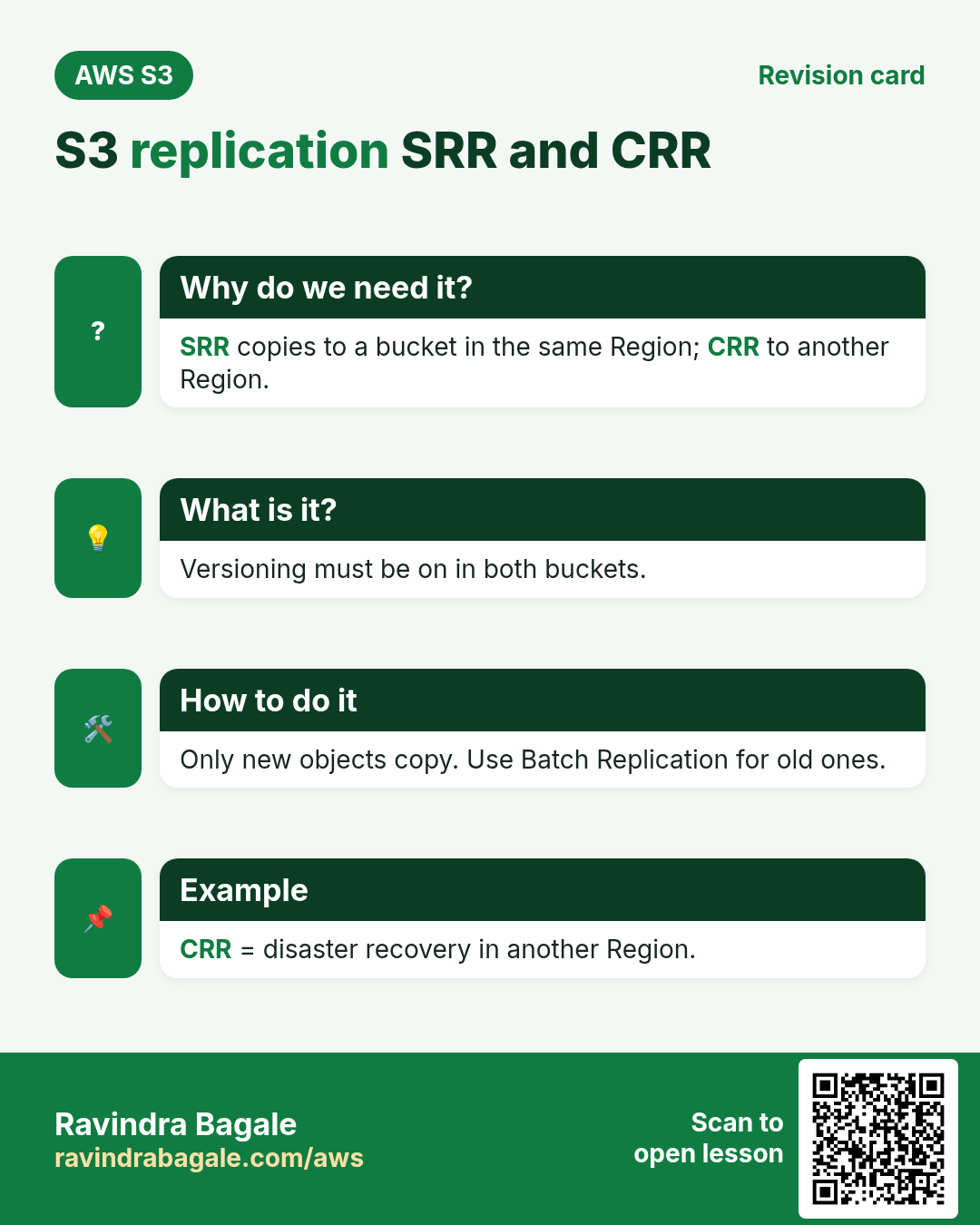
A copy in another Region survives a Regional outage and meets compliance. A copy in the same Region can feed a separate prod/test or log account.
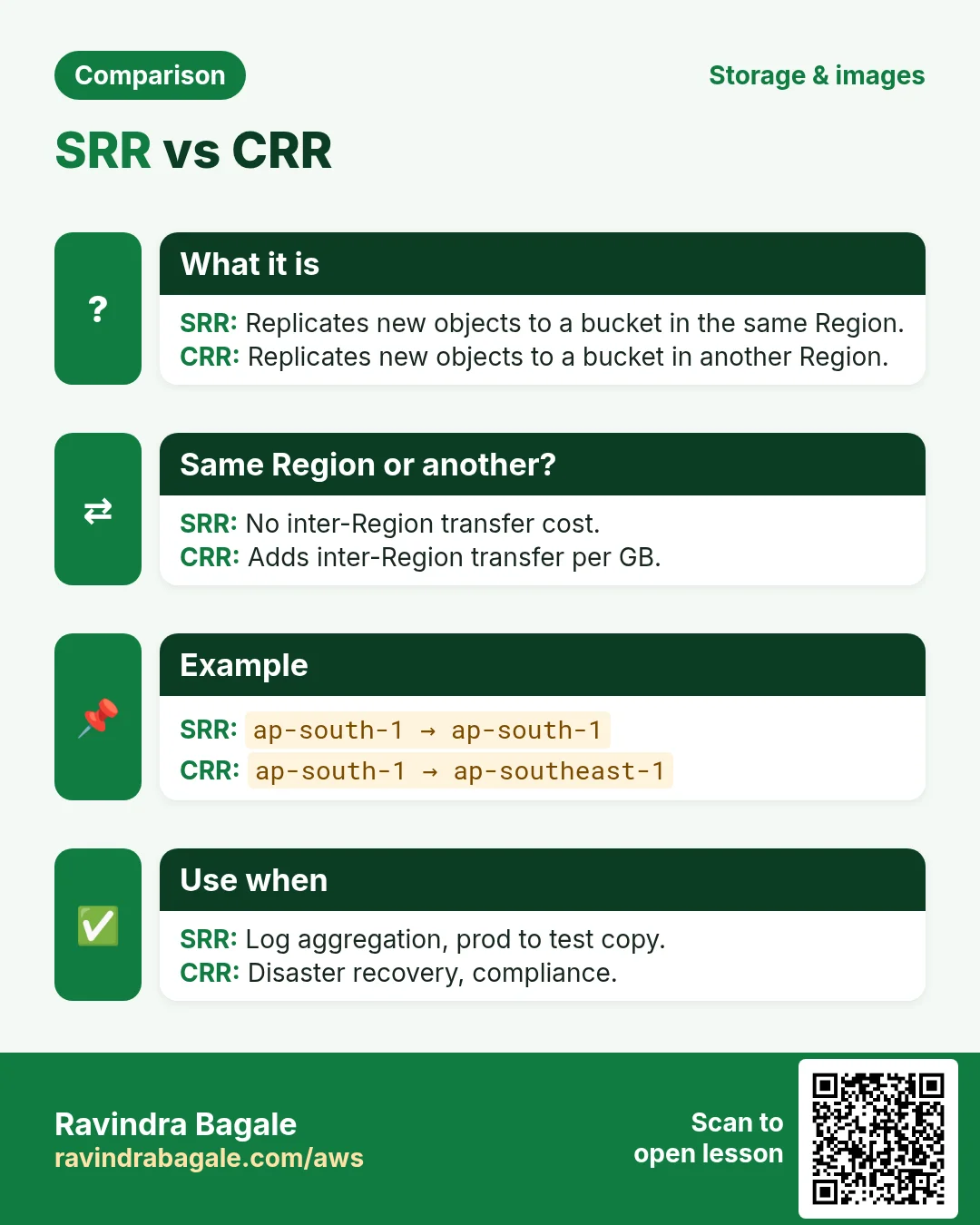
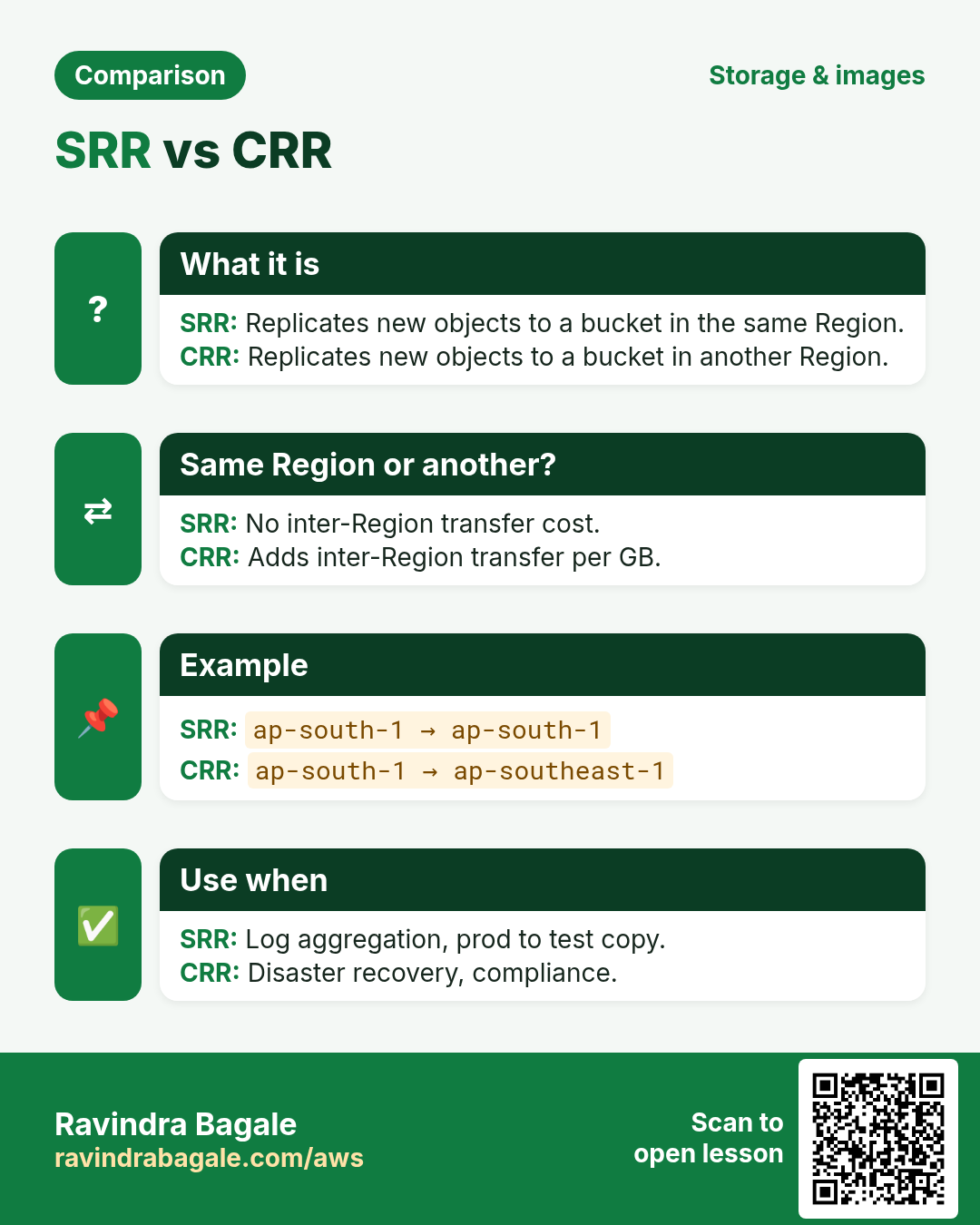
| Point | SRR | CRR |
|---|---|---|
| Destination | Same Region | Another Region |
| Use | Log aggregation, prod → test copy, data sovereignty | Disaster recovery, lower latency elsewhere, compliance |
| Extra cost | Destination storage + requests | + inter-Region transfer per GB |
- Versioning must be on in both buckets.
- S3 needs an IAM role to read source and write destination (the console can create it).
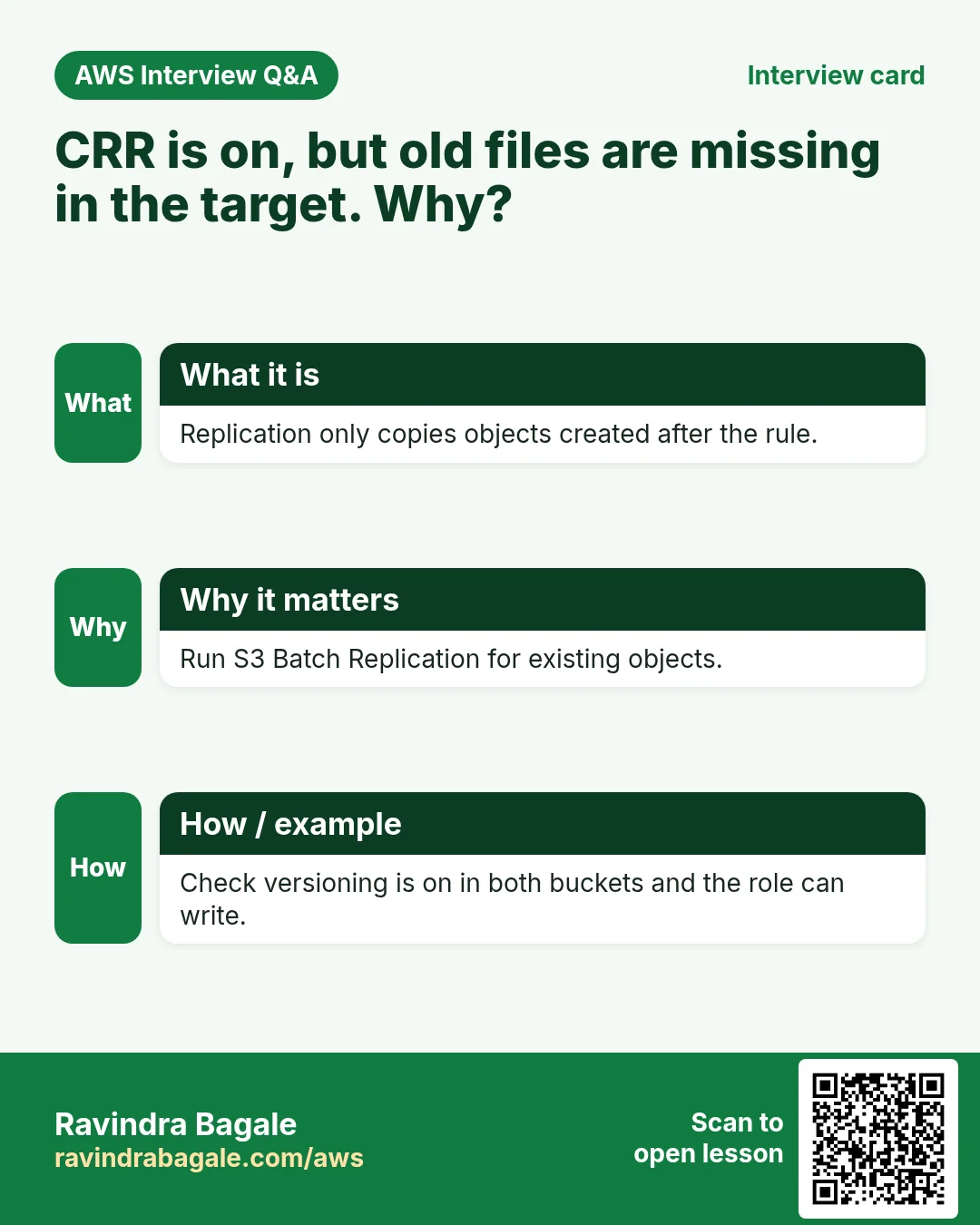
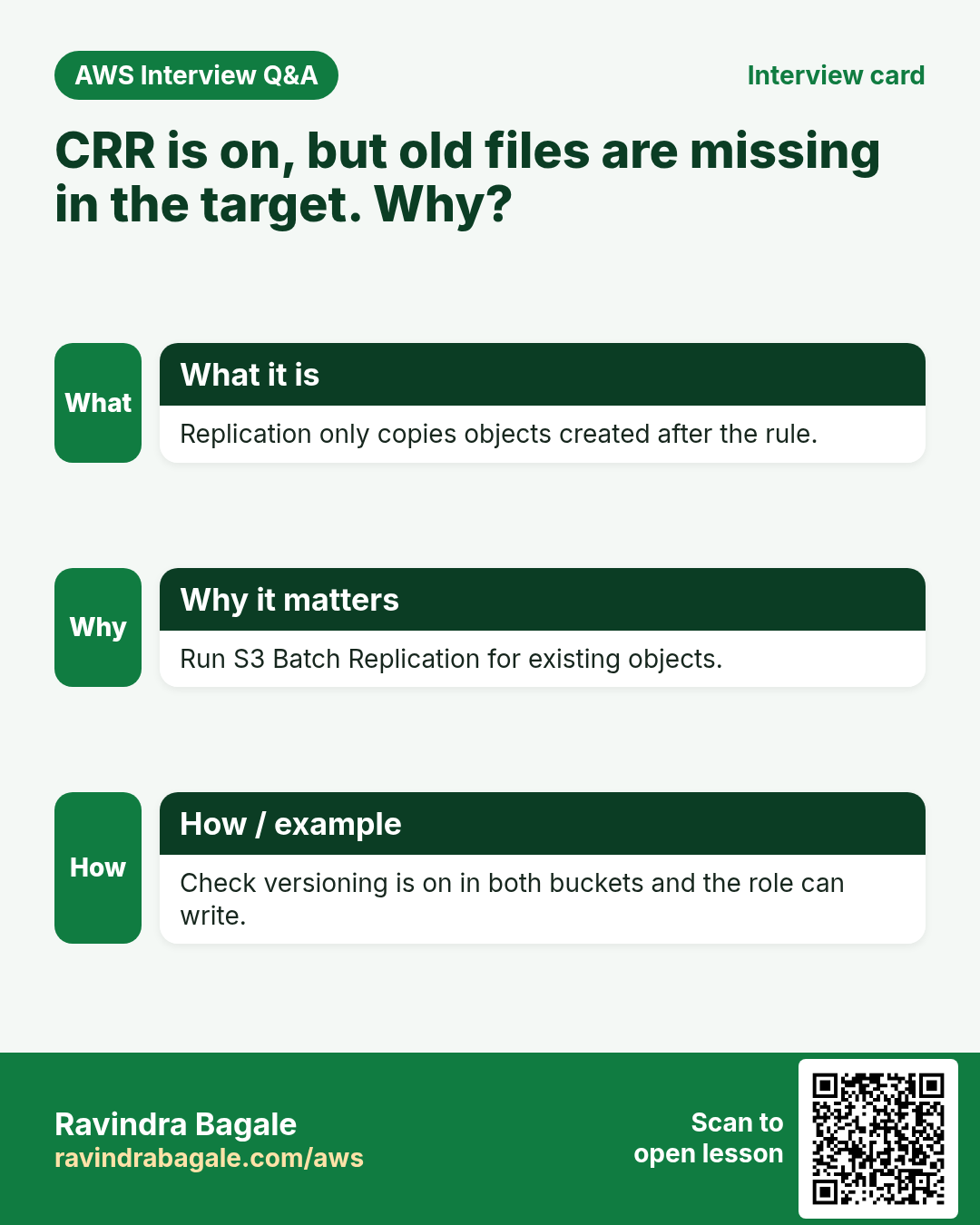
- Only new objects replicate. Use S3 Batch Replication for existing ones.
- Deletes with a version ID are not replicated (protects the copy). Delete markers replicate only if you turn that on.
- Replication Time Control (RTC) gives a 15-minute SLA for 99.99% of objects, at extra cost.
7. Lab: versioning, restore, lifecycle and CRR
- Create
yourname-ver-srcin ap-south-1 with Bucket Versioning: Enable. echo v1 > r.txt; aws s3 cp r.txt s3://yourname-ver-src/; echo v2 > r.txt; aws s3 cp r.txt s3://yourname-ver-src/.aws s3api list-object-versions --bucket yourname-ver-src --query "Versions[].[VersionId,IsLatest]". Expected: two IDs, one true.- Read the old one:
aws s3api get-object --bucket yourname-ver-src --key r.txt --version-id <old-id> old.txt; cat old.txt. Expected: v1. - Delete:
aws s3 rm s3://yourname-ver-src/r.txt, thenaws s3 ls s3://yourname-ver-src/. Expected: empty. - Find the marker:
aws s3api list-object-versions --bucket yourname-ver-src --query "DeleteMarkers[].VersionId". Remove it:aws s3api delete-object --bucket yourname-ver-src --key r.txt --version-id <marker-id>.aws s3 lsshows r.txt again. - Management › Create lifecycle rule: name
logs-tiering, prefixlogs/, transition current versions to Standard-IA at 30 days, Glacier Flexible Retrieval at 90, expire at 365, permanently delete noncurrent after 30 days, delete incomplete multipart after 7 days. Save. - Verify:
aws s3api get-bucket-lifecycle-configuration --bucket yourname-ver-src. - Create
yourname-ver-dstin ap-southeast-1, versioning Enable. - Source › Management › Replication rules › Create: name
to-singapore, scope all objects, destination yourname-ver-dst, IAM role = Create new role. Answer No to replicating existing objects. Save. echo dr > dr.txt; aws s3 cp dr.txt s3://yourname-ver-src/. After a minute:aws s3api head-object --bucket yourname-ver-src --key dr.txt --query ReplicationStatus. Expected: "COMPLETED".aws s3 ls s3://yourname-ver-dst/ --region ap-southeast-1shows dr.txt; r.txt is not there (old object).
Cleanup
- Delete the replication rule. Empty both buckets with the console Empty button (it deletes all versions), then delete them.
- IAM › Roles › delete the s3crr_role… created for replication.
Why Empty and not aws s3 rb --force? On a versioned bucket, rb --force leaves old versions and markers, so the delete fails.
8. Interview questions
Q. Can you disable versioning?
No, only suspend it. Old versions stay.
Q. What is a delete marker?
A placeholder version added by a delete without a version ID. GET returns 404; deleting the marker restores the object.
Q. Who can enable MFA Delete and how?
The root user, via CLI/API with the --mfa parameter.
Q. Replication is set up but old files are missing in the destination. Why?
Replication only copies new objects. Use S3 Batch Replication.
Q. How do you stop versioning costs from growing?
Lifecycle rule: expire noncurrent versions after N days, keep a few newest.
Try at home
- Add an SRR rule to a second bucket in the same Region, filtered by tag env=prod.
- Write a lifecycle rule in JSON and apply it with put-bucket-lifecycle-configuration.
In short
- Versioning keeps every version; it can be suspended, never removed.
- A plain delete adds a delete marker; delete the marker to restore.
- MFA Delete: root user, CLI only.
- Lifecycle moves data to cheaper classes and deletes it on schedule.
- SRR same Region, CRR other Region; both need versioning; only new objects.
Practise this chapter
Check your understanding
Choose an answer, then compare your reasoning with the explanation.
Practice Tasks
Practice checks run in your browser. They check the answer for this exercise; they do not create resources or connect to your AWS account.
About this scenarioSydney Surf School is a sports training business in Sydney. Liam O'Brien looks after its IT and cloud work. They count money in AUD and run their AWS resources in the ap-southeast-2 Region. In the tasks below you do real jobs for them using what this lesson teaches. All names, account IDs, IP addresses and numbers are made up for practice.
0 / 12
Easy CloudFormation: a versioned bucket
Infrastructure as code makes setups repeatable.
Write a CloudFormation YAML template with one S3 bucket named sydneysurf-docs that has versioning Enabled.
- Start from the top-level keys the task names.
- Indent child keys with 2 spaces (no tabs).
- Fill in each property with the value from the task.
- Click Check answer. Key order does not matter.
Medium Turn on versioning
Versioning keeps old copies, so an overwrite or delete can be undone.
Enable versioning on bucket sydneysurf-invoices-2026.
- Read the task and decide which AWS service it is about.
- Write aws, then the service name, then the operation (the action word).
- Add each needed flag (--name) followed by its value from the task.
- Flags can be in any order. Click Check answer.
Medium List object versions
To restore an old copy you first find its version ID.
List the versions of objects under prefix price-list in bucket sydneysurf-invoices-2026.
- Read the task and decide which AWS service it is about.
- Write aws, then the service name, then the operation (the action word).
- Add each needed flag (--name) followed by its value from the task.
- Flags can be in any order. Click Check answer.
Medium Read an object's metadata
head-object shows size, type and version without downloading the file.
Show the metadata of key reels/v1.mp4 in bucket sydneysurf-media.
- Read the task and decide which AWS service it is about.
- Write aws, then the service name, then the operation (the action word).
- Add each needed flag (--name) followed by its value from the task.
- Flags can be in any order. Click Check answer.
Medium Attach a bucket policy from a file
Long JSON is easier to keep in a file; file:// tells the CLI to read it.
Apply the bucket policy saved in policy.json to bucket sydneysurf-web.
- Read the task and decide which AWS service it is about.
- Write aws, then the service name, then the operation (the action word).
- Add each needed flag (--name) followed by its value from the task.
- Flags can be in any order. Click Check answer.
Medium Storage cost
Storage is billed per GB-month.
500 GB in S3 Standard at USD 0.023 per GB-month. Monthly cost in USD?
- Write down the numbers the task gives you.
- Work it out step by step on paper.
- Type only the final answer in the box.
- Click Check answer.
Medium Bucket policy for a public website
A static website bucket must let everyone read its files.
Write a bucket policy that lets anyone (*) do s3:GetObject on every object in sydneysurf-site.
- Start with { "Version": "2012-10-17", "Statement": [ ... ] }.
- In each statement write Effect, Action and Resource.
- Give only what the task needs (least privilege).
- Use double quotes and commas correctly. Click Check answer.
Medium Upload-only to one folder
Field staff can drop files but cannot read or delete anything.
Allow s3:PutObject only under the prefix uploads/ in bucket sydneysurf-data.
- Start with { "Version": "2012-10-17", "Statement": [ ... ] }.
- In each statement write Effect, Action and Resource.
- Give only what the task needs (least privilege).
- Use double quotes and commas correctly. Click Check answer.
Hard S3 lifecycle rule (JSON)
Old files move to cheaper storage automatically.
Write lifecycle JSON: one Enabled rule, prefix logs/, transition to GLACIER after 90 days.
- Start from the top-level keys the task names.
- Indent child keys with 2 spaces (no tabs).
- Fill in each property with the value from the task.
- Click Check answer. Key order does not matter.
Hard Apply lifecycle rules from a file
Putting a lifecycle configuration replaces the full rule set. Review any existing rules before changing a real bucket.
In the answer box, write the AWS CLI command that applies the complete configuration in lifecycle.json to the disposable lab bucket sydneysurf-logs. Assume the lab bucket has no existing lifecycle rules.
- Read the task and decide which AWS service it is about.
- Write aws, then the service name, then the operation (the action word).
- Add each needed flag (--name) followed by its value from the task.
- Flags can be in any order. Click Check answer.
Hard Turn on replication
Replication copies new objects to another bucket, even in another Region (CRR).
Apply the replication configuration in replication.json to bucket sydneysurf-invoices-2026.
- Read the task and decide which AWS service it is about.
- Write aws, then the service name, then the operation (the action word).
- Add each needed flag (--name) followed by its value from the task.
- Flags can be in any order. Click Check answer.
Hard Deny requests without HTTPS
aws:SecureTransport false means plain HTTP; deny it to protect data in transit.
Bucket policy: deny s3:* for everyone (*) on sydneysurf-data and its objects when aws:SecureTransport is false.
- Start with { "Version": "2012-10-17", "Statement": [ ... ] }.
- In each statement write Effect, Action and Resource.
- Give only what the task needs (least privilege).
- Use double quotes and commas correctly. Click Check answer.
Revision, comparison and interview cards
Revise this lesson in a few minutes. Save the cards on your phone or download them as PNG files. The QR code on each card opens this lesson.
More cards: Ravi Sir's Cards.