AWS CLI ECS and ECR Commands: Push an Image and Run Containers
We ship containers: store an image in ECR, push it with docker, then run it on ECS Fargate as a task and as a service.
In this chapter
- Create an ECR repository
- Log in and push an image
- Create a Fargate cluster
- Register a task definition
- Run a service and update it
1. The big picture: tiffin service
A tiffin kitchen packs the same box every day. The box is the image, ECR is the store room for boxes and ECS is the delivery team that keeps the right number of boxes going out.
Images live in aws ecr. Running is in aws ecs: create-cluster, register-task-definition, run-task, create-service, update-service.
2. ECR repository and push
ECR is a registry that stores container images. The repository groups versions of an image, while a tag such as lab-v1 is a label that can point to one version. An image digest identifies the exact image contents. Build the sample, tag it with the target registry and repository, then push it to that address. Save the digest from the resulting image details so you know what the task will download.
ECS needs an image address in its task definition. The execution role permits the agent to pull a private image under the relevant configuration. Check the image and repository Region before troubleshooting application code. After a service starts, compare its task definition revision and input image with the tested version. A tag can be reused if the repository allows updates to tags, so the tag alone can be insufficient evidence.
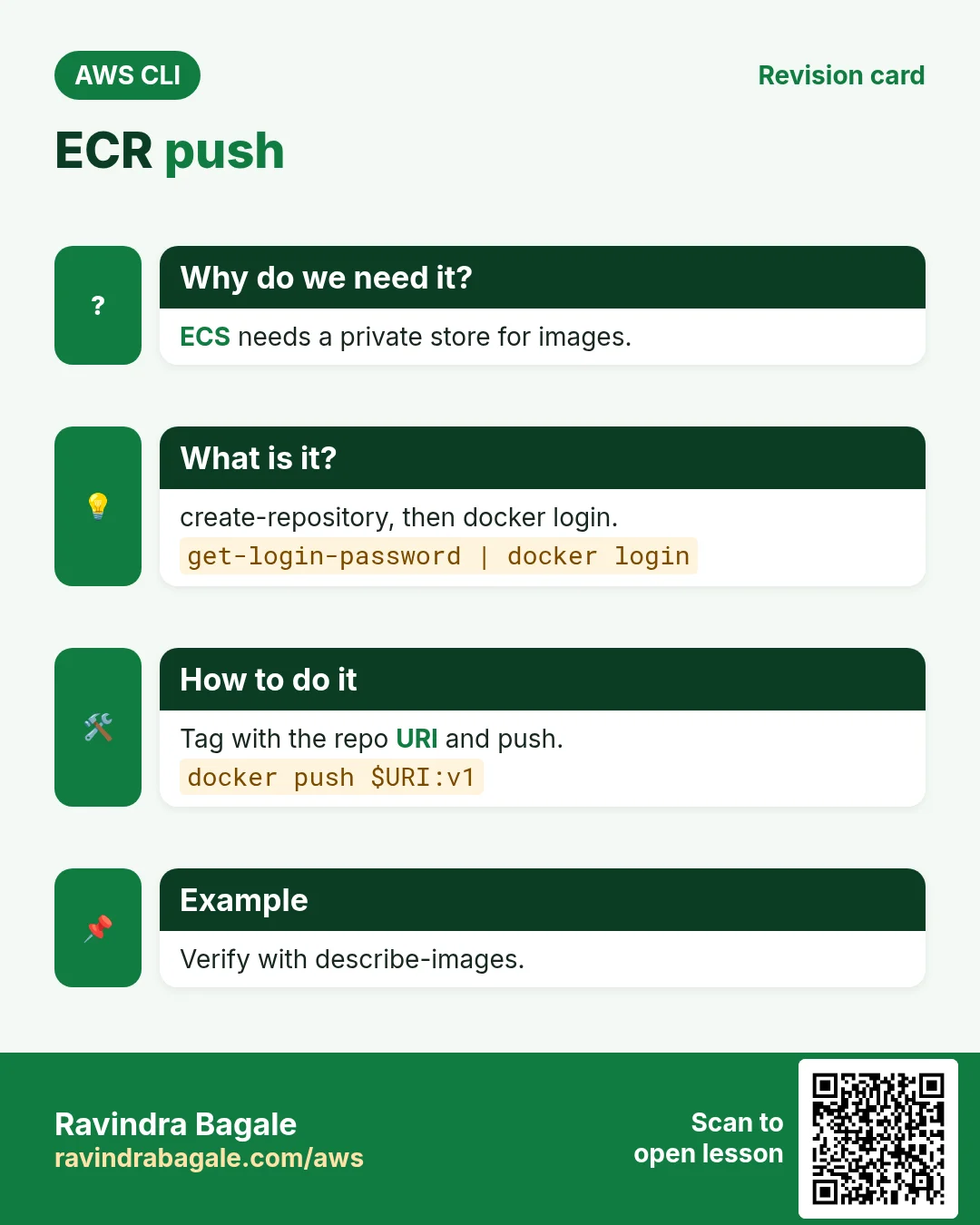
ECS needs a private, nearby place to pull your image from.
create-repository makes the repo. get-login-password gives a 12-hour token for docker login. Then tag with the repo URI and push.
- Create the repo.
URI=$(aws ecr create-repository --repository-name cli-web --image-scanning-configuration scanOnPush=true --query repository.repositoryUri --output text)
echo $URI
Expected output:
111122223333.dkr.ecr.ap-south-1.amazonaws.com/cli-web- Log in docker.
aws ecr get-login-password | docker login --username AWS --password-stdin ${URI%/*}Expected output:
Login Succeeded- Build, tag and push.
docker build -t cli-web .
docker tag cli-web:latest $URI:v1
docker push $URI:v1
Expected output:
v1: digest: sha256:9f8e... size: 1570- Verify the image.
aws ecr describe-images --repository-name cli-web --query "imageDetails[].imageTags" --output textExpected output:
v13. Cluster and task definition
ECS must know which image, how much CPU and memory, and which port.
A cluster is a logical group. A task definition is the recipe: image, cpu, memory, ports, logs and an execution role to pull from ECR.
- Create the cluster.
aws ecs create-cluster --cluster-name cli-cluster --query cluster.status --output textExpected output:
ACTIVE- Write and register the task definition.
cat > td.json <<J
{"family":"cli-web","requiresCompatibilities":["FARGATE"],"networkMode":"awsvpc","cpu":"256","memory":"512",
 "executionRoleArn":"arn:aws:iam::111122223333:role/ecsTaskExecutionRole",
 "containerDefinitions":[{"name":"web","image":"111122223333.dkr.ecr.ap-south-1.amazonaws.com/cli-web:v1","portMappings":[{"containerPort":80}],
  "logConfiguration":{"logDriver":"awslogs","options":{"awslogs-group":"/ecs/cli-web","awslogs-region":"ap-south-1","awslogs-stream-prefix":"web","awslogs-create-group":"true"}}}]}
J
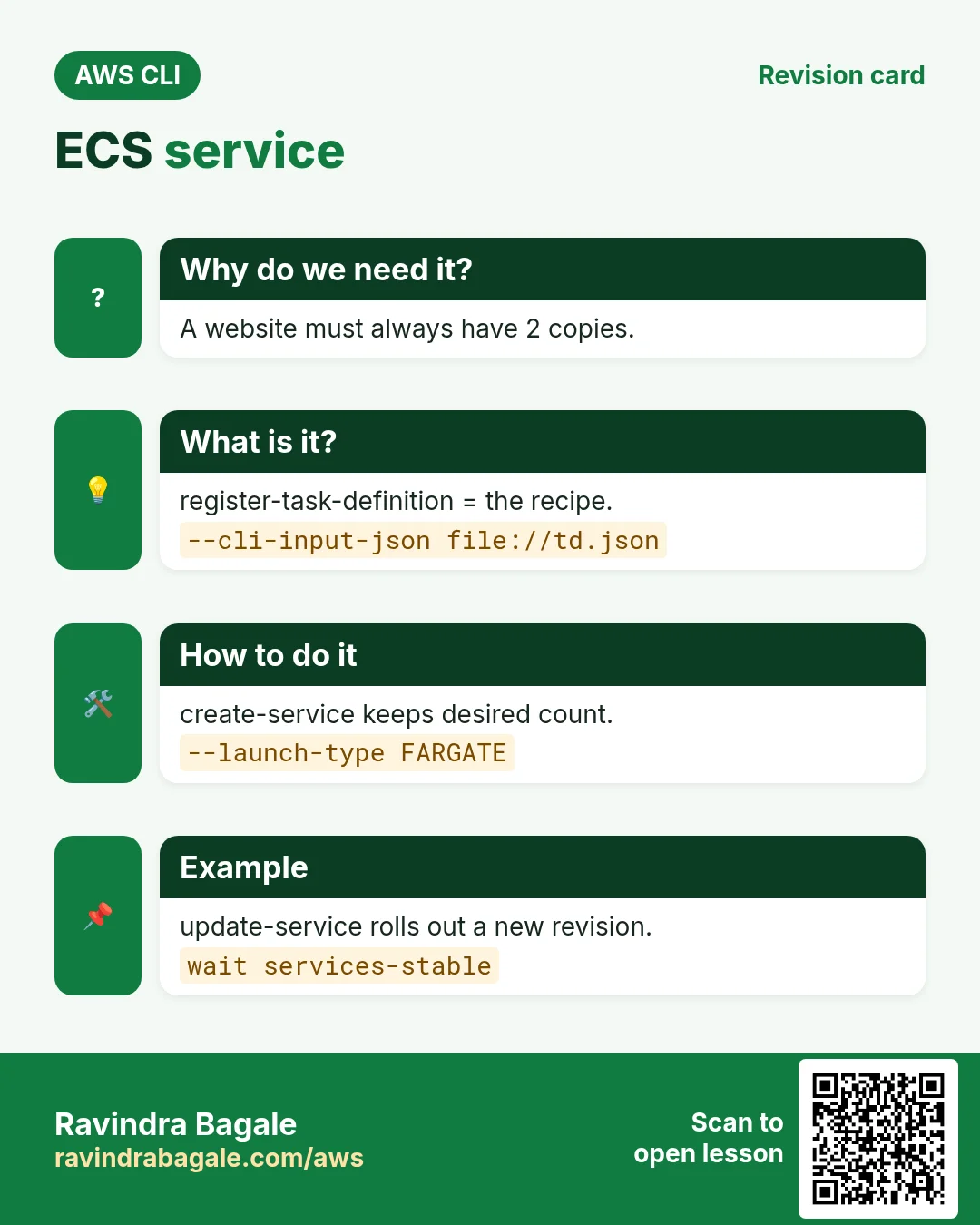
aws ecs register-task-definition --cli-input-json file://td.json --query taskDefinition.taskDefinitionArn --output text
Expected output:
arn:aws:ecs:ap-south-1:111122223333:task-definition/cli-web:14. Run a task and a service
The ECR repository URI stores the image you built. The task definition references that image plus its resources, container port and permissions. After registering the definition, use the returned family and revision when asking ECS to run a task. A one-time run can finish and stop. A service keeps making replacement tasks to maintain its selected desired count.
Check the same image through each stage. Use describe-images on the repository to confirm the pushed tag and digest. Use the task definition read-back to confirm the image input ECS will pull. Check an actual running task’s revision, and then test the expected application response or logs. If the repository exists but the task cannot pull, inspect the task execution role and network path to the registry. The terminal’s successful Docker login gave the operator access and does not carry that identity into an ECS task.
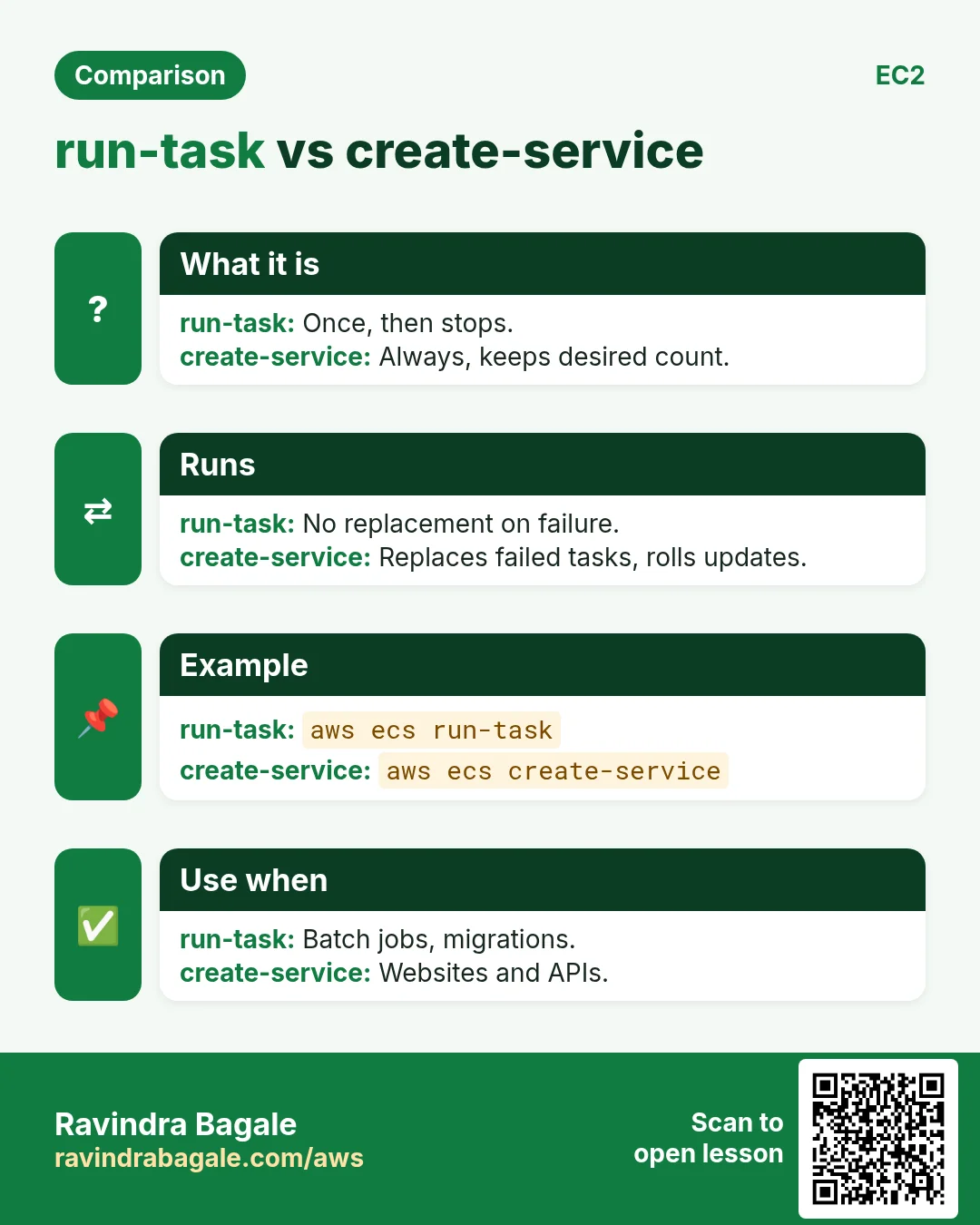
A one-off job runs once; a website must always have 2 copies running.
run-task starts tasks once. create-service keeps desiredCount tasks alive and replaces failed ones. Fargate needs subnets and a security group.
- Create a service.
NET="awsvpcConfiguration={subnets=[subnet-0aaa111,subnet-0bbb222],securityGroups=[sg-0ccc333],assignPublicIp=ENABLED}"
aws ecs create-service --cluster cli-cluster --service-name web --task-definition cli-web:1 --desired-count 2 --launch-type FARGATE --network-configuration "$NET" --query service.status --output text
aws ecs wait services-stable --cluster cli-cluster --services web
Expected output:
ACTIVE- Check running tasks.
aws ecs describe-services --cluster cli-cluster --services web --query "services[0].[desiredCount,runningCount]" --output textExpected output:
2 2- Run a one-off task.
aws ecs run-task --cluster cli-cluster --task-definition cli-web:1 --launch-type FARGATE --network-configuration "$NET" --query "tasks[0].lastStatus" --output textExpected output:
PROVISIONING5. Update, scale, exec and logs
You pushed v2 and want zero-downtime rollout, or you need to look inside a container.
update-service with a new task definition does a rolling deploy. --desired-count scales. execute-command opens a shell (needs enableExecuteCommand).
For a service using the ECS rolling deployment controller, watch the service events after submitting a new task definition. Two running tasks can still be the old revision while the replacement tasks are starting. Check the active deployment’s task definition and rollout state. If new tasks stop, inspect the stopped reason and relevant container logs before changing the desired count.
- Roll out revision 2 and scale to 3.
aws ecs update-service --cluster cli-cluster --service web --task-definition cli-web:2 --desired-count 3 --query "service.deployments[0].rolloutState" --output textExpected output:
IN_PROGRESS- Read container logs.
aws logs tail /ecs/cli-web --since 15mExpected output:
web/web/4b5c... 10.0.1.23 - - "GET / HTTP/1.1" 200- Open a shell inside.
aws ecs execute-command --cluster cli-cluster --task 4b5c6d7e --container web --interactive --command "/bin/sh"Expected output:
Starting session with SessionId: ...
#
6. Same action in Python, Node.js, Java, Go, .NET and PHP
Scripts start in the CLI. Apps call the same API through an SDK. Knowing both helps you move a tested command into real code.
Low-level CLI commands expose service operations. A high-level command or an automatically paginated list can make multiple requests. For example, aws ecs list-services --cluster cli-cluster maps to the List services API.
Same action (List services) from code. Set the intended profile and Region for the SDK. Provider support and precedence can differ by SDK, and an explicit client setting can override defaults.
| Stack | Code |
|---|---|
| Python (boto3) | boto3.client("ecs").list_services(cluster="cli-cluster")["serviceArns"] |
| Node.js (v3) | await ecs.send(new ListServicesCommand({cluster:"cli-cluster"})); |
| Java (v2) | ecs.listServices(r -> r.cluster("cli-cluster")).serviceArns(); |
| Go (v2) | c.ListServices(ctx, &ecs.ListServicesInput{Cluster: aws.String("cli-cluster")}) |
| .NET | await ecs.ListServicesAsync(new ListServicesRequest{Cluster="cli-cluster"}); |
| PHP | $ecs->listServices(["cluster"=>"cli-cluster"]); |
7. Clean up so nothing keeps costing
Lab resources left running cost money and can be a security risk.
Delete in reverse order: children first, then parents.
- Scale to zero and delete the service.
aws ecs delete-service --cluster cli-cluster --service web --force --query service.status --output textExpected output:
DRAINING- Delete the cluster.
aws ecs wait services-inactive --cluster cli-cluster --services web
aws ecs delete-cluster --cluster cli-cluster --query cluster.status --output text
Expected output:
INACTIVE- Delete the repo and logs.
aws ecr delete-repository --repository-name cli-web --force --query repository.repositoryName --output text
aws logs delete-log-group --log-group-name /ecs/cli-web
Expected output:
cli-web- Verify.
aws ecs list-clusters --query "clusterArns[?contains(@,'cli-cluster')]"Expected output:
[]Ravindra Bagale's Tip
A task stuck in PENDING then STOPPED with "CannotPullContainerError" means no route to ECR: give a public IP or a NAT, and check the execution role.
Common errors: cause and safe next check
docker push fails with an authentication error
Before push, authenticate the Docker CLI to your Amazon ECR registry. The documented pattern pipes aws ecr get-login-password into docker login with username AWS and your registry URI. Confirm Region, account registry URI, and that your IAM principal can call ecr:GetAuthorizationToken.
An image is in ECR, but ECS still cannot start the container
ECS needs a task definition that names the image, plus a cluster where the task or service runs. Inspect the task definition image URI, CPU and memory settings, and whether you meant a one-off task or a service that maintains desired count.
Someone assumes every workload must use only one launch style
A task definition can specify capacity and infrastructure choices, and official pages describe running as a task or as a service on a cluster. Read the task definition and cluster capacity you actually created instead of inventing a single narrow path. Re-check launch-type or capacity-provider details during rebase.
Practical questions and full answers
How do I authenticate Docker before pushing to Amazon ECR?
Use aws ecr get-login-password for your Region and pass that token to docker login with username AWS and the Amazon ECR registry URI. Create the repository first if it does not exist, tag the local image with the repository URI, then docker push.
What is an ECS task definition?
A task definition is a blueprint for your application. It is a JSON text file that describes parameters and one or more containers, including the image to use and resource needs. After you register it, you can run it as a task or keep it running with a service.
Why do long-running apps often use a service?
A task is one instantiation of a task definition in a cluster. An Amazon ECS service runs and maintains your desired number of tasks in that cluster, and can launch a replacement if a task fails or stops. Use a service when you need that steady desired count.
8. Interview questions and answers
Q. Task vs service?
A task is one running copy. A service keeps a desired number running and can sit behind a load balancer.
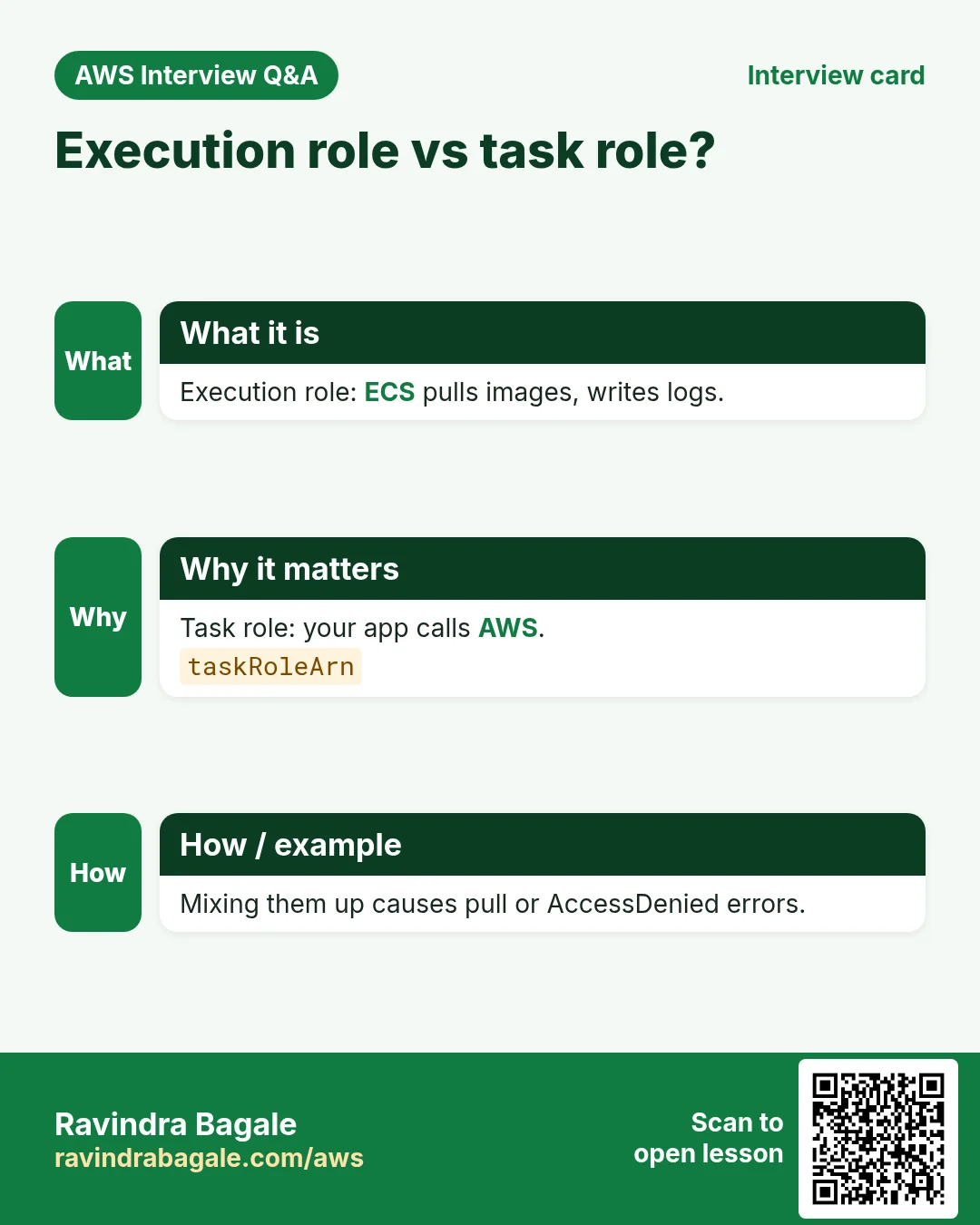
Q. Execution role vs task role?
Execution role lets ECS pull images and write logs. Task role is what your app code uses to call AWS.
Q. Fargate vs EC2 launch type?
Fargate is serverless per task. EC2 runs tasks on instances you manage.
Q. How to do a rolling update?
Register a new revision and update-service with it.
Q. How does docker log in to ECR?
aws ecr get-login-password piped to docker login --password-stdin.
Try at home
- Push v1 and v2 of a small nginx image and roll the service from v1 to v2.
- Run a one-off task that prints the date and read its log.
In short
- ECR create-repository.
- get-login-password | docker login.
- Task definition = recipe.
- Service keeps desired count.
- update-service rolls.
Keep the image and task deployment diagnosable
Pin the image version or digest and record it in the task definition. Check ECR push completion, task stopped reason and the target port separately. Delete the lab service and its repository artifacts after the test.
Interview check Why can an ECR push succeed while an ECS task fails to pull?
Build and push use the developer credentials. The running task's agent needs compatible task execution-role permissions and a network path to ECR and its dependencies.
Practise this chapter
Interview questions and answers
How would you verify that a running container actually uses the image you just built?
I would record the image digest after pushing it, then check which image and task-definition revision the service deployed. After the rollout reaches the expected state, I would test the running application. A reused tag or stale task count alone would not establish that the new image reached the service.
Check your understanding
Choose an answer, then compare your reasoning with the explanation.
Practice Tasks
Practice checks run in your browser. They check the answer for this exercise; they do not create resources or connect to your AWS account.
About this scenarioVidarbha Cotton Mills is a textiles business in Nagpur. Ganesh Wankhede looks after its IT and cloud work. They count money in INR and run their AWS resources in the ap-south-1 Region. In the tasks below you do real jobs for them using what this lesson teaches. All names, account IDs, IP addresses and numbers are made up for practice.
0 / 10
Easy Create an ECS cluster
A cluster is the logical home for your services and tasks.
Create an ECS cluster named vidarbhacotton-cluster.
- Read the task and decide which AWS service it is about.
- Write aws, then the service name, then the operation (the action word).
- Add each needed flag (--name) followed by its value from the task.
- Flags can be in any order. Click Check answer.
Easy Create an ECR repository
ECR stores your Docker images privately inside AWS.
Create an ECR repository named vidarbhacotton/web.
- Read the task and decide which AWS service it is about.
- Write aws, then the service name, then the operation (the action word).
- Add each needed flag (--name) followed by its value from the task.
- Flags can be in any order. Click Check answer.
Easy List running tasks
See which tasks are running in a cluster.
List the tasks in cluster vidarbhacotton-cluster.
- Read the task and decide which AWS service it is about.
- Write aws, then the service name, then the operation (the action word).
- Add each needed flag (--name) followed by its value from the task.
- Flags can be in any order. Click Check answer.
Medium Register a task definition
The task definition says which image, CPU, memory and ports a container uses.
Register the task definition in taskdef.json.
- Read the task and decide which AWS service it is about.
- Write aws, then the service name, then the operation (the action word).
- Add each needed flag (--name) followed by its value from the task.
- Flags can be in any order. Click Check answer.
Medium Pull images from one repository
CI or servers should pull only the images they run.
Allow ecr:BatchGetImage and ecr:GetDownloadUrlForLayer on arn:aws:ecr:ap-south-1:108737854657:repository/vidarbhacotton/web, plus ecr:GetAuthorizationToken on *.
- Start with { "Version": "2012-10-17", "Statement": [ ... ] }.
- In each statement write Effect, Action and Resource.
- Give only what the task needs (least privilege).
- Use double quotes and commas correctly. Click Check answer.
Medium Scale a service
Change desired count to run more copies of the container.
Set service web in cluster vidarbhacotton-cluster to 4 tasks.
- Read the task and decide which AWS service it is about.
- Write aws, then the service name, then the operation (the action word).
- Add each needed flag (--name) followed by its value from the task.
- Flags can be in any order. Click Check answer.
Medium Trust policy for an ECS task role
The trust policy says WHO may take the role.
Write a trust policy that lets ecs-tasks.amazonaws.com assume the role.
- Start with { "Version": "2012-10-17", "Statement": [ ... ] }.
- In each statement write Effect, Action and Resource.
- Give only what the task needs (least privilege).
- Use double quotes and commas correctly. Click Check answer.
Medium Redeploy a service
force-new-deployment restarts tasks so they pull the latest image.
Force a new deployment of service web in cluster vidarbhacotton-cluster.
- Read the task and decide which AWS service it is about.
- Write aws, then the service name, then the operation (the action word).
- Add each needed flag (--name) followed by its value from the task.
- Flags can be in any order. Click Check answer.
Medium Get the ECR login password
Docker needs a short-lived password before it can push to ECR.
Get the ECR login password for ap-south-1.
- Read the task and decide which AWS service it is about.
- Write aws, then the service name, then the operation (the action word).
- Add each needed flag (--name) followed by its value from the task.
- Flags can be in any order. Click Check answer.
Hard Create a Fargate service
A service keeps the desired number of tasks running and replaces failed ones.
In cluster vidarbhacotton-cluster, create service web using task definition vidarbhacotton-web:1, 2 tasks, launch type FARGATE, network config from net.json.
- Read the task and decide which AWS service it is about.
- Write aws, then the service name, then the operation (the action word).
- Add each needed flag (--name) followed by its value from the task.
- Flags can be in any order. Click Check answer.
Revision, comparison and interview cards
Revise this lesson in a few minutes. Save the cards on your phone or download them as PNG files. The QR code on each card opens this lesson.
More cards: Ravi Sir's Cards.