AWS CLI Bash Scripting and Cheat Sheet: Automate AWS
We turn commands into safe scripts: strict bash settings, loops over regions and resources, waiters, pagination, error handling, retries, dry runs, and a one-page cheat sheet of everything in this series.
In this chapter
- Write safe scripts
- Loop over regions and resources
- Waiters and pagination
- Errors, retries and dry runs
- Use the cheat sheet
1. The big picture: a recipe card
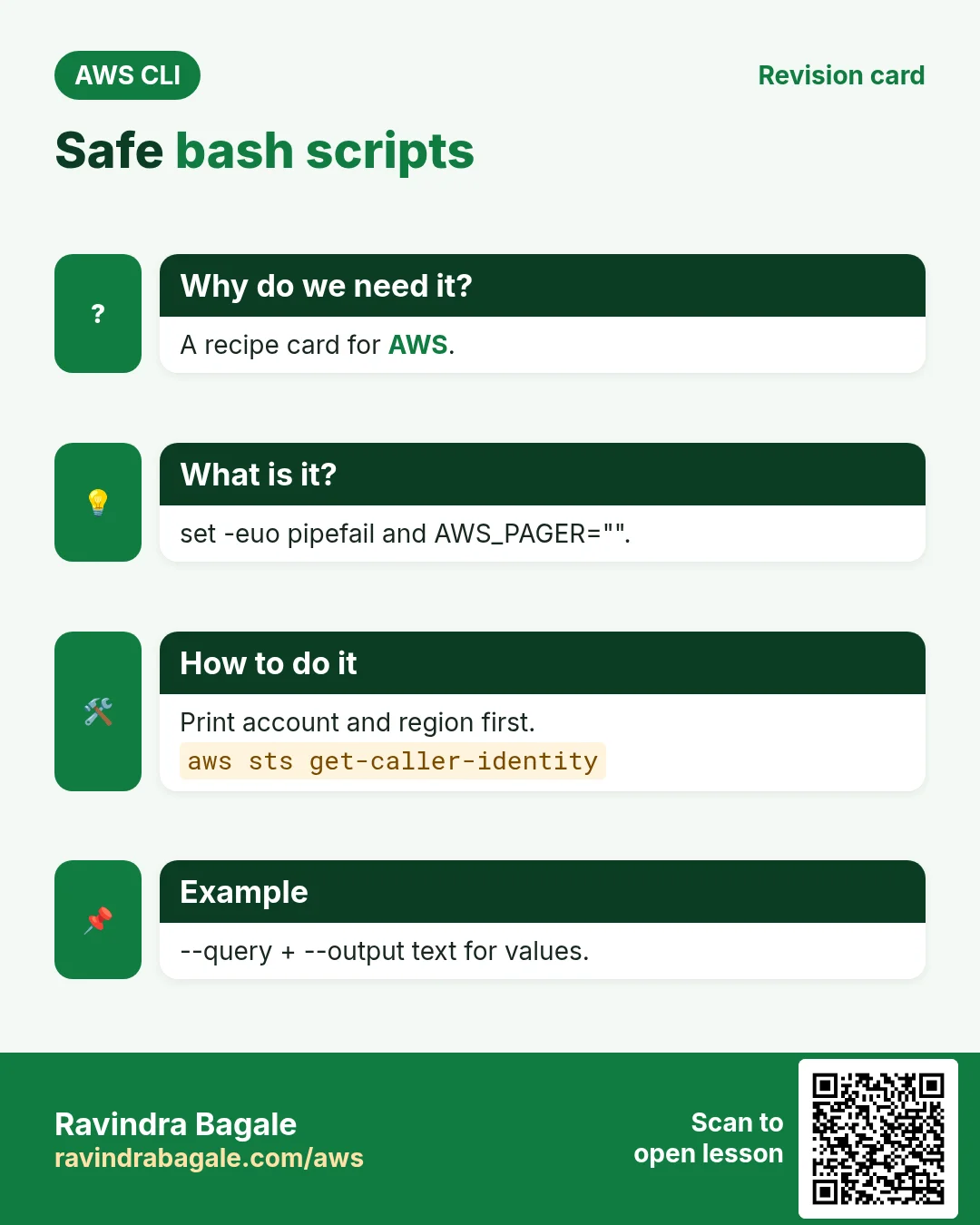
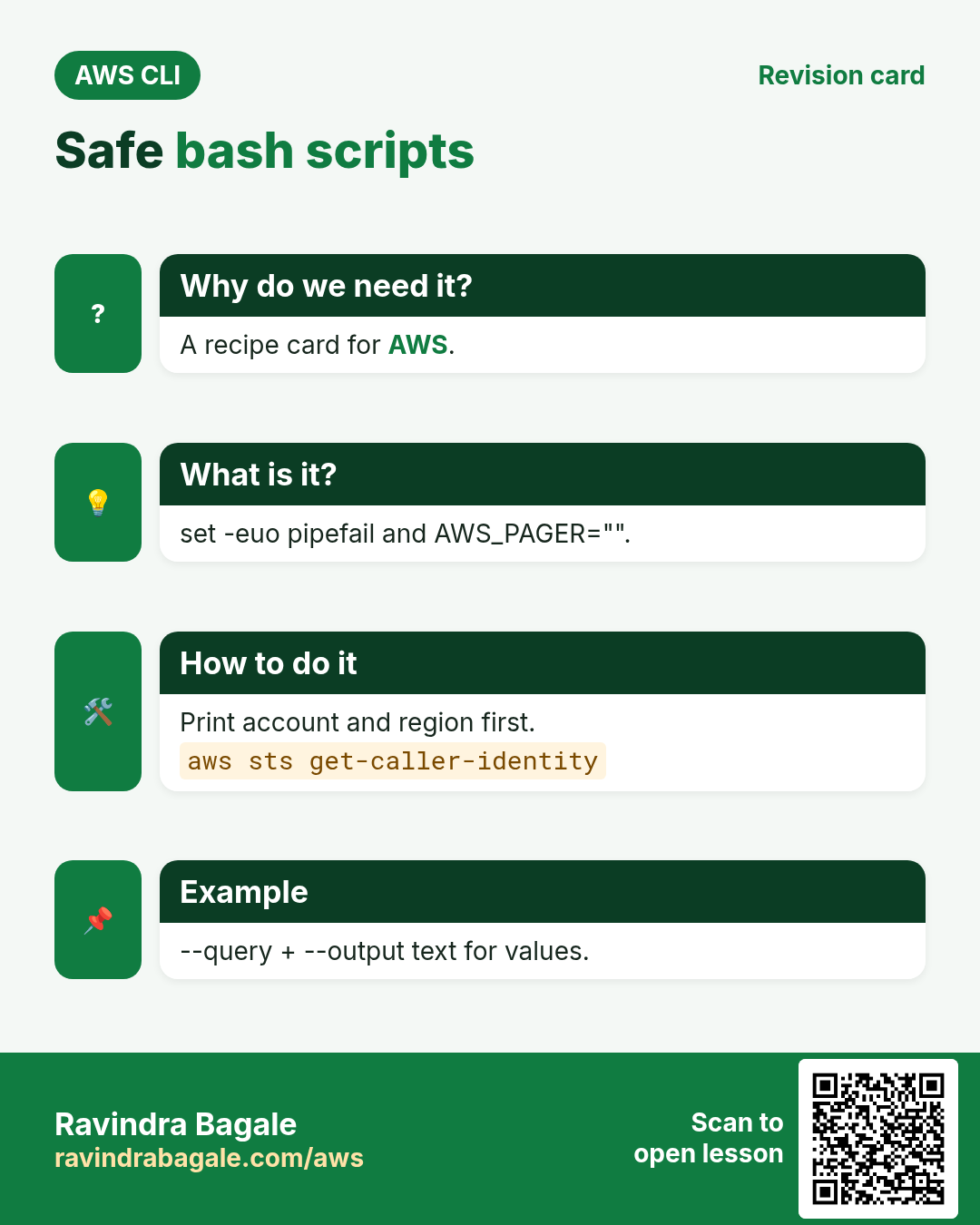
Aaji writes a recipe card so anyone makes the same dish every time. A script is your recipe card for AWS: the same steps, the same order, no forgotten salt.
Good scripts use --query and --output text to get clean values, aws ... wait instead of sleep, and stop on the first error.
2. A safe script header
Walk through the first variables before enabling automation. ACCT records the actual AWS account returned by the caller-identity command. Compare it with the lab account the script is allowed to use. Keep Region and approved tag values visible alongside it. Before a change would run, print the exact action and resource IDs so you can confirm the target list includes only disposable resources.
Try a harmless list with two Regions. Assume the first returns two instances and the second returns none. The sample prints only the nonzero Region because of its condition. Confirm that the zero result was computed successfully and ensure it never carries the previous Region’s instance IDs into the next step. In Bash, quoting a single value keeps it from splitting into several words. When reading a list from a service, select a predictable format and handle an empty list explicitly before looping over it.
A script that keeps going after an error can delete the wrong thing.
set -euo pipefail stops on errors, unset variables and failed pipes. AWS_PAGER="" stops the pager. Check the account before you act.
- Write the header.
cat > tag-report.sh <<'B'
#!/usr/bin/env bash
set -euo pipefail
export AWS_PAGER=""
REGION=${REGION:-ap-south-1}
ACCT=$(aws sts get-caller-identity --query Account --output text)
echo "account=$ACCT region=$REGION"
B
chmod +x tag-report.sh && ./tag-report.sh
Expected output:
account=111122223333 region=ap-south-13. Loops over regions and resources
You need a list of running servers in every region, not one at a time.
describe-regions gives region names. --output text gives tab-separated values that a for or while read loop can use.
- Count running instances per region.
for r in $(aws ec2 describe-regions --query "Regions[].RegionName" --output text); do
  n=$(aws ec2 describe-instances --region $r --filters Name=instance-state-name,Values=running --query "length(Reservations[].Instances[])")
  [ "$n" != "0" ] && echo "$r $n"
done
Expected output:
ap-south-1 3
us-east-1 1- Process rows with while read.
aws ec2 describe-instances --query "Reservations[].Instances[].[InstanceId,InstanceType,Tags[?Key=='Name']|[0].Value]" --output text |
while read -r id type name; do echo "$name ($type) -> $id"; done
Expected output:
web (t3.micro) -> i-0abc123def45678904. Waiters and pagination
A waiter repeats read requests until a documented resource state appears or the waiter gives up. A paginator retrieves successive pages of one large list. They solve different problems. After starting an instance, wait for the needed state before the next dependent action. When listing all lab instances, follow the result pages so later instances are included.
First run the script in a read-only mode that records the account, Region and resource IDs it intends to use. Check an empty result as a valid outcome rather than treating it as approval to change every resource. If a waiter fails, inspect the actual resource state and error. Repeating the create command could produce a second resource when the first operation was still progressing.
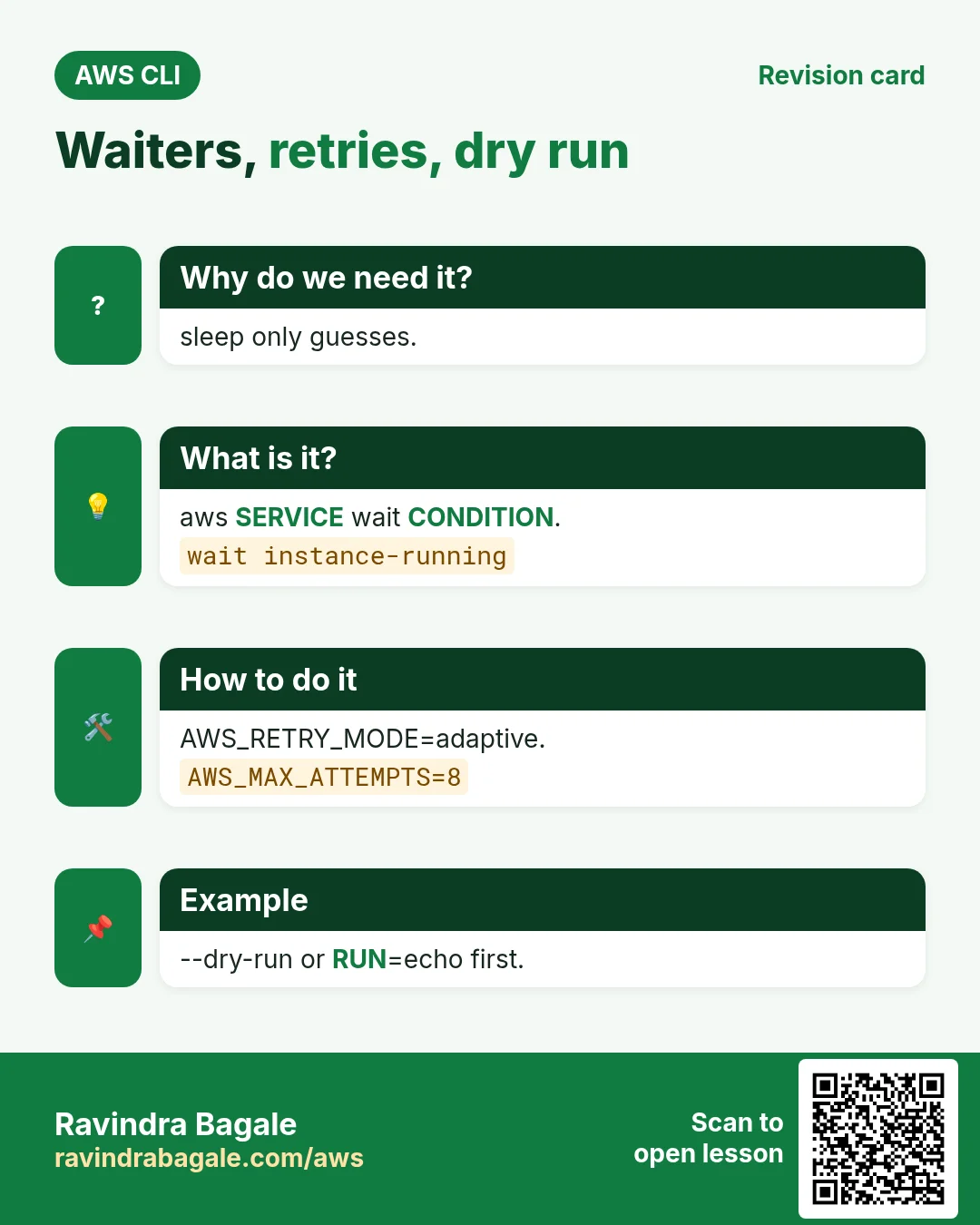
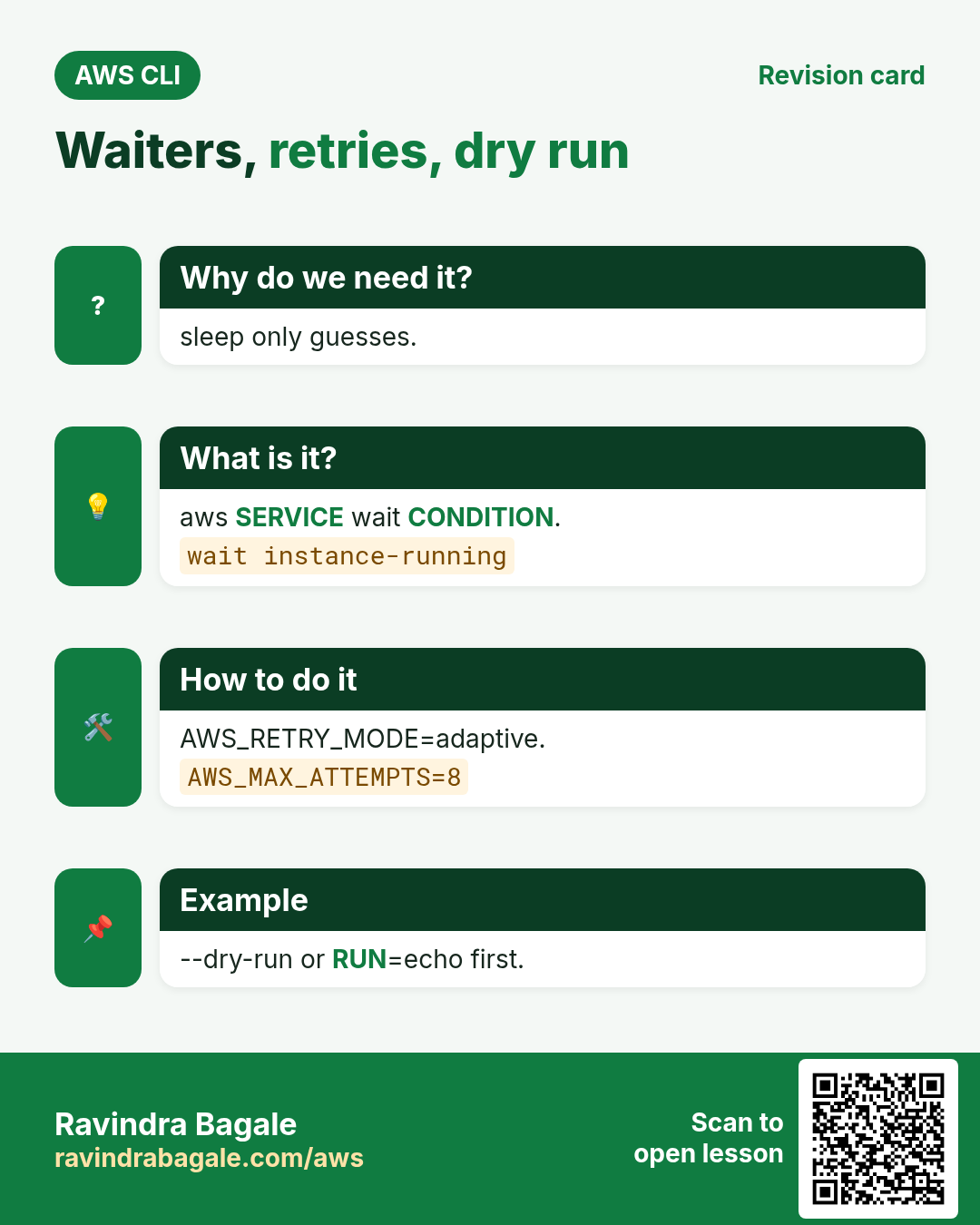
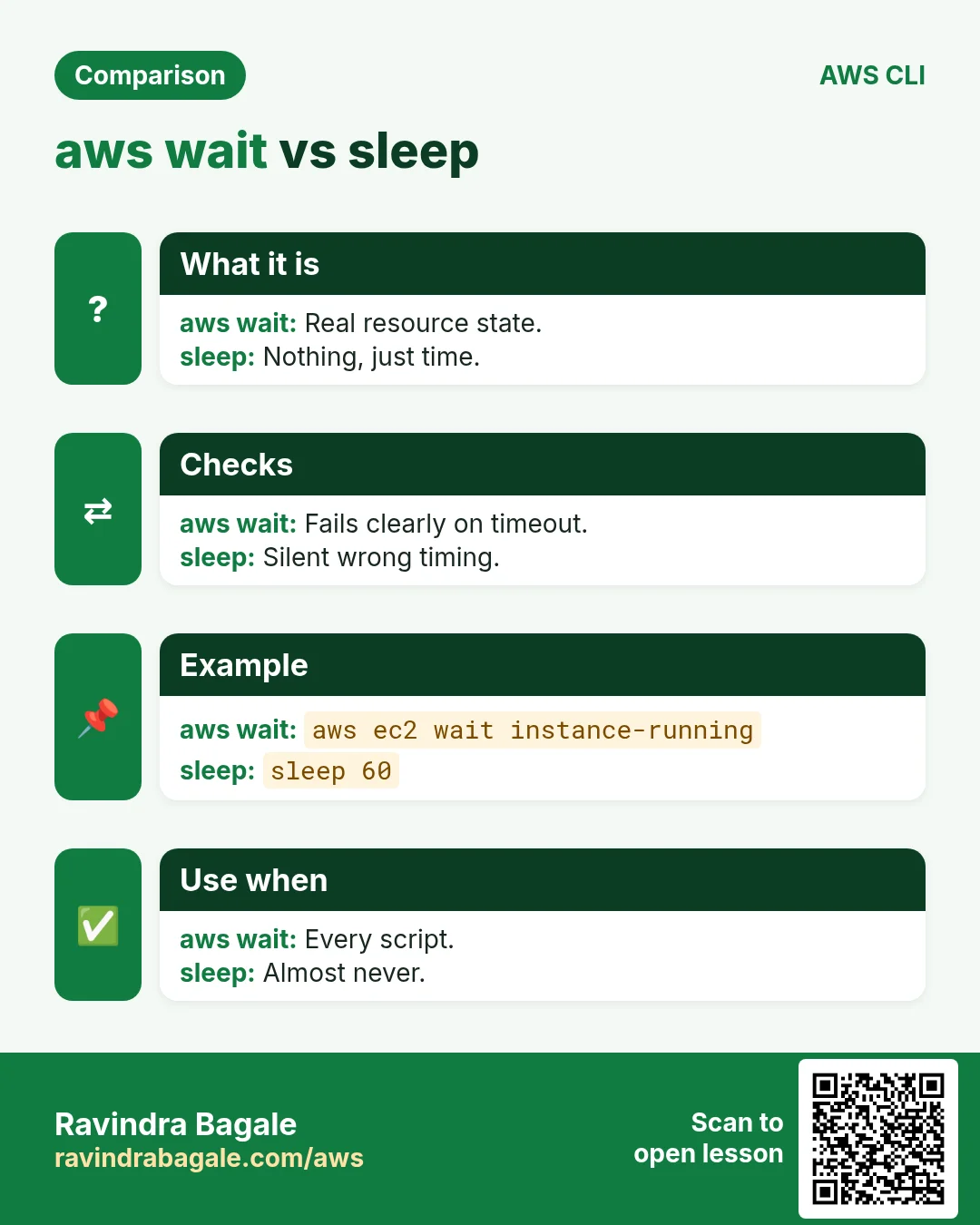
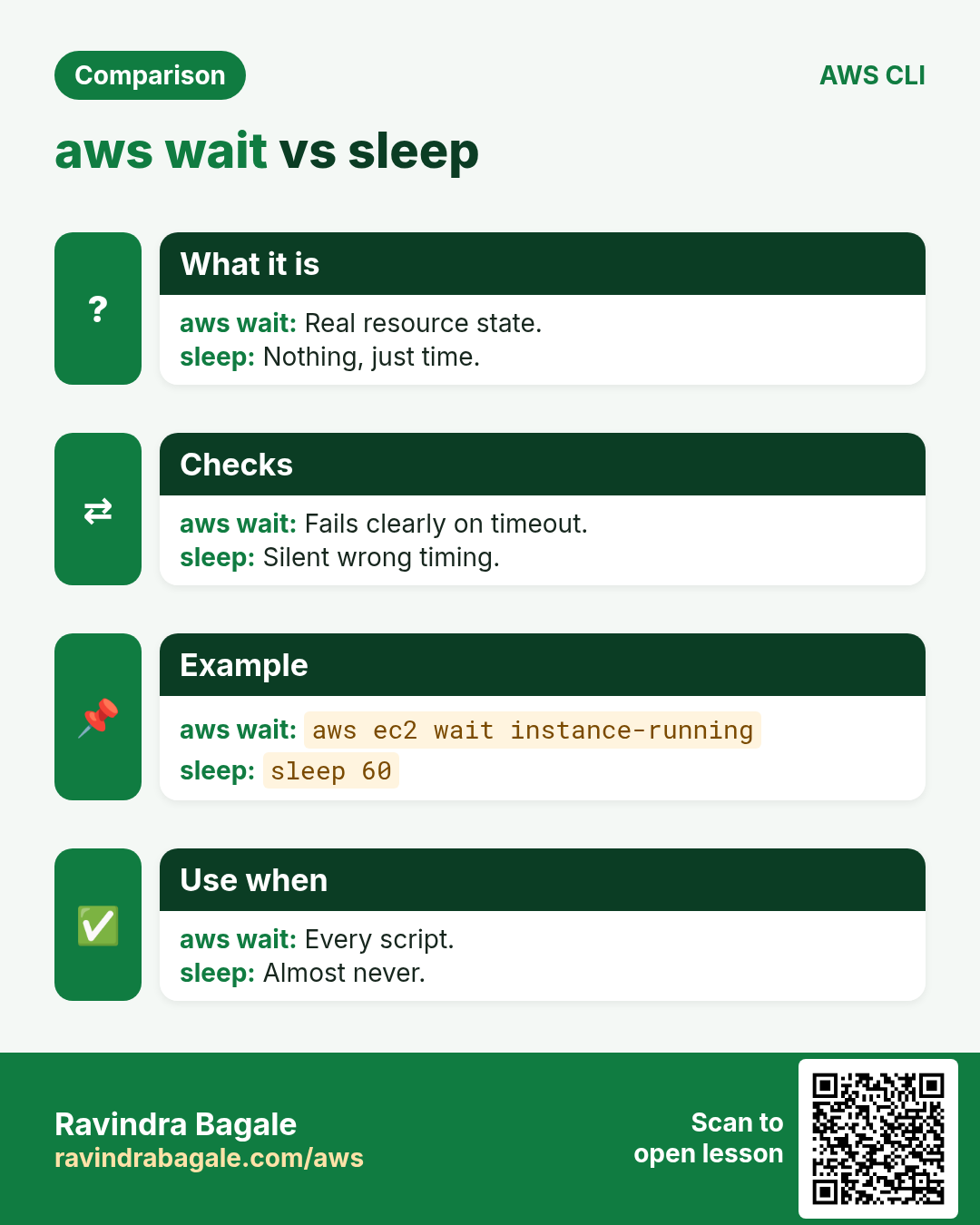
sleep 60 is either too short or wastes time; big lists come back in pages.
aws SERVICE wait CONDITION polls until ready or fails. The CLI auto-paginates; --max-items with --starting-token pages by hand; --page-size makes smaller calls.
- Launch and wait properly.
ID=$(aws ec2 run-instances --image-id resolve:ssm:/aws/service/ami-amazon-linux-latest/al2023-ami-kernel-default-x86_64 --instance-type t3.micro --query "Instances[0].InstanceId" --output text)
aws ec2 wait instance-running --instance-ids $ID && echo "ready $ID"
Expected output:
ready i-0def456abc7890123- Page by hand.
aws s3api list-objects-v2 --bucket my-bucket --max-items 2 --query "{keys:Contents[].Key,next:NextToken}"Expected output:
{"keys": ["a.txt", "b.txt"], "next": "eyJDb250aW51YXRpb25Ub2tlbiI6..."}5. Errors, retries and dry runs
APIs throttle under load, and you want to test a delete script without deleting.
AWS_RETRY_MODE=adaptive and AWS_MAX_ATTEMPTS retry for you. Exit code 0 means success; check it with if. EC2 supports --dry-run; for others, print instead of run.
- Turn on smart retries.
export AWS_RETRY_MODE=adaptive AWS_MAX_ATTEMPTS=8
aws configure list | grep -i region
Expected output:
region ap-south-1 config-file ~/.aws/config- Handle a missing resource.
if aws s3api head-bucket --bucket maybe-missing 2>/dev/null; then echo exists; else echo "missing, creating"; fiExpected output:
missing, creating- Dry run an EC2 delete.
aws ec2 terminate-instances --instance-ids $ID --dry-runExpected output:
An error occurred (DryRunOperation) ... Request would have succeeded, but DryRun flag is set.- Echo-mode for other services.
RUN=${RUN:-echo}
for b in $(aws s3api list-buckets --query "Buckets[?starts_with(Name,'cli-tmp')].Name" --output text); do $RUN aws s3 rb s3://$b --force; done
Expected output:
aws s3 rb s3://cli-tmp-1 --force6. One-page cheat sheet
In an outage you need the right command in seconds.
These are the most used commands from all 25 chapters, grouped by service.
- Setup and identity.
aws configure sso
aws sts get-caller-identity
aws configure list-profiles
aws ec2 describe-regions --output table
Expected output:
(no output means success)- Compute and storage.
aws ec2 describe-instances --filters Name=instance-state-name,Values=running
aws ec2 start-instances / stop-instances --instance-ids i-...
aws s3 sync ./site s3://bucket --delete
aws s3 presign s3://bucket/file --expires-in 3600
aws ec2 create-snapshot --volume-id vol-...
Expected output:
(no output means success)- Network, load balancing and scaling.
aws ec2 describe-vpcs / describe-subnets / describe-security-groups
aws ec2 authorize-security-group-ingress --group-id sg-... --protocol tcp --port 443 --cidr 0.0.0.0/0
aws elbv2 describe-target-health --target-group-arn ...
aws autoscaling set-desired-capacity --auto-scaling-group-name asg --desired-capacity 3
Expected output:
(no output means success)- Databases and serverless.
aws rds describe-db-instances --query "DBInstances[].[DBInstanceIdentifier,DBInstanceStatus]"
aws dynamodb query --table-name t --key-condition-expression "pk=:p" --expression-attribute-values '{":p":{"S":"u1"}}'
aws lambda invoke --function-name f --cli-binary-format raw-in-base64-out --payload '{}' out.json
aws apigatewayv2 get-apis
Expected output:
(no output means success)- Messaging, DNS, containers.
aws sns publish --topic-arn ... --message hi
aws sqs receive-message --queue-url ... --wait-time-seconds 20
aws route53 change-resource-record-sets --hosted-zone-id Z... --change-batch file://c.json
aws ecr get-login-password | docker login --username AWS --password-stdin ACCT.dkr.ecr.REGION.amazonaws.com
aws ecs update-service --cluster c --service s --force-new-deployment
aws eks update-kubeconfig --name cluster
Expected output:
(no output means success)- Ops, security, delivery.
aws logs tail /aws/lambda/f --follow
aws cloudwatch describe-alarms --state-value ALARM
aws cloudformation deploy --stack-name s --template-file t.yaml
aws secretsmanager get-secret-value --secret-id name
aws ssm start-session --target i-...
aws kms encrypt --key-id alias/k --plaintext fileb://f
aws cloudfront create-invalidation --distribution-id E... --paths "/*"
Expected output:
(no output means success)7. Same action in Python, Node.js, Java, Go, .NET and PHP
Scripts start in the CLI. Apps call the same API through an SDK. Knowing both helps you move a tested command into real code.
Low-level CLI commands expose service operations. A high-level command or an automatically paginated list can make multiple requests. For example, aws sts get-caller-identity maps to the Who am I API.
Same action (Who am I) from code. Set the intended profile and Region for the SDK. Provider support and precedence can differ by SDK, and an explicit client setting can override defaults.
| Stack | Code |
|---|---|
| Python (boto3) | boto3.client("sts").get_caller_identity()["Account"] |
| Node.js (v3) | await sts.send(new GetCallerIdentityCommand({})); |
| Java (v2) | sts.getCallerIdentity().account(); |
| Go (v2) | c.GetCallerIdentity(ctx, &sts.GetCallerIdentityInput{}) |
| .NET | await sts.GetCallerIdentityAsync(new GetCallerIdentityRequest()); |
| PHP | $sts->getCallerIdentity()["Account"]; |
8. Clean up so nothing keeps costing
Lab resources left running cost money and can be a security risk.
Delete in reverse order: children first, then parents.
- Terminate the test instance.
aws ec2 terminate-instances --instance-ids $ID --query "TerminatingInstances[0].CurrentState.Name" --output text
aws ec2 wait instance-terminated --instance-ids $ID
Expected output:
shutting-down- Remove the script files.
rm -f tag-report.shExpected output:
(no output means success)- Verify nothing is left running.
aws ec2 describe-instances --filters Name=instance-state-name,Values=running --query "length(Reservations[].Instances[])"Expected output:
0Ravindra Bagale's Tip
Before any delete loop, run it once with RUN=echo and read every line. Then run with RUN= (empty) to execute.
9. Interview questions and answers
Q. Why set -euo pipefail?
Stop on errors, unset variables and failed pipe parts.
Q. Waiter vs sleep?
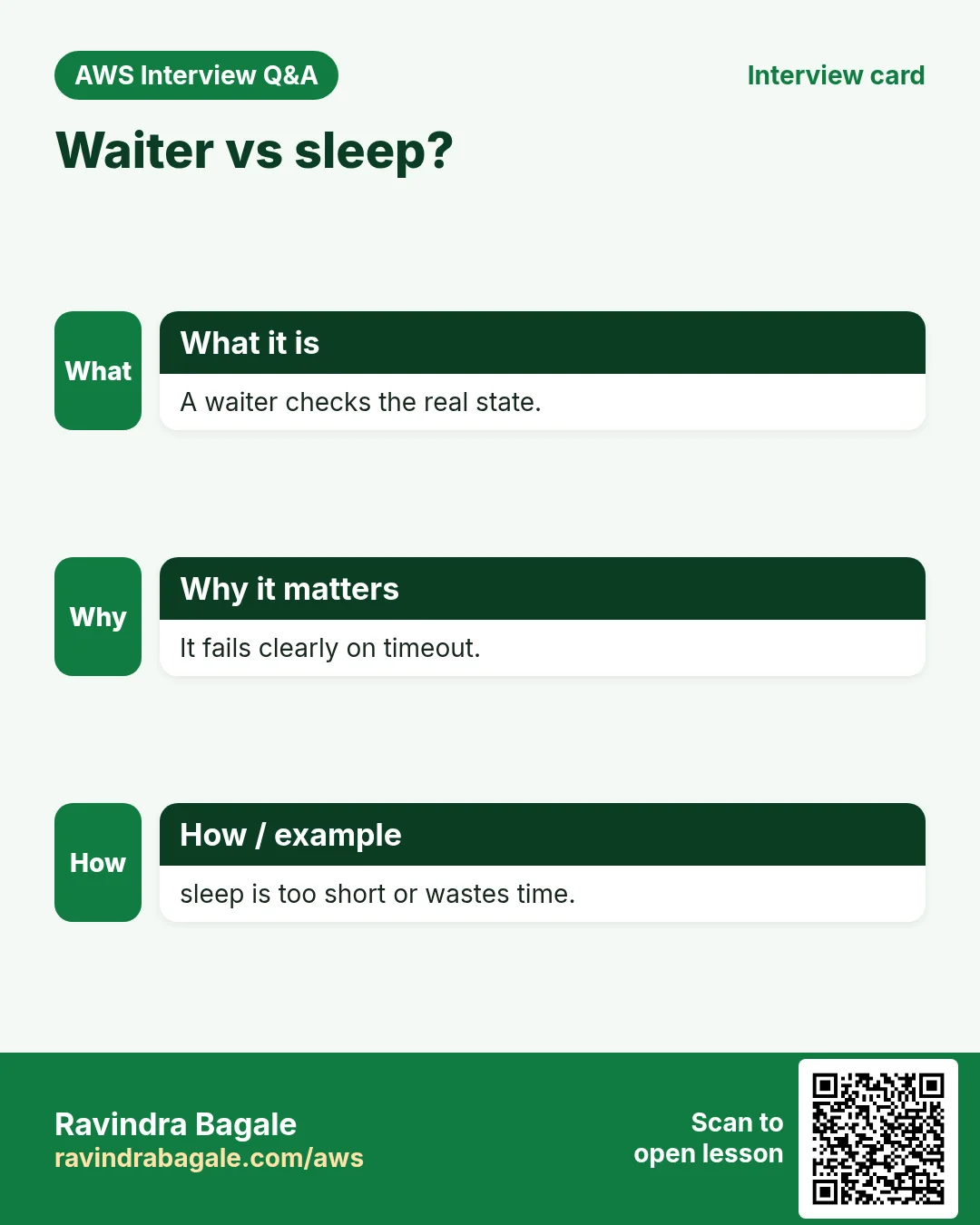
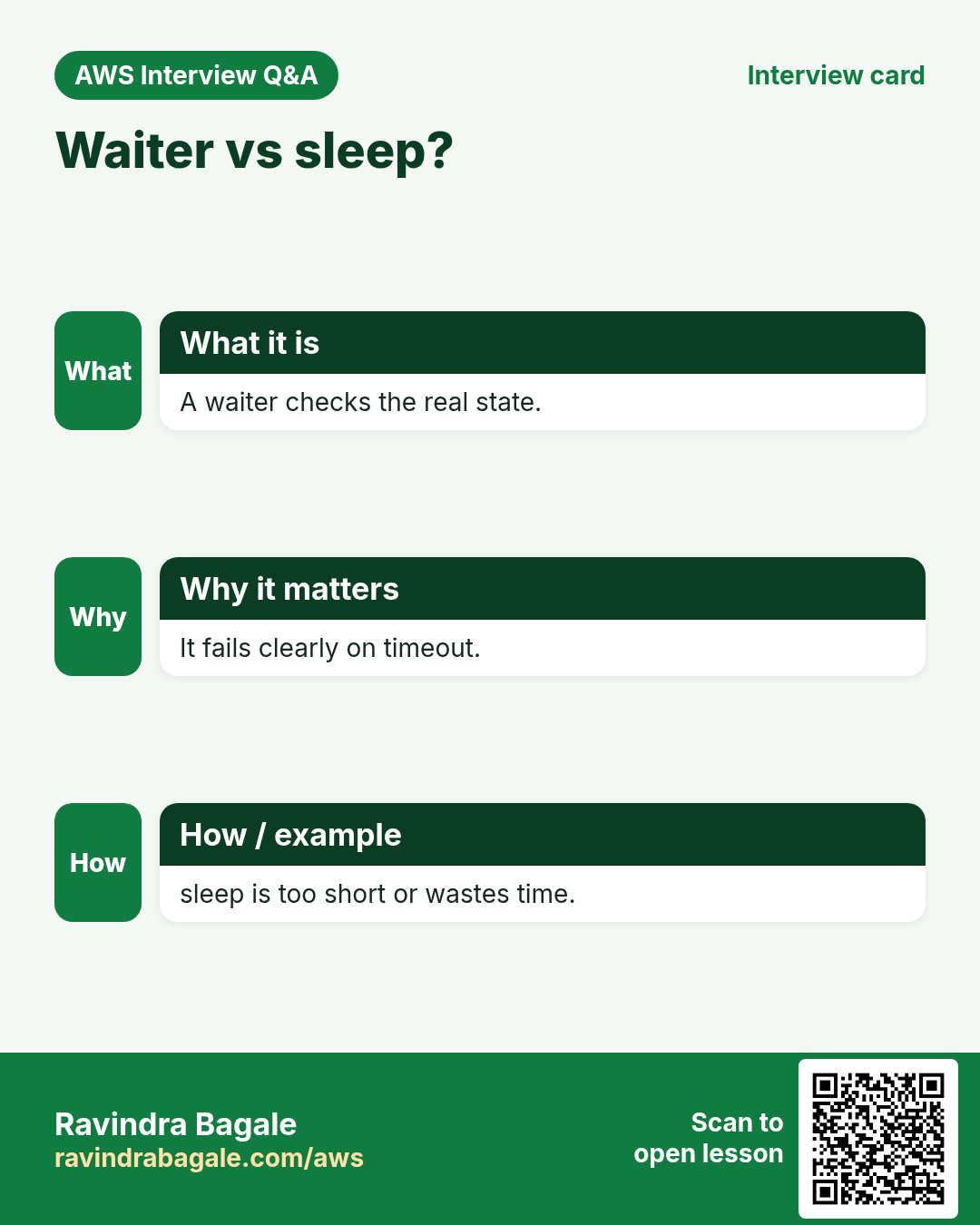
A waiter polls the real state and fails on timeout; sleep only guesses.
Q. How does the CLI paginate?
Automatically by default; --max-items and --starting-token for manual paging, --no-paginate for one page.
Q. How to handle throttling?
AWS_RETRY_MODE=adaptive with AWS_MAX_ATTEMPTS.
Q. How do you test destructive scripts?
EC2 --dry-run, and echo-mode that prints commands before running them.
Try at home
- Write a script that lists every S3 bucket with its region and size class in a CSV.
- Write a stop-dev-servers.sh that stops instances tagged env=dev in all regions, with RUN=echo first.
In short
- set -euo pipefail.
- --query + --output text.
- wait, not sleep.
- adaptive retries.
- Dry run first.
Make automation observable before enabling mutations
Write a sandbox script that prints profile, Region, intended IDs and planned actions first. Test a read-only branch and one deliberate failure. Check command exit codes and avoid continuing into dependent writes when prerequisites fail.
Interview check Why escape generated JSON and quote Bash variables?
Word splitting can split paths and changes the argument list. Use structured JSON generation or an input file rather than interpolating shell text into JSON.
Practise this chapter
Interview questions and answers
What would you make an AWS automation script show before it changes anything?
I would show the AWS account and Region, the intended operation and the exact target IDs. A read-only preview should allow the operator to compare their intent with the script. I would also log outcomes by resource so a failed step can be investigated without repeating unrelated changes.
Check your understanding
Choose an answer, then compare your reasoning with the explanation.
Practice Tasks
Practice checks run in your browser. They check the answer for this exercise; they do not create resources or connect to your AWS account.
About this scenarioShivneri Schools is a education business in Junnar. Kavita Shinde looks after its IT and cloud work. They count money in INR and run their AWS resources in the ap-south-1 Region. In the tasks below you do real jobs for them using what this lesson teaches. All names, account IDs, IP addresses and numbers are made up for practice.
0 / 12
Easy List your EC2 instances
Before changing anything, see what is running and in which state.
Show details of all EC2 instances of Shivneri Schools in ap-south-1.
- Read the task and decide which AWS service it is about.
- Write aws, then the service name, then the operation (the action word).
- Add each needed flag (--name) followed by its value from the task.
- Flags can be in any order. Click Check answer.
Easy List files in a bucket folder
Check that the upload worked and see file sizes.
List the objects under s3://shivnerischool-invoices-2026/reports/.
- Read the task and decide which AWS service it is about.
- Write aws, then the service name, then the operation (the action word).
- Add each needed flag (--name) followed by its value from the task.
- Flags can be in any order. Click Check answer.
Easy Create a bucket
A bucket is the top-level container for your files in S3.
Create the bucket shivnerischool-invoices-2026 in ap-south-1.
- Read the task and decide which AWS service it is about.
- Write aws, then the service name, then the operation (the action word).
- Add each needed flag (--name) followed by its value from the task.
- Flags can be in any order. Click Check answer.
Easy Check who you are logged in as
Always confirm the account and identity before running changes.
Show the account ID and ARN of the identity your CLI is using.
- Read the task and decide which AWS service it is about.
- Write aws, then the service name, then the operation (the action word).
- Add each needed flag (--name) followed by its value from the task.
- Flags can be in any order. Click Check answer.
Easy Read a config file
Reading a file on the screen is the quickest way to check its settings.
Print the whole file /etc/shivnerischool/app.conf on the screen.
- Find the Linux command that does this job.
- Add the options (like -r or -h) the task needs.
- Add the file names, folders or users in the right order.
- Use sudo if the job changes system files or users. Click Check answer.
Easy List all files with details
Hidden files (like .env) and file sizes or owners only show with the right options.
Show a long listing of every file, including hidden ones, in /var/www/shivnerischool.
- Find the Linux command that does this job.
- Add the options (like -r or -h) the task needs.
- Add the file names, folders or users in the right order.
- Use sudo if the job changes system files or users. Click Check answer.
Easy Create an empty file
Some apps need a file to exist before they can write to it.
Create an empty file named orders-inr.csv in the current folder.
- Find the Linux command that does this job.
- Add the options (like -r or -h) the task needs.
- Add the file names, folders or users in the right order.
- Use sudo if the job changes system files or users. Click Check answer.
Medium Limit how many items come back
--max-items stops a huge listing after the first N results.
List objects in bucket shivnerischool-logs with s3api, returning at most 50 items.
- Read the task and decide which AWS service it is about.
- Write aws, then the service name, then the operation (the action word).
- Add each needed flag (--name) followed by its value from the task.
- Flags can be in any order. Click Check answer.
Medium Show output as a table
--output table is easy to read on screen.
List all S3 buckets using s3api and show the result as a table.
- Read the task and decide which AWS service it is about.
- Write aws, then the service name, then the operation (the action word).
- Add each needed flag (--name) followed by its value from the task.
- Flags can be in any order. Click Check answer.
Hard Show only running instances
Filters ask AWS to send only what you need, which is faster than sorting by eye.
Describe only instances whose state is running.
- Read the task and decide which AWS service it is about.
- Write aws, then the service name, then the operation (the action word).
- Add each needed flag (--name) followed by its value from the task.
- Flags can be in any order. Click Check answer.
Hard Pick fields with --query
JMESPath --query prints just what you need, ready for scripts.
Describe instances but print only the instance IDs, using the query Reservations[].Instances[].InstanceId and text output.
- Read the task and decide which AWS service it is about.
- Write aws, then the service name, then the operation (the action word).
- Add each needed flag (--name) followed by its value from the task.
- Flags can be in any order. Click Check answer.
Hard Wait until an instance is running
Waiters pause your script until AWS reports the state you need.
Wait until instance i-0d55255ad30111a2b is running.
- Read the task and decide which AWS service it is about.
- Write aws, then the service name, then the operation (the action word).
- Add each needed flag (--name) followed by its value from the task.
- Flags can be in any order. Click Check answer.
Revision, comparison and interview cards
Revise this lesson in a few minutes. Save the cards on your phone or download them as PNG files. The QR code on each card opens this lesson.
More cards: Ravi Sir's Cards.