Get Temporary AWS Credentials with STS Step by Step
Lab time: create a role that only S3-reads one bucket, AssumeRole from the CLI, prove it works with the session token, then delete everything so nothing keeps costing or leaking.
In this chapter
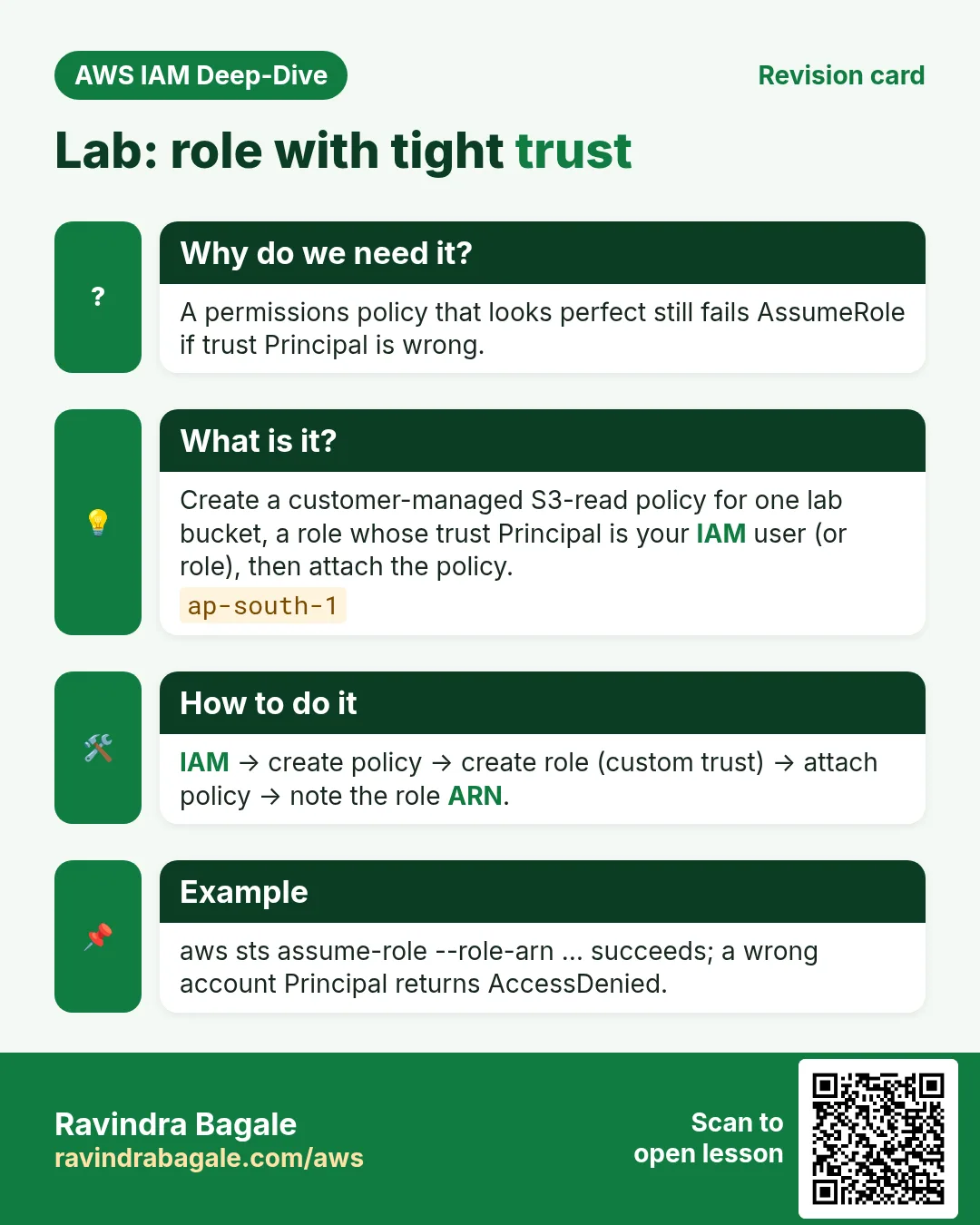
- Create a trust + S3 read role
- AssumeRole with AWS CLI
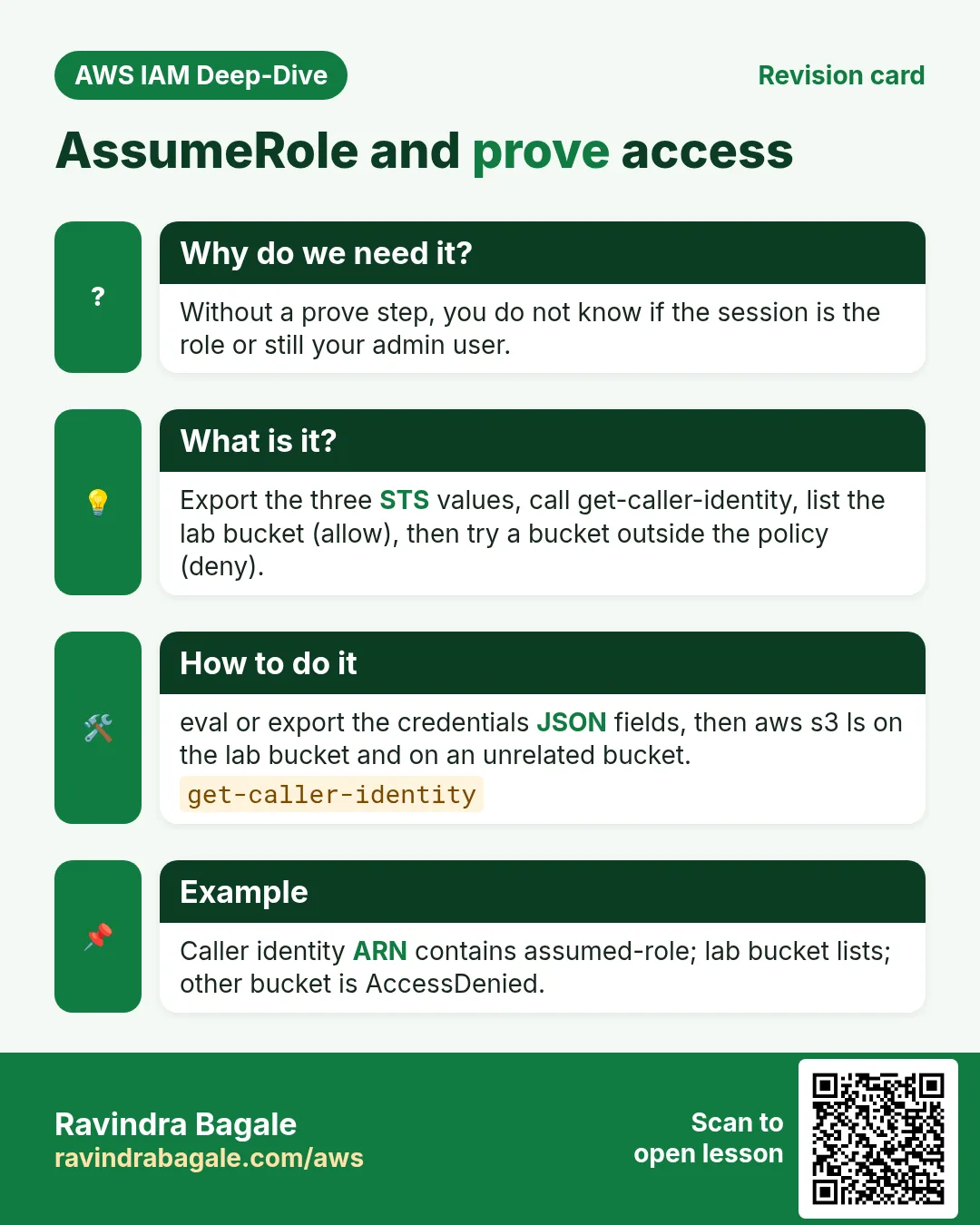
- Export temporary credentials
- Prove allow and deny
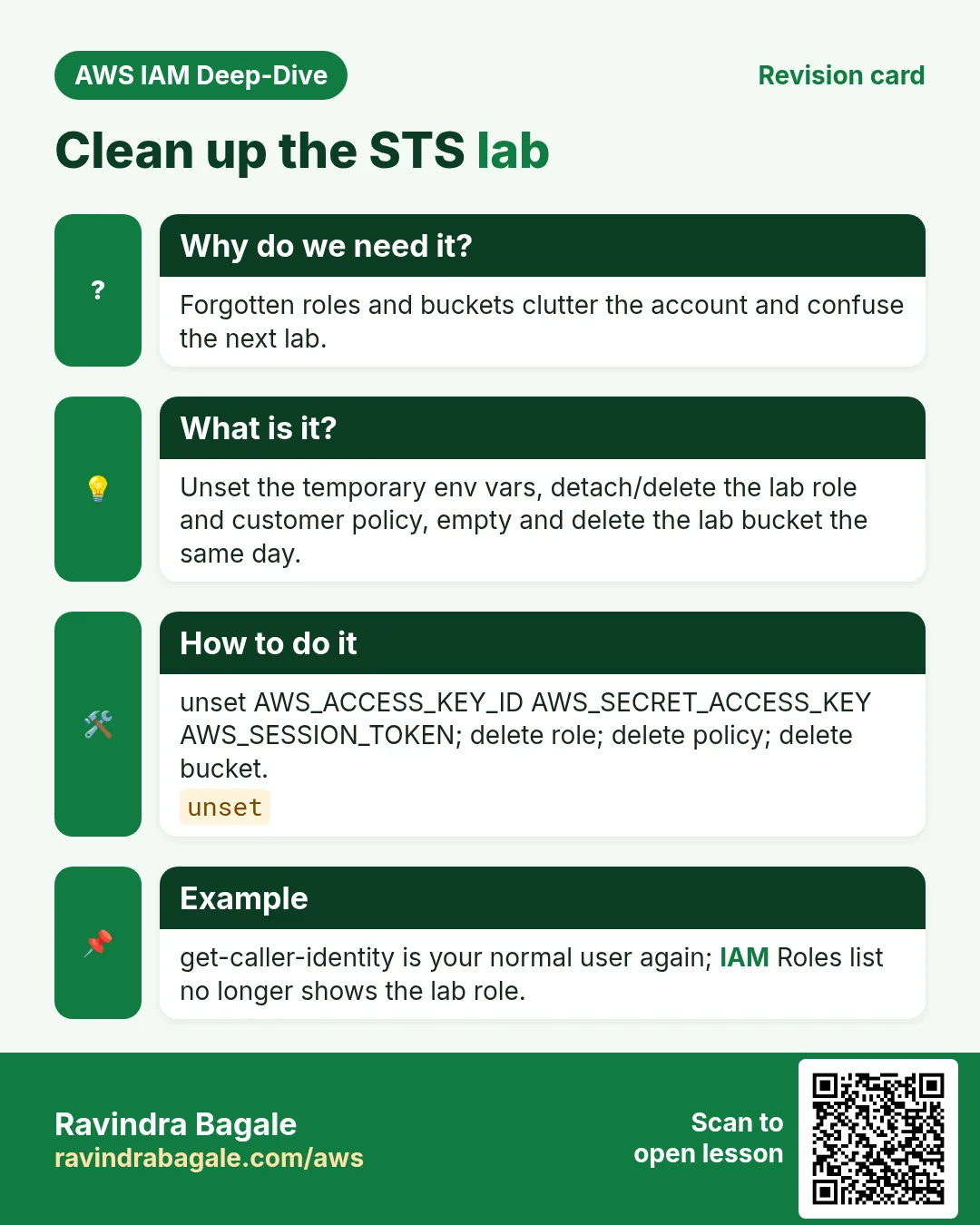
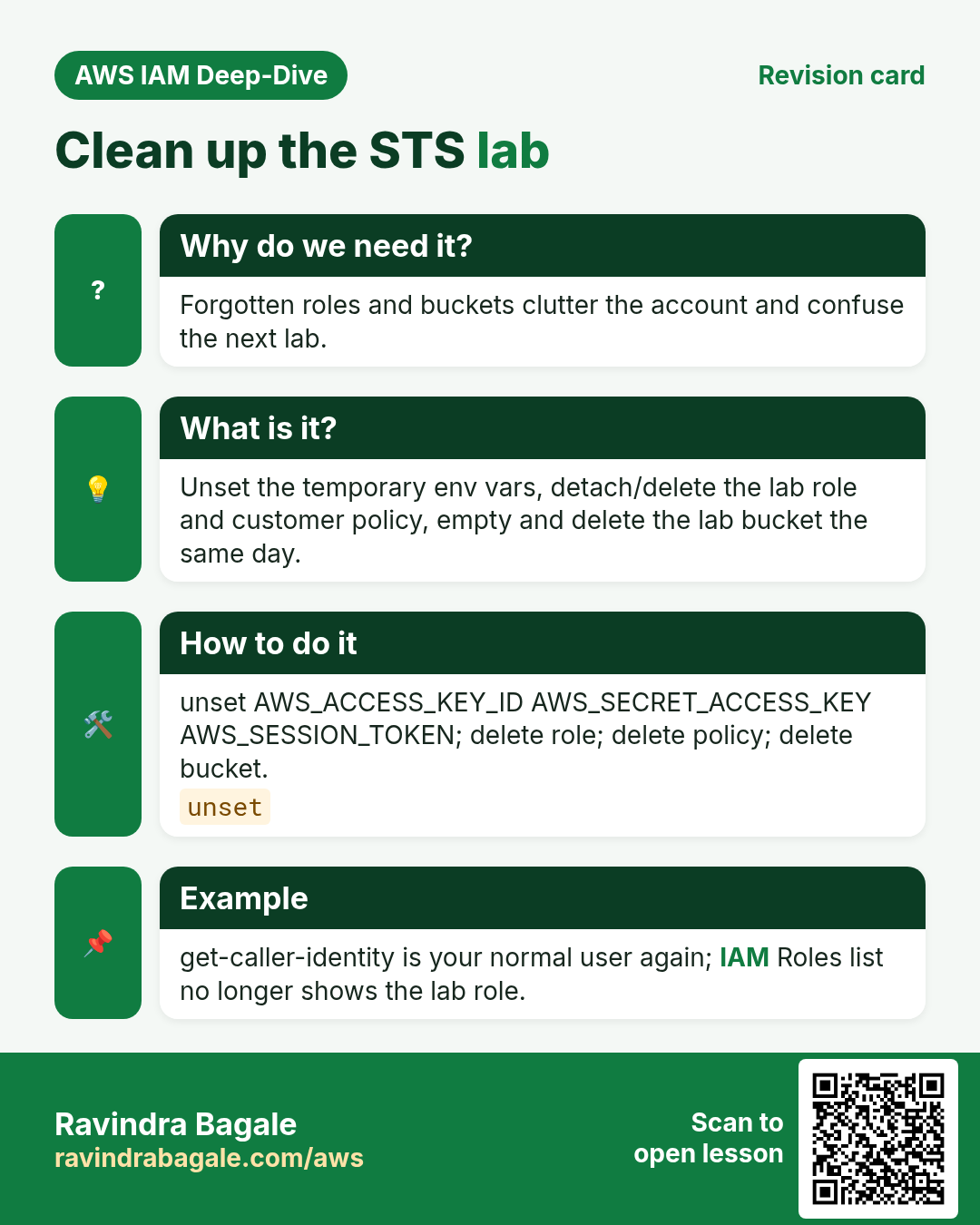
- Cleanup roles and bucket
Everyday example before the lab
Why this lab matters
In a fictional library, a visiting helper receives a pass to read one shelf for one shift. The librarian’s master access does not travel with that pass. This lab follows the same separation: the original identity obtains a short session, and the session reads one practice bucket. Check the session identity before interpreting a successful file read, because a read performed with the wrong identity proves the wrong thing.
1. Lab: click by click
Region ap-south-1 (Mumbai). You need an IAM principal that can create roles and call sts:AssumeRole (your student admin or Identity Center set). Replace ACCOUNT, BUCKET and names.
A. Bucket and policy
Use two harmless sample objects so the intended access can be checked directly. The test role should be allowed to read the object named by its policy. Keep another object under a different, out-of-scope key. Write down these keys, the role ARN and the expected Allowed or Denied result before assuming the role.
Make both calls after the assume-role and identity check below, with the same temporary session. Compare output with the two expected results. An empty read or a missing key cannot by itself establish a permissions boundary, so use two known existing test objects under the approved setup and interpret the precise error returned. If both reads succeed, review other attached access for that session before widening any policy or writing further objects.
- S3 → Create bucket
yourname-sts-lab(ap-south-1), Block Public Access ON. Uploadhello.txtwith bodyok. - IAM → Policies → Create → JSON:
{
  "Version": "2012-10-17",
  "Statement": [
    {
      "Effect": "Allow",
      "Action": ["s3:ListBucket"],
      "Resource": "arn:aws:s3:::BUCKET"
    },
    {
      "Effect": "Allow",
      "Action": ["s3:GetObject"],
      "Resource": "arn:aws:s3:::BUCKET/*"
    }
  ]
}- Name:
lab-sts-s3-read. Create.
B. Role with trust to your user
- IAM → Roles → Create role → Custom trust policy (or Another AWS account with your account id).
- Trust JSON (replace ACCOUNT and USER):
{
  "Version": "2012-10-17",
  "Statement": [{
    "Effect": "Allow",
    "Principal": { "AWS": "arn:aws:iam::ACCOUNT:user/USER" },
    "Action": "sts:AssumeRole"
  }]
}- Attach
lab-sts-s3-readonly. Role name:lab-sts-assumer. Max session 1 hour is fine. - If you use Identity Center, Principal can be your permission-set role ARN instead of an IAM user — same idea.
C. AssumeRole and prove
Use a fresh lab shell for the temporary session so it has a clear beginning and end. First use the existing identity check to confirm the intended source account. Then make the AssumeRole request. The ARN names the target role and the session name helps identify this run in logs. Keep the returned credential values private and use all three together with the session token.
Call the existing identity check again from that shell before testing S3. Expect an assumed-role ARN for the intended lab role. If the identity is wrong, correct the credential selection before changing the bucket. Once it is right, try the allowed lab object and a harmless object you intentionally kept outside the approved scope. Expect success for the first and a denial for the second. This shows both the capability and its boundary.
- In CloudShell or your laptop CLI (as the trusted principal):
aws sts get-caller-identity
aws sts assume-role \
  --role-arn arn:aws:iam::ACCOUNT:role/lab-sts-assumer \
  --role-session-name ravi-lab \
  --duration-seconds 900
# Copy AccessKeyId, SecretAccessKey, SessionToken from Credentials- Export (Linux/macOS), then test:
export AWS_ACCESS_KEY_ID=...
export AWS_SECRET_ACCESS_KEY=...
export AWS_SESSION_TOKEN=...
aws sts get-caller-identity
# Arn should mention assumed-role/lab-sts-assumer/ravi-lab
aws s3 cp s3://BUCKET/hello.txt -
# expect: ok
# aws s3 ls s3://some-other-bucket # should be AccessDenied- Unset when done:
unset AWS_ACCESS_KEY_ID AWS_SECRET_ACCESS_KEY AWS_SESSION_TOKEN.
Cleanup
- Delete role
lab-sts-assumer(detach policy first if the console asks). - Delete policy
lab-sts-s3-read. - Empty and delete bucket
yourname-sts-lab. - Confirm your shell no longer exports the temp keys.
Ravindra Bagale's Tip
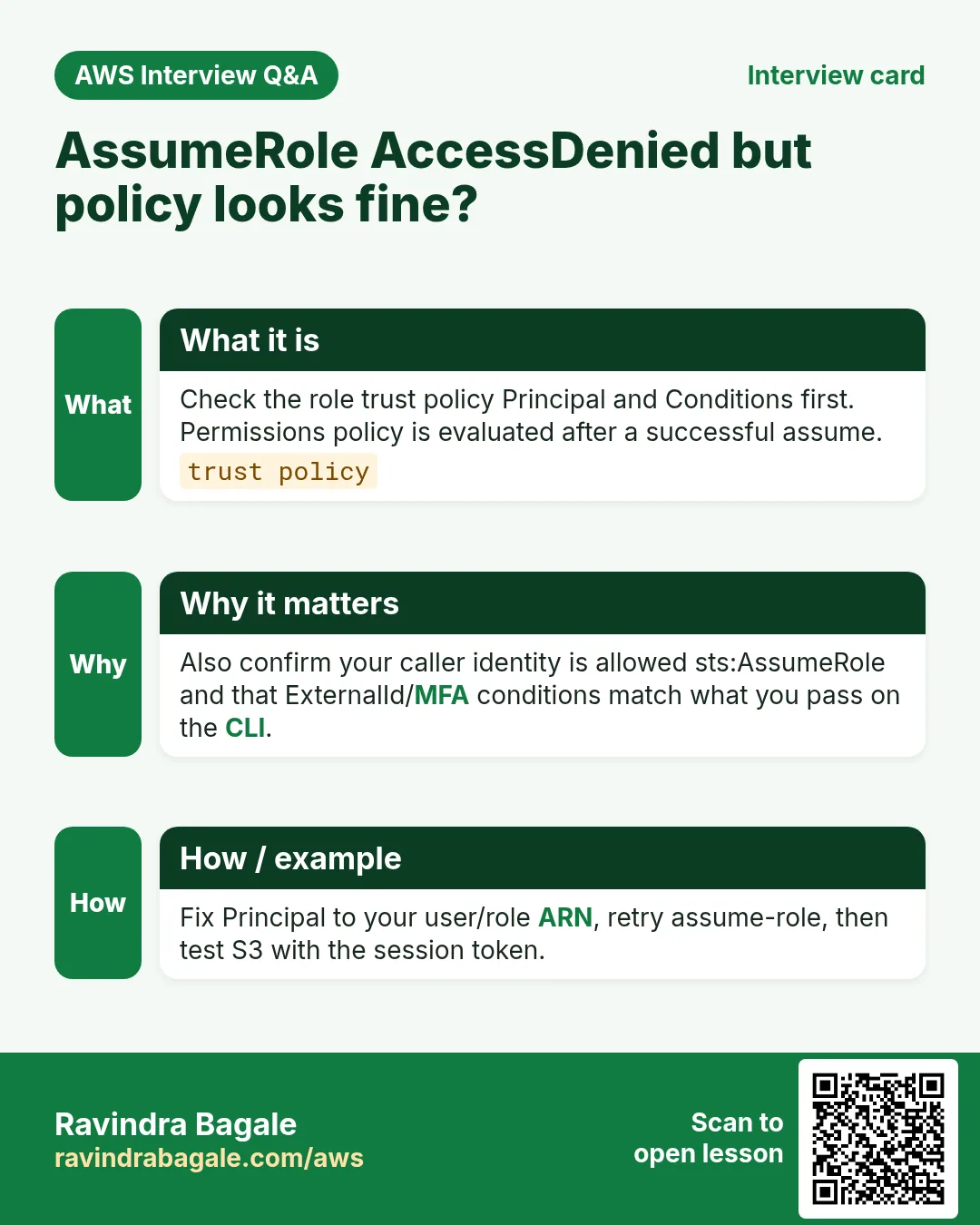
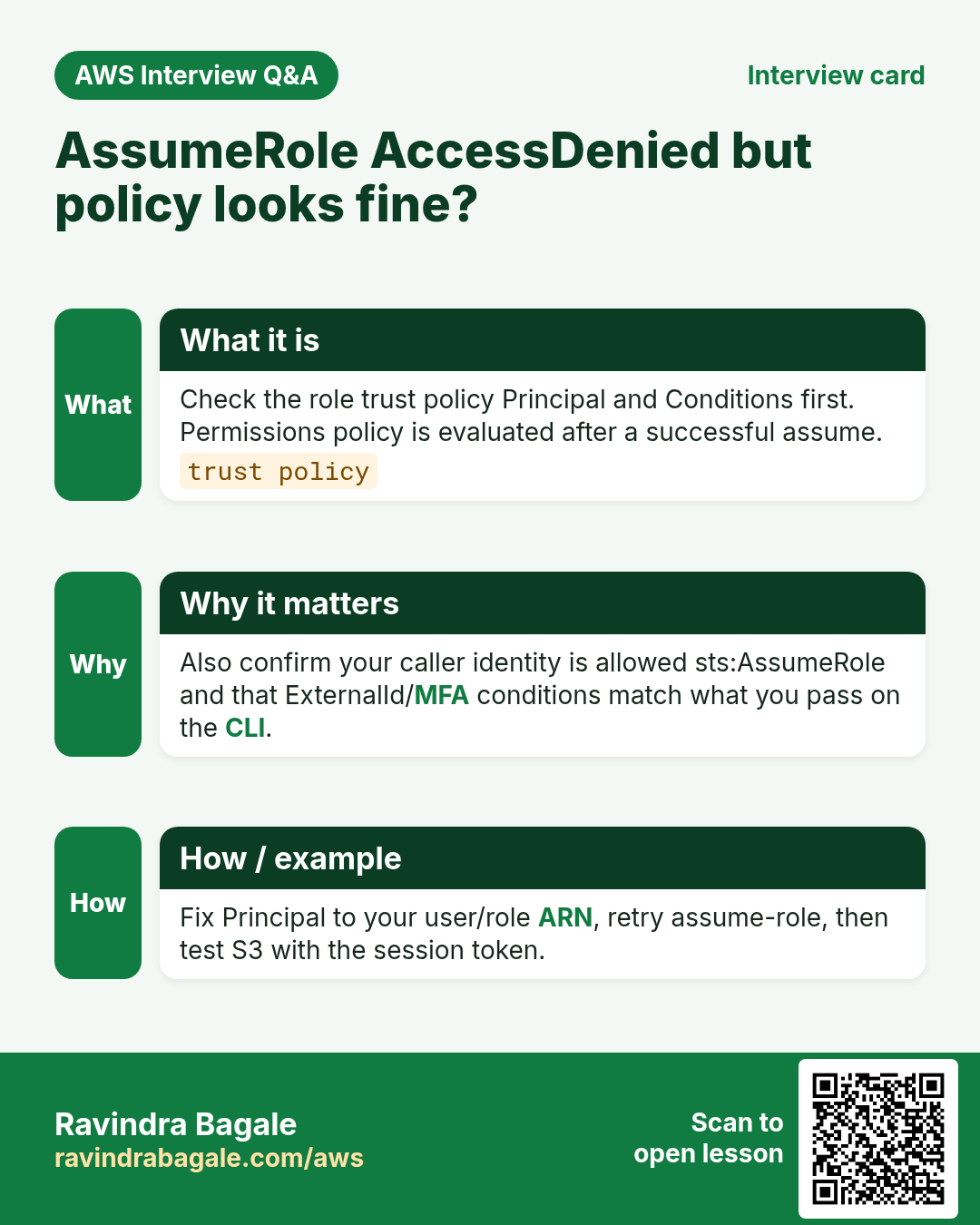
If AssumeRole fails with AccessDenied, check both sides: your user needs iam permission to assume, and the role trust Principal must match your ARN exactly.
Common errors: cause and safe next check
A previously working temporary session now fails
Compare its Expiration with the current time locally. Manually exported values do not renew themselves. Use a new authorized session through the approved source identity; never extend a leak window by replacing temporary access with a permanent admin key.
A requested long session is rejected
AssumeRole accepts at least 900 seconds and at most the role’s configured maximum. When one role assumes another, role chaining has a one-hour maximum even if the target role allows longer sessions. Check the caller type and requested duration rather than changing trust to everyone.
AssumeRole succeeded but S3 read is denied
Successful assumption proves that a session was issued, not that every S3 operation is allowed. Check the active role identity, exact object name and applicable permissions. A session policy can further restrict role permissions; adding it cannot grant rights missing from the role.
Practical questions and full answers
Will the original user’s wider rights follow me into this role?
No. Requests signed with the new role-session credentials use the role session’s effective permissions. The original identity is used to obtain that session, not as a second bundle of rights added to every S3 request.
Does an assumed-role ARN contain the secret key?
No. The ARN identifies the role session; it is not the secret access key or session token. Inspect it locally to confirm which role made the request, and keep all actual credential values out of screenshots and shared lab notes.
Does clearing exports in one terminal finish every session?
No. Removing those environment variables changes credential selection in that shell. Other shells or processes can still have their own credentials. It does not revoke an already issued session; keep local shell housekeeping separate from account-side incident handling.
2. Interview angles
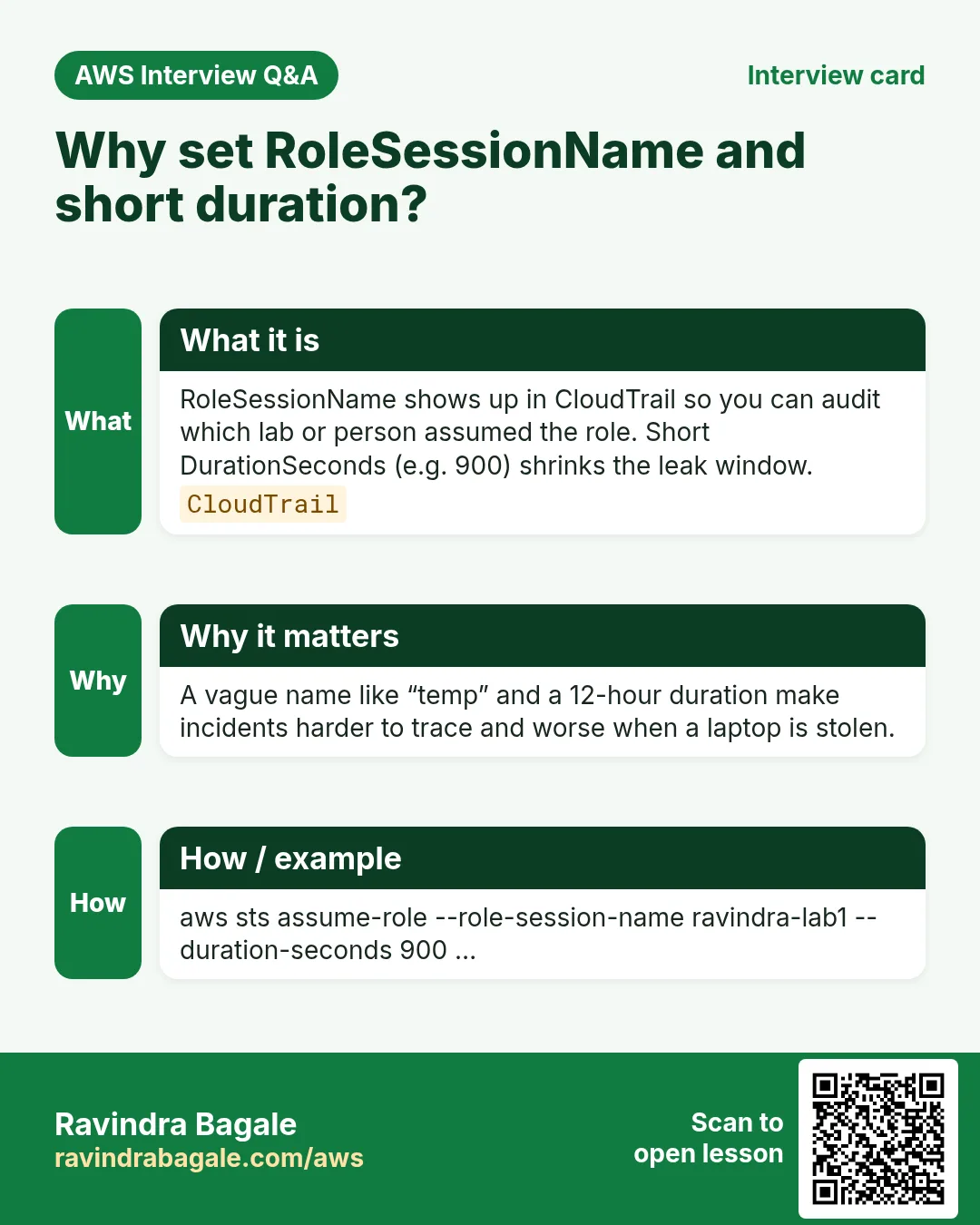
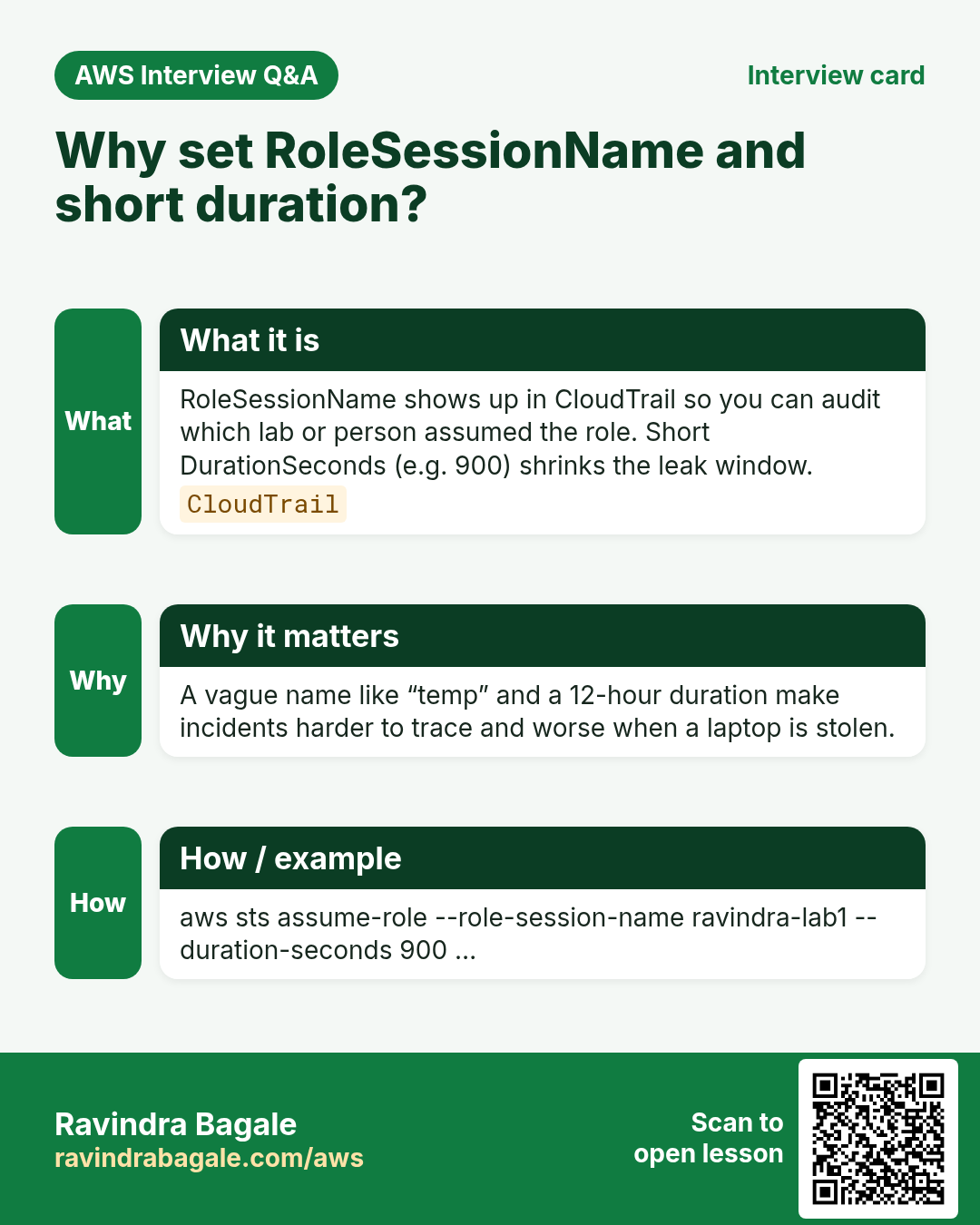
Q. Why RoleSessionName?
Shows up in CloudTrail for audit.
Q. Why DurationSeconds 900?
Short lab sessions reduce leak window.
Q. Missing SessionToken?
Calls fail — STS creds need all three.
Q. Trust Principal wrong?
AssumeRole AccessDenied even if permissions policy is perfect.
Try at home
- Add an ExternalId condition to trust and pass --external-id on AssumeRole.
- Next: Identity Center (SSO) for humans instead of long-lived users.
In short
- Create role with trust + tight permissions.
- AssumeRole → export three values → call APIs.
- Prove allow on lab bucket and deny elsewhere.
- Delete role, policy and bucket after the lab.
Keep the lab session isolated from your normal profile
First check caller identity with the source profile, then use named role/profile configuration or a short-lived child shell for the credentials. Check again after assuming and at cleanup. Keep credentials out of shell history, stdout captures and screenshots.
Interview check What if an explicit --profile still seems to select the wrong session?
Inspect credential source and caller identity, and clear stale environment exports in an isolated shell. A profile name by itself is not evidence of which credentials signed the last request.
Practise this chapter
Interview questions and answers
Why isn’t AssumeRole success enough to finish the lab?
It shows the caller can obtain a session, but it does not prove the session can read the lab object. I would verify the session ARN in a separate shell and check the expected allowed and denied objects under that exact identity.
Check your understanding
Choose an answer, then compare your reasoning with the explanation.
Practice Tasks
Practice checks run in your browser. They check the answer for this exercise; they do not create resources or connect to your AWS account.
About this scenarioJakarta Batik is a handicrafts business in Jakarta. Siti Rahmawati looks after its IT and cloud work. They count money in IDR and run their AWS resources in the ap-southeast-3 Region. In the tasks below you do real jobs for them using what this lesson teaches. All names, account IDs, IP addresses and numbers are made up for practice.
0 / 10
Easy Check who you are logged in as
Always confirm the account and identity before running changes.
Show the account ID and ARN of the identity your CLI is using.
- Read the task and decide which AWS service it is about.
- Write aws, then the service name, then the operation (the action word).
- Add each needed flag (--name) followed by its value from the task.
- Flags can be in any order. Click Check answer.
Easy How many addresses in a /16?
Picking a VPC size needs this count.
Jakarta Batik plans the VPC 10.115.0.0/16. How many IP addresses does it hold in total?
- Write down the numbers the task gives you.
- Work it out step by step on paper.
- Type only the final answer in the box.
- Click Check answer.
Medium Assume a role
AssumeRole gives you short-lived keys for another role, often in another account.
Assume role arn:aws:iam::129471578432:role/Auditor with session name siti-audit.
- Read the task and decide which AWS service it is about.
- Write aws, then the service name, then the operation (the action word).
- Add each needed flag (--name) followed by its value from the task.
- Flags can be in any order. Click Check answer.
Medium Decode an "access denied" message
Some errors come encoded; decoding shows exactly which policy blocked you.
Decode the authorization message stored in the shell variable $MSG.
- Read the task and decide which AWS service it is about.
- Write aws, then the service name, then the operation (the action word).
- Add each needed flag (--name) followed by its value from the task.
- Flags can be in any order. Click Check answer.
Medium Trust policy for an EC2 role
The trust policy says WHO may take the role.
Write a trust policy that lets ec2.amazonaws.com assume the role.
- Start with { "Version": "2012-10-17", "Statement": [ ... ] }.
- In each statement write Effect, Action and Resource.
- Give only what the task needs (least privilege).
- Use double quotes and commas correctly. Click Check answer.
Medium Trust policy for an ECS task role
The trust policy says WHO may take the role.
Write a trust policy that lets ecs-tasks.amazonaws.com assume the role.
- Start with { "Version": "2012-10-17", "Statement": [ ... ] }.
- In each statement write Effect, Action and Resource.
- Give only what the task needs (least privilege).
- Use double quotes and commas correctly. Click Check answer.
Medium Trust policy for a Lambda role
The trust policy says WHO may take the role.
Write a trust policy that lets lambda.amazonaws.com assume the role.
- Start with { "Version": "2012-10-17", "Statement": [ ... ] }.
- In each statement write Effect, Action and Resource.
- Give only what the task needs (least privilege).
- Use double quotes and commas correctly. Click Check answer.
Hard Let another account assume a role
Cross-account roles are safer than sharing access keys.
Write a trust policy that lets account 111122223333 assume this role.
- Start with { "Version": "2012-10-17", "Statement": [ ... ] }.
- In each statement write Effect, Action and Resource.
- Give only what the task needs (least privilege).
- Use double quotes and commas correctly. Click Check answer.
Hard Assume a role for 15 minutes
Shorter sessions lower the risk if keys leak.
Assume arn:aws:iam::129471578432:role/Deployer with session name deploy-job for 900 seconds.
- Read the task and decide which AWS service it is about.
- Write aws, then the service name, then the operation (the action word).
- Add each needed flag (--name) followed by its value from the task.
- Flags can be in any order. Click Check answer.
Hard Get a session token with MFA
Some actions need MFA. get-session-token returns keys that carry MFA proof.
Get a session token using MFA device arn:aws:iam::129471578432:mfa/siti and the code 123456.
- Read the task and decide which AWS service it is about.
- Write aws, then the service name, then the operation (the action word).
- Add each needed flag (--name) followed by its value from the task.
- Flags can be in any order. Click Check answer.
Revision, comparison and interview cards
Revise this lesson in a few minutes. Save the cards on your phone or download them as PNG files. The QR code on each card opens this lesson.
More cards: Ravi Sir's Cards.