Project: Build Upload Receipt Emails with S3, Lambda, SES and DynamoDB (Source Code)
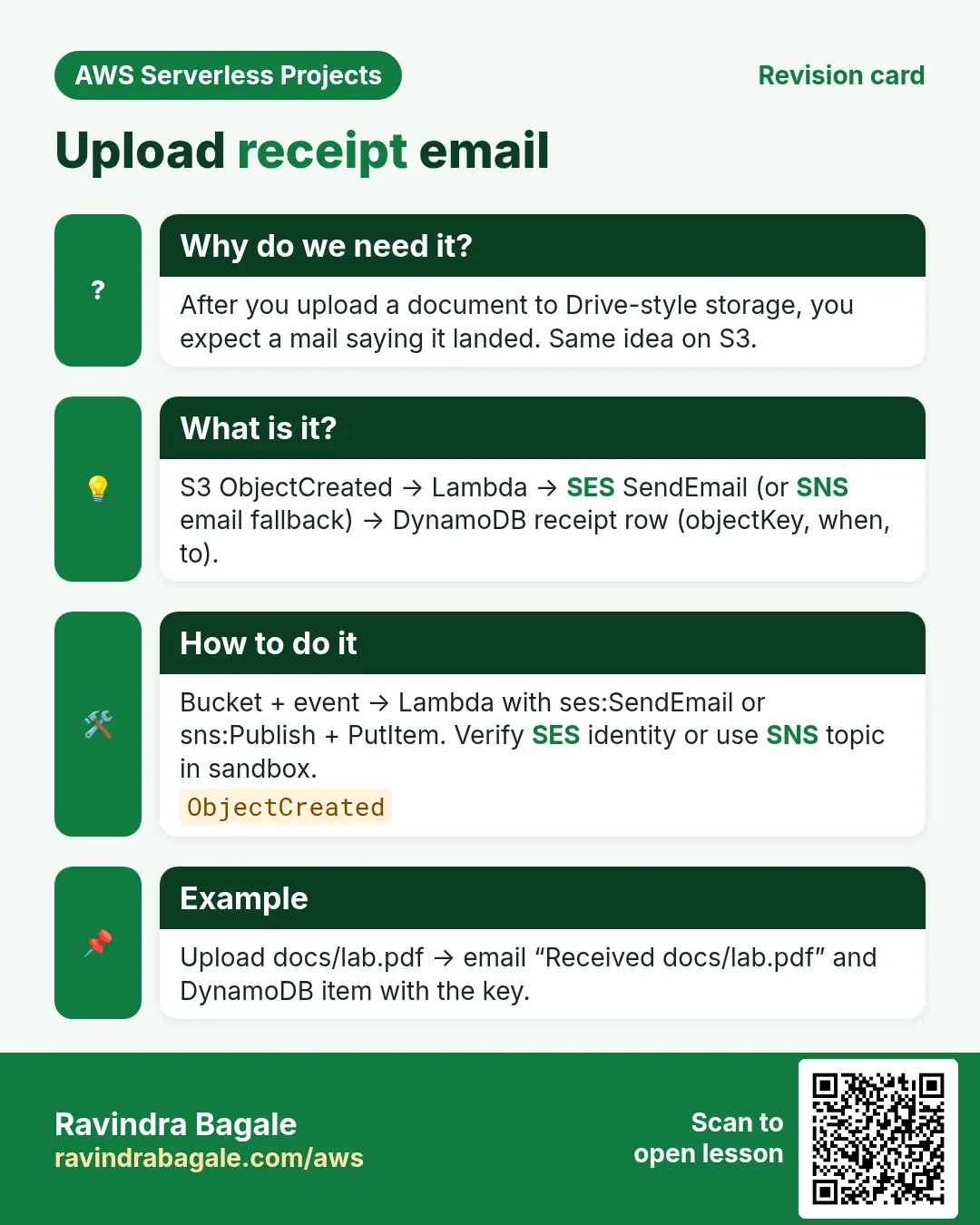
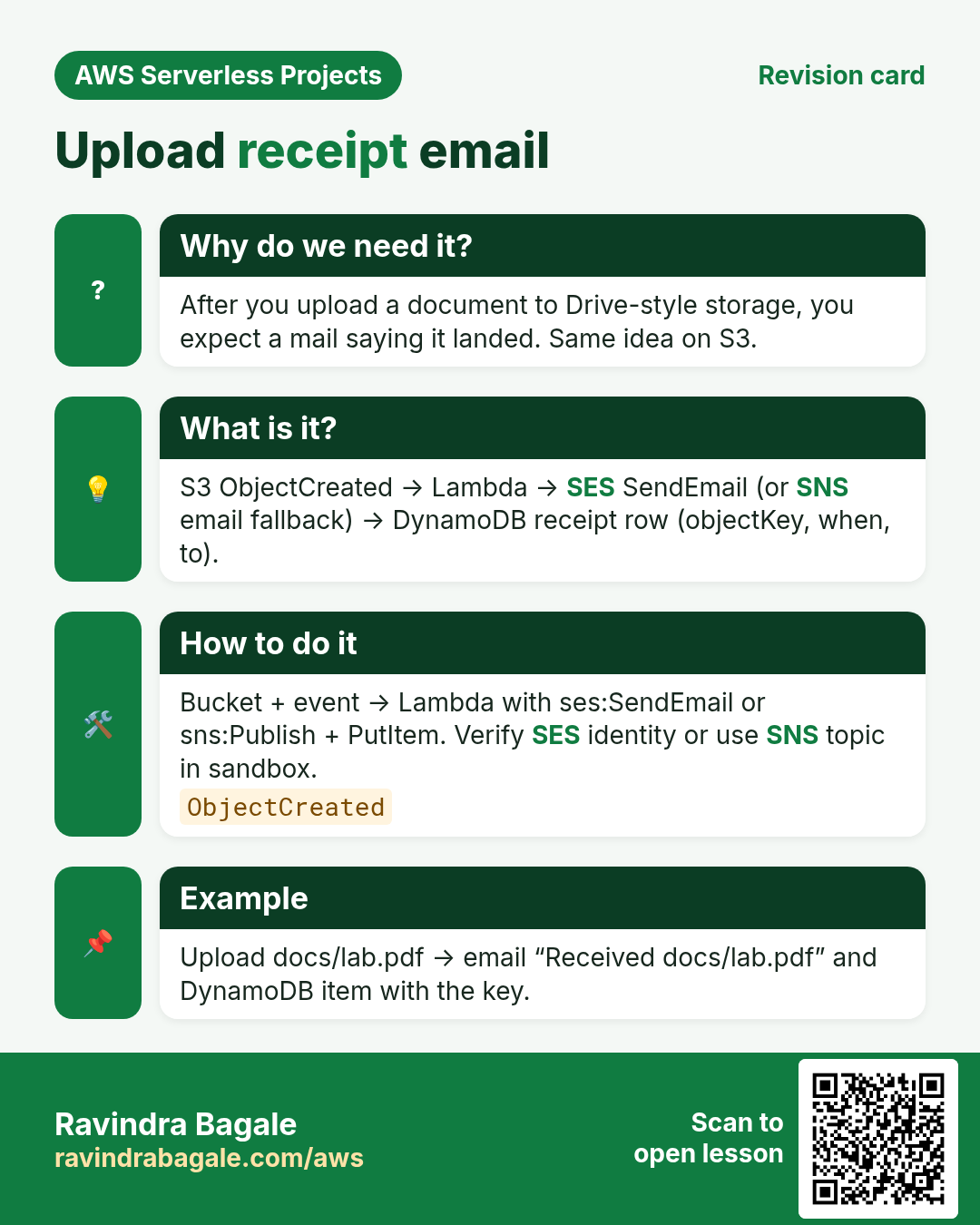
After you upload a document to Drive-style storage, you get a mail receipt. Here: S3 upload → Lambda → SES email (or SNS fallback) + DynamoDB receipt row. Watch the SES sandbox.
In this chapter
- S3 trigger receipt flow
- SES send with sandbox rules
- SNS fallback switch
- Cleanup
1. Everyday example
Students upload assignments. Teacher wants an email: file name + size + time — proof it landed.
ObjectCreated → Lambda reads event (no need to download body) → ses.send_email or sns.publish → PutItem receipt.
SES sandbox
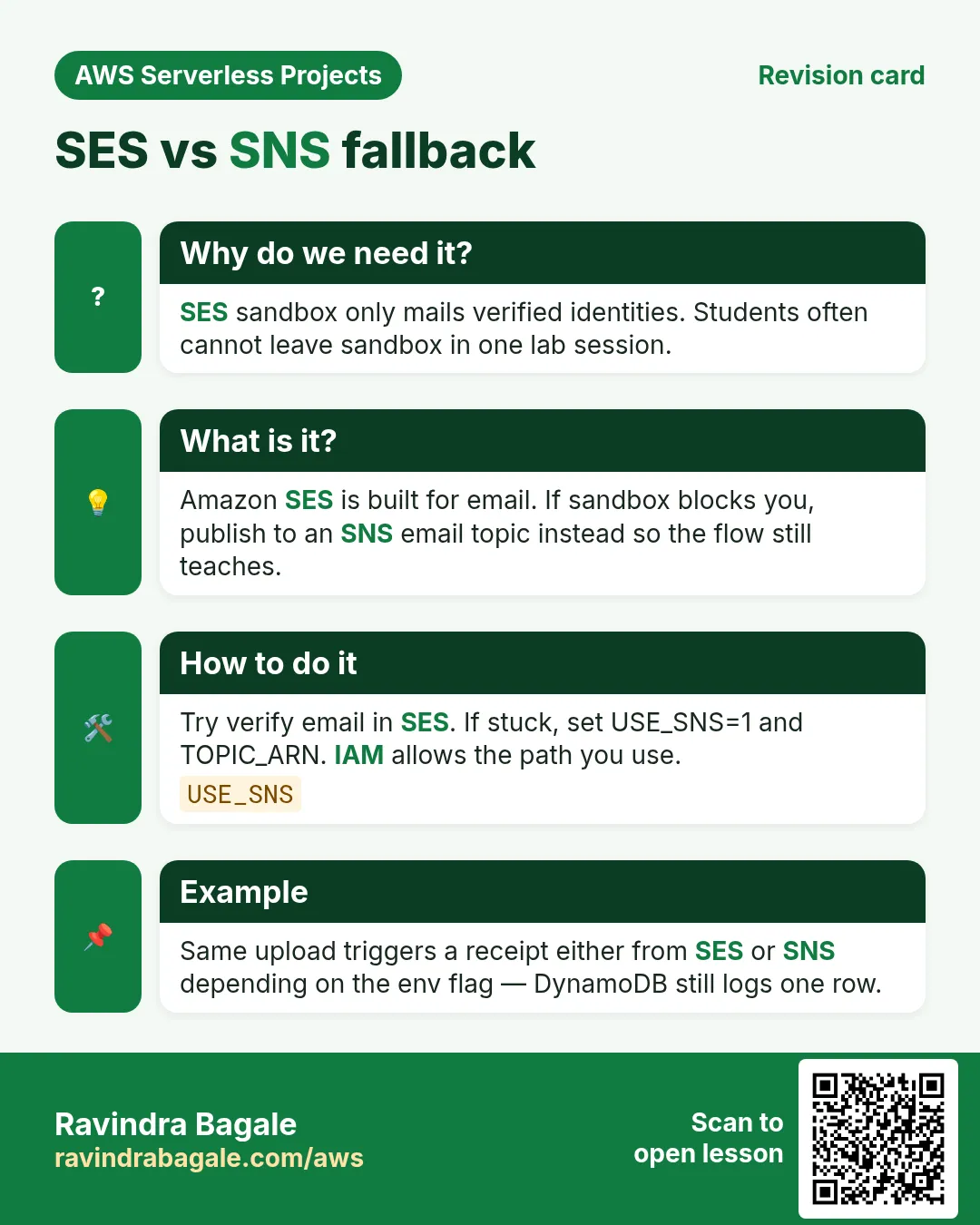
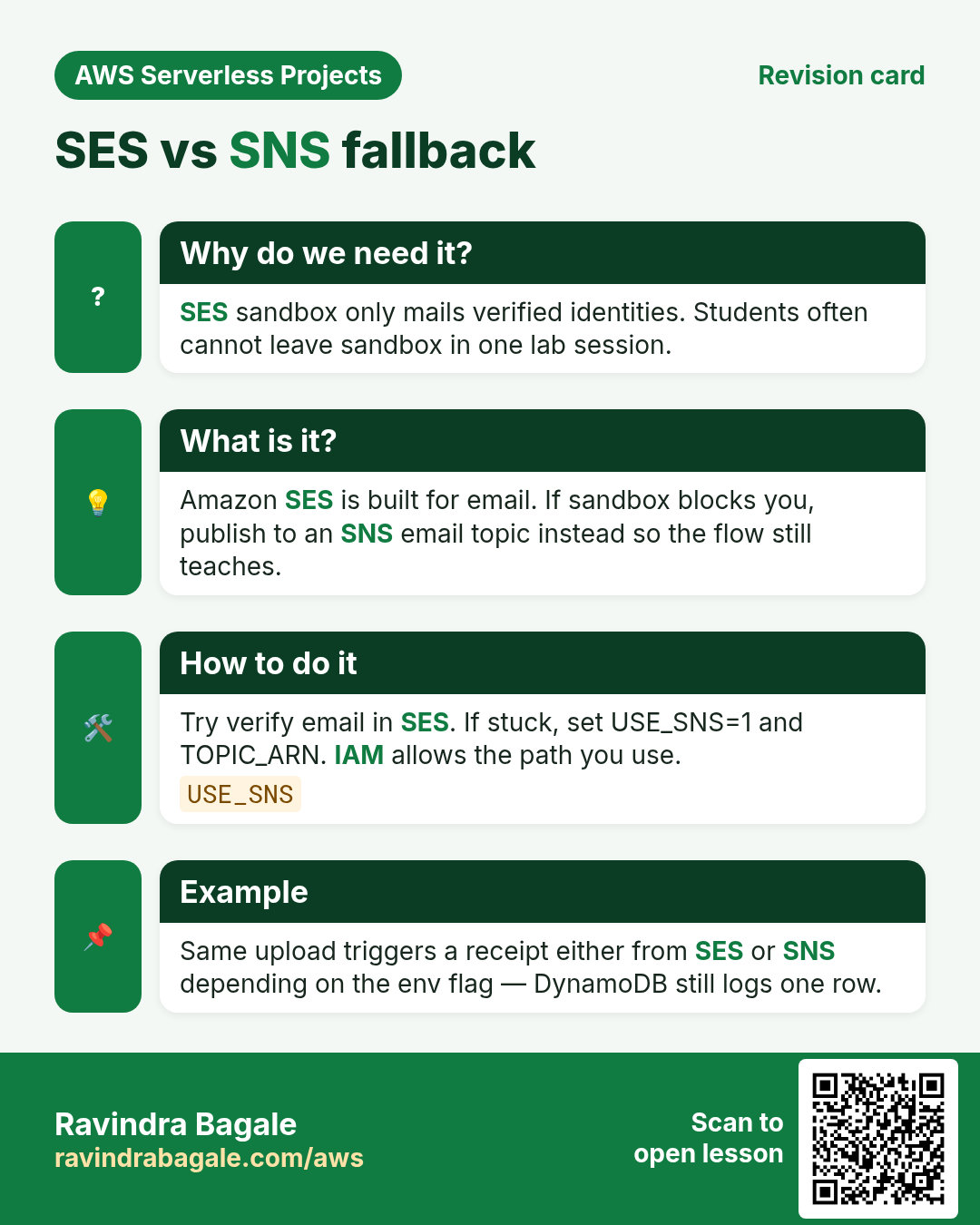
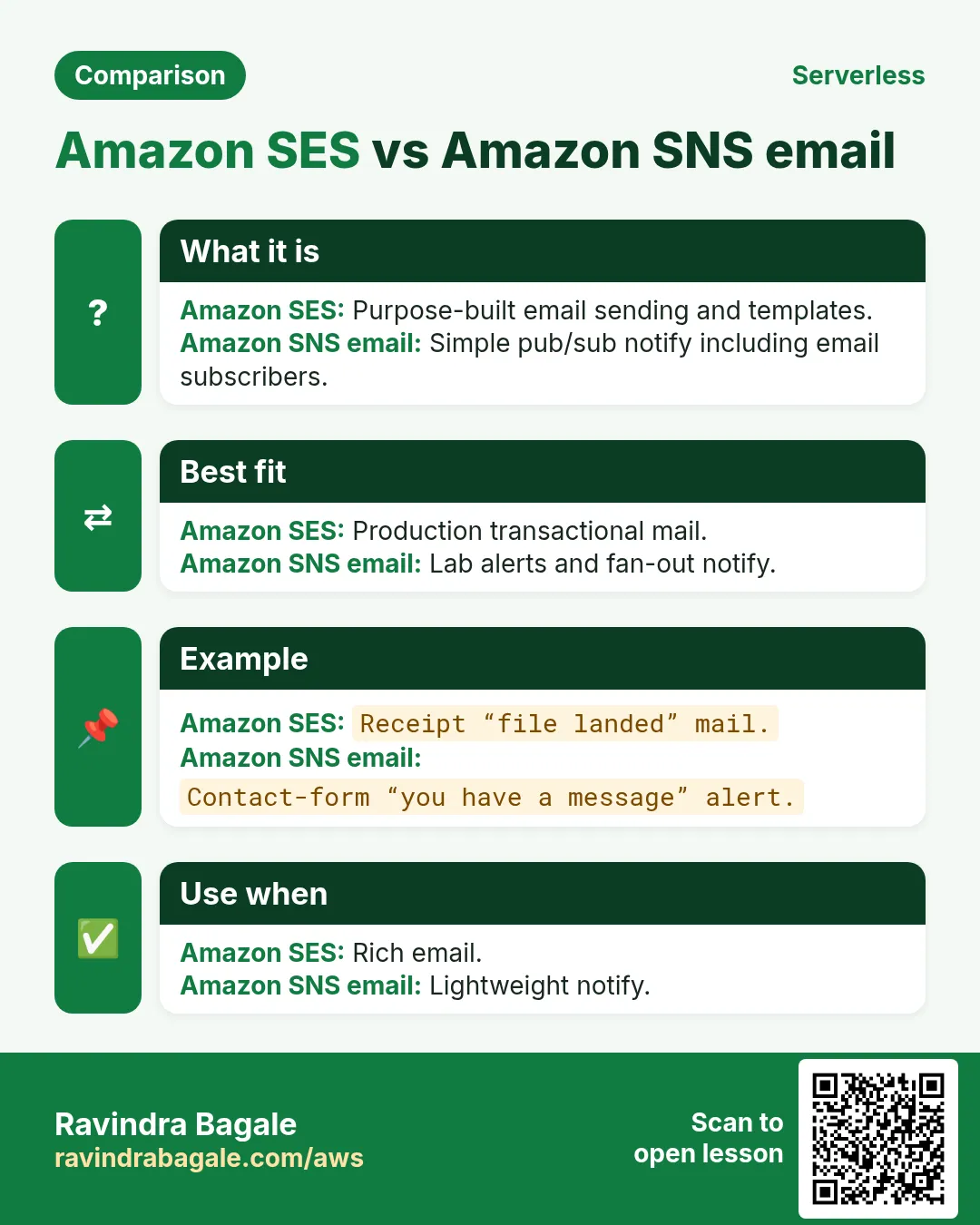
New accounts can mail only verified From and To identities. Verify both in SES (ap-south-1). If blocked, set USE_SNS=1 and a confirmed email topic.
Download: upload-receipt-email.zip
2. Lab
A. Bucket + table + mail
An S3 upload produces an event record with facts about the object, including the bucket, key and object size. The Lambda function is the recipient of that event. It can prepare a receipt from those facts without opening the file. Start with a synthetic assignment.txt so you can match the event, inbox message and DynamoDB receipt without exposing private file content.
SES is the email delivery service. In the sandbox, the account’s allowed sending setup is limited and applies in the Region where you use SES. Confirm sender and recipient identities in that Region for this lab. SNS email is a separate route with an already confirmed subscription. The configuration choice determines which service the starter calls.
- Bucket
yourname-uploads, BPA on. - Table
yourname-receipts, PKreceiptId. - SES: verify From and To emails (or prepare SNS topic fallback).
B. Lambda + trigger
Upload one dummy file and record its key. Check three separate outcomes: the private file appears in S3, a receipt with matching metadata appears in DynamoDB, and the expected message arrives. CloudWatch can show which branch the Lambda invocation attempted. A provider message ID means the provider accepted a request. The inbox check or a configured delivery event gives separate evidence of delivery.
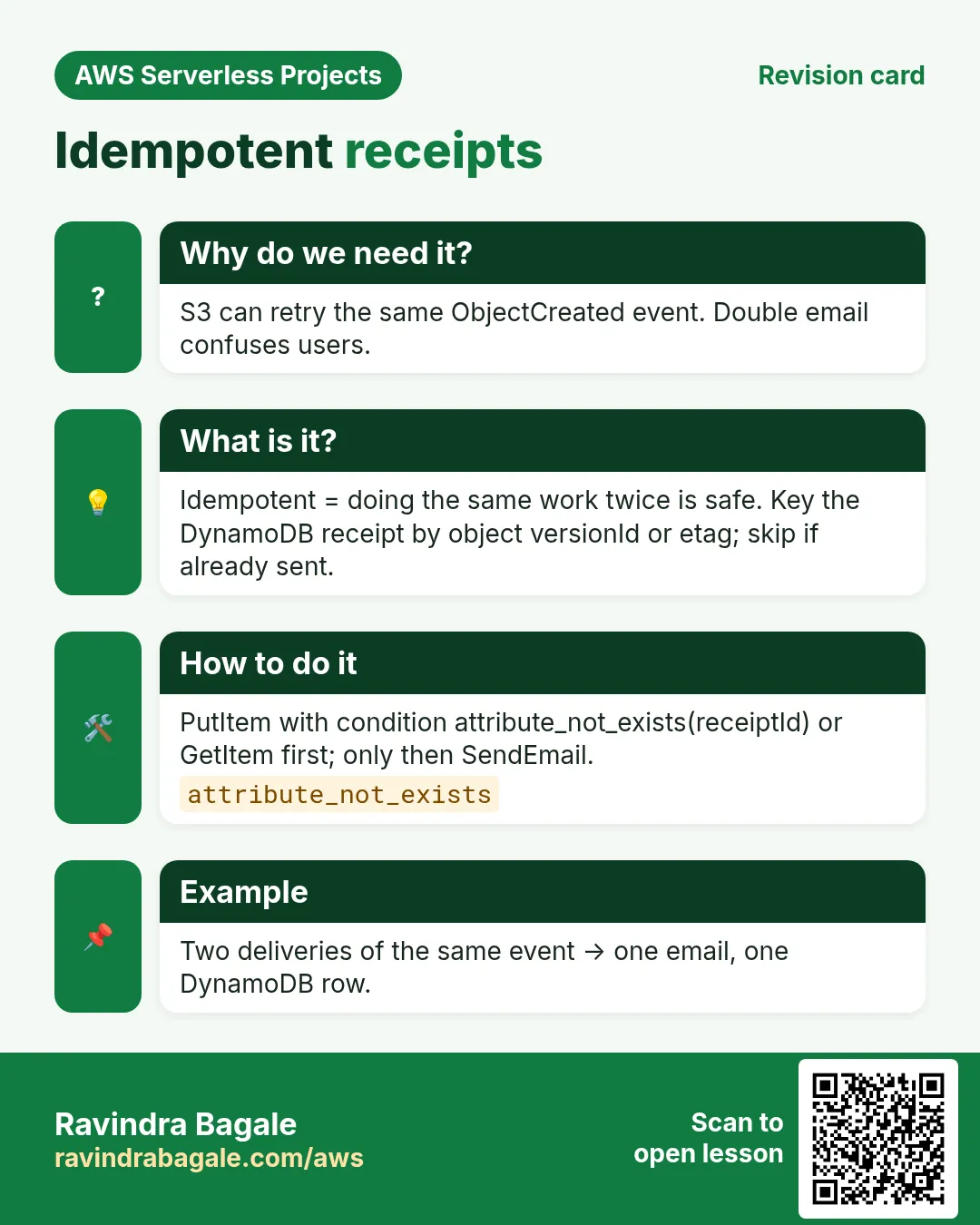
Consider a duplicate upload notification for the same event. If the first run sent the email and stopped before writing its receipt, the next run can send again. For a real service, first define a stable event identity and record explicit notification status. An application must handle the boundary between accepted email and saved data.
- Role: s3:GetObject (optional), ses:SendEmail, sns:Publish, PutItem, logs.
- handler.py env TABLE_NAME, FROM_EMAIL, TO_EMAIL. Or USE_SNS=1 + TOPIC_ARN.
- S3 event on create → Lambda. Upload a small file. Check mail + DynamoDB.
Cleanup
- Remove event, Lambda, bucket (empty first), table, role. Leave or delete SES identities.
- Delete SNS topic if used.
Common errors and fixes
These are synthetic practice situations. Diagnose the signal before changing a resource; no infrastructure changes are needed to read this guide.
Verified mail identities still produce a sandbox rejection.
SES verification and sandbox status are regional. Compare the Lambda SES client Region with the Region where From and To were verified. In the sandbox, recipients also need verification unless the mailbox simulator is used. Do not respond by sending to more addresses or requesting production access merely to complete a classroom exercise.
The email API succeeded but the inbox has no receipt.
A successful SES SendEmail response means SES accepted the message; it does not prove inbox delivery or that a person read it. Keep the provider message ID separate from application receipt status, and inspect delivery or bounce evidence. Do not label an accepted send as delivered just because the Lambda invocation ended successfully.
An upload generates another notification after a retry.
Sending email and writing a DynamoDB receipt are separate effects. A failure between them can cause a retry after the first email was already accepted. Track the object event identity and notification state deliberately; a database row alone cannot make an external email and database write atomic. Review the sequence before repeating a failed event.
Practical FAQ: decisions during real work
Does a receipt prove the assignment was graded?
No. The event proves a storage action occurred, and the application records or announces it. It does not inspect the assignment, verify its academic quality or prove that an email recipient opened the notice. Give statuses names that match what was actually observed, such as upload recorded and notification accepted.
Should the handler download every uploaded document?
Not for a receipt that only needs fields already supplied by the event, such as key and size. Avoid unnecessary body reads and never include private document contents in logs or email examples. If a later feature really examines content, treat that as a separate permission, privacy and processing requirement, not as a hidden part of this metadata-only exercise.
Is the SNS option an automatic rescue when SES fails?
The lab describes a configuration switch, not a transactional delivery guarantee. The selected branch needs its own topic configuration, confirmed subscription and permissions. An SES failure must not be silently relabelled as successful SNS delivery. Diagnose which branch actually ran, what it accepted and which durable receipt state was saved.
3. Interview
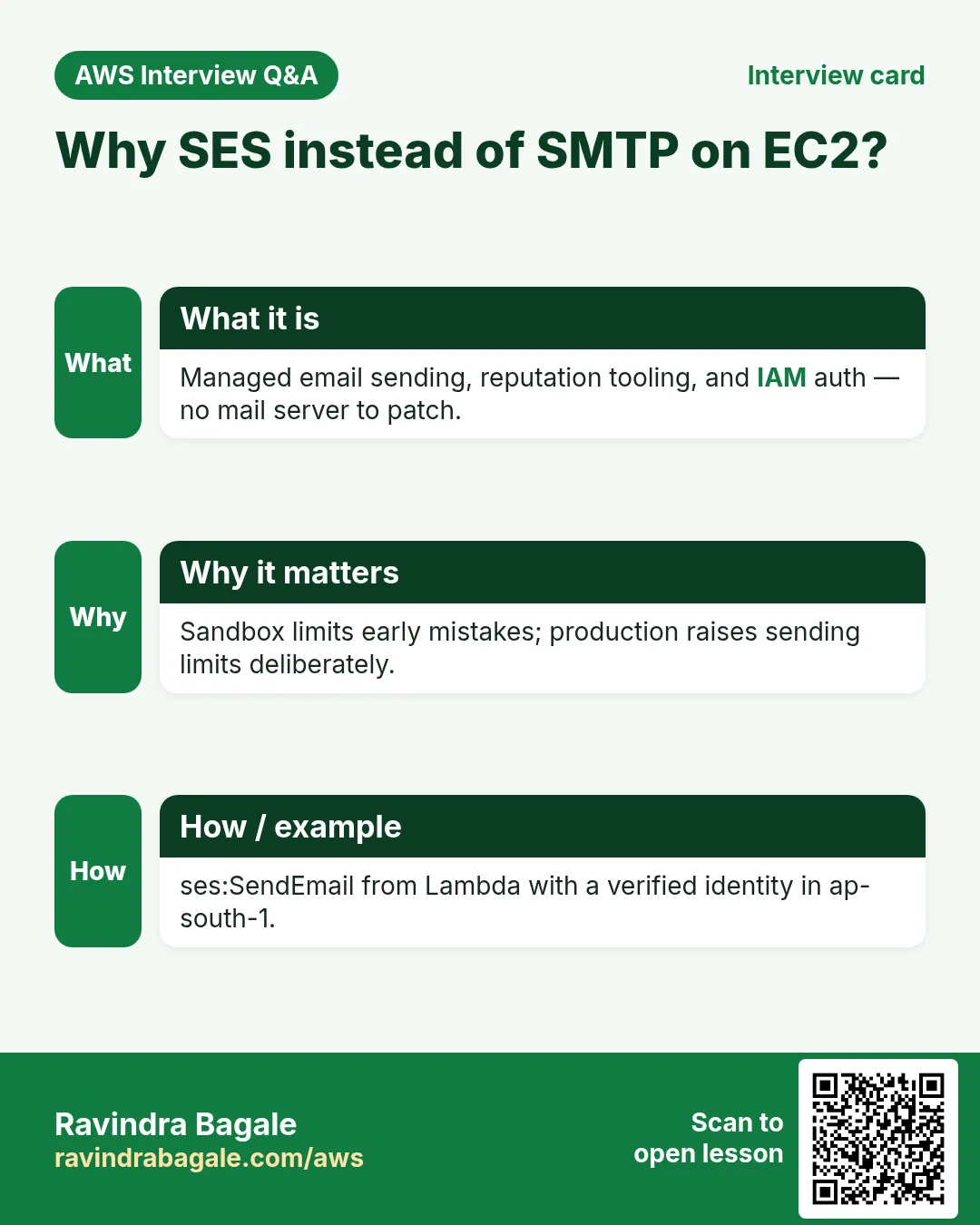
Q. Why SES over putting raw SMTP on EC2?
Managed deliverability, no server.
Q. Sandbox purpose?
Stops accidental spam from new accounts.
Q. SNS fallback?
Same notification habit when SES is blocked in class.
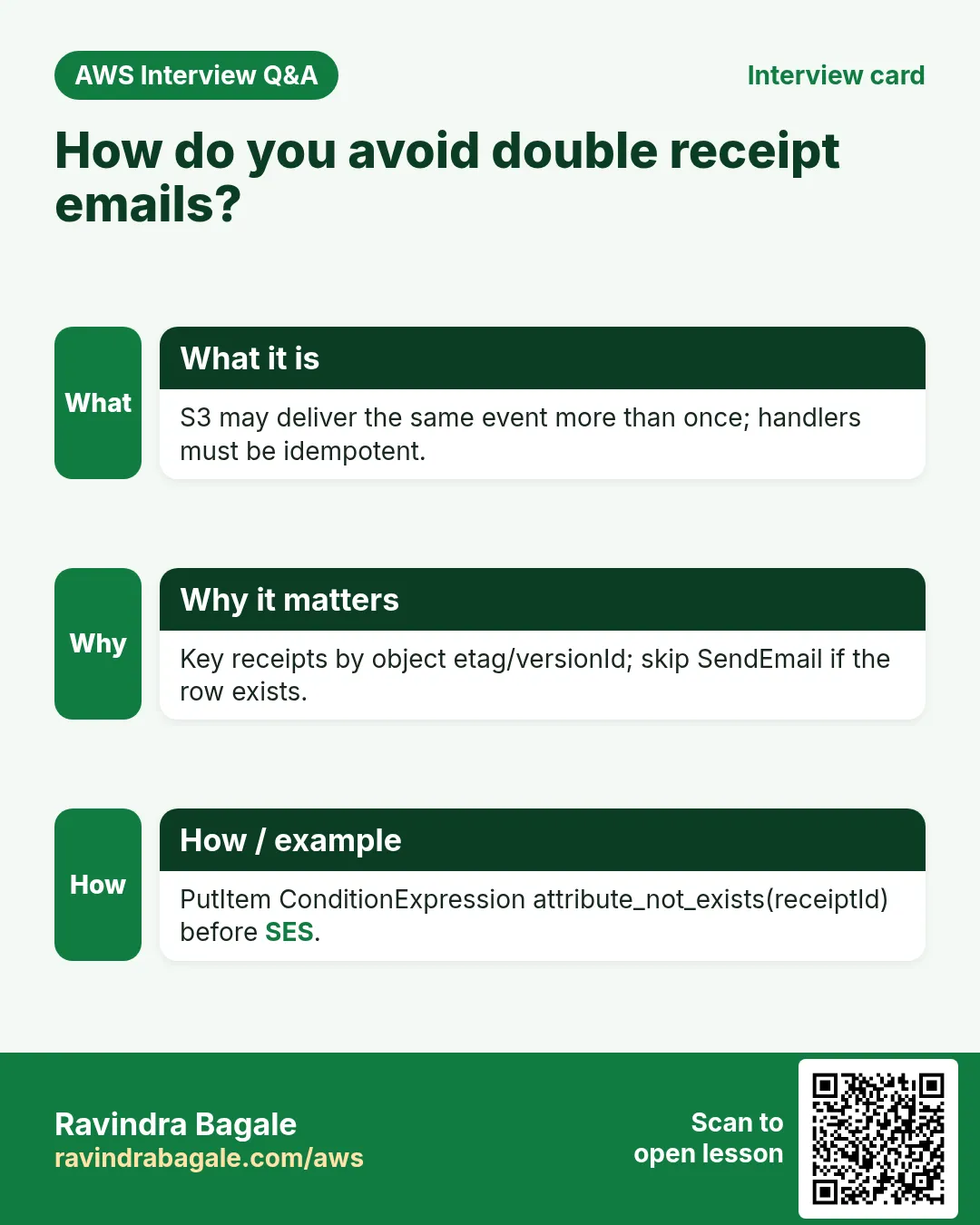
Q. Idempotency?
Same key re-upload may re-mail — version keys or dedupe tokens.
Q. Cleanup?
Event, Lambda, bucket, table.
Try at home
- Include object etag in the email body.
- Add CloudWatch alarm on Lambda errors.
In short
- S3 → Lambda → SES/SNS + DynamoDB.
- Respect SES sandbox.
- Receipts are audit rows.
- Clean up.
Test delivery, trace and retries independently
Use handler.lambda_handler and a private bucket with a disposable upload prefix. Upload one harmless file; confirm one expected receipt row and the email. If SES is in its sandbox, verify sender and recipient identities in the same Region, or use one confirmed SNS email subscriber. Clear object versions before deleting a versioned lab bucket.
Interview check Why can an upload send duplicate receipts?
S3 event delivery is at least once, and the starter creates a new receipt ID after sending. A durable event identity and deduplicating notification workflow are needed before a real deployment. Retrying the identical synthetic event makes the difference visible.
Practise this chapter
Interview questions and answers
How would you tell which part of an upload receipt failed?
I would save the harmless object key and check that S3 stored it, then check whether a Lambda invocation recorded the intended notification attempt. I would compare the saved receipt and a delivery signal independently. The file, table write and notification all have different evidence.
Check your understanding
Choose an answer, then compare your reasoning with the explanation.
Practice Tasks
Practice checks run in your browser. They check the answer for this exercise; they do not create resources or connect to your AWS account.
About this scenarioLondon Legal LLP is a law business in London. Oliver Hughes looks after its IT and cloud work. They count money in GBP and run their AWS resources in the eu-west-2 Region. In the tasks below you do real jobs for them using what this lesson teaches. All names, account IDs, IP addresses and numbers are made up for practice.
0 / 12
Easy List functions
See which functions exist in this Region.
List the Lambda functions in eu-west-2.
- Read the task and decide which AWS service it is about.
- Write aws, then the service name, then the operation (the action word).
- Add each needed flag (--name) followed by its value from the task.
- Flags can be in any order. Click Check answer.
Medium Invoke a function
Invoke runs the function now and saves its answer in a file.
Invoke londonlegal-orders-fn and save the response to out.json.
- Read the task and decide which AWS service it is about.
- Write aws, then the service name, then the operation (the action word).
- Add each needed flag (--name) followed by its value from the task.
- Flags can be in any order. Click Check answer.
Medium Trust policy for a Lambda role
The trust policy says WHO may take the role.
Write a trust policy that lets lambda.amazonaws.com assume the role.
- Start with { "Version": "2012-10-17", "Statement": [ ... ] }.
- In each statement write Effect, Action and Resource.
- Give only what the task needs (least privilege).
- Use double quotes and commas correctly. Click Check answer.
Medium Put an item
DynamoDB JSON shows the type of each value: S for string, N for number.
Put an item into londonlegal-orders with orderId "o-101" (string) and amount 2500 (number).
- Read the task and decide which AWS service it is about.
- Write aws, then the service name, then the operation (the action word).
- Add each needed flag (--name) followed by its value from the task.
- Flags can be in any order. Click Check answer.
Medium Change timeout and memory
More memory also gives more CPU; timeout stops runaway runs.
Set londonlegal-orders-fn to timeout 30 seconds and memory 512 MB.
- Read the task and decide which AWS service it is about.
- Write aws, then the service name, then the operation (the action word).
- Add each needed flag (--name) followed by its value from the task.
- Flags can be in any order. Click Check answer.
Medium Let a function write logs
Without these actions, Lambda logs never appear in CloudWatch.
Allow logs:CreateLogGroup, logs:CreateLogStream, logs:PutLogEvents on arn:aws:logs:*:*:* only.
- Start with { "Version": "2012-10-17", "Statement": [ ... ] }.
- In each statement write Effect, Action and Resource.
- Give only what the task needs (least privilege).
- Use double quotes and commas correctly. Click Check answer.
Hard Create a Lambda function
Lambda needs the code zip, a runtime, a handler name and an execution role.
Create function londonlegal-orders-fn: runtime python3.12, handler app.handler, role arn:aws:iam::114543297314:role/lambda-basic, code in function.zip.
- Read the task and decide which AWS service it is about.
- Write aws, then the service name, then the operation (the action word).
- Add each needed flag (--name) followed by its value from the task.
- Flags can be in any order. Click Check answer.
Hard Set environment variables
Keep settings like table names out of the code.
Set the environment variable TABLE=londonlegal-orders on londonlegal-orders-fn.
- Read the task and decide which AWS service it is about.
- Write aws, then the service name, then the operation (the action word).
- Add each needed flag (--name) followed by its value from the task.
- Flags can be in any order. Click Check answer.
Hard Invoke with a JSON payload
In CLI v2, raw JSON needs --cli-binary-format raw-in-base64-out.
Invoke londonlegal-orders-fn with payload {"orderId":"o-101"} (raw JSON) and save the reply in out.json.
- Read the task and decide which AWS service it is about.
- Write aws, then the service name, then the operation (the action word).
- Add each needed flag (--name) followed by its value from the task.
- Flags can be in any order. Click Check answer.
Hard Lambda GB-seconds
Lambda bills memory × time.
1,000,000 invocations, 512 MB memory, 200 ms each. How many GB-seconds?
- Write down the numbers the task gives you.
- Work it out step by step on paper.
- Type only the final answer in the box.
- Click Check answer.
Hard Connect an SQS queue to Lambda
An event source mapping makes Lambda poll the queue and process messages in batches.
Create an event source mapping from queue arn:aws:sqs:eu-west-2:114543297314:londonlegal-orders to londonlegal-orders-fn with batch size 10.
- Read the task and decide which AWS service it is about.
- Write aws, then the service name, then the operation (the action word).
- Add each needed flag (--name) followed by its value from the task.
- Flags can be in any order. Click Check answer.
Hard Let S3 call your function
A resource-based permission is needed before S3 can invoke the function.
Add permission statement s3invoke to londonlegal-orders-fn so s3.amazonaws.com can call lambda:InvokeFunction from bucket arn:aws:s3:::londonlegal-uploads.
- Read the task and decide which AWS service it is about.
- Write aws, then the service name, then the operation (the action word).
- Add each needed flag (--name) followed by its value from the task.
- Flags can be in any order. Click Check answer.
Revision, comparison and interview cards
Revise this lesson in a few minutes. Save the cards on your phone or download them as PNG files. The QR code on each card opens this lesson.
More cards: Ravi Sir's Cards.