Ravi Sir's Cards › AWS
Upload receipt email
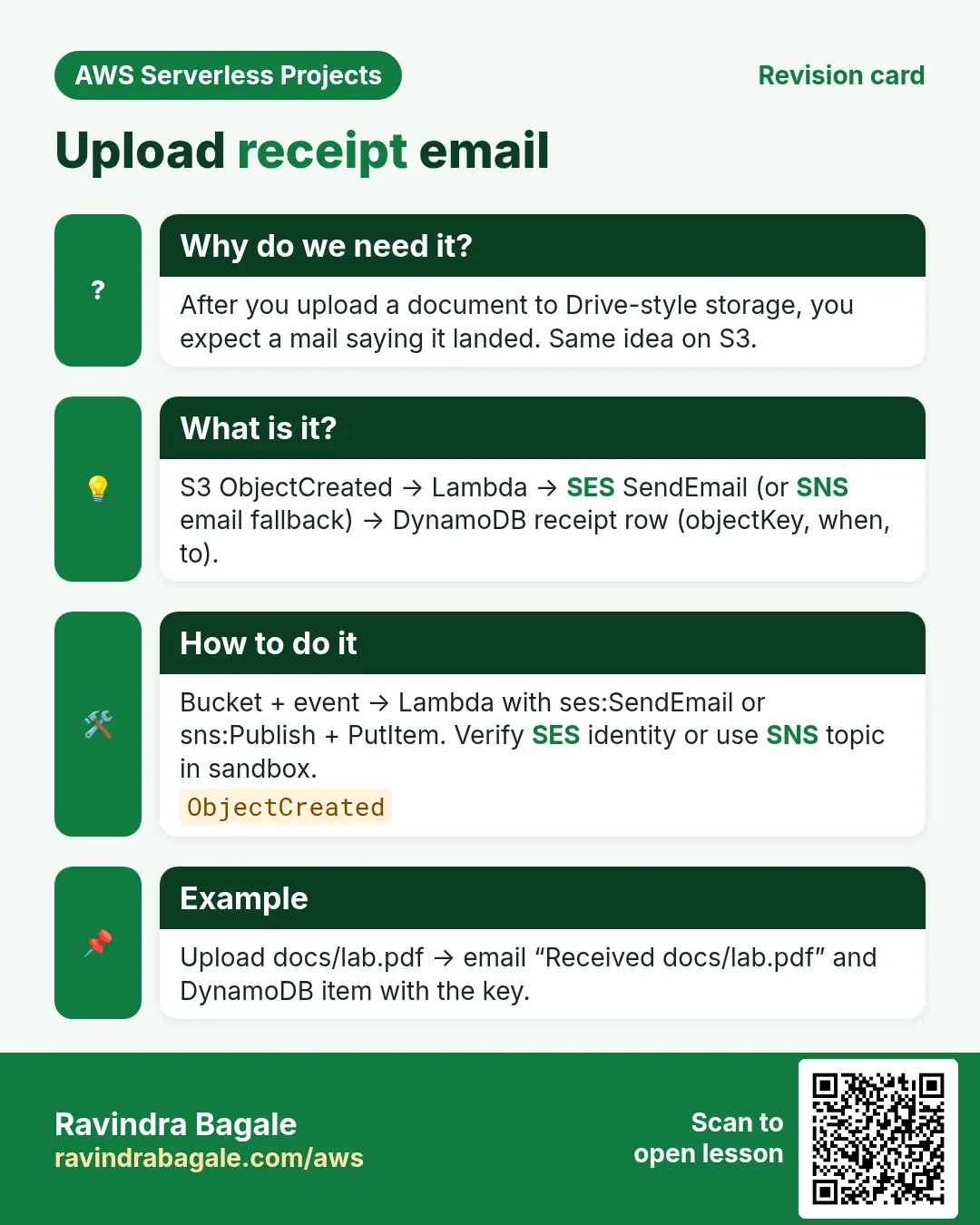
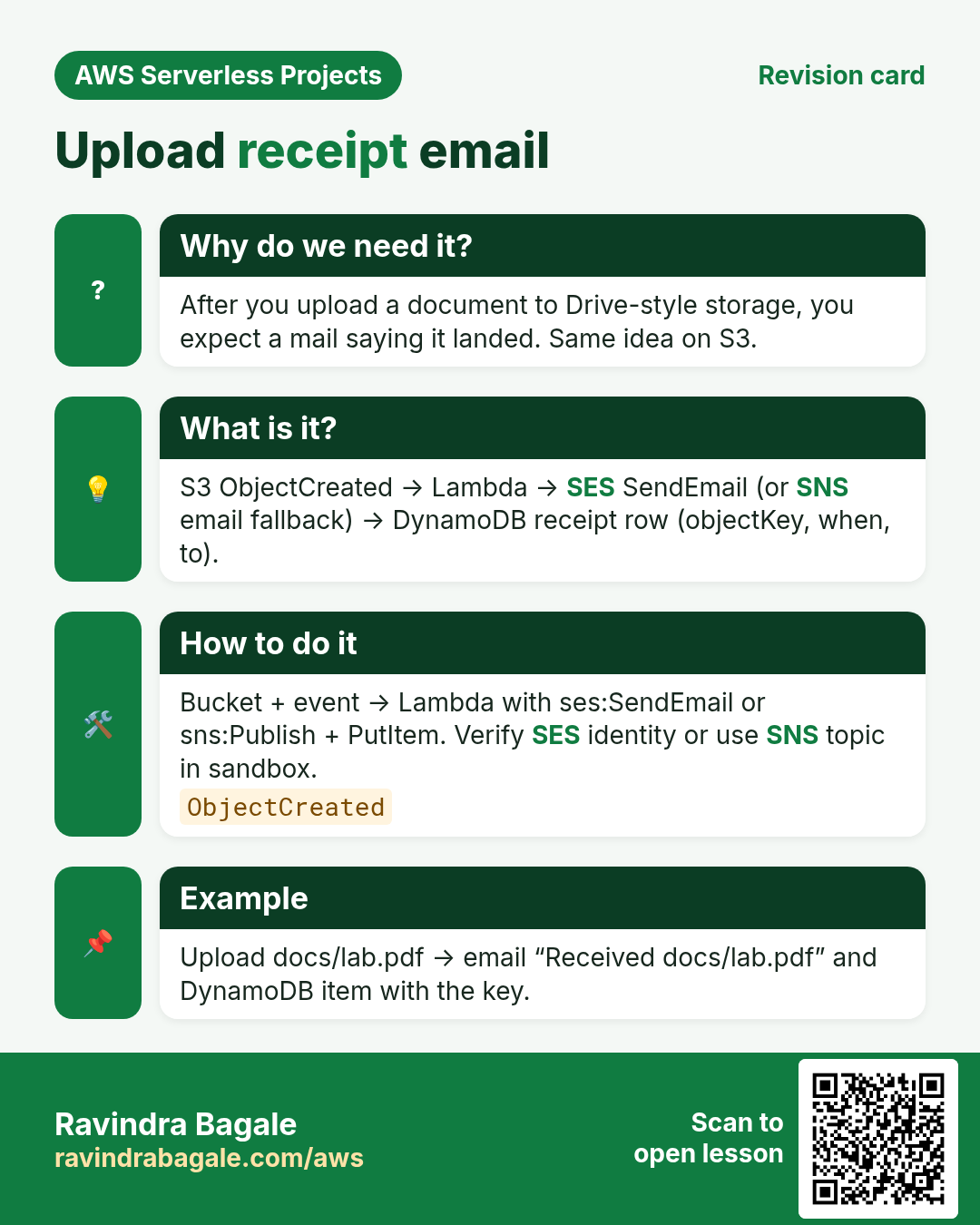
This revision card explains Upload receipt email. It starts from the need that after you upload a document to Drive-style storage, you expect a mail saying it landed. Same idea on S3. It describes S3 ObjectCreated , then Lambda , then SES SendEmail (or SNS email fallback) , then DynamoDB receipt row (objectKey, when, to). The how-to section notes bucket + event , then Lambda with ses:SendEmail or sns:Publish + PutItem. Verify SES identity or use SNS topic in sandbox. An example on the card is upload docs/lab.pdf , then email “Received docs/lab.pdf” and DynamoDB item with the key.
Read card text
What this card says
Why do we need it?
After you upload a document to Drive-style storage, you expect a mail saying it landed. Same idea on S3.
What is it?
S3 ObjectCreated → Lambda → SES SendEmail (or SNS email fallback) → DynamoDB receipt row (objectKey, when, to).
How to do it
Bucket + event → Lambda with ses:SendEmail or sns:Publish + PutItem. Verify SES identity or use SNS topic in sandbox.
ObjectCreated
Example
Upload docs/lab.pdf → email “Received docs/lab.pdf” and DynamoDB item with the key.