What Is Linux? Kernel, Shell, Distributions and Userland Explained for Beginners
Think of a car. You touch the steering wheel and pedals. You never touch the engine directly. Linux works the same way. You type into a shell. The shell asks the kernel. The kernel drives the hardware. In this chapter we open the bonnet and see every part.
In this chapter
- What Linux is and why most servers run it
- The kernel, the shell and userland, and how they talk
- What a distribution is: Ubuntu, Debian, RHEL, Amazon Linux, Alpine
- How to check your distro, kernel version and shell
- Package managers: apt, dnf, yum, apk
- Users, root and sudo at a first level
1. An everyday example: a restaurant kitchen
At a restaurant in Pune, you give your order to the waiter. The waiter tells the chef. The chef uses the stove and knives. You never walk into the kitchen. If every customer cooked for themselves, the kitchen would be chaos.
You are the user. The waiter is the shell. The chef is the kernel. The stove and knives are the hardware (CPU, RAM, disk, network). The menu, plates and cutlery are userland: the programs and tools you use every day.
2. What is Linux?
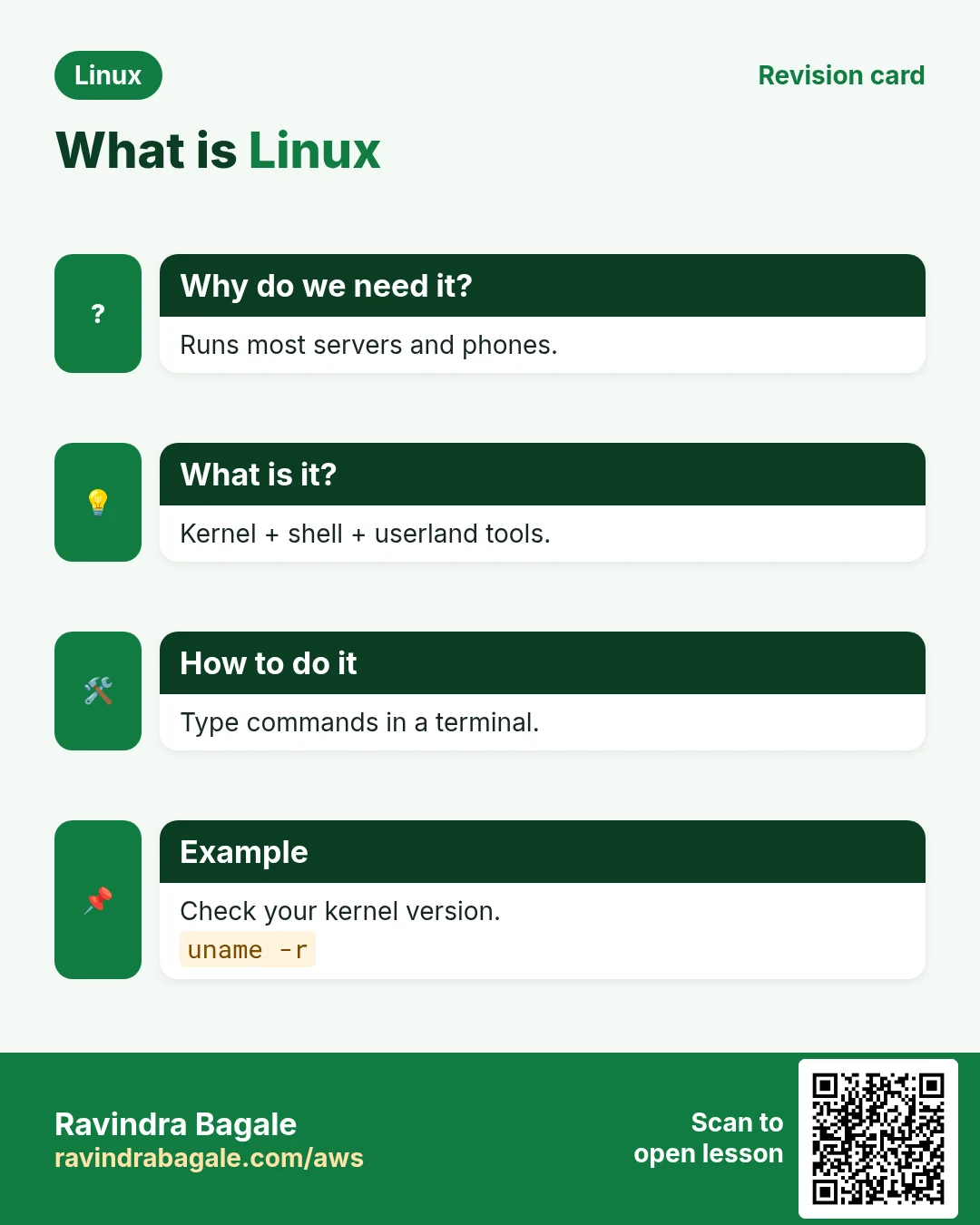
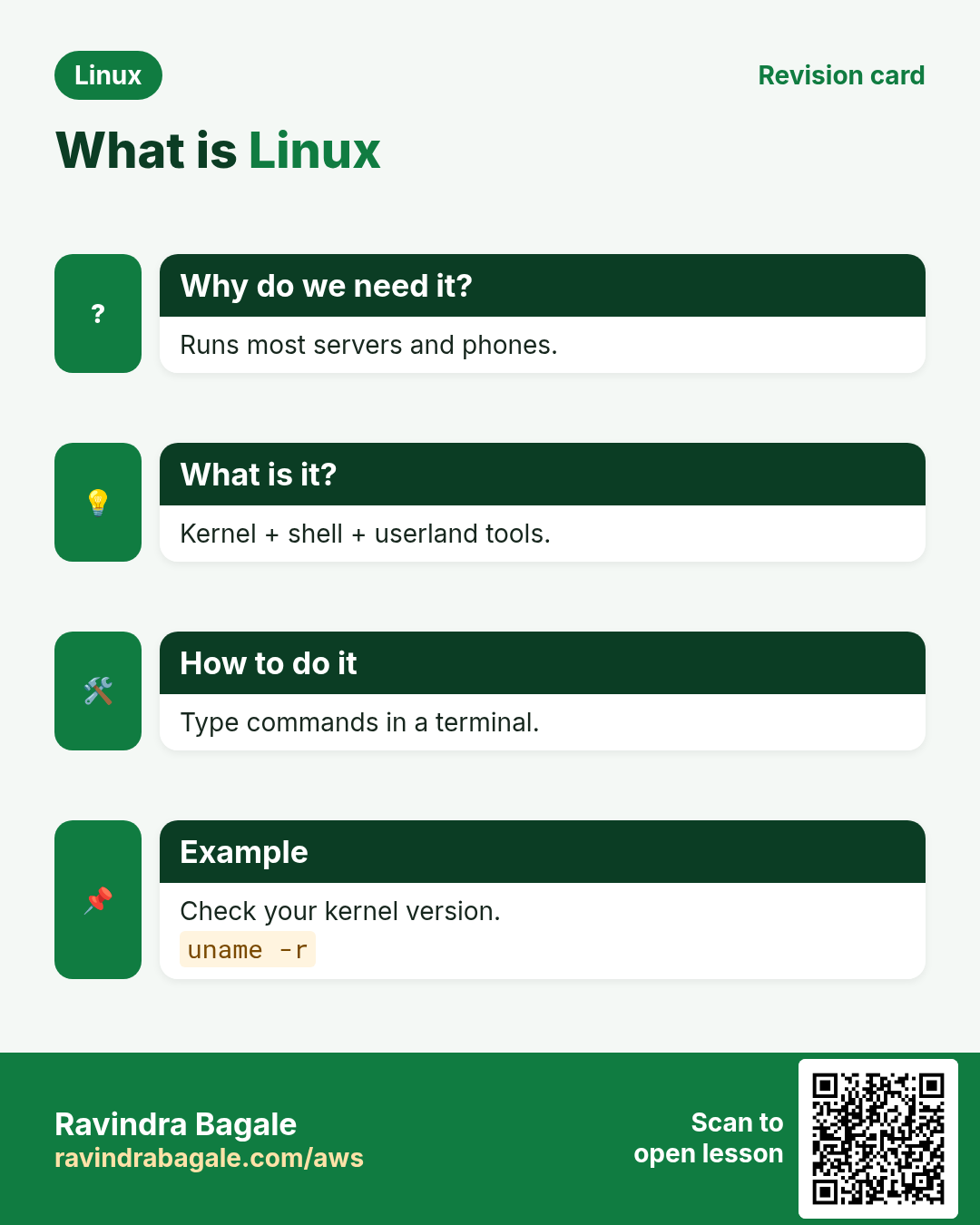
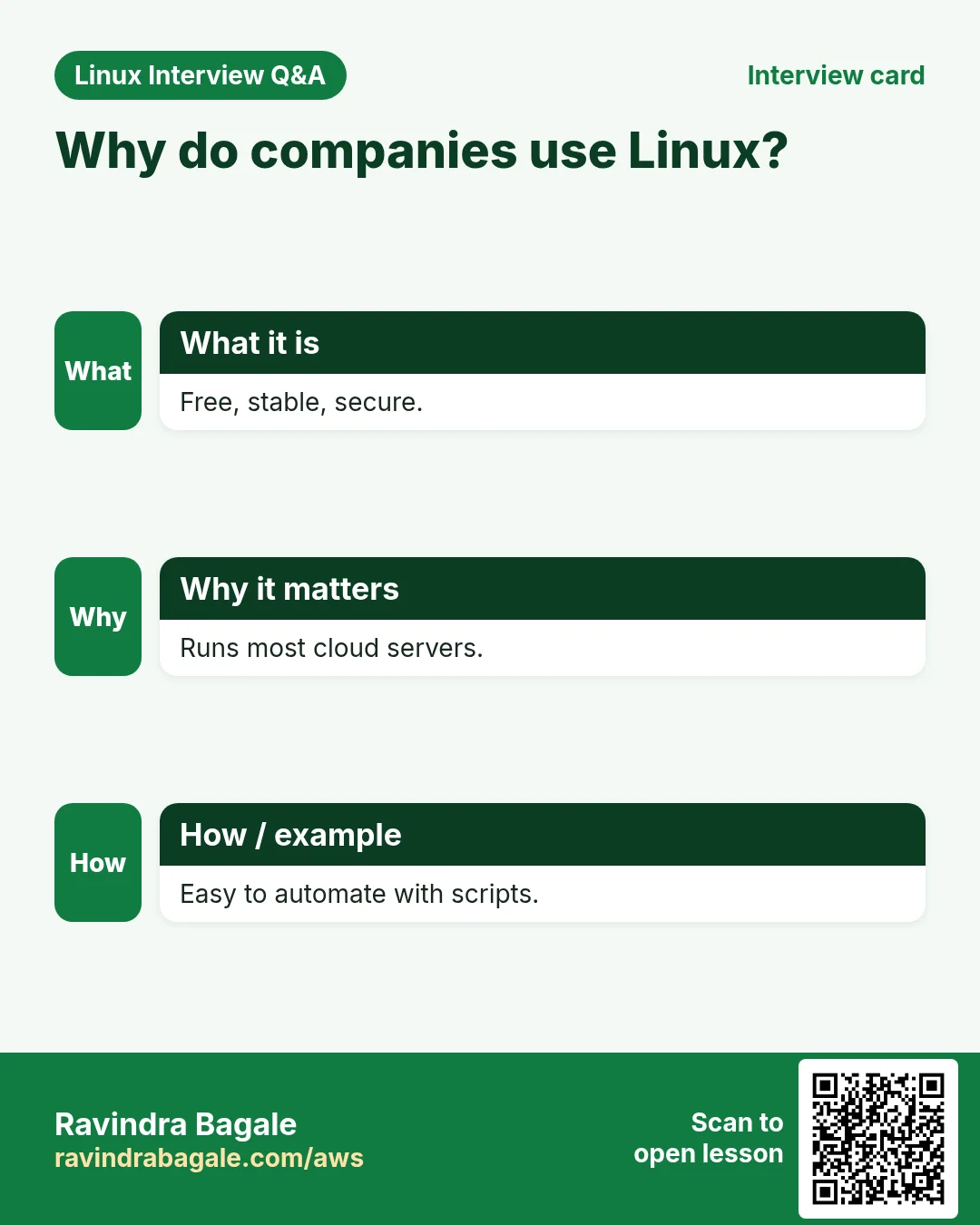
Over 90% of cloud servers, all top 500 supercomputers and every Android phone run Linux. If you work in IT, DevOps, cloud, data or security, you will use it every day.
Linux is a free, open-source operating system kernel. Linus Torvalds started it in 1991. People add tools around the kernel and call the whole thing a Linux system. It is multi-user and multi-tasking.
| Feature | Linux | Windows |
|---|---|---|
| Cost | Free | Paid licence |
| Source code | Open | Closed |
| Servers | Most cloud servers | Some servers |
| Main control | Shell (CLI) | GUI first |
- Check that you are on Linux. Run uname.
unameOutput:
LinuxThe kernel name is Linux.
- See all kernel details with -a.
uname -aOutput:
Linux web01 6.1.0-18-amd64 #1 SMP Debian 6.1.76-1 x86_64 GNU/LinuxHost name web01, kernel 6.1, 64-bit CPU (x86_64).
- See how long the machine has been up.
uptimeOutput:
10:42:01 up 12 days, 3:10, 2 users, load average: 0.15, 0.10, 0.05Running for 12 days. 2 users logged in. Load is low.
3. The kernel: the heart of Linux
Follow a familiar action, opening a file. You type a command in a shell, the program asks the operating system to open the path, and the kernel checks permission and talks to the storage driver. The shell parses what you typed. The program and the shell run in user space. The kernel is the part with direct control over such shared resources as processes, memory and devices.
On a practice server, inspect uname -r and cat /etc/os-release. The first tells you the running kernel release. The second usually identifies the distribution, which packages the kernel together with a user-space environment, utilities and a package manager. Together they explain why two Linux servers can share familiar commands but install software with different tools. Use the distribution result to choose the appropriate package command.
Programs must not fight over the CPU, RAM or disk. Someone must share them fairly and safely. That job belongs to the kernel.
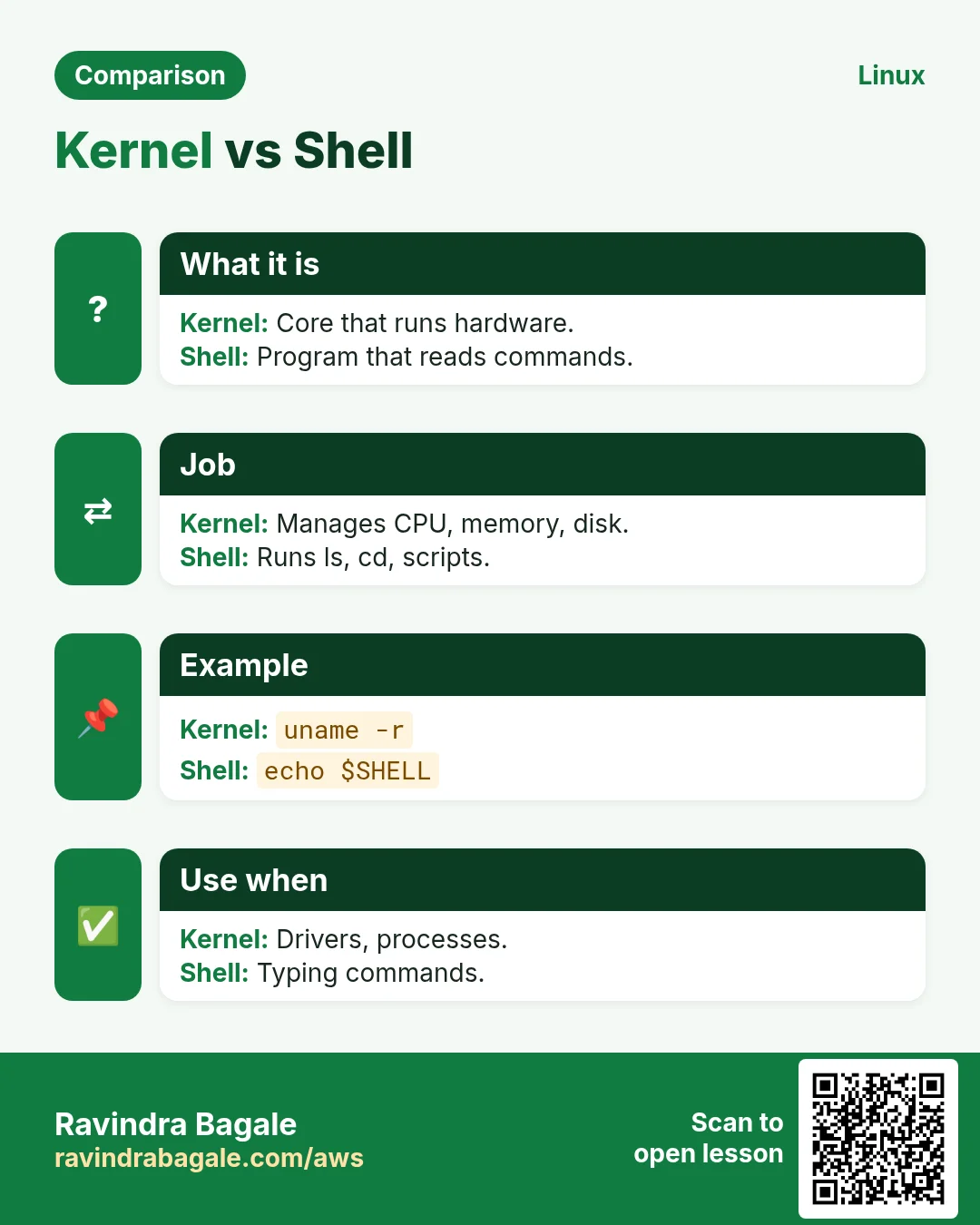
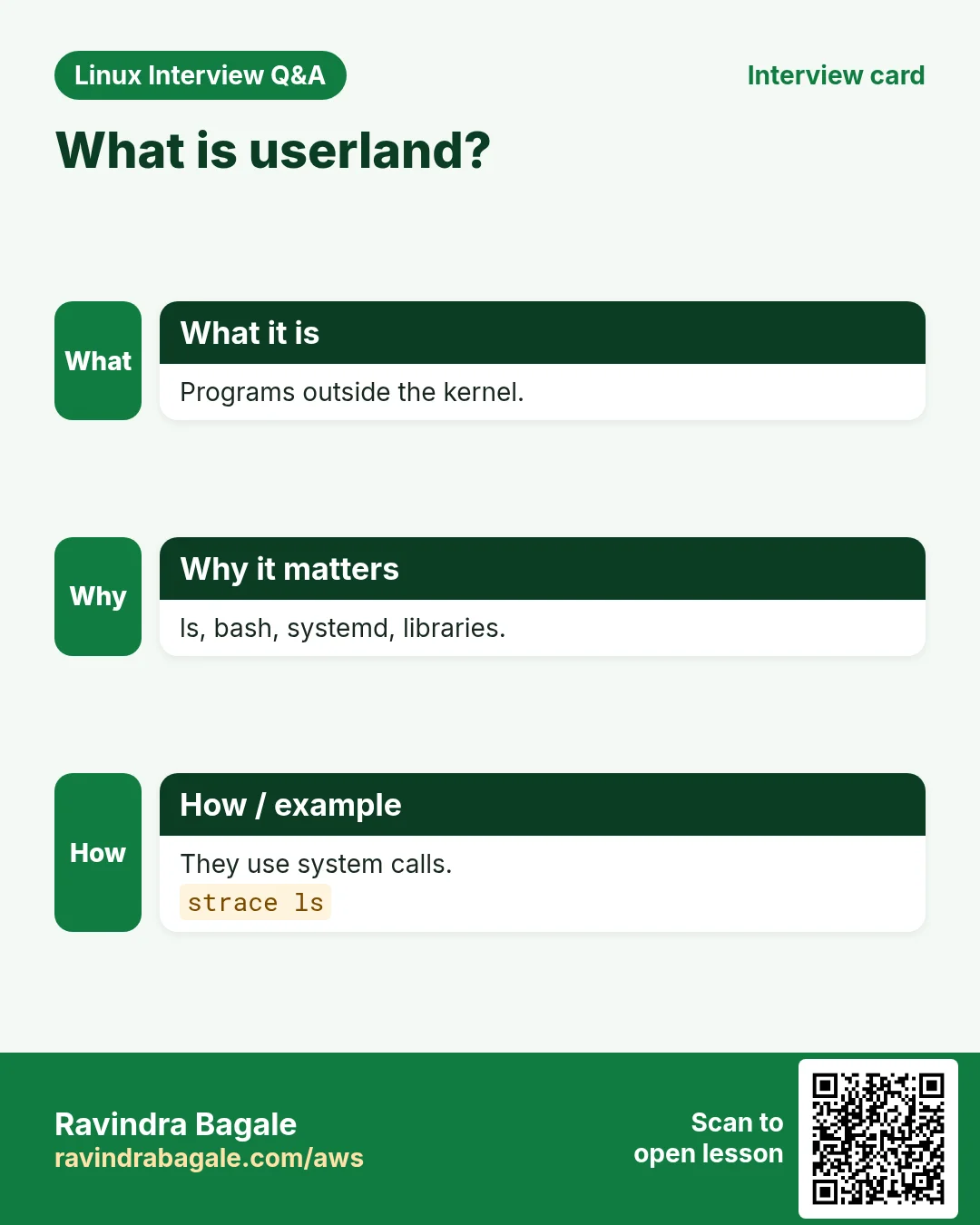
The kernel is the core program. It loads first and stays in memory. It manages processes, memory, devices (drivers), files and networking. Programs ask it for help through system calls like open, read, write and fork.
- Print only the kernel release.
uname -rOutput:
5.15.0-91-genericKernel version 5.15, build 91.
- See the kernel messages from boot.
sudo dmesg | head -3Output:
[    0.000000] Linux version 5.15.0-91-generic ...
[    0.000000] Command line: BOOT_IMAGE=/boot/vmlinuz-5.15.0-91-generic root=UUID=...
[    0.004000] BIOS-provided physical RAM map:
These lines come straight from the kernel.
- List loaded kernel modules (drivers).
lsmod | head -3Output:
Module                  Size  Used by
ext4                  925696  1
xfs                  2002944  0
ext4 and xfs file system drivers are loaded.
- Watch system calls of a command with strace.
strace -c ls > /dev/nullOutput:
% time     seconds  usecs/call     calls    errors syscall
 ...  openat  read  write  close ...
ls asks the kernel to open, read and write. That is a system call.
4. The shell: your waiter
You cannot talk to the kernel in plain words. You need a translator that reads your command and starts the right program.
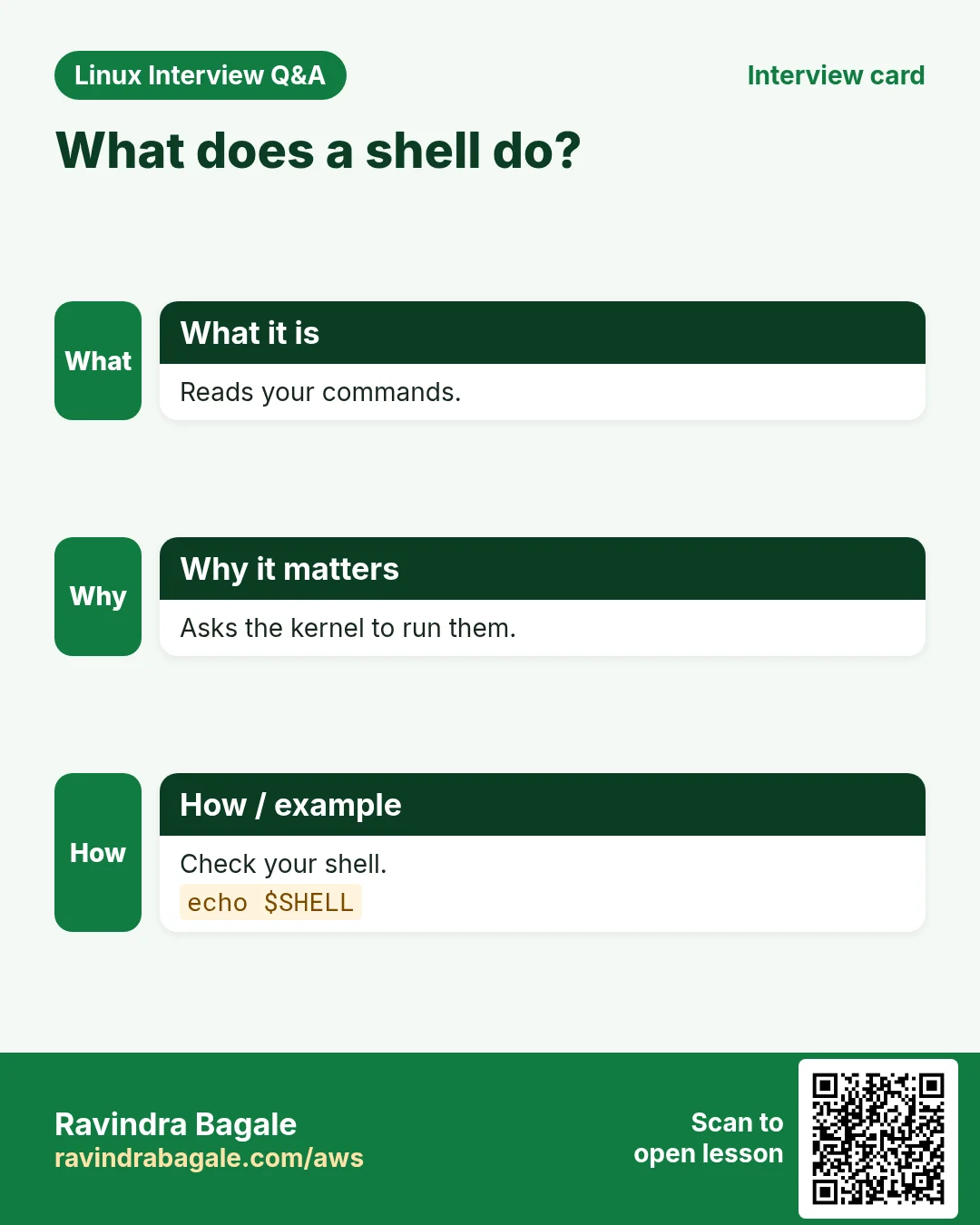
The shell is a program that reads commands and runs them. bash is the most common. Others are sh (dash), zsh, ksh and fish. The shell also has variables, loops and scripts. That is shell scripting.
| Shell | Where you see it |
|---|---|
| bash | Ubuntu, RHEL, Amazon Linux default |
| sh / dash | Ubuntu /bin/sh, small scripts |
| ash | Alpine Linux, Docker images |
| zsh | macOS default, many developers |
- See your current shell.
echo $SHELLOutput:
/bin/bashYour login shell is bash.
- See all shells installed.
cat /etc/shellsOutput:
/bin/sh
/bin/bash
/usr/bin/bash
/bin/dash
/usr/bin/zsh
These shells can be used as a login shell.
- Check if a command is built into the shell or is a file.
type cd lsOutput:
cd is a shell builtin
ls is aliased to `ls --color=auto'
cd lives inside bash. ls is a separate program (with an alias).
- Find the file for a program.
which python3Output:
/usr/bin/python3The shell will run /usr/bin/python3.
5. Userland: everything outside the kernel
The kernel alone cannot list files or edit text. You need tools. These tools make Linux useful.
Userland (user space) is all programs that run outside the kernel: GNU coreutils (ls, cp, cat), the C library (glibc or musl), systemd, the shell, editors, web servers and your apps. Kernel space is protected. User space cannot touch hardware directly.
- See which package owns ls (Debian/Ubuntu).
dpkg -S /usr/bin/lsOutput:
coreutils: /usr/bin/lsls comes from the coreutils package. It is userland.
- Check the C library version.
ldd --version | head -1Output:
ldd (Ubuntu GLIBC 2.35-0ubuntu3.6) 2.35glibc 2.35 links almost every program to the kernel.
- See process 1, the first userland program.
ps -p 1 -o pid,commOutput:
  PID COMMAND
    1 systemd
systemd is PID 1. It starts all other services.
6. Distributions: Ubuntu, RHEL, Amazon Linux and friends
Nobody installs a bare kernel. You want a ready package: kernel plus tools plus installer plus updates. Companies pick one based on support, cost and habit.
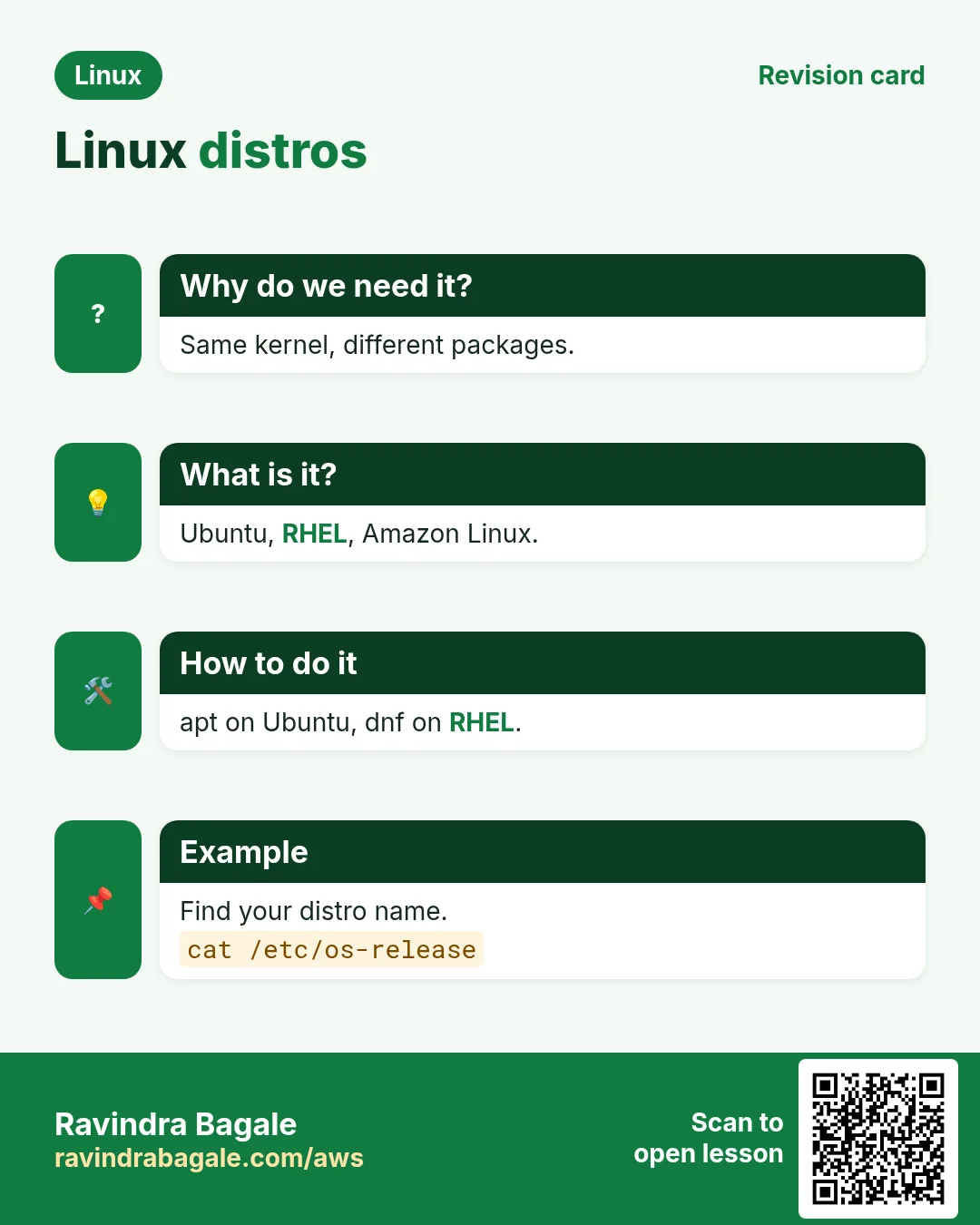
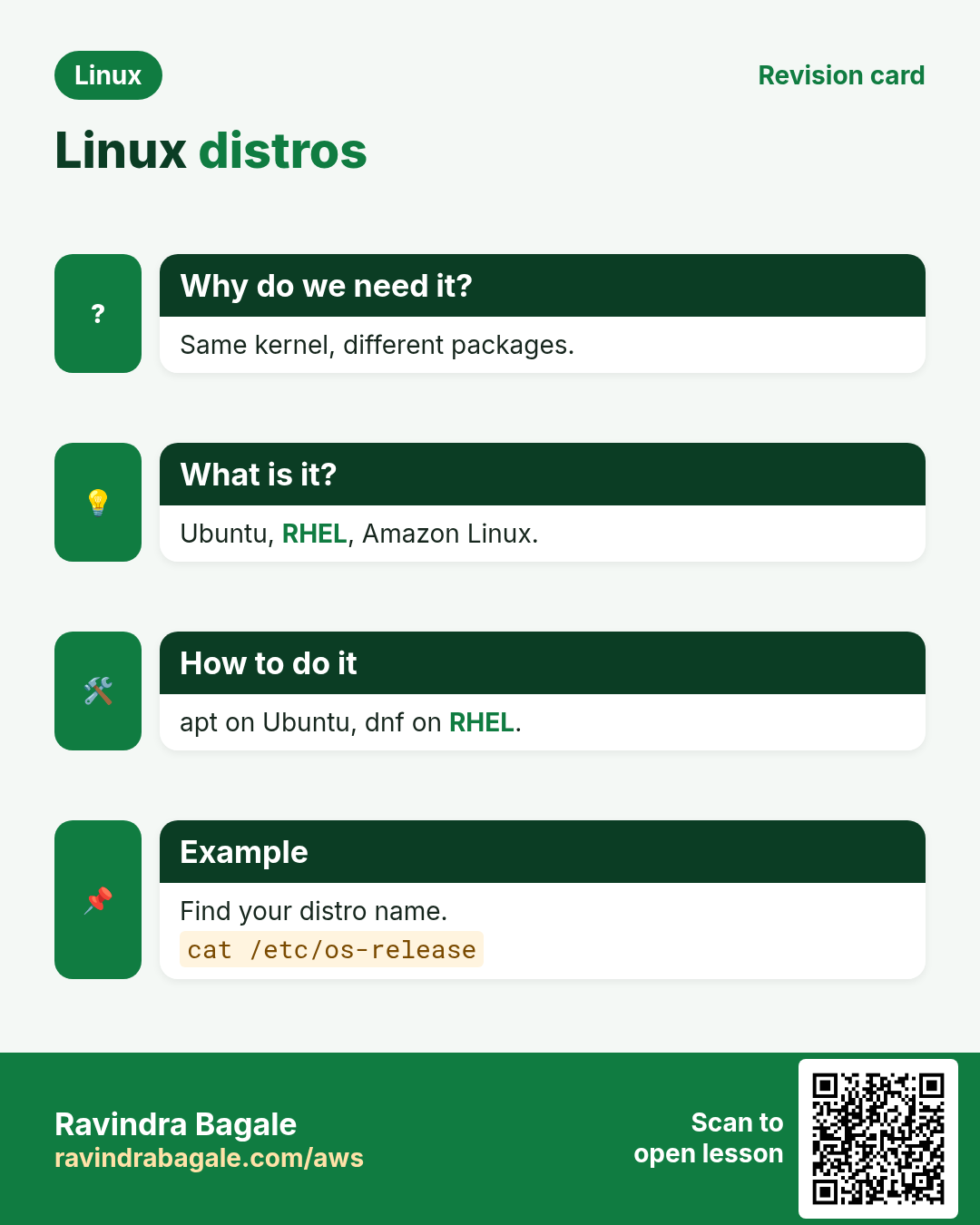
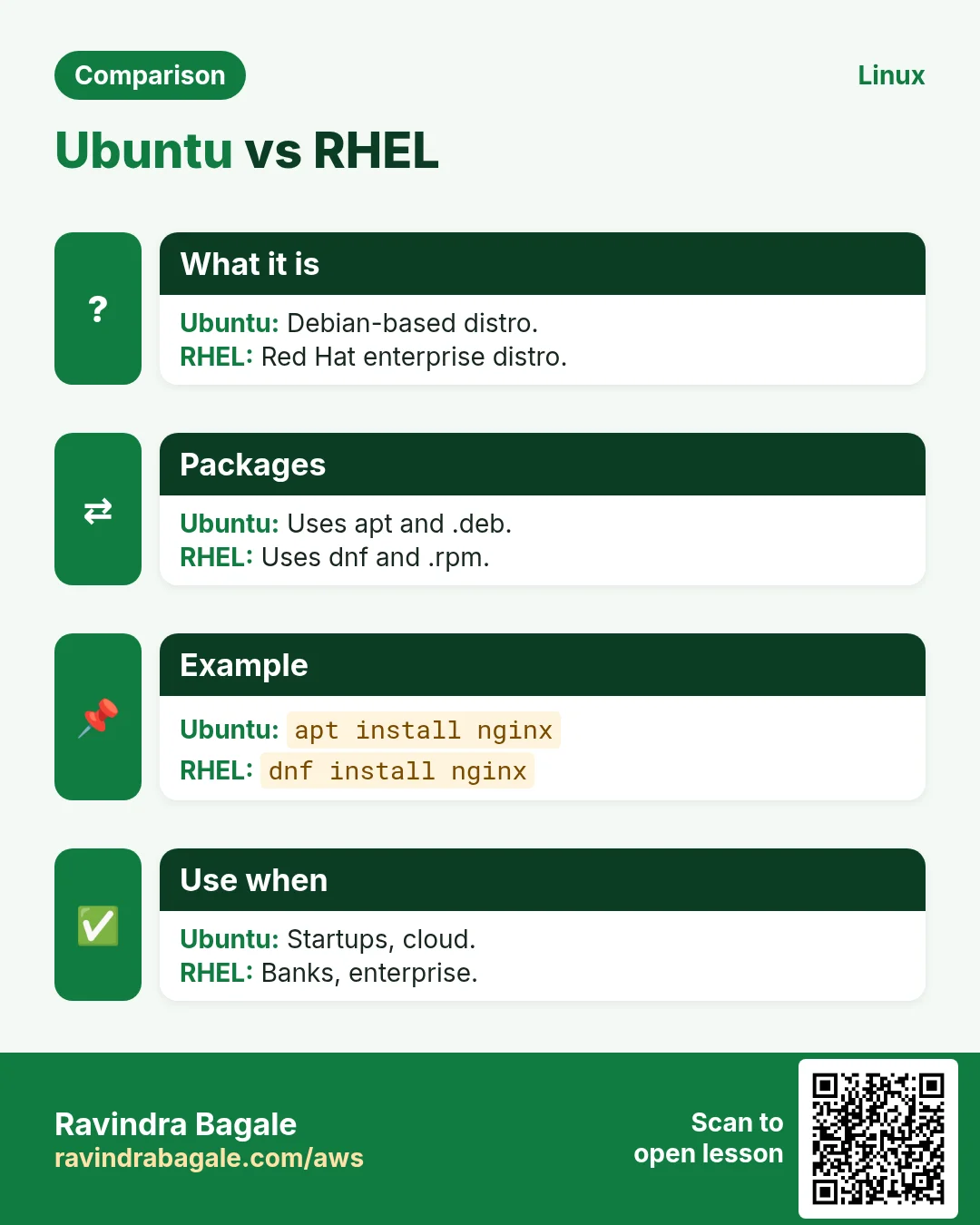
A distribution (distro) is the kernel bundled with userland, a package manager and a release plan. Two big families exist: Debian (Debian, Ubuntu, Mint) uses .deb and apt. Red Hat (RHEL, Rocky, AlmaLinux, Fedora, Amazon Linux) uses .rpm and dnf/yum. Alpine is tiny and uses apk.
| Distro | Family | Package tool | Typical use |
|---|---|---|---|
| Ubuntu LTS | Debian | apt | Cloud VMs, laptops |
| Debian | Debian | apt | Stable servers |
| RHEL / Rocky / Alma | Red Hat | dnf | Banks, enterprises |
| Amazon Linux 2023 | Red Hat style | dnf | AWS EC2 |
| Alpine | Independent | apk | Docker images |
- Read the distro name and version.
cat /etc/os-releaseOutput:
NAME="Amazon Linux"
VERSION="2023"
ID="amzn"
ID_LIKE="fedora"
PRETTY_NAME="Amazon Linux 2023.4.20240401"
This is Amazon Linux 2023. It is like Fedora, so use dnf.
- Short form with hostnamectl.
hostnamectlOutput:
   Static hostname: app01
  Operating System: Ubuntu 22.04.4 LTS
            Kernel: Linux 5.15.0-91-generic
      Architecture: x86-64
One command shows host, OS, kernel and CPU type.
- On Debian/Ubuntu use lsb_release.
lsb_release -aOutput:
Distributor ID: Ubuntu
Description:    Ubuntu 22.04.4 LTS
Release:        22.04
Codename:       jammy
Ubuntu 22.04, code name jammy.
7. Package managers: apt, dnf, yum, apk
Downloading programs from random websites is unsafe and hard to update. A package manager installs, updates and removes software from trusted repos in one command.
A package is a ready-made program with its files and a list of what it needs (dependencies). The package manager fetches it from a repository and installs the dependencies too.
| Job | Debian/Ubuntu | RHEL/Amazon Linux | Alpine |
|---|---|---|---|
| Refresh list | apt update | dnf check-update | apk update |
| Install | apt install nginx | dnf install nginx | apk add nginx |
| Remove | apt remove nginx | dnf remove nginx | apk del nginx |
| Upgrade all | apt upgrade | dnf upgrade | apk upgrade |
| Search | apt search nginx | dnf search nginx | apk search nginx |
- Refresh the package list on Ubuntu.
sudo apt updateOutput:
Hit:1 http://archive.ubuntu.com/ubuntu jammy InRelease
Reading package lists... Done
12 packages can be upgraded.
The list of available versions is now fresh.
- Install tree with apt.
sudo apt install -y treeOutput:
Setting up tree (2.0.2-1) ...tree is installed. -y says yes to the prompt.
- Install the same on Amazon Linux.
sudo dnf install -y treeOutput:
Installed:
  tree-1.8.0-6.amzn2023.x86_64
Complete!
dnf did the same job on a Red Hat style distro.
- Install in an Alpine container.
apk add --no-cache curlOutput:
OK: 12 MiB in 20 packagesAlpine is tiny, so images stay small.
8. Users, root and sudo (first look)
If everyone was all-powerful, one typo could delete the whole server. Linux keeps normal users limited and gives power only when asked.
root (UID 0) can do anything. Normal users own only their files. sudo runs one command as root after checking /etc/sudoers. On cloud images the default user is ubuntu, ec2-user or admin.
- Who am I?
whoamiOutput:
ec2-userYou are logged in as ec2-user.
- See your user id and groups.
idOutput:
uid=1000(ec2-user) gid=1000(ec2-user) groups=1000(ec2-user),4(adm),10(wheel)UID 1000. The wheel group can use sudo.
- Run one command as root.
sudo whoamiOutput:
rootFor that one command you were root.
9. Real examples from many industries
The same Linux skill shows up in every kind of company. Seeing it in many places helps you remember it.
Each row is a made-up team. It shows who uses this and how.
| Team and city | How they use it | Command |
|---|---|---|
| Meera, fintech, Mumbai | Runs payment APIs on RHEL 9 for bank-grade support | cat /etc/redhat-release |
| Lukas, e-commerce, Berlin | Builds Docker images on Alpine to keep them small | docker run --rm alpine cat /etc/os-release |
| Aisha, hospital IT, Dubai | Checks kernel version before a security patch | uname -r |
| Ravi, edtech, Pune | Hosts course videos on Ubuntu EC2 | lsb_release -d |
| Kenji, gaming, Tokyo | Tunes game servers on Amazon Linux 2023 | hostnamectl |
| Priya, data team, Bengaluru | Runs Spark jobs; checks CPU count first | nproc |
| Carlos, IoT, São Paulo | Raspberry Pi devices run Debian on ARM | uname -m |
10. Common errors and how to fix them
Everyone hits these errors. Knowing the cause saves hours.
Read the exact message first. Then match it to a row below.
| Error you see | Why it happens | How to fix |
|---|---|---|
bash: tre: command not found | Typo, or the program is not installed | Check spelling, then install the package.sudo apt install tree |
E: Unable to locate package nginxx | Wrong name or old package list | Run apt update and search the right name.apt search nginx |
sudo: apt: command not found | You are on a Red Hat style distro | Check /etc/os-release and use dnf.sudo dnf install nginx |
E: Could not open lock file /var/lib/dpkg/lock-frontend - open (13: Permission denied) | You ran apt without sudo | Add sudo.sudo apt install tree |
Could not get lock /var/lib/dpkg/lock-frontend. It is held by process 1234 (unattended-upgr) | Auto updates are running | Wait a few minutes. Do not delete the lock file.ps -p 1234 -o comm |
user is not in the sudoers file. This incident will be reported. | Your user has no sudo rights | Ask an admin to add you to sudo or wheel group.sudo usermod -aG wheel meera |
cannot execute binary file: Exec format error | Program built for another CPU (ARM vs x86) | Check uname -m and download the right build.uname -m |
/bin/sh: 1: [[: not found | Script uses bash syntax but ran with sh (dash) | Run with bash or fix the first line.bash script.sh |
Temporary failure resolving 'archive.ubuntu.com' | No DNS or no internet | Check network and /etc/resolv.conf.cat /etc/resolv.conf |
11. Troubleshooting step by step
When a command fails on a new server, you first need to know where you are: which distro, which shell, which user.
Go top to bottom. Stop at the first step that shows the problem.
- Check the distro family.
grep -E '^(ID|ID_LIKE)=' /etc/os-release- Check the CPU type.
uname -m- Check your user and groups.
id- Check which program will run.
type -a python3- Check the shell running your script.
head -1 script.sh; ls -l /bin/sh- Check network for package installs.
ping -c 2 8.8.8.812. Lab 1: Identify any Linux server in 2 minutes
You join Zara Finance in London. Your lead gives you SSH to a server and asks: what is this box? Write a short report.
A full hands-on lab. Run every step on a test Linux machine (an EC2 instance, a VM, or WSL).
- Log in.
ssh -i key.pem ec2-user@10.0.1.15Output:
[ec2-user@ip-10-0-1-15 ~]$- Find distro and version.
grep PRETTY_NAME /etc/os-releaseOutput:
PRETTY_NAME="Amazon Linux 2023.4.20240401"- Find kernel and CPU type.
uname -rmOutput:
6.1.82-99.168.amzn2023.x86_64 x86_64- Count CPUs and RAM.
nproc; free -h | head -2Output:
2
               total        used        free
Mem: 3.8Gi 410Mi 2.9Gi- Check disk space.
df -h /Output:
Filesystem      Size  Used Avail Use% Mounted on
/dev/nvme0n1p1 20G 2.1G 18G 11% /- Save the report to a file.
{ grep PRETTY_NAME /etc/os-release; uname -rm; nproc; } > ~/server-report.txt; cat ~/server-report.txtOutput:
PRETTY_NAME="Amazon Linux 2023.4.20240401"
6.1.82-99.168.amzn2023.x86_64 x86_64
2
13. Lab 2: Same job on two distros (Ubuntu and Alpine in Docker)
See with your own eyes that distros differ in tools, not in the kernel.
A full hands-on lab. Run every step on a test Linux machine (an EC2 instance, a VM, or WSL).
- Start Ubuntu.
docker run --rm -it ubuntu:22.04 bashOutput:
root@3f2a1b:/#- Check kernel inside.
uname -rOutput:
6.1.82-99.168.amzn2023.x86_64- Install curl with apt and exit.
apt update && apt install -y curl; exitOutput:
Setting up curl ...- Start Alpine.
docker run --rm -it alpine shOutput:
/ #- Check kernel again.
uname -rOutput:
6.1.82-99.168.amzn2023.x86_64- Install curl with apk.
apk add --no-cache curlOutput:
OK: 12 MiB in 20 packagesRavindra Bagale's Tip
Run cat /etc/os-release as your first command on any new server. It tells you the family (apt or dnf) and saves you from half the errors on this page.
Ravindra Bagale's Tip – मराठी
नव्या server वर पहिला command cat /etc/os-release चालवा. Family (apt की dnf) कळते आणि या page वरचे अर्धे errors टळतात.
Ravindra Bagale's Tip – हिंदी
किसी भी नए server पर पहला command cat /etc/os-release चलाइए। Family (apt या dnf) पता चलती है और इस page के आधे errors बच जाते हैं।
14. Frequently asked questions
Q. Is Linux an operating system or a kernel?
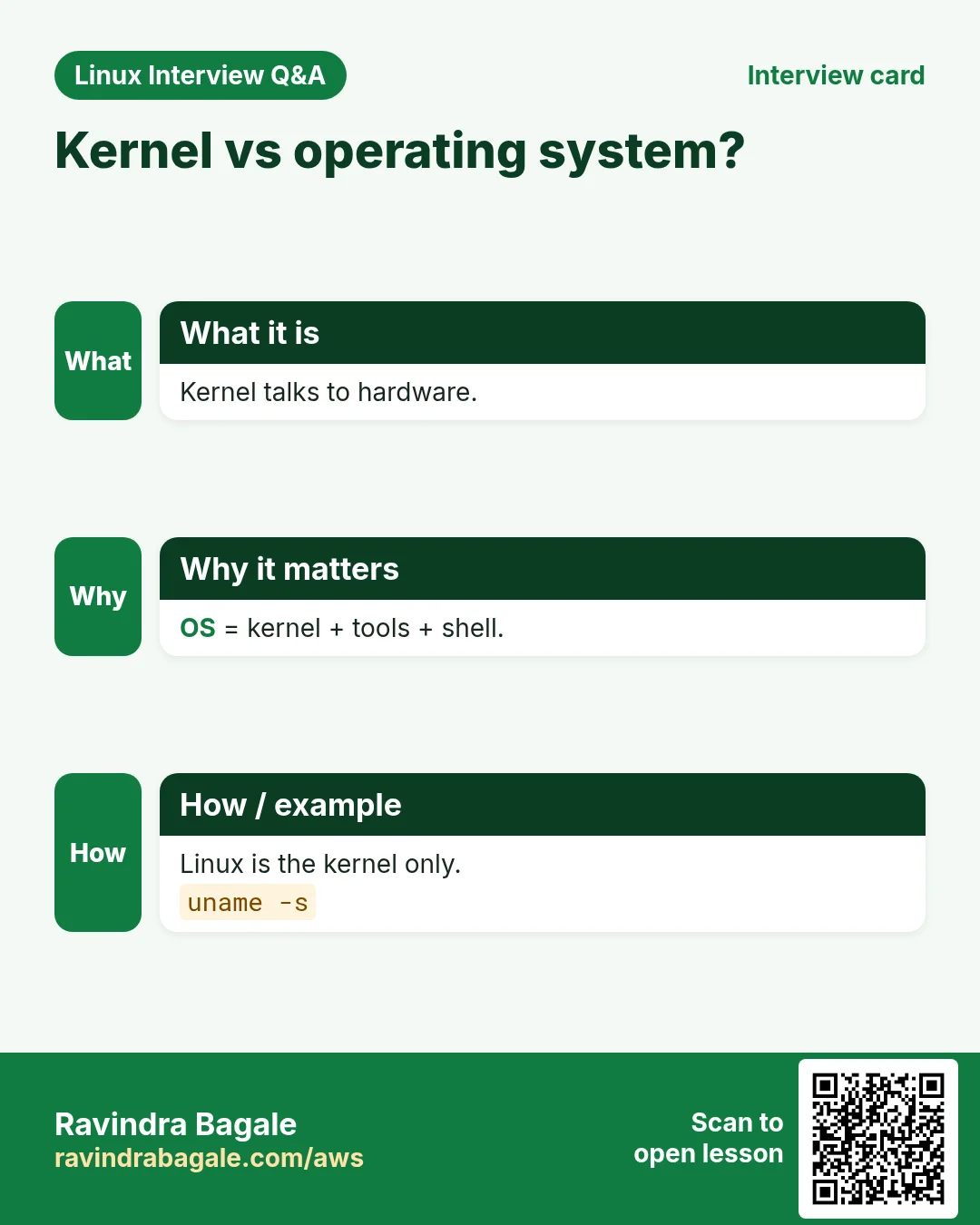
Strictly, Linux is the kernel. In daily talk, people say Linux for the full system (kernel + GNU tools + more).
Q. Which distro should a beginner learn?
Ubuntu LTS for learning. Learn dnf too, because RHEL and Amazon Linux are common at work.
Q. Is Linux free?
Yes, the kernel and most distros are free. RHEL charges for support, not for the code.
Q. Do Docker containers have their own kernel?
No. All containers share the host kernel. Only userland differs.
Q. What does LTS mean?
Long Term Support. Ubuntu LTS gets 5 years of security updates.
Q. Is macOS Linux?
No. macOS is Unix-like (BSD roots). Many commands look the same.
15. Interview questions and answers
Beginner level
Q. What is the kernel?
The core program that manages CPU, memory, devices, files and network. Programs use it through system calls.
Q. What is a shell?
A program that reads your commands and runs them, like bash or zsh.
Q. How do you find the OS version?
cat /etc/os-release, or hostnamectl.
Q. Name two distro families.
Debian (apt, .deb) and Red Hat (dnf/yum, .rpm).
Mid level level
Q. What is a system call? Give examples.
A request from a program to the kernel, like open, read, write, fork, execve. You can see them with strace.
Q. Kernel space vs user space?
Kernel space runs with full hardware access. User space is limited and must ask the kernel. A crash in user space kills one program, not the machine.
Q. Why are Alpine images small?
It uses musl libc and BusyBox instead of glibc and GNU coreutils.
Q. What is the difference between apt and dpkg?
dpkg installs a single .deb file. apt fetches from repos and resolves dependencies, then calls dpkg.
Senior level
Q. A binary works on your laptop but fails in an Alpine container with 'not found'. Why?
It is linked to glibc, but Alpine has musl. Build it static, use a glibc base image, or build on Alpine.
Q. How do you choose a distro for a company platform?
Look at support length, security patch speed, vendor certification, team skills, cloud images and licence cost. RHEL/Rocky for long support, Ubuntu LTS for wide tools, Amazon Linux for AWS integration.
Q. Containers share the host kernel. What risks does that bring?
A kernel bug can let a container escape. Keep the host kernel patched, use seccomp, drop capabilities, and do not run as root.
Q. What happens if PID 1 dies?
The kernel panics, because PID 1 must always run. In containers, the container stops.
Try at home
- Run uname -a and cat /etc/os-release on your machine or a free cloud VM. Write the distro family.
- Run echo $SHELL and cat /etc/shells.
- Install tree with the right package manager and run tree -L 1 /.
Name the layers on the machine you are using
Compare uname -r for the running kernel with /etc/os-release for the installed distribution. Record the shell separately, for example echo "$0" in the interactive session. Changing shell does not install a different Linux kernel.
Interview check Do all distributions use the same commands?
They share many conventions, but package tools, service defaults and versions can differ. Check the distribution documentation before assuming a command applies.
Practise this chapter
Check your understanding
Choose an answer, then compare your reasoning with the explanation.
Practice Tasks
Practice checks run in your browser. They check the answer for this exercise; they do not create resources or connect to your AWS account.
About this scenarioMaple Leaf Books is a bookselling business in Toronto. Emily Tremblay looks after its IT and cloud work. They count money in CAD and run their AWS resources in the ca-central-1 Region. In the tasks below you do real jobs for them using what this lesson teaches. All names, account IDs, IP addresses and numbers are made up for practice.
0 / 16
Easy Kernel name and release
Patches and drivers depend on the kernel version.
Emily Tremblay must report the kernel release of the Maple Leaf Books server. Print the kernel name and the release together, combining both options.
- Find the Linux command that does this job.
- Add the options (like -r or -h) the task needs.
- Add the file names, folders or users in the right order.
- Use sudo if the job changes system files or users. Click Check answer.
Easy Host and machine name
One line gives host, kernel and CPU type.
Print the node (host) name and the machine hardware name of the Maple Leaf Books server together.
- Find the Linux command that does this job.
- Add the options (like -r or -h) the task needs.
- Add the file names, folders or users in the right order.
- Use sudo if the job changes system files or users. Click Check answer.
Easy Read the distro name
You must know apt vs dnf before installing anything.
Show only the VERSION_ID line of the file that holds the distro name and version on the Maple Leaf Books server.
- Find the Linux command that does this job.
- Add the options (like -r or -h) the task needs.
- Add the file names, folders or users in the right order.
- Use sudo if the job changes system files or users. Click Check answer.
Easy List installed shells
Before changing a login shell you check what is allowed.
Check whether zsh is listed as a valid login shell on the Maple Leaf Books server.
- Find the Linux command that does this job.
- Add the options (like -r or -h) the task needs.
- Add the file names, folders or users in the right order.
- Use sudo if the job changes system files or users. Click Check answer.
Easy Your numeric UID
Many errors are because you are the wrong user.
Print only the numeric UID of the user you are logged in as on the Maple Leaf Books server.
- Find the Linux command that does this job.
- Add the options (like -r or -h) the task needs.
- Add the file names, folders or users in the right order.
- Use sudo if the job changes system files or users. Click Check answer.
Easy See user id and groups
Groups decide sudo and file access.
Show the UID, GID and all groups of user kavya on the Maple Leaf Books server.
- Find the Linux command that does this job.
- Add the options (like -r or -h) the task needs.
- Add the file names, folders or users in the right order.
- Use sudo if the job changes system files or users. Click Check answer.
Easy Find a program file
Two versions may be installed.
Find the full path of node that will run for Emily Tremblay.
- Find the Linux command that does this job.
- Add the options (like -r or -h) the task needs.
- Add the file names, folders or users in the right order.
- Use sudo if the job changes system files or users. Click Check answer.
Easy Count CPUs
Thread counts depend on CPUs.
Print the number of all installed CPUs on the Maple Leaf Books server, even ones not available to this process.
- Find the Linux command that does this job.
- Add the options (like -r or -h) the task needs.
- Add the file names, folders or users in the right order.
- Use sudo if the job changes system files or users. Click Check answer.
Easy Check CPU architecture
ARM and x86 need different builds.
Print the machine hardware name (like x86_64) and the operating system name together.
- Find the Linux command that does this job.
- Add the options (like -r or -h) the task needs.
- Add the file names, folders or users in the right order.
- Use sudo if the job changes system files or users. Click Check answer.
Easy Name PID 1
PID 1 starts every service.
On the modern Maple Leaf Books Ubuntu server, which program runs as PID 1? Type its name.
- Write down the numbers the task gives you.
- Work it out step by step on paper.
- Type only the final answer in the box.
- Click Check answer.
Medium Install a package on Ubuntu
Packages come from trusted repos.
On the Ubuntu server of Maple Leaf Books, install the package htop without being asked to confirm.
- Find the Linux command that does this job.
- Add the options (like -r or -h) the task needs.
- Add the file names, folders or users in the right order.
- Use sudo if the job changes system files or users. Click Check answer.
Medium Install a package on Amazon Linux
Red Hat family uses a different tool.
Maple Leaf Books runs Amazon Linux 2023. Install nginx without a prompt.
- Find the Linux command that does this job.
- Add the options (like -r or -h) the task needs.
- Add the file names, folders or users in the right order.
- Use sudo if the job changes system files or users. Click Check answer.
Medium Add a package in Alpine
Small images need no cache files.
In an Alpine container for Maple Leaf Books, add jq without keeping the package index cache.
- Find the Linux command that does this job.
- Add the options (like -r or -h) the task needs.
- Add the file names, folders or users in the right order.
- Use sudo if the job changes system files or users. Click Check answer.
Medium Builtin or program?
Some commands live inside the shell.
Check whether pushd is a shell builtin or a separate program.
- Find the Linux command that does this job.
- Add the options (like -r or -h) the task needs.
- Add the file names, folders or users in the right order.
- Use sudo if the job changes system files or users. Click Check answer.
Medium Which package tool?
ID_LIKE tells the family.
/etc/os-release on a Maple Leaf Books server shows ID_LIKE="rhel fedora". Which package tool do you use? Type its name.
- Write down the numbers the task gives you.
- Work it out step by step on paper.
- Type only the final answer in the box.
- Click Check answer.
Hard Count system calls
Shows how a program talks to the kernel.
Show a summary count of system calls made by df.
- Find the Linux command that does this job.
- Add the options (like -r or -h) the task needs.
- Add the file names, folders or users in the right order.
- Use sudo if the job changes system files or users. Click Check answer.
16. Related chapters
- Linux Ops Refresh for DevOps
- Bash Scripting for Automation
- Linux grep and find Commands with Examples
- How to Set Up Passwordless SSH Between Linux Servers
In short
- Kernel = chef, shell = waiter, userland = menu and plates.
- A distro = kernel + tools + package manager.
- apt for Debian/Ubuntu, dnf for RHEL/Amazon Linux, apk for Alpine.
- First command on a new server: cat /etc/os-release.
Revision, comparison and interview cards
Revise this lesson in a few minutes. Save the cards on your phone or download them as PNG files. The QR code on each card opens this lesson.
More cards: Ravi Sir's Cards.