SSH Deep Dive: Keys, ~/.ssh/config, ssh-agent, Tunnels, Jump Hosts, scp, rsync and sftp
SSH is how you reach almost every Linux server. In earlier chapters you logged in with ssh; now we go deep: key types and ssh-keygen, copying keys with ssh-copy-id, the ~/.ssh/config file, ssh-agent, local, remote and dynamic tunnels, jump hosts with ProxyJump, and moving files with scp, rsync and sftp. The examples use the safe defaults you will see in real teams.
In this chapter
- Create and protect SSH keys
- Install keys on servers with ssh-copy-id
- Write ~/.ssh/config to save typing
- Use ssh-agent and agent forwarding safely
- Build local, remote and dynamic tunnels and use jump hosts
- Copy files with scp, rsync and sftp
1. An everyday example: a society gate and your own key
Your housing society gives each flat owner a key. The guard keeps a list of which keys may open the gate. To reach a flat in the back wing, you go through the main gate first. When you visit often, you note the flat number and wing in your diary so you do not ask every time.
Your private key = the key in your pocket (never share). Public key = the copy the guard keeps (authorized_keys). Main gate = jump host (bastion). Diary = ~/.ssh/config. Keeping the key in your hand while walking = ssh-agent.
2. ssh-keygen: make a key pair
There are two identities in an SSH login. The host key helps your computer check which server it reached. Your user key helps the server check which account can log in. When you create a pair, keep the private file on your own computer. The public file ending in .pub is the part the server can store in the intended user’s authorized_keys. Match the user name in the login command to the account that has that public key. A valid key for your account can still be rejected if you try to sign in as a different user.
Passwords can be guessed and are often disabled on servers. Keys are stronger and can be automated.
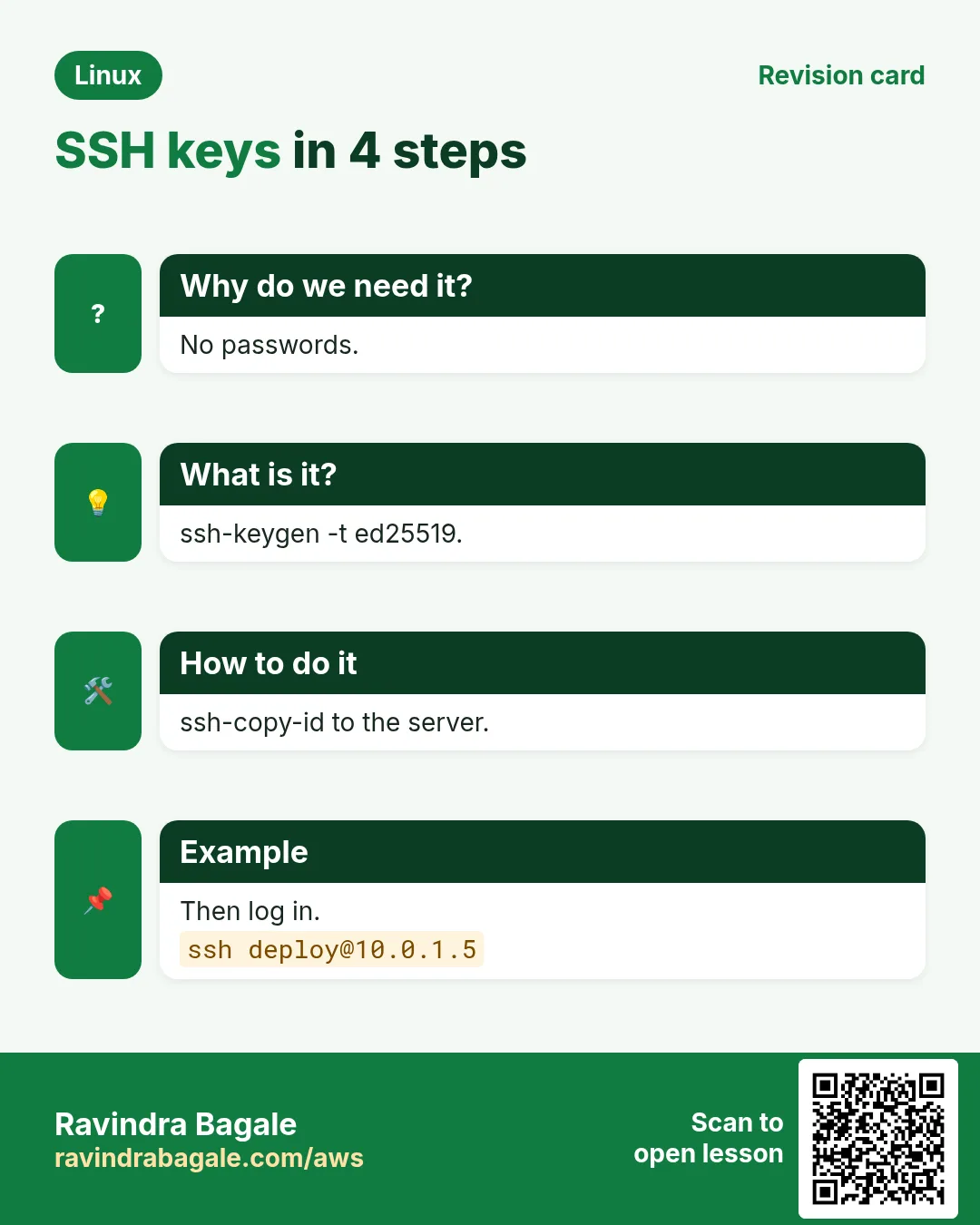
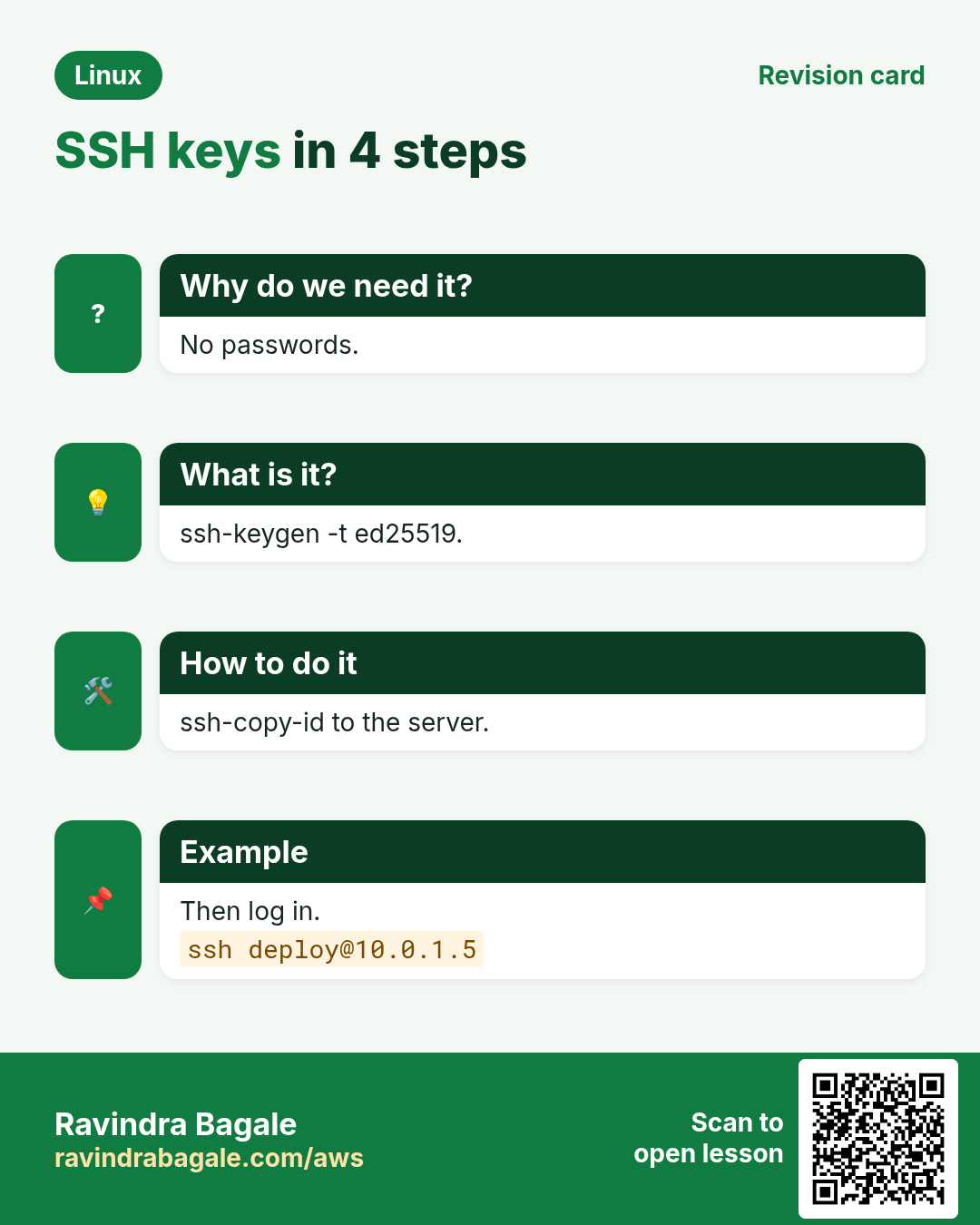
ssh-keygen -t ed25519 -C 'comment' makes a modern key: ~/.ssh/id_ed25519 (private) and id_ed25519.pub (public). Use a passphrase. -f sets the file name. Use -t rsa -b 4096 only for old systems. ssh-keygen -lf FILE shows the fingerprint; -p changes the passphrase.
- New key.
ssh-keygen -t ed25519 -C 'ravi@laptop'Output:
Your identification has been saved in /home/ravi/.ssh/id_ed25519
The key fingerprint is: SHA256:Zr1x... ravi@laptop
Two files created.
- Separate key for CI.
ssh-keygen -t ed25519 -f ~/.ssh/deploy_ci -N '' -C 'ci-deploy'Output:
Your public key has been saved in /home/ravi/.ssh/deploy_ci.pubNo passphrase for a robot; restrict it on the server.
- Fingerprint.
ssh-keygen -lf ~/.ssh/id_ed25519.pubOutput:
256 SHA256:Zr1x... ravi@laptop (ED25519)Compare with what the admin sees.
3. Key permissions and authorized_keys
SSH refuses keys that other users can read. Wrong permissions are the top reason key login fails.
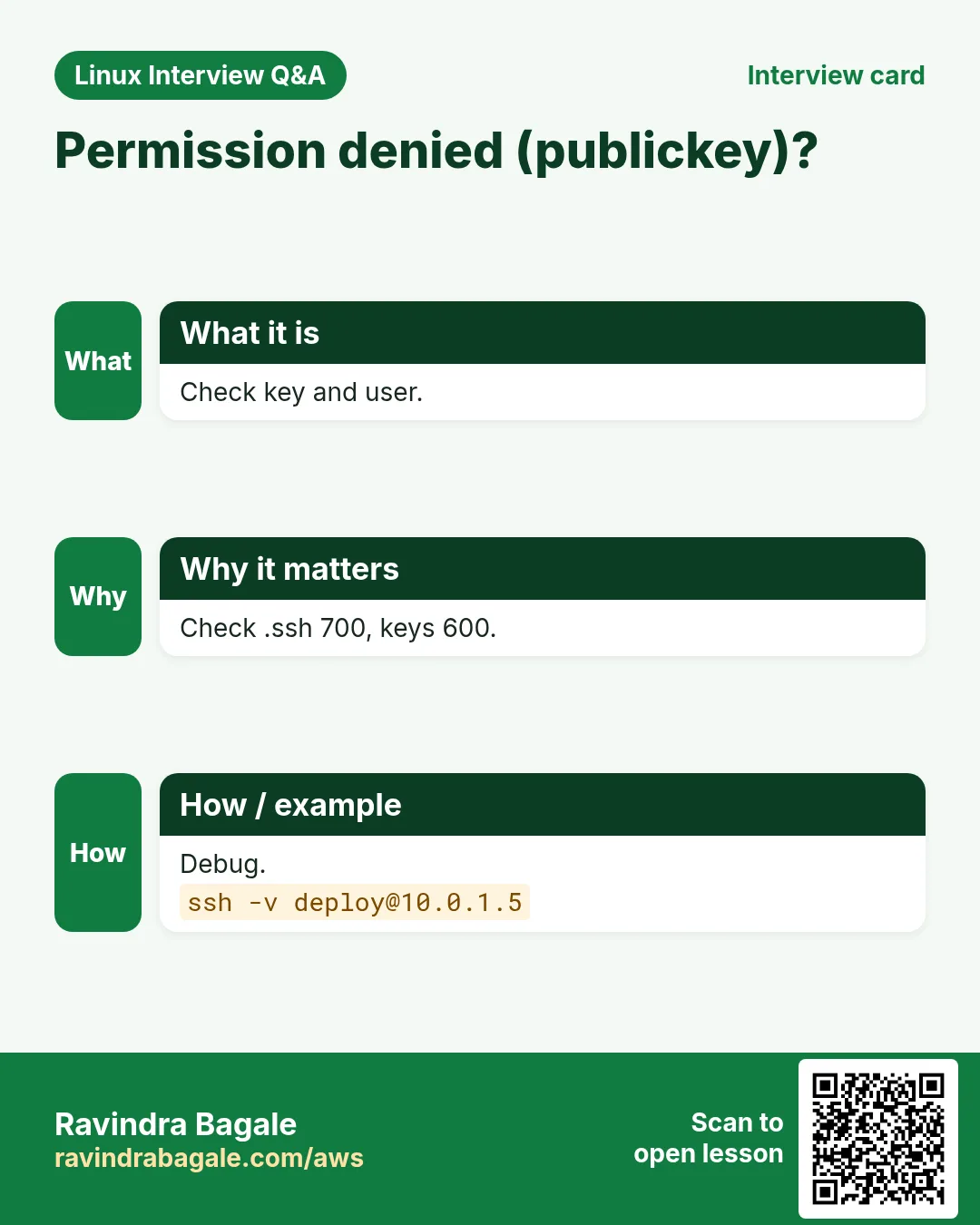
~/.ssh must be 700, private keys 600, authorized_keys 600, home not group-writable. authorized_keys has one public key per line and may start with options like from="10.0.0.0/8",command="...",no-port-forwarding.
- Fix permissions.
chmod 700 ~/.ssh && chmod 600 ~/.ssh/id_ed25519 ~/.ssh/authorized_keys && ls -ld ~/.sshOutput:
drwx------ 2 ravi ravi 4096 ~/.sshCorrect.
- Restrict a CI key.
cat ~/.ssh/authorized_keysOutput:
from="10.0.9.0/24",no-agent-forwarding,no-pty ssh-ed25519 AAAAC3... ci-deployOnly from CI subnet, no shell tty.
- SELinux context.
restorecon -Rv ~/.sshOutput:
Relabeled /home/ravi/.ssh/authorized_keysNeeded if files were copied in oddly.
4. ssh-copy-id: install your key
Copying a key by hand risks broken lines and wrong permissions. ssh-copy-id does it right.
ssh-copy-id -i ~/.ssh/id_ed25519.pub user@host appends the key to the remote authorized_keys and fixes permissions. It needs one password login (or an existing key). In cloud, keys are usually set at launch instead.
- Copy.
ssh-copy-id -i ~/.ssh/id_ed25519.pub ravi@10.0.1.30Output:
Number of key(s) added: 1
Now try logging into the machine
Done.
- Test with only that key.
ssh -i ~/.ssh/id_ed25519 -o PasswordAuthentication=no ravi@10.0.1.30 hostnameOutput:
app-30Key login works.
5. ssh options: -i, -p, -v, -o and running one command
You often need a different key, a different port, or to debug why login fails.
-i KEY chooses the key, -p PORT the port, -v/-vv/-vvv debug output, -o Option=value any config option, -t forces a tty. ssh host 'command' runs one command and returns. ~. on a new line kills a hung session.
- Other port.
ssh -p 2222 ravi@bastion.example.comOutput:
Last login: ...sshd on 2222.
- One command.
ssh ravi@app-30 'uptime; df -h /'Output:
10:02 up 41 days, load 0.21
/dev/nvme0n1p1 20G 11G 9G 55% /
Quick checks without a shell.
- Debug.
ssh -v ravi@app-30 2>&1 | grep -E 'Offering|Authenticated|denied'Output:
debug1: Offering public key: /home/ravi/.ssh/id_ed25519 ED25519
debug1: Authenticated to app-30
See which key was used.
- Run on many servers.
for h in app-30 app-31; do ssh -o BatchMode=yes $h hostname; doneOutput:
app-30
app-31
BatchMode fails instead of asking a password.
6. known_hosts and host key warnings
On the first connection to a lab server, read the fingerprint in the prompt. It is a short representation of the server’s host key. Compare it with the fingerprint supplied through your lab management console or another trusted channel. A match lets you recognise that key on future connections. If a rebuild changed the key, verify the new fingerprint and the machine’s identity before updating the saved entry. Keep troubleshooting user keys separate from this check: a host-key warning occurs while your client is deciding who is on the other end.
The host key proves you reached the real server, not an attacker. Rebuilt servers change it, and SSH warns you.
~/.ssh/known_hosts stores host keys. 'REMOTE HOST IDENTIFICATION HAS CHANGED' means the key differs. If you know the server was rebuilt, remove the old line with ssh-keygen -R host. ssh-keyscan host prints a host's keys (verify them out of band).
- The warning.
ssh ravi@10.0.1.30Output:
@ WARNING: REMOTE HOST IDENTIFICATION HAS CHANGED! @
Offending ED25519 key in /home/ravi/.ssh/known_hosts:14
Stop and confirm the rebuild.
- Remove the old key.
ssh-keygen -R 10.0.1.30Output:
# Host 10.0.1.30 found: line 14
/home/ravi/.ssh/known_hosts updated.
Next login asks to accept the new one.
- Pre-load for automation.
ssh-keyscan -t ed25519 git.example.com >> ~/.ssh/known_hostsOutput:
# git.example.com:22 SSH-2.0-OpenSSH_9.6Verify fingerprint first.
7. ~/.ssh/config: save your settings
Typing ssh -i ~/.ssh/k -p 2222 ec2-user@15.1.2.3 many times a day is slow and error-prone.
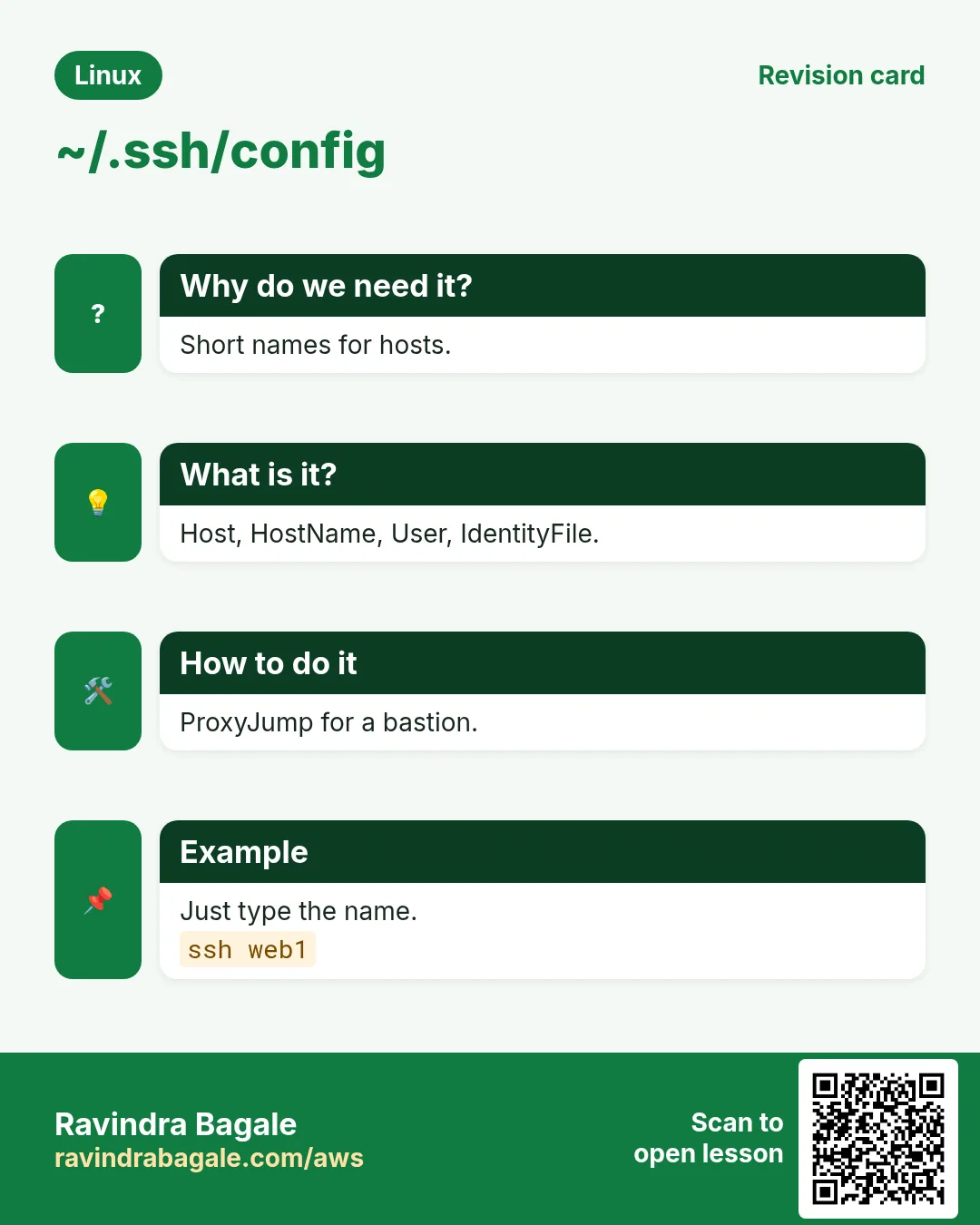
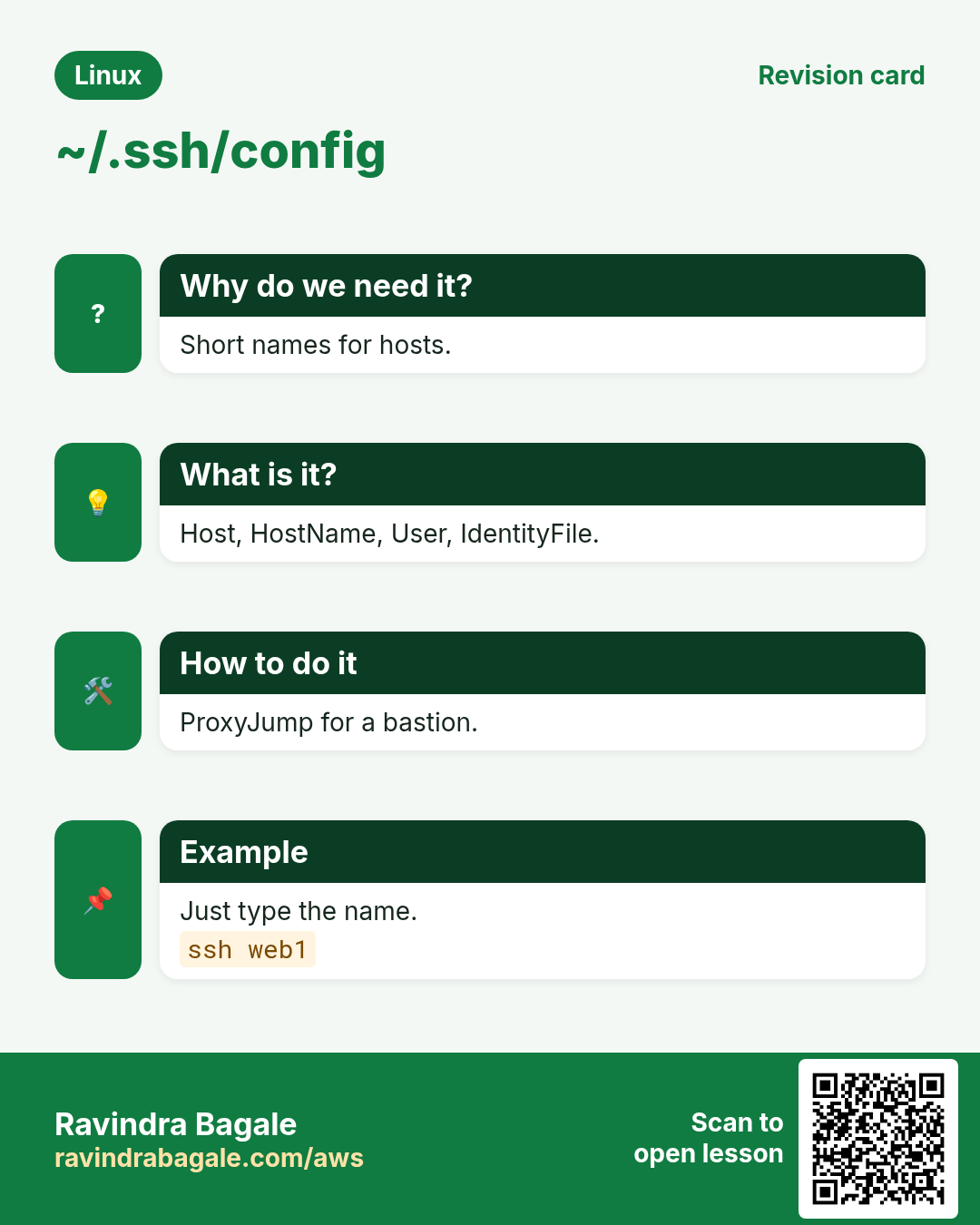
Blocks start with Host ALIAS, then HostName, User, Port, IdentityFile, IdentitiesOnly yes, ProxyJump, ServerAliveInterval. Host * sets defaults for all. File must be 600. scp, rsync and git use these aliases too.
- A config file.
cat ~/.ssh/configOutput:
Host web1
  HostName 15.1.2.3
  User ec2-user
  IdentityFile ~/.ssh/aws_prod.pem
  IdentitiesOnly yes
Host *
  ServerAliveInterval 30
Now just: ssh web1
- Check what ssh will use.
ssh -G web1 | grep -E '^(hostname|user|identityfile)'Output:
hostname 15.1.2.3
user ec2-user
identityfile ~/.ssh/aws_prod.pem
Final merged settings.
- Wildcards.
Host app-*
  User deploy
  ProxyJump bastion
Output:
(config)All app hosts go via bastion.
8. ssh-agent and ssh-add
With a passphrase you would type it on every login. The agent holds the unlocked key in memory for the session.
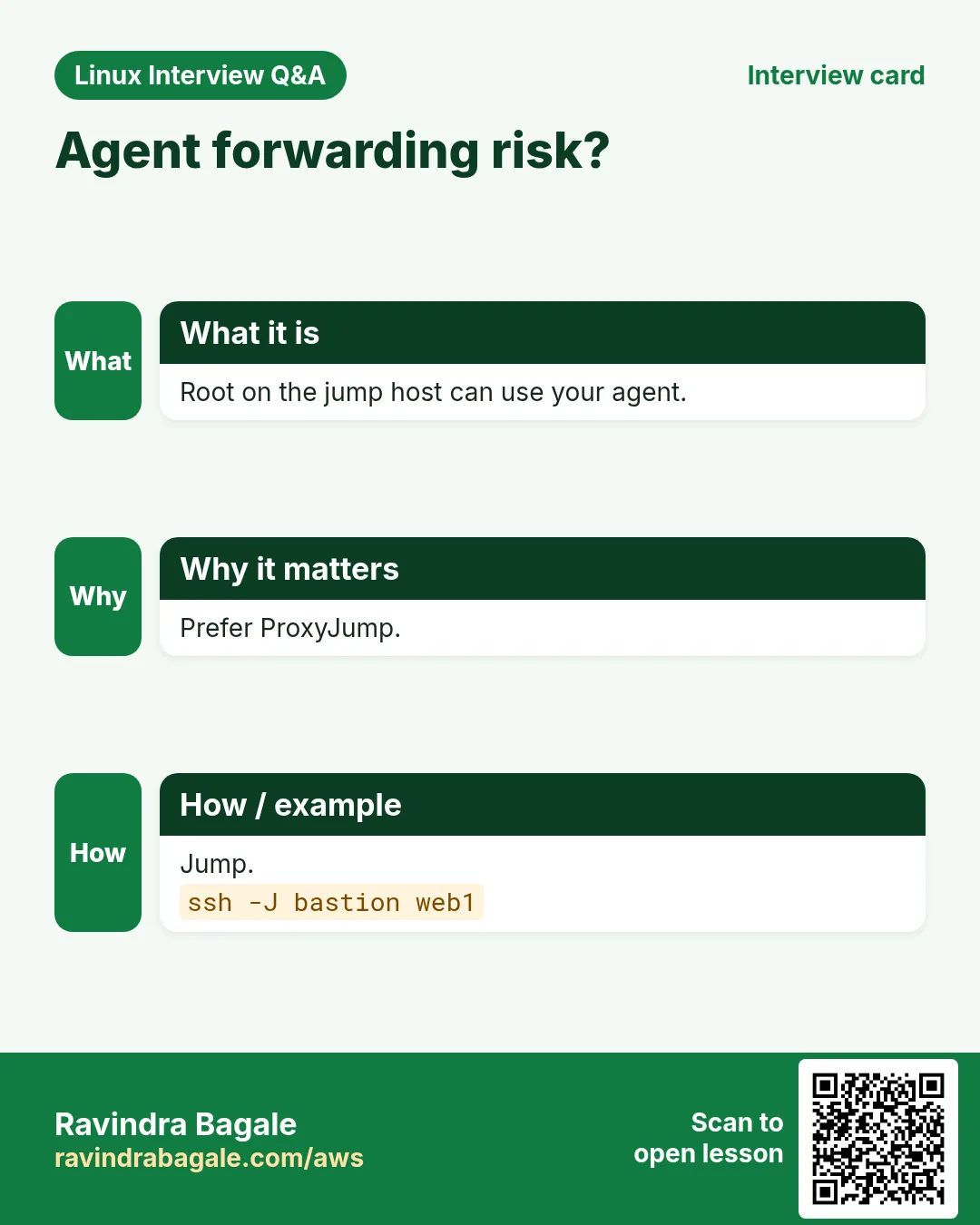
eval "$(ssh-agent -s)" starts it. ssh-add ~/.ssh/id_ed25519 loads a key; ssh-add -l lists; ssh-add -D removes all; ssh-add -t 3600 sets a lifetime. Agent forwarding (ssh -A) lets a remote host use your agent; only use it on hosts you trust, prefer ProxyJump.
- Start and add.
eval "$(ssh-agent -s)" && ssh-add -t 8h ~/.ssh/id_ed25519Output:
Agent pid 4412
Identity added: /home/ravi/.ssh/id_ed25519 (ravi@laptop)
Lifetime set to 28800 seconds
Passphrase asked once.
- List.
ssh-add -lOutput:
256 SHA256:Zr1x... ravi@laptop (ED25519)Loaded.
- Too many keys.
ssh web1Output:
Received disconnect: Too many authentication failuresAgent offers 6 keys; set IdentitiesOnly yes.
9. ProxyJump: reach private servers through a bastion
Private servers have no public IP. You must go through a jump host (bastion) without copying your key to it.
ssh -J user@bastion user@private connects through bastion; your key stays local. Chain with commas: -J b1,b2. In config: ProxyJump bastion. Old way: ProxyCommand ssh -W %h:%p bastion.
- One jump.
ssh -J ec2-user@bastion.example.com ec2-user@10.0.3.40Output:
[ec2-user@db-40 ~]$Inside the private subnet.
- Config way.
Host bastion
  HostName bastion.example.com
  User ec2-user
Host db40
  HostName 10.0.3.40
  ProxyJump bastion
Output:
ssh db40Same, shorter.
- scp through the jump.
scp -J bastion backup.sql db40:/tmp/Output:
backup.sql 100% 40MB 22MB/sWorks with rsync too via config.
10. Local port forwarding: ssh -L
A database or admin page listens only inside a private network. -L brings it to your laptop safely.
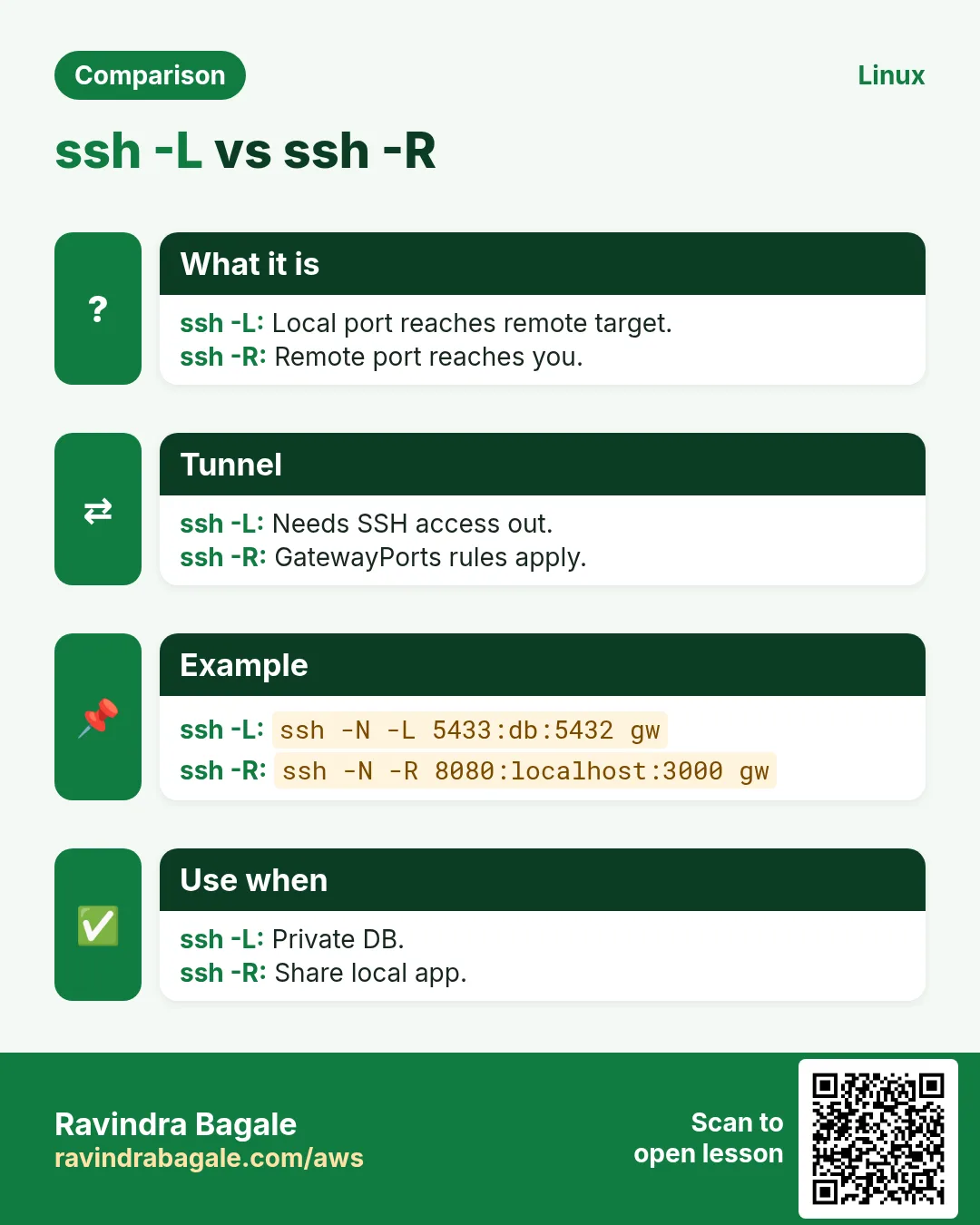
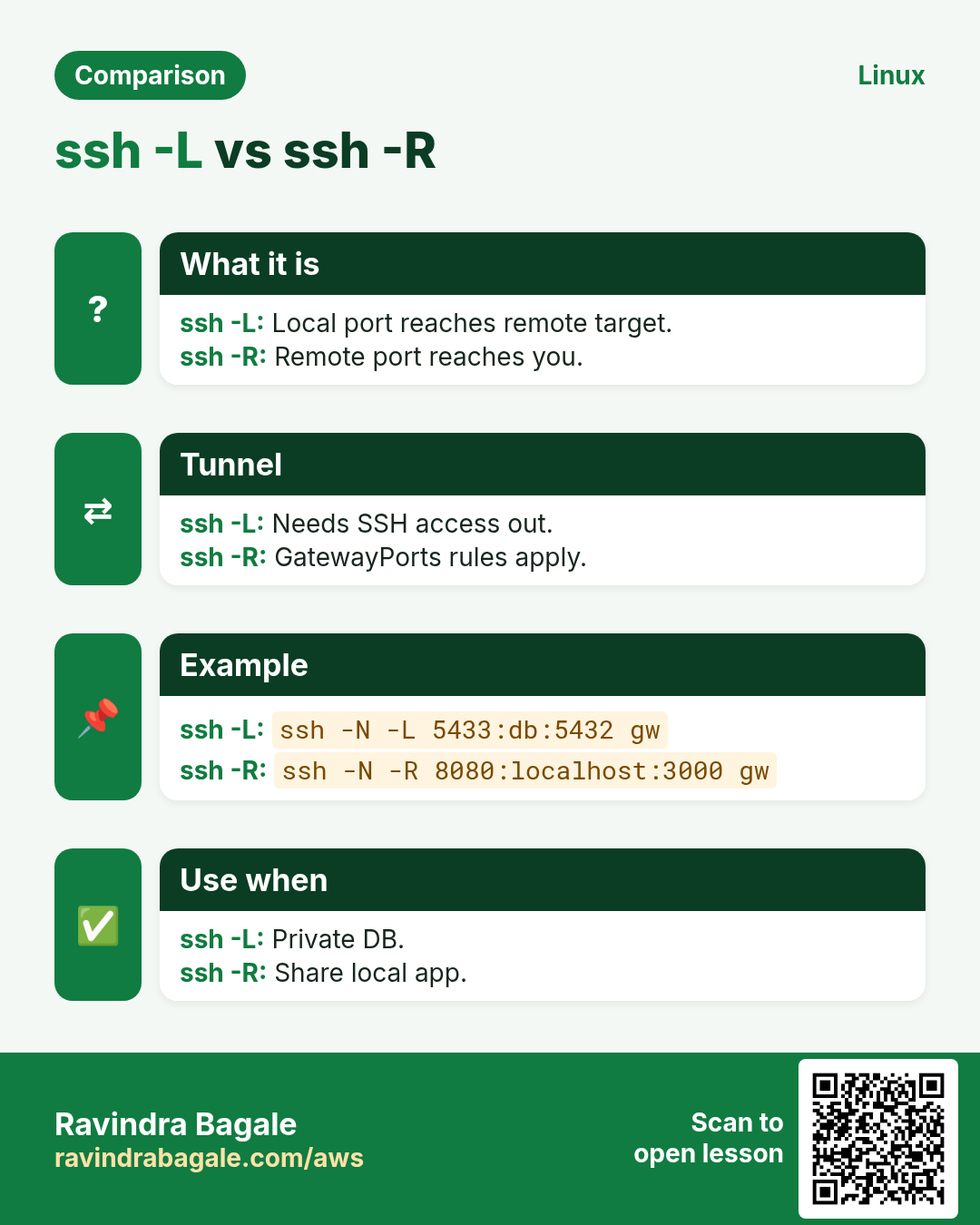
ssh -L LOCALPORT:TARGET:TARGETPORT host. Traffic to localhost:LOCALPORT goes through host to TARGET:TARGETPORT. Add -N (no command) and -f (background) for a tunnel only. Bind only to 127.0.0.1 (the default).
- Reach a private Postgres.
ssh -N -L 15432:db.internal:5432 bastionOutput:
(waits)Now psql -h localhost -p 15432 on the laptop.
- Admin page.
ssh -fN -L 8080:127.0.0.1:8080 web1 && curl -sI http://localhost:8080Output:
HTTP/1.1 200 OKApp bound to localhost on web1.
- Port in use.
ssh -N -L 8080:127.0.0.1:8080 web1Output:
bind [127.0.0.1]:8080: Address already in usePick another local port.
11. Remote (-R) and dynamic (-D) forwarding
-R lets a remote server reach something on your side (like a demo app). -D gives a SOCKS proxy to browse a private network.
ssh -R REMOTEPORT:localhost:LOCALPORT host opens REMOTEPORT on host that leads back to you. By default it binds to the server's localhost (GatewayPorts). ssh -D 1080 host makes a SOCKS5 proxy on localhost:1080.
- Share a local app.
ssh -N -R 9000:localhost:3000 web1Output:
(waits)On web1: curl localhost:9000 reaches your laptop's port 3000.
- SOCKS proxy.
ssh -N -D 1080 bastion &
curl --socks5-hostname localhost:1080 http://grafana.internal:3000/login -sI
Output:
HTTP/1.1 200 OKBrowse private hosts by name.
12. scp: simple copy
Read the two places in a copy command in order: source first, destination second. A plain path is on the computer where you run scp. An argument with user@host: before the path refers to the other computer. Download a harmless sample from your own lab server and give the local file a different name. Run ls -l locally and compare the size with the remote file. That check catches the common mix-up where the command was started inside the server terminal rather than on the laptop.
The quickest way to send one file to or from a server.
scp SRC DEST, where remote paths are host:path. -r for folders, -P PORT (capital P), -i KEY, -J jump. Modern OpenSSH runs scp over SFTP internally. For big or repeated copies, use rsync.
- Upload.
scp app.tar.gz web1:/tmp/Output:
app.tar.gz 100% 18MB 30.1MB/s 00:00Uses config alias.
- Download a folder.
scp -r web1:/var/log/nginx ./nginx-logsOutput:
access.log 100% 220MB
error.log 100% 3MB
Copied recursively.
- Custom port.
scp -P 2222 report.pdf ravi@bastion.example.com:~Output:
report.pdf 100%Capital P for scp.
scp in depth: upload, download, -r, -P, -i and server to server
You often need to put a file on a server or bring a log back to your laptop. scp does it over SSH, so it is encrypted and uses the same keys you already have.
scp copies files like cp, but one side is host:path. The first path is the source and the last path is the destination. Remote paths look like user@host:/path.
Common options
| Option | What it does |
|---|---|
-r | Copy a folder and everything inside. |
-P PORT | SSH port (capital P; ssh uses small -p). |
-i KEY | Use this private key file. |
-3 | Server to server copy through your machine. |
-C | Compress during transfer. |
-p | Keep times and modes. |
-l KBIT | Limit bandwidth in Kbit/s. |
- Upload: local file first, server last.
scp menu-diwali.pdf rohan@192.168.1.40:/var/www/cafe/Output:
menu-diwali.pdf 100% 812KB 9.8MB/s 00:00The file is now in /var/www/cafe/ on the server.
- Download: server first, local last.
scp rohan@192.168.1.40:/var/log/nginx/error.log ~/Downloads/Output:
error.log 100% 64KB 7.1MB/s 00:00A dot (.) as the last path means the current folder.
- A whole folder with -r.
scp -r invoices-oct rohan@192.168.1.40:~/backup/Output:
inv-001.pdf  100%  ...
inv-002.pdf  100%  ...
Without -r you get "not a regular file".
- A custom port with -P.
scp -P 2022 db.sql.gz rohan@shop.example.in:/tmp/Output:
db.sql.gz 100% 18MB 11MB/s 00:01The server runs SSH on 2022, not 22.
- A key file with -i (cloud servers).
scp -i ~/keys/mumbai.pem app.jar ubuntu@13.233.10.5:/opt/app/Output:
app.jar 100% 42MB 20MB/s 00:02The .pem key must be chmod 600, or SSH refuses it.
- Server to server.
scp -3 old-db:/backup/shop.sql new-db:/restore/Output:
shop.sql 100% 120MB 30MB/s 00:04-3 sends the data through your laptop, so the two servers do not need keys for each other. Without -3 the first server connects straight to the second.
Practise this in the tasks below: Practice tasks
13. rsync: smart sync over SSH
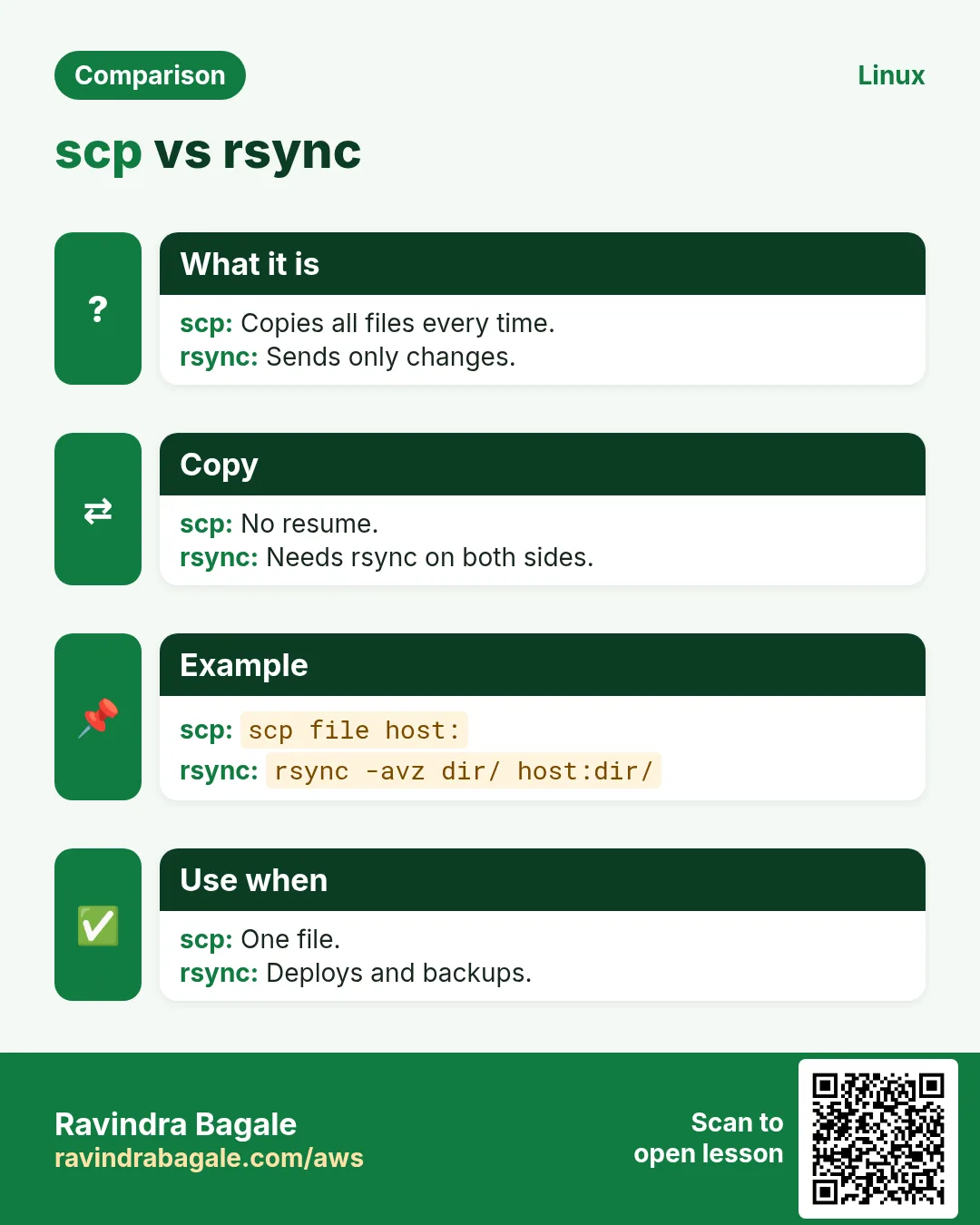
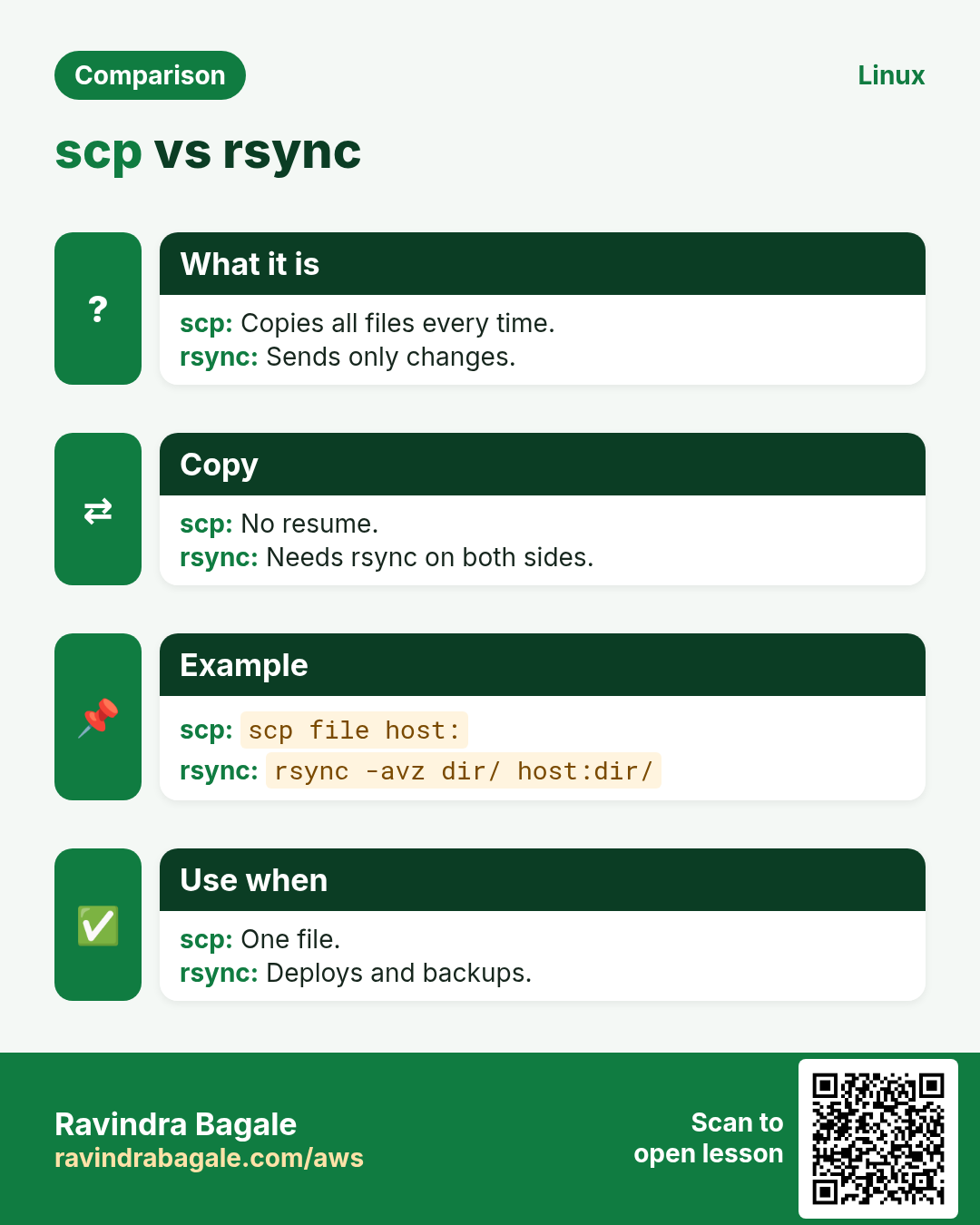
rsync only sends what changed, can resume, and keeps permissions. It is the tool for deploys, backups and migrations.
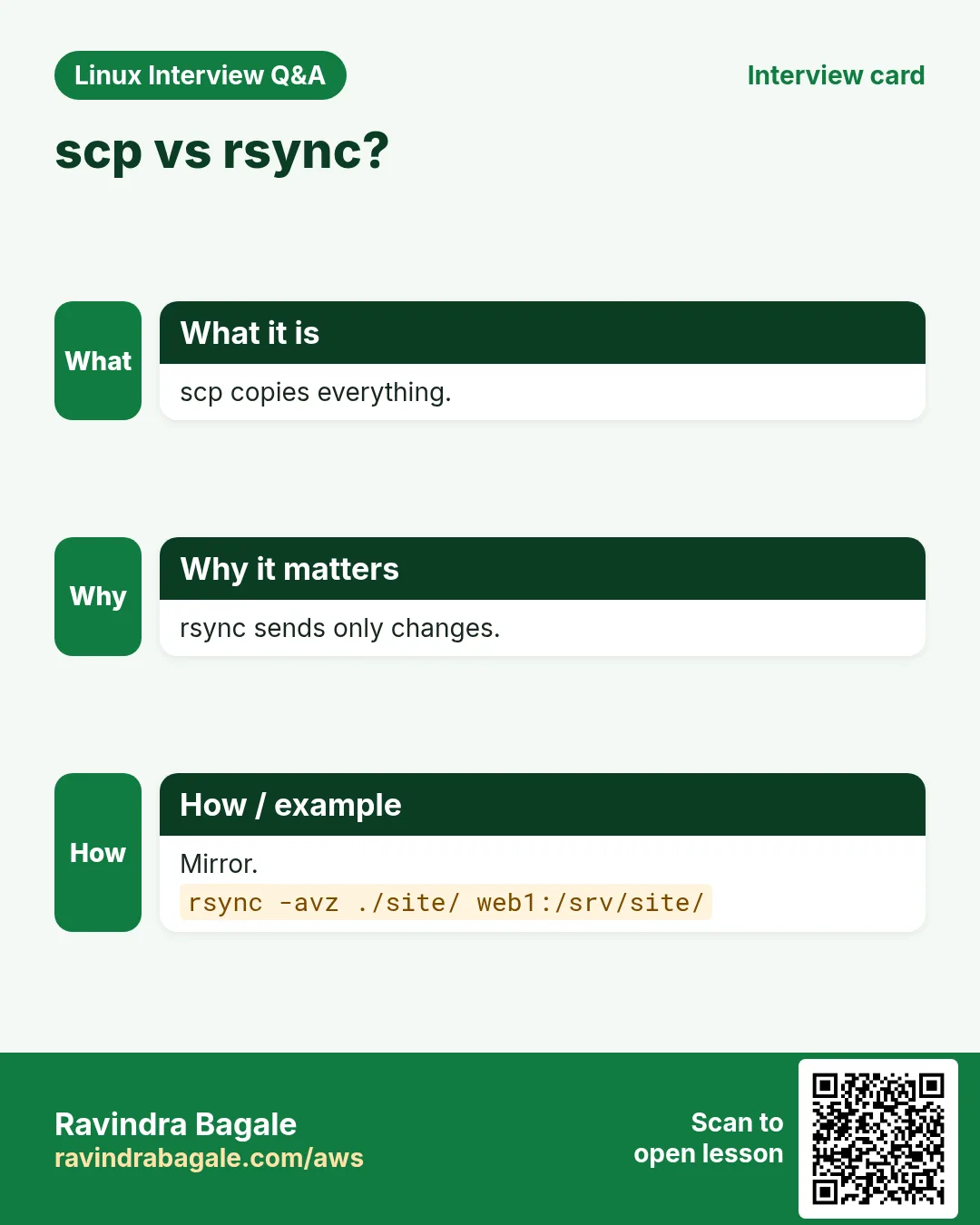
rsync -avz SRC/ host:DEST/: -a archive (perms, times, links), -v verbose, -z compress. -n (--dry-run) shows what would happen. --delete removes extra files in DEST (careful). --progress, --partial, -e 'ssh -p 2222'. A trailing slash on SRC means 'contents of'.
| Option | Meaning |
|---|---|
| -a | Archive: keep perms, times, links |
| -z | Compress in transit |
| -n | Dry run |
| --delete | Mirror: remove extras |
| --exclude | Skip a pattern |
| -P | Progress + partial |
- Dry run first.
rsync -avzn --delete ./site/ web1:/var/www/site/Output:
deleting old.html
index.html
sent 1.2K bytes
Shows the delete before doing it.
- Real run.
rsync -avz --delete ./site/ web1:/var/www/site/Output:
index.html
sent 4.8K bytes received 92 bytes
Only changes sent.
- Backup with excludes.
rsync -aP --exclude 'cache/' web1:/srv/data/ /backup/data/Output:
data/big.bin 2.1G 100% 95MB/sResumable large copy.
- Slash matters.
rsync -a src web1:/opt/ vs rsync -a src/ web1:/opt/Output:
/opt/src/... vs /opt/...With slash: contents only.
14. sftp: interactive file transfer
Partners and non-Linux users often get SFTP-only accounts. You browse and transfer without a shell.
sftp user@host opens a prompt with ls, cd, lcd, get, put, mkdir, rm, bye. -b batchfile runs commands from a file (for scripts). Servers can lock users into SFTP with ChrootDirectory and ForceCommand internal-sftp.
- Interactive.
sftp vendor@files.example.com
sftp> cd inbound
sftp> put invoice-oct.csv
sftp> bye
Output:
Uploading invoice-oct.csv to /inbound/invoice-oct.csvUploaded.
- Batch mode.
printf 'cd outbound\nget *.csv\n' > b.txt && sftp -b b.txt vendor@files.example.comOutput:
Fetching /outbound/orders.csvGood for cron jobs.
15. Real examples from many industries
The same Linux skill shows up in every kind of company. Seeing it in many places helps you remember it.
Each row is a made-up team. It shows who uses this and how.
| Team and city | How they use it | Command |
|---|---|---|
| Vikram, IT services, Pune | Uses ProxyJump for all private servers | ssh -J bastion db40 |
| Sarah, healthcare, Boston | Restricts CI keys with from= options | from="10.0.9.0/24" ssh-ed25519 ... |
| Yuki, gaming, Tokyo | rsync deploys with dry run first | rsync -avzn --delete ./build/ web1:/srv/ |
| Carlos, retail, Mexico City | SFTP batch jobs with suppliers | sftp -b b.txt vendor@files |
| Nadia, bank, Frankfurt | Tunnels to private DBs for audits | ssh -N -L 15432:db.internal:5432 bastion |
| Omkar, agri startup, Satara | Keeps a tidy ~/.ssh/config | ssh -G web1 |
16. Common errors and how to fix them
Everyone hits these errors. Knowing the cause saves hours.
Read the exact message first. Then match it to a row below.
| Error you see | Why it happens | How to fix |
|---|---|---|
Permission denied (publickey) | Key not in authorized_keys, wrong user or wrong key | Debug which key is offered.ssh -v user@host |
UNPROTECTED PRIVATE KEY FILE! | Private key readable by others | Set 600.chmod 600 ~/.ssh/id_ed25519 |
REMOTE HOST IDENTIFICATION HAS CHANGED | Host key changed: rebuild or attack | Confirm, then remove the old key.ssh-keygen -R host |
Too many authentication failures | Agent offered too many keys | Use IdentitiesOnly with a chosen key.ssh -o IdentitiesOnly=yes -i KEY host |
Connection timed out (port 22) | Security group/firewall blocks 22 | Allow your IP or use the bastion.nc -zv -w 3 host 22 |
Could not open a connection to your authentication agent | No agent running in this shell | Start it.eval "$(ssh-agent -s)" |
bind: Address already in use (tunnel) | Local port busy | Choose another local port.ss -ltnp 'sport = :8080' |
rsync: command not found (remote) | rsync missing on the other side | Install it there.ssh web1 'sudo dnf install -y rsync' |
scp: ssh: connect to host ... port 22: Connection refused with -p | Used -p instead of -P | scp uses capital -P.scp -P 2222 file host: |
channel 2: open failed: connect failed: Connection refused | Tunnel target not listening | Check target host:port from the SSH server.ssh bastion 'nc -zv db.internal 5432' |
17. Troubleshooting step by step
When SSH login fails, go from network to auth.
Go top to bottom. Stop at the first step that shows the problem.
- Port open?
nc -zv -w 3 host 22- Right settings used?
ssh -G host | head- Which key offered?
ssh -v host- Permissions ok?
ls -la ~/.ssh- Server log.
sudo journalctl -u sshd -n 30- Key on server?
grep -c ssh-ed25519 ~/.ssh/authorized_keys18. Lab 1: Keys, config and agent
Create a key, install it on a host (localhost works), and log in by alias.
A full hands-on lab. Run every step on a test Linux machine (an EC2 instance, a VM, or WSL).
- Create.
ssh-keygen -t ed25519 -f ~/.ssh/lab_key -C labOutput:
Your identification has been saved- Install on localhost.
ssh-copy-id -i ~/.ssh/lab_key.pub $USER@localhostOutput:
Number of key(s) added: 1- Add a config alias.
printf 'Host lab\n HostName localhost\n IdentityFile ~/.ssh/lab_key\n IdentitiesOnly yes\n' >> ~/.ssh/config; chmod 600 ~/.ssh/configOutput:
(no output)- Load agent.
eval "$(ssh-agent -s)"; ssh-add ~/.ssh/lab_keyOutput:
Identity added- Log in.
ssh lab hostnameOutput:
yourhost19. Lab 2: Tunnel and sync
Reach a localhost-only web server through a tunnel and sync a folder with rsync.
A full hands-on lab. Run every step on a test Linux machine (an EC2 instance, a VM, or WSL).
- Start a private server.
python3 -m http.server 8001 --bind 127.0.0.1 &Output:
Serving HTTP on 127.0.0.1 port 8001- Tunnel to it.
ssh -fN -L 9001:127.0.0.1:8001 labOutput:
(no output)- Test.
curl -sI http://localhost:9001Output:
HTTP/1.0 200 OK- Dry-run sync.
mkdir -p /tmp/a && touch /tmp/a/f1 && rsync -avn /tmp/a/ lab:/tmp/b/Output:
f1- Real sync.
rsync -av /tmp/a/ lab:/tmp/b/Output:
sent 120 bytesRavindra Bagale's Tip
Put every server in ~/.ssh/config with IdentitiesOnly yes and use ProxyJump instead of agent forwarding (-A). Your key never sits on the bastion, and a hacked bastion cannot use your agent.
Ravindra Bagale's Tip – मराठी
प्रत्येक server ~/.ssh/config मधे IdentitiesOnly yes सह ठेवा आणि agent forwarding (-A) ऐवजी ProxyJump वापरा. तुमची key bastion वर कधी नसते, आणि hacked bastion तुमचा agent वापरू शकत नाही.
Ravindra Bagale's Tip – हिंदी
हर server को ~/.ssh/config में IdentitiesOnly yes के साथ रखें और agent forwarding (-A) की जगह ProxyJump इस्तेमाल करें. आपकी key bastion पर कभी नहीं होती, और hacked bastion आपका agent इस्तेमाल नहीं कर सकता.
20. Frequently asked questions
Q. ed25519 or RSA?
ed25519: shorter, faster, modern. RSA 4096 only for old systems.
Q. Can I share my private key with a teammate?
Never. Each person gets their own key.
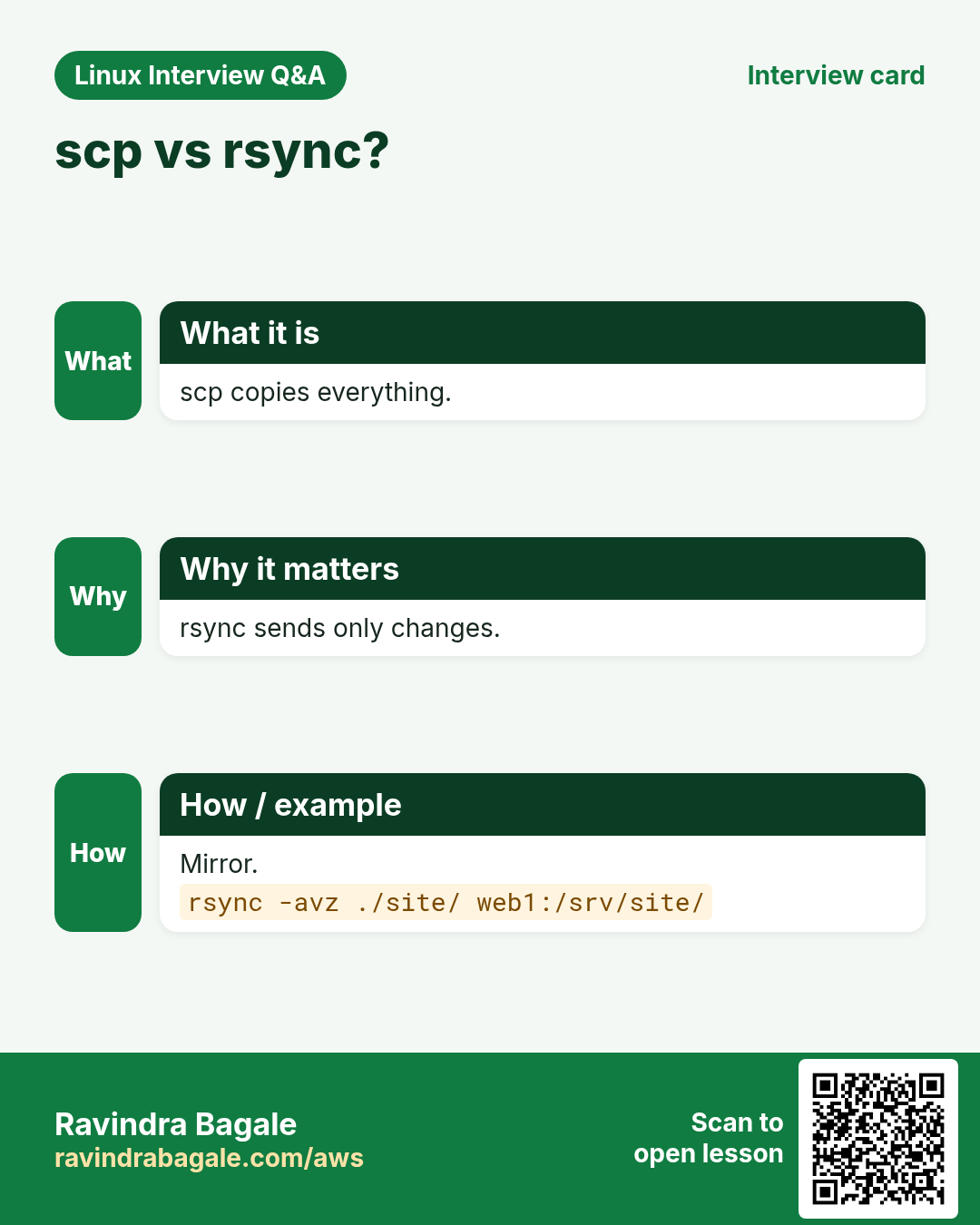
Q. scp or rsync?
rsync for big, repeated or resumable copies.
Q. What does -N do?
No remote command; tunnel only.
Q. Is agent forwarding unsafe?
Root on the remote host can use your agent while connected.
Q. Why does rsync --delete scare people?
It removes files in the destination; always dry-run first.
Q. How to keep SSH from dropping?
ServerAliveInterval 30 in config.
Q. What is a bastion?
A hardened jump host that is the only SSH entry to a private network.
21. Interview questions and answers
Beginner level
Q. Create a modern key?
ssh-keygen -t ed25519.
Q. Copy key to server?
ssh-copy-id user@host.
Q. Copy a file to a server?
scp file host:/path.
Q. Permissions for private key?
600.
Mid level level
Q. Reach a private DB from laptop?
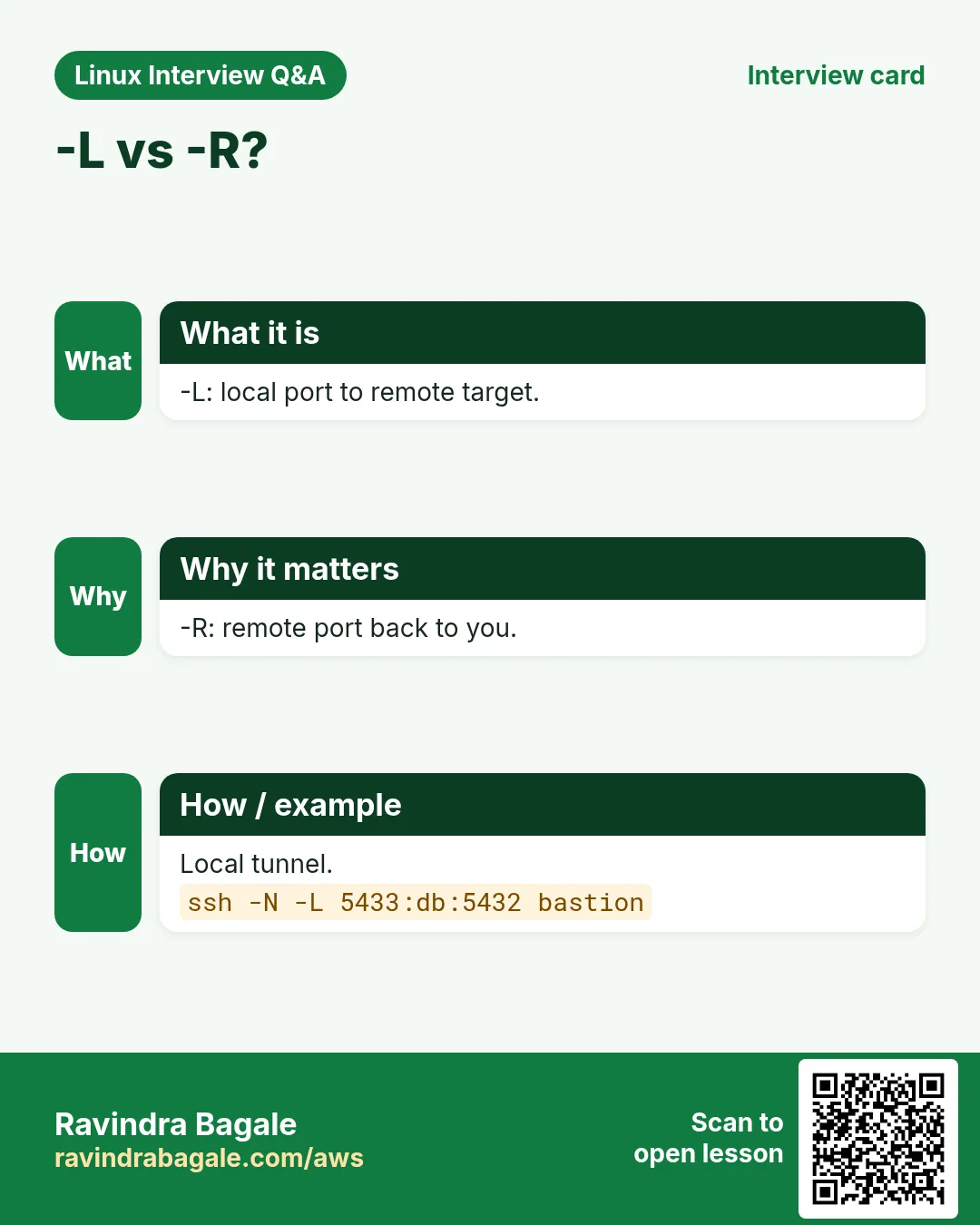
ssh -L 15432:db:5432 bastion.
Q. What is ProxyJump?
Connect through a jump host without copying keys there.
Q. Fix host key changed after rebuild?
ssh-keygen -R host, then reconnect and verify.
Q. rsync trailing slash?
SRC/ copies contents; SRC copies the folder itself.
Senior level
Q. Harden SSH on a fleet?
Keys only, no root login, AllowGroups, MFA/SSO certs, bastion, logging.
Q. Rotate a leaked key?
Remove from all authorized_keys (config mgmt), issue new key, audit logs.
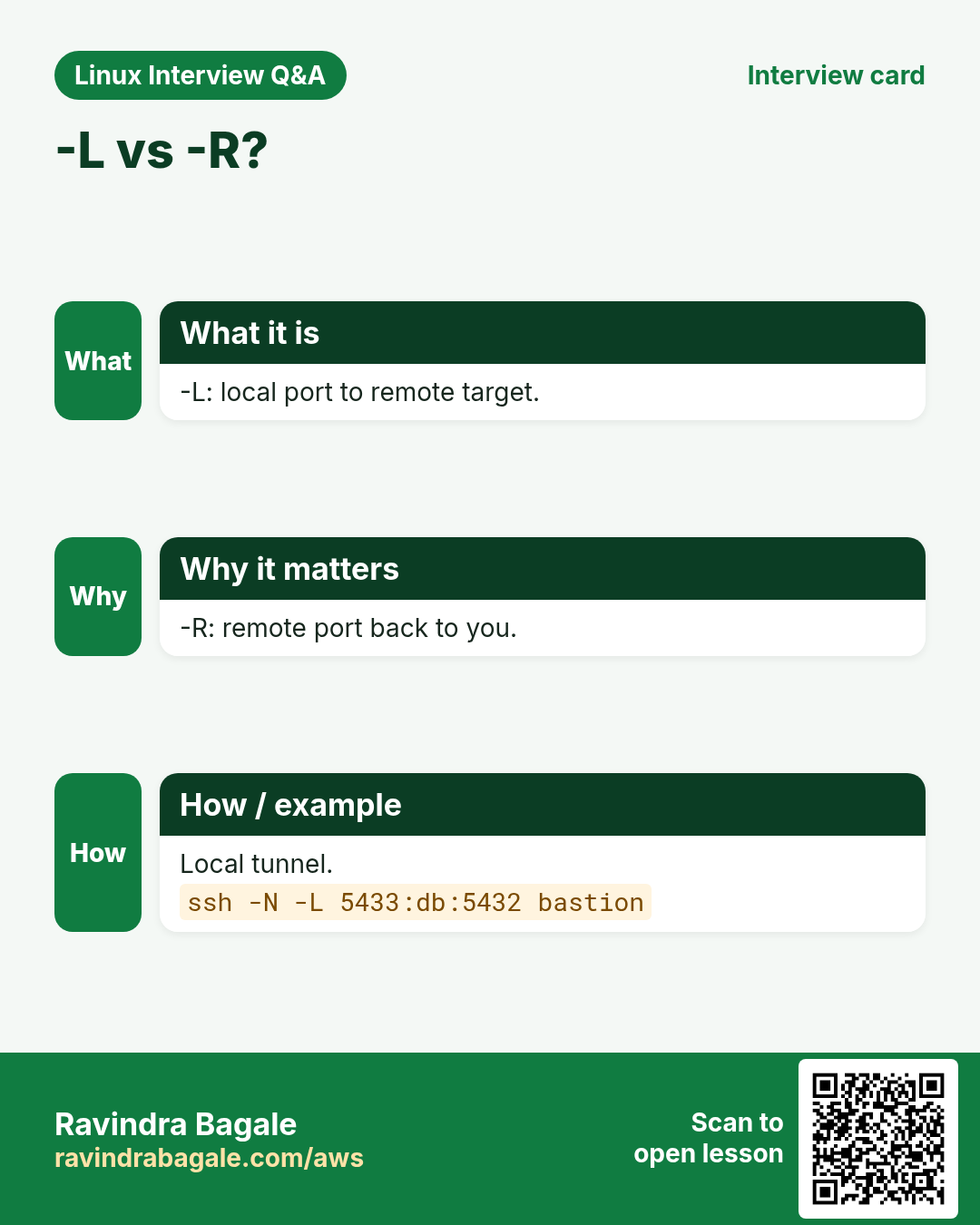
Q. -L vs -R vs -D?
-L brings remote to local, -R exposes local on remote, -D SOCKS proxy.
Q. Why SSH certificates?
Short-lived signed keys; no authorized_keys sprawl.
Try at home
- Create a ~/.ssh/config with three hosts including one ProxyJump, and check each with ssh -G.
- Use rsync -avn to compare two folders and explain each line of output.
Practise this chapter
Interview questions and answers
Why can SSH reject a valid private key when you change the target username?
The server checks whether the corresponding public key is allowed for the requested account. A key installed for one account does not automatically apply to another. Check username, the public key location and the permitted SSH setup on the lab server.
Check your understanding
Choose an answer, then compare your reasoning with the explanation.
Practice Tasks
Practice checks run in your browser. They check the answer for this exercise; they do not create resources or connect to your AWS account.
About this scenarioLondon Legal LLP is a law business in London. Oliver Hughes looks after its IT and cloud work. They count money in GBP and run their AWS resources in the eu-west-2 Region. In the tasks below you do real jobs for them using what this lesson teaches. All names, account IDs, IP addresses and numbers are made up for practice.
0 / 23
Easy Modern key
SSH is the front door to every server.
Create an ed25519 key with comment ops@build.
- Find the Linux command that does this job.
- Add the options (like -r or -h) the task needs.
- Add the file names, folders or users in the right order.
- Use sudo if the job changes system files or users. Click Check answer.
Easy Fingerprint
SSH is the front door to every server.
Show the fingerprint of ~/.ssh/gitlab_key.pub.
- Find the Linux command that does this job.
- Add the options (like -r or -h) the task needs.
- Add the file names, folders or users in the right order.
- Use sudo if the job changes system files or users. Click Check answer.
Easy Install key
SSH is the front door to every server.
Install ~/.ssh/gitlab_key.pub for user deploy on 10.0.8.8.
- Find the Linux command that does this job.
- Add the options (like -r or -h) the task needs.
- Add the file names, folders or users in the right order.
- Use sudo if the job changes system files or users. Click Check answer.
Easy Fix key permission
SSH is the front door to every server.
Make ~/.ssh/gitlab_key readable only by you.
- Find the Linux command that does this job.
- Add the options (like -r or -h) the task needs.
- Add the file names, folders or users in the right order.
- Use sudo if the job changes system files or users. Click Check answer.
Easy Other port
SSH is the front door to every server.
SSH to admin@gw.example.org on port 2200.
- Find the Linux command that does this job.
- Add the options (like -r or -h) the task needs.
- Add the file names, folders or users in the right order.
- Use sudo if the job changes system files or users. Click Check answer.
Easy Drop one key
SSH is the front door to every server.
Remove only ~/.ssh/gitlab_key from the agent.
- Find the Linux command that does this job.
- Add the options (like -r or -h) the task needs.
- Add the file names, folders or users in the right order.
- Use sudo if the job changes system files or users. Click Check answer.
Easy Copy a folder down
SSH is the front door to every server.
Copy folder /etc/nginx from host web2 to the current folder.
- Find the Linux command that does this job.
- Add the options (like -r or -h) the task needs.
- Add the file names, folders or users in the right order.
- Use sudo if the job changes system files or users. Click Check answer.
Easy Upload a file
SSH is the front door to every server.
Copy invoice.pdf to /tmp/ on 10.0.4.7 as user meera with scp.
- Find the Linux command that does this job.
- Add the options (like -r or -h) the task needs.
- Add the file names, folders or users in the right order.
- Use sudo if the job changes system files or users. Click Check answer.
Easy Download a file
SSH is the front door to every server.
Copy /var/log/app.log from 10.0.4.7 (user meera) to the current folder with scp.
- Find the Linux command that does this job.
- Add the options (like -r or -h) the task needs.
- Add the file names, folders or users in the right order.
- Use sudo if the job changes system files or users. Click Check answer.
Medium Named key file
SSH is the front door to every server.
Create an ed25519 key in file ~/.ssh/gitlab_key.
- Find the Linux command that does this job.
- Add the options (like -r or -h) the task needs.
- Add the file names, folders or users in the right order.
- Use sudo if the job changes system files or users. Click Check answer.
Medium One remote command
SSH is the front door to every server.
Run free -h on host app-50 over SSH without opening a shell.
- Find the Linux command that does this job.
- Add the options (like -r or -h) the task needs.
- Add the file names, folders or users in the right order.
- Use sudo if the job changes system files or users. Click Check answer.
Medium Remove host key
SSH is the front door to every server.
Remove the old known_hosts entry for 10.0.8.8.
- Find the Linux command that does this job.
- Add the options (like -r or -h) the task needs.
- Add the file names, folders or users in the right order.
- Use sudo if the job changes system files or users. Click Check answer.
Medium Final settings
SSH is the front door to every server.
Show the merged settings ssh will use for host app-50.
- Find the Linux command that does this job.
- Add the options (like -r or -h) the task needs.
- Add the file names, folders or users in the right order.
- Use sudo if the job changes system files or users. Click Check answer.
Medium Agent with lifetime
SSH is the front door to every server.
Add ~/.ssh/gitlab_key to the agent for 2 hours.
- Find the Linux command that does this job.
- Add the options (like -r or -h) the task needs.
- Add the file names, folders or users in the right order.
- Use sudo if the job changes system files or users. Click Check answer.
Medium Through a bastion
SSH is the front door to every server.
Reach admin@10.0.9.12 through jump host admin@jump.example.org.
- Find the Linux command that does this job.
- Add the options (like -r or -h) the task needs.
- Add the file names, folders or users in the right order.
- Use sudo if the job changes system files or users. Click Check answer.
Medium scp on port
SSH is the front door to every server.
Copy notes.txt to gw home folder on port 2200 with scp.
- Find the Linux command that does this job.
- Add the options (like -r or -h) the task needs.
- Add the file names, folders or users in the right order.
- Use sudo if the job changes system files or users. Click Check answer.
Medium rsync with exclude
SSH is the front door to every server.
Archive-copy ./photos/ to nas:/backup/photos/ but skip the tmp folder.
- Find the Linux command that does this job.
- Add the options (like -r or -h) the task needs.
- Add the file names, folders or users in the right order.
- Use sudo if the job changes system files or users. Click Check answer.
Medium scp with a key
SSH is the front door to every server.
Copy build.zip to the home of ec2-user@3.6.9.12 using the key ~/.ssh/ops.pem.
- Find the Linux command that does this job.
- Add the options (like -r or -h) the task needs.
- Add the file names, folders or users in the right order.
- Use sudo if the job changes system files or users. Click Check answer.
Hard Local tunnel
SSH is the front door to every server.
Forward local port 13306 to mysql.internal:3306 through host gw, no shell.
- Find the Linux command that does this job.
- Add the options (like -r or -h) the task needs.
- Add the file names, folders or users in the right order.
- Use sudo if the job changes system files or users. Click Check answer.
Hard SOCKS proxy
SSH is the front door to every server.
Open a SOCKS proxy on local port 1081 through host gw, no shell.
- Find the Linux command that does this job.
- Add the options (like -r or -h) the task needs.
- Add the file names, folders or users in the right order.
- Use sudo if the job changes system files or users. Click Check answer.
Hard rsync dry run
SSH is the front door to every server.
Preview mirroring ./dist/ to web2:/srv/app/ with delete, archive, verbose.
- Find the Linux command that does this job.
- Add the options (like -r or -h) the task needs.
- Add the file names, folders or users in the right order.
- Use sudo if the job changes system files or users. Click Check answer.
Hard Server to server
SSH is the front door to every server.
Copy /srv/dump.sql from host app1 to /srv/ on host app2, with the data going through your machine.
- Find the Linux command that does this job.
- Add the options (like -r or -h) the task needs.
- Add the file names, folders or users in the right order.
- Use sudo if the job changes system files or users. Click Check answer.
Hard Folder on a port
SSH is the front door to every server.
Copy the folder site to /var/www/ on host gw as user deploy, SSH port 2222.
- Find the Linux command that does this job.
- Add the options (like -r or -h) the task needs.
- Add the file names, folders or users in the right order.
- Use sudo if the job changes system files or users. Click Check answer.
22. Related chapters
- Linux Ops Refresh for DevOps
- Bash Scripting for Automation
- Linux grep and find Commands with Examples
- How to Set Up Passwordless SSH Between Linux Servers
In short
- ssh-keygen -t ed25519 makes keys; protect with 600 and a passphrase.
- ssh-copy-id installs keys.
- ~/.ssh/config saves hosts, users, keys, jumps.
- ssh-agent holds unlocked keys.
- -J for jump hosts; -L, -R, -D for tunnels.
- scp simple, rsync smart, sftp interactive.
Revision, comparison and interview cards
Revise this lesson in a few minutes. Save the cards on your phone or download them as PNG files. The QR code on each card opens this lesson.
More cards: Ravi Sir's Cards.