Ravi Sir's Cards › AWS
SSH keys in 4 steps
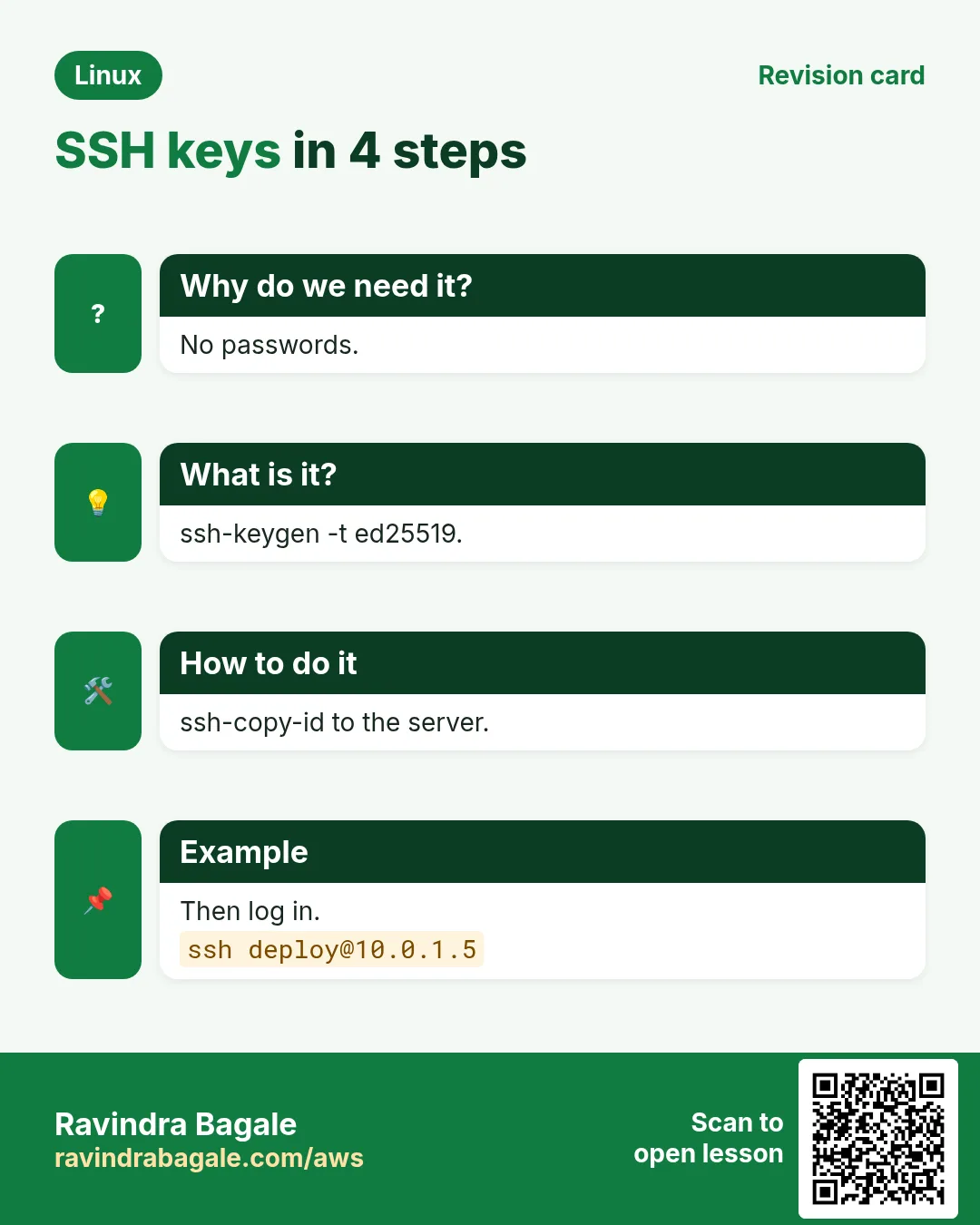
This revision card explains SSH keys in 4 steps. It starts from the need that no passwords. It describes ssh-keygen -t ed25519. The how-to section notes ssh-copy-id to the server. An example on the card is then log in.
Read card text
What this card says
Why do we need it?
No passwords.
What is it?
ssh-keygen -t ed25519.
How to do it
ssh-copy-id to the server.
Example
Then log in.
ssh deploy@10.0.1.5