AWS Backup and Disaster Recovery Plans Explained for Beginners
A laptop dies and students panic about project files. In AWS the same fear is bigger: a region event, ransomware, or an accidental delete of an EBS volume. AWS Backup centralizes backup plans; disaster recovery (DR) is the practiced plan to meet RPO and RTO — not a vague “we have snapshots”.
In this chapter
- Why backups and DR are different
- What AWS Backup plans, vaults and copies are
- How to choose pilot light vs warm standby vs multi-site
- Industries and compliance angles
- Lab, errors, FAQ, interview
1. Everyday example first
A Pune clinic runs RDS + EFS for reports. Nightly AWS Backup plan snapshots both into a vault with 35-day retention and copies weekly to ap-southeast-1. They restore a table to a staging instance every month — a drill, not a hope.
2. Why AWS Backup and DR?
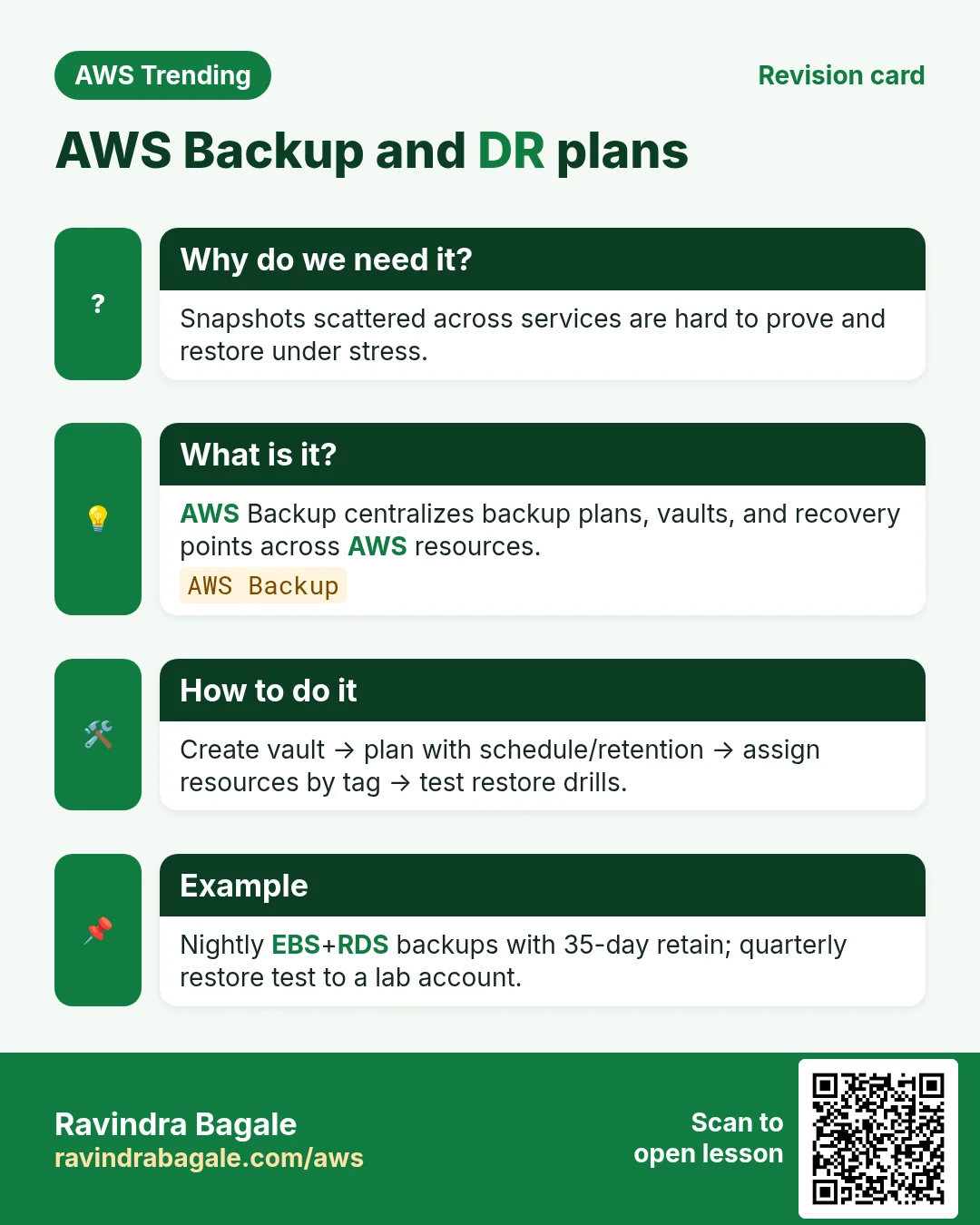
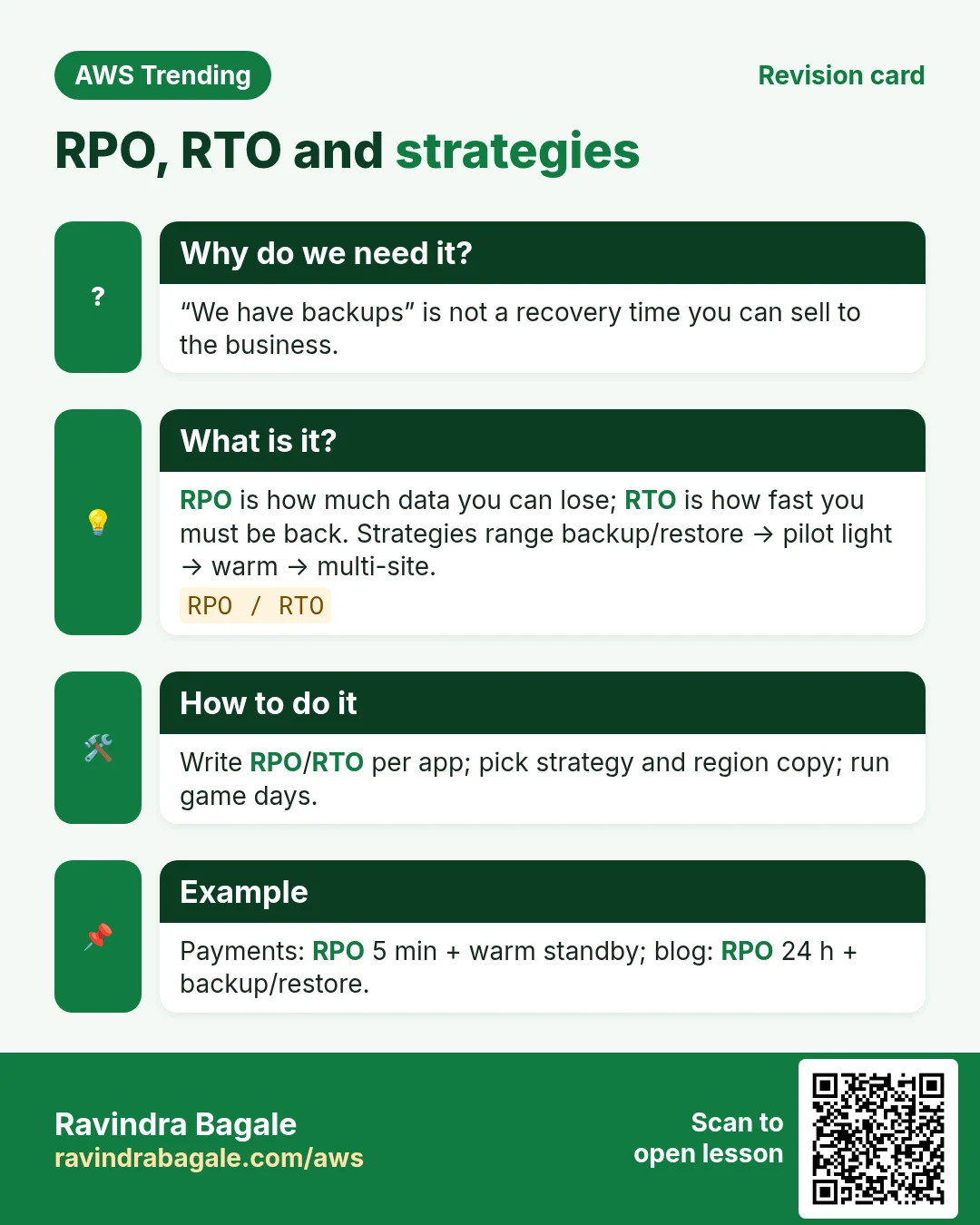
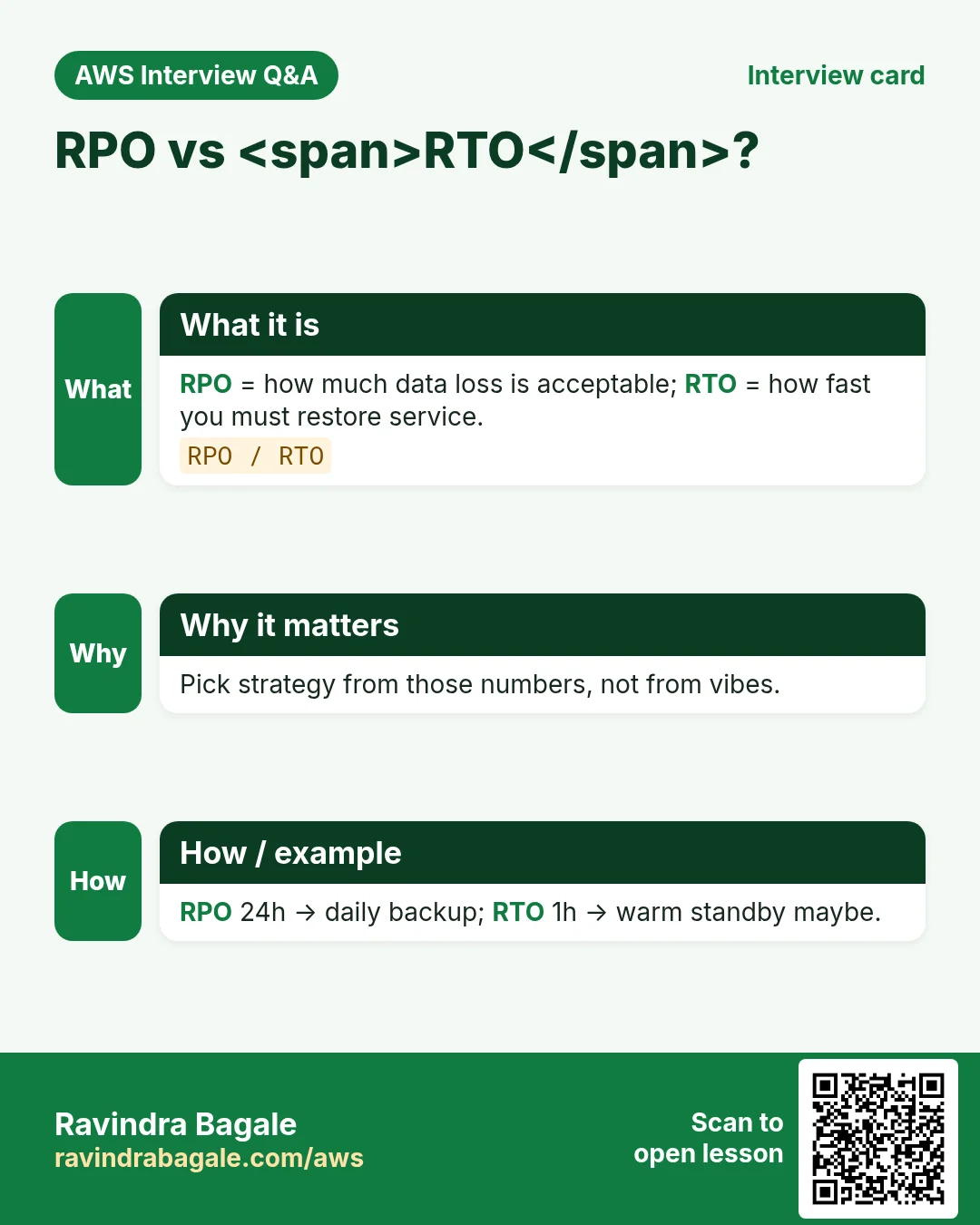
Snapshots alone are not a strategy. You need schedules, encryption, immutability options, cross-account/region copies, and restore runbooks with measured RPO (how much data loss OK) and RTO (how fast back).
- Single place to protect RDS, EBS, EFS, DynamoDB, and more
- Lifecycle to cold storage and expire old recovery points
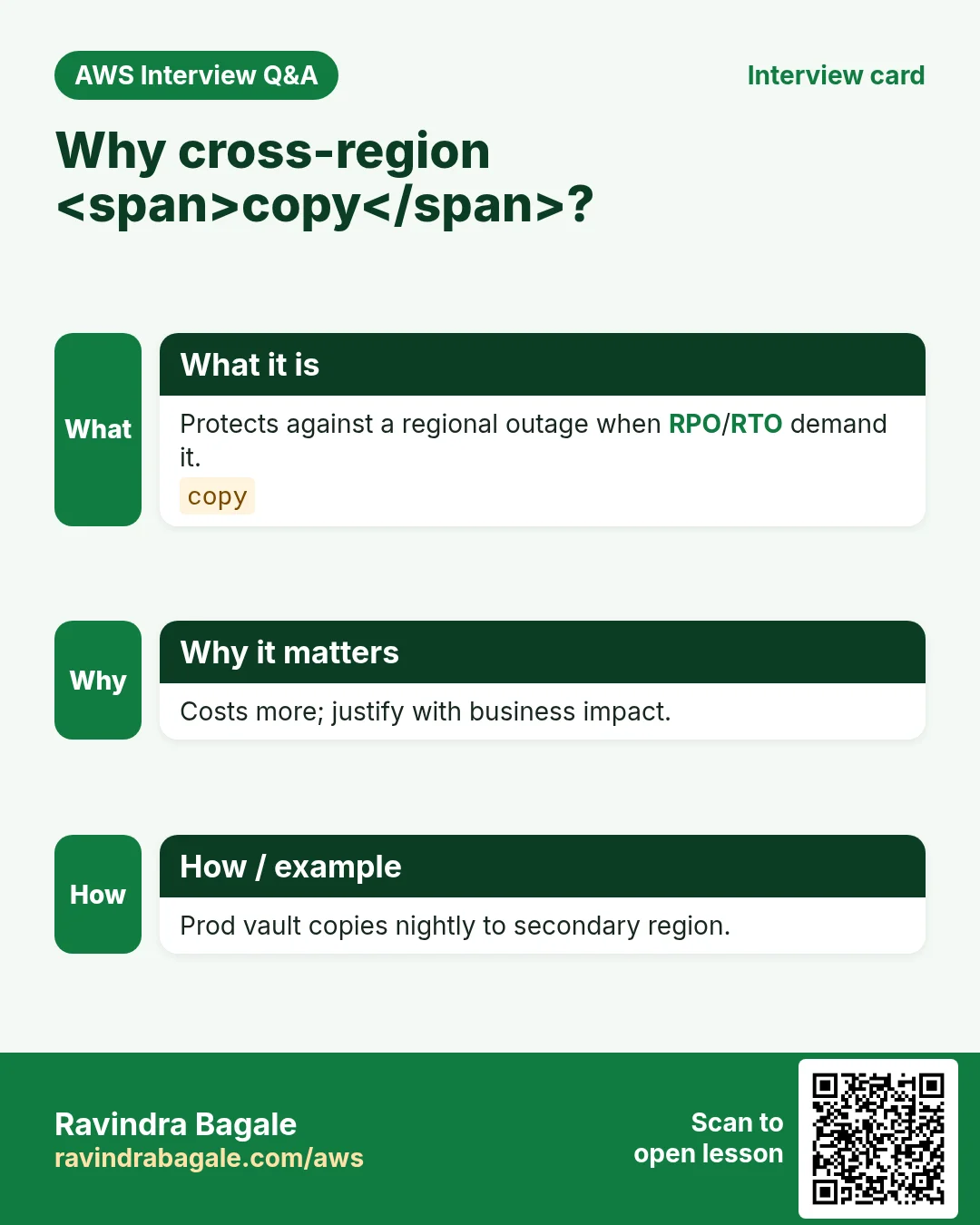
- Cross-region copy for region DR
- Audit who changed backup plans
3. What is AWS Backup?
Use a story with a time line. A store loses its server at 14:00 and restores a copy from 13:15. Its measured data loss window is 45 minutes. The business’s Recovery Point Objective, or RPO, is the most loss it agrees to tolerate. Its Recovery Time Objective, or RTO, is the allowed time to get useful service back. If the restored store first opens an order at 15:30, recovery took 90 minutes. Compare both numbers with the business targets, because a good saved copy and a quick restore answer two separate needs.
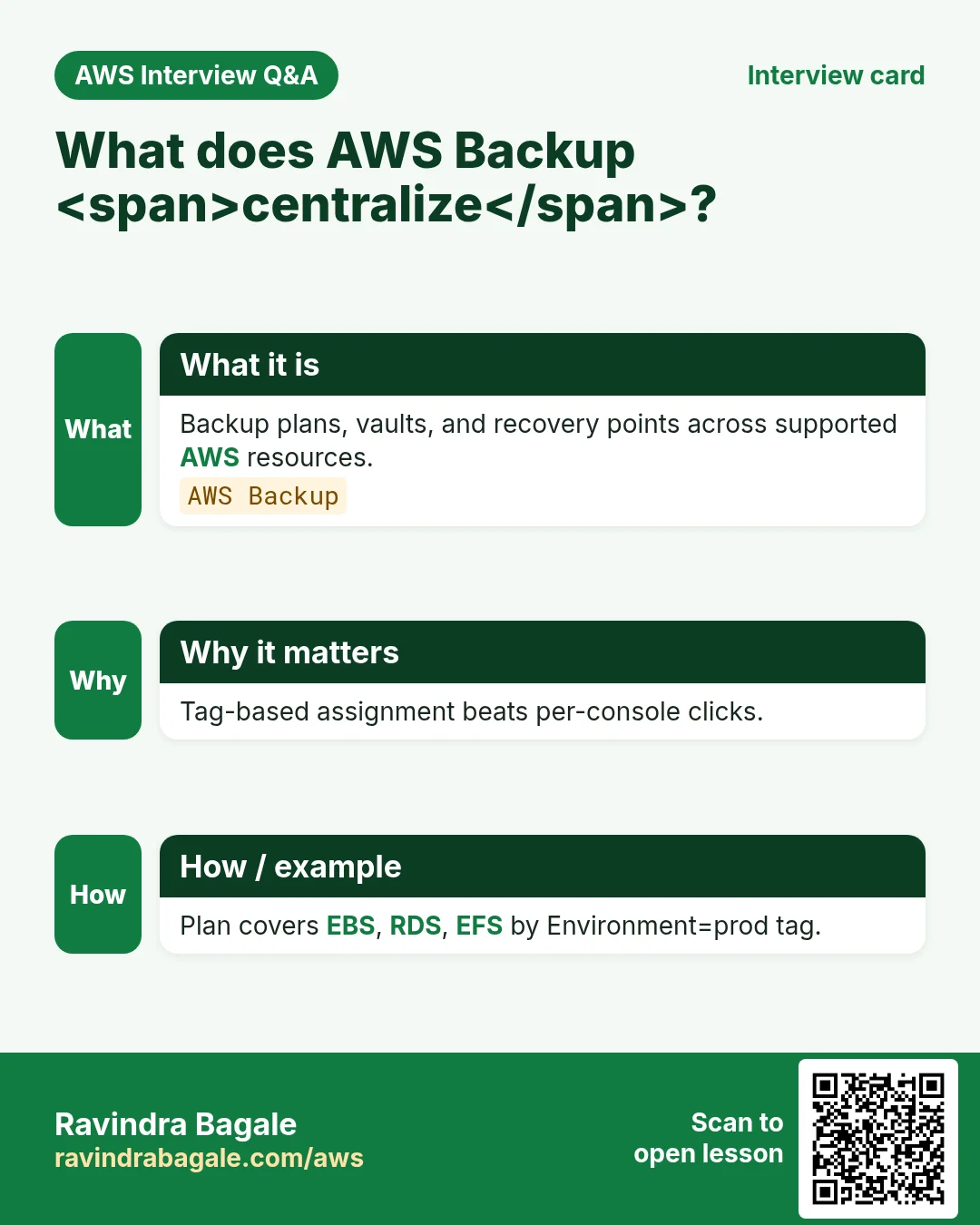
AWS Backup is a managed service: you define a backup plan (schedule + lifecycle), assign resources by tags or IDs, and store recovery points in a backup vault. You can copy to another region/account. DR patterns (pilot light, warm standby, active-active) decide how much infra waits ready.
| Term | Meaning |
|---|---|
| RPO | Max data loss you accept (e.g., 15 minutes) |
| RTO | Max downtime you accept |
| Backup plan | When and how often you back up |
| Vault | Container for recovery points + access policy |
| Pilot light | Minimal core in DR region; scale on event |
| Warm standby | Scaled-down full env always on |
4. How to set a starter DR path
- Write RPO/RTO with the business (example: RPO 1h, RTO 4h).
- Tag every protectable resource Backup=true, Env=prod.
- Create a vault with KMS CMK and a deny-delete policy for humans if required.
- Set the backup and copy cadence from your RPO for each failure. A daily backup can leave nearly a day of data missing, and weekly copies can leave nearly a week missing if the primary Region is lost. For the one-hour RPO example, choose a supported backup or replication option that can deliver a recovery point within that window. Include copy lag in your drill and choose retention separately.
- Assign selections by tag; include RDS, EBS, EFS as needed.
- Enable backup notifications to SNS for failed jobs.
- Document restore steps in a runbook with screenshots.
- Run a restore drill quarterly; record actual RTO.
- Test ransomware story: vault lock / immutability where offered.
- Review cost: frequency × retention × storage class.
# Mental model
# AWS Backup plan → rules (cron) → selections (tags/ARNs)
# → vault (KMS) → optional cross-region copy
5. DR patterns compared
Compare designs using that store. A backup and restore plan can use little standby infrastructure, but the team must recreate or recover the service before it works. A warm standby keeps a smaller working copy so capacity can be expanded. A pilot light keeps the essential parts active and starts other parts on demand. For each sketch, list which pieces already run at the recovery site and which must be started. Now decide which design might meet the example targets and how to prove it in a test.
| Pattern | Cost vs speed |
|---|---|
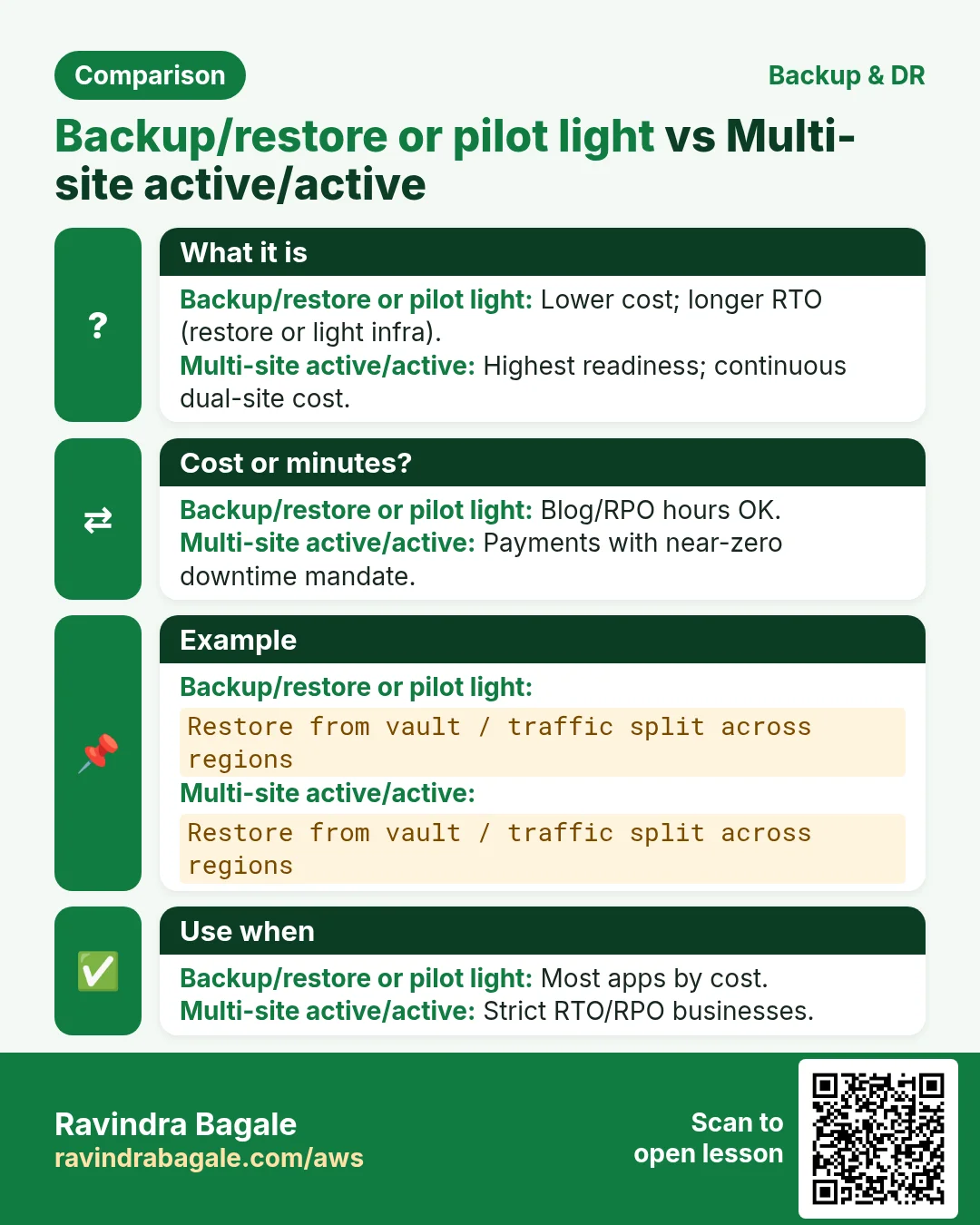
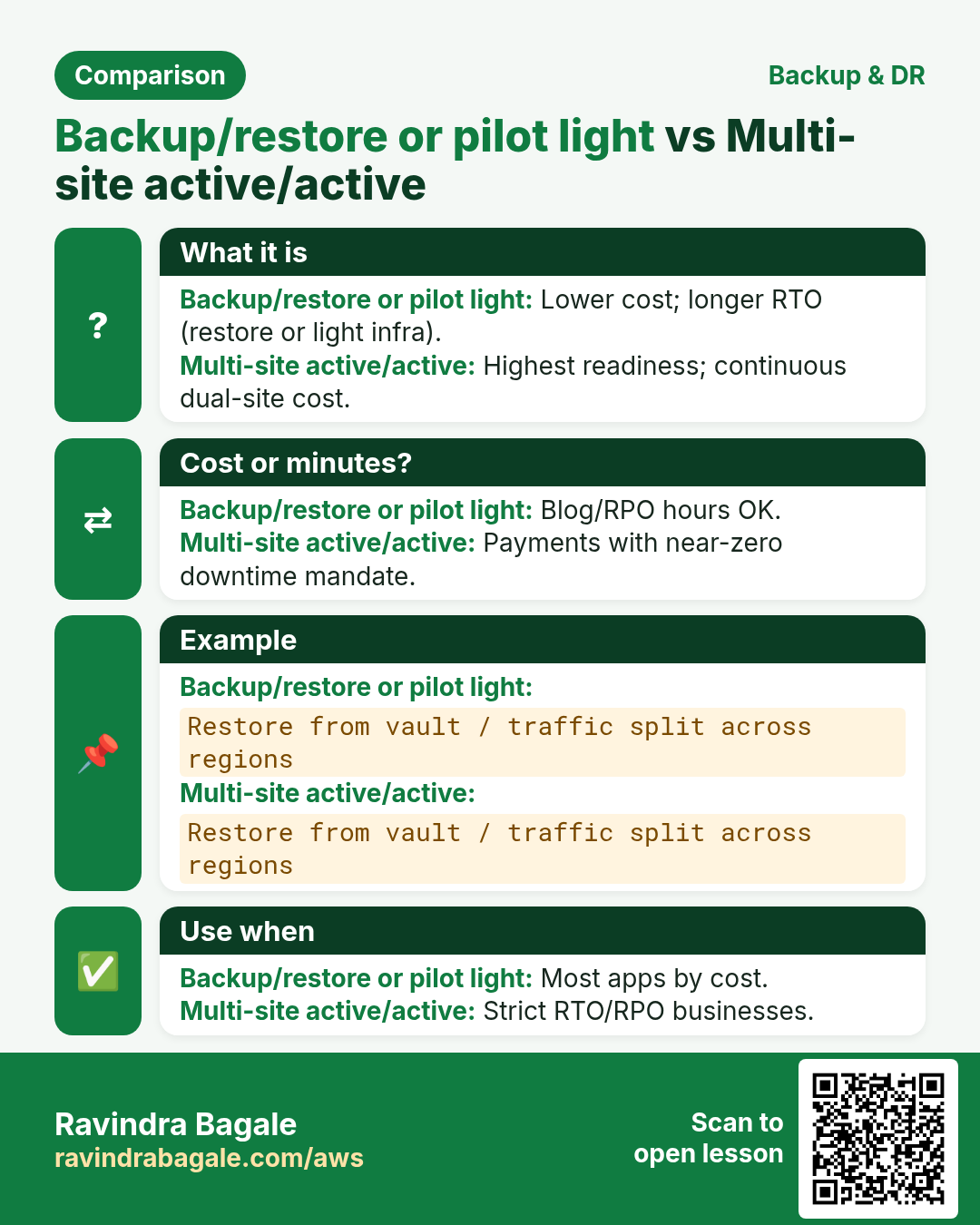
| Backup/restore | Cheapest; slowest RTO |
| Pilot light | Low cost; boot data tier on event |
| Warm standby | Higher cost; faster RTO |
| Multi-site active | Highest cost; near-zero RTO |
6. Multi-industry notes
Banks often need cross-region copies and immutable vaults. Factories care about OT historian volumes on EBS. EdTech can accept longer RPO for course videos in S3 (versioning + replication) but tight RPO for student progress DBs.
7. Industries and roles
- Healthcare: patient records restore drills
- Fintech: immutable backups vs ransomware
- SaaS: per-tenant restore playbooks
- Gov/education: retention policies by law
- IT services: managed backup as an offering
8. Lab: plan + vault + restore drill on a tiny volume
In an isolated restore, label two records with times and note which one should be in the recovery point. Record the time when you start recovery and the time when your sample app can read the restored record. Compute the two intervals and compare them with the objective. If the data is newer than expected or missing, recheck the recovery point and attachment. Remove the restored test resources after you record the proof.
Do this in ap-south-1 (Mumbai) unless your org forbids it. Set a budget alert first.
- Create a 1 GiB EBS volume in ap-south-1; tag Backup=true.
- Create vault lab-vault and a daily backup plan selecting that tag.
- Run an on-demand backup; wait for completed recovery point.
- Restore to a new volume; attach to a tiny EC2 and confirm data file.
- Optional: configure copy to another region if your account allows.
Cleanup (stop billing)
- Delete restore volume, original volume, recovery points per policy, plan, vault.
- Remove lab alarms/SNS.
9. Common errors and fixes
Each row is a real mistake students and juniors hit. Read the fix before you panic.
| Error / symptom | Fix |
|---|---|
| Thought AMI equals full DR | AMI≠DR; plans+RPO/RTO+drills. |
| No restore test ever | Schedule drills; measure RTO. |
| Vault open to every admin delete | Vault access policies; break-glass only. |
| Backups in same AZ only story | Region + cross-region copy. |
| Untagged resources skipped silently | Config rule / periodic inventory. |
| RPO promised 0 with daily backups | Align sales with plan frequency. |
| Encrypted with wrong key in DR region | Replicate CMKs / grants. |
| Forgotten DynamoDB PITR vs Backup | Know service-native options too. |
| Cost shock from forever retention | Lifecycle to cold + expire. |
| Runbook only in someone’s head | Store runbook in git + wiki. |
10. Troubleshooting checklist
- Job failed: IAM role for Backup missing permissions.
- Vault access denied: check vault policy and KMS.
- Restore slow: choose right volume type/size.
- Copy pending: second region quotas/KMS.
- Resource not listed: unsupported type or wrong region.
- Tags not matching selection: case/space typos.
11. FAQ
Q. Is AWS Backup free?
You pay storage and restore; check pricing.
Q. Snapshots vs AWS Backup?
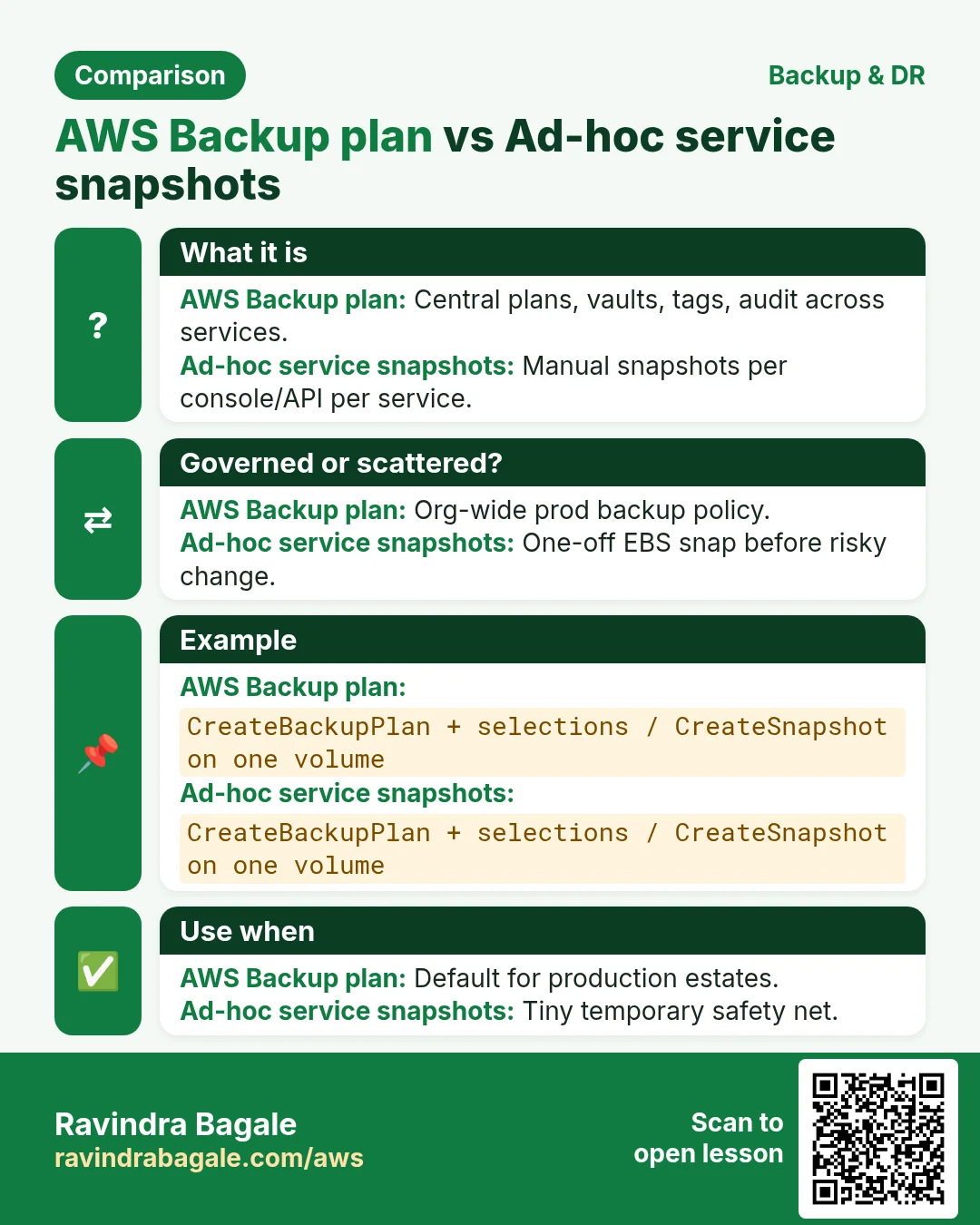
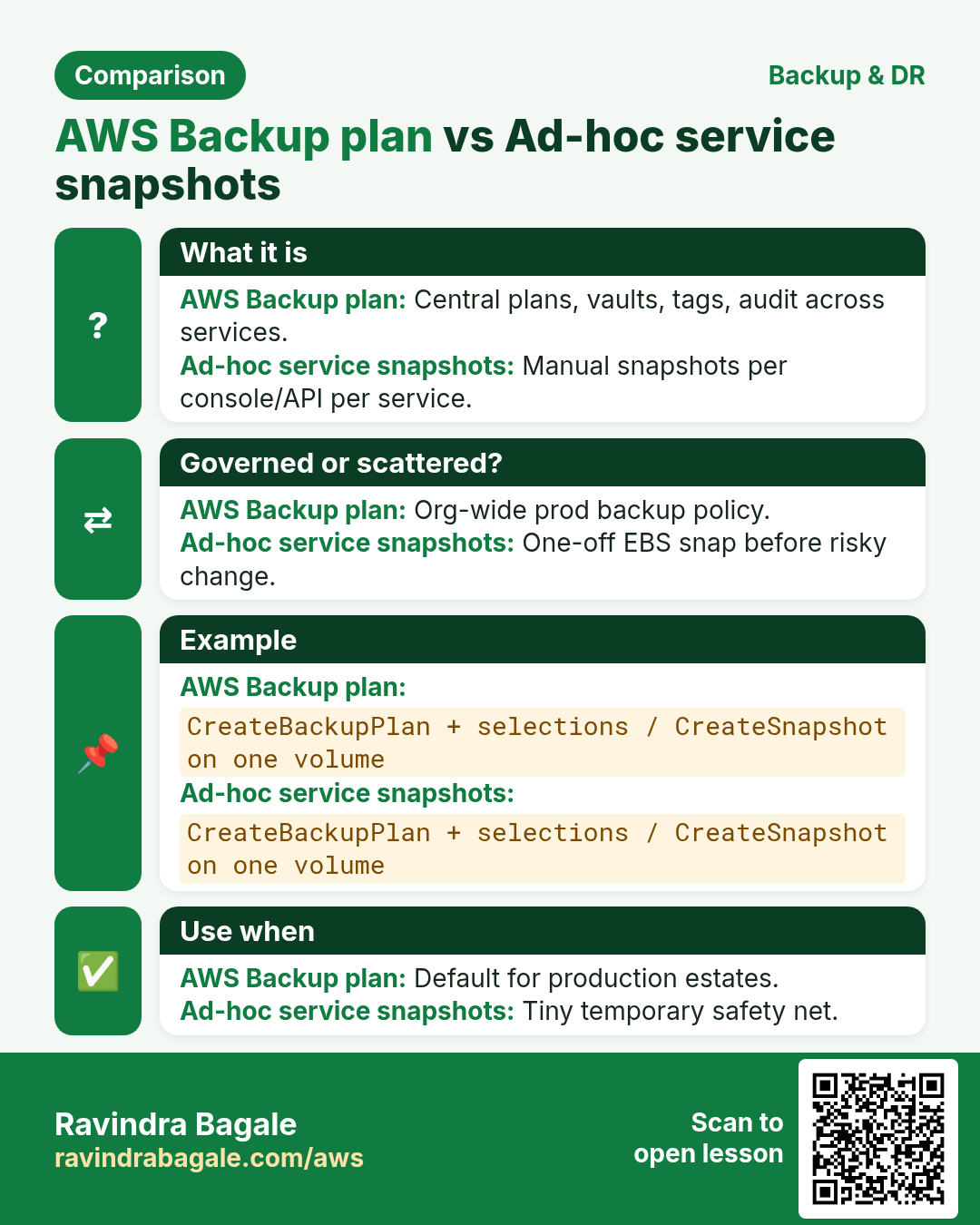
Backup orchestrates many services + policies.
Q. S3 versioning enough?
Great for objects; not a full account DR plan.
Q. Pilot light vs warm standby?
Cost vs RTO trade-off.
Q. Cross-account backups?
Supported pattern for ransomware isolation.
Q. Who owns drills?
Engineering + business; quarterly minimum.
12. Interview Q&A
Q. RPO vs RTO?
RPO=data loss tolerance; RTO=downtime tolerance.
Q. What is AWS Backup?
Managed backup plans, vaults, copies across AWS resources.
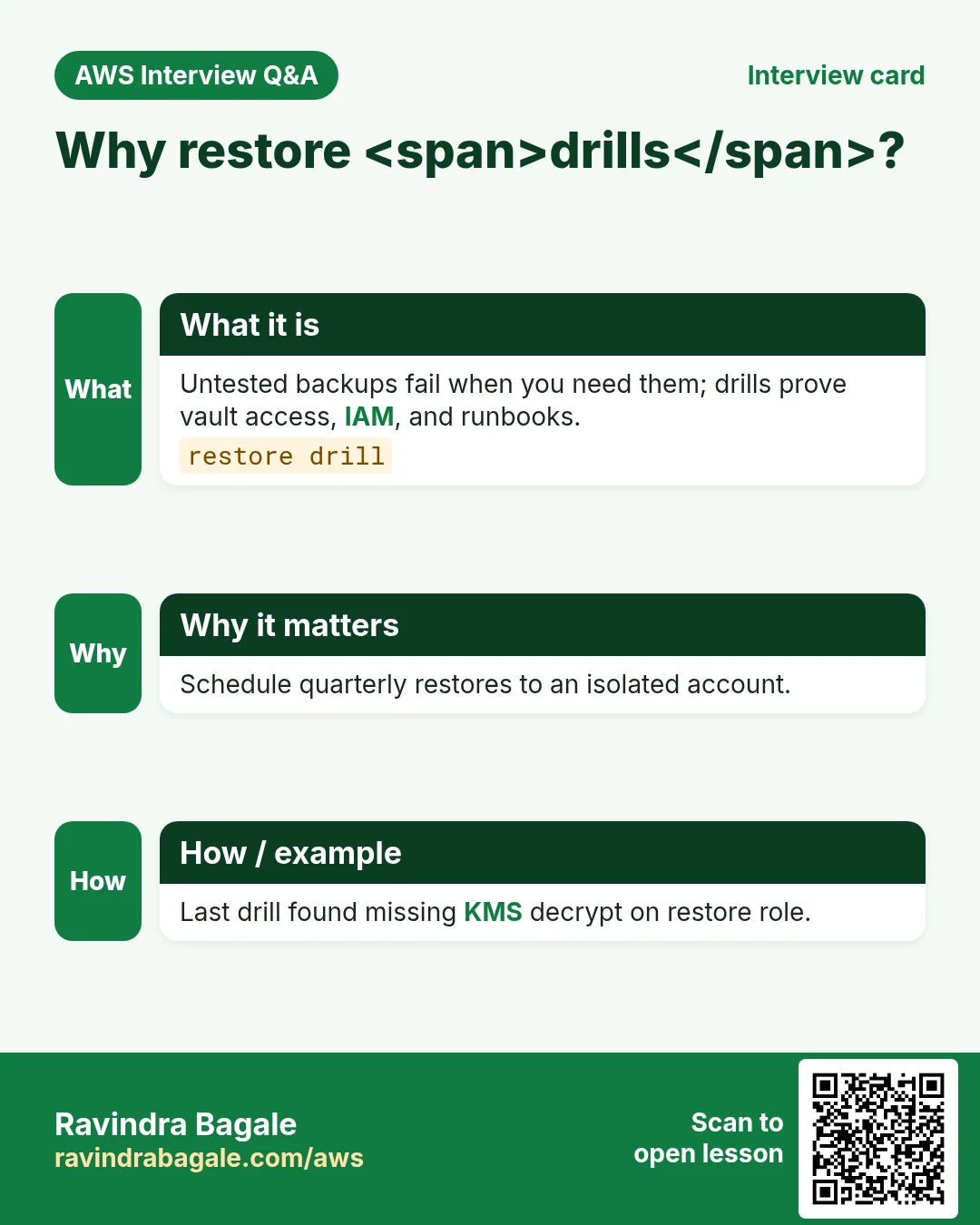
Q. Why restore drills?
Untested backups fail when you need them.
Q. Pilot light?
Minimal DR footprint you scale on disaster.
Q. Immutable backup?
Prevent delete/overwrite for a locked period.
Q. Tags for backups?
Selections often key off tags for scale.
13. Tips in English, Marathi and Hindi
Ravindra Bagale's Tip (EN)
A backup you never restored is a story, not a control. Put the last drill date next to RPO/RTO on your wiki.
Ravindra Bagale's Tip (MR)
Restore न केलेला backup = story. Wiki वर last drill + RPO/RTO.
Tip (HI)
बिना restore ड्रिल का बैकअप सिर्फ कहानी है — wiki पर drill तारीख और RPO/RTO लिखो।
Try at home
- Write RPO/RTO for a sample online store in one sentence each.
- List five resources in a 3-tier app you must tag for Backup.
- Sketch pilot light vs warm standby boxes for Mumbai→Singapore.
In short
- AWS Backup centralizes plans and vaults.
- DR needs RPO/RTO + tested restores.
- Copy across region/account for serious threats.
- Lifecycle retention or bills grow forever.
Revision, interview and comparison cards
Revise this lesson in a few minutes. Save the cards on your phone or download them as PNG files. The QR code on each card opens this lesson.
More cards: Ravi Sir's Cards.
Practise this chapter
Interview questions and answers
The outage starts at 14:00. You restore data from 13:15 and reopen service at 15:30. How do you evaluate the design?
The measured data-loss window is 45 minutes and the time to usable service is 90 minutes. Compare them separately with the RPO and RTO targets. Verify the restored application reads the expected sample, since infrastructure status alone does not prove recovery.
Check your understanding
Choose an answer, then compare your reasoning with the explanation.
Practice Tasks
Practice checks run in your browser. They check the answer for this exercise; they do not create resources or connect to your AWS account.
About this scenarioVidarbha Cotton Mills is a textiles business in Nagpur. Ganesh Wankhede looks after its IT and cloud work. They count money in INR and run their AWS resources in the ap-south-1 Region. In the tasks below you do real jobs for them using what this lesson teaches. All names, account IDs, IP addresses and numbers are made up for practice.
0 / 16
Easy List backup plans
See DR plans.
List backup plans.
- Read the task and decide which AWS service it is about.
- Write aws, then the service name, then the operation (the action word).
- Add each needed flag (--name) followed by its value from the task.
- Flags can be in any order. Click Check answer.
Easy List backup vaults
Where recovery points live.
List backup vaults.
- Read the task and decide which AWS service it is about.
- Write aws, then the service name, then the operation (the action word).
- Add each needed flag (--name) followed by its value from the task.
- Flags can be in any order. Click Check answer.
Easy Describe vault
KMS and policy.
Describe backup vault vidarbhacotton-vault.
- Read the task and decide which AWS service it is about.
- Write aws, then the service name, then the operation (the action word).
- Add each needed flag (--name) followed by its value from the task.
- Flags can be in any order. Click Check answer.
Easy Apply the lesson: scenario 4
A backup job says Completed. What operation must you test to prove that the data can be used again? Answer with one verb.
- Read the situation and identify what you need to decide.
- Work through the relevant concept or calculation.
- Enter only the requested term or number.
- Check your answer, then read the explanation.
Easy Apply the lesson: scenario 5
Your recovery plan must survive loss of the source AWS Region. Where should an independent recovery copy be stored: the same Region or another Region?
- Read the situation and identify what you need to decide.
- Work through the relevant concept or calculation.
- Enter only the requested term or number.
- Check your answer, then read the explanation.
Medium Get backup plan
Inspect rules.
Get backup plan vidarbhacottonplan.
- Read the task and decide which AWS service it is about.
- Write aws, then the service name, then the operation (the action word).
- Add each needed flag (--name) followed by its value from the task.
- Flags can be in any order. Click Check answer.
Medium List selections
What is protected.
List backup selections for plan vidarbhacottonplan.
- Read the task and decide which AWS service it is about.
- Write aws, then the service name, then the operation (the action word).
- Add each needed flag (--name) followed by its value from the task.
- Flags can be in any order. Click Check answer.
Medium List backup jobs
Watch failures.
List backup jobs.
- Read the task and decide which AWS service it is about.
- Write aws, then the service name, then the operation (the action word).
- Add each needed flag (--name) followed by its value from the task.
- Flags can be in any order. Click Check answer.
Medium Allow StartRestoreJob
Restore LP.
Allow backup:StartRestoreJob on arn:aws:backup:ap-south-1:108737854657:recovery-point:*.
- Start with { "Version": "2012-10-17", "Statement": [ ... ] }.
- In each statement write Effect, Action and Resource.
- Give only what the task needs (least privilege).
- Use double quotes and commas correctly. Click Check answer.
Medium RPO hours JSON
State RPO.
JSON RPOHours 24.
- Start from the top-level keys the task names.
- Indent child keys with 2 spaces (no tabs).
- Fill in each property with the value from the task.
- Click Check answer. Key order does not matter.
Medium Apply the lesson: scenario 11
You keep a small core environment ready and expand it during recovery. Name this disaster-recovery strategy.
- Read the situation and identify what you need to decide.
- Work through the relevant concept or calculation.
- Enter only the requested term or number.
- Check your answer, then read the explanation.
Medium Sample daily retain days
Retention.
Sample daily retain days in labs (enter 35)?
- Write down the numbers the task gives you.
- Work it out step by step on paper.
- Type only the final answer in the box.
- Click Check answer.
Hard List recovery points
Know restore points.
List recovery points by vault vidarbhacotton-vault.
- Read the task and decide which AWS service it is about.
- Write aws, then the service name, then the operation (the action word).
- Add each needed flag (--name) followed by its value from the task.
- Flags can be in any order. Click Check answer.
Hard List restore jobs
Audit restores.
List restore jobs.
- Read the task and decide which AWS service it is about.
- Write aws, then the service name, then the operation (the action word).
- Add each needed flag (--name) followed by its value from the task.
- Flags can be in any order. Click Check answer.
Hard Allow StartBackupJob vault
Operator LP.
Allow backup:StartBackupJob on arn:aws:backup:ap-south-1:108737854657:backup-vault:vidarbhacotton-vault.
- Start with { "Version": "2012-10-17", "Statement": [ ... ] }.
- In each statement write Effect, Action and Resource.
- Give only what the task needs (least privilege).
- Use double quotes and commas correctly. Click Check answer.
Hard RTO hours JSON
State RTO.
JSON RTOHours 4.
- Start from the top-level keys the task names.
- Indent child keys with 2 spaces (no tabs).
- Fill in each property with the value from the task.
- Click Check answer. Key order does not matter.