Shell Scripting Complete 4: if, else, test, [[ ]], (( )) and case Explained Simply
Scripts need to make decisions: is the disk full, does the file exist, did the command work, which environment are we in? This chapter teaches if, elif and else, the test command and [ ], the safer bash [[ ]], number and string comparisons, file tests, regex matching with =~, && and || shortcuts, (( )) for numbers, and case for menus and many choices.
In this chapter
- Write if / elif / else
- Know that if checks an exit code
- Compare numbers and strings correctly
- Use file tests -f -d -r -s
- Prefer [[ ]] and use =~
- Use case for many choices
1. An everyday example: a traffic signal
At a signal you decide: if red, stop; else if yellow, slow down; else go. A traffic police officer at a big junction does the same with many roads: case road 1, case road 2, case road 3. Scripts decide in the same way, using tests that answer yes or no.
Light colour = the value. Checking the colour = test or [[ ]]. Stop/slow/go = if, elif, else. Junction with many roads = case. Yes/no answer = exit code 0 or non-zero.
2. if, then, elif, else, fi
An if uses the exit status of a command as its decision. Start with a disposable file called report.txt. The test if [ -f report.txt ]; then ... succeeds when that path is a regular file, so the first branch runs. Move your file out of the way and repeat the test to see the other branch. Nothing has to be printed for a test to succeed. The shell follows the status and runs the commands inside the selected branch.
Without decisions a script does the same thing even when something has gone wrong.
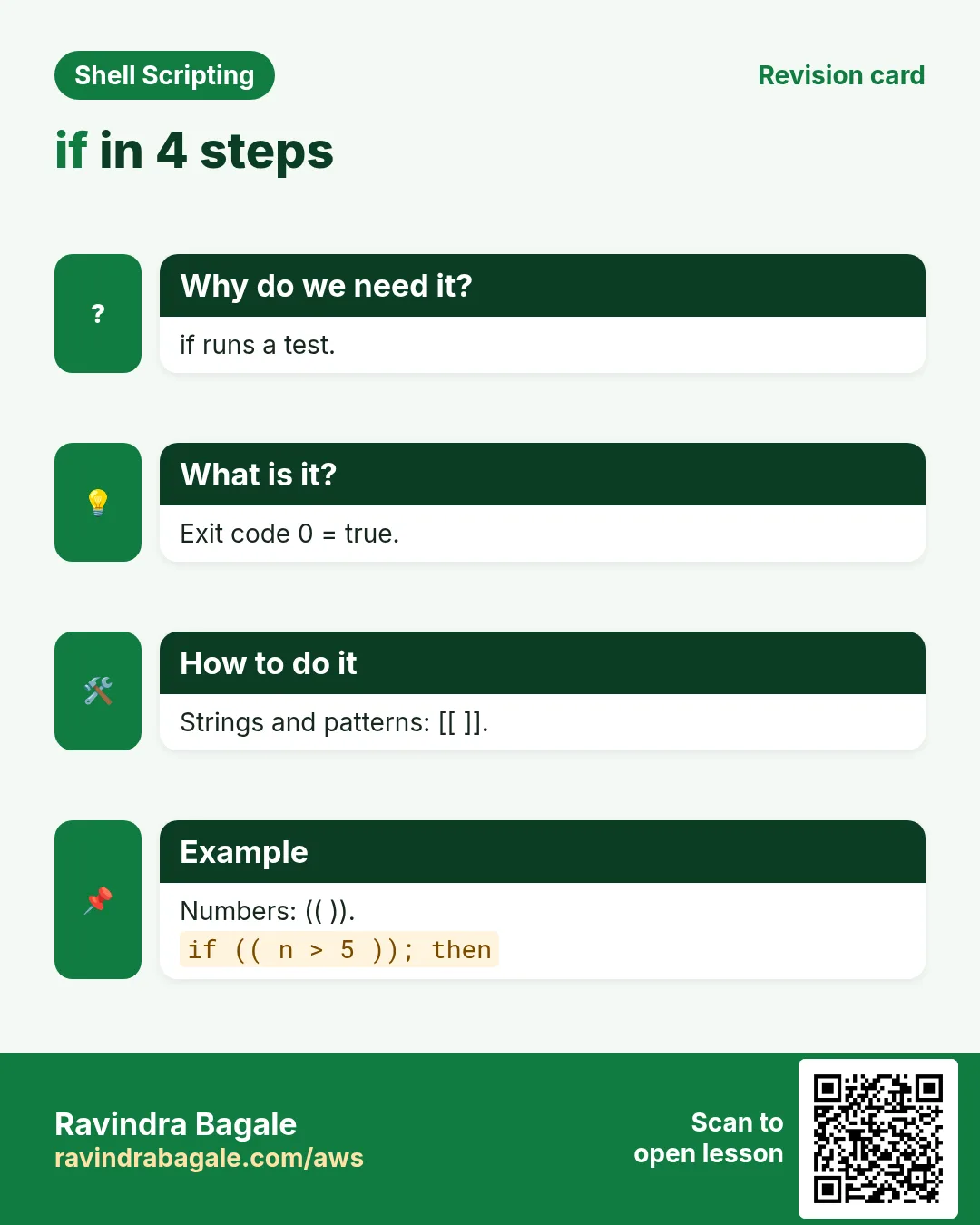
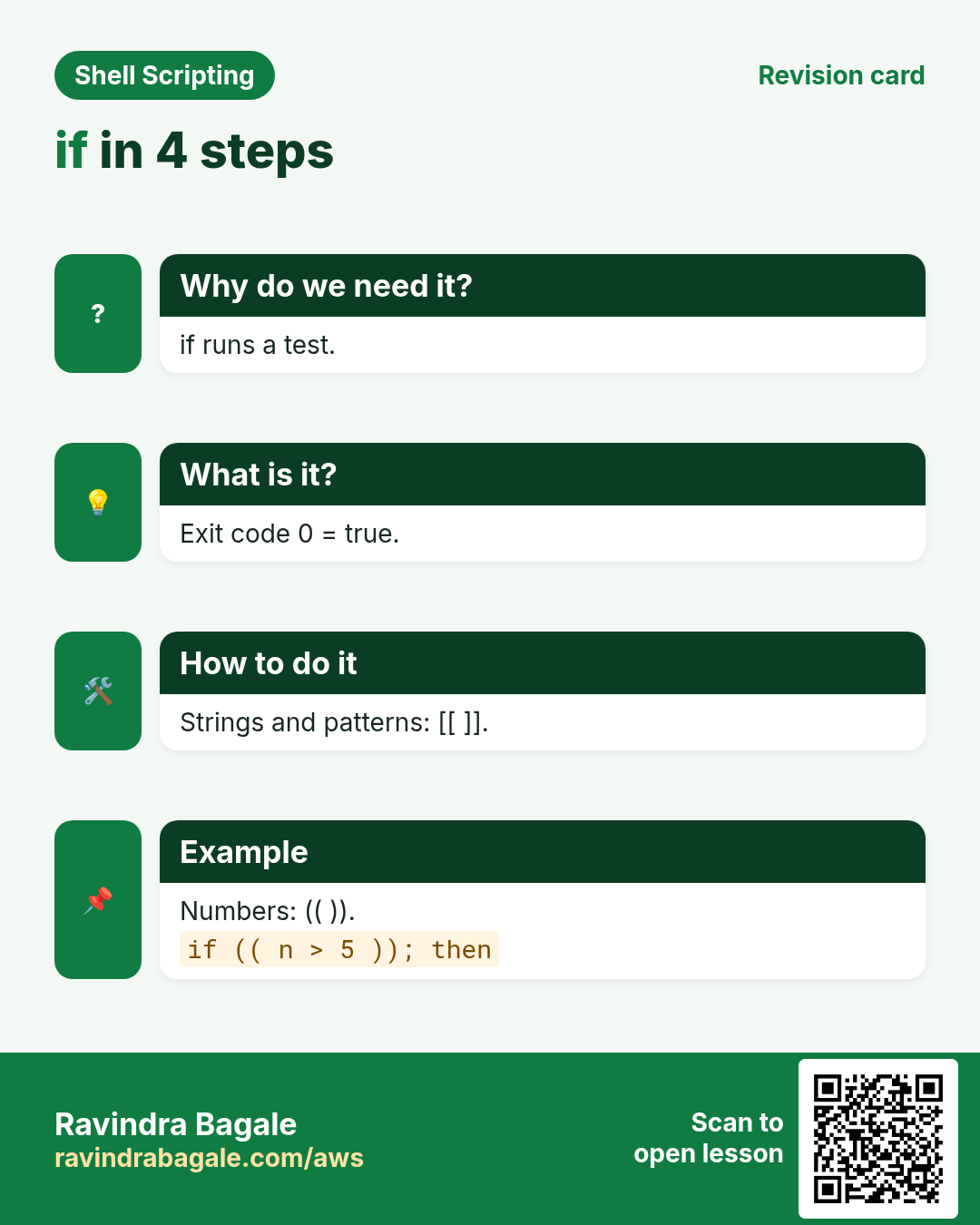
if COMMAND; then ...; elif COMMAND; then ...; else ...; fi. If runs any command and checks its exit code: 0 is true. So you can write if grep -q x file; then. The ; before then can be a new line instead. Indent the body by two or four spaces.
- Command as the test.
if ping -c1 -W1 8.8.8.8 &>/dev/null; then echo online; else echo offline; fiOutput:
onlineping returned 0.
- Three branches.
hour=$(date +%H); if [ $hour -lt 12 ]; then echo 'Good morning'; elif [ $hour -lt 17 ]; then echo 'Good afternoon'; else echo 'Good evening'; fiOutput:
Good eveningOnly the first true branch runs.
- grep -q.
if grep -q '^asha:' /etc/passwd; then echo 'user exists'; fiOutput:
user exists-q prints nothing, only the exit code matters.
- Negate.
if ! systemctl is-active -q nginx; then echo 'nginx is down'; fiOutput:
nginx is down! flips true and false.
3. test and [ ]: numbers
Disk percent, error counts and retry numbers need comparisons.
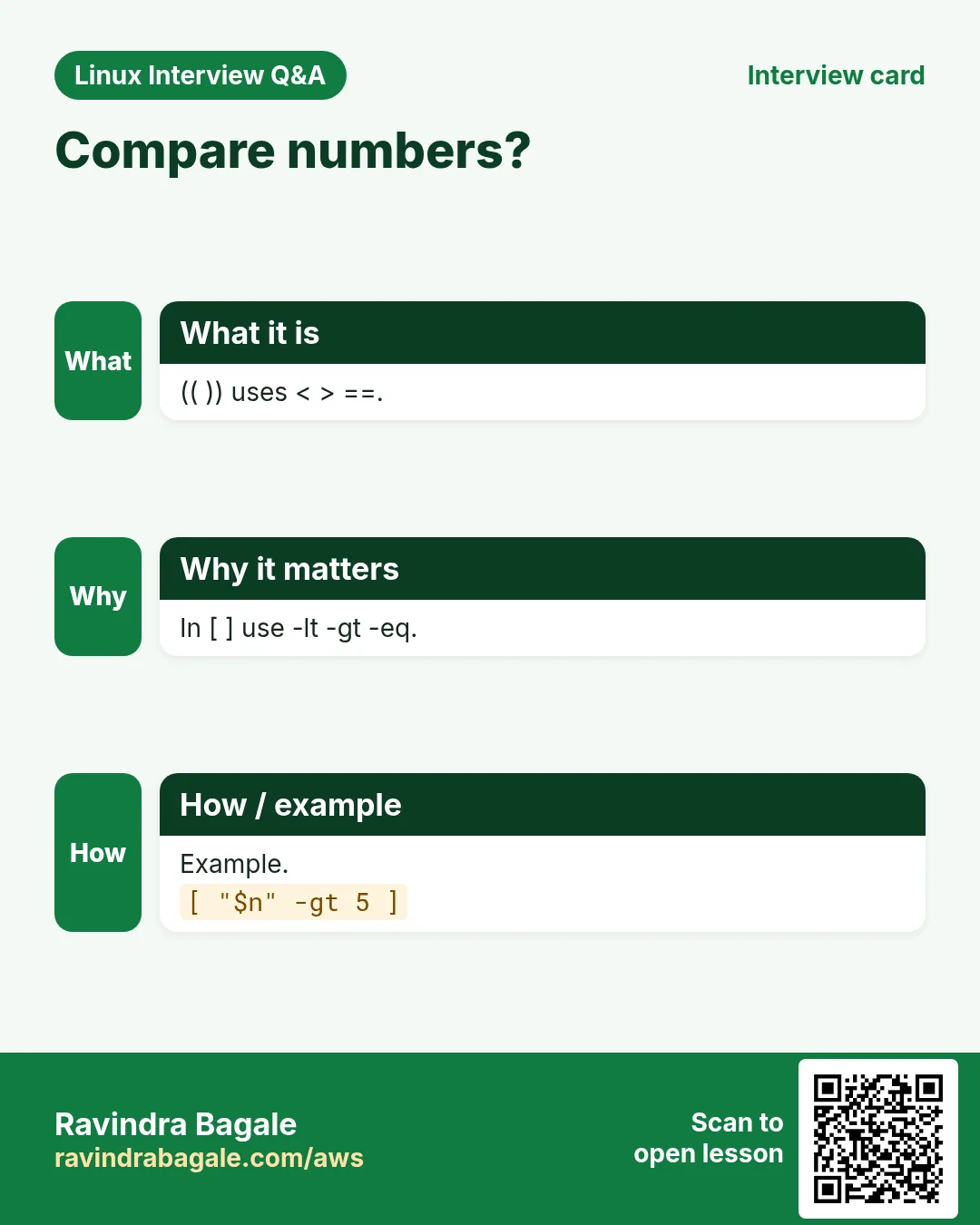
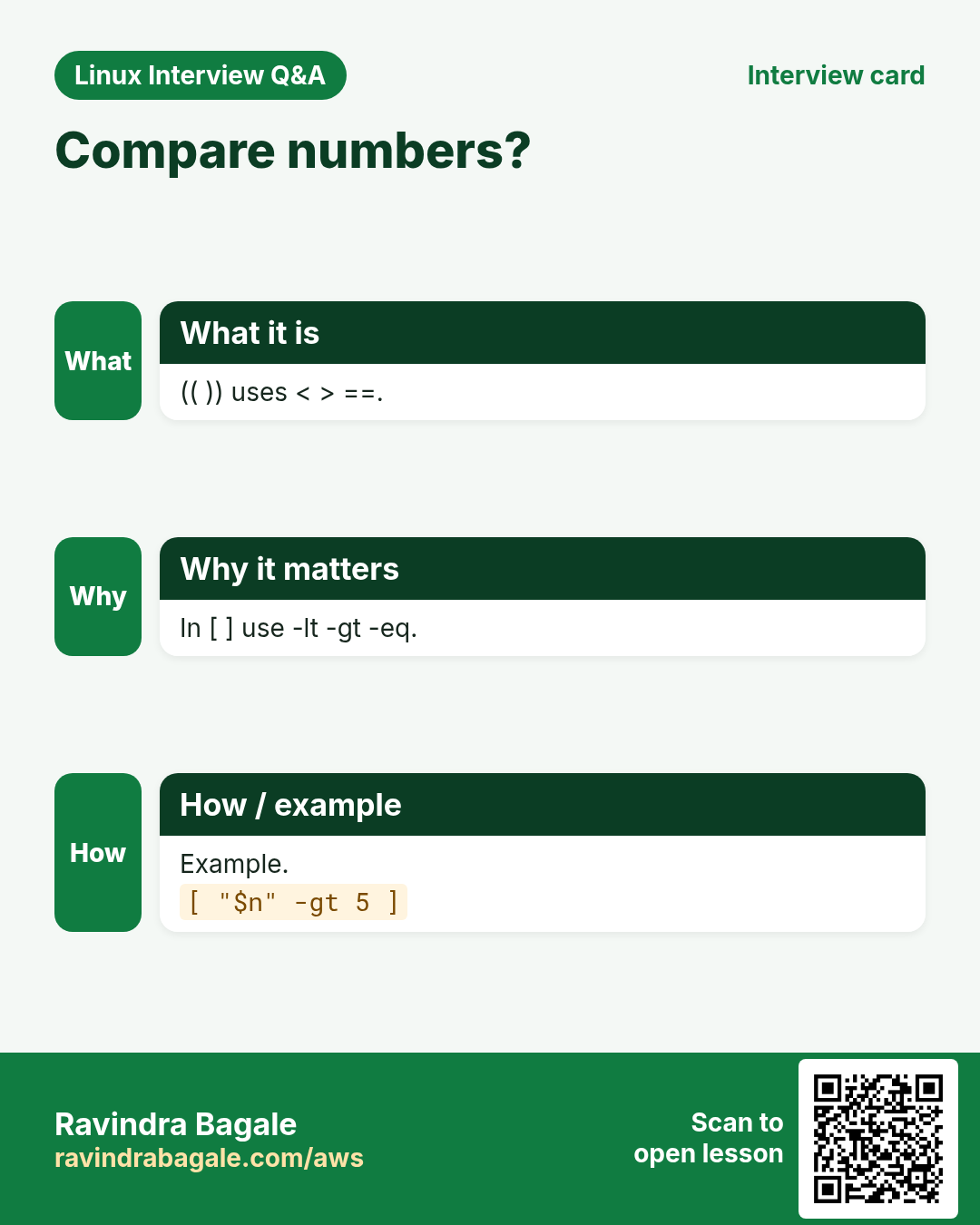
[ is the test command; the closing ] is required and spaces inside are required: [ $a -gt 5 ]. Number operators are words: -eq equal, -ne not equal, -lt less, -le less or equal, -gt greater, -ge greater or equal. Do not use < or > inside [ ] for numbers: they mean redirection there.
| Operator | Means |
|---|---|
| -eq | equal |
| -ne | not equal |
| -lt / -le | less / less or equal |
| -gt / -ge | greater / greater or equal |
- Disk alert.
use=$(df --output=pcent / | tail -1 | tr -dc 0-9); if [ "$use" -ge 90 ]; then echo "ALERT $use%"; else echo "ok $use%"; fiOutput:
ok 41%tr -dc 0-9 keeps only the digits.
- Spaces matter.
[$use -ge 90]Output:
bash: [41: command not found[ must be a separate word.
- test is the same.
test 5 -gt 3 && echo yesOutput:
yes[ ] is just another way to write test.
- Empty variable trap.
x=; [ $x -eq 1 ]Output:
bash: [: -eq: unary operator expectedQuote it or give a default.
4. String tests: =, !=, -z, -n
Checking environment names, answers and empty values is everyday work.
[ "$a" = "$b" ] equal, != not equal. -z "$a" true if empty, -n "$a" true if not empty. Always quote variables inside [ ] or an empty value breaks the test. Inside [[ ]] (next section) == also works and quoting is less critical.
- Equal.
env=prod; if [ "$env" = prod ]; then echo 'careful: production'; fiOutput:
careful: productionStrings compared exactly.
- Empty check.
name=''; [ -z "$name" ] && echo 'name is empty'Output:
name is empty-z means zero length.
- Not empty.
[ -n "$HOME" ] && echo "home set: $HOME"Output:
home set: /home/asha-n means non-zero length.
- Case matters.
[ Prod = prod ] || echo differentOutput:
differentCompare ${v,,} to ignore case.
5. File tests: -e -f -d -r -w -x -s
Choose a file test that answers your actual question. For an upload script, -e answers whether a path exists, while -f asks whether it is a regular file. -s asks whether it has a size greater than zero. Set up a small test with a missing path, a directory, an empty file and a nonempty file. Predict which tests succeed for each. Once the results match, combine the checks you need and give the user a specific error for the first failed condition.
Before reading, copying or deleting you should know the file is there and is the right type.
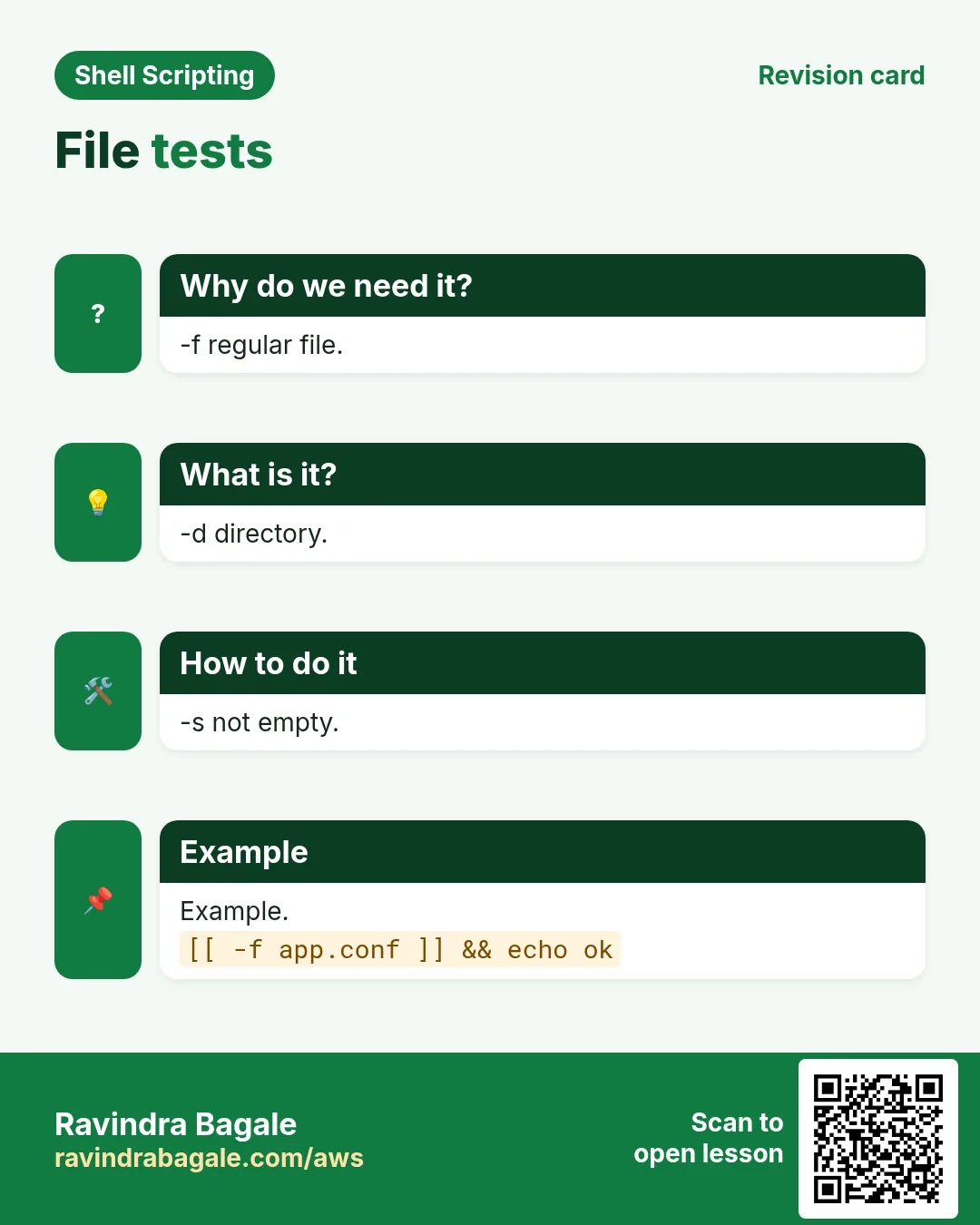
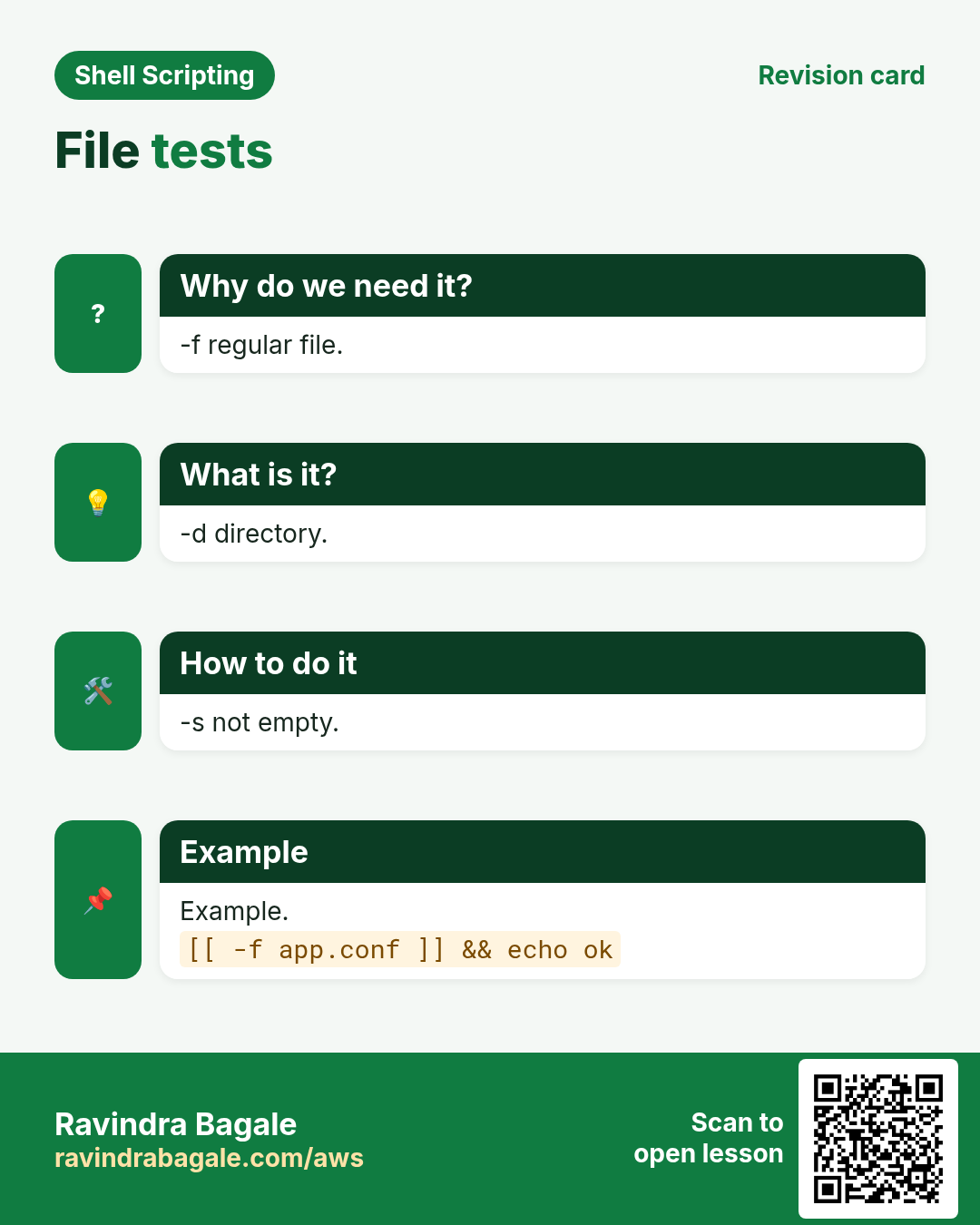
-e exists. -f regular file. -d directory. -L symlink. -r readable, -w writable, -x executable by you. -s exists and is not empty. a -nt b means a is newer than b; -ot older.
| Test | True when |
|---|---|
| -e | exists |
| -f | regular file |
| -d | directory |
| -s | size > 0 |
| -r/-w/-x | you can read/write/run |
| -nt | newer than |
- Config exists?
conf=/etc/ssh/sshd_config; if [ -f "$conf" ]; then echo found; else echo missing; fiOutput:
foundA regular file.
- Make a folder if missing.
[ -d /tmp/reports ] || mkdir -p /tmp/reports; ls -d /tmp/reportsOutput:
/tmp/reports|| runs only when the test fails.
- Empty file.
: > /tmp/e.txt; [ -s /tmp/e.txt ] || echo 'file is empty'Output:
file is empty-s needs at least one byte.
- Newer.
[ /etc/hosts -nt /etc/hostname ] && echo 'hosts changed later'Output:
hosts changed laterCompares modification times.
6. [[ ]]: the safer bash test
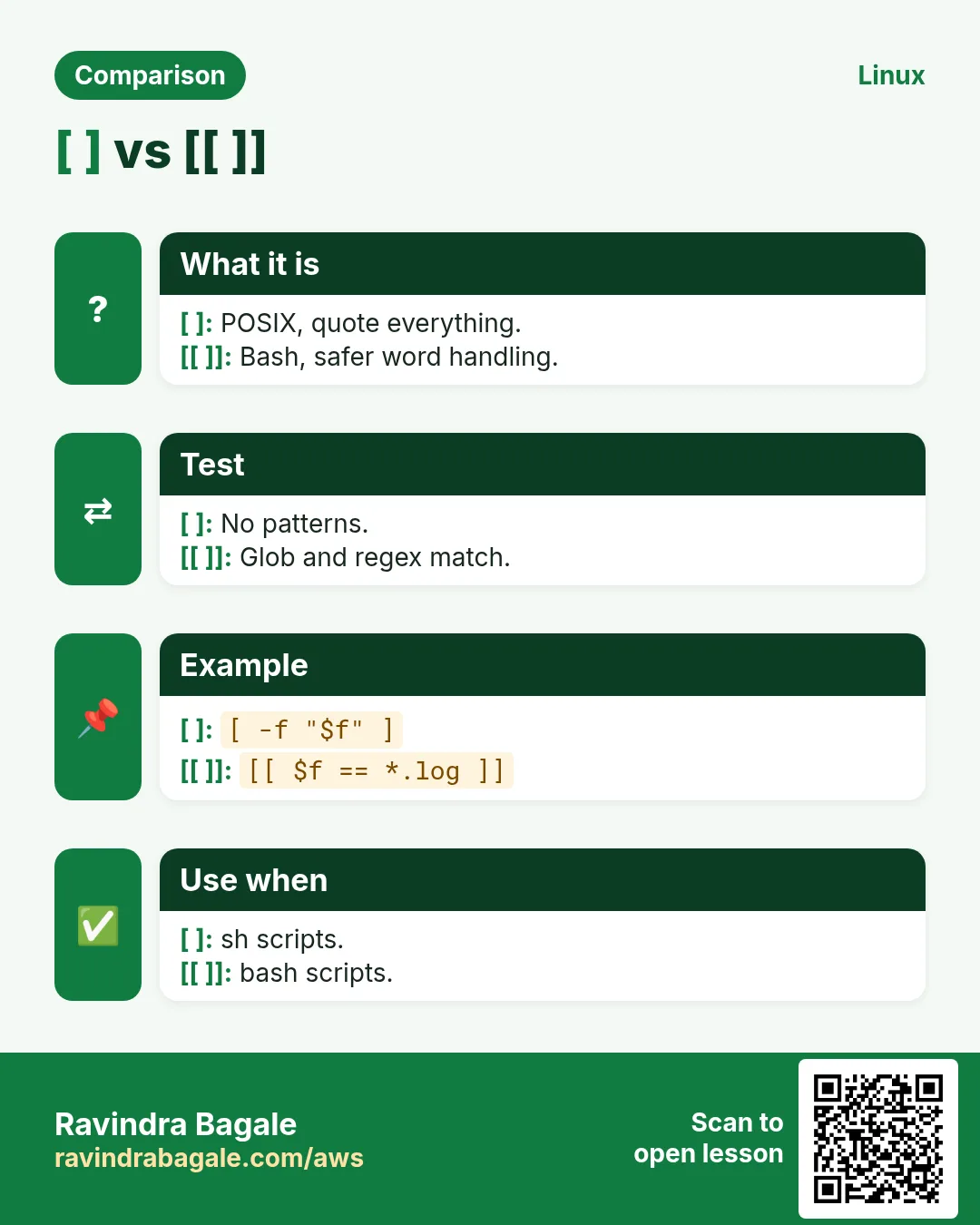
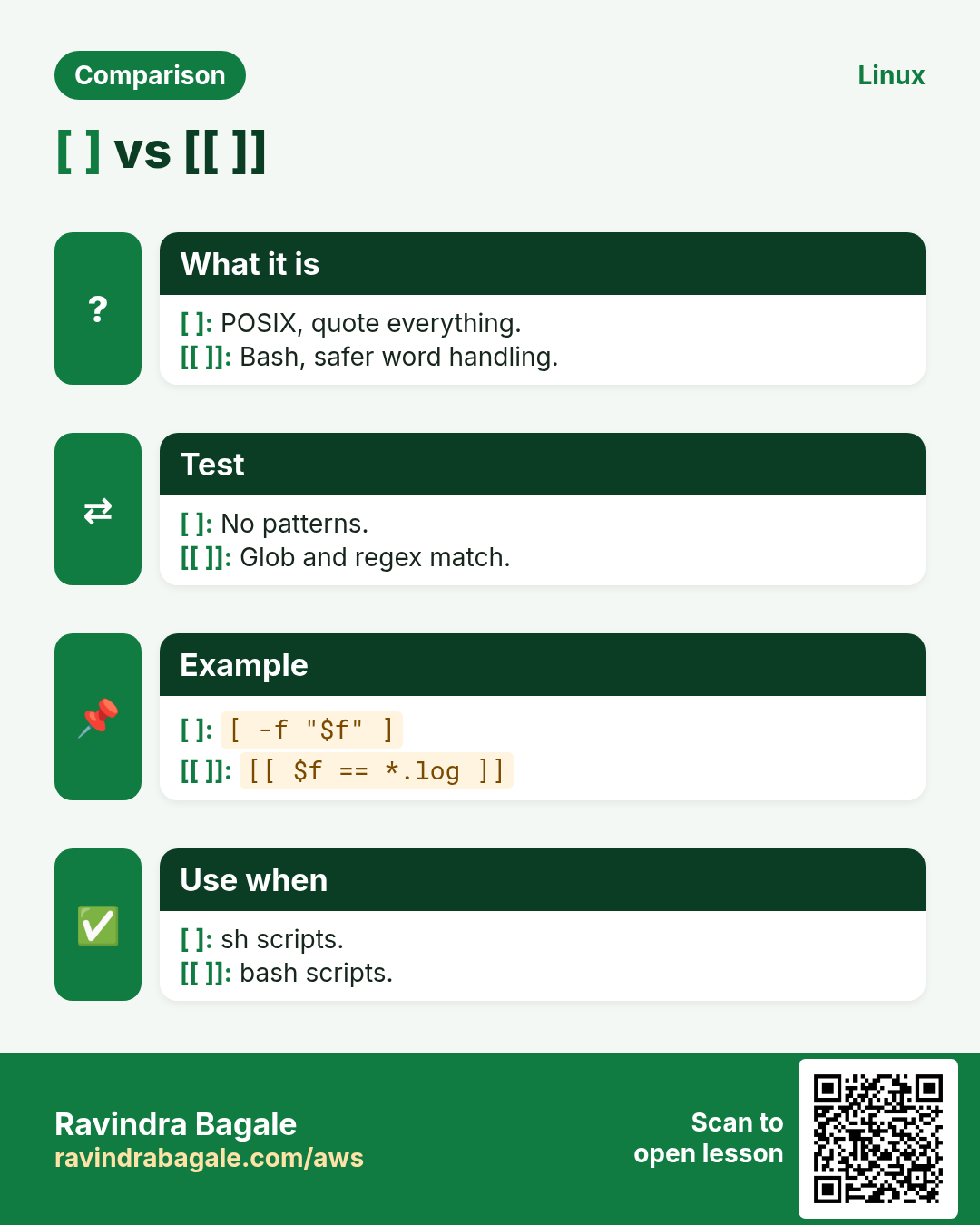
[ ] has traps with empty values and special characters. [[ ]] is built into bash and avoids most of them.
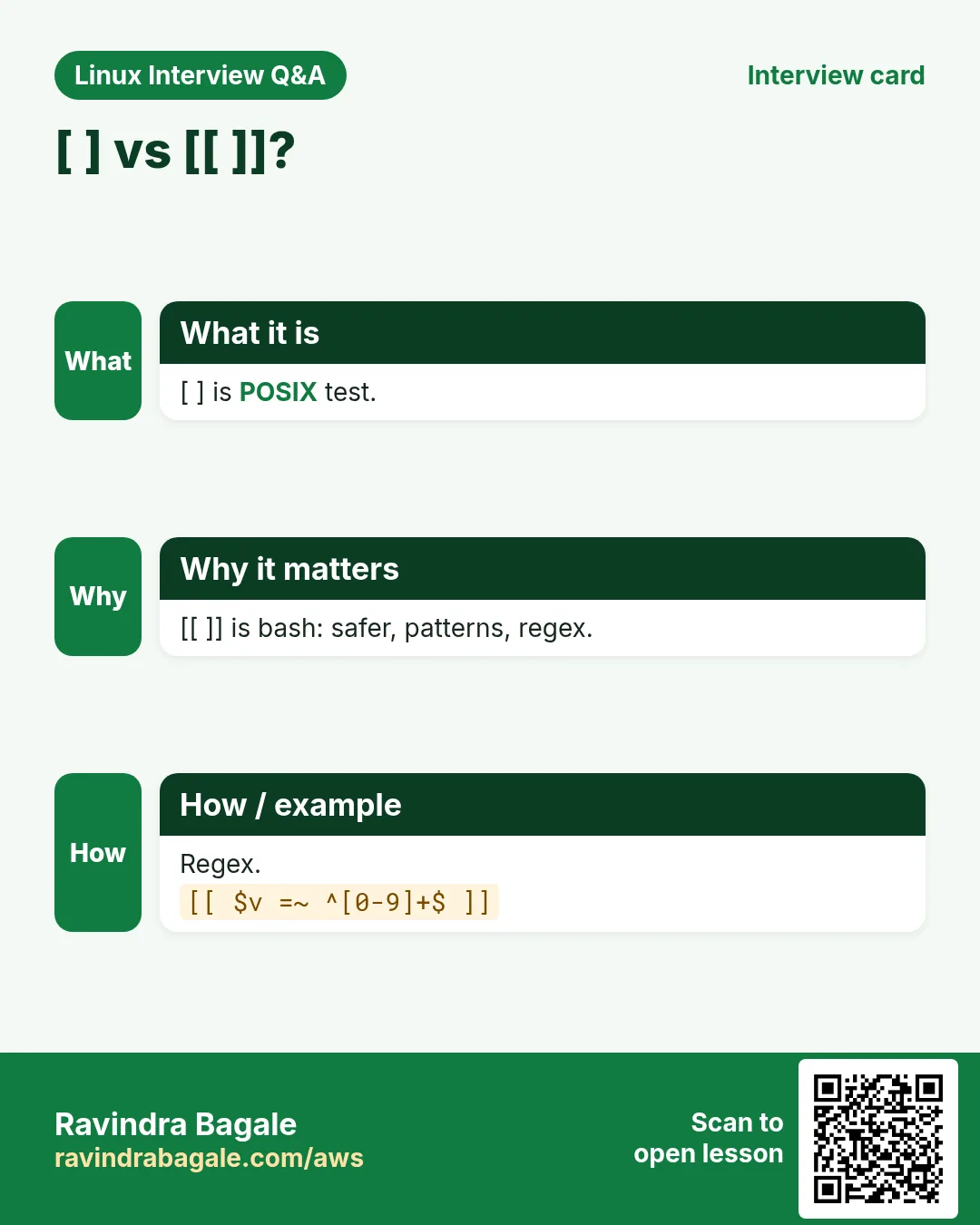
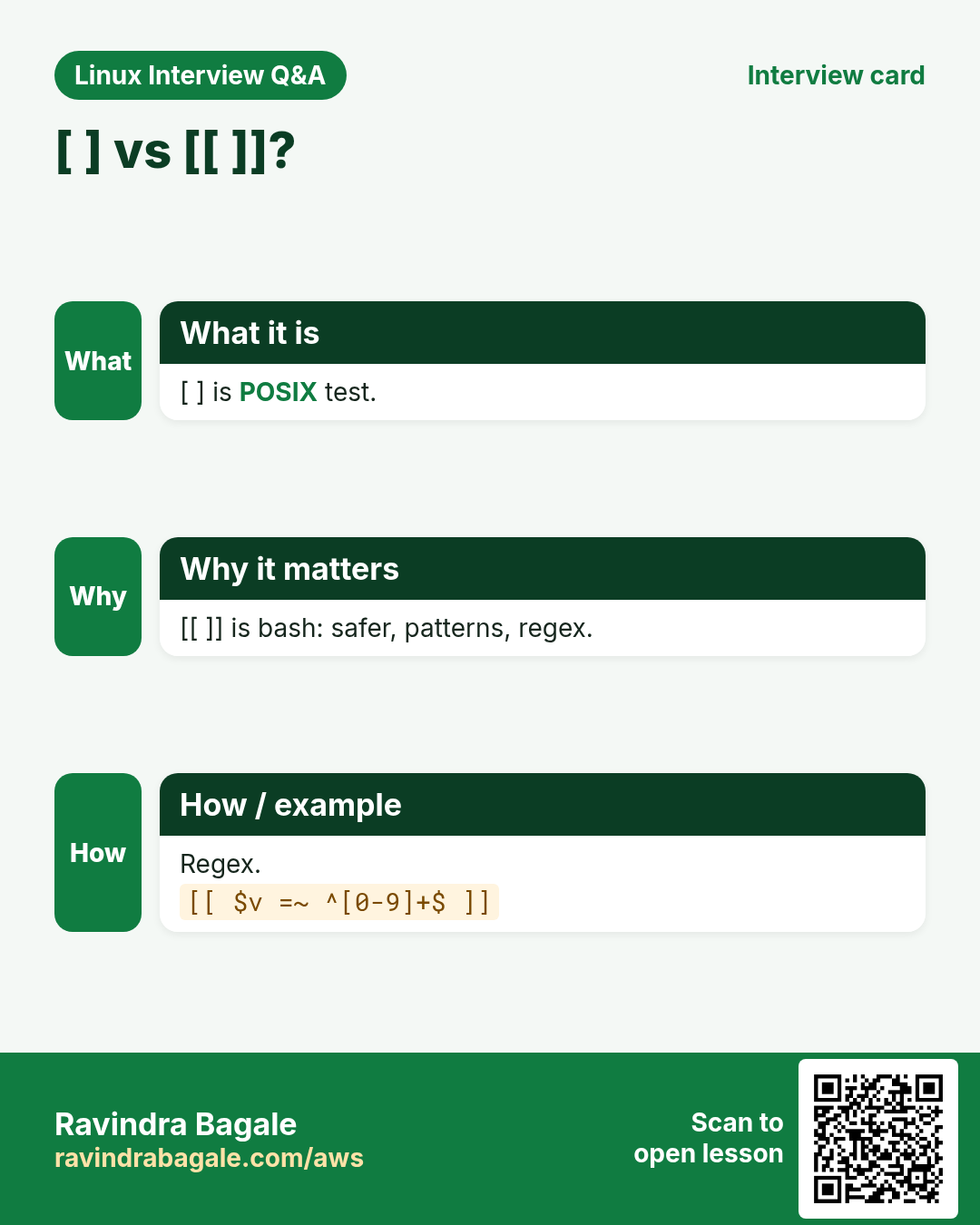
[[ ]] does not split words or expand globs on variables, so an empty $x is safe. It supports && and || inside, == with patterns ([[ $f == *.log ]]), < and > for string order, and =~ for regex. It works in bash, not in plain sh. In bash scripts, use [[ ]] for strings and files and (( )) for numbers.
| Feature | [ ] | [[ ]] |
|---|---|---|
| empty var unquoted | breaks | safe |
| && || inside | no (use -a -o) | yes |
| pattern == | no | yes |
| regex =~ | no | yes |
| POSIX sh | yes | no |
- Pattern.
f=app-2026.log; [[ $f == *.log ]] && echo 'a log file'Output:
a log file* is a pattern here, not a file list.
- Two conditions.
age=25; city=Pune; [[ $age -ge 18 && $city == Pune ]] && echo 'can vote in Pune'Output:
can vote in Pune&& works inside.
- Empty is safe.
x=; [[ $x == yes ]] || echo 'not yes'Output:
not yesNo error with an empty value.
- String order.
[[ apple < banana ]] && echo 'apple comes first'Output:
apple comes first< compares alphabetically.
7. Regex with =~ and BASH_REMATCH
Validating an email, a version number or an IP needs a pattern, not just equality.
[[ $s =~ regex ]] is true when the regex matches. Do not quote the regex (quotes make it literal); store it in a variable if it has spaces. Groups in ( ) are saved in the BASH_REMATCH array: ${BASH_REMATCH[1]} is the first group.
- Indian PIN code.
pin=411045; [[ $pin =~ ^[1-9][0-9]{5}$ ]] && echo 'valid PIN'Output:
valid PINSix digits, not starting with 0.
- Extract the version.
v='nginx/1.24.0'; [[ $v =~ ([0-9]+)\.([0-9]+) ]] && echo "major=${BASH_REMATCH[1]} minor=${BASH_REMATCH[2]}"Output:
major=1 minor=24Groups are saved.
- Regex in a variable.
re='^[a-z]+@[a-z]+\.[a-z]+$'; [[ ravi@shop.in =~ $re ]] && echo 'looks like email'Output:
looks like emailUnquoted $re is used as a regex.
8. && and || shortcuts, and (( )) for numbers
Short checks read better on one line, and number checks are easier with normal maths signs.
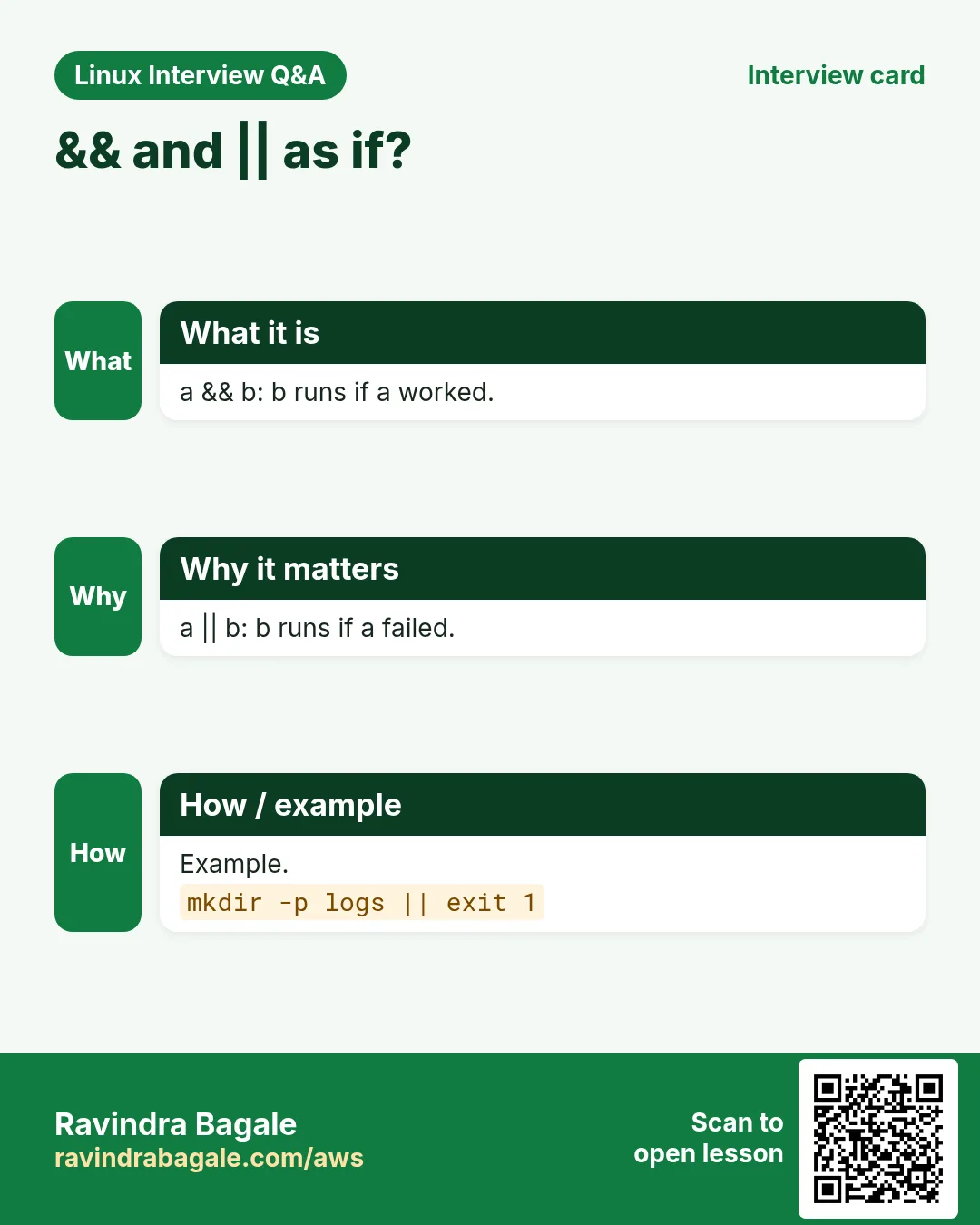
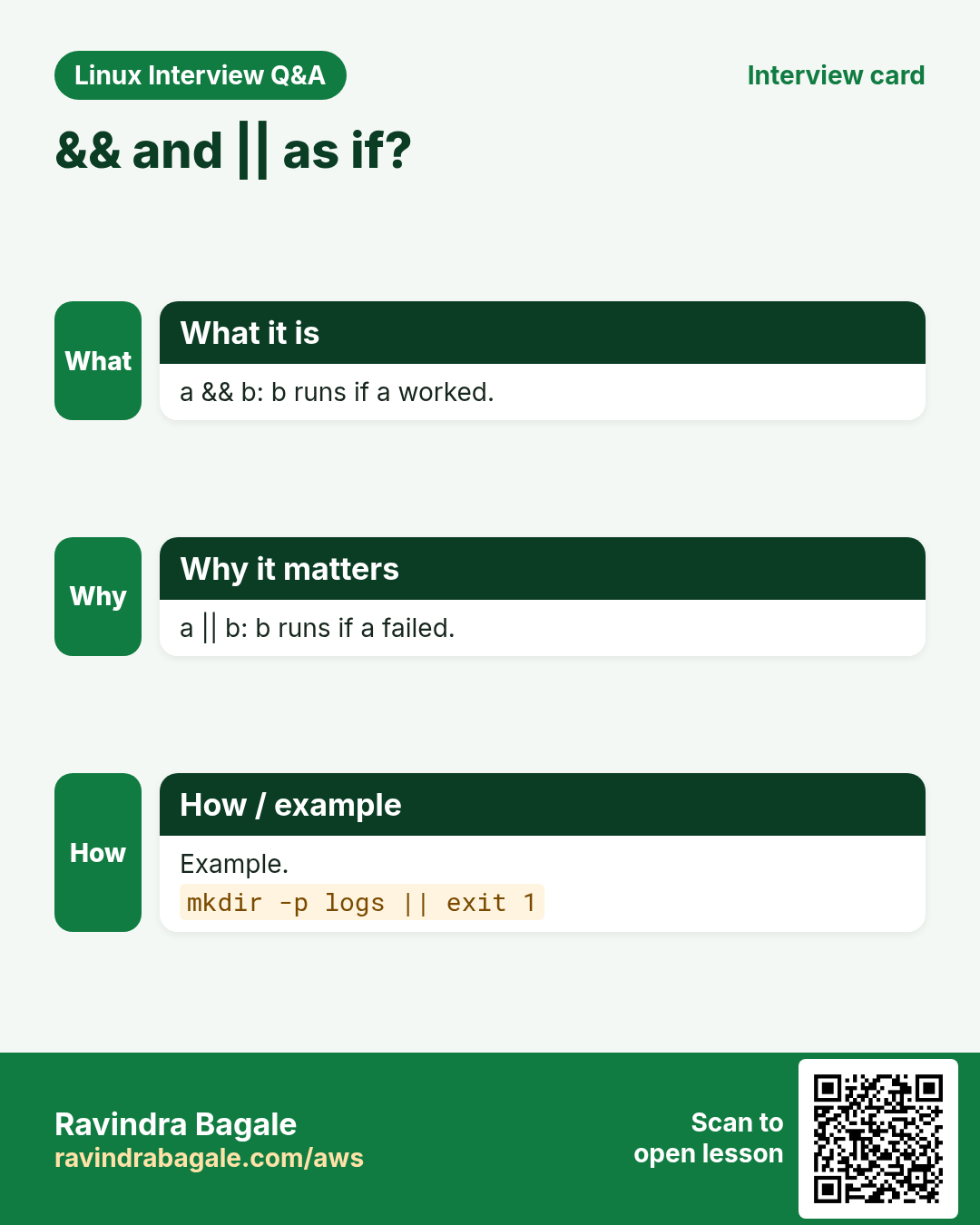
a && b runs b only if a worked. a || b runs b only if a failed. Be careful with a && b || c: c also runs if b fails, so use a full if when b can fail. (( expr )) is true when the result is not 0, and you can use < > == != with numbers: (( count > 10 )).
- Run only if it worked.
mkdir -p /tmp/deploy && cd /tmp/deploy && pwdOutput:
/tmp/deployStops at the first failure.
- Fallback.
cd /no/such/dir 2>/dev/null || echo 'could not cd, stopping'Output:
could not cd, stopping|| handles the failure.
- Numbers the easy way.
errors=12; if (( errors > 10 )); then echo 'too many errors'; fiOutput:
too many errorsNo -gt needed.
- Even or odd.
n=7; (( n % 2 == 0 )) && echo even || echo oddOutput:
odd% is remainder.
9. case: many choices in a clean way
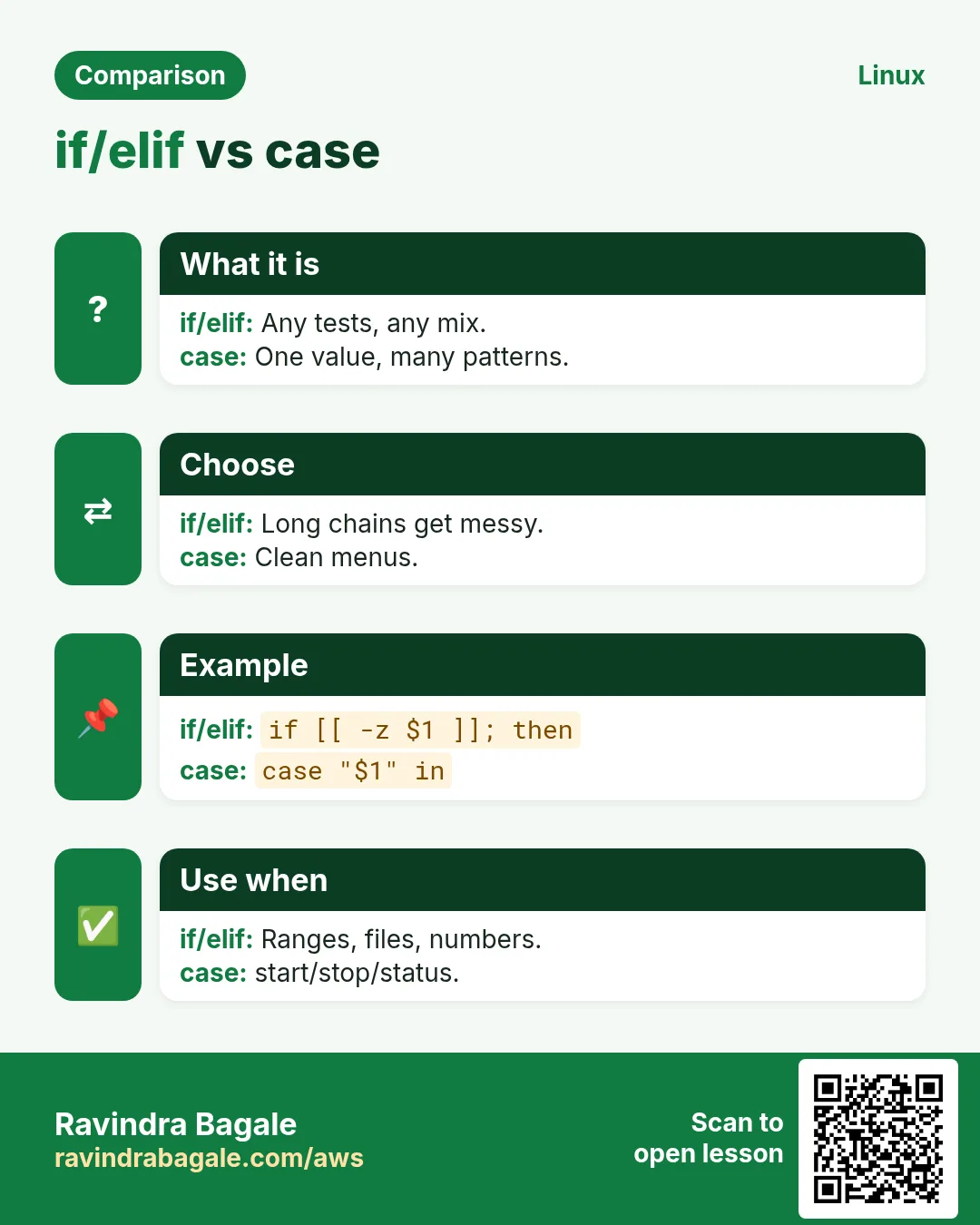
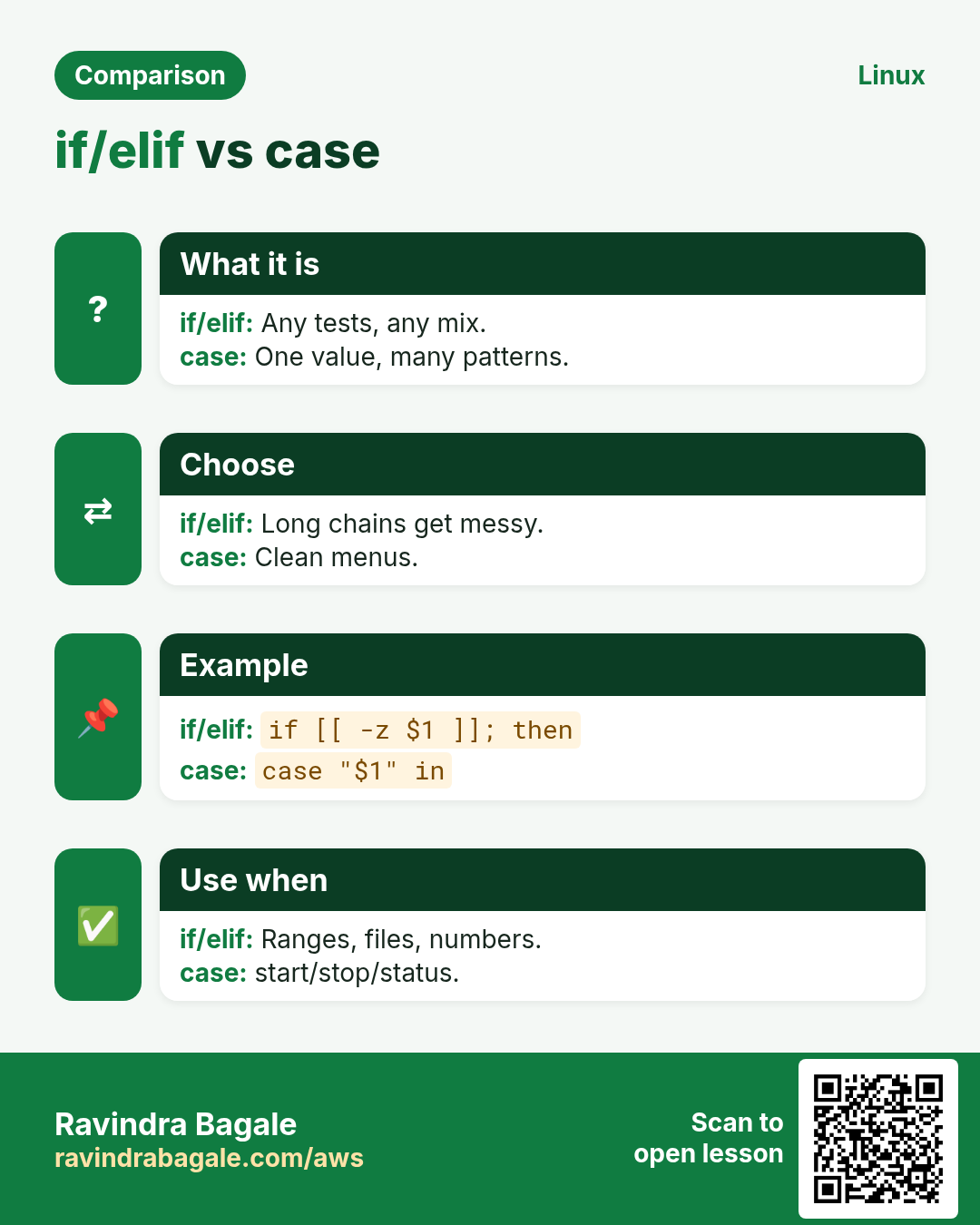
A menu often has one value and several known choices. In a lab script, let case "$1" send status to a read-only check, help to usage, and anything else to a clear error. Try status, help and a spelling mistake as separate runs. The first matching branch runs, so put the fallback pattern * last. Keep the three expected outputs in view while you practise.
A chain of ten elifs comparing the same variable is hard to read. case is cleaner and supports patterns.
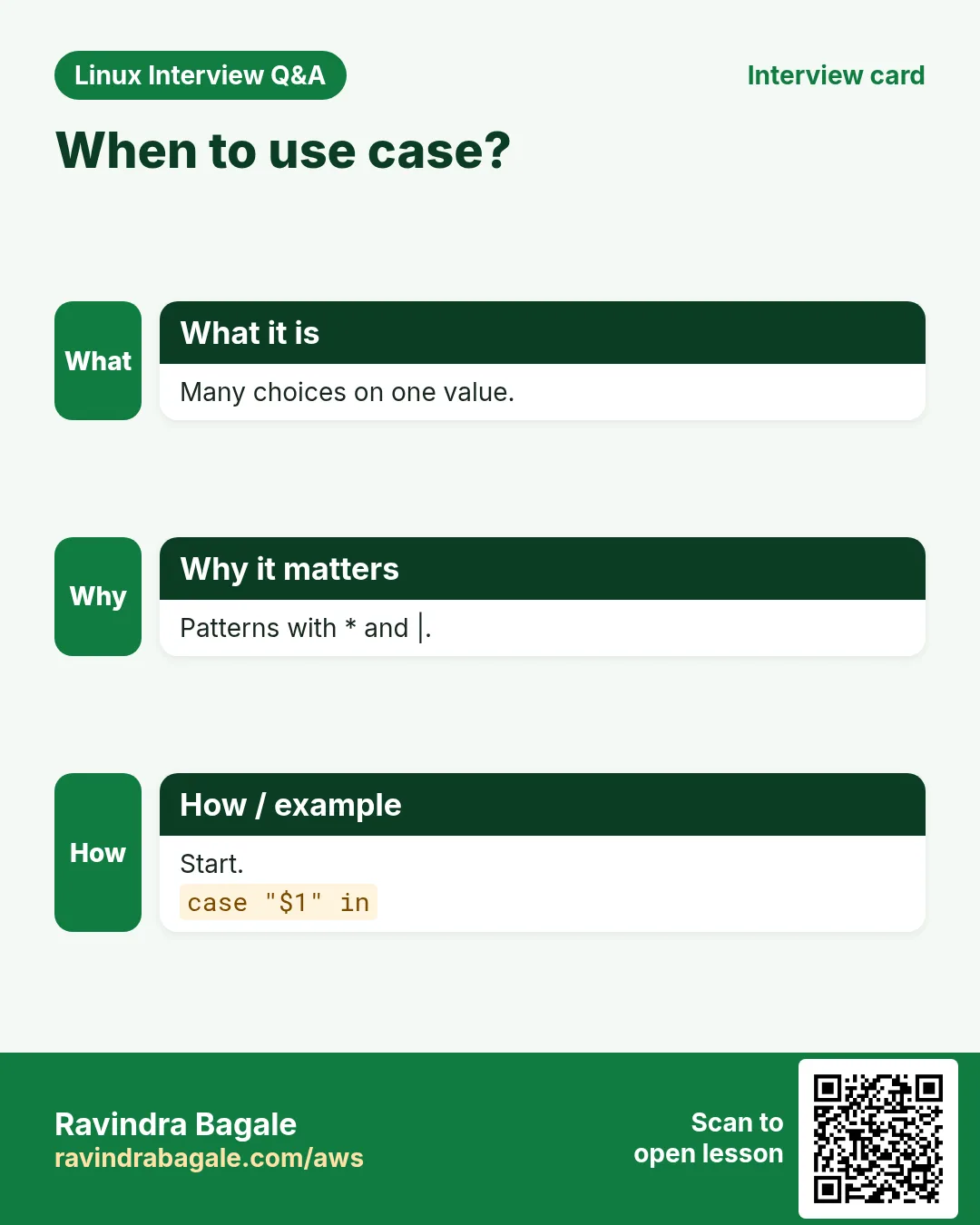
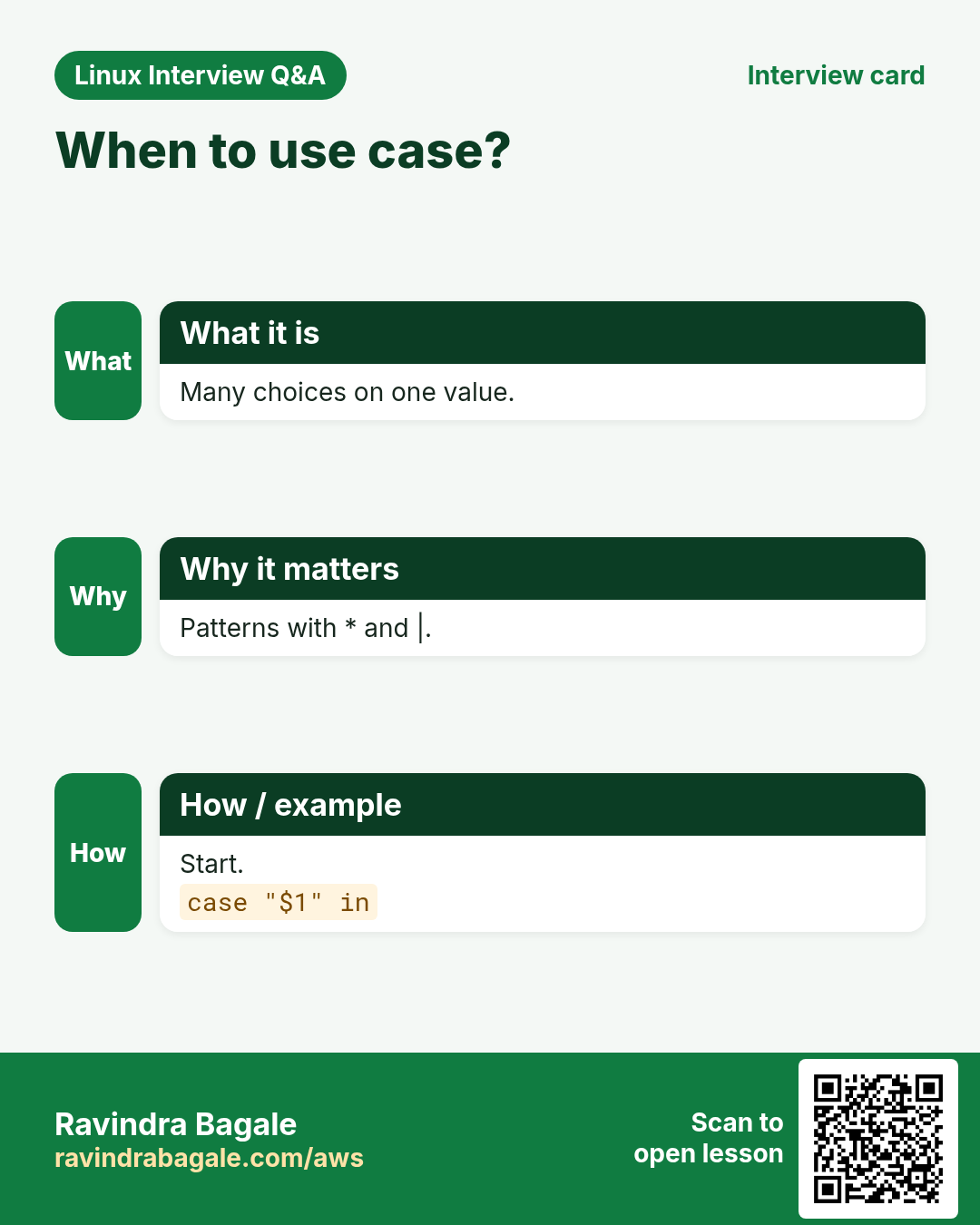
case $x in pattern1) ...;; pattern2|pattern3) ...;; *) default;; esac. Patterns are globs: *.jpg, [yY]*, start|begin. ;; ends each branch. The first match wins, so put *) last. Very common for start/stop/status menus and for file types.
- Service menu.
act=restart; case $act in start) echo starting;; stop) echo stopping;; restart|reload) echo 'stop then start';; *) echo "usage: start|stop|restart";; esacOutput:
stop then start| gives two names to one branch.
- By extension.
f=photo.JPG; case ${f,,} in *.jpg|*.png) echo image;; *.pdf) echo document;; *) echo other;; esacOutput:
image${f,,} makes it lower case first.
- Yes/no.
ans=Yes; case $ans in [yY]*) echo ok;; *) echo no;; esacOutput:
ok[yY]* matches y, Y, yes, Yes.
- Weekday.
case $(date +%u) in 6|7) echo weekend;; *) echo 'work day';; esacOutput:
weekenddate +%u gives 1-7.
10. Real examples from many industries
The same Linux skill shows up in every kind of company. Seeing it in many places helps you remember it.
Each row is a made-up team. It shows who uses this and how.
| Team and city | How they use it | Command |
|---|---|---|
| Sneha, hospital, Pune | Alert when disk >= 90 | (( use >= 90 )) |
| Liam, bank, Sydney | Stop if not on prod host | [[ $(hostname) == prod-* ]] |
| Yuki, gaming, Tokyo | Version check with =~ | [[ $v =~ ^2\. ]] |
| Fatima, telecom, Dubai | start/stop menu with case | case $1 in start) |
| Lucas, logistics, São Paulo | Skip empty CSV files | [ -s "$f" ] || continue |
| Anil, manufacturing, Aurangabad | Restart only if down | systemctl is-active -q x || systemctl restart x |
11. Common errors and how to fix them
Everyone hits these errors. Knowing the cause saves hours.
Read the exact message first. Then match it to a row below.
| Error you see | Why it happens | How to fix |
|---|---|---|
[: missing `]' | No space before ] | Add spaces inside brackets.[ "$a" = b ] |
[41: command not found | No space after [ | Write [ $x ...[ "$x" -gt 5 ] |
unary operator expected | Empty unquoted variable | Quote or use [[ ]].[[ $x -eq 1 ]] |
integer expression expected | Text used with -gt | Check it is a number.[[ $x =~ ^[0-9]+$ ]] |
A file named 5 appeared | Used > in [ ] for numbers | Use -gt or (( )).(( a > 5 )) |
syntax error near unexpected token `fi' | Missing then | Add then.if x; then y; fi |
syntax error near unexpected token `)' in case | Missing ;; or in | End each branch with ;;.case $a in x) y;; esac |
Regex never matches | Regex was quoted | Remove quotes or use a variable.[[ $s =~ $re ]] |
[[: not found | Script run with sh | Use bash or #!/bin/bash.bash s.sh |
12. Troubleshooting step by step
Print the values being compared, then run the test alone and look at $?.
Go top to bottom. Stop at the first step that shows the problem.
- See the values.
echo "[$a] [$b]"- Test alone.
[[ $a == $b ]]; echo $?- Trace.
bash -x s.sh- Lint.
shellcheck s.sh- Which shell?
head -1 s.sh- Hidden \r from Windows.
cat -A s.sh | grep -m3 '\^M'13. Lab 1: A health check with if and file tests
Write health.sh that checks disk, a config file and a service, and prints OK/WARN/FAIL lines.
A full hands-on lab. Run every step on a test Linux machine (an EC2 instance, a VM, or WSL).
- Folder.
mkdir -p ~/lab40 && cd ~/lab40- Disk part.
use=$(df --output=pcent / | tail -1 | tr -dc 0-9); if (( use >= 90 )); then echo "FAIL disk $use%"; elif (( use >= 75 )); then echo "WARN disk $use%"; else echo "OK disk $use%"; fiOutput:
OK disk 41%- Config part.
f=/etc/ssh/sshd_config; [[ -r $f ]] && echo "OK $f readable" || echo "FAIL $f"Output:
OK /etc/ssh/sshd_config readable- Service part.
if systemctl is-active -q sshd; then echo 'OK sshd'; else echo 'FAIL sshd'; fiOutput:
OK sshd- Empty log check.
touch app.log; [[ -s app.log ]] || echo 'WARN app.log is empty'Output:
WARN app.log is empty- Exit code.
bash -c 'exit 0'; echo $?Output:
014. Lab 2: A case-based service tool
Build svc.sh start|stop|status|-h for a fake service, with pattern matching and a usage message.
A full hands-on lab. Run every step on a test Linux machine (an EC2 instance, a VM, or WSL).
- Write.
printf '#!/bin/bash\ncase ${1:-} in\n start) touch /tmp/svc.pid; echo started;;\n stop) rm -f /tmp/svc.pid; echo stopped;;\n status) [[ -e /tmp/svc.pid ]] && echo running || echo stopped;;\n -h|--help|"") echo "usage: $0 start|stop|status";;\n *) echo "unknown: $1" >&2; exit 2;;\nesac\n' | tee svc.sh && chmod +x svc.sh- Start.
./svc.sh start; ./svc.sh statusOutput:
started
running- Stop.
./svc.sh stop; ./svc.sh statusOutput:
stopped
stopped- Help.
./svc.shOutput:
usage: ./svc.sh start|stop|status- Bad input.
./svc.sh boom; echo $?Output:
unknown: boom
2- Lint it.
shellcheck svc.sh && echo cleanOutput:
cleanRavindra Bagale's Tip
In bash scripts use [[ ]] for strings and files, (( )) for numbers, and case when you compare one value against many choices. Remember: if only looks at an exit code, so any command can be a test.
Ravindra Bagale's Tip – मराठी
Bash scripts मधे strings आणि files साठी [[ ]], numbers साठी (( )), आणि एक value अनेक choices शी compare करताना case. लक्षात ठेवा: if फक्त exit code बघतो, म्हणून कोणतीही command test असू शकते.
Ravindra Bagale's Tip – हिंदी
Bash scripts में strings और files के लिए [[ ]], numbers के लिए (( )), और एक value को कई choices से compare करते समय case. याद रखिए: if सिर्फ exit code देखता है, इसलिए कोई भी command test हो सकती है.
15. Frequently asked questions
Q. [ ] or [[ ]]?
[[ ]] in bash; [ ] for POSIX sh.
Q. Why spaces inside brackets?
[ is a command; its args need spaces.
Q. = or ==?
Both in [[ ]]; = in [ ].
Q. How to test 'not'?
Put ! before the test.
Q. Can case use regex?
No, only glob patterns.
Q. Is (( 0 )) true?
No; 0 is false there.
Q. Compare decimals?
Use awk or bc.
Q. What is ;;& in case?
Continues testing next patterns (bash 4).
16. Interview questions and answers
Beginner level
Q. Number greater than?
-gt or (( > )).
Q. File exists?
-e or -f.
Q. String empty?
-z.
Q. End an if?
fi.
Mid level level
Q. [ ] vs [[ ]]?
[[ ]] is safer, supports patterns, regex, && ||.
Q. When case over if?
Many choices on one value.
Q. Danger of a && b || c?
c runs if b fails too.
Q. Get regex groups?
BASH_REMATCH.
Senior level
Q. Why does if grep work?
if checks exit codes; grep returns 0 on match.
Q. Write portable tests?
Use [ ] with quoted vars and = only.
Q. Validate an IPv4 roughly?
=~ ^([0-9]{1,3}\.){3}[0-9]{1,3}$ plus range checks.
Q. Guard against running on prod?
[[ $(hostname) == prod* ]] && read confirmation.
Try at home
- Write grade.sh that takes marks (0-100) and prints A/B/C/Fail with if/elif. Reject bad input.
- Write ftype.sh that uses case to say image, video, document or other for each argument.
Practise this chapter
Interview questions and answers
Why would an if branch run even when the test prints nothing?
Bash chooses the branch based on the test’s exit status. Use a simple file test and repeat after moving the disposable file out of the way. Show the two branches and explain what changed rather than expecting the test itself to print true or false.
Check your understanding
Choose an answer, then compare your reasoning with the explanation.
Practice Tasks
Practice checks run in your browser. They check the answer for this exercise; they do not create resources or connect to your AWS account.
About this scenarioAmravati Agro Market is a agriculture business in Amravati. Anjali Thakre looks after its IT and cloud work. They count money in INR and run their AWS resources in the ap-south-1 Region. In the tasks below you do real jobs for them using what this lesson teaches. All names, account IDs, IP addresses and numbers are made up for practice.
0 / 21
Easy At least 80
BIZ scripts must decide before they act.
Test with [ ] that the variable cpu is greater than or equal to 80.
- Find the Linux command that does this job.
- Add the options (like -r or -h) the task needs.
- Add the file names, folders or users in the right order.
- Use sudo if the job changes system files or users. Click Check answer.
Easy Not equal number
BIZ scripts must decide before they act.
Test that the variable rc is not equal to 0 with [ ].
- Find the Linux command that does this job.
- Add the options (like -r or -h) the task needs.
- Add the file names, folders or users in the right order.
- Use sudo if the job changes system files or users. Click Check answer.
Easy Less than 5
BIZ scripts must decide before they act.
Test with (( )) that tries is less than 5.
- Find the Linux command that does this job.
- Add the options (like -r or -h) the task needs.
- Add the file names, folders or users in the right order.
- Use sudo if the job changes system files or users. Click Check answer.
Easy Empty?
BIZ scripts must decide before they act.
Test with [ ] that the variable reply is empty.
- Find the Linux command that does this job.
- Add the options (like -r or -h) the task needs.
- Add the file names, folders or users in the right order.
- Use sudo if the job changes system files or users. Click Check answer.
Easy Not empty
BIZ scripts must decide before they act.
Test with [[ ]] that the variable sku is not empty.
- Find the Linux command that does this job.
- Add the options (like -r or -h) the task needs.
- Add the file names, folders or users in the right order.
- Use sudo if the job changes system files or users. Click Check answer.
Easy String equal
BIZ scripts must decide before they act.
Test with [ ] that the variable tier equals gold.
- Find the Linux command that does this job.
- Add the options (like -r or -h) the task needs.
- Add the file names, folders or users in the right order.
- Use sudo if the job changes system files or users. Click Check answer.
Easy Is a folder
BIZ scripts must decide before they act.
Test that /srv/invoices is a directory.
- Find the Linux command that does this job.
- Add the options (like -r or -h) the task needs.
- Add the file names, folders or users in the right order.
- Use sudo if the job changes system files or users. Click Check answer.
Easy Is a file
BIZ scripts must decide before they act.
Test that /etc/nginx/nginx.conf is a regular file.
- Find the Linux command that does this job.
- Add the options (like -r or -h) the task needs.
- Add the file names, folders or users in the right order.
- Use sudo if the job changes system files or users. Click Check answer.
Easy Empty answer
BIZ scripts must decide before they act.
Using [[ ]] and &&, print empty when the variable ans has zero length.
- Find the Linux command that does this job.
- Add the options (like -r or -h) the task needs.
- Add the file names, folders or users in the right order.
- Use sudo if the job changes system files or users. Click Check answer.
Medium Executable
BIZ scripts must decide before they act.
Test that /usr/local/bin/sync-erp is executable by you.
- Find the Linux command that does this job.
- Add the options (like -r or -h) the task needs.
- Add the file names, folders or users in the right order.
- Use sudo if the job changes system files or users. Click Check answer.
Medium Not empty file
BIZ scripts must decide before they act.
Test that orders.json exists and is not empty.
- Find the Linux command that does this job.
- Add the options (like -r or -h) the task needs.
- Add the file names, folders or users in the right order.
- Use sudo if the job changes system files or users. Click Check answer.
Medium Writable folder
BIZ scripts must decide before they act.
Test that /var/backups is writable, else print "no write".
- Find the Linux command that does this job.
- Add the options (like -r or -h) the task needs.
- Add the file names, folders or users in the right order.
- Use sudo if the job changes system files or users. Click Check answer.
Medium Pattern match
BIZ scripts must decide before they act.
Test with [[ ]] that the variable img ends in .webp.
- Find the Linux command that does this job.
- Add the options (like -r or -h) the task needs.
- Add the file names, folders or users in the right order.
- Use sudo if the job changes system files or users. Click Check answer.
Medium Two conditions
BIZ scripts must decide before they act.
In one [[ ]] test that age is at least 21 and city is Nagpur.
- Find the Linux command that does this job.
- Add the options (like -r or -h) the task needs.
- Add the file names, folders or users in the right order.
- Use sudo if the job changes system files or users. Click Check answer.
Medium If grep
BIZ scripts must decide before they act.
Write an if that checks quietly whether /etc/group has a line starting with docker: and prints yes.
- Find the Linux command that does this job.
- Add the options (like -r or -h) the task needs.
- Add the file names, folders or users in the right order.
- Use sudo if the job changes system files or users. Click Check answer.
Medium Not active
BIZ scripts must decide before they act.
Print "redis down" if the redis service is not active, quietly using systemctl.
- Find the Linux command that does this job.
- Add the options (like -r or -h) the task needs.
- Add the file names, folders or users in the right order.
- Use sudo if the job changes system files or users. Click Check answer.
Medium Odd
BIZ scripts must decide before they act.
Use (( )) and && to print odd when n leaves remainder 1 on division by 2.
- Find the Linux command that does this job.
- Add the options (like -r or -h) the task needs.
- Add the file names, folders or users in the right order.
- Use sudo if the job changes system files or users. Click Check answer.
Medium case on second
BIZ scripts must decide before they act.
Start a case statement on the second argument.
- Find the Linux command that does this job.
- Add the options (like -r or -h) the task needs.
- Add the file names, folders or users in the right order.
- Use sudo if the job changes system files or users. Click Check answer.
Hard Newer file
BIZ scripts must decide before they act.
Test that build.tar is newer than src.tar.
- Find the Linux command that does this job.
- Add the options (like -r or -h) the task needs.
- Add the file names, folders or users in the right order.
- Use sudo if the job changes system files or users. Click Check answer.
Hard Regex
BIZ scripts must decide before they act.
Test with =~ that the variable gstin starts with two digits.
- Find the Linux command that does this job.
- Add the options (like -r or -h) the task needs.
- Add the file names, folders or users in the right order.
- Use sudo if the job changes system files or users. Click Check answer.
Hard Starts with n
BIZ scripts must decide before they act.
Using [[ ]] with a bracket pattern, print skip when ans starts with n or N.
- Find the Linux command that does this job.
- Add the options (like -r or -h) the task needs.
- Add the file names, folders or users in the right order.
- Use sudo if the job changes system files or users. Click Check answer.
17. Related chapters
- Linux Ops Refresh for DevOps
- Bash Scripting for Automation
- Linux grep and find Commands with Examples
- How to Set Up Passwordless SSH Between Linux Servers
In short
- if checks an exit code; 0 is true.
- [ ] needs spaces and quoted vars.
- -eq -lt -gt for numbers; = != -z -n for strings.
- -f -d -s -r -w -x for files.
- [[ ]] adds patterns, regex and && ||.
- case handles many choices with patterns.
Revision, comparison and interview cards
Revise this lesson in a few minutes. Save the cards on your phone or download them as PNG files. The QR code on each card opens this lesson.
More cards: Ravi Sir's Cards.