AWS SDK Step Functions and EventBridge: Start Workflows and Publish Events (Python, PHP, Node.js)
Many apps are really workflows: take an order, charge the card, wait for a human, then ship. Step Functions runs those steps for you, and EventBridge carries events and schedules between services. From Python, PHP and Node.js we start and watch executions, finish a waiting task with a task token, publish custom events and create schedules. The example: a travel agency with Aiko in Osaka and Rohan in Jaipur.
In this chapter
- Start a state machine execution
- Watch execution status and output
- Resume with a task token
- Publish events with PutEvents
- Create schedules
1. The big picture: the tour checklist
A tour desk has a checklist: book hotel, book train, wait for the guide to say yes, send tickets. A manager ticks each box and retries if the hotel line is busy. Step Functions is that manager. EventBridge is the notice board where anyone can pin "booking confirmed" and the right teams react.
A state machine is written in Amazon States Language (JSON). StartExecution returns an executionArn; DescribeExecution gives status RUNNING, SUCCEEDED or FAILED. EventBridge PutEvents sends events to a bus; rules match patterns and call targets; EventBridge Scheduler runs targets on cron or rate.
2. Start an execution
Aiko books a Kyoto trip for ¥84,000 and wants the booking workflow to start the moment the customer pays.
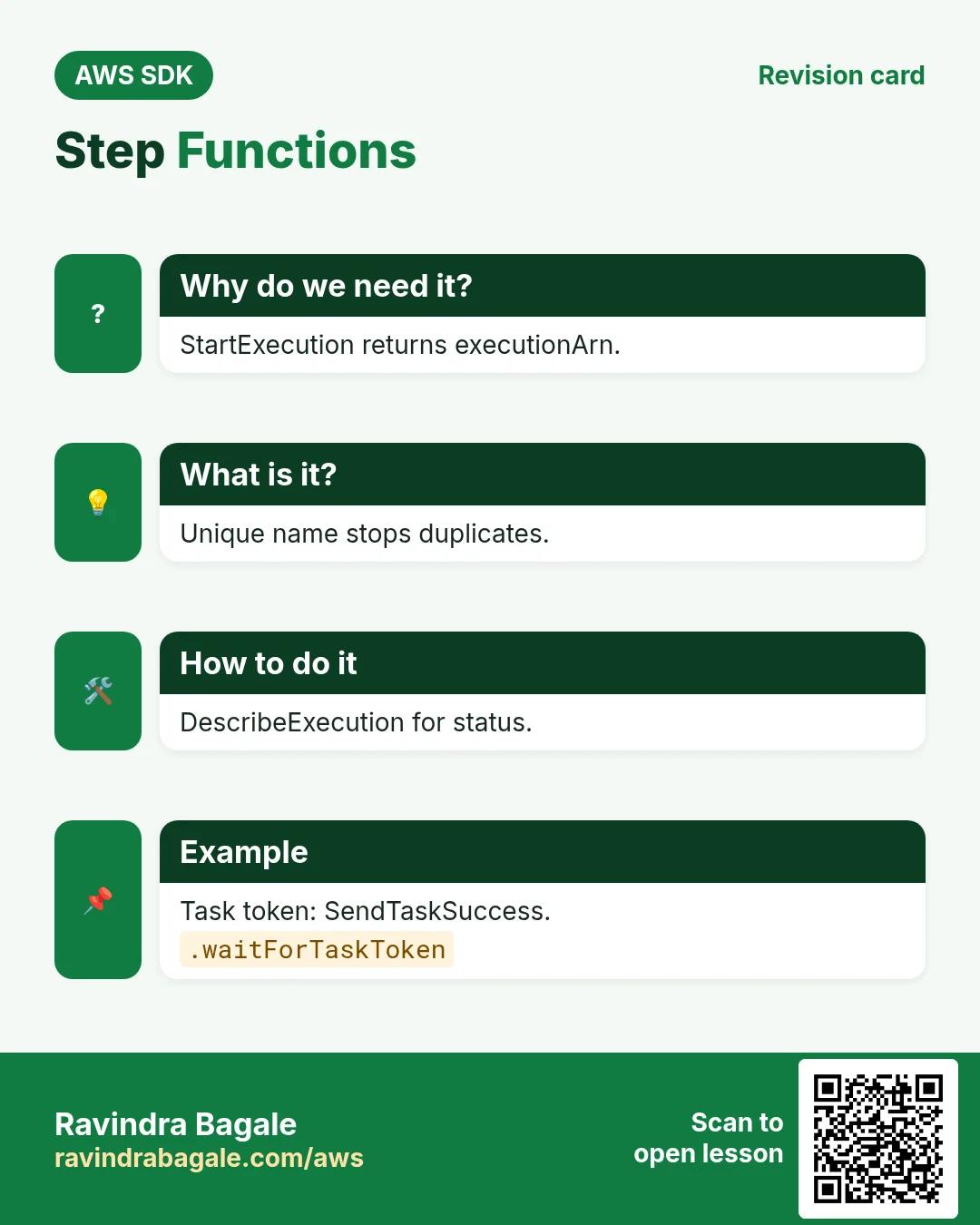
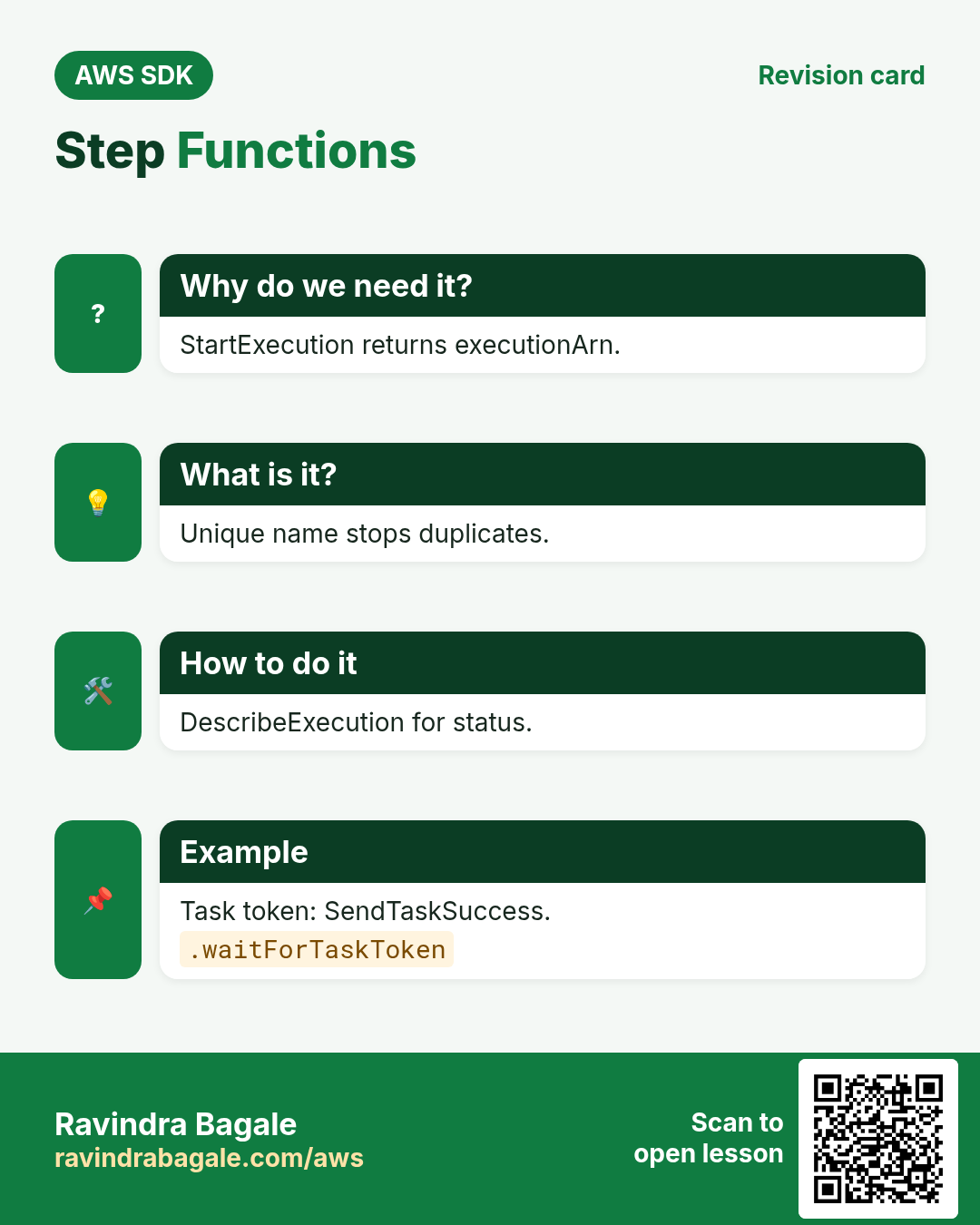
StartExecution takes stateMachineArn, an optional unique name (stops duplicates) and input as a JSON string.
- Python.
import boto3, json
sf = boto3.client("stepfunctions", region_name="ap-northeast-1")
r = sf.start_execution(
    stateMachineArn="arn:aws:states:ap-northeast-1:111122223333:stateMachine:TripBooking",
    name="trip-kyoto-5012",
    input=json.dumps({"tripId": "5012", "amount": 84000, "currency": "JPY"}))
print(r["executionArn"].split(":")[-1])
Expected output:
trip-kyoto-5012- Node.js.
import { SFNClient, StartExecutionCommand } from "@aws-sdk/client-sfn";
const sf = new SFNClient({ region: "ap-south-1" });
const r = await sf.send(new StartExecutionCommand({
  stateMachineArn: "arn:aws:states:ap-south-1:111122223333:stateMachine:TripBooking",
  name: "trip-jaipur-7731",
  input: JSON.stringify({ tripId: "7731", amount: 18500, currency: "INR" })
}));
console.log(r.executionArn.split(":").pop());
Expected output:
trip-jaipur-7731- PHP.
<?php
require "vendor/autoload.php";
$sf = new Aws\Sfn\SfnClient(["region" => "eu-west-2"]);
$r = $sf->startExecution([
  "stateMachineArn" => "arn:aws:states:eu-west-2:111122223333:stateMachine:TripBooking",
  "name" => "trip-york-310",
  "input" => json_encode(["tripId" => "310", "amount" => 640, "currency" => "GBP"])]);
echo basename(str_replace(":", "/", $r["executionArn"])), PHP_EOL;
Expected output:
trip-york-310- Verify with the CLI.
aws stepfunctions list-executions --state-machine-arn arn:aws:states:ap-northeast-1:111122223333:stateMachine:TripBooking --max-results 1 --query "executions[0].name" --output textExpected output:
trip-kyoto-50123. Watch status and output
Start one execution with a known order ID or the chapter’s chosen sample identifier. Save the execution ARN returned by StartExecution. The state machine ARN refers to the workflow definition, while the execution ARN identifies this version of the run with its input and history. Use the execution identifier with the status call rather than starting a second copy to check the first.
In a practice Standard workflow, check the status and compare the final output with the sample input. A running state shows work is in progress. A successful terminal state means the workflow reached the intended success state, so still verify any durable side effect that the lesson expects. If the workflow fails at a state, open that state’s history and compare its inputs and outputs before reusing the operation. If an EventBridge rule starts work instead, correlate the event identity with the resulting target behavior.
Rohan shows customers "Booking in progress" until the workflow finishes.
DescribeExecution returns status, and output (a JSON string) once SUCCEEDED. Poll with a delay, or better, react to the Step Functions status event in EventBridge.
- Python: poll until done.
import time
arn = r["executionArn"]
while (d := sf.describe_execution(executionArn=arn))["status"] == "RUNNING":
    time.sleep(2)
print(d["status"], json.loads(d["output"])["ticket"])
Expected output:
SUCCEEDED KYO-5012-A- Node.js.
import { DescribeExecutionCommand } from "@aws-sdk/client-sfn";
const d = await sf.send(new DescribeExecutionCommand({ executionArn: r.executionArn }));
console.log(d.status);
Expected output:
RUNNING- PHP: show the failed reason.
$d = $sf->describeExecution(["executionArn" => $r["executionArn"]]);
echo $d["status"], " ", $d["error"] ?? "-", PHP_EOL;
Expected output:
FAILED HotelSoldOut- Verify with the CLI.
aws stepfunctions describe-execution --execution-arn arn:aws:states:ap-northeast-1:111122223333:execution:TripBooking:trip-kyoto-5012 --query status --output textExpected output:
SUCCEEDED4. Resume with a task token
A callback task pauses its workflow until an authorized worker sends a result. The task token is an opaque value that identifies the waiting task. The worker returns it with the appropriate success or failure call after completing the external work. Treat the token as sensitive and do not publish it in logs or share it across unrelated jobs.
Use a practice execution that waits for a simulated review. Find the state waiting in the execution history, submit the approved mock result through the configured worker, then confirm that the same execution progressed to the next state. Starting another execution would create a new run. EventBridge publishing in the next section is a separate path that may trigger work without pausing this execution.
The tour guide in Jaipur must accept the group before tickets go out. The workflow pauses and waits for his tap.
A task with ".waitForTaskToken" passes $$.Task.Token to (for example) SQS. Your app later calls SendTaskSuccess with that token and an output, or SendTaskFailure.
- Python: guide accepts.
sf.send_task_success(taskToken=token, output=json.dumps({"guide": "Rohan", "accepted": True}))
print("resumed")
Expected output:
resumed- Node.js: guide declines.
import { SendTaskFailureCommand } from "@aws-sdk/client-sfn";
await sf.send(new SendTaskFailureCommand({ taskToken: token, error: "GuideBusy", cause: "Festival week" }));
console.log("failed GuideBusy");
Expected output:
failed GuideBusy- PHP: keep a long wait alive.
$sf->sendTaskHeartbeat(["taskToken" => $token]);
echo "heartbeat sent", PHP_EOL;
Expected output:
heartbeat sent- Verify with the CLI.
aws stepfunctions get-execution-history --execution-arn arn:aws:states:ap-south-1:111122223333:execution:TripBooking:trip-jaipur-7731 --reverse-order --max-results 1 --query "events[0].type" --output textExpected output:
ExecutionSucceeded5. Events and schedules
When a booking is confirmed, the invoice team in Lyon (€1,250) and the SMS team both need to know, and reminders must go out every morning at 9.
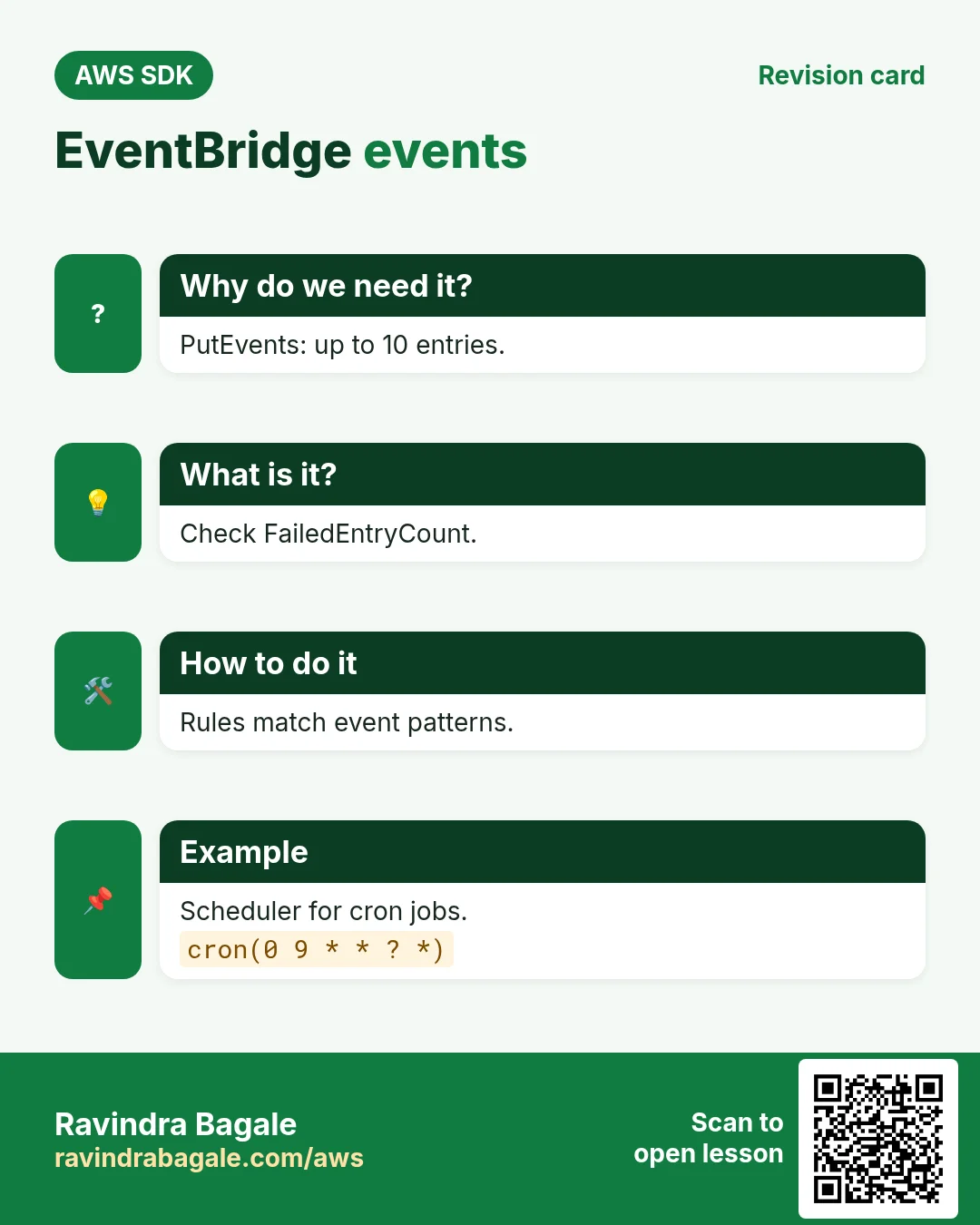
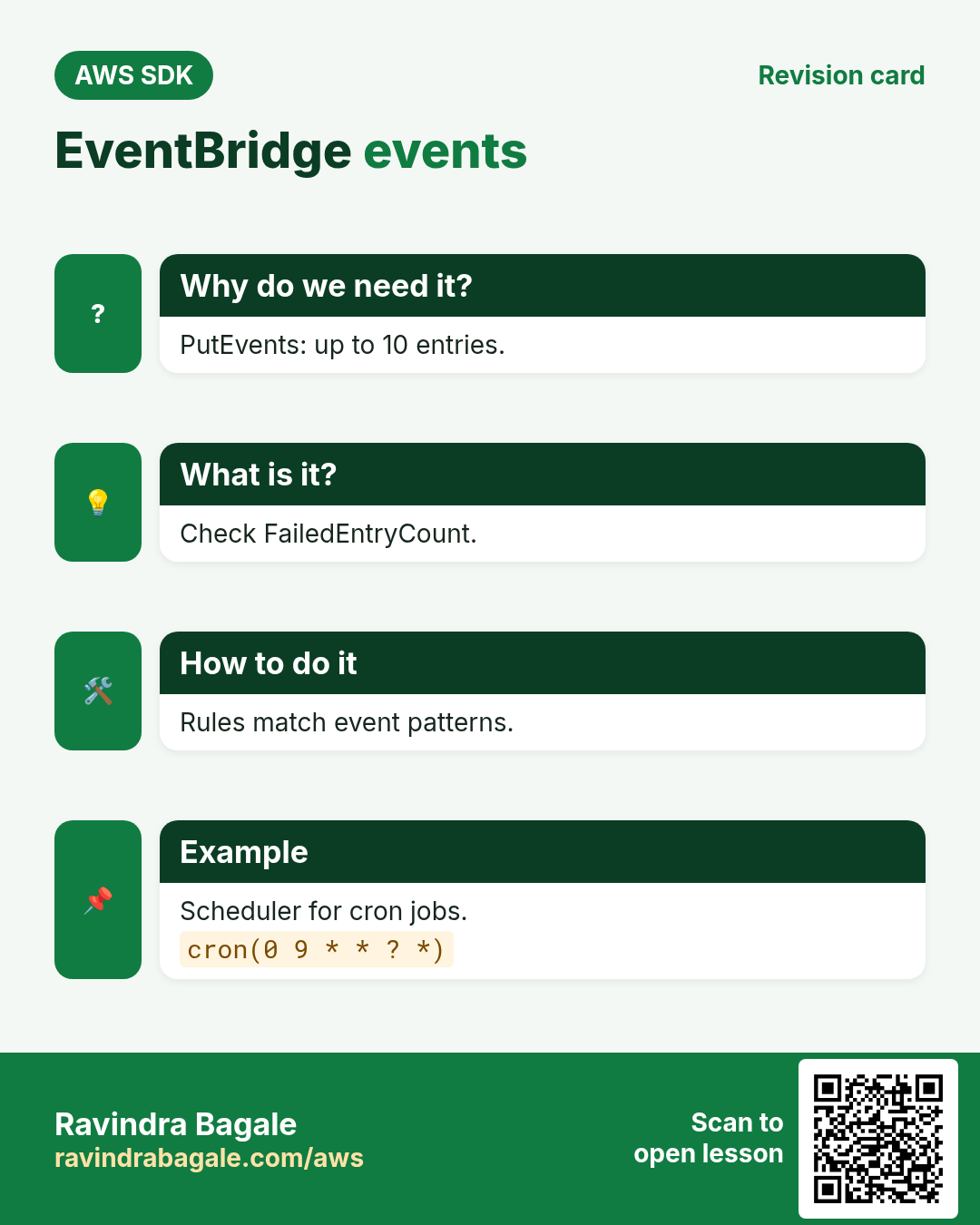
PutEvents sends up to 10 entries (Source, DetailType, Detail JSON). A rule with an event pattern routes them to targets. EventBridge Scheduler CreateSchedule runs a target on cron/rate in a time zone.
- Python: publish an event.
eb = boto3.client("events", region_name="eu-west-3")
r = eb.put_events(Entries=[{"Source": "travel.bookings", "DetailType": "BookingConfirmed",
    "Detail": json.dumps({"tripId": "88", "amount": 1250, "currency": "EUR"}), "EventBusName": "default"}])
print("failed:", r["FailedEntryCount"])
Expected output:
failed: 0- Node.js: rule and target.
import { EventBridgeClient, PutRuleCommand, PutTargetsCommand } from "@aws-sdk/client-eventbridge";
const eb = new EventBridgeClient({ region: "eu-west-3" });
await eb.send(new PutRuleCommand({ Name: "booking-confirmed",
  EventPattern: JSON.stringify({ source: ["travel.bookings"], "detail-type": ["BookingConfirmed"] }) }));
const t = await eb.send(new PutTargetsCommand({ Rule: "booking-confirmed",
  Targets: [{ Id: "sms", Arn: "arn:aws:sqs:eu-west-3:111122223333:sms-queue" }] }));
console.log("target failures:", t.FailedEntryCount);
Expected output:
target failures: 0- PHP: daily schedule.
$sc = new Aws\Scheduler\SchedulerClient(["region" => "ap-south-1"]);
$sc->createSchedule(["Name" => "trip-reminders", "ScheduleExpression" => "cron(0 9 * * ? *)",
  "ScheduleExpressionTimezone" => "Asia/Kolkata", "FlexibleTimeWindow" => ["Mode" => "OFF"],
  "Target" => ["Arn" => "arn:aws:sqs:ap-south-1:111122223333:reminders",
               "RoleArn" => "arn:aws:iam::111122223333:role/scheduler-sqs"]]);
echo "schedule created", PHP_EOL;
Expected output:
schedule created- Verify with the CLI.
aws scheduler get-schedule --name trip-reminders --region ap-south-1 --query ScheduleExpression --output textExpected output:
cron(0 9 * * ? *)6. Same action in Python, Node.js, Java, Go, .NET and PHP
Scripts start in the CLI. Apps call the same API through an SDK. Knowing both helps you move a tested command into real code.
Low-level CLI commands expose service operations. A high-level command or an automatically paginated list can make multiple requests. For example, aws stepfunctions start-execution ... maps to the StartExecution API.
Same action (PutEvents) from code. Set the intended profile and Region for the SDK. Provider support and precedence can differ by SDK, and an explicit client setting can override defaults.
| Stack | Code |
|---|---|
| AWS CLI | aws stepfunctions start-execution --state-machine-arn arn:aws:states:...:stateMachine:TripBooking --input '{"tripId":"5012"}' |
| Java v2 | sfn.startExecution(b -> b.stateMachineArn(arn).input("{\"tripId\":\"5012\"}")); |
| Go v2 | client.StartExecution(ctx, &sfn.StartExecutionInput{StateMachineArn: aws.String(arn), Input: aws.String(in)}) |
| .NET | await sfn.StartExecutionAsync(new StartExecutionRequest { StateMachineArn = arn, Input = json }); |
7. Clean up so nothing keeps costing
Lab resources left running cost money and can be a security risk.
Delete in reverse order: children first, then parents.
- Delete the schedule, rule targets and rule.
aws scheduler delete-schedule --name trip-reminders --region ap-south-1
aws events remove-targets --rule booking-confirmed --ids sms --region eu-west-3
aws events delete-rule --name booking-confirmed --region eu-west-3
Expected output:
(no output means success)- Delete the test state machine.
aws stepfunctions delete-state-machine --state-machine-arn arn:aws:states:ap-northeast-1:111122223333:stateMachine:TripBookingExpected output:
(no output means success)Ravindra Bagale's Tip
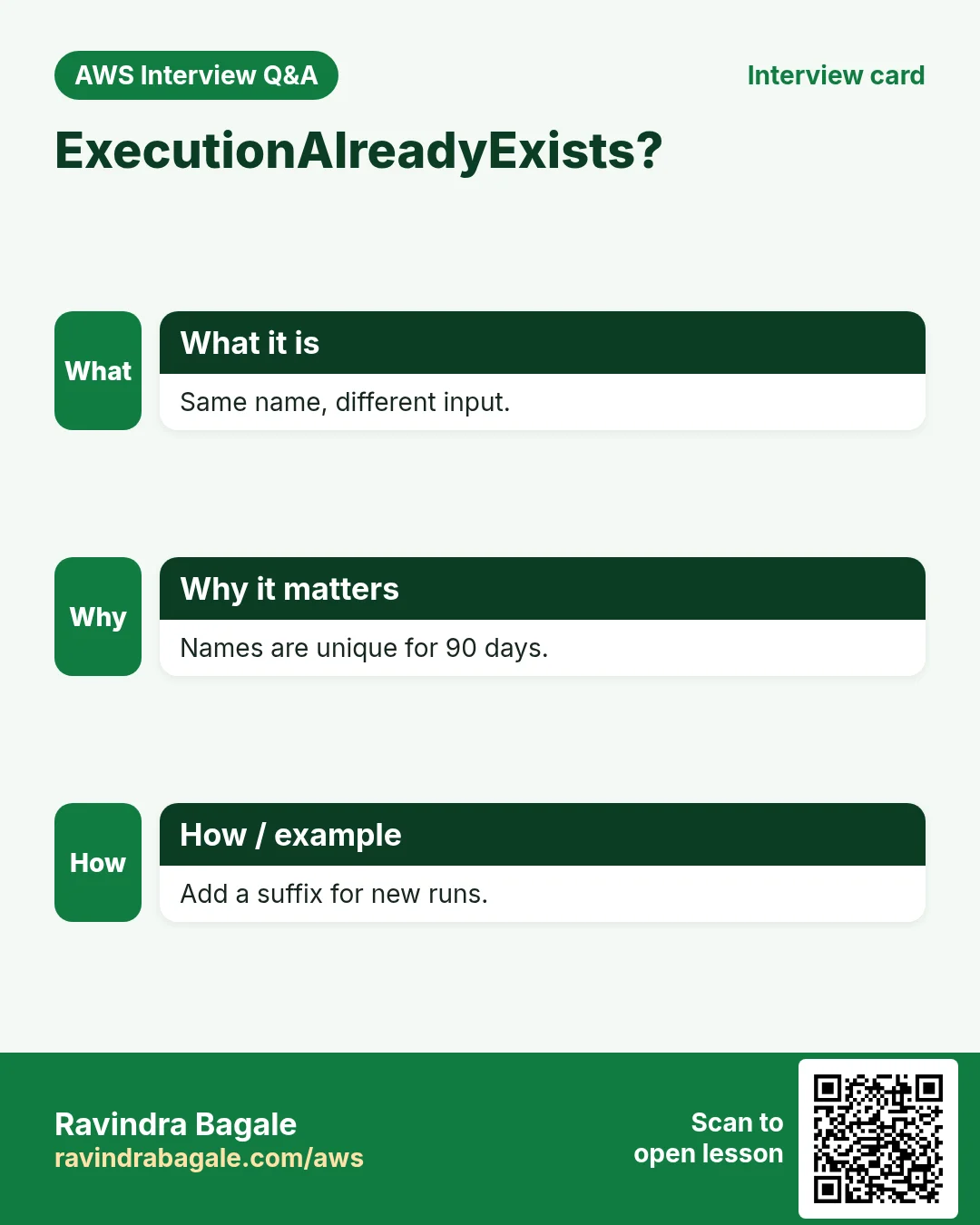
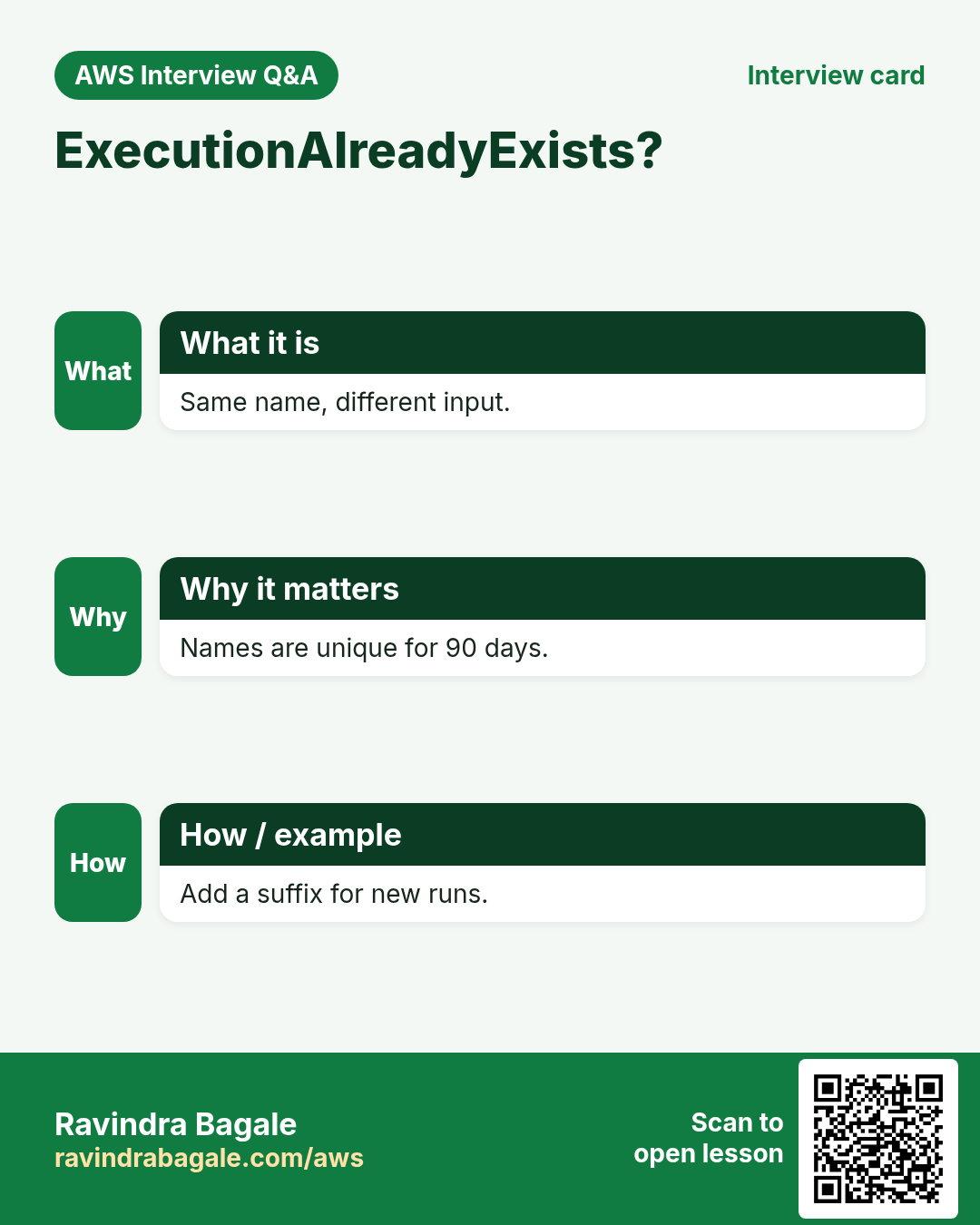
Give every execution a business name like trip-5012. A second StartExecution with the same name and input is ignored, so retries never double-book.
8. Interview questions and answers
Q. What does StartExecution return?
executionArn and startDate.
Q. How do you resume a paused task?
SendTaskSuccess or SendTaskFailure with the task token.
Q. Standard vs Express?
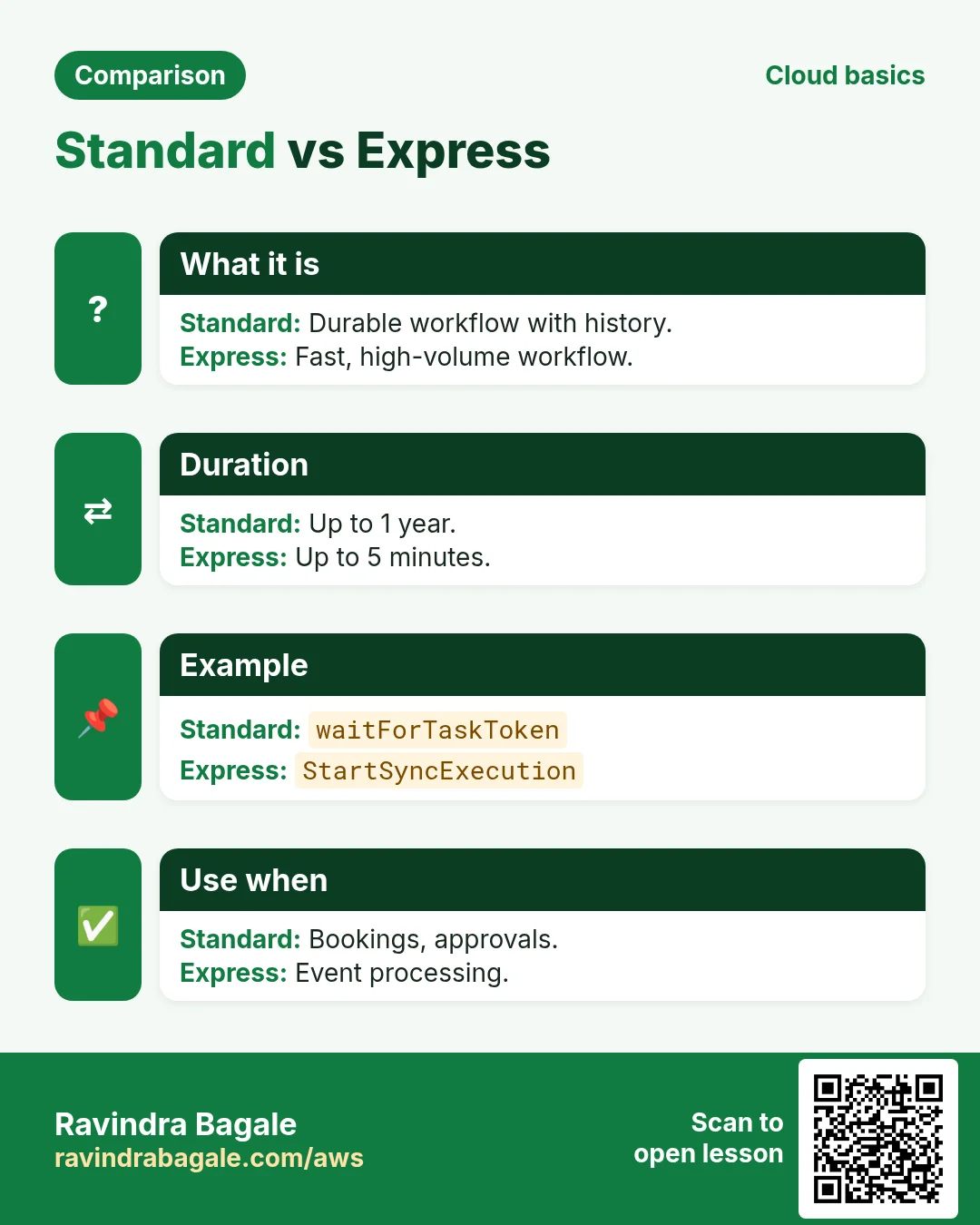
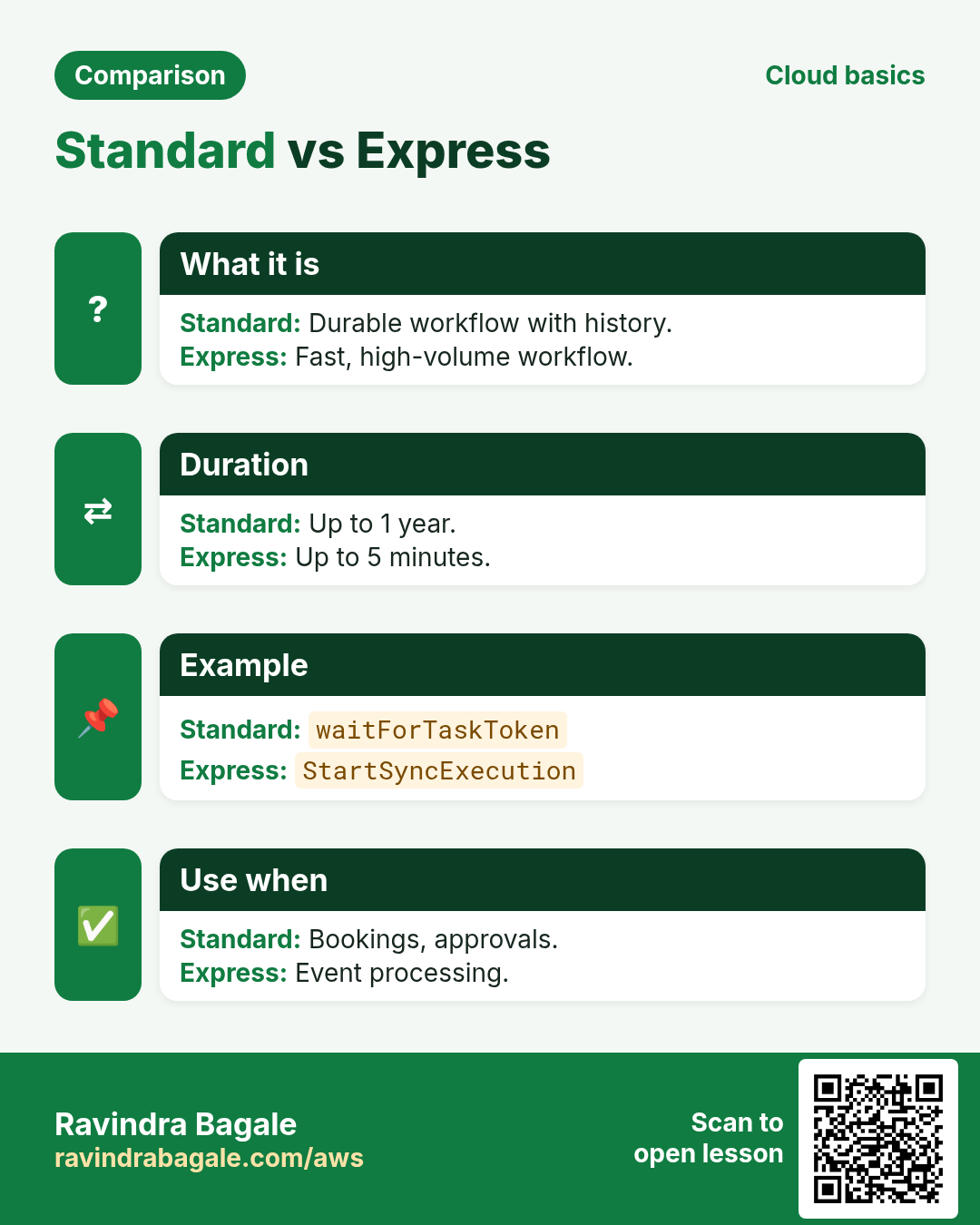
Standard: long, exactly-once, history. Express: short, high volume, cheaper.
Q. Max entries per PutEvents?
10.
Q. Rules vs Scheduler?
Rules react to events; Scheduler runs on time.
Try at home
- Write a Python script that starts 3 executions for Paris, Pune and Perth trips and prints each final status.
- In Node.js, publish a BookingCancelled event and add a rule that sends it to an SQS queue.
In short
- StartExecution with a unique name.
- DescribeExecution for status.
- Task token pauses for humans.
- PutEvents + rules route events.
- Scheduler runs on cron.
Check the asynchronous result after submission
Use one disposable state machine and event bus rule. Start with a fixed synthetic input and inspect execution state. Compare EventBridge PutEvents FailedEntryCount and each entry’s result with what the target actually received.
For three submitted events, FailedEntryCount: 1 tells you one entry failed. Read the entry results in request order, identify the failed entry by its error, and retry only the failed entry when the error is retriable. Then verify that the rule matched and the target processed the accepted events. Publishing and target processing are separate checkpoints in the workflow.
Interview check Can an HTTP success hide a partial EventBridge failure?
Yes. The response can include per-entry failures. Retry only failed entries where appropriate and make the target processing duplicate-safe.
Practise this chapter
Interview questions and answers
When would you choose a callback state rather than starting another workflow from an event?
A callback fits when this same execution must wait for an external result, such as approval. The worker returns the token and the running execution continues. I would choose an event-triggered workflow when the event should start independent work with its own execution history.
Check your understanding
Choose an answer, then compare your reasoning with the explanation.
Practice Tasks
Practice checks run in your browser. They check the answer for this exercise; they do not create resources or connect to your AWS account.
About this scenarioZurich Insurance Partners is a insurance business in Zurich. Anna Müller looks after its IT and cloud work. They count money in CHF and run their AWS resources in the eu-central-2 Region. In the tasks below you do real jobs for them using what this lesson teaches. All names, account IDs, IP addresses and numbers are made up for practice.
0 / 12
Easy List functions
See which functions exist in this Region.
List the Lambda functions in eu-central-2.
- Read the task and decide which AWS service it is about.
- Write aws, then the service name, then the operation (the action word).
- Add each needed flag (--name) followed by its value from the task.
- Flags can be in any order. Click Check answer.
Easy Invoke one function
A caller should invoke only the function it needs.
Allow lambda:InvokeFunction on arn:aws:lambda:eu-central-2:131130276334:function:zurichinsure-orders-fn only.
- Start with { "Version": "2012-10-17", "Statement": [ ... ] }.
- In each statement write Effect, Action and Resource.
- Give only what the task needs (least privilege).
- Use double quotes and commas correctly. Click Check answer.
Medium Create a scheduled rule
A schedule rule runs a job every day without any server.
Create rule zurichinsure-nightly that runs every day at 02:00 UTC: cron(0 2 * * ? *).
- Read the task and decide which AWS service it is about.
- Write aws, then the service name, then the operation (the action word).
- Add each needed flag (--name) followed by its value from the task.
- Flags can be in any order. Click Check answer.
Medium Change timeout and memory
More memory also gives more CPU; timeout stops runaway runs.
Set zurichinsure-orders-fn to timeout 30 seconds and memory 512 MB.
- Read the task and decide which AWS service it is about.
- Write aws, then the service name, then the operation (the action word).
- Add each needed flag (--name) followed by its value from the task.
- Flags can be in any order. Click Check answer.
Medium Invoke a function
Invoke runs the function now and saves its answer in a file.
Invoke zurichinsure-orders-fn and save the response to out.json.
- Read the task and decide which AWS service it is about.
- Write aws, then the service name, then the operation (the action word).
- Add each needed flag (--name) followed by its value from the task.
- Flags can be in any order. Click Check answer.
Hard Point the rule at a Lambda
A rule does nothing without a target.
Add target Id=1 with Arn arn:aws:lambda:eu-central-2:131130276334:function:zurichinsure-cleanup to rule zurichinsure-nightly.
- Read the task and decide which AWS service it is about.
- Write aws, then the service name, then the operation (the action word).
- Add each needed flag (--name) followed by its value from the task.
- Flags can be in any order. Click Check answer.
Hard Publish a custom event
Apps publish events to a bus; rules decide who reacts.
Put the events listed in events.json onto EventBridge.
- Read the task and decide which AWS service it is about.
- Write aws, then the service name, then the operation (the action word).
- Add each needed flag (--name) followed by its value from the task.
- Flags can be in any order. Click Check answer.
Hard Step Functions: two tasks
A state machine runs steps in order with retries.
Write ASL JSON: StartAt Validate; Validate is a Task that goes Next to Charge; Charge is a Task with End true.
- Start from the top-level keys the task names.
- Indent child keys with 2 spaces (no tabs).
- Fill in each property with the value from the task.
- Click Check answer. Key order does not matter.
Hard Lambda GB-seconds
Lambda bills memory × time.
1,000,000 invocations, 512 MB memory, 200 ms each. How many GB-seconds?
- Write down the numbers the task gives you.
- Work it out step by step on paper.
- Type only the final answer in the box.
- Click Check answer.
Hard Create a Lambda function
Lambda needs the code zip, a runtime, a handler name and an execution role.
Create function zurichinsure-orders-fn: runtime python3.12, handler app.handler, role arn:aws:iam::131130276334:role/lambda-basic, code in function.zip.
- Read the task and decide which AWS service it is about.
- Write aws, then the service name, then the operation (the action word).
- Add each needed flag (--name) followed by its value from the task.
- Flags can be in any order. Click Check answer.
Hard Set environment variables
Keep settings like table names out of the code.
Set the environment variable TABLE=zurichinsure-orders on zurichinsure-orders-fn.
- Read the task and decide which AWS service it is about.
- Write aws, then the service name, then the operation (the action word).
- Add each needed flag (--name) followed by its value from the task.
- Flags can be in any order. Click Check answer.
Hard Invoke with a JSON payload
In CLI v2, raw JSON needs --cli-binary-format raw-in-base64-out.
Invoke zurichinsure-orders-fn with payload {"orderId":"o-101"} (raw JSON) and save the reply in out.json.
- Read the task and decide which AWS service it is about.
- Write aws, then the service name, then the operation (the action word).
- Add each needed flag (--name) followed by its value from the task.
- Flags can be in any order. Click Check answer.
Revision, comparison and interview cards
Revise this lesson in a few minutes. Save the cards on your phone or download them as PNG files. The QR code on each card opens this lesson.


More cards: Ravi Sir's Cards.