What Is Amazon EKS? Kubernetes on AWS Explained
Kubernetes is like a city traffic police for thousands of containers. Amazon EKS gives you a managed control plane so you do not run etcd and API servers yourself. It is powerful — and heavier than ECS for most student labs.
In this chapter
- Why Kubernetes exists
- What EKS manages vs what you manage
- EKS vs ECS vs self-managed k8s
- Cost warnings — control plane is not free
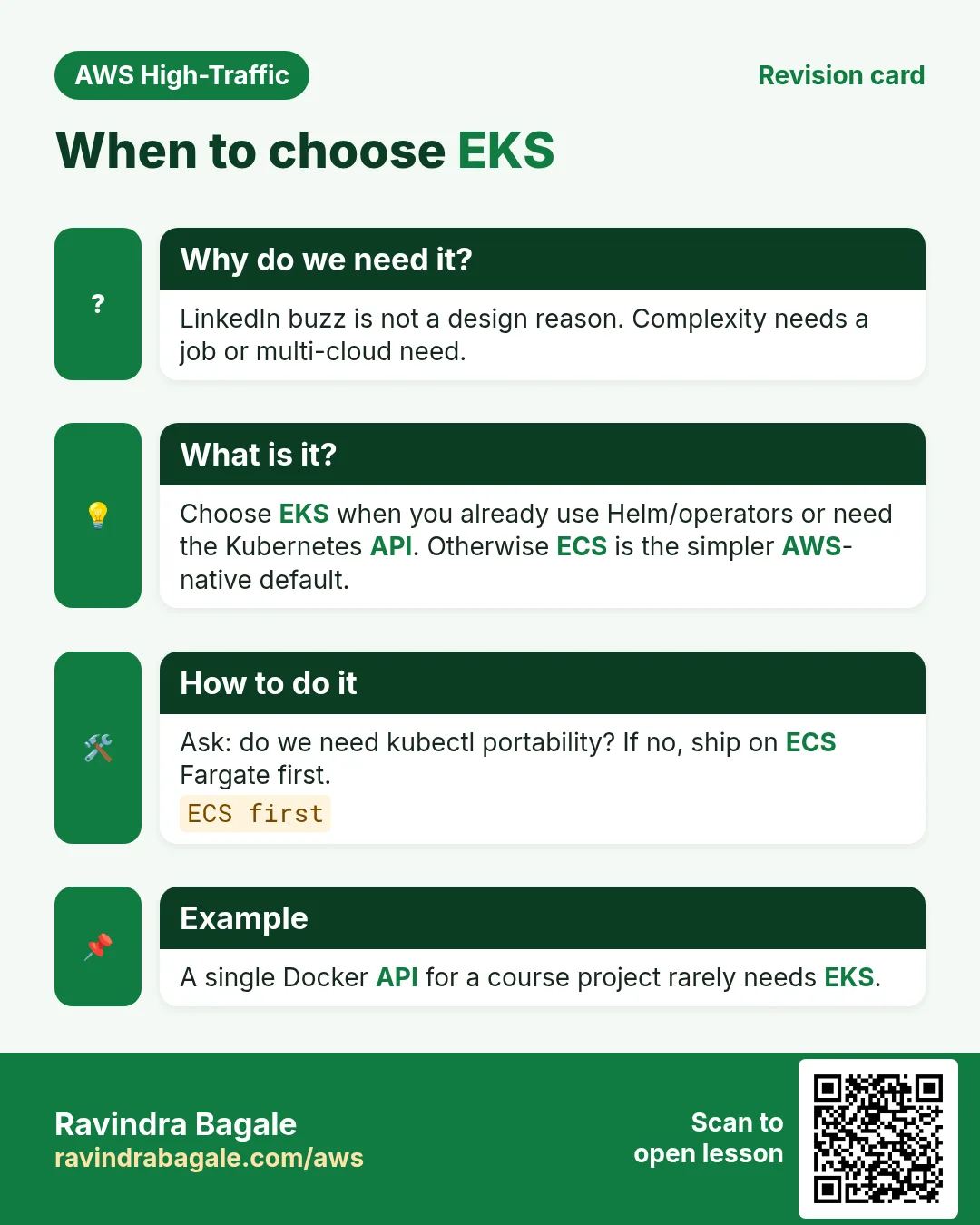
- When to choose EKS
1. Everyday example
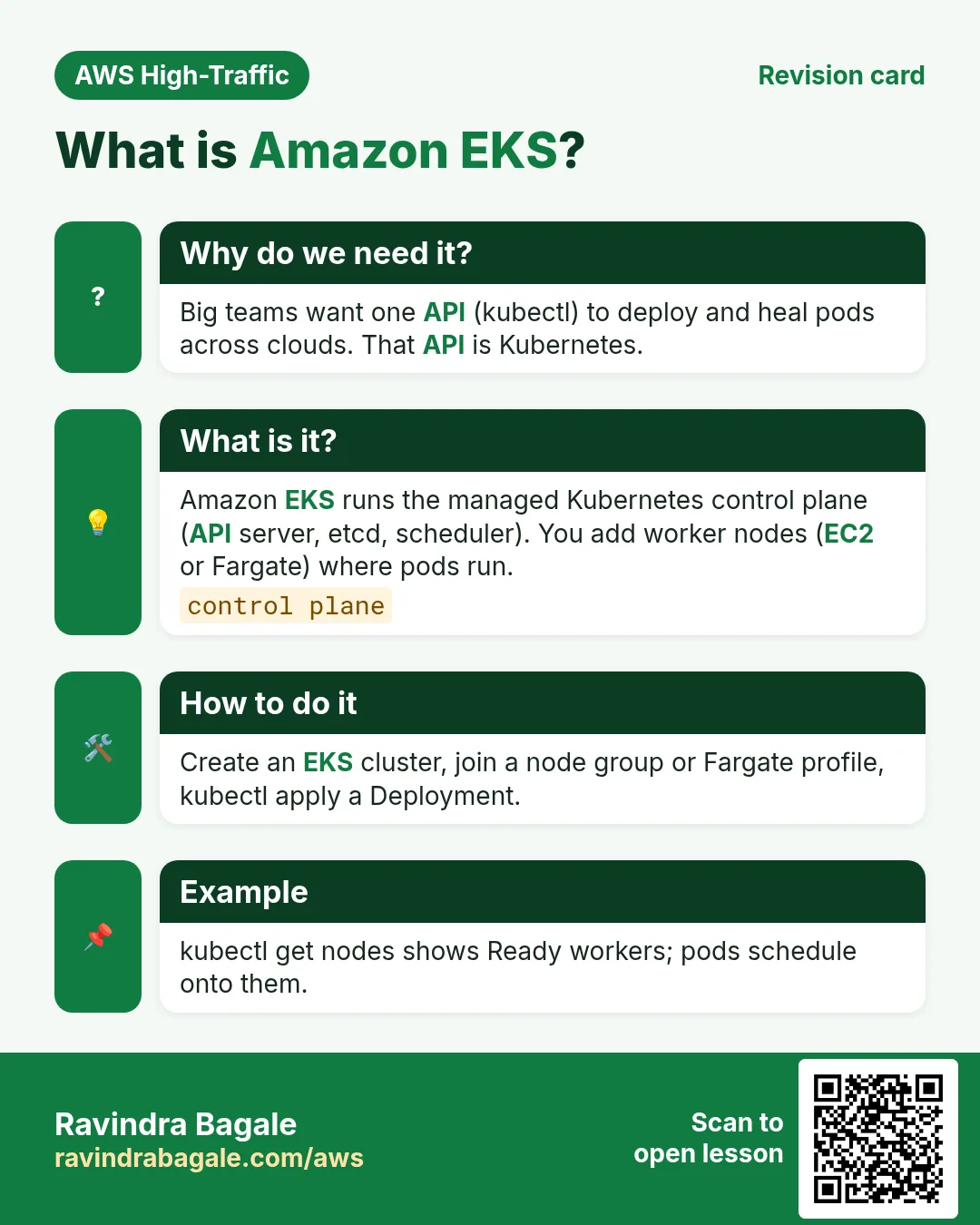
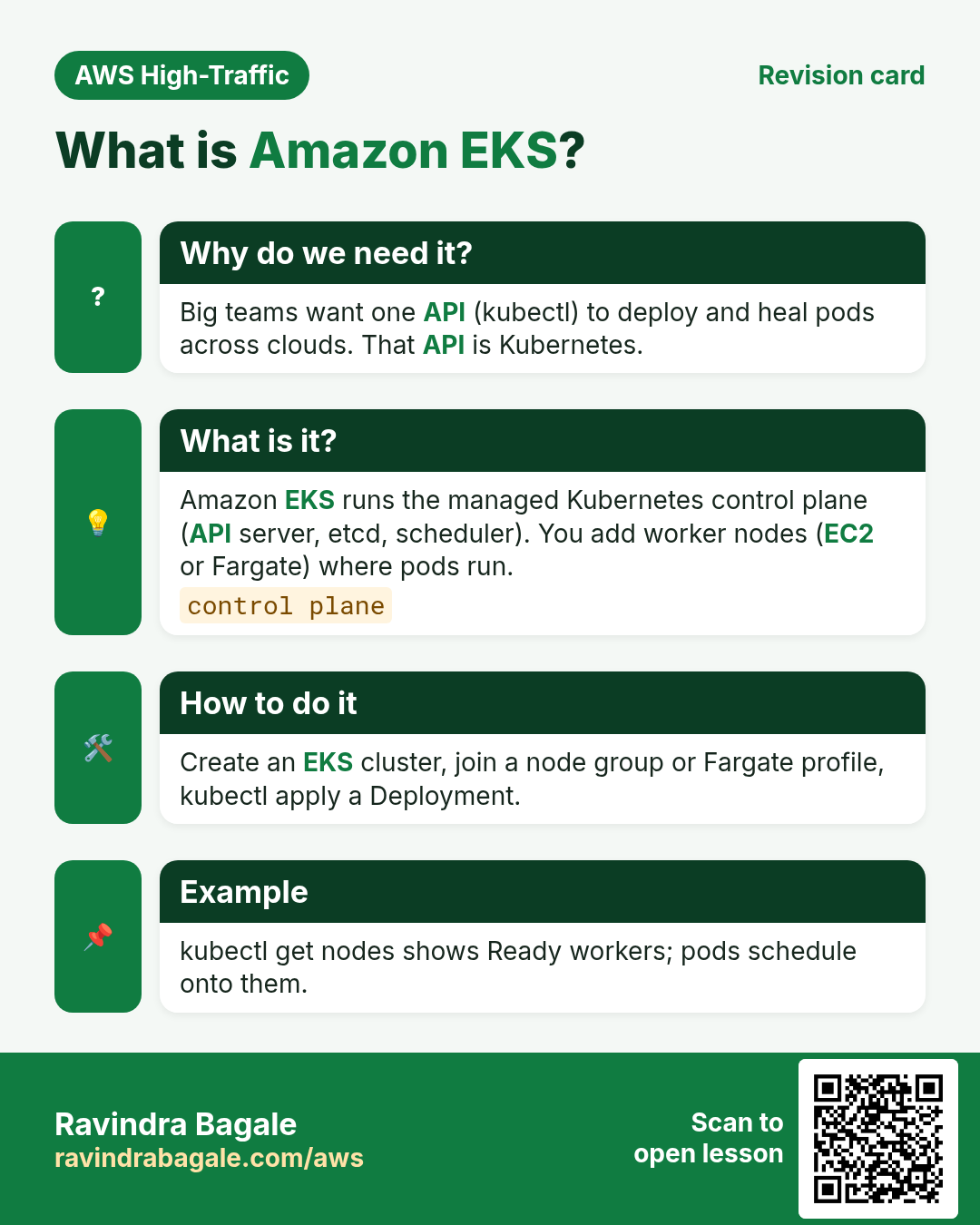
Instagram-scale teams run hundreds of microservices. They want one API (kubectl) to deploy, scale and heal pods across clouds and on-prem. That API is Kubernetes.
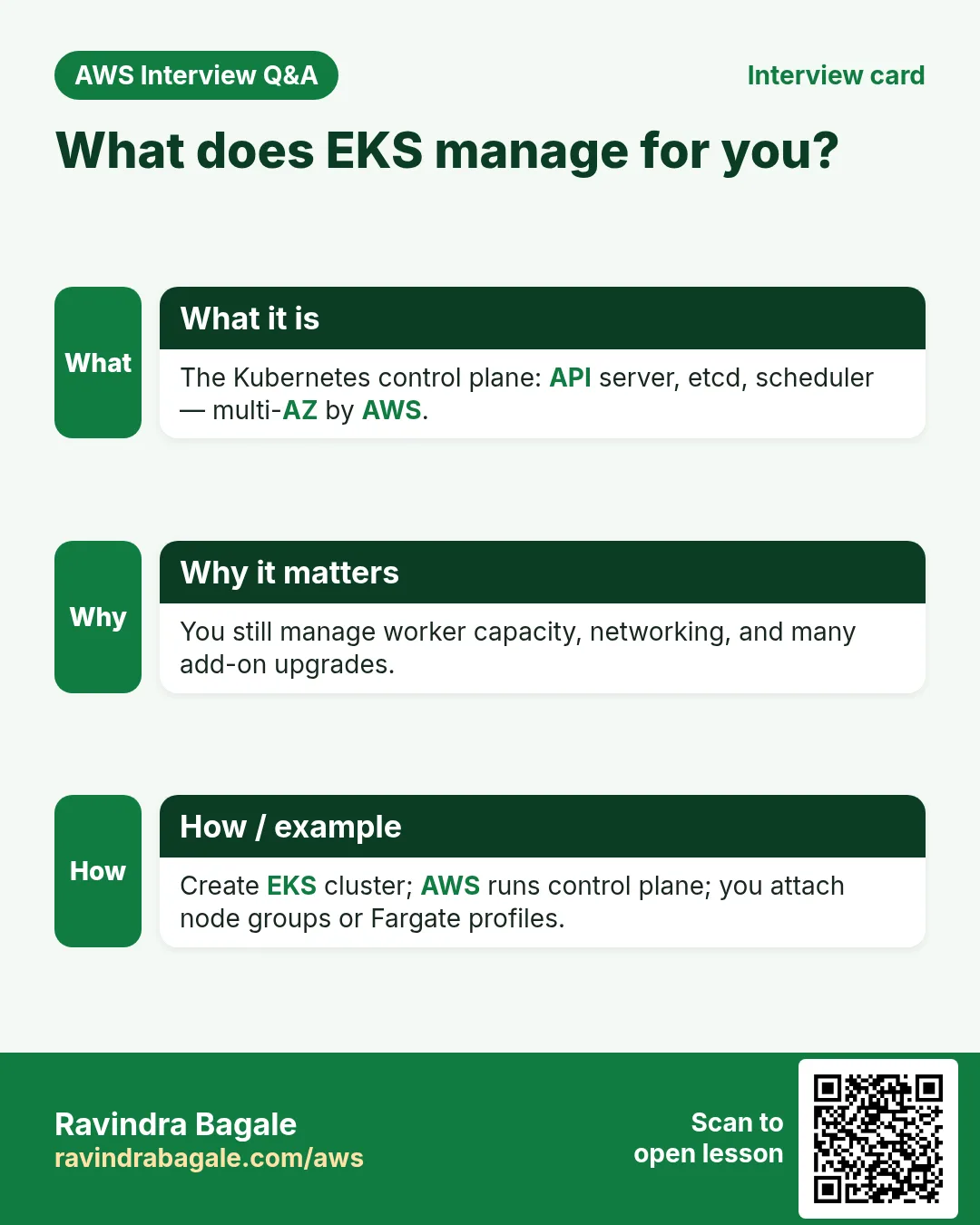
Amazon EKS (Elastic Kubernetes Service) runs the Kubernetes control plane for you (API server, etcd, scheduler). You add worker nodes (EC2 or Fargate) where pods run.
Compare desired Pods with running Pods
Declaring three replicas is a request for a desired state. Kubernetes still needs enough suitable capacity to run them.
Read all steps
- Declare the desired state
A Deployment describes the application and desired number of replicas. A Pod is the unit Kubernetes schedules; it contains one or more closely related containers. Three replicas request three copies of the application Pod.
- Observe the difference
Suppose two Pods run and a third is Pending. Controllers continue reconciling the desired and observed state. The declaration alone does not create unlimited compute capacity.
- Read the scheduling evidence
The scheduler considers available resources and placement constraints. Pod events can explain why the pending Pod has no suitable placement. Check requested CPU or memory and node conditions before repeatedly deleting the Pod.
- Resolve the cause and verify
After correcting the constraint or supplying suitable capacity, check that all three Pods become ready. Running and Ready are different observations: a running container may still fail the application readiness check.

2. Control plane vs data plane
Kubernetes lets you describe a desired application state. The control plane receives that description at the Kubernetes API and keeps track of the work. A Pod is the unit Kubernetes schedules, usually holding one application container in a beginner lab. The data plane supplies places for those Pods to run. EKS manages the Kubernetes control plane, while your chosen worker capacity runs the actual containers.
Suppose you request three web Pods. The API can accept the request even if there is room for only two Pods on suitable nodes. In that case the cluster may be available while the last Pod is still Pending. Check the Pod events for scheduling messages before checking nginx logs. No application logs are expected from a container that never started.
A Kubernetes Service gives a workload stable network access as Pods come and go. If the Pods are healthy but the page will not open, check whether the Service selects them and whether the network path reaches the Service.
| Piece | Who runs it on EKS | Notes |
|---|---|---|
| API server, etcd, scheduler | AWS (multi-AZ) | You pay a flat control-plane hourly fee |
| Worker nodes | You — managed node group, self-managed, or Fargate | Where CPU/memory of pods is billed |
| Add-ons (CNI, CoreDNS, kube-proxy) | AWS add-ons or your charts | Keep versions compatible |
3. EKS vs ECS vs DIY Kubernetes
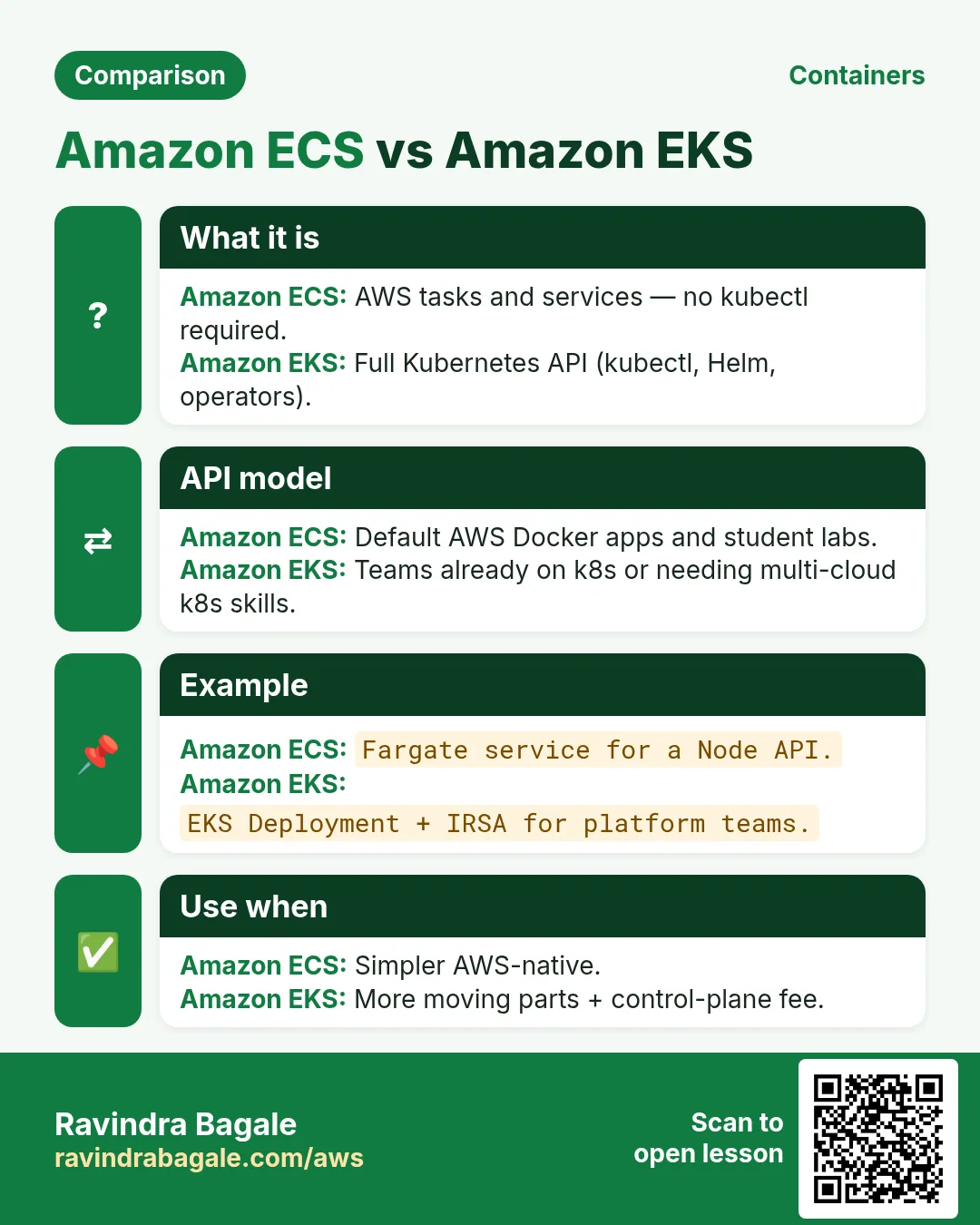
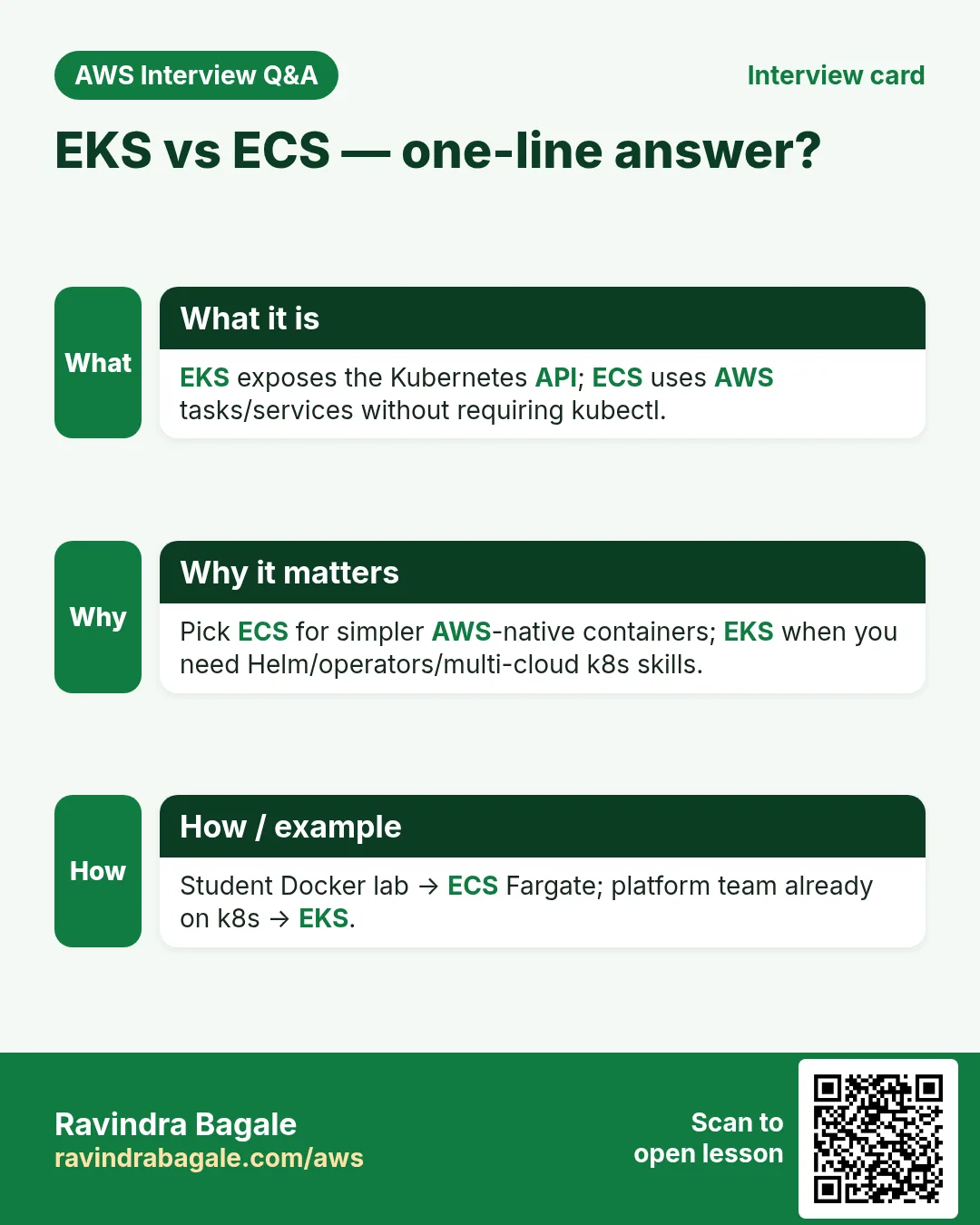
- ECS: simpler AWS-native model (services/tasks). Best default on AWS if you are not already a k8s shop.
- EKS: full k8s API, Helm, operators, multi-cloud skills. More moving parts.
- DIY k8s on EC2: you own etcd backups and upgrades — rarely worth it.
Ravindra Bagale's Tip
Do not start EKS “because LinkedIn says Kubernetes”. Start with ECS/Fargate unless your job or multi-cloud plan needs kubectl.
4. Cost warnings
Money
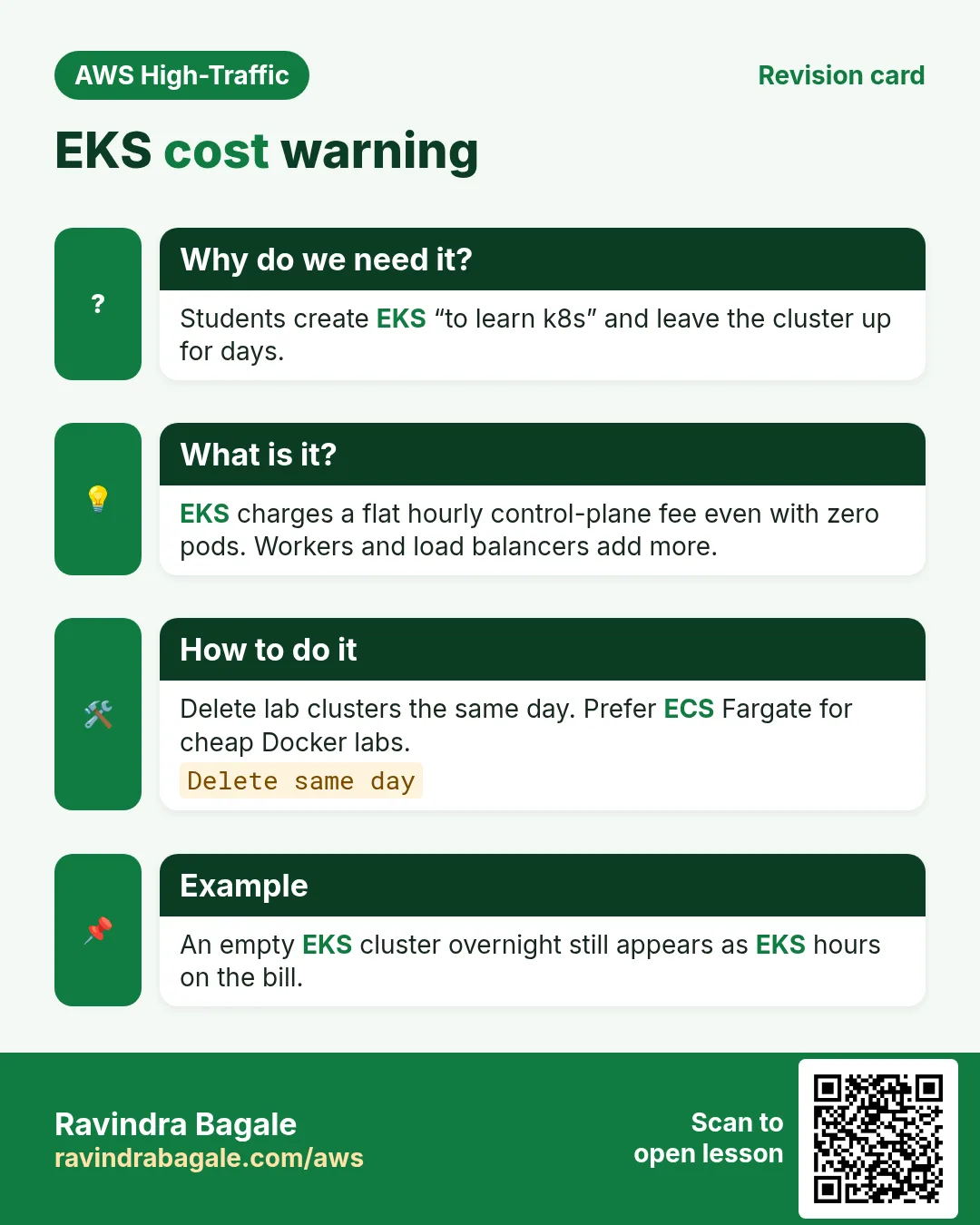
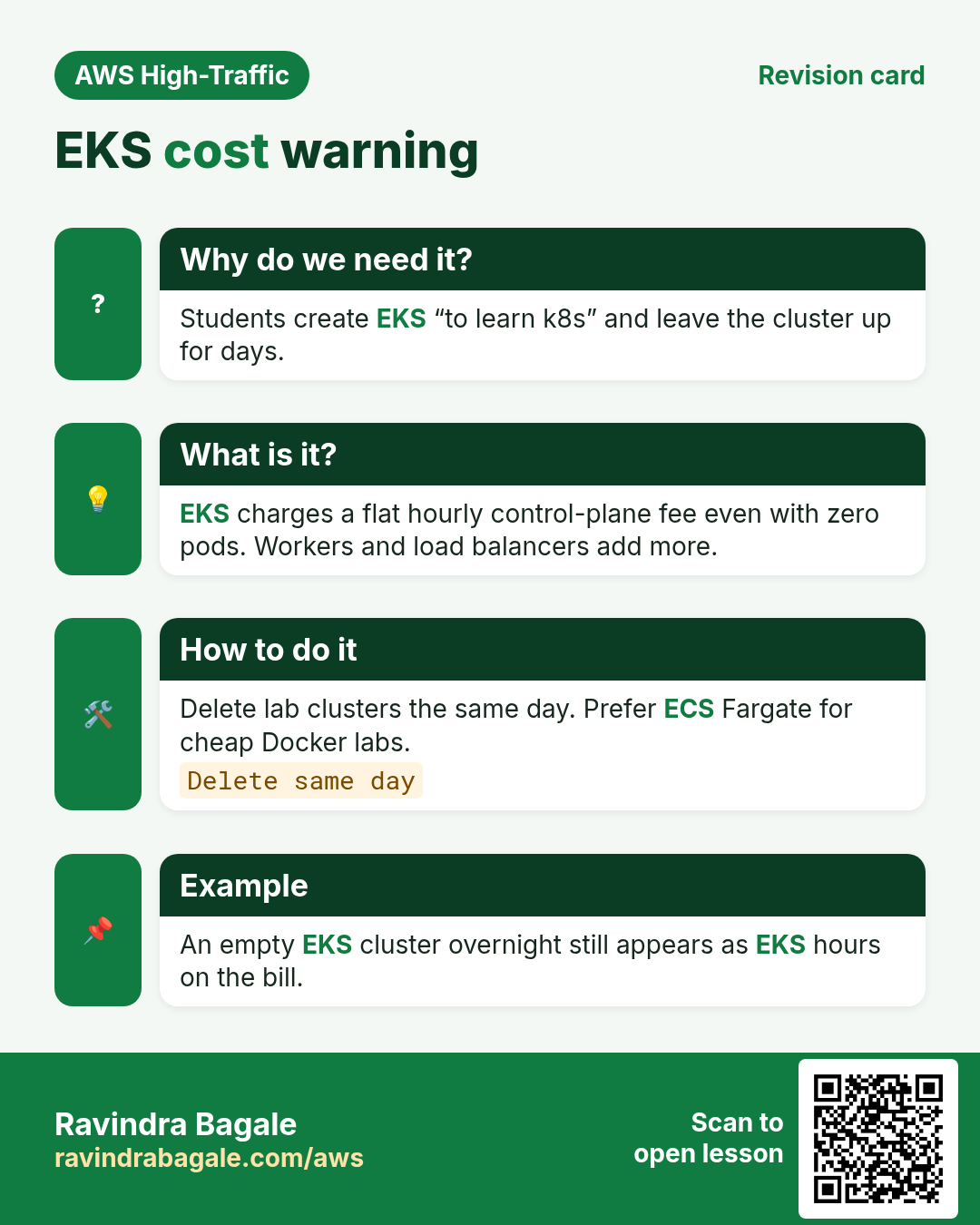
EKS control plane has an hourly charge per cluster even with zero pods. Worker nodes and Load Balancers add more. Delete lab clusters the same day. Prefer ECS Fargate for cheap Docker labs.
Common errors and fixes
These are synthetic practice situations. Diagnose the signal before changing a resource; no infrastructure changes are needed to read this guide.
The cluster is active but a workload cannot run.
An active control plane is not proof that schedulable worker capacity exists for this Pod. Check node readiness and the scheduling reason, including requested CPU/memory and placement constraints. For Fargate-backed workloads, matching profiles also matter. Recreating the control plane is not the first response to a capacity or placement mismatch.
AWS console access works but Kubernetes access is denied.
AWS account permissions and Kubernetes API authorization are related but not interchangeable. Verify the actual IAM principal used by the client and the cluster access entry or applicable legacy mapping and authorization. Do not solve an unclear denial by granting every user cluster-admin. A network timeout and a permissions denial also require different investigations.
One Pod can call S3, but another receives AccessDenied.
Check the workload identity and associated IAM permissions for that Pod rather than assuming the human operator role is inherited. IRSA or another supported Pod identity mechanism must be configured for the workload. A healthy cluster does not automatically give every container permission to every AWS resource.
Practical FAQ: decisions during real work
Does scaling application replicas create enough nodes automatically?
Not by itself. Application replica count and infrastructure capacity are separate controls. More replicas can remain unscheduled if compatible capacity is unavailable and no appropriate capacity-scaling system supplies it. Review both desired application replicas and available placement capacity; counting deployment replicas alone does not prove the app can serve more traffic.
Who is responsible when a managed platform hosts broken application code?
Managed control-plane operation does not validate your image, configuration, dependency endpoints or business behavior. Separate platform health from workload health and inspect the failing layer. Keeping these responsibilities distinct helps avoid expensive cluster recreation for an application error and avoids blaming the app for a genuine infrastructure failure.
Is a Kubernetes version upgrade just a control-plane button?
No. A safe plan checks worker versions, add-on compatibility and application APIs as well as the control plane. Compatibility and update order must follow current EKS guidance for the chosen versions. Test the actual workloads and keep a recovery plan; a completed control-plane update alone does not certify the whole application stack.
5. Interview angles
Q. What does EKS manage?
The Kubernetes control plane.
Q. Where do pods run?
On worker nodes (EC2) or EKS Fargate.
Q. EKS vs ECS?
EKS = Kubernetes API; ECS = AWS tasks/services.
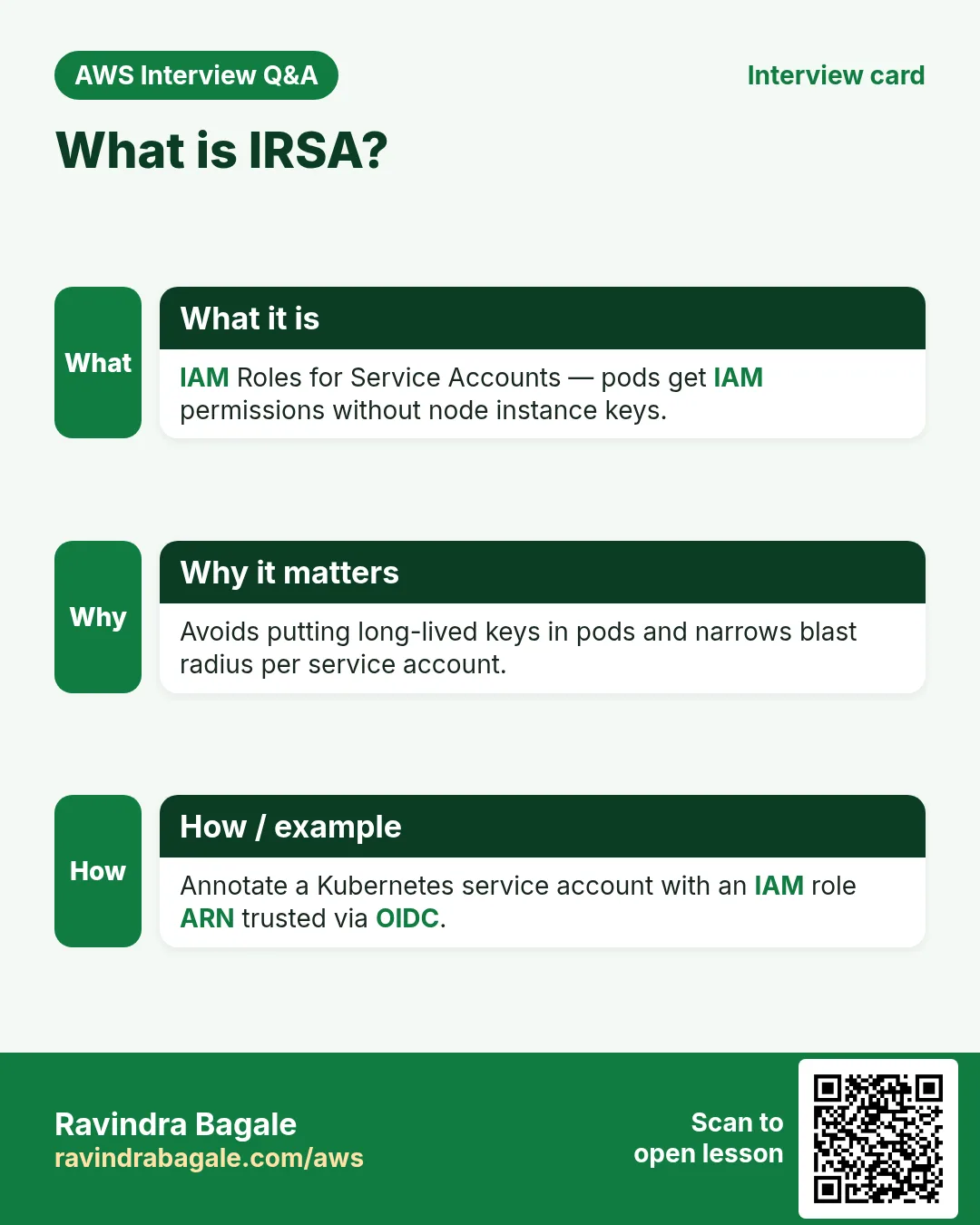
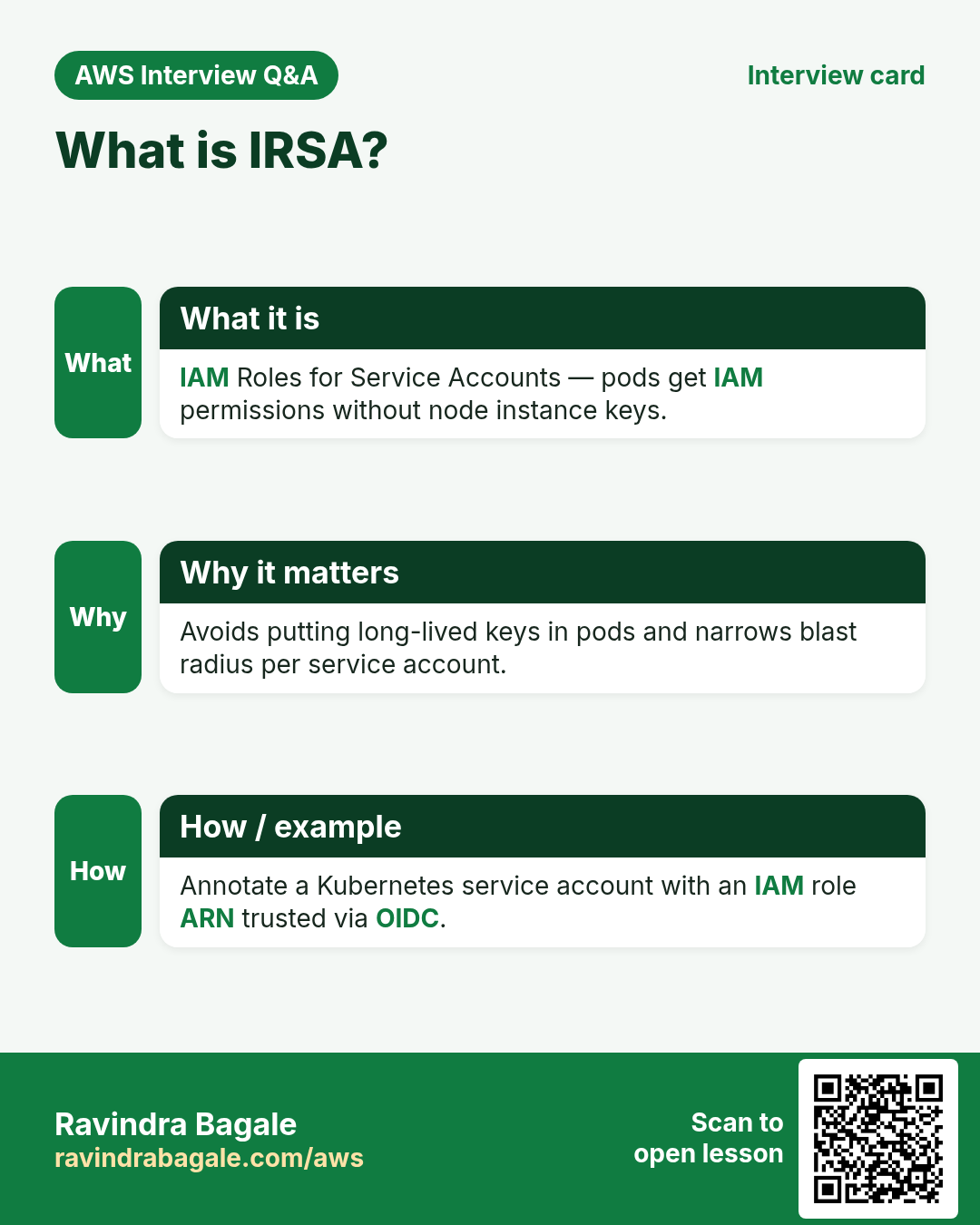
Q. IRSA?
IAM Roles for Service Accounts — pods get IAM without node keys.
Q. Why not DIY control plane?
HA etcd and upgrades are hard; EKS does that.
Try at home
- Compare price of 1 EKS cluster idle vs 1 Fargate nginx task for 2 hours.
- Read AWS docs on EKS managed node groups (no need to create yet).
In short
- EKS = managed Kubernetes control plane on AWS.
- You still run or pay for workers.
- Heavier than ECS; powerful when you need k8s.
- Delete idle clusters — control plane is billed.
Distinguish cluster health from workload health
Compare kubectl get nodes and kubectl get pods -A in a lab. A reachable API server can return a Pending pod when no suitable worker matches scheduling requirements. Read pod events, subnet and capacity settings before changing the cluster endpoint.
Interview check What does AWS manage in EKS?
AWS manages the Kubernetes control plane. You still choose data-plane capacity and own workload settings, access, updates and network policy decisions.
Practise this chapter
Interview questions and answers
Why can an EKS cluster be Active while a website remains unavailable?
Active describes the control plane. I would check whether the Pods were scheduled and became ready, whether a Service selects them, and whether the client can reach that Service. Each observation tests a later part of the serving path than cluster status.
Check your understanding
Choose an answer, then compare your reasoning with the explanation.
Read a Kubernetes workload status
Before you start
- Use the static records in the steps, or an approved read-only Kubernetes lab context. No EKS cluster creation is needed for this exercise.
Write down this sample deployment report: wanted 3 Pods, ready 2, available 2. Record the difference between the requested state and the state running now.
Expected result: One of the three requested Pods is unavailable even though the Kubernetes API returned the status.
Read the supplied third Pod event: FailedScheduling, no suitable capacity. Explain why checking the application’s log first would not help.
Expected result: The Pod is waiting for placement. Its application container has not begun writing logs.
Read this second fixture: all three Pods Ready, but the Service selects app=web while the Pods are labelled app=reports. Find the serving problem.
Expected result: The Service selector does not match these Pods. The workload can be ready and still lack intended Service endpoints.
If the result differs
- An access denial in a real read-only check requires checking the current cluster context and permitted Kubernetes action. Do not change the role to work around the lab.
Finish and clean up
- There are no resources to delete. Leave any instructor cluster untouched.
Practice Tasks
Practice checks run in your browser. They check the answer for this exercise; they do not create resources or connect to your AWS account.
About this scenarioNairobi Ride is a transport business in Nairobi. Wanjiru Kamau looks after its IT and cloud work. They count money in KES and run their AWS resources in the af-south-1 Region. In the tasks below you do real jobs for them using what this lesson teaches. All names, account IDs, IP addresses and numbers are made up for practice.
0 / 10
Easy Describe an EKS cluster
Check the version, status and endpoint of the cluster.
Describe cluster nairobiride-eks.
- Read the task and decide which AWS service it is about.
- Write aws, then the service name, then the operation (the action word).
- Add each needed flag (--name) followed by its value from the task.
- Flags can be in any order. Click Check answer.
Easy How many addresses in a /16?
Picking a VPC size needs this count.
Nairobi Ride plans the VPC 10.205.0.0/16. How many IP addresses does it hold in total?
- Write down the numbers the task gives you.
- Work it out step by step on paper.
- Type only the final answer in the box.
- Click Check answer.
Easy Port for SSH
Security group rules need the right port.
Which TCP port must the security group open for SSH?
- Write down the numbers the task gives you.
- Work it out step by step on paper.
- Type only the final answer in the box.
- Click Check answer.
Easy Show where you are
Before you copy or delete anything, you must know which folder you are in.
Wanjiru Kamau logged in to the Nairobi Ride server and is not sure which folder the terminal is in. Print the current folder path.
- Find the Linux command that does this job.
- Add the options (like -r or -h) the task needs.
- Add the file names, folders or users in the right order.
- Use sudo if the job changes system files or users. Click Check answer.
Medium Kubernetes Deployment
A Deployment keeps the right number of pods running.
Write a Deployment named nairobiride-web with 3 replicas running image nginx:1.27.
- Start from the top-level keys the task names.
- Indent child keys with 2 spaces (no tabs).
- Fill in each property with the value from the task.
- Click Check answer. Key order does not matter.
Medium Connect kubectl to EKS
update-kubeconfig writes the cluster details so kubectl can talk to it.
Update your kubeconfig for cluster nairobiride-eks in af-south-1.
- Read the task and decide which AWS service it is about.
- Write aws, then the service name, then the operation (the action word).
- Add each needed flag (--name) followed by its value from the task.
- Flags can be in any order. Click Check answer.
Medium Kubernetes LoadBalancer Service
A Service of type LoadBalancer gets an AWS load balancer.
Write a Service of type LoadBalancer selecting app: web, port 80 to targetPort 8080.
- Start from the top-level keys the task names.
- Indent child keys with 2 spaces (no tabs).
- Fill in each property with the value from the task.
- Click Check answer. Key order does not matter.
Medium Usable IPs in an AWS /24 subnet
AWS keeps 5 addresses in every subnet.
How many addresses can Nairobi Ride use for servers in subnet 10.205.1.0/24 on AWS?
- Write down the numbers the task gives you.
- Work it out step by step on paper.
- Type only the final answer in the box.
- Click Check answer.
Hard Create an EKS cluster
The control plane needs a role and subnets to place its network interfaces.
Create cluster nairobiride-eks with role arn:aws:iam::104591109902:role/eksClusterRole and subnets subnet-0045d110dd02bb1,subnet-045d110dd02bb2.
- Read the task and decide which AWS service it is about.
- Write aws, then the service name, then the operation (the action word).
- Add each needed flag (--name) followed by its value from the task.
- Flags can be in any order. Click Check answer.
Hard Add a managed node group
Node groups are the EC2 servers that run your pods.
Create node group ng-1 in cluster nairobiride-eks with role arn:aws:iam::104591109902:role/eksNodeRole, subnets subnet-0045d110dd02bb1 subnet-045d110dd02bb2, scaling minSize=1,maxSize=3,desiredSize=2.
- Read the task and decide which AWS service it is about.
- Write aws, then the service name, then the operation (the action word).
- Add each needed flag (--name) followed by its value from the task.
- Flags can be in any order. Click Check answer.
Revision, comparison and interview cards
Revise this lesson in a few minutes. Save the cards on your phone or download them as PNG files. The QR code on each card opens this lesson.
More cards: Ravi Sir's Cards.