Linux Commands A-Z Part 5: man, mount, nc, nohup, passwd, ps, ping, read and More with Examples
This is Part 5 of the Linux Commands A-Z reference: man to read. These are the commands you use to read help pages, check file hashes, make filesystems and temp files, page through output, mount disks, test ports and DNS, set priorities, manage network connections, keep jobs running after logout, manage passwords, join files, find and stop processes, print formatted output, prepare LVM disks, know where you are, and take input in scripts. Every command has why, what, an options table and step-by-step examples with real output and its meaning.
In this chapter
- Read help with man and page output with more
- Verify files with md5sum and make safe temp files with mktemp
- Create filesystems with mkfs, mount them, and prepare LVM disks with pvcreate
- Test ports and DNS with nc, netstat, nslookup and ping
- Manage networks with nmcli
- Find, prioritise and stop processes with ps, pgrep, pkill, nice and nohup
- Manage passwords with passwd
- Write better scripts with paste, printf, pwd and read
1. An everyday example: a Pune housing society office
The society secretary reads the bye-laws book, checks each member's receipt number, opens a new parking register, pins notices one page at a time, connects the new water tank to the main line, rings the gate to see if it answers, gives the lift repair lower priority than the water pump, resets the clubhouse lock code, and asks each flat for its vehicle number.
man is the bye-laws book. md5sum is the receipt check. mkfs is the new register. more is the notice board. mount is connecting the tank. ping and nc are ringing the gate. nice is the priority. passwd is the lock code. read is asking each flat.
2. A five-minute network and process check using Part 5 commands
Before the deep dives, see how these commands work together when users say an app is down.
Name, then reachability, then port, then process.
| Question | Command |
|---|---|
| Does the name resolve? | nslookup api.example.in |
| Is the host reachable? | ping -c 3 10.0.1.20 |
| Is the port open? | nc -zv 10.0.1.20 8080 |
| Is the process running? | pgrep -a java |
| Who listens there? | netstat -tlnp |
- Run the check in one go.
nslookup api.example.in | tail -2; ping -c1 -W1 10.0.1.20 | grep loss; nc -zv -w2 10.0.1.20 8080Output:
Name: api.example.in
Address: 10.0.1.20
1 packets transmitted, 1 received, 0% packet loss
nc: connect to 10.0.1.20 port 8080 (tcp) failed: Connection refused
DNS and network are fine; nothing listens on 8080.
- Look at the server.
ssh 10.0.1.20 "pgrep -a java || echo none"Output:
noneThe app is not running; start it and check logs.
3. man: Read the manual
A manual section number lets you select the kind of help you need. Read man 8 mount for the tool and man 5 fstab for the saved table’s format. In the synopsis, identify the required arguments and the flag you plan to use. Then run a harmless example locally rather than relying on a flag seen on a different system.
man in depth: read the built-in manual
No internet in a data centre, or you forgot one option during an interview task. Every Linux box carries its own manual, and man opens it.
man shows manual pages in sections: 1 user commands, 5 file formats, 8 admin commands. Pages open in less, so /word searches and q quits. man -k searches page titles when you do not know the command name.
Common options
| Option | What it does |
|---|---|
man cmd | Open the page. |
man 5 crontab | A chosen section. |
man -k word | Search titles (apropos). |
man -f cmd | One-line summary (whatis). |
cmd --help | Quick usage. |
sudo mandb | Rebuild the index. |
- Open a page.
man tarOutput:
TAR(1)   GNU TAR Manual   TAR(1)
NAME
       tar - an archiving utility
Section 1: a user command.
- File format, not the command.
man 5 crontabOutput:
CRONTAB(5)  File Formats Manual
NAME
       crontab - files used to schedule the execution of programs
Section 5 explains the file fields.
- Do not know the name.
man -k "disk usage"Output:
du (1)  - estimate file space usage
df (1)  - report file system space usage
Finds du and df.
- Search inside the page.
man rsync then /--delete then nOutput:
--delete delete extraneous files from dest dirsJump straight to the option you need.
Practise this in the tasks below: Practice tasks
Real use: A Hinjewadi bank DC has no internet on servers; engineers rely on man and --help during changes.
4. md5sum: MD5 checksum
md5sum in depth: check that a file did not change
You copied a 4 GB backup to another server, or downloaded an ISO. Is it identical? Comparing checksums answers that in seconds.
md5sum prints a 128-bit fingerprint of a file. Any change, even one byte, gives a different value. It is fine for spotting copy errors but not for security; use sha256sum against tampering. -c checks a list of saved sums.
Common options
| Option | What it does |
|---|---|
md5sum f | Print the sum. |
md5sum f1 f2 | Many files. |
md5sum f > f.md5 | Save it. |
md5sum -c f.md5 | Check saved sums. |
md5sum --quiet -c | Only show failures. |
- Fingerprint a backup.
md5sum db-2026-10-27.sql.gzOutput:
5d41402abc4b2a76b9719d911017c592 db-2026-10-27.sql.gzHash then file name.
- Save and check after copy.
md5sum db-2026-10-27.sql.gz > db.md5; scp db* backup01:/b/; ssh backup01 "cd /b && md5sum -c db.md5"Output:
db-2026-10-27.sql.gz: OKSame on both sides.
- A damaged copy.
md5sum -c db.md5Output:
db-2026-10-27.sql.gz: FAILED
md5sum: WARNING: 1 computed checksum did NOT match
Copy again.
- Did a config change?
md5sum /etc/nginx/nginx.confOutput:
9e107d9d372bb6826bd81d3542a419d6 /etc/nginx/nginx.confCompare with the value in your change ticket.
Practise this in the tasks below: Practice tasks
Real use: A Pimpri media house checks md5sum on every video master after copying to the archive NAS.
5. mkfs: Create a filesystem
mkfs in depth: put a filesystem on a disk
A new disk or LVM volume is raw. Before you can mount it and store files you must create a filesystem. Doing it on the wrong device wipes data, so care matters.
mkfs.TYPE writes an empty filesystem: mkfs.xfs (RHEL default), mkfs.ext4 (Ubuntu default), mkfs.vfat for USB. It erases what was there. -L sets a label. Always confirm the device with lsblk -f first.
Common options
| Option | What it does |
|---|---|
mkfs.xfs /dev/X | XFS. |
mkfs.ext4 /dev/X | ext4. |
-L data | Label. |
mkfs.xfs -f | Overwrite an existing signature. |
mkfs.ext4 -m 1 | Reserve only 1% for root. |
blkid /dev/X | Check what is there. |
- Confirm the empty device.
lsblk -f /dev/nvme1n1Output:
NAME    FSTYPE MOUNTPOINTS
nvme1n1
No FSTYPE: empty.
- Create XFS with a label.
sudo mkfs.xfs -L data /dev/nvme1n1Output:
meta-data=/dev/nvme1n1  isize=512  agcount=4, agsize=3276800 blks
data     =              bsize=4096   blocks=13107200
A 50 GB XFS filesystem.
- Check.
blkid /dev/nvme1n1Output:
/dev/nvme1n1: LABEL="data" UUID="1f0c2a7e-..." TYPE="xfs"Use this UUID in fstab.
- Refuses an existing filesystem.
sudo mkfs.xfs /dev/nvme1n1Output:
mkfs.xfs: /dev/nvme1n1 appears to contain an existing filesystem (xfs).
mkfs.xfs: Use the -f option to force overwrite.
A safety stop: double check before -f.
Practise this in the tasks below: Practice tasks
Real use: A Chakan auto plant formats new historian disks with labels like plc-hist so mounts never mix up after a reboot.
6. mktemp: Create a safe temp file or folder
Two script runs can both try to use /tmp/report.tmp. Use mktemp to create a unique file or folder and save the result in a quoted variable. Start two harmless runs and compare the names. They should be different. When each run finishes, clean up only the path it created. This lets tests run together without overwriting one another’s work.
mktemp in depth: safe temporary files in scripts
Scripts that write to /tmp/out.txt clash when two copies run, and attackers can pre-create that name. mktemp gives a unique, private name every time.
mktemp creates a file (or folder with -d) with a random name and mode 600 (700 for folders), and prints the path. Pair it with trap to delete it when the script ends.
Common options
| Option | What it does |
|---|---|
mktemp | Temp file. |
mktemp -d | Temp folder. |
mktemp /tmp/rep.XXXXXX | Own pattern. |
mktemp -p /data | Create in a folder. |
mktemp -u | Name only (unsafe). |
- Make a temp file.
mktempOutput:
/tmp/tmp.k3Jd9QaZ1pUnique each time.
- Private permissions.
ls -l $(mktemp)Output:
-rw-------. 1 ravi ravi 0 Oct 27 20:40 /tmp/tmp.Wq0x8LmP2cOnly the owner can read it.
- In a script with cleanup.
T=$(mktemp -d); trap 'rm -rf "$T"' EXIT; echo "$T"Output:
/tmp/tmp.9fKs2LwQ0aDeleted when the script exits, even on error.
- Named pattern.
mktemp /tmp/report.XXXXXX.csvOutput:
/tmp/report.a8Zq1P.csvX are replaced with random letters.
Practise this in the tasks below: Practice tasks
Real use: A Kalyani Nagar analytics startup made mktemp plus trap mandatory in code review after two cron jobs overwrote each other.
7. more: Simple pager
more in depth: the simple pager
On minimal rescue systems and old Unix boxes less may be missing. more is almost always there to read a file page by page.
more shows a file one screen at a time. Space next page, Enter next line, /word search, q quit. It cannot scroll back well; less is better when available.
Common options
| Option | What it does |
|---|---|
more f | Open. |
Space / Enter | Page / line. |
/word | Search forward. |
more +50 f | Start at line 50. |
cmd | more | Page output. |
- Read a log.
more /var/log/dnf.logOutput:
2026-10-27T20:01:11 INFO --- logging initialized ---
--More--(4%)
Shows how far you are.
- Start lower.
more +100 /etc/servicesOutput:
ftp 21/tcp ...Skips to line 100.
- Page command output.
rpm -qa | moreOutput:
bash-5.1.8-9.el9.x86_64
--More--
Long lists stay readable.
- Search.
more /etc/ssh/sshd_config then /PortOutput:
...skipping
#Port 22
Jumps to the match.
Practise this in the tasks below: Practice tasks
Real use: A Bhosari college lab teaches more first because it is on every exam VM, then less.
8. mount: Attach a filesystem
mount in depth: attach disks and shares
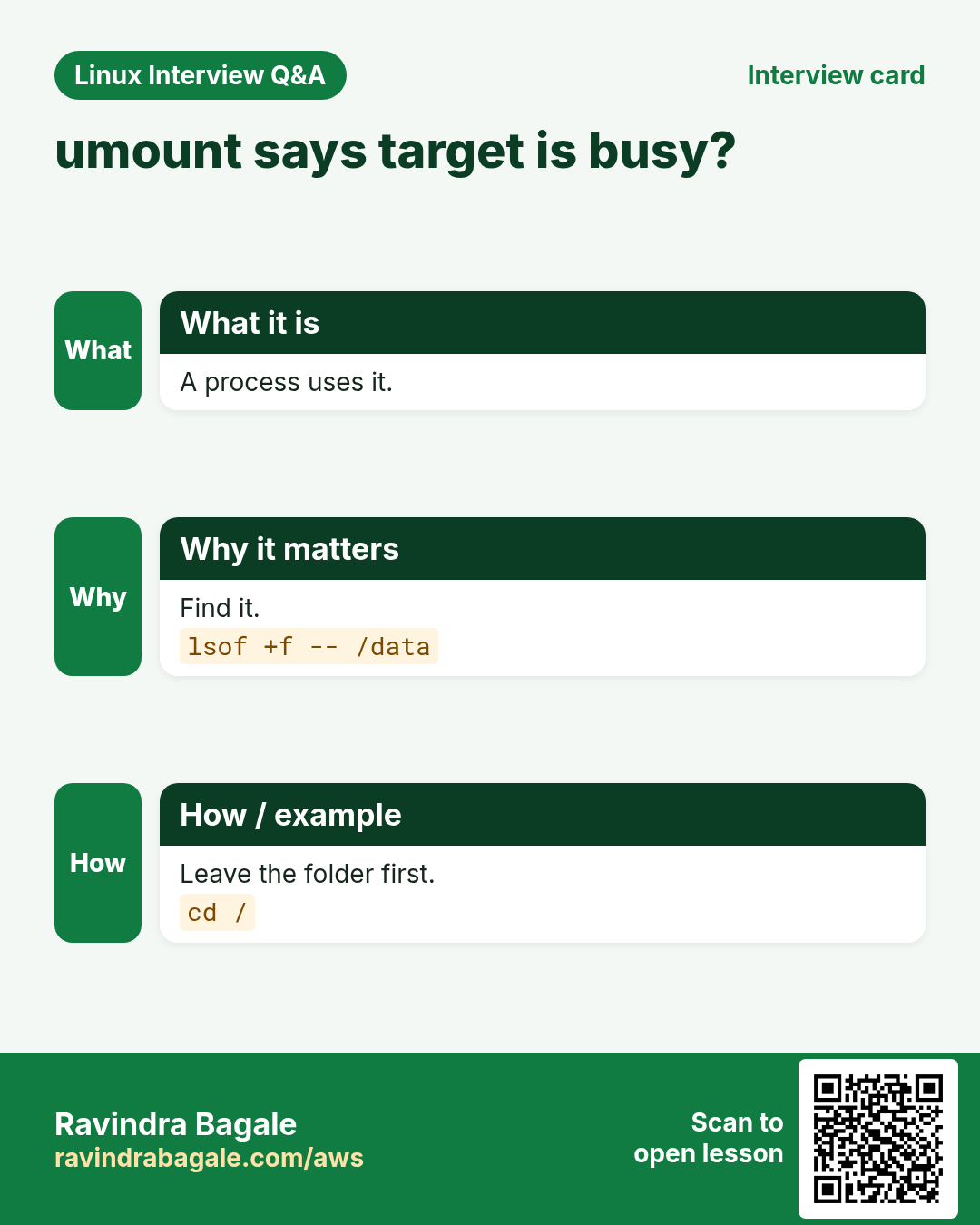
A filesystem is useless until it is attached to a folder. You mount new disks, NFS shares, ISO images, and you check mounts when "disk is read-only" or a share disappears.
mount attaches a device or share to a mount point. With no arguments it lists mounts (findmnt is clearer). Permanent mounts go in /etc/fstab; mount -a mounts everything in fstab and is the safe way to test it before a reboot.
Common options
| Option | What it does |
|---|---|
mount DEV DIR | Mount. |
mount -t nfs h:/x DIR | Type. |
mount -o ro | Read-only. |
mount -o remount,rw / | Change options live. |
mount -a | Mount all from fstab. |
findmnt DIR | Show one mount. |
mount -o loop f.iso DIR | Mount an ISO. |
- Mount a new disk.
sudo mkdir -p /data && sudo mount /dev/nvme1n1 /data && df -h /dataOutput:
/dev/nvme1n1 50G 390M 50G 1% /dataReady to use, but only until reboot.
- Make it permanent.
echo "UUID=1f0c2a7e-... /data xfs defaults,nofail 0 0" | sudo tee -a /etc/fstab; sudo mount -a && echo fstab-okOutput:
fstab-oknofail lets the server boot even if the disk is missing.
- Mount an NFS share.
sudo mount -t nfs nas01:/exports/reports /mnt/reports; findmnt /mnt/reportsOutput:
TARGET       SOURCE                 FSTYPE OPTIONS
/mnt/reports nas01:/exports/reports nfs4   rw,relatime,vers=4.2
NFS 4.2, read-write.
- Read-only after errors.
findmnt -no OPTIONS /dataOutput:
ro,relatimeThe kernel switched it to ro: check dmesg and fsck.
Practise this in the tasks below: Practice tasks
Real use: A Baner architecture firm mounts the plotter NAS on every workstation from fstab with nofail so laptops still boot off-site.
9. nc: Open raw TCP or UDP connections
nc in depth: test any TCP or UDP port
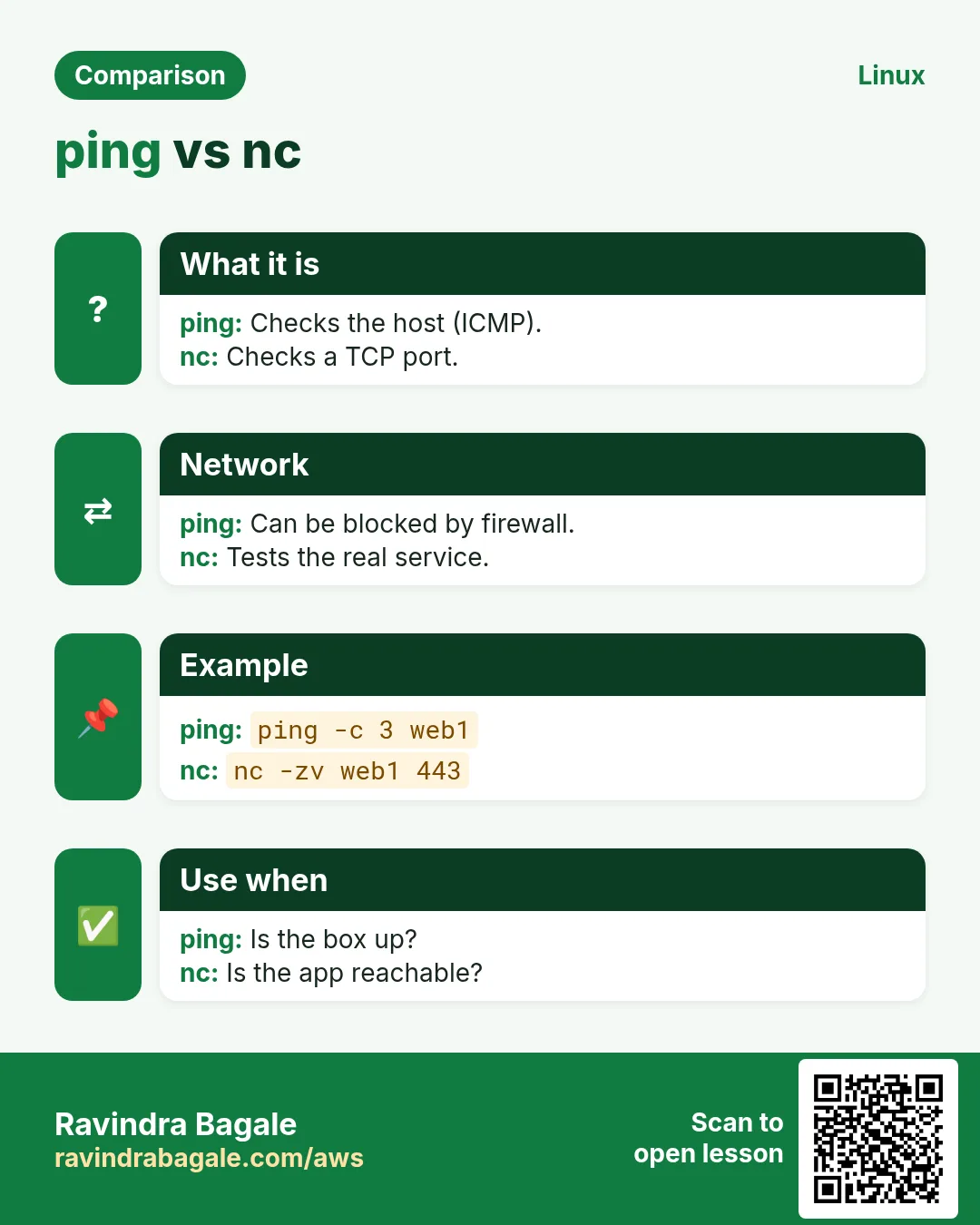
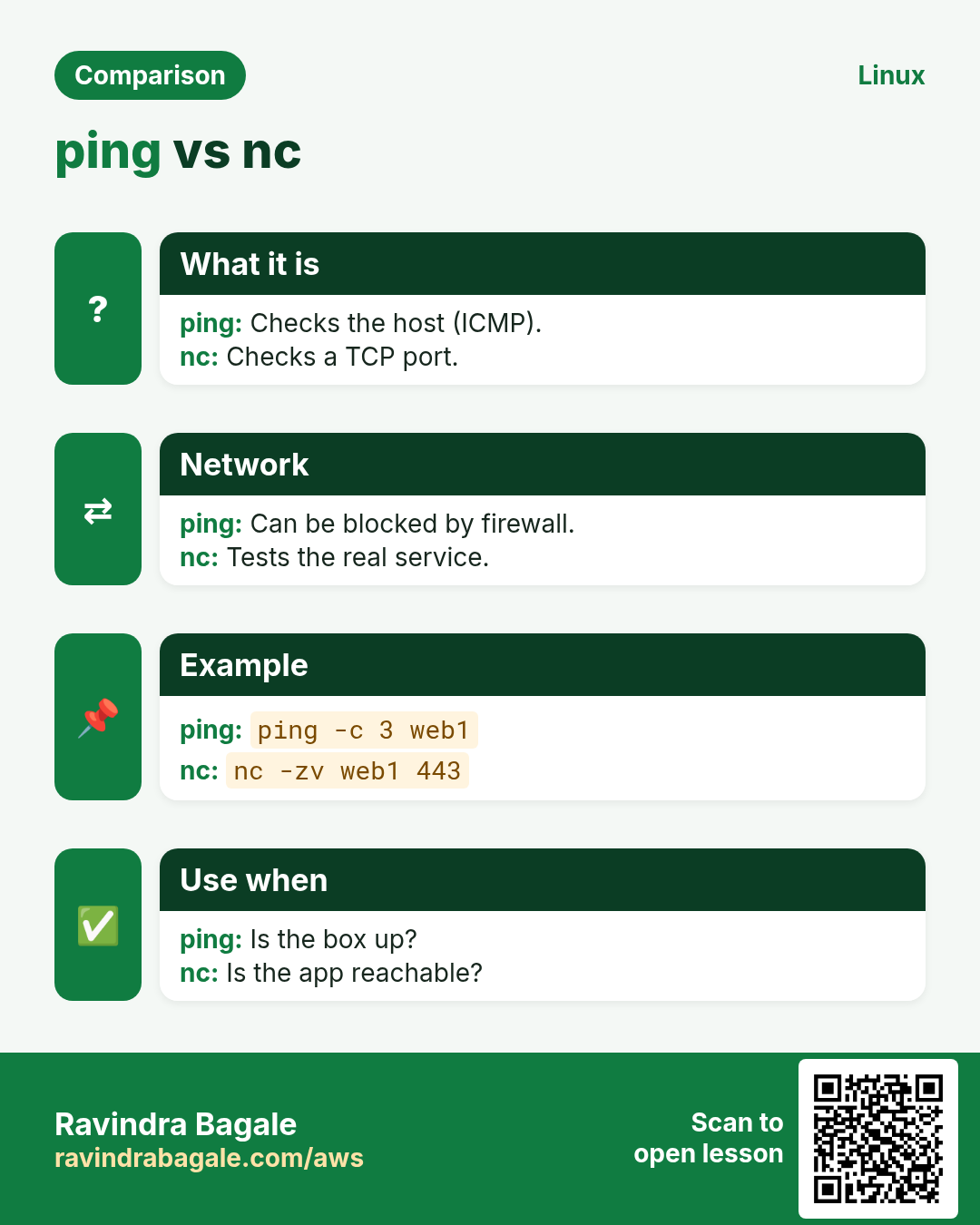
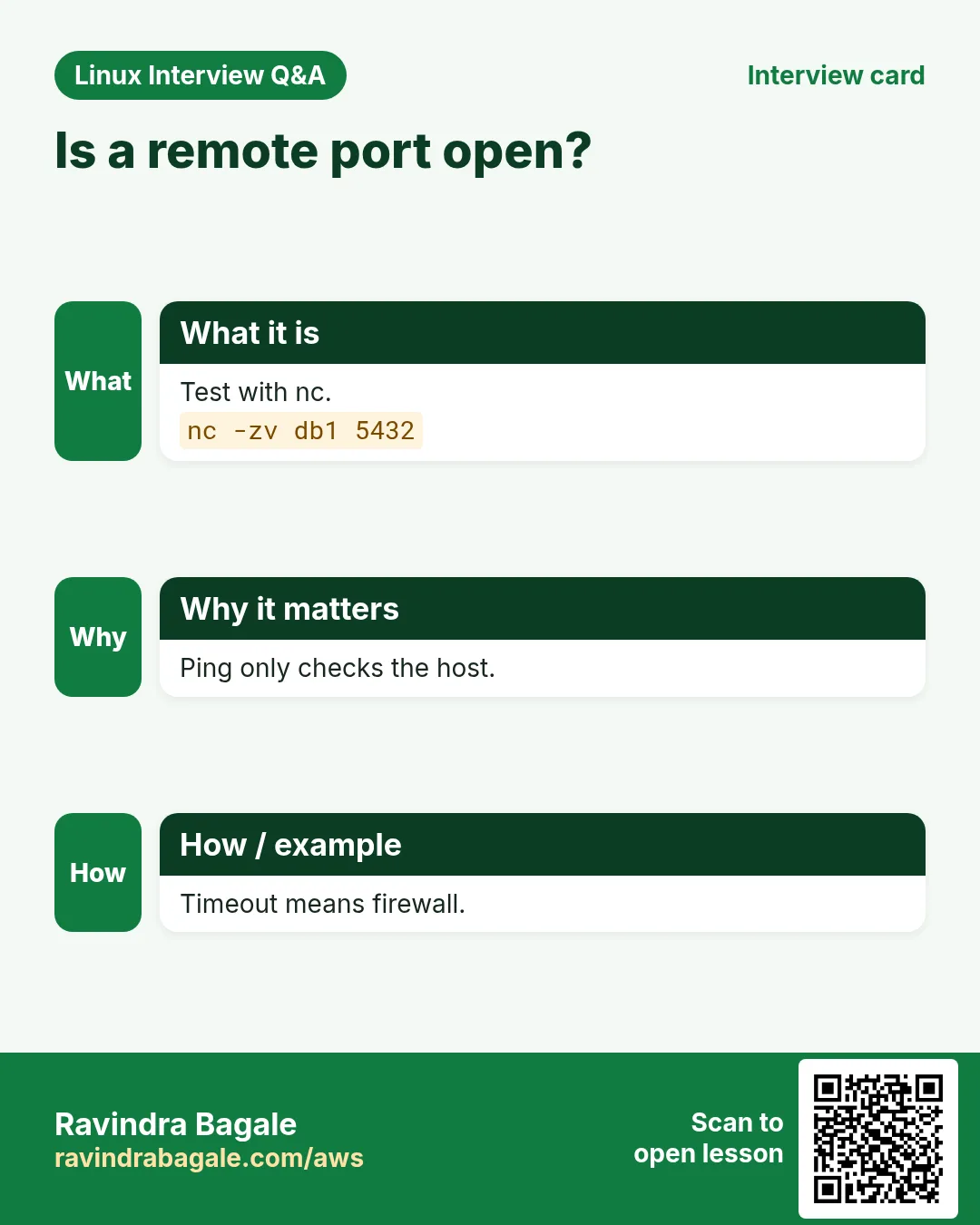
The app says "cannot connect to database". Is it the network, the firewall or the DB? nc tests if a port is reachable without installing any client.
nc (netcat, ncat on RHEL) opens raw TCP or UDP connections. -z just checks and closes, -v reports, -w sets a timeout, -l listens so you can test from the other side.
Common options
| Option | What it does |
|---|---|
nc -zv host port | Is the port open? |
-w 3 | Timeout seconds. |
-u | UDP. |
nc -l 9000 | Listen. |
nc host port < file | Send a file. |
- Is the DB port reachable?
nc -zv -w 3 10.0.2.15 5432Output:
Ncat: Connected to 10.0.2.15:5432.Network and firewall are fine; check the DB login.
- A blocked port.
nc -zv -w 3 10.0.2.15 3306Output:
Ncat: TIMEOUT.Timeout usually means a firewall or security group drops it.
- Nothing listening.
nc -zv -w 3 localhost 8080Output:
Ncat: Connection refused.Refused: the host answered but no app is on that port.
- Test before the app exists.
nc -l 9000 (server) ; nc -zv server 9000 (client)Output:
Ncat: Connected to server:9000.Proves the firewall path is open.
Practise this in the tasks below: Practice tasks
Real use: A Wakad logistics firm's network team asks every vendor for nc -zv output before opening a ticket.
10. netstat: Old tool for sockets and routes
netstat in depth: the old socket tool (and ss)
Old runbooks and interviewers still say netstat -tulpn. You need to read it and know that ss does the same on modern systems.
netstat (net-tools) lists sockets, routes and interface stats. -t TCP, -u UDP, -l listening, -p process, -n numeric. ss from iproute2 is faster and installed by default; ss is covered in Part 6.
Common options
| Option | What it does |
|---|---|
-tulpn | Listening ports with process. |
-an | All sockets, numeric. |
-rn | Routes. |
-i | Interface counters. |
-s | Protocol stats. |
- Listening ports.
sudo netstat -tulpnOutput:
Proto Local Address   State   PID/Program name
tcp   0.0.0.0:22      LISTEN  1021/sshd
tcp   0.0.0.0:443     LISTEN  1043/nginx
SSH and nginx listen on all addresses.
- Count connections by state.
netstat -ant | awk 'NR>2{print $6}' | sort | uniq -cOutput:
  120 ESTABLISHED
  840 TIME_WAIT
    6 LISTEN
Many TIME_WAIT is normal for busy web servers.
- Same with ss.
sudo ss -tulpnOutput:
tcp LISTEN 0 511 0.0.0.0:443 users:(("nginx",pid=1043))Use ss on new servers.
- Routes.
netstat -rnOutput:
Destination Gateway   Genmask   Iface
0.0.0.0     10.0.1.1  0.0.0.0   eth0
Default gateway 10.0.1.1.
Practise this in the tasks below: Practice tasks
Real use: A Swargate government office still runs CentOS 6 servers where netstat is the only option.
11. nice: Start a command with lower priority
nice in depth: start a job at low priority
A big backup or report compresses files while customers use the app. Start it with nice so the app keeps priority.
nice runs a command with a changed niceness from -20 (highest priority) to 19 (lowest). Default is 0; plain nice adds 10. Only root can go below 0. renice changes a running process (Part 6). ionice does the same for disk.
Common options
| Option | What it does |
|---|---|
nice cmd | Niceness 10. |
nice -n 19 cmd | Lowest. |
sudo nice -n -5 cmd | Higher (root). |
ionice -c3 cmd | Idle disk class. |
ps -o pid,ni,cmd | See niceness. |
- Low priority backup.
nice -n 19 tar czf /backup/app.tgz /srv/app &Output:
[1] 6120Runs, but yields CPU to others.
- Check it.
ps -o pid,ni,cmd -p 6120Output:
  PID  NI CMD
 6120  19 tar czf /backup/app.tgz /srv/app
NI 19.
- Also low on disk.
nice -n 19 ionice -c3 rsync -a /srv/ /backup/srv/Idle disk class: only uses the disk when nothing else needs it.
- Normal user cannot raise.
nice -n -5 sleep 1Output:
nice: cannot set niceness: Permission deniedBelow 0 needs root.
Practise this in the tasks below: Practice tasks
Real use: A Karve Road CA firm runs month-end report jobs with nice -n 19 so staff desktops on the terminal server stay fast.
12. nmcli: Control NetworkManager
nmcli in depth: configure networking permanently
ip changes are lost on reboot. On RHEL and Fedora, NetworkManager owns the network config, and nmcli is the command-line way to set static IPs, DNS and gateways that stay.
nmcli controls NetworkManager. Objects: device (real interfaces), connection (saved profiles). You modify a connection then bring it up. Settings use names like ipv4.addresses, ipv4.gateway, ipv4.dns, ipv4.method manual.
Common options
| Option | What it does |
|---|---|
nmcli dev status | Devices. |
nmcli con show | Connections. |
nmcli con mod NAME ipv4.addresses IP/24 | Set IP. |
ipv4.method manual | Static. |
ipv4.dns "1.1.1.1 8.8.8.8" | DNS. |
nmcli con up NAME | Apply. |
nmcli -g ip4.address dev show eth0 | Get one value. |
- Devices.
nmcli dev statusOutput:
DEVICE  TYPE      STATE      CONNECTION
eth0    ethernet  connected  System eth0
lo      loopback  unmanaged  --
eth0 uses the profile "System eth0".
- Set a static IP.
sudo nmcli con mod "System eth0" ipv4.method manual ipv4.addresses 192.168.10.20/24 ipv4.gateway 192.168.10.1 ipv4.dns "192.168.10.5 1.1.1.1"Saved to the profile, not live yet.
- Apply.
sudo nmcli con up "System eth0"Output:
Connection successfully activated (D-Bus active path: /org/freedesktop/NetworkManager/ActiveConnection/3)Live now and after reboot.
- Check.
nmcli -g ip4.address,ip4.dns dev show eth0Output:
192.168.10.20/24
192.168.10.5 | 1.1.1.1
Matches what you set.
Practise this in the tasks below: Practice tasks
Real use: A Hadapsar hospital sets static IPs on its PACS servers with nmcli from a checked-in script.
13. nohup: Keep a command running after logout
nohup in depth: keep a job running after logout
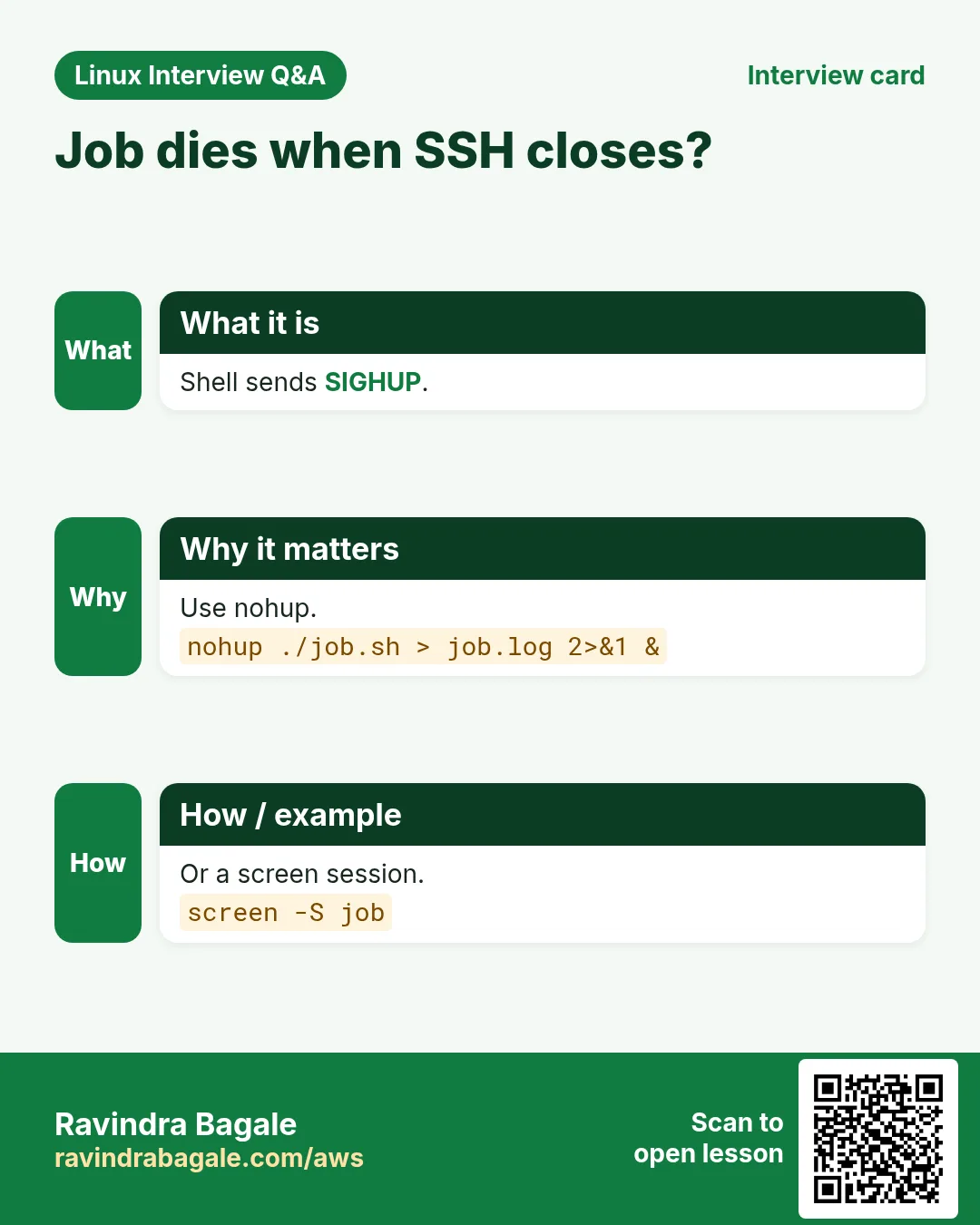
You start a 3-hour data load over SSH, your Wi-Fi drops, and the job dies. nohup stops the hang-up signal from killing it.
nohup runs a command that ignores SIGHUP, sent when the terminal closes. Output goes to nohup.out unless you redirect it. Add & to run it in the background. tmux or screen are better when you want to come back and watch.
Common options
| Option | What it does |
|---|---|
nohup cmd & | Background, survives logout. |
nohup cmd > log 2>&1 & | Own log file. |
nohup.out | Default output file. |
disown | For a job already started. |
- Start the load.
nohup python3 load.py > load.log 2>&1 &Output:
[1] 7011Safe to log out.
- Log out and back; still running?
pgrep -a -f load.pyOutput:
7011 python3 load.pyStill there.
- Watch progress.
tail -2 load.logOutput:
rows loaded: 1200000
rows loaded: 1250000
Output kept in the file.
- Without a redirect.
nohup ./sync.sh &Output:
nohup: ignoring input and appending output to 'nohup.out'Output goes to nohup.out in the current folder.
Practise this in the tasks below: Practice tasks
Real use: A Koregaon Park research lab runs overnight model training with nohup from a jump host.
14. nslookup: Simple DNS query
nslookup in depth: quick DNS lookups
Users say the site does not open. First question: does the name resolve, and to the right IP? nslookup is on Linux, Windows and macOS, so support teams everywhere know it.
nslookup asks a DNS server for records. Give a name, optionally a record type with -type= and a server to ask. "Non-authoritative answer" means it came from a cache. dig gives more detail (Part 2).
Common options
| Option | What it does |
|---|---|
nslookup name | A record from the default server. |
nslookup name 1.1.1.1 | Ask a chosen server. |
-type=mx | Mail servers. |
-type=txt | TXT (SPF, verification). |
nslookup IP | Reverse lookup. |
- Resolve a name.
nslookup shop.example.inOutput:
Server:   10.0.0.2
Address:  10.0.0.2#53

Non-authoritative answer:
Name: shop.example.in
Address: 203.0.113.40
Resolves to 203.0.113.40 via the VPC resolver.
- Compare with a public server.
nslookup shop.example.in 8.8.8.8Output:
Address: 203.0.113.41Different answers: a DNS change is still spreading.
- Mail servers.
nslookup -type=mx example.inOutput:
example.in mail exchanger = 10 mx1.mailhost.in.Mail goes to mx1.
- Name does not exist.
nslookup shpo.example.inOutput:
** server can't find shpo.example.in: NXDOMAINA typing mistake or a missing record.
Practise this in the tasks below: Practice tasks
Real use: A Hinjewadi IT helpdesk asks users to run nslookup on Windows and paste the answer into the ticket.
15. passwd: Change a password
passwd in depth: set, lock and expire passwords
New joiners need a first password, leavers must be locked at once, and audits want passwords to expire. passwd does all three.
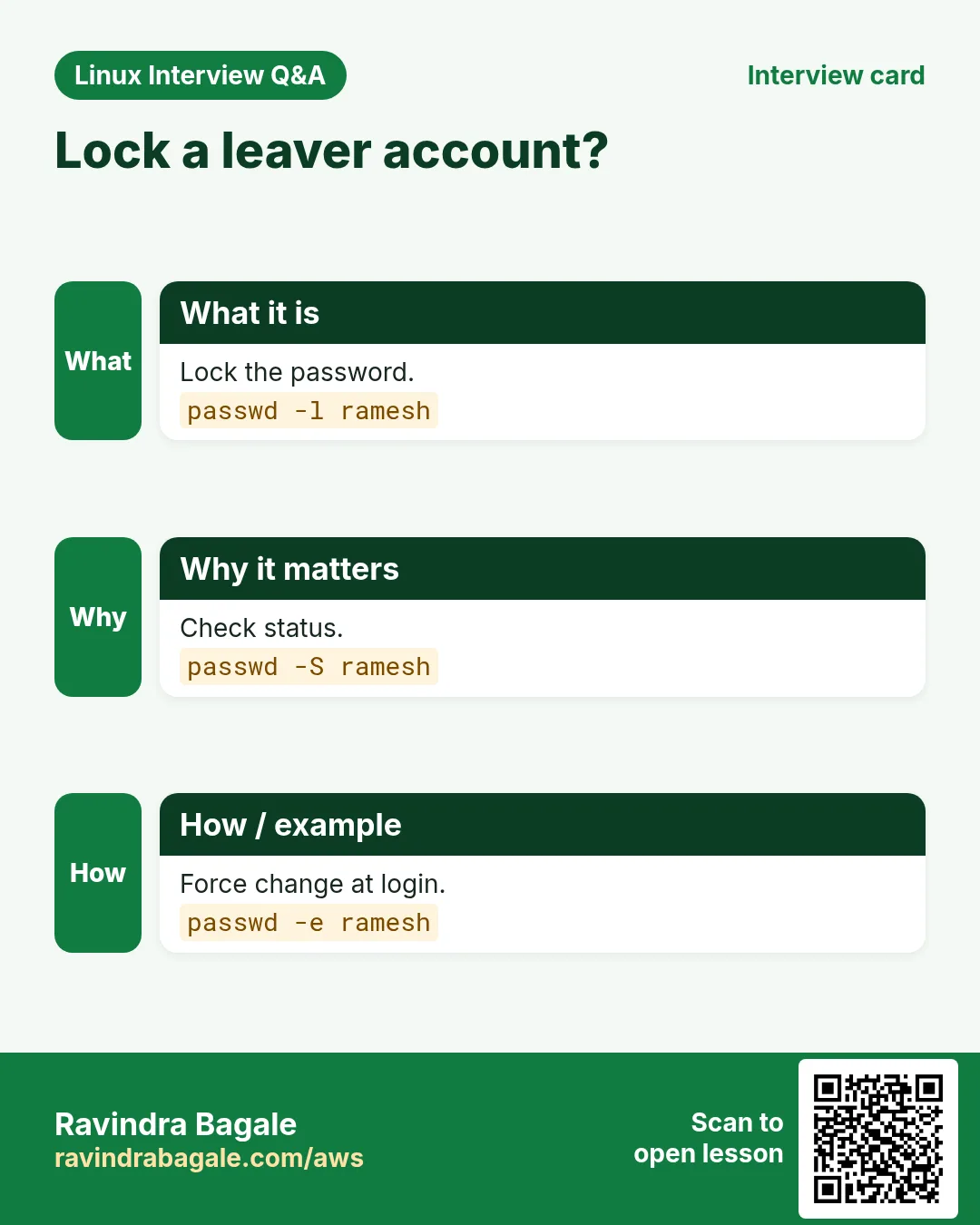
passwd changes your own password, or as root any user's. -l locks, -u unlocks, -e forces change at next login, -S shows status. Hashes live in /etc/shadow. chage sets ageing rules.
Common options
| Option | What it does |
|---|---|
passwd | Change mine. |
sudo passwd user | Set a user's. |
-l / -u | Lock / unlock. |
-e | Expire now. |
-S | Status. |
--stdin | Read from input (RHEL). |
chage -l user | Ageing info. |
- First password, change at login.
sudo passwd anita; sudo passwd -e anitaOutput:
passwd: all authentication tokens updated successfully.
Expiring password for user anita.
She must choose her own on first login.
- Lock a leaver.
sudo passwd -l rohit; sudo passwd -S rohitOutput:
rohit LK 2026-10-27 0 90 7 -1 (Password locked.)LK = locked. Also remove SSH keys.
- Ageing rules.
sudo chage -l anita | head -3Output:
Last password change      : password must be changed
Password expires          : password must be changed
Maximum number of days    : 90
90-day policy.
- Weak password refused.
passwdOutput:
New password: ****
BAD PASSWORD: The password is shorter than 8 characters
pwquality enforces rules.
Practise this in the tasks below: Practice tasks
Real use: A Yerawada BPO locks accounts with passwd -l within an hour of HR exit mails.
16. paste: Join lines side by side
paste in depth: join files side by side
You have one file of server names and one of IPs, line by line. You need one CSV. paste joins them column-wise.
paste reads files in parallel and joins line N of each with a tab. -d sets another separator; -s joins all lines of one file into one line.
Common options
| Option | What it does |
|---|---|
paste a b | Side by side with tab. |
-d , | Comma separator. |
-s | One file into one line. |
paste -sd+ f | bc | Sum a column. |
paste - - < f | Two lines into one. |
- Join two lists.
paste -d, names.txt ips.txtOutput:
web01,10.0.1.11
web02,10.0.1.12
A CSV in one step.
- One line list.
paste -sd, names.txtOutput:
web01,web02,db01Handy for Ansible --limit.
- Sum numbers.
paste -sd+ sales.txt | bcOutput:
184250Adds every line.
- Pair lines.
paste - - < pairs.txtOutput:
key1	value1
key2	value2
Each two lines become one.
Practise this in the tasks below: Practice tasks
Real use: A Market Yard trader joins daily price and stock files with paste before loading them into a spreadsheet.
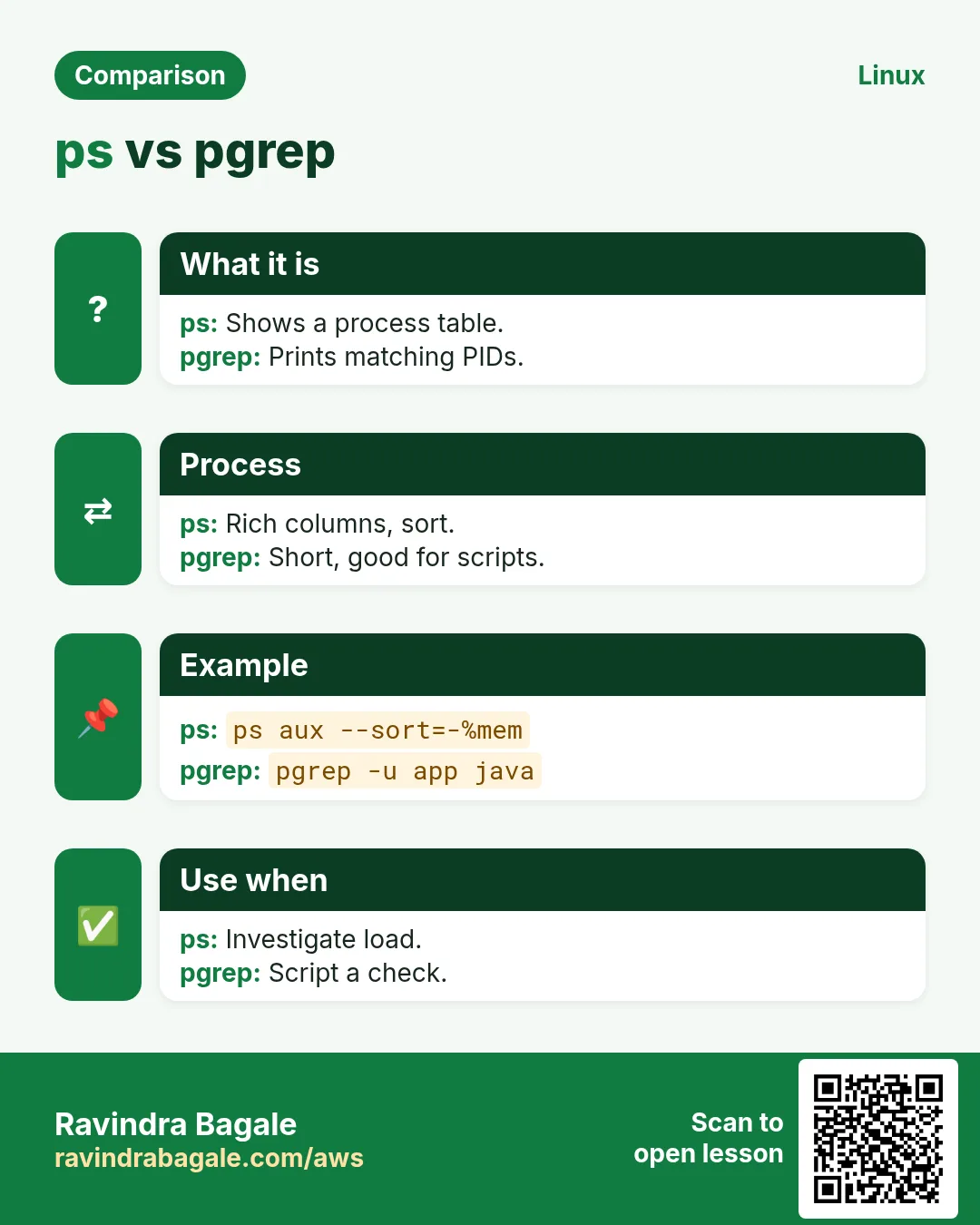
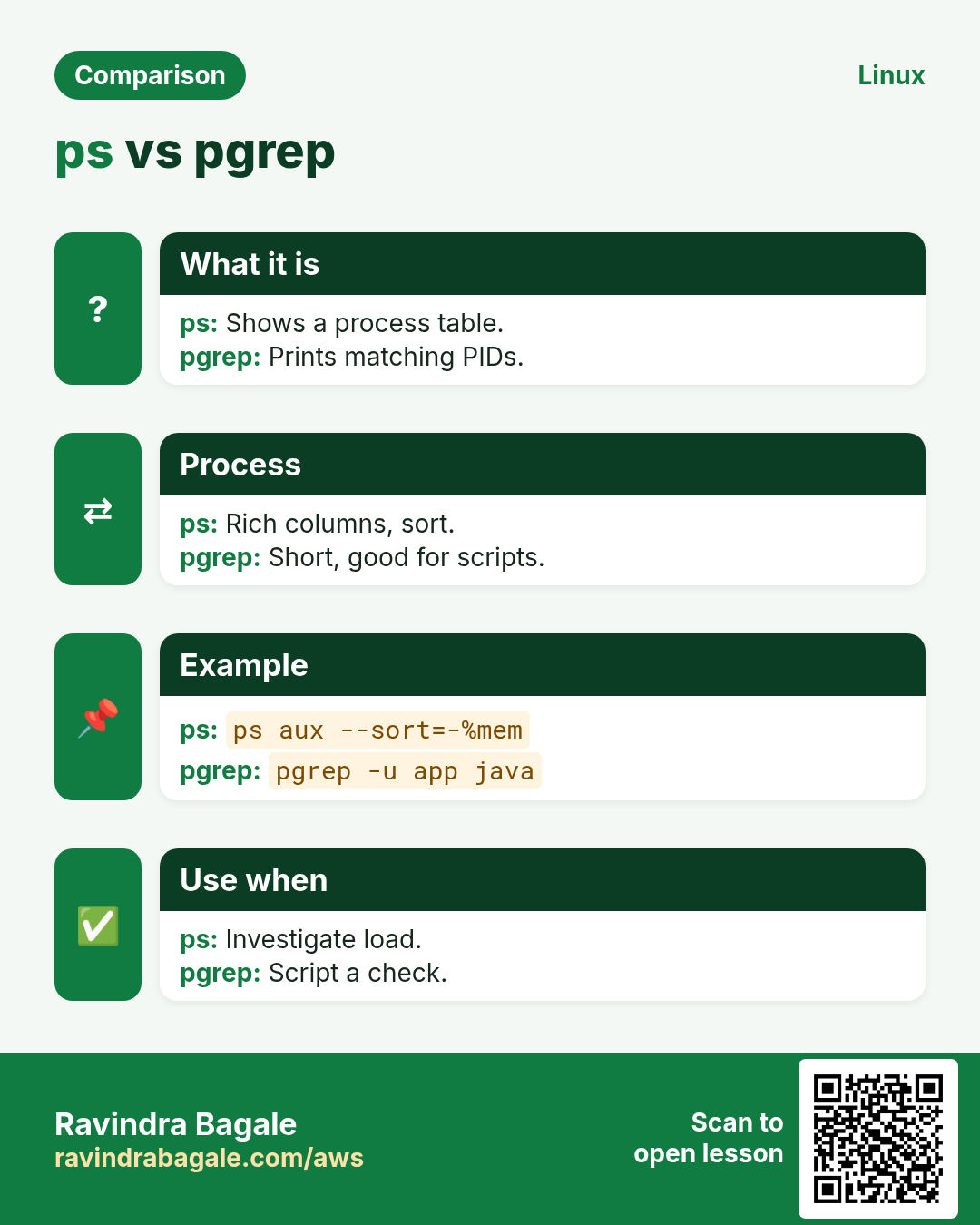
17. pgrep: Find process ids by name
pgrep in depth: find process IDs by name
ps aux | grep java also matches the grep itself and needs cleanup. pgrep returns just the PIDs you want, ready for scripts.
pgrep matches process names (or the full command line with -f) and prints PIDs. -a adds the command, -u filters by user, -c counts, -x needs an exact name. Exit code 1 means none found.
Common options
| Option | What it does |
|---|---|
pgrep name | PIDs. |
-a | With command. |
-f | Match full command line. |
-u user | By user. |
-c | Count. |
-x | Exact name. |
-o / -n | Oldest / newest. |
- Find java.
pgrep -a javaOutput:
4121 java -jar /opt/report/report.jar
4388 java -jar /opt/api/api.jar
Two java apps.
- Find one by its jar.
pgrep -f api.jarOutput:
4388-f looks at arguments.
- Count nginx workers.
pgrep -c -u nginx nginxOutput:
4Four workers.
- Use in a script.
pgrep -x crond > /dev/null || sudo systemctl start crondStarts crond only if it is not running.
Practise this in the tasks below: Practice tasks
Real use: A Kharadi SaaS company's health script uses pgrep -f worker.py and restarts workers when the count drops.
18. ping: Test if a host answers
ping in depth: is the host reachable, and how fast?
The first network question is always "can I reach it?" ping answers with round-trip time and packet loss.
ping sends ICMP echo requests and shows replies. Without -c it runs until Ctrl+C. Many clouds and firewalls block ICMP, so no reply does not always mean down; test the real port with nc or curl.
Common options
| Option | What it does |
|---|---|
-c 4 | Send 4. |
-i 0.2 | Interval. |
-W 2 | Wait 2 s per reply. |
-s 1472 | Packet size (MTU tests). |
-M do | Do not fragment. |
-q | Summary only. |
- Basic test.
ping -c 4 8.8.8.8Output:
64 bytes from 8.8.8.8: icmp_seq=1 ttl=117 time=12.4 ms
--- 8.8.8.8 ping statistics ---
4 packets transmitted, 4 received, 0% packet loss
rtt min/avg/max/mdev = 12.1/12.5/13.0/0.3 ms
Internet reachable, 12 ms.
- Packet loss.
ping -c 20 -q 10.0.5.9Output:
20 packets transmitted, 14 received, 30% packet loss30% loss: a bad link or overloaded device.
- Name fails, IP works.
ping -c1 db01; ping -c1 10.0.2.15Output:
ping: db01: Name or service not known
64 bytes from 10.0.2.15
It is DNS, not the network.
- MTU test.
ping -c2 -M do -s 1472 10.0.2.15Output:
ping: local error: message too long, mtu=1400Path MTU is smaller: VPN overhead.
Practise this in the tasks below: Practice tasks
Real use: A Talegaon warehouse runs ping every minute to each handheld scanner gateway and alerts on loss above 5%.
19. pkill: Signal processes by name or pattern
pkill in depth: signal processes by pattern
A runaway script started many copies. You want to stop all of them by name or by part of their command line in one go.
pkill uses the same matching as pgrep but sends a signal, SIGTERM by default. Always run pgrep with the same pattern first to see what will be hit. -f matches the full command line, -u limits to a user.
Common options
| Option | What it does |
|---|---|
pkill name | SIGTERM by name. |
-f pattern | Full command line. |
-u user | Only a user. |
-HUP | Reload signal. |
-9 | Force. |
-t pts/3 | By terminal. |
- Preview.
pgrep -af "export_job.sh"Output:
5120 bash export_job.sh
5121 bash export_job.sh
5122 bash export_job.sh
Three copies will be hit.
- Stop them.
pkill -f "export_job.sh"; pgrep -cf export_job.shOutput:
0All gone.
- Reload by name.
sudo pkill -HUP rsyslogdrsyslog reopens its log files.
- Kick a stuck session.
sudo pkill -t pts/3Logs out whoever is on pts/3.
Practise this in the tasks below: Practice tasks
Real use: A Viman Nagar travel portal's on-call guide says: pgrep first, then pkill, never pkill alone.
20. printf: Print formatted text
printf in depth: formatted output in scripts
echo behaves differently across shells and cannot align columns. printf prints exactly what you ask: padded columns, fixed decimals, no surprise newlines.
printf takes a format and values. %s string, %d integer, %f decimal (%.2f two places), %-10s left-aligned in 10 chars, \n newline. The format repeats for extra values.
Common options
| Option | What it does |
|---|---|
%s | String. |
%d | Integer. |
%.2f | Two decimals. |
%-12s | Left align 12. |
%5d | Right align 5. |
\n \t | Newline, tab. |
printf -v var | Save into a variable. |
- Simple.
printf "Hello %s\n" RaviOutput:
Hello RaviNewline only because you asked.
- Aligned table.
printf "%-8s %6s\n" HOST LOAD web01 0.42 db01 3.10Output:
HOST       LOAD
web01      0.42
db01       3.10
The format repeats per pair.
- Money.
printf "Total: Rs %.2f\n" 1234.5Output:
Total: Rs 1234.50Two decimals always.
- Zero padded file names.
printf "img_%03d.jpg\n" 7 42Output:
img_007.jpg
img_042.jpg
Sorts correctly.
Practise this in the tasks below: Practice tasks
Real use: A Deccan stock analytics script prints its daily summary with printf so columns line up in the email.
21. ps: List processes
ps in depth: list processes
Which process uses memory, who started it, how long it has run, and what its parent is: ps answers in one snapshot that you can sort and save.
ps prints a snapshot of processes. ps aux (BSD style) and ps -ef (Unix style) list all. -o picks columns, --sort sorts, -p chooses PIDs, --forest shows the tree. top and htop are the live versions.
Common options
| Option | What it does |
|---|---|
ps aux | All, with CPU and memory. |
ps -ef | All, with parent PID. |
-o pid,user,%mem,cmd | Columns. |
--sort=-%mem | Biggest memory first. |
-p PID | One process. |
--forest | Tree. |
-o etime | Run time. |
- Top memory users.
ps -eo pid,user,%mem,rss,cmd --sort=-%mem | head -4Output:
  PID USER  %MEM   RSS CMD
  811 mysql 41.0 3.2G /usr/sbin/mysqld
 4121 app   12.5 980M java -jar report.jar
mysqld uses 3.2 GB.
- How long has it run?
ps -o pid,etime,cmd -p 4121Output:
  PID     ELAPSED CMD
 4121 3-04:12:09 java -jar report.jar
Up 3 days 4 hours.
- Parent of a process.
ps -o ppid= -p 4121 | xargs ps -o pid,cmd -pOutput:
  PID CMD
    1 /usr/lib/systemd/systemd
Started by systemd.
- Zombies.
ps -eo pid,ppid,stat,cmd | awk '$3 ~ /Z/'Output:
5520 5501 Z [worker] <defunct>A zombie: its parent 5501 must reap it.
Practise this in the tasks below: Practice tasks
Real use: A Wagholi e-pharmacy saves ps aux output every 5 minutes so they can see what was running during a slowdown.
22. pvcreate: Prepare a disk for LVM
pvcreate in depth: prepare a disk for LVM
LVM starts with physical volumes. Before a disk can join a volume group, pvcreate marks it for LVM. You also use pvs and pvdisplay to see free space.
pvcreate writes an LVM label on a disk or partition. Then vgcreate or vgextend adds it to a group, and lvcreate (Part 4) cuts volumes. pvs lists PVs with size and free space; pvmove moves data off a disk.
Common options
| Option | What it does |
|---|---|
pvcreate /dev/X | Make a PV. |
pvs | List PVs. |
pvdisplay /dev/X | Details. |
vgextend vg /dev/X | Add to a group. |
pvmove /dev/X | Move data off. |
pvremove /dev/X | Remove the label. |
- Add a new 50 GB disk.
sudo pvcreate /dev/nvme2n1Output:
Physical volume "/dev/nvme2n1" successfully created.Labelled for LVM.
- Grow the group.
sudo vgextend vgdata /dev/nvme2n1Output:
Volume group "vgdata" successfully extendedvgdata now has more free space.
- See PVs.
sudo pvsOutput:
  PV           VG     Fmt  Attr PSize   PFree
  /dev/nvme1n1 vgdata lvm2 a--  <50.00g 20.00g
  /dev/nvme2n1 vgdata lvm2 a--  <50.00g <50.00g
70 GB free across two disks.
- Disk already in use.
sudo pvcreate /dev/nvme0n1Output:
Can't open /dev/nvme0n1 exclusively. Mounted filesystem?It is the root disk: stop.
Practise this in the tasks below: Practice tasks
Real use: A Pune hospital PACS team adds a new EBS disk with pvcreate and vgextend every time images reach 80%.
23. pwd: Print the current folder
pwd in depth: where am I?
Before rm, tar or a relative path, you must know your current folder. Scripts also need it to build paths.
pwd prints the current working directory. pwd -L (default) shows the path through symlinks as you typed it; pwd -P shows the real physical path. $PWD holds the same value.
Common options
| Option | What it does |
|---|---|
pwd | Current folder. |
pwd -P | Real path. |
pwd -L | Logical path. |
$PWD | Variable. |
$OLDPWD | Previous folder. |
- Where am I?
pwdOutput:
/home/ravi/projectsBefore you run anything risky.
- Through a symlink.
cd /opt/app/current; pwd; pwd -POutput:
/opt/app/current
/opt/app/releases/v42
-P shows the real release.
- In a script.
echo "backup from $PWD" > note.txt; cat note.txtOutput:
backup from /srv/dataSame as pwd.
- Go back.
cd /etc; cd -; echo $OLDPWDOutput:
/home/ravi/projects
/etc
cd - uses OLDPWD.
Practise this in the tasks below: Practice tasks
Real use: A Kothrud training institute makes students type pwd before every rm in their first month.
24. read: Read input into variables
read in depth: take input in scripts
Scripts need input: a confirmation before deleting, a password without echo, or each line of a file. read does all of these.
read is a shell builtin that reads a line into variables. -p shows a prompt, -s hides typing, -t sets a timeout, -r keeps backslashes, IFS sets the split character. while IFS= read -r line is the safe loop over a file.
Common options
| Option | What it does |
|---|---|
read var | Read a line. |
-p "text" | Prompt. |
-s | Silent (passwords). |
-t 10 | Timeout. |
-r | Raw, keep backslashes. |
IFS=, read a b | Split on comma. |
-a arr | Into an array. |
- Confirm.
read -p "Delete old logs? (y/n) " ans; [ "$ans" = y ] && echo deletingOutput:
Delete old logs? (y/n) y
deleting
Only y continues.
- Hidden password.
read -s -p "DB password: " pw; echo; echo "${#pw} chars"Output:
DB password:
12 chars
Nothing shown while typing.
- Loop over a CSV.
while IFS=, read -r host ip; do echo "$host -> $ip"; done < servers.csvOutput:
web01 -> 10.0.1.11
web02 -> 10.0.1.12
Each line split into two variables.
- Timeout.
read -t 5 -p "Continue? " a || echo "no answer, stopping"Output:
Continue? no answer, stoppingSafe default for unattended runs.
Practise this in the tasks below: Practice tasks
Real use: A Hadapsar factory's shift script asks the supervisor for a batch number with read and logs it with each run.
25. Commands in this range already covered in depth
These commands already have a full why, what and how section in an earlier chapter. Repeating them here would only make the page longer.
Each link opens the exact section with options, examples and output.
26. Real examples from many industries
The same Linux skill shows up in every kind of company. Seeing it in many places helps you remember it.
Each row is a made-up team. It shows who uses this and how.
| Team and city | How they use it | Command |
|---|---|---|
| Kiran, telecom, Hinjewadi | Tests partner ports before go-live | nc -zv partner.example.in 443 |
| Swati, hospital IT, Shivajinagar | Adds PACS disks | pvcreate /dev/nvme2n1 |
| Amit, BPO, Yerawada | Locks leavers | passwd -l user |
| Priya, SaaS, Kharadi | Restarts dead workers | pgrep -f worker.py |
| Rohan, media, Pimpri | Verifies uploads | md5sum -c MD5SUMS |
| Anjali, factory, Chakan | Runs long jobs safely | nohup ./batch.sh & |
27. Common errors and how to fix them
Everyone hits these errors. Knowing the cause saves hours.
Read the exact message first. Then match it to a row below.
| Error you see | Why it happens | How to fix |
|---|---|---|
No manual entry for ssh_config | man pages not installed or wrong section | Install man-pages or search with -k.man -k ssh_config |
md5sum: WARNING: 1 computed checksum did NOT match | File changed or corrupted | Copy again and verify.md5sum -c MD5SUMS |
mkfs: /dev/sdb1 is mounted; will not make a filesystem here! | Target is in use | Check the device name; unmount if it is really the new disk.lsblk -f |
mount: wrong fs type, bad option, bad superblock | No filesystem or wrong type | Check with blkid; mkfs if new.blkid /dev/sdb1 |
nc: connect to host port 5432 (tcp) failed: Connection refused | Nothing listening on that port | Start the service or check its port.ss -tlnp |
nc: connect timed out | Firewall or security group drops packets | Open the port in the firewall or security group.firewall-cmd --list-ports |
nohup: ignoring input and appending output to 'nohup.out' | Normal message; output goes to nohup.out | Redirect output to your own log.nohup ./job.sh > job.log 2>&1 & |
** server can't find name: NXDOMAIN | Record does not exist | Check spelling and the DNS zone.nslookup -type=any example.in |
passwd: Authentication token manipulation error | /etc/shadow read-only or disk full | Check df and mount options.df -h / |
ping: name: Name or service not known | DNS failure, not network | Ping the IP; then check resolv.conf.cat /etc/resolv.conf |
pkill killed more than expected | Pattern too broad with -f | Always preview with pgrep -af first.pgrep -af "export_job" |
pvcreate: Can't open /dev/X exclusively. Mounted filesystem? | Disk in use | Pick the right empty disk.lsblk |
28. Troubleshooting step by step
When a Part 5 command does not do what you expect, go through these steps.
Go top to bottom. Stop at the first step that shows the problem.
- Is the tool installed?
command -v nc nmcli netstat || echo missing- Is it the right device?
lsblk -f- DNS or network?
ping -c1 10.0.1.20; nslookup api.example.in- Preview before kill.
pgrep -af pattern- Read the man page.
man -k keyword- Check exit codes.
nc -z host 443; echo $?29. Lab 1: Add a disk with a filesystem and verify data
Check the new filesystem, the active mount and the data separately. Use lsblk for the device and type, findmnt for the mounted source and target, and a test file for content. Write one line in the mounted directory, unmount the disposable device and mount it again. The line should reappear from that device. A file written to the original folder while it was unmounted is separate evidence.
Use a loop file as a practice disk, make a filesystem, mount it and verify a copy.
A full hands-on lab. Run every step on a test Linux machine (an EC2 instance, a VM, or WSL).
- Make a 100 MB file disk.
truncate -s 100M /tmp/disk.img- Make a filesystem.
mkfs.ext4 -q /tmp/disk.img- Mount it.
sudo mkdir -p /mnt/lab && sudo mount -o loop /tmp/disk.img /mnt/lab && df -h /mnt/lab | tail -1Output:
/dev/loop0 93M 24K 86M 1% /mnt/lab- Copy and verify.
sudo cp /etc/hosts /mnt/lab/ && md5sum /etc/hosts /mnt/lab/hostsOutput:
(two identical hashes)- Clean up.
sudo umount /mnt/lab; rm /tmp/disk.img30. Lab 2: A safe interactive script
Write a script that asks for input, uses a temp file, prints a table and stops a test process.
A full hands-on lab. Run every step on a test Linux machine (an EC2 instance, a VM, or WSL).
- Start a test process.
nohup sleep 600 > /dev/null 2>&1 &Output:
[1] 7001- Find it.
pgrep -a sleepOutput:
7001 sleep 600- Temp file and table.
t=$(mktemp); ps -o pid,ni,cmd -p 7001 > $t; printf "%-6s %s\n" PID CMD; tail -1 $tOutput:
PID    CMD
7001 0 sleep 600- Ask and stop.
read -p "Stop it? (y/n) " a; [ "$a" = y ] && pkill -x sleepOutput:
Stop it? (y/n) y- Check.
pgrep sleep || echo goneOutput:
goneRavindra Bagale's Tip
Before you kill, mount or format anything, run the read-only version first: pgrep before pkill, lsblk before mkfs, nc -z before blaming the app. Five seconds of checking saves hours of recovery.
Ravindra Bagale's Tip – मराठी
काहीही kill, mount किंवा format करण्याआधी read-only version आधी चालवा: pkill आधी pgrep, mkfs आधी lsblk, app ला दोष देण्याआधी nc -z. पाच seconds चं checking तासांची recovery वाचवतं.
Ravindra Bagale's Tip – हिंदी
कुछ भी kill, mount या format करने से पहले read-only version पहले चलाएं: pkill से पहले pgrep, mkfs से पहले lsblk, app को दोष देने से पहले nc -z. पाँच seconds की जाँच घंटों की recovery बचाती है.
31. Frequently asked questions
Q. netstat or ss?
ss is newer and faster; netstat is still common on old systems.
Q. nslookup or dig?
dig gives more detail; nslookup is everywhere including Windows.
Q. nohup or screen?
nohup for one fire-and-forget job; screen or tmux to come back and watch.
Q. md5sum still safe?
Fine for accidental corruption; use sha256sum against tampering.
Q. Why does ping fail on AWS?
Security groups often block ICMP. Test the real port with nc.
Q. kill or pkill?
kill takes PIDs; pkill takes names or patterns.
32. Interview questions and answers
Beginner level
Q. How do you open the help page for a command?
man command.
Q. How do you know your current folder?
pwd.
Q. How do you test if a host is reachable?
ping -c 4 host.
Q. How do you change your password?
passwd.
Mid level level
Q. Test port 443 without curl.
nc -zv host 443.
Q. Keep a job running after logout.
nohup cmd > log 2>&1 &.
Q. Top memory processes.
ps aux --sort=-%mem | head.
Q. Lock a user account.
passwd -l user.
Senior level
Q. A new EBS disk must hold /data permanently. Steps?
lsblk, mkfs.xfs, mkdir /data, mount, add UUID line to /etc/fstab, mount -a.
Q. An app is unreachable. How do you narrow it down?
nslookup, ping, nc -zv, then ss or netstat on the server, then logs.
Q. A batch job slows the API. Options without killing it?
renice/nice to 19, ionice -c3, or schedule later.
Q. How do you make a script safe with temp files?
mktemp plus trap to remove on exit.
Try at home
- Read man ls and find three options you did not know.
- Make a loop-file disk, format and mount it.
- Use nc -zv to test five ports on your own machine.
- Write a script that reads a name and prints a greeting with printf.
Practise this chapter
Interview questions and answers
How can repeated shell jobs use temporary output safely?
Create a new unique path with mktemp for each run, capture and quote it, and remove only that saved path on completion. Try two simultaneous test runs. Each should produce a separate file, so neither overwrites or cleans up the other’s temporary data.
Check your understanding
Choose an answer, then compare your reasoning with the explanation.
Practice Tasks
Practice checks run in your browser. They check the answer for this exercise; they do not create resources or connect to your AWS account.
About this scenarioMaple Leaf Books is a bookselling business in Toronto. Emily Tremblay looks after its IT and cloud work. They count money in CAD and run their AWS resources in the ca-central-1 Region. In the tasks below you do real jobs for them using what this lesson teaches. All names, account IDs, IP addresses and numbers are made up for practice.
0 / 23
Easy Search man pages
BIZ runs Linux servers and uses commands from man to read daily.
Search the manual pages for the keyword crontab.
- Find the Linux command that does this job.
- Add the options (like -r or -h) the task needs.
- Add the file names, folders or users in the right order.
- Use sudo if the job changes system files or users. Click Check answer.
Easy Hash a file
BIZ runs Linux servers and uses commands from man to read daily.
Print the MD5 checksum of invoice.pdf.
- Find the Linux command that does this job.
- Add the options (like -r or -h) the task needs.
- Add the file names, folders or users in the right order.
- Use sudo if the job changes system files or users. Click Check answer.
Easy Temp folder
BIZ runs Linux servers and uses commands from man to read daily.
Create a safe temporary directory whose name starts with build. followed by XXXXXX.
- Find the Linux command that does this job.
- Add the options (like -r or -h) the task needs.
- Add the file names, folders or users in the right order.
- Use sudo if the job changes system files or users. Click Check answer.
Easy Device status
BIZ runs Linux servers and uses commands from man to read daily.
Show only the active connections with nmcli.
- Find the Linux command that does this job.
- Add the options (like -r or -h) the task needs.
- Add the file names, folders or users in the right order.
- Use sudo if the job changes system files or users. Click Check answer.
Easy Lock a user
BIZ runs Linux servers and uses commands from man to read daily.
Lock the account of the user deepak.
- Find the Linux command that does this job.
- Add the options (like -r or -h) the task needs.
- Add the file names, folders or users in the right order.
- Use sudo if the job changes system files or users. Click Check answer.
Easy Password status
BIZ runs Linux servers and uses commands from man to read daily.
Show the password status of the user meena.
- Find the Linux command that does this job.
- Add the options (like -r or -h) the task needs.
- Add the file names, folders or users in the right order.
- Use sudo if the job changes system files or users. Click Check answer.
Easy Ping three times
BIZ runs Linux servers and uses commands from man to read daily.
Ping 192.168.1.1 exactly 3 times.
- Find the Linux command that does this job.
- Add the options (like -r or -h) the task needs.
- Add the file names, folders or users in the right order.
- Use sudo if the job changes system files or users. Click Check answer.
Medium A man section
BIZ runs Linux servers and uses commands from man to read daily.
Open section 5 of the manual for passwd (the file format).
- Find the Linux command that does this job.
- Add the options (like -r or -h) the task needs.
- Add the file names, folders or users in the right order.
- Use sudo if the job changes system files or users. Click Check answer.
Medium Verify a list
BIZ runs Linux servers and uses commands from man to read daily.
Verify all files listed in checks.md5.
- Find the Linux command that does this job.
- Add the options (like -r or -h) the task needs.
- Add the file names, folders or users in the right order.
- Use sudo if the job changes system files or users. Click Check answer.
Medium Make XFS
BIZ runs Linux servers and uses commands from man to read daily.
Create an XFS filesystem on /dev/xvdf.
- Find the Linux command that does this job.
- Add the options (like -r or -h) the task needs.
- Add the file names, folders or users in the right order.
- Use sudo if the job changes system files or users. Click Check answer.
Medium Mount a disk
BIZ runs Linux servers and uses commands from man to read daily.
Mount /dev/xvdg1 on /reports.
- Find the Linux command that does this job.
- Add the options (like -r or -h) the task needs.
- Add the file names, folders or users in the right order.
- Use sudo if the job changes system files or users. Click Check answer.
Medium Test a port
BIZ runs Linux servers and uses commands from man to read daily.
Check whether port 6379 on cache01 is open, verbosely, without sending data.
- Find the Linux command that does this job.
- Add the options (like -r or -h) the task needs.
- Add the file names, folders or users in the right order.
- Use sudo if the job changes system files or users. Click Check answer.
Medium Listening ports
BIZ runs Linux servers and uses commands from man to read daily.
With netstat, show listening UDP ports as numbers with programs.
- Find the Linux command that does this job.
- Add the options (like -r or -h) the task needs.
- Add the file names, folders or users in the right order.
- Use sudo if the job changes system files or users. Click Check answer.
Medium Start low priority
BIZ runs Linux servers and uses commands from man to read daily.
Run ./reindex.sh with niceness 15.
- Find the Linux command that does this job.
- Add the options (like -r or -h) the task needs.
- Add the file names, folders or users in the right order.
- Use sudo if the job changes system files or users. Click Check answer.
Medium TXT records
BIZ runs Linux servers and uses commands from man to read daily.
Look up the TXT records of mailer.example.org.
- Find the Linux command that does this job.
- Add the options (like -r or -h) the task needs.
- Add the file names, folders or users in the right order.
- Use sudo if the job changes system files or users. Click Check answer.
Medium Join with colon
BIZ runs Linux servers and uses commands from man to read daily.
Join users.txt and shells.txt side by side using a colon.
- Find the Linux command that does this job.
- Add the options (like -r or -h) the task needs.
- Add the file names, folders or users in the right order.
- Use sudo if the job changes system files or users. Click Check answer.
Medium Count by user
BIZ runs Linux servers and uses commands from man to read daily.
Count processes owned by the user postgres.
- Find the Linux command that does this job.
- Add the options (like -r or -h) the task needs.
- Add the file names, folders or users in the right order.
- Use sudo if the job changes system files or users. Click Check answer.
Medium Padded number
BIZ runs Linux servers and uses commands from man to read daily.
Print the number 5 as 0005 followed by a newline with printf.
- Find the Linux command that does this job.
- Add the options (like -r or -h) the task needs.
- Add the file names, folders or users in the right order.
- Use sudo if the job changes system files or users. Click Check answer.
Medium Processes of a user
BIZ runs Linux servers and uses commands from man to read daily.
Show processes of the user nginx with ps.
- Find the Linux command that does this job.
- Add the options (like -r or -h) the task needs.
- Add the file names, folders or users in the right order.
- Use sudo if the job changes system files or users. Click Check answer.
Hard Remount read-only
BIZ runs Linux servers and uses commands from man to read daily.
Remount /archive read-only without unmounting.
- Find the Linux command that does this job.
- Add the options (like -r or -h) the task needs.
- Add the file names, folders or users in the right order.
- Use sudo if the job changes system files or users. Click Check answer.
Hard Kill by user
BIZ runs Linux servers and uses commands from man to read daily.
Send SIGTERM to every process of the user tempuser.
- Find the Linux command that does this job.
- Add the options (like -r or -h) the task needs.
- Add the file names, folders or users in the right order.
- Use sudo if the job changes system files or users. Click Check answer.
Hard Two PVs
BIZ runs Linux servers and uses commands from man to read daily.
Make /dev/xvdh and /dev/xvdi LVM physical volumes in one command.
- Find the Linux command that does this job.
- Add the options (like -r or -h) the task needs.
- Add the file names, folders or users in the right order.
- Use sudo if the job changes system files or users. Click Check answer.
Hard Read with timeout
BIZ runs Linux servers and uses commands from man to read daily.
Read a value into the variable zone, waiting at most 8 seconds.
- Find the Linux command that does this job.
- Add the options (like -r or -h) the task needs.
- Add the file names, folders or users in the right order.
- Use sudo if the job changes system files or users. Click Check answer.
33. Related chapters
- Linux Commands A-Z Index
- Linux Ops Refresh for DevOps
- Bash Scripting for Automation
- Linux grep and find Commands with Examples
- How to Set Up Passwordless SSH Between Linux Servers
In short
- man, more: read help and long output.
- mkfs, mount, pvcreate: disks.
- nc, netstat, nslookup, ping, nmcli: network.
- ps, pgrep, pkill, nice, nohup: processes.
- passwd: accounts.
- paste, printf, pwd, read, mktemp, md5sum: scripting.
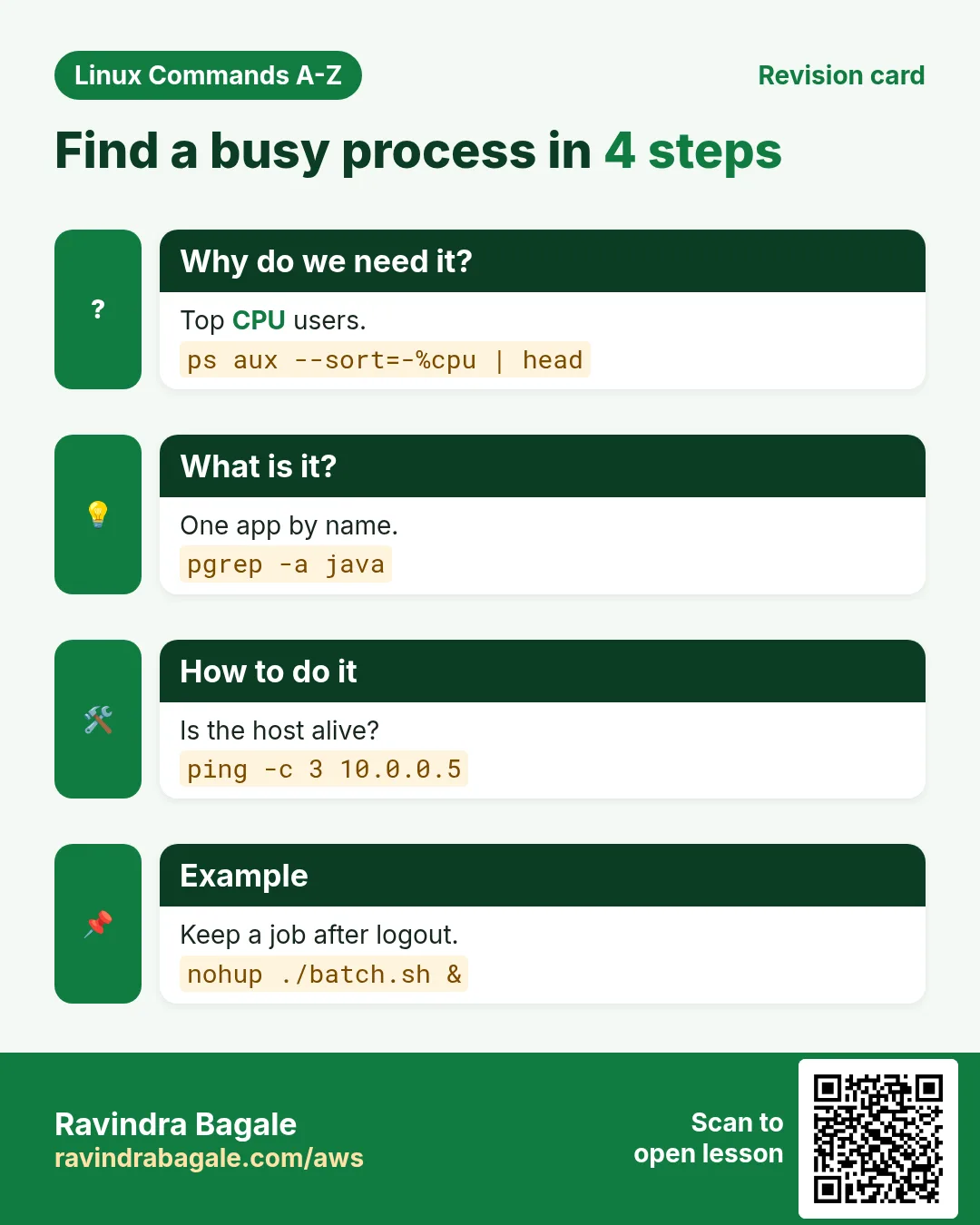
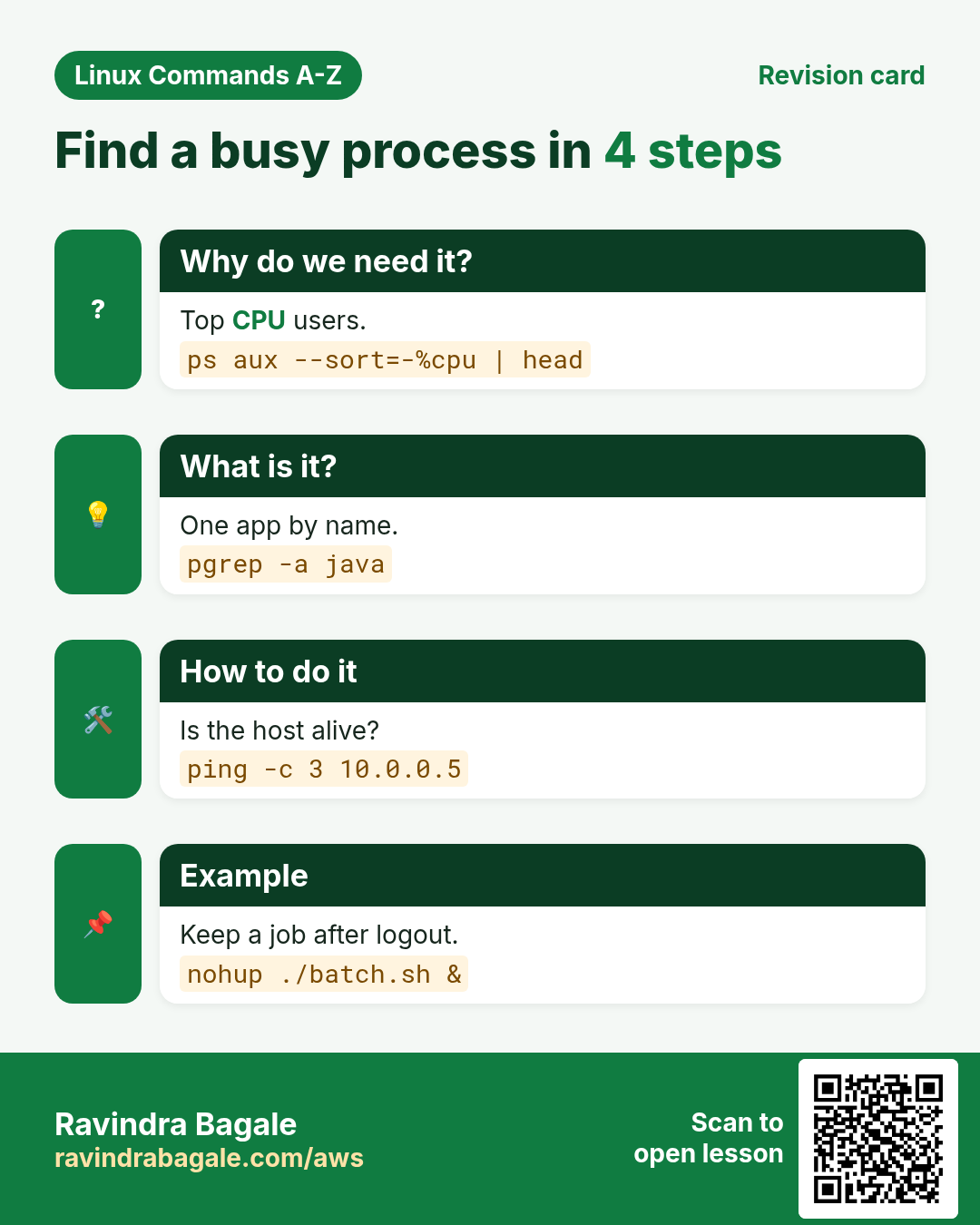
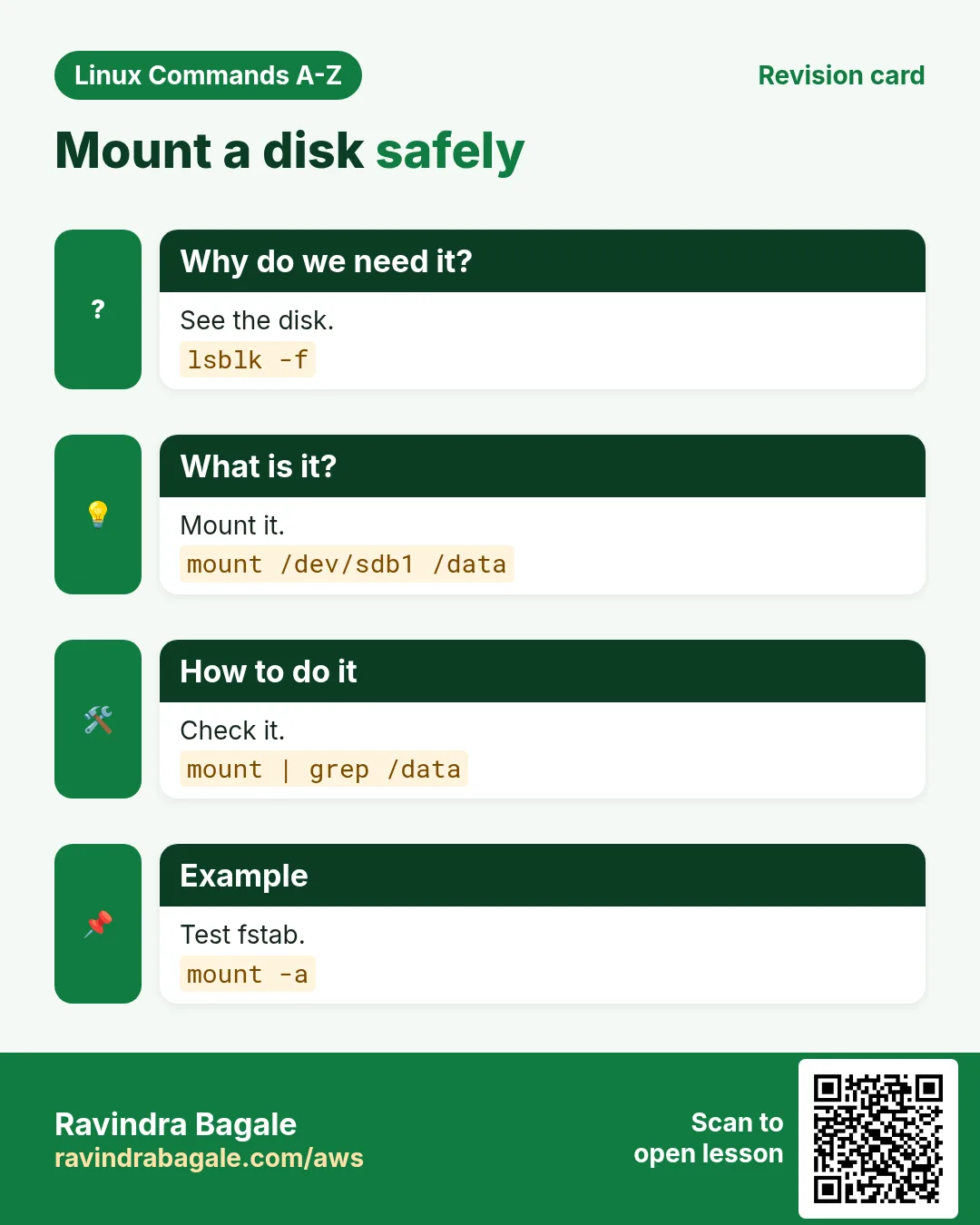
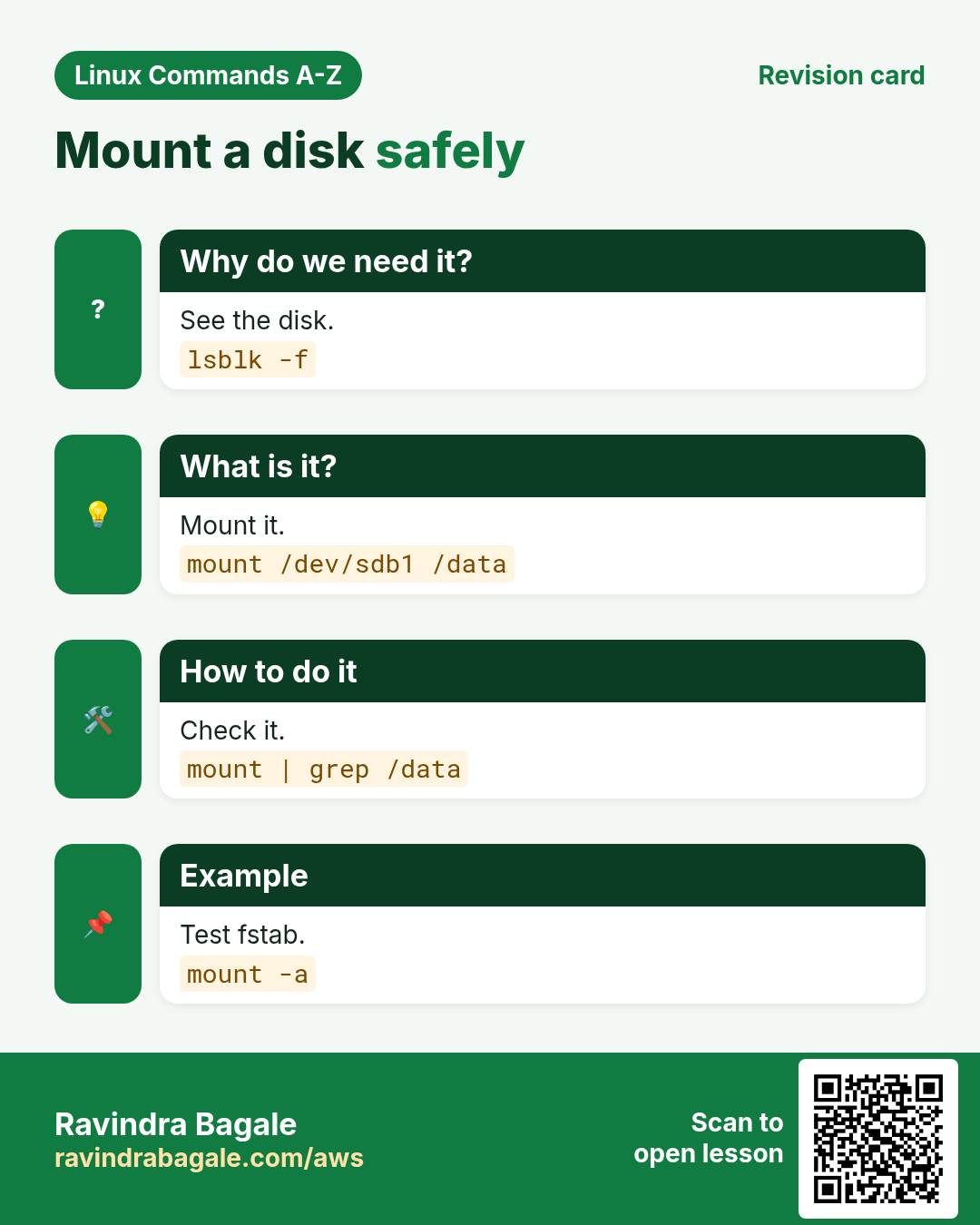
Revision, comparison and interview cards
Revise this lesson in a few minutes. Save the cards on your phone or download them as PNG files. The QR code on each card opens this lesson.

More cards: Ravi Sir's Cards.