Ravi Sir's Cards › AWS
Find a busy process in 4 steps
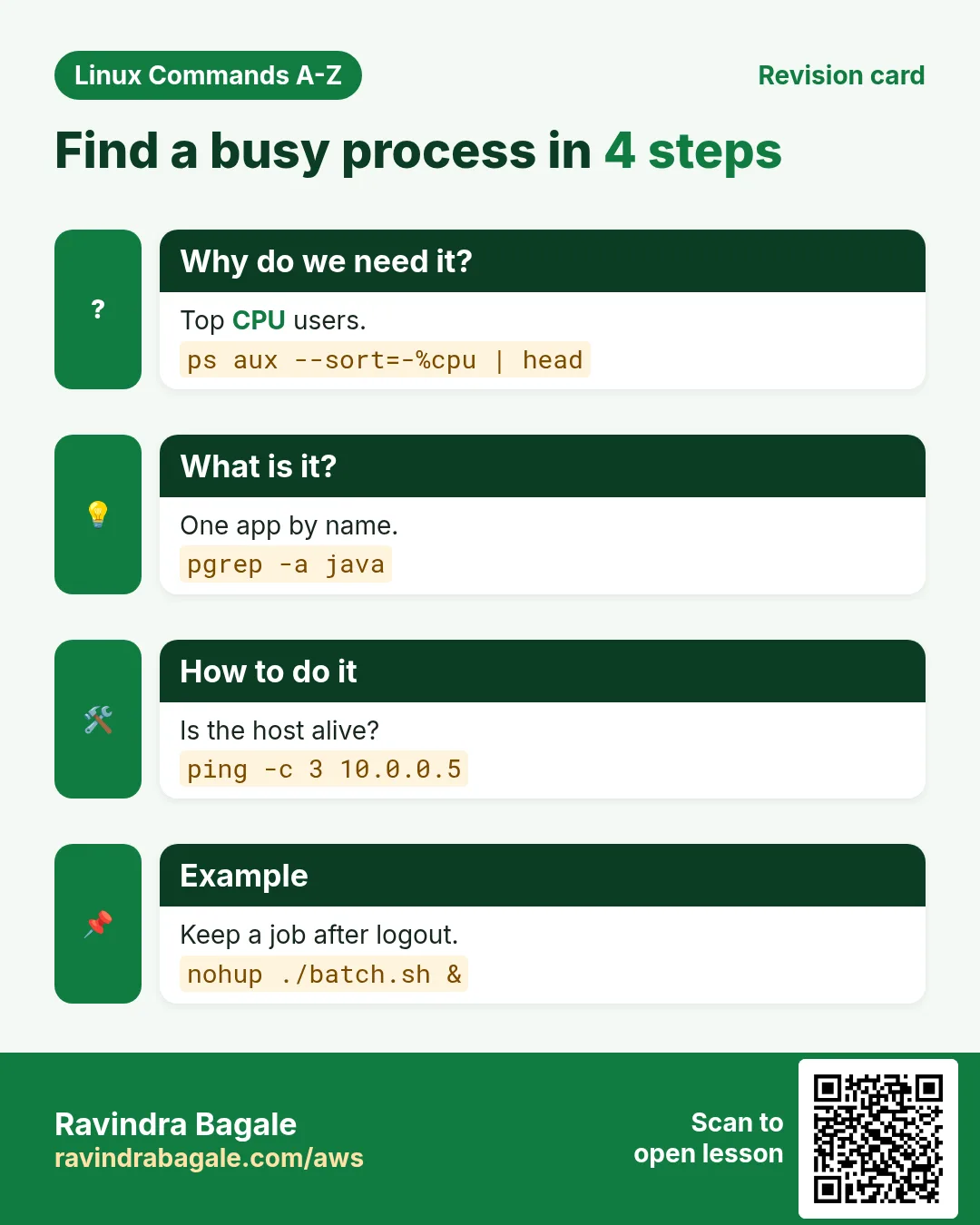
This revision card explains Find a busy process in 4 steps. It starts from the need that top CPU users. It describes one app by name. The how-to section notes is the host alive? An example on the card is keep a job after logout.
Read card text
What this card says
Why do we need it?
Top CPU users.
ps aux --sort=-%cpu | head
What is it?
One app by name.
pgrep -a java
How to do it
Is the host alive?
ping -c 3 10.0.0.5
Example
Keep a job after logout.
nohup ./batch.sh &