Linux Commands A-Z Part 6: rsync, sed, semanage, sort, ss, ssh, stat and More with Examples
This is Part 6 of the Linux Commands A-Z reference: reboot to stat. These are the commands you use to restart servers, change priorities, fix and set SELinux rules, query packages, copy and back up with rsync, keep sessions alive with screen, edit text with sed, make number lists, give extra access with ACLs, check file hashes, plan shutdowns, pause scripts, sort output, load settings, split big files, see sockets, log in over SSH, make keys and read file details. sed gets a full deep dive with sixteen options and fourteen worked steps, because it is how you change config files and clean data in one line. Every command has why, what, an options table and step-by-step examples with real output and its meaning.
In this chapter
- Restart and shut down servers safely with reboot and shutdown
- Change priority with renice and pause scripts with sleep
- Work with SELinux using sestatus, restorecon and semanage
- Query packages with rpm and verify files with sha256sum and stat
- Copy and back up with rsync, and split big files
- Edit text and config files with sed: replace, delete, print, insert and in-place edits
- Use ssh, ssh-keygen, ss and screen for remote work
- Script helpers: seq, sort, source and setfacl
1. An everyday example: a Pune newspaper printing press at night
At midnight the press editor fixes one wrong word in every page, sorts the pages, splits the print run across two machines, gives the front page top priority, copies files to the Nashik press, checks the plates were not damaged, waits for the ink to dry, and at 4 AM restarts the machines for the next edition.
sed is fixing the word on every page. sort is ordering pages. split is dividing the run. renice is priority. rsync is copying to Nashik. sha256sum is the plate check. sleep is the drying wait. reboot is the 4 AM restart.
2. A five-minute config change using Part 6 commands
Before the deep dives, see how these commands work together when you change a port on a web server.
Back up and edit with sed, allow the port in SELinux, check the socket, verify.
| Question | Command |
|---|---|
| Change the port | sed -i.bak "s/listen 80;/listen 8443;/" nginx.conf |
| Allow it in SELinux | semanage port -a -t http_port_t -p tcp 8443 |
| Is it listening? | ss -tlnp | grep 8443 |
| When was the file changed? | stat -c %y nginx.conf |
| Copy to the next server | rsync -av nginx.conf web02:/etc/nginx/ |
- Run the change.
sudo sed -i.bak "s/listen 80;/listen 8443;/" /etc/nginx/nginx.conf; sudo nginx -t; sudo systemctl reload nginx; sudo ss -tlnp | grep 8443Output:
nginx: configuration file /etc/nginx/nginx.conf test is successful
LISTEN 0 511 0.0.0.0:8443 0.0.0.0:* users:(("nginx",pid=901,fd=6))
Edited, tested, reloaded and listening.
- Roll back if needed.
sudo cp /etc/nginx/nginx.conf.bak /etc/nginx/nginx.conf; sudo systemctl reload nginxThe .bak from sed is your undo.
3. reboot: Restart the system
reboot in depth: restart a server safely
Kernel updates, stuck drivers and some config changes need a restart. A careless reboot of the wrong server causes an outage, so check first and reboot cleanly.
reboot asks systemd to stop services in order, unmount filesystems and restart. It equals systemctl reboot. needs-restarting -r (RHEL) or /var/run/reboot-required (Ubuntu) tells you whether a reboot is needed.
Common options
| Option | What it does |
|---|---|
sudo reboot | Restart now. |
systemctl reboot | Same. |
shutdown -r +10 | In 10 minutes, with warning. |
needs-restarting -r | Is it needed? (RHEL) |
last reboot | When it rebooted. |
- Is a reboot needed?
sudo needs-restarting -rOutput:
Core libraries or services have been updated since boot-up:
  * kernel
Reboot is required to fully utilize these updates.
A new kernel is waiting.
- Check the host first.
hostname; uptimeOutput:
web02
 20:51:02 up 41 days,  2 users
Right server; tell the other user.
- Reboot.
sudo rebootOutput:
Connection to web02 closed by remote host.SSH drops; reconnect in a minute.
- Confirm.
uname -r; uptimeOutput:
5.14.0-503.el9.x86_64
 20:52:40 up 1 min
New kernel running.
Practise this in the tasks below: Practice tasks
Real use: A Hinjewadi telecom patches web servers in pairs: drain one from the load balancer, reboot, check, then the next.
4. renice: Change priority of a running process
renice in depth: change priority of a running process
A report job is already running and slowing the app. You do not want to kill it, just make it yield. renice changes its priority live.
renice sets a new niceness (-20 to 19) for PIDs, users (-u) or groups (-g). Users can only raise niceness (lower priority) of their own processes; root can do anything.
Common options
| Option | What it does |
|---|---|
renice -n 15 -p PID | One process. |
renice -n 10 -u user | All of a user. |
sudo renice -n -5 -p PID | Boost (root). |
ps -o pid,ni,cmd | Check. |
ionice -c3 -p PID | Disk priority too. |
- Find the hog.
ps -eo pid,ni,%cpu,cmd --sort=-%cpu | head -2Output:
  PID  NI %CPU CMD
 8120   0 98.0 python3 monthly_report.py
At normal priority.
- Lower it.
renice -n 19 -p 8120Output:
8120 (process ID) old priority 0, new priority 19The app gets CPU first now.
- Also lower disk.
sudo ionice -c3 -p 8120Idle disk class.
- Cannot raise back as a user.
renice -n 0 -p 8120Output:
renice: failed to set priority for 8120 (process ID): Permission deniedOnly root can lower niceness again.
Practise this in the tasks below: Practice tasks
Real use: A Magarpatta analytics team renices ad hoc Spark drivers to 15 during business hours.
5. restorecon: Restore SELinux labels
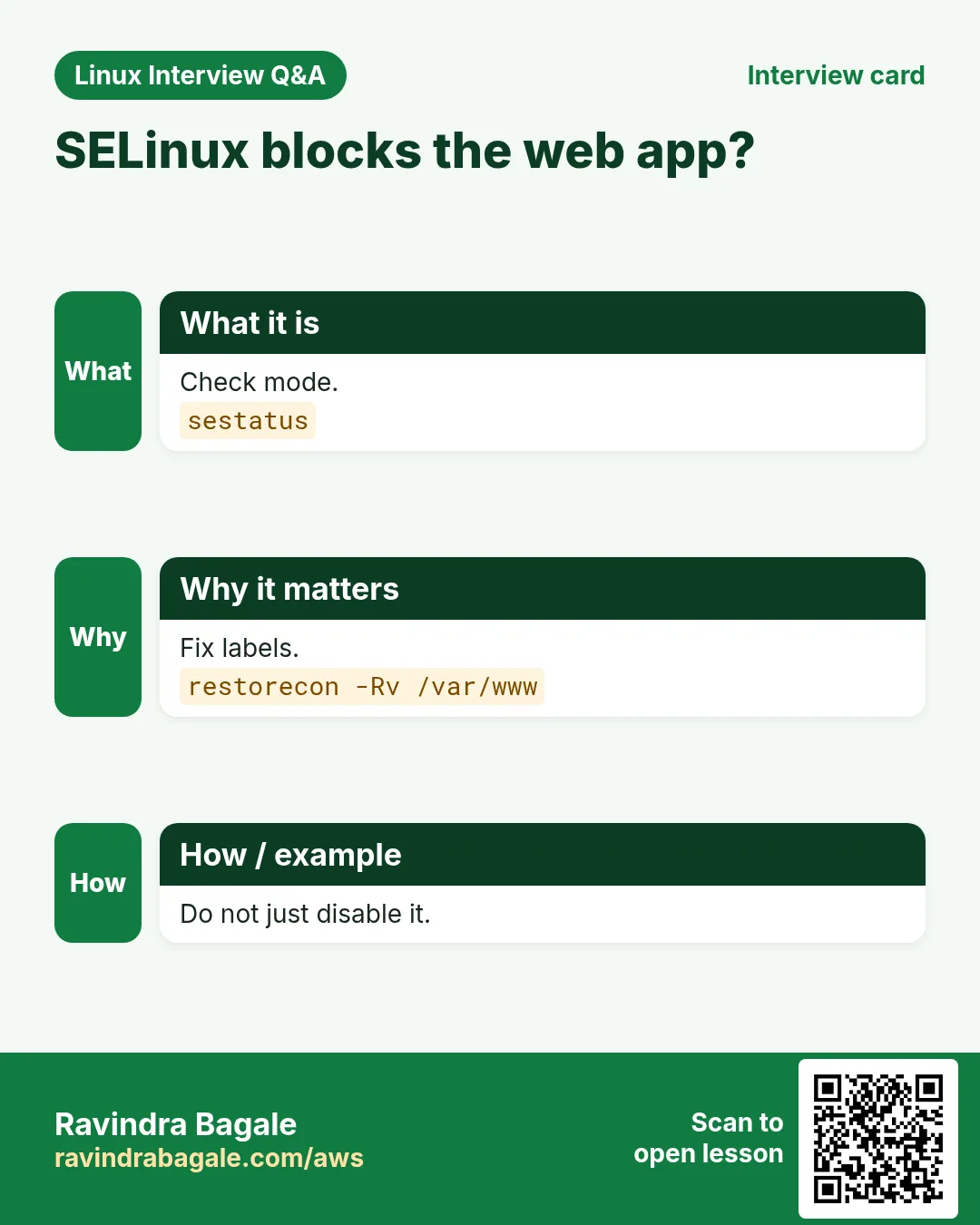
If ordinary file permissions look right and a service is denied, compare its security context and the file label with a known working test file. restorecon can apply the label SELinux policy expects for the test path. Check the label again with ls -Z and repeat the denied request. If it still fails, look at the new evidence before deciding to change more permissions.
restorecon in depth: fix SELinux labels
You moved web files from your home folder into /var/www and nginx now gives 403. Permissions look right. The SELinux label is wrong, and restorecon fixes it.
restorecon resets file labels to what the policy says for that path (from semanage fcontext rules). mv keeps the old label; cp creates a new one. -R recurses, -v shows changes, -n dry-run.
Common options
| Option | What it does |
|---|---|
restorecon -Rv DIR | Fix and show. |
-n | Dry run. |
-F | Force full context. |
ls -Z | See labels. |
matchpathcon PATH | Expected label. |
- The wrong label.
ls -Z /var/www/html/index.htmlOutput:
unconfined_u:object_r:user_home_t:s0 /var/www/html/index.htmluser_home_t came with mv from home.
- Dry run.
sudo restorecon -Rnv /var/www/htmlOutput:
Would relabel /var/www/html/index.html from user_home_t to httpd_sys_content_tShows what it will do.
- Fix.
sudo restorecon -Rv /var/www/htmlOutput:
Relabeled /var/www/html/index.html from unconfined_u:object_r:user_home_t:s0 to unconfined_u:object_r:httpd_sys_content_t:s0nginx can read it now.
- Confirm.
curl -s -o /dev/null -w "%{http_code}\n" http://localhost/Output:
200403 is gone.
Practise this in the tasks below: Practice tasks
Real use: A Baner hosting company runs restorecon -R on every deploy folder as the last step of its pipeline.
6. rpm: Query and install RPM packages
rpm in depth: query and verify RPM packages
Which package owns this file? What version is installed? Did someone change a package file? dnf installs, but rpm answers these questions.
rpm is the low-level package tool on RHEL, Rocky, Fedora and SUSE. -q queries: -qa all, -qi info, -ql files, -qf owner of a file, -qc config files. -V verifies files against the package. Install with dnf, not rpm -i, so dependencies resolve.
Common options
| Option | What it does |
|---|---|
rpm -qa | All installed. |
rpm -q pkg | Version. |
rpm -qi pkg | Details. |
rpm -ql pkg | Files. |
rpm -qf /path | Which package. |
rpm -qc pkg | Config files. |
rpm -V pkg | Verify. |
rpm -qa --last | Recently installed. |
- Version.
rpm -q opensslOutput:
openssl-3.0.7-27.el9.x86_64For security advisories.
- Who owns this file?
rpm -qf /usr/sbin/sshdOutput:
openssh-server-8.7p1-38.el9.x86_64openssh-server.
- Config files.
rpm -qc nginx | head -3Output:
/etc/nginx/nginx.conf
/etc/nginx/mime.types
/etc/logrotate.d/nginx
Where to look.
- Changed files.
sudo rpm -V openssh-serverOutput:
S.5....T. c /etc/ssh/sshd_configSize, md5 and time changed on a config file: expected after hardening.
- What was installed recently?
rpm -qa --last | head -2Output:
kernel-5.14.0-503.el9.x86_64   Mon 26 Oct 2026 02:01:10 AM IST
nginx-1.20.1-20.el9.x86_64     Sun 25 Oct 2026 11:30:02 PM IST
Helps after an incident.
Practise this in the tasks below: Practice tasks
Real use: A Swargate bank audit runs rpm -Va monthly and investigates every changed binary.
7. rsync: Fast sync of files and folders
Put one disposable file in src. Preview rsync once with src/ and once with src. The slash means copy the folder’s contents, so the file lands directly under the destination. Without it, the source directory is part of the result. Compare the proposed paths. A dry run is especially useful with deletion enabled, because it lists files that would disappear without changing your sample.
rsync in depth: fast, resumable copies and backups
Copying 200 GB again every night wastes hours. rsync sends only what changed, resumes after breaks, and works locally or over SSH.
rsync compares source and destination and transfers differences. -a keeps permissions, times, links; -v verbose; -z compress; -P progress and resume; --delete removes files gone from the source; -n dry-run. A trailing slash on the source means "contents of".
Common options
| Option | What it does |
|---|---|
-a | Archive mode. |
-v | Verbose. |
-z | Compress. |
-P | Progress, partial. |
--delete | Mirror deletes. |
-n | Dry run. |
--exclude=PAT | Skip. |
-e "ssh -p 2222" | SSH options. |
--bwlimit=5M | Limit speed. |
- Copy a folder to a server.
rsync -avzP /srv/media/ backup01:/backup/media/Output:
sending incremental file list
video1.mp4
  1.21G 100%  98.20MB/s    0:00:12
sent 1.21G  received 35 bytes
The trailing slash copies the contents.
- Run again.
rsync -avzP /srv/media/ backup01:/backup/media/Output:
sending incremental file list
sent 1.20K  received 19 bytes
Nothing changed, nothing sent.
- Preview a mirror.
rsync -avn --delete /srv/media/ backup01:/backup/media/Output:
deleting old/promo.mp4Dry run: see what would be deleted.
- Skip and limit.
rsync -az --exclude="*.tmp" --bwlimit=5M /srv/app/ dr01:/srv/app/Leaves bandwidth for users.
- Slash difference.
rsync -a src dst/; ls dstOutput:
srcNo slash: the folder itself is copied inside dst.
Practise this in the tasks below: Practice tasks
Real use: A Pimpri video studio syncs 2 TB of footage to a DR site nightly with rsync -aP --bwlimit.
8. screen: Keep terminal sessions alive
screen in depth: sessions that survive disconnects
A long migration over SSH must not die when your network drops, and you want to come back and watch it. screen keeps a terminal running on the server.
screen starts a session that keeps running after you detach (Ctrl+A then d) or lose the connection. screen -ls lists, -r reattaches, -S names a session. tmux (Part 7) is the modern alternative.
Common options
| Option | What it does |
|---|---|
screen -S name | New named session. |
Ctrl+A d | Detach. |
screen -ls | List. |
screen -r name | Reattach. |
screen -dr name | Take over from elsewhere. |
Ctrl+A c / n | New window / next. |
screen -L | Log output. |
- Start.
screen -S migrateOutput:
(a new shell inside screen)Run the long job here.
- Detach and list.
Ctrl+A d ; screen -lsOutput:
There is a screen on:
        7310.migrate    (Detached)
Still running.
- Reattach later.
screen -r migrateOutput:
(back in the session, output intact)Nothing was lost.
- Attached somewhere else.
screen -r migrateOutput:
There is a screen on: 7310.migrate (Attached)
There is no screen to be resumed matching migrate.
Use -dr to take it over.
Practise this in the tasks below: Practice tasks
Real use: A Chinchwad ERP team runs every database upgrade inside screen with -L logging for the audit.
9. sed: Find and replace in text streams
sed in depth: find, replace and edit text in streams and files
Changing a port in 40 config files, cleaning a CSV, deleting comment lines, or printing lines 100 to 120 of a huge log: by hand it takes hours, with sed it is one line. It is in every Linux and every interview.
sed is a stream editor: it reads input line by line, applies commands and prints the result. The most used command is s/old/new/flags (g all matches, i ignore case, N the Nth). Addresses choose lines: a number, a range 5,10, a /regex/, or $ for the last line. Other commands: d delete, p print (with -n), i insert before, a append after, c change. -i edits the file in place (-i.bak keeps a backup), -E enables extended regex, and a different delimiter like | avoids escaping slashes. Groups ( ) with \1 reuse matched text.
Common options
| Option | What it does |
|---|---|
s/a/b/ | Replace first per line. |
s/a/b/g | Replace all. |
s/a/b/I | Ignore case (GNU). |
-n "5,10p" | Print a range. |
"/regex/d" | Delete matching lines. |
"/^#/d; /^$/d" | Drop comments and blanks. |
-i | Edit in place. |
-i.bak | In place with backup. |
-E | Extended regex. |
s|/old|/new| | Other delimiter. |
"3i text" | Insert before line 3. |
"/x/a text" | Append after a match. |
"/x/c text" | Replace the whole line. |
"$d" | Delete the last line. |
-e a -e b | Several commands. |
\1 \2 | Back references. |
- Replace on screen first.
echo "port=8080 port=8080" | sed "s/8080/9090/"Output:
port=9090 port=8080Only the first match per line.
- All matches.
echo "port=8080 port=8080" | sed "s/8080/9090/g"Output:
port=9090 port=9090g means global.
- Edit a file with a backup.
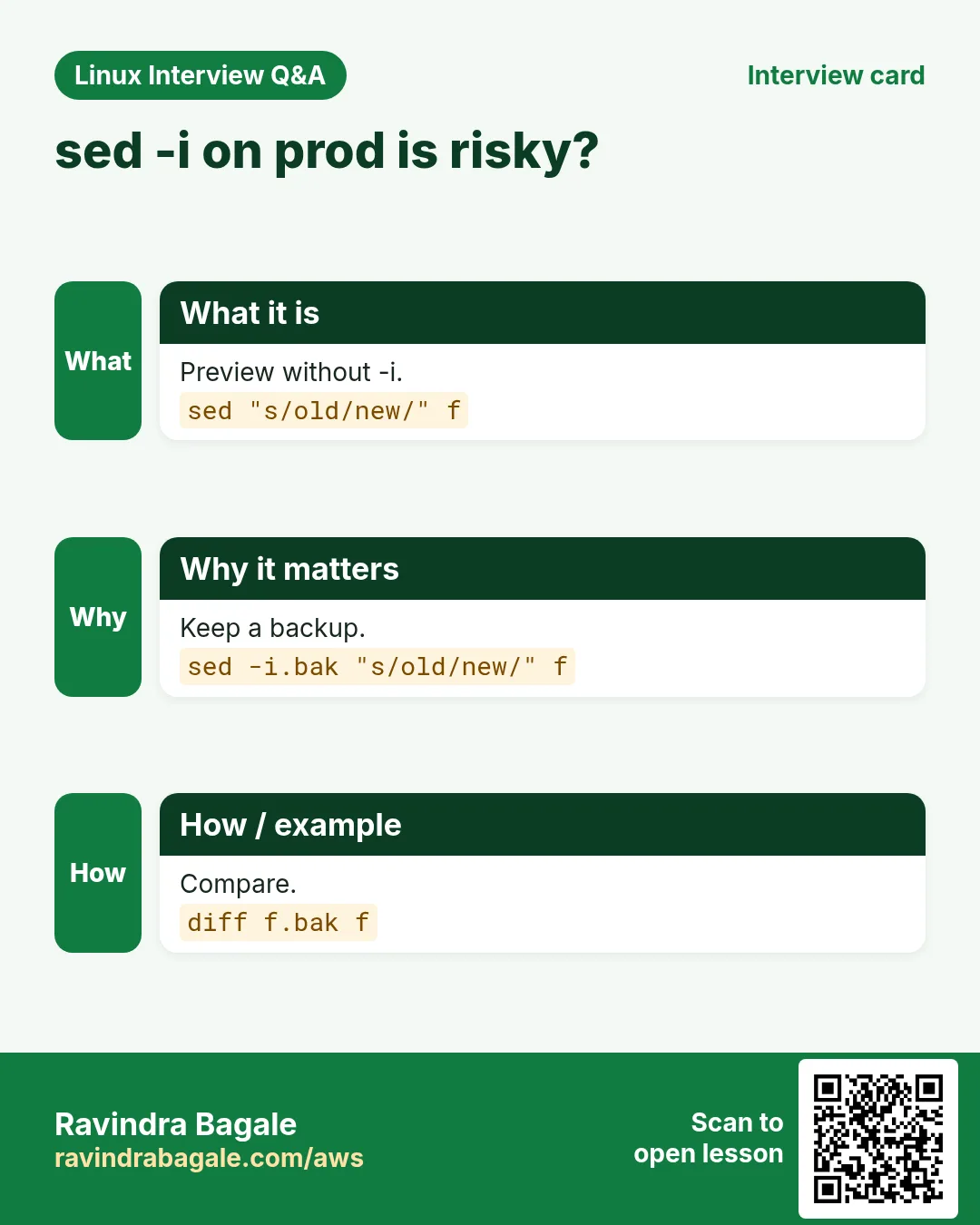
sed -i.bak "s/^Listen 80$/Listen 8080/" httpd.conf; diff httpd.conf.bak httpd.confOutput:
< Listen 80
---
> Listen 8080
Anchors ^ and $ stop "Listen 8000" from matching too.
- Print a line range.
sed -n "100,103p" app.logOutput:
2026-10-27 20:10:01 INFO ...
2026-10-27 20:10:02 WARN slow query
2026-10-27 20:10:02 INFO ...
2026-10-27 20:10:03 ERROR timeout
-n stops normal printing; p prints only the range.
- Lines between two patterns.
sed -n "/BEGIN CERT/,/END CERT/p" bundle.pem | head -2Output:
-----BEGIN CERTIFICATE-----
MIIDdzCCAl+gAwIBAgIE...
Regex ranges cut blocks out of files.
- Clean config view.
sed -e "/^\s*#/d" -e "/^\s*$/d" /etc/ssh/sshd_config | head -3Output:
Include /etc/ssh/sshd_config.d/*.conf
AuthorizedKeysFile .ssh/authorized_keys
Subsystem sftp /usr/libexec/openssh/sftp-server
Comments and blank lines removed.
- Paths with another delimiter.
echo "root=/var/www/old" | sed "s|/var/www/old|/srv/www/new|"Output:
root=/srv/www/newNo need to escape every slash.
- Reorder with groups.
echo "2026-10-27" | sed -E "s/([0-9]{4})-([0-9]{2})-([0-9]{2})/\3\/\2\/\1/"Output:
27/10/2026\1 \2 \3 are the captured parts.
- Change only matching lines.
sed "/^env=/s/dev/prod/" app.iniOutput:
name=dev-tools
env=prod
The address limits the replace to env= lines.
- Insert and append.
sed -e "1i # managed by ansible" -e "/^\[mysqld\]/a max_connections=500" my.cnf | head -3Output:
# managed by ansible
[mysqld]
max_connections=500
Adds lines without opening an editor.
- Replace a whole line.
sed "/^PermitRootLogin/c PermitRootLogin no" sshd_config | grep PermitRootLoginOutput:
PermitRootLogin noc swaps the full line, whatever its old value.
- Delete the header of a CSV.
sed "1d" sales.csv | head -2Output:
2026-10-01,Pune,18200
2026-10-01,Nashik,9100
Line 1 removed.
- Many files at once.
grep -rl "db-old.internal" /etc/myapp | xargs sed -i.bak "s/db-old.internal/db-new.internal/g"; grep -rc db-new /etc/myappOutput:
/etc/myapp/api.conf:1
/etc/myapp/worker.conf:2
grep finds the files, sed edits them, each with a .bak.
- Trim spaces.
printf " web01 \n" | sed -E "s/^\s+|\s+$//g" | cat -AOutput:
web01$Leading and trailing spaces gone.
Practise this in the tasks below: Practice tasks
Real use: A Hinjewadi payments team changed a database host in 60 config files across 12 servers with grep -rl plus sed -i.bak in one Ansible task, and kept the .bak files for rollback.
10. semanage: Persistent SELinux settings
semanage in depth: change SELinux rules permanently
You want nginx on port 8443 or web files under /srv/www. SELinux blocks both until you tell the policy. semanage makes the change permanent, unlike chcon.
semanage edits the local SELinux policy. port -a adds a port to a type (http_port_t), fcontext -a adds a path rule (then restorecon applies it), boolean -l lists booleans. It is in policycoreutils-python-utils.
Common options
| Option | What it does |
|---|---|
port -l | List port types. |
port -a -t http_port_t -p tcp 8443 | Allow a port. |
fcontext -a -t TYPE "/srv/www(/.*)?" | Path rule. |
fcontext -l -C | Local changes. |
boolean -l | Booleans. |
setsebool -P name on | Set a boolean. |
- nginx fails on a new port.
sudo journalctl -u nginx -n 2 --no-pagerOutput:
nginx: [emerg] bind() to 0.0.0.0:8443 failed (13: Permission denied)Permission denied on bind: SELinux.
- Allow the port.
sudo semanage port -a -t http_port_t -p tcp 8443; sudo semanage port -l | grep ^http_port_tOutput:
http_port_t tcp 8443, 80, 81, 443, 488, 8008, 8009, 8443, 90008443 is now a web port.
- New web folder rule.
sudo semanage fcontext -a -t httpd_sys_content_t "/srv/www(/.*)?"; sudo restorecon -Rv /srv/wwwOutput:
Relabeled /srv/www/index.html from var_t to httpd_sys_content_tSurvives a full relabel.
- App calls a backend.
sudo setsebool -P httpd_can_network_connect onLets nginx proxy to upstream apps.
Practise this in the tasks below: Practice tasks
Real use: A Kalyani Nagar SaaS team keeps every semanage command in an Ansible role so new servers match the old.
11. seq: Print number sequences
seq in depth: number sequences for loops
Create 50 test users, ping 20 hosts web01 to web20, or make dated folders: you need a list of numbers. seq prints them.
seq FIRST STEP LAST prints numbers. -w pads with zeros to equal width, -s sets the separator, -f a printf format. Bash {1..10} does the same for fixed ranges.
Common options
| Option | What it does |
|---|---|
seq 5 | 1 to 5. |
seq 2 2 10 | Step 2. |
-w | Zero pad. |
-s , | Separator. |
-f "web%02g" | Format. |
{1..5} | Bash range. |
- Simple.
seq 3Output:
1
2
3
One per line.
- Padded hosts.
seq -f "web%02g" 1 3Output:
web01
web02
web03
Names for a loop.
- Loop.
for h in $(seq -f "web%02g" 1 3); do ping -c1 -W1 $h >/dev/null && echo "$h up"; doneOutput:
web01 up
web02 up
web03 up
Check a range of hosts.
- Comma list.
seq -s, 1 5Output:
1,2,3,4,5For CSV or URLs.
Practise this in the tasks below: Practice tasks
Real use: A Nigdi QA team creates 100 load-test accounts with seq and useradd in one loop.
12. setfacl: Set ACL permissions
setfacl in depth: give one extra user access
An auditor needs read access to /srv/finance, but you cannot change the owner or group. ACLs add per-user rights on top of normal permissions.
setfacl sets Access Control List entries. -m modifies (u:user:rwx, g:group:rx), -x removes one, -b removes all, -R recurses, -d sets defaults that new files inherit. getfacl (Part 3) reads them. A + after ls -l permissions shows an ACL exists.
Common options
| Option | What it does |
|---|---|
-m u:name:rx | User entry. |
-m g:grp:rwx | Group entry. |
-R | Recursive. |
-d -m u:name:rx | Default for new files. |
-x u:name | Remove entry. |
-b | Remove all ACLs. |
- Give read to one user.
sudo setfacl -R -m u:auditor:rX /srv/financeCapital X adds execute only on folders.
- New files too.
sudo setfacl -d -m u:auditor:rX /srv/financeDefault ACL is inherited.
- Check.
getfacl -p /srv/finance | grep auditor; ls -ld /srv/financeOutput:
user:auditor:r-x
default:user:auditor:r-x
drwxrwx---+ 4 root finance 4096 Oct 27 /srv/finance
The + marks an ACL.
- Remove after the audit.
sudo setfacl -R -x u:auditor /srv/finance; sudo setfacl -R -x d:u:auditor /srv/financeAccess ends.
Practise this in the tasks below: Practice tasks
Real use: A Shivajinagar CA office uses setfacl to give each auditor read on one client folder for the audit period only.
13. sestatus: Show SELinux status
sestatus in depth: is SELinux on?
Before you debug a strange "Permission denied", check whether SELinux is enforcing. sestatus shows the mode and policy at a glance.
sestatus prints SELinux status, current mode (enforcing, permissive, disabled), the mode in config, and the policy. getenforce prints only the mode; setenforce 0 switches to permissive until reboot for testing. -b lists booleans.
Common options
| Option | What it does |
|---|---|
sestatus | Full status. |
sestatus -b | With booleans. |
getenforce | Mode only. |
setenforce 0 / 1 | Permissive / enforcing now. |
/etc/selinux/config | Mode at boot. |
- Check.
sestatusOutput:
SELinux status:                 enabled
Loaded policy name:             targeted
Current mode:                   enforcing
Mode from config file:          enforcing
Enforcing with the targeted policy.
- Quick check.
getenforceOutput:
EnforcingOne word for scripts.
- Test if SELinux is the cause.
sudo setenforce 0; curl -s -o /dev/null -w "%{http_code}\n" localhost; sudo setenforce 1Output:
200Works in permissive: fix the label or port, then go back to enforcing.
- Find the denial.
sudo ausearch -m avc -ts recent | tail -1Output:
type=AVC msg=audit(...): avc: denied { read } for comm="nginx" name="index.html" scontext=system_u:system_r:httpd_t:s0 tcontext=unconfined_u:object_r:user_home_t:s0Wrong file label.
Practise this in the tasks below: Practice tasks
Real use: A Bund Garden government portal checks getenforce in its compliance scan and fails any server not enforcing.
14. sha256sum: SHA-256 checksum
sha256sum in depth: verify file integrity
A downloaded ISO, a release artifact or a backup must be exactly what it should be. sha256sum gives a fingerprint you can compare with the published one.
sha256sum prints a 64-hex SHA-256 hash and file name. -c reads a checksum file and reports OK or FAILED. Unlike md5sum (Part 5), SHA-256 is safe against deliberate tampering.
Common options
| Option | What it does |
|---|---|
sha256sum file | Hash. |
-c SUMS | Verify list. |
--quiet | Only failures. |
--ignore-missing | Skip absent files. |
sha512sum | Longer hash. |
- Hash.
sha256sum release.tar.gzOutput:
9f2c1e7a...4b10 release.tar.gzShare this with the deploy team.
- Make a checksum file.
sha256sum *.tar.gz > SHA256SUMS; cat SHA256SUMSOutput:
9f2c1e7a...4b10  release.tar.gz
77ad03b1...e2c9  config.tar.gz
Ship it with the files.
- Verify.
sha256sum -c SHA256SUMSOutput:
release.tar.gz: OK
config.tar.gz: OK
Identical.
- Corrupted copy.
sha256sum -c SHA256SUMSOutput:
release.tar.gz: FAILED
sha256sum: WARNING: 1 computed checksum did NOT match
Download again; do not deploy.
Practise this in the tasks below: Practice tasks
Real use: A Hadapsar firmware maker publishes SHA256SUMS with every release and its field engineers verify before flashing.
15. shutdown: Power off or reboot safely
shutdown in depth: planned power off or restart
A maintenance window at 11 PM: you want users warned and the server to go down on time, and the ability to cancel. shutdown schedules it.
shutdown -h powers off, -r reboots, at a time (now, +15, 23:00), with an optional message broadcast to logged-in users. shutdown -c cancels. Logins are blocked 5 minutes before.
Common options
| Option | What it does |
|---|---|
-h now | Power off now. |
-r +15 "msg" | Reboot in 15 min. |
-r 23:00 | At a time. |
-c | Cancel. |
poweroff | Power off. |
- Schedule.
sudo shutdown -r 23:00 "Kernel patch, back by 23:10"Output:
Reboot scheduled for Tue 2026-10-27 23:00:00 IST, use 'shutdown -c' to cancel.Users get the message.
- Cancel.
sudo shutdown -cPlan changed.
- Power off a test box.
sudo shutdown -h nowOutput:
Connection to test01 closed by remote host.Stopped. On EC2 a stop keeps EBS.
- Users see.
(on another terminal)Output:
Broadcast message from root@web02:
Kernel patch, back by 23:10
The system will reboot at Tue 2026-10-27 23:00:00 IST!
Clear warning.
Practise this in the tasks below: Practice tasks
Real use: A Yerawada call-centre schedules shutdown -r for 2 AM so no live calls are cut.
16. sleep: Wait for some time
sleep in depth: wait in scripts
Retry an API every 10 seconds, wait for a service to start, or space out requests: scripts need pauses.
sleep pauses for a time: seconds by default, or with s, m, h, d suffixes; decimals like 0.5 work. timeout (Part 7) does the reverse: limits how long a command can run.
Common options
| Option | What it does |
|---|---|
sleep 5 | 5 seconds. |
sleep 0.5 | Half a second. |
sleep 2m | 2 minutes. |
sleep 1h | 1 hour. |
sleep infinity | Forever (containers). |
- Retry loop.
for i in 1 2 3; do curl -sf localhost:8080/health && break; echo "try $i failed"; sleep 5; doneOutput:
try 1 failed
OK
Gives the app time to start.
- Rate limit.
for id in 101 102; do curl -s api/orders/$id >/dev/null; sleep 0.5; doneTwo requests per second at most.
- Time it.
time sleep 2Output:
real 0m2.003sExactly two seconds.
- Keep a container alive.
docker run -d alpine sleep infinityOutput:
3f1c2a9e0b7dUseful for debugging.
Practise this in the tasks below: Practice tasks
Real use: A Kondhwa logistics script polls the GPS vendor API with sleep 30 between calls to stay inside the rate limit.
17. sort: Sort lines
sort in depth: order lines
Top IPs, biggest folders, sorted CSVs, and uniq (Part 8) which needs sorted input: sort is everywhere in pipelines.
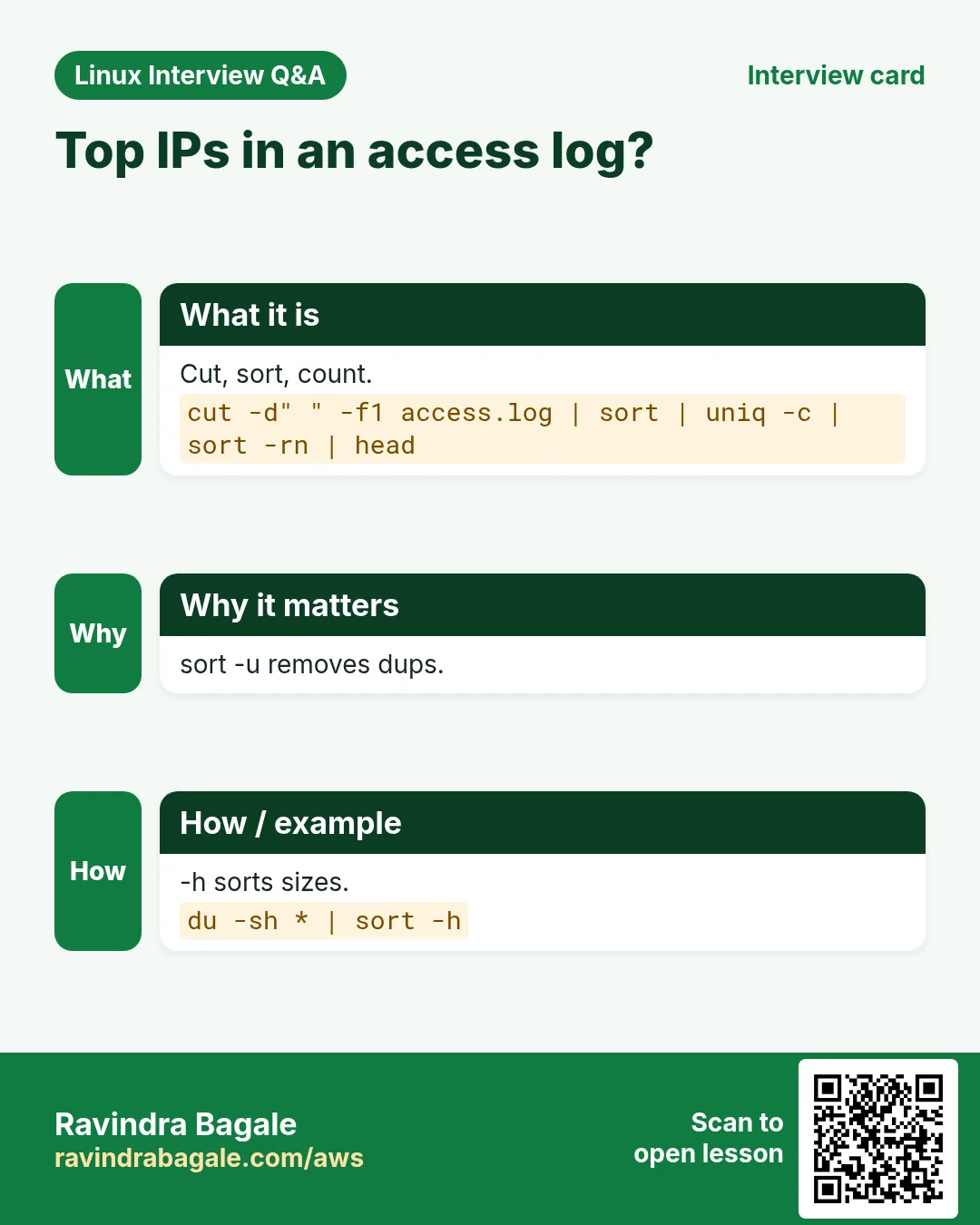
sort orders lines alphabetically by default. -n numeric, -h human sizes (2K, 1G), -r reverse, -k picks a column, -t sets the separator, -u removes duplicates, -V version order. Without -n, 10 sorts before 9.
Common options
| Option | What it does |
|---|---|
-n | Numbers. |
-r | Reverse. |
-h | Human sizes. |
-k 3 | By column 3. |
-t , | CSV separator. |
-u | Unique. |
-V | Versions. |
-o file | Write to file. |
- Numeric trap.
printf "9\n10\n2\n" | sort; printf "9\n10\n2\n" | sort -nOutput:
10
2
9
2
9
10
Use -n for numbers.
- Biggest folders.
du -sh /var/* 2>/dev/null | sort -rh | head -3Output:
4.1G /var/log
2.3G /var/lib
120M /var/cache
-h understands G and M.
- CSV by amount.
sort -t, -k3 -nr sales.csv | head -2Output:
2026-10-01,Pune,18200
2026-10-01,Nashik,9100
Column 3, numeric, descending.
- Versions.
printf "v1.10\nv1.9\nv1.2\n" | sort -VOutput:
v1.2
v1.9
v1.10
Correct release order.
Practise this in the tasks below: Practice tasks
Real use: A Camp electronics retailer sorts its daily sales CSV by amount to send the top 10 products to managers.
18. source: Run a file in the current shell
source in depth: run a file in the current shell
You edited ~/.bashrc and want the new alias now, or load env variables from a file before running an app. Running the file as a script will not keep them; source does.
source FILE (or . FILE) reads and runs commands in the current shell, so variables, functions, aliases and cd stay. ./script.sh runs in a child shell, so its changes vanish. Python venvs use source venv/bin/activate.
Common options
| Option | What it does |
|---|---|
source file | Current shell. |
. file | Same, POSIX. |
source ~/.bashrc | Reload settings. |
set -a; source .env; set +a | Export all. |
source venv/bin/activate | Python venv. |
- Reload bashrc.
echo "alias k=kubectl" >> ~/.bashrc; source ~/.bashrc; type kOutput:
k is aliased to `kubectl'Available now.
- Script vs source.
echo "export STAGE=prod" > env.sh; bash env.sh; echo "[$STAGE]"; source env.sh; echo "[$STAGE]"Output:
[]
[prod]
Only source keeps the variable.
- Load a .env.
set -a; source .env; set +a; env | grep DB_HOSTOutput:
DB_HOST=db01.internalExported for child processes.
- Python venv.
source venv/bin/activate; which pythonOutput:
/home/ravi/app/venv/bin/pythonThe venv python is first.
Practise this in the tasks below: Practice tasks
Real use: A Aundh data science lab begins every notebook server start-up script with source venv/bin/activate.
19. split: Split a big file into parts
split in depth: cut big files into parts
An email limit is 25 MB, an upload API takes 100 MB parts, or a 10-million-line CSV must be loaded in batches. split cuts files by size or lines.
split -b cuts by bytes (100M), -l by lines, -n into N equal parts. -d uses numeric suffixes, --additional-suffix adds .csv. Join again with cat parts* > file and check with sha256sum.
Common options
| Option | What it does |
|---|---|
-b 100M | By size. |
-l 100000 | By lines. |
-n 4 | Four parts. |
-d | Numeric suffix. |
--additional-suffix=.csv | Extension. |
cat part* > f | Join. |
- By size.
split -b 100M -d backup.tar.gz backup.part.; lsOutput:
backup.part.00 backup.part.01 backup.part.02Three parts.
- Join and verify.
cat backup.part.* > restored.tar.gz; sha256sum backup.tar.gz restored.tar.gzOutput:
ab12...  backup.tar.gz
ab12...  restored.tar.gz
Same hash.
- By lines.
tail -n +2 big.csv | split -l 500000 -d --additional-suffix=.csv - chunk_; ls chunk_* | head -2Output:
chunk_00.csv
chunk_01.csv
Header removed first, batches for loading.
- Equal parts.
split -n l/4 urls.txt part_; wc -l part_*Output:
2500 part_aa
2500 part_ab
2500 part_ac
2500 part_ad
10000 total
Four workers, one each.
Practise this in the tasks below: Practice tasks
Real use: A Bhosari auto parts company splits its nightly ERP export by lines so the warehouse database loads it in batches.
20. ss: Show sockets and listening ports
ss in depth: sockets and listening ports
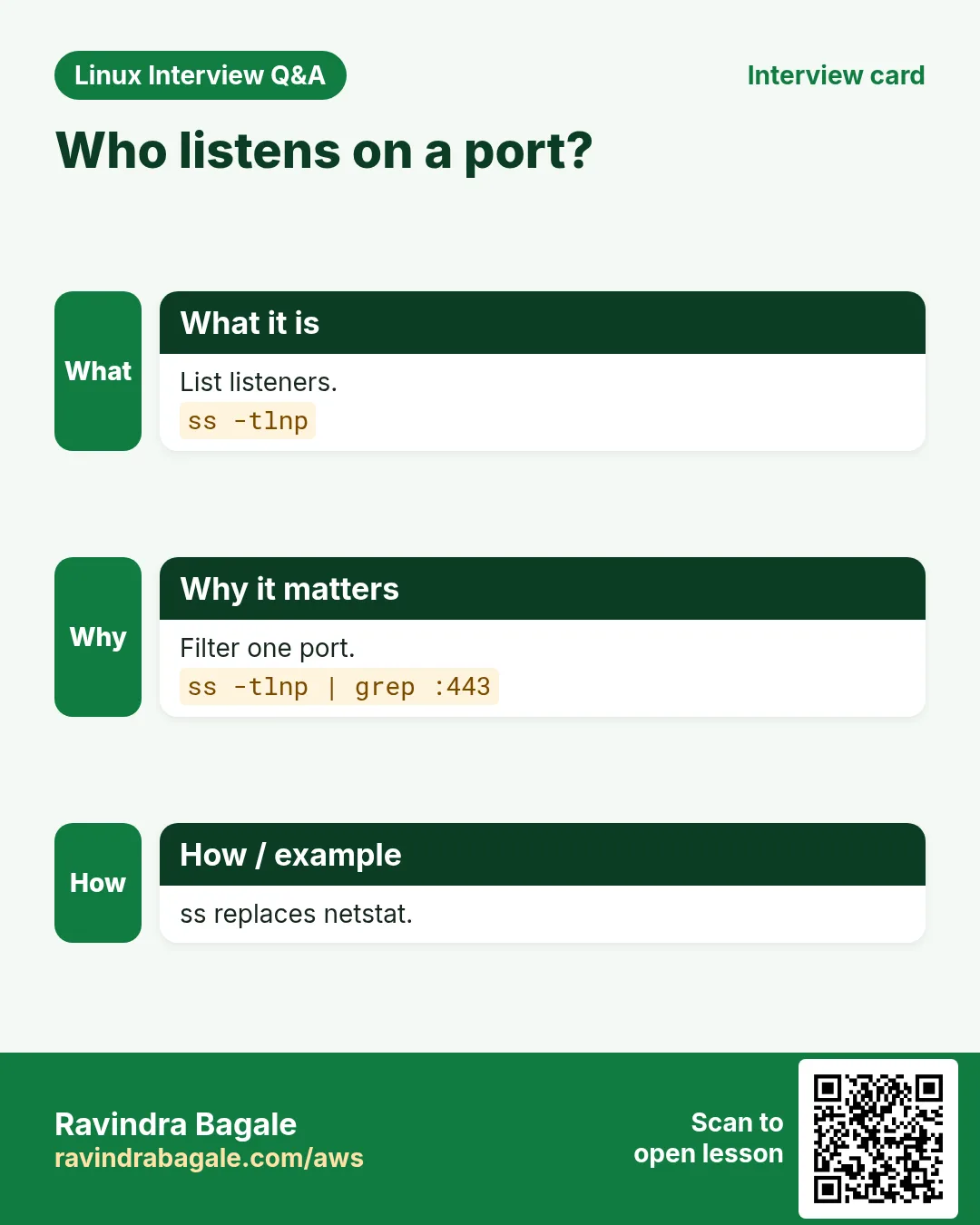
Is my app listening? On which port and address? Who is connected? ss replaces netstat (Part 5) and is faster on busy servers.
ss lists sockets. -t TCP, -u UDP, -l listening, -n numbers, -p process. -s summary. Filters like state established or dport = :443 narrow the list.
Common options
| Option | What it does |
|---|---|
-tlnp | Listening TCP with process. |
-ulnp | Listening UDP. |
-tn state established | Live connections. |
-s | Summary. |
'( dport = :5432 )' | To a port. |
-o | Timers. |
- Who listens.
sudo ss -tlnpOutput:
State  Recv-Q Send-Q Local Address:Port  Peer Address:Port Process
LISTEN 0      511    0.0.0.0:80          0.0.0.0:*     users:(("nginx",pid=901,fd=6))
LISTEN 0      128    127.0.0.1:8080      0.0.0.0:*     users:(("java",pid=4388,fd=12))
java listens only on localhost.
- Connections to the DB.
ss -tn state established "( dport = :5432 )" | wc -lOutput:
4140 connections plus the header.
- Summary.
ss -sOutput:
Total: 612
TCP:   488 (estab 402, closed 60, orphaned 0, timewait 58)
A quick health view.
- Port already used.
sudo ss -tlnp | grep :8080Output:
LISTEN 0 128 *:8080 *:* users:(("node",pid=7712,fd=19))An old node process holds it.
Practise this in the tasks below: Practice tasks
Real use: A Baner fintech uses ss -tn state established to count database connections during load tests.
21. ssh: Log in to a remote server
ssh in depth: secure remote login and commands
Every Linux server is managed over SSH. Logging in, running one command on 20 servers, or jumping through a bastion: ssh does all of it.
ssh user@host opens an encrypted shell. -i chooses a key, -p a port, -J a jump host, -v debug. ssh host "cmd" runs one command. ~/.ssh/config saves hosts. Keys, agents and tunnels are covered deeper in the SSH chapter.
Common options
| Option | What it does |
|---|---|
ssh user@host | Login. |
-i key.pem | Key. |
-p 2222 | Port. |
-J bastion | Jump host. |
ssh host "cmd" | One command. |
-v | Debug. |
-L 5432:db:5432 | Local tunnel. |
- Login with a key.
ssh -i ~/.ssh/prod.pem ec2-user@15.0.0.10Output:
[ec2-user@ip-10-0-1-11 ~]$You are on the server.
- One command on many.
for h in web01 web02; do ssh $h "uptime"; doneOutput:
10:01 up 41 days, load average: 0.20
10:01 up 12 days, load average: 0.31
Quick fleet check.
- Through a bastion.
ssh -J ravi@bastion.example.in ravi@10.0.2.15Output:
[ravi@db01 ~]$No public IP needed on db01.
- Debug a failure.
ssh -v app01 2>&1 | grep -i "permission\|offering"Output:
debug1: Offering public key: /home/ravi/.ssh/id_ed25519
ravi@app01: Permission denied (publickey).
The server does not have this key.
Practise this in the tasks below: Practice tasks
Real use: A Hinjewadi MSP manages 300 client servers only through a bastion with ssh -J and per-client keys.
22. ssh-keygen: Create SSH keys
ssh-keygen in depth: create and manage SSH keys
Passwords over SSH get brute-forced. Keys are safer and allow automation. ssh-keygen creates them and also shows fingerprints and removes old host entries.
ssh-keygen -t ed25519 makes a key pair: private (keep secret, chmod 600) and .pub (share). -C adds a comment, -f the file name, -l -f shows a fingerprint, -R host removes an old known_hosts entry, -p changes the passphrase.
Common options
| Option | What it does |
|---|---|
-t ed25519 | Modern key. |
-C "comment" | Label. |
-f path | File. |
-l -f key.pub | Fingerprint. |
-R host | Remove known host. |
-p -f key | Change passphrase. |
ssh-copy-id host | Install public key. |
- Create.
ssh-keygen -t ed25519 -C "ravi@laptop" -f ~/.ssh/id_ed25519Output:
Your identification has been saved in /home/ravi/.ssh/id_ed25519
Your public key has been saved in /home/ravi/.ssh/id_ed25519.pub
Two files: keep the private one safe.
- Install it.
ssh-copy-id -i ~/.ssh/id_ed25519.pub ravi@app01Output:
Number of key(s) added: 1Now log in without a password.
- Fingerprint.
ssh-keygen -l -f ~/.ssh/id_ed25519.pubOutput:
256 SHA256:Xk3...Q9 ravi@laptop (ED25519)Compare with what the server logs.
- Host key changed.
ssh-keygen -R app01Output:
# Host app01 found: line 12
/home/ravi/.ssh/known_hosts updated.
Only after you confirm the server was rebuilt.
Practise this in the tasks below: Practice tasks
Real use: A Kharadi startup gives every new engineer a checklist: ssh-keygen -t ed25519 with a passphrase, then send only the .pub.
23. stat: Show file details and times
stat in depth: every detail about a file
When was this config last changed? What are its exact permissions in numbers? Is it a symlink? stat shows everything ls hides.
stat shows size, blocks, inode, links, permissions (octal and text), owner, SELinux context, and three times: Access, Modify (content), Change (metadata). -c prints a custom format; -f shows filesystem info.
Common options
| Option | What it does |
|---|---|
stat file | Full details. |
-c "%a %U %n" | Octal, owner, name. |
-c %y | Modify time. |
-c %s | Size in bytes. |
-f / | Filesystem. |
-L | Follow symlinks. |
- Details.
stat /etc/nginx/nginx.confOutput:
  File: /etc/nginx/nginx.conf
  Size: 2334      Blocks: 8   IO Block: 4096 regular file
Access: (0644/-rw-r--r--)  Uid: (0/root)  Gid: (0/root)
Modify: 2026-10-27 18:02:11 +0530
Change: 2026-10-27 18:02:11 +0530
Changed today at 18:02.
- Octal permissions.
stat -c "%a %U:%G %n" ~/.ssh/id_ed25519Output:
600 ravi:ravi /home/ravi/.ssh/id_ed25519Correct for a private key.
- Size for a script.
[ $(stat -c %s app.log) -gt 104857600 ] && echo "rotate"Output:
rotateOver 100 MB.
- Symlink.
stat -c "%F %N" /opt/app/currentOutput:
symbolic link '/opt/app/current' -> '/opt/app/releases/v42'Points to v42.
Practise this in the tasks below: Practice tasks
Real use: A Deccan insurance auditor uses stat -c %y on policy config files to prove when they last changed.
24. Commands in this range already covered in depth
These commands already have a full why, what and how section in an earlier chapter. Repeating them here would only make the page longer.
Each link opens the exact section with options, examples and output.
25. Real examples from many industries
The same Linux skill shows up in every kind of company. Seeing it in many places helps you remember it.
Each row is a made-up team. It shows who uses this and how.
| Team and city | How they use it | Command |
|---|---|---|
| Sneha, payments, Hinjewadi | Changes DB hosts in many configs | sed -i.bak "s/db-old/db-new/g" |
| Rahul, media, Pimpri | Nightly DR sync | rsync -aP --bwlimit=20M |
| Kavita, hosting, Baner | Fixes web labels | restorecon -Rv /var/www |
| Ajay, bank, Swargate | Audits packages | rpm -Va |
| Pallavi, CA office, Shivajinagar | Gives auditors access | setfacl -m u:auditor:rX |
| Nikhil, MSP, Hinjewadi | Jumps through a bastion | ssh -J bastion host |
26. Common errors and how to fix them
Everyone hits these errors. Knowing the cause saves hours.
Read the exact message first. Then match it to a row below.
| Error you see | Why it happens | How to fix |
|---|---|---|
sed: -e expression #1, char 12: unknown option to `s' | A / inside the pattern ends the s command early | Use another delimiter like |.sed "s|/a/b|/c/d|" file |
sed -i on macOS: invalid command code | BSD sed needs an argument to -i | Use -i.bak, which works on both.sed -i.bak "s/a/b/" f |
sed changed nothing | Pattern did not match: case, spaces or regex | Test with grep first, then sed without -i.grep -n "Listen 80" httpd.conf |
sed: couldn't open temporary file ./sedXyz: Permission denied | No write permission in the folder | Run with sudo or fix folder rights.sudo sed -i.bak "s/a/b/" /etc/f |
rsync: connection unexpectedly closed (code 12) | rsync missing on the remote or SSH failed | Install rsync on both sides; test ssh.ssh host "which rsync" |
rsync --delete removed the wrong files | Missing or extra trailing slash | Always dry-run with -n first.rsync -avn --delete src/ dst/ |
ValueError: Port tcp/8443 already defined | Port already in an SELinux type | Use -m to modify instead of -a.semanage port -m -t http_port_t -p tcp 8443 |
ssh: Permission denied (publickey) | Server does not have your key, or wrong user | Check the user and use ssh -v.ssh -v ec2-user@host |
WARNING: REMOTE HOST IDENTIFICATION HAS CHANGED! | Server rebuilt or a real attack | Confirm with the admin, then ssh-keygen -R.ssh-keygen -R host |
Permissions 0644 for 'key.pem' are too open | Private key readable by others | chmod 600 the key.chmod 600 key.pem |
sort: numbers in wrong order | Missing -n | Use -n or -h.sort -n file |
There is no screen to be resumed | Session attached elsewhere or ended | List with screen -ls; use -dr.screen -dr name |
27. Troubleshooting step by step
When a Part 6 command does not do what you expect, go through these steps.
Go top to bottom. Stop at the first step that shows the problem.
- Test sed without -i.
sed "s/a/b/" file | diff file -- Dry-run rsync.
rsync -avn src/ dst/- Is SELinux the cause?
getenforce; ausearch -m avc -ts recent- Check key permissions.
stat -c %a ~/.ssh/id_ed25519- Is it listening?
ss -tlnp- Which package owns it?
rpm -qf /usr/sbin/sshd28. Lab 1: Edit configs like a pro with sed
Print the proposed substitution before saving it. Against your small config copy, check which lines changed and compare the count with your prediction. If it touched an unrelated line, make the pattern more specific and repeat. After saving the result, run the application’s configuration check where one is available. A successful text change tells you which characters were replaced, and the app check tells you whether they form valid settings.
Make a sample config and change it safely with sed.
A full hands-on lab. Run every step on a test Linux machine (an EC2 instance, a VM, or WSL).
- Make a config.
printf "# app config\nport=8080\nenv=dev\n\nhost=db-old\n" > /tmp/app.ini- Preview a change.
sed "s/8080/9090/" /tmp/app.ini | grep portOutput:
port=9090- Edit with backup.
sed -i.bak "s/db-old/db-new/" /tmp/app.ini; grep host /tmp/app.iniOutput:
host=db-new- Clean view.
sed -e "/^#/d" -e "/^$/d" /tmp/app.iniOutput:
port=8080
env=dev
host=db-new- Change env only.
sed -i "/^env=/s/dev/prod/" /tmp/app.ini; grep env /tmp/app.iniOutput:
env=prod29. Lab 2: Back up, verify and sort
Copy a folder with rsync, split and verify an archive, and sort sizes.
A full hands-on lab. Run every step on a test Linux machine (an EC2 instance, a VM, or WSL).
- Copy.
mkdir -p /tmp/src && seq 1 1000 > /tmp/src/n.txt && rsync -a /tmp/src/ /tmp/dst/ && ls /tmp/dstOutput:
n.txt- Archive and hash.
tar czf /tmp/a.tgz -C /tmp src && sha256sum /tmp/a.tgz > /tmp/a.sum- Split and join.
split -b 1K /tmp/a.tgz /tmp/p_ && cat /tmp/p_* > /tmp/a.tgz.new && cmp /tmp/a.tgz /tmp/a.tgz.new && echo sameOutput:
same- Sort.
du -sh /tmp/* 2>/dev/null | sort -rh | head -3Output:
(biggest first)- Details.
stat -c "%a %s %n" /tmp/a.tgzOutput:
644 4123 /tmp/a.tgzRavindra Bagale's Tip
Never run sed -i first. Run the same sed without -i and read the output, then add -i.bak. Keep the .bak until the change is tested. This one habit prevents most config disasters.
Ravindra Bagale's Tip – मराठी
sed -i कधीच आधी चालवू नका. तोच sed -i शिवाय चालवून output वाचा, मग -i.bak जोडा. बदल test होईपर्यंत .bak ठेवा. ही एक सवय बहुतेक config disasters टाळते.
Ravindra Bagale's Tip – हिंदी
sed -i कभी पहले न चलाएं. वही sed बिना -i चलाकर output पढ़ें, फिर -i.bak जोड़ें. बदलाव test होने तक .bak रखें. यह एक आदत ज़्यादातर config disasters रोकती है.
30. Frequently asked questions
Q. sed or awk?
sed for replace, delete and print lines; awk for columns and calculations.
Q. sed or vim?
vim for one file by hand; sed for many files or scripts.
Q. rsync or scp?
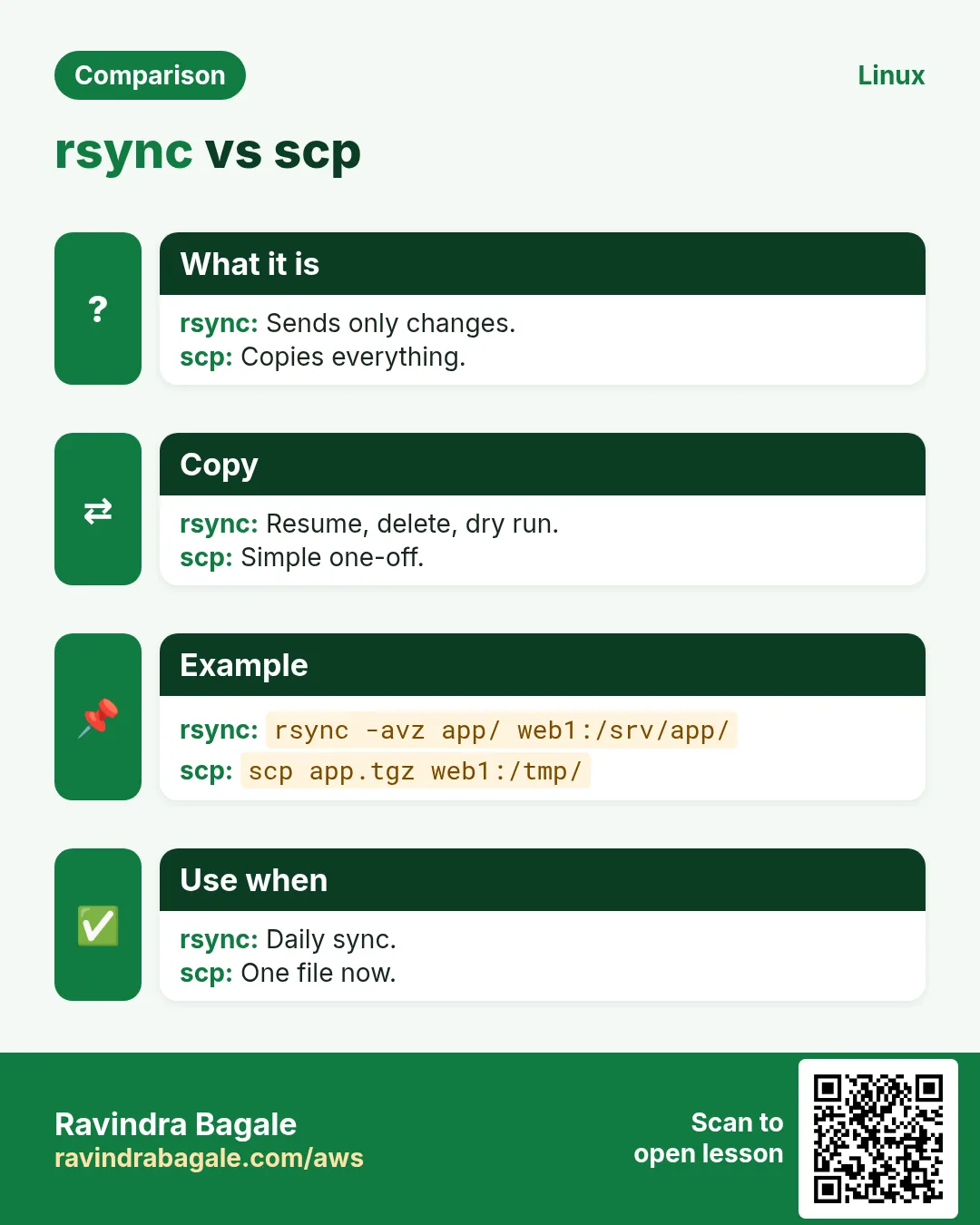
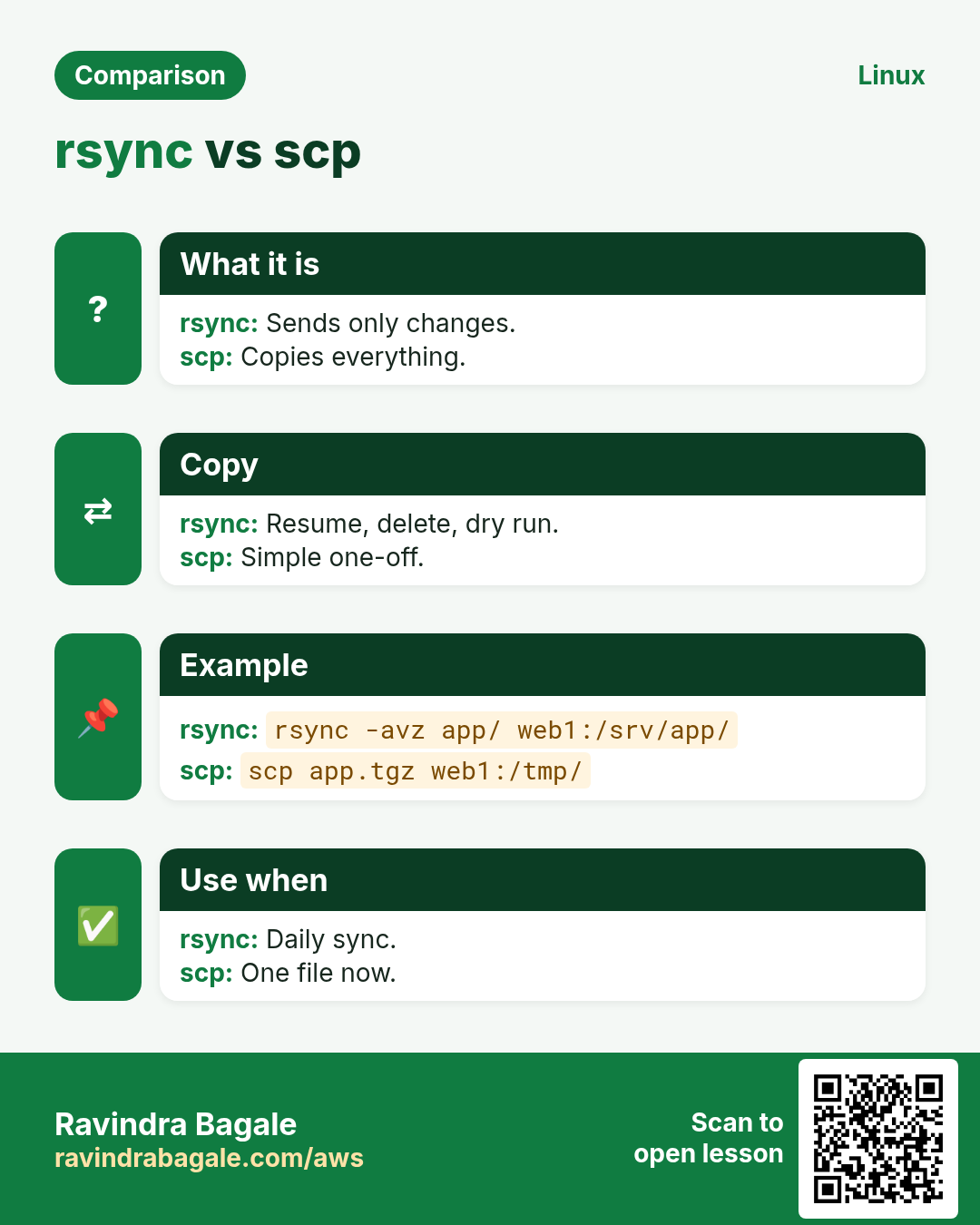
rsync resumes and sends only changes; scp is a simple one-off copy.
Q. ss or netstat?
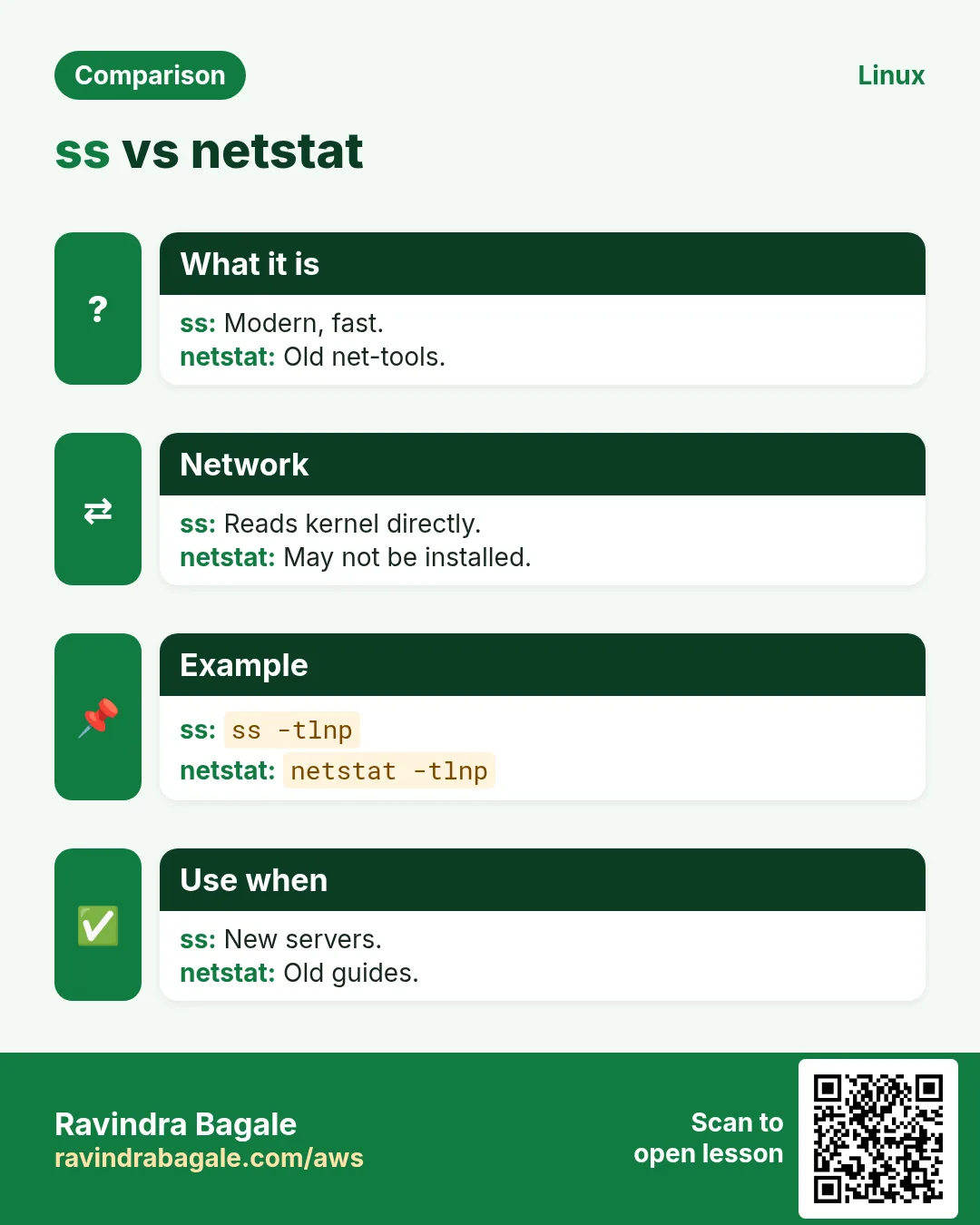
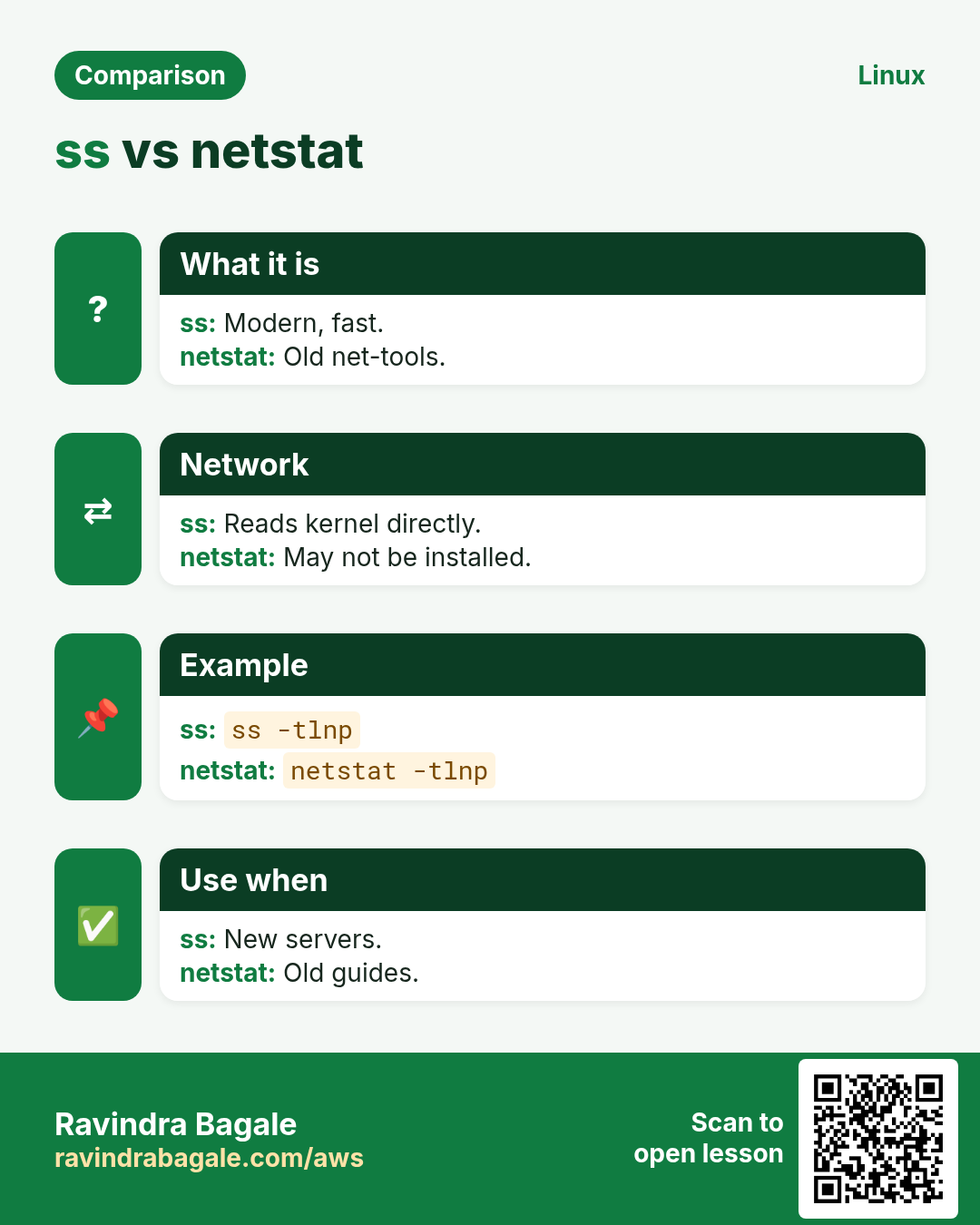
ss is current and faster.
Q. screen or tmux?
Both work; tmux has better panes. See Part 7.
Q. Should I disable SELinux?
No. Use permissive briefly to test, then fix the label or port.
31. Interview questions and answers
Beginner level
Q. How do you replace a word in a file?
sed -i "s/old/new/g" file.
Q. How do you sort numbers?
sort -n.
Q. How do you log in to a server?
ssh user@host.
Q. How do you check SELinux mode?
getenforce or sestatus.
Mid level level
Q. Print lines 10 to 20.
sed -n "10,20p" file.
Q. Delete comment and blank lines.
sed -e "/^#/d" -e "/^$/d" file.
Q. Mirror a folder to backup.
rsync -a --delete src/ dst/.
Q. Which process listens on 8080?
ss -tlnp | grep 8080.
Senior level
Q. Change a DB host in 60 files on 12 servers safely.
grep -rl to find, sed -i.bak to edit via Ansible, verify, keep .bak.
Q. nginx returns 403 after moving files. Steps?
ls -Z, restorecon -Rv, check ausearch.
Q. Nightly backup of 2 TB over WAN?
rsync -aP --bwlimit, verify with checksums, alert on failure.
Q. Reorder dates YYYY-MM-DD to DD/MM/YYYY.
sed -E with three groups and \3/\2/\1.
Try at home
- Make a 20-line config and practise every sed option in the table.
- rsync a folder twice and see the second run send nothing.
- Make an ed25519 key and see its fingerprint.
- Sort du output for your home folder.
Practise this chapter
Interview questions and answers
How would you review an rsync run that uses deletion?
Use a dry run on disposable folders. Check the source and destination order, the trailing slash and the proposed removal list before allowing changes. Compare the final file tree with your plan. The deletion scope depends on which destination files are inside that sync.
Check your understanding
Choose an answer, then compare your reasoning with the explanation.
Practice Tasks
Practice checks run in your browser. They check the answer for this exercise; they do not create resources or connect to your AWS account.
About this scenarioVidarbha Cotton Mills is a textiles business in Nagpur. Ganesh Wankhede looks after its IT and cloud work. They count money in INR and run their AWS resources in the ap-south-1 Region. In the tasks below you do real jobs for them using what this lesson teaches. All names, account IDs, IP addresses and numbers are made up for practice.
0 / 26
Easy Reboot in 5 minutes
BIZ runs Linux servers and uses commands from reboot to stat daily.
Schedule a reboot in 5 minutes with shutdown.
- Find the Linux command that does this job.
- Add the options (like -r or -h) the task needs.
- Add the file names, folders or users in the right order.
- Use sudo if the job changes system files or users. Click Check answer.
Easy Owner package
BIZ runs Linux servers and uses commands from reboot to stat daily.
Find which package owns /etc/chrony.conf.
- Find the Linux command that does this job.
- Add the options (like -r or -h) the task needs.
- Add the file names, folders or users in the right order.
- Use sudo if the job changes system files or users. Click Check answer.
Easy Named screen
BIZ runs Linux servers and uses commands from reboot to stat daily.
Start a screen session named nightly.
- Find the Linux command that does this job.
- Add the options (like -r or -h) the task needs.
- Add the file names, folders or users in the right order.
- Use sudo if the job changes system files or users. Click Check answer.
Easy Replace all
BIZ runs Linux servers and uses commands from reboot to stat daily.
Using sed, replace every staging with live in deploy.cfg and print the result.
- Find the Linux command that does this job.
- Add the options (like -r or -h) the task needs.
- Add the file names, folders or users in the right order.
- Use sudo if the job changes system files or users. Click Check answer.
Easy Padded sequence
BIZ runs Linux servers and uses commands from reboot to stat daily.
Print numbers 1 to 12 padded to equal width with seq.
- Find the Linux command that does this job.
- Add the options (like -r or -h) the task needs.
- Add the file names, folders or users in the right order.
- Use sudo if the job changes system files or users. Click Check answer.
Easy SELinux mode
BIZ runs Linux servers and uses commands from reboot to stat daily.
Show the value of the SELinux boolean httpd_can_sendmail.
- Find the Linux command that does this job.
- Add the options (like -r or -h) the task needs.
- Add the file names, folders or users in the right order.
- Use sudo if the job changes system files or users. Click Check answer.
Easy Cancel shutdown
BIZ runs Linux servers and uses commands from reboot to stat daily.
Power off the server at 22:30 with shutdown.
- Find the Linux command that does this job.
- Add the options (like -r or -h) the task needs.
- Add the file names, folders or users in the right order.
- Use sudo if the job changes system files or users. Click Check answer.
Easy Wait 90 seconds
BIZ runs Linux servers and uses commands from reboot to stat daily.
Pause for 90 seconds.
- Find the Linux command that does this job.
- Add the options (like -r or -h) the task needs.
- Add the file names, folders or users in the right order.
- Use sudo if the job changes system files or users. Click Check answer.
Easy Load a file
BIZ runs Linux servers and uses commands from reboot to stat daily.
Load the variables in ./vars.sh into the current shell using the dot form.
- Find the Linux command that does this job.
- Add the options (like -r or -h) the task needs.
- Add the file names, folders or users in the right order.
- Use sudo if the job changes system files or users. Click Check answer.
Medium Renice a PID
BIZ runs Linux servers and uses commands from reboot to stat daily.
Set the niceness of PID 3344 to 12.
- Find the Linux command that does this job.
- Add the options (like -r or -h) the task needs.
- Add the file names, folders or users in the right order.
- Use sudo if the job changes system files or users. Click Check answer.
Medium Restore labels
BIZ runs Linux servers and uses commands from reboot to stat daily.
Restore SELinux labels recursively and verbosely on /srv/portal.
- Find the Linux command that does this job.
- Add the options (like -r or -h) the task needs.
- Add the file names, folders or users in the right order.
- Use sudo if the job changes system files or users. Click Check answer.
Medium List package files
BIZ runs Linux servers and uses commands from reboot to stat daily.
List the files of the package chrony.
- Find the Linux command that does this job.
- Add the options (like -r or -h) the task needs.
- Add the file names, folders or users in the right order.
- Use sudo if the job changes system files or users. Click Check answer.
Medium Mirror with delete
BIZ runs Linux servers and uses commands from reboot to stat daily.
Mirror /data/www/ to /mnt/bk/www/ in archive mode, deleting files that are gone from the source.
- Find the Linux command that does this job.
- Add the options (like -r or -h) the task needs.
- Add the file names, folders or users in the right order.
- Use sudo if the job changes system files or users. Click Check answer.
Medium Print a range
BIZ runs Linux servers and uses commands from reboot to stat daily.
Print only lines 40 to 45 of server.log with sed.
- Find the Linux command that does this job.
- Add the options (like -r or -h) the task needs.
- Add the file names, folders or users in the right order.
- Use sudo if the job changes system files or users. Click Check answer.
Medium Delete matching
BIZ runs Linux servers and uses commands from reboot to stat daily.
Using sed, delete every line containing DEBUG from trace.txt and print the rest.
- Find the Linux command that does this job.
- Add the options (like -r or -h) the task needs.
- Add the file names, folders or users in the right order.
- Use sudo if the job changes system files or users. Click Check answer.
Medium Give write
BIZ runs Linux servers and uses commands from reboot to stat daily.
Give the user kiran read and write on report.xlsx with an ACL.
- Find the Linux command that does this job.
- Add the options (like -r or -h) the task needs.
- Add the file names, folders or users in the right order.
- Use sudo if the job changes system files or users. Click Check answer.
Medium Verify a list
BIZ runs Linux servers and uses commands from reboot to stat daily.
Verify all files in release.sha256.
- Find the Linux command that does this job.
- Add the options (like -r or -h) the task needs.
- Add the file names, folders or users in the right order.
- Use sudo if the job changes system files or users. Click Check answer.
Medium Sort CSV column
BIZ runs Linux servers and uses commands from reboot to stat daily.
Sort marks.csv numerically by the 2nd comma-separated column, highest first.
- Find the Linux command that does this job.
- Add the options (like -r or -h) the task needs.
- Add the file names, folders or users in the right order.
- Use sudo if the job changes system files or users. Click Check answer.
Medium Split by lines
BIZ runs Linux servers and uses commands from reboot to stat daily.
Split leads.csv into files of 2000 lines each with numeric suffixes.
- Find the Linux command that does this job.
- Add the options (like -r or -h) the task needs.
- Add the file names, folders or users in the right order.
- Use sudo if the job changes system files or users. Click Check answer.
Medium UDP listeners
BIZ runs Linux servers and uses commands from reboot to stat daily.
Show listening UDP sockets as numbers with processes using ss.
- Find the Linux command that does this job.
- Add the options (like -r or -h) the task needs.
- Add the file names, folders or users in the right order.
- Use sudo if the job changes system files or users. Click Check answer.
Medium New key file
BIZ runs Linux servers and uses commands from reboot to stat daily.
Create an ed25519 key saved as ~/.ssh/ci_key.
- Find the Linux command that does this job.
- Add the options (like -r or -h) the task needs.
- Add the file names, folders or users in the right order.
- Use sudo if the job changes system files or users. Click Check answer.
Medium Octal permissions
BIZ runs Linux servers and uses commands from reboot to stat daily.
Print only the octal permissions of /etc/sudoers with stat.
- Find the Linux command that does this job.
- Add the options (like -r or -h) the task needs.
- Add the file names, folders or users in the right order.
- Use sudo if the job changes system files or users. Click Check answer.
Hard In place with backup
BIZ runs Linux servers and uses commands from reboot to stat daily.
Edit hosts.ini in place, keeping hosts.ini.orig, replacing 10.1.1.5 with 10.1.1.9 everywhere.
- Find the Linux command that does this job.
- Add the options (like -r or -h) the task needs.
- Add the file names, folders or users in the right order.
- Use sudo if the job changes system files or users. Click Check answer.
Hard Delete the last line
BIZ runs Linux servers and uses commands from reboot to stat daily.
Using sed, print footer.txt without its last line.
- Find the Linux command that does this job.
- Add the options (like -r or -h) the task needs.
- Add the file names, folders or users in the right order.
- Use sudo if the job changes system files or users. Click Check answer.
Hard Allow a port
BIZ runs Linux servers and uses commands from reboot to stat daily.
Add TCP port 8181 to the SELinux type http_port_t.
- Find the Linux command that does this job.
- Add the options (like -r or -h) the task needs.
- Add the file names, folders or users in the right order.
- Use sudo if the job changes system files or users. Click Check answer.
Hard Via jump host
BIZ runs Linux servers and uses commands from reboot to stat daily.
SSH to ops@10.20.0.7 through the jump host gw.example.org.
- Find the Linux command that does this job.
- Add the options (like -r or -h) the task needs.
- Add the file names, folders or users in the right order.
- Use sudo if the job changes system files or users. Click Check answer.
32. Related chapters
- Linux Commands A-Z Index
- Linux Ops Refresh for DevOps
- Bash Scripting for Automation
- Linux grep and find Commands with Examples
- How to Set Up Passwordless SSH Between Linux Servers
In short
- reboot, shutdown: plan restarts.
- sed: s///g, -n p, d, i, a, c, -i.bak, -E, groups.
- rsync: -a, -n, --delete, trailing slash.
- SELinux: sestatus, restorecon, semanage.
- ssh, ssh-keygen, ss, screen: remote work.
- sort, seq, split, source, stat, sha256sum: helpers.
Revision, comparison and interview cards
Revise this lesson in a few minutes. Save the cards on your phone or download them as PNG files. The QR code on each card opens this lesson.
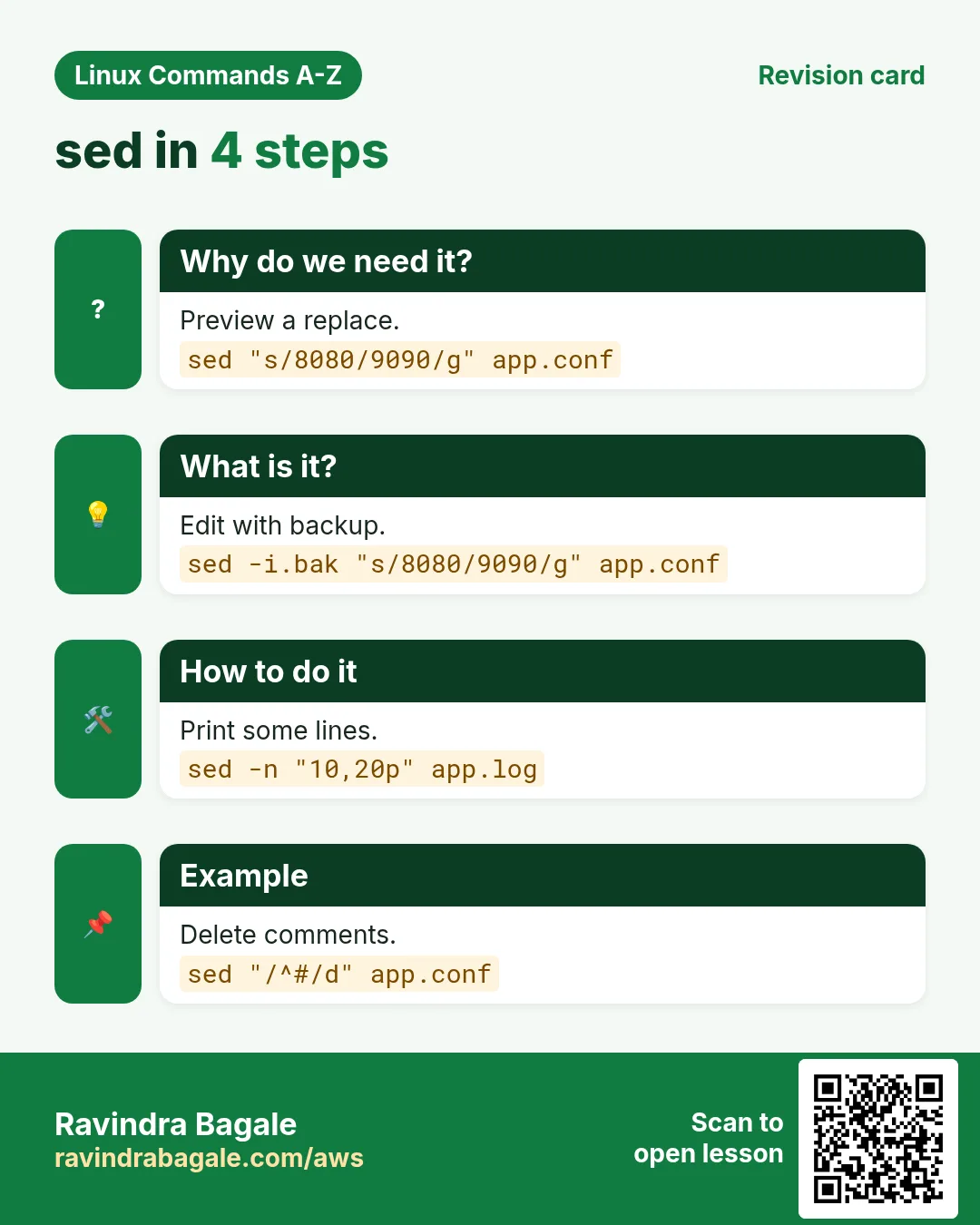
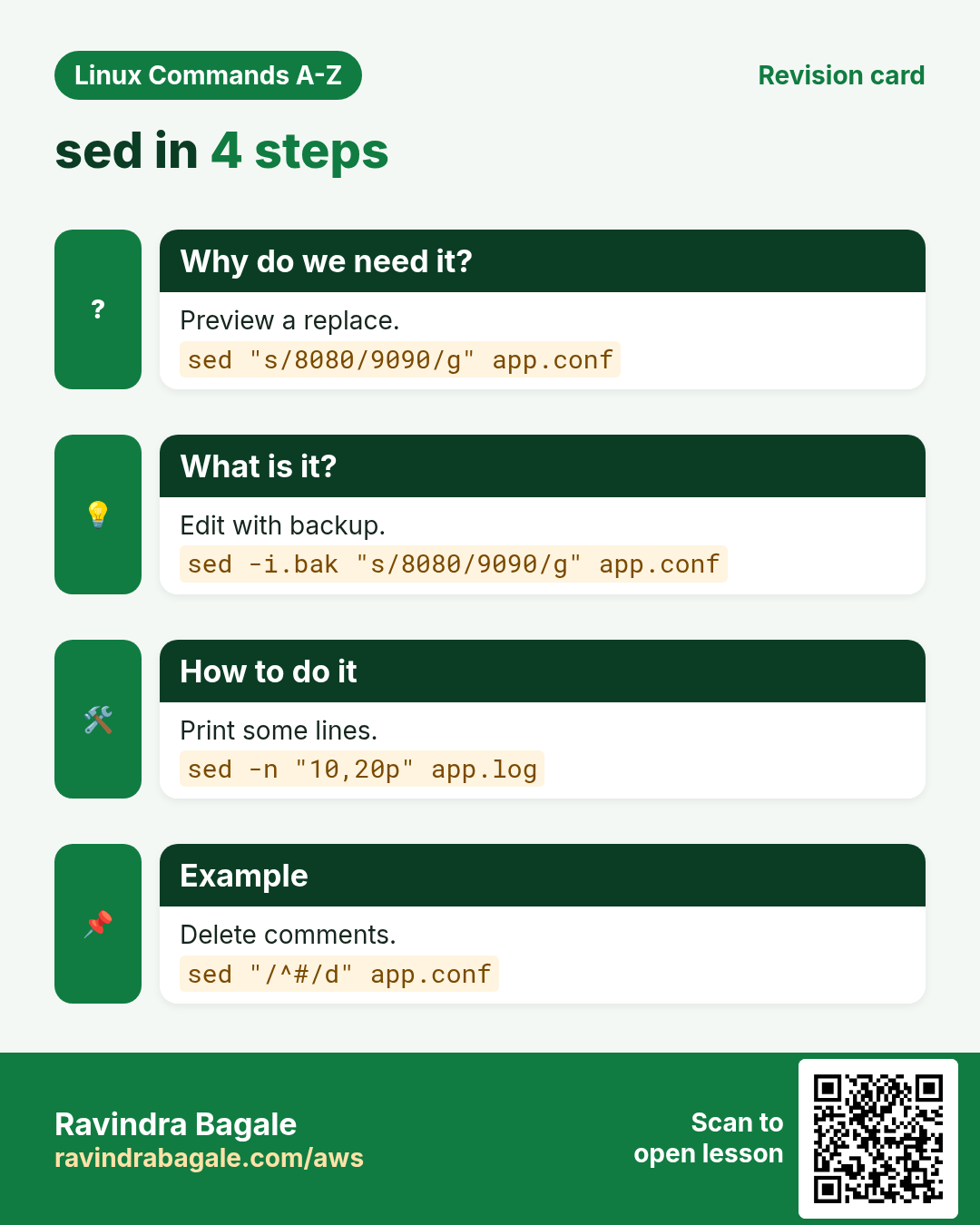
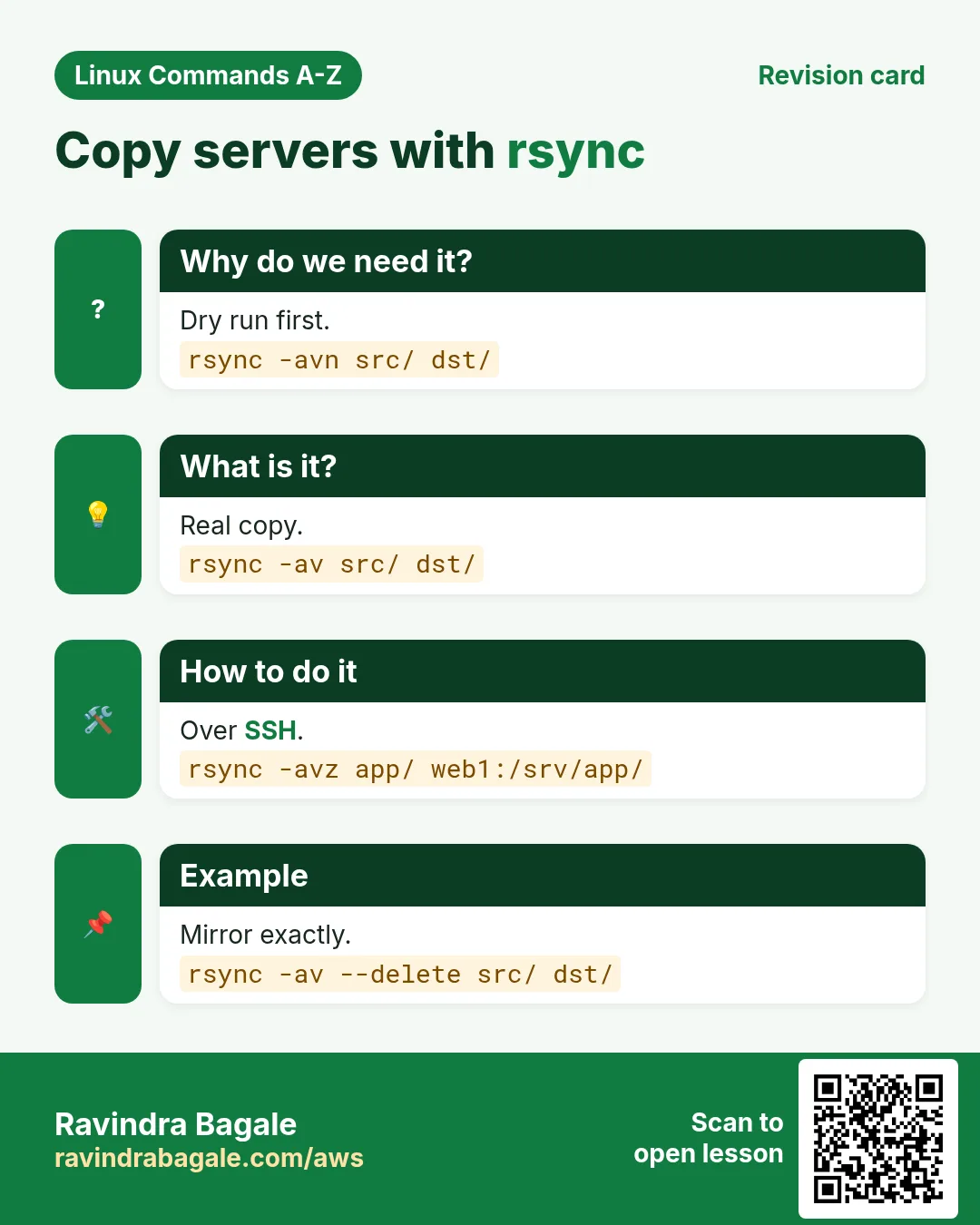
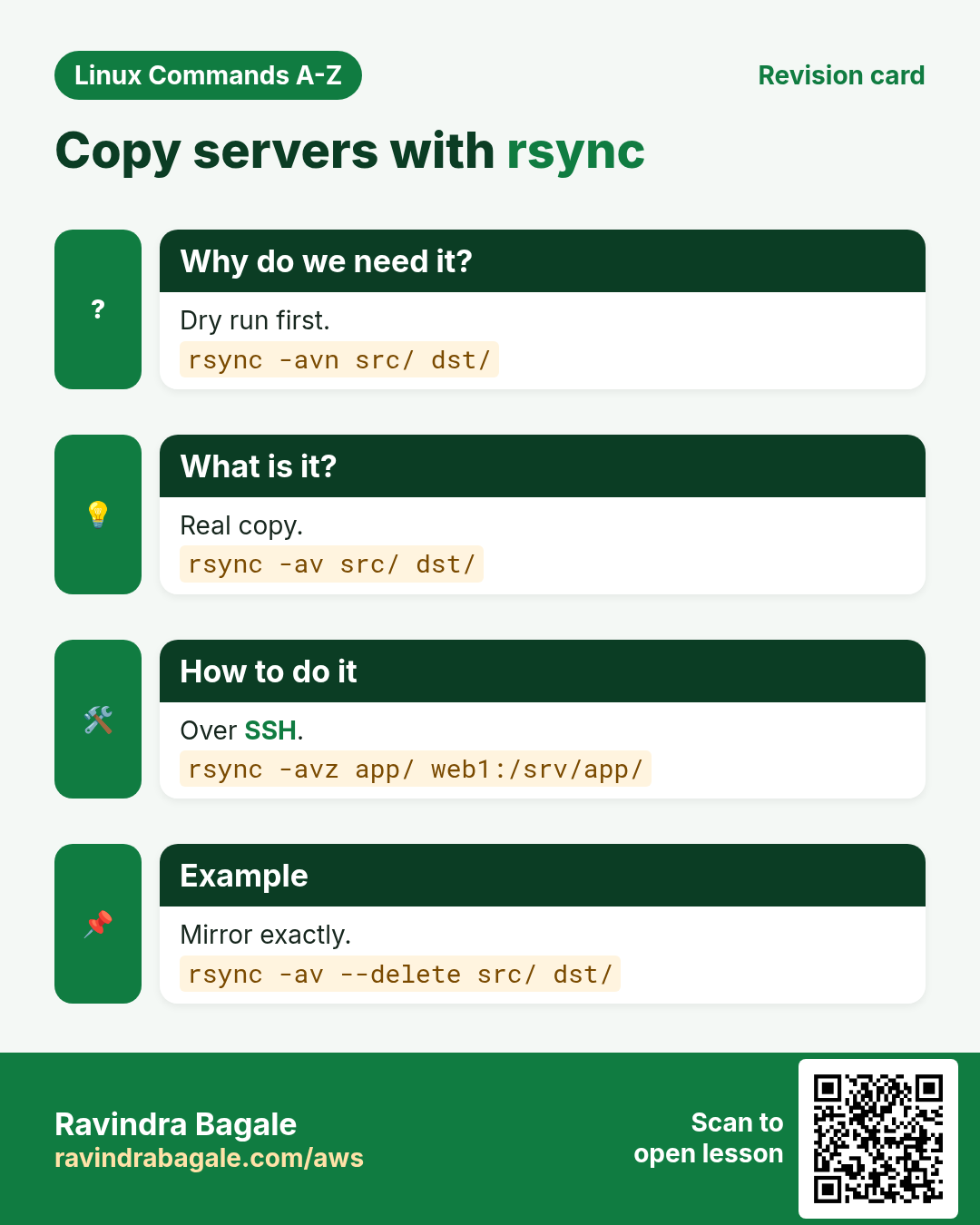
More cards: Ravi Sir's Cards.