AWS IAM Users, Roles, Policies and Least Privilege Explained
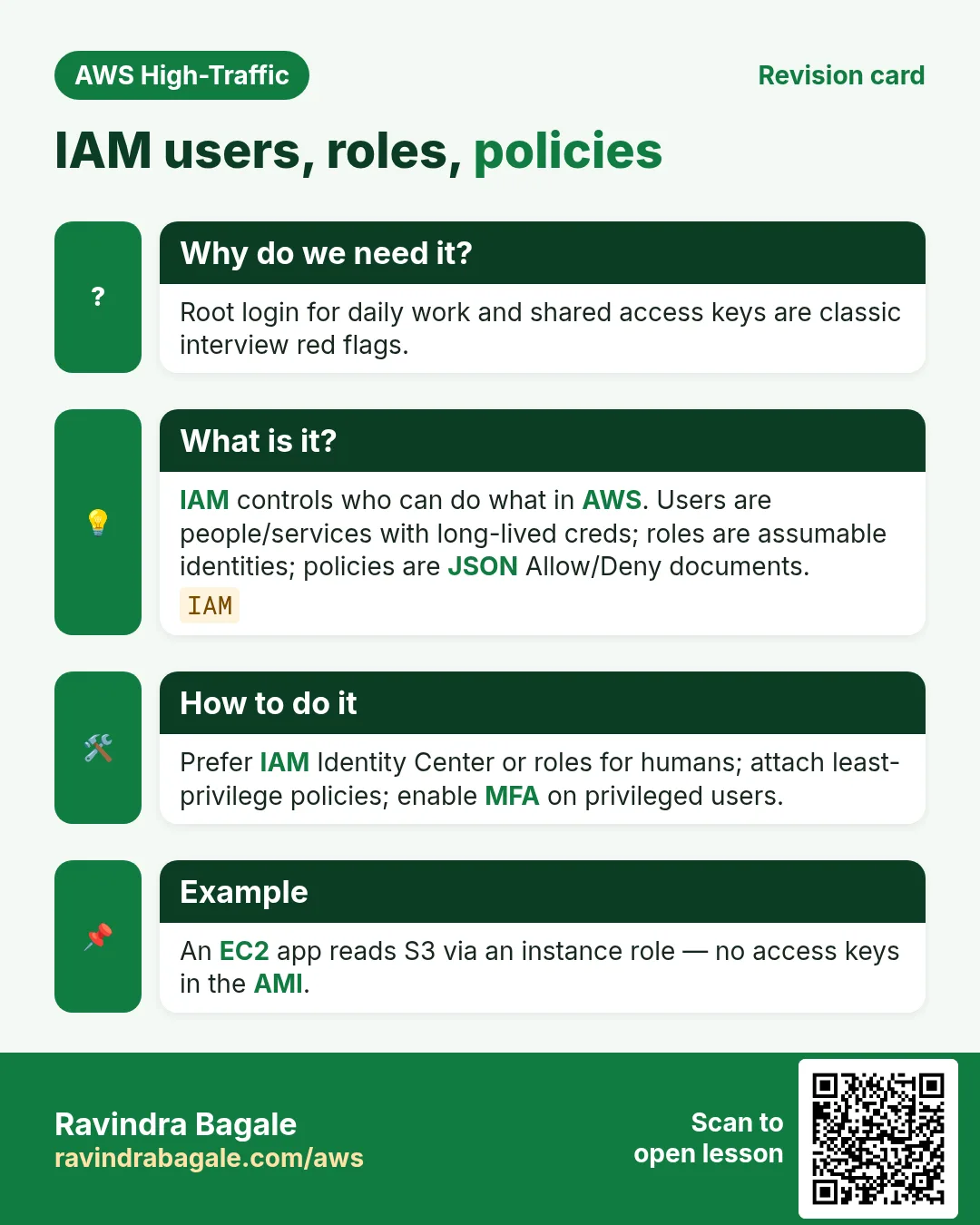
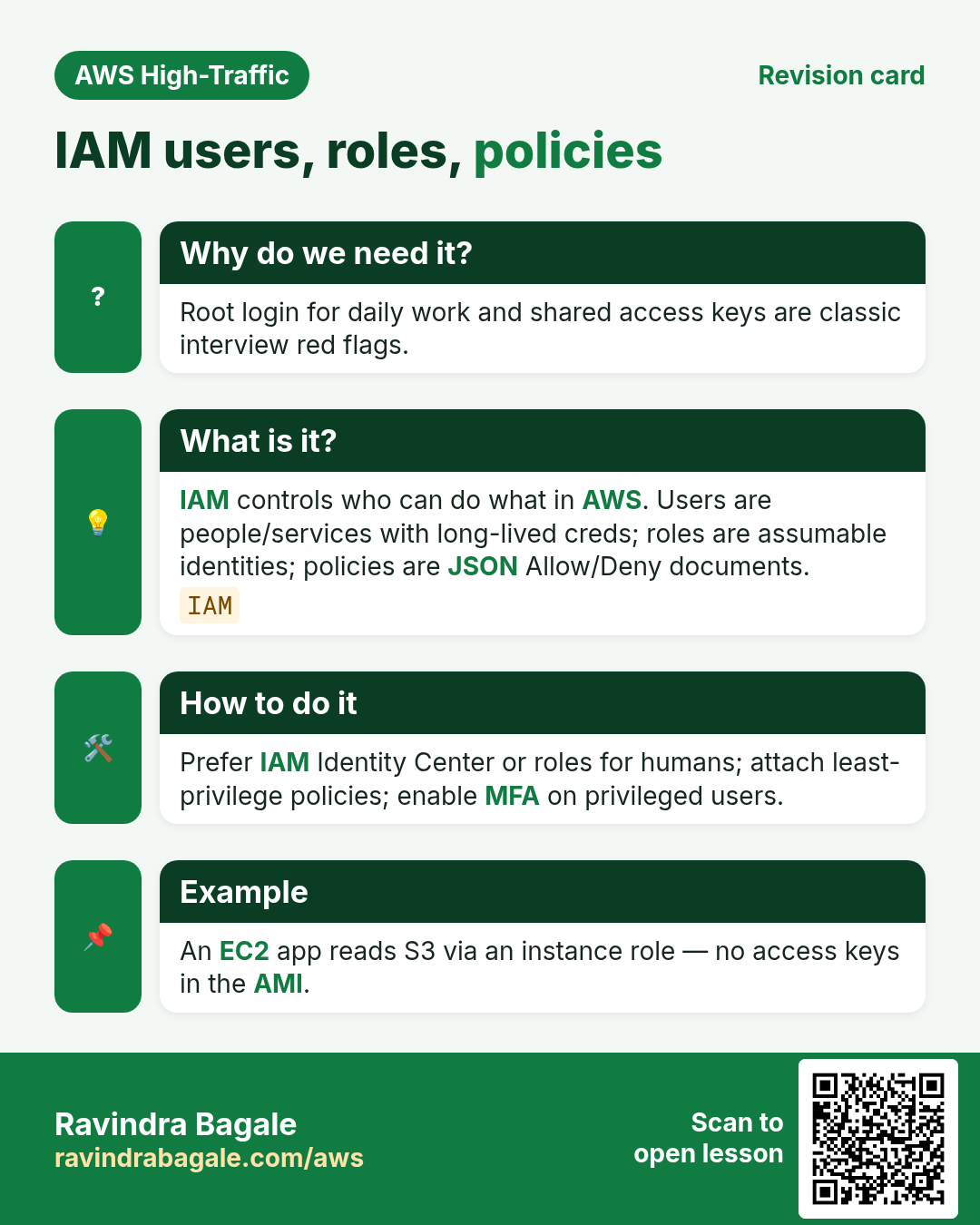
IAM is the lock-and-key system of AWS. Users are people keys. Roles are temporary jackets a service or person wears. Policies are the rule papers. Least privilege means the smallest keys that still get the job done.
In this chapter
- Users, groups, roles — who is who
- Identity vs resource policies
- Managed vs inline policies
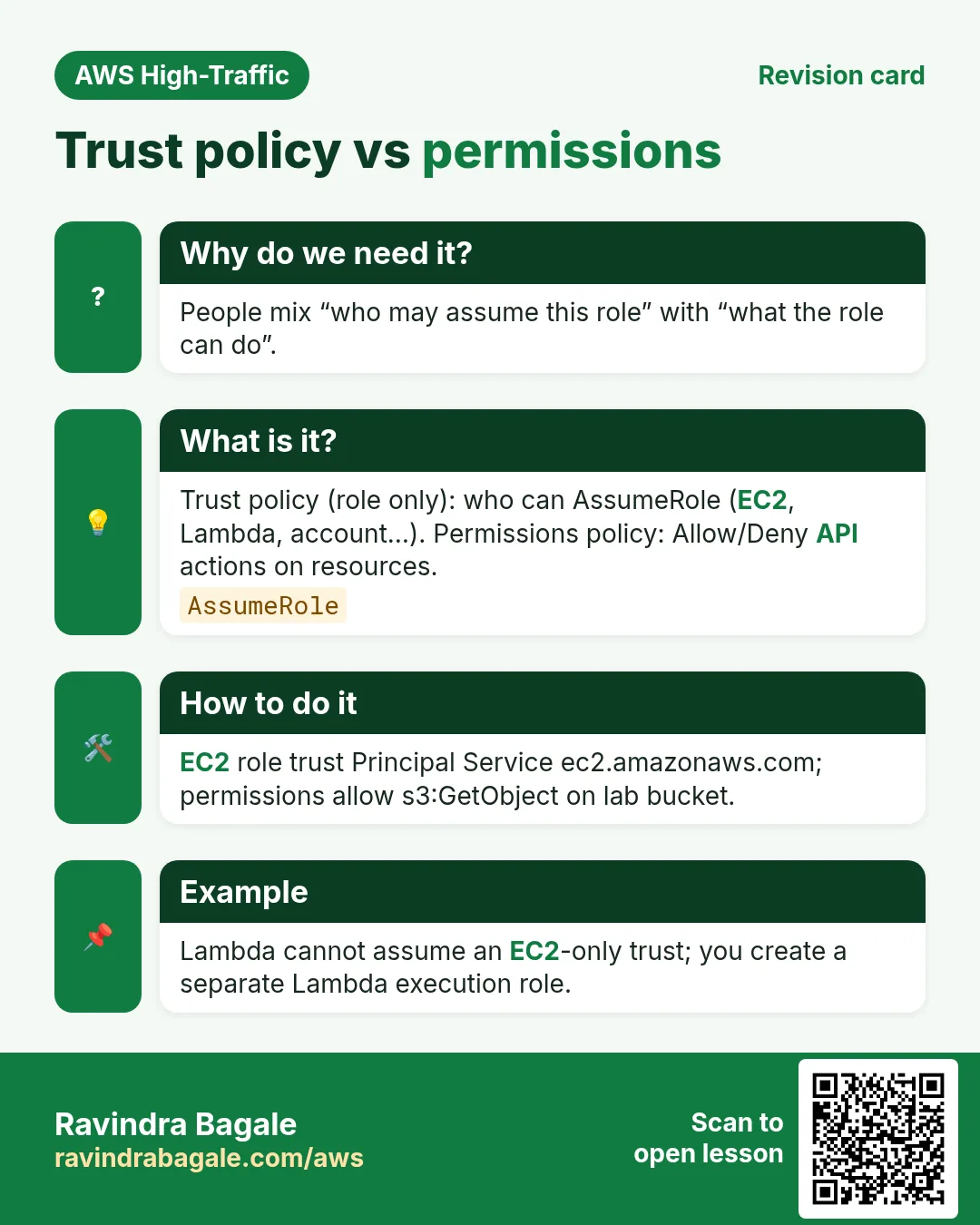
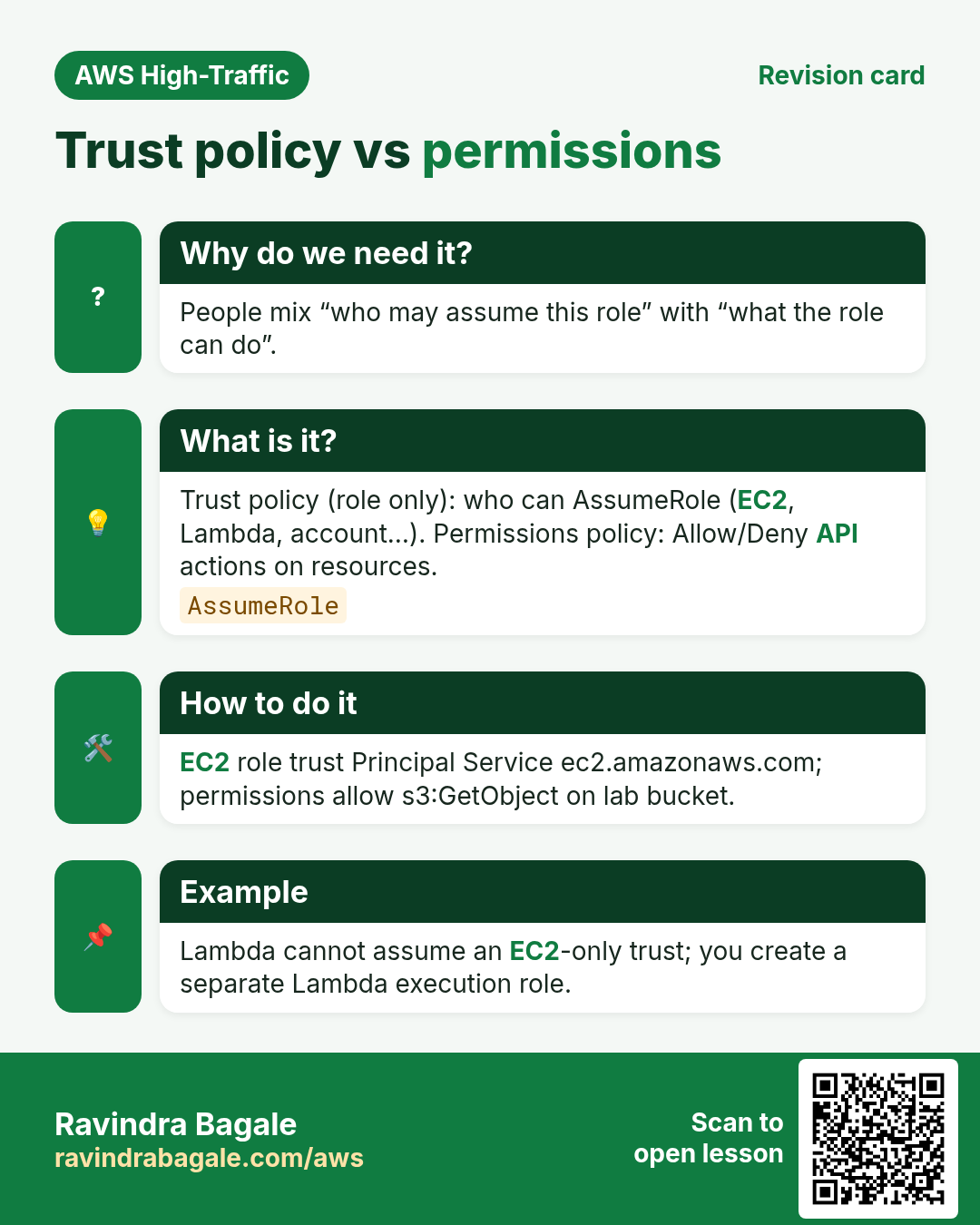
- Trust policy vs permissions policy
- Least privilege, MFA, root dangers
1. Everyday example
In a Pune office, the receptionist does not get the server room key. The cleaning staff get a time-bound visitor pass. AWS must work the same way — or one leaked key empties your bank.
IAM (Identity and Access Management) answers: who can call which AWS API on which resource.
| Identity | Use for | Example |
|---|---|---|
| Root user | Account owner only — MFA, almost never daily use | Open the shop in the morning once |
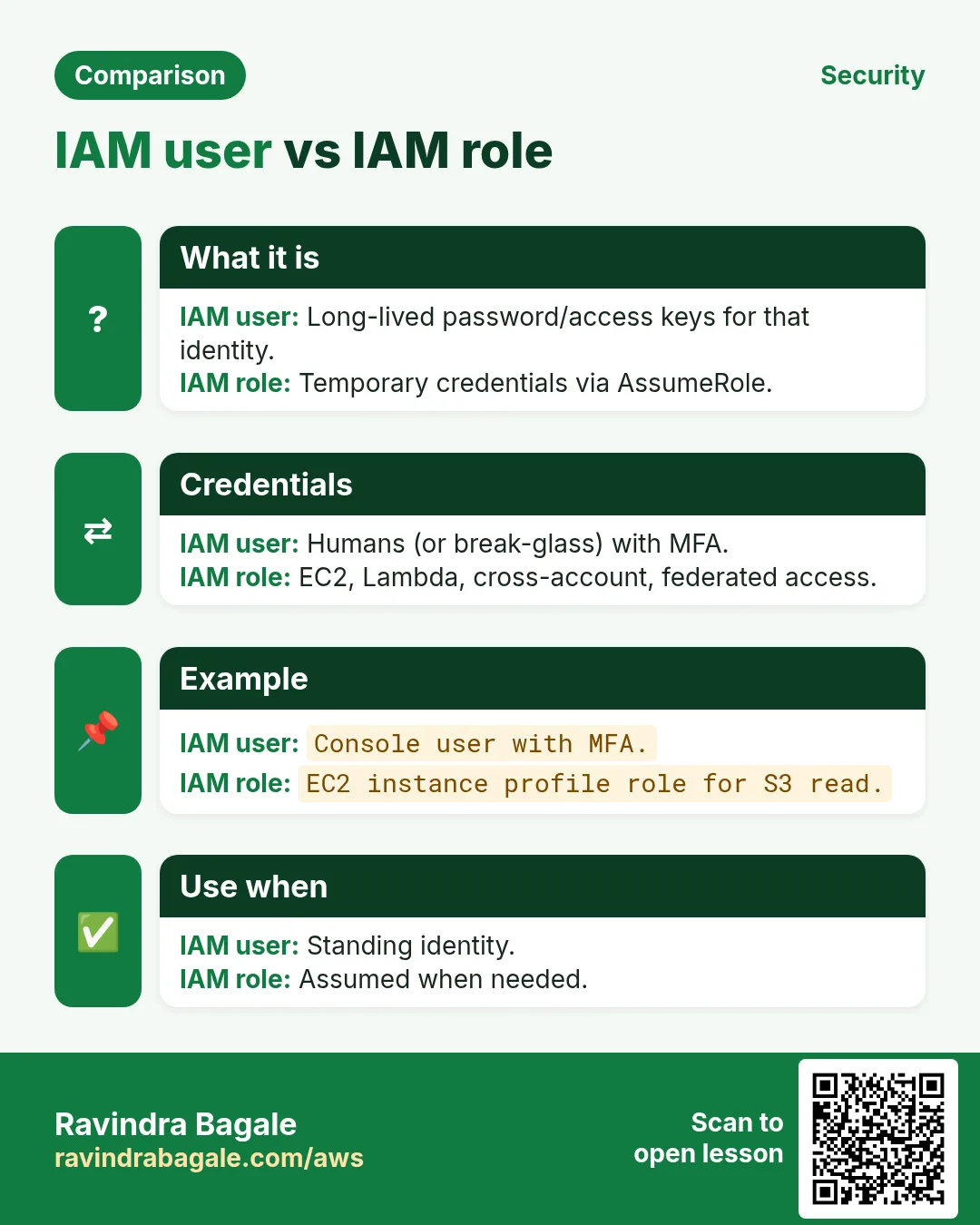
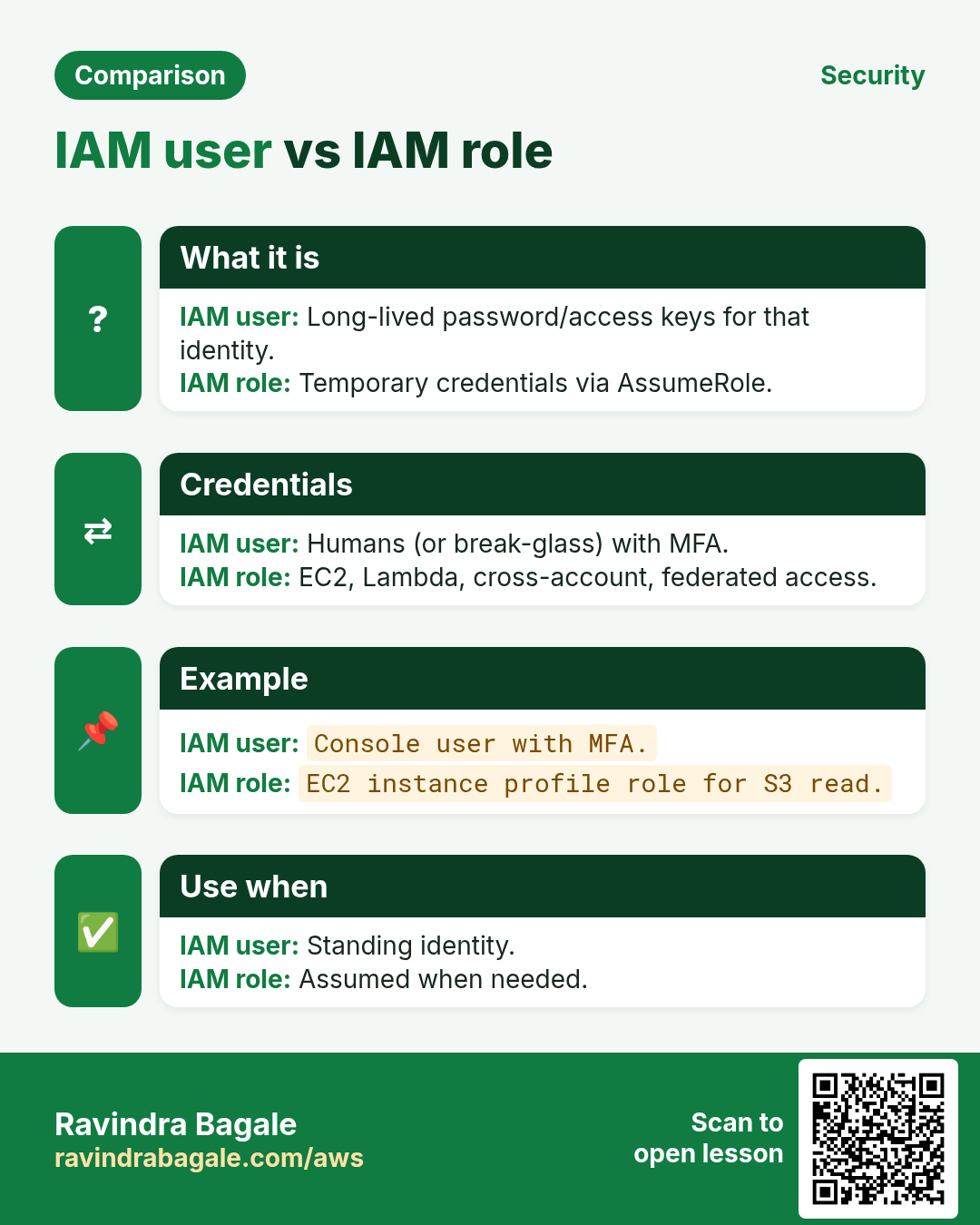
| IAM user | Long-lived human (better: Identity Center / SSO) | Named staff badge |
| Group | Attach policies to many users at once | Team “developers” |
| Role | Temporary credentials for EC2, Lambda, or humans via SSO | Visitor jacket for 1 hour |
2. Policies in plain words
When AWS receives a request, it can identify the principal making it, the action requested and the resource it concerns. Picture a role named ReportReader asking S3 for reports/sample.csv. Reading that object is one action. Listing the bucket or deleting the same object are different actions. Put only the intended actions and resource paths into the policy.
An identity policy is attached to a user, group or role and describes its permissions. A resource policy, where supported, is attached to a resource such as an S3 bucket and says which principals may use it. An IAM role trust policy answers a different question. It identifies who can assume the role. The permissions used by that role session then govern requests such as the S3 read.
Predict both sides of the policy before testing. Expect the listed report to be readable by the intended role, and a write or an unrelated path to fail. An AccessDenied is useful evidence for a request you intended to deny. Check the actual caller, action and resource before editing policy.
Without a policy, an identity can do almost nothing useful.
- Permissions policy: Allow/Deny actions on resources (e.g.
s3:GetObjecton one bucket). - Trust policy (role only): who may AssumeRole — EC2, Lambda, account, SAML…
- AWS managed: AWS maintains (convenient, often broad).
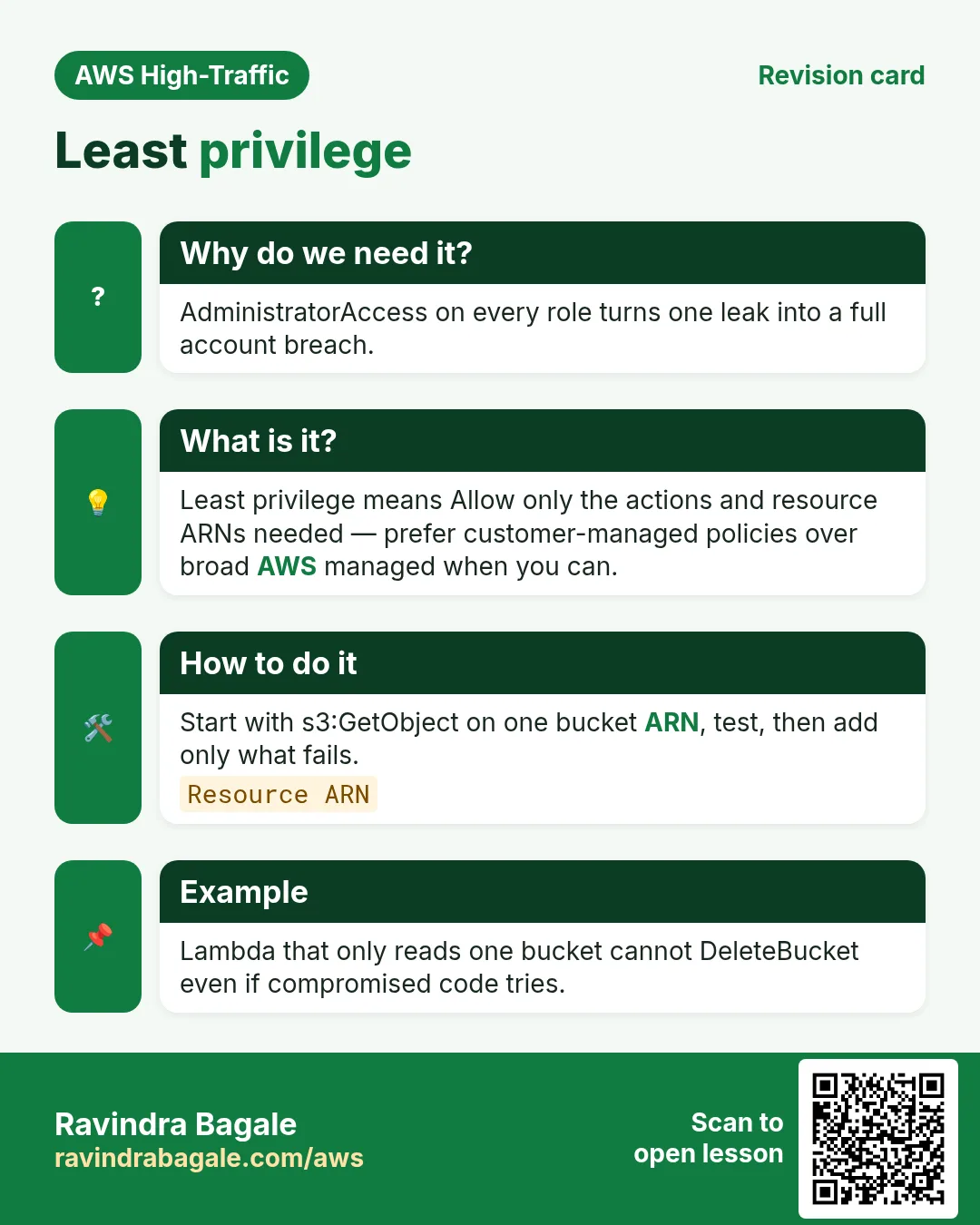
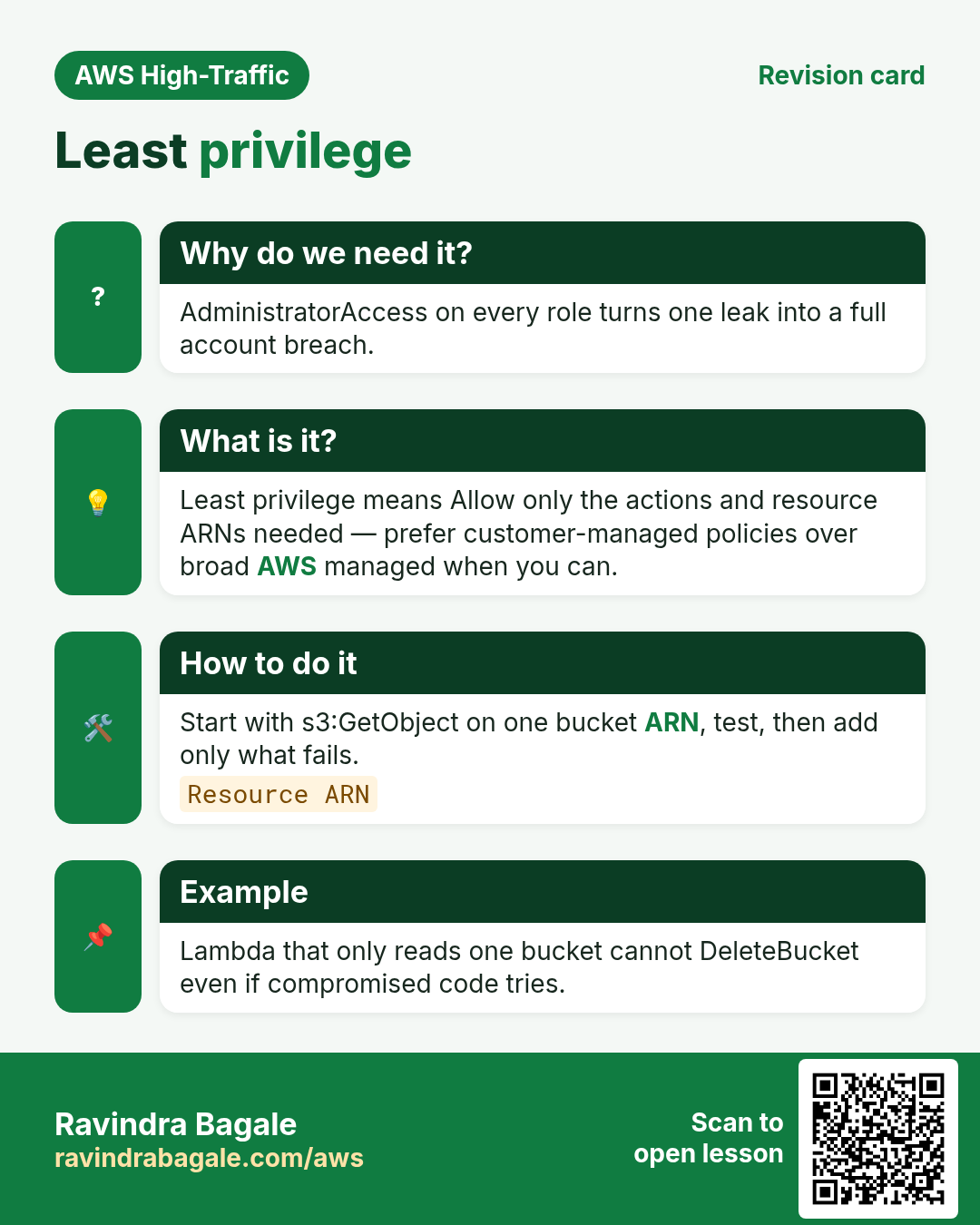
- Customer managed: you write/reuse — best for least privilege.
- Inline: stuck to one user/role — use sparingly.
{
  "Version": "2012-10-17",
  "Statement": [{
    "Effect": "Allow",
    "Action": ["s3:GetObject"],
    "Resource": "arn:aws:s3:::lab-bucket/*"
  }]
}
3. Least privilege habits
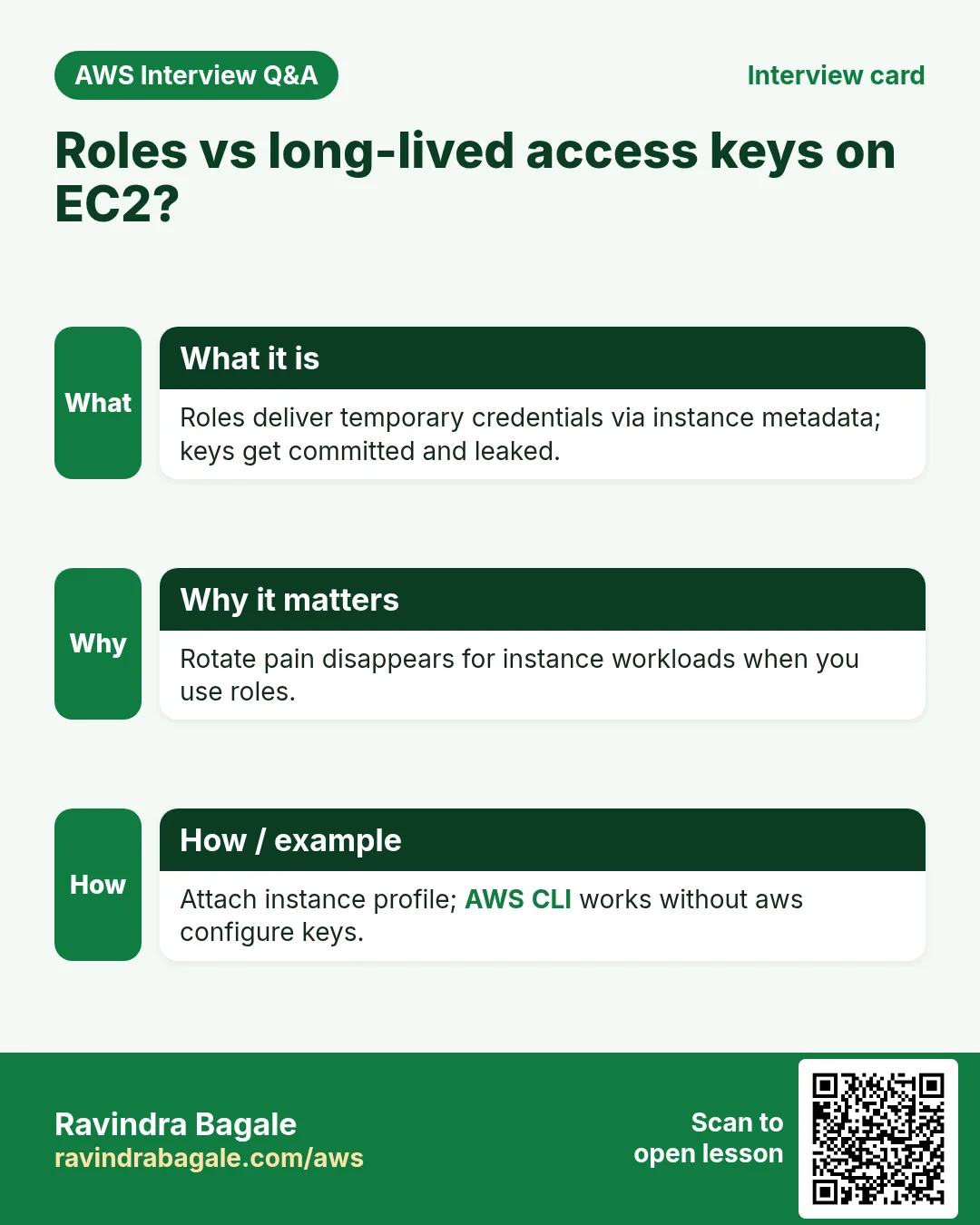
- Prefer roles over long-lived access keys on EC2/Lambda.
- Scope Resource ARNs — avoid
*when you can. - Separate duties: deploy role ≠ read-only auditor role.
- Turn on MFA for humans; never share root.
- CloudTrail on — know who called what.
Ravindra Bagale's Tip
AdministratorAccess on an IAM user for daily coding is a common beginner mistake. Use a power-user or custom policy; keep admin for break-glass.
Common errors: cause and safe next check
Adding another Allow does not remove AccessDenied
The request may match an explicit Deny or be outside an applicable permissions boundary or organization policy. Note the exact action, resource and calling identity; ask the responsible administrator to inspect the relevant controls. Do not remove a boundary or attach AdministratorAccess just to hide the symptom.
The policy looks right but the wrong identity is being checked
A terminal can use a selected profile or environment credentials instead of the role you expected. Compare the active caller with the intended principal before changing any policy. Inspect configuration sources without printing secret values.
An approved policy change seems to work only sometimes
IAM changes are eventually consistent. A change may take time to reach all endpoints. Verify the intended attachment and allow propagation before retesting; repeated widening of permissions makes the real cause harder to understand.
Practical questions and full answers
Does a permissions boundary give someone new rights?
No. A boundary limits the permissions that identity-based policies can grant; it is not an Allow policy by itself. An attached Allow still has to fit within that limit and other applicable controls.
Why does valid JSON still fail to give the expected access?
Correct punctuation only makes a policy document readable by the policy language. The request must still match the action, resource and any conditions. Check the real request rather than treating a successful save as a successful authorization test.
What should a useful access-error report contain?
Record the intended task, error code, action name, resource identifier and which identity made the request. Share only identifiers appropriate for the authorized support channel. Never include passwords, secret access keys or session tokens; those are not needed to explain policy matching.
4. Interview angles
Q. User vs role?
User: long-lived principal; role: assumable temporary creds.
Q. Trust policy?
Who can assume the role.
Q. Inline vs managed?
Inline = one identity; managed = reusable.
Q. Explicit Deny?
Deny always wins over Allow.
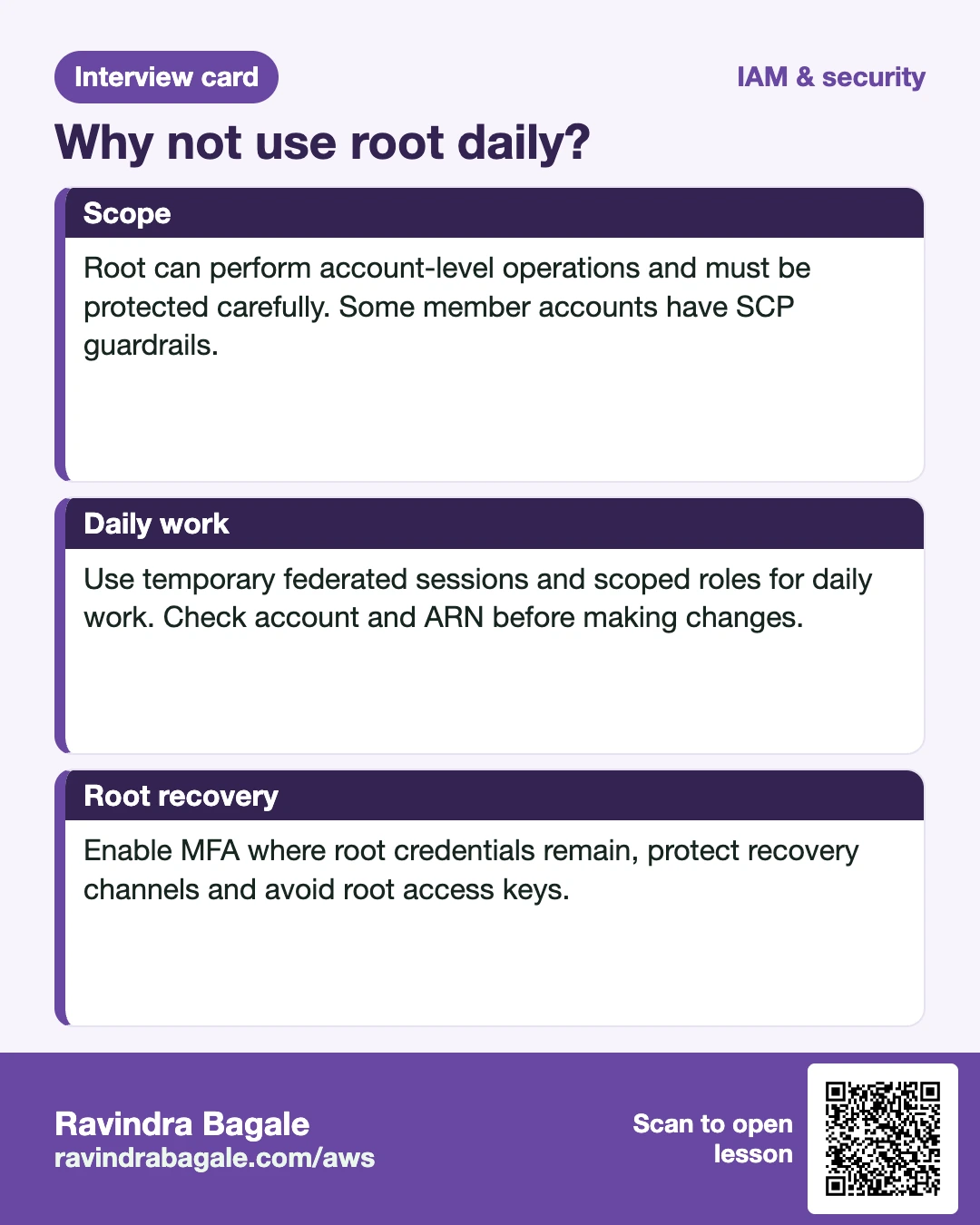
Q. Why not root daily?
Root is unlimited; breach = full account.
Try at home
- List every IAM user in your lab account; disable unused access keys.
- Next chapter: build a real EC2 + Lambda role lab.
In short
- Users/groups/roles + policies = IAM.
- Trust ≠ permissions.
- Least privilege and MFA beat shared keys.
- Root is for rare account tasks only.
Name the identity, action and resource
For a failed S3 read, capture the caller ARN and distinguish s3:ListBucket on the bucket from s3:GetObject on a specific key. Test the minimum action in a lab rather than broadening the policy.
Interview check Can adding Allow fix an explicit Deny?
No. An applicable explicit denial wins. Check identity/resource policies and where relevant a permissions boundary or organization policy.
Practise this chapter
Interview questions and answers
How would you write an initial least-privilege policy for a report reader?
I would identify the role, the exact read operations and the approved report object or prefix. I would test a permitted read and a deliberately unrelated write or read. If an outcome differs, I would inspect the real caller and resource before widening access.
Check your understanding
Choose an answer, then compare your reasoning with the explanation.
Check a report reader’s access with two requests
Before you start
- Use the fictional ReportReader role and reports/sample.csv. You can complete it on paper; the AWS IAM simulator is optional if authorized.
Write a request for s3:GetObject on arn:aws:s3:::training-bucket/reports/sample.csv using the fictional ReportReader. Compare it to a policy that allows only GetObject on training-bucket/reports/*.
Expected result: The action and resource match the narrow Allow when no other applicable control denies it.
Keep the role and resource but change the action to s3:DeleteObject. Repeat the comparison.
Expected result: DeleteObject does not match the read Allow and is denied by default in this exercise.
Return to GetObject and add an applicable explicit Deny for the sample key in the exercise. Compare the result.
Expected result: The explicit Deny overrides the matching Allow.
If the result differs
- If the policy evaluation differs, identify the role, action and full object ARN before changing the permission. A bucket ARN without the key scope does not describe this object.
Finish and clean up
- Do not attach the exercise policy to a production role. No cloud changes are needed.
Practice Tasks
Practice checks run in your browser. They check the answer for this exercise; they do not create resources or connect to your AWS account.
About this scenarioPatil Dairy is a dairy business in Kolhapur. Sunita Patil looks after its IT and cloud work. They count money in INR and run their AWS resources in the ap-south-1 Region. In the tasks below you do real jobs for them using what this lesson teaches. All names, account IDs, IP addresses and numbers are made up for practice.
0 / 12
Easy Read-only access to one bucket
Least privilege: give only the actions and the bucket the job needs.
Write an identity policy that lets the user read objects (s3:GetObject) only in bucket patildairy-data.
- Start with { "Version": "2012-10-17", "Statement": [ ... ] }.
- In each statement write Effect, Action and Resource.
- Give only what the task needs (least privilege).
- Use double quotes and commas correctly. Click Check answer.
Medium Lambda access to one table
The function only needs to read and write items in its own table.
Allow dynamodb:GetItem, dynamodb:PutItem, dynamodb:Query on arn:aws:dynamodb:ap-south-1:100444365147:table/patildairy-orders only.
- Start with { "Version": "2012-10-17", "Statement": [ ... ] }.
- In each statement write Effect, Action and Resource.
- Give only what the task needs (least privilege).
- Use double quotes and commas correctly. Click Check answer.
Medium Start and stop servers only
The night operator may start and stop servers but not terminate them.
Allow ec2:StartInstances and ec2:StopInstances on all instances in account 100444365147, Region ap-south-1. Also allow ec2:DescribeInstances on *.
- Start with { "Version": "2012-10-17", "Statement": [ ... ] }.
- In each statement write Effect, Action and Resource.
- Give only what the task needs (least privilege).
- Use double quotes and commas correctly. Click Check answer.
Medium List and read one bucket
ListBucket works on the bucket ARN; GetObject works on object ARNs.
Allow s3:ListBucket on bucket patildairy-data and s3:GetObject on all its objects. Nothing else.
- Start with { "Version": "2012-10-17", "Statement": [ ... ] }.
- In each statement write Effect, Action and Resource.
- Give only what the task needs (least privilege).
- Use double quotes and commas correctly. Click Check answer.
Medium Upload-only to one folder
Field staff can drop files but cannot read or delete anything.
Allow s3:PutObject only under the prefix uploads/ in bucket patildairy-data.
- Start with { "Version": "2012-10-17", "Statement": [ ... ] }.
- In each statement write Effect, Action and Resource.
- Give only what the task needs (least privilege).
- Use double quotes and commas correctly. Click Check answer.
Medium Attach a managed policy to a group
AWS managed policies are ready-made and kept up to date by AWS.
Attach the AWS managed policy arn:aws:iam::aws:policy/ReadOnlyAccess to the group Auditors.
- Read the task and decide which AWS service it is about.
- Write aws, then the service name, then the operation (the action word).
- Add each needed flag (--name) followed by its value from the task.
- Flags can be in any order. Click Check answer.
Medium Create a customer managed policy
Your own managed policy can be reused on many users, groups and roles.
Create a policy named patildairy-s3-read from the document in policy.json.
- Read the task and decide which AWS service it is about.
- Write aws, then the service name, then the operation (the action word).
- Add each needed flag (--name) followed by its value from the task.
- Flags can be in any order. Click Check answer.
Medium Let a function write logs
Without these actions, Lambda logs never appear in CloudWatch.
Allow logs:CreateLogGroup, logs:CreateLogStream, logs:PutLogEvents on arn:aws:logs:*:*:* only.
- Start with { "Version": "2012-10-17", "Statement": [ ... ] }.
- In each statement write Effect, Action and Resource.
- Give only what the task needs (least privilege).
- Use double quotes and commas correctly. Click Check answer.
Hard Deny access from outside the office
An explicit Deny with aws:SourceIp blocks keys used from anywhere else.
Write one Deny statement: deny all actions (*) on all resources (*) when the source IP is NOT in 203.0.113.0/24.
- Start with { "Version": "2012-10-17", "Statement": [ ... ] }.
- In each statement write Effect, Action and Resource.
- Give only what the task needs (least privilege).
- Use double quotes and commas correctly. Click Check answer.
Hard Allow only on tagged servers
Tag conditions let one team control only its own servers.
Allow ec2:StopInstances on any instance (*) only when the instance tag Team equals patildairy.
- Start with { "Version": "2012-10-17", "Statement": [ ... ] }.
- In each statement write Effect, Action and Resource.
- Give only what the task needs (least privilege).
- Use double quotes and commas correctly. Click Check answer.
Hard Add an inline policy to a user
An inline policy lives inside one identity and is deleted with it.
Put an inline policy named billing-view on user sunita, from billing.json.
- Read the task and decide which AWS service it is about.
- Write aws, then the service name, then the operation (the action word).
- Add each needed flag (--name) followed by its value from the task.
- Flags can be in any order. Click Check answer.
Hard Allow PassRole for one role
To launch EC2 with a role, the user needs iam:PassRole on that role.
Allow iam:PassRole on arn:aws:iam::100444365147:role/patildairy-ec2-role only.
- Start with { "Version": "2012-10-17", "Statement": [ ... ] }.
- In each statement write Effect, Action and Resource.
- Give only what the task needs (least privilege).
- Use double quotes and commas correctly. Click Check answer.
Revision, comparison and interview cards
Revise this lesson in a few minutes. Save the cards on your phone or download them as PNG files. The QR code on each card opens this lesson.
More cards: Ravi Sir's Cards.