Ravi Sir's Cards › AWS
IAM users, roles, policies
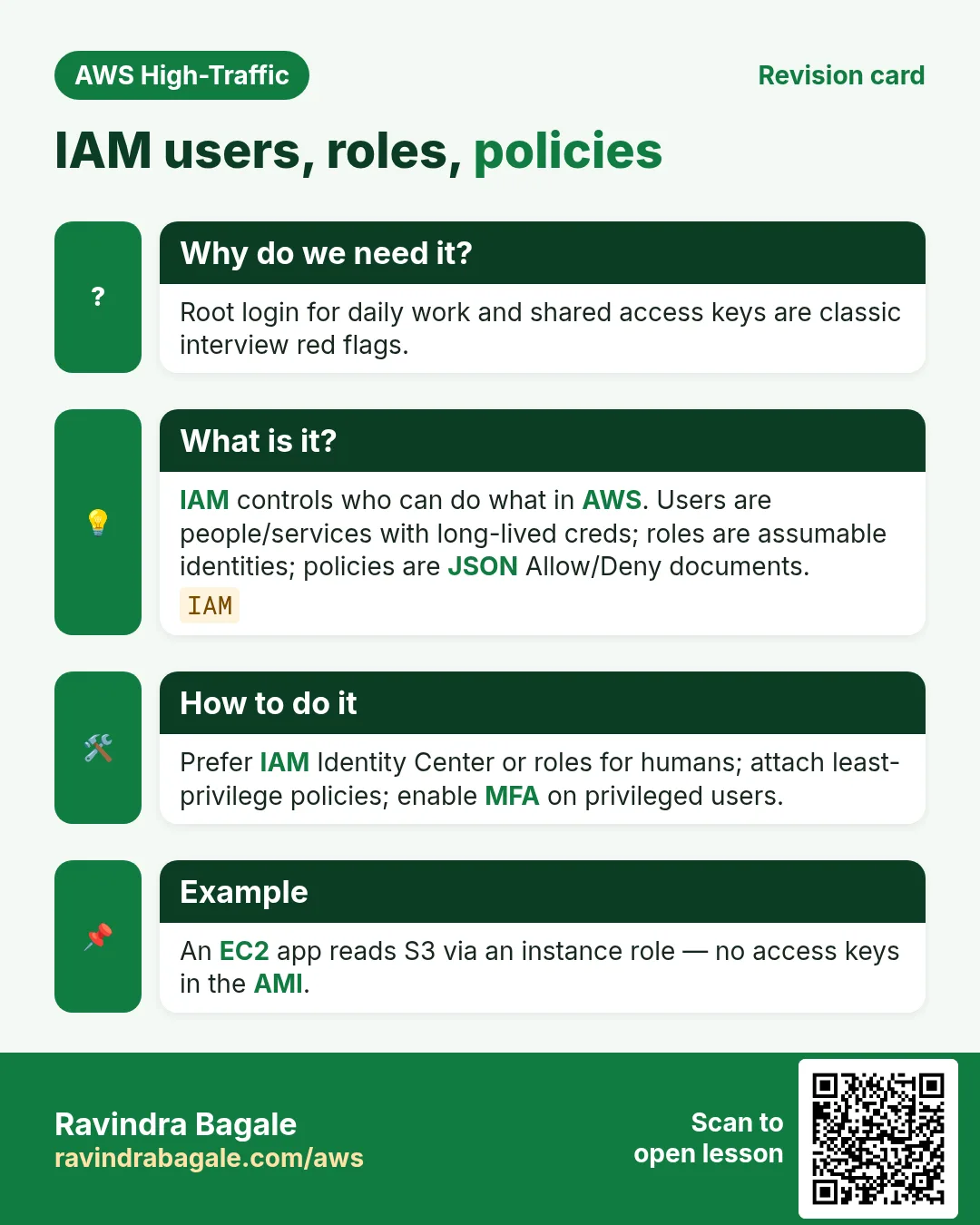
This revision card explains IAM users, roles, policies. It starts from the need that root login for daily work and shared access keys are classic interview red flags. It describes IAM controls who can do what in AWS. Users are people/services with long-lived creds; roles are assumable identities; policies are JSON Allow/Deny documents. The how-to section notes prefer IAM Identity Center or roles for humans; attach least-privilege policies; enable MFA on privileged users. An example on the card is an EC2 app reads S3 via an instance role — no access keys in the AMI.
Read card text
What this card says
Why do we need it?
Root login for daily work and shared access keys are classic interview red flags.
What is it?
IAM controls who can do what in AWS. Users are people/services with long-lived creds; roles are assumable identities; policies are JSON Allow/Deny documents.
IAM
How to do it
Prefer IAM Identity Center or roles for humans; attach least-privilege policies; enable MFA on privileged users.
Example
An EC2 app reads S3 via an instance role — no access keys in the AMI.