What Is Amazon Cognito? User Pools and Identity Pools Explained
Your React app needs sign-up, login, MFA, and temporary AWS credentials to upload to S3 — without you building a custom auth server. Amazon Cognito gives User Pools (directory + tokens) and Identity Pools (federate to AWS IAM credentials).
In this chapter
- Why managed auth beats home-grown password DBs
- What user pools vs identity pools are
- How JWT app clients and IdPs fit together
- Industries and mobile/web patterns
- Lab, errors, FAQ, interview
1. Everyday example first
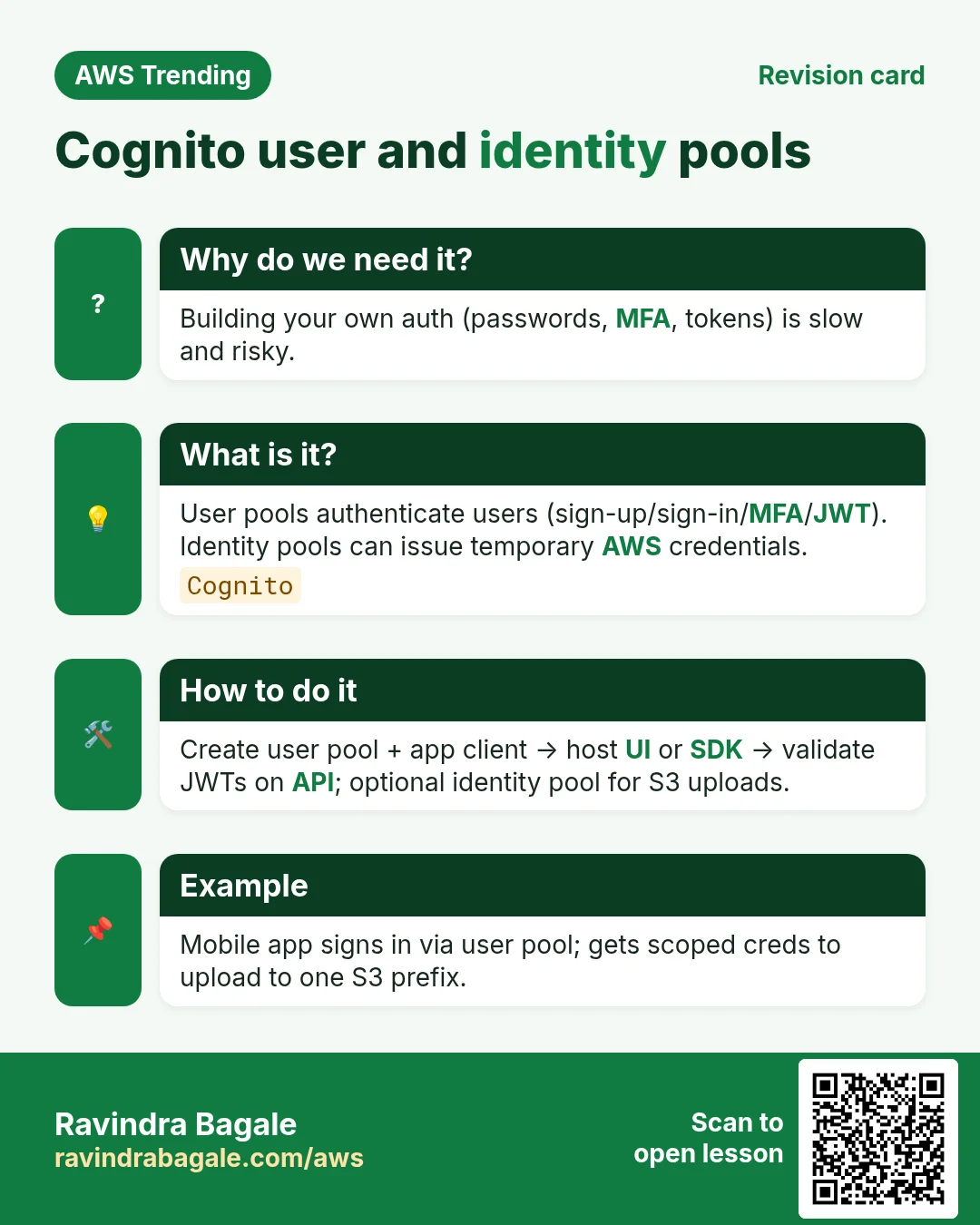
A Kochi fitness app lets users sign in with email+OTP or Google. Cognito User Pool issues JWT. An Identity Pool exchanges the token for short-lived IAM rights to PutObject into s3://app-uploads/userId/*. API Gateway JWT authorizer protects /workouts.
2. Why Cognito?
Password storage, reset flows, MFA, and token crypto are easy to get wrong. Cognito provides standards-based auth (OAuth2/OIDC) and hooks into AWS IAM for fine-grained data access.
- Hosted UI or own UI with SDKs
- Social and SAML/OIDC enterprise IdPs
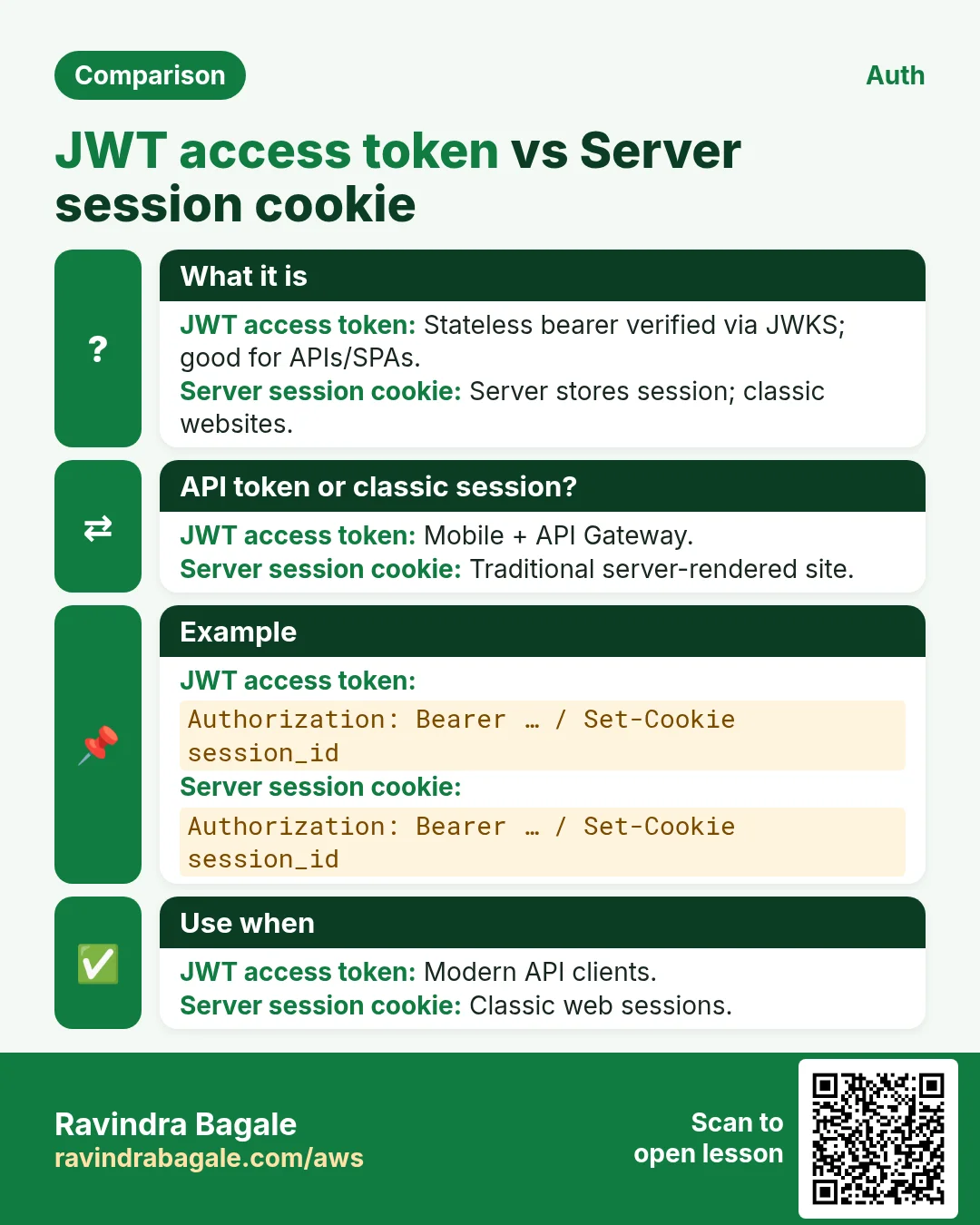
- JWT for APIs
- Identity Pool → temporary AWS credentials
Choose the credential for the destination
Calling your course API and calling the S3 API directly are different requests. Cognito provides different outputs for these paths.
Read all steps
- Sign in to the application
The user authenticates through the configured user pool flow. The application receives signed tokens. The token identifies claims about the sign-in; it is not a permanent AWS access key.
- Call the course API
For an API designed to accept access tokens, the client sends the token and the API verifies it and the required scopes. The application must also check whether this user may access the specific course record.
- Use an identity pool only when the design needs it
An identity pool can use an accepted identity to obtain temporary AWS credentials for an allowed role. That is useful when the client needs to call an AWS API directly. Many applications only need the user-pool-plus-API path.
- Limit the AWS request
For a direct S3 upload, the temporary role permissions should permit only the intended operations and object location. Successful sign-in alone does not authorise every bucket or every action.

3. What are User Pools and Identity Pools?
Imagine a student signs in to a course app. A user pool can manage sign-in and issue signed tokens. A token is a set of claims the app can verify, such as which user signed in or which requested permissions are granted. An identity pool can let an authenticated identity obtain temporary AWS credentials for a role. Draw two paths: sign-in to call your app’s API and temporary credentials to upload directly to a permitted S3 location. A project can use the first path without needing the second.
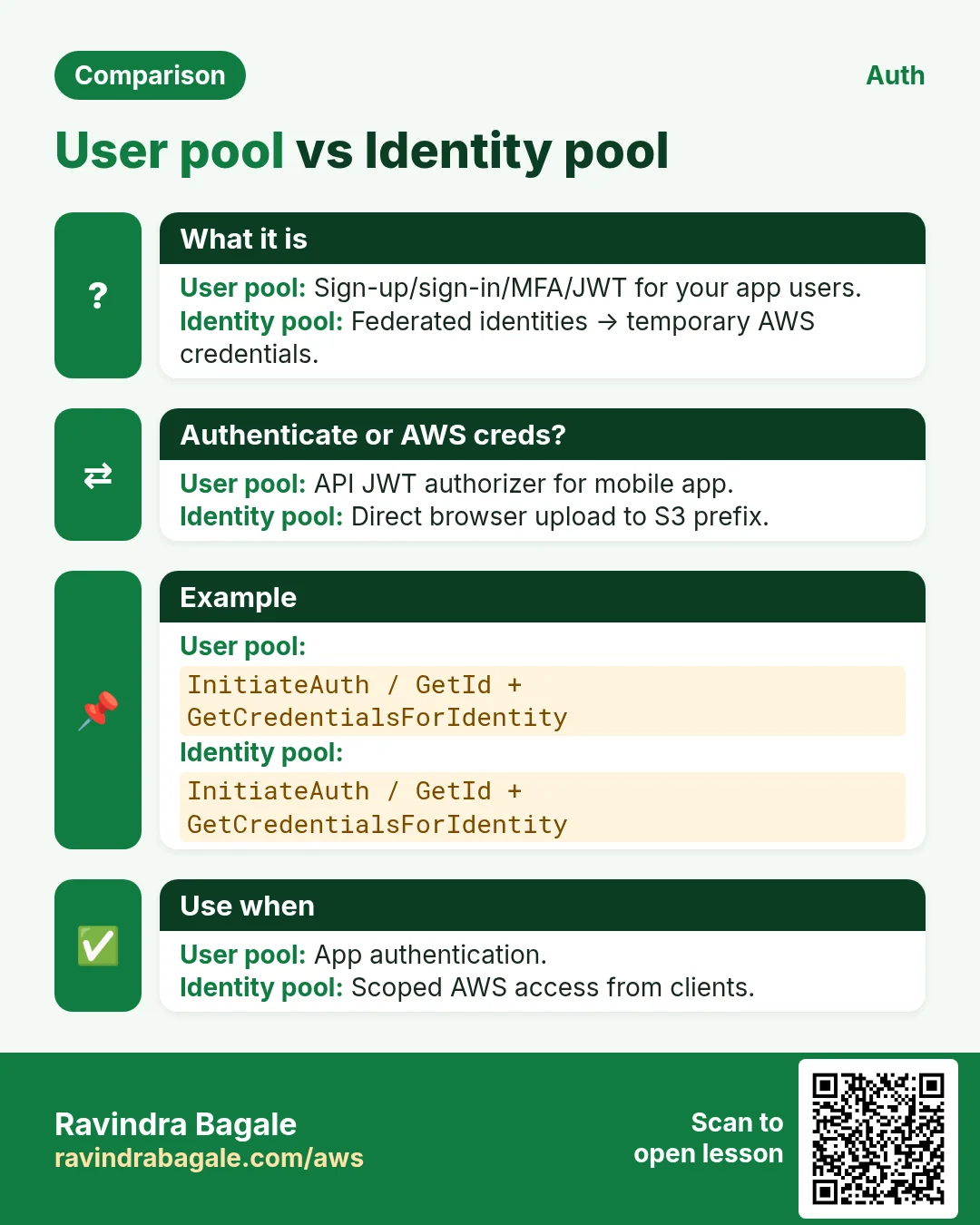
User Pool = user directory: sign-up, sign-in, MFA, groups, app clients, hosted UI; issues JWTs for ID and access. A refresh token is a separate credential used to obtain fresh tokens. Identity Pool (Federated Identities) = map authenticated (or guest) users to IAM roles via STS — for AWS resource access.
| Piece | Plain job |
|---|---|
| User pool | AuthN directory + tokens |
| App client | Public/confidential client settings |
| Hosted UI | Ready login pages |
| Identity pool | Token → IAM role credentials |
| JWT authorizer | API Gateway validates Cognito tokens |
| Triggers | Lambda customize sign-up/auth challenges |
4. How to wire a safe app client
An API needs to verify the token and decide whether the call is allowed. Think of the ID token as evidence about the signed-in user and the access token as evidence about the access granted to the client. For a lab API route, use a scope such as permission to read orders, and keep the API’s check of which order belongs to the user separate. On paper or in the lab, compare an allowed request with an expired token and one lacking the right scope. A visible login page alone does not answer the API’s permission question.
- Create a user pool with strong password policy + MFA optional/required as needed.
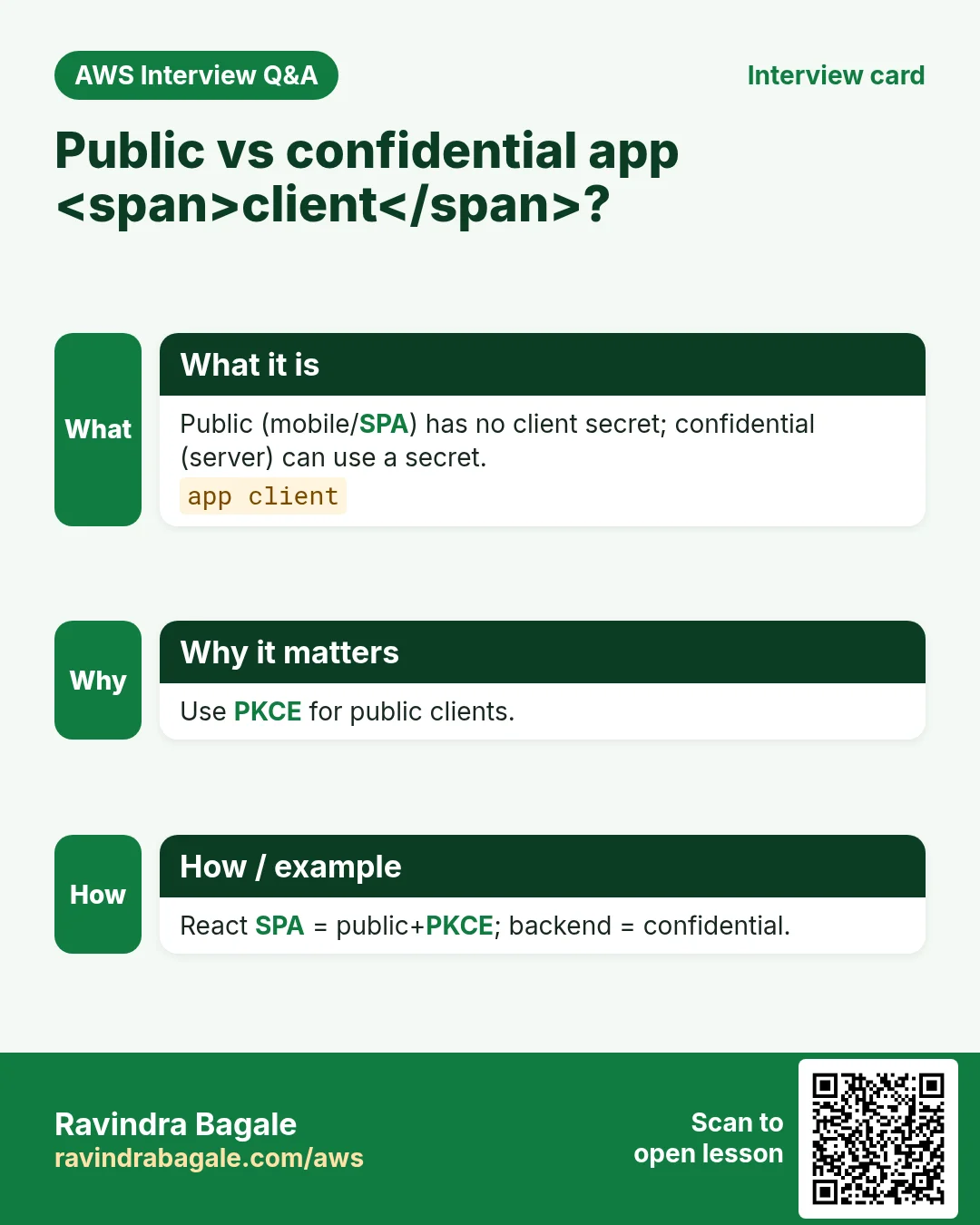
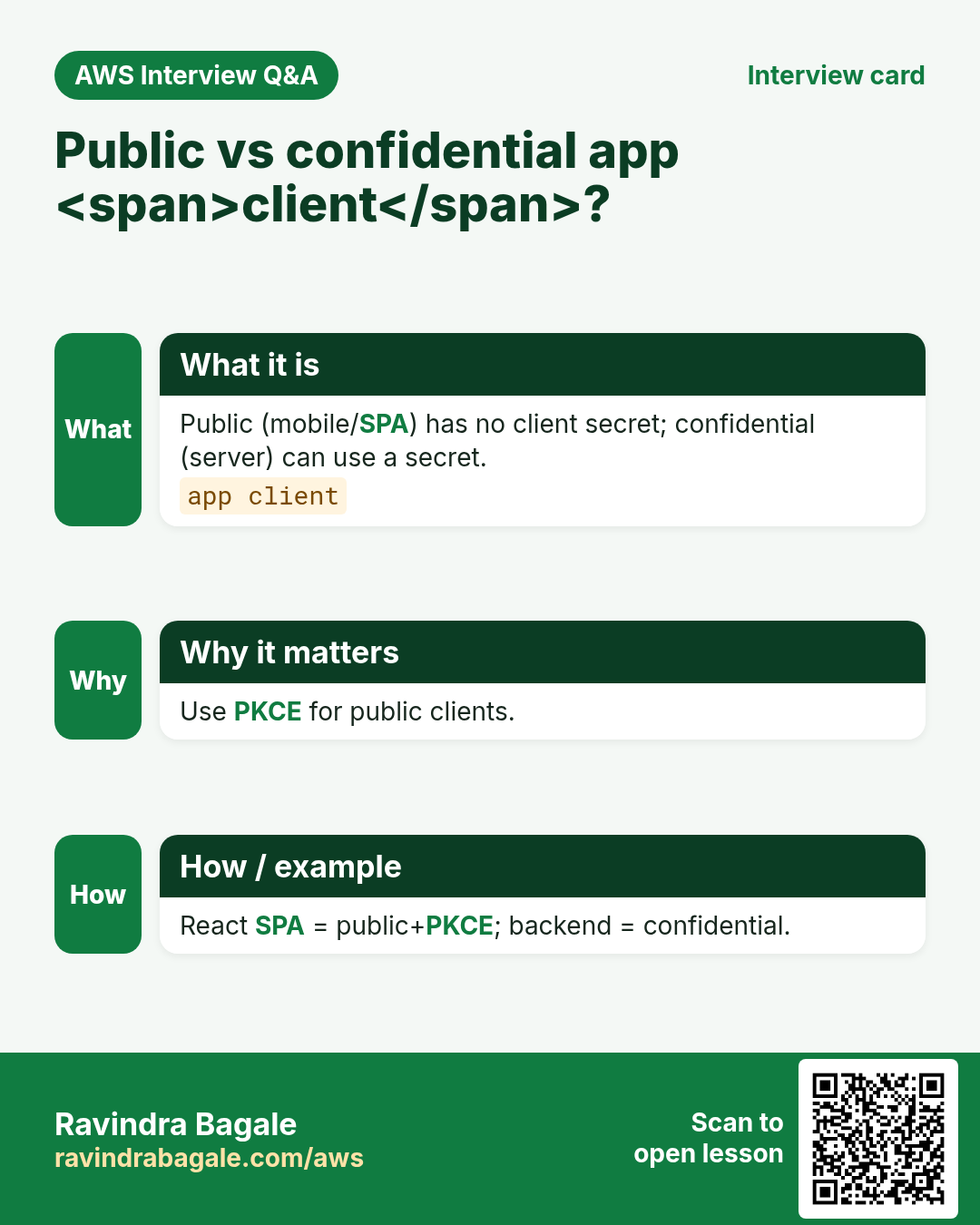
- Create an app client; for public SPAs use PKCE; never embed client secrets in mobile/SPA.
- Configure callback/logout URLs tightly.
- Enable Google/Apple/SAML only after privacy review.
- Protect APIs with a JWT authorizer or ALB authentication. For a JWT route that reads orders, require your API’s
orders/readscope. Sign in with a lab client that has that scope and try the request with its access token. Then send the ID token from the same login and confirm the route rejects it. - If S3 upload needed, Identity Pool roles with prefix-by-sub IAM.
- Use groups/custom claims carefully; authorize on server.
- Rotate refresh token strategy; handle revoke on logout.
- Log Advanced Security / Compromised credentials features if available.
- Never use Cognito only on client without API checks.
# Mental model
# 1) User Pool authenticates → JWT
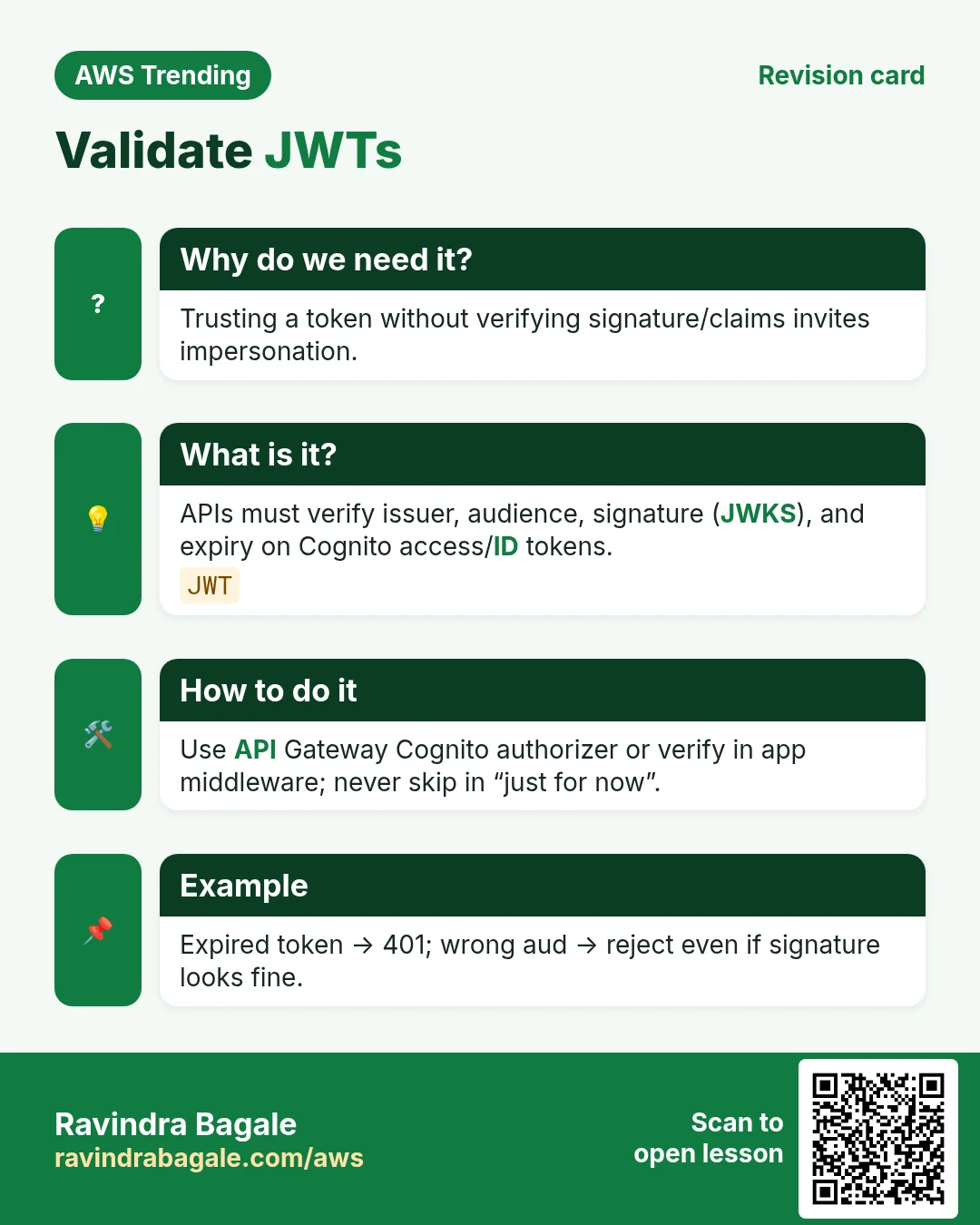
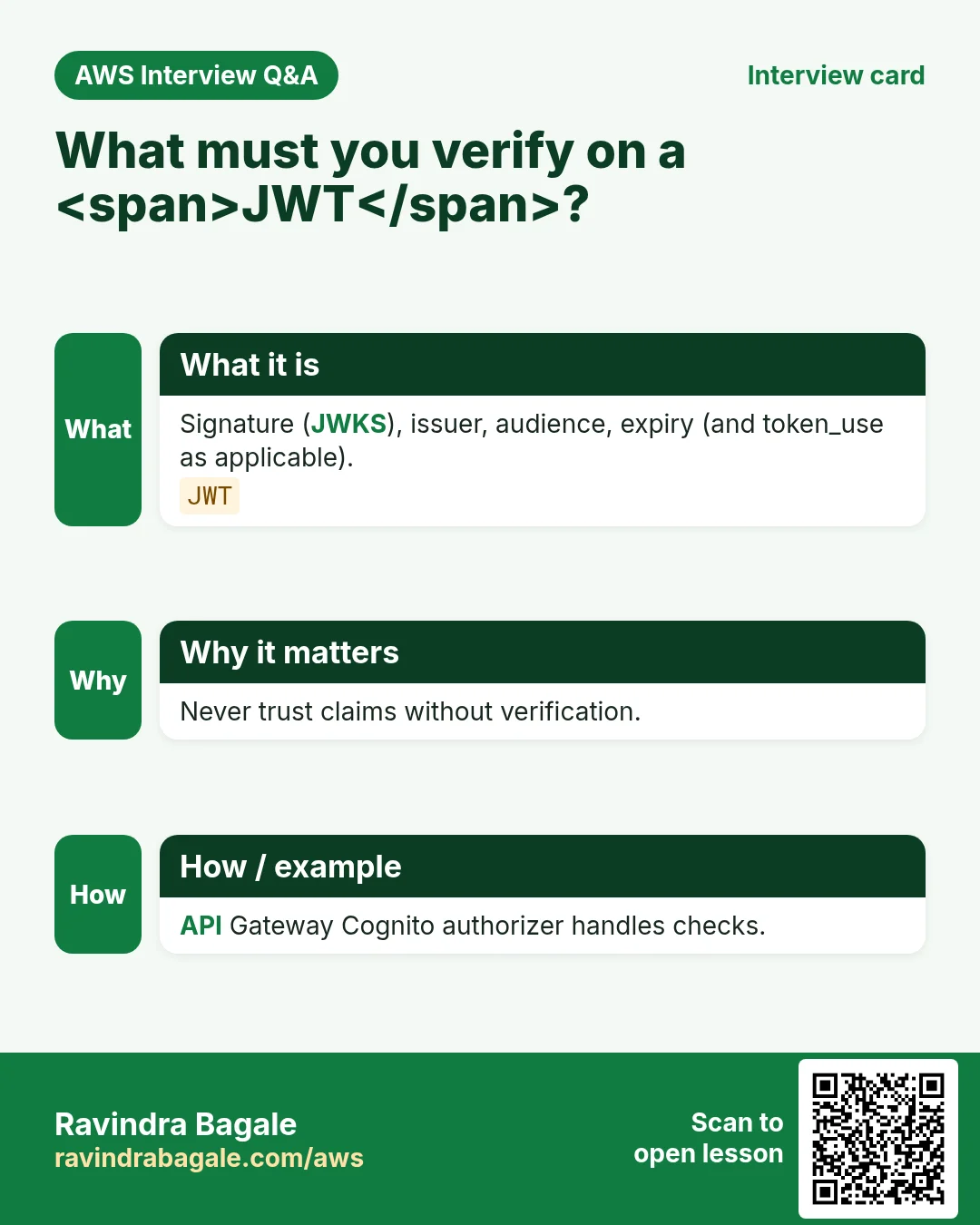
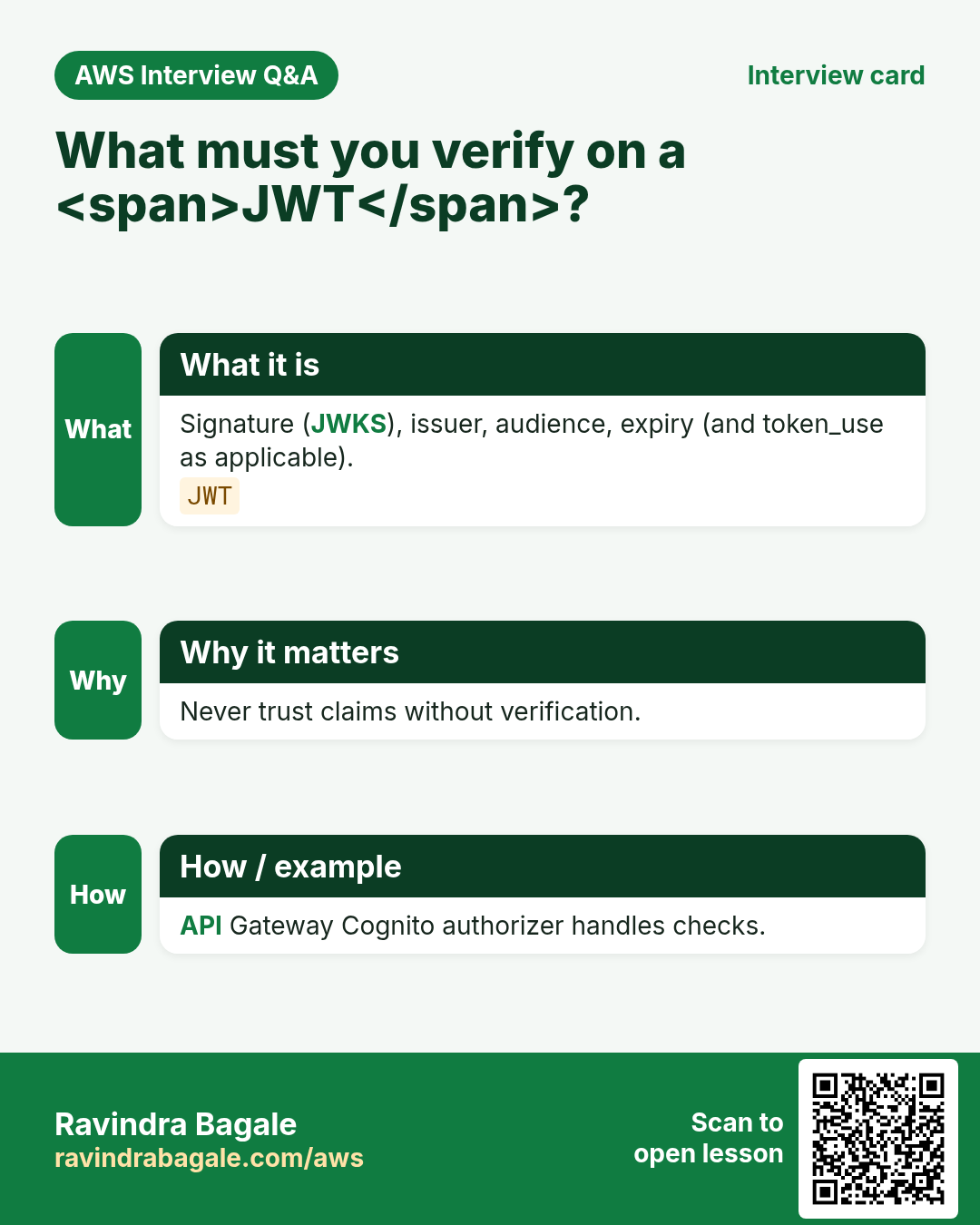
# 2) API Gateway JWT authorizer checks iss/aud/exp
# 3) Optional: Identity Pool GetCredentialsForIdentity → S3 PutObject
5. User pool vs identity pool vs IAM Identity Center
| Choice | When |
|---|---|
| Cognito user pool | Customer/app users AuthN |
| Cognito identity pool | AWS creds for app users |
| IAM Identity Center | Workforce SSO into AWS accounts |
| Amazon Verified Permissions | Fine-grained authZ policies (Cedar) |
6. Multi-industry notes
EdTech apps use Cognito for millions of students with social login. Hospitals integrate SAML IdP for clinicians but still Cognito for patient apps. Fintech adds MFA mandatory and device tracking.
7. Industries and roles
- Mobile/web startups: fast auth
- EdTech: social + email OTP
- Healthcare: SAML workforce + patient pools
- Fintech: MFA + risk
- API developers: JWT authorizers
8. Lab: user pool + Hosted UI sample
Use a dummy account. Check that the exact callback URL returns you to the lab app and that the test API returns its expected result with an authorized access token. Attempt the check with an expired token or one missing the required scope and expect the configured deny response. Keep full tokens out of your lab log. Remove the disposable client, user, and pool afterward where appropriate.
Do this in ap-south-1 (Mumbai) unless your org forbids it. Set a budget alert first.
- Create a user pool with email sign-in in ap-south-1.
- Create a public app client for your running local sample app and register its exact callback URL. For a lab app serving plain HTTP on localhost port 3000, use
http://localhost:3000/callback. Choose authorization code with PKCE for the public client. - Enable Hosted UI; create a test user; sign in; inspect JWT claims carefully offline (lab token).
- Optional direct upload test. Map the identity pool to an authenticated lab role that allows
s3:PutObjectonly on the approved sample prefix. Verify the permitted upload and an out-of-prefix denial with harmless data. - For the API test, configure a JWT authorizer with the user pool issuer and the audience your lab expects. On an existing disposable HTTP API, attach it to the test route and require the configured custom scope. Confirm the authorized access token reaches the route and one missing the scope is rejected.
Cleanup (stop billing)
- Remove disposable API test routes and authorizers, test users, the app client and the user pool. If you ran the optional direct S3 upload test, remove the lab identity pool, its lab role and the sample objects.
- Remove lab callback URLs from any reused pools.
9. Common errors and fixes
Each row is a real mistake students and juniors hit. Read the fix before you panic.
| Error / symptom | Fix |
|---|---|
| Client secret in React bundle | Public client + PKCE; secrets only confidential apps. |
| Callback URL * | Exact URLs only. |
| Trusted JWT on client only | Always verify on API. |
| Identity Pool role = AdministratorAccess | Prefix-scoped least privilege. |
| Confused user pool with identity pool | AuthN tokens vs AWS creds. |
| Disabled token revocation thinking | Handle logout/refresh carefully. |
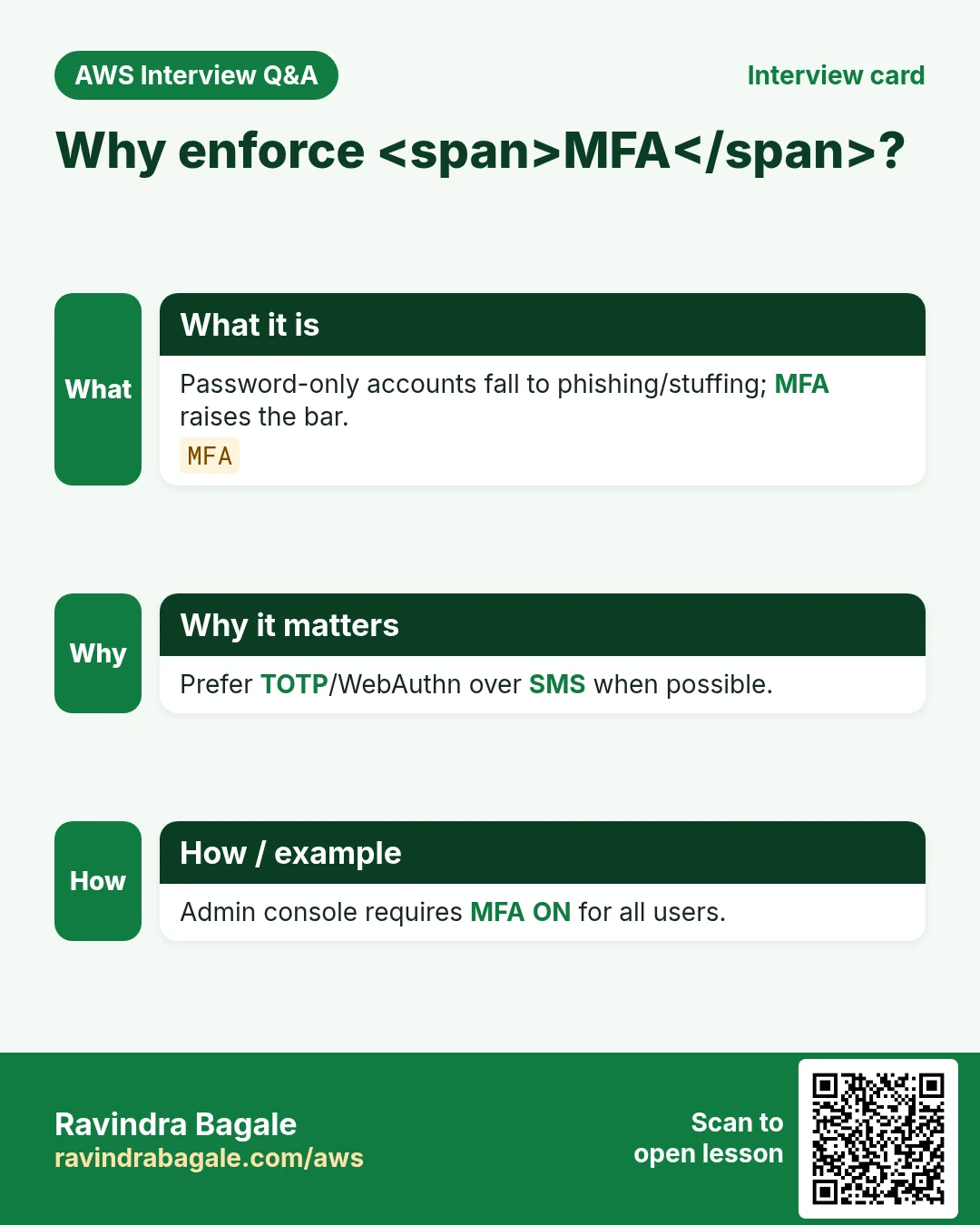
| MFA off for finance app | Turn on MFA. |
| Custom UI missing error handling for USER_PASSWORD_AUTH flows | Handle challenges. |
| PII in custom attributes without consent | Privacy review. |
| Long-lived access tokens | Short exp + refresh. |
10. Troubleshooting checklist
- Invalid redirect: callback mismatch.
- Unauthorized client: app client auth flows mis-set.
- CORS issues on Hosted UI/API: configure properly.
- Identity Pool no credentials: role trust / claim mapping.
- API 401: audience/issuer mismatch.
- Email delivery for OTP: SES sandbox limits.
11. FAQ
Q. Cognito free?
MAU pricing; free tier exists — check current.
Q. Replace Auth0/Firebase?
Comparable space; evaluate features/TCO.
Q. Offline mobile?
Refresh/session design; not magic offline auth.
Q. SAML enterprise?
Supported federation into user pools.
Q. Guest access?
Identity Pool unauthenticated role — tight limits.
Q. Passwordless?
Custom auth / features evolving — verify docs.
12. Interview Q&A
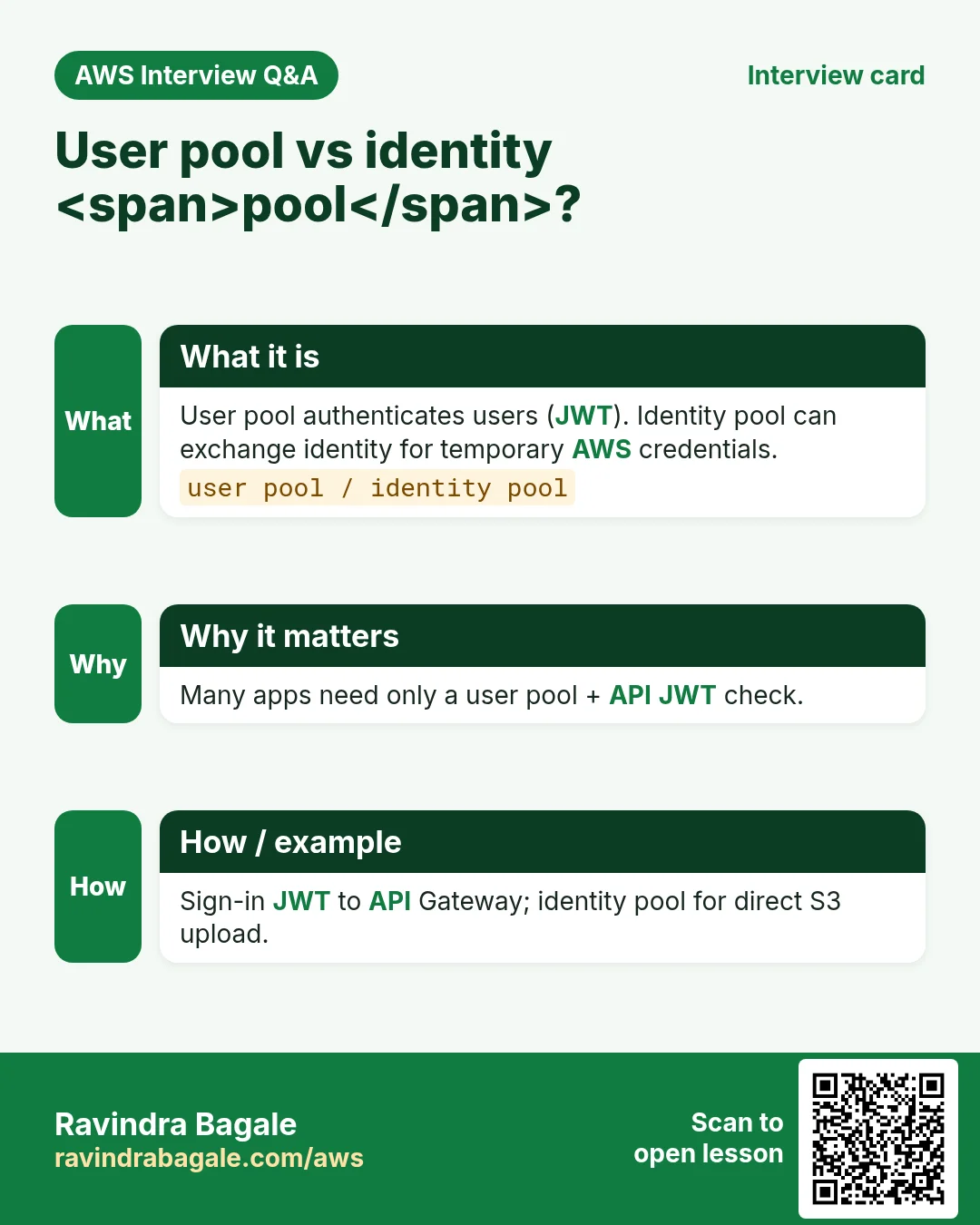
Q. User pool vs identity pool?
User pool=AuthN/JWT; identity pool=AWS IAM creds.
Q. What is JWT here?
Signed token APIs validate for identity/scopes.
Q. PKCE?
Protect public clients during auth code flow.
Q. Hosted UI?
Cognito-managed login pages.
Q. Secure S3 upload pattern?
Identity Pool role limited to user prefix.
Q. Workforce vs customer auth?
IDC for workforce; Cognito often customer apps.
13. Tips in English, Marathi and Hindi
Ravindra Bagale's Tip (EN)
Never ship a Cognito client secret inside a mobile or SPA binary. Public client + PKCE, and authorize on the server.
Ravindra Bagale's Tip (MR)
Mobile/SPA मध्ये client secret नका. Public+PKCE; server authorize.
Tip (HI)
मोबाइल/SPA में client secret मत डालो — public+PKCE और server पर authorize।
Try at home
- Draw user pool → JWT → API Gateway on paper.
- Write an IAM policy sketch: s3:PutObject on private/user-sub prefix.
- List three callback URL mistakes.
In short
- User pools authenticate users and issue JWTs.
- Identity pools exchange identity for IAM credentials.
- PKCE for public apps; verify JWT on APIs.
- Least-privilege roles for uploads.
Revision, interview and comparison cards
Revise this lesson in a few minutes. Save the cards on your phone or download them as PNG files. The QR code on each card opens this lesson.
More cards: Ravi Sir's Cards.
Practise this chapter
Interview questions and answers
A student can sign in but the order API refuses the request. How do you diagnose this?
Check whether the request uses the intended access token, then verify issuer, expiry, audience or client and scopes. If the token passes, check whether that student can access the selected order. A successful sign-in gives identity evidence; the API still enforces permission for the action.
Check your understanding
Choose an answer, then compare your reasoning with the explanation.
Practice Tasks
Practice checks run in your browser. They check the answer for this exercise; they do not create resources or connect to your AWS account.
About this scenarioNairobi Ride is a transport business in Nairobi. Wanjiru Kamau looks after its IT and cloud work. They count money in KES and run their AWS resources in the af-south-1 Region. In the tasks below you do real jobs for them using what this lesson teaches. All names, account IDs, IP addresses and numbers are made up for practice.
0 / 16
Easy List user pools
Auth inventory.
List user pools.
- Read the task and decide which AWS service it is about.
- Write aws, then the service name, then the operation (the action word).
- Add each needed flag (--name) followed by its value from the task.
- Flags can be in any order. Click Check answer.
Easy Describe user pool
MFA/password.
Describe user pool nairobiridepool.
- Read the task and decide which AWS service it is about.
- Write aws, then the service name, then the operation (the action word).
- Add each needed flag (--name) followed by its value from the task.
- Flags can be in any order. Click Check answer.
Easy List resource servers
Scopes.
List resource servers for nairobiridepool.
- Read the task and decide which AWS service it is about.
- Write aws, then the service name, then the operation (the action word).
- Add each needed flag (--name) followed by its value from the task.
- Flags can be in any order. Click Check answer.
Easy Apply the lesson: scenario 4
You need sign-up, sign-in and user tokens. Which Cognito feature fits: user pool or identity pool?
- Read the situation and identify what you need to decide.
- Work through the relevant concept or calculation.
- Enter only the requested term or number.
- Check your answer, then read the explanation.
Easy Apply the lesson: scenario 5
An authenticated client needs temporary AWS credentials for permitted AWS APIs. Which Cognito feature is designed for that exchange?
- Read the situation and identify what you need to decide.
- Work through the relevant concept or calculation.
- Enter only the requested term or number.
- Check your answer, then read the explanation.
Medium List user pool clients
App clients.
List user pool clients for nairobiridepool.
- Read the task and decide which AWS service it is about.
- Write aws, then the service name, then the operation (the action word).
- Add each needed flag (--name) followed by its value from the task.
- Flags can be in any order. Click Check answer.
Medium List groups
Authorization.
List groups in nairobiridepool.
- Read the task and decide which AWS service it is about.
- Write aws, then the service name, then the operation (the action word).
- Add each needed flag (--name) followed by its value from the task.
- Flags can be in any order. Click Check answer.
Medium List identity pools
AWS creds.
List identity pools.
- Read the task and decide which AWS service it is about.
- Write aws, then the service name, then the operation (the action word).
- Add each needed flag (--name) followed by its value from the task.
- Flags can be in any order. Click Check answer.
Medium Allow GetId identity pool
Mobile LP.
Allow cognito-identity:GetId on arn:aws:cognito-identity:af-south-1:104591109902:identitypool/nairobirideidpool.
- Start with { "Version": "2012-10-17", "Statement": [ ... ] }.
- In each statement write Effect, Action and Resource.
- Give only what the task needs (least privilege).
- Use double quotes and commas correctly. Click Check answer.
Medium MFA required JSON
Security.
JSON MfaConfiguration ON.
- Start from the top-level keys the task names.
- Indent child keys with 2 spaces (no tabs).
- Fill in each property with the value from the task.
- Click Check answer. Key order does not matter.
Medium Apply the lesson: scenario 11
An API receives a Cognito JWT. Is decoding its payload alone sufficient, or must the API validate it? Answer decode or validate.
- Read the situation and identify what you need to decide.
- Work through the relevant concept or calculation.
- Enter only the requested term or number.
- Check your answer, then read the explanation.
Medium Sample access token minutes
Token life.
Sample access token minutes often used (enter 60)?
- Write down the numbers the task gives you.
- Work it out step by step on paper.
- Type only the final answer in the box.
- Click Check answer.
Hard List identity providers
Federation.
List identity providers for nairobiridepool.
- Read the task and decide which AWS service it is about.
- Write aws, then the service name, then the operation (the action word).
- Add each needed flag (--name) followed by its value from the task.
- Flags can be in any order. Click Check answer.
Hard List users
Directory.
List users in nairobiridepool.
- Read the task and decide which AWS service it is about.
- Write aws, then the service name, then the operation (the action word).
- Add each needed flag (--name) followed by its value from the task.
- Flags can be in any order. Click Check answer.
Hard Allow AdminGetUser
Support LP.
Allow cognito-idp:AdminGetUser on arn:aws:cognito-idp:af-south-1:104591109902:userpool/nairobiridepool.
- Start with { "Version": "2012-10-17", "Statement": [ ... ] }.
- In each statement write Effect, Action and Resource.
- Give only what the task needs (least privilege).
- Use double quotes and commas correctly. Click Check answer.
Hard Auth flows JSON
SRPA.
JSON ExplicitAuthFlows USER_SRP_AUTH.
- Start from the top-level keys the task names.
- Indent child keys with 2 spaces (no tabs).
- Fill in each property with the value from the task.
- Click Check answer. Key order does not matter.