AWS CLI EBS and AMI Commands: Volumes, Snapshots and Images
We manage server disks from the terminal: create and attach EBS volumes, grow them, take snapshots, and turn a server into a reusable AMI image.
In this chapter
- Create, attach and detach an EBS volume
- Resize a volume without downtime
- Take, copy and restore snapshots
- Create, share and deregister AMIs
- Clean up disks and images
1. The big picture: disks and photos of disks
A pen drive (EBS volume) plugs into one laptop. A photo copy of it (snapshot) is kept safe in a locker. A ready-made laptop image (AMI) lets you set up new laptops in minutes.
All of these are in aws ec2: create-volume, attach-volume, modify-volume, create-snapshot, copy-snapshot, create-image, deregister-image.
2. Create and attach an EBS volume
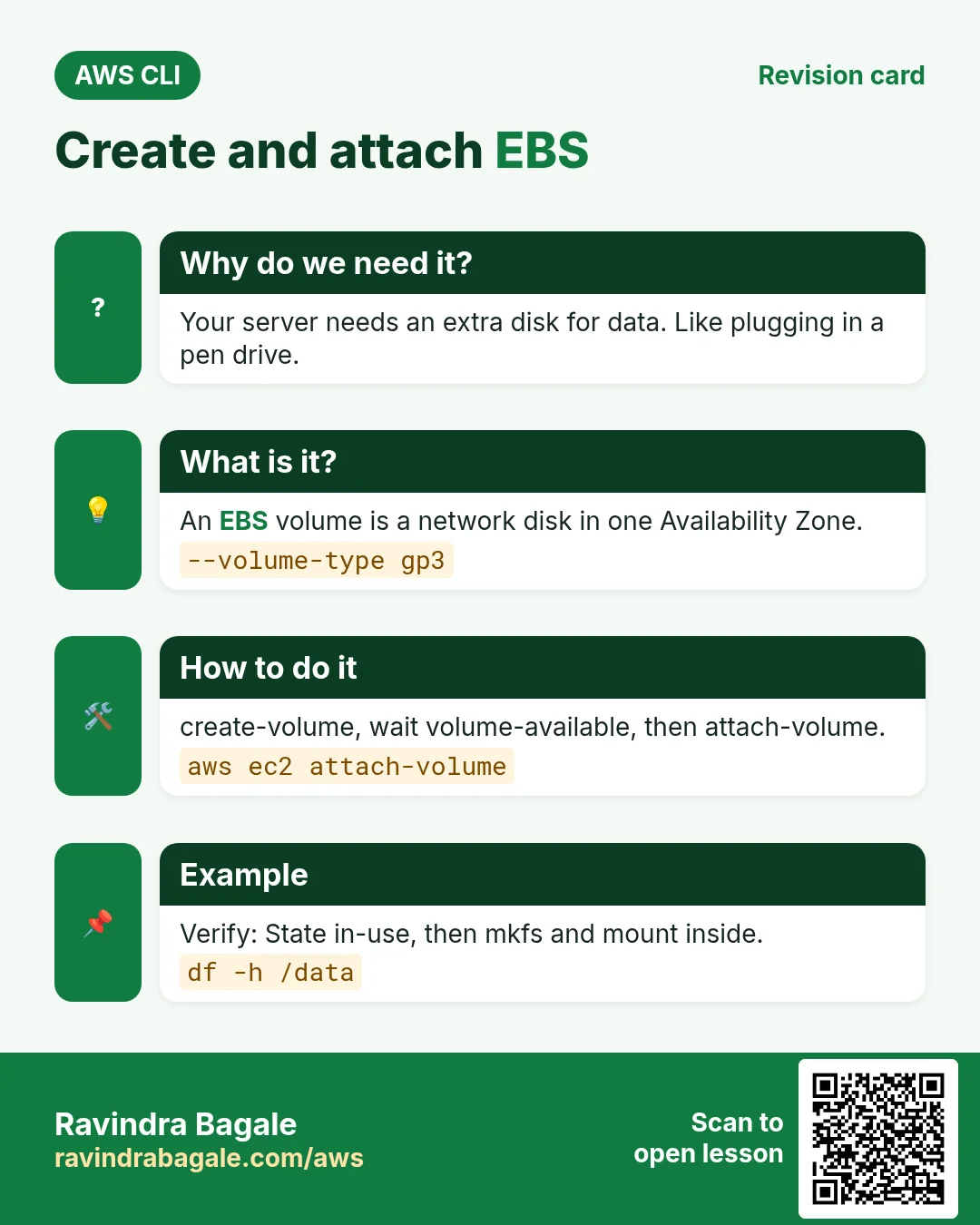
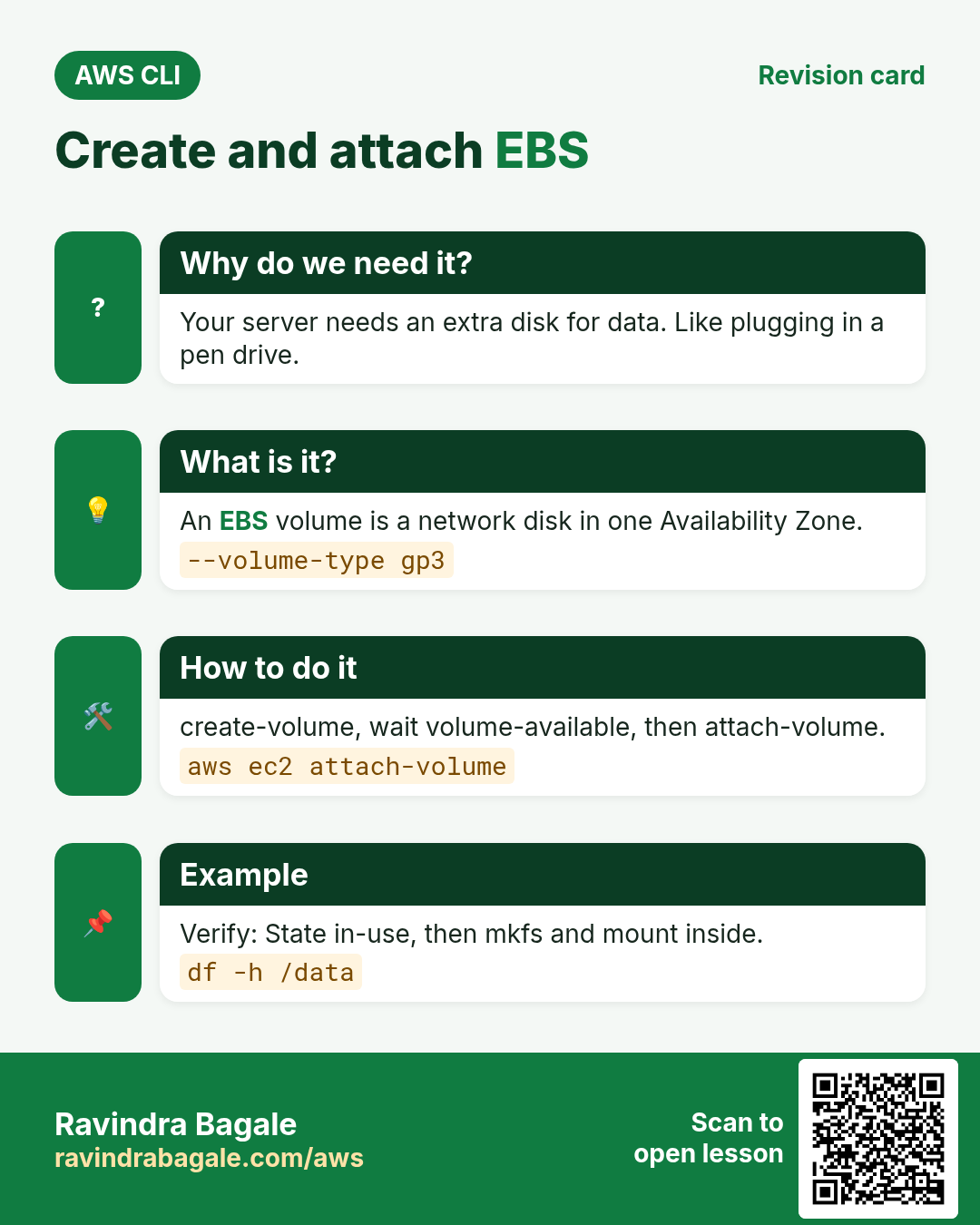
Your server needs more disk for data, apart from the root disk.
An EBS volume is a network disk in one Availability Zone. gp3 is the default general purpose type.
- On your AWS CLI workstation, set
IIDto the disposable lab instance ID. Create a 10 GiB gp3 volume in the same Availability Zone as that instance.
AZ=$(aws ec2 describe-instances --instance-ids "$IID" --query "Reservations[0].Instances[0].Placement.AvailabilityZone" --output text)
VOL=$(aws ec2 create-volume --availability-zone "$AZ" --size 10 --volume-type gp3 --tag-specifications "ResourceType=volume,Tags=[{Key=Name,Value=cli-data}]" --query VolumeId --output text)
aws ec2 wait volume-available --volume-ids $VOL && echo $VOL
Expected output:
vol-0a1b2c3d4e5f60718- Attach it to your instance.
aws ec2 attach-volume --volume-id $VOL --instance-id $IID --device /dev/sdf --query State --output textExpected output:
attaching- Verify.
aws ec2 describe-volumes --volume-ids $VOL --query "Volumes[0].[State,Attachments[0].State,Size]" --output textExpected output:
in-use attached 10- On the instance, identify the new, empty lab volume before formatting it.
lsblk -o NAME,PATH,SERIAL,FSTYPE,MOUNTPOINTSOn Nitro, match the EBS serial number to the new volume ID you saved as VOL. The serial can omit the hyphen. Linux can assign a different device name from /dev/sdf; use the path from the matching row. If you cannot confirm the match or see an existing file-system signature, partition or mount point, stop before formatting. Format only the new blank lab volume.
DEVICE=/dev/verified-device
# Replace /dev/verified-device with the confirmed lab volume path.
sudo file -s "$DEVICE"
After the identity and blank-volume checks pass, format and mount the lab device in the same shell.
sudo mkfs -t xfs "$DEVICE" && sudo mkdir -p /data && sudo mount "$DEVICE" /data && df -h /dataExpected output:
/dev/nvme1n1 10G 104M 9.9G 2% /data3. Resize a volume
Run the resize test against the data volume ID you saved. The example requests a move from 10 GiB to 20 GiB. The modification request updates the volume’s size in AWS. Wait until the service’s modification state allows the size change to be used, then check the host with lsblk. The mounted file system’s usage output can still show its former capacity until you expand that file system.
The lab put XFS directly on the blank practice device, so xfs_growfs /data expands the mounted XFS file system at that path. Another layout might have a partition or different file-system type, so read the host’s actual block and mount structure first. Verify both columns after the practice resize: the correct block device reports the larger size and df -h /data reports the larger mounted file system. Keep a recovery snapshot if the data matters beyond the exercise.
The disk is getting full. You do not want to stop the server.
modify-volume grows size or changes type and IOPS live. Then you grow the file system inside the server. You cannot shrink a volume.
Read lsblk and df -hT together. If the disk is already 30 GiB but its data partition still reports 20 GiB, the partition has to grow first. If the file system sits directly on the disk, there is no partition step. Then use the growth tool for the identified file system and confirm the mounted size. Confirm the device, mount point and backup before changing storage.
- Grow to 20 GiB.
aws ec2 modify-volume --volume-id $VOL --size 20 --query VolumeModification.ModificationState --output textExpected output:
modifying- Watch progress.
aws ec2 describe-volumes-modifications --volume-ids $VOL --query "VolumesModifications[0].[ModificationState,Progress]" --output textExpected output:
optimizing 45- Grow the file system and verify.
sudo xfs_growfs /data
df -h /data
Expected output:
/dev/nvme1n1 20G 180M 20G 1% /data4. Snapshots: backup, copy and restore
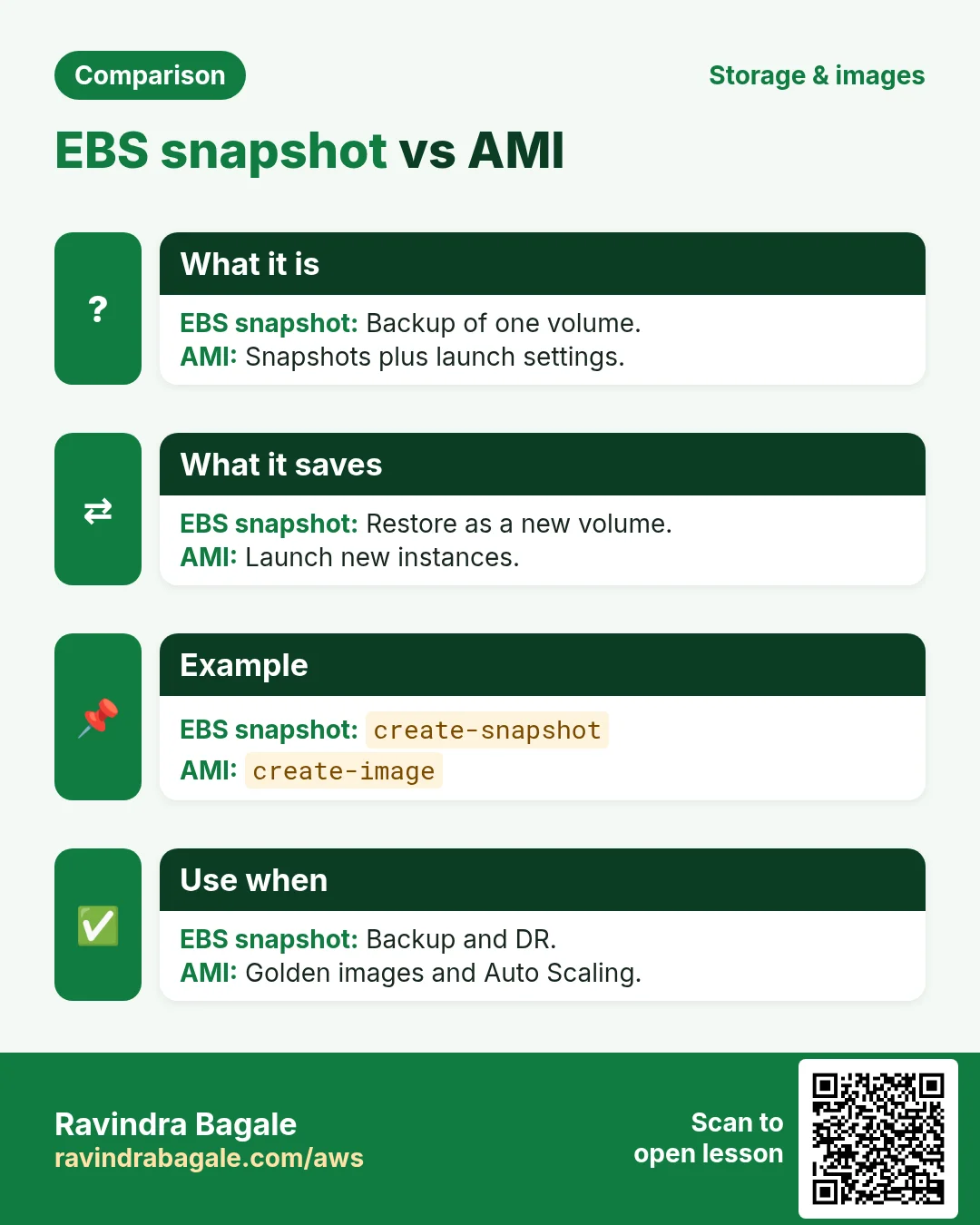
A snapshot records the data of an EBS volume at a point in time. It is stored independently of the instance. A restored volume is a new block device made from that snapshot, so create and attach it for a separate restore check instead of replacing a working lab disk. If an application was writing during snapshot preparation, consider what its own backup and consistency procedure requires.
Save a small practice file and complete the snapshot. Restore into the Availability Zone of a disposable instance and identify the restored device by its volume ID. Read the known file to test the data. Creating a volume from a snapshot preserves the file system it captured, so skip the blank-disk format step for that device. An AMI adds a launch definition and references to backing snapshots to create a new instance.
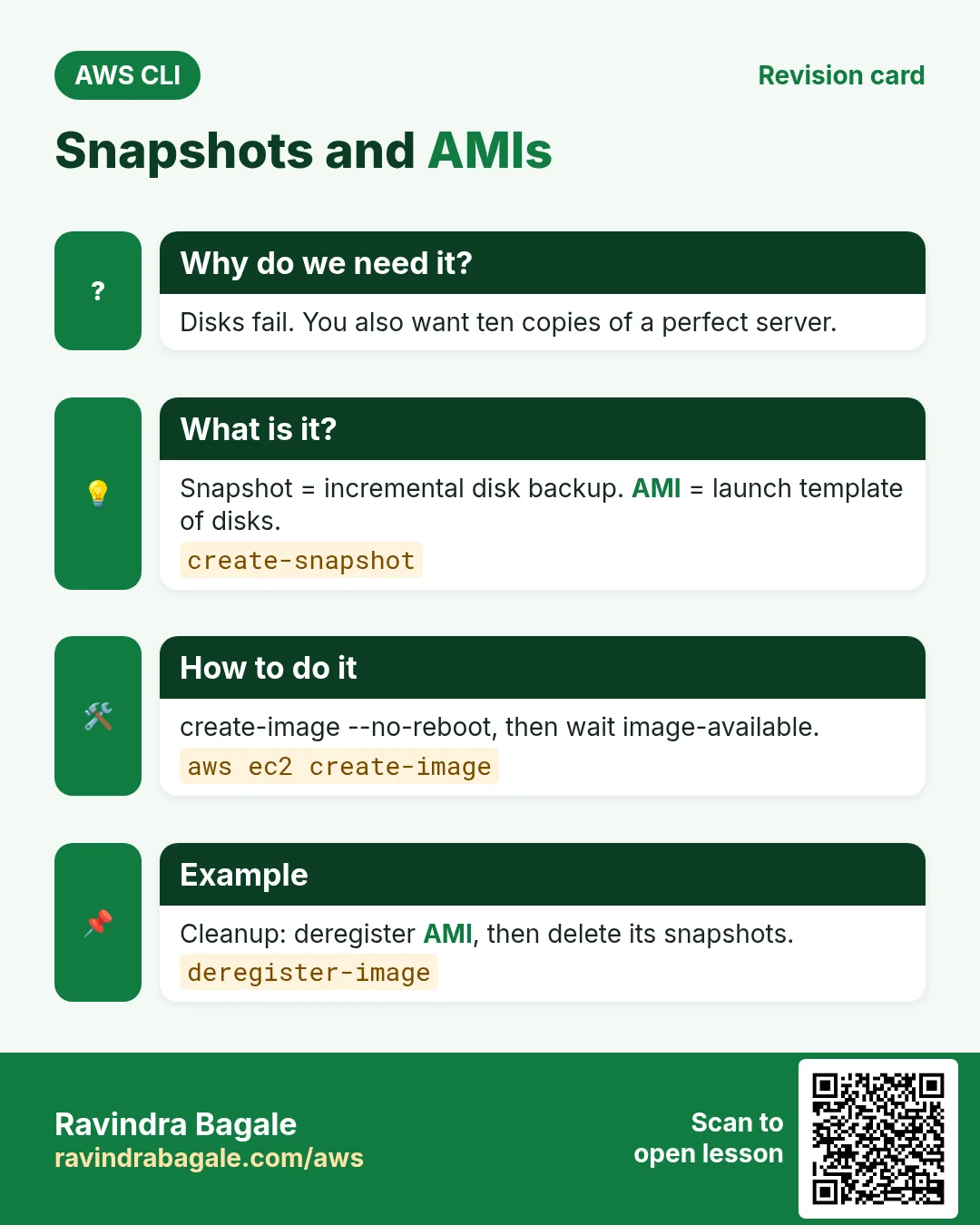
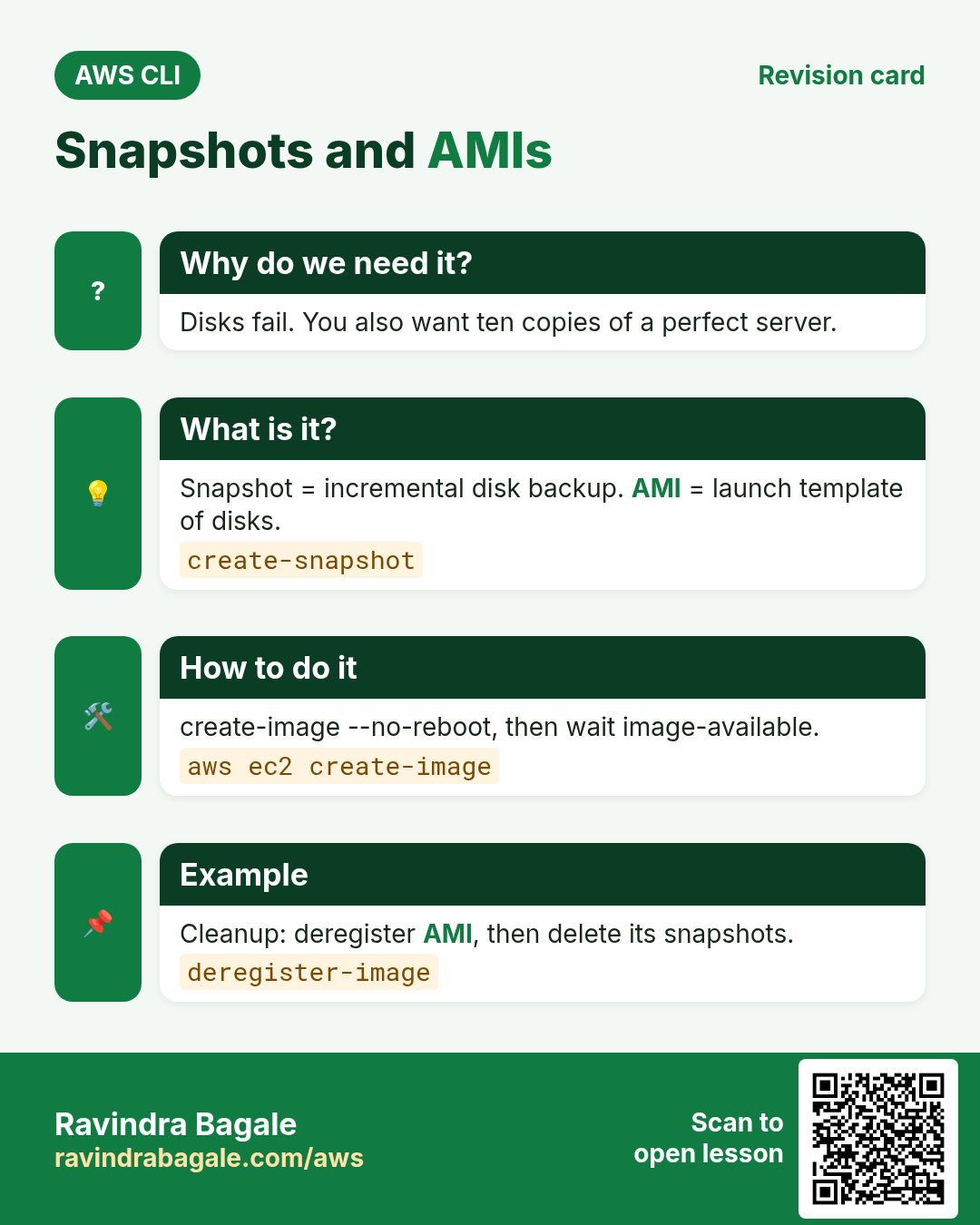
Disks fail and people delete files by mistake. You need a point-in-time copy.
A snapshot is an incremental backup of a volume stored in S3 by AWS. You can copy it to another region and create a new volume from it.
- Take a snapshot.
SNAP=$(aws ec2 create-snapshot --volume-id $VOL --description "cli-data backup" --query SnapshotId --output text)
aws ec2 wait snapshot-completed --snapshot-ids $SNAP && echo $SNAP
Expected output:
snap-0abc1234def567890- Copy it to another region for DR.
aws ec2 copy-snapshot --region ap-southeast-1 --source-region ap-south-1 --source-snapshot-id $SNAP --description dr-copyExpected output:
{ "SnapshotId": "snap-0fed..." }- Restore as a new volume.
aws ec2 create-volume --availability-zone ap-south-1b --snapshot-id $SNAP --volume-type gp3 --query "[VolumeId,State]" --output textExpected output:
vol-0new... creating5. Create and share an AMI
You set up a server perfectly. Now you want ten more just like it.
An AMI is a template: snapshots of all disks plus launch settings. Auto Scaling and run-instances use it.
- Create an image without reboot.
AMI=$(aws ec2 create-image --instance-id $IID --name cli-web-v1 --no-reboot --query ImageId --output text)
aws ec2 wait image-available --image-ids $AMI && echo $AMI
Expected output:
ami-0abc1234def567890- Share with another account.
aws ec2 modify-image-attribute --image-id $AMI --launch-permission "Add=[{UserId=111122223333}]"Expected output:
(no output means success)- Verify your images.
aws ec2 describe-images --owners self --query "Images[].[ImageId,Name,State]" --output tableExpected output:
| ami-0abc... | cli-web-v1 | available |6. Same action in Python, Node.js, Java, Go, .NET and PHP
Scripts start in the CLI. Apps call the same API through an SDK. Knowing both helps you move a tested command into real code.
Low-level CLI commands expose service operations. A high-level command or an automatically paginated list can make multiple requests. For example, aws ec2 create-snapshot --volume-id vol-123 maps to the CreateSnapshot API.
Same action (CreateSnapshot) from code. Set the intended profile and Region for the SDK. Provider support and precedence can differ by SDK, and an explicit client setting can override defaults.
| Stack | Code |
|---|---|
| Python (boto3) | boto3.client("ec2").create_snapshot(VolumeId="vol-123")["SnapshotId"] |
| Node.js (v3) | await ec2.send(new CreateSnapshotCommand({VolumeId:"vol-123"})); |
| Java (v2) | ec2.createSnapshot(r -> r.volumeId("vol-123")).snapshotId(); |
| Go (v2) | c.CreateSnapshot(ctx, &ec2.CreateSnapshotInput{VolumeId: aws.String("vol-123")}) |
| .NET | await ec2.CreateSnapshotAsync(new CreateSnapshotRequest{VolumeId="vol-123"}); |
| PHP | $ec2->createSnapshot(["VolumeId"=>"vol-123"]); |
7. Clean up so nothing keeps costing
Lab resources left running cost money and can be a security risk.
Delete in reverse order: children first, then parents.
- Deregister the AMI, then delete its snapshots.
SN=$(aws ec2 describe-images --image-ids $AMI --query "Images[0].BlockDeviceMappings[].Ebs.SnapshotId" --output text)
aws ec2 deregister-image --image-id $AMI
for s in $SN; do aws ec2 delete-snapshot --snapshot-id $s; done
Expected output:
(no output means success)- Unmount, detach and delete the volume.
sudo umount /data
aws ec2 detach-volume --volume-id $VOL
aws ec2 wait volume-available --volume-ids $VOL
aws ec2 delete-volume --volume-id $VOL
Expected output:
(no output means success)- Delete the backup snapshot.
aws ec2 delete-snapshot --snapshot-id $SNAPExpected output:
(no output means success)- Verify nothing is left.
aws ec2 describe-volumes --filters Name=tag:Name,Values=cli-data --query "length(Volumes)"Expected output:
0Ravindra Bagale's Tip
Snapshots of deleted volumes still cost money. Run describe-snapshots --owner-ids self every month and delete old ones, or use Data Lifecycle Manager.
Common errors: cause and safe next check
The snapshot command returned quickly, so someone treats the backup as finished
Snapshot creation is asynchronous. The snapshot object appears immediately, but it stays pending until the written data has been transferred. A later create-image or restore that assumes a completed copy can surprise you. Inspect the snapshot state and wait for completion before you depend on that backup.
A root-volume snapshot is taken while the instance is still writing
AWS recommends stopping the instance before you snapshot a volume that serves as the root device, so the copy is consistent. If you cannot stop writes, pause writes or unmount a data volume from inside the instance first. Creating another snapshot while several copies of the same volume are still pending can also reduce volume performance.
Someone expects a snapshot to shrink or replace the live volume
A snapshot is a backup object, not a resize of the running disk. The live volume stays the same size and keeps its data. Inspect the volume and the snapshot as separate resources before you change either one.
Practical questions and full answers
Why can I keep writing to a volume after I request a snapshot?
AWS creates the snapshot immediately and then copies the written data in the background. You can continue to use the volume during that time. Remember that the snapshot still includes only what had already been written when you requested it.
Why stop an instance before snapshotting its root volume?
A root volume holds the operating system. Stopping the instance first is the recommended way to keep that copy consistent. After the snapshot exists, you can inspect its state before you build an AMI or start the instance again.
What is the difference between an EBS snapshot and an AMI in daily work?
A snapshot copies one volume at one moment. An AMI is the launch recipe for an instance and points to the snapshots that make up that machine. Use a snapshot when you need the disk copy. Use an AMI when you need to launch another instance from that recipe.
8. Interview questions and answers
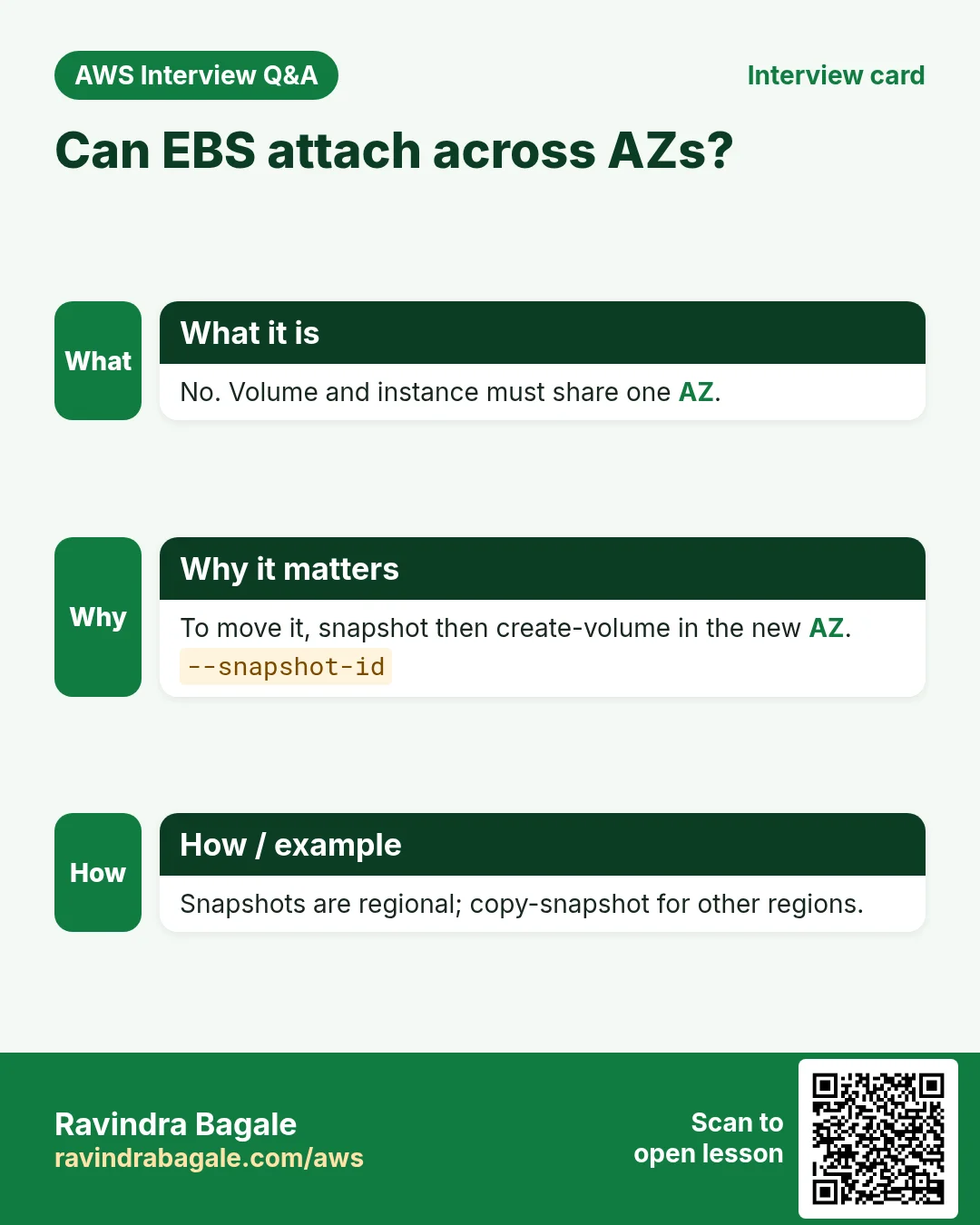
Q. Can an EBS volume attach to an instance in another AZ?
No. Volume and instance must be in the same AZ. Use a snapshot to move it.
Q. How do you grow a disk without downtime?
modify-volume, then grow the file system with xfs_growfs or resize2fs.
Q. Are snapshots full copies?
The first is full. Later ones store only changed blocks.
Q. What is in an AMI?
Disk snapshots, architecture, and block device mappings used at launch.
Q. Why --no-reboot can be risky?
Data in memory may not be flushed, so the image may be inconsistent.
Try at home
- Attach a 5 GiB volume, write a file, snapshot it, restore to a new volume and read the file back.
- Create an AMI and launch a second instance from it.
In short
- create-volume, attach-volume.
- modify-volume grows live.
- Snapshots are incremental.
- create-image makes an AMI.
- Deregister AMI, then delete snapshots.
Follow the snapshot lifecycle separately from the volume
Wait until a copied lab snapshot is complete before creating its volume. Attach it only in the matching Availability Zone and inspect its filesystem before writing. Clean up snapshot, volume and AMI separately where applicable.
Interview check Does deregistering an AMI necessarily delete its snapshots?
No. Snapshot deletion is separate unless you request and qualify for the associated delete behavior. Review shared snapshot dependencies and retained costs.
Practise this chapter
Interview questions and answers
How would you verify both a safe EBS attachment and a working snapshot restore?
I would attach in the instance’s Availability Zone and identify the device by the EBS volume ID before any operation. For a restored volume I would mount the existing file system and read a known sample file rather than formatting the restored data.
Check your understanding
Choose an answer, then compare your reasoning with the explanation.
Practice Tasks
Practice checks run in your browser. They check the answer for this exercise; they do not create resources or connect to your AWS account.
About this scenarioTexas Solar Co is a solar energy business in Austin. Carlos Ramirez looks after its IT and cloud work. They count money in USD and run their AWS resources in the us-east-2 Region. In the tasks below you do real jobs for them using what this lesson teaches. All names, account IDs, IP addresses and numbers are made up for practice.
0 / 12
Easy Detach a volume
To move a disk to a rescue server, detach it first.
Detach volume vol-01225c01510cfdeed.
- Read the task and decide which AWS service it is about.
- Write aws, then the service name, then the operation (the action word).
- Add each needed flag (--name) followed by its value from the task.
- Flags can be in any order. Click Check answer.
Easy Snapshot an EBS volume
A snapshot is a point-in-time backup of one disk, kept in S3 by AWS.
Create a snapshot of volume vol-01225c01510cfdeed with description "nightly texassolar".
- Read the task and decide which AWS service it is about.
- Write aws, then the service name, then the operation (the action word).
- Add each needed flag (--name) followed by its value from the task.
- Flags can be in any order. Click Check answer.
Easy Check free disk space
If a disk is 100% full, apps and databases stop working.
Show free and used space of all mounted disks in human-readable units.
- Find the Linux command that does this job.
- Add the options (like -r or -h) the task needs.
- Add the file names, folders or users in the right order.
- Use sudo if the job changes system files or users. Click Check answer.
Easy List the disks
After you attach an EBS volume, lsblk shows its device name.
List all block devices (disks and partitions) on the server.
- Find the Linux command that does this job.
- Add the options (like -r or -h) the task needs.
- Add the file names, folders or users in the right order.
- Use sudo if the job changes system files or users. Click Check answer.
Medium Delete an old AMI
Old AMIs and their snapshots cost money every month.
Deregister the image ami-0111aad201d10abcd.
- Read the task and decide which AWS service it is about.
- Write aws, then the service name, then the operation (the action word).
- Add each needed flag (--name) followed by its value from the task.
- Flags can be in any order. Click Check answer.
Medium List your own AMIs
Only images you own matter when you clean up old AMIs.
List only the AMIs owned by your own account.
- Read the task and decide which AWS service it is about.
- Write aws, then the service name, then the operation (the action word).
- Add each needed flag (--name) followed by its value from the task.
- Flags can be in any order. Click Check answer.
Medium Attach a volume to an instance
A volume must be attached (same AZ) before the server can see it.
Attach volume vol-01225c01510cfdeed to instance i-001510d5221111a2b as device /dev/sdf.
- Read the task and decide which AWS service it is about.
- Write aws, then the service name, then the operation (the action word).
- Add each needed flag (--name) followed by its value from the task.
- Flags can be in any order. Click Check answer.
Medium Create a new EBS volume
Extra data disks keep app data apart from the root disk.
Create a 20 GiB gp3 volume in Availability Zone us-east-2a.
- Read the task and decide which AWS service it is about.
- Write aws, then the service name, then the operation (the action word).
- Add each needed flag (--name) followed by its value from the task.
- Flags can be in any order. Click Check answer.
Medium Create an AMI from a server
An AMI is a full server image. Launch identical copies from it any time.
Create an AMI named texassolar-web-v1 from instance i-001510d5221111a2b.
- Read the task and decide which AWS service it is about.
- Write aws, then the service name, then the operation (the action word).
- Add each needed flag (--name) followed by its value from the task.
- Flags can be in any order. Click Check answer.
Medium Format a new disk
A new EBS volume is empty. It needs a file system before you can store files.
Format /dev/xvdf with the xfs file system.
- Find the Linux command that does this job.
- Add the options (like -r or -h) the task needs.
- Add the file names, folders or users in the right order.
- Use sudo if the job changes system files or users. Click Check answer.
Hard Copy a snapshot to another Region
A copy in another Region protects you if a whole Region has a problem.
Copy snapshot snap-025f01510beef5 from us-east-2 into us-west-2 (run the command in us-west-2).
- Read the task and decide which AWS service it is about.
- Write aws, then the service name, then the operation (the action word).
- Add each needed flag (--name) followed by its value from the task.
- Flags can be in any order. Click Check answer.
Hard Grow a volume without downtime
EBS volumes can grow while in use. Afterwards you grow the file system too.
Increase volume vol-01225c01510cfdeed to 50 GiB.
- Read the task and decide which AWS service it is about.
- Write aws, then the service name, then the operation (the action word).
- Add each needed flag (--name) followed by its value from the task.
- Flags can be in any order. Click Check answer.
Revision, comparison and interview cards
Revise this lesson in a few minutes. Save the cards on your phone or download them as PNG files. The QR code on each card opens this lesson.
More cards: Ravi Sir's Cards.