Ravi Sir's Cards › AWS
Create and attach EBS
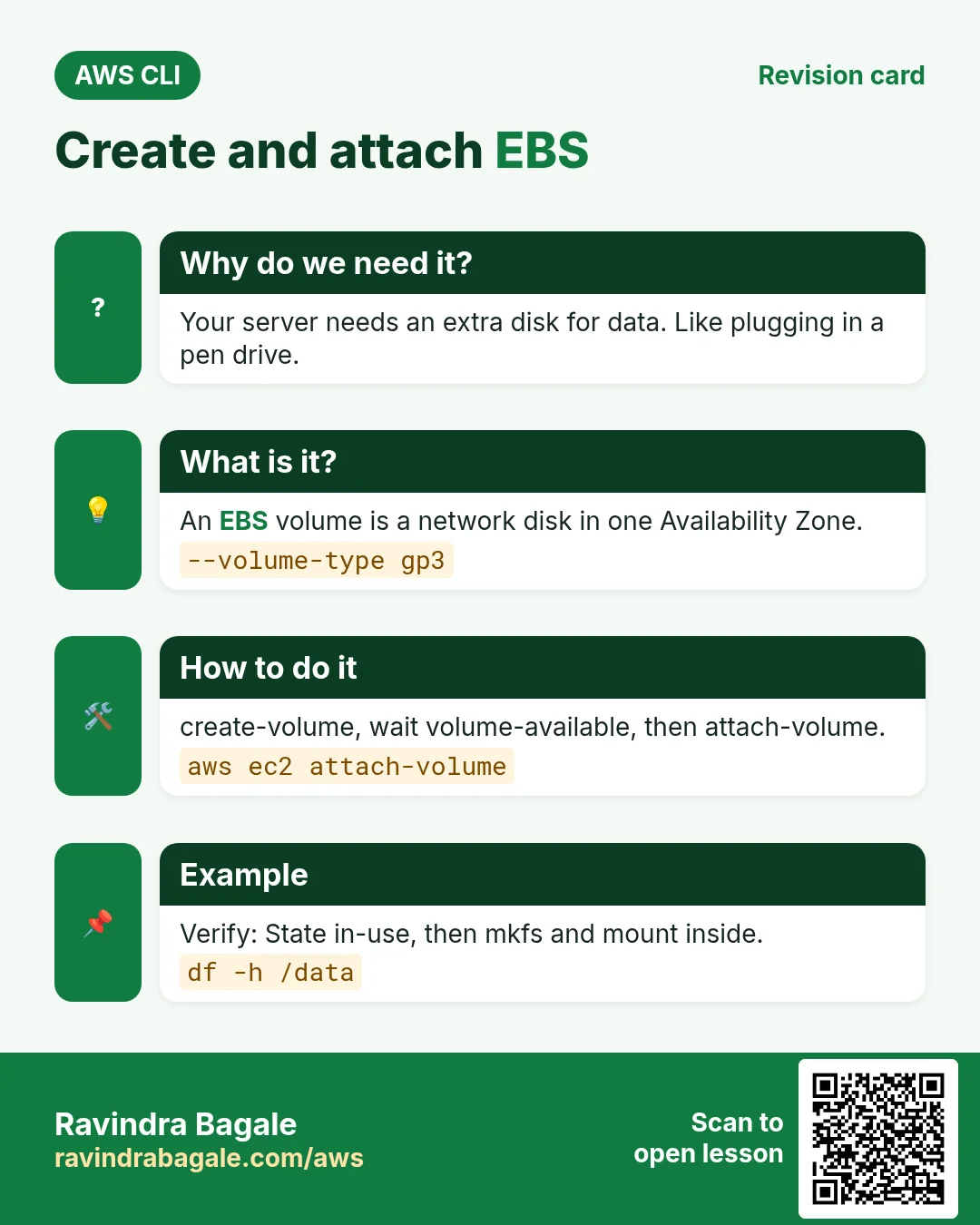
This revision card explains Create and attach EBS. It starts from the need that your server needs an extra disk for data. Like plugging in a pen drive. An EBS volume is a network disk in one Availability Zone. The how-to section covers how to create-volume, wait volume-available, then attach-volume. An example on the card is verify: State in-use, then mkfs and mount inside.
Read card text
What this card says
Why do we need it?
Your server needs an extra disk for data. Like plugging in a pen drive.
What is it?
An EBS volume is a network disk in one Availability Zone.
--volume-type gp3
How to do it
create-volume, wait volume-available, then attach-volume.
aws ec2 attach-volume
Example
Verify: State in-use, then mkfs and mount inside.
df -h /data