AWS CLI STS Commands: Assume Role and Session Tokens
STS gives short-lived keys. From the CLI you check who you are, assume roles, use MFA and make profiles that assume roles by themselves.
In this chapter
- get-caller-identity
- assume-role and export keys
- Role profiles with role_arn and source_profile
- MFA session tokens
- Decode an authorization error
1. The big picture: borrowed keys
A hotel gives you a room key card that stops working at checkout. STS gives keys that stop working after 15 minutes to 12 hours.
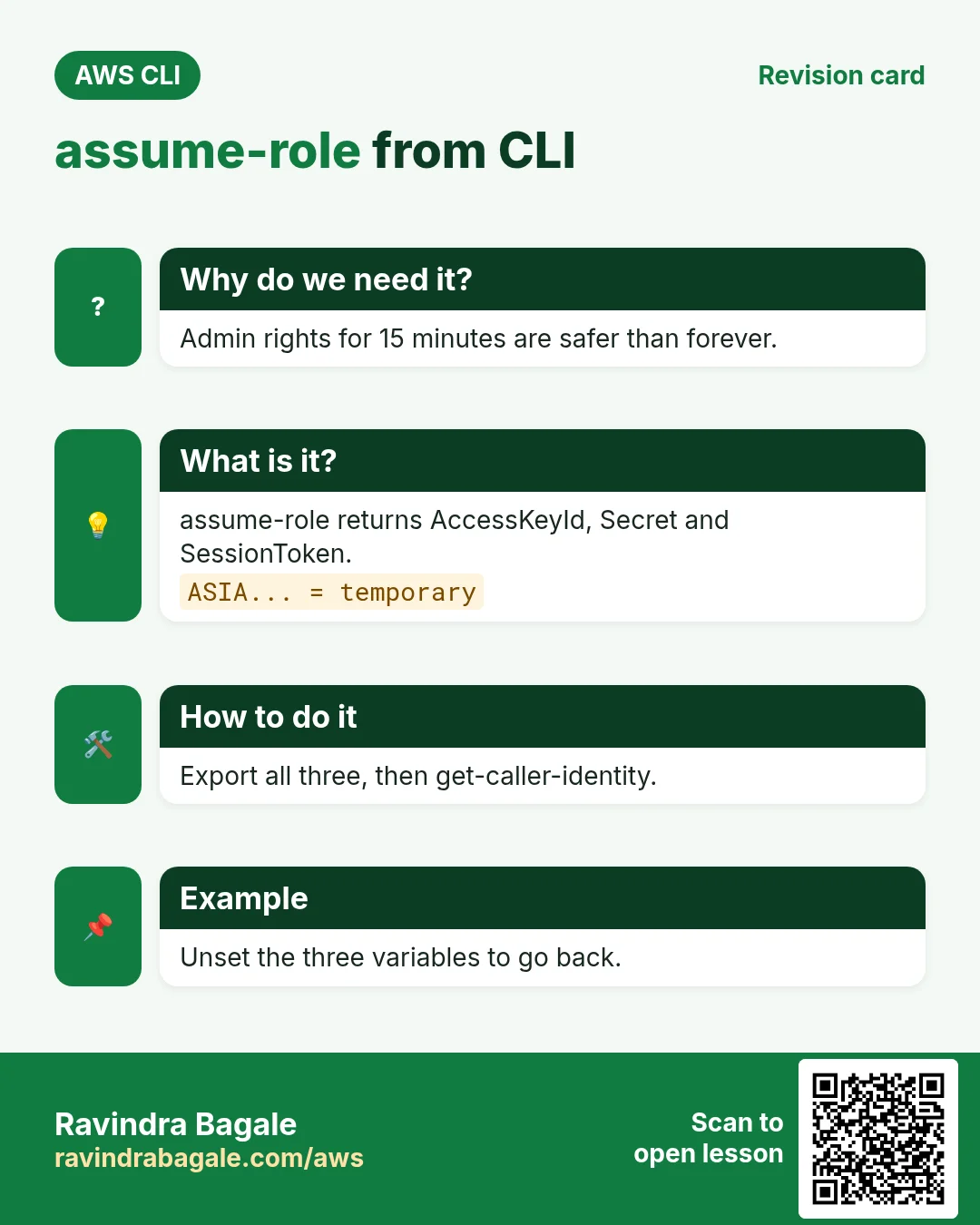
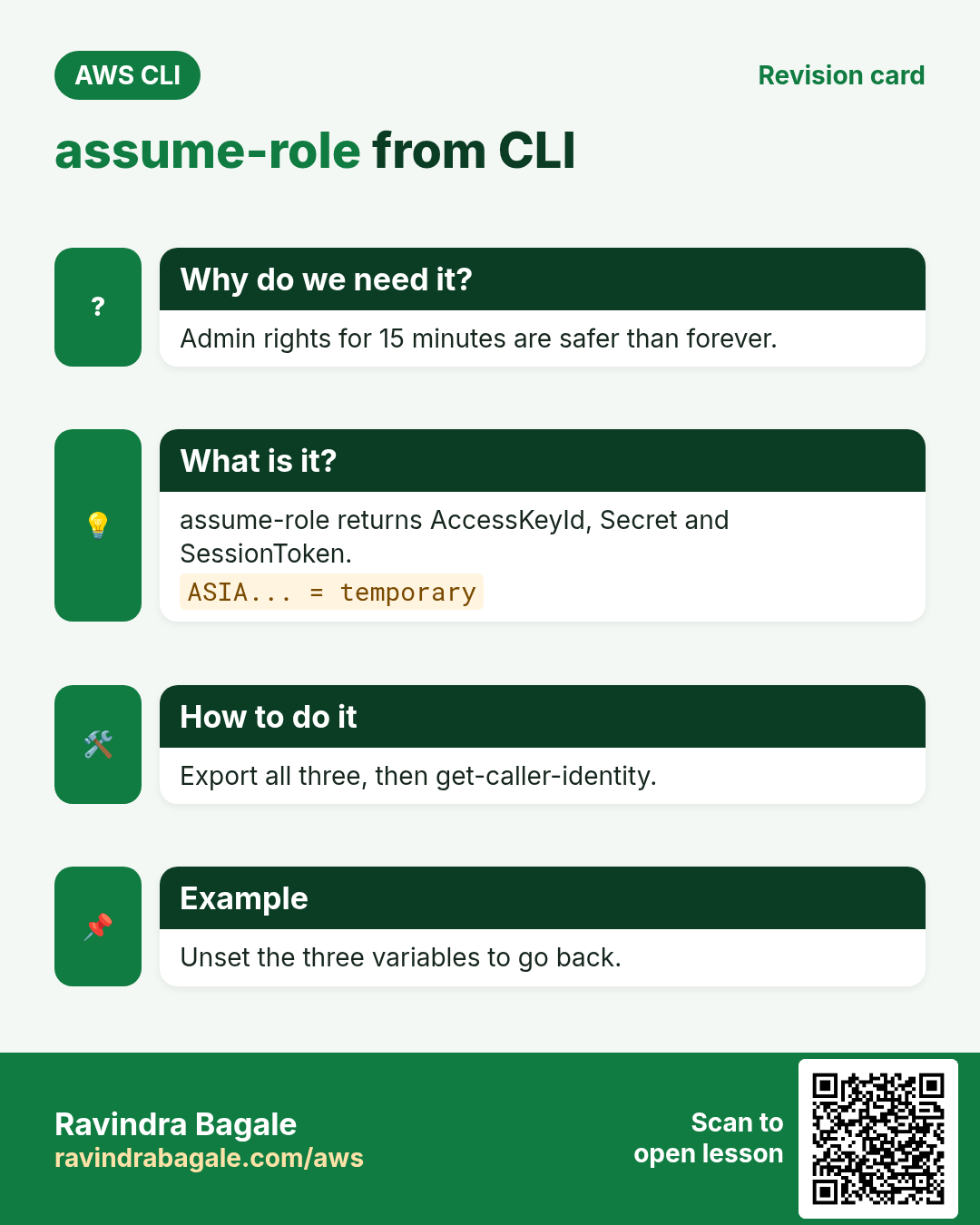
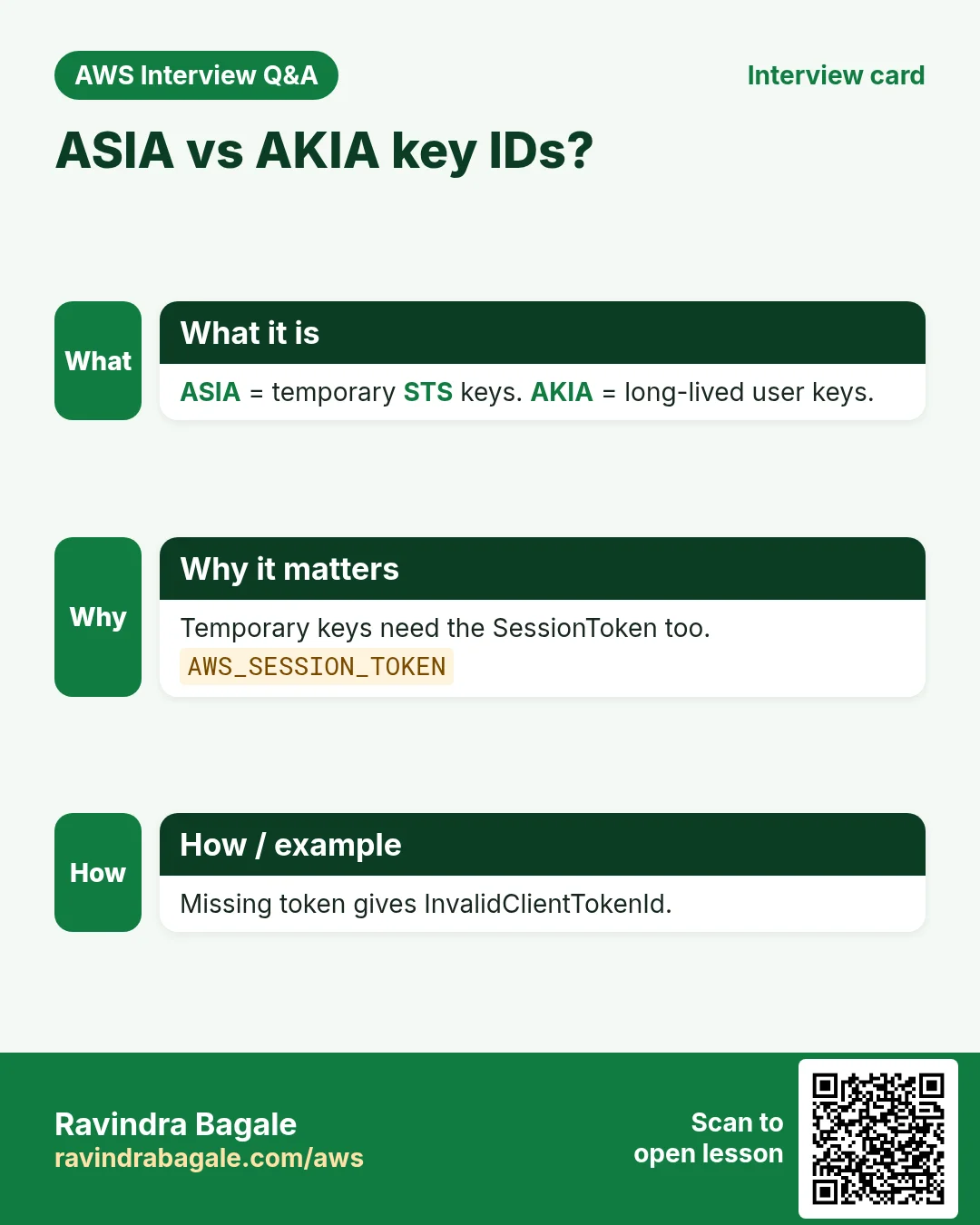
Temporary credentials have three parts: AccessKeyId (starts with ASIA), SecretAccessKey and SessionToken. All three are needed.
2. Who am I?
Before any change you must know the account and identity.
get-caller-identity needs no permission and always works if keys are valid.
- Run it.
aws sts get-caller-identityExpected output:
{ "UserId": "AIDA...", "Account": "111122223333", "Arn": "arn:aws:iam::111122223333:user/ravi" }- Only the account.
aws sts get-caller-identity --query Account --output textExpected output:
1111222233333. assume-role and export the keys
Following the lab example, suppose the original role belongs to your training profile and the target is cli-admin in the fictional account 111122223333. The role ARN identifies the target. The name ravi-cli is a session label; it helps connect the temporary caller to this run. The requested duration is in seconds and the role’s allowed session settings can restrict it.
Compare the start and finish of the exchange without sharing credentials. Before the call, record just the source account and ARN. On a separate isolated terminal or with the role profile below, compare the account and ARN after the change; the role session should include assumed-role/cli-admin/ravi-cli when using that target and session name. Keep current credentials out of chat, logs and screenshots. If the next service reports a denial, keep the verified ARN and action to diagnose the actual session instead of retrying with wider privileges.
You want admin rights for ten minutes, not forever.
assume-role returns a Credentials block. You export it as three environment variables.
- Assume the role.
aws sts assume-role --role-arn arn:aws:iam::111122223333:role/cli-admin --role-session-name ravi-cli --duration-seconds 900Expected output:
{ "Credentials": { "AccessKeyId": "ASIA...", "SecretAccessKey": "...", "SessionToken": "IQoJ...", "Expiration": "2026-10-24T06:15:00Z" },
"AssumedRoleUser": { "Arn": "arn:aws:sts::111122223333:assumed-role/cli-admin/ravi-cli" } }- Export in one line.
eval $(aws sts assume-role --role-arn arn:aws:iam::111122223333:role/cli-admin --role-session-name ravi-cli --query "Credentials.['export AWS_ACCESS_KEY_ID='+AccessKeyId,'AWS_SECRET_ACCESS_KEY='+SecretAccessKey,'AWS_SESSION_TOKEN='+SessionToken]" --output text)Expected output:
(no output means success)- Easier: use --output text and read.
read AK SK ST <<< $(aws sts assume-role --role-arn arn:aws:iam::111122223333:role/cli-admin --role-session-name ravi-cli --query "Credentials.[AccessKeyId,SecretAccessKey,SessionToken]" --output text)
export AWS_ACCESS_KEY_ID=$AK AWS_SECRET_ACCESS_KEY=$SK AWS_SESSION_TOKEN=$ST
Expected output:
(no output means success)- Verify.
aws sts get-caller-identity --query Arn --output textExpected output:
arn:aws:sts::111122223333:assumed-role/cli-admin/ravi-cli- Go back to yourself.
unset AWS_ACCESS_KEY_ID AWS_SECRET_ACCESS_KEY AWS_SESSION_TOKENExpected output:
(no output means success)4. Role profiles: the clean way
A role profile saves which source credentials to use and which role to assume. It lets the CLI request a temporary credential set when needed. If you export credentials by hand for the earlier exercise, they affect that shell’s requests. Keep those tests in a separate lab shell so they do not silently affect later commands.
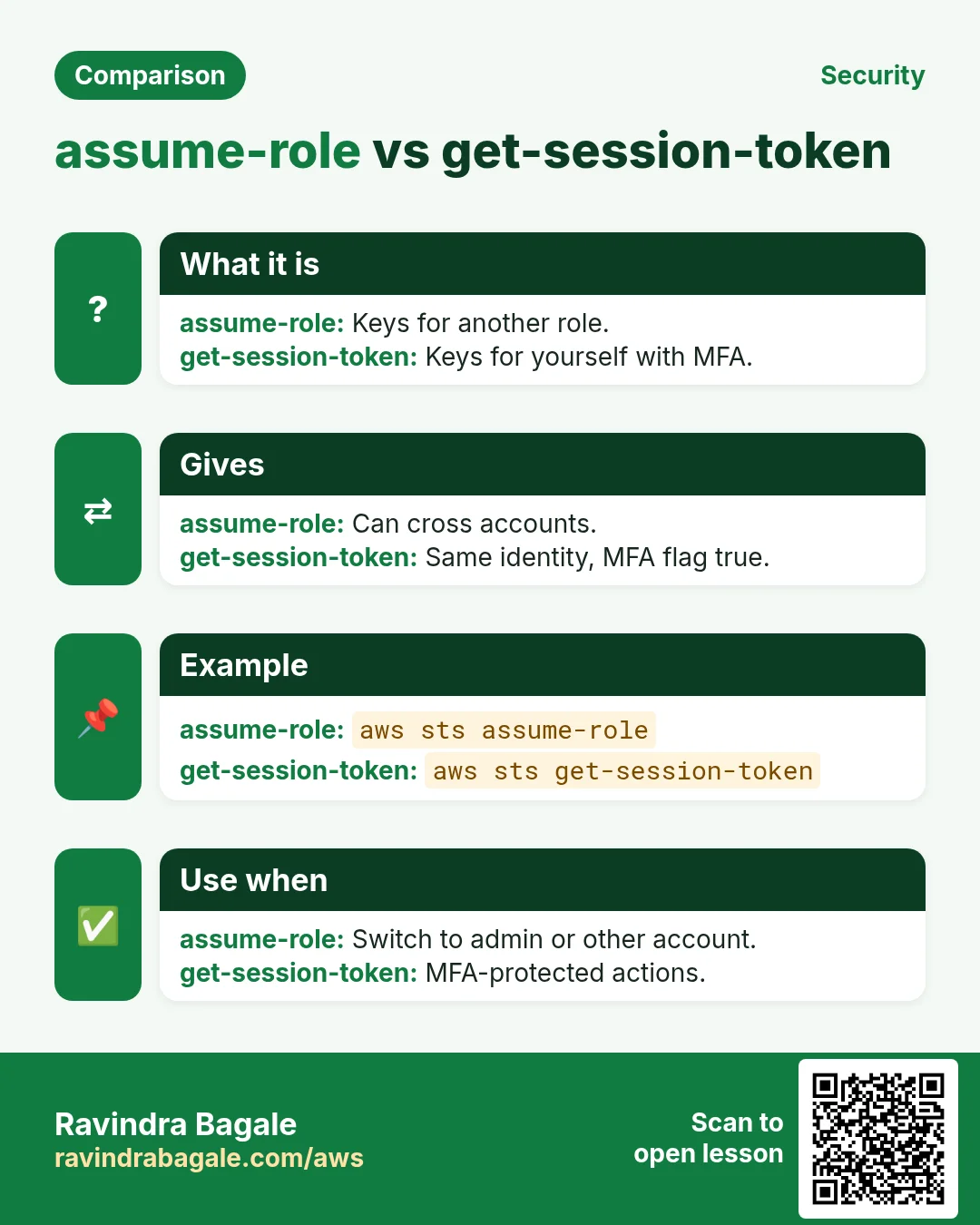
Check the source identity with get-caller-identity and check it again with the role profile. The second ARN should name the intended role and session. GetSessionToken gives temporary credentials for the IAM user making that request. AssumeRole changes which identity signs the next service action. The returned values look similar, so use the identity output to confirm the difference without printing the keys.
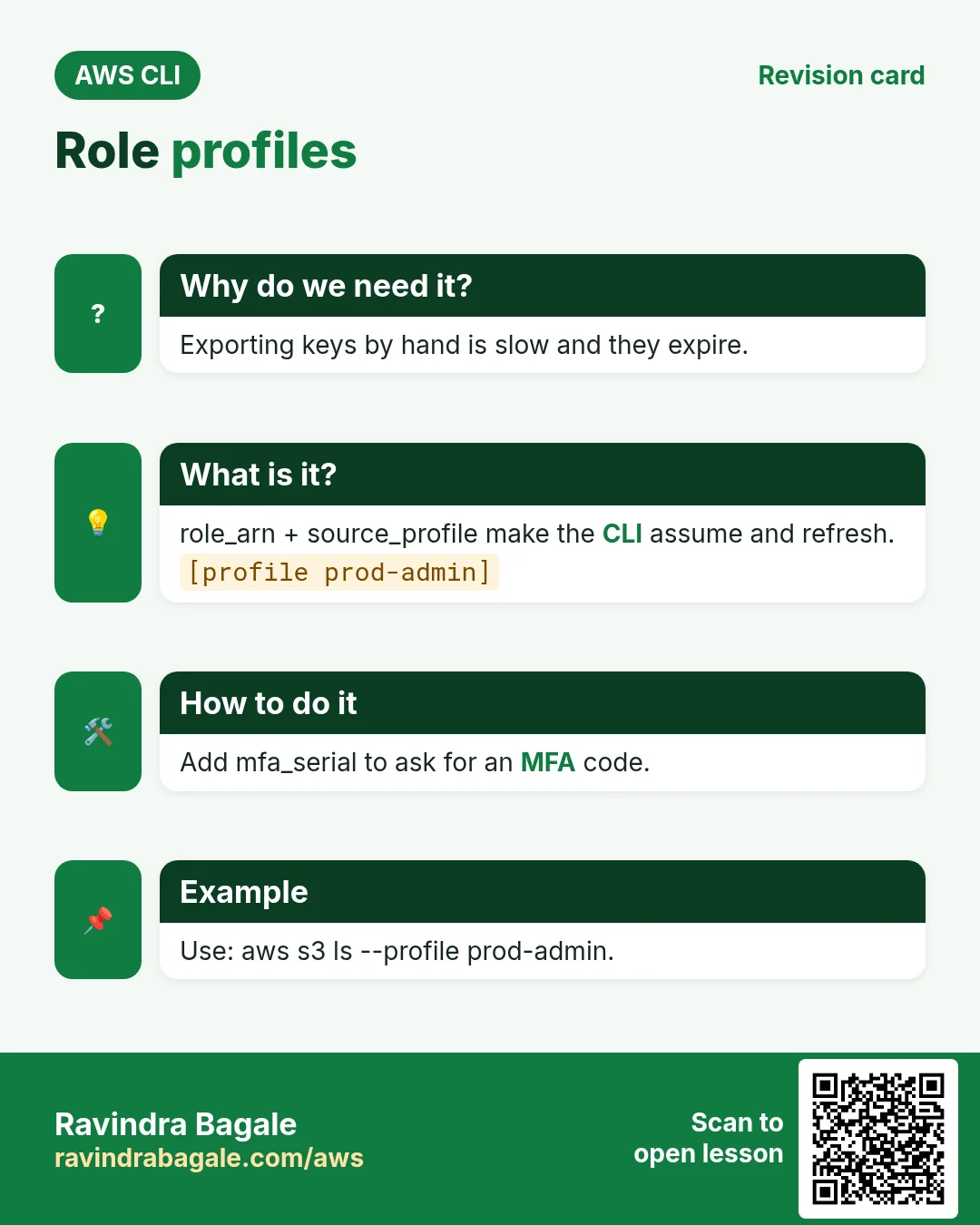
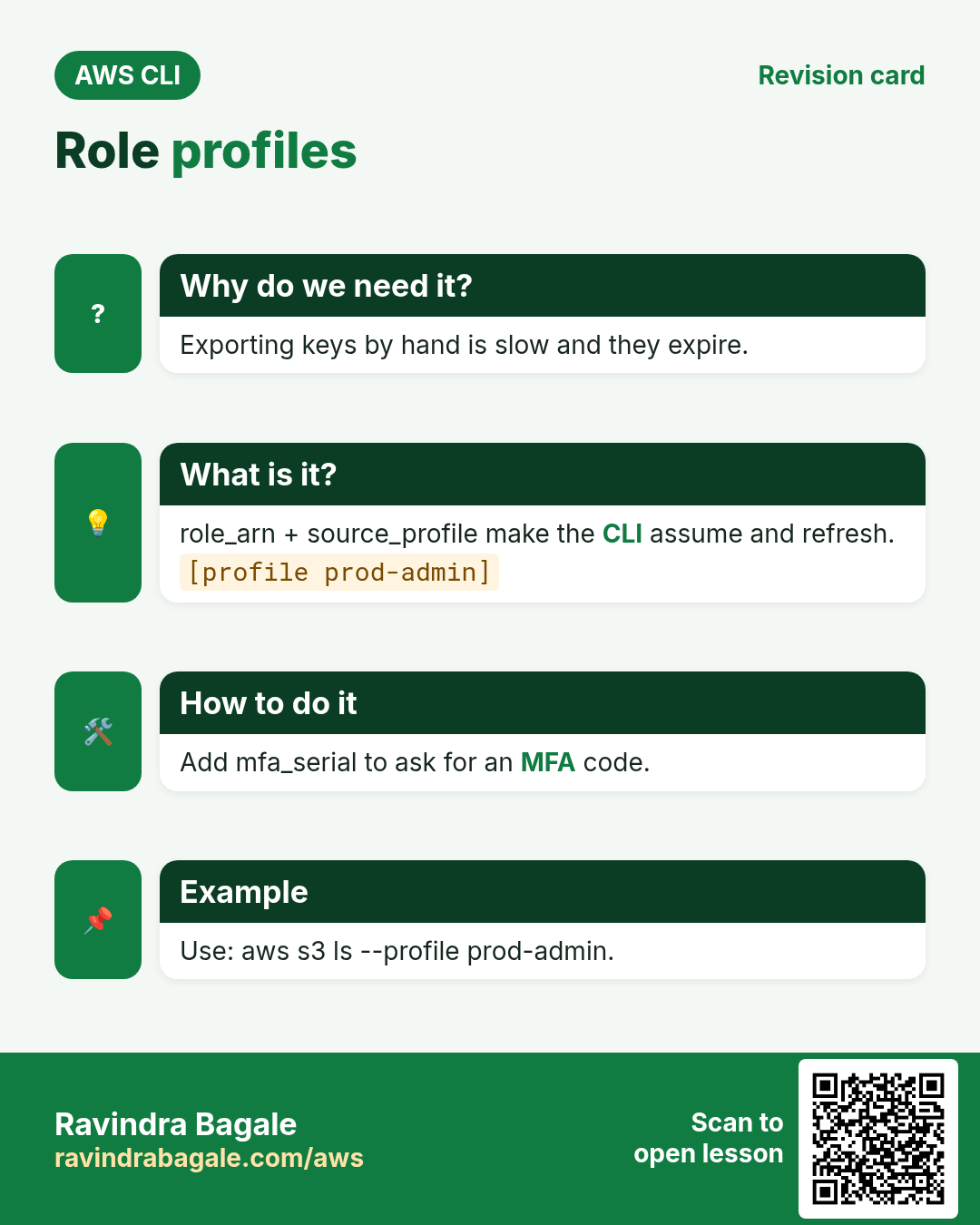
Exporting keys by hand is slow and they expire. A role profile makes the CLI assume and refresh by itself.
In ~/.aws/config set role_arn and source_profile. Add mfa_serial to ask for an MFA code. Use external_id for vendor roles.
- Add the profile.
cat >> ~/.aws/config <<'J'
[profile prod-admin]
role_arn = arn:aws:iam::444455556666:role/cli-admin
source_profile = default
mfa_serial = arn:aws:iam::111122223333:mfa/ravi
duration_seconds = 3600
region = ap-south-1
J
Expected output:
(no output means success)- Use it.
aws s3 ls --profile prod-adminExpected output:
Enter MFA code for arn:aws:iam::111122223333:mfa/ravi: 123456
2026-09-01 10:00:00 prod-logs- Verify the account changed.
aws sts get-caller-identity --profile prod-admin --query Account --output textExpected output:
4444555566665. MFA session tokens
Policies can demand MFA for risky actions. Plain keys fail those checks.
get-session-token with --serial-number and --token-code returns keys where aws:MultiFactorAuthPresent is true.
- Find your MFA device ARN.
aws iam list-mfa-devices --user-name ravi --query "MFADevices[0].SerialNumber" --output textExpected output:
arn:aws:iam::111122223333:mfa/ravi- Get a session token.
aws sts get-session-token --serial-number arn:aws:iam::111122223333:mfa/ravi --token-code 123456 --duration-seconds 3600Expected output:
{ "Credentials": { "AccessKeyId": "ASIA...", "Expiration": "..." } }6. Decode an encoded error message
Some EC2 errors print a long encoded string. It hides the exact deny reason.
decode-authorization-message turns it into readable JSON (needs sts:DecodeAuthorizationMessage).
- Decode.
aws sts decode-authorization-message --encoded-message "<long-string>" --query DecodedMessage --output text | python3 -m json.tool | head -8Expected output:
{
    "allowed": false,
    "explicitDeny": false,
    "matchedStatements": { "items": [] },
    "context": { "action": "ec2:RunInstances", ...
7. Same action in Python, Node.js, Java, Go, .NET and PHP
Scripts start in the CLI. Apps call the same API through an SDK. Knowing both helps you move a tested command into real code.
Low-level CLI commands expose service operations. A high-level command or an automatically paginated list can make multiple requests. For example, aws sts assume-role maps to the AssumeRole API.
Same action (AssumeRole) from code. Set the intended profile and Region for the SDK. Provider support and precedence can differ by SDK, and an explicit client setting can override defaults.
| Stack | Code |
|---|---|
| Python (boto3) | c = boto3.client("sts").assume_role(RoleArn=arn, RoleSessionName="app")["Credentials"] |
| Node.js (v3) | const {Credentials} = await sts.send(new AssumeRoleCommand({RoleArn: arn, RoleSessionName:"app"})); |
| Java (v2) | sts.assumeRole(r -> r.roleArn(arn).roleSessionName("app")).credentials(); |
| Go (v2) | stscreds.NewAssumeRoleProvider(sts.NewFromConfig(cfg), arn) |
| .NET | await sts.AssumeRoleAsync(new AssumeRoleRequest{RoleArn=arn, RoleSessionName="app"}); |
| PHP | $sts->assumeRole(["RoleArn"=>$arn,"RoleSessionName"=>"app"])["Credentials"]; |
8. Clean up so nothing keeps costing
Lab resources left running cost money and can be a security risk.
Delete in reverse order: children first, then parents.
- Unset temporary keys.
unset AWS_ACCESS_KEY_ID AWS_SECRET_ACCESS_KEY AWS_SESSION_TOKENExpected output:
(no output means success)- Clear cached role credentials.
rm -rf ~/.aws/cli/cacheExpected output:
(no output means success)Ravindra Bagale's Tip
Use a clear --role-session-name like your name. It shows in CloudTrail, so anyone can see who used the role.
9. Interview questions and answers
Q. What three values form STS credentials?
AccessKeyId, SecretAccessKey and SessionToken.
Q. How do you know a key is temporary?
Temporary key IDs start with ASIA. Long-lived ones start with AKIA.
Q. What does source_profile do?
It names the profile whose keys are used to call AssumeRole.
Q. AssumeRole returns AccessDenied. Where to look?
Your permission to sts:AssumeRole and the role trust policy Principal.
Q. Why get-session-token with MFA?
To get keys that satisfy MFA conditions in policies.
Try at home
- Create a role profile that assumes a ReadOnly role and list buckets with it.
- Assume a role for 900 seconds and watch it expire after 15 minutes.
In short
- get-caller-identity first.
- assume-role gives three values.
- role_arn + source_profile automates it.
- MFA via get-session-token or mfa_serial.
- decode-authorization-message explains denies.
Compare user session and role session
Read the caller identity before and after the approved test, and inspect only ARN and expiration. Never publish the returned secret key or token. Note which resource policy and trust policy applies to each operation.
Interview check What does GetSessionToken return compared with AssumeRole?
GetSessionToken yields temporary credentials for the calling IAM user (or root in limited scenarios that should be avoided). AssumeRole returns credentials for a different IAM role session.
Practise this chapter
Interview questions and answers
Why would you use a role profile instead of manually copying temporary keys every time?
A role profile records the approved credential source and target role so the CLI can obtain temporary credentials as needed. It reduces manual token handling. I still check the caller’s ARN before a write because environment settings and the selected profile affect which identity signs the request.
Check your understanding
Choose an answer, then compare your reasoning with the explanation.
Practice Tasks
Practice checks run in your browser. They check the answer for this exercise; they do not create resources or connect to your AWS account.
About this scenarioDublin Fitness Club is a fitness business in Dublin. Siobhan Murphy looks after its IT and cloud work. They count money in EUR and run their AWS resources in the eu-west-1 Region. In the tasks below you do real jobs for them using what this lesson teaches. All names, account IDs, IP addresses and numbers are made up for practice.
0 / 12
Easy Check who you are logged in as
Always confirm the account and identity before running changes.
Show the account ID and ARN of the identity your CLI is using.
- Read the task and decide which AWS service it is about.
- Write aws, then the service name, then the operation (the action word).
- Add each needed flag (--name) followed by its value from the task.
- Flags can be in any order. Click Check answer.
Easy Verify a sender email
SES sends only from verified addresses or domains.
Verify the sender address noreply@dublinfit.ie.
- Read the task and decide which AWS service it is about.
- Write aws, then the service name, then the operation (the action word).
- Add each needed flag (--name) followed by its value from the task.
- Flags can be in any order. Click Check answer.
Easy CloudFormation: a versioned bucket
Infrastructure as code makes setups repeatable.
Write a CloudFormation YAML template with one S3 bucket named dublinfit-docs that has versioning Enabled.
- Start from the top-level keys the task names.
- Indent child keys with 2 spaces (no tabs).
- Fill in each property with the value from the task.
- Click Check answer. Key order does not matter.
Medium Trust policy for a Lambda role
The trust policy says WHO may take the role.
Write a trust policy that lets lambda.amazonaws.com assume the role.
- Start with { "Version": "2012-10-17", "Statement": [ ... ] }.
- In each statement write Effect, Action and Resource.
- Give only what the task needs (least privilege).
- Use double quotes and commas correctly. Click Check answer.
Medium Assume a role
AssumeRole gives you short-lived keys for another role, often in another account.
Assume role arn:aws:iam::132788974236:role/Auditor with session name siobhan-audit.
- Read the task and decide which AWS service it is about.
- Write aws, then the service name, then the operation (the action word).
- Add each needed flag (--name) followed by its value from the task.
- Flags can be in any order. Click Check answer.
Medium Storage cost
Storage is billed per GB-month.
500 GB in S3 Standard at USD 0.023 per GB-month. Monthly cost in USD?
- Write down the numbers the task gives you.
- Work it out step by step on paper.
- Type only the final answer in the box.
- Click Check answer.
Medium Bucket policy for a public website
A static website bucket must let everyone read its files.
Write a bucket policy that lets anyone (*) do s3:GetObject on every object in dublinfit-site.
- Start with { "Version": "2012-10-17", "Statement": [ ... ] }.
- In each statement write Effect, Action and Resource.
- Give only what the task needs (least privilege).
- Use double quotes and commas correctly. Click Check answer.
Medium Upload-only to one folder
Field staff can drop files but cannot read or delete anything.
Allow s3:PutObject only under the prefix uploads/ in bucket dublinfit-data.
- Start with { "Version": "2012-10-17", "Statement": [ ... ] }.
- In each statement write Effect, Action and Resource.
- Give only what the task needs (least privilege).
- Use double quotes and commas correctly. Click Check answer.
Hard Let another account assume a role
Cross-account roles are safer than sharing access keys.
Write a trust policy that lets account 111122223333 assume this role.
- Start with { "Version": "2012-10-17", "Statement": [ ... ] }.
- In each statement write Effect, Action and Resource.
- Give only what the task needs (least privilege).
- Use double quotes and commas correctly. Click Check answer.
Hard Assume a role for 15 minutes
Shorter sessions lower the risk if keys leak.
Assume arn:aws:iam::132788974236:role/Deployer with session name deploy-job for 900 seconds.
- Read the task and decide which AWS service it is about.
- Write aws, then the service name, then the operation (the action word).
- Add each needed flag (--name) followed by its value from the task.
- Flags can be in any order. Click Check answer.
Hard Get a session token with MFA
Some actions need MFA. get-session-token returns keys that carry MFA proof.
Get a session token using MFA device arn:aws:iam::132788974236:mfa/siobhan and the code 123456.
- Read the task and decide which AWS service it is about.
- Write aws, then the service name, then the operation (the action word).
- Add each needed flag (--name) followed by its value from the task.
- Flags can be in any order. Click Check answer.
Hard Send a test email
A quick CLI send proves SES setup before you write code.
Send an email from noreply@dublinfit.ie to siobhan@example.com with subject "Receipt" and text body "Thank you".
- Read the task and decide which AWS service it is about.
- Write aws, then the service name, then the operation (the action word).
- Add each needed flag (--name) followed by its value from the task.
- Flags can be in any order. Click Check answer.
Revision, comparison and interview cards
Revise this lesson in a few minutes. Save the cards on your phone or download them as PNG files. The QR code on each card opens this lesson.
More cards: Ravi Sir's Cards.