Connect Active Directory to AWS IAM Identity Center
Active Directory is where many companies already keep employees. You can connect that directory to IAM Identity Center — but a student laptop lab is not the same as a full on-prem AD join. We stay honest about what you can try tonight.
In this chapter
- Why companies keep AD
- Three AWS paths: Managed AD, AD Connector, external IdP
- Identity Center + AD / Entra ID idea
- What a student can do in a lab
- What needs real org IT
1. Everyday example first
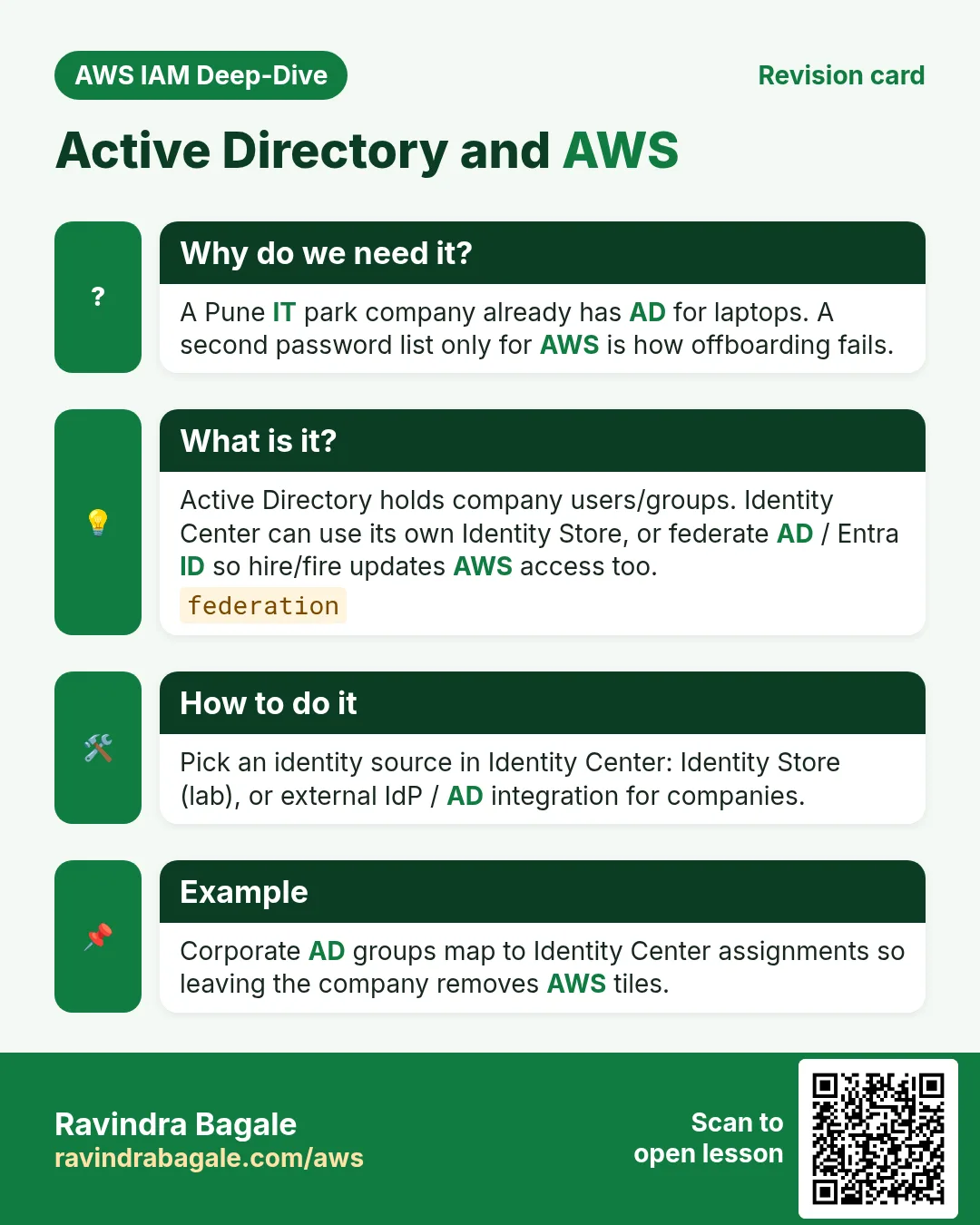
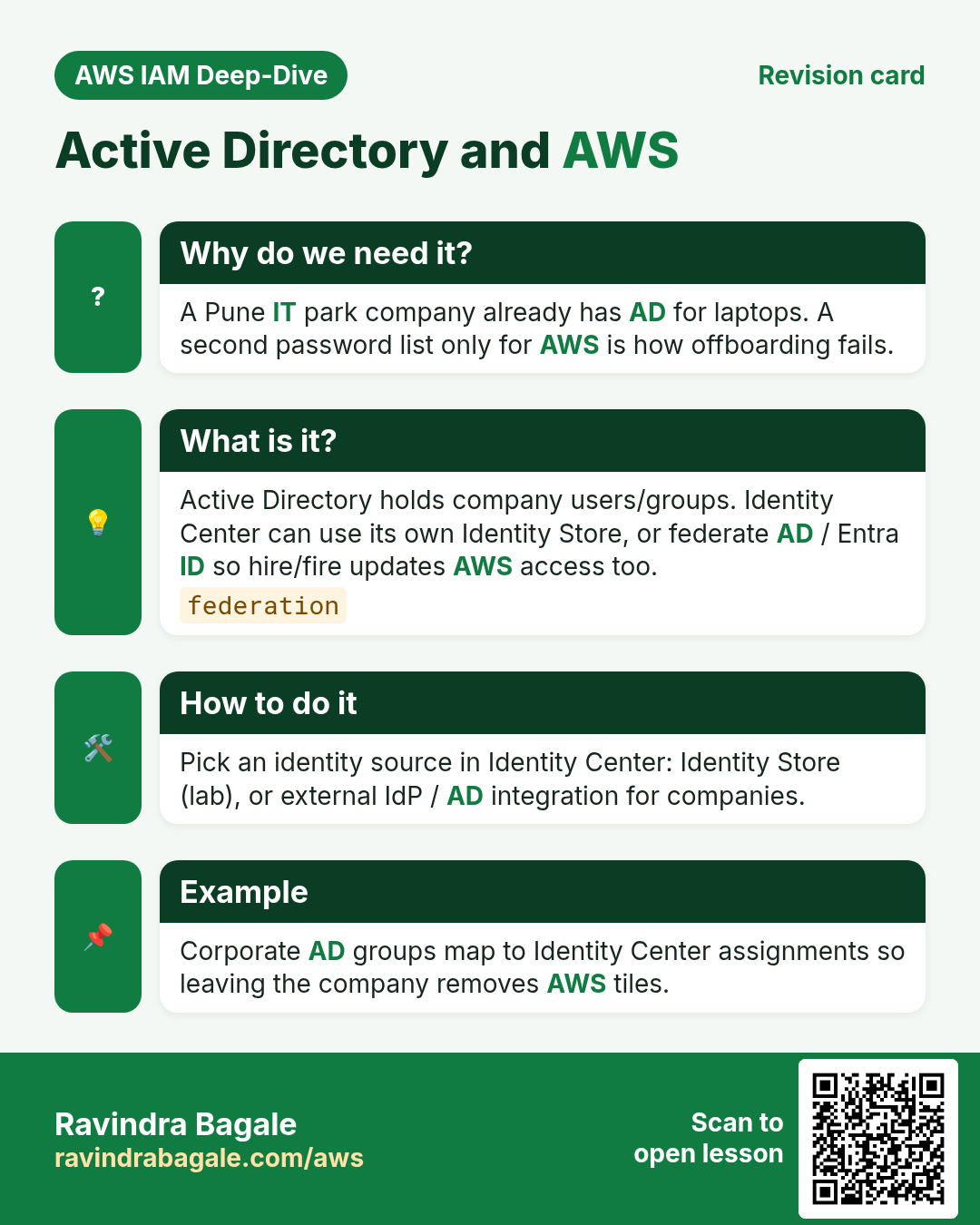
A Pune IT park company already has employee logins in Active Directory for laptops and Wi-Fi. They do not want a second password list only for AWS. Connecting AD (or Entra ID) to Identity Center means one hire / one fire updates AWS access too.
The company is a generic example — not a real client story.
Active Directory (AD) is Microsoft’s directory of users and groups. On AWS you meet it in a few different products — do not mix the names.
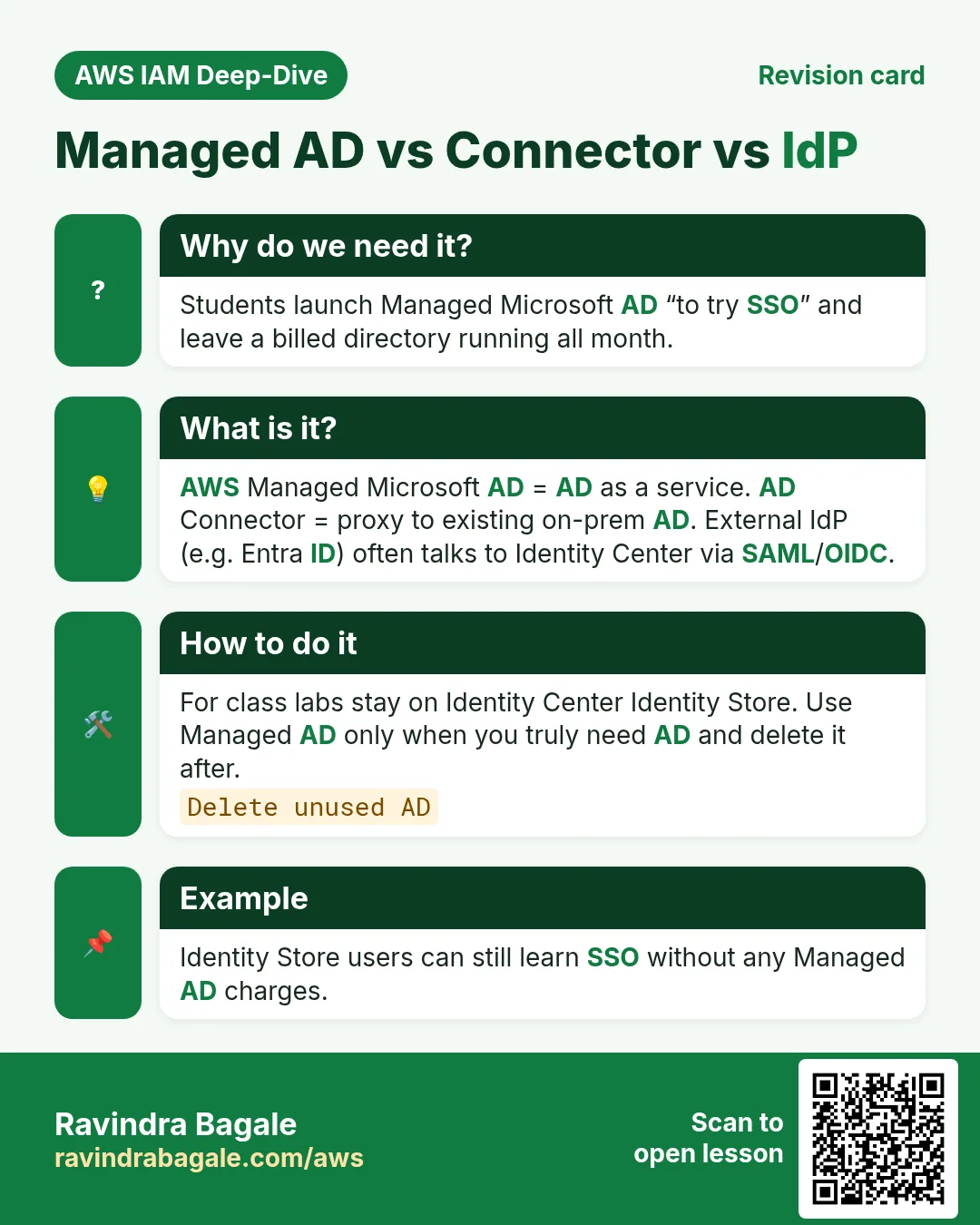
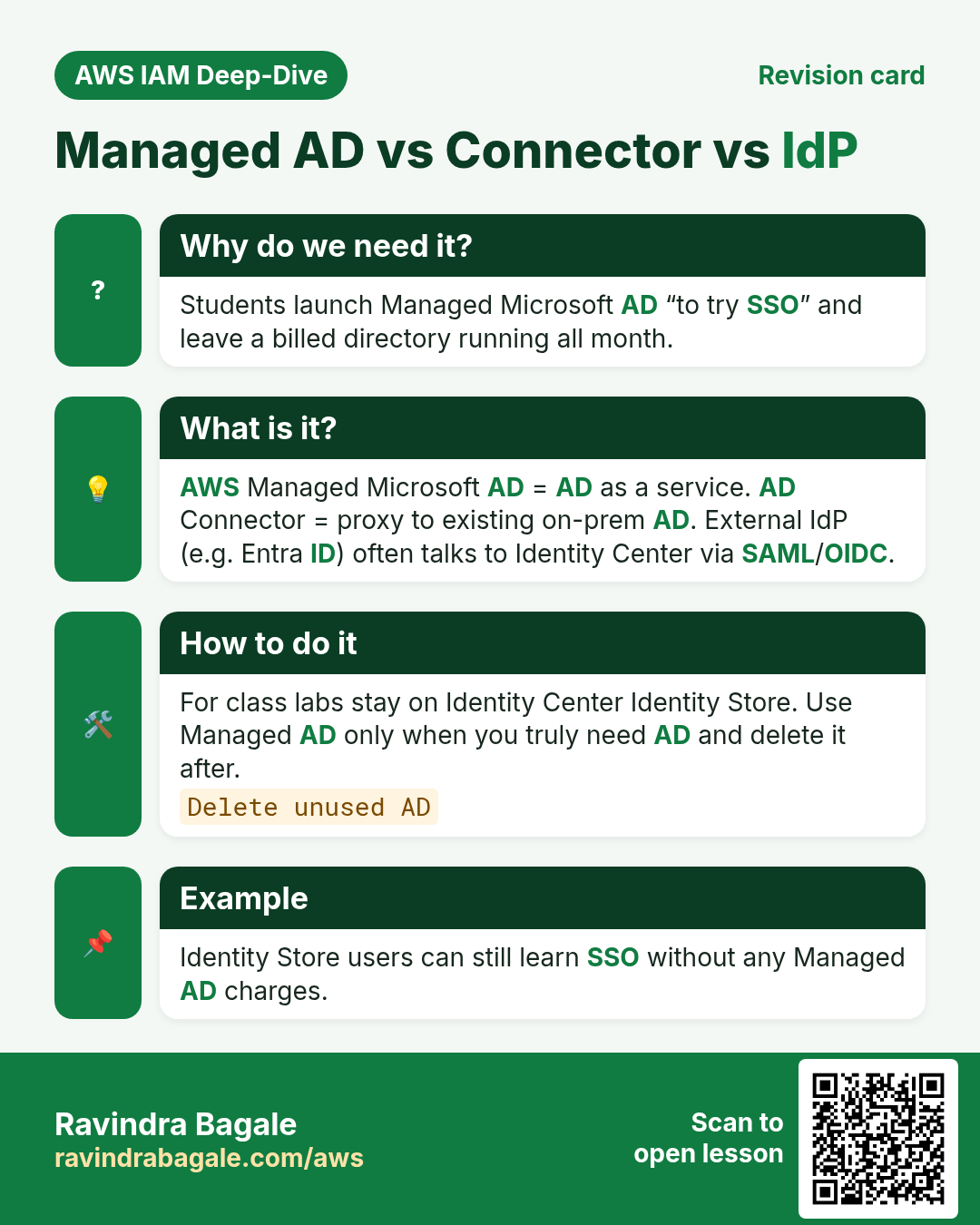
| Option | What it is | Student lab? |
|---|---|---|
| IAM Identity Center Identity Store | Built-in users/groups (no AD) | Yes — previous chapter |
| External IdP (SAML/OIDC) | Okta, Entra ID, Google… federate into Identity Center | Demo IdP possible; needs admin |
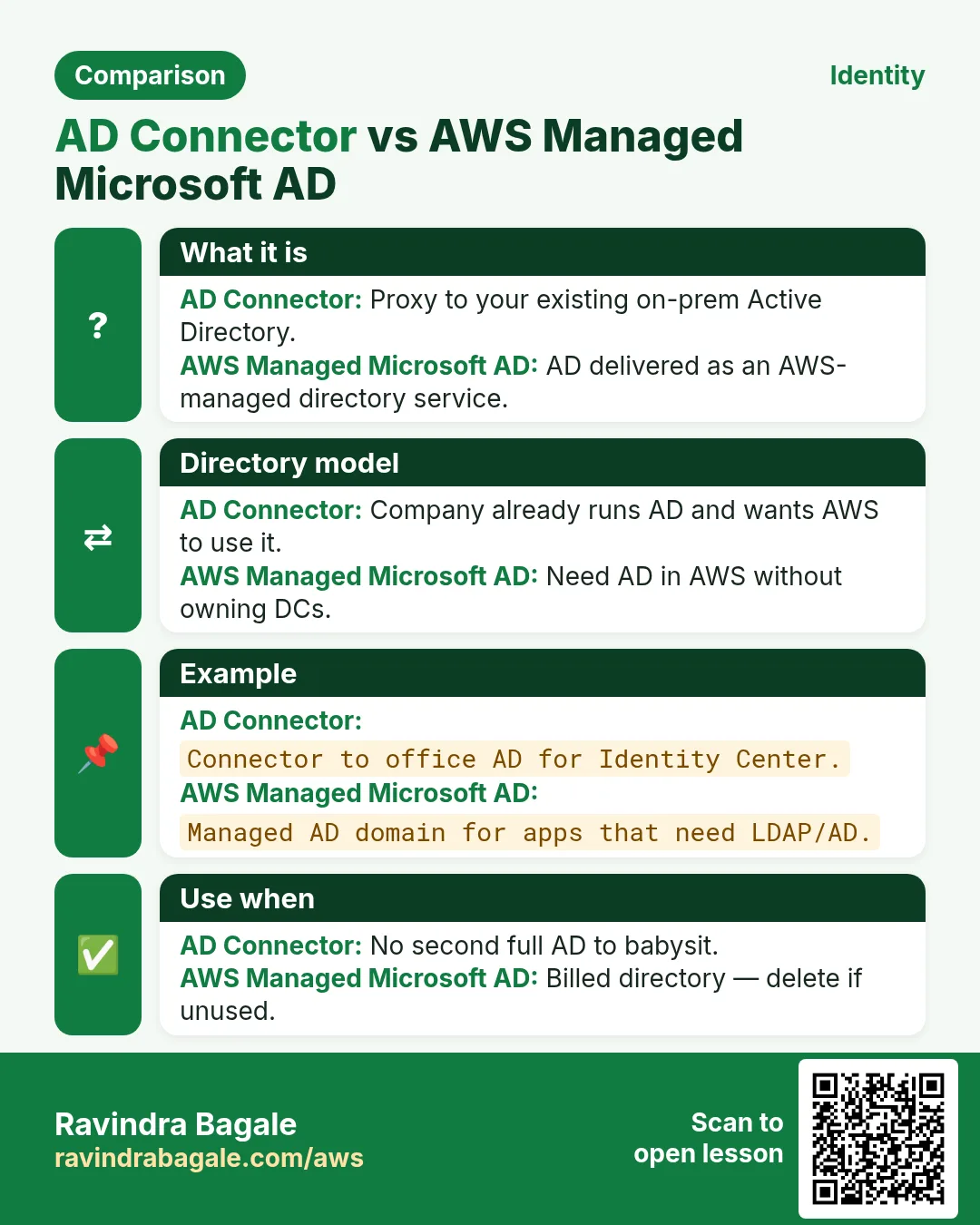
| AWS Managed Microsoft AD | AD Domain Controllers run as AWS service | Costly for class; usually skip |
| AD Connector | Proxy to your existing on-prem AD | Needs real corporate AD |
2. Identity Center + directory
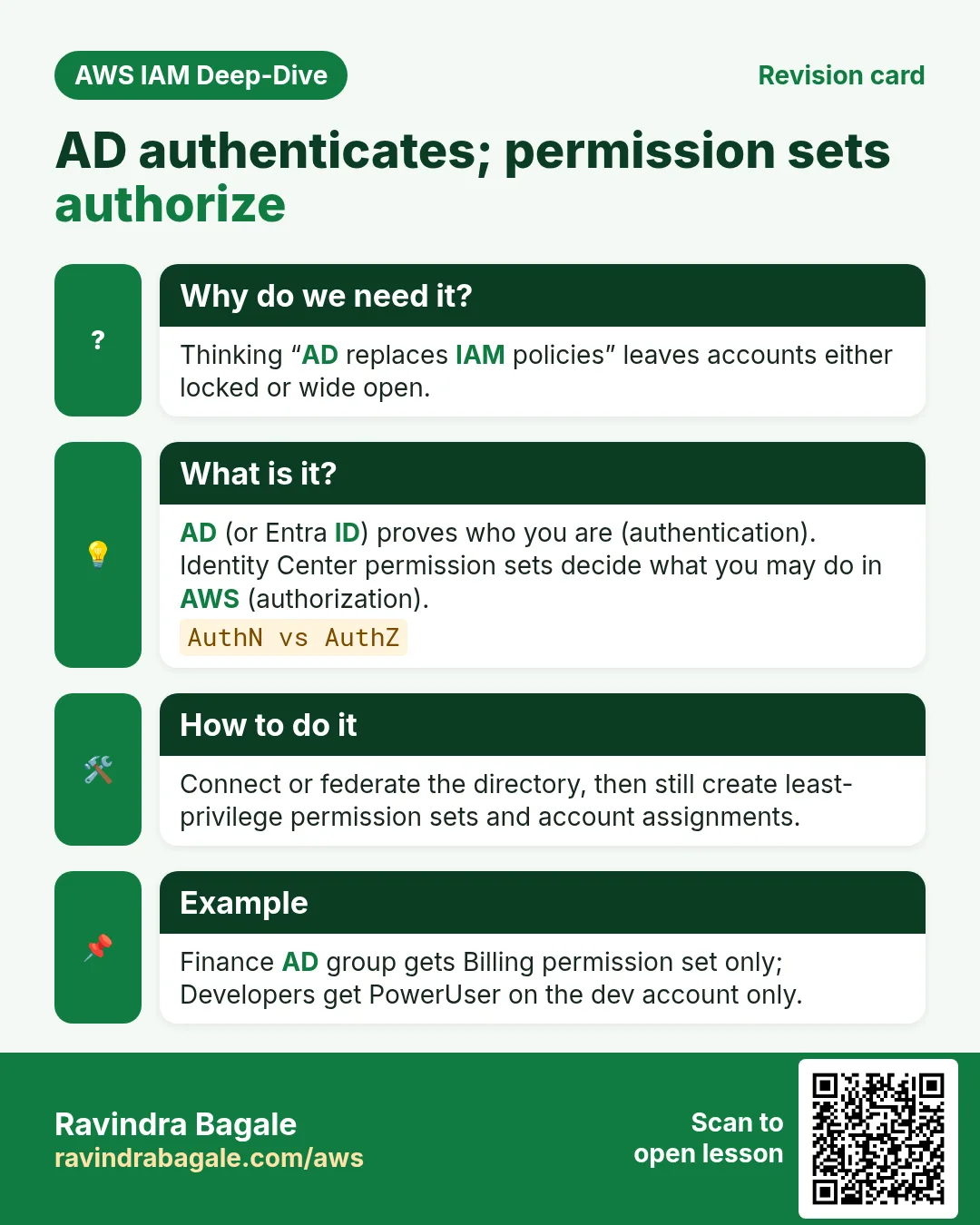
Active Directory is a directory that can manage names, sign-in and groups for a company. When used as the supported identity source through AWS Directory Service, the directory continues to identify people. Identity Center uses the synchronized users and groups for AWS assignments. Keep the chain clear: directory membership identifies who belongs to a group, synchronization makes that group available, and AWS assignment gives it a role in a particular account.
Test with one disposable group and one user. Check the group in the directory before sync, see it in Identity Center afterwards, and finally assign it to the practice account. If the person can sign in but sees no account, inspect sync and assignment independently. If you have no authorized company directory, model those same three steps with a practice Identity Center group instead of connecting a production directory for this exercise.
Changing the identity source is a one-way door in many orgs — plan before you click.
- Default lab: keep Identity Center directory and create users there.
- Company path: set identity source to Active Directory (Managed AD or self-managed via connector/ fort) or to an external IdP like Microsoft Entra ID.
- Users then sign in with company credentials at the AWS access portal; permission sets still control AWS rights.
- SCIM provisioning (where supported) can auto-create/deactivate users from the IdP.
3. Honest student path
- Do tonight: finish Identity Center with the built-in directory (previous lab). Understand AD vocabulary.
- Do with trainer/org: watch an Entra ID or Okta federation demo; do not invent a second production directory.
- Skip unless budgeted: AWS Managed Microsoft AD (Directory Service charges while it runs). Delete unused directories.
Ravindra Bagale's Tip
Students sometimes launch Managed Microsoft AD “just to see” and forget it for a week — that is an expensive surprise. Prefer screenshots from docs or a shared demo account.
4. Interview angles
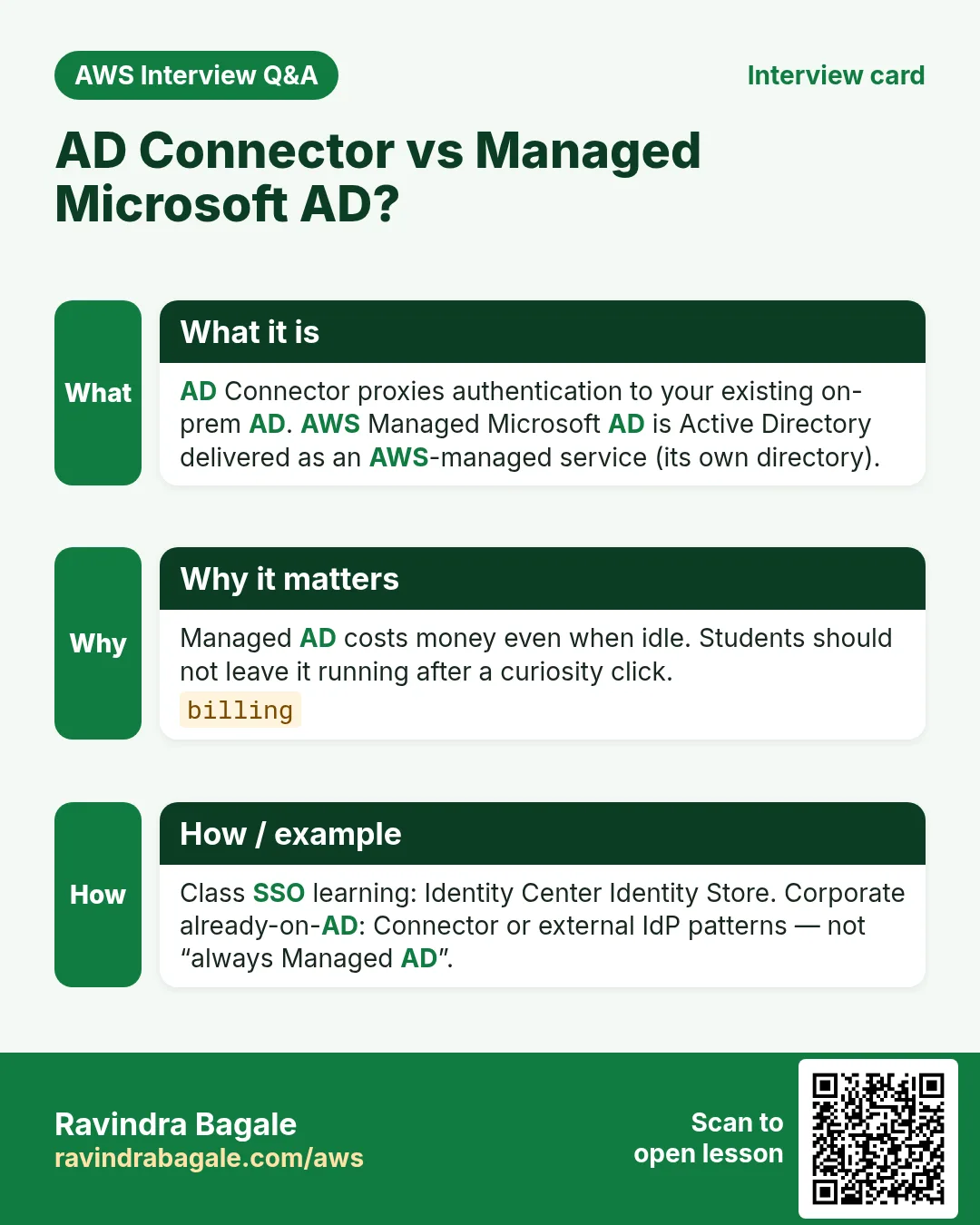
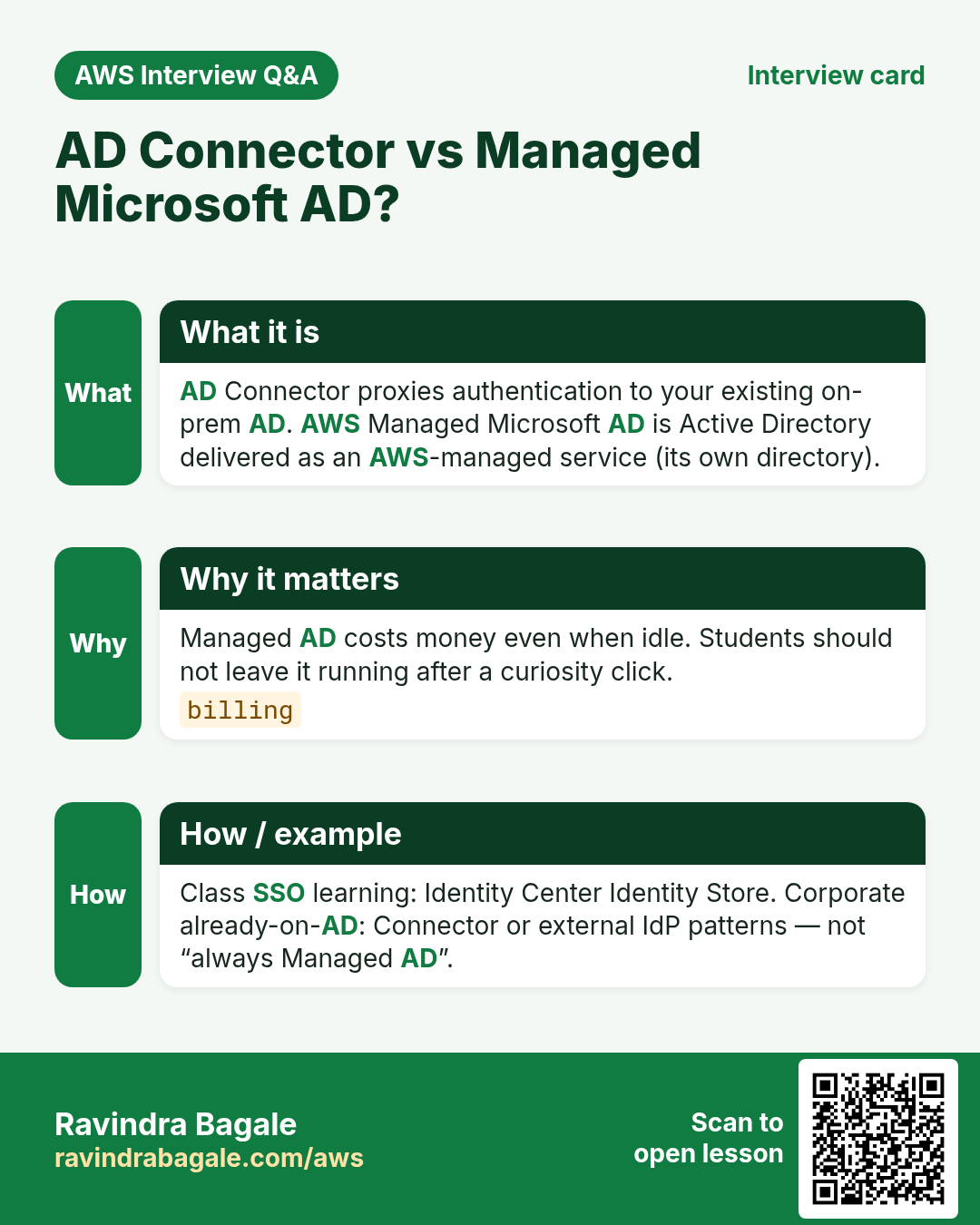
Q. AD Connector vs Managed AD?
Connector proxies to existing AD; Managed AD is AD as an AWS service.
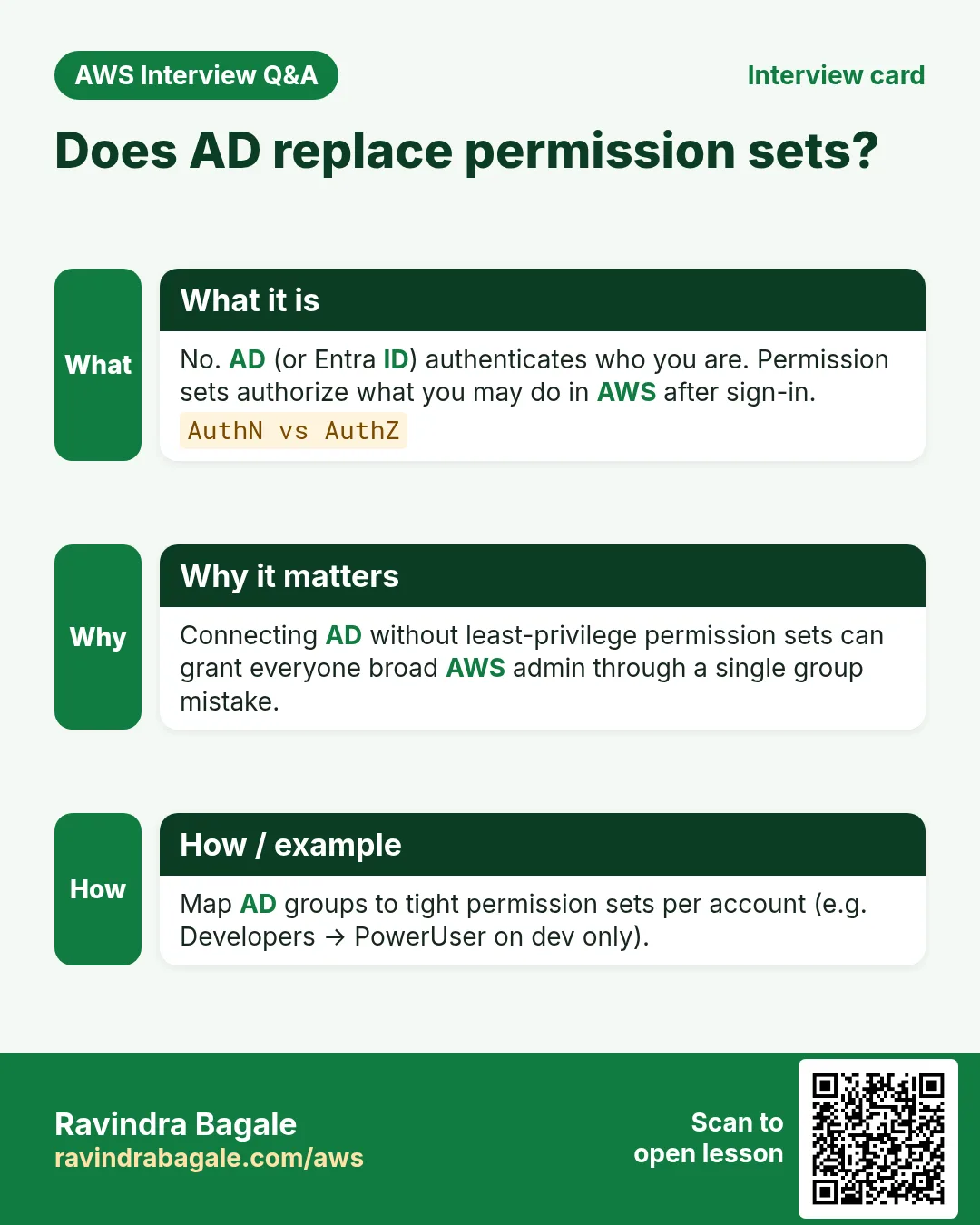
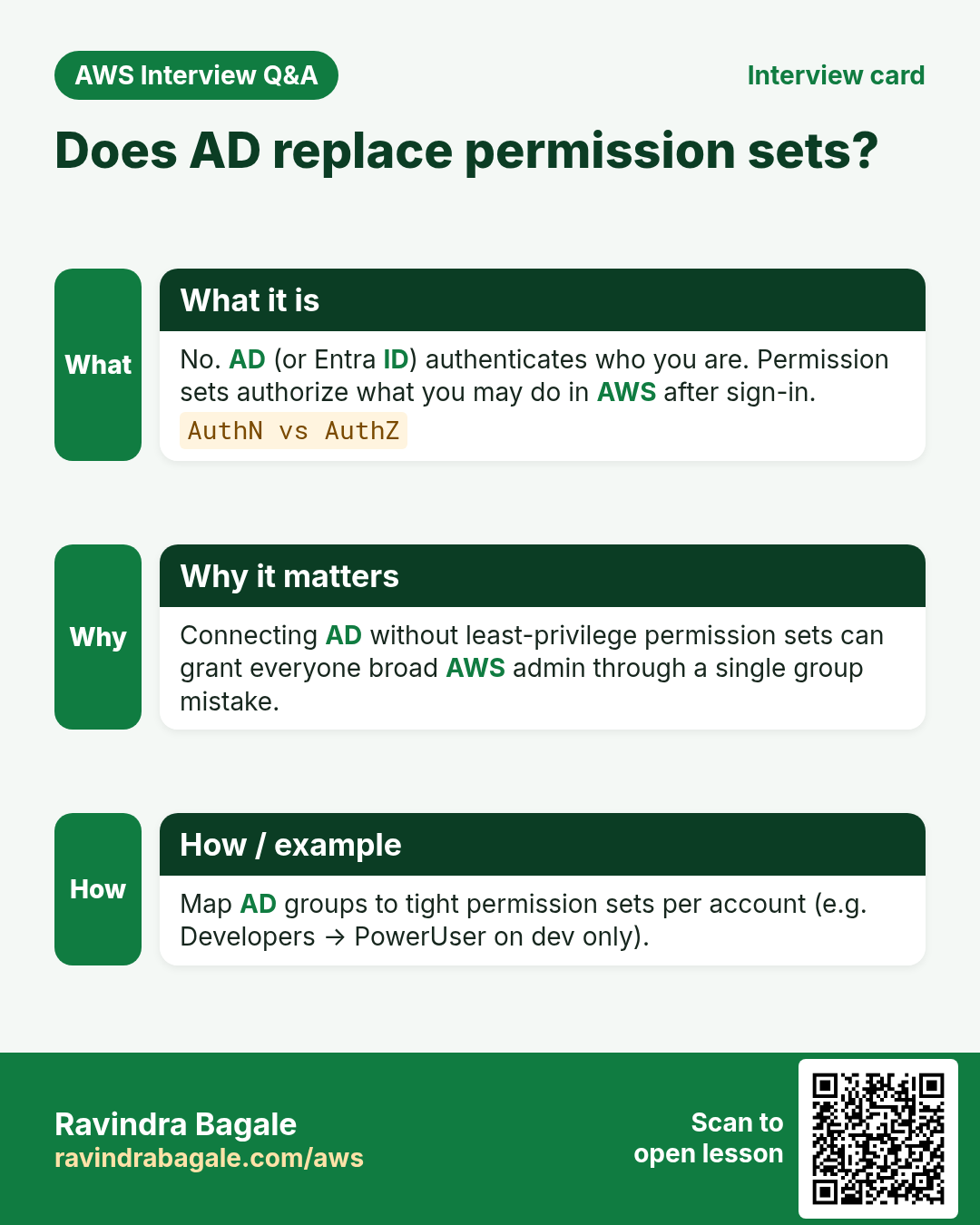
Q. Does AD replace permission sets?
No — AD authenticates who you are; permission sets authorize AWS actions.
Q. Entra ID with AWS?
Common external IdP for Identity Center via SAML/OIDC.
Q. Student without corporate AD?
Use Identity Center Identity Store — still valid SSO learning.
Try at home
- Write 5 lines: authentication (who) vs authorization (what) using AD + permission sets.
- Next: IAM administrator habits — root, MFA, break-glass.
In short
- AD holds company users; Identity Center can federate them.
- Managed AD, AD Connector, external IdP — different tools.
- Student lab = Identity Center directory is enough.
- Do not leave Managed AD running unused.
Plan the identity-source change in a lab first
Before switching an identity source, inventory assignments and check directory trust, Region and sync method. Test with a single disposable group and verify both synchronization and account assignment. A directory change can affect users beyond the person making it.
Interview check Is a synchronized AD group automatically allowed into an AWS account?
No. You still assign the group access to a specific account with a permission set. Only synchronize groups required for the lab.
Practise this chapter
Interview questions and answers
What roles do Active Directory and Identity Center each play here?
Active Directory supplies people and group membership. Synchronization gives Identity Center the chosen identities. An AWS assignment then applies a permission set to that group in a specific account. I would check each stage rather than assuming company sign-in alone grants AWS access.
Check your understanding
Choose an answer, then compare your reasoning with the explanation.
Follow one directory group into a lab AWS assignment
Before you start
- Use a simulated directory or an instructor-approved demo. Do not change a company identity source for the exercise.
Write the directory inventory: group LabReaders includes test person Asha, while group Other includes Ravi. Choose only LabReaders for synchronization.
Expected result: Identity Center receives the intended group and member for the scenario. Ravi should not get access from this group.
Assign LabReaders the ReadOnly permission set on the lab account. Predict which learners see the role after sign-in.
Expected result: Asha should see the assignment. Ravi has no access from LabReaders when he is not a member.
Consider two separate cases: LabReaders was not synced, and LabReaders was synced but the role assignment was not created. Identify what a coordinator checks in each case.
Expected result: The first case requires directory sync checks; the second requires account and permission-set assignment checks.
If the result differs
- A successful company sign-in does not prove the group is synchronized or assigned to an AWS account.
Finish and clean up
- The model is read-only. In an instructor-owned demo, retire only the disposable group and assignment through the instructor’s workflow.
Practice Tasks
Practice checks run in your browser. They check the answer for this exercise; they do not create resources or connect to your AWS account.
About this scenarioGoa Beach Stays is a hospitality business in Panaji. Rosario Fernandes looks after its IT and cloud work. They count money in INR and run their AWS resources in the ap-south-1 Region. In the tasks below you do real jobs for them using what this lesson teaches. All names, account IDs, IP addresses and numbers are made up for practice.
0 / 10
Easy Configure a named profile
Profiles keep keys for different accounts apart.
Start the interactive setup for a profile named goabeachstays-prod.
- Read the task and decide which AWS service it is about.
- Write aws, then the service name, then the operation (the action word).
- Add each needed flag (--name) followed by its value from the task.
- Flags can be in any order. Click Check answer.
Easy Check who you are logged in as
Always confirm the account and identity before running changes.
Show the account ID and ARN of the identity your CLI is using.
- Read the task and decide which AWS service it is about.
- Write aws, then the service name, then the operation (the action word).
- Add each needed flag (--name) followed by its value from the task.
- Flags can be in any order. Click Check answer.
Easy How many addresses in a /16?
Picking a VPC size needs this count.
Goa Beach Stays plans the VPC 10.12.0.0/16. How many IP addresses does it hold in total?
- Write down the numbers the task gives you.
- Work it out step by step on paper.
- Type only the final answer in the box.
- Click Check answer.
Easy Port for SSH
Security group rules need the right port.
Which TCP port must the security group open for SSH?
- Write down the numbers the task gives you.
- Work it out step by step on paper.
- Type only the final answer in the box.
- Click Check answer.
Easy Show where you are
Before you copy or delete anything, you must know which folder you are in.
Rosario Fernandes logged in to the Goa Beach Stays server and is not sure which folder the terminal is in. Print the current folder path.
- Find the Linux command that does this job.
- Add the options (like -r or -h) the task needs.
- Add the file names, folders or users in the right order.
- Use sudo if the job changes system files or users. Click Check answer.
Medium List Identity Center instances
You need the instance ARN and identity store ID for SSO admin commands.
List the IAM Identity Center instances.
- Read the task and decide which AWS service it is about.
- Write aws, then the service name, then the operation (the action word).
- Add each needed flag (--name) followed by its value from the task.
- Flags can be in any order. Click Check answer.
Medium Log in with SSO
SSO gives short-lived keys, so no long-term access keys sit on your laptop.
Log in with IAM Identity Center for profile goabeachstays-dev.
- Read the task and decide which AWS service it is about.
- Write aws, then the service name, then the operation (the action word).
- Add each needed flag (--name) followed by its value from the task.
- Flags can be in any order. Click Check answer.
Medium Set the default Region of a profile
Setting region in the profile saves typing --region every time.
Set region to ap-south-1 for profile goabeachstays-prod using aws configure set.
- Read the task and decide which AWS service it is about.
- Write aws, then the service name, then the operation (the action word).
- Add each needed flag (--name) followed by its value from the task.
- Flags can be in any order. Click Check answer.
Medium Create access keys for a user
Access keys let a user run the AWS CLI. Store them safely and rotate them.
Create an access key for user rosario.
- Read the task and decide which AWS service it is about.
- Write aws, then the service name, then the operation (the action word).
- Add each needed flag (--name) followed by its value from the task.
- Flags can be in any order. Click Check answer.
Hard Create a permission set
A permission set is a role template that Identity Center creates in each account.
Create permission set ReadOnly-goabeachstays in instance arn:aws:sso:::instance/ssoins-1234567890abcdef with session duration PT8H.
- Read the task and decide which AWS service it is about.
- Write aws, then the service name, then the operation (the action word).
- Add each needed flag (--name) followed by its value from the task.
- Flags can be in any order. Click Check answer.
Revision, comparison and interview cards
Revise this lesson in a few minutes. Save the cards on your phone or download them as PNG files. The QR code on each card opens this lesson.
More cards: Ravi Sir's Cards.