AWS CodePipeline and CodeBuild: CI/CD on AWS Explained
Merging to main should not mean SSH and hope. CI/CD builds, tests, and deploys automatically. On AWS, CodePipeline orchestrates stages; CodeBuild runs your buildspec in managed containers — a cloud-native path alongside GitHub Actions.
In this chapter
- Why CI/CD reduces fear of deploy
- What CodePipeline and CodeBuild are
- How stages, artifacts, and buildspec.yml work
- When to pick AWS native vs GitHub Actions
- Lab, errors, FAQ, interview
1. Everyday example first
A Noida team pushes to main. CodePipeline pulls from CodeCommit/GitHub, CodeBuild runs pytest + docker build, pushes to ECR, then deploys to ECS with a manual approval before prod. Failed tests stop the train.
2. Why CodePipeline and CodeBuild?
Manual deploys drift and skip tests. Pipelines encode the path: source → build → test → deploy with audit logs and IAM boundaries.
- Repeatable builds in clean environments
- Approvals for production
- Artifacts between stages
- Tight IAM for who can deploy
3. What are they?
Think of a small college website stored in Git. The source stage captures a particular revision. The build stage runs commands such as tests and packages the result. A deployment stage takes the intended build output and updates the target. CodePipeline coordinates the stages and passes files between them. CodeBuild performs the build work in its own environment. The buildspec is the file that lists which commands to run and which files to return. Follow one revision through the three stages so you can tell which version actually went live.
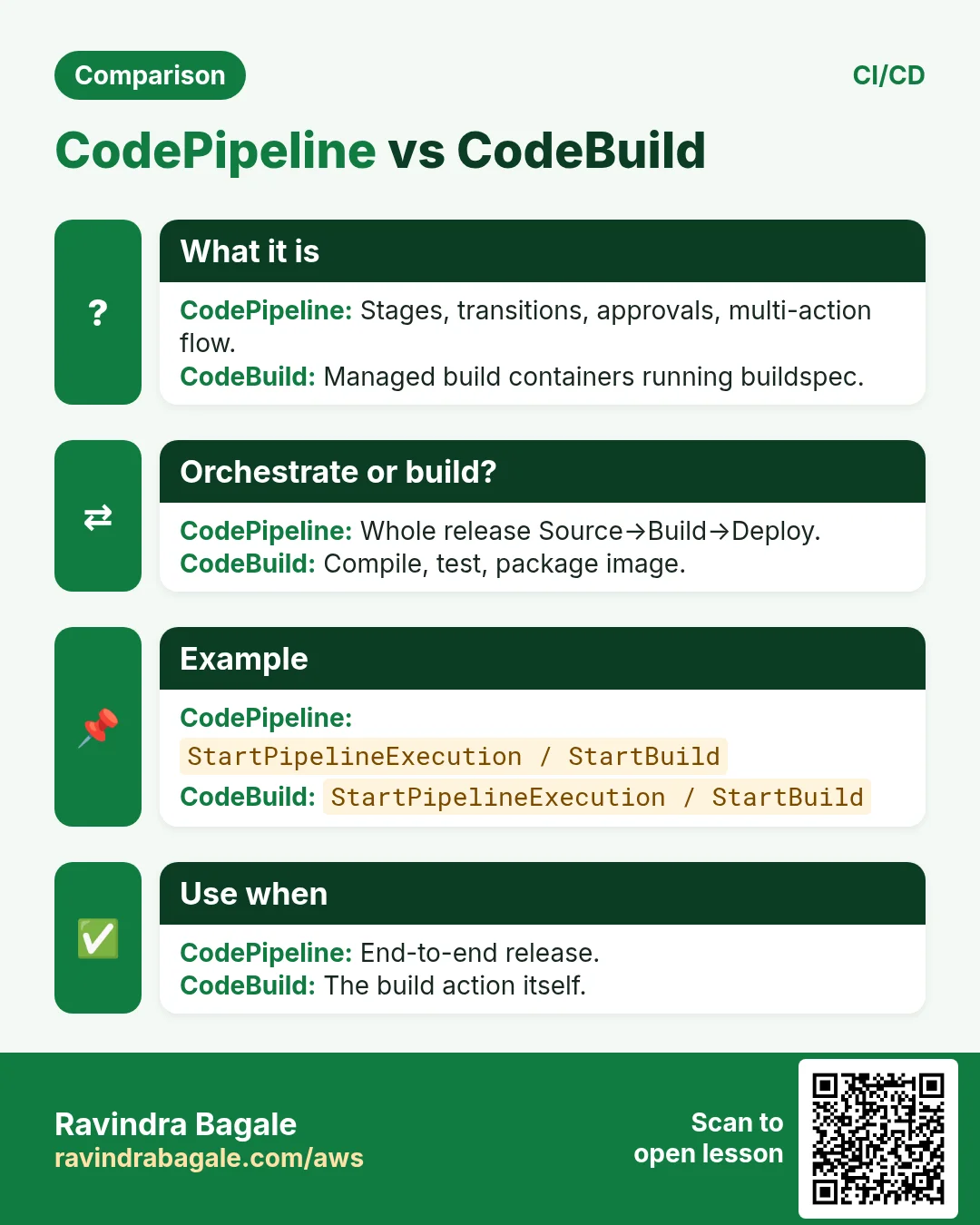
CodeBuild: managed build servers; you provide buildspec.yml (phases: install, pre_build, build, post_build). CodePipeline: connects sources (GitHub, CodeCommit, S3), build (CodeBuild), deploy (ECS, CodeDeploy, CloudFormation, hooks).
| Piece | Plain job |
|---|---|
| Pipeline | Stage workflow engine |
| Source stage | Pull commits/artifacts |
| CodeBuild project | Run buildspec in container |
| Artifact store | Usually S3 zip between stages |
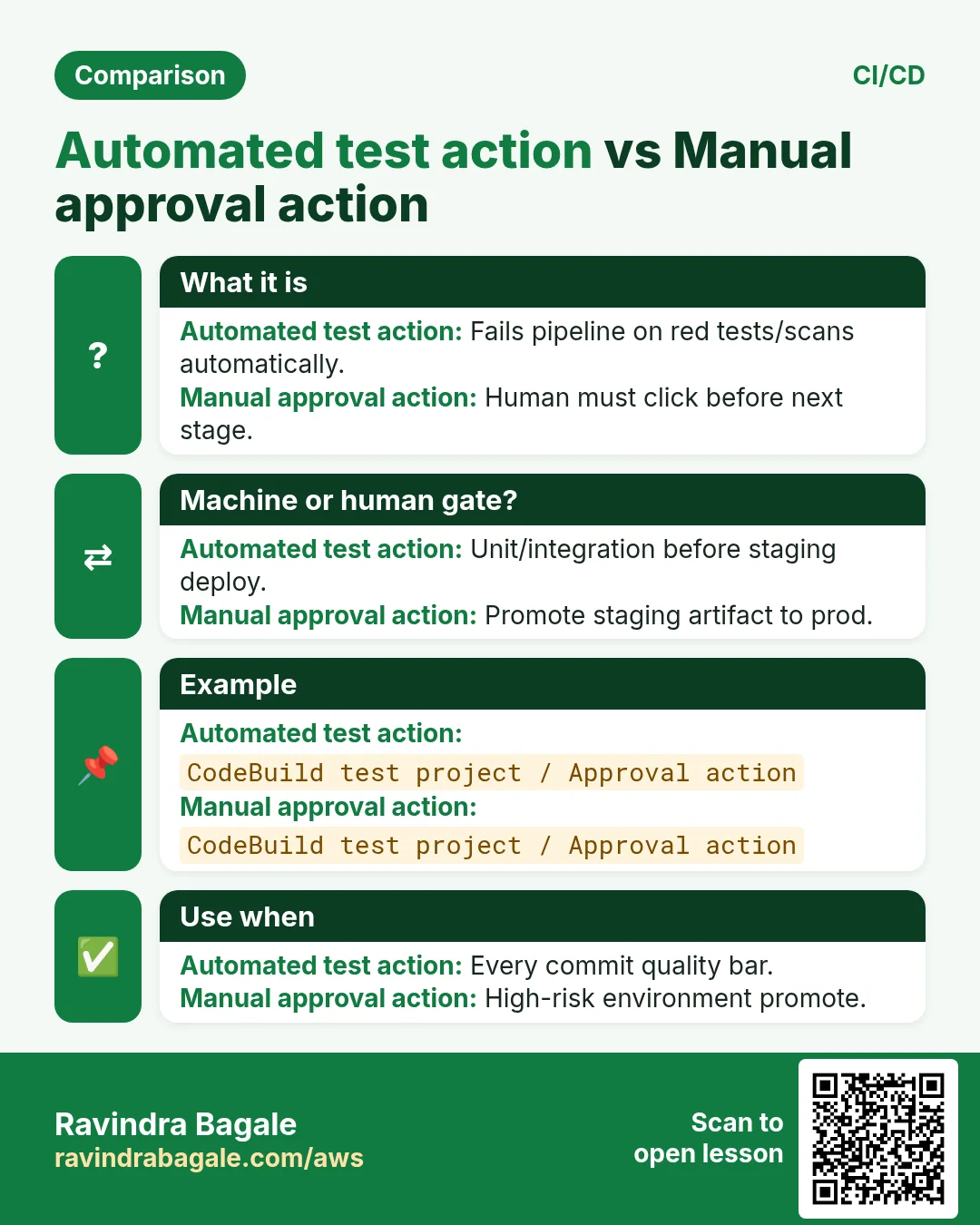
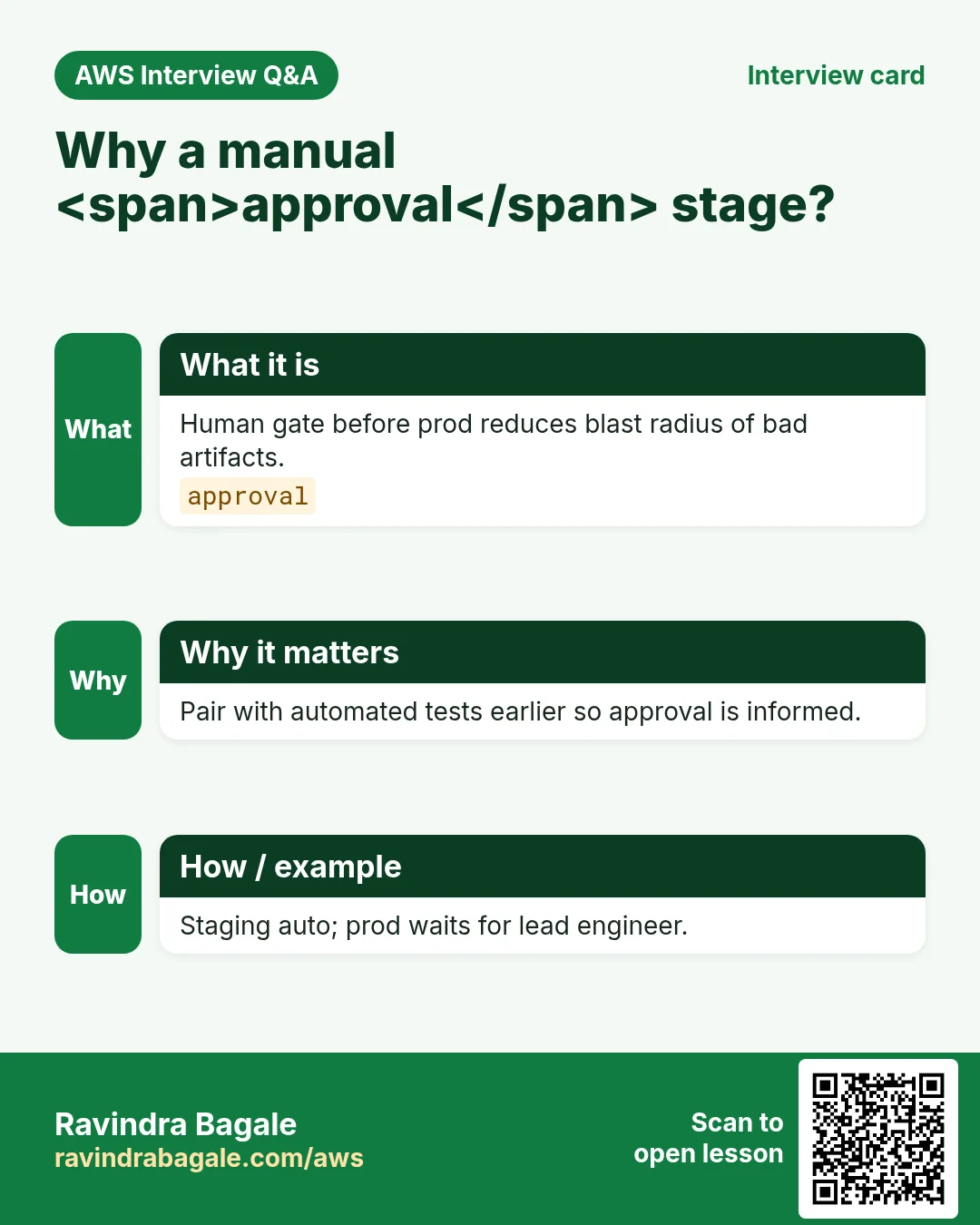
| Approval action | Human gate before prod |
| buildspec.yml | Declarative build steps |
4. How to write a minimal safe pipeline
Write one test with a known expected result. Before testing a release, change the sample so the test fails and watch where the pipeline stops. A useful failure log explains the task that failed and the revision. Fix the sample and repeat the run. Read the build output and confirm the deploy stage chooses the new tested artifact. If the build makes a container, record the image reference after pushing it to the registry so the deploy action can find the intended build.
- Store app in GitHub/CodeCommit; protect main branch.
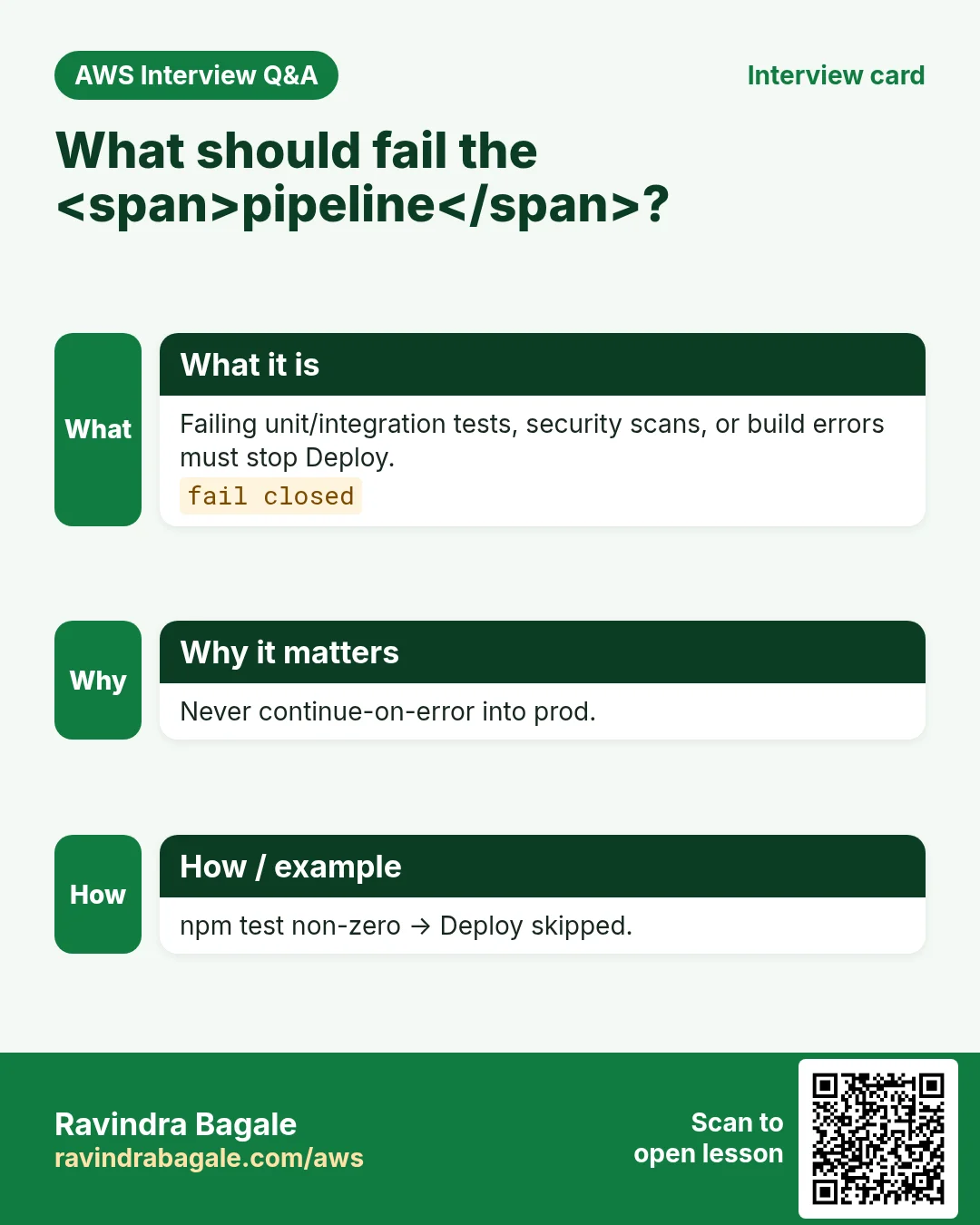
- Add buildspec.yml with install/test/build; fail on test errors.
- Create CodeBuild project with privileged mode only if Docker needs it.
- Create Pipeline: Source → Build → Deploy.
- Use an encrypted S3 artifact bucket. The source action produces the input for CodeBuild. The buildspec lists files to package as the build output, which the deploy action can consume. For a container release, push the built image to the registry and pass the image reference expected by the deploy action.
- Add manual approval before prod deploy.
- Least-privilege service roles for Pipeline/Build/Deploy.
- Cache dependencies in CodeBuild for speed.
- Notify SNS/Chat on failure.
- Prefer immutable image tags (git sha) over latest.
# buildspec.yml sketch
version: 0.2
phases:
  install:
    commands: ["pip install -r requirements.txt"]
  build:
    commands: ["pytest -q", "docker build -t $REPO:$CODEBUILD_RESOLVED_SOURCE_VERSION ."]
artifacts:
  files: ["**/*"]
5. CodePipeline vs GitHub Actions
| Choice | When |
|---|---|
| CodePipeline+CodeBuild | AWS deploy targets, IAM-centric audits |
| GitHub Actions | GitHub-centric teams; huge action ecosystem |
| Hybrid | GHA build → deploy role to AWS |
| CodeDeploy | Agent-based rolling/blue-green to EC2/ECS/Lambda |
6. Multi-industry notes
Banks require approval stages and change tickets linked in pipeline notes. Startups may start with GitHub Actions then add CodePipeline for regulated AWS accounts. Factories gate PLC-related software with extra test phases.
7. Industries and roles
- DevOps/SRE: pipeline ownership
- Fintech: gated prod deploys
- SaaS: multi-env promote
- EdTech: frequent safe releases
- Consultants: standard pipeline templates
8. Lab: CodeBuild project + sample buildspec
Use a sandbox build with a short message and a test assertion. Record the build ID, phase result and intended output filename on a successful run. Change one test to fail and confirm the test phase identifies the failure. In a lab pipeline verify that deployment did not run for that failed revision. Restore the test and confirm the next build succeeds. Delete the disposable project and its lab artifacts only.
Do this in ap-south-1 (Mumbai) unless your org forbids it. Set a budget alert first.
- Create an S3 bucket for lab artifacts.
- Create CodeBuild project with a tiny GitHub/CodeCommit/S3 source (S3 zip ok for lab).
- Add buildspec that echoes hello and runs a trivial test command.
- Start build; confirm SUCCEEDED logs in CloudWatch.
- Optional: create Pipeline Source(S3)→Build.
Cleanup (stop billing)
- Delete pipeline, build project, lab bucket objects.
- Remove lab IAM roles.
9. Common errors and fixes
Each row is a real mistake students and juniors hit. Read the fix before you panic.
| Error / symptom | Fix |
|---|---|
| latest tag always | Use git sha tags. |
| Admin rights on CodeBuild role | Least privilege ECR/S3/logs. |
| Secrets in buildspec plaintext | Use Secrets Manager/SSM; mask logs. |
| Skipped tests to go faster | Fail pipeline on test fail. |
| No approval to prod | Add manual or automated gates. |
| Privileged mode always on | Only for Docker-in-Docker needs. |
| Mutable artifact overwrites | Version artifacts per commit. |
| Drifting console edits | Pipeline as Code (CFN/Terraform/CDK). |
| Ignoring failed stage notifications | SNS/ChatOps. |
| Building on shared unclean runners mentally | CodeBuild = fresh env each time — still pin versions. |
10. Troubleshooting checklist
- Source auth fail: reconnect GitHub/CodeStar connection.
- Build fail: read CloudWatch log group carefully.
- Docker push deny: ECR auth token + IAM.
- Artifact too large: tighten files section.
- Pipeline stuck Pending: approval waiting.
- Clock/IAM eventual consistency after role change: retry.
11. FAQ
Q. CodeBuild free?
Pay per build minute; free tier may exist — check pricing.
Q. Need Jenkins?
Not required; many teams replace with managed CI.
Q. Windows builds?
Supported images exist for some workloads.
Q. Multi-account deploy?
Use assume-role deploy stages.
Q. Local buildspec test?
CodeBuild agent / local patterns exist.
Q. Blue/green?
CodeDeploy / ECS capabilities with pipeline.
12. Interview Q&A
Q. What is CodePipeline?
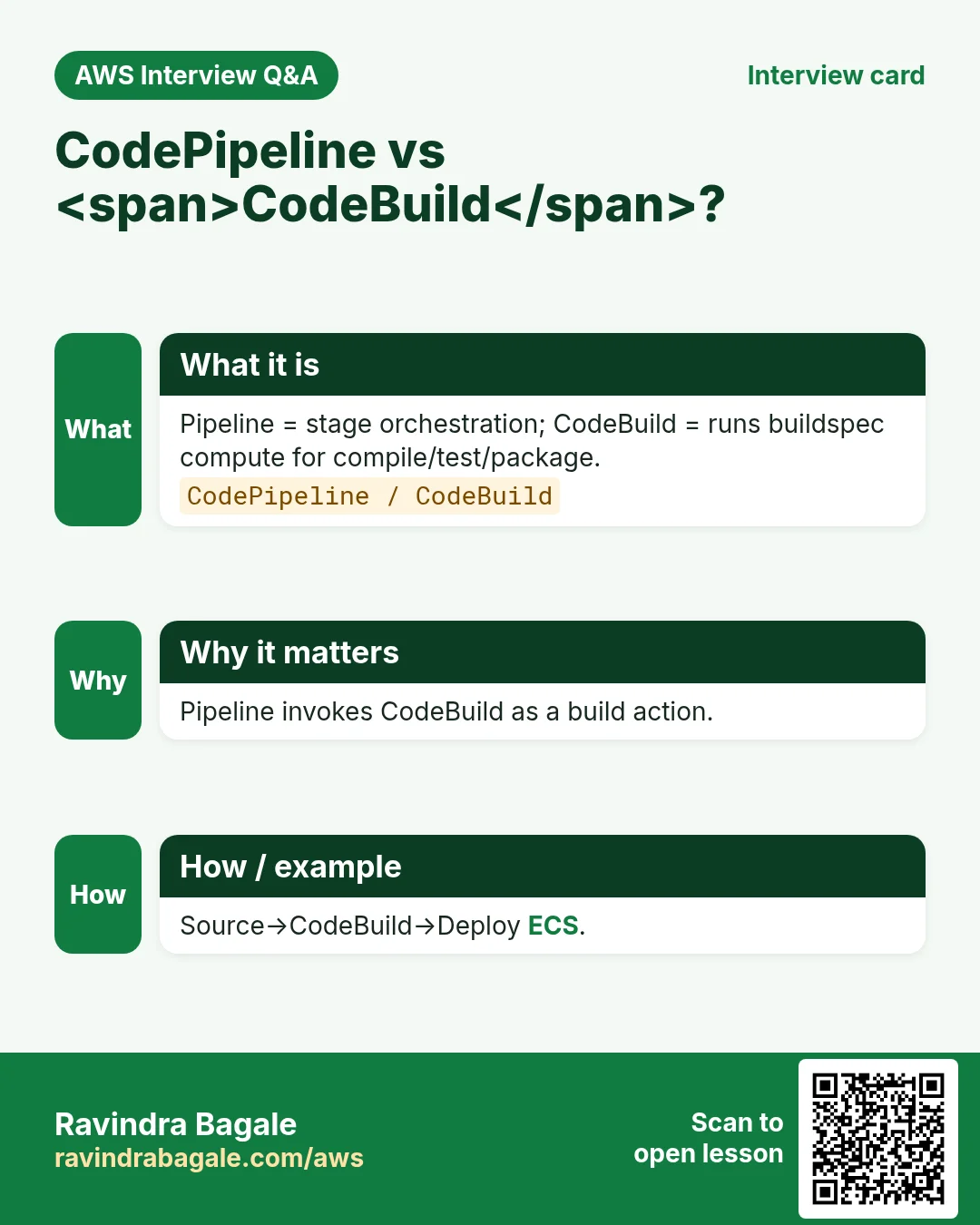
AWS CI/CD orchestrator connecting source/build/deploy stages.
Q. What is CodeBuild?
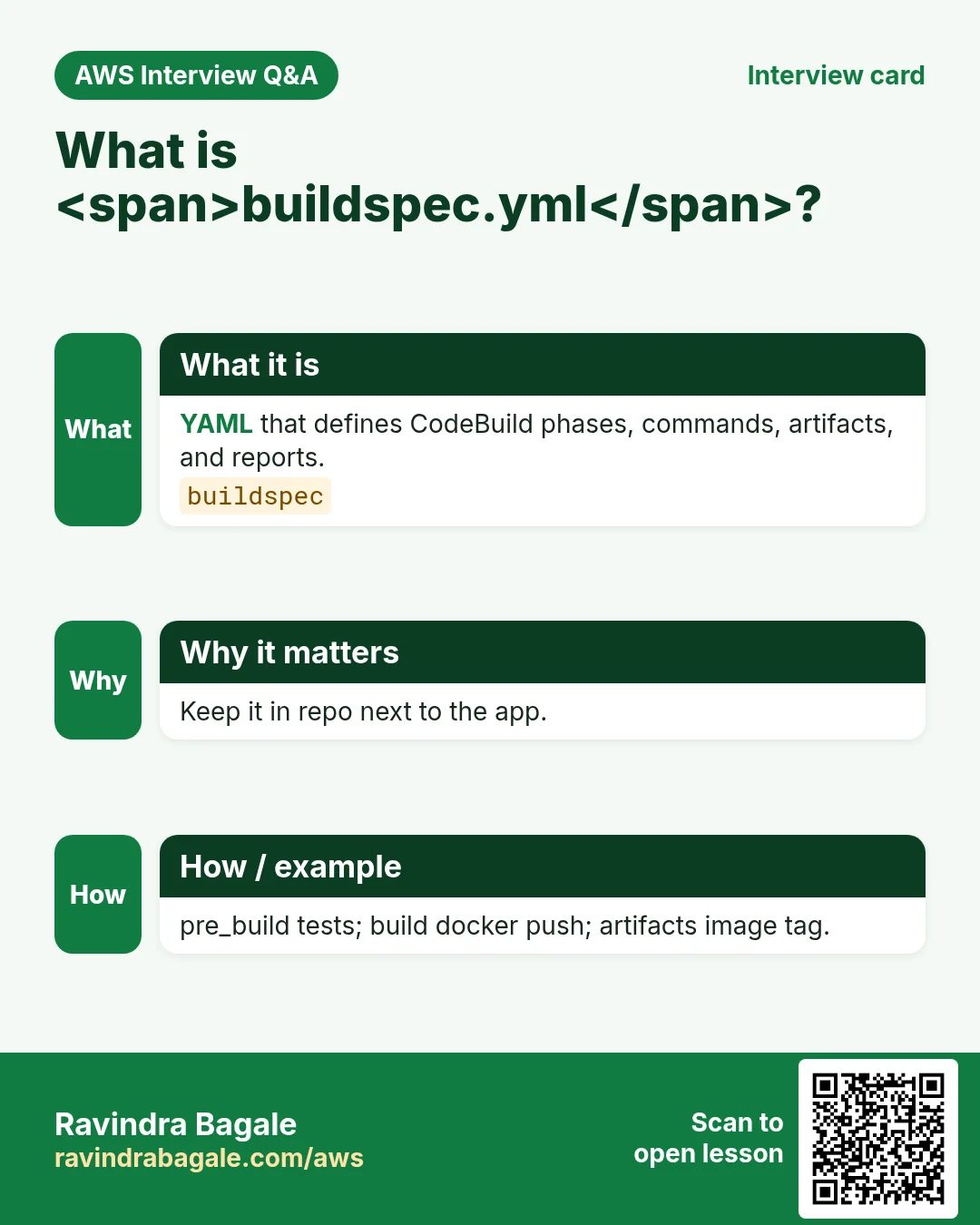
Managed build service driven by buildspec.yml.
Q. Artifact?
Output passed between pipeline stages (often S3).
Q. Why approvals?
Human control before irreversible prod changes.
Q. buildspec phases?
install/pre_build/build/post_build typical.
Q. GHA vs CodePipeline?
Ecosystem vs AWS-native IAM/deploy integration.
13. Tips in English, Marathi and Hindi
Ravindra Bagale's Tip (EN)
A green pipeline that never runs tests is theatre. Make pytest/npm test fail the build before any deploy stage.
Ravindra Bagale's Tip (MR)
Tests नसलेली green pipeline = theatre. Deploy आधी tests fail-the-build.
Tip (HI)
बिना टेस्ट की हरी pipeline सिर्फ नाटक है — deploy से पहले टेस्ट फेल करो।
Try at home
- Write an 8-line buildspec that runs unit tests then builds.
- List three IAM actions a build role might need for ECR push.
- Sketch Source→Build→Approval→Deploy.
In short
- CodePipeline orchestrates; CodeBuild executes builds.
- buildspec.yml defines clean, repeatable steps.
- Approvals + least privilege protect prod.
- Prefer immutable version tags.
Revision, interview and comparison cards
Revise this lesson in a few minutes. Save the cards on your phone or download them as PNG files. The QR code on each card opens this lesson.
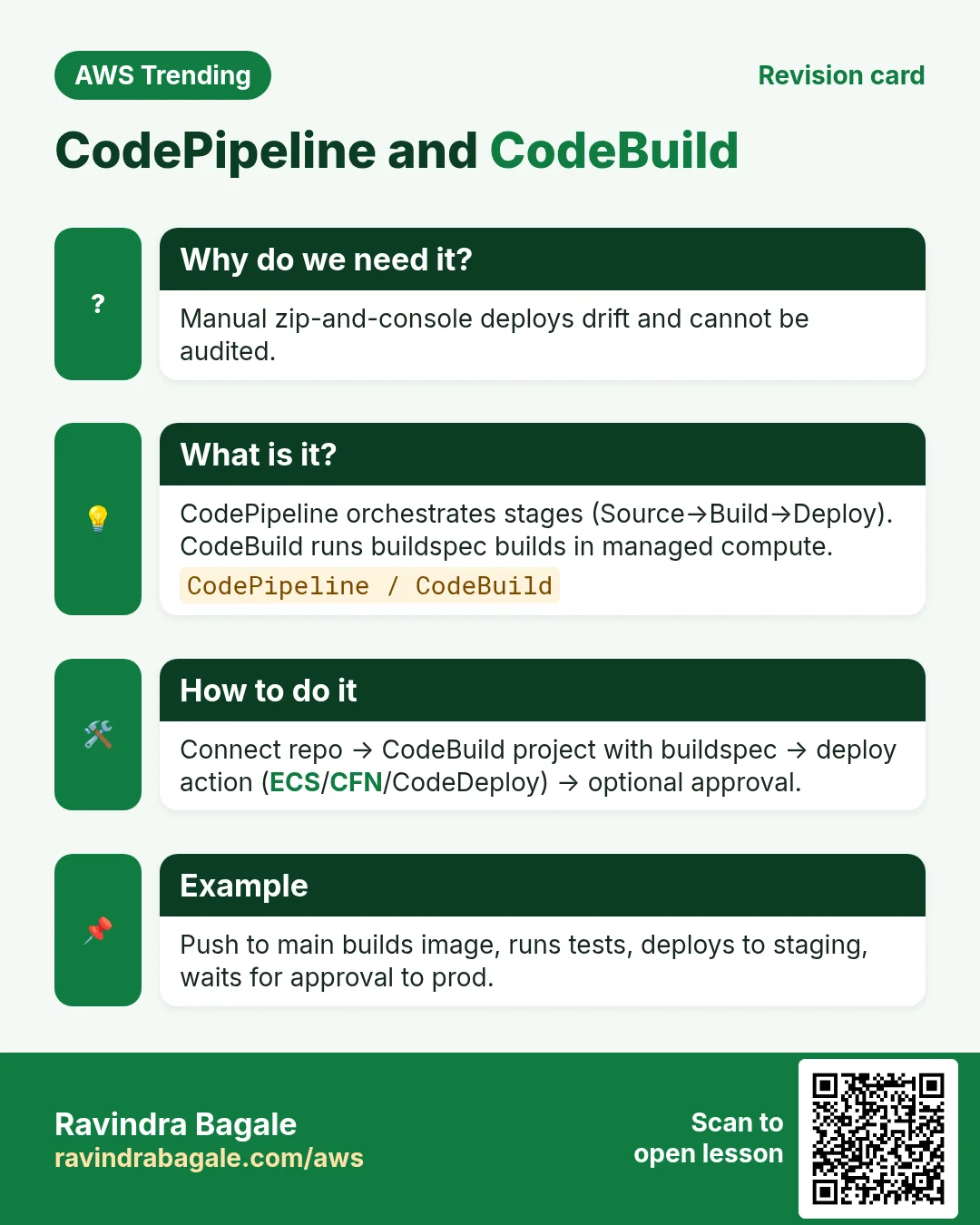
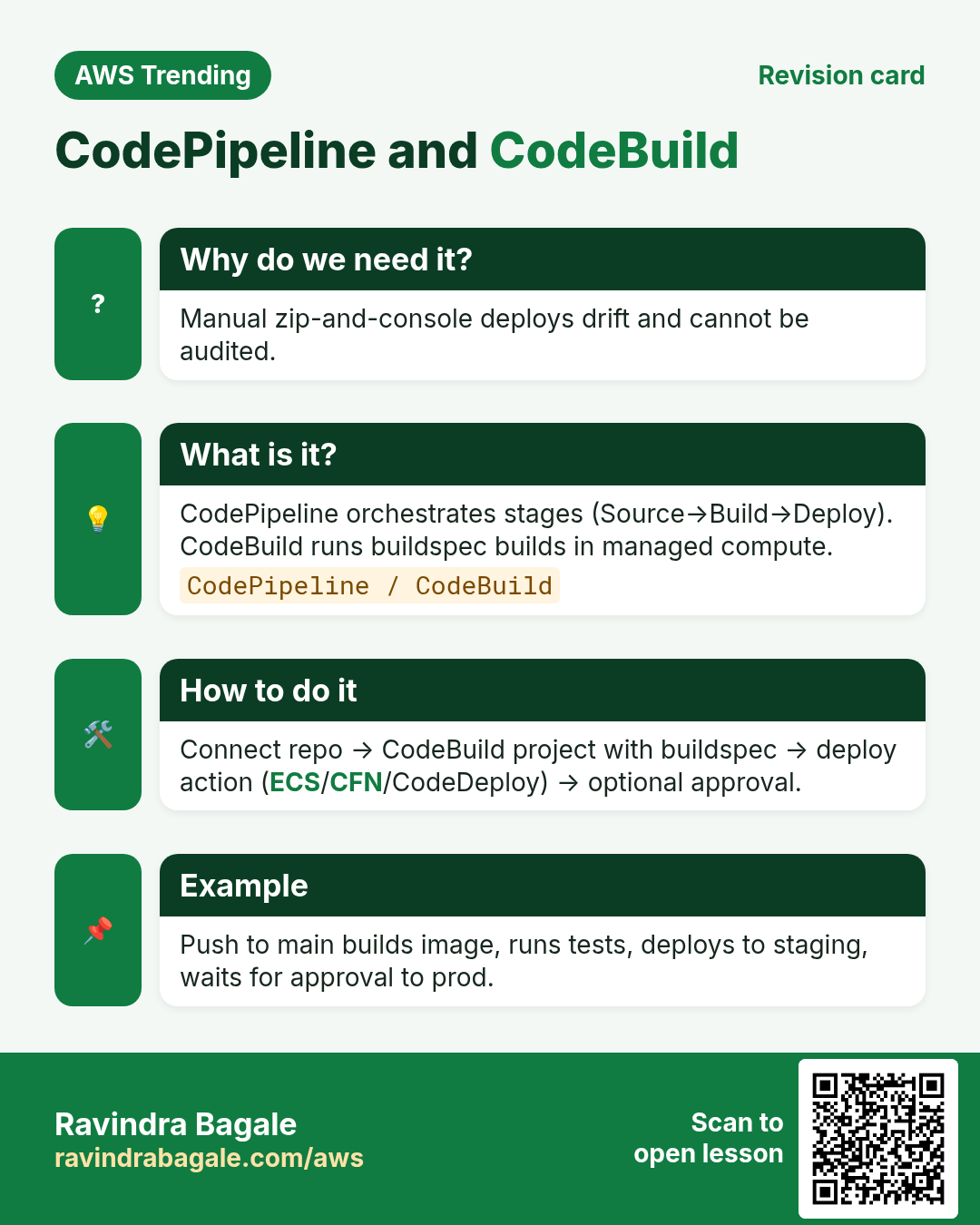
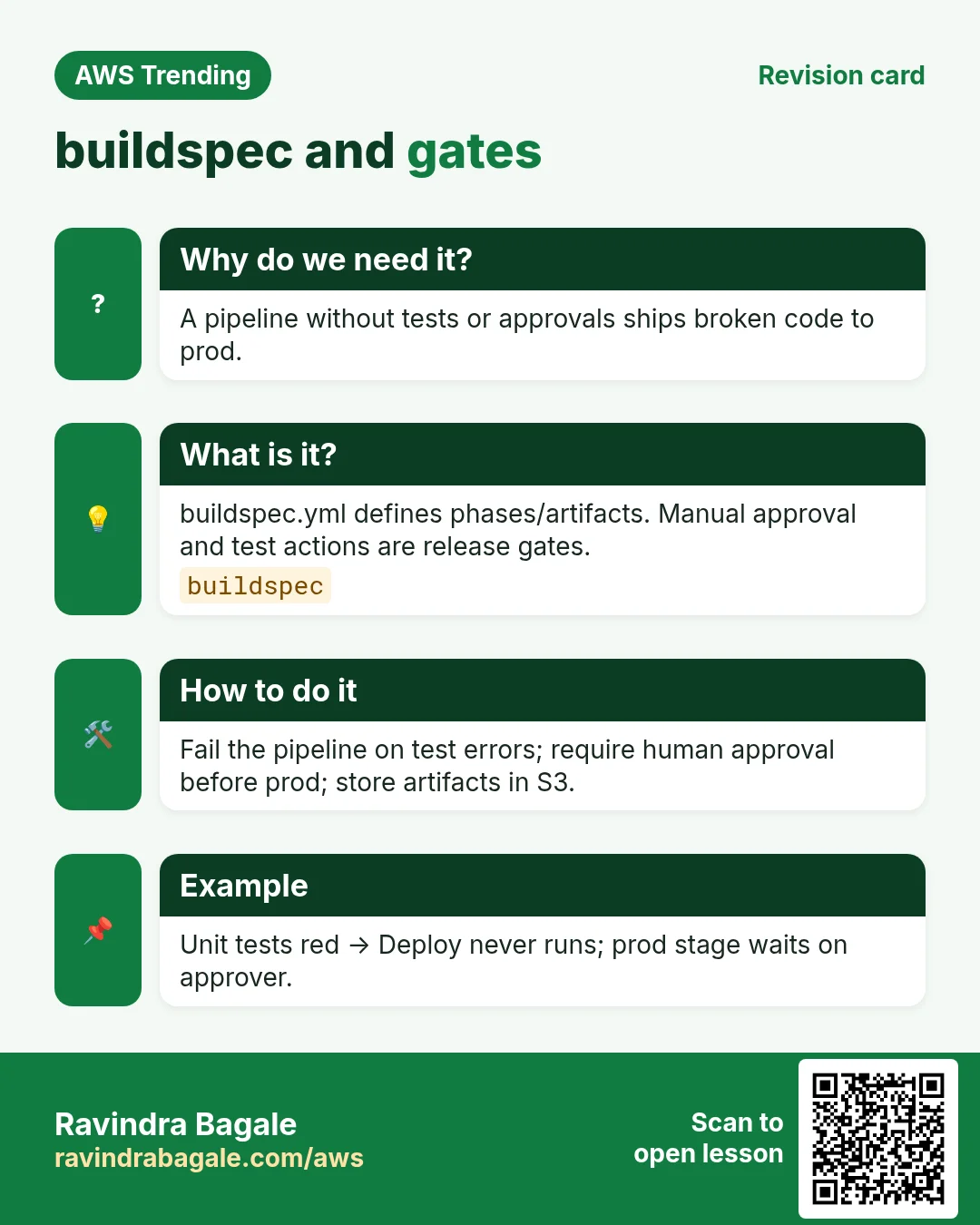
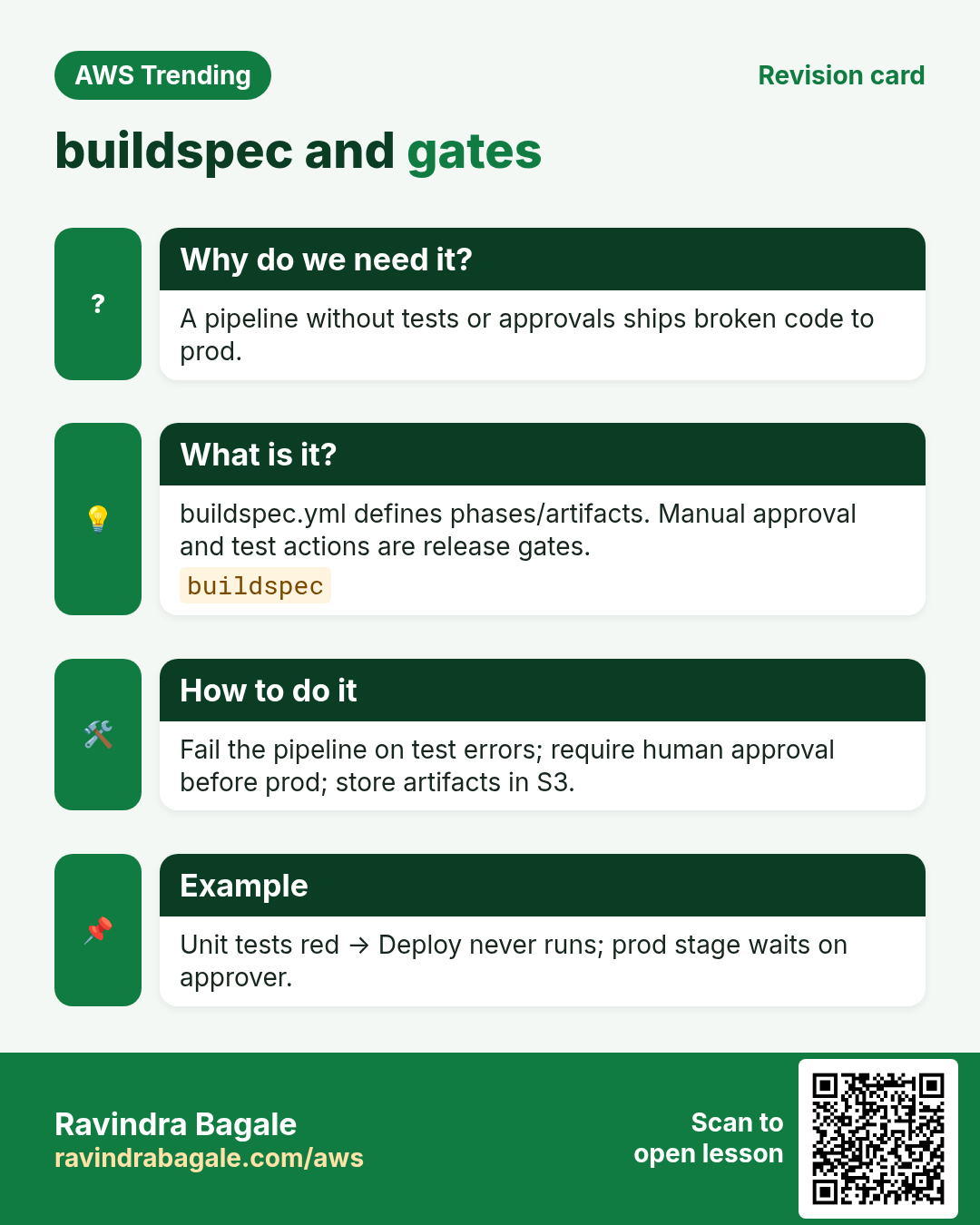
More cards: Ravi Sir's Cards.
Practise this chapter
Interview questions and answers
How would you prove a failed test cannot reach deployment?
Add one failing assertion to a disposable revision and start its pipeline. Read the build result and verify the deployment action never started for that revision. Restore the test and confirm the next successful build produced the intended artifact. Compare revision IDs so the evidence refers to the same work.
Check your understanding
Choose an answer, then compare your reasoning with the explanation.
Practice Tasks
Practice checks run in your browser. They check the answer for this exercise; they do not create resources or connect to your AWS account.
About this scenarioShivneri Schools is a education business in Junnar. Kavita Shinde looks after its IT and cloud work. They count money in INR and run their AWS resources in the ap-south-1 Region. In the tasks below you do real jobs for them using what this lesson teaches. All names, account IDs, IP addresses and numbers are made up for practice.
0 / 16
Easy List pipelines
CI/CD inventory.
List pipelines.
- Read the task and decide which AWS service it is about.
- Write aws, then the service name, then the operation (the action word).
- Add each needed flag (--name) followed by its value from the task.
- Flags can be in any order. Click Check answer.
Easy List projects
Build inventory.
List projects.
- Read the task and decide which AWS service it is about.
- Write aws, then the service name, then the operation (the action word).
- Add each needed flag (--name) followed by its value from the task.
- Flags can be in any order. Click Check answer.
Easy Apply the lesson: scenario 3
Which AWS service coordinates source, build and deployment stages in a release workflow?
- Read the situation and identify what you need to decide.
- Work through the relevant concept or calculation.
- Enter only the requested term or number.
- Check your answer, then read the explanation.
Easy Apply the lesson: scenario 4
Using CodeBuild's default source-file convention, which filename contains the build commands?
- Read the situation and identify what you need to decide.
- Work through the relevant concept or calculation.
- Enter only the requested term or number.
- Check your answer, then read the explanation.
Medium Get pipeline
Inspect stages.
Get pipeline shivnerischool-app.
- Read the task and decide which AWS service it is about.
- Write aws, then the service name, then the operation (the action word).
- Add each needed flag (--name) followed by its value from the task.
- Flags can be in any order. Click Check answer.
Medium Get pipeline state
Which stage failed.
Get pipeline state shivnerischool-app.
- Read the task and decide which AWS service it is about.
- Write aws, then the service name, then the operation (the action word).
- Add each needed flag (--name) followed by its value from the task.
- Flags can be in any order. Click Check answer.
Medium Batch get projects
Build details.
Batch get projects shivnerischool-build.
- Read the task and decide which AWS service it is about.
- Write aws, then the service name, then the operation (the action word).
- Add each needed flag (--name) followed by its value from the task.
- Flags can be in any order. Click Check answer.
Medium Start build
Trigger.
Start build shivnerischool-build.
- Read the task and decide which AWS service it is about.
- Write aws, then the service name, then the operation (the action word).
- Add each needed flag (--name) followed by its value from the task.
- Flags can be in any order. Click Check answer.
Medium Allow StartBuild
Builder LP.
Allow codebuild:StartBuild on arn:aws:codebuild:ap-south-1:110396552559:project/shivnerischool-build.
- Start with { "Version": "2012-10-17", "Statement": [ ... ] }.
- In each statement write Effect, Action and Resource.
- Give only what the task needs (least privilege).
- Use double quotes and commas correctly. Click Check answer.
Medium Stages JSON
Source Build Deploy.
JSON stages Source,Build,Deploy.
- Start from the top-level keys the task names.
- Indent child keys with 2 spaces (no tabs).
- Fill in each property with the value from the task.
- Click Check answer. Key order does not matter.
Medium Apply the lesson: scenario 11
A human must review a release before its production stage starts. Which CodePipeline action category fits this gate?
- Read the situation and identify what you need to decide.
- Work through the relevant concept or calculation.
- Enter only the requested term or number.
- Check your answer, then read the explanation.
Medium Sample build timeout minutes
Hang guard.
Sample build timeout minutes often used (enter 60)?
- Write down the numbers the task gives you.
- Work it out step by step on paper.
- Type only the final answer in the box.
- Click Check answer.
Hard List pipeline executions
History.
List pipeline executions for shivnerischool-app.
- Read the task and decide which AWS service it is about.
- Write aws, then the service name, then the operation (the action word).
- Add each needed flag (--name) followed by its value from the task.
- Flags can be in any order. Click Check answer.
Hard List builds for project
Recent builds.
List builds for project shivnerischool-build.
- Read the task and decide which AWS service it is about.
- Write aws, then the service name, then the operation (the action word).
- Add each needed flag (--name) followed by its value from the task.
- Flags can be in any order. Click Check answer.
Hard Allow StartPipelineExecution
Release LP.
Allow codepipeline:StartPipelineExecution on arn:aws:codepipeline:ap-south-1:110396552559:shivnerischool-app.
- Start with { "Version": "2012-10-17", "Statement": [ ... ] }.
- In each statement write Effect, Action and Resource.
- Give only what the task needs (least privilege).
- Use double quotes and commas correctly. Click Check answer.
Hard buildspec version JSON
YAML version.
JSON version 0.2.
- Start from the top-level keys the task names.
- Indent child keys with 2 spaces (no tabs).
- Fill in each property with the value from the task.
- Click Check answer. Key order does not matter.