What Is Amazon SageMaker? Machine Learning on AWS Explained
SageMaker is the big ML workshop on AWS: notebooks to explore, training jobs to learn from data, endpoints to serve predictions. Powerful — and easy to leave a meter running. Read the cost box twice.
In this chapter
- What SageMaker is for
- Notebooks vs training vs endpoints
- Built-in algorithms vs your container
- SageMaker vs Bedrock
- Cost and sandbox warnings
1. Everyday example
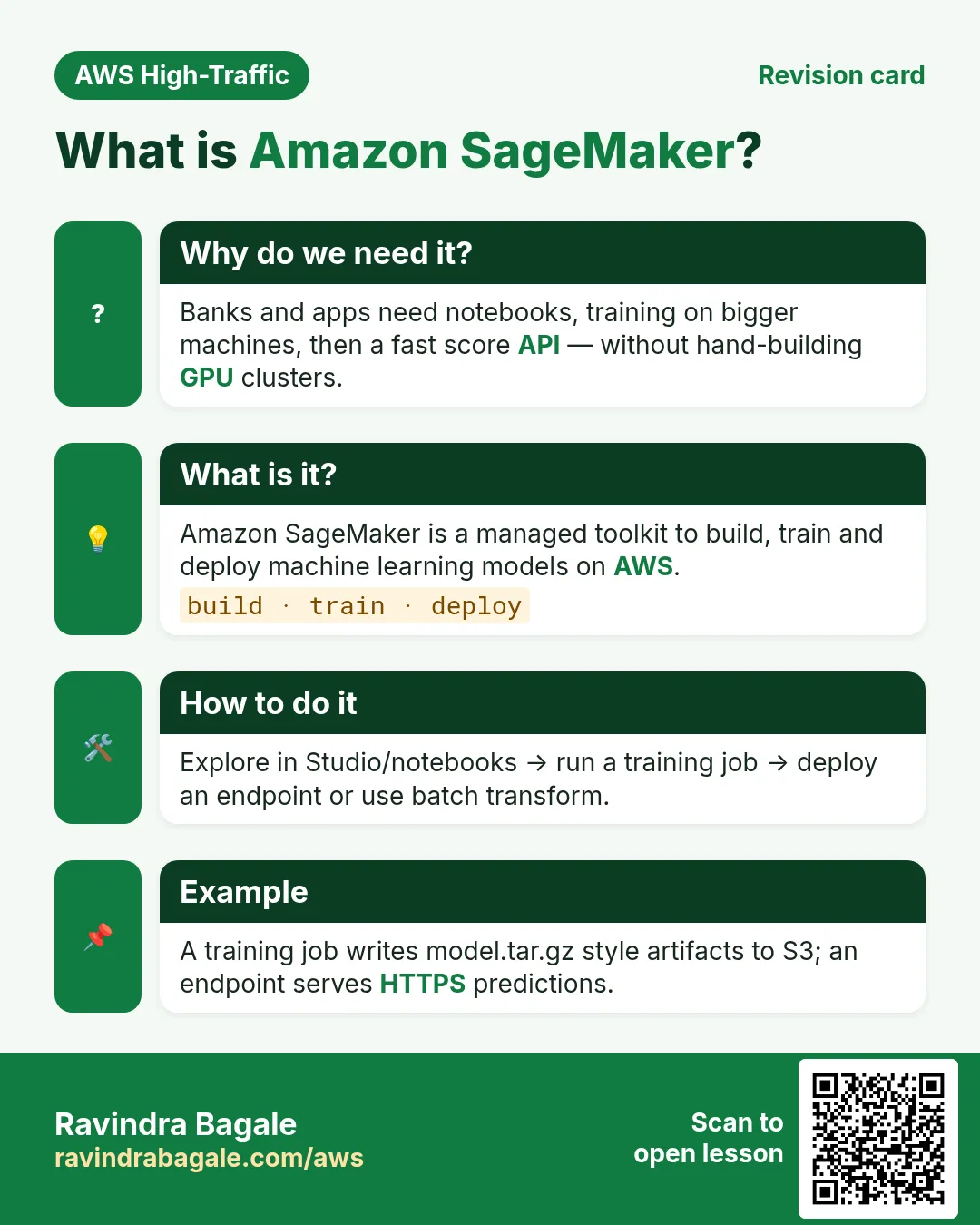
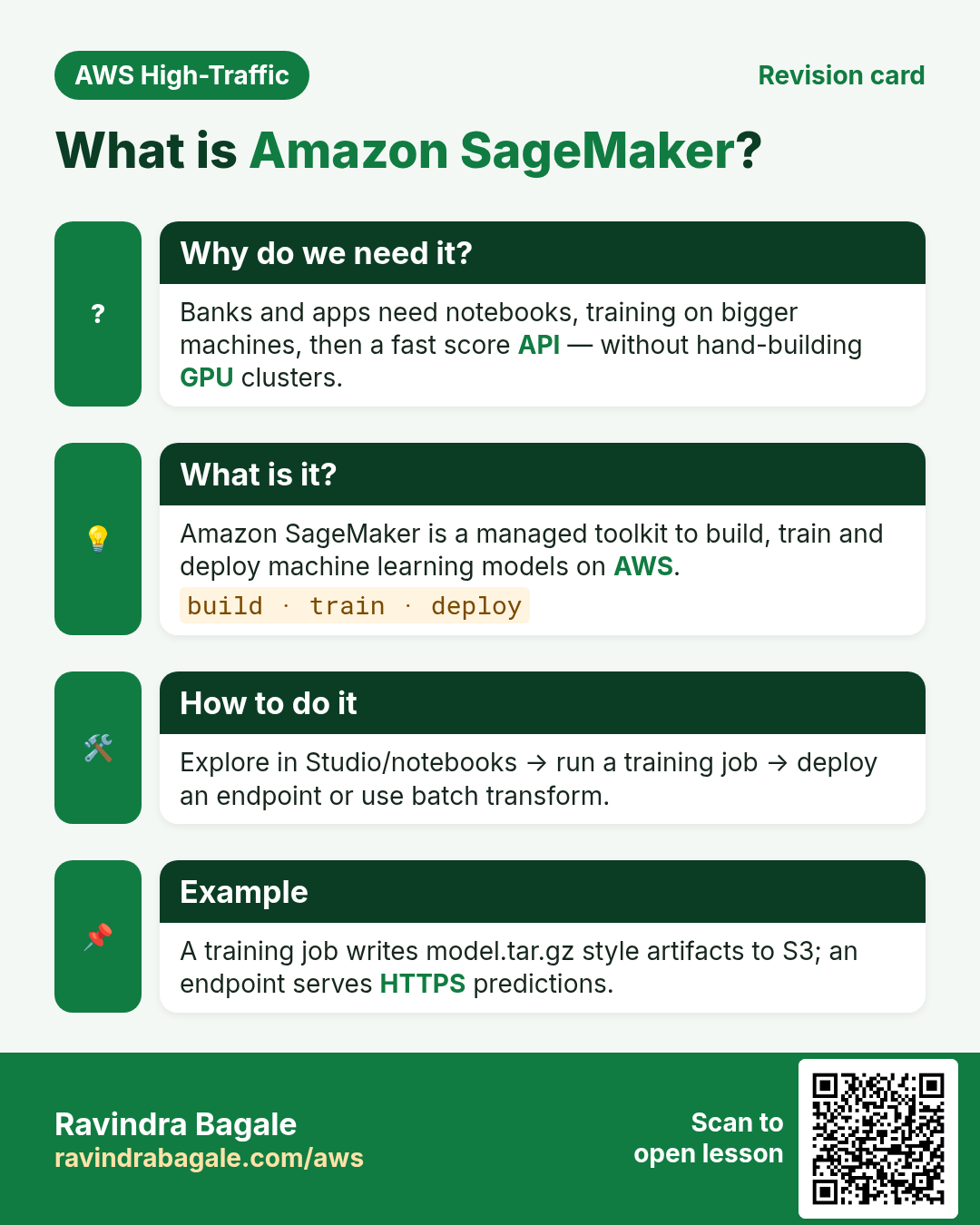
A bank wants to score loan risk from past rows. Data scientists need a notebook, a training run on bigger machines, then an API that returns a score in milliseconds.
Amazon SageMaker is a managed set of services to build, train and deploy machine learning models on AWS without you assembling raw GPU clusters by hand.
2. Main pieces
Imagine a college wants to estimate tomorrow’s canteen lunches using past order counts, class schedules and holidays. A model is the fitted rule that estimates the number. Training uses examples that include actual counts, so the training program can tune the model. Give it past dates to learn from and keep some separate dates for a fair test. If the true counts for two held-out days were 100 and 120 and estimates were 90 and 132, the two misses were 10 and 12 lunches. An average miss of 11 is a starting point for deciding whether the model is useful.
In SageMaker AI, a training job can read the data from S3, run the training program, and leave a model artifact in S3. An artifact is the saved file or bundle produced by the job. Inference means giving the trained model new inputs to make a prediction. The notebook is a place to write and test your code, the job runs the training, and inference uses the resulting artifact. Follow the artifact from one stage to the next so you know what to check when one is missing.
| Piece | Does | Bill watch |
|---|---|---|
| SageMaker Studio / Notebook instances | Interactive Python/R exploration | Instance runs until you stop/delete |
| Training job | Fits model on chosen instance type | Pays while the job runs |
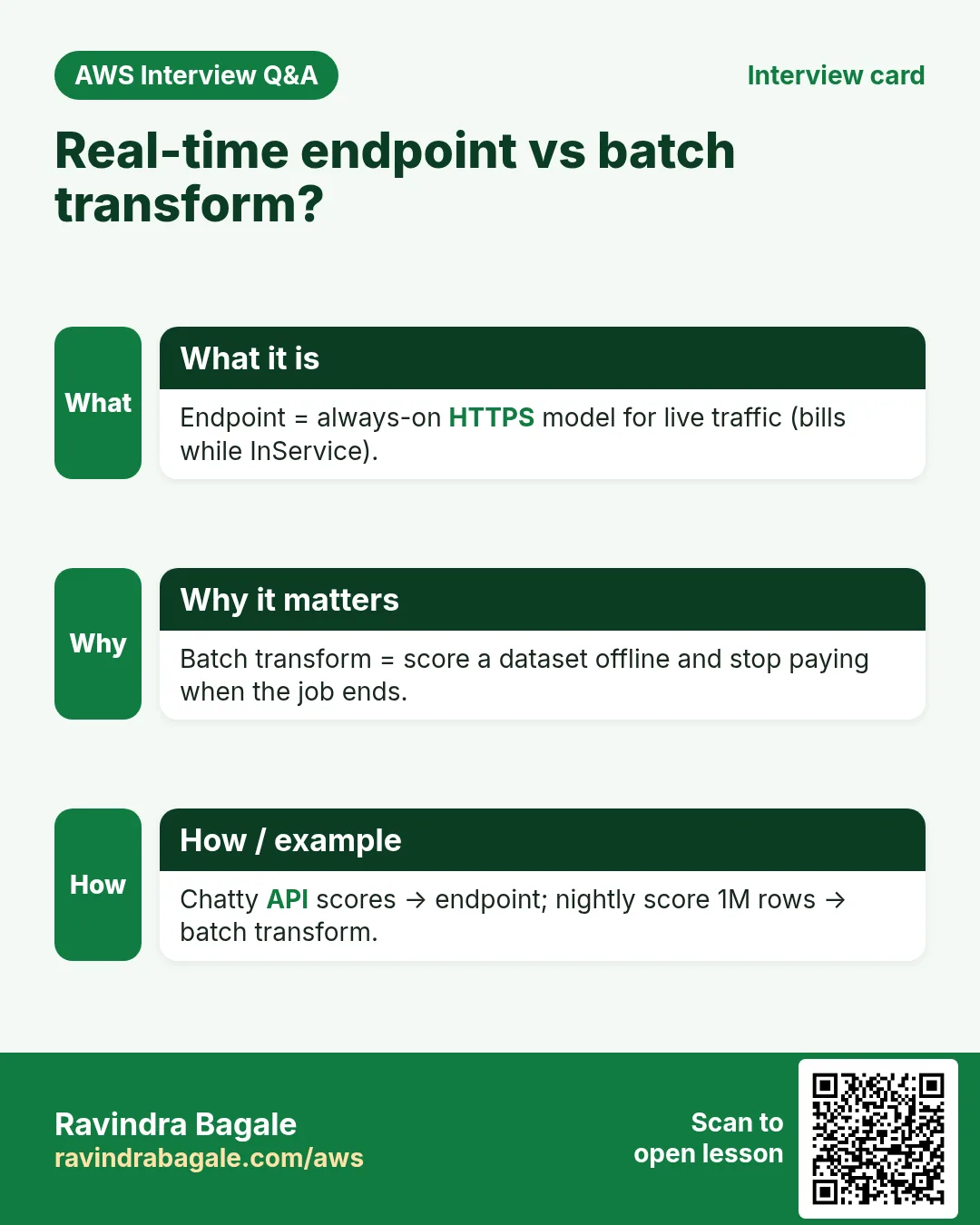
| Endpoint | Hosted HTTPS model for live traffic | Pays while InService — easy to forget |
| Processing / Batch transform | Offline feature jobs / bulk scores | Pays for the job duration |
3. SageMaker vs Bedrock
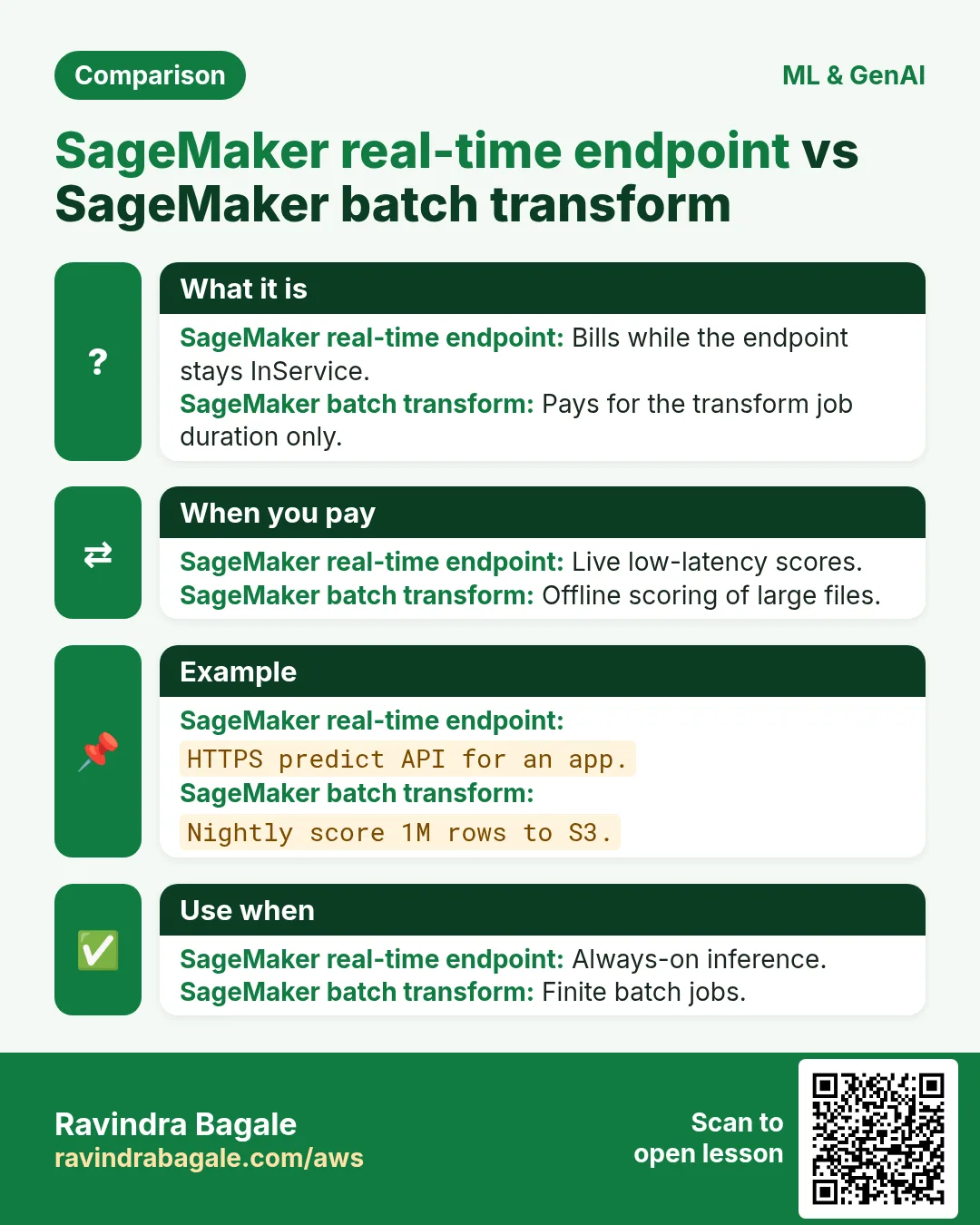
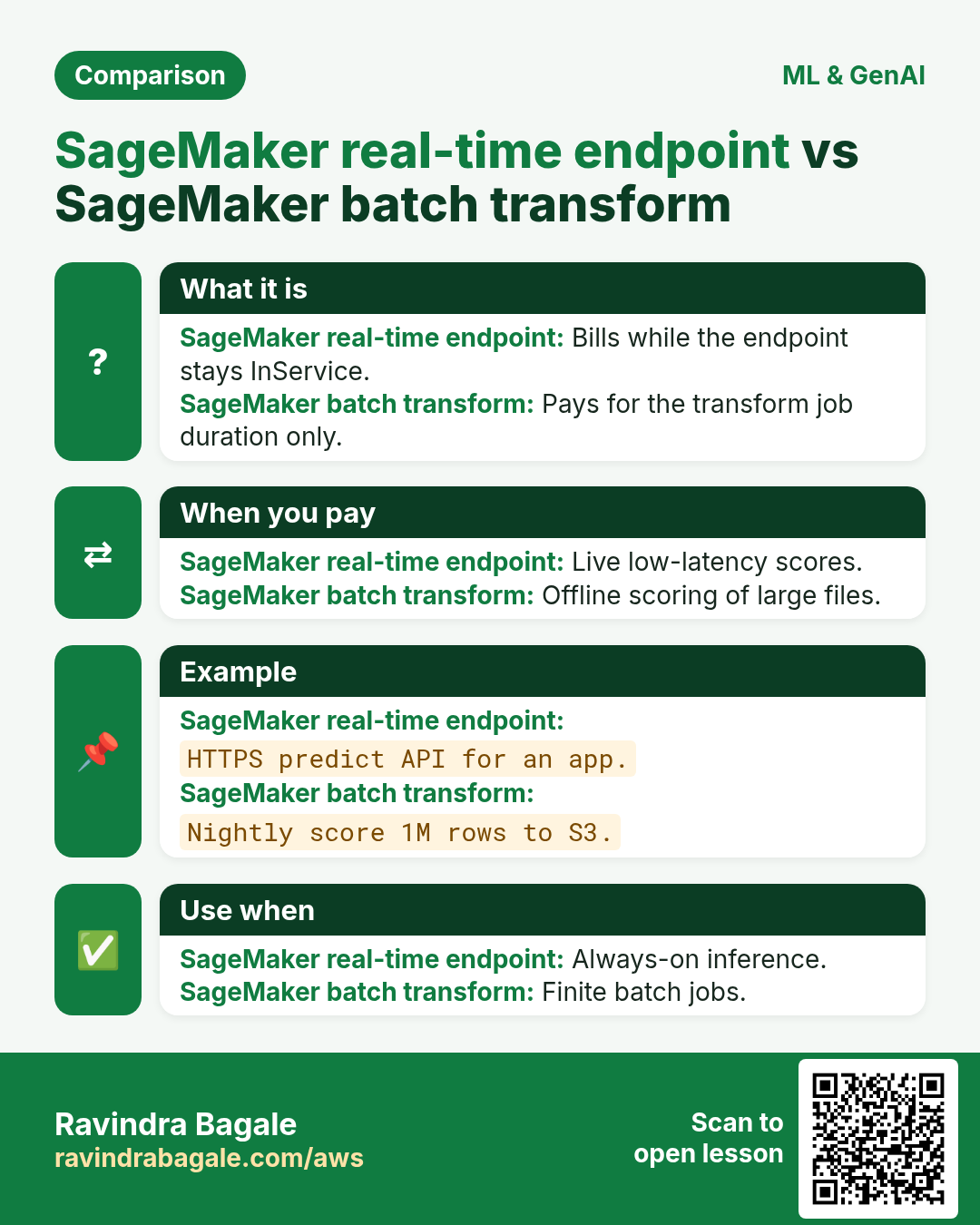
Use the lunch example to choose the serving plan. If a manager asks for one prediction in a browser and expects a response immediately, consider a real-time endpoint. An endpoint is the address an app calls to get that response. If the college needs tomorrow’s predictions for all its canteens in one nightly file, Batch Transform can read a batch and write the output without maintaining a persistent endpoint. For a separate job such as summarising feedback, start with a suitable managed foundation model through Bedrock and compare the result on sample text. Each choice depends on the input, the result and when people need it.
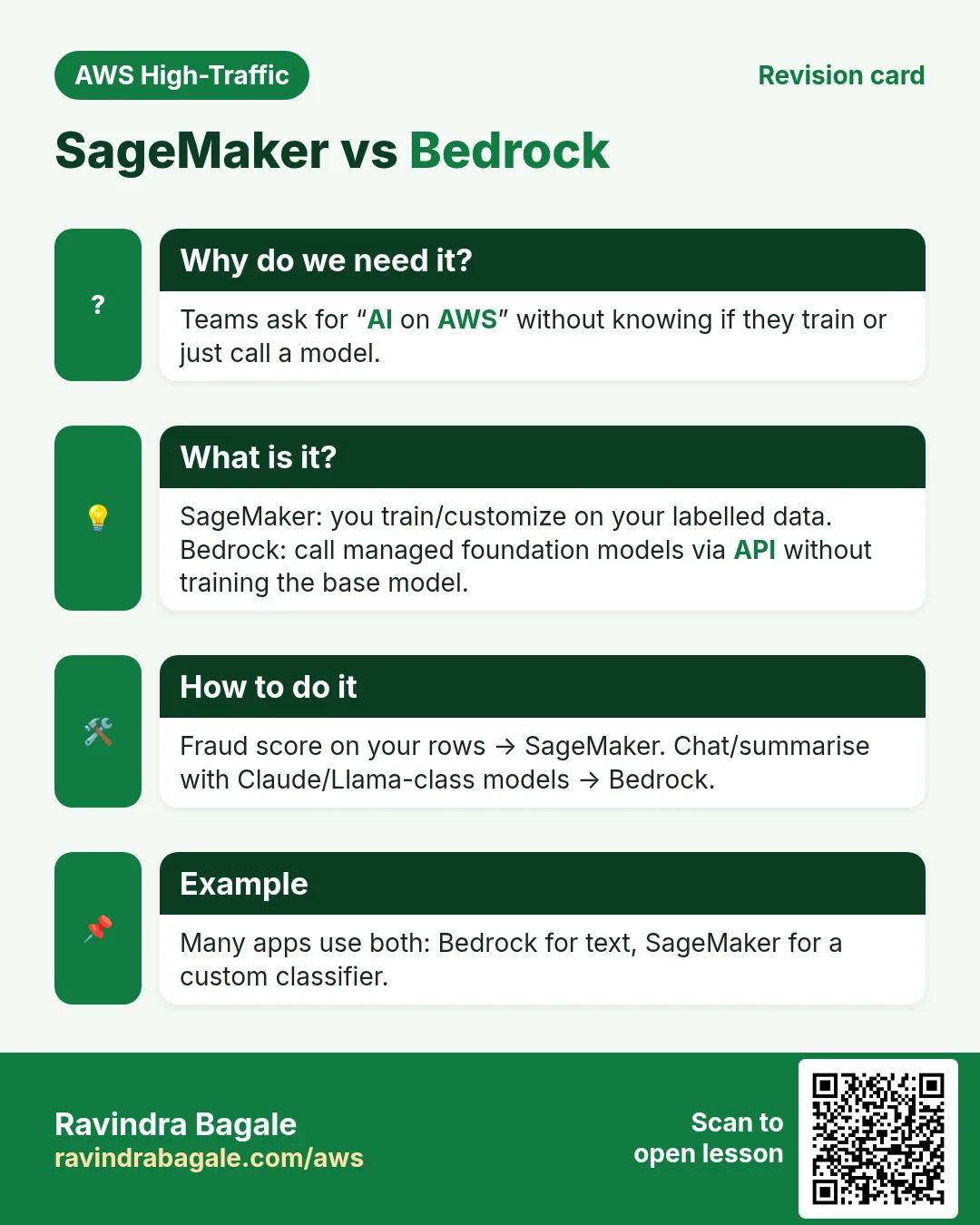
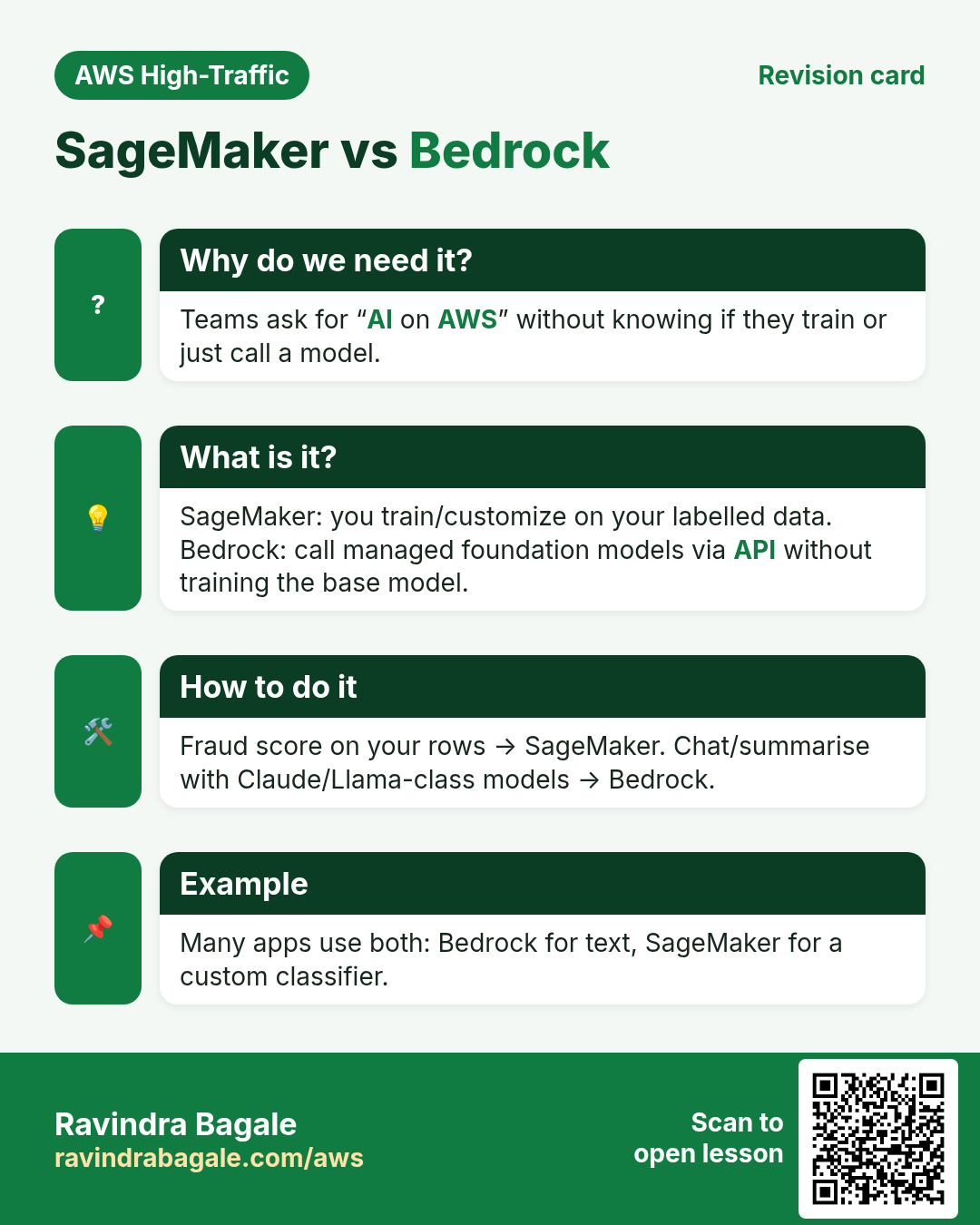
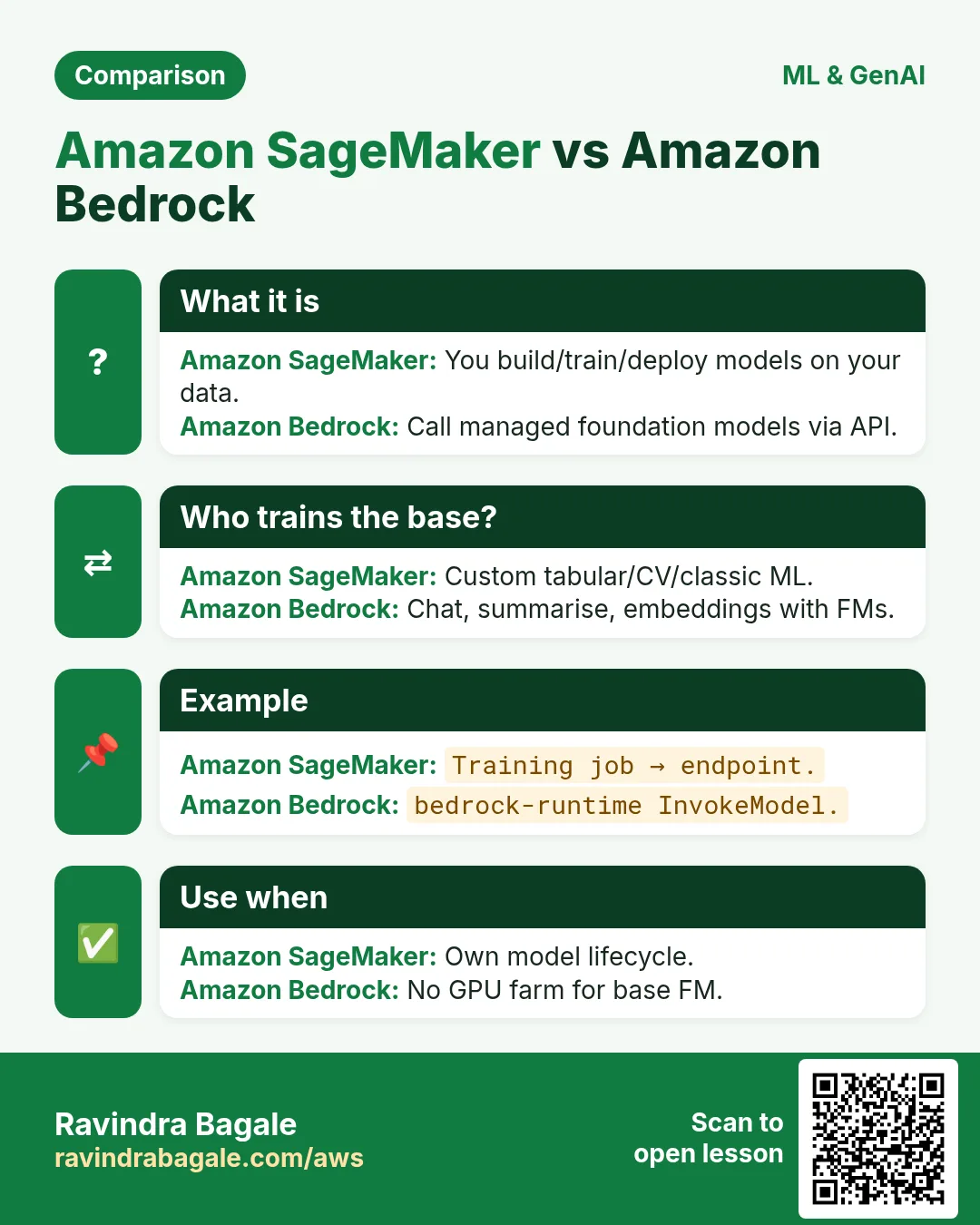
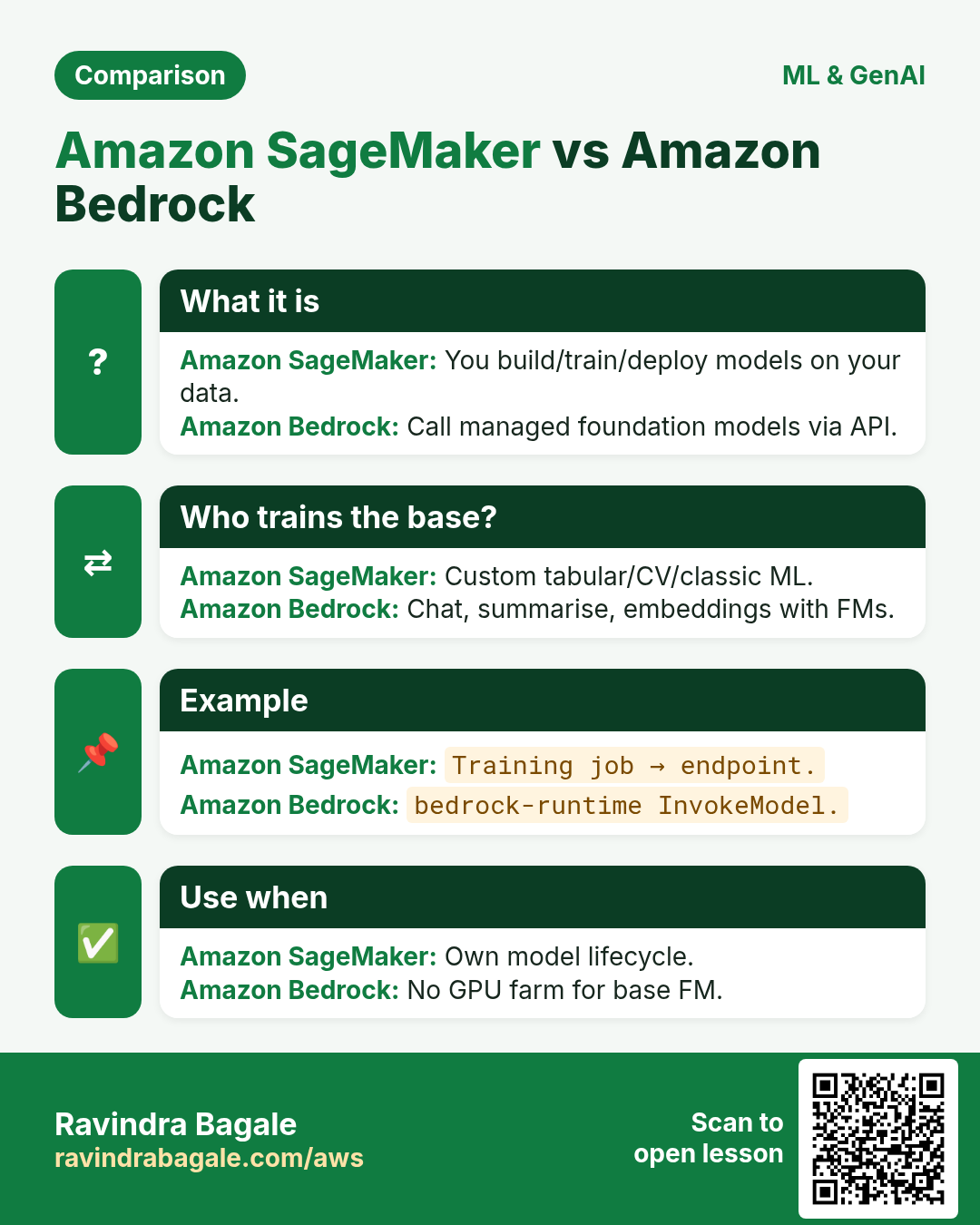
- SageMaker: you (or your team) train/customize models on your data; classic ML + many DL workflows.
- Bedrock: call ready foundation models via API (chat, embeddings) — no GPU training required for the base model.
- Many apps use both: Bedrock for text generation, SageMaker for a custom fraud model.
Cost & sandbox
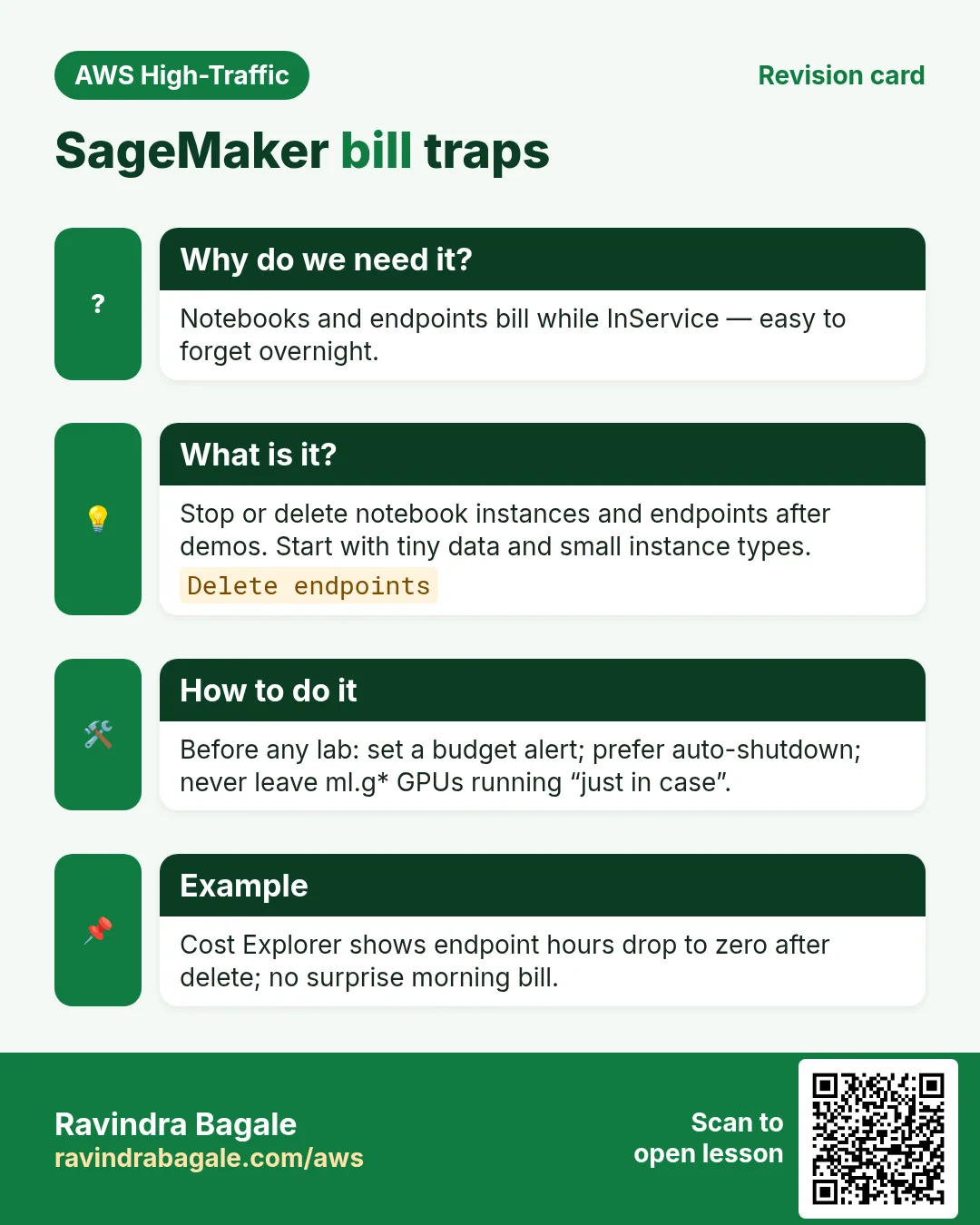
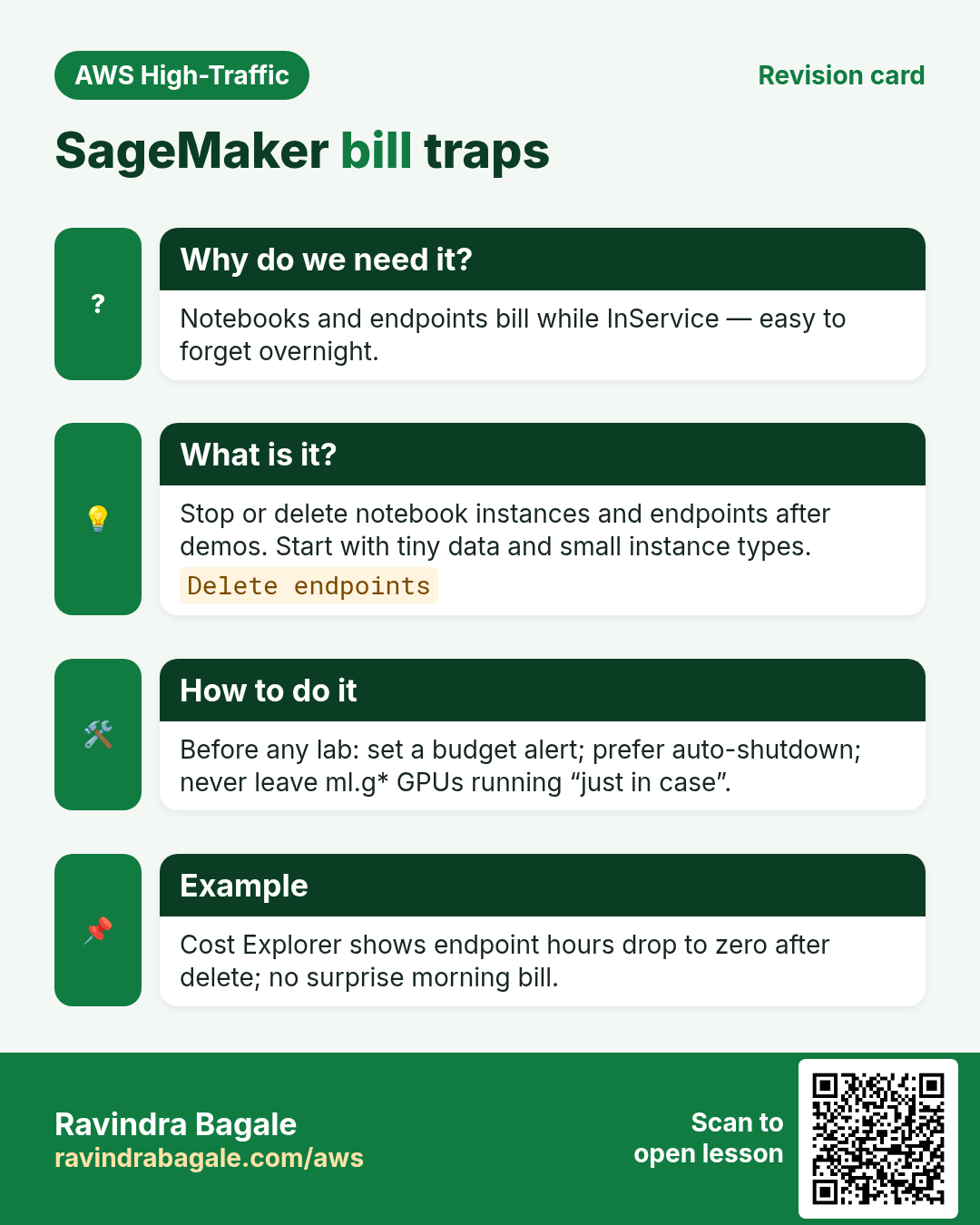
Never leave notebook instances or endpoints running overnight in a student account. Prefer Studio with auto-shutdown where available. Delete endpoints after demos. Training on large GPU instances can cost a lot in one afternoon — start with tiny sample data and small instance types.
4. Interview angles
Describe a failed forecast in terms of the stage. A training job with no model artifact needs its input path, permissions and job logs checked. A successful job followed by poor predictions needs a representative held-out test. A deployed endpoint with errors needs its request format and serving logs checked. Keep those stages separate in your interview answer so that you can name evidence for each. In the no-cost paper lab, you can do the same sequence using a few given predictions before you create any cloud resources.
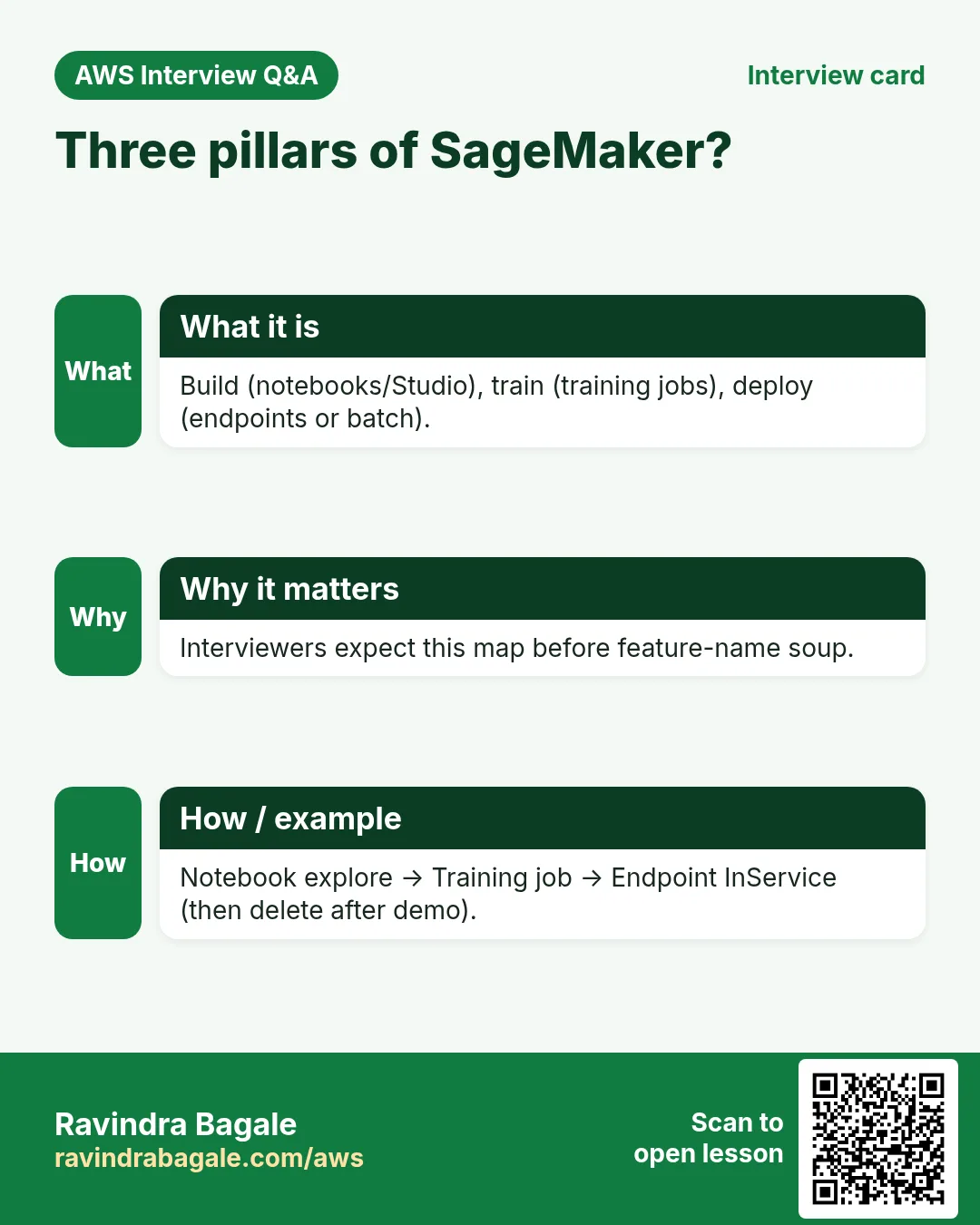
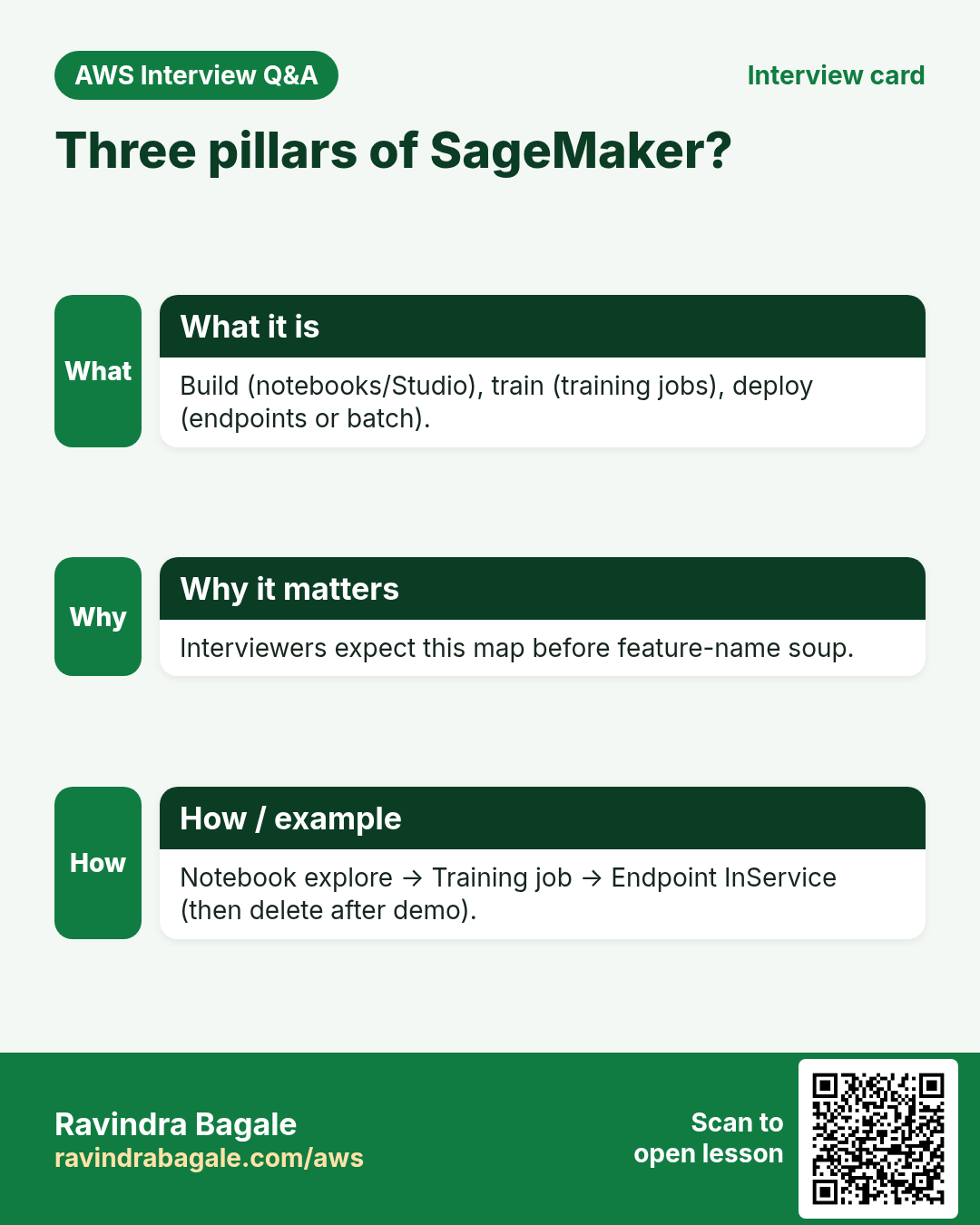
Q. Three pillars?
Build (notebooks), train (jobs), deploy (endpoints).
Q. Where do artifacts live?
Usually S3 model.tar.gz style outputs.
Q. Why not EC2 DIY?
SageMaker handles images, metrics, scaling patterns.
Q. Real-time vs batch?
Endpoint vs batch transform.
Q. Bedrock instead?
When a managed foundation model API is enough.
Try at home
- Open SageMaker console in ap-south-1 and list instance prices — do not create yet.
- Write one sentence: your project needs SageMaker or Bedrock?
In short
- SageMaker = build, train, deploy ML on AWS.
- Endpoints and notebooks bill while running.
- Bedrock is the better fit for many generative API apps.
- Delete lab resources the same day.
Practise this chapter
Interview questions and answers
Which SageMaker AI deployment would you use for a website that needs one immediate forecast versus a nightly file?
For one request that needs a quick response, consider a real-time endpoint. For a set of input rows processed offline at night, use Batch Transform to produce a prediction file without maintaining the real-time endpoint. In both cases the trained artifact must be available to the inference job.
Check your understanding
Choose an answer, then compare your reasoning with the explanation.
Apply the concepts
A sixth canteen needs a forecast file once at night for the next day. Explain which inference choice avoids maintaining a dedicated online endpoint and name the input and output artifacts.
Check your result
Choose Batch Transform for the offline batch, identify new input rows in S3 and the resulting prediction file, and keep the trained artifact separate from the prediction output.
From past canteen orders to a checked forecast
Before you start
- Use paper or a spreadsheet. The numbers are fictional and no AWS resources are required.
- You need the idea of an S3 object and a row with an input date and an actual order count.
Write four dated rows. Day 1: 102 orders. Day 2: 110 orders. Day 3: 100 orders. Day 4: 120 orders. Mark the first two as training examples and the last two as held-out test examples.
Expected result: No test result is used to fit the model. Days 3 and 4 are available to measure how the trained rule works on new input.
Use the simple baseline of the mean of training counts. Calculate it from days 1 and 2. Put the formula and number on a separate page labelled model artifact.
Expected result: The trained baseline predicts 106 orders. The artifact contains the rule or its saved result, not an already computed test score.
Apply the baseline to each held-out day. Compare each prediction with its actual count and compute mean absolute error.
Expected result: Errors are 6 and 14 orders. Mean absolute error is 10 orders. This is a measurement on these two rows, with a larger evaluation needed before trusting a real forecast.
Draw an AWS path for the same exercise: S3 training data to SageMaker AI training job to a model artifact in S3. Add a branch for immediate single predictions and one for nightly files.
Expected result: The training job writes an artifact, real-time inference can serve the single request, and Batch Transform can produce a file without keeping a real-time endpoint.
If the result differs
- If your prediction is 108, check whether you accidentally averaged all four dates. Train only on the marked rows.
- If the forecast and score got mixed together, separate the predicted count from the absolute error against a known actual count.
Finish and clean up
- Keep the one-page flow and remove temporary local sheets you no longer need. No endpoint, instance, or other cloud resource was created.
Practice Tasks
Practice checks run in your browser. They check the answer for this exercise; they do not create resources or connect to your AWS account.
About this scenarioTokyo Ramen House is a restaurant business in Tokyo. Yuki Tanaka looks after its IT and cloud work. They count money in JPY and run their AWS resources in the ap-northeast-1 Region. In the tasks below you do real jobs for them using what this lesson teaches. All names, account IDs, IP addresses and numbers are made up for practice.
0 / 10
Easy List SageMaker endpoints
Endpoints cost money every hour; list them to find forgotten ones.
List SageMaker endpoints.
- Read the task and decide which AWS service it is about.
- Write aws, then the service name, then the operation (the action word).
- Add each needed flag (--name) followed by its value from the task.
- Flags can be in any order. Click Check answer.
Easy List Bedrock models
See which foundation models are offered in your Region.
List the foundation models available in Amazon Bedrock.
- Read the task and decide which AWS service it is about.
- Write aws, then the service name, then the operation (the action word).
- Add each needed flag (--name) followed by its value from the task.
- Flags can be in any order. Click Check answer.
Easy How many addresses in a /16?
Picking a VPC size needs this count.
Tokyo Ramen House plans the VPC 10.27.0.0/16. How many IP addresses does it hold in total?
- Write down the numbers the task gives you.
- Work it out step by step on paper.
- Type only the final answer in the box.
- Click Check answer.
Easy Port for SSH
Security group rules need the right port.
Which TCP port must the security group open for SSH?
- Write down the numbers the task gives you.
- Work it out step by step on paper.
- Type only the final answer in the box.
- Click Check answer.
Easy Show where you are
Before you copy or delete anything, you must know which folder you are in.
Yuki Tanaka logged in to the Tokyo Ramen House server and is not sure which folder the terminal is in. Print the current folder path.
- Find the Linux command that does this job.
- Add the options (like -r or -h) the task needs.
- Add the file names, folders or users in the right order.
- Use sudo if the job changes system files or users. Click Check answer.
Medium Allow one Bedrock model
Limit apps to the approved model so costs stay predictable.
Allow bedrock:InvokeModel on arn:aws:bedrock:ap-northeast-1::foundation-model/amazon.nova-lite-v1:0 only.
- Start with { "Version": "2012-10-17", "Statement": [ ... ] }.
- In each statement write Effect, Action and Resource.
- Give only what the task needs (least privilege).
- Use double quotes and commas correctly. Click Check answer.
Medium Detect labels in an image
Rekognition names objects in a photo, e.g. to tag product images.
Detect labels in s3://tokyoramen-media/shop/p1.jpg (Bucket=tokyoramen-media, Name=shop/p1.jpg), max 10 labels.
- Read the task and decide which AWS service it is about.
- Write aws, then the service name, then the operation (the action word).
- Add each needed flag (--name) followed by its value from the task.
- Flags can be in any order. Click Check answer.
Medium Delete an unused endpoint
Deleting a test endpoint stops the hourly bill.
Delete endpoint tokyoramen-demand-forecast.
- Read the task and decide which AWS service it is about.
- Write aws, then the service name, then the operation (the action word).
- Add each needed flag (--name) followed by its value from the task.
- Flags can be in any order. Click Check answer.
Hard Ask a model a question
Converse is one API shape for many models.
Call converse on model amazon.nova-lite-v1:0 with the messages in msgs.json.
- Read the task and decide which AWS service it is about.
- Write aws, then the service name, then the operation (the action word).
- Add each needed flag (--name) followed by its value from the task.
- Flags can be in any order. Click Check answer.
Hard Call a model endpoint
Your app sends features to the endpoint and gets a prediction back.
Invoke endpoint tokyoramen-demand-forecast with body from input.csv, content type text/csv, saving the result to out.json.
- Read the task and decide which AWS service it is about.
- Write aws, then the service name, then the operation (the action word).
- Add each needed flag (--name) followed by its value from the task.
- Flags can be in any order. Click Check answer.
Revision, comparison and interview cards
Revise this lesson in a few minutes. Save the cards on your phone or download them as PNG files. The QR code on each card opens this lesson.
More cards: Ravi Sir's Cards.