Ravi Sir's Cards › AWS
SageMaker bill traps
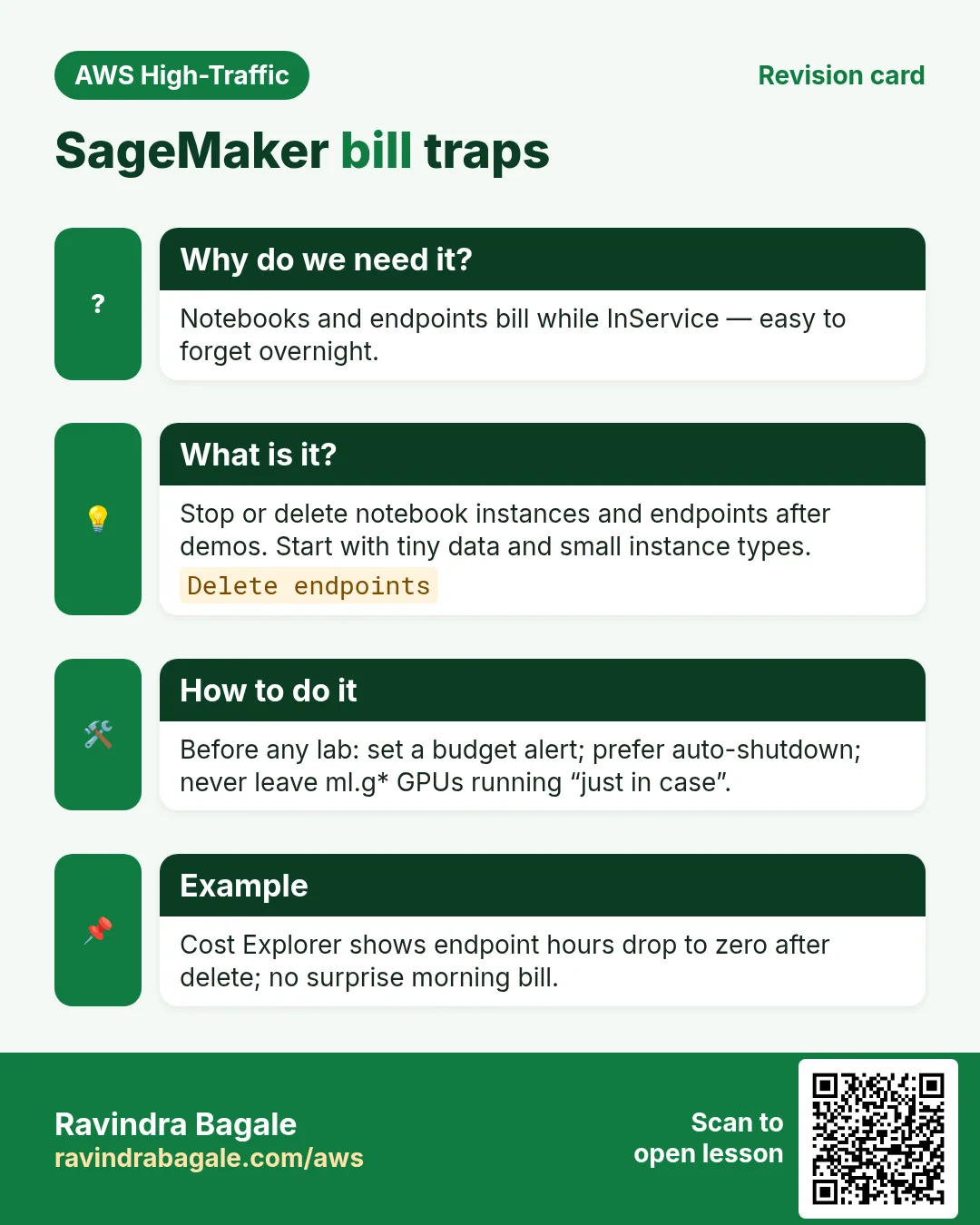
This revision card explains SageMaker bill traps. It starts from the need that notebooks and endpoints bill while InService — easy to forget overnight. It describes stop or delete notebook instances and endpoints after demos. Start with tiny data and small instance types. The how-to section notes before any lab — set a budget alert; prefer auto-shutdown; never leave ml.g* GPUs running “just in case”. An example on the card is cost Explorer shows endpoint hours drop to zero after delete; no surprise morning bill.
Read card text
What this card says
Why do we need it?
Notebooks and endpoints bill while InService — easy to forget overnight.
What is it?
Stop or delete notebook instances and endpoints after demos. Start with tiny data and small instance types.
Delete endpoints
How to do it
Before any lab: set a budget alert; prefer auto-shutdown; never leave ml.g* GPUs running “just in case”.
Example
Cost Explorer shows endpoint hours drop to zero after delete; no surprise morning bill.