AWS CLI SQS Commands: Send, Receive and Delete Messages
We make a waiting line for work: standard and FIFO queues, send, receive, delete, visibility timeout, dead-letter queues and purge.
In this chapter
- Create standard and FIFO queues
- Send and receive messages
- Delete after processing
- Visibility timeout and long polling
- Dead-letter queues and purge
1. The big picture: token system at a clinic
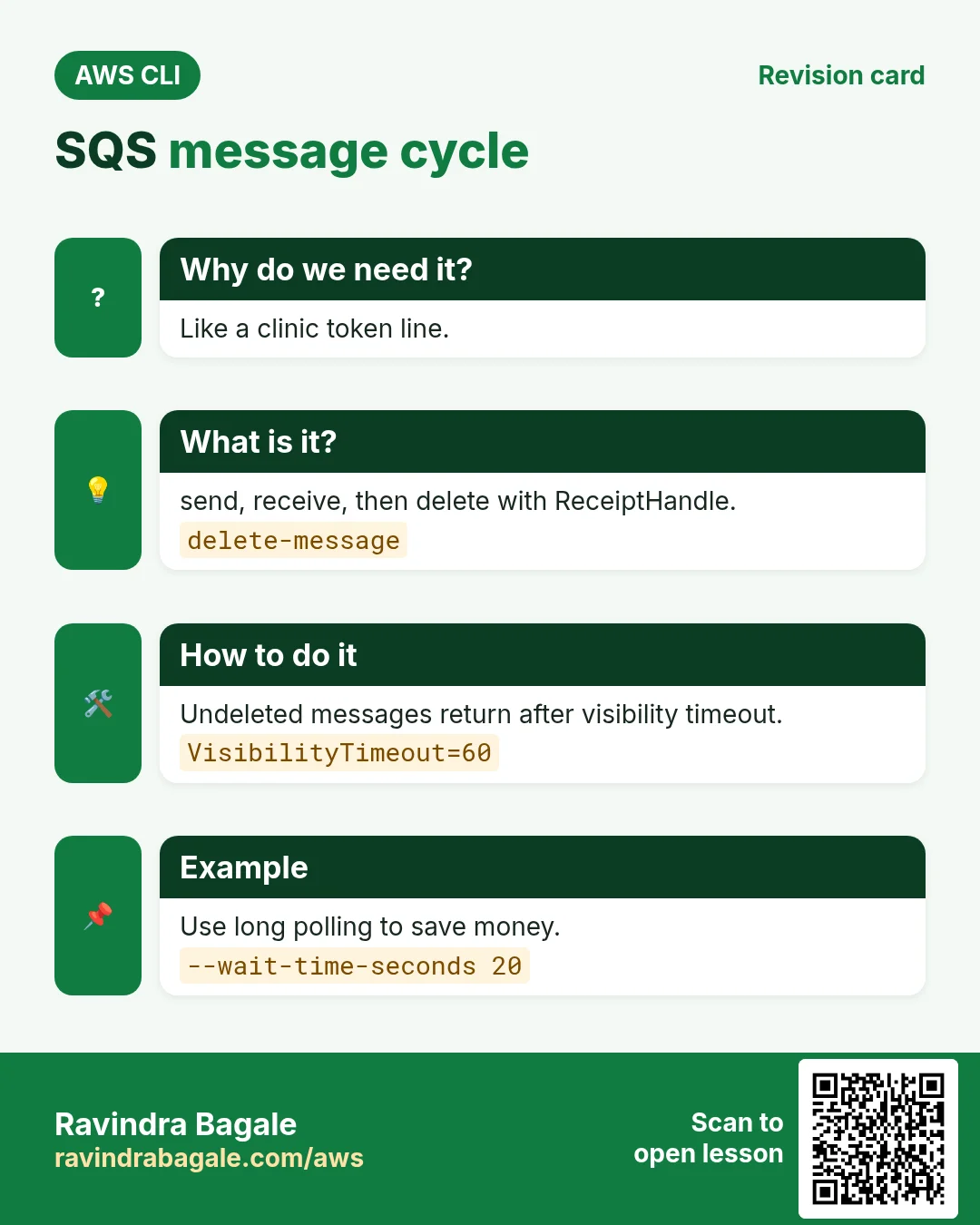
At a clinic you take a token and wait. The doctor calls one token at a time and nobody is lost when the doctor is busy. SQS holds messages safely until a worker is ready.
Commands are in aws sqs: create-queue, send-message, receive-message, delete-message, set-queue-attributes, purge-queue.
2. Create queues
Orders come faster than you can process them. You need a buffer.
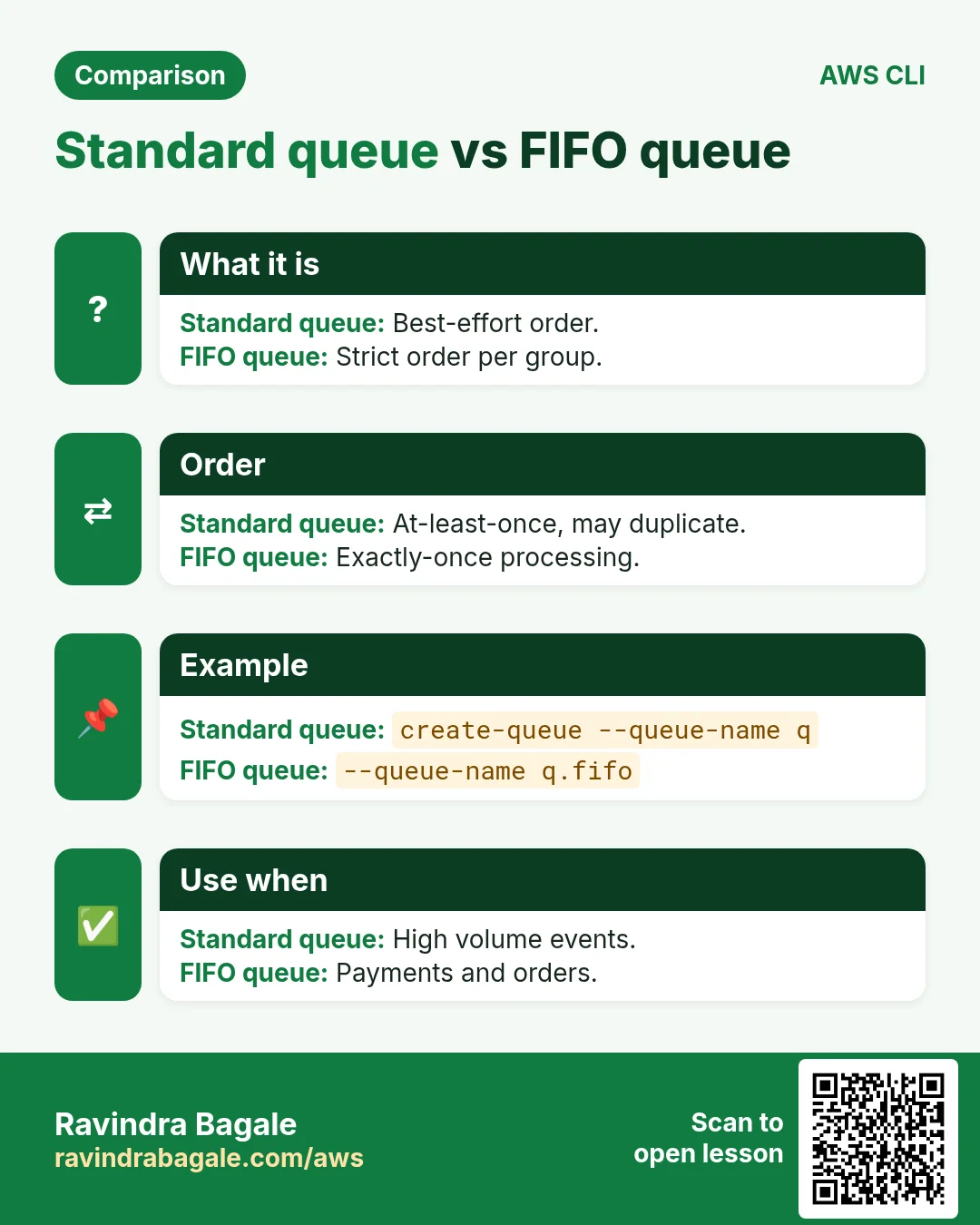
Standard queues are almost unlimited and may deliver twice or out of order. FIFO queues (.fifo) keep order and remove duplicates.
- Create a standard queue.
Q=$(aws sqs create-queue --queue-name cli-q --query QueueUrl --output text)
echo $Q
Expected output:
https://sqs.ap-south-1.amazonaws.com/111122223333/cli-q- Create a FIFO queue.
F=$(aws sqs create-queue --queue-name cli-q.fifo --attributes FifoQueue=true,ContentBasedDeduplication=true --query QueueUrl --output text)
echo $F
Expected output:
https://sqs.ap-south-1.amazonaws.com/111122223333/cli-q.fifo3. Send, receive and delete
A queue stores work until a consumer takes it. SendMessage returns a message ID identifying the queued message. ReceiveMessage returns a receipt handle for that delivery. To acknowledge finished work, pass the current receipt handle to DeleteMessage. Receiving a message alone does not remove it.
Send one classroom message. Receive it once without deleting and wait for the visibility timeout to expire. On a new receive, the same message can have a new handle. Compare the message ID and use the newest handle after the practice work succeeds. A worker that receives the same business task again needs a stable order ID or other business key so repeating the message does not repeat the business effect.
A worker must take a job, do it and mark it done.
receive-message gives the body and a ReceiptHandle. Only delete-message with that handle removes it for good.
- Send.
aws sqs send-message --queue-url $Q --message-body "order 101" --query MessageId --output textExpected output:
4c5d6e7f-8a9b-0c1d-2e3f-405060708090- Send to FIFO with a group.
aws sqs send-message --queue-url $F --message-body "order 101" --message-group-id shop1 --query SequenceNumber --output textExpected output:
18887000000000000000- Receive with long polling.
aws sqs receive-message --queue-url $Q --wait-time-seconds 10 --max-number-of-messages 1 --query "Messages[0].[Body,ReceiptHandle]" --output textExpected output:
order 101 AQEBzW8k...- Delete it.
RH=$(aws sqs receive-message --queue-url $Q --visibility-timeout 0 --query "Messages[0].ReceiptHandle" --output text)
aws sqs delete-message --queue-url $Q --receipt-handle "$RH"
aws sqs get-queue-attributes --queue-url $Q --attribute-names ApproximateNumberOfMessages --query Attributes --output text
Expected output:
04. Visibility timeout
If a worker crashes mid-job, the job must not be lost.
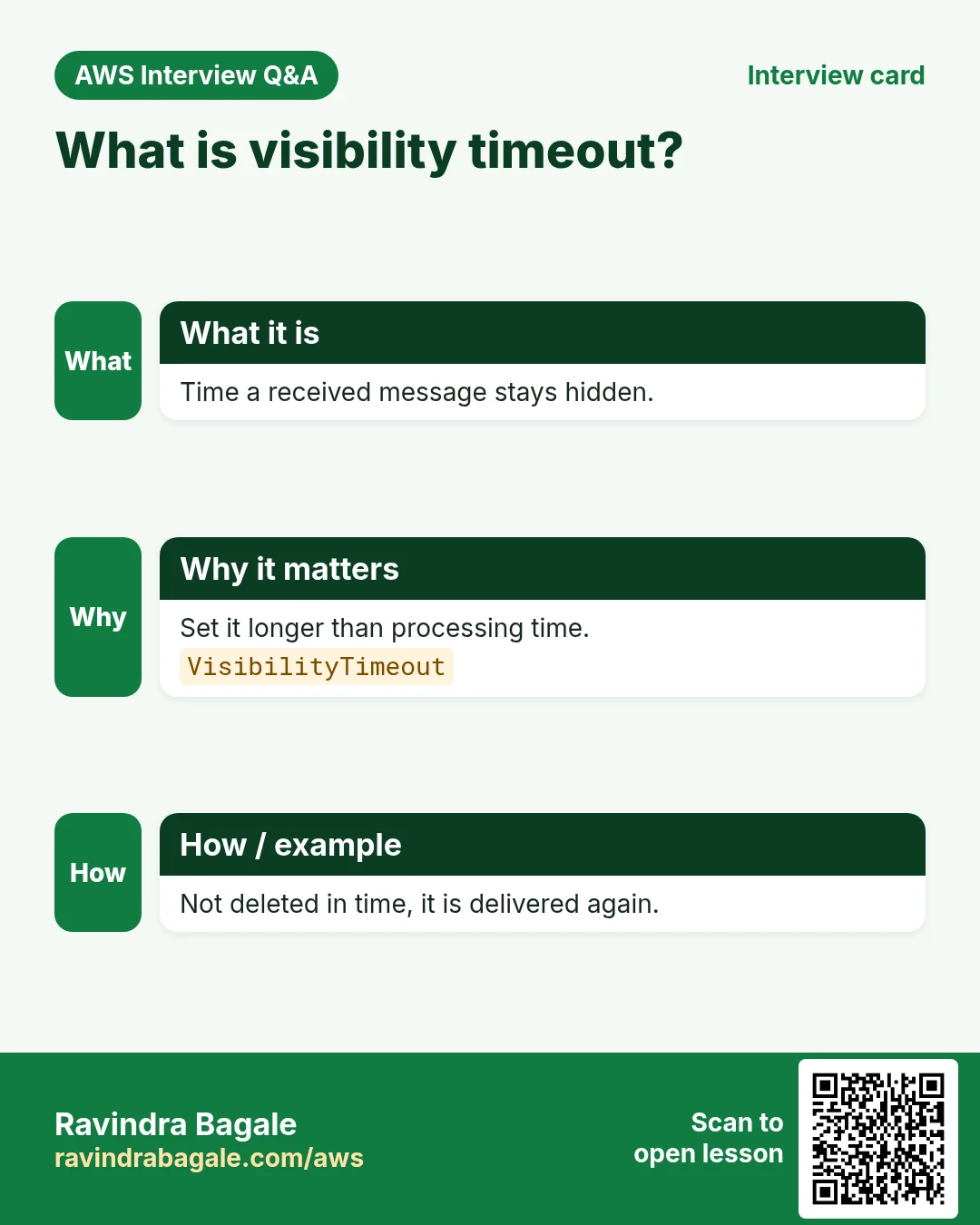
After receive, the message is hidden for VisibilityTimeout seconds. Not deleted in time, it appears again.
- Set 60 seconds.
aws sqs set-queue-attributes --queue-url $Q --attributes VisibilityTimeout=60
aws sqs get-queue-attributes --queue-url $Q --attribute-names VisibilityTimeout --query Attributes.VisibilityTimeout --output text
Expected output:
605. Dead-letter queue and purge
Use the practice message order 101 to trace failure without mixing real work into the queue. Send it to the source queue and save the message ID. If the worker fails, leave it unacknowledged. The source queue can make it visible again after the visibility period. As deliveries recur, a configured redrive policy can move it to the dead-letter queue after its receive threshold is reached.
Verify the same body or business ID in the dead-letter queue rather than relying on the source queue count alone. The source might appear empty because a message is still hidden or has moved. If you later test redrive, fix or simulate a successful handler outcome first, verify the exact target queue and acknowledge only completed work. The purge command affects queue contents and belongs only on the disposable queue after you finish observing the example.
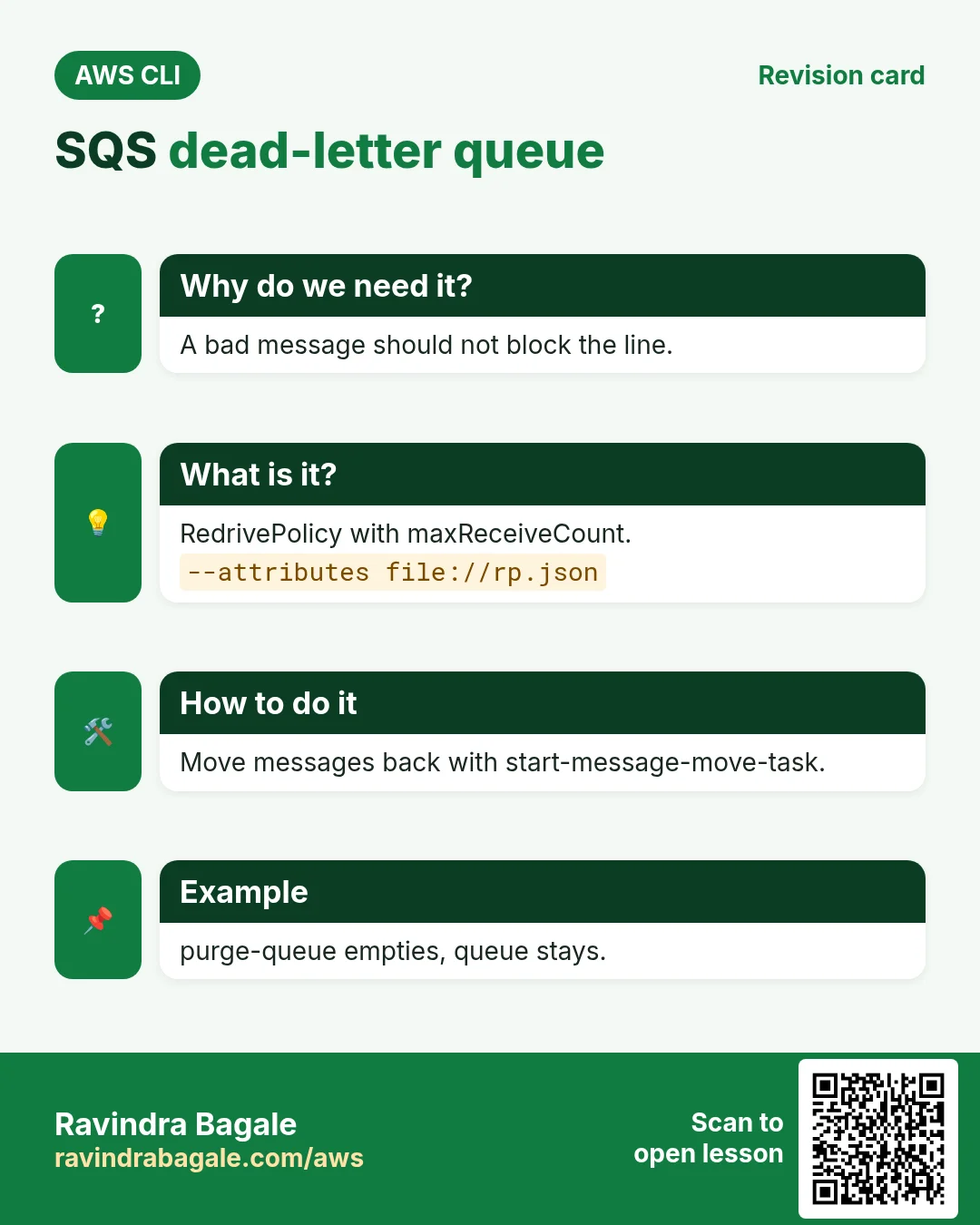
A bad message that always fails should not block the line forever.
A RedrivePolicy moves a message to a DLQ after maxReceiveCount tries. purge-queue empties a queue.
- Create a DLQ and attach it.
D=$(aws sqs create-queue --queue-name cli-dlq --query QueueUrl --output text)
DA=$(aws sqs get-queue-attributes --queue-url $D --attribute-names QueueArn --query Attributes.QueueArn --output text)
cat > rp.json <<J
{"RedrivePolicy":"{\"deadLetterTargetArn\":\"$DA\",\"maxReceiveCount\":\"3\"}"}
J
aws sqs set-queue-attributes --queue-url $Q --attributes file://rp.json
aws sqs get-queue-attributes --queue-url $Q --attribute-names RedrivePolicy --query Attributes.RedrivePolicy --output text
Expected output:
{"deadLetterTargetArn":"arn:aws:sqs:ap-south-1:111122223333:cli-dlq","maxReceiveCount":"3"}- Purge the queue.
aws sqs purge-queue --queue-url $QExpected output:
(no output means success)- Move DLQ messages back.
aws sqs start-message-move-task --source-arn $DA --query TaskHandle --output textExpected output:
eyJ0YXNr...6. Same action in Python, Node.js, Java, Go, .NET and PHP
Scripts start in the CLI. Apps call the same API through an SDK. Knowing both helps you move a tested command into real code.
Low-level CLI commands expose service operations. A high-level command or an automatically paginated list can make multiple requests. For example, aws sqs send-message --queue-url $Q --message-body hi maps to the Send message API.
Same action (Send message) from code. Set the intended profile and Region for the SDK. Provider support and precedence can differ by SDK, and an explicit client setting can override defaults.
| Stack | Code |
|---|---|
| Python (boto3) | boto3.client("sqs").send_message(QueueUrl=q,MessageBody="hi") |
| Node.js (v3) | await sqs.send(new SendMessageCommand({QueueUrl:q,MessageBody:"hi"})); |
| Java (v2) | sqs.sendMessage(r -> r.queueUrl(q).messageBody("hi")); |
| Go (v2) | c.SendMessage(ctx, &sqs.SendMessageInput{QueueUrl: aws.String(q), MessageBody: aws.String("hi")}) |
| .NET | await sqs.SendMessageAsync(q,"hi"); |
| PHP | $sqs->sendMessage(["QueueUrl"=>$q,"MessageBody"=>"hi"]); |
7. Clean up so nothing keeps costing
Lab resources left running cost money and can be a security risk.
Delete in reverse order: children first, then parents.
- Delete the queues.
for u in $Q $F $D; do aws sqs delete-queue --queue-url $u; doneExpected output:
(no output means success)- Verify (takes up to 60 s).
aws sqs list-queues --queue-name-prefix cli --query QueueUrlsExpected output:
nullRavindra Bagale's Tip
Use --wait-time-seconds 20 (long polling). Short polling returns empty often and you pay for every empty call.
Common errors: cause and safe next check
ReceiveMessage succeeds, so the code never calls DeleteMessage
Receiving a message does not remove it from the queue. After you finish processing, call DeleteMessage with the receipt handle from that receive. If you skip delete, the message can become visible again when the visibility timeout ends.
DeleteMessage fails because an old receipt handle was reused
Each receive returns a receipt handle for that delivery. Use the handle from the receive you are finishing. If visibility was changed or the message was received again, inspect the latest receive output before you retry delete.
Visibility timeout is set far longer than the real job needs
A timeout that is much longer than processing can delay retries when a worker fails. The docs also note a 12-hour maximum visibility window from first receive. Inspect expected processing time and adjust with ChangeMessageVisibility when a job needs more time, rather than guessing a huge default.
Practical questions and full answers
Does ReceiveMessage delete the message?
No. The message stays in the queue and becomes temporarily invisible to other consumers for the visibility timeout. You delete it with DeleteMessage after successful processing, using the receipt handle returned by that receive.
What is the default visibility timeout?
The default visibility timeout for a queue is 30 seconds. You can set a different queue default, and you can change visibility for an individual in-flight message. Match the timeout to how long processing and delete usually take.
What happens if I never delete the message?
When the visibility timeout expires, the message becomes visible again and can be received by the same or another consumer. That protects against lost work, but it also means duplicate processing is possible if delete is skipped. Re-check Dead-Letter Queue settings during rebase if messages keep returning.
8. Interview questions and answers
Q. Standard vs FIFO?
Standard: high throughput, at-least-once, best-effort order. FIFO: exact order, exactly-once processing, lower throughput.
Q. What is visibility timeout?
Time a received message stays hidden from other consumers.
Q. What is a ReceiptHandle?
A token from receive needed to delete or change that message.
Q. Why DLQ?
To park messages that fail repeatedly so the queue keeps moving.
Q. Long vs short polling?
Long polling waits up to 20 s for messages; fewer empty responses, lower cost.
Try at home
- Send 5 messages, receive without deleting, and watch them return after the timeout.
- Set maxReceiveCount 2 and see a message land in the DLQ.
In short
- create-queue.
- receive then delete.
- VisibilityTimeout.
- DLQ via RedrivePolicy.
- Long polling.
Use the receipt handle from the current receive
Send a dummy message, receive it and record the receipt handle (not MessageId). If processing succeeds, delete it while processing is healthy. If not, observe how it becomes visible again after its visibility timeout.
Interview check Why can a message be seen again even after a successful processing attempt?
The acknowledgement can fail or arrive too late, and standard queue delivery is at least once. Make handling duplicate-safe, including durable business writes.
Practise this chapter
Interview questions and answers
What is the difference between receiving and completing an SQS message?
Receive temporarily hides the message and returns a handle for that delivery. I would process the work durably and use the current handle to delete it only after success. Failure can let that work become visible again, so the handler must tolerate a repeated delivery.
Check your understanding
Choose an answer, then compare your reasoning with the explanation.
Practice Tasks
Practice checks run in your browser. They check the answer for this exercise; they do not create resources or connect to your AWS account.
About this scenarioHyderabad Biryani Hub is a cloud kitchen business in Hyderabad. Syed Imran looks after its IT and cloud work. They count money in INR and run their AWS resources in the ap-south-2 Region. In the tasks below you do real jobs for them using what this lesson teaches. All names, account IDs, IP addresses and numbers are made up for practice.
0 / 12
Easy Create a queue
A queue holds work safely until a worker is ready.
Create queue hydbiryani-orders.
- Read the task and decide which AWS service it is about.
- Write aws, then the service name, then the operation (the action word).
- Add each needed flag (--name) followed by its value from the task.
- Flags can be in any order. Click Check answer.
Easy Send a message
The producer puts the job in the queue and moves on.
Send the body {"orderId":"o-101"} to https://sqs.ap-south-2.amazonaws.com/130300927383/hydbiryani-orders.
- Read the task and decide which AWS service it is about.
- Write aws, then the service name, then the operation (the action word).
- Add each needed flag (--name) followed by its value from the task.
- Flags can be in any order. Click Check answer.
Easy Find a queue URL
Most SQS commands need the URL, not the name.
Get the URL of queue hydbiryani-orders.
- Read the task and decide which AWS service it is about.
- Write aws, then the service name, then the operation (the action word).
- Add each needed flag (--name) followed by its value from the task.
- Flags can be in any order. Click Check answer.
Easy Invoke one function
A caller should invoke only the function it needs.
Allow lambda:InvokeFunction on arn:aws:lambda:ap-south-2:130300927383:function:hydbiryani-orders-fn only.
- Start with { "Version": "2012-10-17", "Statement": [ ... ] }.
- In each statement write Effect, Action and Resource.
- Give only what the task needs (least privilege).
- Use double quotes and commas correctly. Click Check answer.
Medium Producer may only send
The web app should add jobs but never read or delete them.
Allow sqs:SendMessage on arn:aws:sqs:ap-south-2:130300927383:hydbiryani-orders only.
- Start with { "Version": "2012-10-17", "Statement": [ ... ] }.
- In each statement write Effect, Action and Resource.
- Give only what the task needs (least privilege).
- Use double quotes and commas correctly. Click Check answer.
Medium Delete a processed message
If you do not delete it, the message comes back after the visibility timeout.
Delete the message with receipt handle stored in $RH from https://sqs.ap-south-2.amazonaws.com/130300927383/hydbiryani-orders.
- Read the task and decide which AWS service it is about.
- Write aws, then the service name, then the operation (the action word).
- Add each needed flag (--name) followed by its value from the task.
- Flags can be in any order. Click Check answer.
Medium Receive messages with long polling
Long polling waits for messages, so you make fewer empty calls and pay less.
Receive up to 10 messages from https://sqs.ap-south-2.amazonaws.com/130300927383/hydbiryani-orders, waiting up to 20 seconds.
- Read the task and decide which AWS service it is about.
- Write aws, then the service name, then the operation (the action word).
- Add each needed flag (--name) followed by its value from the task.
- Flags can be in any order. Click Check answer.
Medium Empty a test queue
Purge removes all messages at once, useful only for test queues.
Purge the queue https://sqs.ap-south-2.amazonaws.com/130300927383/hydbiryani-test.
- Read the task and decide which AWS service it is about.
- Write aws, then the service name, then the operation (the action word).
- Add each needed flag (--name) followed by its value from the task.
- Flags can be in any order. Click Check answer.
Hard Attach a dead-letter queue
After a few failed tries, bad messages move to a DLQ instead of blocking the queue.
Set the attributes in attrs.json (a RedrivePolicy) on https://sqs.ap-south-2.amazonaws.com/130300927383/hydbiryani-orders.
- Read the task and decide which AWS service it is about.
- Write aws, then the service name, then the operation (the action word).
- Add each needed flag (--name) followed by its value from the task.
- Flags can be in any order. Click Check answer.
Hard Create a FIFO queue
FIFO queues keep order and remove duplicates, e.g. for payments.
Create a FIFO queue named hydbiryani-payments.fifo with FifoQueue=true.
- Read the task and decide which AWS service it is about.
- Write aws, then the service name, then the operation (the action word).
- Add each needed flag (--name) followed by its value from the task.
- Flags can be in any order. Click Check answer.
Hard Connect an SQS queue to Lambda
An event source mapping makes Lambda poll the queue and process messages in batches.
Create an event source mapping from queue arn:aws:sqs:ap-south-2:130300927383:hydbiryani-orders to hydbiryani-orders-fn with batch size 10.
- Read the task and decide which AWS service it is about.
- Write aws, then the service name, then the operation (the action word).
- Add each needed flag (--name) followed by its value from the task.
- Flags can be in any order. Click Check answer.
Hard Lambda GB-seconds
Lambda bills memory × time.
1,000,000 invocations, 512 MB memory, 200 ms each. How many GB-seconds?
- Write down the numbers the task gives you.
- Work it out step by step on paper.
- Type only the final answer in the box.
- Click Check answer.
Revision, comparison and interview cards
Revise this lesson in a few minutes. Save the cards on your phone or download them as PNG files. The QR code on each card opens this lesson.
More cards: Ravi Sir's Cards.