Linux awk Command Tutorial for Beginners: Fields, Patterns, Sums and Reports
awk is a small programming language for text in columns. It splits each line into fields, lets you pick lines by a condition, do maths, keep totals and print neat reports. One awk line can replace a whole spreadsheet job: totals per city, average response time, the slowest URLs.
In this chapter
- Print fields with $1, $NF and -F
- Filter lines with patterns and conditions
- Use BEGIN, END, NR, NF and OFS
- Sum, count, average, min and max
- Group with arrays (totals per key)
- Format reports with printf and use variables
1. An everyday example: a milk delivery notebook
Ganesh the milkman writes every delivery as: date, house, litres, rate. At month end he wants: the total litres, the bill for each house, only days above 20 litres, the average per day, and a neat printed bill with columns lined up.
Each line = a record, each column = a field ($1 date, $2 house, $3 litres). Total = sum+=$3 in END. Bill per house = bill[$2]+=$3*$4. Days above 20 = $3>20. Neat bill = printf.
2. Fields: $1, $NF and the separator -F
Command output and logs are columns separated by spaces or commas. cut fails when spaces are uneven; awk handles them.
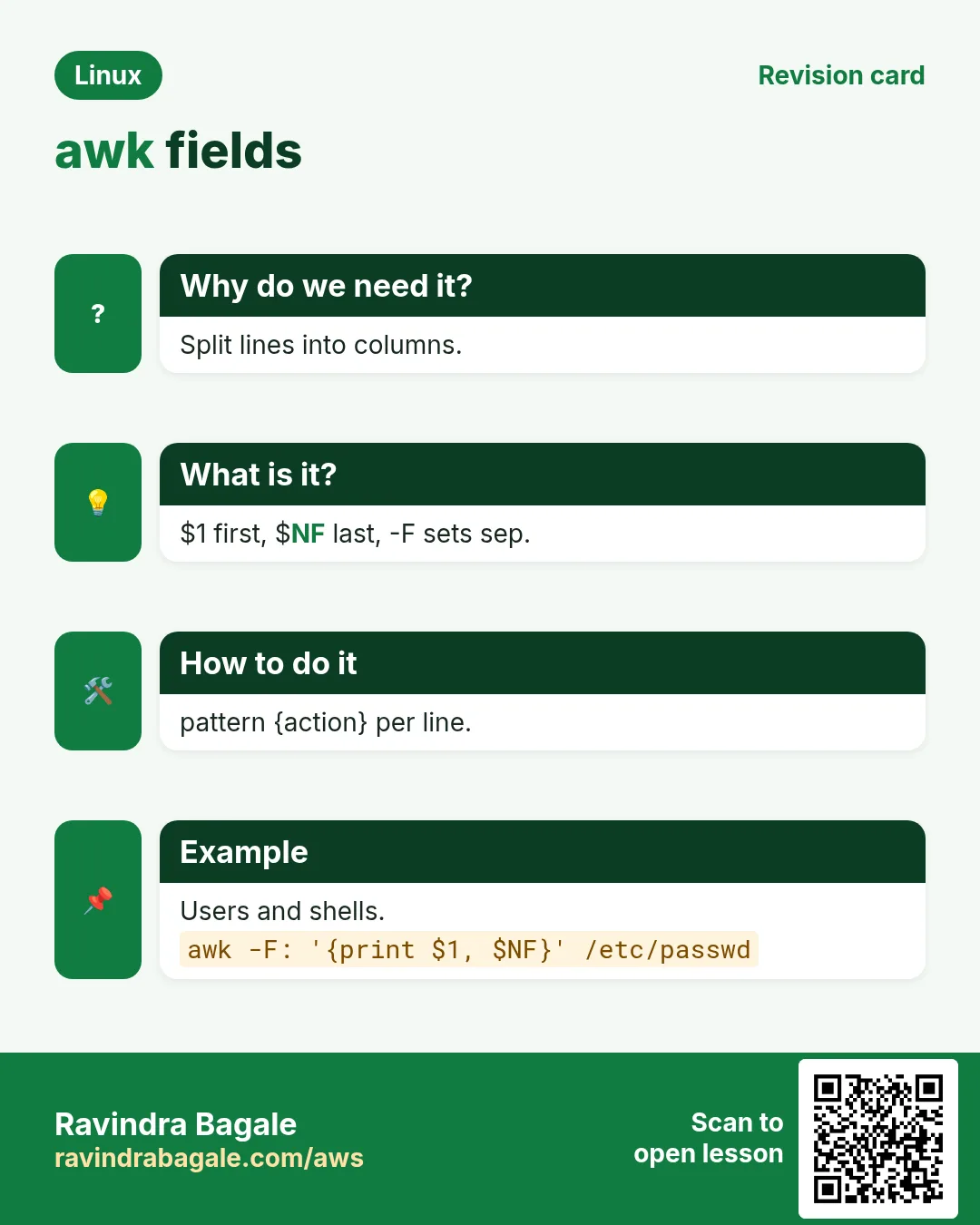
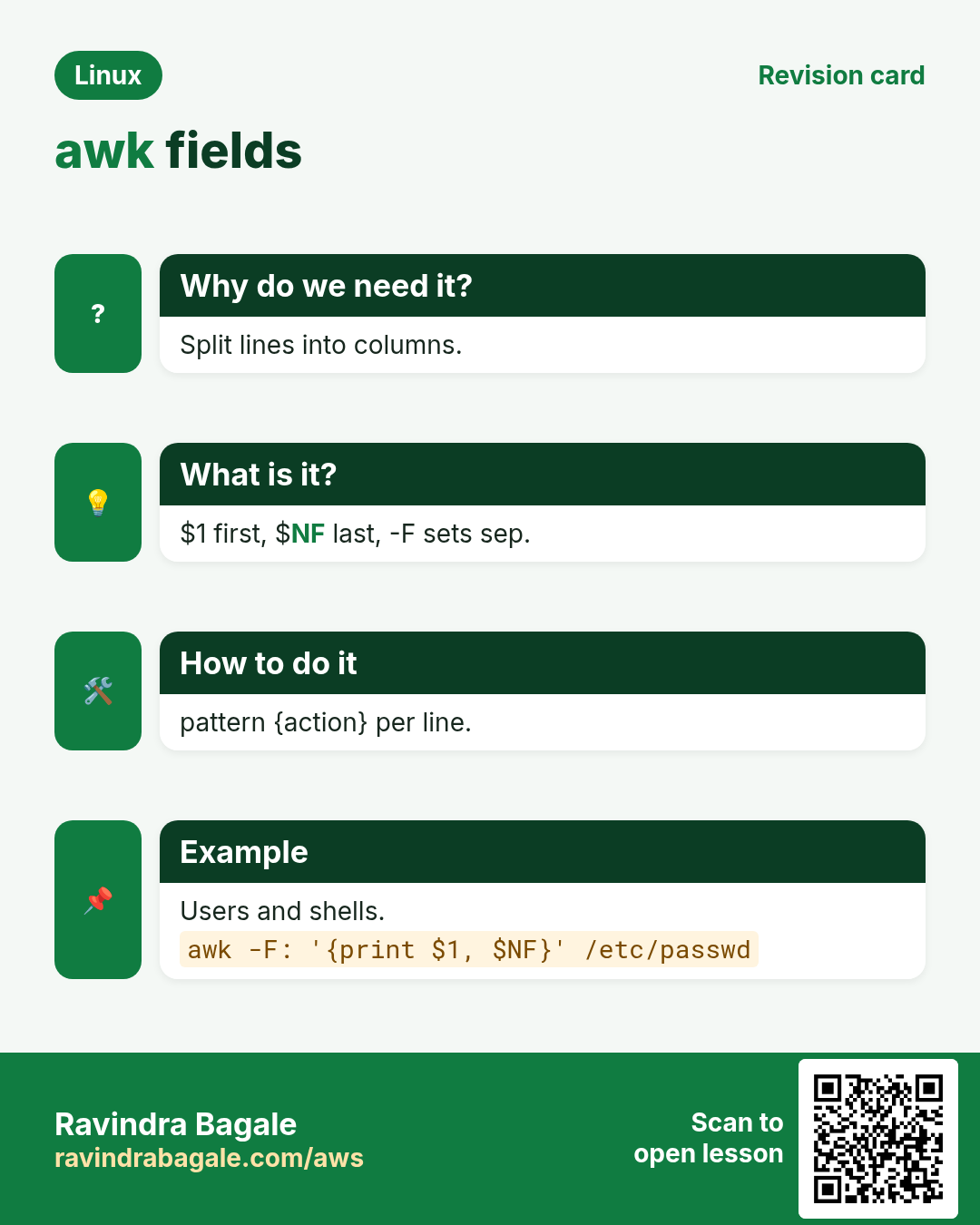
awk '{print $1}' prints field 1. By default fields are split by any run of spaces or tabs, so uneven spacing is fine. $0 is the whole line, $NF the last field, $(NF-1) the one before. -F, sets a comma separator, -F: a colon, -F'[,;]' a regex. OFS is the output separator; print $1,$2 uses it (default space).
| Item | Means |
|---|---|
| $0 | Whole line |
| $1 $2 | Field 1, 2 |
| $NF | Last field |
| NF | Number of fields |
| NR | Line number (record) |
| FS / -F | Input separator |
| OFS | Output separator |
- First column of ps output.
ps aux | awk '{print $1}' | sort | uniq -c | sort -nr | head -3Output:
     98 root
     12 nginx
      7 ravi
Uneven spaces do not matter.
- Users and shells.
awk -F: '{print $1, $7}' /etc/passwd | tail -2Output:
ravi /bin/bash
nginx /sbin/nologin
-F: splits on colons.
- Last field.
df -h | awk '{print $NF}'Output:
Mounted
/
/boot
/data
$NF is the last whitespace-delimited field. For the sample data rows, that field is the mount point.
- Change the output separator.
awk -F: 'BEGIN{OFS=","} {print $1,$3}' /etc/passwd | head -2Output:
root,0
bin,1
OFS="," inserts a comma between fields printed by print. This makes comma-delimited output for plain fields. If values may contain commas, quotes or line breaks, use a CSV-aware writer so the fields get escaped correctly.
- Reorder columns.
echo 'Pune 4500 2026-10-01' | awk '{print $3, $1, $2}'Output:
2026-10-01 Pune 4500Any order you like.
- Field count per line.
awk -F, '{print NR": "NF}' sales.csv | head -3Output:
1: 4
2: 4
3: 3
Line 3 has a missing column. Good for data checks.
3. Patterns: pick lines by condition
You want rows where amount > 5000, users with UID ≥ 1000, or lines matching a regex in one column.
pattern { action }. If the action is missing, awk prints the line. Patterns: /regex/, $3 > 100, $2 == "Pune", $1 ~ /^web/ (matches), $1 !~ /test/ (does not), && and || to combine, NR==1, NR>1 to skip a header, /start/,/end/ ranges.
- Rows above 5000.
awk -F, '$4 > 5000' sales.csvOutput:
2026-10-02,Mumbai,Asha,7200
2026-10-03,Pune,Imran,5600
No action means print.
- Real users (UID 1000+).
awk -F: '$3 >= 1000 && $3 < 65000 {print $1}' /etc/passwdOutput:
ravi
anita
Two conditions joined with &&.
- Text compare.
awk -F, '$2 == "Pune" {print $3}' sales.csvOutput:
Imran
Sneha
Use == with quotes for text.
- Regex on one field.
awk '$1 ~ /^web/' hosts.txtOutput:
web1 10.0.0.11
web2 10.0.0.12
~ means 'matches'.
- Skip the header.
awk -F, 'NR > 1 {print $2}' sales.csv | sort -uOutput:
Mumbai
Nashik
Pune
NR is the line number.
- HTTP 5xx from an access log.
awk '$9 >= 500 {print $7, $9}' access.log | head -2Output:
/pay 503
/cart 500
In the nginx combined format, $9 is the status and $7 the URL.
4. BEGIN, END, NR and running totals
Awk reads records, normally one line at a time, then splits each record into fields. $2 is the second field and NR counts records read so far. BEGIN runs before the data, the body works once for each matching record, and END runs after all records.
Suppose your sample has a header item qty and two rows tea 2 and rice 3. Predict the result of awk 'NR > 1 {total += $2} END {print total}' items.txt. The condition skips the header. The first data row adds 2 and the next adds 3, so the final output is 5. If you print inside the body instead, you can see the changing total after each row.
Reports need a header first and totals at the end.
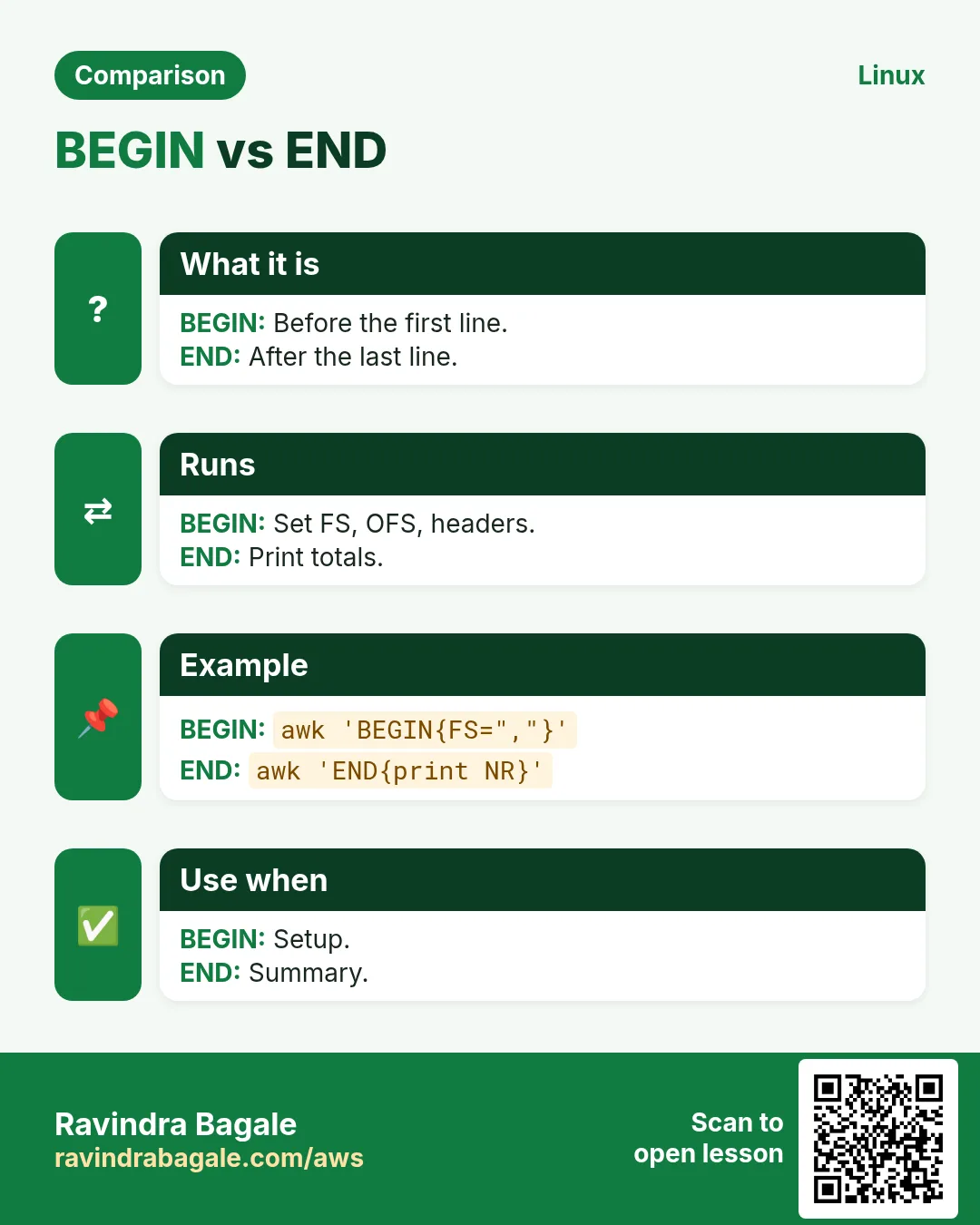
BEGIN { } runs before the first line (set FS, OFS, print headers). END { } runs after the last line (print totals). Variables start at 0 or empty, so sum += $3 just works. NR in END is the total number of lines. Average = sum/NR (or sum/count if you filtered).
- Total litres.
awk '{sum += $3} END {print "Total:", sum}' milk.txtOutput:
Total: 642sum adds field 3 of every line.
- Average response time.
awk '{s += $NF} END {printf "avg %.2f ms over %d requests\n", s/NR, NR}' resp.logOutput:
avg 182.40 ms over 1200 requestsprintf gives 2 decimals.
- Min and max.
awk 'NR==1{min=max=$2} {if($2<min)min=$2; if($2>max)max=$2} END{print min, max}' temps.txtOutput:
18 41Start min and max from line 1.
- Header and footer.
awk -F, 'BEGIN{print "CITY AMOUNT"} NR>1{print $2, $4; t+=$4} END{print "TOTAL", t}' sales.csvOutput:
CITY AMOUNT
Pune 4500
Nashik 3200
TOTAL 7700
A tiny report in one line.
- Count matching lines.
awk '/ERROR/ {n++} END {print n+0}' app.logOutput:
27n+0 prints 0 instead of empty if none.
- Disk used percent above 80.
df -h | awk 'NR>1 && $5+0 > 80 {print $6, $5}'Output:
/data 91%$5+0 turns '91%' into the number 91.
5. Arrays: totals per group
Bill per house, requests per IP, sales per city: you need one total for each key.
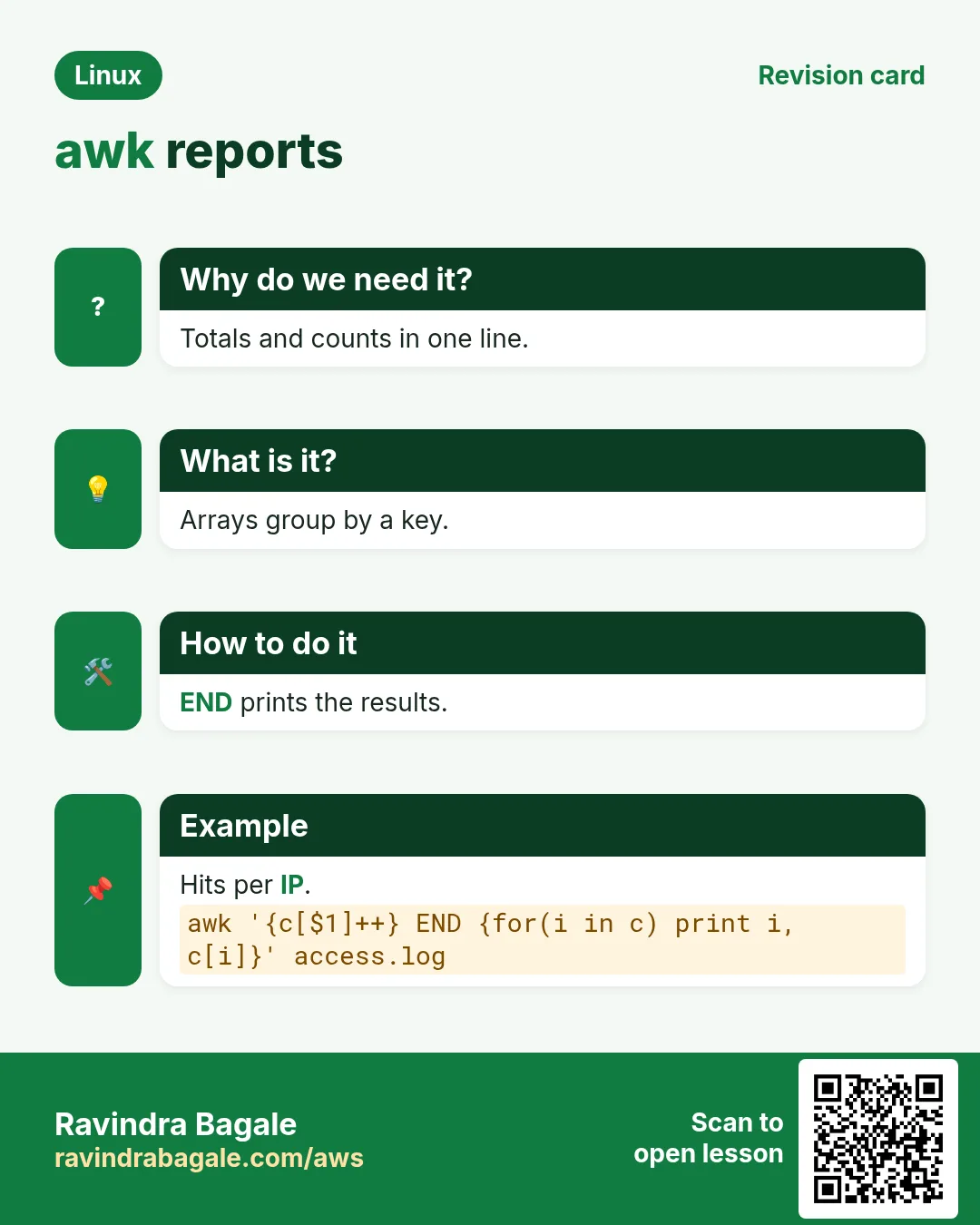
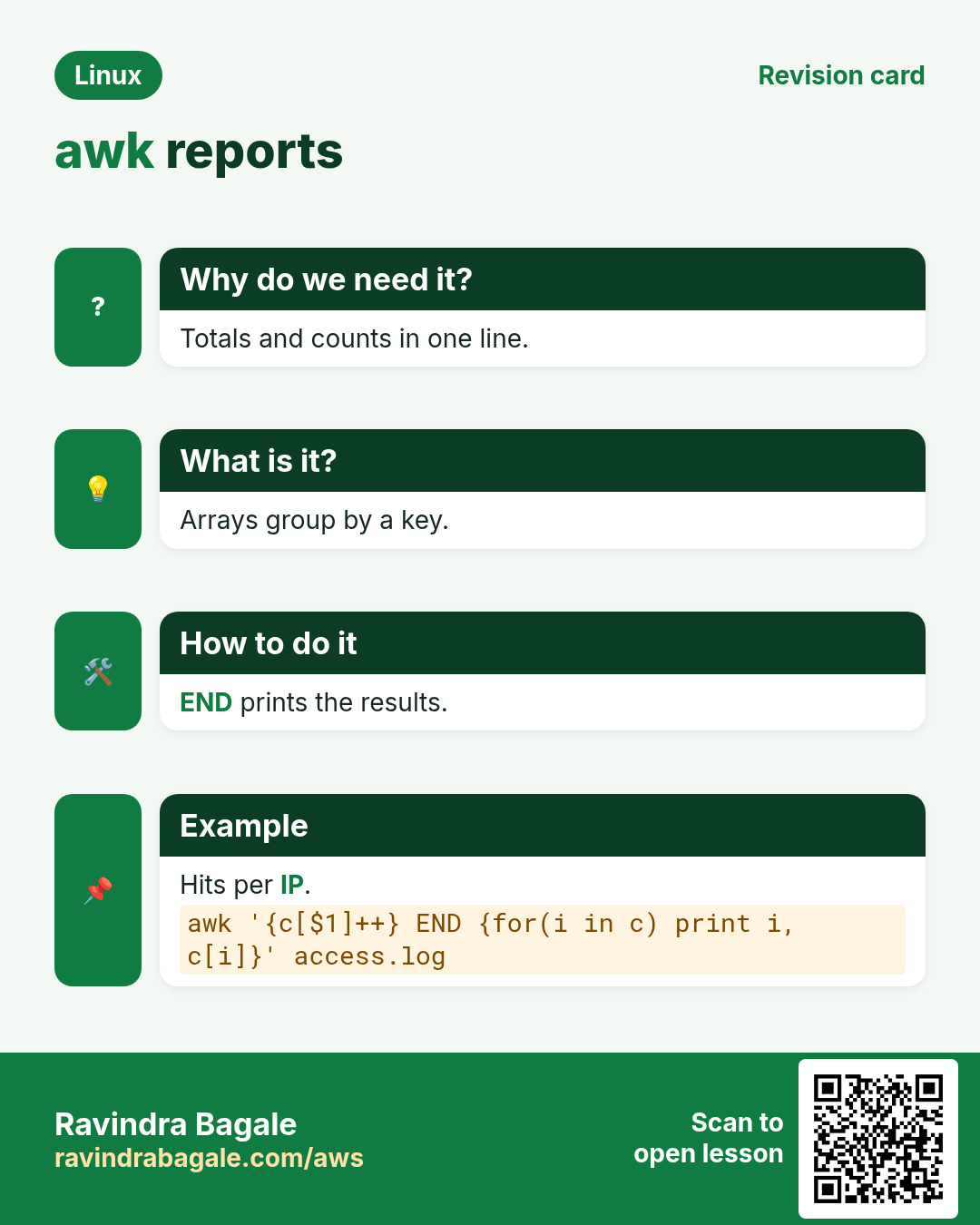
awk arrays use text keys: t[$2] += $4. Loop in END with for (k in t) print k, t[k]. The order is random, so pipe into sort. count[$1]++ counts. if (k in arr) checks a key. delete arr[k] removes it. !seen[$0]++ is the famous one-liner that prints each line only the first time (dedupe without sorting).
- Sales per city.
awk -F, 'NR>1 {t[$2]+=$4} END {for (c in t) print c, t[c]}' sales.csv | sort -k2 -nrOutput:
Pune 10100
Mumbai 7200
Nashik 3200
One total per key.
- Requests per IP.
awk '{c[$1]++} END {for (ip in c) print c[ip], ip}' access.log | sort -nr | head -3Output:
812 10.0.0.7
430 10.0.0.2
95 49.36.12.4
Same as sort | uniq -c, in one tool.
- Bill per house.
awk '{b[$2] += $3*$4} END {for (h in b) printf "%-6s Rs %d\n", h, b[h]}' milk.txt | sortOutput:
A-101  Rs 1680
B-204  Rs 2240
Litres × rate, summed by house.
- Remove duplicates, keep the order.
awk '!seen[$0]++' emails.txt | wc -lOutput:
151First time seen[$0] is 0, so !0 is true and it prints.
- Average per group.
awk '{s[$1]+=$2; n[$1]++} END {for (k in s) printf "%s %.1f\n", k, s[k]/n[k]}' resp_by_api.txtOutput:
/orders 210.5
/login 95.0
Two arrays: sum and count.
6. printf, variables and small programs
Reports must line up, and sometimes you need a value from the shell or an if/else.
printf "%-10s %8.2f\n", a, b: %s text, %d integer, %f decimal, %-10s left aligned width 10, %8.2f width 8 with 2 decimals. Pass shell values with -v name="$VAR" (never paste $VAR inside the program). awk has if/else, for, while, next (skip to the next line), and functions: length(), substr(s,i,n), tolower(), toupper(), split(s,a,sep), gsub(/re/,"x") and sub(), index(), sprintf(), int().
- A neat table.
awk -F, 'NR>1 {printf "%-8s %-8s %8.2f\n", $2, $3, $4}' sales.csvOutput:
Pune     Imran     5600.00
Mumbai   Asha      7200.00
Columns line up.
- Pass a shell value safely.
LIMIT=5000; awk -F, -v lim="$LIMIT" 'NR>1 && $4 > lim {print $3}' sales.csvOutput:
Asha
Imran
-v sets an awk variable.
- if/else labels.
awk '{if ($2 >= 35) r="PASS"; else r="FAIL"; print $1, r}' marks.txtOutput:
Sneha PASS
Raj FAIL
Normal programming logic.
- Replace inside a field.
echo 'Poona,4500' | awk -F, 'BEGIN{OFS=","} {gsub(/Poona/,"Pune",$1); print}'Output:
Pune,4500gsub replaces all matches in $1.
- Substring and upper case.
echo '2026-10-25 web01' | awk '{print substr($1,1,7), toupper($2)}'Output:
2026-10 WEB01substr(s, start, length).
- Skip lines with next.
awk '/^#/ {next} NF {print}' app.confOutput:
port=8080
mode=prod
next jumps to the next line; NF skips blank lines.
- A script file.
printf 'BEGIN{FS=","}\nNR>1{t+=$4}\nEND{print t}\n' > total.awk && awk -f total.awk sales.csvOutput:
22500Long programs go in a .awk file.
7. Real log analysis with awk
During an incident you have minutes to answer: which URL is slow, which status codes, what changed in the last hour.
Know your log format. nginx combined: $1 IP, $4 time, $7 URL, $9 status, $10 bytes; add $request_time at the end to use $NF as seconds. Combine filters, arrays and sort. For CSV with quoted commas, use a real CSV tool (csvkit, Miller mlr, or gawk --csv in gawk 5.3+).
- Status code counts.
awk '{c[$9]++} END {for (s in c) print s, c[s]}' access.log | sortOutput:
200 9120
301 210
404 77
500 14
A quick health picture.
- Slowest URLs by average time.
awk '{t[$7]+=$NF; n[$7]++} END {for (u in t) printf "%.3f %s\n", t[u]/n[u], u}' access.log | sort -nr | head -3Output:
2.140 /api/report
0.910 /api/search
0.120 /cart
$NF is request time.
- Bytes served per hour.
awk '{split($4,a,":"); b[a[2]]+=$10} END {for (h in b) print h, int(b[h]/1048576) " MB"}' access.log | sortOutput:
09 512 MB
10 830 MB
split breaks the time into parts; a[2] is the hour.
- Top memory processes.
ps aux | awk 'NR>1 {print $4, $11}' | sort -nr | head -3Output:
12.4 /usr/bin/java
3.1 /usr/sbin/mysqld
1.2 nginx:
$4 is %MEM, $11 the command.
- Lines in a time window.
awk '$2 >= "10:00:00" && $2 <= "10:05:00"' app.log | wc -lOutput:
412Text compare works for fixed-width times.
8. Real examples from many industries
The same Linux skill shows up in every kind of company. Seeing it in many places helps you remember it.
Each row is a made-up team. It shows who uses this and how.
| Team and city | How they use it | Command |
|---|---|---|
| Deepak, SRE, Noida | Finds the slowest API from nginx logs | awk '{t[$7]+=$NF;n[$7]++} END{for(u in t) print t[u]/n[u],u}' access.log | sort -nr | head |
| Sophie, retail analytics, Lyon | Sales total per store from CSV | awk -F, 'NR>1{t[$2]+=$5} END{for(s in t) print s,t[s]}' sales.csv |
| Abdul, telecom billing, Riyadh | Totals call minutes per customer | awk '{m[$1]+=$3} END{for(c in m) print c,m[c]}' cdr.txt |
| Grace, research lab, Nairobi | Average and max of sensor readings | awk '{s+=$2; if($2>m)m=$2} END{print s/NR, m}' sensor.log |
| Rakesh, banking ops, Mumbai | Flags transactions above a limit | awk -F, -v lim=200000 '$6>lim' txn.csv |
| Hiro, cloud costs, Tokyo | Monthly cost per AWS service from a billing CSV | awk -F, '{c[$3]+=$9} END{for(s in c) printf "%-20s %10.2f\n",s,c[s]}' bill.csv |
9. Common errors and how to fix them
Everyone hits these errors. Knowing the cause saves hours.
Read the exact message first. Then match it to a row below.
| Error you see | Why it happens | How to fix |
|---|---|---|
awk: cmd. line:1: syntax error at source line 1 | Shell quoting broke the program (double quotes or a missing brace) | Wrap the program in single quotes and check { }.awk '{print $1}' f |
Prints the whole line instead of a field | Used double quotes, so the shell replaced $1 with empty | Use single quotes around the program.awk '{print $2}' f |
Sum is 0 or wrong | Wrong field or wrong separator | Print NF and the field first, set -F.awk -F, '{print NF, $4}' f | head |
awk: division by zero | Dividing by a count that is 0 (no lines matched) | Guard with if (n).awk '/x/{s+=$2;n++} END{if(n) print s/n}' f |
Numbers with % or commas add wrongly | '91%' or '1,200' are not clean numbers | Clean with gsub or use +0.awk '{gsub(/,/,"",$2); s+=$2} END{print s}' f |
Fields shift in some CSV rows | Quoted fields contain commas | Use gawk --csv, mlr or csvkit.mlr --icsv --opprint cat f.csv |
Shell variable not seen inside awk | $VAR inside single quotes is not expanded | Pass it with -v.awk -v x="$VAR" '$1==x' f |
for (k in arr) output in random order | awk arrays have no order | Pipe into sort (or use gawk PROCINFO sorted_in).awk '...' | sort -k2 -nr |
awk: function gensub never defined | gensub and some features exist only in gawk | Install gawk or use sub/gsub.sudo dnf install gawk |
Blank or wrong output with Windows files | \r at end makes the last field odd | Strip \r first.awk '{sub(/\r$/,"")} {print $NF}' f |
10. Troubleshooting step by step
When an awk report is wrong, look at the fields awk sees, one step at a time.
Go top to bottom. Stop at the first step that shows the problem.
- See how many fields each line has.
awk -F, '{print NR, NF}' data.csv | head- Print the field with markers to see spaces.
awk -F, '{print "["$4"]"}' data.csv | head -3- Check for hidden \r.
head -2 data.csv | cat -A- Check the filter alone.
awk -F, '$4 > 5000' data.csv | head- Check which awk you have.
awk --version 2>/dev/null | head -1 || awk -W version- Guard against empty input in END.
awk '{n++} END{print n+0}' data.csv11. Lab 1: Monthly milk bill report
Build a full report with totals, groups and printf.
A full hands-on lab. Run every step on a test Linux machine (an EC2 instance, a VM, or WSL).
- Create the delivery file.
mkdir -p ~/lab11 && cd ~/lab11 && for d in $(seq -w 1 30); do echo "2026-10-$d A-101 2 56"; echo "2026-10-$d B-204 $(( (10#$d % 3) + 1 )) 56"; done > milk.txt; head -2 milk.txtOutput:
2026-10-01 A-101 2 56
2026-10-01 B-204 2 56- Total litres.
awk '{s+=$3} END{print s}' milk.txtOutput:
120- Bill per house.
awk '{b[$2]+=$3*$4} END{for(h in b) printf "%-6s Rs %6d\n", h, b[h]}' milk.txt | sortOutput:
A-101  Rs   3360
B-204 Rs 3360- Days when B-204 took 3 litres.
awk '$2=="B-204" && $3==3 {n++} END{print n}' milk.txtOutput:
10- Average litres per day per house.
awk '{s[$2]+=$3; n[$2]++} END{for(h in s) printf "%s %.2f\n", h, s[h]/n[h]}' milk.txt | sortOutput:
A-101 2.00
B-204 2.00
12. Lab 2: Web log incident report
Answer real incident questions: status codes, slow URLs, top IPs.
A full hands-on lab. Run every step on a test Linux machine (an EC2 instance, a VM, or WSL).
- Make a sample log (IP, URL, status, seconds).
cd ~/lab11 && for i in $(seq 1 500); do echo "10.0.0.$((i%5)) /api/p$((i%4)) $([ $((i%25)) -eq 0 ] && echo 500 || echo 200) 0.$((i%9))"; done > web.logOutput:
(no output)- Status counts.
awk '{c[$3]++} END{for(s in c) print s, c[s]}' web.log | sortOutput:
200 480
500 20- Average time per URL.
awk '{t[$2]+=$4; n[$2]++} END{for(u in t) printf "%.3f %s\n", t[u]/n[u], u}' web.log | sort -nrOutput:
0.404 /api/p1 ...(4 lines)- Which URLs return 500?
awk '$3==500 {u[$2]++} END{for(k in u) print u[k], k}' web.log | sort -nrOutput:
20 /api/p0- Top 2 IPs.
awk '{c[$1]++} END{for(i in c) print c[i], i}' web.log | sort -nr | head -2Output:
100 10.0.0.0
100 10.0.0.1Ravindra Bagale's Tip
Before writing a big awk program, run awk '{print NF": "$0}' on a few lines. If the field count is not what you think, every later total will be wrong.
Ravindra Bagale's Tip – मराठी
मोठा awk program लिहायच्या आधी काही lines वर awk '{print NF": "$0}' चालवा. Field count तुम्हाला वाटतो तसा नसेल तर पुढचा प्रत्येक total चुकेल.
Ravindra Bagale's Tip – हिंदी
बड़ा awk program लिखने से पहले कुछ lines पर awk '{print NF": "$0}' चलाएं. अगर field count वैसा नहीं जैसा आप सोचते हैं, तो आगे का हर total गलत होगा.
13. Frequently asked questions
Q. awk, gawk, mawk: which one?
awk is the standard. gawk (GNU) has the most features, mawk is very fast. Most scripts work on all.
Q. When should I use awk instead of cut?
When spaces are uneven, when you need conditions, maths, totals or groups.
Q. Why single quotes around the program?
So the shell does not touch $1, $NF and other awk symbols.
Q. How do I use a tab as the separator?
awk -F'\t' and OFS='\t'.
Q. Does awk keep the order of arrays?
No. Pipe the output into sort.
Q. What does NR==FNR mean?
True only while reading the first file. Used to load file 1 into an array, then match file 2.
Q. Can awk edit a file in place?
gawk has -i inplace. Otherwise write to a temp file and mv.
Q. Is awk good for huge files?
Yes, it streams line by line and uses little memory unless your arrays get huge.
14. Interview questions and answers
Beginner level
Q. How do you print the 2nd column?
awk '{print $2}' file.
Q. How do you use a comma as separator?
awk -F, '{print $1}' file.csv.
Q. What is $NF?
The last field of the line.
Q. What is NR?
The current line (record) number.
Mid level level
Q. Sum a column.
awk '{s+=$3} END{print s}' file.
Q. Print lines where column 3 > 100.
awk '$3 > 100' file.
Q. Count requests per IP with awk only.
awk '{c[$1]++} END{for(i in c) print c[i], i}' access.log | sort -nr.
Q. Remove duplicate lines without sorting.
awk '!seen[$0]++' file.
Senior level
Q. Explain how awk '!seen[$0]++' works.
seen[$0] is 0 the first time; post-increment returns 0, ! makes it true, so the line prints; later it is ≥1, so false. Memory grows with unique lines.
Q. Join two files on a key with awk.
awk 'NR==FNR{a[$1]=$2; next} $1 in a {print $0, a[$1]}' f1 f2: load f1 into an array, then look up each f2 line.
Q. Compute p95 latency from a log.
Extract the time column, sort -n, then pick line at ceil(0.95*N): sort -n t | awk '{a[NR]=$1} END{print a[int(NR*0.95+0.5)]}'.
Q. Why can awk give wrong totals on a CSV export from Excel?
Quoted commas split fields, \r on line ends, thousands separators and BOM. Clean or use gawk --csv / mlr.
Try at home
- Write your monthly expenses as 'date category amount' for 15 lines. Use awk to get the total, the total per category, and the biggest single expense.
- Run 'df -h | awk ...' to print only file systems more than 50% full.
Practise this chapter
Interview questions and answers
How would you explain an awk total that came out wrong?
I would show a few actual input rows, verify the field separator and print the field the program adds. I would also check whether a header or malformed row is included and whether the total prints once in END or once per processed row.
Check your understanding
Choose an answer, then compare your reasoning with the explanation.
Practice Tasks
Practice checks run in your browser. They check the answer for this exercise; they do not create resources or connect to your AWS account.
About this scenarioMilan Furniture is a furniture business in Milan. Giulia Rossi looks after its IT and cloud work. They count money in EUR and run their AWS resources in the eu-south-1 Region. In the tasks below you do real jobs for them using what this lesson teaches. All names, account IDs, IP addresses and numbers are made up for practice.
0 / 16
Easy Print the first field
Usernames from ls -l style output.
Print the first field of each line of users.txt (space separated) with awk.
- Find the Linux command that does this job.
- Add the options (like -r or -h) the task needs.
- Add the file names, folders or users in the right order.
- Use sudo if the job changes system files or users. Click Check answer.
Easy Use a colon separator
/etc/passwd uses colons.
Print usernames (field 1) from /etc/passwd with awk and -F:.
- Find the Linux command that does this job.
- Add the options (like -r or -h) the task needs.
- Add the file names, folders or users in the right order.
- Use sudo if the job changes system files or users. Click Check answer.
Easy Count lines with awk
NR keeps the line count.
Print the number of lines in data.txt using awk and END.
- Find the Linux command that does this job.
- Add the options (like -r or -h) the task needs.
- Add the file names, folders or users in the right order.
- Use sudo if the job changes system files or users. Click Check answer.
Easy Field count variable
Know how many columns a line has.
Which built-in awk variable holds the number of fields in the current line?
- Write down the numbers the task gives you.
- Work it out step by step on paper.
- Type only the final answer in the box.
- Click Check answer.
Medium Last field
Shells are the last field.
Print the last field of each line in /etc/passwd using -F: and $NF.
- Find the Linux command that does this job.
- Add the options (like -r or -h) the task needs.
- Add the file names, folders or users in the right order.
- Use sudo if the job changes system files or users. Click Check answer.
Medium Filter by a number
Find big orders.
orders.csv is comma separated. Print lines where field 3 is greater than 5000.
- Find the Linux command that does this job.
- Add the options (like -r or -h) the task needs.
- Add the file names, folders or users in the right order.
- Use sudo if the job changes system files or users. Click Check answer.
Medium Lines matching a regex
Like grep, but you can print fields.
Print field 2 of lines in app.log that contain ERROR.
- Find the Linux command that does this job.
- Add the options (like -r or -h) the task needs.
- Add the file names, folders or users in the right order.
- Use sudo if the job changes system files or users. Click Check answer.
Medium Sum a column
Total revenue for the day.
Sum field 2 of sales.txt (space separated) and print the total at the end. Use s+=$2 and END.
- Find the Linux command that does this job.
- Add the options (like -r or -h) the task needs.
- Add the file names, folders or users in the right order.
- Use sudo if the job changes system files or users. Click Check answer.
Medium Skip the header row
Headers are not data.
Print field 1 of report.csv (comma) for every line except the first. Use NR>1.
- Find the Linux command that does this job.
- Add the options (like -r or -h) the task needs.
- Add the file names, folders or users in the right order.
- Use sudo if the job changes system files or users. Click Check answer.
Medium Formatted output
Neat reports.
Print field 1 left-aligned in 10 chars and field 2 as a number with 2 decimals, for prices.txt. Use printf "%-10s %.2f\n".
- Find the Linux command that does this job.
- Add the options (like -r or -h) the task needs.
- Add the file names, folders or users in the right order.
- Use sudo if the job changes system files or users. Click Check answer.
Medium Pass a shell variable
Thresholds change per run.
Print lines of usage.txt where field 2 > lim, passing lim=80 with -v.
- Find the Linux command that does this job.
- Add the options (like -r or -h) the task needs.
- Add the file names, folders or users in the right order.
- Use sudo if the job changes system files or users. Click Check answer.
Medium Long lines
Lint lines over 120 chars.
Print lines of app.py longer than 120 characters using length.
- Find the Linux command that does this job.
- Add the options (like -r or -h) the task needs.
- Add the file names, folders or users in the right order.
- Use sudo if the job changes system files or users. Click Check answer.
Hard Totals per group
Sales per city.
sales.csv: city,amount. Sum amount per city and print city and total. Use t[$1]+=$2 and a for loop in END.
- Find the Linux command that does this job.
- Add the options (like -r or -h) the task needs.
- Add the file names, folders or users in the right order.
- Use sudo if the job changes system files or users. Click Check answer.
Hard Count hits per IP
Find abusive clients.
Count lines per IP (field 1) in access.log and print ip and count. Use c[$1]++.
- Find the Linux command that does this job.
- Add the options (like -r or -h) the task needs.
- Add the file names, folders or users in the right order.
- Use sudo if the job changes system files or users. Click Check answer.
Hard Change the output separator
Turn spaces into CSV.
Print fields 1 and 3 of data.txt separated by commas, setting OFS="," in BEGIN.
- Find the Linux command that does this job.
- Add the options (like -r or -h) the task needs.
- Add the file names, folders or users in the right order.
- Use sudo if the job changes system files or users. Click Check answer.
Hard Alert on disk use
Catch full disks early.
From df -P output, print the mount point ($6) when use% ($5, converted with +0) is above 80. Skip the header with NR>1.
- Find the Linux command that does this job.
- Add the options (like -r or -h) the task needs.
- Add the file names, folders or users in the right order.
- Use sudo if the job changes system files or users. Click Check answer.
15. Related chapters
- Linux Ops Refresh for DevOps
- Bash Scripting for Automation
- Linux grep and find Commands with Examples
- How to Set Up Passwordless SSH Between Linux Servers
In short
- Fields: $1..$NF, $0; -F sets the separator; OFS for output.
- pattern { action }; no action = print.
- BEGIN before, END after; NR counts lines.
- sum += $n, arrays t[key] += $n, count[key]++.
- printf for aligned reports; -v for shell values.
- Pipe array output into sort.
Revision, comparison and interview cards
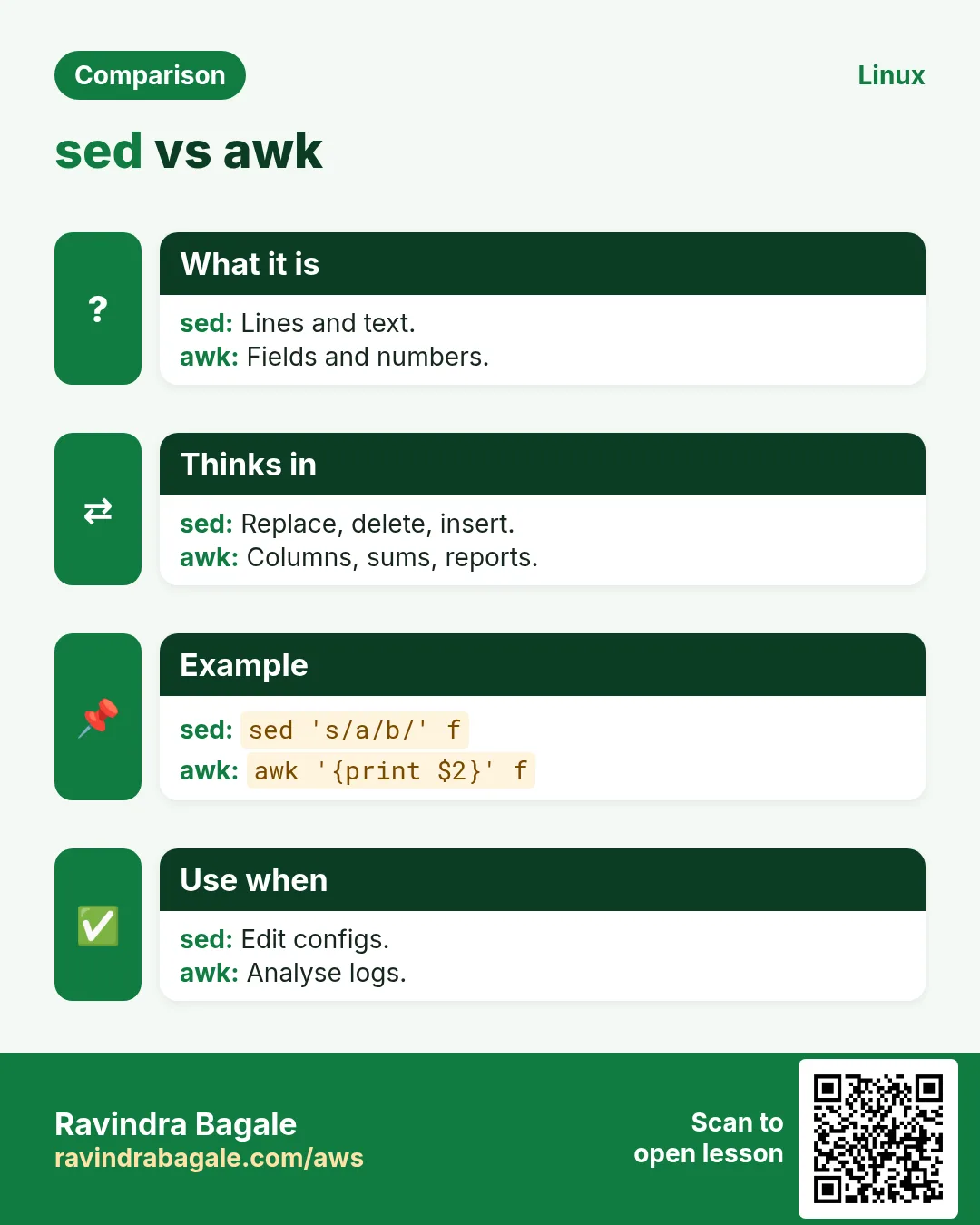
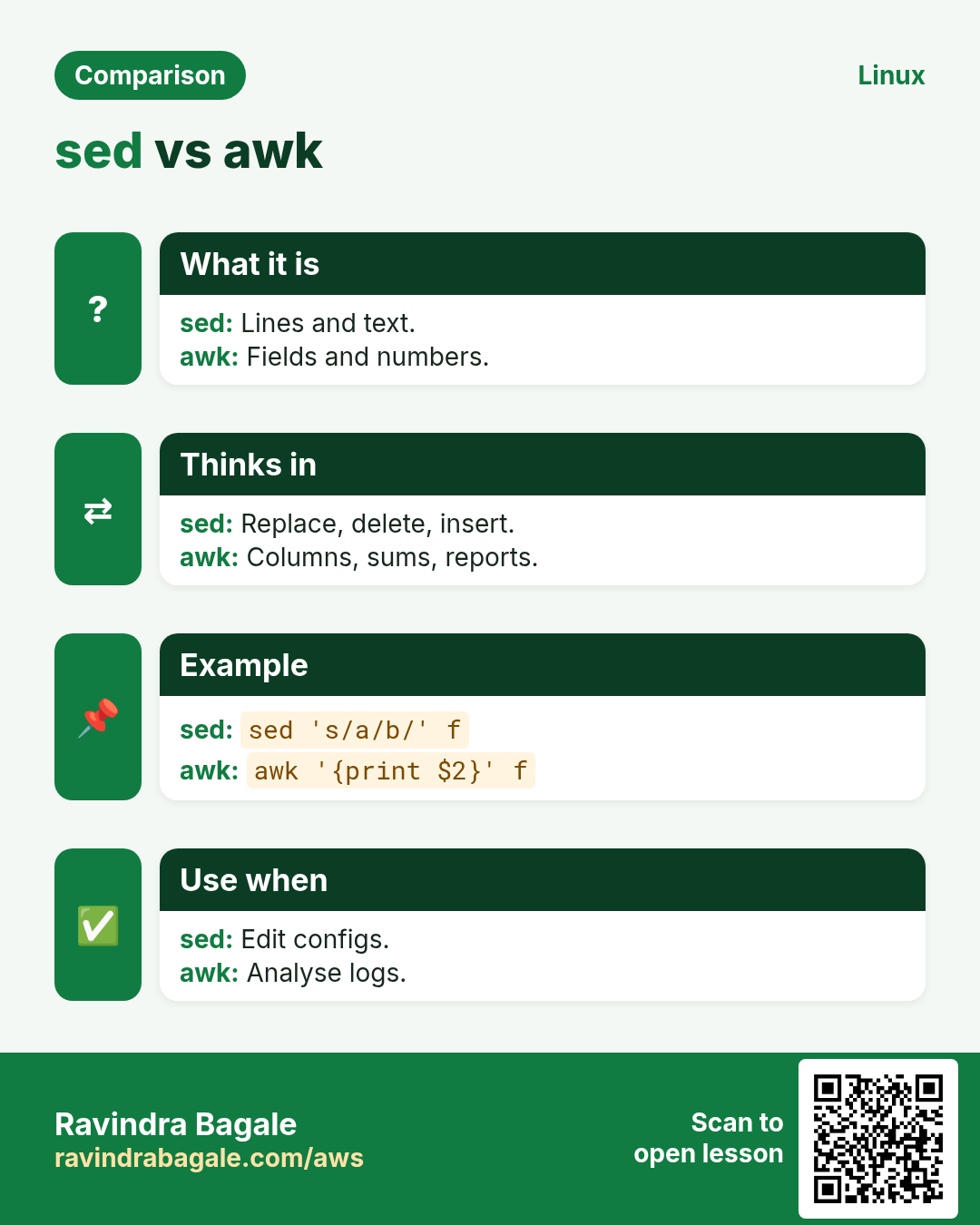
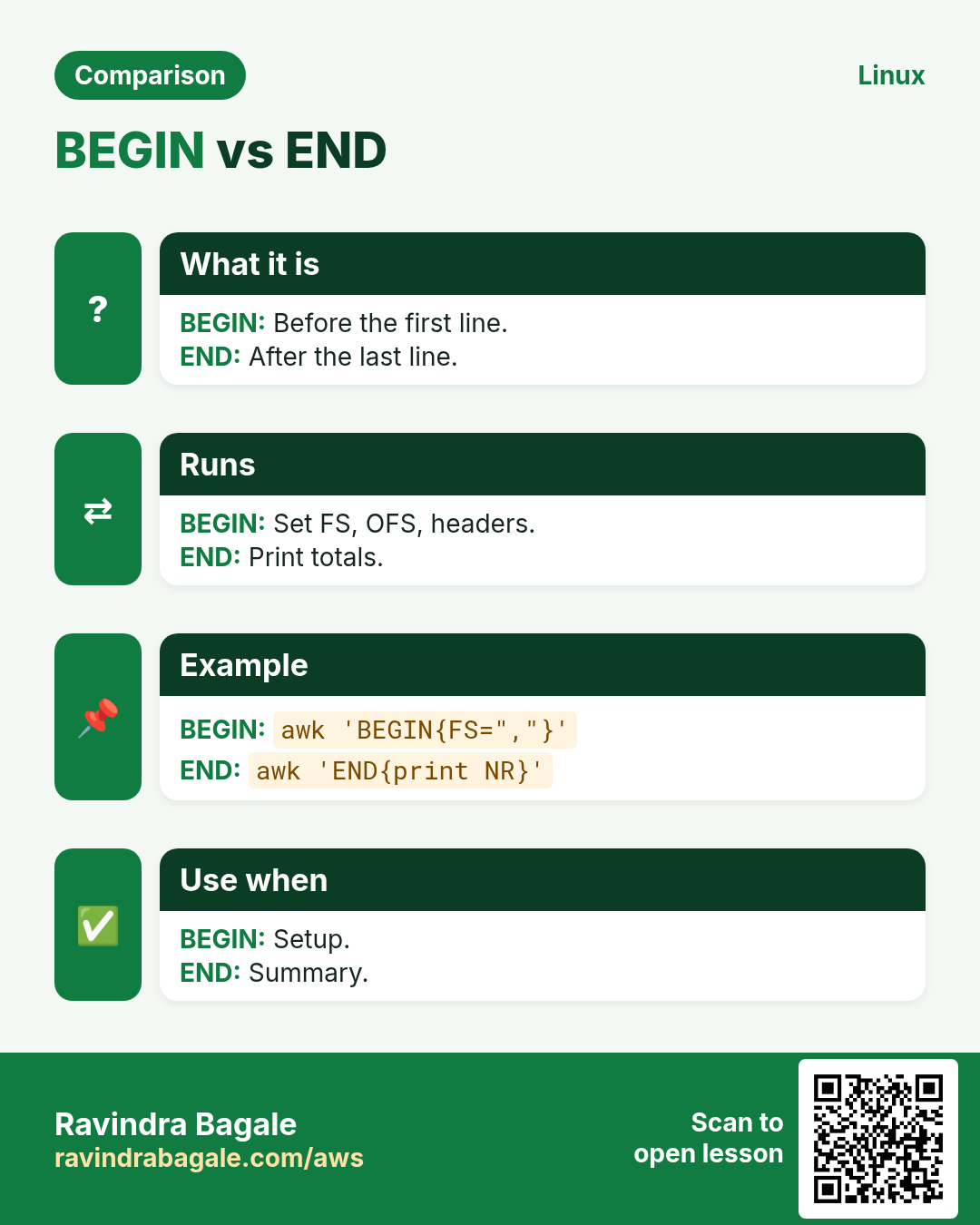
Revise this lesson in a few minutes. Save the cards on your phone or download them as PNG files. The QR code on each card opens this lesson.








More cards: Ravi Sir's Cards.