Ravi Sir's Cards › AWS
Unmount and delete EFS
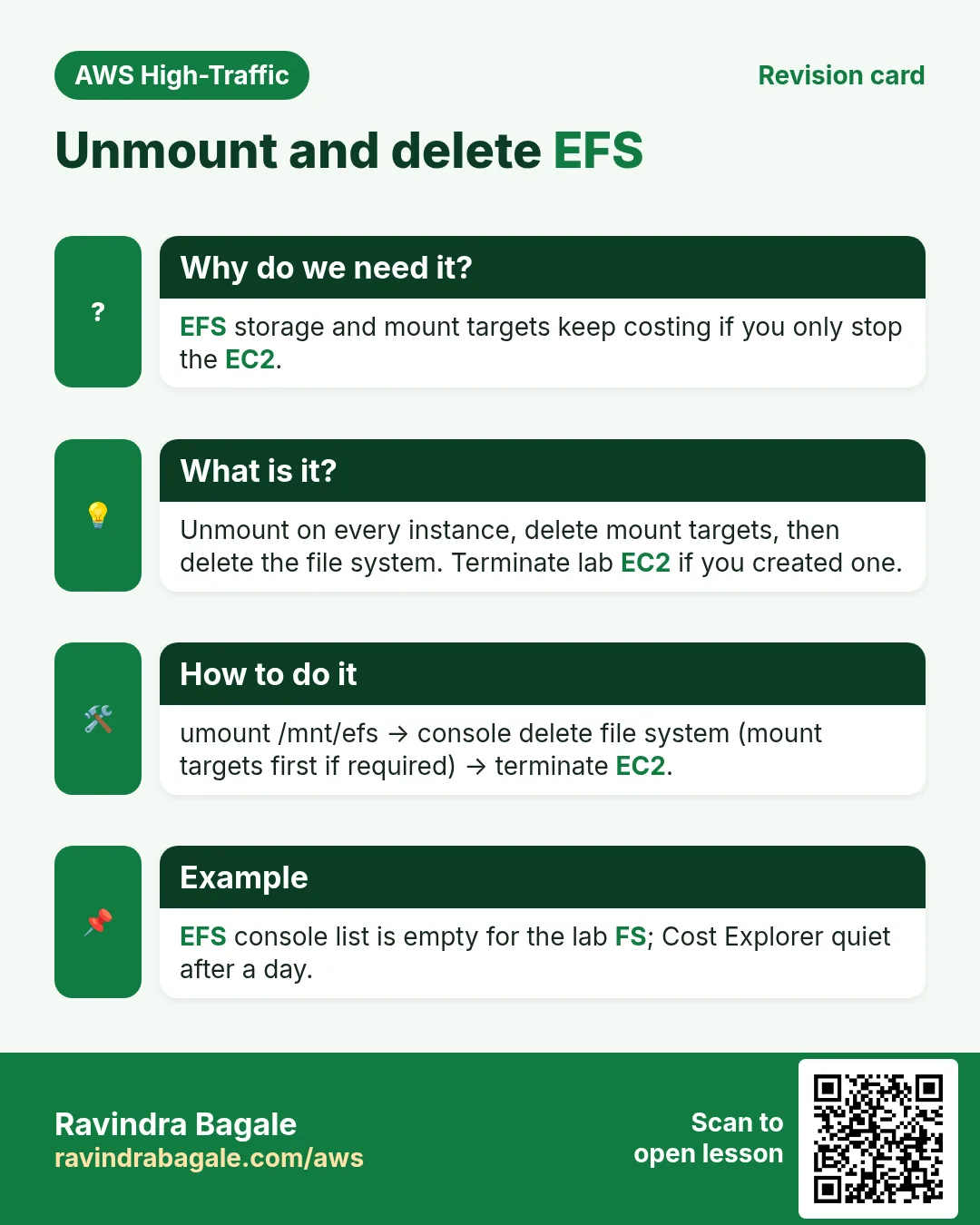
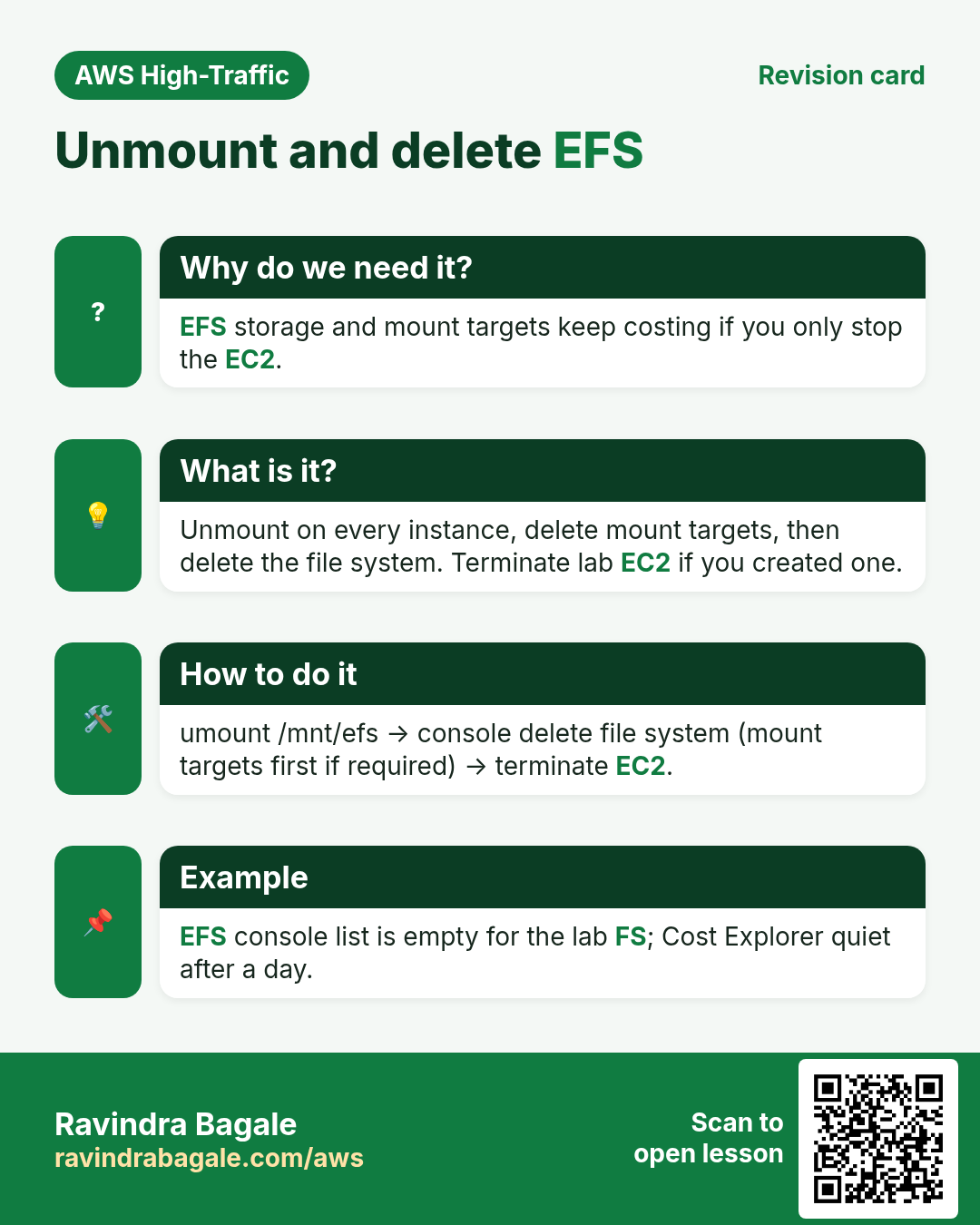
This revision card explains Unmount and delete EFS. It starts from the need that EFS storage and mount targets keep costing if you only stop the EC2. It describes unmount on every instance, delete mount targets, then delete the file system. Terminate lab EC2 if you created one. The how-to section notes umount /mnt/efs , then console delete file system (mount targets first if required) , then terminate EC2. An example on the card is EFS console list is empty for the lab FS; Cost Explorer quiet after a day.
Read card text
What this card says
Why do we need it?
EFS storage and mount targets keep costing if you only stop the EC2.
What is it?
Unmount on every instance, delete mount targets, then delete the file system. Terminate lab EC2 if you created one.
How to do it
umount /mnt/efs → console delete file system (mount targets first if required) → terminate EC2.
Example
EFS console list is empty for the lab FS; Cost Explorer quiet after a day.