Ravi Sir's Cards › AWS › IAM STS and Identity Center
AWS STS and IAM Identity Center: temporary credentials, AssumeRole and SSO
This page keeps the next IAM cards on one topic page, after the roles and policies page. It has the six cards from “AWS STS temporary credentials and AssumeRole explained”, the five cards from “Get temporary AWS credentials with STS step by step”, the six cards from “What is AWS IAM Identity Center (SSO) explained”, and the five cards from “Set up AWS IAM Identity Center (SSO) step by step”.
Each card still has its image and its original text. Under each group you will also find a short Why, What, How example, and an exam tip, in easy English. The names, account IDs, bucket names and session names in the stories are made up for learning. Later IAM packs (Active Directory, root and break-glass, and the conditions lab) can be their own topic pages later.
AWS STS temporary credentials and AssumeRole
Why this matters
A partner at Zomato may get a one-shift locker code, not the master key forever. The same idea applies to AWS APIs: short credentials shrink the damage if a laptop or a lab export leaks.
What it is
AWS Security Token Service (STS) mints temporary security credentials. The common API is AssumeRole: the caller proves who they are, STS checks the role trust policy, and it returns AccessKeyId, SecretAccessKey, SessionToken, and Expiration. All three secret values must be used together. After Expiration, calls fail until you AssumeRole again — that expiry is the safety feature. DurationSeconds sets how long the session lives (role max and caller limits apply; these labs often use 900 seconds). RoleSessionName appears in CloudTrail, so a clear name is better than “temp”. AssumeRole switches you into a role (a new identity ARN). Get usually stays the same IAM user and is often used after MFA; it does not need a role trust policy.SessionToken
How it works — a real example
Suppose Ravindra assumes a lab role for 15 minutes with --role-session-name ravindra-lab1 and --duration-seconds 900. He exports all three STS fields, then aws sts get-caller-identity shows the assumed-role ARN. After 15 minutes the same exported keys stop working. CloudTrail shows the session name. The names are made up for learning.
Common mistake / exam tip
Students often export only the access key and secret, then every call fails with InvalidClientTokenId because SessionToken is missing. For AssumeRole AccessDenied, read the trust policy Principal and Conditions first; the permissions policy is checked only after a successful assume.
What is AWS STS?
Read card text
What this card says
Why do we need it?
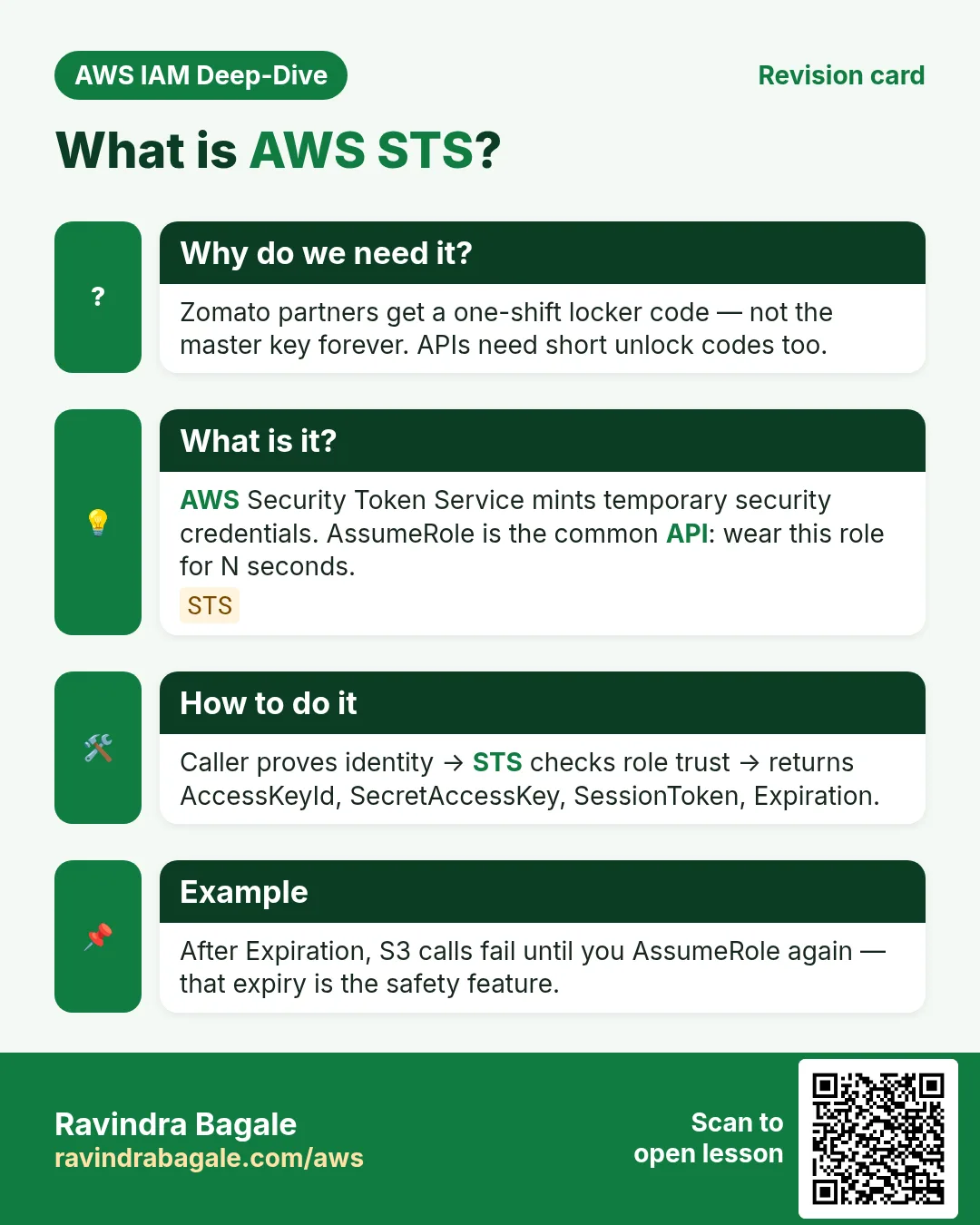
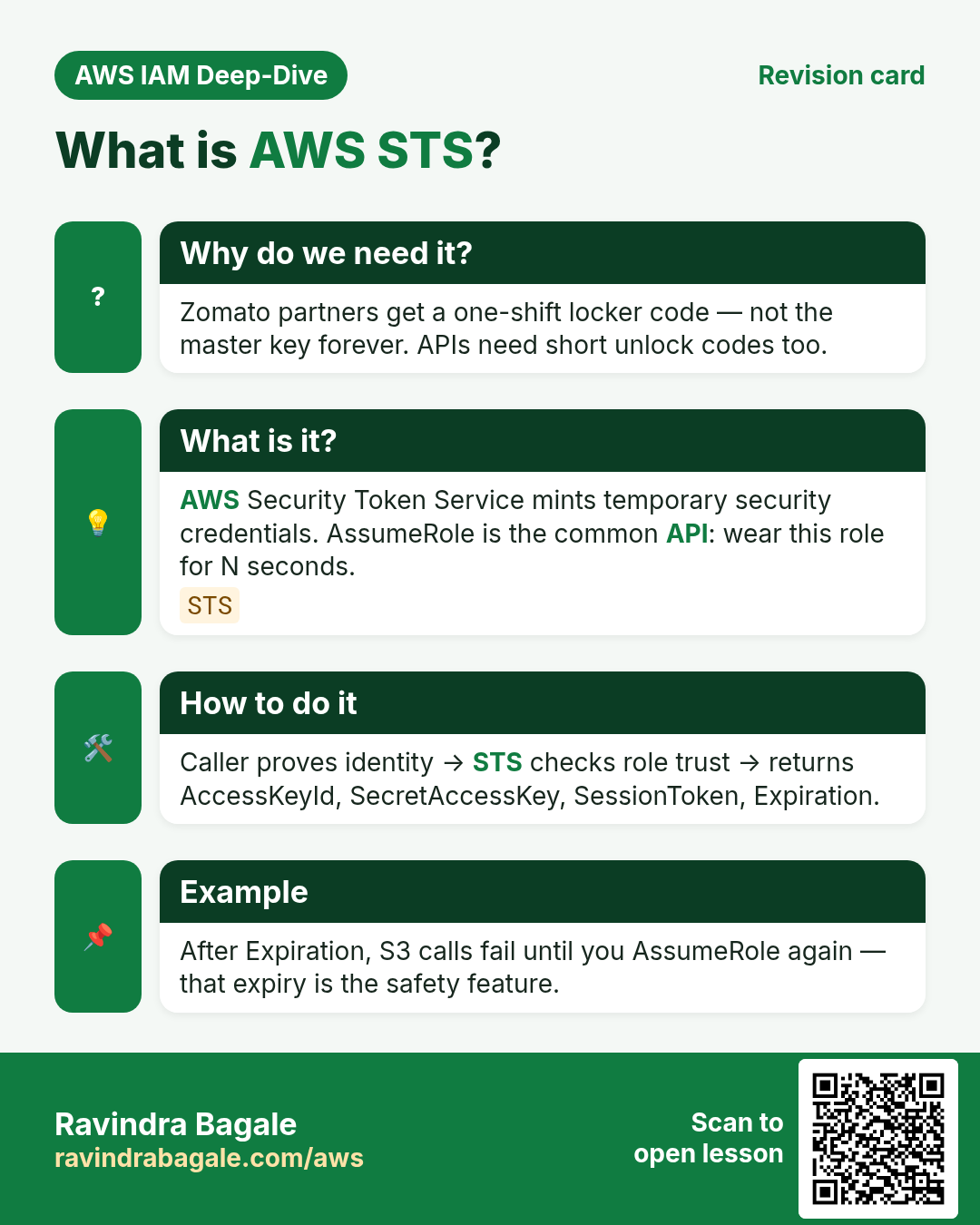
Zomato partners get a one-shift locker code — not the master key forever. APIs need short unlock codes too.
What is it?
AWS Security Token Service mints temporary security credentials. AssumeRole is the common API: wear this role for N seconds. STS
How to do it
Caller proves identity → STS checks role trust → returns AccessKeyId, SecretAccessKey, SessionToken, Expiration.
Example
After Expiration, S3 calls fail until you AssumeRole again — that expiry is the safety feature.
The three STS pieces
Read card text
What this card says
Why do we need it?
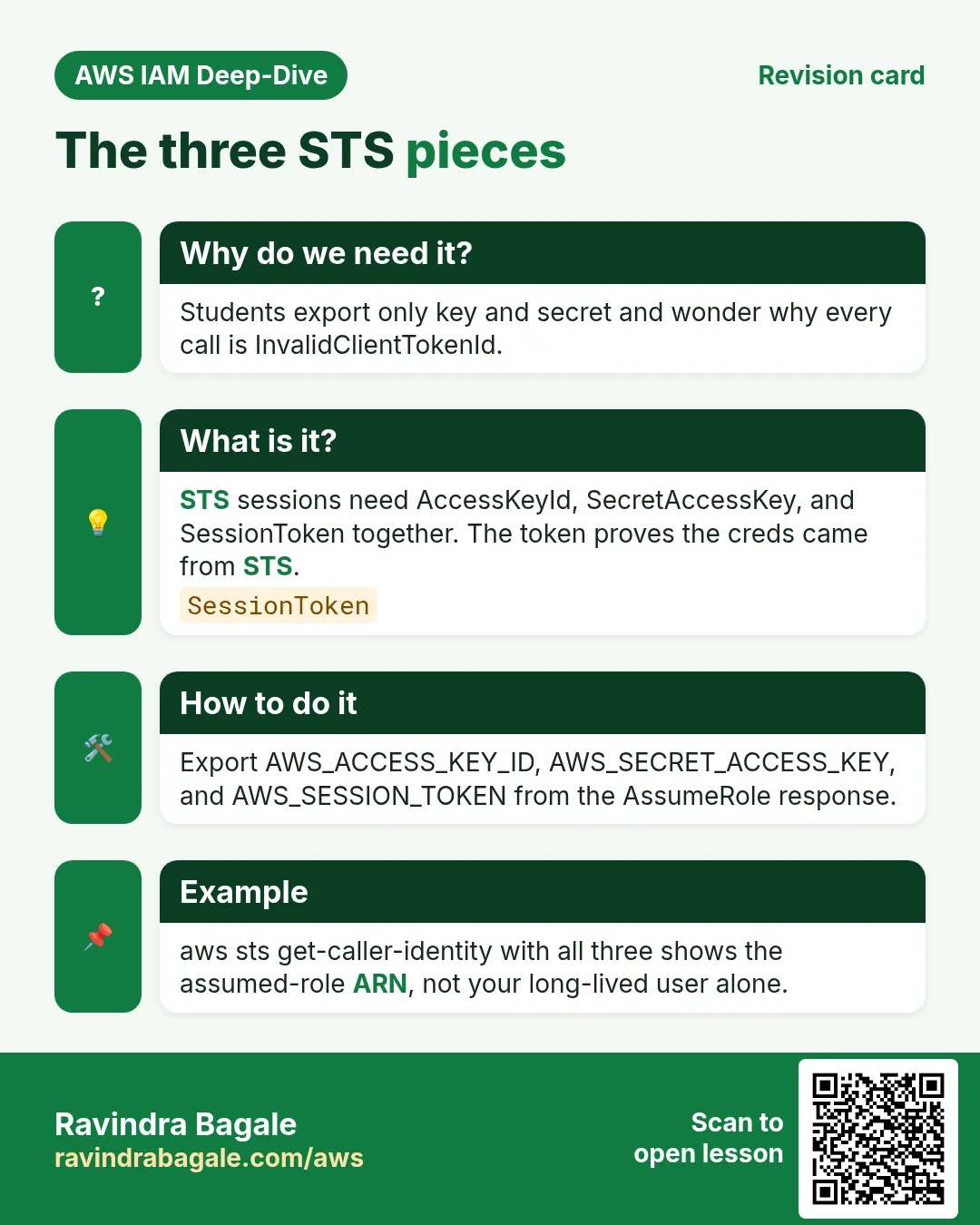
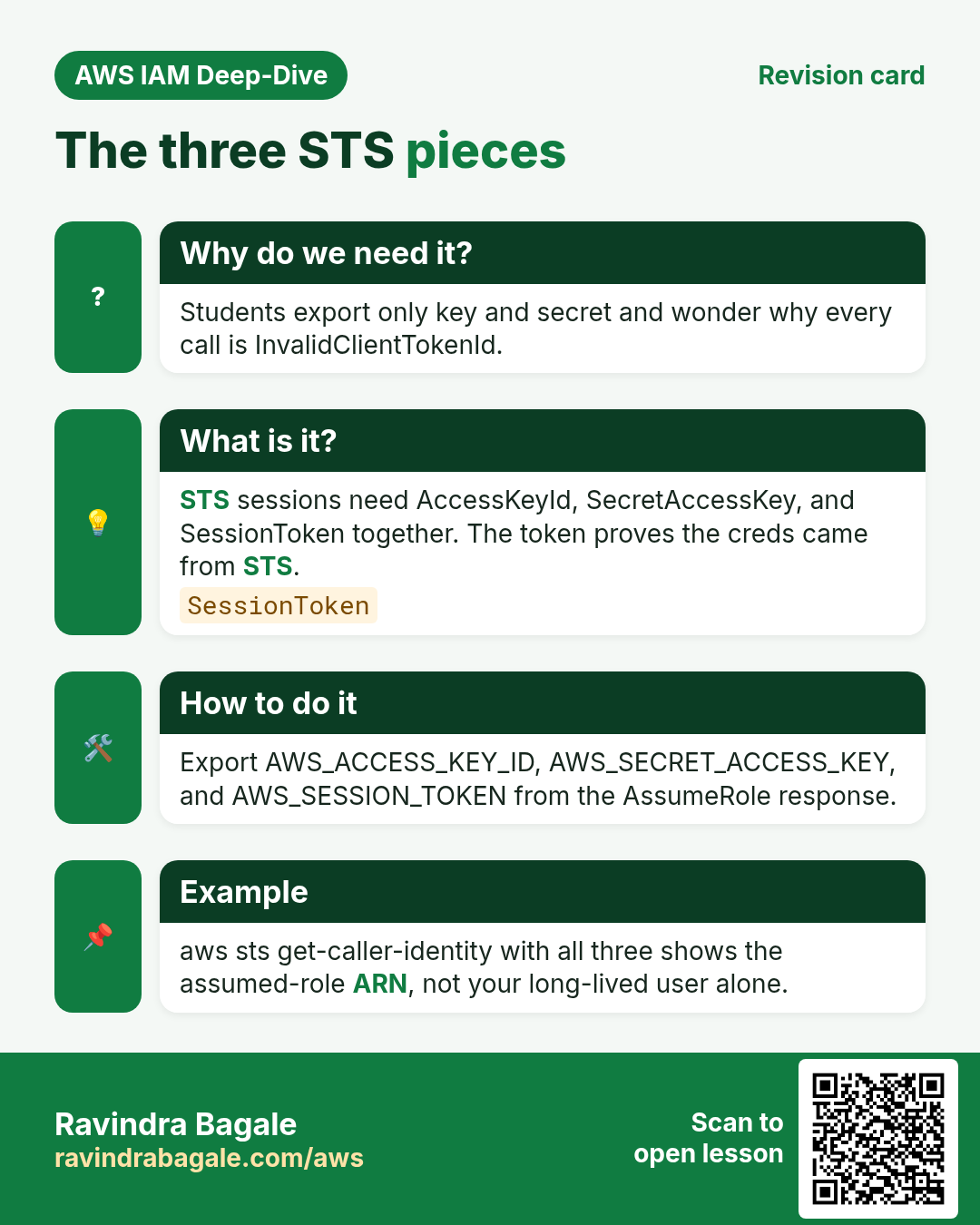
Students export only key and secret and wonder why every call is InvalidClientTokenId.
What is it?
STS sessions need AccessKeyId, SecretAccessKey, and SessionToken together. The token proves the creds came from STS. SessionToken
How to do it
Export AWS_ACCESS_KEY_ID, AWS_SECRET_ACCESS_KEY, and AWS_SESSION_TOKEN from the AssumeRole response.
Example
aws sts get-caller-identity with all three shows the assumed-role ARN, not your long-lived user alone.
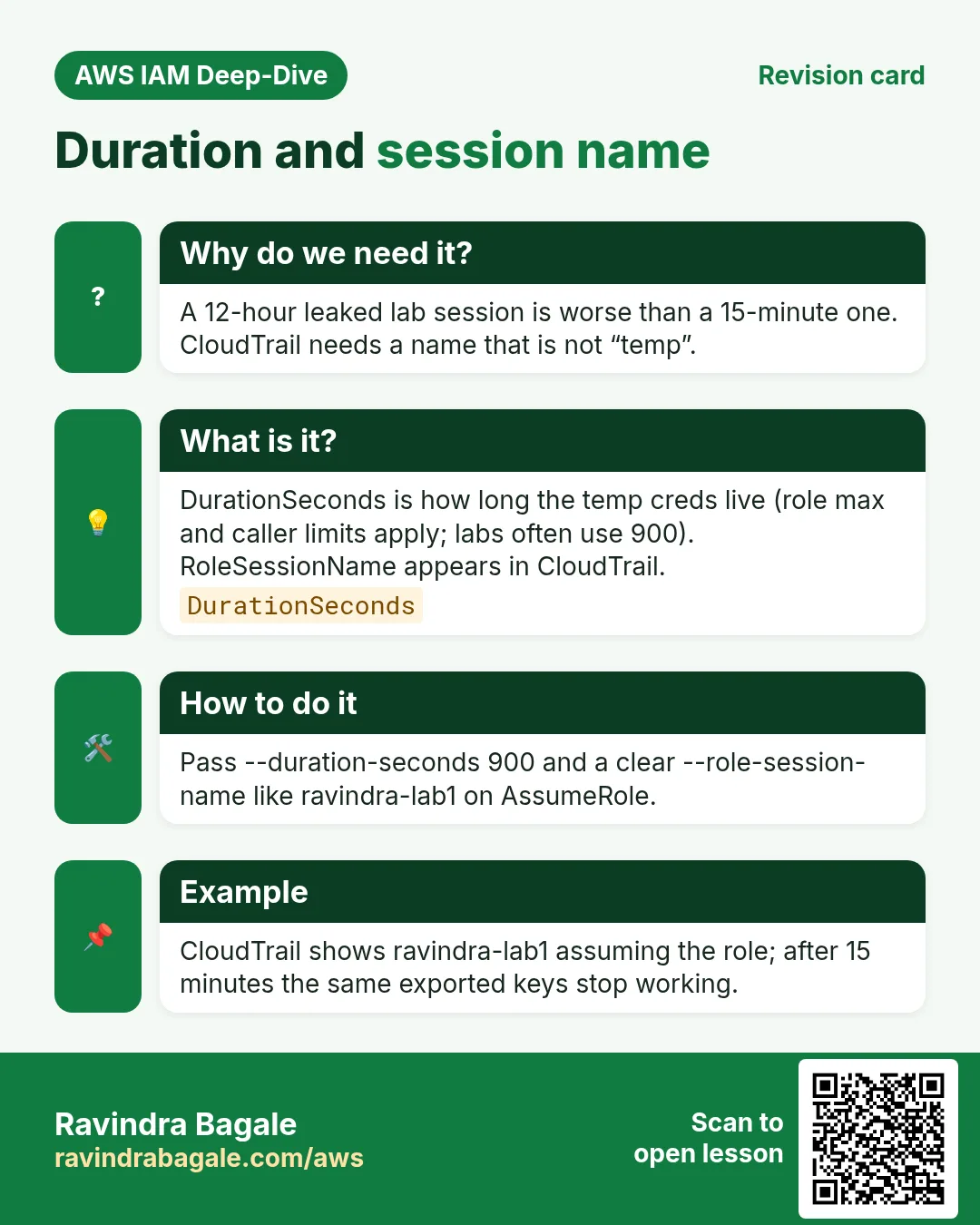
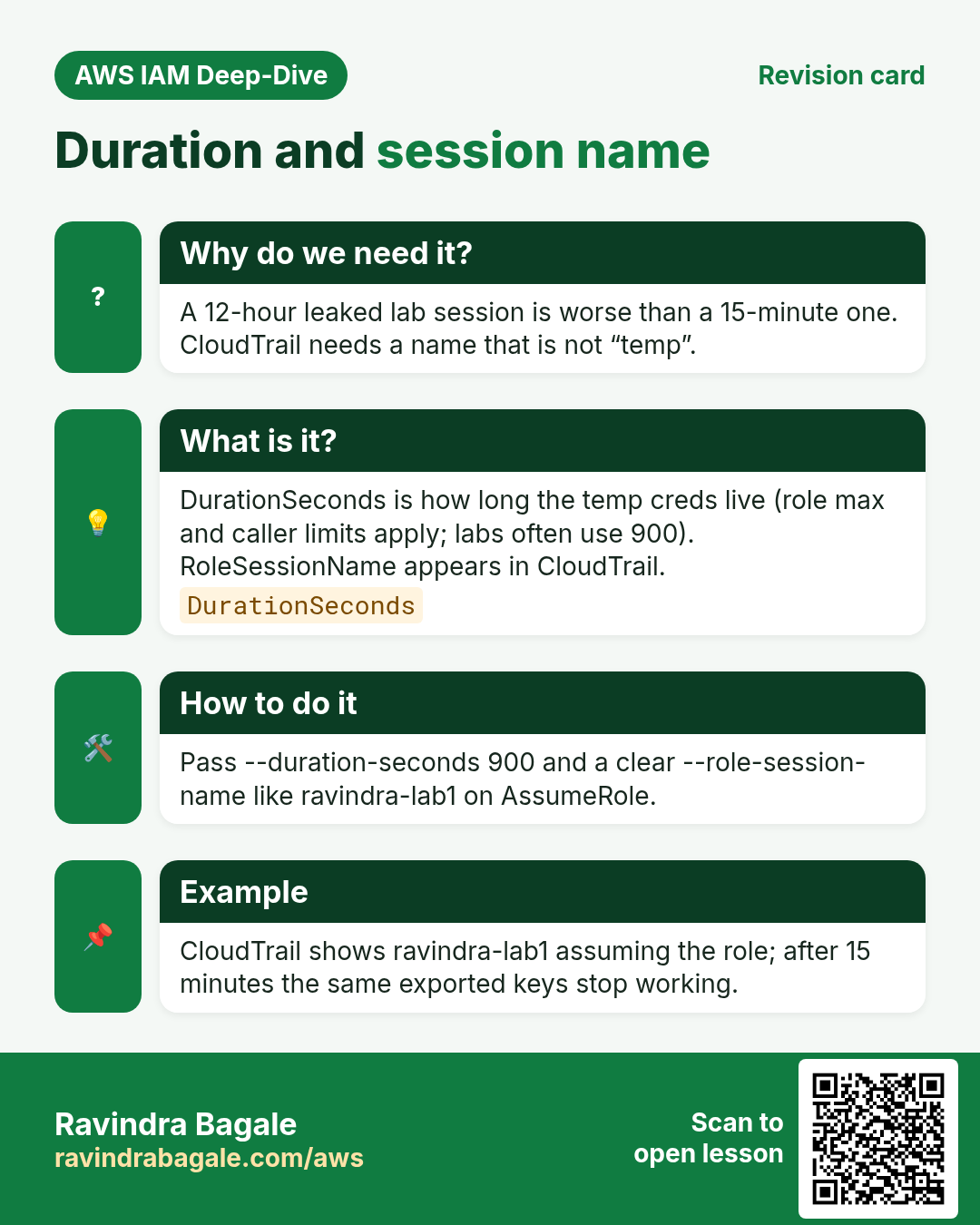
Duration and session name
Read card text
What this card says
Why do we need it?
A 12-hour leaked lab session is worse than a 15-minute one. CloudTrail needs a name that is not “temp”.
What is it?
DurationSeconds is how long the temp creds live (role max and caller limits apply; labs often use 900). RoleSessionName appears in CloudTrail. DurationSeconds
How to do it
Pass --duration-seconds 900 and a clear --role-session-name like ravindra-lab1 on AssumeRole.
Example
CloudTrail shows ravindra-lab1 assuming the role; after 15 minutes the same exported keys stop working.
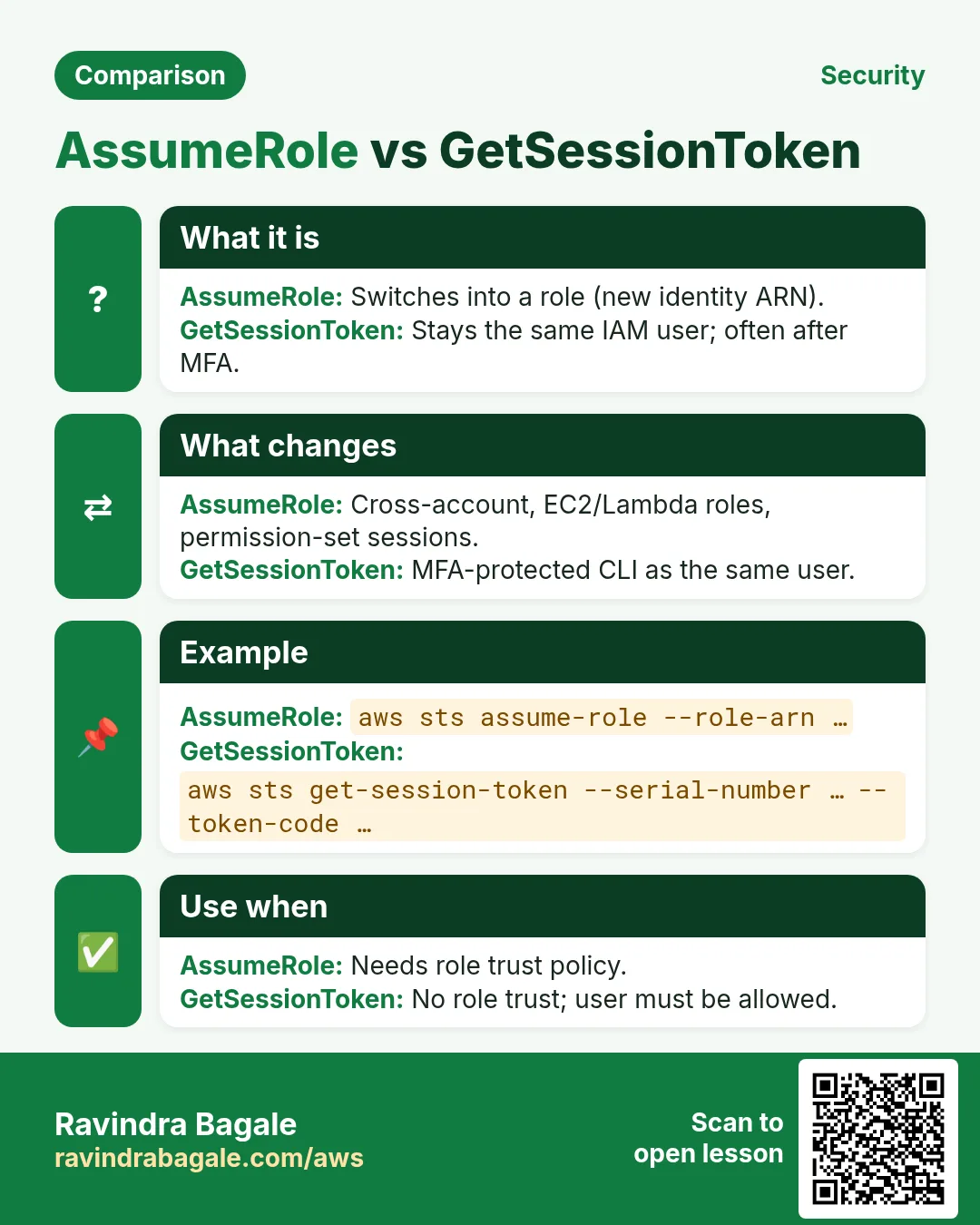
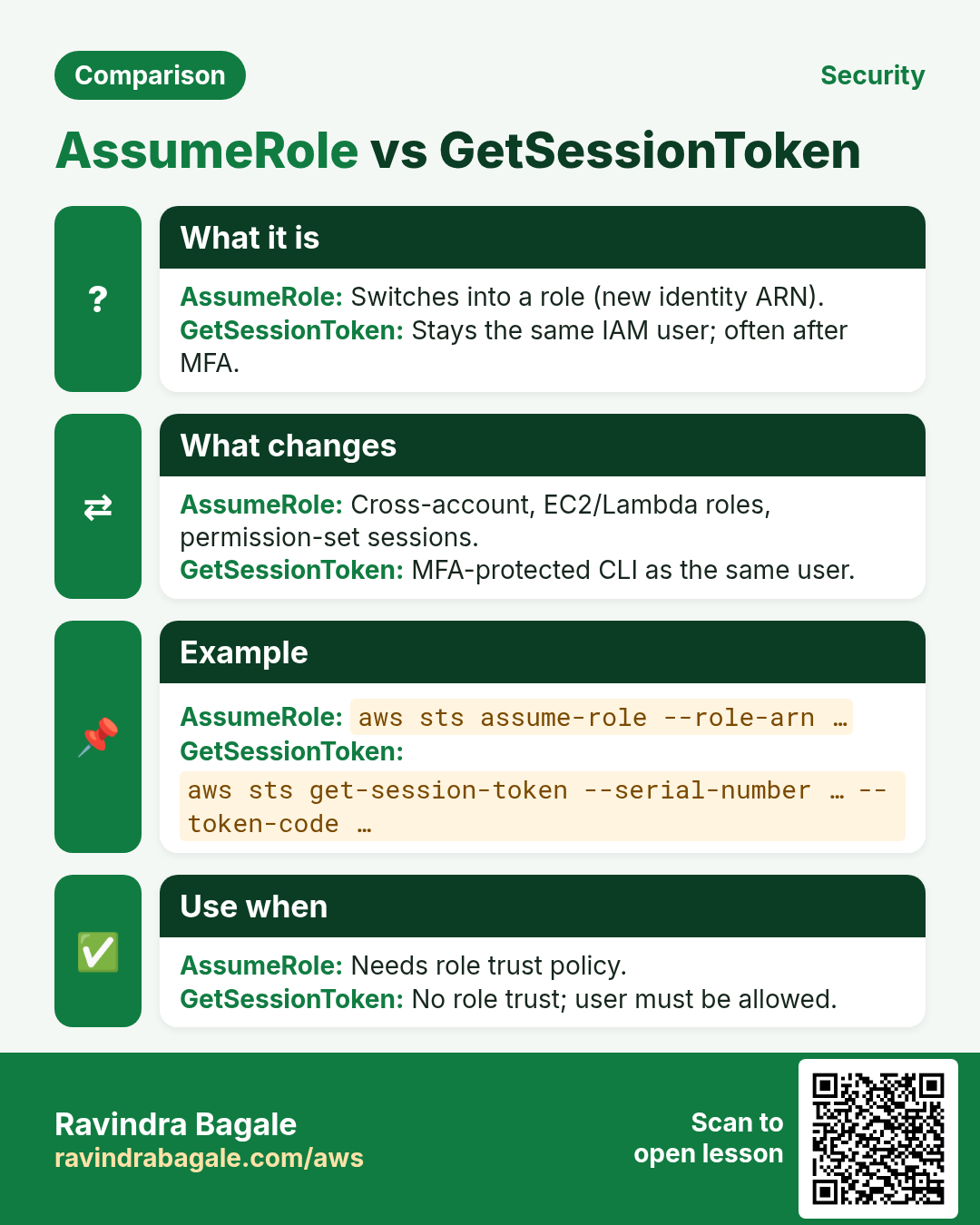
Comparison: What changes
Read card text
What this card says
AssumeRole
Switches into a role (new identity ARN).
GetSessionToken
Stays the same IAM user; often after MFA.
Key points
Cross-account, EC2/Lambda roles, permission-set sessions. MFA-protected CLI as the same user.
Example
aws sts assume-role --role-arn …
Use when
Needs role trust policy. No role trust; user must be allowed.
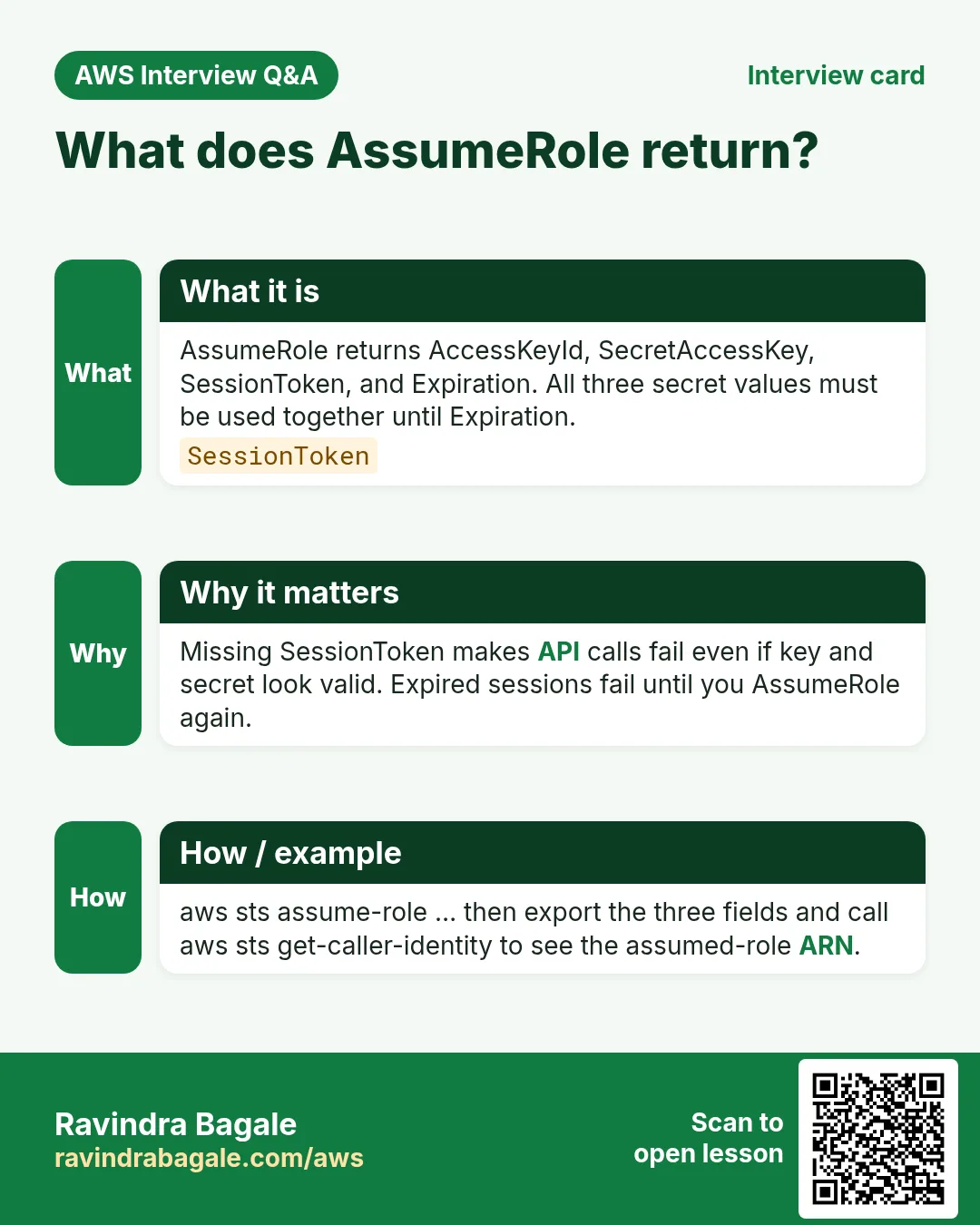
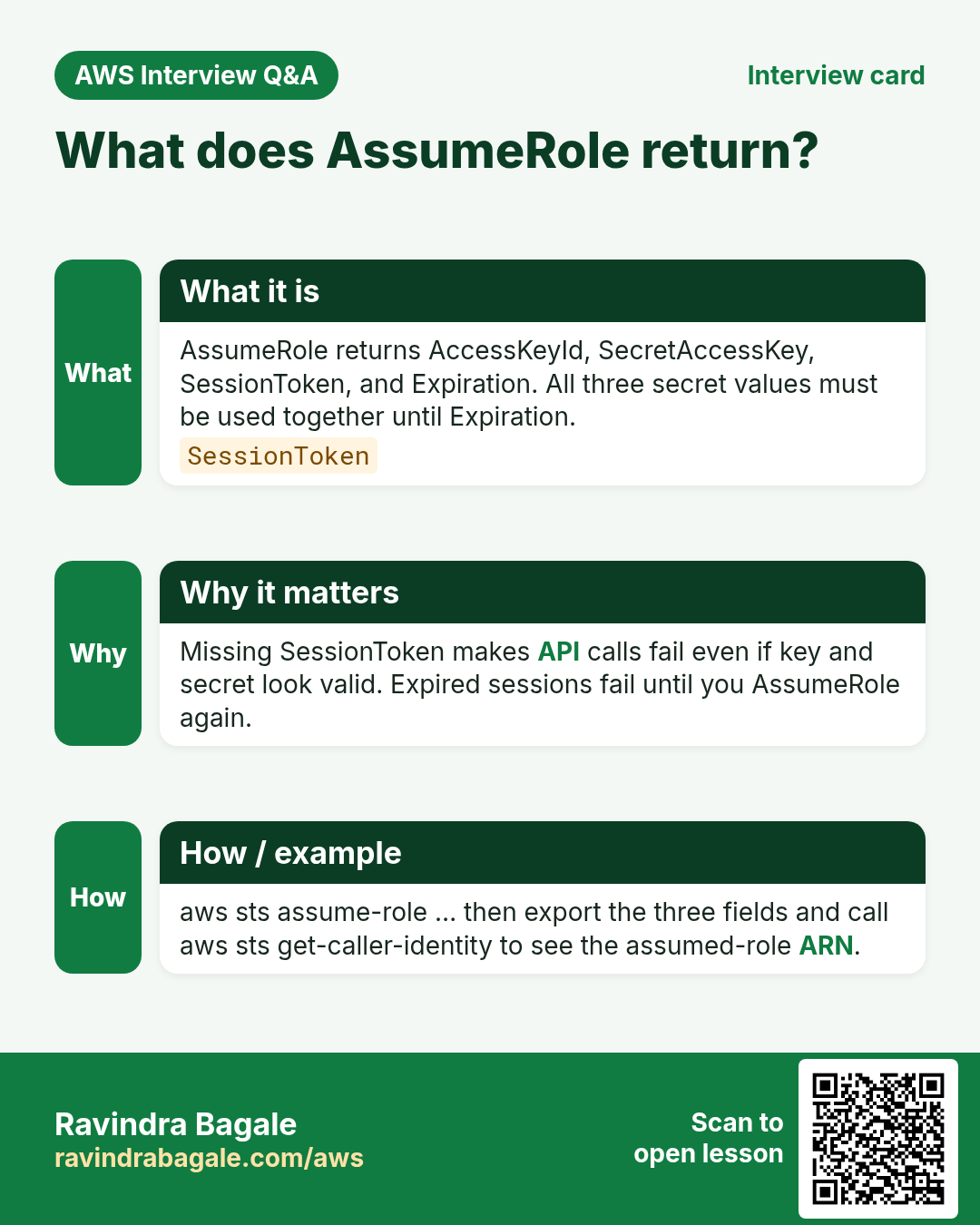
Interview: What does AssumeRole return?
Read card text
What this card says
What it is
AssumeRole returns AccessKeyId, SecretAccessKey, SessionToken, and Expiration. All three secret values must be used together until Expiration. SessionToken
Why it matters
Missing SessionToken makes API calls fail even if key and secret look valid. Expired sessions fail until you AssumeRole again.
How / example
aws sts assume-role … then export the three fields and call aws sts get-caller-identity to see the assumed-role ARN.
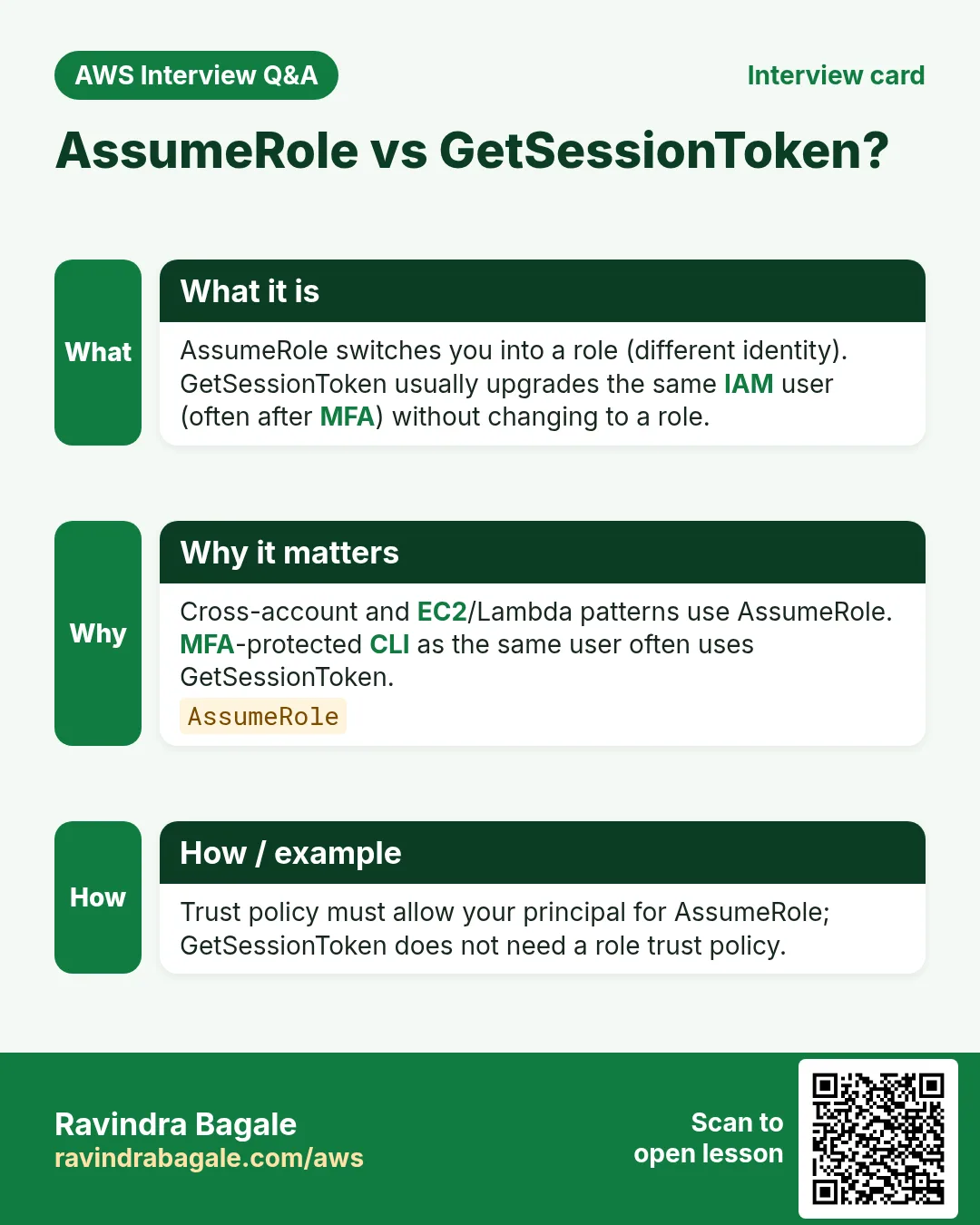
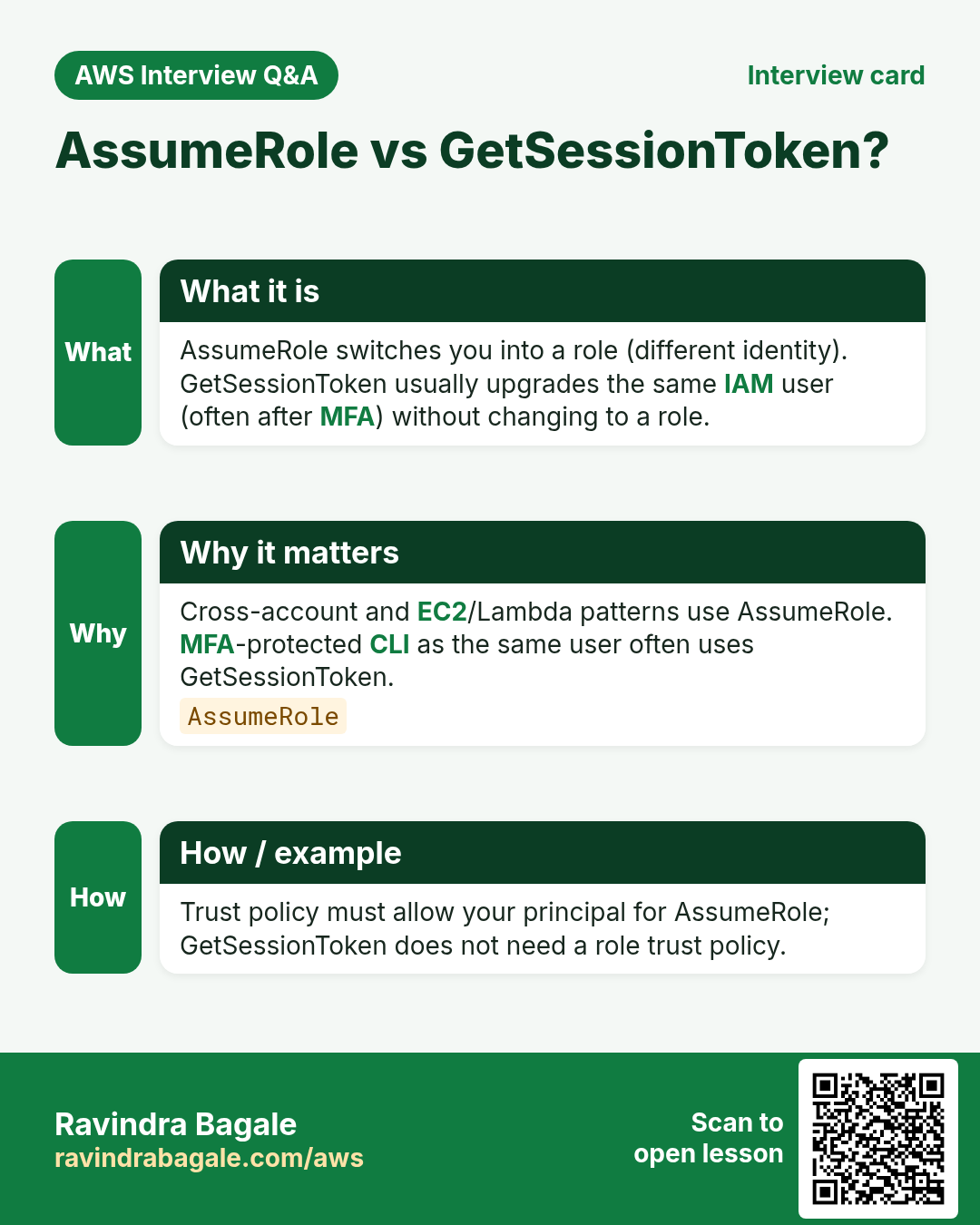
Interview: AssumeRole vs GetSessionToken?
Read card text
What this card says
What it is
AssumeRole switches you into a role (different identity). GetSessionToken usually upgrades the same IAM user (often after MFA) without changing to a role.
Why it matters
Cross-account and EC2/Lambda patterns use AssumeRole. MFA-protected CLI as the same user often uses GetSessionToken. AssumeRole
How / example
Trust policy must allow your principal for AssumeRole; GetSessionToken does not need a role trust policy.
Get temporary credentials with STS, step by step
Why this matters
A permissions policy that looks perfect still fails AssumeRole if the trust Principal is wrong. And without a prove step, you do not know whether you are using the role session or still your admin user.
What it is
In the lab you create a customer-managed S3-read policy for one lab bucket, a role whose trust Principal is your IAM user (or role), and you attach the policy. Then you run AssumeRole, export the three STS values, call get-caller-identity, list the lab bucket (allow), and try a bucket outside the policy (deny). When you finish, unset the temporary environment variables, and delete the lab role, policy, and bucket the same day so the next lab stays clean.
How it works — a real example
Suppose the role ARN is correct and aws sts assume-role succeeds. After export, get-caller-identity contains assumed-role, aws s3 ls on the lab bucket works, and an unrelated bucket returns AccessDenied. If the trust Principal points at the wrong account, AssumeRole itself is AccessDenied. After unset AWS_ACCESS_KEY_ID AWS_SECRET_ACCESS_KEY AWS_SESSION_TOKEN, get-caller-identity is your normal user again. The bucket and role names are made up for learning.
Common mistake / exam tip
If AssumeRole is denied but the S3 policy looks fine, fix the trust policy first, then retry assume-role, then test S3 with the session token. Also confirm you passed any ExternalId or MFA condition the trust policy requires. Do not leave a 12-hour session named “temp” in the environment.
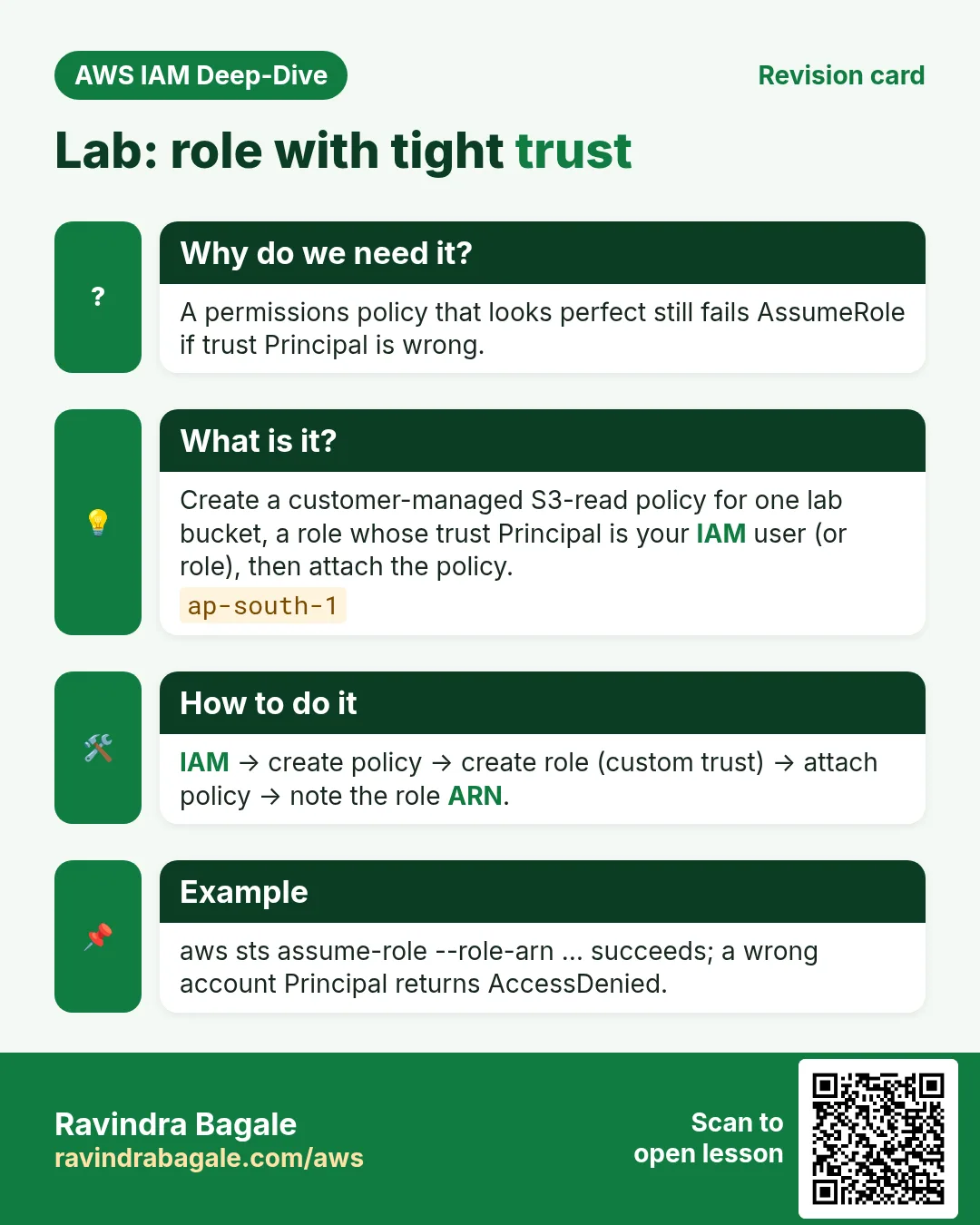
Lab: role with tight trust
Read card text
What this card says
Why do we need it?
A permissions policy that looks perfect still fails AssumeRole if trust Principal is wrong.
What is it?
Create a customer-managed S3-read policy for one lab bucket, a role whose trust Principal is your IAM user (or role), then attach the policy. ap-south-1
How to do it
IAM → create policy → create role (custom trust) → attach policy → note the role ARN.
Example
aws sts assume-role --role-arn … succeeds; a wrong account Principal returns AccessDenied.
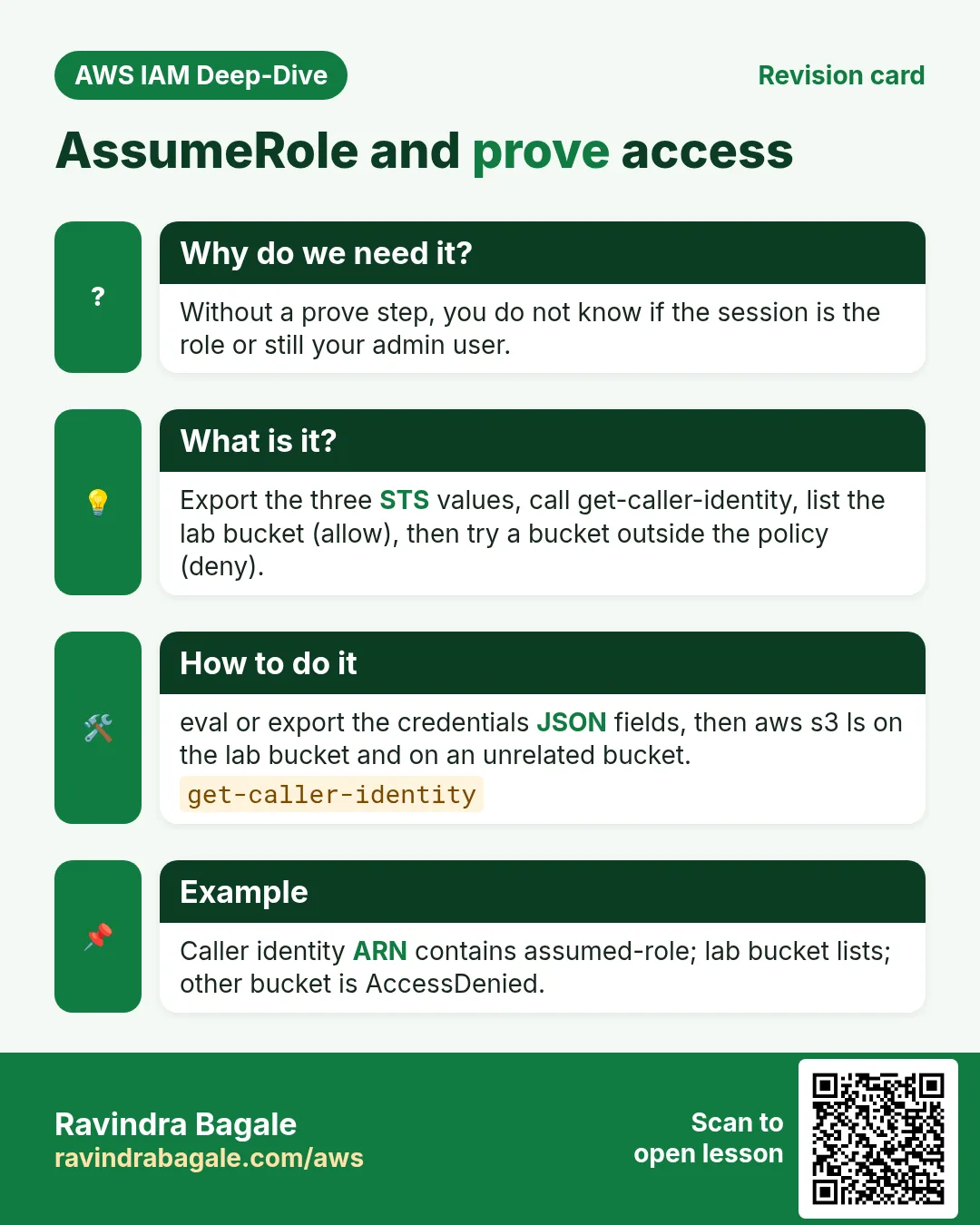
AssumeRole and prove access
Read card text
What this card says
Why do we need it?
Without a prove step, you do not know if the session is the role or still your admin user.
What is it?
Export the three STS values, call get-caller-identity, list the lab bucket (allow), then try a bucket outside the policy (deny).
How to do it
eval or export the credentials JSON fields, then aws s3 ls on the lab bucket and on an unrelated bucket. get-caller-identity
Example
Caller identity ARN contains assumed-role; lab bucket lists; other bucket is AccessDenied.
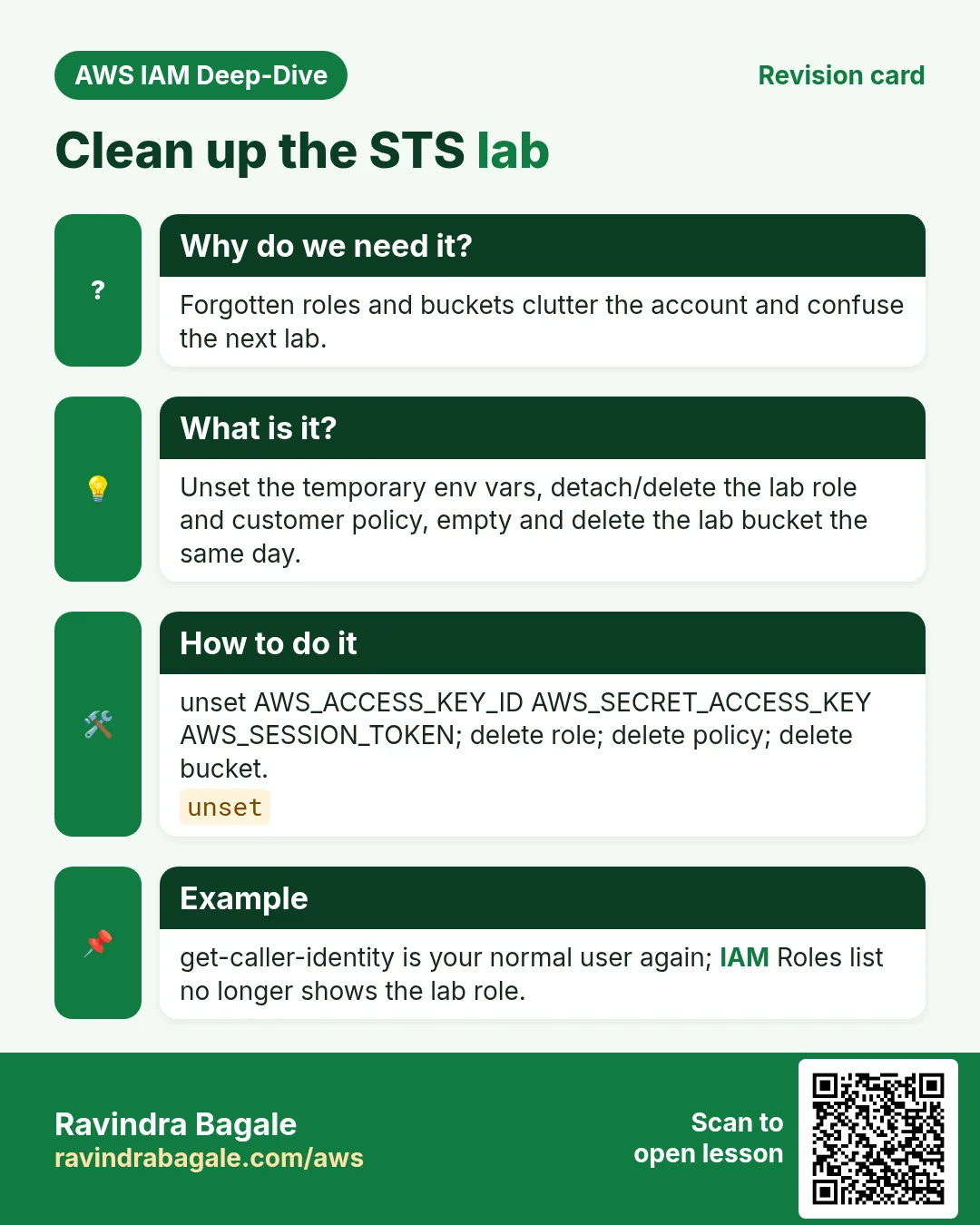
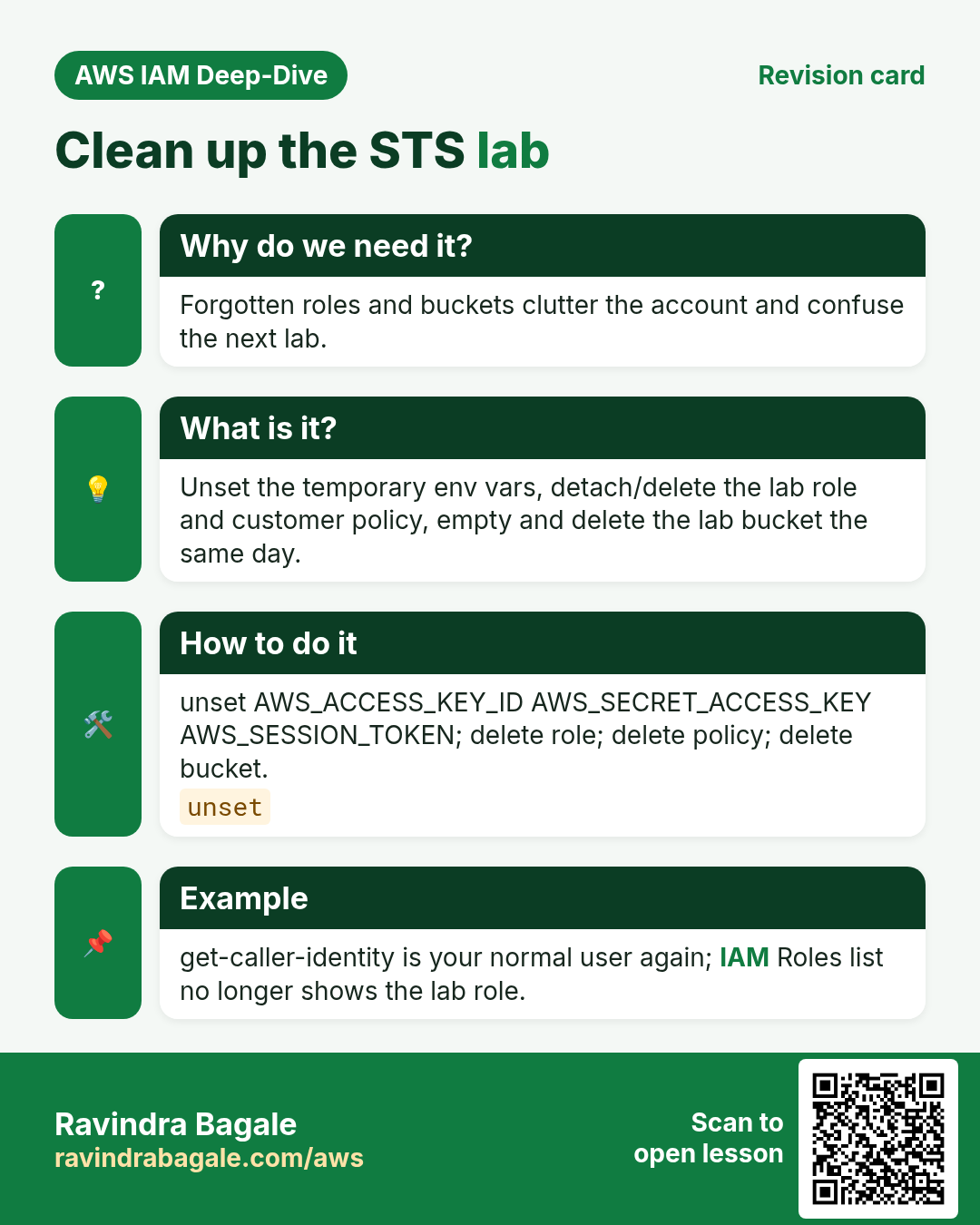
Clean up the STS lab
Read card text
What this card says
Why do we need it?
Forgotten roles and buckets clutter the account and confuse the next lab.
What is it?
Unset the temporary env vars, detach/delete the lab role and customer policy, empty and delete the lab bucket the same day.
How to do it
unset AWS_ACCESS_KEY_ID AWS_SECRET_ACCESS_KEY AWS_SESSION_TOKEN; delete role; delete policy; delete bucket. unset
Example
get-caller-identity is your normal user again; IAM Roles list no longer shows the lab role.
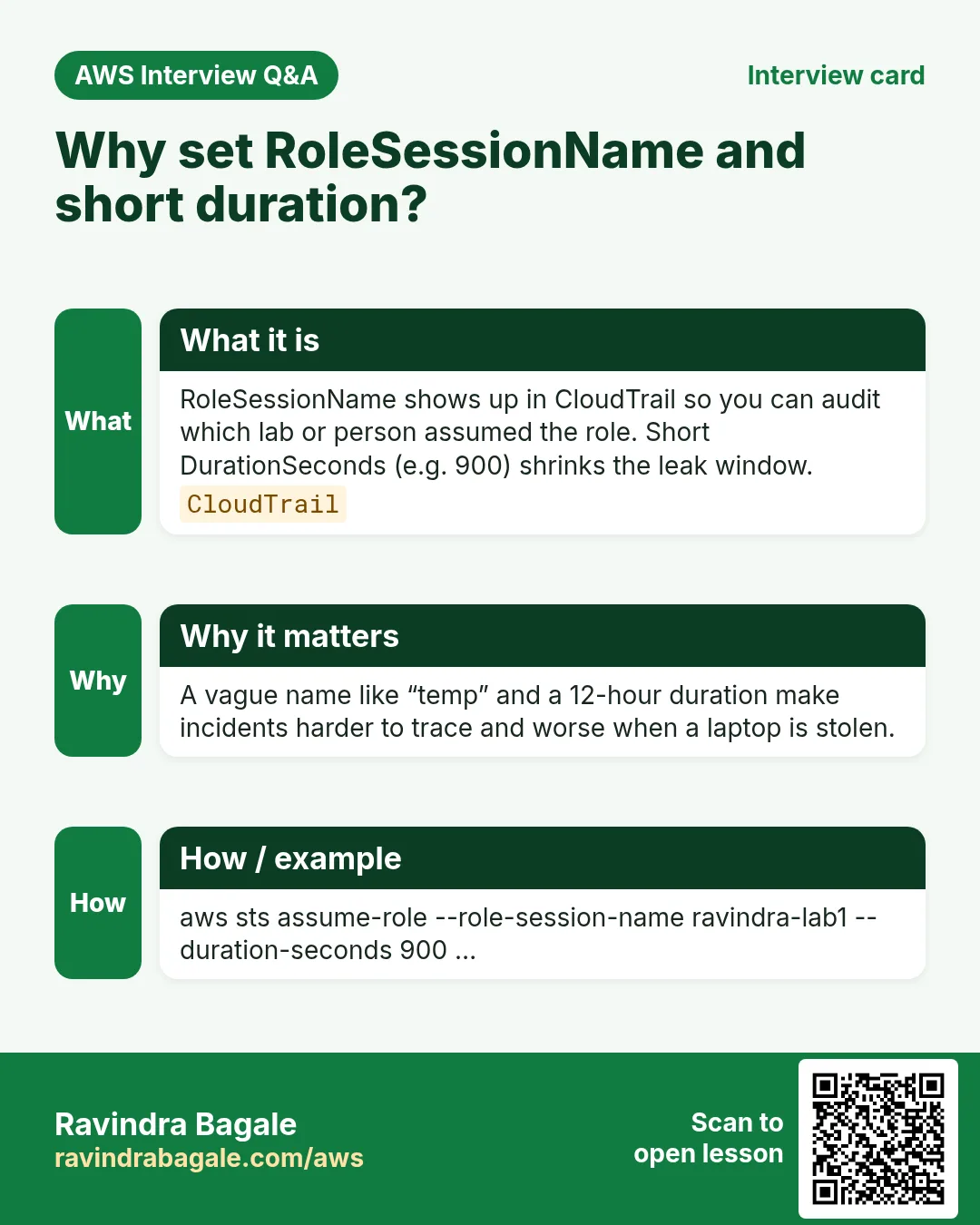
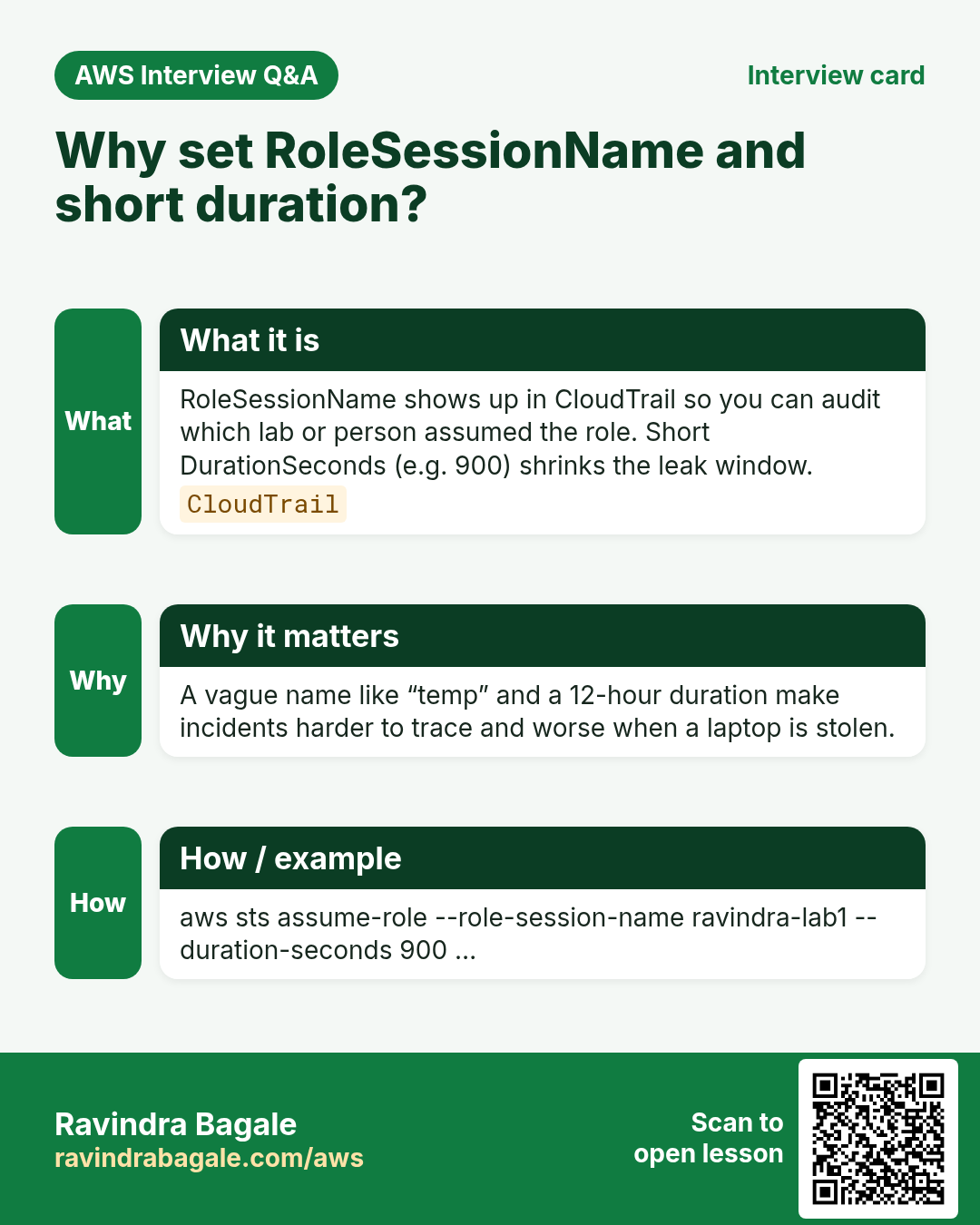
Interview: Why set RoleSessionName and short duration?
Read card text
What this card says
What it is
RoleSessionName shows up in CloudTrail so you can audit which lab or person assumed the role. Short DurationSeconds (e.g. 900) shrinks the leak window. CloudTrail
Why it matters
A vague name like “temp” and a 12-hour duration make incidents harder to trace and worse when a laptop is stolen.
How / example
aws sts assume-role --role-session-name ravindra-lab1 --duration-seconds 900 …
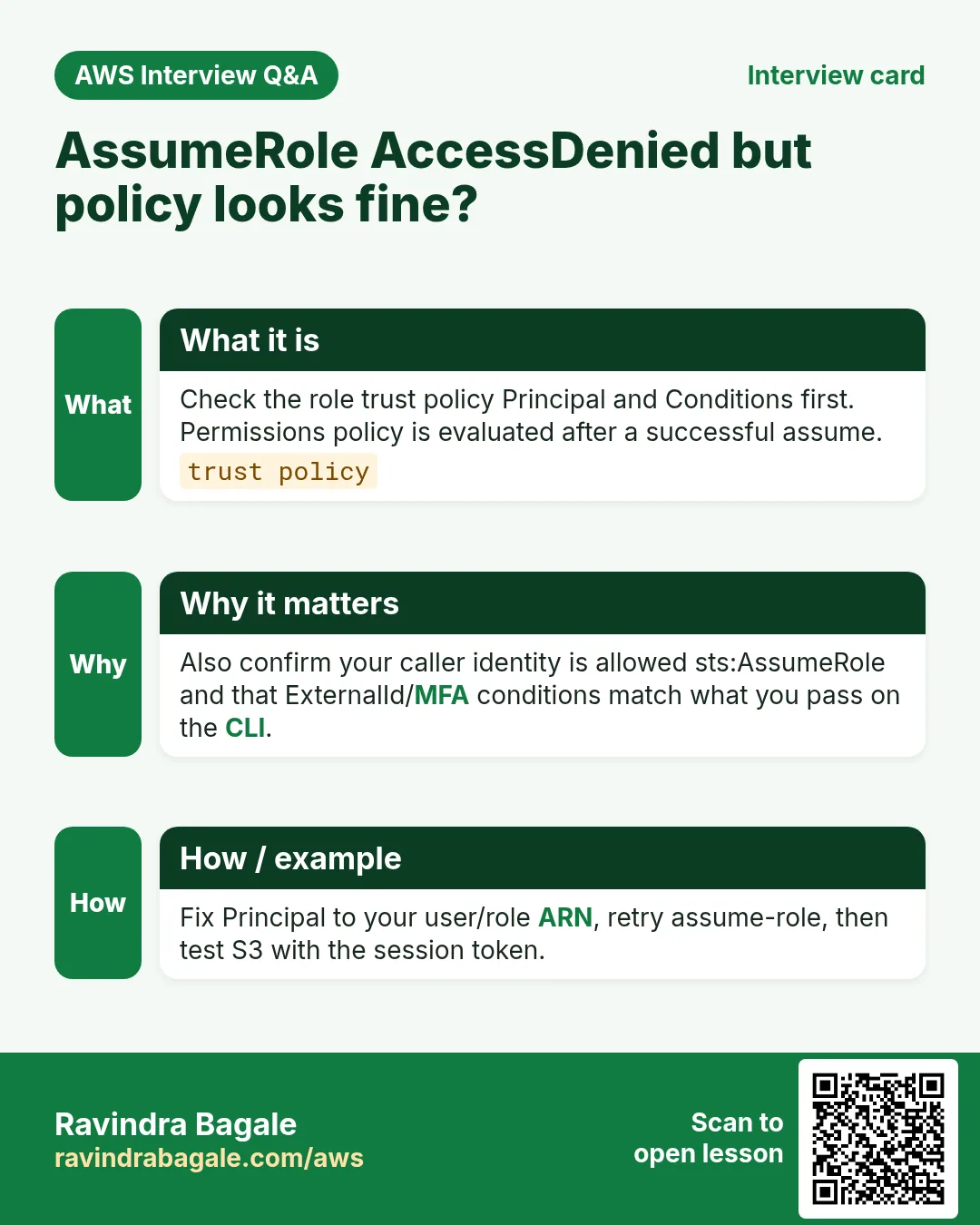
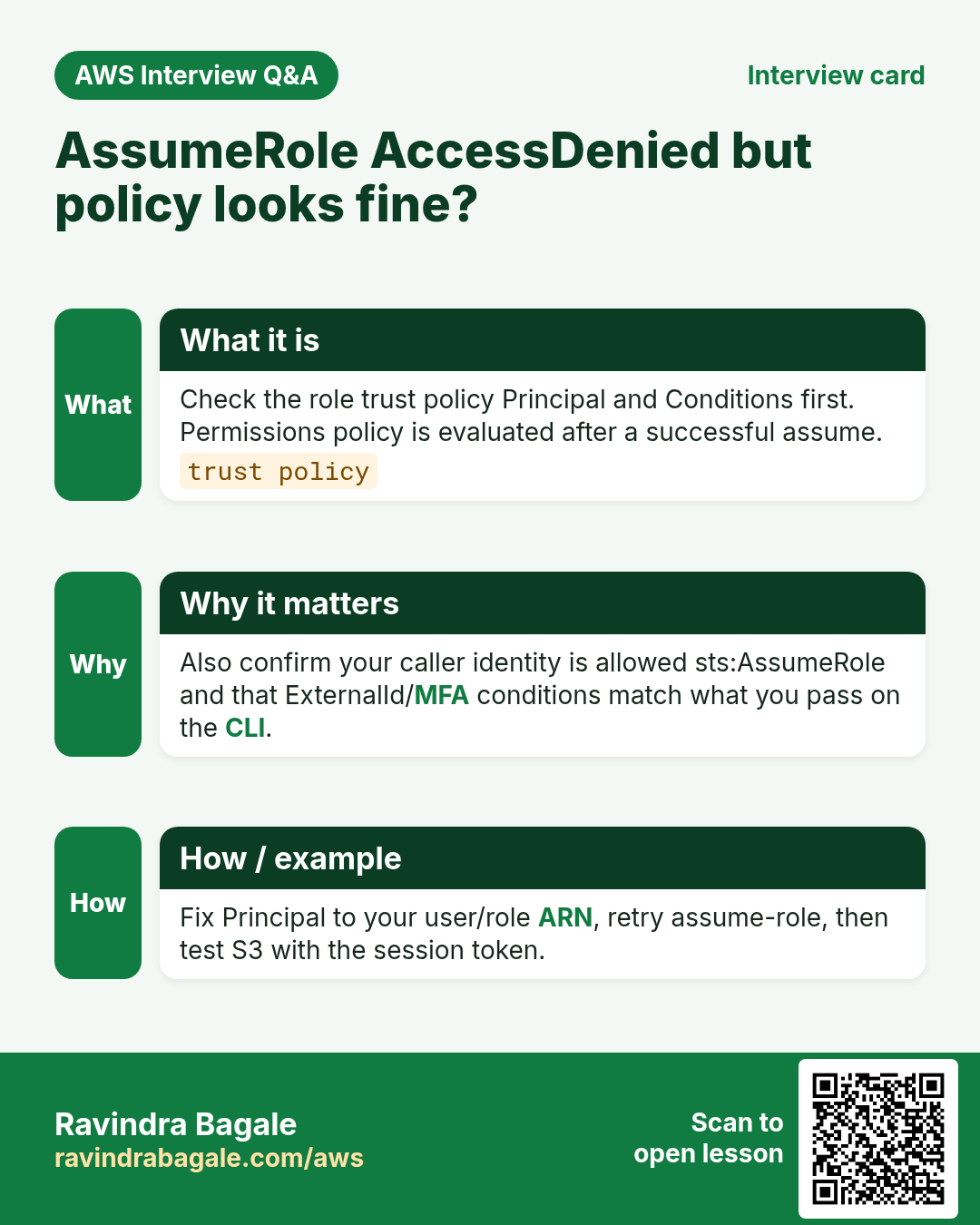
Interview: AssumeRole AccessDenied but policy looks fine?
Read card text
What this card says
What it is
Check the role trust policy Principal and Conditions first. Permissions policy is evaluated after a successful assume. trust policy
Why it matters
Also confirm your caller identity is allowed sts:AssumeRole and that ExternalId/MFA conditions match what you pass on the CLI.
How / example
Fix Principal to your user/role ARN, retry assume-role, then test S3 with the session token.
What is IAM Identity Center (SSO)
Why this matters
Flipkart staff do not carry a separate metal key for every warehouse — one badge opens the doors their job needs. Creating an IAM user per person per account does not scale, and it leaves long-lived access keys behind.
What it is
IAM Identity Center (the successor to AWS SSO) gives workforce users one portal into one or many AWS accounts. Each portal tile is a permission set assigned to an account. A permission set is a reusable policy pack; when you assign it, it materializes as an IAM role, and a click starts a temporary STS session. An assignment needs a user or group, a permission set, and a target account — otherwise no tile appears. Prefer Identity Center for humans. Keep IAM users only for break-glass or legacy tools that cannot use SSO. Compute still uses IAM roles, not Identity Center.
How it works — a real example
Suppose a new hire gets one Identity Center user in the Developers group, with PowerUser on the dev account and ReadOnly on prod — not two IAM users with keys. After sign-in, the portal shows those tiles; each click starts an STS session as the generated role. The names are made up for learning.
Common mistake / exam tip
A permission set is not the same as an IAM group policy alone. If you create a ReadOnlyAccess permission set but never assign it to an account and a group, the portal will have no tile. Compute services still need IAM roles; do not try to “log EC2 in” through Identity Center.
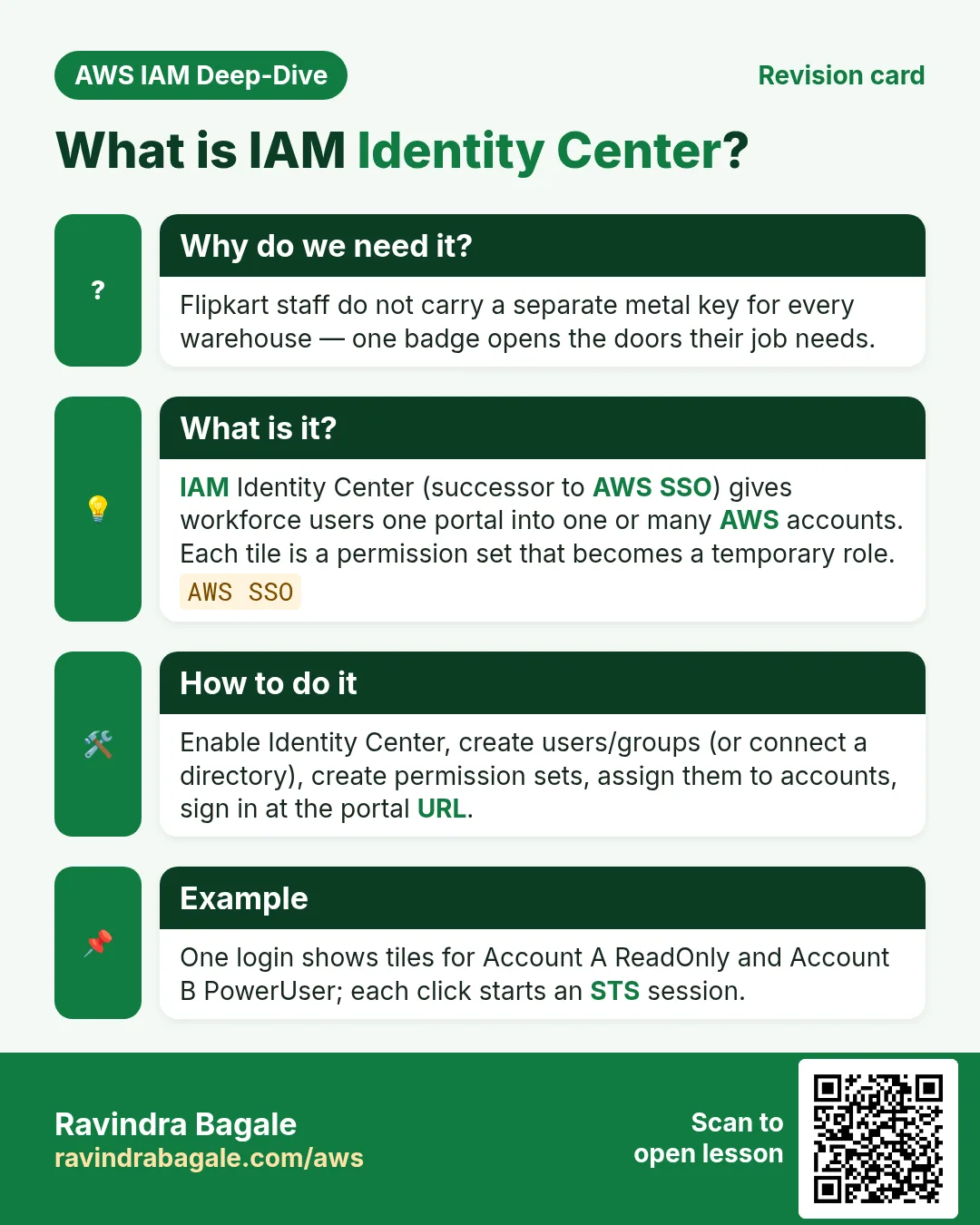
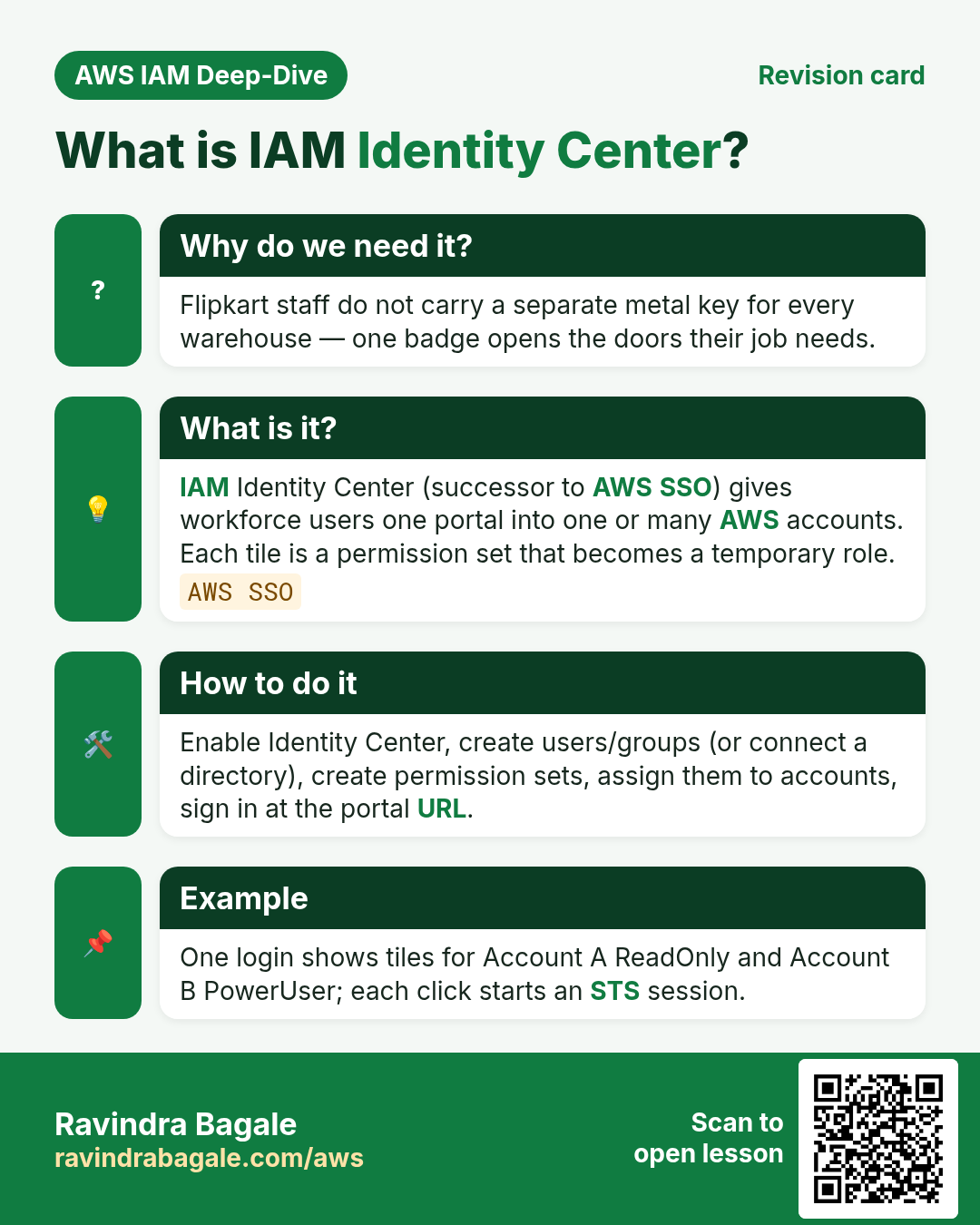
What is IAM Identity Center?
Read card text
What this card says
Why do we need it?
Flipkart staff do not carry a separate metal key for every warehouse — one badge opens the doors their job needs.
What is it?
IAM Identity Center (successor to AWS SSO) gives workforce users one portal into one or many AWS accounts. Each tile is a permission set that becomes a temporary role. AWS SSO
How to do it
Enable Identity Center, create users/groups (or connect a directory), create permission sets, assign them to accounts, sign in at the portal URL.
Example
One login shows tiles for Account A ReadOnly and Account B PowerUser; each click starts an STS session.
Portal, permission set, assignment
Read card text
What this card says
Why do we need it?
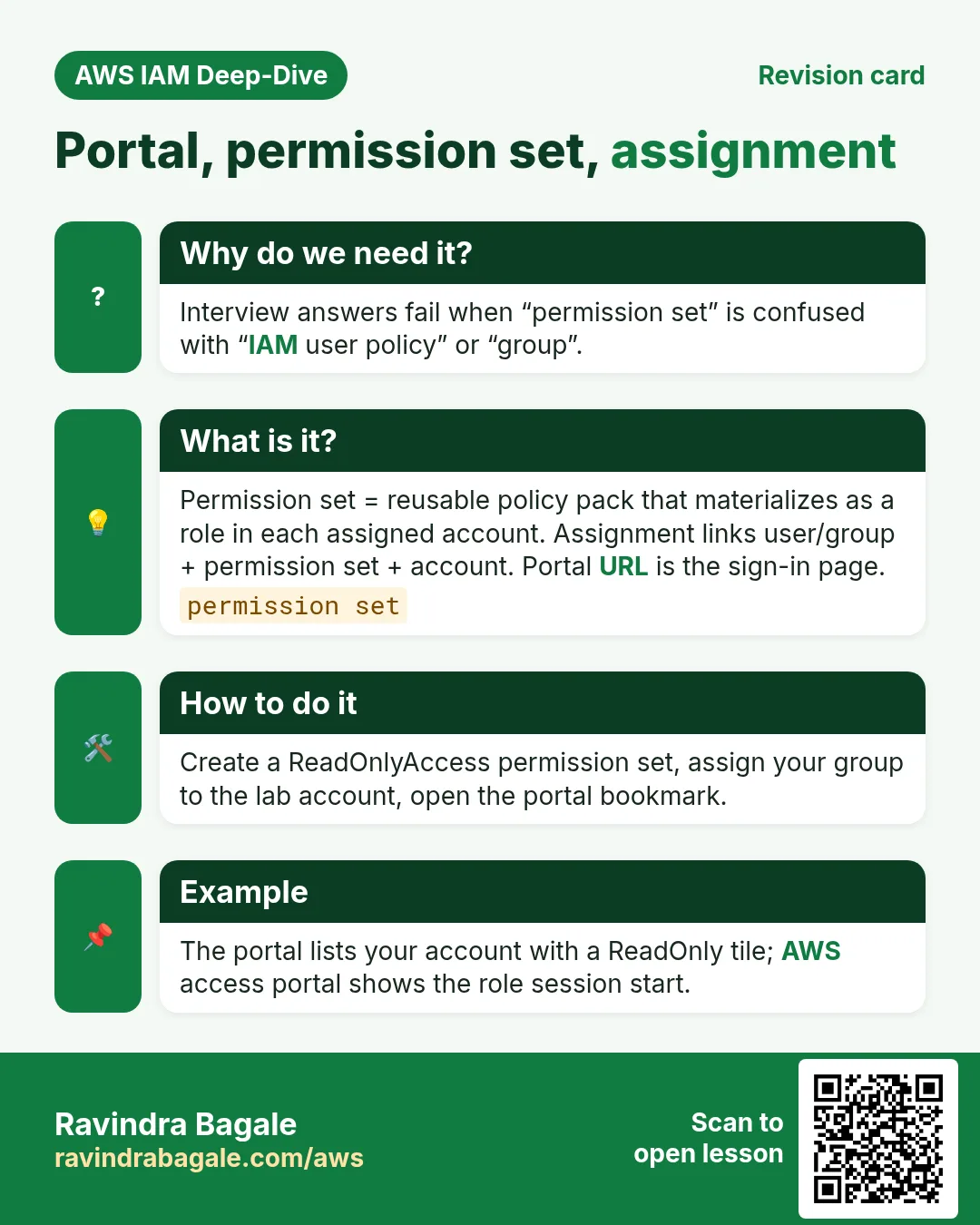
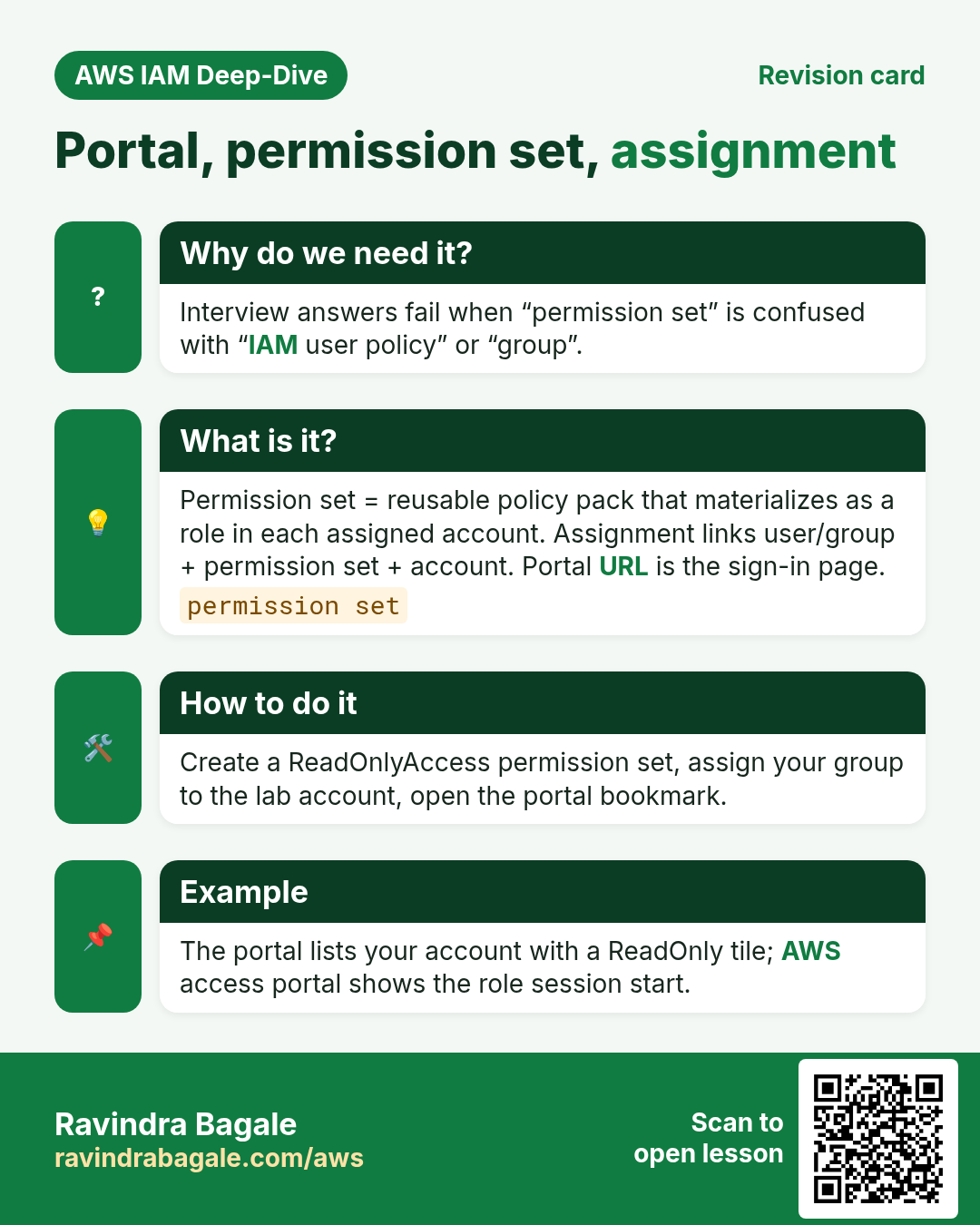
Interview answers fail when “permission set” is confused with “IAM user policy” or “group”.
What is it?
Permission set = reusable policy pack that materializes as a role in each assigned account. Assignment links user/group + permission set + account. Portal URL is the sign-in page. permission set
How to do it
Create a ReadOnlyAccess permission set, assign your group to the lab account, open the portal bookmark.
Example
The portal lists your account with a ReadOnly tile; AWS access portal shows the role session start.
Identity Center vs IAM users
Read card text
What this card says
Why do we need it?
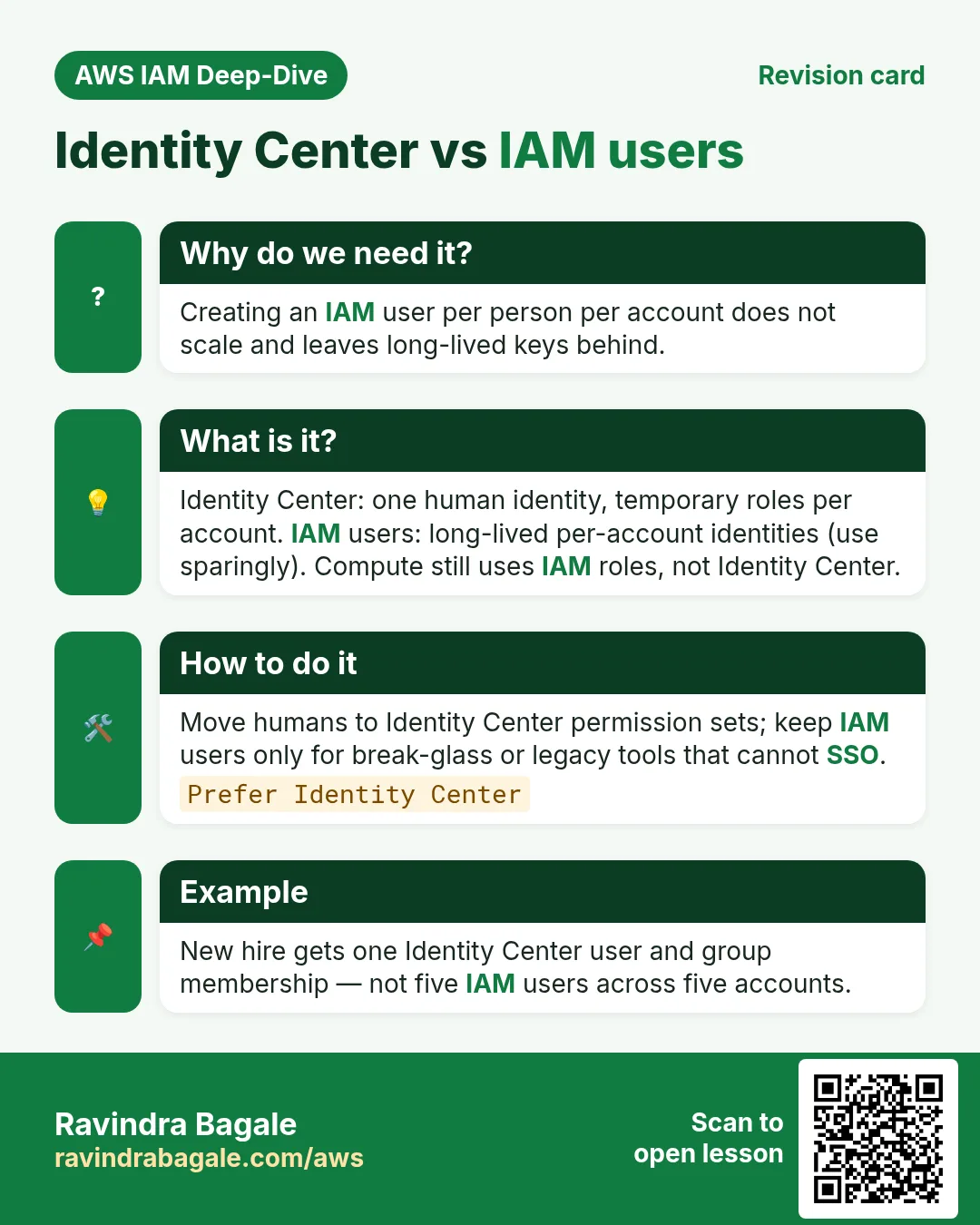
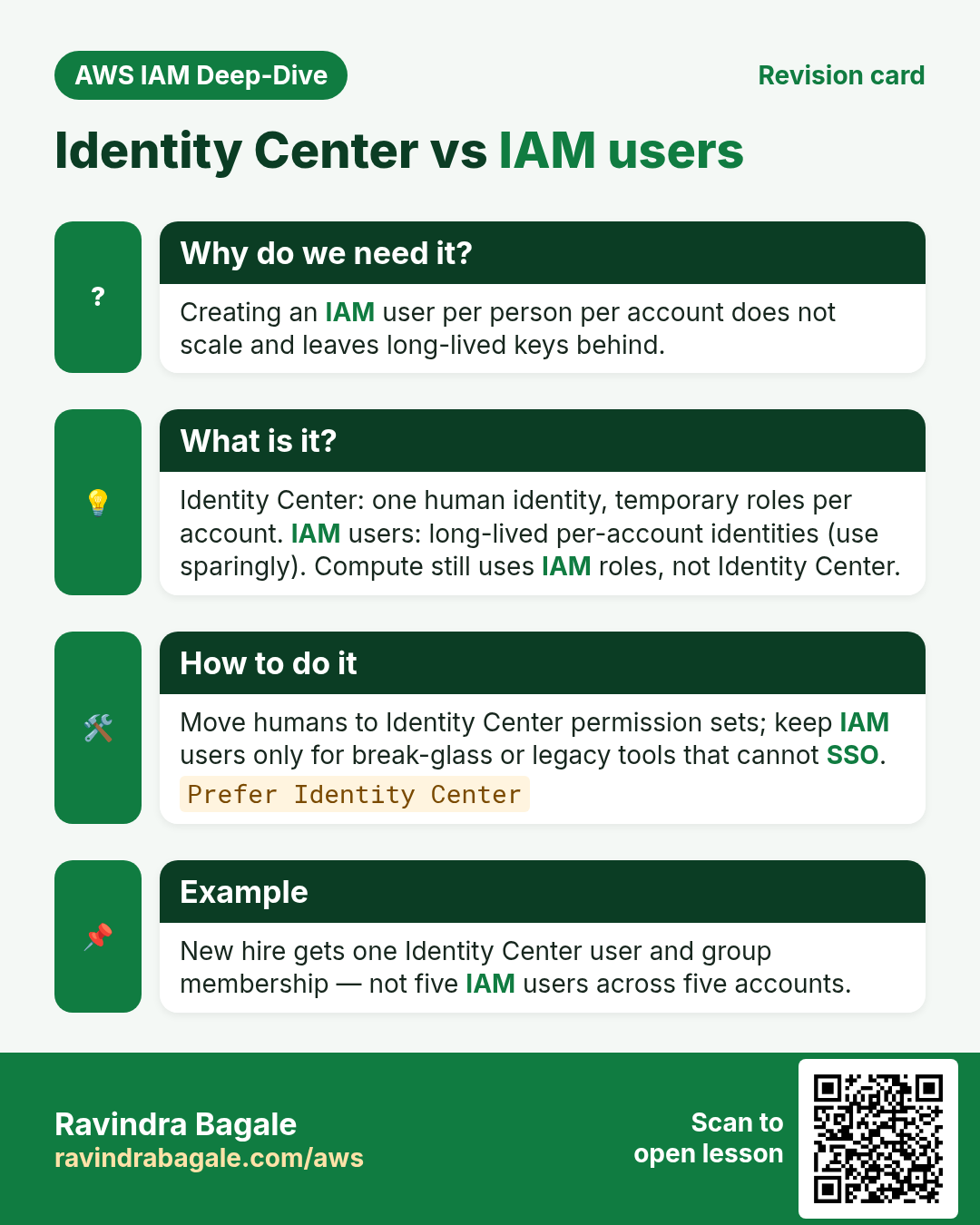
Creating an IAM user per person per account does not scale and leaves long-lived keys behind.
What is it?
Identity Center: one human identity, temporary roles per account. IAM users: long-lived per-account identities (use sparingly). Compute still uses IAM roles, not Identity Center.
How to do it
Move humans to Identity Center permission sets; keep IAM users only for break-glass or legacy tools that cannot SSO. Prefer Identity Center
Example
New hire gets one Identity Center user and group membership — not five IAM users across five accounts.
Comparison: Workforce access
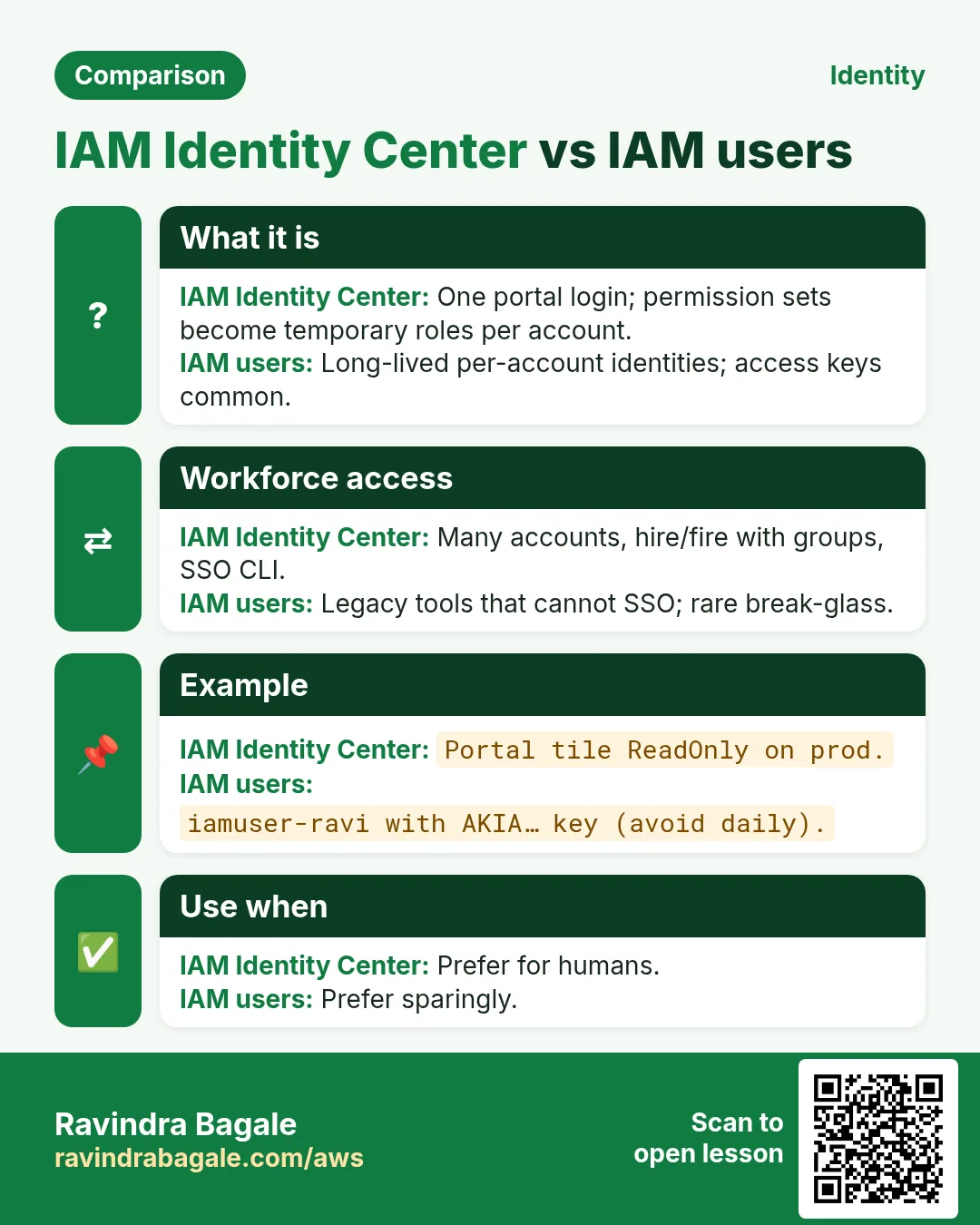
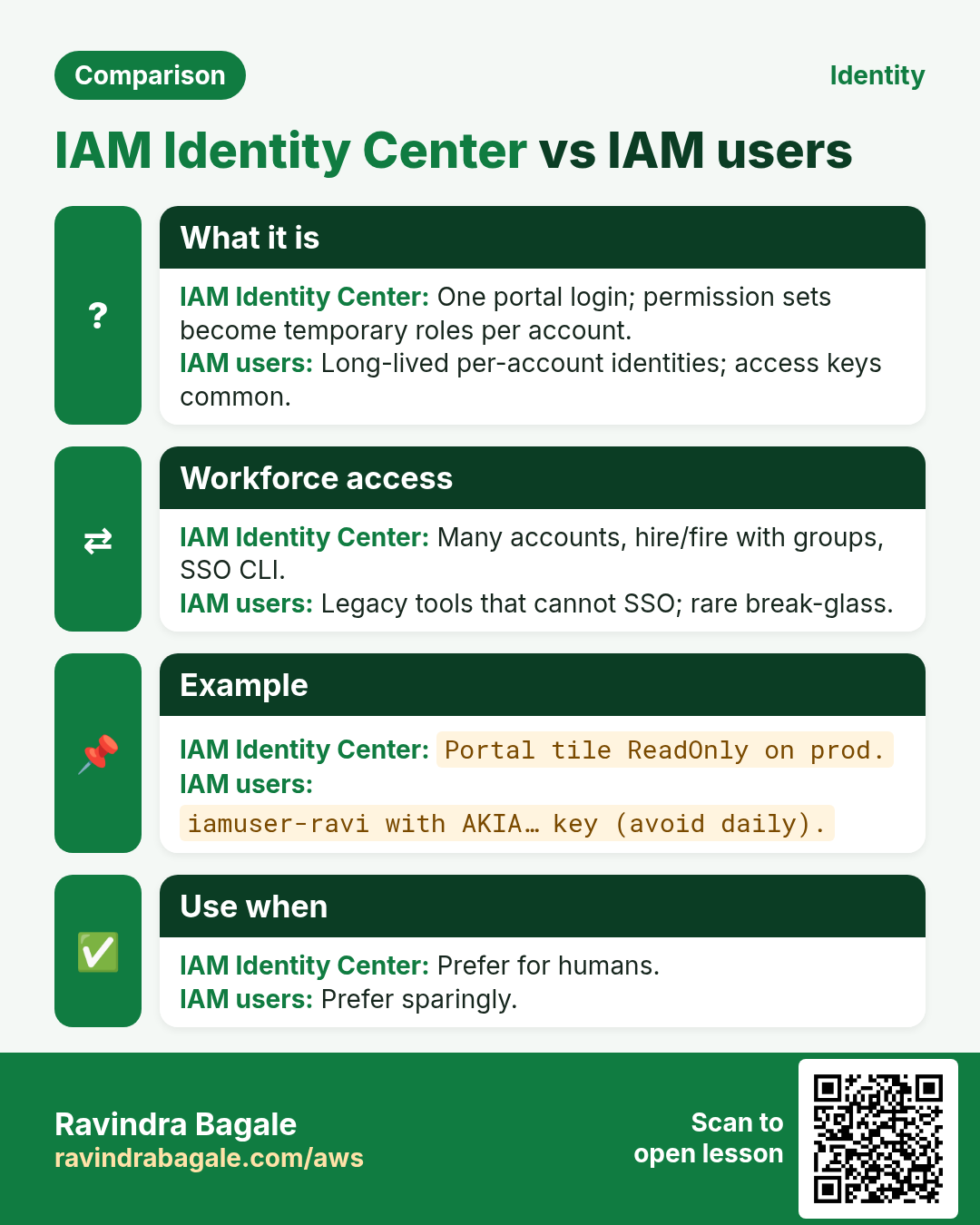
Read card text
What this card says
IAM Identity Center
One portal login; permission sets become temporary roles per account.
IAM users
Long-lived per-account identities; access keys common.
Key points
Many accounts, hire/fire with groups, SSO CLI. Legacy tools that cannot SSO; rare break-glass.
Example
Portal tile ReadOnly on prod.
Use when
Prefer for humans. Prefer sparingly.
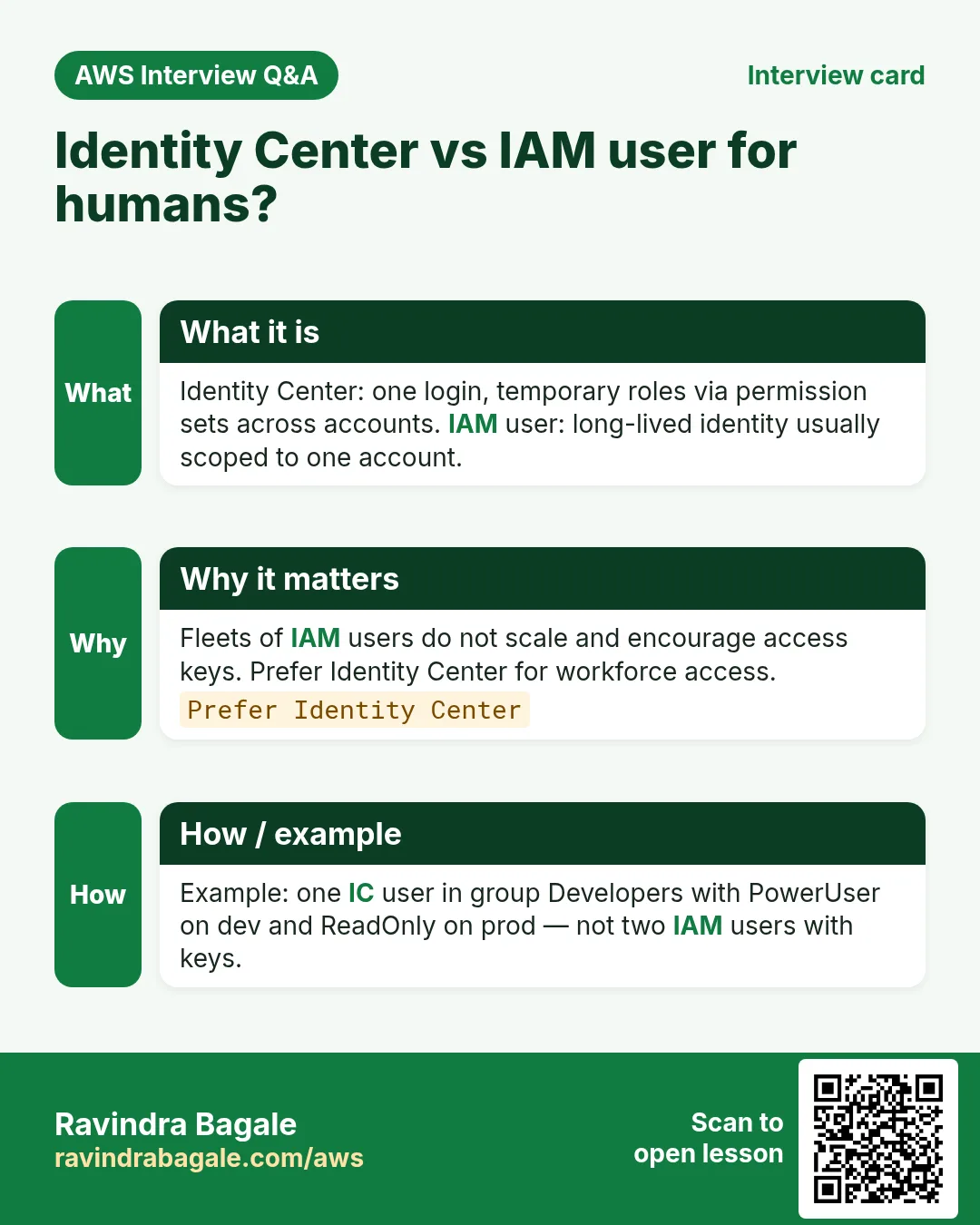
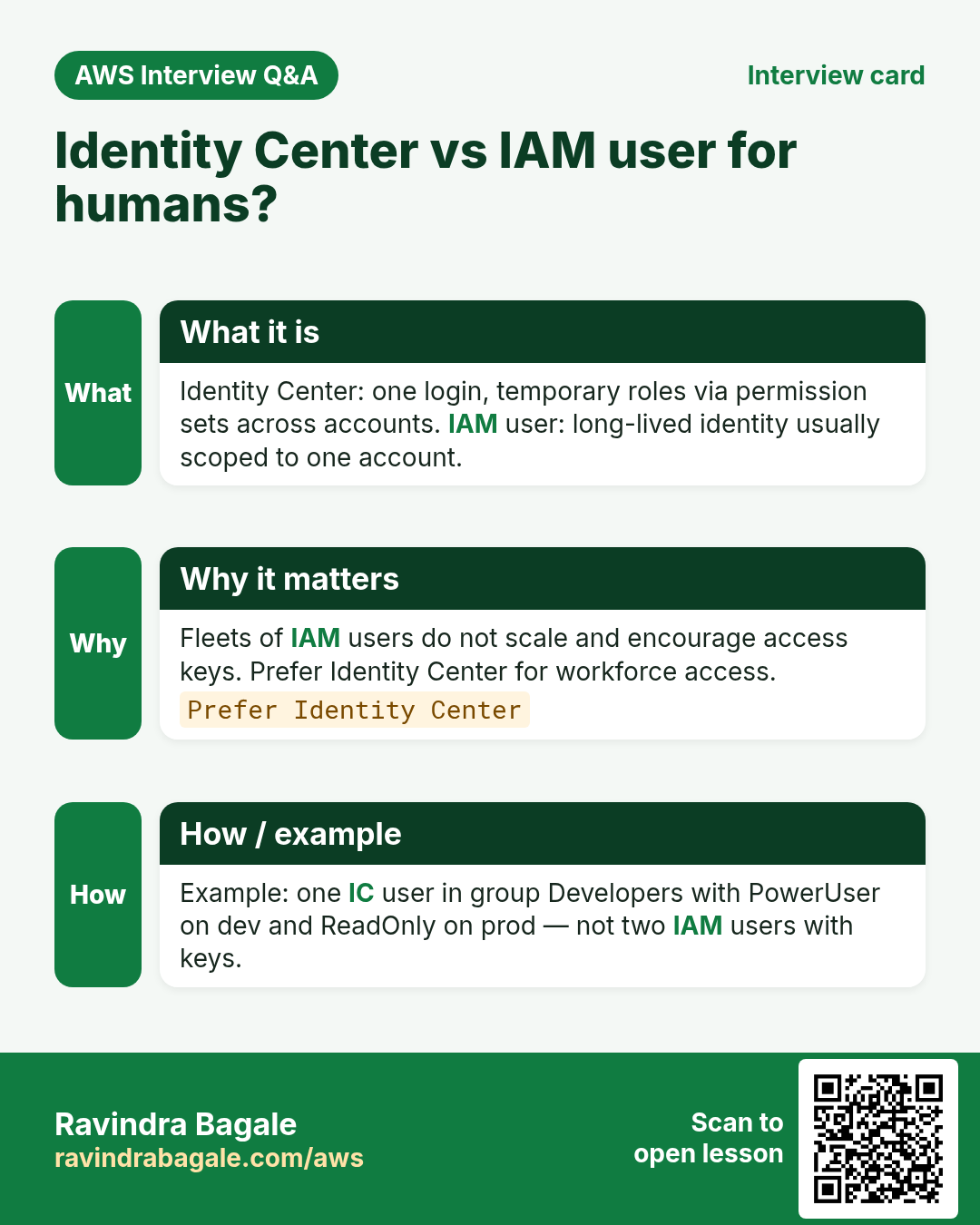
Interview: Identity Center vs IAM user for humans?
Read card text
What this card says
What it is
Identity Center: one login, temporary roles via permission sets across accounts. IAM user: long-lived identity usually scoped to one account.
Why it matters
Fleets of IAM users do not scale and encourage access keys. Prefer Identity Center for workforce access. Prefer Identity Center
How / example
Example: one IC user in group Developers with PowerUser on dev and ReadOnly on prod — not two IAM users with keys.
Interview: What is a permission set?
Read card text
What this card says
What it is
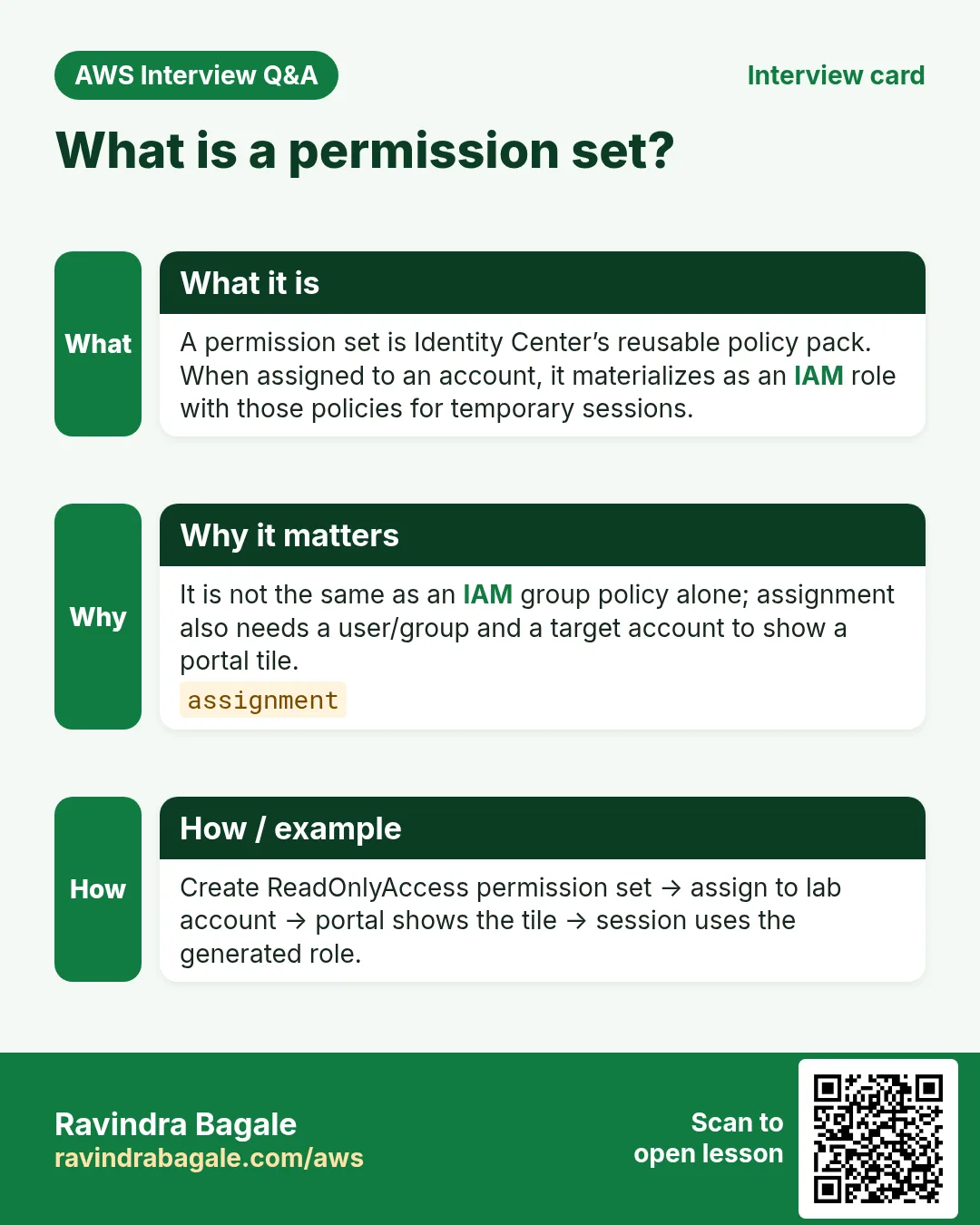
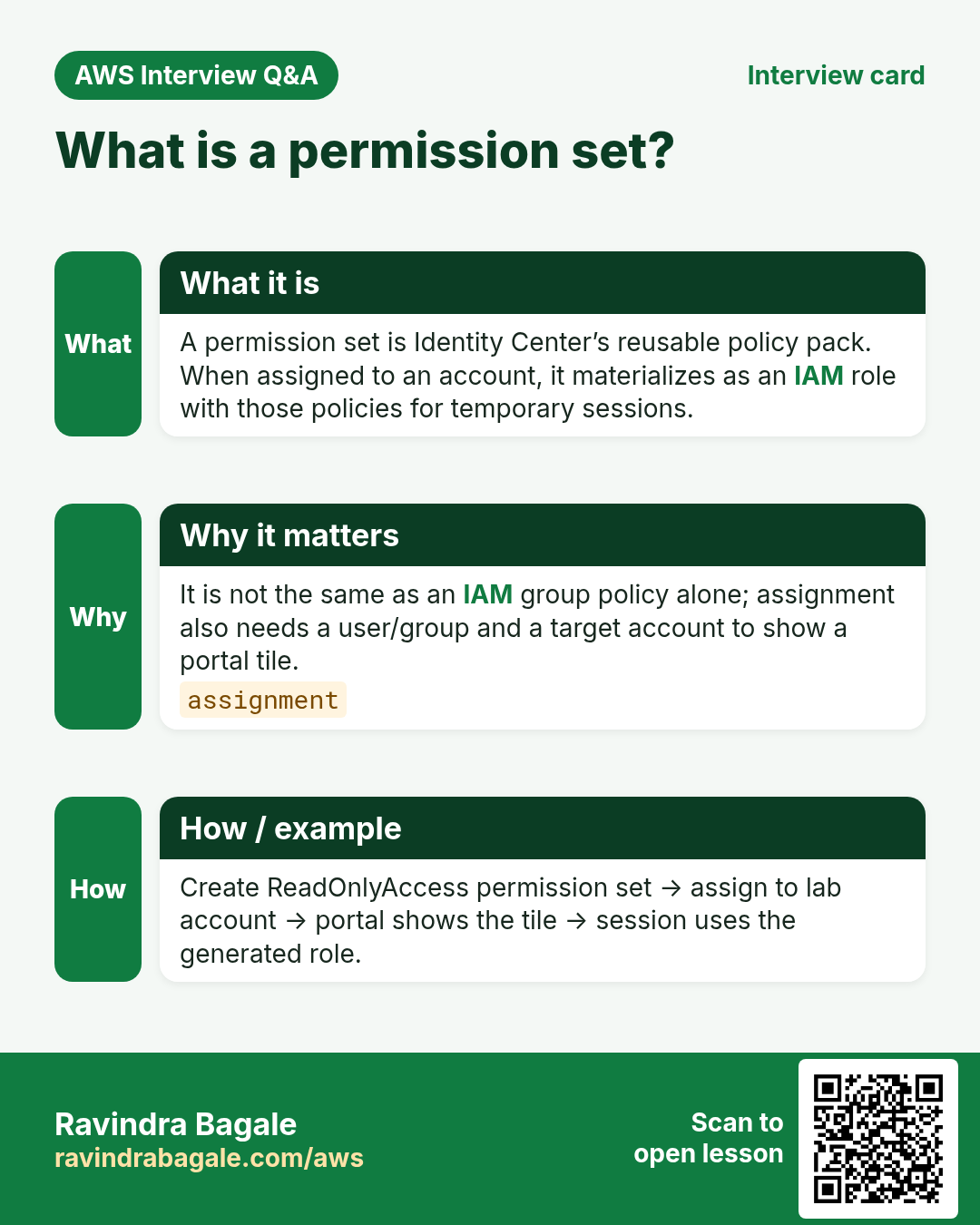
A permission set is Identity Center’s reusable policy pack. When assigned to an account, it materializes as an IAM role with those policies for temporary sessions.
Why it matters
It is not the same as an IAM group policy alone; assignment also needs a user/group and a target account to show a portal tile. assignment
How / example
Create ReadOnlyAccess permission set → assign to lab account → portal shows the tile → session uses the generated role.
Set up IAM Identity Center, step by step
Why this matters
Students sometimes search for “SSO” in the wrong Region or account and think the product is missing. Pasting portal cookies into the CLI is also not the supported path.
What it is
Enable IAM Identity Center in the organisation’s chosen Region (often the management account) and save the AWS access portal URL. Create a user and group, create a ReadOnly permission set first (least privilege while you learn), and assign the group plus the set to the lab account. For the CLI, run aws configure sso once (start URL, region, account, role), then aws sso login to cache temporary credentials via STS. That command does not create a new long-lived access key.
How it works — a real example
Suppose you enable Identity Center, copy the portal URL, assign a ReadOnlyAccess permission set to your group and lab account, then sign in. The lab account shows a ReadOnly tile. On the CLI, aws sso login and aws sts get-caller-identity --profile your-sso-profile show the permission-set role ARN. The names are made up for learning.
Common mistake / exam tip
Start with ReadOnly. AdministratorAccess for everyone turns a click mistake into an outage. Broad admin belongs on break-glass only. If CLI calls with an SSO profile fail, you usually need aws sso login again because no fresh session is cached.
Enable Identity Center lab path
Read card text
What this card says
Why do we need it?
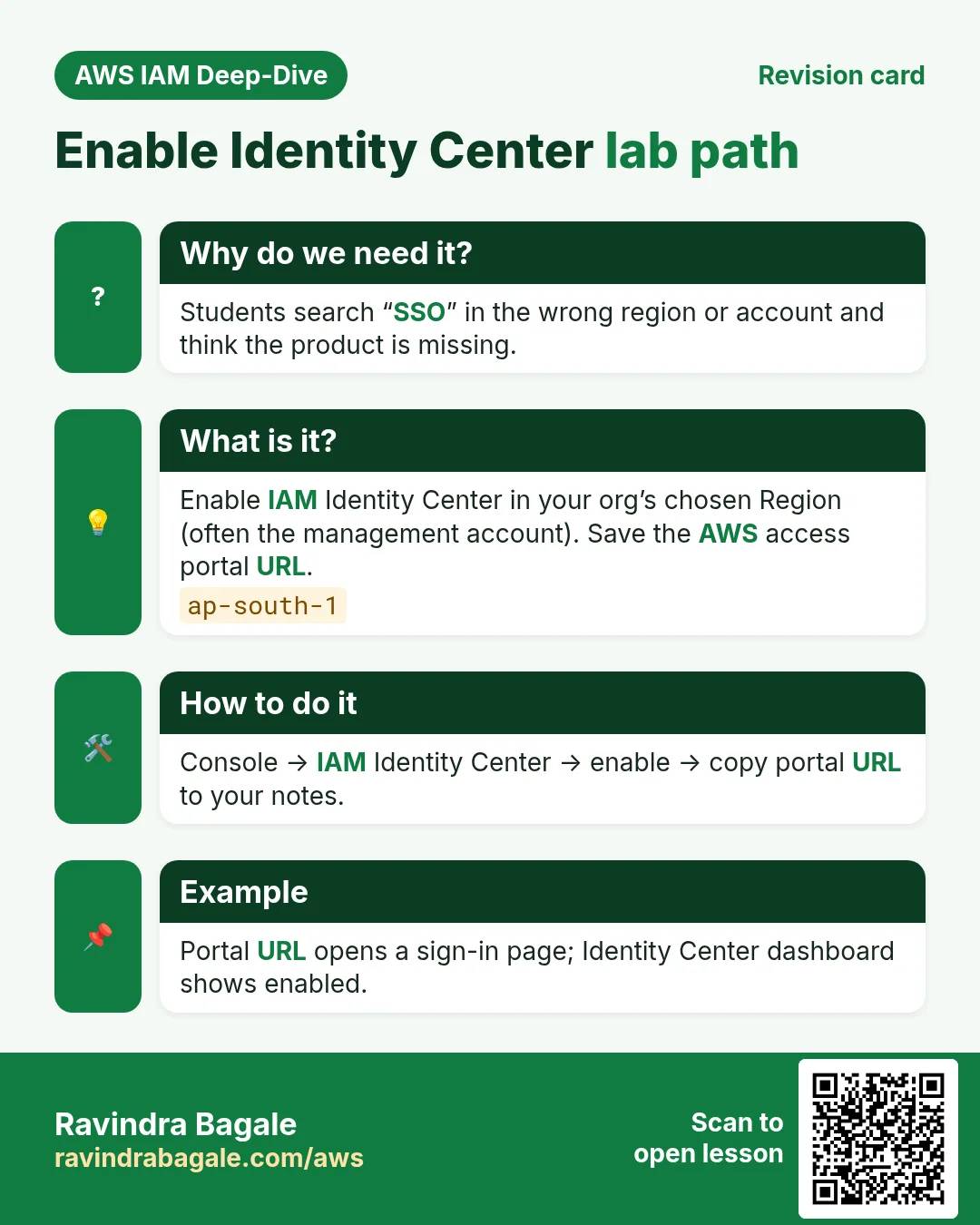
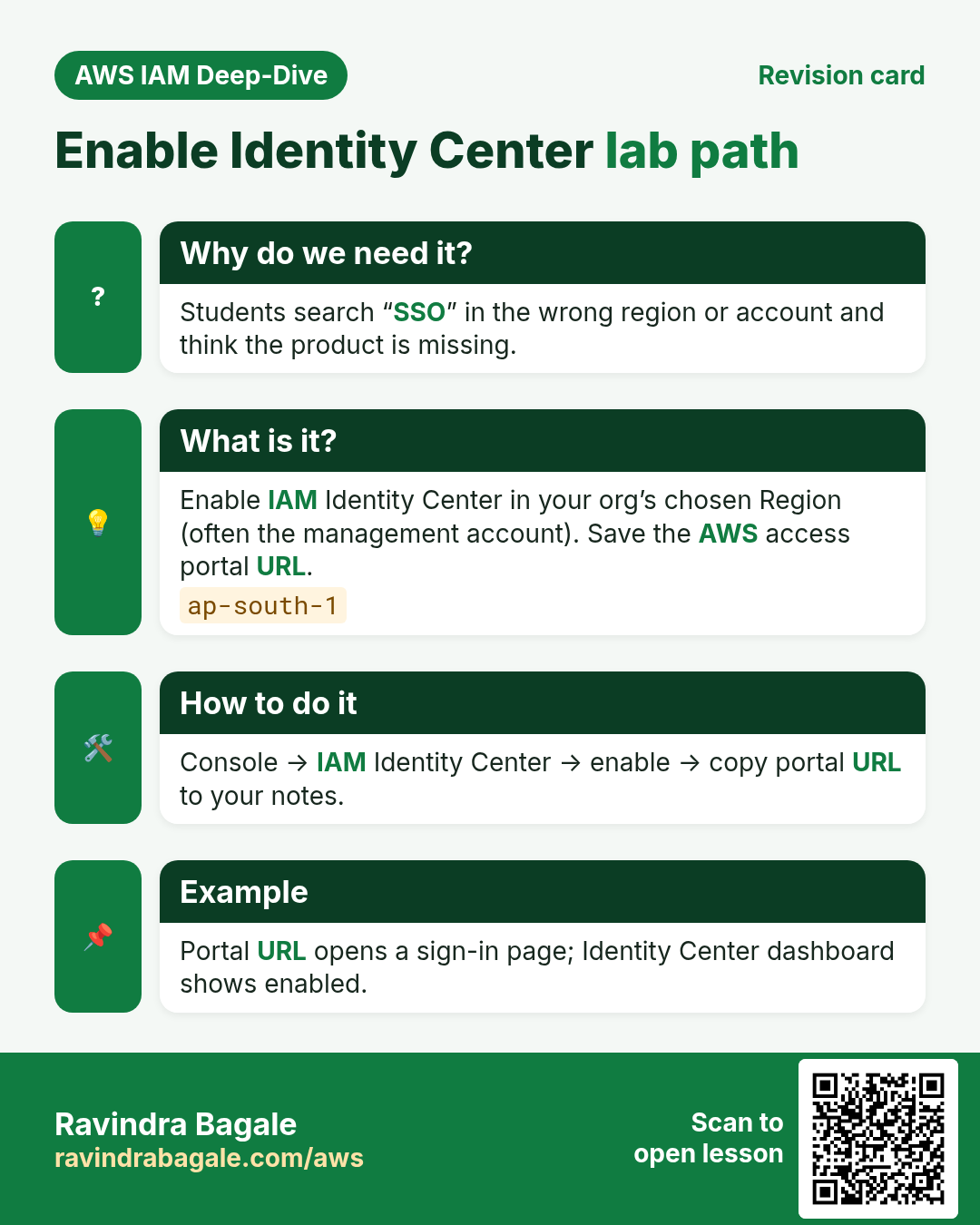
Students search “SSO” in the wrong region or account and think the product is missing.
What is it?
Enable IAM Identity Center in your org’s chosen Region (often the management account). Save the AWS access portal URL. ap-south-1
How to do it
Console → IAM Identity Center → enable → copy portal URL to your notes.
Example
Portal URL opens a sign-in page; Identity Center dashboard shows enabled.
User, permission set, assign
Read card text
What this card says
Why do we need it?
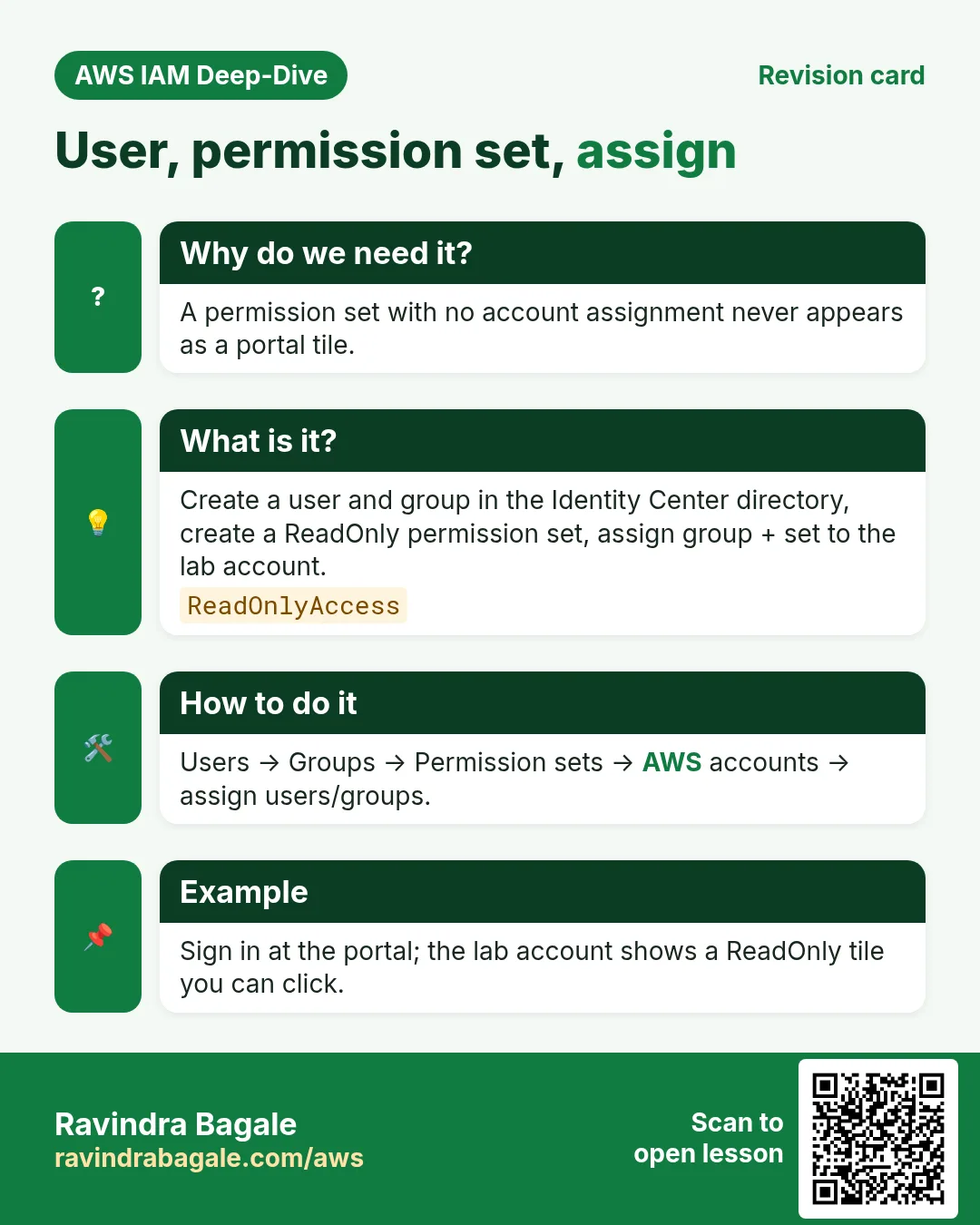
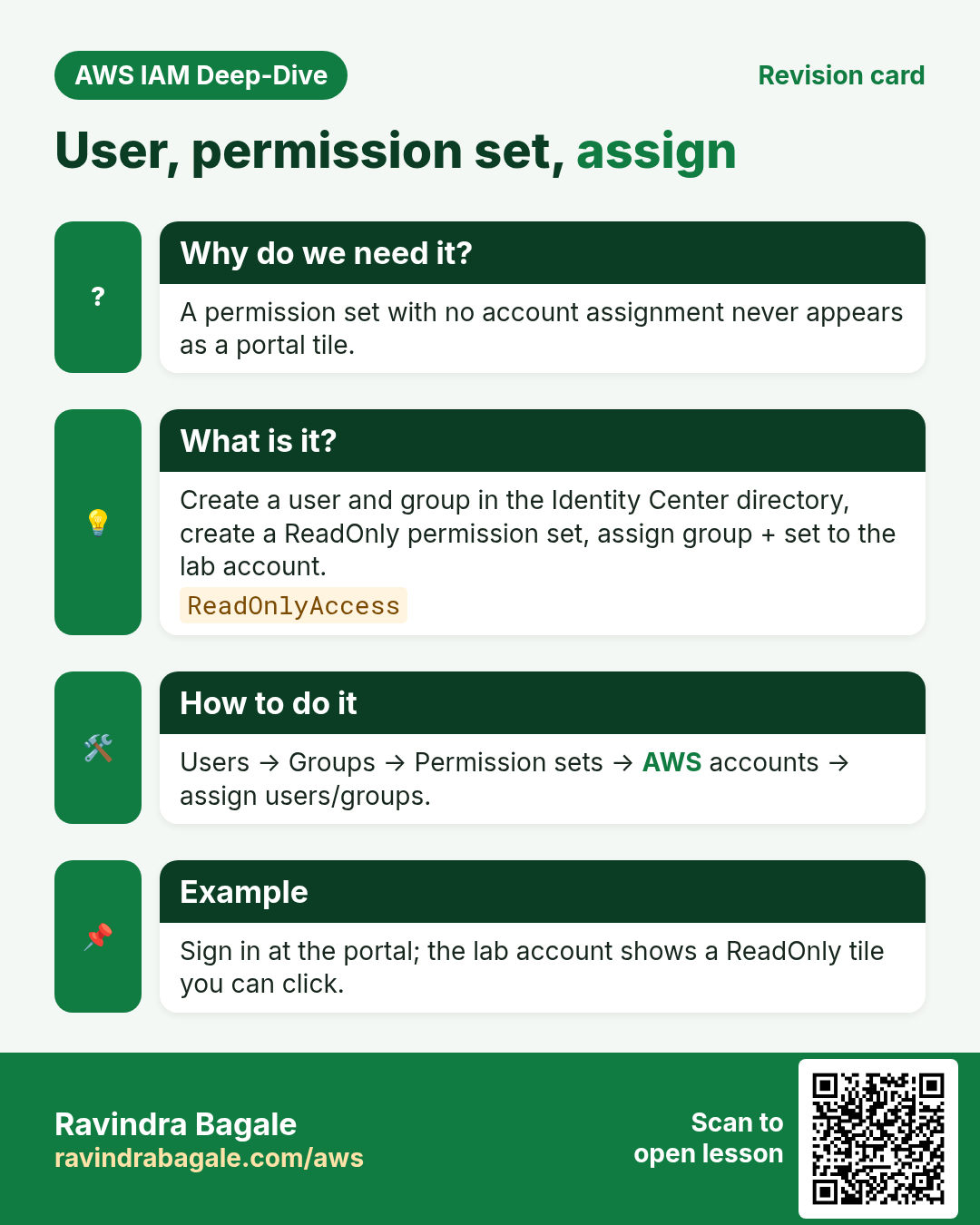
A permission set with no account assignment never appears as a portal tile.
What is it?
Create a user and group in the Identity Center directory, create a ReadOnly permission set, assign group + set to the lab account. ReadOnlyAccess
How to do it
Users → Groups → Permission sets → AWS accounts → assign users/groups.
Example
Sign in at the portal; the lab account shows a ReadOnly tile you can click.
CLI with aws sso login
Read card text
What this card says
Why do we need it?
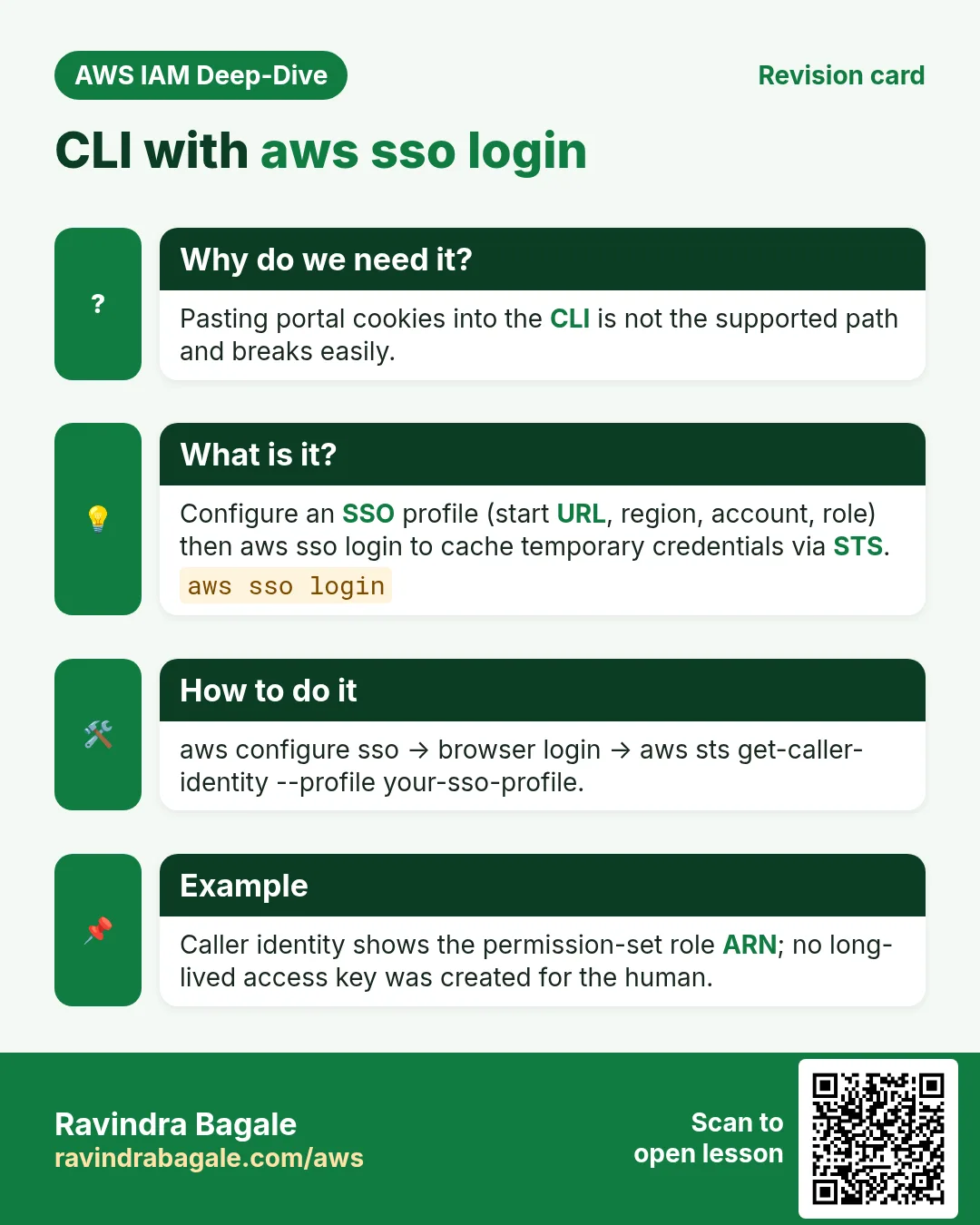
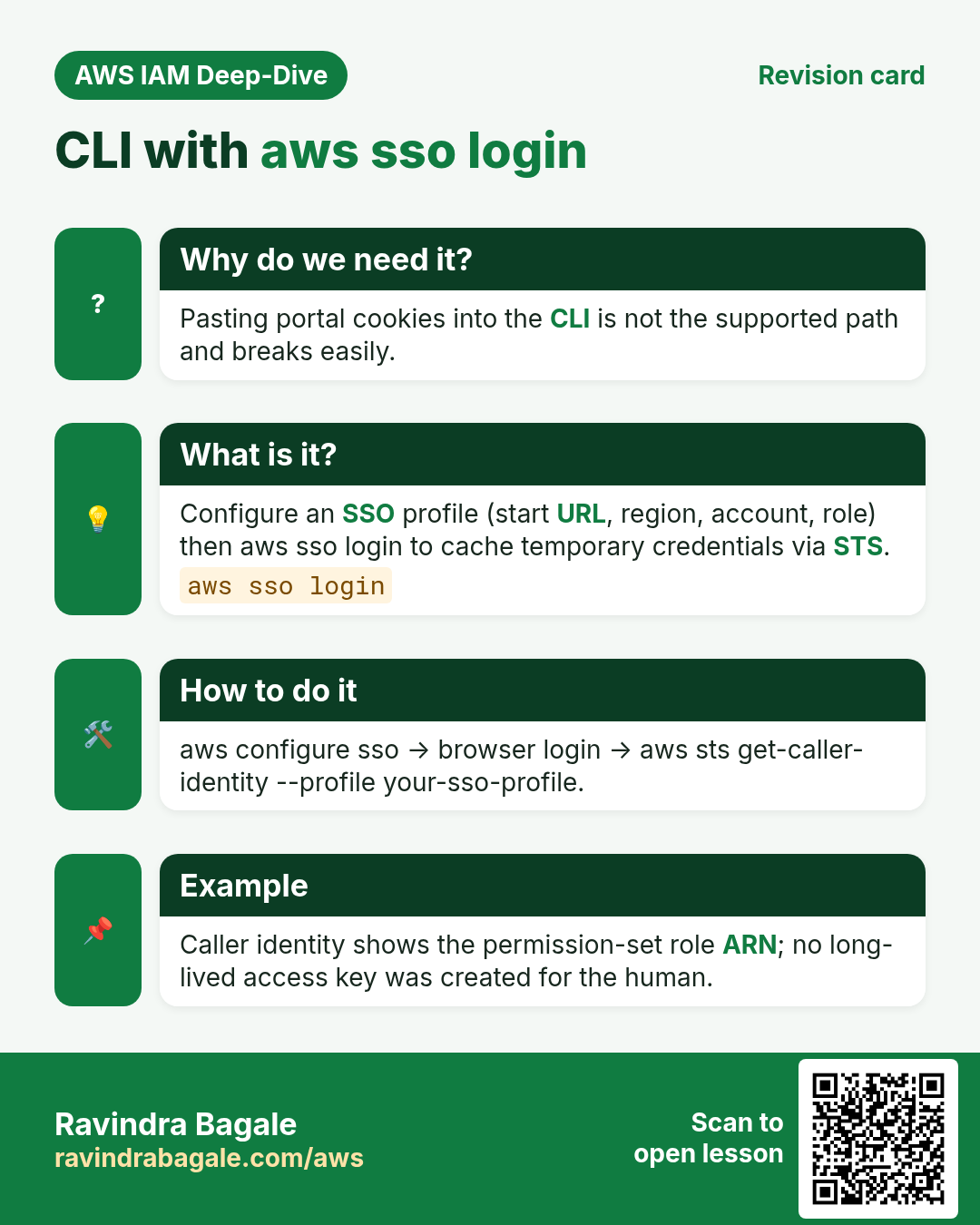
Pasting portal cookies into the CLI is not the supported path and breaks easily.
What is it?
Configure an SSO profile (start URL, region, account, role) then aws sso login to cache temporary credentials via STS. aws sso login
How to do it
aws configure sso → browser login → aws sts get-caller-identity --profile your-sso-profile.
Example
Caller identity shows the permission-set role ARN; no long-lived access key was created for the human.
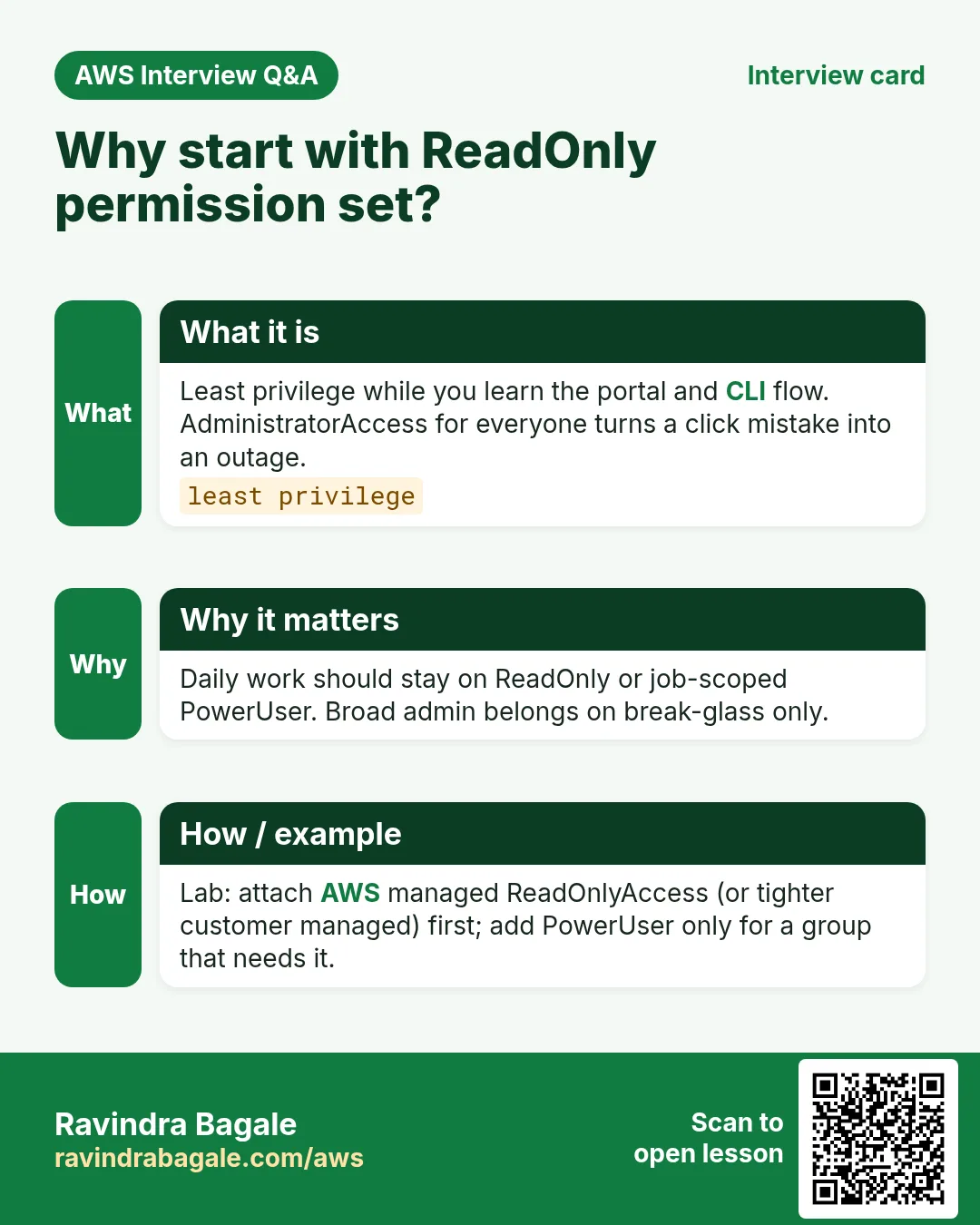
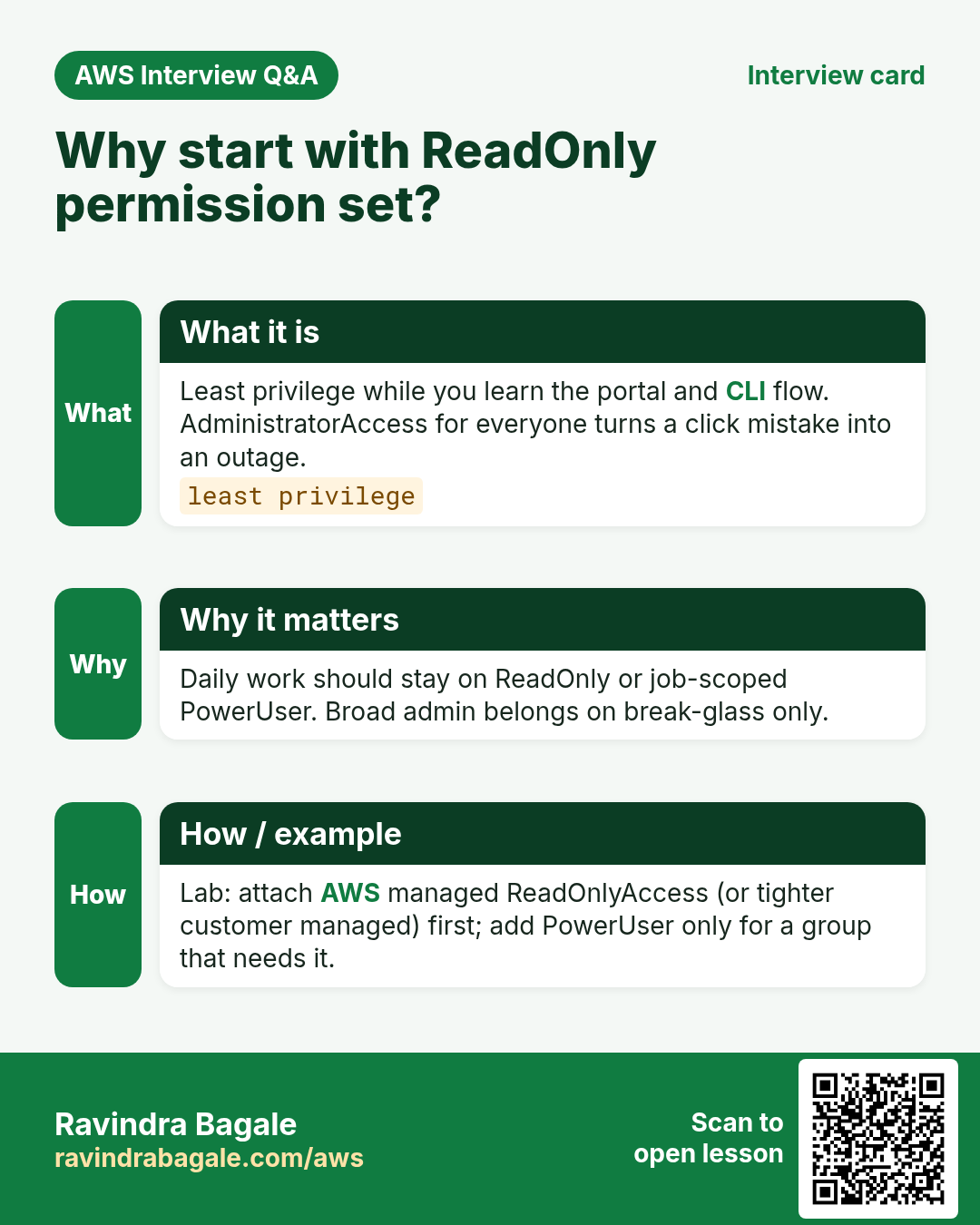
Interview: Why start with ReadOnly permission set?
Read card text
What this card says
What it is
Least privilege while you learn the portal and CLI flow. AdministratorAccess for everyone turns a click mistake into an outage. least privilege
Why it matters
Daily work should stay on ReadOnly or job-scoped PowerUser. Broad admin belongs on break-glass only.
How / example
Lab: attach AWS managed ReadOnlyAccess (or tighter customer managed) first; add PowerUser only for a group that needs it.
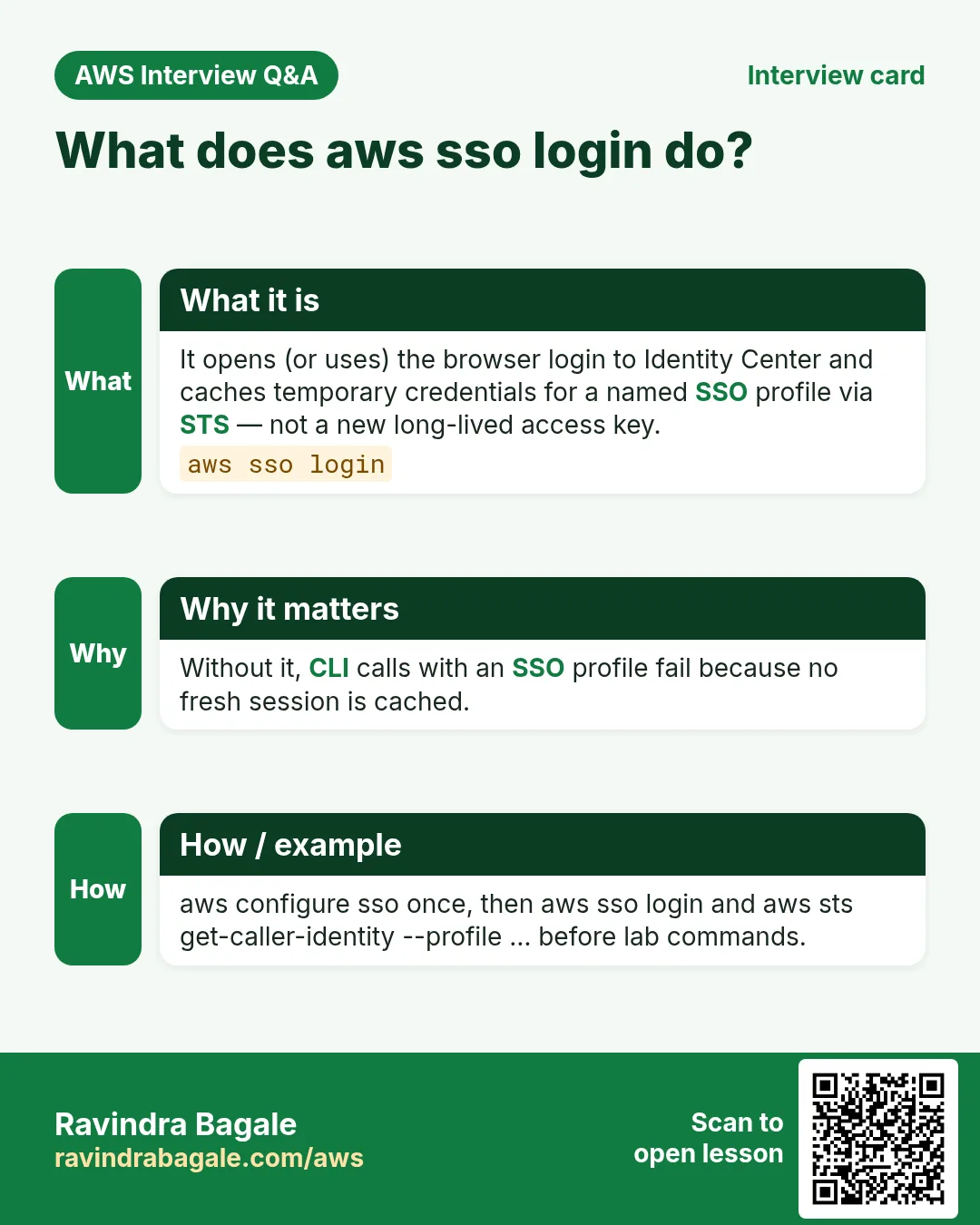
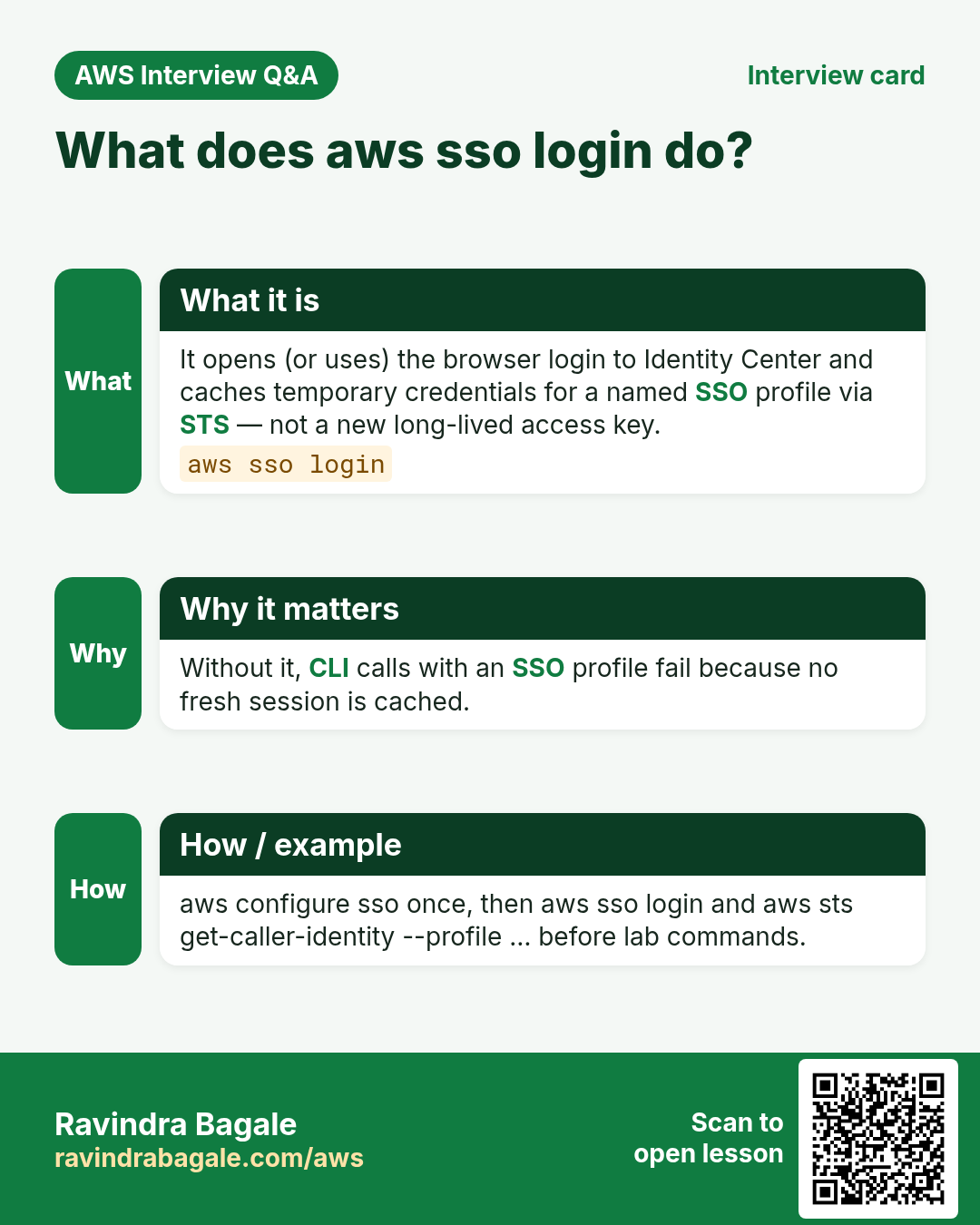
Interview: What does aws sso login do?
Read card text
What this card says
What it is
It opens (or uses) the browser login to Identity Center and caches temporary credentials for a named SSO profile via STS — not a new long-lived access key. aws sso login
Why it matters
Without it, CLI calls with an SSO profile fail because no fresh session is cached.
How / example
aws configure sso once, then aws sso login and aws sts get-caller-identity --profile … before lab commands.
FAQ
What does AWS STS AssumeRole return?
AccessKeyId, SecretAccessKey, SessionToken, and Expiration. All three secret values must be used together until Expiration. After that, call AssumeRole again.
Why do API calls fail if I export only the access key and secret?
STS sessions also need SessionToken. Without it, calls often fail with InvalidClientTokenId even if the key and secret look valid.
What is the difference between AssumeRole and GetSessionToken?
AssumeRole switches you into a role (a different identity) and needs a matching trust policy. Get usually stays the same IAM user, often after MFA, and does not need a role trust policy.SessionToken
Why set RoleSessionName and a short duration?
RoleSessionName appears in CloudTrail, so you can see which lab or person assumed the role. A short DurationSeconds (these labs often use 900, which is 15 minutes) shrinks the leak window. Role max and caller limits still apply.
What is IAM Identity Center?
It is the successor to AWS SSO. Workforce users get one portal into one or many AWS accounts. Each tile is a permission set assigned to an account, and a click starts a temporary STS role session.
What is a permission set?
A reusable policy pack in Identity Center. When you assign it to a user or group and an account, it materializes as an IAM role for temporary sessions. With no account assignment, no portal tile appears.
Should humans still use IAM users?
Prefer Identity Center for workforce access. Keep IAM users only for break-glass or legacy tools that cannot use SSO. Compute still uses IAM roles, not Identity Center.
What does aws sso login do?
It signs you in through the Identity Center browser flow and caches temporary credentials for a named SSO profile via STS. It does not create a long-lived access key. Without a fresh login, CLI calls with that profile fail.
Related lessons
These chapter pages are already on the site (checked live, HTTP 200, on 19 Nov 2026):