Ravi Sir's Cards › AWS
Push an image to ECR
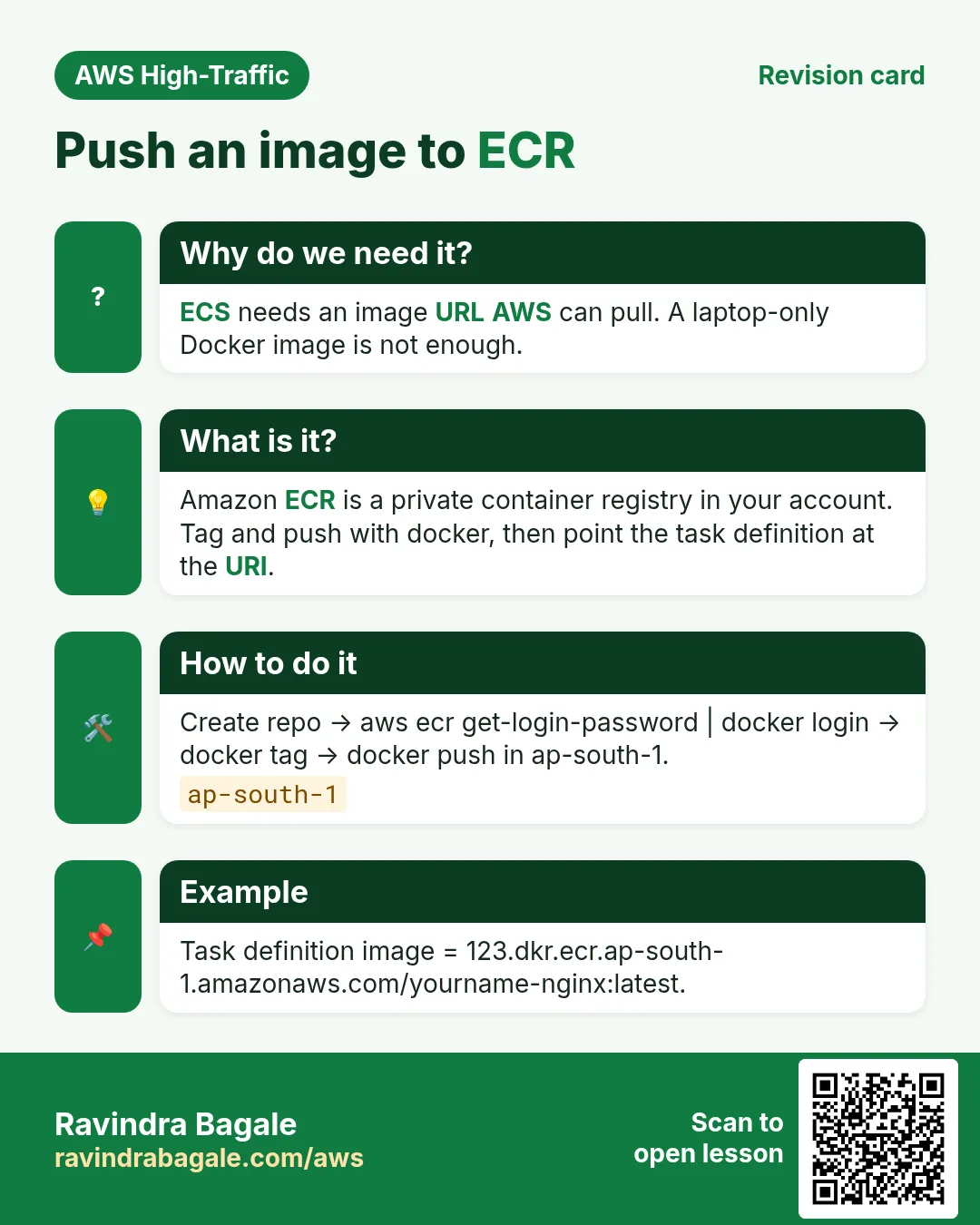
This revision card explains Push an image to ECR. It starts from the need that ECS needs an image URL AWS can pull. A laptop-only Docker image is not enough. It describes amazon ECR is a private container registry in your account. Tag and push with docker, then point the task definition at the URI. The how-to section covers how to create repo , then aws ecr get-login-password | docker login , then docker tag , then docker push in ap-south-1. An example on the card is task definition image = 123.dkr.ecr.ap-south-1.amazonaws.com/yourname-nginx:latest.
Read card text
What this card says
Why do we need it?
ECS needs an image URL AWS can pull. A laptop-only Docker image is not enough.
What is it?
Amazon ECR is a private container registry in your account. Tag and push with docker, then point the task definition at the URI.
How to do it
Create repo → aws ecr get-login-password | docker login → docker tag → docker push in ap-south-1.
ap-south-1
Example
Task definition image = 123.dkr.ecr.ap-south-1.amazonaws.com/yourname-nginx:latest.