Ravi Sir's Cards › AWS
Fargate service click path
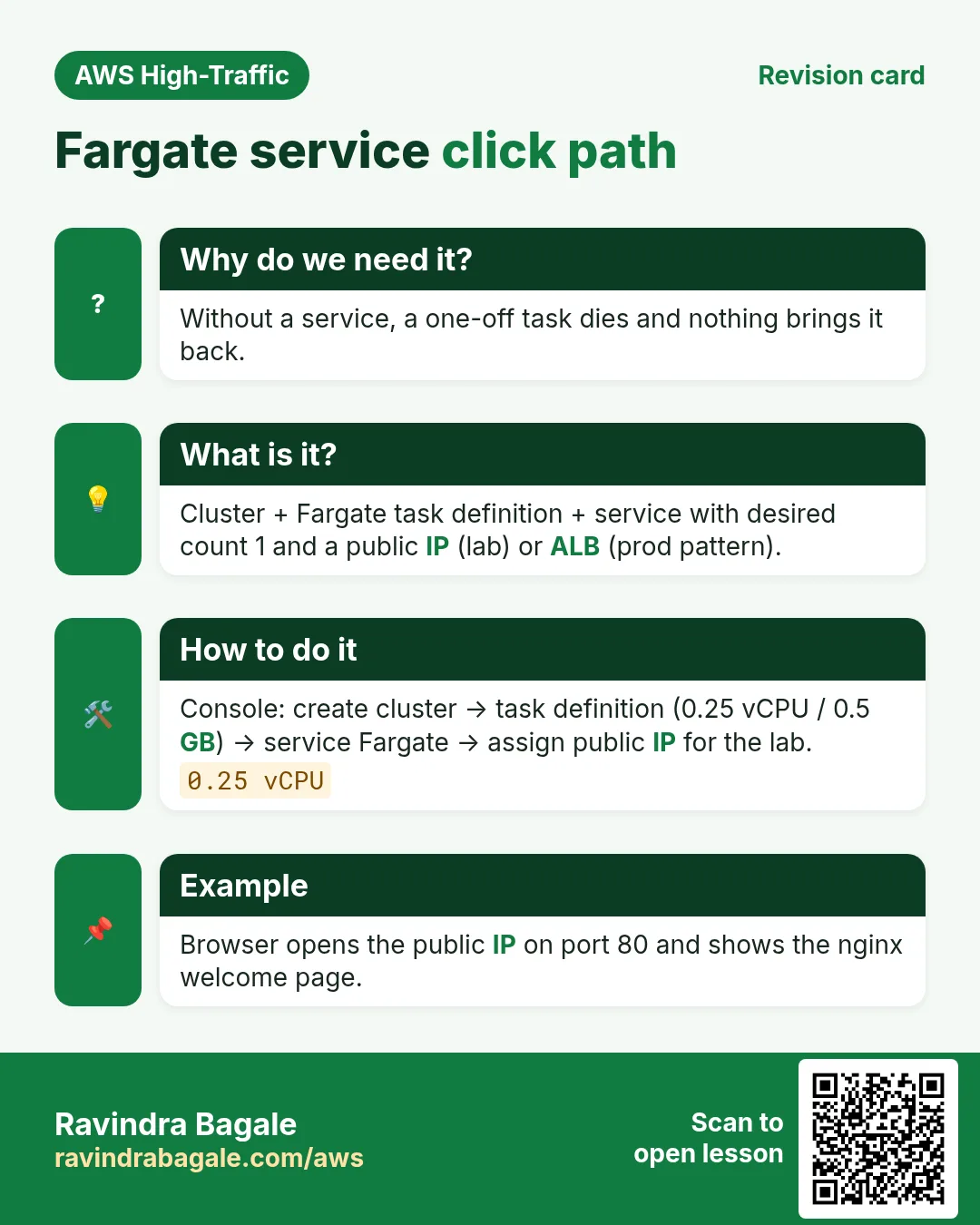
This revision card explains Fargate service click path. It starts from the need that without a service, a one-off task dies and nothing brings it back. It describes cluster + Fargate task definition + service with desired count 1 and a public IP (lab) or ALB (prod pattern). The how-to section notes console — create cluster , then task definition (0.25 vCPU / 0.5 GB) , then service Fargate , then assign public IP for the lab. An example on the card is browser opens the public IP on port 80 and shows the nginx welcome page.
Read card text
What this card says
Why do we need it?
Without a service, a one-off task dies and nothing brings it back.
What is it?
Cluster + Fargate task definition + service with desired count 1 and a public IP (lab) or ALB (prod pattern).
How to do it
Console: create cluster → task definition (0.25 vCPU / 0.5 GB) → service Fargate → assign public IP for the lab.
0.25 vCPU
Example
Browser opens the public IP on port 80 and shows the nginx welcome page.