Ravi Sir's Cards › AWS
Clean up ECS so you stop paying
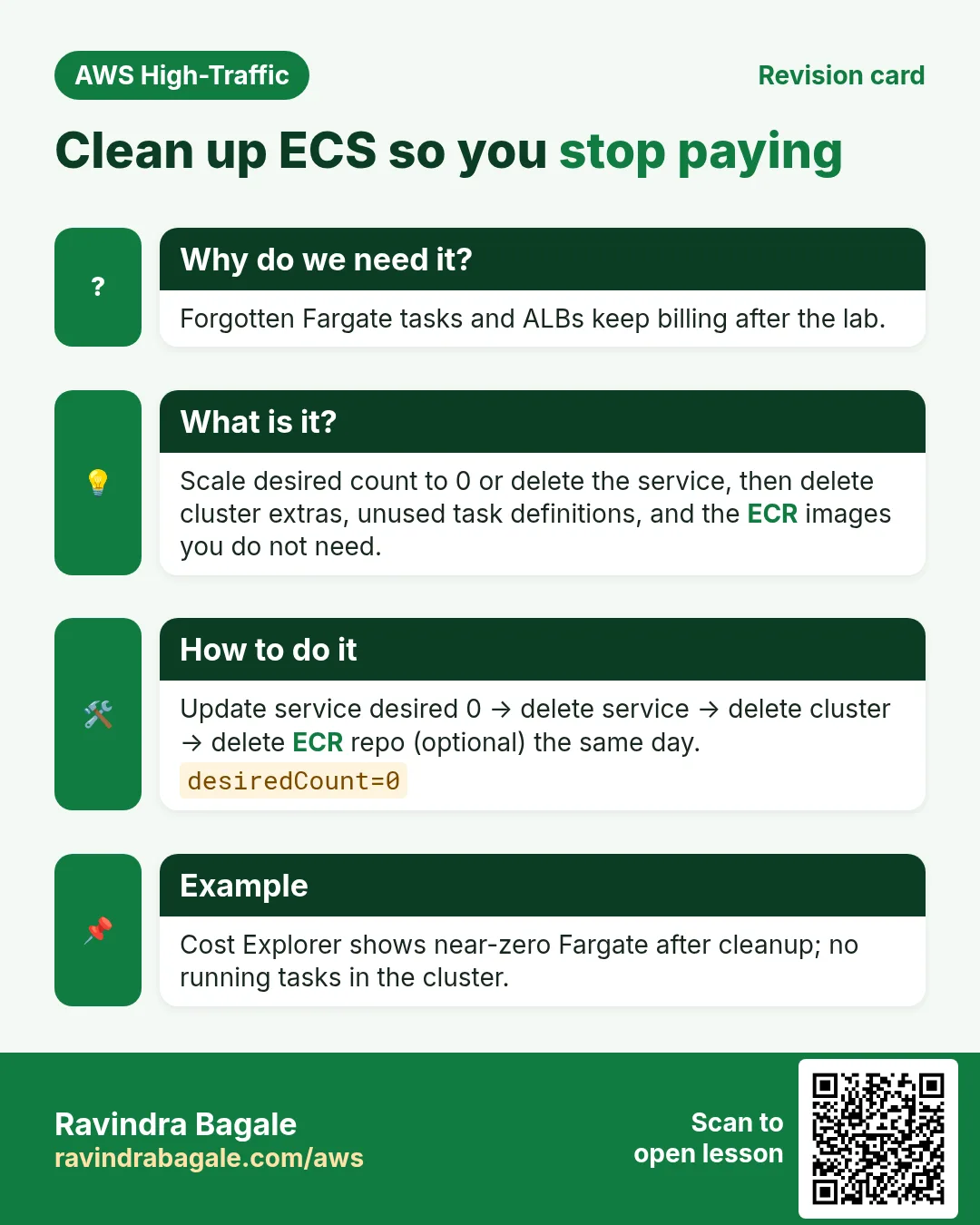
This revision card explains Clean up ECS so you stop paying. It starts from the need that forgotten Fargate tasks and ALBs keep billing after the lab. It describes scale desired count to 0 or delete the service, then delete cluster extras, unused task definitions, and the ECR images you do not need. The how-to section notes update service desired 0 , then delete service , then delete cluster , then delete ECR repo (optional) the same day. An example on the card is cost Explorer shows near-zero Fargate after cleanup; no running tasks in the cluster.
Read card text
What this card says
Why do we need it?
Forgotten Fargate tasks and ALBs keep billing after the lab.
What is it?
Scale desired count to 0 or delete the service, then delete cluster extras, unused task definitions, and the ECR images you do not need.
How to do it
Update service desired 0 → delete service → delete cluster → delete ECR repo (optional) the same day.
desiredCount=0
Example
Cost Explorer shows near-zero Fargate after cleanup; no running tasks in the cluster.