Ravi Sir's Cards › AWS
Delete Aurora so billing stops
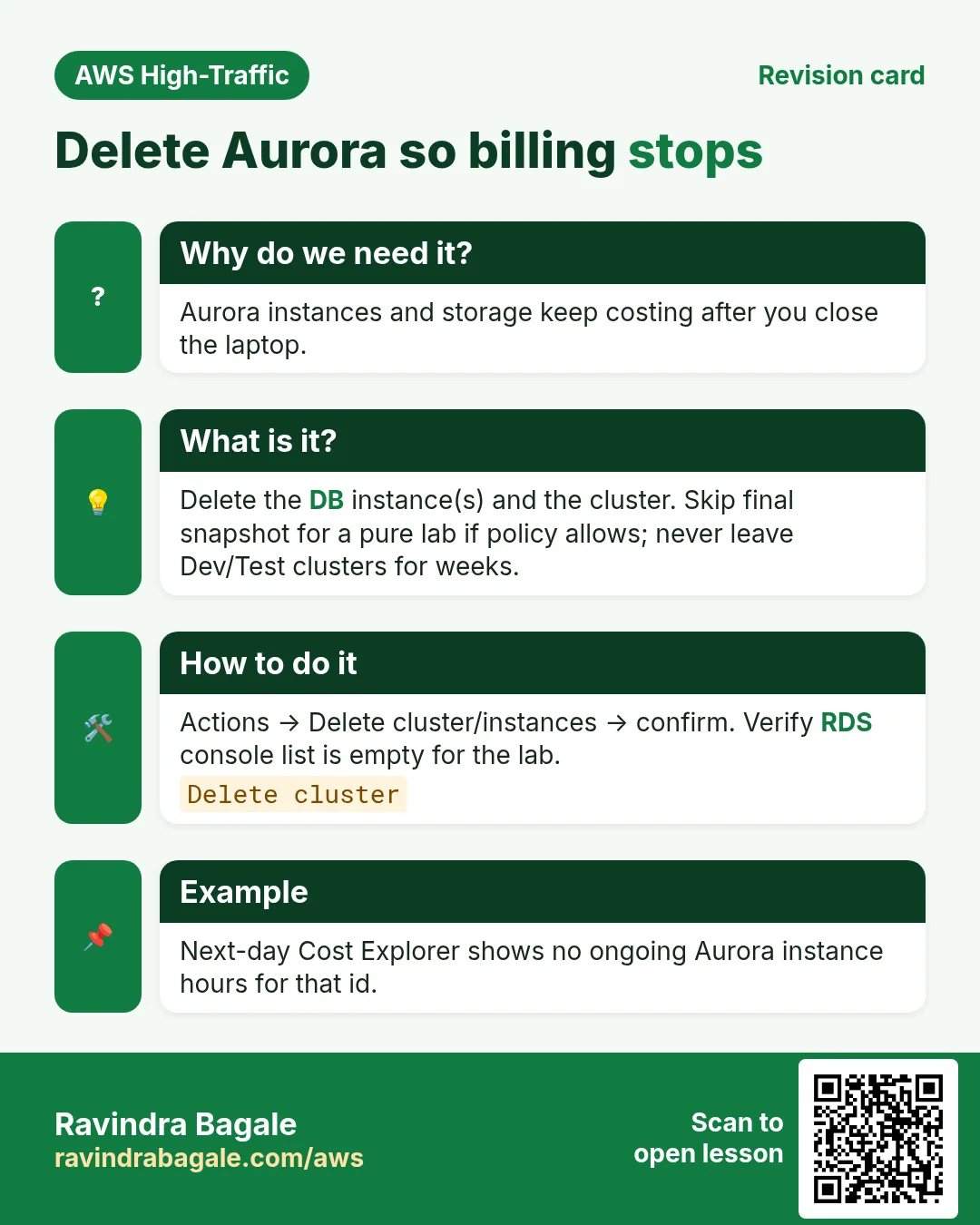
This revision card explains Delete Aurora so billing stops. It starts from the need that aurora instances and storage keep costing after you close the laptop. It describes delete the DB instance(s) and the cluster. Skip final snapshot for a pure lab if policy allows; never leave Dev/Test clusters for weeks. The how-to section notes actions , then Delete cluster/instances , then confirm. Verify RDS console list is empty for the lab. An example on the card is next-day Cost Explorer shows no ongoing Aurora instance hours for that id.
Read card text
What this card says
Why do we need it?
Aurora instances and storage keep costing after you close the laptop.
What is it?
Delete the DB instance(s) and the cluster. Skip final snapshot for a pure lab if policy allows; never leave Dev/Test clusters for weeks.
How to do it
Actions → Delete cluster/instances → confirm. Verify RDS console list is empty for the lab.
Delete cluster
Example
Next-day Cost Explorer shows no ongoing Aurora instance hours for that id.