Ravi Sir's Cards › AWS
Why add Condition to an Allow?
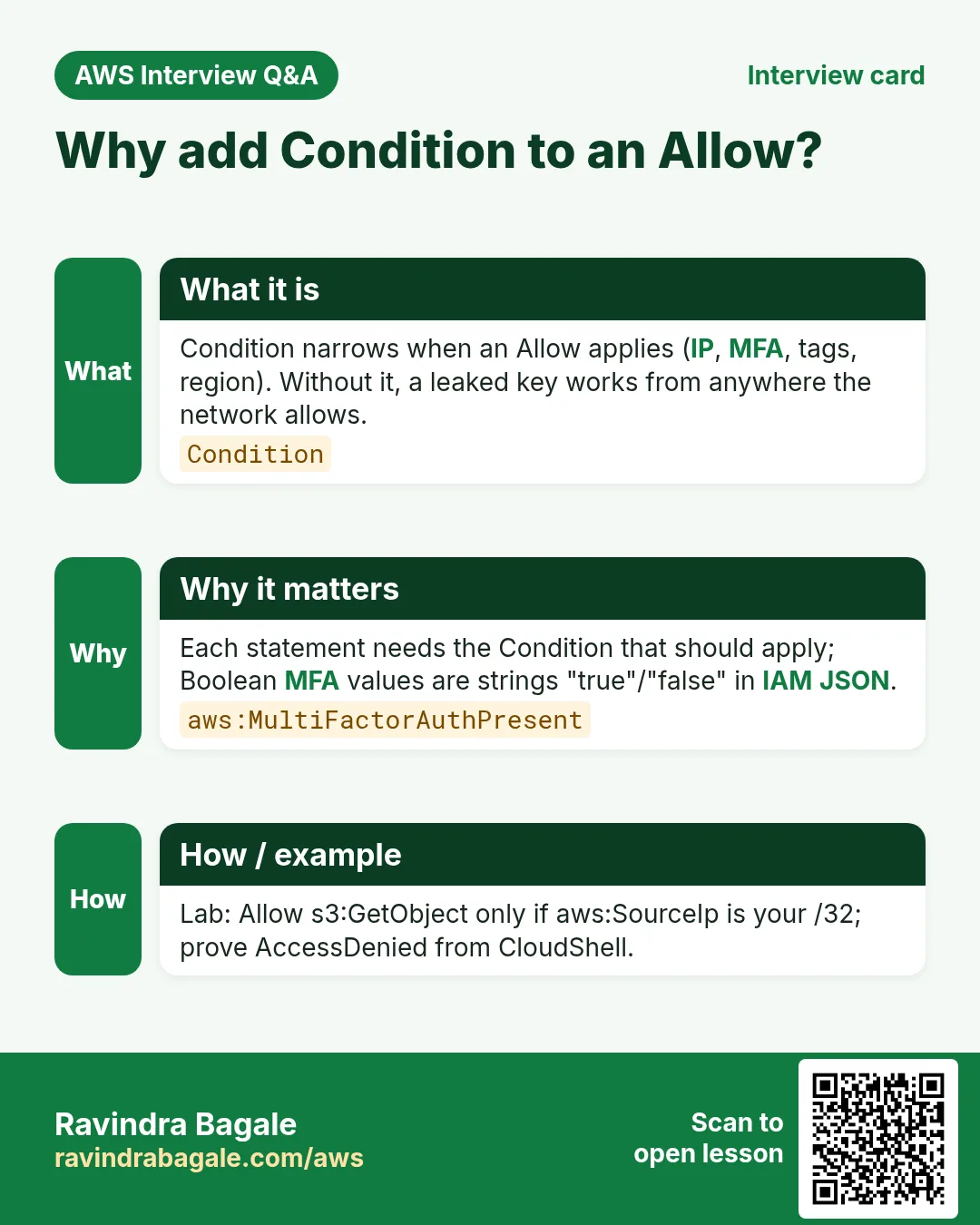
This interview card answers: Why add Condition to an Allow? Condition narrows when an Allow applies (IP, MFA, tags, region). Without it, a leaked key works from anywhere the network allows. Each statement needs the Condition that should apply; Boolean MFA values are strings "true"/"false" in IAM JSON. Lab — Allow s3:GetObject only if aws:SourceIp is your /32; prove AccessDenied from CloudShell.
Read card text
What this card says
What it is
Condition narrows when an Allow applies (IP, MFA, tags, region). Without it, a leaked key works from anywhere the network allows.
Condition
Why it matters
Each statement needs the Condition that should apply; Boolean MFA values are strings "true"/"false" in IAM JSON.
aws:MultiFactorAuthPresent
How / example
Lab: Allow s3:GetObject only if aws:SourceIp is your /32; prove AccessDenied from CloudShell.