Ravi Sir's Cards › AWS
Clean up the Condition lab
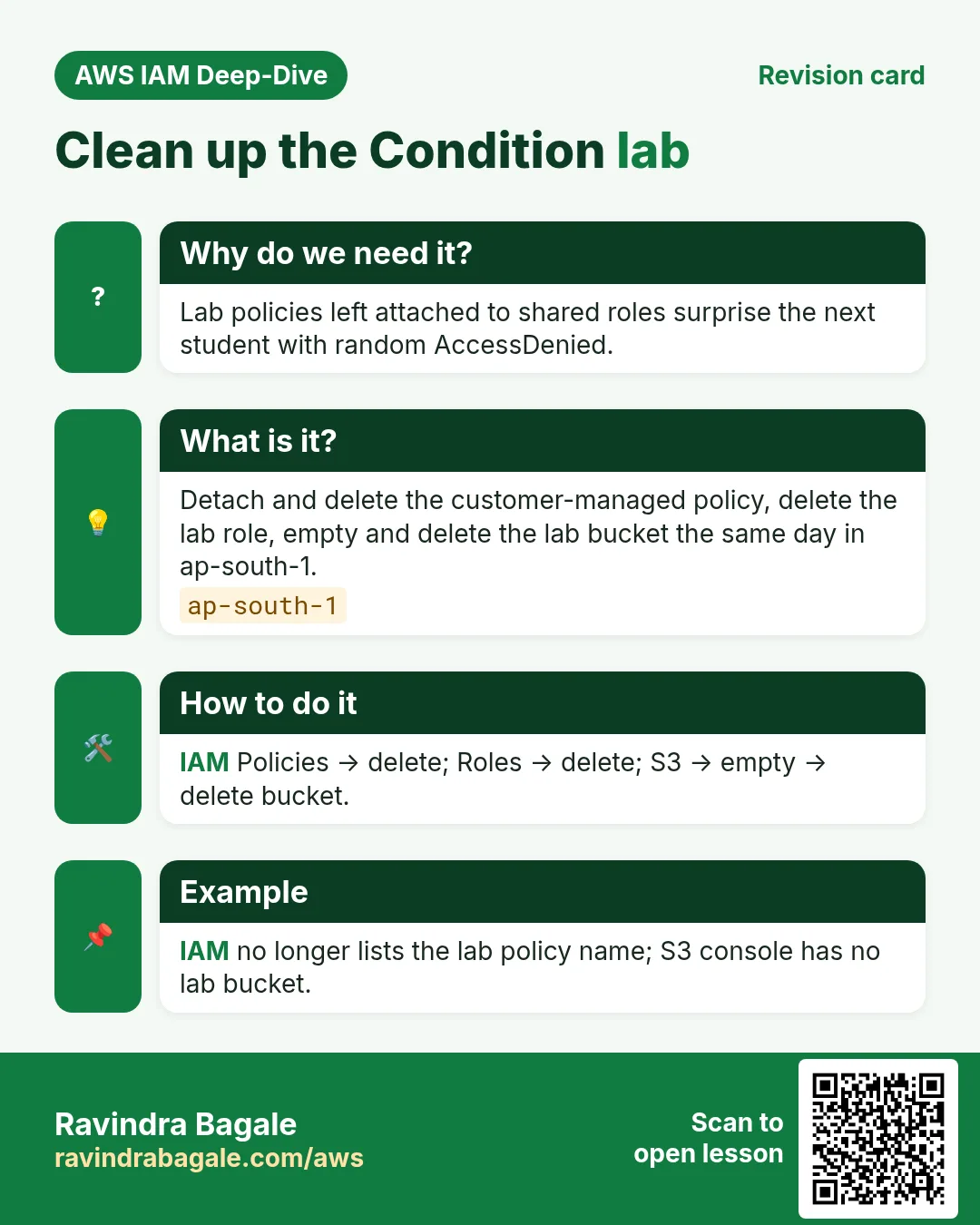
This revision card explains Clean up the Condition lab. It starts from the need that lab policies left attached to shared roles surprise the next student with random AccessDenied. It describes detach and delete the customer-managed policy, delete the lab role, empty and delete the lab bucket the same day in ap-south-1. The how-to section notes IAM Policies , then delete; Roles , then delete; S3 , then empty , then delete bucket. An example on the card is IAM no longer lists the lab policy name; S3 console has no lab bucket.
Read card text
What this card says
Why do we need it?
Lab policies left attached to shared roles surprise the next student with random AccessDenied.
What is it?
Detach and delete the customer-managed policy, delete the lab role, empty and delete the lab bucket the same day in ap-south-1.
ap-south-1
How to do it
IAM Policies → delete; Roles → delete; S3 → empty → delete bucket.
Example
IAM no longer lists the lab policy name; S3 console has no lab bucket.