Ravi Sir's Cards › AWS
Write a policy with Condition
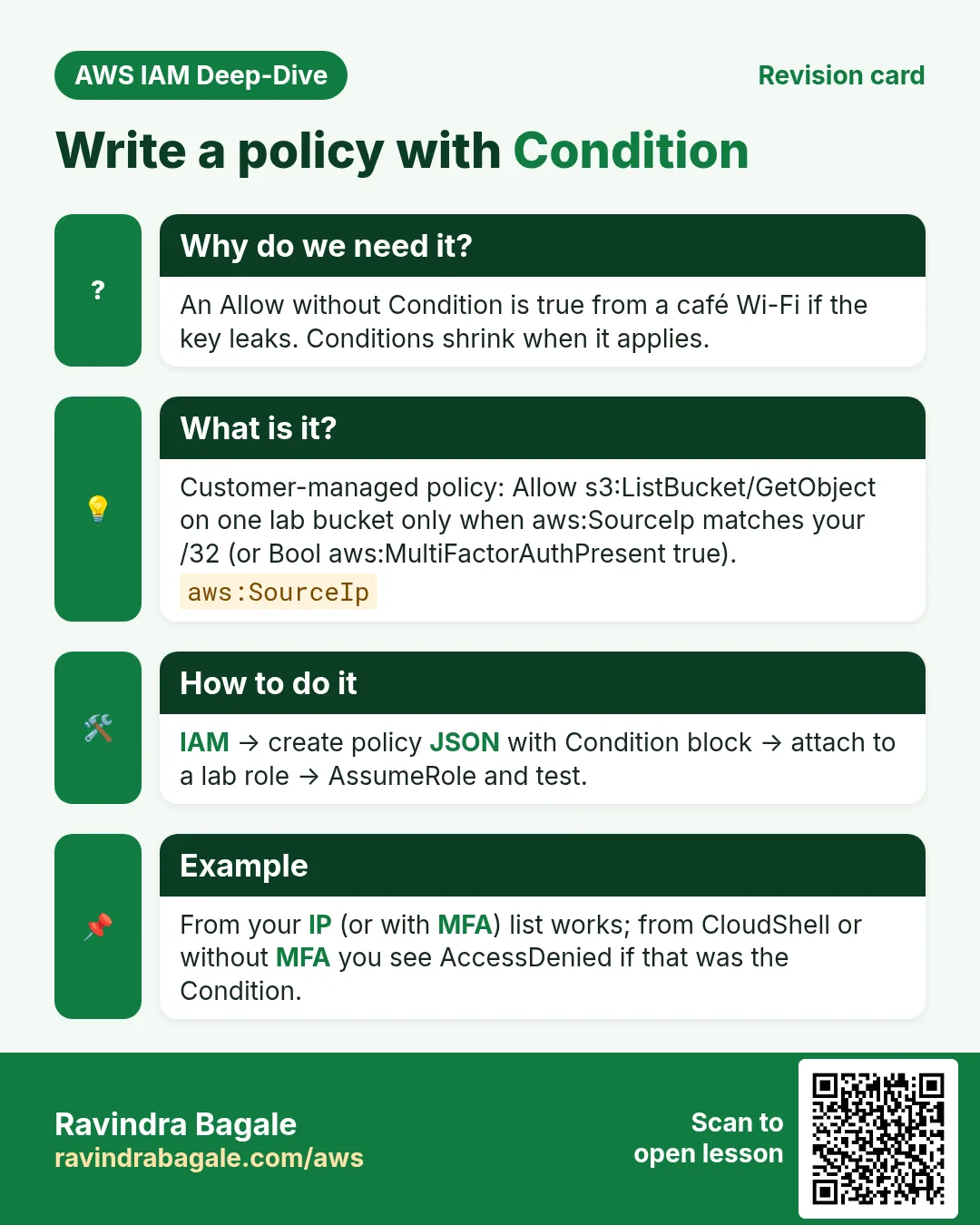
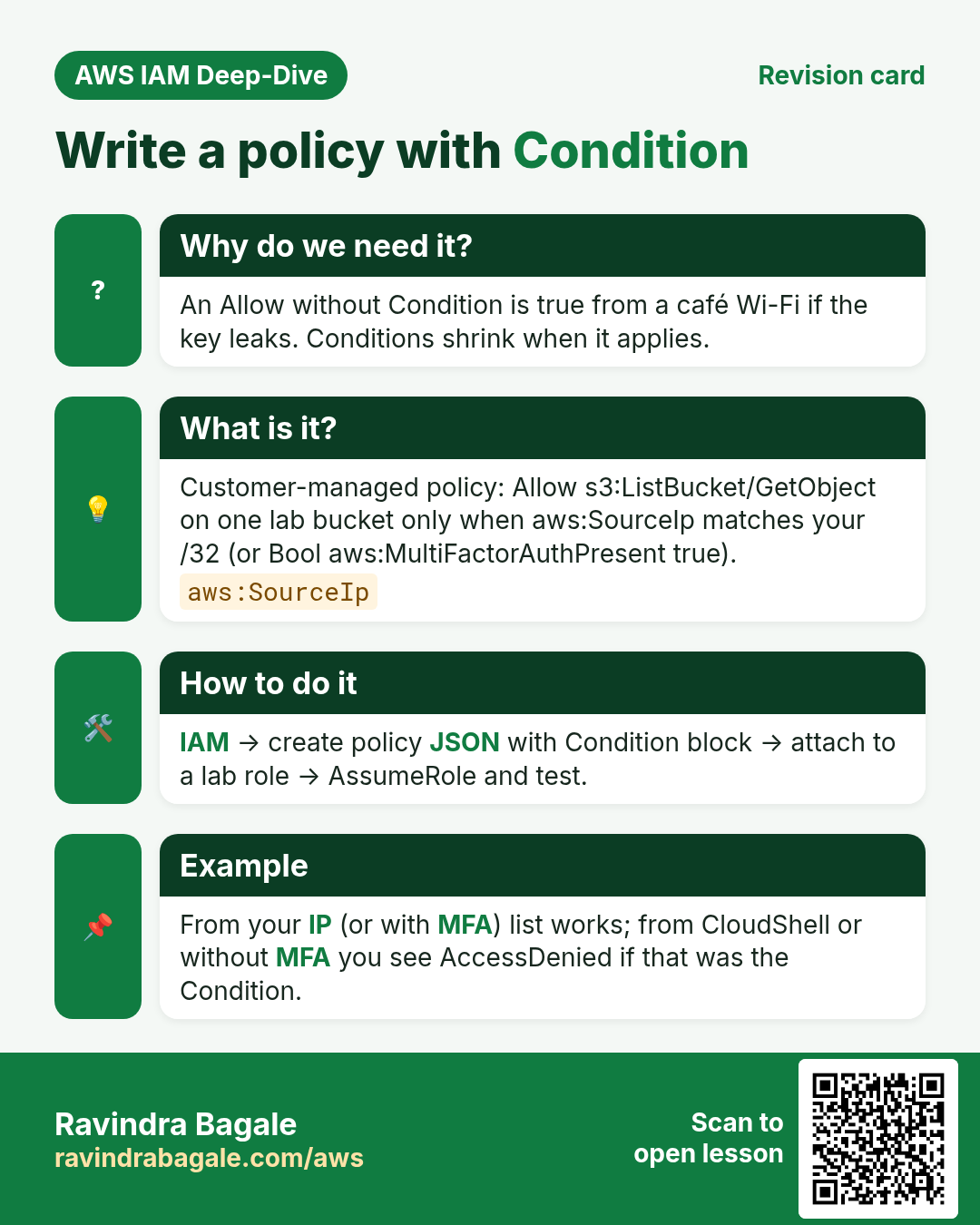
This revision card explains Write a policy with Condition. An Allow without Condition is true from a café Wi-Fi if the key leaks. Conditions shrink when it applies. It describes customer-managed policy — Allow s3:ListBucket/GetObject on one lab bucket only when aws:SourceIp matches your /32 (or Bool aws:MultiFactorAuthPresent true). The how-to section notes IAM , then create policy JSON with Condition block , then attach to a lab role , then AssumeRole and test. An example on the card is from your IP (or with MFA) list works; from CloudShell or without MFA you see AccessDenied if that was the Condition.
Read card text
What this card says
Why do we need it?
An Allow without Condition is true from a café Wi-Fi if the key leaks. Conditions shrink when it applies.
What is it?
Customer-managed policy: Allow s3:ListBucket/GetObject on one lab bucket only when aws:SourceIp matches your /32 (or Bool aws:MultiFactorAuthPresent true).
aws:SourceIp
How to do it
IAM → create policy JSON with Condition block → attach to a lab role → AssumeRole and test.
Example
From your IP (or with MFA) list works; from CloudShell or without MFA you see AccessDenied if that was the Condition.