Project: Build a Serverless App with Lambda, API Gateway and DynamoDB (Source Code)
This project ties the series together: a student Notes to-do app. Front end on S3 + CloudFront (static hosting chapter), API on API Gateway + Lambda (API lab), data in DynamoDB (CRUD chapter). Download the source zip, deploy click by click, test, then clean up so the bill stays near zero.
In this chapter
- Architecture of a tiny serverless app
- Create DynamoDB table and Lambda with IAM
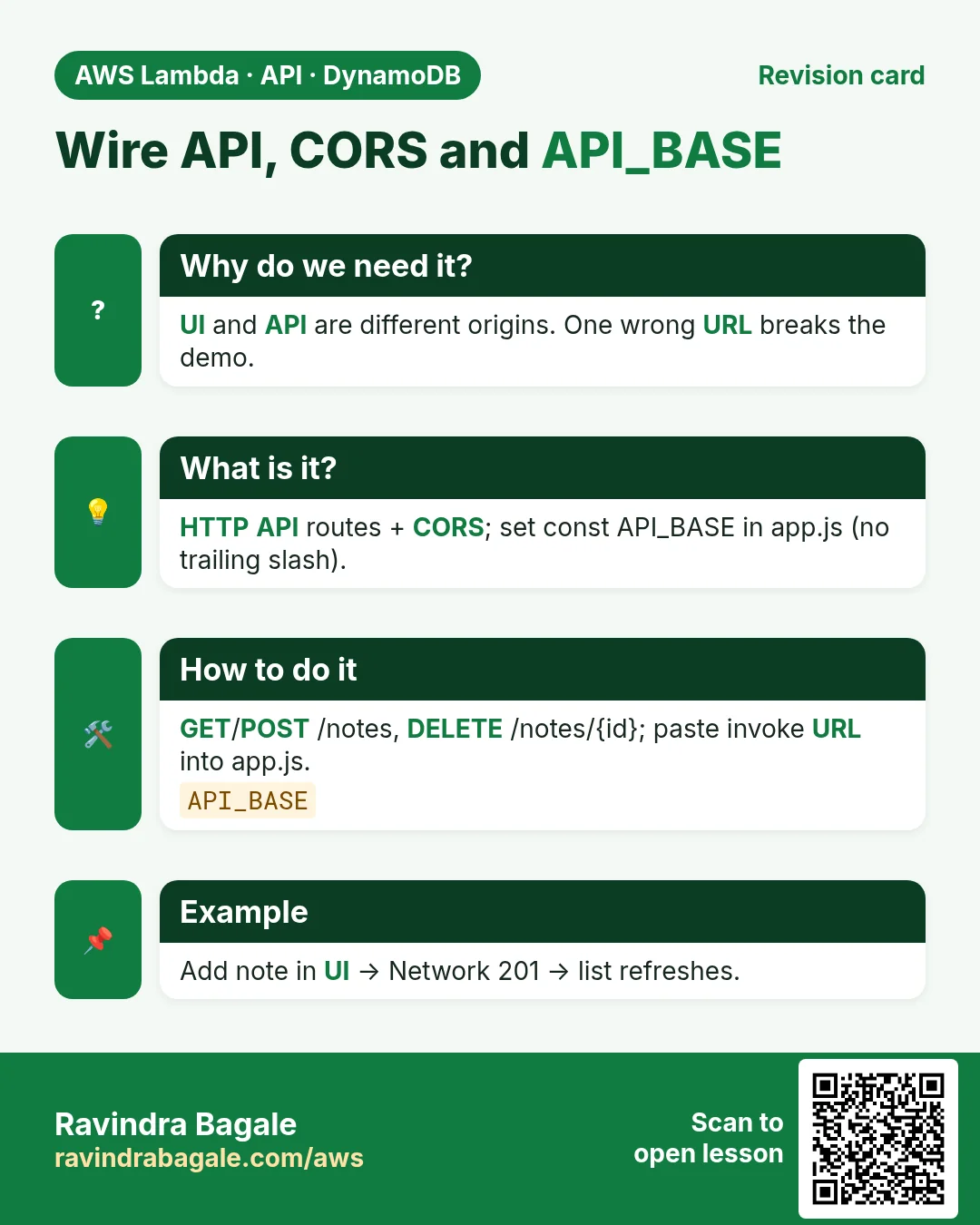
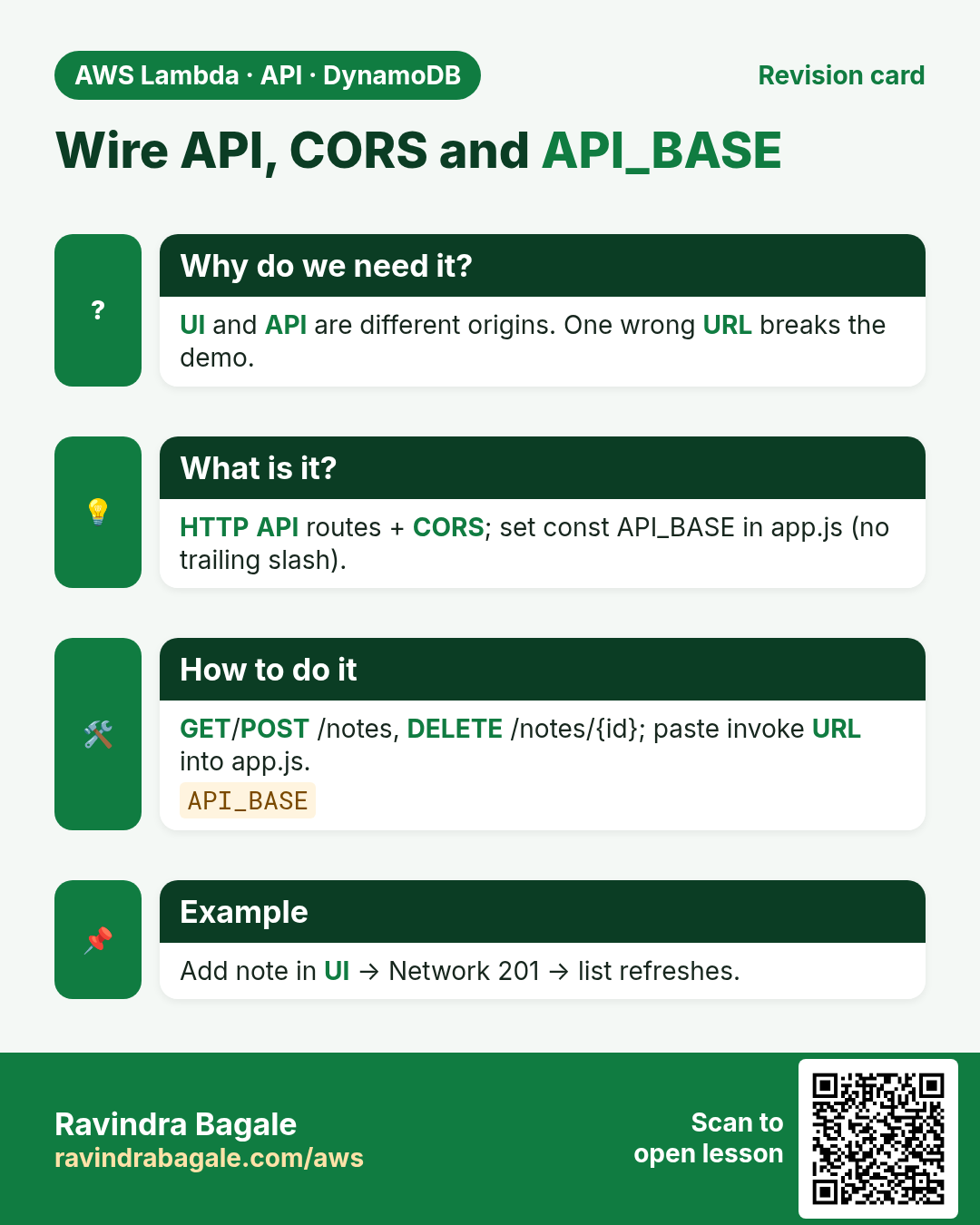
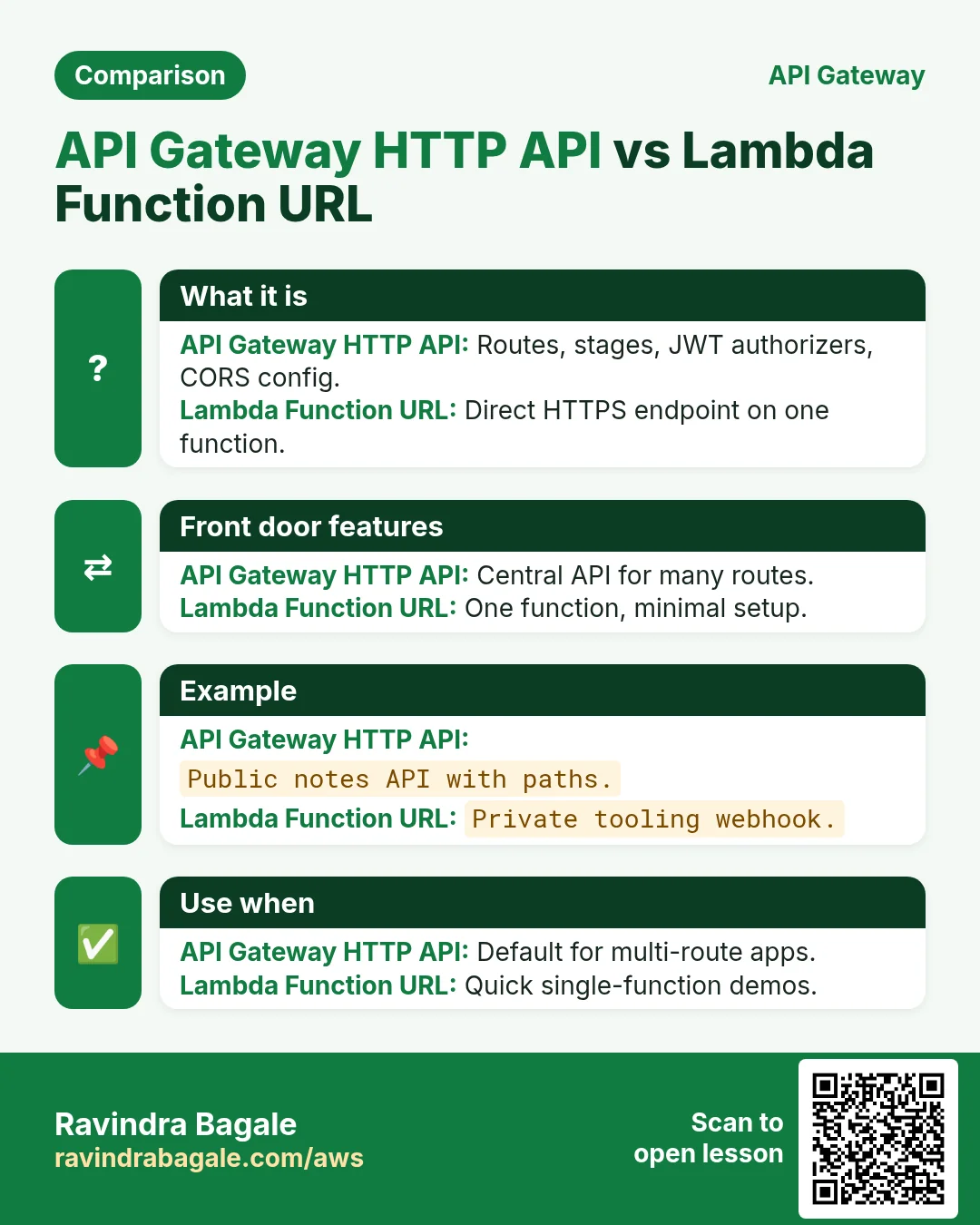
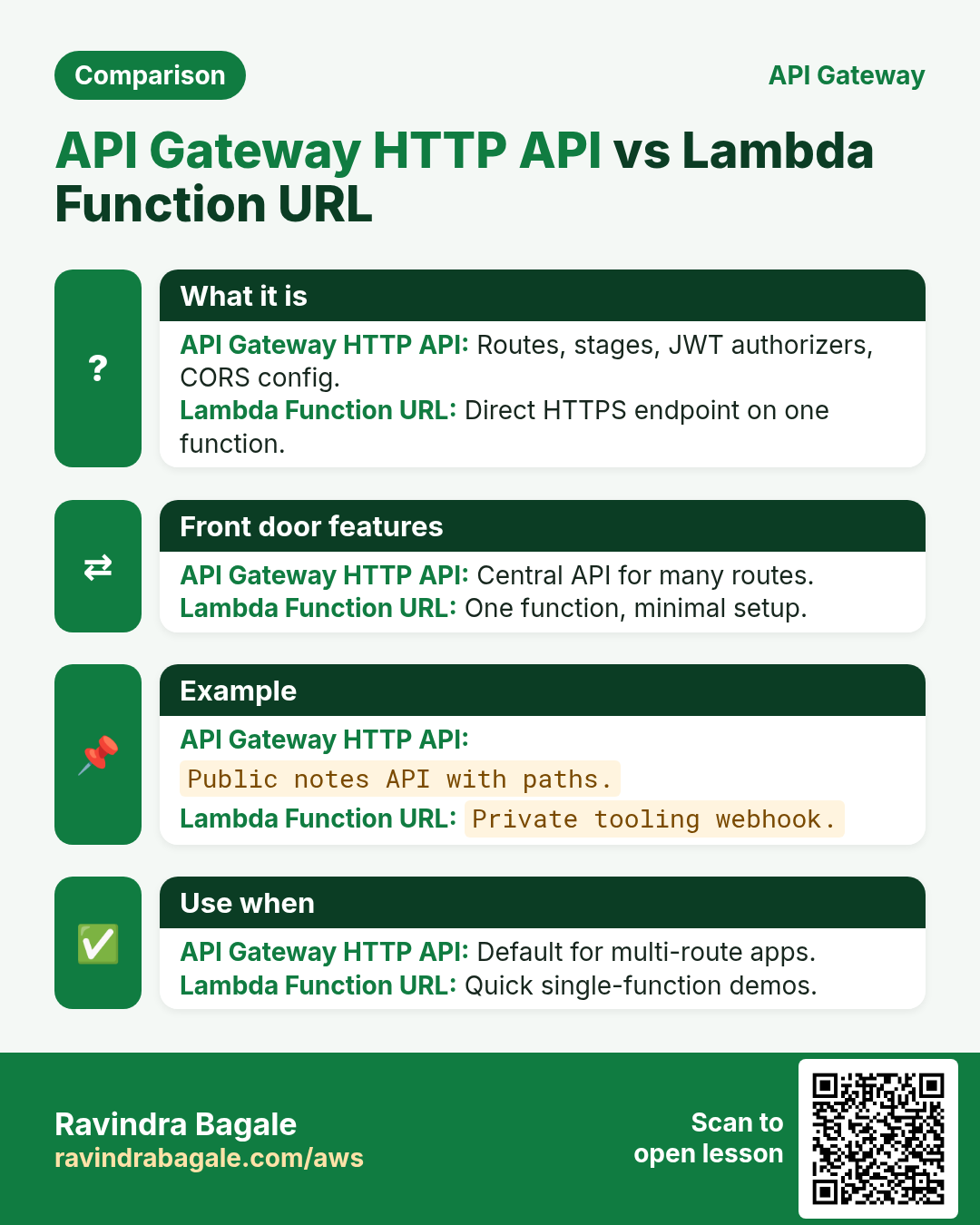
- Wire HTTP API routes
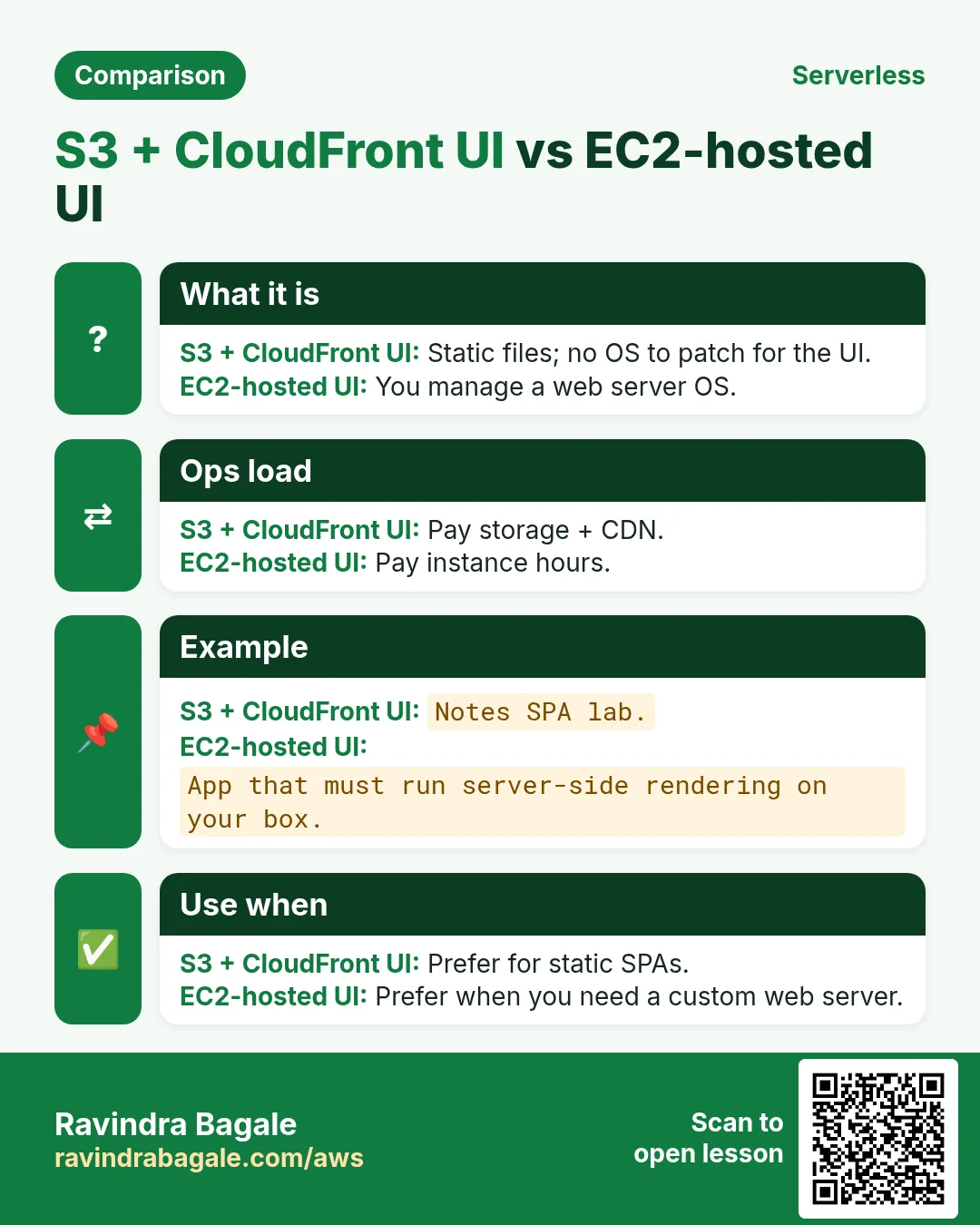
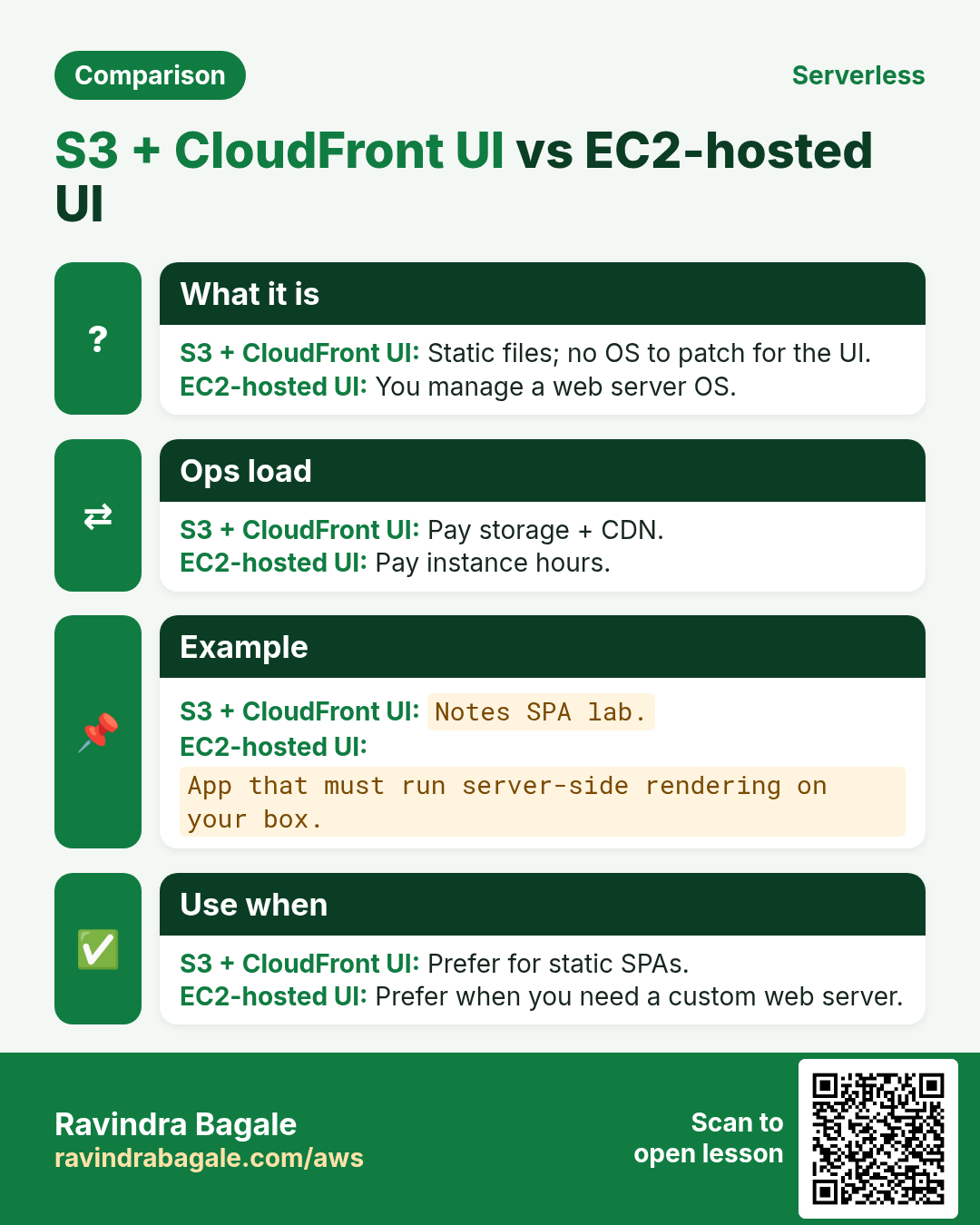
- Host the UI on S3 + CloudFront
- Test end to end and clean up
1. What you build
A single-page Notes app: list notes, add a note, delete a note. No login in the lab version (add Cognito later). Primary backend is Node.js Lambda; the zip also has a Python handler twin.
Download: serverless-notes-app.zip — contains public/ (UI), lambda/index.mjs (Node), lambda/handler.py (Python twin), README.md, and a sample IAM policy.
2. Architecture pieces
Draw one note from page load to storage
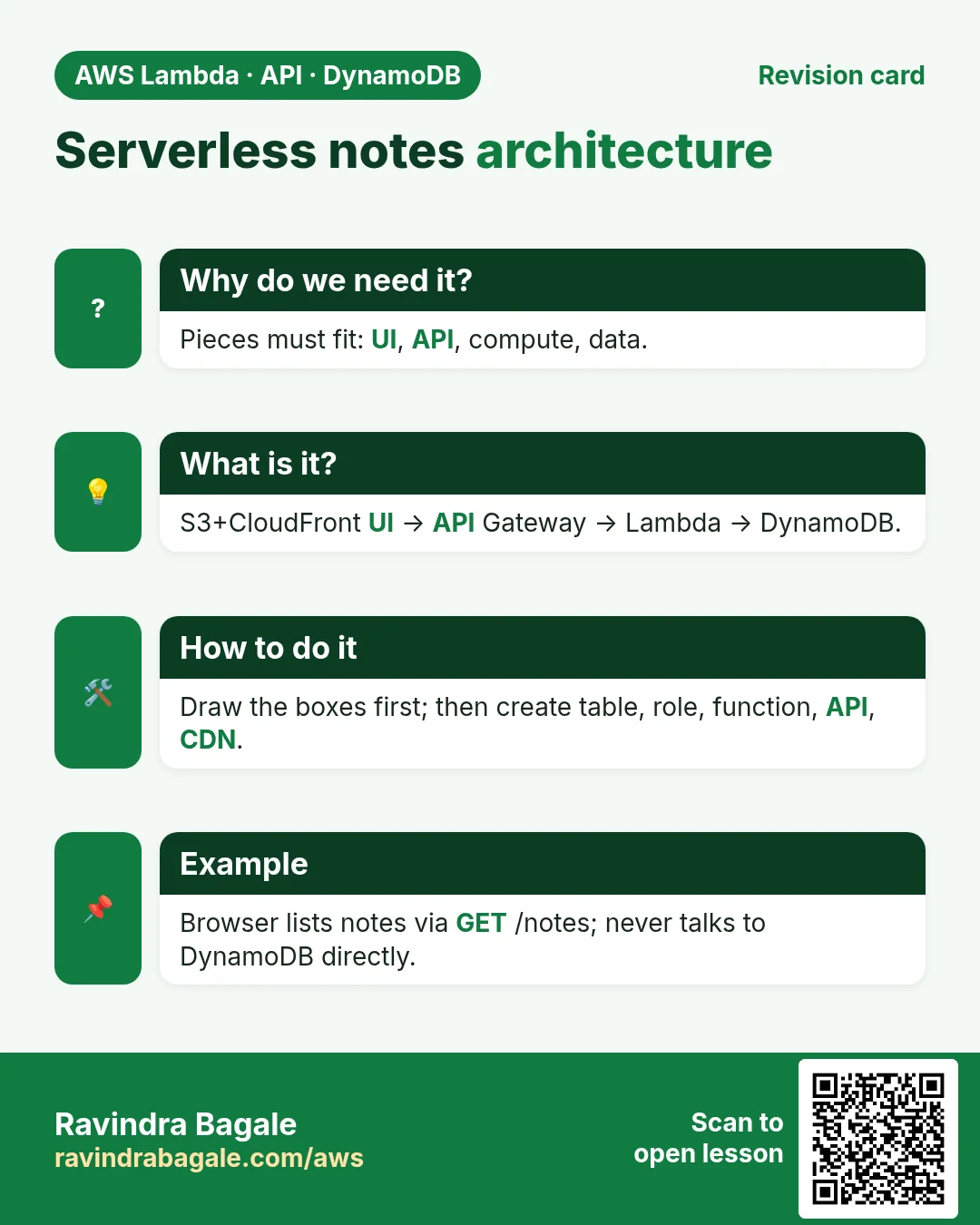
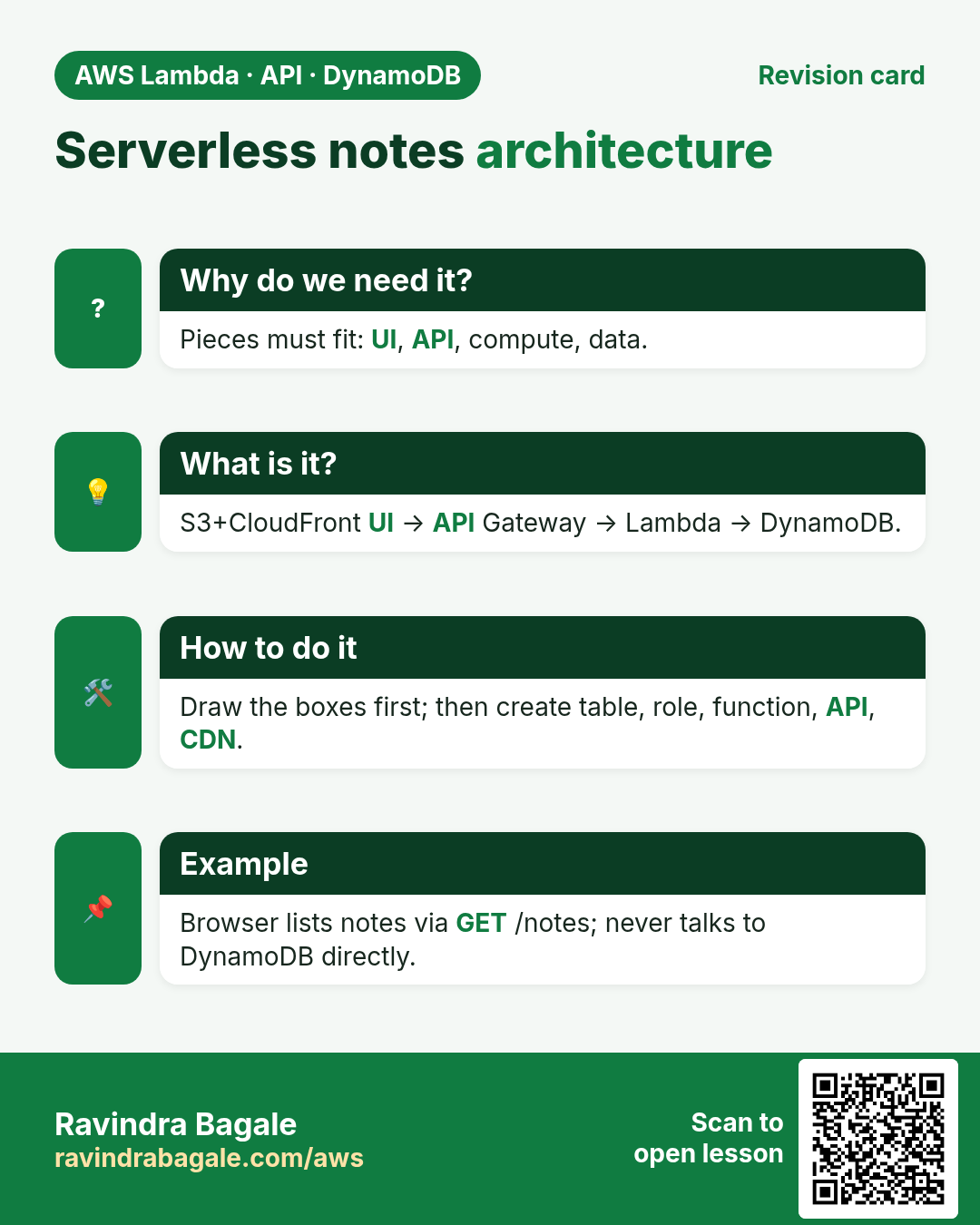
Open the class notes page. CloudFront or S3 serves the frontend files. The page script sends a POST to API Gateway. The selected route invokes Lambda, which validates the request and stores the resulting note in DynamoDB. The page gets the status and new note ID. Each arrow uses its own configuration and permissions.
Draw a second arrow for GET. If the HTML loads but the list is empty, check the request to the API rather than re-uploading the frontend. If the API received the request but the function could not write, check the handler and role permissions. Follow one synthetic note ID through the result and stored record.
| Piece | AWS service | Why |
|---|---|---|
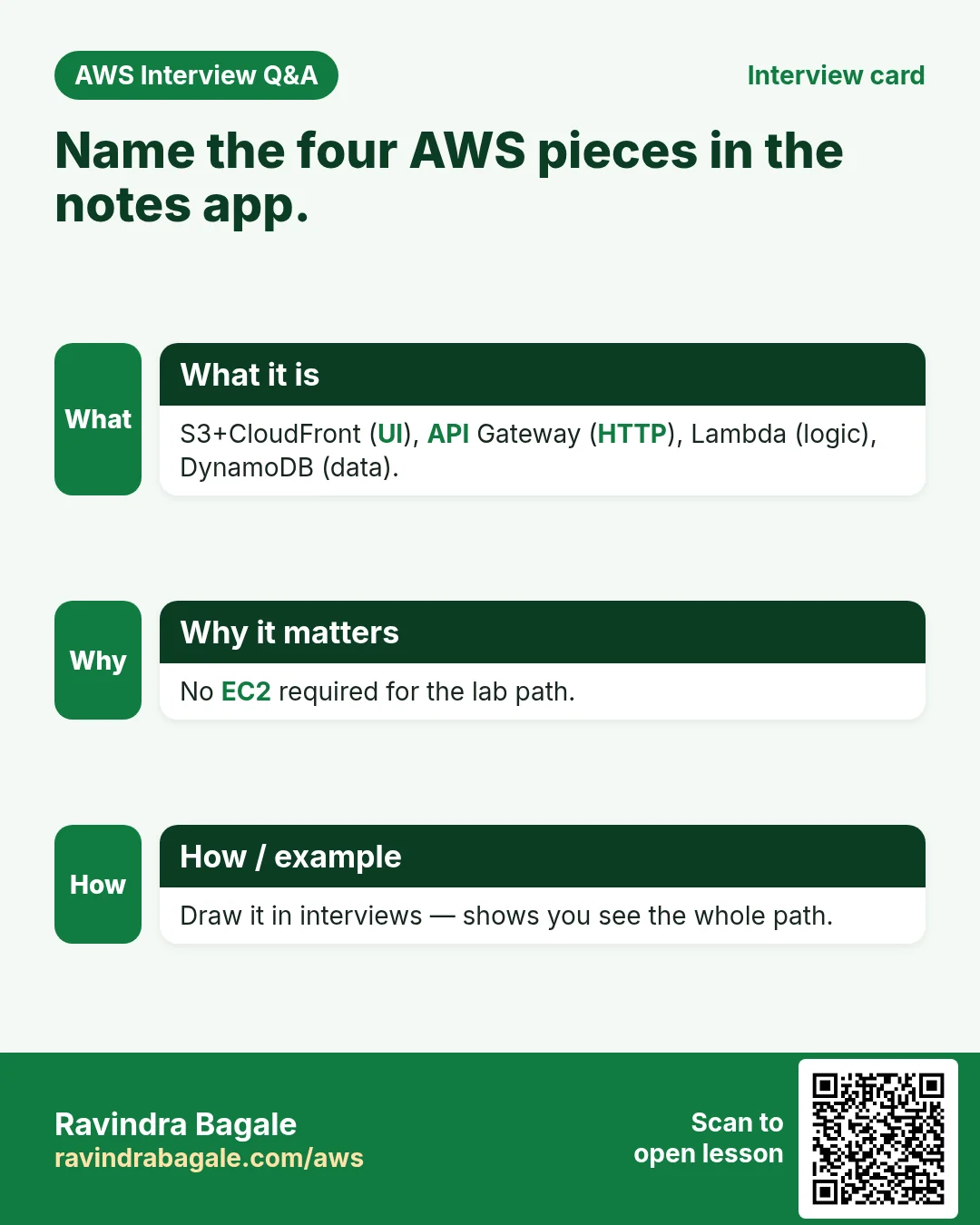
| Static UI | S3 + CloudFront | Cheap HTTPS worldwide; no server |
| HTTP API | API Gateway HTTP API | Routes, CORS, TLS URL |
| Logic | Lambda (Node 20.x) | Runs only on requests |
| Data | DynamoDB on-demand | Keyed notes; pay per request |
3. Lab: deploy click by click
Record observable success at the browser, function and table
Create one test note with a unique phrase. In the browser, record the API status and returned note ID. Check the Lambda log for the relevant request without logging private note content. In DynamoDB, read that lab item by its key and confirm the expected status or note ID. Then use the application’s GET route and compare the result.
When you add private notes, use two test accounts for the negative case. A caller can have a valid token yet lack permission for the other account’s note. Check that the ownership rule rejects that request while the owner’s read still works. Clean up the synthetic data and disposable resources after testing.
Region ap-south-1. Replace yourname with your short name. Keep the free tier in mind.
A. DynamoDB table
- Create table
yourname-notes. PK:noteId(String). On-demand. No sort key. - Wait until Active.
B. IAM role for Lambda
- IAM → Roles → Create role → Trusted entity AWS service → Use case Lambda.
- Attach
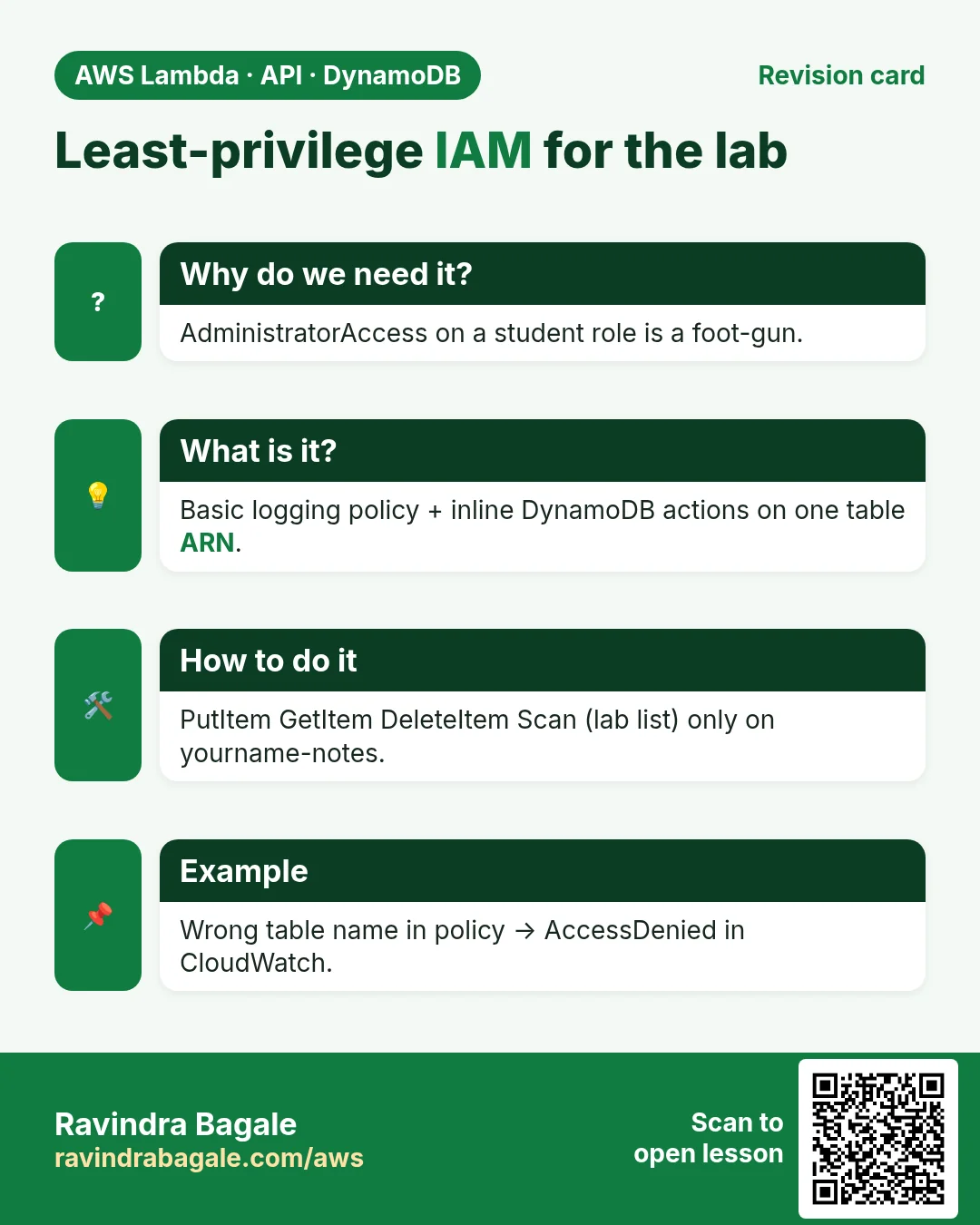
AWSLambdaBasicExecutionRole. Create role nameyourname-notes-lambda-role. - Open the role → Add permissions → Create inline policy → JSON:
{
  "Version": "2012-10-17",
  "Statement": [{
    "Effect": "Allow",
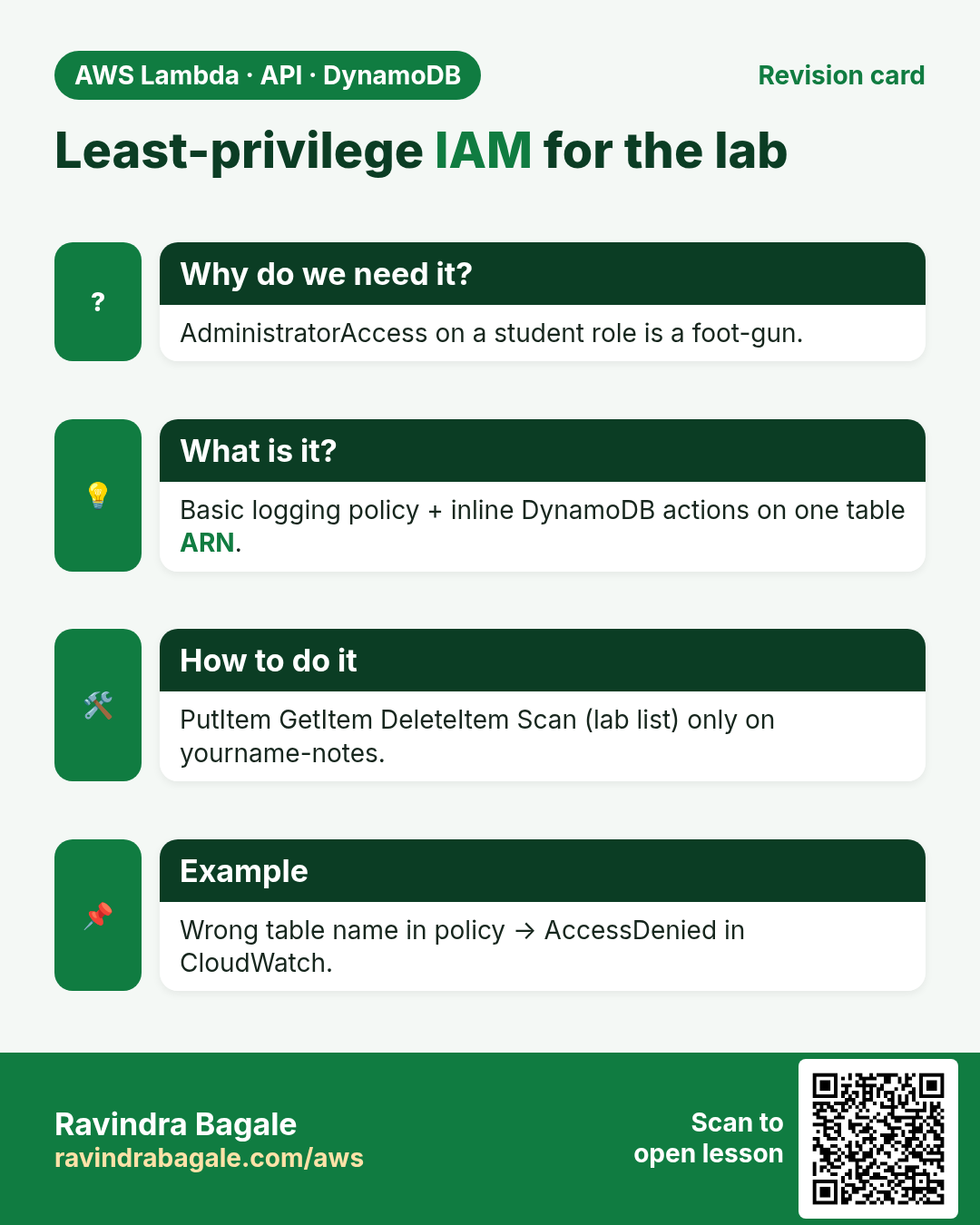
    "Action": ["dynamodb:PutItem","dynamodb:GetItem","dynamodb:DeleteItem","dynamodb:Scan"],
    "Resource": "arn:aws:dynamodb:ap-south-1:ACCOUNT_ID:table/yourname-notes"
  }]
}
Replace ACCOUNT_ID and table name. Why Scan: the lab lists all notes with Scan for simplicity (fine under hundreds of items). For production, add userId PK and Query.
C. Lambda function
- Create function
yourname-notes-api, Runtime Node.js 22.x, use existing roleyourname-notes-lambda-role. - Upload from the zip: copy
lambda/index.mjsinto the editor (or zip the file asindex.mjsat the root and upload). Handler:index.handler. - Configuration → Environment variables:
TABLE_NAME=yourname-notes. - Memory 256 MB, Timeout 10 s. Deploy.
D. HTTP API
- API Gateway → Create HTTP API → name
yourname-notes-http→ integrate Lambdayourname-notes-api. - Routes:
GET /notes,POST /notes,DELETE /notes/{id}→ same Lambda. - CORS: Allow origin
*(lab), methods GET,POST,DELETE,OPTIONS, headers content-type. - Create. Copy the Invoke URL as
API_BASE. - Test:
curl -s $API_BASE/notes→[]. Then POST one note.
curl -s -X POST "$API_BASE/notes" -H 'content-type: application/json'   -d '{"text":"Finish Lambda chapter"}'
curl -s "$API_BASE/notes"
E. Front end on S3 + CloudFront
- In
public/app.jssetconst API_BASE = "https://YOUR_API";(no trailing slash). - Create bucket
yourname-notes-web, Block Public Access on (CloudFront OAC will read it). - Upload
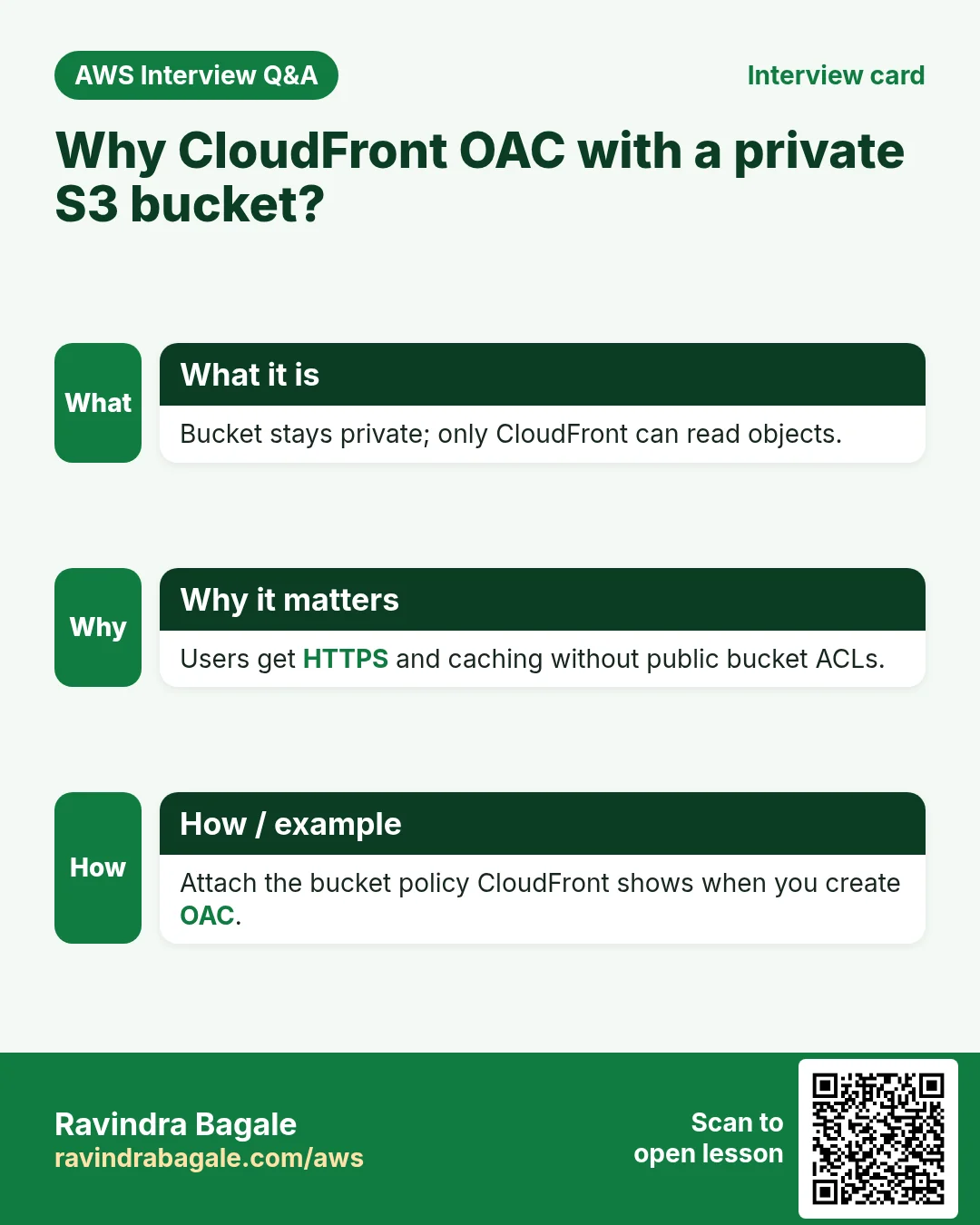
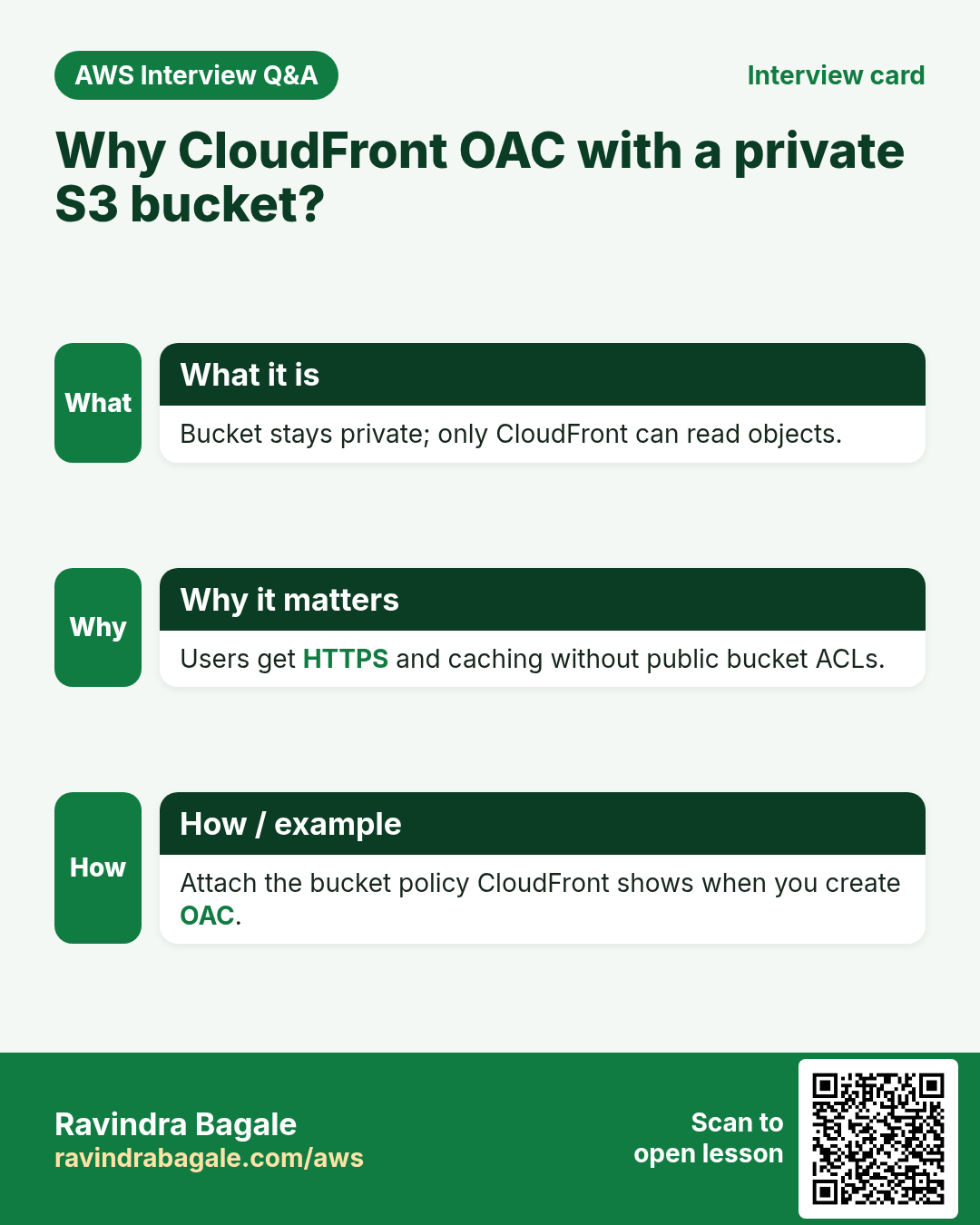
index.html,app.js,styles.cssfrompublic/. - CloudFront distribution: origin = the bucket (REST endpoint), OAC recommended, Viewer redirect HTTP→HTTPS, default root object
index.html. Attach the bucket policy CloudFront shows. - Open the CloudFront URL → add a note → refresh → delete. DevTools Network should show 200 from API.
F. Optional Python twin
Create a second function with lambda/handler.py, same env and role, point a route or stage at it to compare runtimes.
Cleanup (do this)
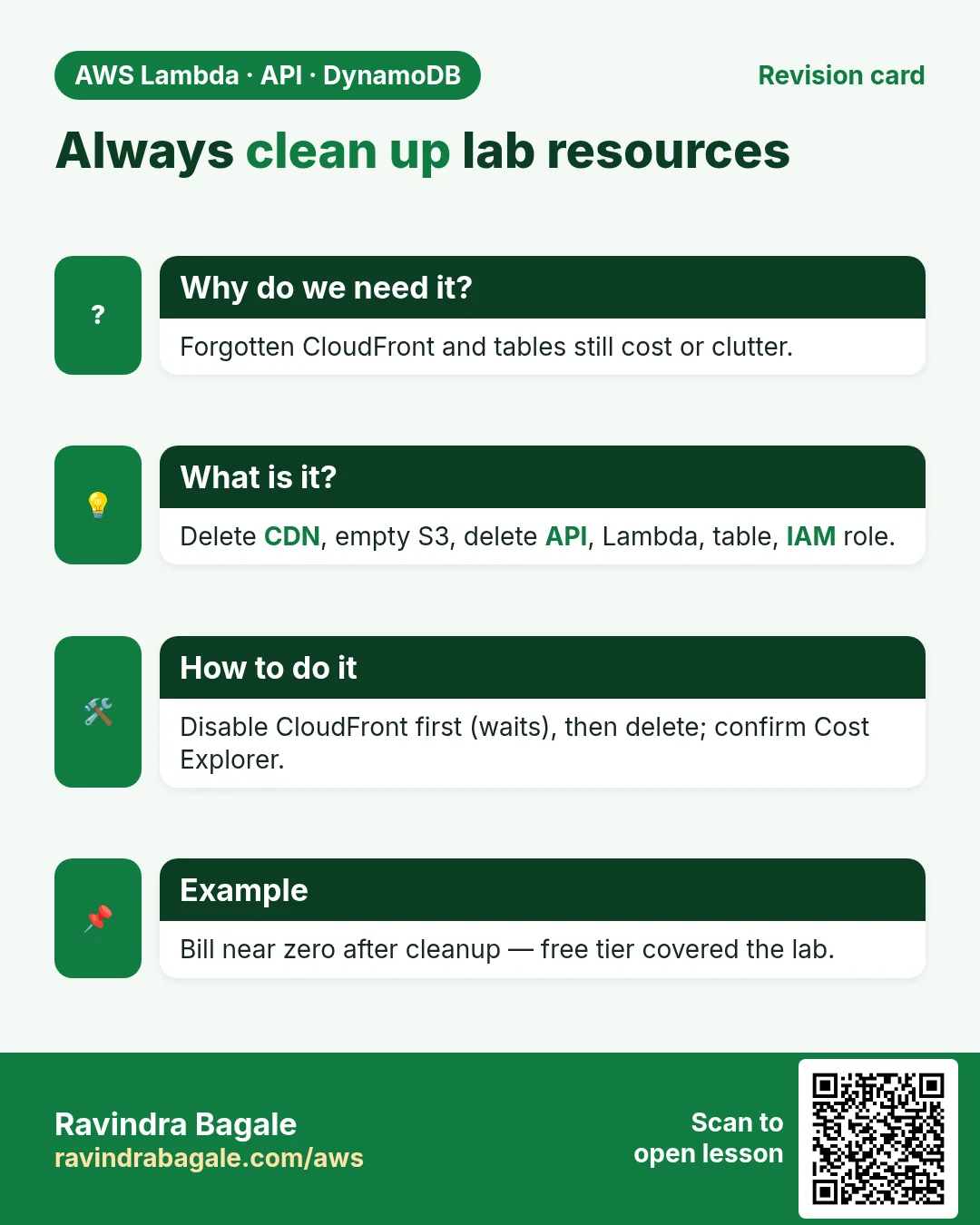
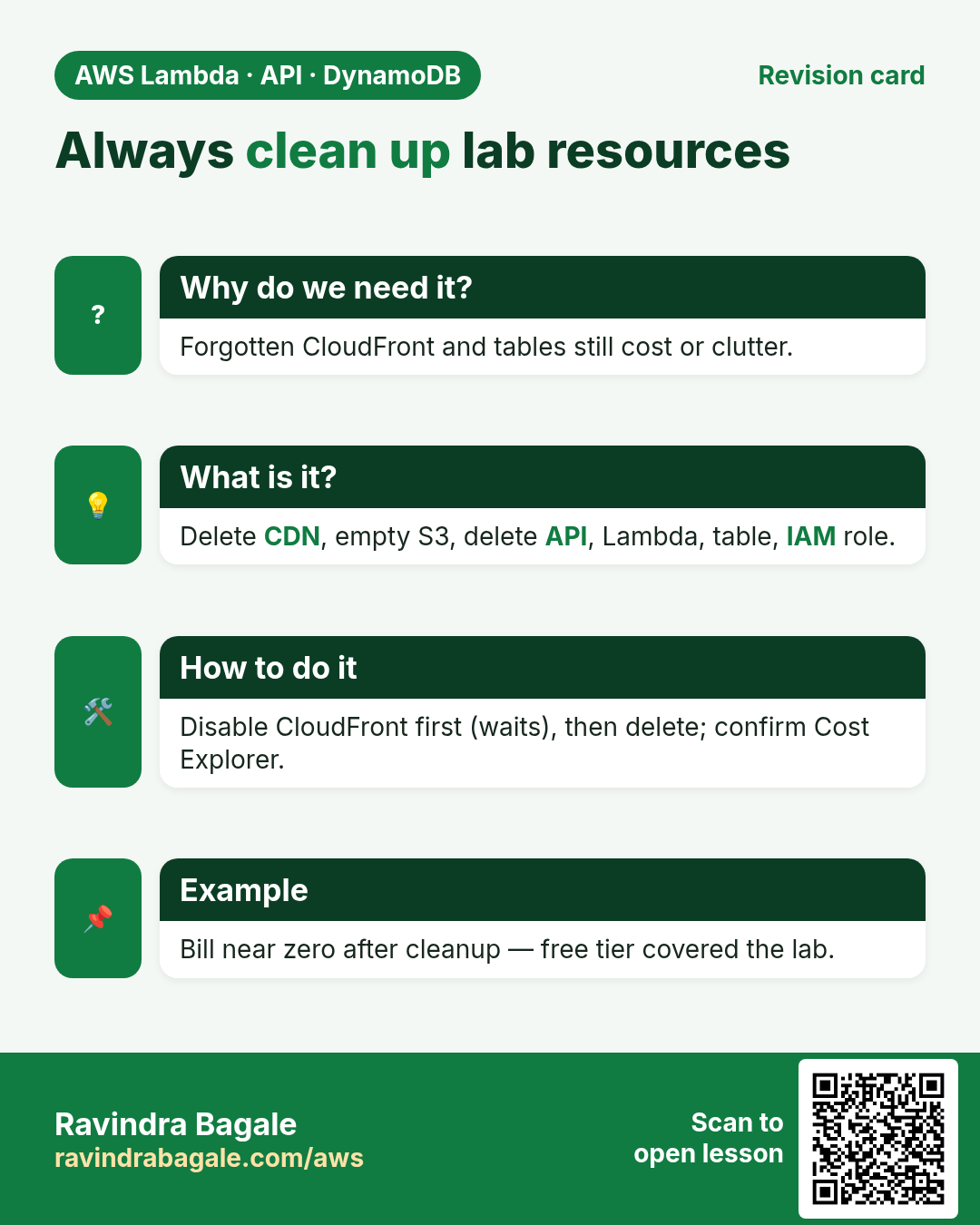
- Disable then delete the CloudFront distribution (waits several minutes).
- Empty and delete the S3 website bucket.
- Delete the HTTP API. Delete the Lambda function(s).
- Delete the DynamoDB table. Delete the IAM role and inline policy.
- Check Cost Explorer after billing data is available. Verify the lab resources are gone and review any charges for the services you used.
4. Interview angles from this project
Q. Why CloudFront in front of S3 for the UI?
HTTPS, caching, private bucket via OAC, faster global reads.
Q. Why HTTP API not REST here?
No API keys/WAF needed for the lab; HTTP API is cheaper and enough for Lambda proxy + CORS.
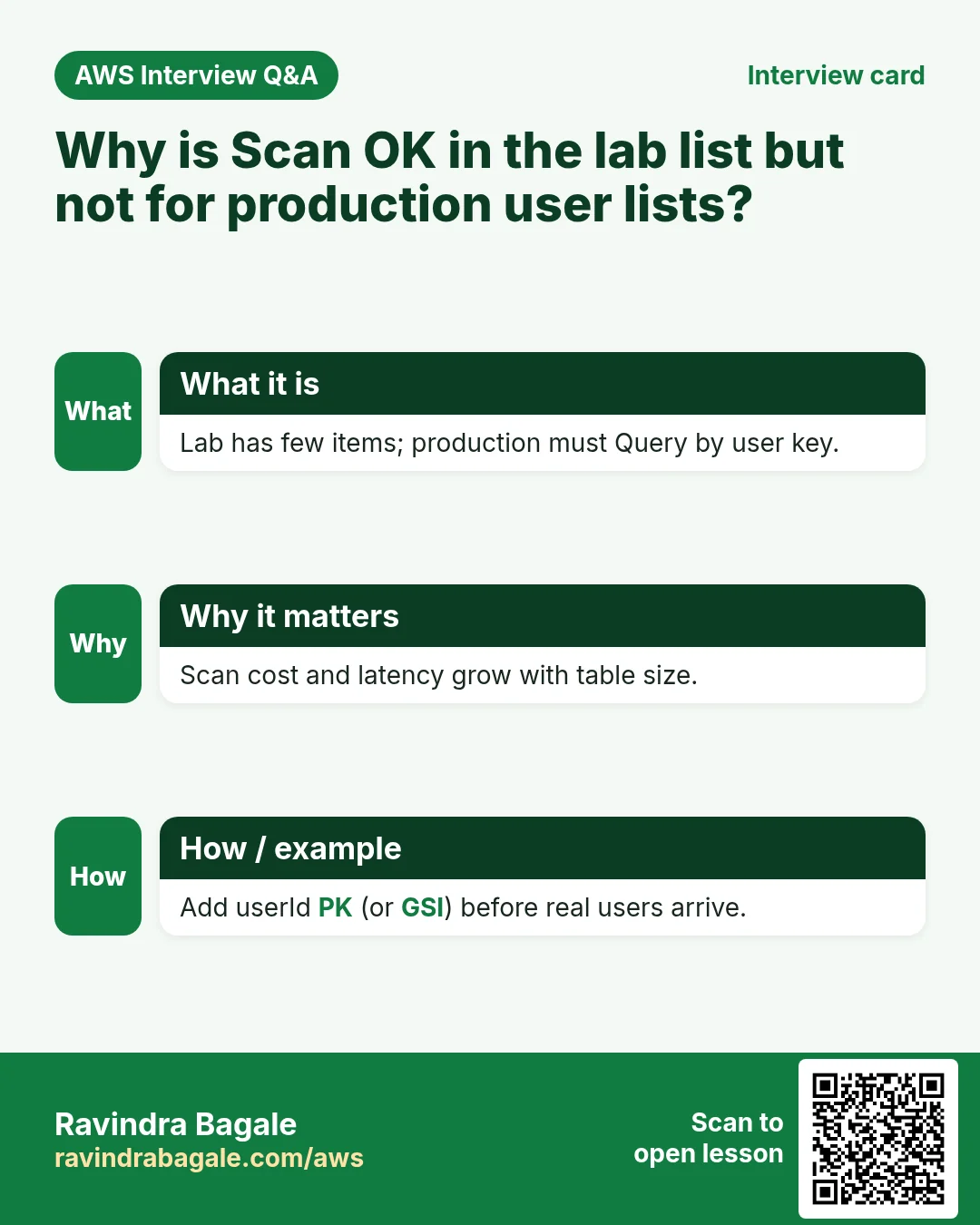
Q. Why is Scan OK in the lab but not in production lists?
Lab has few items. Production lists by user need a PK like userId and Query.
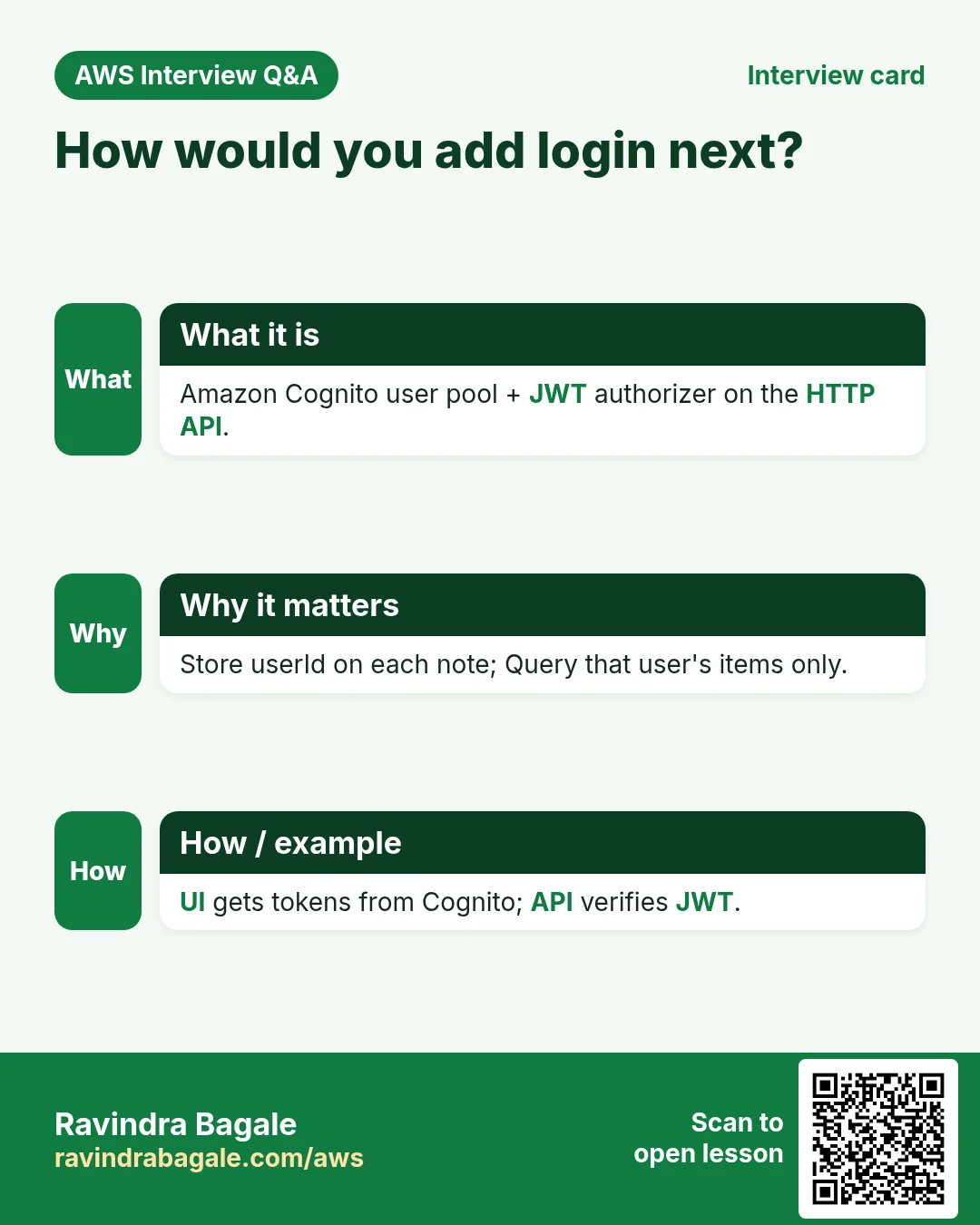
Q. How would you add login?
Amazon Cognito user pool + JWT authorizer on the HTTP API; store userId on each note.
For private notes, read the user identifier from the verified JWT claims. For example, use sub from the configured Cognito user pool, then store it as the partition key and noteId as the sort key. Read, change, and delete using both values. List notes with Query on the caller’s partition key. In a two-user test, sign in as Ravi, create a note, then check that Ramesh’s token gives him access only to his own notes.
Q. What did you clean up and why?
CDN, bucket, API, Lambda, table, role — idle resources still cost or clutter.
Try at home
- Add an Update (PUT /notes/{id}) path in Lambda and a UI edit button.
- Turn on DynamoDB Streams and a second Lambda that logs every change.
In short
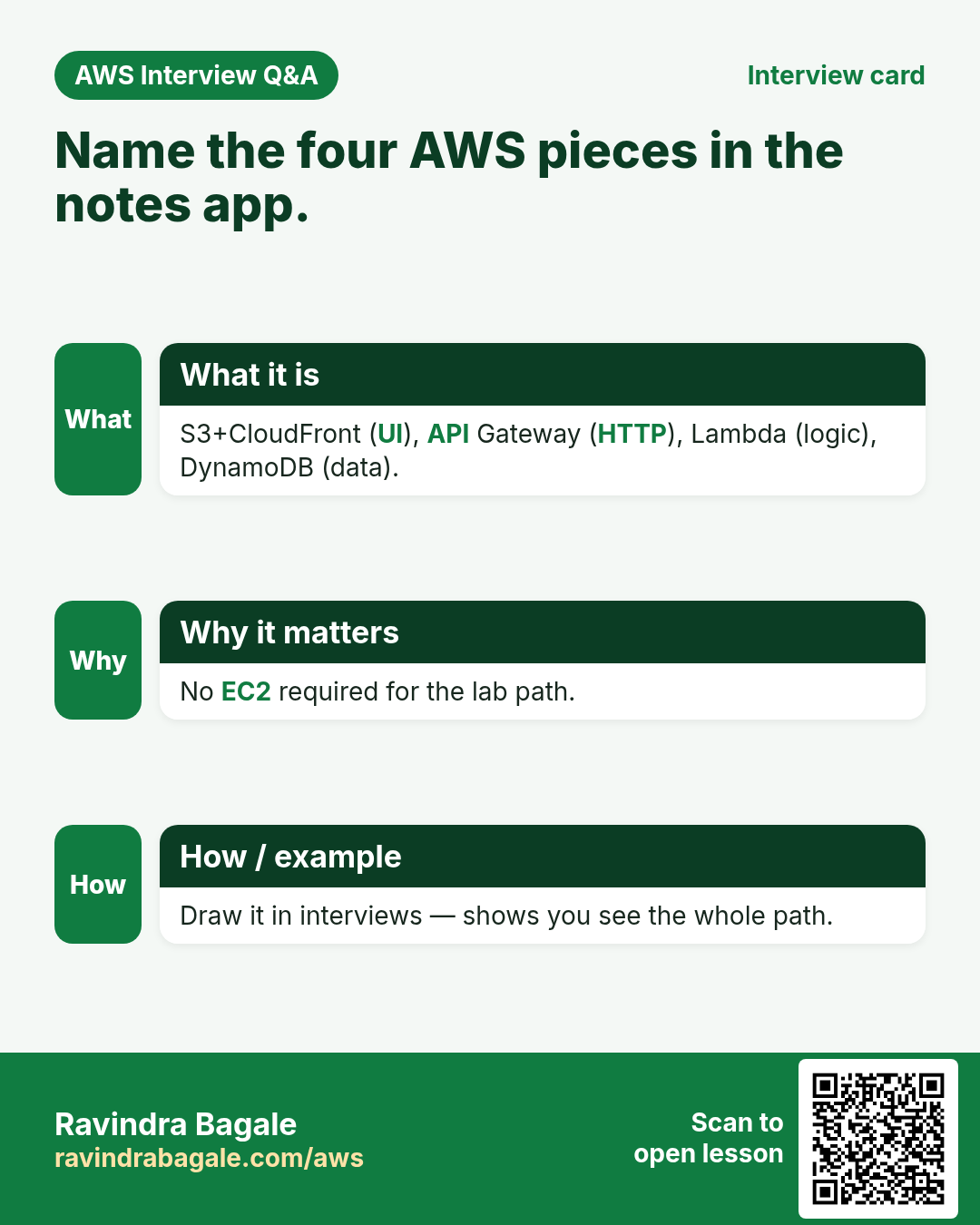
- Serverless notes = S3/CloudFront + API Gateway + Lambda + DynamoDB.
- Wire IAM least privilege to one table.
- CORS and API_BASE connect the browser to the API.
- Always clean up lab resources.
Trace one note before adding the UI
Use a supported Node.js runtime such as Node.js 22, or upload handler.py as the Python twin with handler.lambda_handler. A successful GET of a fresh table returns an empty array. POST one synthetic note, record its noteId, GET it, DELETE it and check that GET no longer lists it. Browser DevTools should show requests to the intended stage. Remove the public API immediately after this isolated lab.
Interview check Does a private S3 origin make the Notes API private?
No. OAC controls access to the bucket. CORS controls what browser scripts can read. The API needs its own authorization, and reads/writes must enforce note ownership. Scan pagination is deliberately omitted from the starter list, so it is suitable only for tiny lab data.
Practise this chapter
Check your understanding
Choose an answer, then compare your reasoning with the explanation.
Practice Tasks
Practice checks run in your browser. They check the answer for this exercise; they do not create resources or connect to your AWS account.
About this scenarioPandharpur Yatra Tours is a travel business in Pandharpur. Vitthal More looks after its IT and cloud work. They count money in INR and run their AWS resources in the ap-south-1 Region. In the tasks below you do real jobs for them using what this lesson teaches. All names, account IDs, IP addresses and numbers are made up for practice.
0 / 12
Easy List functions
See which functions exist in this Region.
List the Lambda functions in ap-south-1.
- Read the task and decide which AWS service it is about.
- Write aws, then the service name, then the operation (the action word).
- Add each needed flag (--name) followed by its value from the task.
- Flags can be in any order. Click Check answer.
Medium Invoke a function
Invoke runs the function now and saves its answer in a file.
Invoke pandharpuryatra-orders-fn and save the response to out.json.
- Read the task and decide which AWS service it is about.
- Write aws, then the service name, then the operation (the action word).
- Add each needed flag (--name) followed by its value from the task.
- Flags can be in any order. Click Check answer.
Medium Trust policy for a Lambda role
The trust policy says WHO may take the role.
Write a trust policy that lets lambda.amazonaws.com assume the role.
- Start with { "Version": "2012-10-17", "Statement": [ ... ] }.
- In each statement write Effect, Action and Resource.
- Give only what the task needs (least privilege).
- Use double quotes and commas correctly. Click Check answer.
Medium Put an item
DynamoDB JSON shows the type of each value: S for string, N for number.
Put an item into pandharpuryatra-orders with orderId "o-101" (string) and amount 2500 (number).
- Read the task and decide which AWS service it is about.
- Write aws, then the service name, then the operation (the action word).
- Add each needed flag (--name) followed by its value from the task.
- Flags can be in any order. Click Check answer.
Medium Change timeout and memory
More memory also gives more CPU; timeout stops runaway runs.
Set pandharpuryatra-orders-fn to timeout 30 seconds and memory 512 MB.
- Read the task and decide which AWS service it is about.
- Write aws, then the service name, then the operation (the action word).
- Add each needed flag (--name) followed by its value from the task.
- Flags can be in any order. Click Check answer.
Medium Let a function write logs
Without these actions, Lambda logs never appear in CloudWatch.
Allow logs:CreateLogGroup, logs:CreateLogStream, logs:PutLogEvents on arn:aws:logs:*:*:* only.
- Start with { "Version": "2012-10-17", "Statement": [ ... ] }.
- In each statement write Effect, Action and Resource.
- Give only what the task needs (least privilege).
- Use double quotes and commas correctly. Click Check answer.
Hard Let S3 call your function
A resource-based permission is needed before S3 can invoke the function.
Add permission statement s3invoke to pandharpuryatra-orders-fn so s3.amazonaws.com can call lambda:InvokeFunction from bucket arn:aws:s3:::pandharpuryatra-uploads.
- Read the task and decide which AWS service it is about.
- Write aws, then the service name, then the operation (the action word).
- Add each needed flag (--name) followed by its value from the task.
- Flags can be in any order. Click Check answer.
Hard Quick-create an HTTP API for Lambda
Quick create builds an HTTP API, a default route and stage pointing at your function.
Create an HTTP API named pandharpuryatra-api whose target is arn:aws:lambda:ap-south-1:128642229481:function:pandharpuryatra-orders-fn.
- Read the task and decide which AWS service it is about.
- Write aws, then the service name, then the operation (the action word).
- Add each needed flag (--name) followed by its value from the task.
- Flags can be in any order. Click Check answer.
Hard Create a Lambda function
Lambda needs the code zip, a runtime, a handler name and an execution role.
Create function pandharpuryatra-orders-fn: runtime python3.12, handler app.handler, role arn:aws:iam::128642229481:role/lambda-basic, code in function.zip.
- Read the task and decide which AWS service it is about.
- Write aws, then the service name, then the operation (the action word).
- Add each needed flag (--name) followed by its value from the task.
- Flags can be in any order. Click Check answer.
Hard Set environment variables
Keep settings like table names out of the code.
Set the environment variable TABLE=pandharpuryatra-orders on pandharpuryatra-orders-fn.
- Read the task and decide which AWS service it is about.
- Write aws, then the service name, then the operation (the action word).
- Add each needed flag (--name) followed by its value from the task.
- Flags can be in any order. Click Check answer.
Hard Invoke with a JSON payload
In CLI v2, raw JSON needs --cli-binary-format raw-in-base64-out.
Invoke pandharpuryatra-orders-fn with payload {"orderId":"o-101"} (raw JSON) and save the reply in out.json.
- Read the task and decide which AWS service it is about.
- Write aws, then the service name, then the operation (the action word).
- Add each needed flag (--name) followed by its value from the task.
- Flags can be in any order. Click Check answer.
Hard Lambda GB-seconds
Lambda bills memory × time.
1,000,000 invocations, 512 MB memory, 200 ms each. How many GB-seconds?
- Write down the numbers the task gives you.
- Work it out step by step on paper.
- Type only the final answer in the box.
- Click Check answer.
Revision, comparison and interview cards
Revise this lesson in a few minutes. Save the cards on your phone or download them as PNG files. The QR code on each card opens this lesson.
More cards: Ravi Sir's Cards.